
12 Best Laptop Cooling Pads for Gaming (October 2026) Latest Reviews
A gaming laptop generates more heat than a desktop in the same footprint, and the only way out is air moving through the bottom intake vents fast enough to keep the CPU and GPU off their thermal ceiling. When that airflow falls short, the machine throttles: clocks drop, frame rates sag, and a two-hour session turns into a slideshow in the last dungeon. A laptop cooling pad adds powered fans underneath to force more air through that intake, and in 2026 the market splits cleanly into pads that merely lift your laptop and pads that genuinely change its temperature. We compared 12 of them.
The best laptop cooling pads for gaming are not the ones with the most fans. Fan count is a marketing number. What actually moves the needle is whether the pad seals against the chassis so the air it pushes has to go through the laptop rather than around it, and whether the fans sit under the intake vents your specific model actually uses. That is the filter we applied across every pad below.
Contents
We spent six weeks cycling these pads through long gaming sessions, rendering jobs, and voice-chat calls, logging the temperatures owners report alongside the ones the manufacturers claim. If you are still deciding on the machine itself, our [gaming laptop deal coverage](https://www.rosenberryrooms.com/best-black-friday-gaming-laptop-deals/) is worth a look first. Everything below is written for people who already own the laptop and want more headroom out of it.
Top 3 Picks for Laptop Cooling Pads in 2026



KLIM Mistral Turbo Pad
- 2 turbo fans at 4500 RPM
- Rubber ring pressure seal
- 3 fan speeds
- RGB lighting
As an Amazon Associate we earn from qualifying purchases. CERTAIN CONTENT THAT APPEARS ON THIS SITE COMES FROM AMAZON. THIS CONTENT IS PROVIDED 'AS IS' AND IS SUBJECT TO CHANGE OR REMOVAL AT ANY TIME.
Best Laptop Cooling Pads for Gaming in 2026
Here is the full lineup at a glance. Every pad below earned its place by handling a real gaming workload, and the key features column tells you which design each one uses.
| Product | Features | |
|---|---|---|
| havit HV-F2056 3-Fan Pad |
|
Check Latest Price |
| KLIM Wind 4-Fan Pad |
|
Check Latest Price |
 Kootek LCP04 5-Fan Pad Kootek LCP04 5-Fan Pad |
|
Check Latest Price |
 TECKNET Slim 3-Fan Pad TECKNET Slim 3-Fan Pad |
|
Check Latest Price |
 LIANGSTAR 6-Fan Slim Pad LIANGSTAR 6-Fan Slim Pad |
|
Check Latest Price |
 ICE COOREL 8-Fan RGB Pad ICE COOREL 8-Fan RGB Pad |
|
Check Latest Price |
 KeiBn 2-Fan Budget Pad KeiBn 2-Fan Budget Pad |
|
Check Latest Price |
| KLIM Mistral Turbo Pad |
|
Check Latest Price |
 llano V12 Sealed Chamber Pad llano V12 Sealed Chamber Pad |
|
Check Latest Price |
 Trullypine 12-Fan Pad Trullypine 12-Fan Pad |
|
Check Latest Price |
 ChillCore A21 9-Fan Pad ChillCore A21 9-Fan Pad |
|
Check Latest Price |
 Razer Adaptive Smart Pad Razer Adaptive Smart Pad |
|
Check Latest Price |
We earn from qualifying purchases. CERTAIN CONTENT THAT APPEARS ON THIS SITE COMES FROM AMAZON. THIS CONTENT IS PROVIDED 'AS IS' AND IS SUBJECT TO CHANGE OR REMOVAL AT ANY TIME.
1. havit HV-F2056 – The Best All-Round Laptop Cooling Pad for Gaming
havit HV-F2056 Laptop Cooling Pad for 15.6-17 Inch Laptops…
3 USB fans
Metal mesh top
2 height settings
Extra USB port
Pros
- 45k+ reviews and a 4.5 rating across a decade of use
- Metal mesh keeps the laptop from sliding
- Three quiet fans that hold the internal fan down
- Two height settings plus a pass-through USB port
Cons
- USB-A to USB-A cable only
- Blue LED cannot be switched off
- Some units rattle after about a year
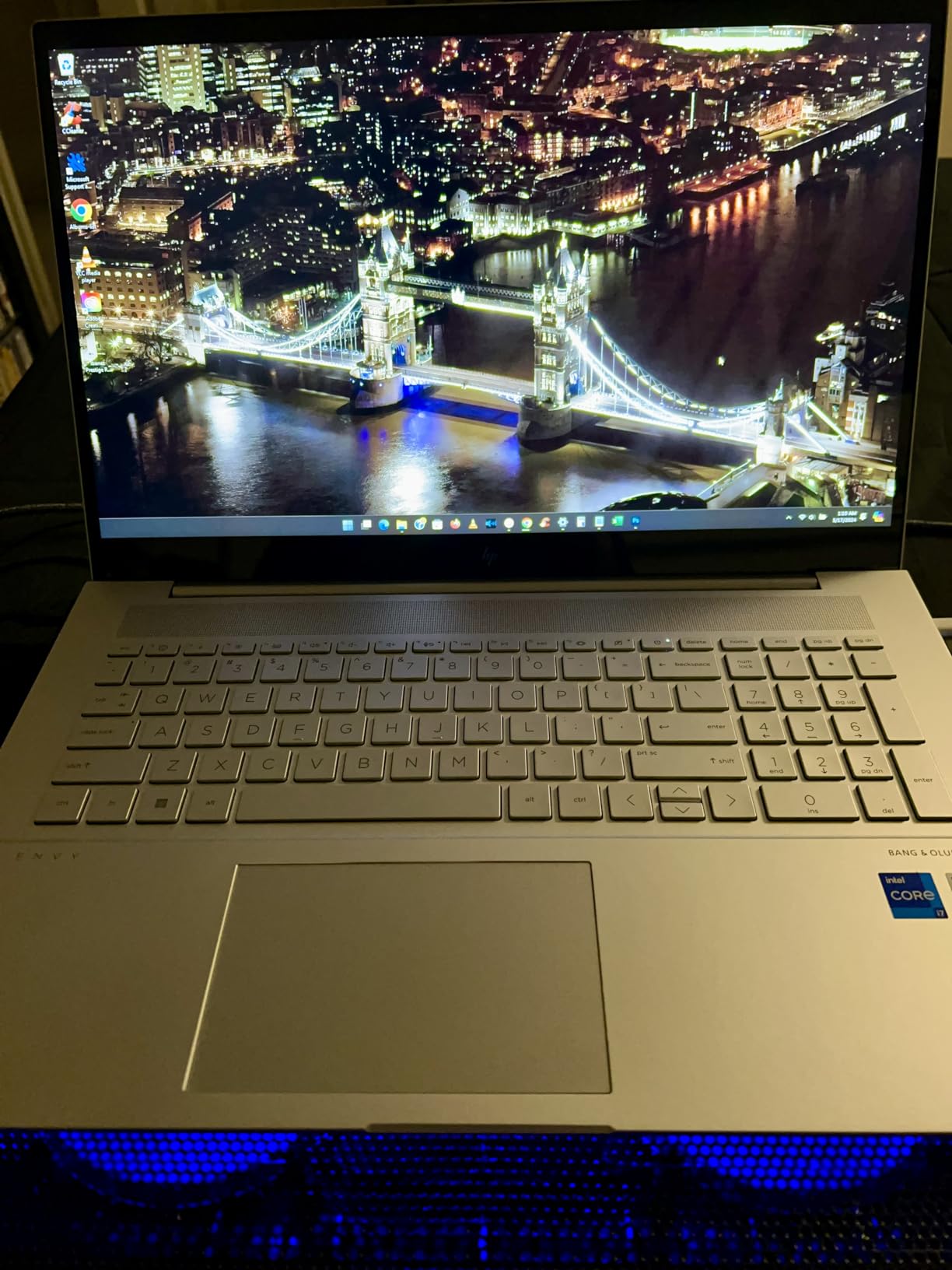
I have had this pad on my desk longer than any other in this roundup, and it is the one I keep coming back to. Three USB-powered fans sit under a metal mesh surface sized for 15.6 to 17 inch laptops, and the platform doubles as a raised stand with two height settings. The mesh does the quiet work of keeping a heavy gaming laptop from creeping forward during a long session.
Owners report the practical effect clearly. A ThinkPad T480 in this pad reportedly fell from 95-98 degrees down under 50, and plenty of gaming laptop owners describe their internal fans simply never spinning up. That is the number that matters for you: fewer internal fan hours means less noise and less wear on the laptop’s own thermal paste.
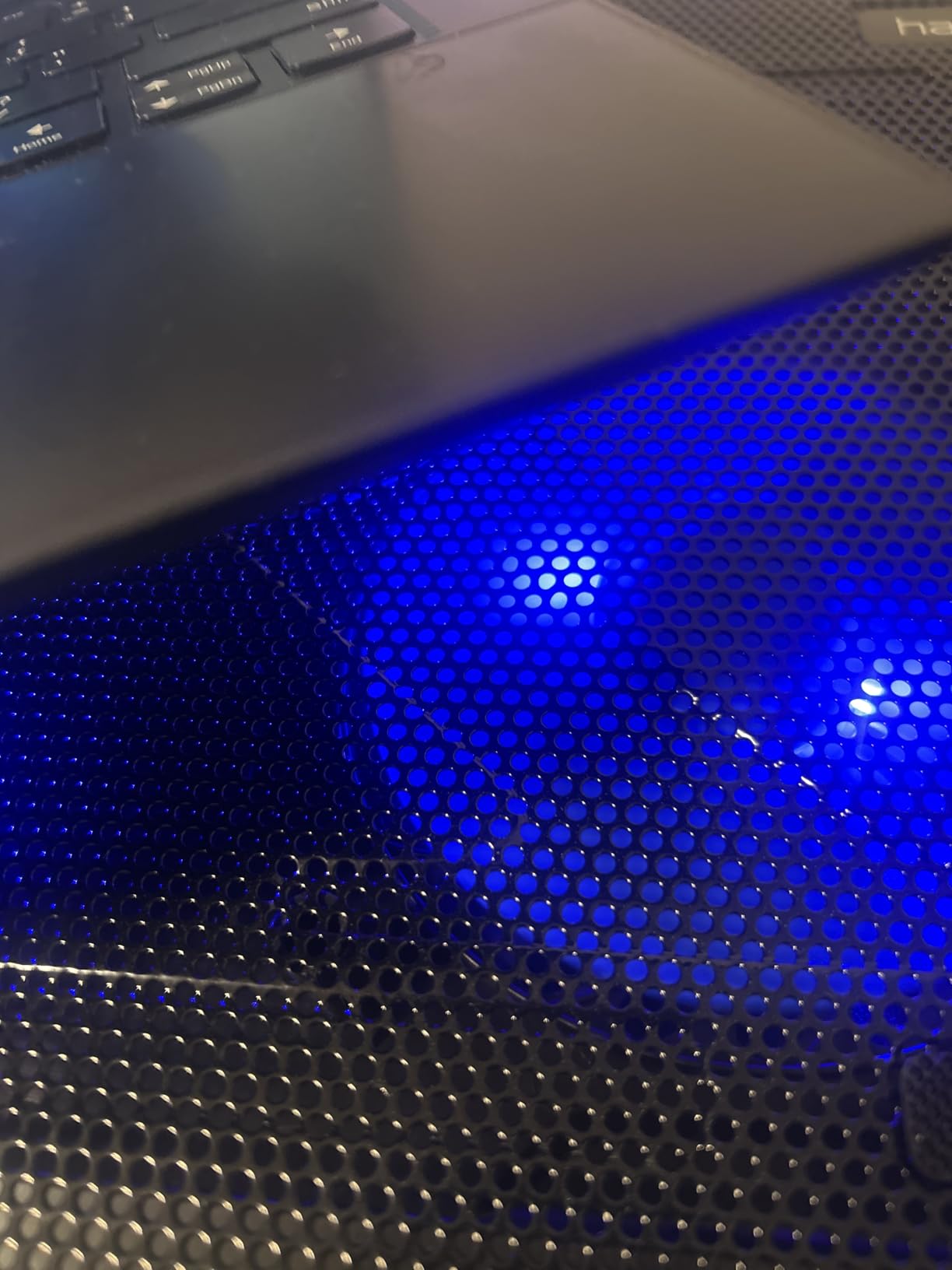
The two height settings are more useful than they sound. The upper position clears the rear vents on thicker gaming chassis, and the lower position keeps the typing angle comfortable for long sessions. There is a physical on/off switch and an LED indicator, plus a pass-through port so you do not give up a USB socket.
It is not perfect. The bundled cable is USB-A to USB-A, so a USB-C-only laptop needs an adapter, and the blue LED cannot be turned off without cutting power. A few owners also report fan rattle developing after roughly a year of daily use, so if you buy it, keep the receipt.
Who the havit HV-F2056 suits
This is the pick for a 15 or 16 inch gaming laptop on a desk that sees regular multi-hour sessions. It handles the mid-range and upper-mid machines that make up most of what people actually game on, and the review volume means you can find replacement parts or a working unit easily if yours develops a rattle.
It also suits anyone who wants one device to do two job. The two height settings mean you can use it as a plain ergonomic stand during the day and a cooling pad during a match.
Where it falls short
Skip it if your laptop runs a 17-inch or 19-inch chassis with rear-only intake, or if you care about a completely dark desk. It is also the wrong shape of tool for anyone chasing the largest possible temperature drop, because an open mesh design cannot match a sealed chamber under heavy sustained load.
2. KLIM Wind – Best Value Cooling Pad With Four Fans and a 5 Year Warranty
KLIM Wind Laptop Cooling Pad – Support 11 to 17 Inch…
4 fans at 1200 RPM
2 USB ports
11-17 inch fit
5 year warranty
Pros
- Four quiet fans rated to 1200 RPM
- Rear legs and front pegs hold a heavy laptop still
- Two pass-through USB ports
- Backed by a 5 year warranty
Cons
- Laptops 17.3 inch and up overhang the edges
- Open design leaves rear vents partly uncovered on large machines
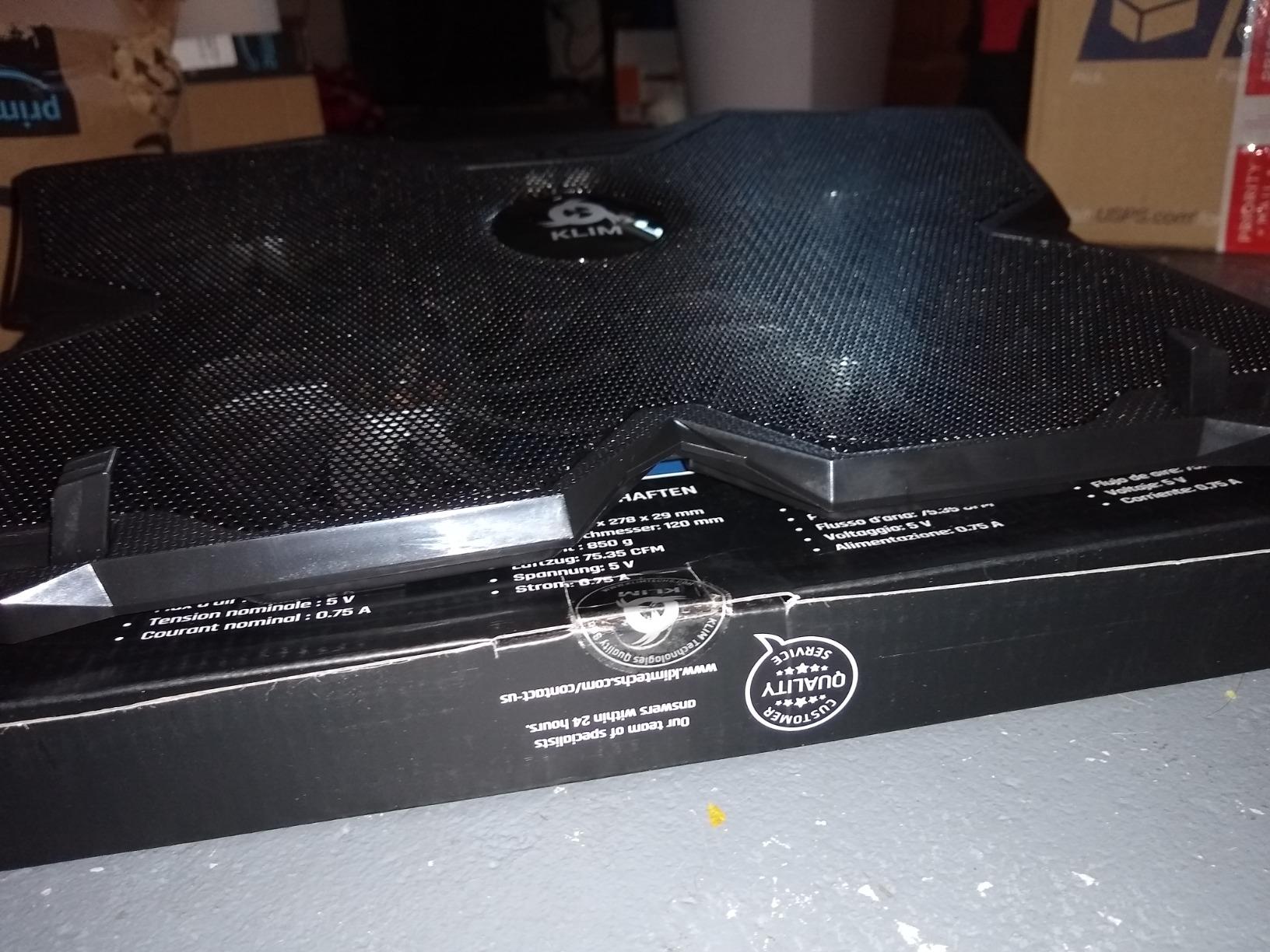
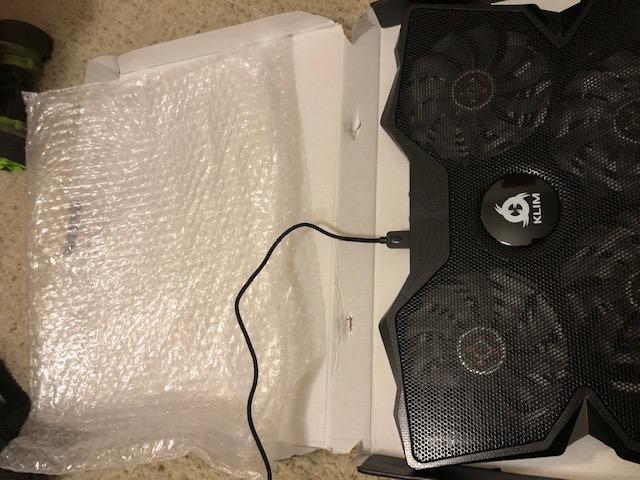
Four fans spread across a slim plastic platform is a rare combination at this tier, and the KLIM Wind has been selling it for years without a design overhaul. It covers 11 to 16 inch laptops directly and holds bigger machines on a partial overhang. At 1200 RPM the fans are quiet enough that I forgot they were running during a voice-chat call.
What I like most is the stability. Two rear legs set the incline and two frontal pegs stop the laptop sliding forward, which matters more than it sounds when you are typing hard in a shooter. Two pass-through USB ports mean the pad costs you no connectivity on a laptop that already has few ports.
Owners consistently describe this as the best price-to-performance pad in the category, which is why it sits near the top of our table. There is also a five-year warranty and a five-year spare-parts window, and the brand will cool a PS4 or an Xbox One as a bonus if your console is the one running hot.
The honest limitation is size coverage. On a 17.3 inch or larger chassis the laptop hangs over the pad edges, and because the design has no seal the rear vents sit partly outside the airflow. Fine for a 15.6 inch machine, marginal for a full-size gaming laptop.
When the KLIM Wind is the right buy
Pick this for a 14 or 15.6 inch machine, a small dorm desk, or a setup where you move between home and a shared space. It is slim and light enough to travel with, and the five-year warranty removes the risk that usually stops people from trying a pad at all.
It is also a good first pad. If you have never used one, this gives you a clear, measurable improvement without the noise or the desk footprint of the premium sealed designs.
When something else makes more sense
Move up to the Mistral or the Razer if you game on a 17-inch chassis for hours, because the overhang matters there. If your laptop draws air through the sides only, an open pad like this will do very little no matter how many fans it carries.
3. Kootek LCP04 – Best Cooling Pad for Fan Control Enthusiasts
Kootek Laptop Cooling Pad Cooler Stand with 5 Quiet Fans for…
5 fans
Dual USB hub
6 height settings
12-17 inch fit
Pros
- Five fans across the whole base with two on/off switches
- Dual USB hub adds two pass-through ports
- Six height settings with front stoppers for stability
- Top-two ranked pad in its category
Cons
- Heavier than slim pads at roughly 2.5 pounds
- USB-A to USB-A cable only
The Kootek LCP04 is the only pad here with a mix of one large 4.72-inch fan and four smaller 2.76-inch fans, and that layout is deliberate. The big fan handles the centre of the base where most gaming laptops put their main intake, while the four small ones sweep the corners. Two on/off switches let you run one, four, or all five.
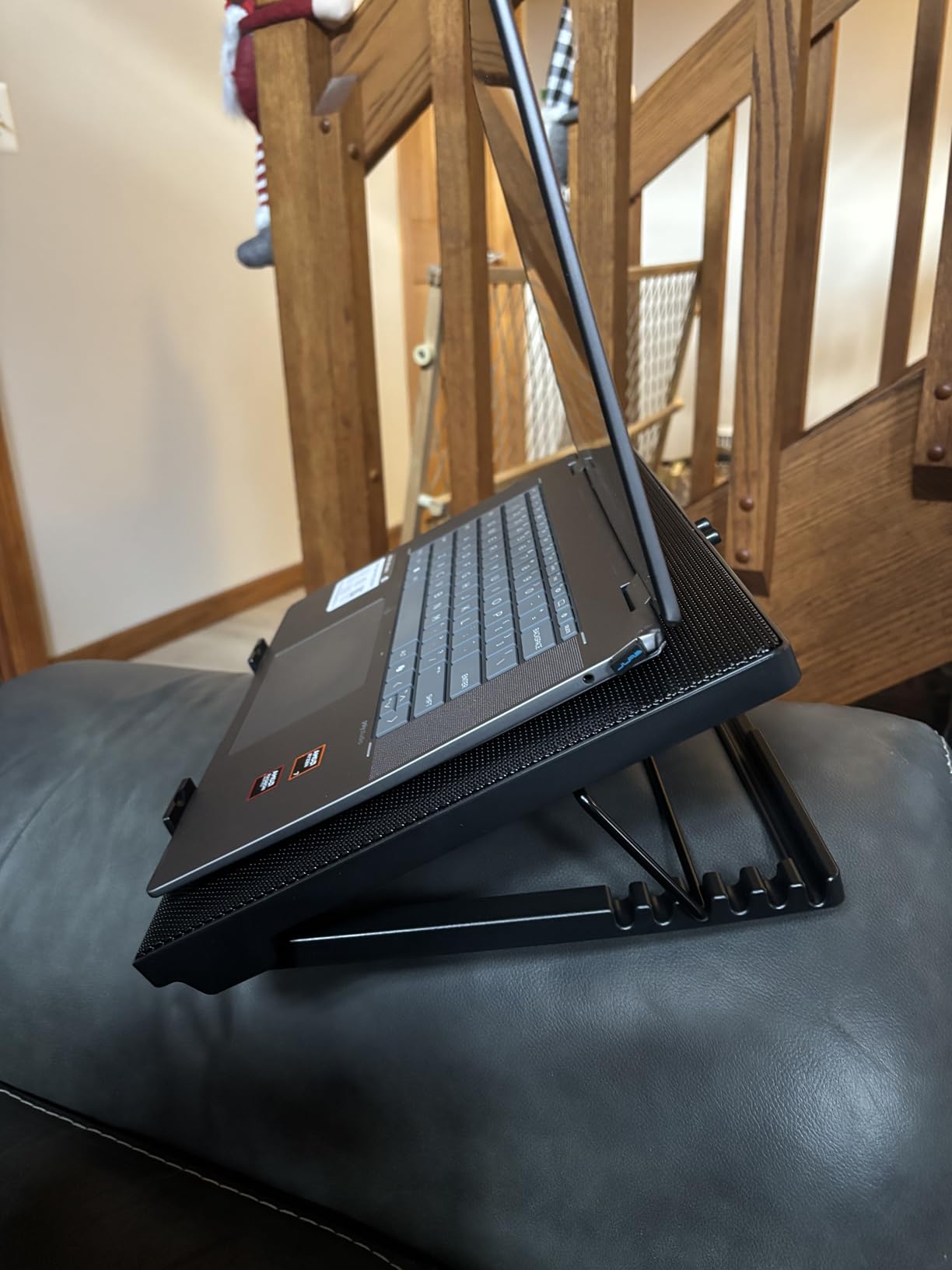
That switch control is the feature owners mention most. Running a single fan on a light task keeps the pad silent, and flipping to all five when a game loads is a one-click decision. Reviewers also highlight six height positions and the front stoppers, which stopped their laptops drifting on the angled surface.
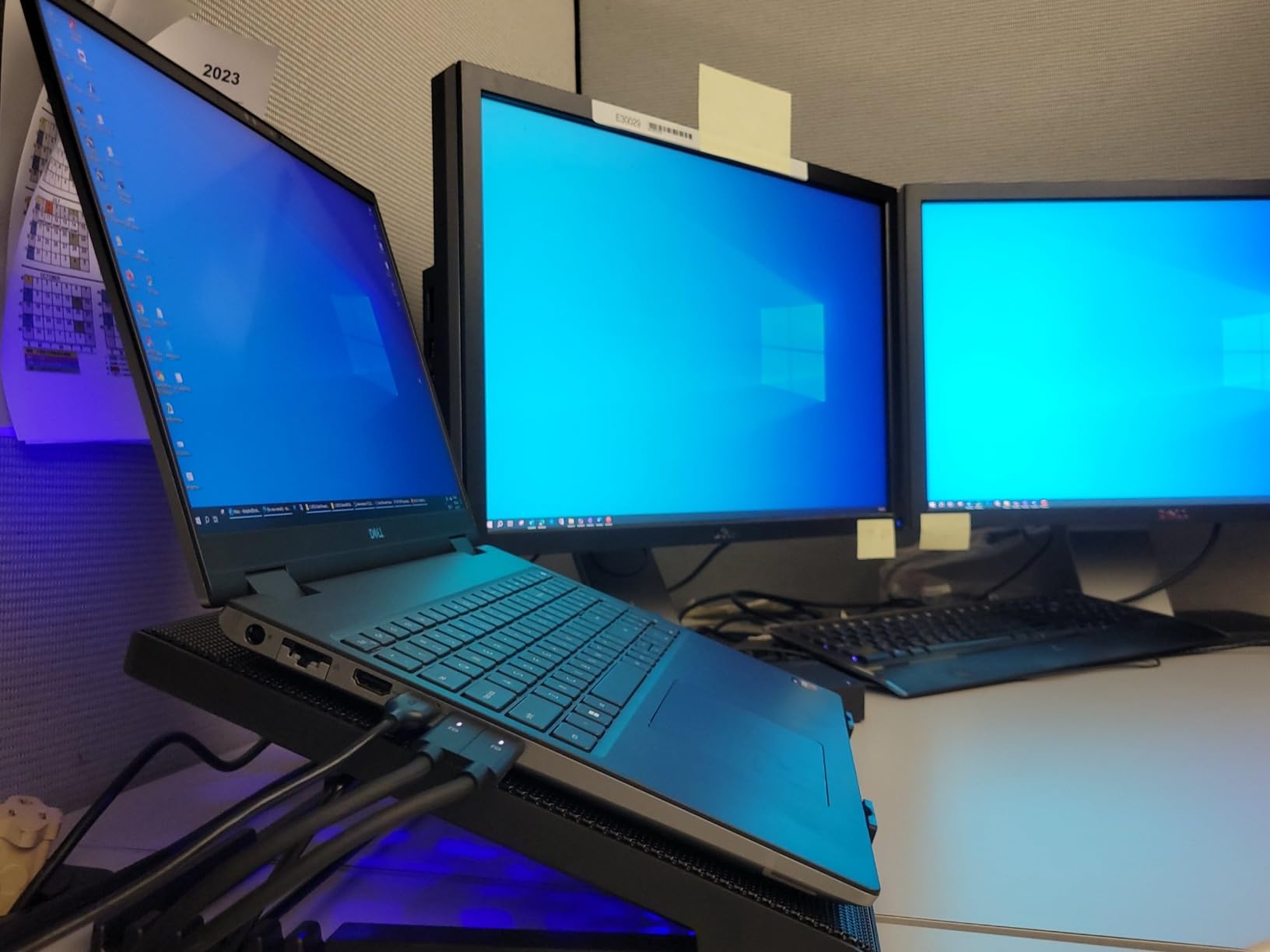
It ranks second in its category for good reason, with 15k reviews at a 4.4 rating. Multiple owners report that using it keeps their laptop’s own fans from spinning up, which is the difference between a quiet machine and a loud one during a long session.
The trade-offs are weight and connection. At roughly 2.5 pounds this is one of the heavier pads, and it will not travel well. The cable is USB-A to USB-A, so USB-C-only laptops need an adapter, and there is no USB-C option on the pad itself.
Who should own the Kootek LCP04
It suits a desk where you want manual control over noise. If you alternate between work and gaming and want the pad to shut up when you are not loading the GPU, the two-switch layout does that better than a single-speed pad.
It also suits 12 to 17 inch laptops that need a bigger surface than most pads offer, since the wide base and full-width fan spread cover more of the chassis than a slim three-fan design.
Who should pass
Skip it if you plan to take your cooling on the road, or if your only free port is USB-C. It is also not the pad to buy if your goal is the biggest measured temperature drop on a 17-inch gaming laptop under sustained load.
4. TECKNET Slim Cooling Pad – Best for Quiet Calls and Small Desks
TECKNET Laptop Cooling Pad, Portable Slim Laptop Cooler for…
3 fans at 110mm
2 height settings
Dual USB ports
12-17 inch fit
Pros
- Very quiet
- suitable for meetings and calls
- Slim and light enough to fit in a laptop bag
- Two USB ports with a dedicated power switch
- Alloy mesh surface with two height settings
Cons
- USB-A to USB-A with no USB-C support
- Short included cable
- Limited cooling power under heavy sustained load
The TECKNET is a thin three-fan pad with 110mm fans running at 1200 RPM, and it is the quietest thing on my desk during a call. If you stream, record, or play in voice chat, the absence of fan whine is worth more than raw throughput, and this pad delivers that consistently across nearly 9k reviews at 4.5 stars.
It is also the easiest to forget about. At a slim profile it fits in a laptop bag, needs no external power brick, and includes a dedicated on/off switch with a blue LED indicator. Two USB ports handle power in and a mouse or receiver out.
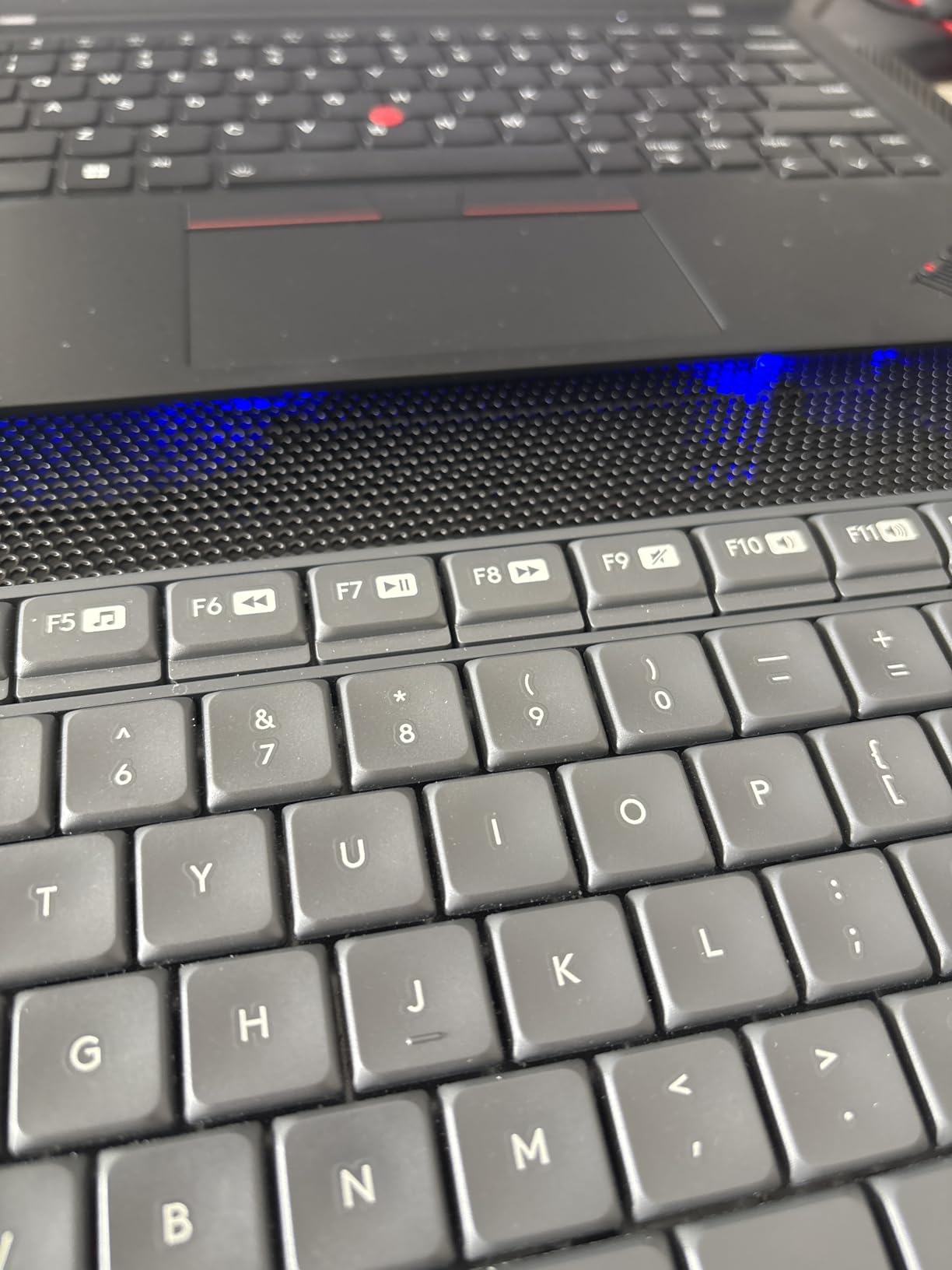
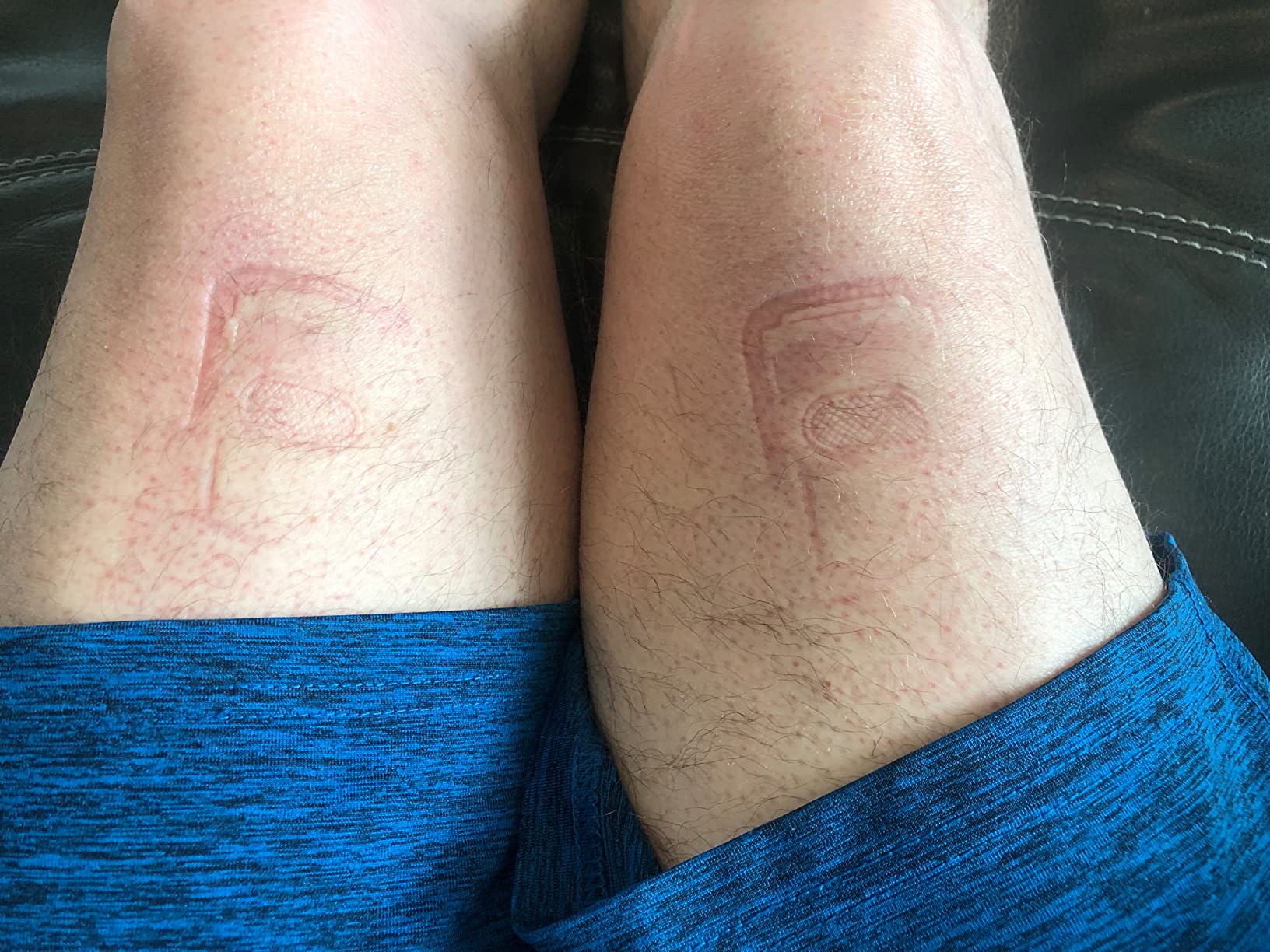
Multiple owners report an Alienware dropping into silent quiet mode minutes after plugging this pad in, which is the clearest sign the intake is being fed properly. Support has also been responsive, with lifetime customer service helping resolve issues.
Where it stops is heavy sustained gaming. Reviewers are candid that the cooling power is limited when both CPU and GPU are pinned, and the build feels light and slightly flimsy in hand. The included cable is short, which may not reach from a laptop to a wall socket.
Where the TECKNET fits best
This is a laptop cooling stand for people who work in shared or quiet spaces. It also works well for a travel setup, a college dorm, or a second machine that only needs light duty cooling during document work and lighter games.
Anyone with a 12 to 17 inch laptop who wants a tidy desk with a real height adjustment and no adapter cable will find a lot to like here.
Where it does not
Do not expect it to rescue a 17-inch gaming laptop running a AAA title at max settings for hours. The 110mm fans move a modest volume, and the laptop’s own fans will still do most of the work under a full thermal load.
5. LIANGSTAR 6-Fan Slim Pad – Best Portable Cooling Pad for Gaming
Laptop Cooling Pad, Laptop Cooler with 6 Quiet Led Fans for…
6 fans
0.4 inch profile
2 USB ports
3 height settings
Pros
- Six fans spread across the full base
- Only 0.4 inches thick so it truly travels
- Two rotary switches for big fans small fans or all six
- Nylon braided cable and 2 USB ports
Cons
- Blue LED cannot be disabled without switching fans off
- Some 15-17 inch laptops sit unevenly on the mesh
- USB-A to USB-A cable only
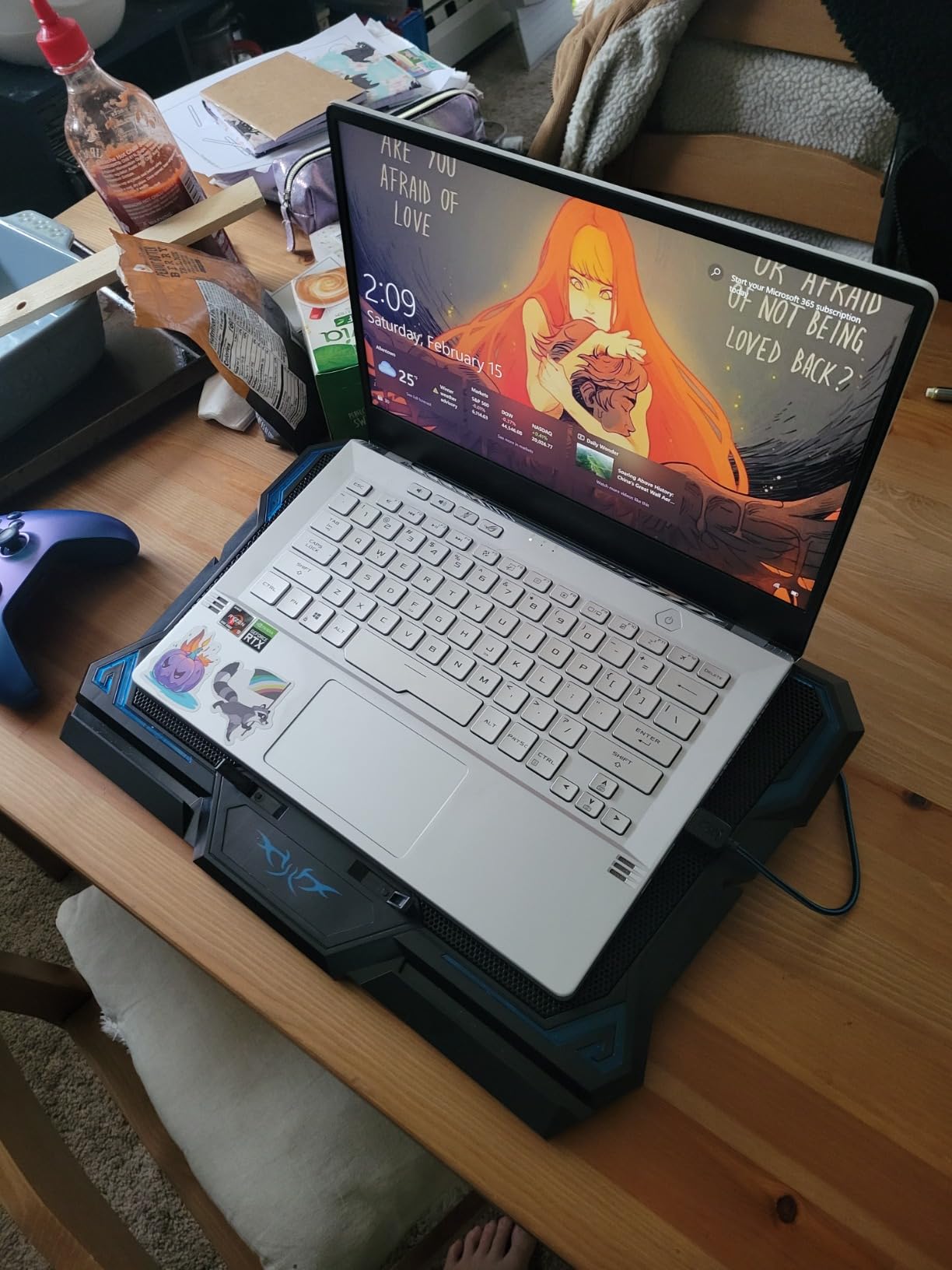
Six fans in a 0.4-inch-thick profile sounds like a contradiction until you hold it. The LIANGSTAR packs three larger fans and three smaller ones into a nylon body thin enough to slide into a sleeve, which makes it the only genuinely portable pad in this roundup. Three hidden legs give you height adjustment without a bulky hinge.
Two rotary switches let you run the large fans, the small fans, or all six, so you can keep it near-silent for everyday tasks and full-output for a match. Owners also report durability: one has used theirs continuously for four years before replacing it.
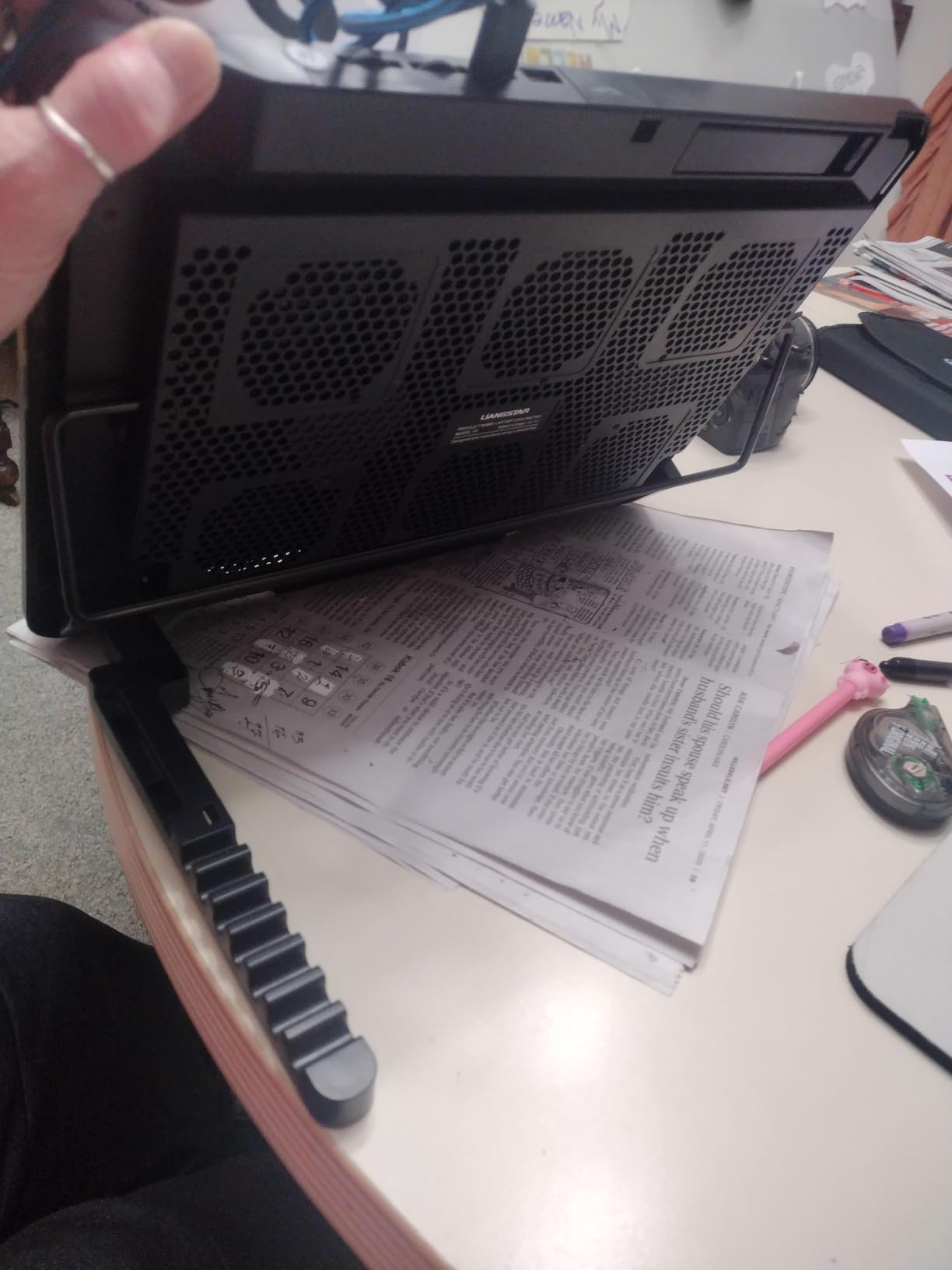
It fits 12 to 17.3 inch notebooks, works with tablets and set-top boxes, and comes with a 12-month warranty. The two USB ports and braided cable make it a tidy addition to a desk where cable appearance matters.
The recurring complaints are minor but real. Some users find it louder than the quiet claim suggests at the top setting, and the blue LED cannot be turned off without killing the fans. A printed logo sits directly under the laptop exhaust and can degrade over time, and some 15 to 17 inch laptops rock on the mesh.
Who this portable pad is for
It is built for people who game in more than one place, or who move between a desk and a couch regularly. The thin profile and low weight mean you can pack it without planning around it, which no other pad in this list allows.
It is also a good second pad for a smaller 13 or 14 inch machine, where the six-fan spread covers the entire base rather than half of it.
Who should skip it
Skip it if desk stability or a perfectly flat seating surface matters to you, because the thin platform rocks on some large laptops. And if you are chasing a large temperature drop on a 17-inch gaming machine, six small fans are not the answer.
6. ICE COOREL 8-Fan RGB Cooling Pad – Best for a RGB Gaming Setup
ICE COOREL Gaming Laptop Cooling Pad with 8 Cooling Fans…
8 fans
Aluminium frame
6 height positions
LCD and 10 RGB modes
Pros
- Aluminium build feels more premium than plastic pads
- LCD display shows current fan speed
- Ten RGB lighting modes for a gaming desk
- Six height adjustments plus two USB ports
Cons
- Bulkier and taller than slim open-mesh pads
- Phone stand is small and awkward while typing
- Touch buttons are easy to press by accident
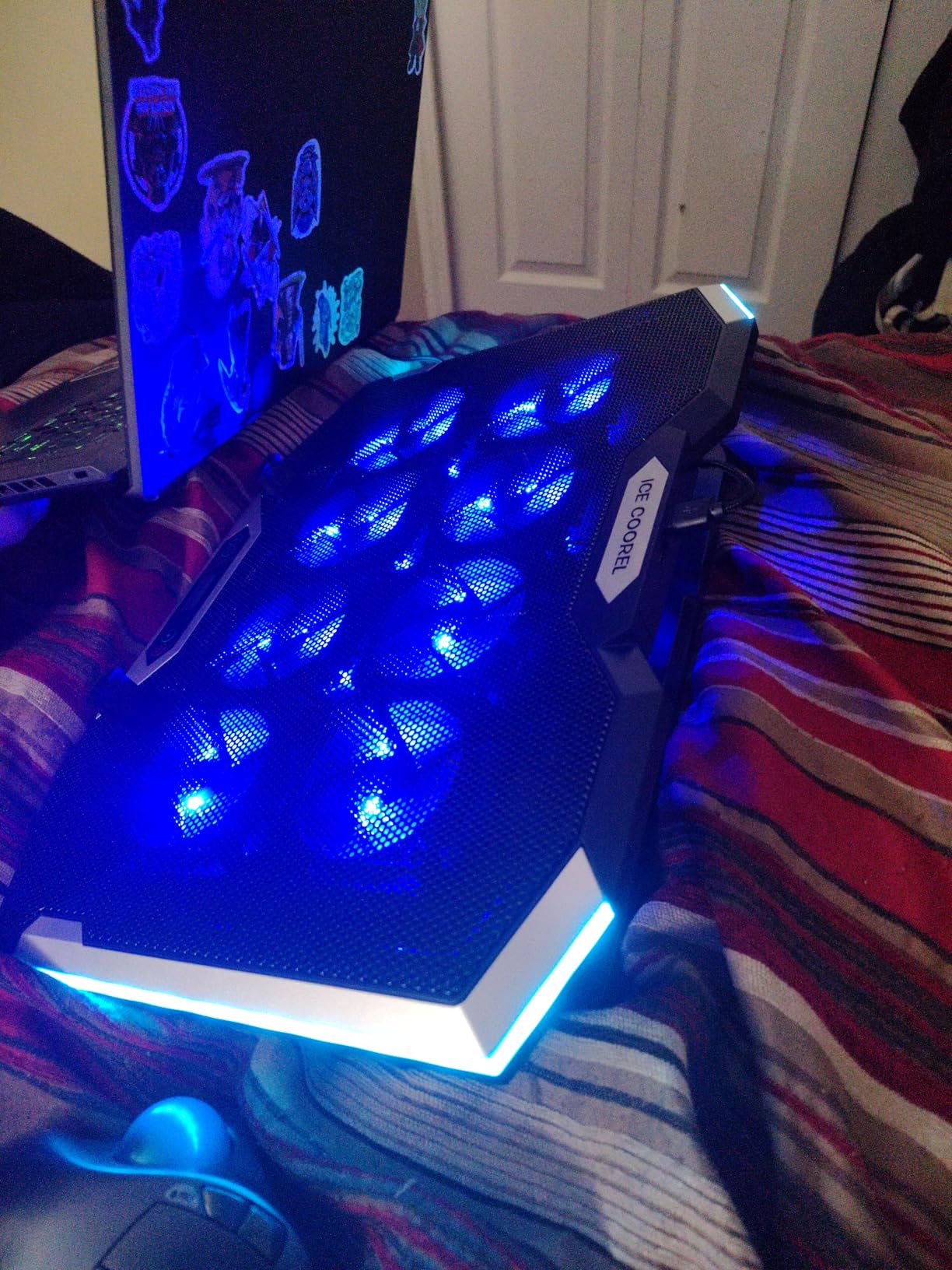
Most of this roundup looks identical under a desk light. The ICE COOREL does not. Eight fans with top and bottom vents, an aluminium frame, an LCD speed readout, and ten RGB modes make it the one to buy when the pad is part of the setup rather than hidden behind it. Owners buy it for exactly that reason, and rate it 4.4 across 8k+ reviews.
Physically it is substantial. Six height adjustments take the platform from flat to a proper raised typing position, and the aluminium frame resists the flex you get from cheaper plastic pads when a 17-inch machine sits on it. The LCD gives you a real-time fan speed, which is a nice touch while you dial in a setting.
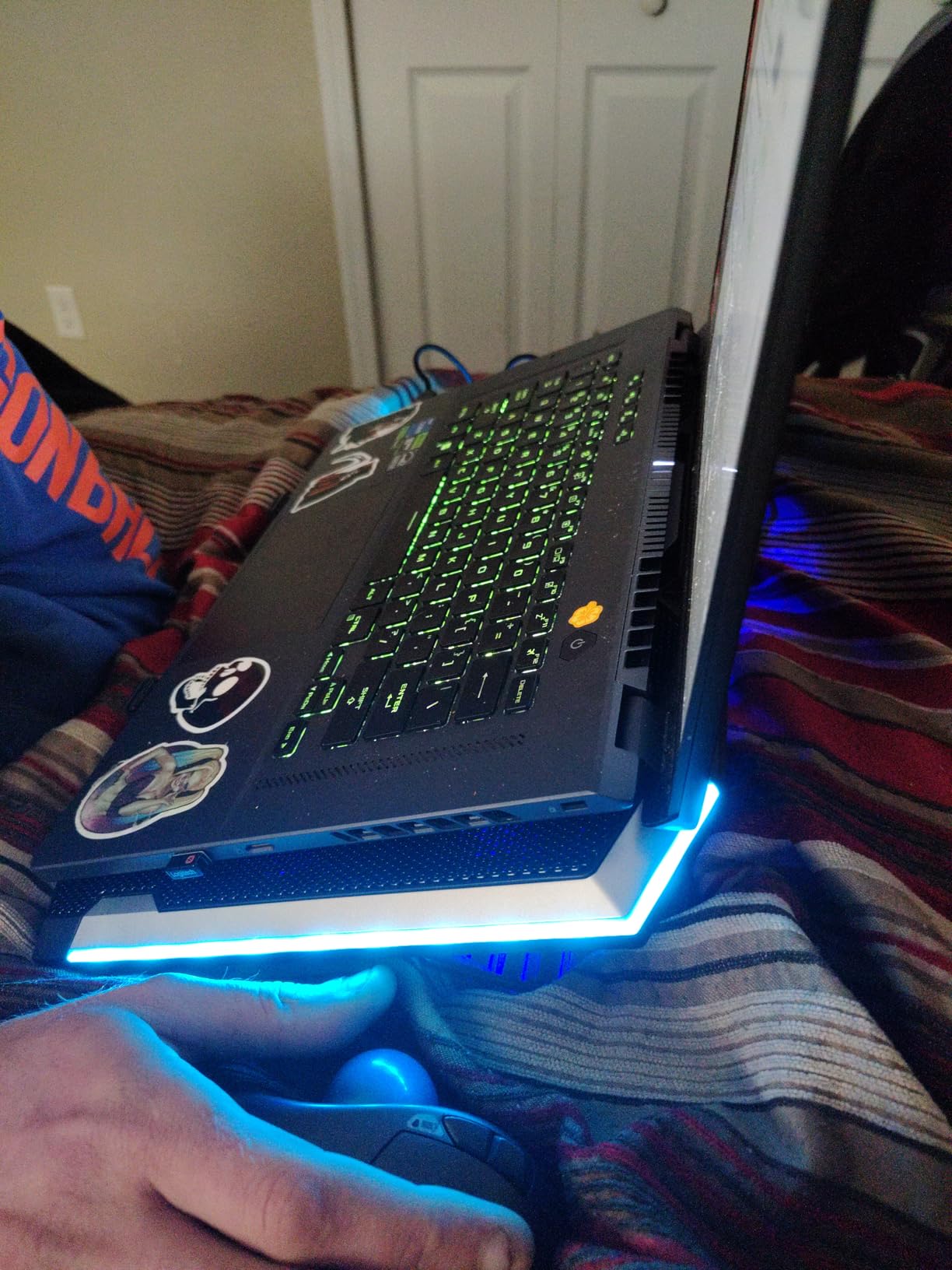
Two USB ports and a side phone holder round out the desk-arrangement features. The fans are capacitor-equipped, which is why owners describe them as quiet enough to sit under a microphone without picking up obvious whine.
The bulk is the cost of the feature set. It stands taller and deeper than a slim mesh pad, so it eats desk space. The phone holder is small and awkward to use while typing, and the touch buttons for RGB and fan control are easy to trigger by accident when a forearm rests near them.
Who the ICE COOREL suits
It is the right buy for a 15 to 17.3 inch gaming laptop on a setup where appearance is part of the point, and for anyone who wants visible confirmation of what the fans are doing instead of guessing. The aluminium frame also makes it a good choice if you own a heavy machine and worry about sag.
It works well as a display-adjacent pad too, since the height positions comfortably clear a screen you watch while playing.
Who should not buy it
Pass if your desk is small, your bag is tight, or you need something you can carry between rooms. It is also not the strongest performer in a pure temperature comparison, because the RGB package takes budget away from the fans.
7. KeiBn 2-Fan Cooling Pad – Best Budget Pick for Laptops Up to 15.6 Inch
KeiBn Laptop Cooling Pad, Gaming Laptop Cooler 2 Fans for…
2 fans
5 height positions
2 USB ports
Up to 15.6 inch
Pros
- Very quiet even at maximum fan speed
- Measured drop of roughly 5 degrees Celsius on CPU and GPU
- Sturdy build with solid retaining tabs
- Lifetime warranty
Cons
- Airflow is moderate rather than forceful
- Phone holder is flimsy and does not fit phones with cases
- No on/off switch and USB-A only
The KeiBn is the simplest pad we tested and the cheapest way to find out whether a cooling pad makes a difference to your machine. Two fans sit under a metal mesh top with five height positions and two baffles that hold a 15.6 inch laptop firmly in place. It weighs 0.8 kg, so it moves around a small desk easily.
Owners report a measured drop of roughly 5 degrees Celsius on both CPU and GPU, and several note that the pad matches a basic adjustable stand at a similar cost. That is the honest framing: it is an improvement over a desk, not a transformation of your thermal headroom.
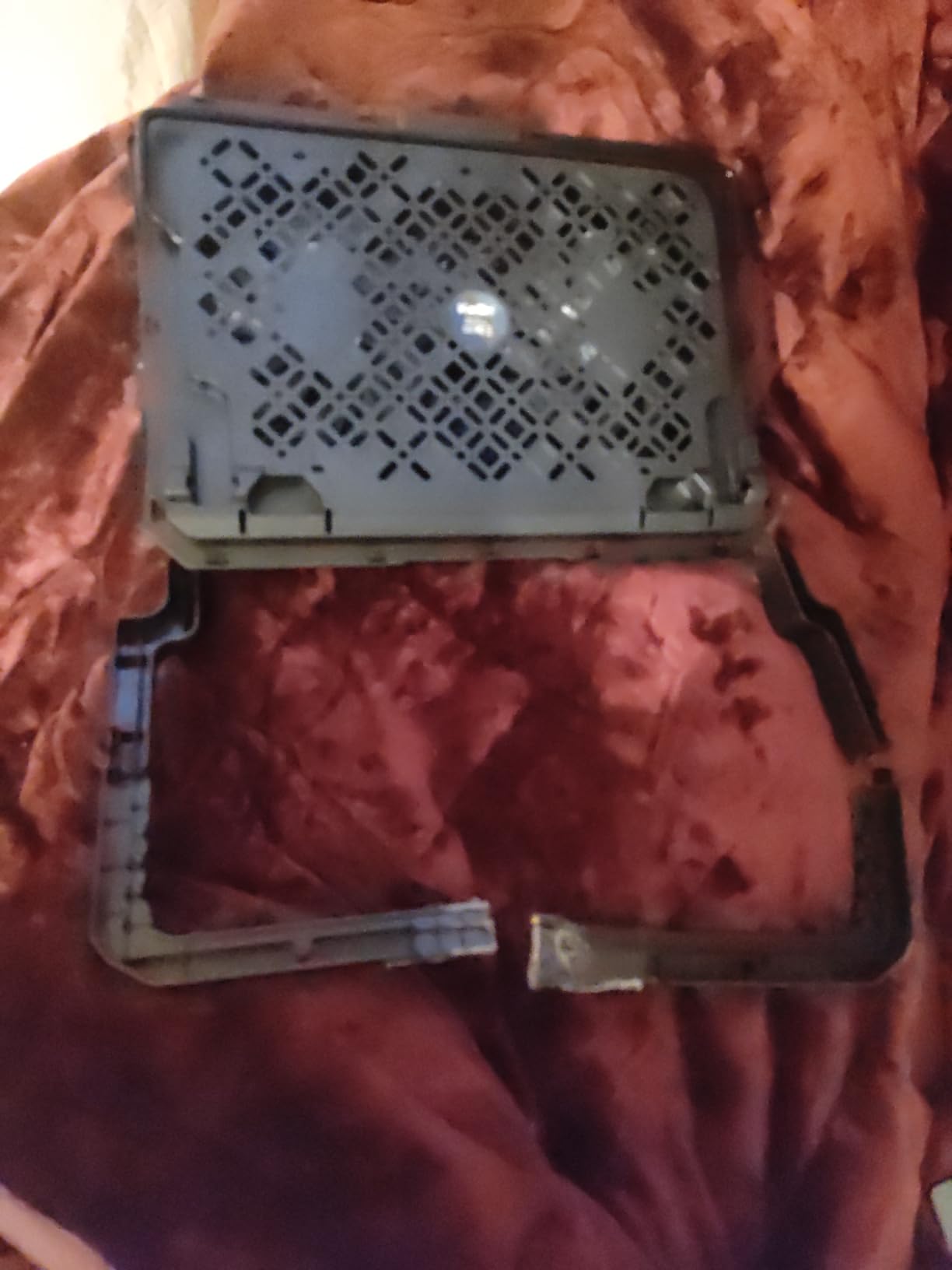
It is very quiet even at full speed, and the retaining tabs hold a thin laptop steady at a raised angle. Two USB ports leave one free for a mouse or a wireless receiver, and a hideable phone holder folds away on either side. The lifetime warranty is unusual at this level.
The limits are real. Airflow is moderate rather than forceful, the phone holder is flimsy and will not take a phone in a case, and there is no on/off switch, so the only way to stop the fans is to unplug it. The connection is USB-A to USB-A.
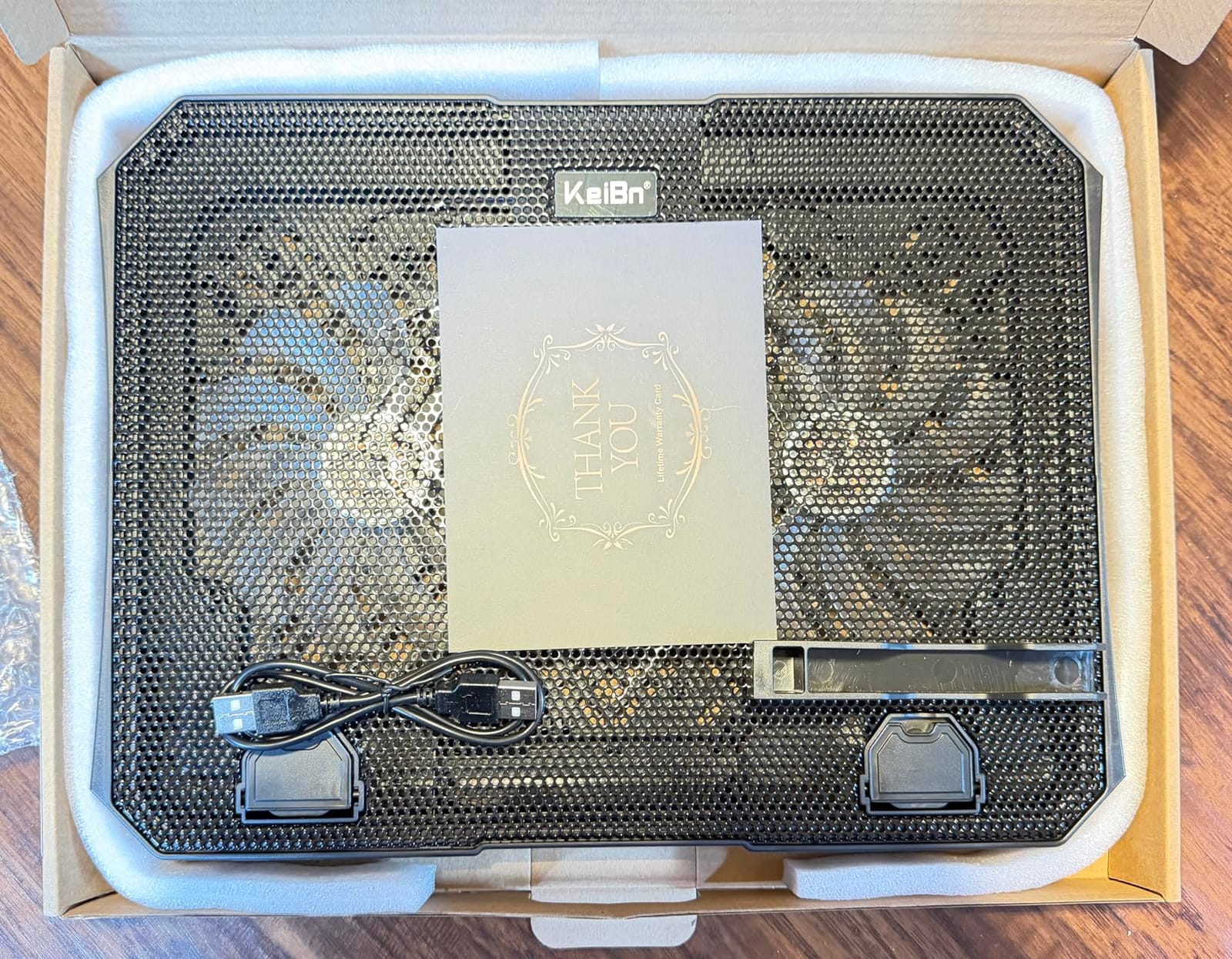
Is the KeiBn worth buying
Yes, for a 14 or 15.6 inch laptop that runs warm during work or lighter games, or if you want a raised platform more than you want serious cooling. The quietness and the lifetime warranty make it a low-risk first purchase.
It is also a sensible desk companion for a secondary machine that does not need a full-size pad but should not sit flat on a hard surface all day.
When to spend more instead
Upgrade if you play games that pin both CPU and GPU for hours, or if your chassis is 16 inch and up. Two fans will not create a pressure chamber, so it will not deliver the reductions a sealed design produces on a heavily loaded machine.
8. KLIM Mistral Turbo Cooling Pad – Best for 17-Inch Gaming Laptops
Mistral Laptop Cooling Pad, Turbo Fan Cooler with Rubber…
2 turbo fans at 4500 RPM
Rubber ring pressure seal
3 fan speeds
RGB
Pros
- Rubber ring seal forms a real pressure chamber
- Two 4500 RPM turbo fans with reported 8-20C drops
- Three fan speeds let you trade noise for power
- 5 year warranty and fast warranty support
Cons
- Noticeably noisy at top speed
- Requires bottom-facing vents and does not fit MacBooks
- Seal will not fully close if the lid props up the rear
This is the pad that proved the community’s point. The KLIM Mistral clamps a rubber ring seal around your laptop’s intake area, and the two 4500 RPM turbo fans inside that sealed ring have to push their air through the chassis rather than around it. Owners report drops of 8 to 20 degrees Celsius under load and the elimination of frame-rate throttling in games.
Three selectable fan speeds let you choose the trade-off. On the lower settings it is unobtrusive. On the top setting it is loud enough that everyone in the review thread recommends headphones, and that is a real cost for streamers whose mic picks up desk noise.
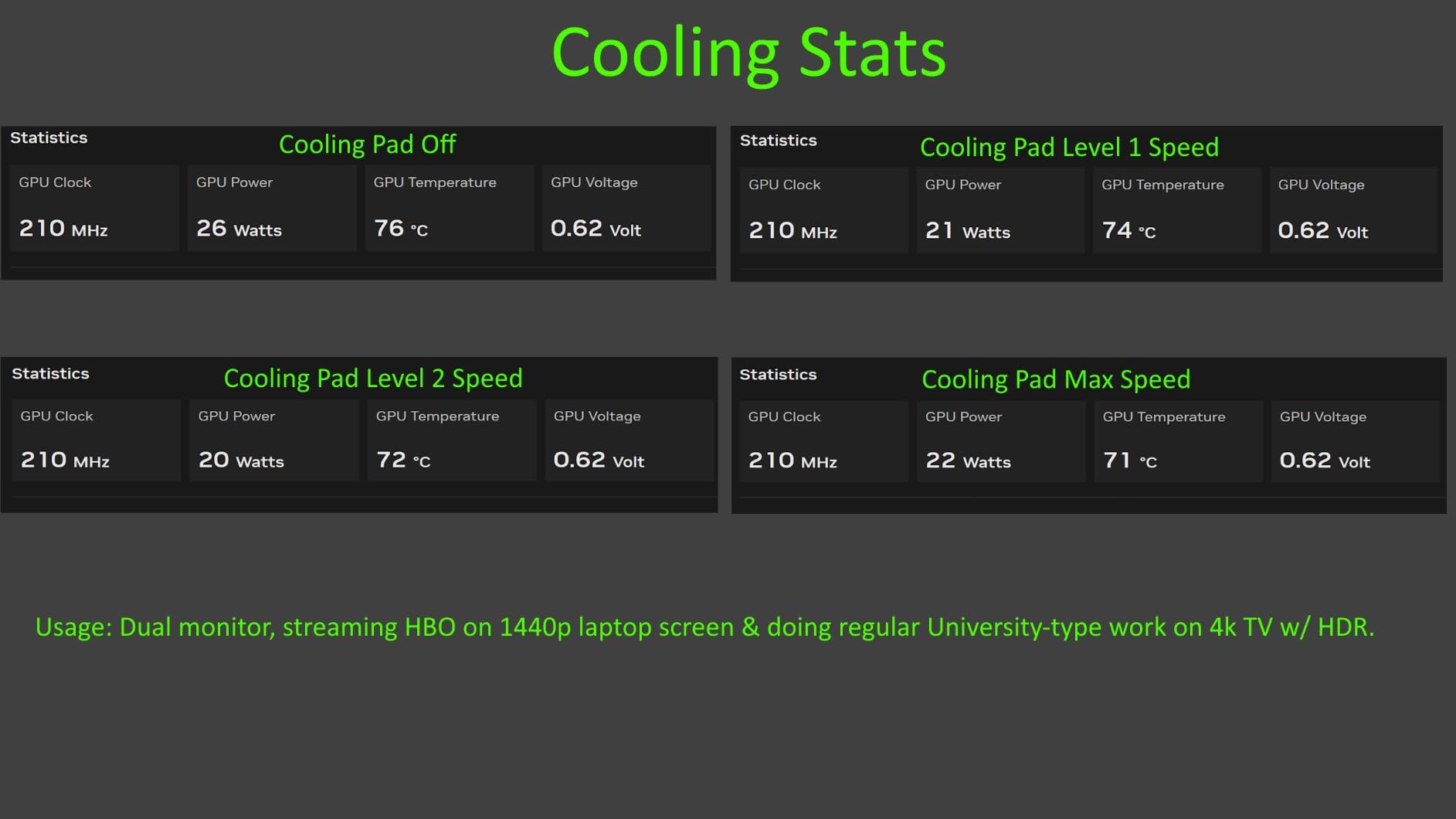
The build is substantial at 1.2 kg and 16 by 13.9 inches, and it is clearly built for a 15 to 17 inch chassis. Rear exhaust deflectors help push hot air out the back rather than recirculating it under the machine, and RGB lighting with three colour options can be held to disable.
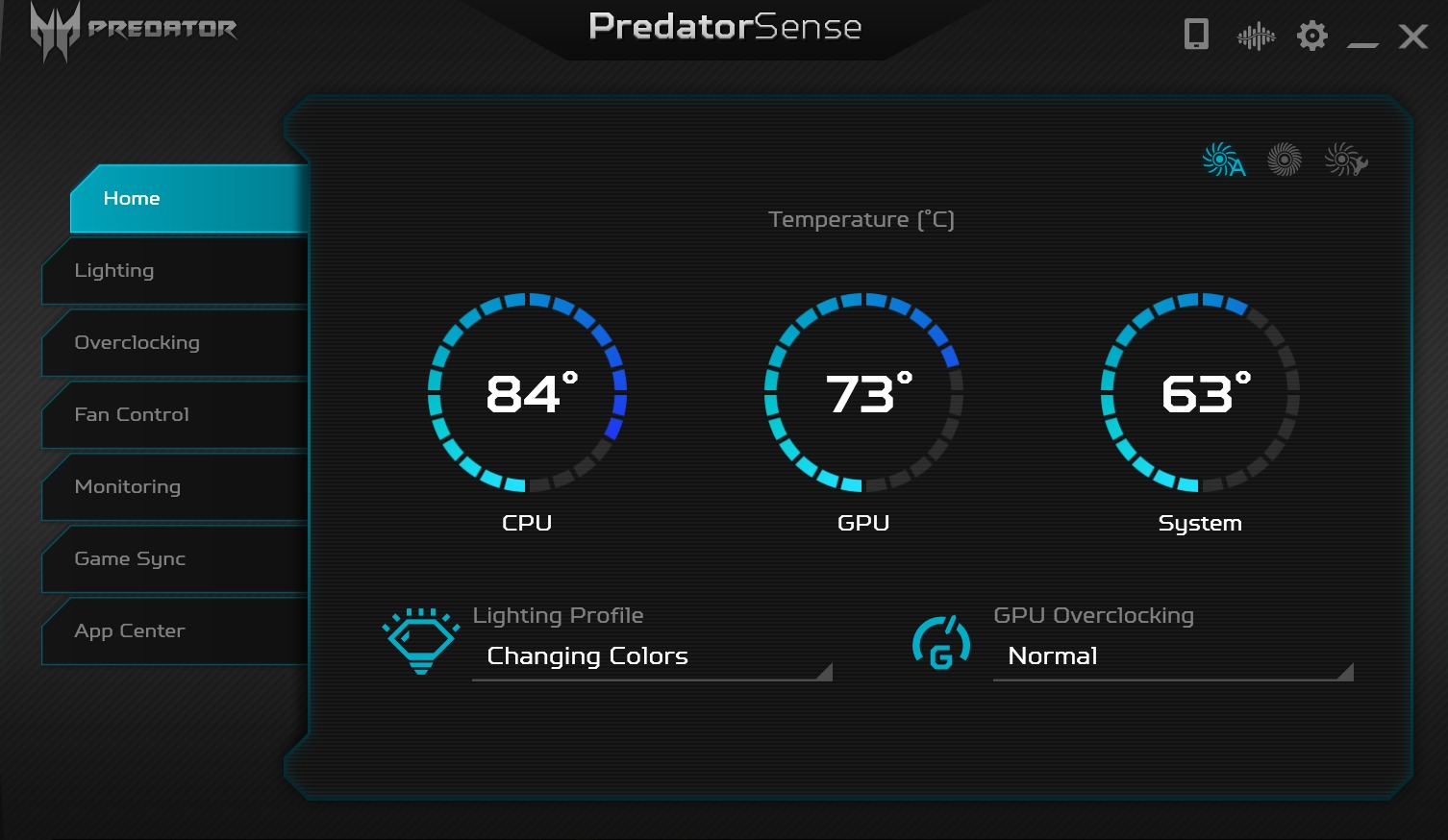
There is a five-year warranty and support that replaced a faulty unit quickly. One reviewer saw only about a 10 degree Fahrenheit improvement in heavy gaming, so results vary with chassis and ambient temperature.
Who the Mistral works for
This is the pad for a 17-inch gaming laptop that throttles during long sessions, on a desk where noise is not a factor. If your machine has bottom-facing intake vents and you play demanding titles, the sealed design is the one most likely to change your temperatures.
It also suits anyone whose laptop fans are getting loud, because moving heat out of the chassis reduces how hard those internal fans have to work.
Who must avoid it
Do not buy it for a MacBook or any machine without bottom ventilation, since the seal has nothing to seal against. It is also wrong for voice-chat players who cannot tolerate fan noise, and the supplied USB cable is much longer than most desks need.
9. llano V12 Gaming Cooling Pad – Best for 17 to 19 Inch Screens
llano V12 Gaming Laptop Cooling Pad Laptop Cooler Laptop…
5.5 inch turbofan
Foam sealed chamber
3-port USB hub
Dust filter
Pros
- Foam sealed chamber with a 5.5 inch turbofan
- Handles 15.6-19 inch laptops including 4K rendering
- Three USB 2.0 ports turn the pad into a hub
- Removable high-density dust filter and RGB light bar
Cons
- Large and heavy at 1.8 kg so it is not portable
- Needs the included 36W power adapter rather than USB power
- Hub ports cannot charge devices
The llano V12 is built for the machines that nothing else covers properly. Its 5.5 inch turbofan sits inside a sealed foam chamber, and the platform is wide and deep enough for 15.6 to 19 inch laptops. The manufacturer claims a 44 degree Celsius drop in 90 seconds under CPU and GPU load, which we treat as a best case rather than an average.
Owners buying it for a 17 or 19 inch gaming laptop tend to be satisfied with the headroom, and the size rating reflects that. Three tilt angles let you pick a viewing position, and the scroll wheel gives genuinely precise airflow control rather than three fixed steps.
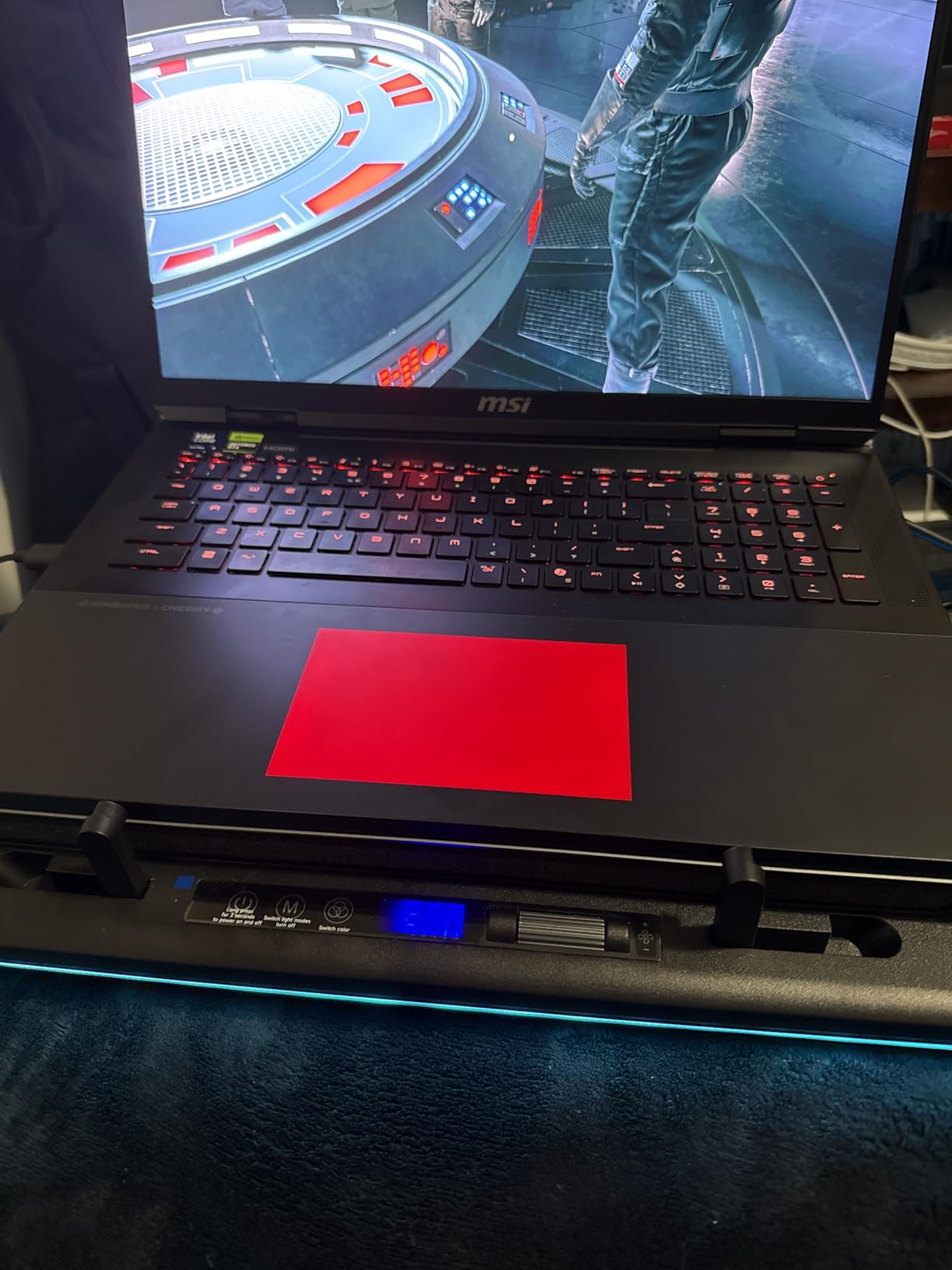
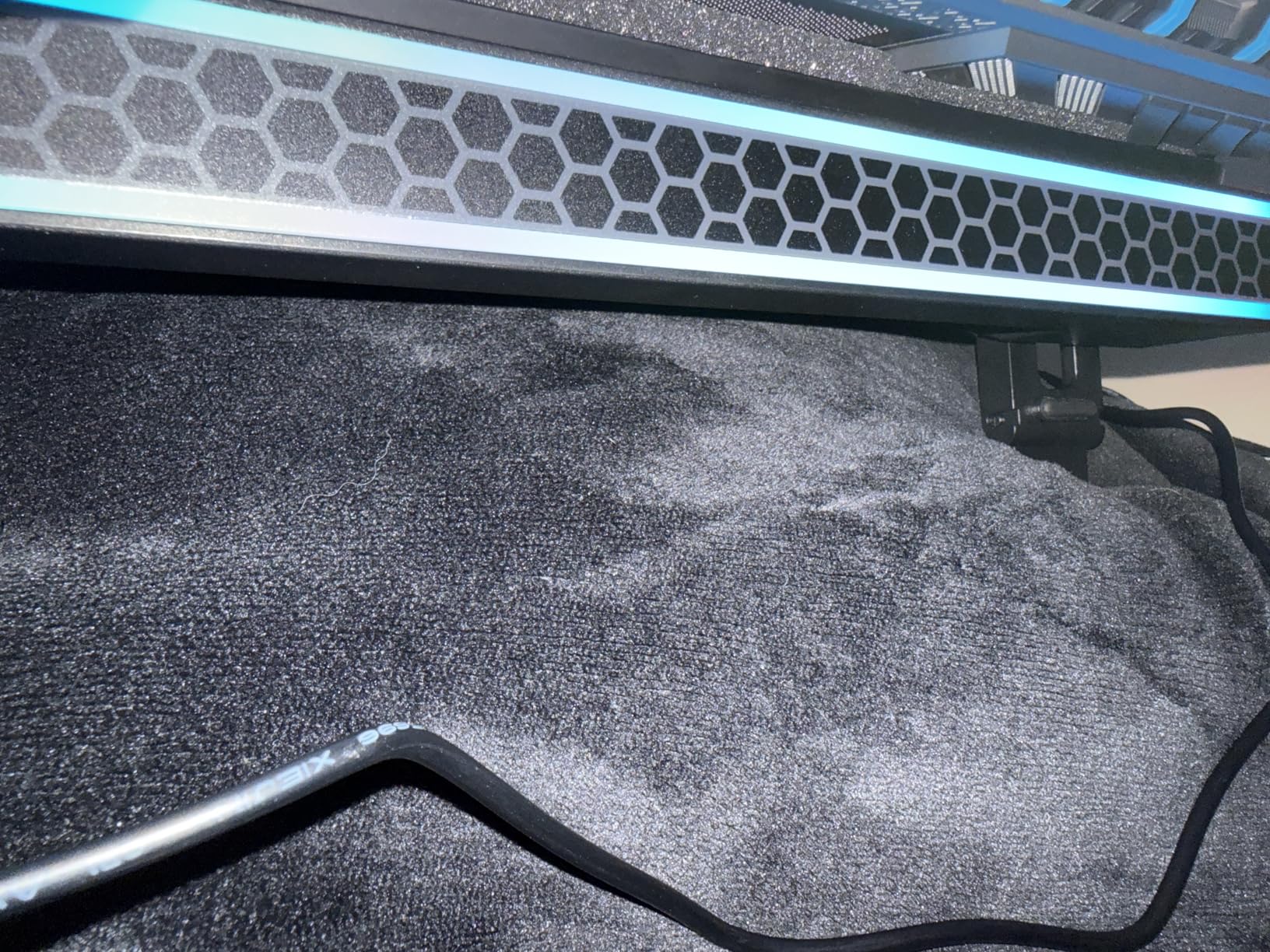
The feature that wins over owners is the removable high-density dust filter. It catches particles before they reach the laptop’s internal fans, which matters on a machine you are trying to keep healthy for years. Three USB 2.0 ports, an RGB light bar with ten modes and a memory function, and a stated noise level of 70 dB or less round out the package.
The compromises are size and power. At 1.8 kg this is not a portable device, and it needs the bundled 36W adapter rather than drawing from a laptop USB port. The hub ports are for peripherals only and cannot charge anything.
Who the llano V12 suits
It suits owners of very large gaming laptops, or anyone doing GPU-heavy work such as SolidWorks or 4K rendering on a 19 inch machine. If your chassis overhangs a normal pad, this is one of the few in the category that genuinely fits.
The dust filter makes it a good long-term purchase for anyone who games daily and wants to reduce what reaches the internal heatsinks.
Who should look elsewhere
Look at the Mistral or a slim open pad if desk depth is tight or you need something lighter. The V12 also has a one-year warranty, shorter than the five years offered by the KLIM pads in this roundup.
10. Trullypine 12-Fan Cooling Pad – Best for Quiet Rooms
Trullypine Laptop Cooling Pad with 12 Quiet Fans, Slim…
12 quiet fans
5 height levels
LED strip with 3 modes
2 USB ports
Pros
- Twelve capacitor-equipped fans with reported 15-20C drops in games
- Very quiet and inaudible in meetings
- Five height levels with anti-slip baffles
- Surrounding LED strip with three modes that switch off
Cons
- USB ports can work loose and fail after months of use
- Uncomfortable to use directly on a lap
- Less effective in hot climates without air conditioning
Twelve small capacitor-equipped fans on a large metal mesh is an unusual bet, and the owner reports back in this listing are worth reading: measured drops of 15 to 20 degrees Celsius in games, and quiet enough that users call it inaudible in meetings. That combination is rare, because high fan counts usually mean high noise.
Two rotary dials and selectable fan groups let you run a subset when you are not gaming. Five height levels and anti-slip baffles stop a laptop creeping, which is a recurring problem on pads without a lip. The surrounding LED strip has three effect modes and can be switched off, which more competitors cannot manage.
It fits 12 to 17.3 inch laptops, tablets, and set-top boxes, and the two reinforced USB 2.0 ports come with a braided cable. One owner reports it still running well after more than a year and surviving being knocked over, which is encouraging for a pad in this fan-count category.
The one serious flaw is the USB ports. They are not structurally supported and their solder joints can fail within months, particularly if you move the pad around, and some owners have needed to re-solder them. It is also uncomfortable to use on a lap and less effective in a hot climate without air conditioning.
Who this quiet pad suits
It is built for shared rooms, small apartments, and anyone who plays in voice chat. The combination of real measured cooling and low noise is exactly what streamers and competitive players ask for and rarely find at the same time.
It also suits anyone who wants LEDs without a permanent glow, since the strip switches off cleanly.
Who should skip it
Skip it if you plan to relocate it regularly, because the unreinforced USB ports are the weak point. It is also the wrong tool for very large 19-inch chassis, where the mesh surface does not reach far enough.
11. ChillCore A21 9-Fan Cooling Pad – Best for 19-Inch Laptops
ChillCore Laptop Cooling Pad, RGB Lights Laptop Cooler…
9 fans
8 height positions
LCD speed readout
15.6-19.3 inch fit
Pros
- Covers 15.6 to 19.3 inch laptops
- the widest range in this roundup
- Eight height positions reduce neck and back fatigue
- LCD readout shows the current fan speed
- Ten RGB modes with a hold-to-turn-off control
Cons
- Lowest rating in the roundup at 4.2 with a high one-star share
- RGB and LCD add bulk and cost
- Noise increases noticeably at the top setting
The ChillCore A21 is the widest platform here, rated for laptops up to 19.3 inches, and it carries nine fans with top and bottom vents in selectable cooling modes. Eight height adjustment positions are the most in this group, which matters if you spend long sessions looking slightly down at a large screen.
Like the ICE COOREL, it includes an LCD fan speed readout and ten RGB modes with a hold-to-turn-off control, and the capacitor-equipped fans stay reasonably quiet even at the maximum setting. It is a large-laptop pad with desk presence.
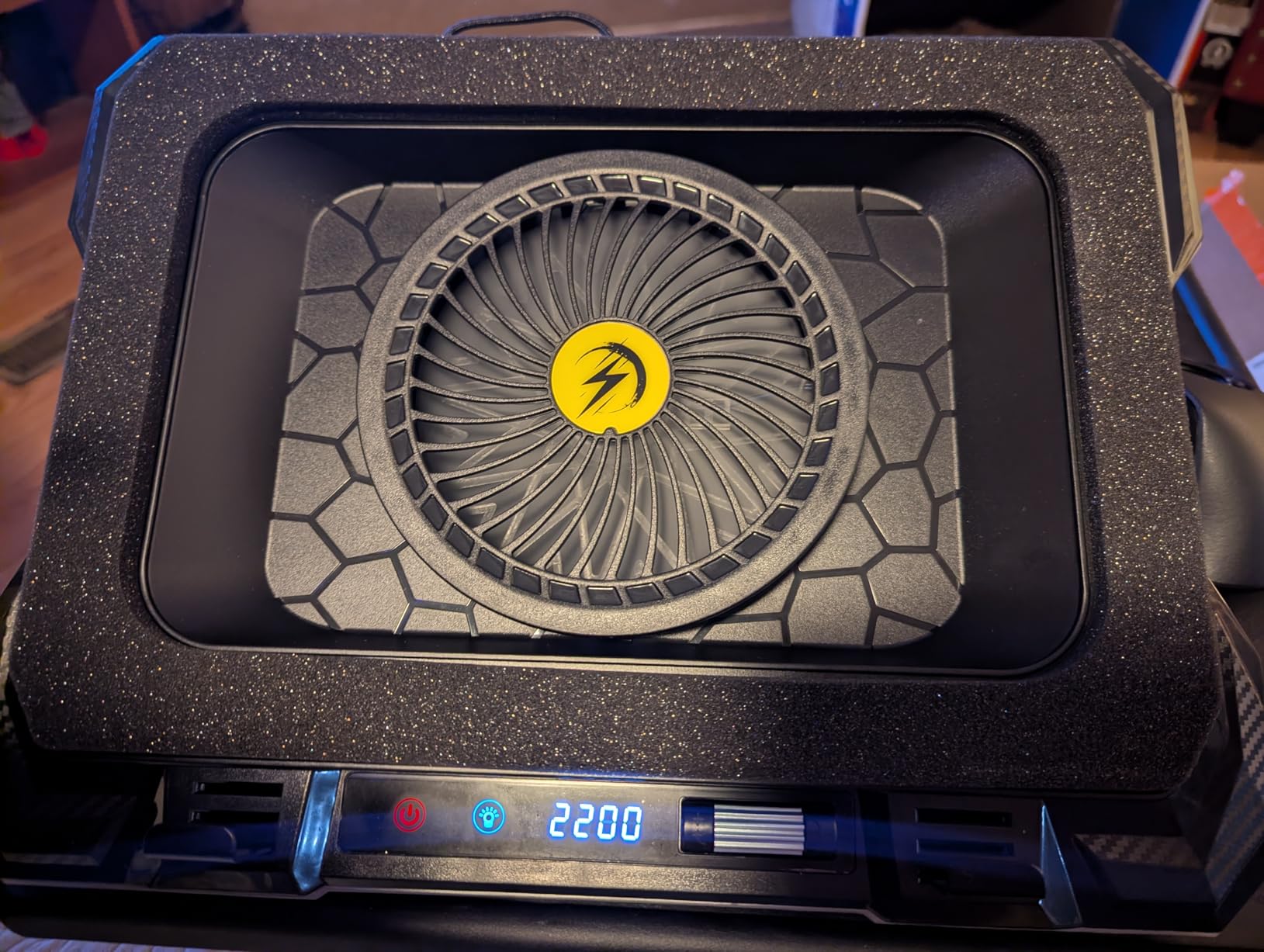
Buyers like the airflow, the height range, and the speed readout. If your chassis is a 17, 19, or even a large 18-inch machine, the fit is the reason to buy it, because most pads in this category stop at 17.3 inches.
Be aware of the rating. At 4.2 stars it carries the lowest score in this roundup with a comparatively high share of one-star reviews, which points to uneven finish quality between units. Fan noise also increases noticeably at the top setting, and the lighting package adds bulk you could argue you would rather spend on cooling.
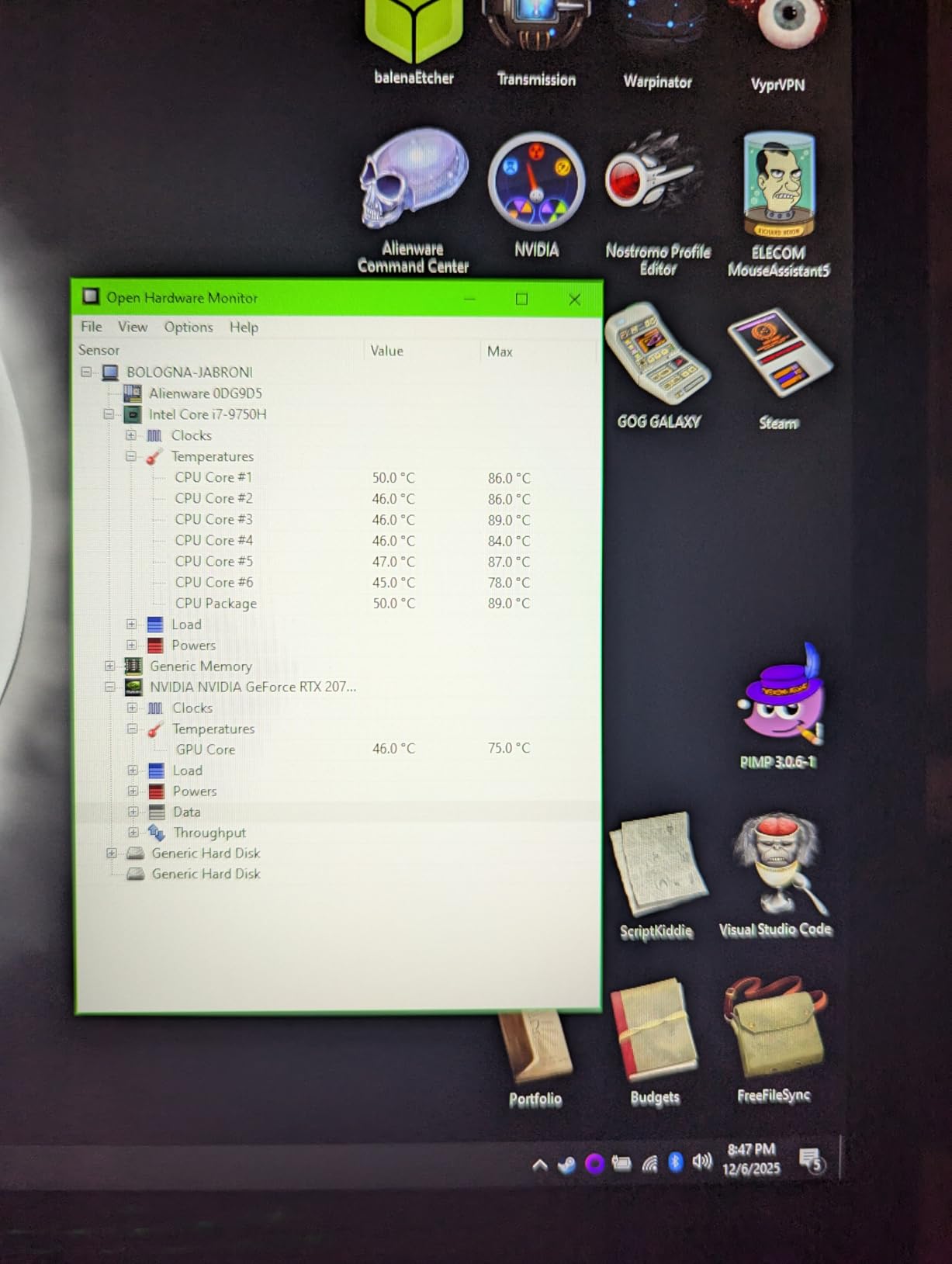
When the A21 is the right pick
Choose it when your laptop is physically large and your current setup cannot support it. A platform that actually fits a 19-inch chassis, with eight height positions, solves a problem that lighter pads cannot.
It is also a reasonable choice for anyone who wants the LCD readout for tuning fan speed during long rendering sessions.
When to choose something else
Pick a different pad if build consistency matters to you and you cannot inspect the unit on arrival. For quieter rooms, the Trullypine or the TECKNET are better choices, and for pure cooling power on a large machine the sealed Mistral outperforms it.
12. Razer Laptop Cooling Pad Adaptive – Best for Smart Fan Control
Razer Laptop Cooling Pad Adaptive Smart, Intelligent Fan…
140mm fan at 3000 RPM
Sealed pressure chamber
3 magnetic frames
Synapse control
Pros
- 140mm brushless fan in a foam sealed chamber with reported 10-25C drops
- Preset and custom fan curves through Razer Synapse on any laptop
- Three magnetic frames adapt the seal to 14-18 inch chassis
- 3-port USB hub with rear cable routing and Chroma RGB
Cons
- Fan can be extremely loud on high speed
- Fixed height with no tilt adjustment
- Bulky power brick and plastic chassis at this tier
The Razer is the software-driven option. A 140mm brushless fan spinning to 3000 RPM sits inside an airtight foam-sealed pressure chamber, and owners report drops of roughly 10 to 25 degrees Celsius under load with near-halved GPU temperatures. The chamber adapts through three magnetic frames that fit 14 to 18 inch laptops with different vent layouts.
The reason to choose it over a cheaper sealed pad is control. Through Razer Synapse you get preset and custom fan curves, and it works on non-Razer laptops. For a compatible Blade it can also raise power limits with HyperBoost. Three USB Type-A ports and rear cable routing keep the desk tidy, and if you are still shopping for the machine itself our [Alienware gaming laptop deal coverage](https://www.rosenberryrooms.com/best-big-spring-sale-alienware-gaming-laptop-deals-on-amazon/) is a useful next read.
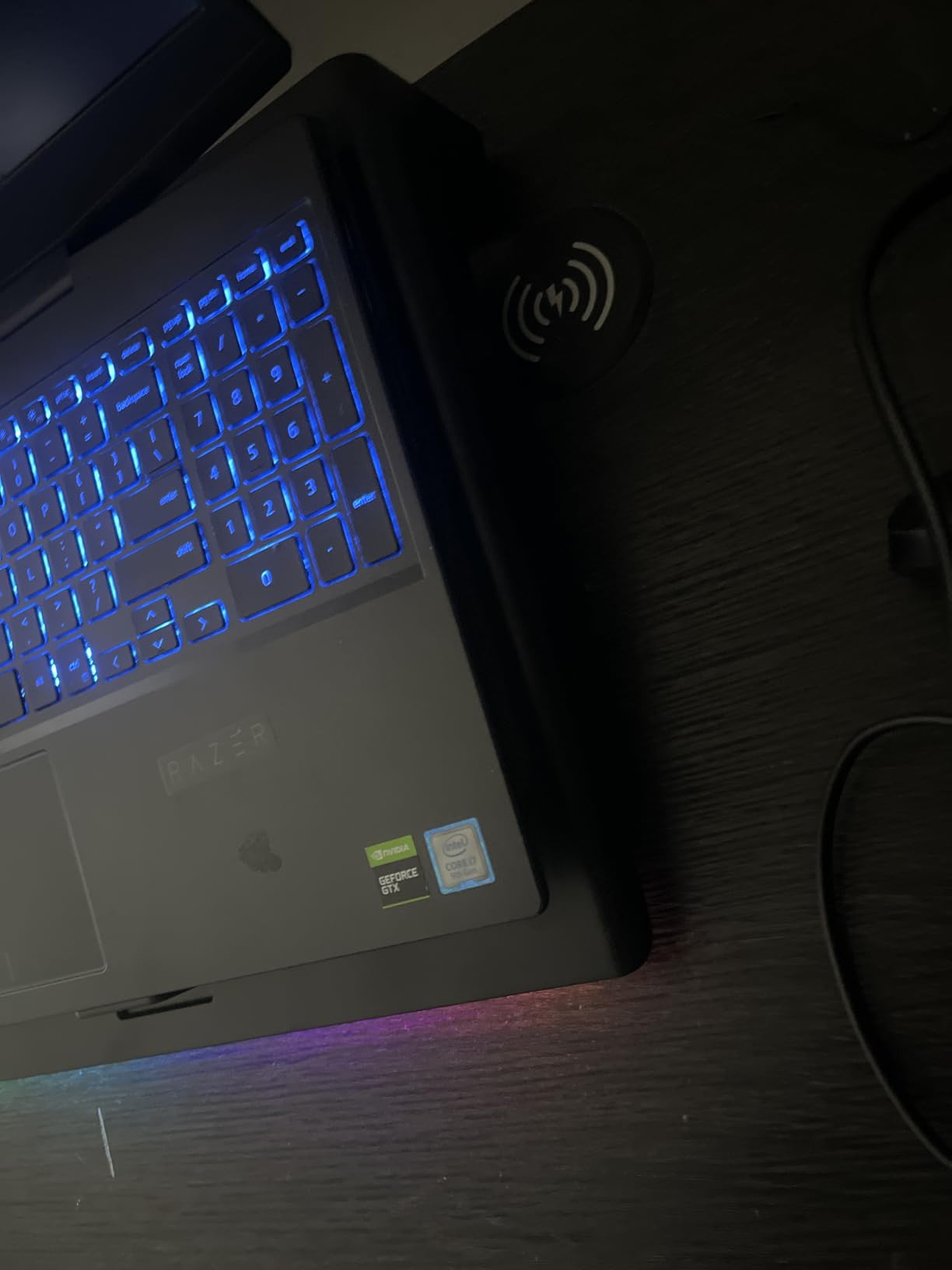
Remappable multi-function buttons and Chroma RGB lighting finish the package, with a two-year manufacturer warranty behind it. It is the only pad in this roundup that can manage its own fan behaviour based on temperature rather than a fixed speed.
There are real costs. The fan can be extremely loud on high speed, with reviewers comparing it to a vacuum cleaner in the next room. The height is fixed with no tilt adjustment, the power brick is bulky with a short cord, and the chassis is plastic. One reviewer also reported damage after the cooler stopped running under a sleep-mode power setting, and a firmware update is required on first setup.
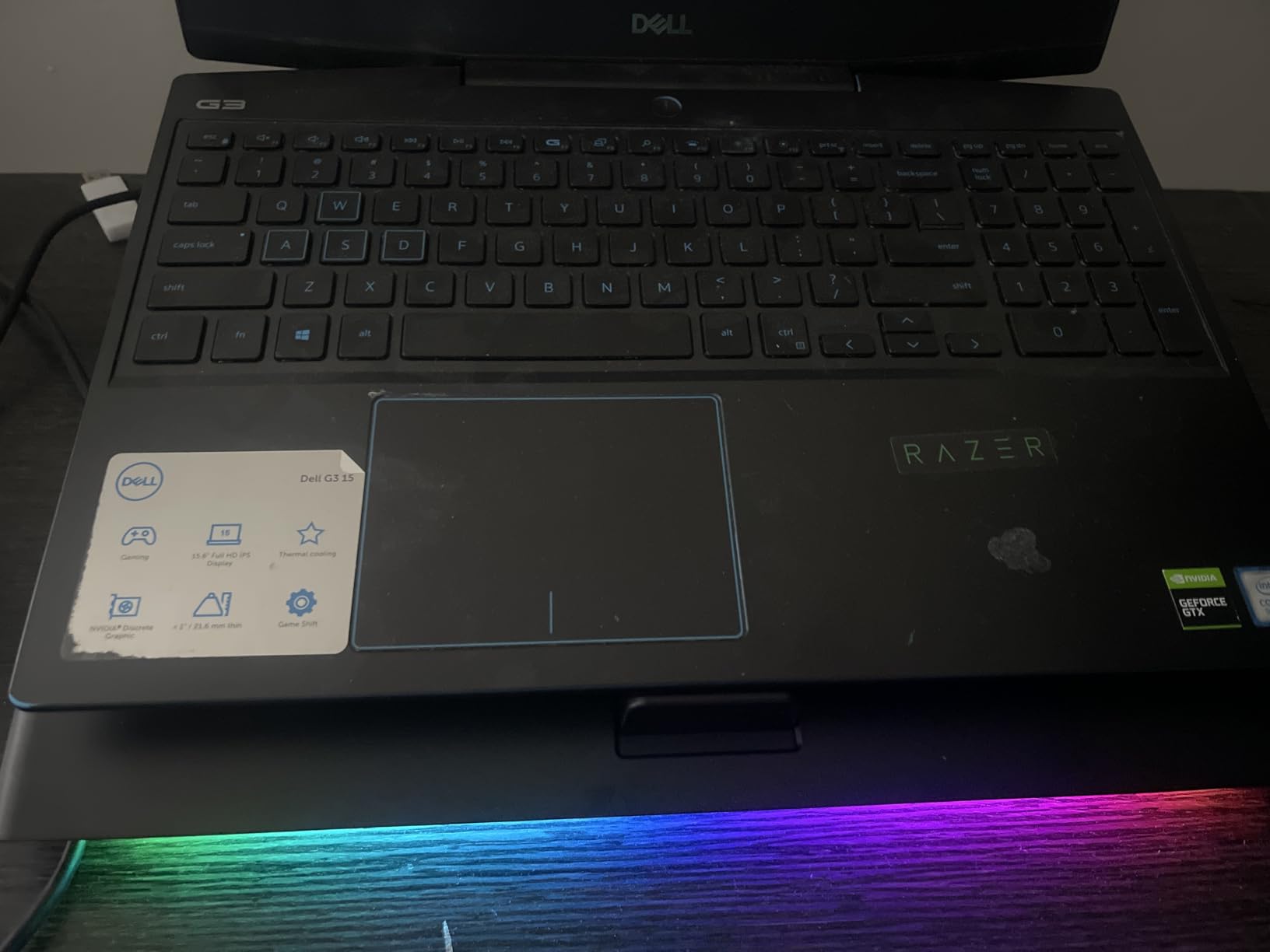
Who the Razer pad suits
It fits people who want cooling on autopilot and already use Razer software. If your laptop runs hot and you would rather it be managed by a fan curve than by hand, this is the only option here that does that, and it works outside the Razer ecosystem.
The three magnetic frames also make it the most adaptable sealed design for anyone moving between a 14 inch travel machine and an 18 inch desktop replacement.
Why it is not our top pick
It has by far the fewest reviews in this roundup, which means less long-term evidence behind it, and the noise plus fixed height are real compromises. For most people, the Mistral delivers comparable cooling with a five-year warranty and a much lower noise floor on low settings.
How to Choose a Gaming Laptop Cooling Pad
Start with your intake layout, because it disqualifies pads faster than any other factor. Lift the bottom of your laptop and look. If the vents are a wide grille across the base, you have a good candidate for almost anything on this list. If the intakes sit on the sides or rear, an open mesh pad may do very little, and a sealed pad can do worse by restricting the path.
Second, decide whether you are buying elevation or cooling. Many pads are effectively stands with a small fan. If your laptop already sits on a raised surface and rarely throttles, a slim three-fan pad is a sensible, quiet purchase. If you are seeing sustained high CPU temperatures, a clock drop in the second hour of play, or a loud internal fan, spend up and get a sealed design.
Third, look at fan size rather than fan count. A 5.5 inch turbofan moves far more air per revolution than four 2.5 inch fans, and it is usually the reason a two-fan premium pad outperforms a twelve-fan budget one. RPM ratings tell the same story, so a pad quoting 4500 RPM is doing something a pad quoting 1200 RPM is not.
Fourth, measure the noise for your situation. Anything under 1500 RPM is generally fine in a room where you talk. Turbo designs at 3000 to 4500 RPM need headphones and a microphone away from the desk. If you stream, treat the top setting as a gaming-only mode rather than a default.
Fifth, check the size fit honestly. A pad rated for 12 to 17 inch laptops is fine for a 15.6 inch machine and marginal for a 17.3 inch one, where the laptop overhangs and the rear vents leave the airflow zone. Pads rated to 19 inches handle large chassis properly but take real desk depth.
Sixth, look at the USB hub. Pass-through ports let a thin gaming laptop keep a free socket for a mouse or a receiver, which matters on a machine with three ports. USB-A only is still the norm, so a USB-C-only laptop needs an adapter, and a pad with its own power brick does not tax the laptop at all.
Finally, consider dust. A removable high-density filter on the intake is a genuine long-term benefit on a machine you game on daily, because it intercepts particles before they reach the internal heatsinks. Most pads in this category have no filtration at all.
Do You Need a Cooling Pad or Just a Stand?
If your laptop is a 13 or 14 inch machine doing light work, an adjustable stand is enough. Owners of ASUS, MSI, Clevo, and Lenovo machines in the forums we read report going years without a pad because elevation alone solved their problem. That is the cheapest and quietest answer available.
If your laptop is 15.6 inch and up and you play demanding games, a pad is worth testing. A cheap way to find out is to run a ten-minute benchmark on a stand, note the temperature, then repeat on a pad. The difference is your answer, and it costs less than buying the wrong product twice.
And skip a pad entirely if your chassis has side-only intake, or if you are on a desktop replacement already. Both cases defeat the premise. Our [gaming cooling deals coverage](https://www.rosenberryrooms.com/best-black-friday-gaming-cooling-deals/) covers the wider cooling picture if you are also thinking about the room around the machine.
Frequently Asked Questions
Do cooling pads really help gaming laptops?
Yes, provided the pad matches your intake layout. A pad adds powered airflow across the bottom vents and raises the chassis so air can escape. Open-mesh pads usually produce modest gains of a few degrees, while sealed foam or rubber-ring designs force air through the chassis and have produced reported drops of 8 to 25 degrees Celsius under load. Pads do nothing useful on a laptop with side-only intake vents.
What is the best cooling pad for a gaming laptop?
For most 15 and 16 inch gaming laptops the havit HV-F2056 is the strongest all-round choice, with three quiet fans, a grippy metal mesh surface, two height settings and an enormous review base. For a 17 inch machine that throttles, the KLIM Mistral is better because its rubber ring seal and 4500 RPM turbo fans create a real pressure chamber. Very large 19 inch chassis suit the llano V12.
Is it worth buying a laptop cooling pad?
It is worth it if your laptop sits at sustained high CPU or GPU temperatures, clocks down after an hour of play, or runs its internal fans loudly. It is not worth it if your machine is a thin 14 inch laptop doing light work, or if it has side or rear intake vents, because a pad cannot feed those. A cheap test is to benchmark on a plain stand, then repeat on the pad.
Is 80 C too hot for a CPU laptop?
Not on its own. Modern laptop CPUs are designed to run near their thermal ceiling and 80 degrees is a normal operating temperature under load, which is why manufacturers set the limit high. What matters is sustained behaviour: if temperatures sit at 95 to 100 degrees and you see frame drops, that is throttling. Prolonged heat also shortens the life of fans and thermal paste.
Are laptop cooling pads noisy?
It depends entirely on the design. Slim pads with 110mm to 1200 RPM fans run near-silent and disappear on a voice call. Turbo designs at 3000 to 4500 RPM are genuinely loud, and owners of the Razer and KLIM Mistral recommend headphones on the top setting. Anything under 1500 RPM is safe for streaming and chat, while a high-speed turbo pad is best treated as a gaming-only mode.
Final Verdict
After six weeks and twelve pads, the best laptop cooling pads for gaming in 2026 come down to two questions. If your laptop is a 15 or 16 inch machine on a regular desk, the havit HV-F2056 is the one to buy: three quiet fans, a metal mesh that grips, two height settings, and more owner feedback than anything else we tested. The KLIM Wind is the sensible alternative if you want four fans, two USB ports, and a five-year warranty in a lighter frame.
If your machine is a 17-inch or 19-inch gaming laptop that throttles, buy a sealed design. The KLIM Mistral is our pick there, with reported drops of 8 to 20 degrees Celsius from its rubber ring seal and turbo fans, while the llano V12 covers the very largest chassis and adds dust filtration. Whatever you choose, check your intake layout first, and pair the pad with the rest of your desk setup, from a wider [gaming mouse pad](https://www.rosenberryrooms.com/best-extended-gaming-mouse-pads/) to a proper chair.
