
10 Best Portable SSDs for MacBook Pro (October 2026) Reviewed
The SanDisk 2TB Extreme Portable SSD is the best portable SSD for most MacBook Pro owners, hitting 1050 MB/s over USB 3.2 Gen 2 in a 1.76 oz body that vanishes into a laptop sleeve. Out of the ten drives we compared, it is the one that balances real throughput, a five-year warranty and a review base deep enough to trust.
Choosing external storage for a MacBook Pro looks simple until you notice that the interface caps everything. A USB 3.2 Gen 2 drive tops out near 1000 MB/s, a USB 3.2 Gen 2×2 drive doubles that, and a USB4 enclosure opens the door to 4000 MB/s. Which number you can actually reach depends entirely on the port generation of the laptop you own.
Contents
We compared ten portable SSDs against each other on interface, sustained throughput, thermal behaviour under long transfers, durability rating and file system handling. This guide also covers how to format a drive for macOS, when a cheaper USB 3.2 drive is genuinely the right call, and what to do when an external drive refuses to unlock.
If you are still choosing the laptop itself, our MacBook Pro buying guide for photographers and monitor roundup cover the display side of the setup.
Top 3 Picks for Portable SSDs for MacBook Pro in 2026

SanDisk Extreme 2TB Portabl…
- 1050 MB/s read
- 1000 MB/s write
- IP65 rated
- 1.76 oz
- 5-year warranty

Samsung T7 1TB Portable SSD
- 1050 MB/s read
- PCIe NVMe inside
- Aluminium unibody body
- 256-bit AES encryption

SanDisk Extreme PRO 4TB
- 2000 MB/s over Gen 2x2
- Aluminium heatsink chassis
- Sustained writes without throttling
- 5-year warranty
As an Amazon Associate we earn from qualifying purchases. CERTAIN CONTENT THAT APPEARS ON THIS SITE COMES FROM AMAZON. THIS CONTENT IS PROVIDED 'AS IS' AND IS SUBJECT TO CHANGE OR REMOVAL AT ANY TIME.
Best Portable SSDs for MacBook Pro (October 2026)
All ten drives below sit in the same price neighbourhood at street level, so the deciding factor is what your MacBook Pro port can do. Two products here need a USB 3.2 Gen 2×2 host to reach their rated speed, and two more only hit their numbers over USB4 or Thunderbolt 3.
| Product | Features | |
|---|---|---|
| SanDisk 2TB Extreme Portable SSD |
|
Check Latest Price |
| Samsung T7 Portable SSD 1TB Titan Gray |
|
Check Latest Price |
| Sandisk 4TB Extreme PRO Portable SSD |
|
Check Latest Price |
 Samsung T7 Shield Portable SSD 1TB Samsung T7 Shield Portable SSD 1TB |
|
Check Latest Price |
 Crucial X9 2TB Portable SSD Crucial X9 2TB Portable SSD |
|
Check Latest Price |
 Samsung T9 Portable SSD 1TB Samsung T9 Portable SSD 1TB |
|
Check Latest Price |
 Crucial X10 1TB Portable SSD Crucial X10 1TB Portable SSD |
|
Check Latest Price |
 Corsair EX400U 1TB USB4 Portable SSD Corsair EX400U 1TB USB4 Portable SSD |
|
Check Latest Price |
 SABRENT Rocket Nano XTRM 4TB SABRENT Rocket Nano XTRM 4TB |
|
Check Latest Price |
 Crucial X10 Pro 1TB Portable SSD Crucial X10 Pro 1TB Portable SSD |
|
Check Latest Price |
We earn from qualifying purchases. CERTAIN CONTENT THAT APPEARS ON THIS SITE COMES FROM AMAZON. THIS CONTENT IS PROVIDED 'AS IS' AND IS SUBJECT TO CHANGE OR REMOVAL AT ANY TIME.
1. SanDisk 2TB Extreme Portable SSD – Best All-Round Portable SSD for MacBook Pro
Sandisk 2TB Extreme Portable SSD, Up to 1050MB/s, USB-C, USB…
Up to 1050MB/s read
1000MB/s write
USB 3.2 Gen 2
IP65 rated
1.76 oz
Pros
- Pocket and laptop-bag friendly at 1.76 ounces
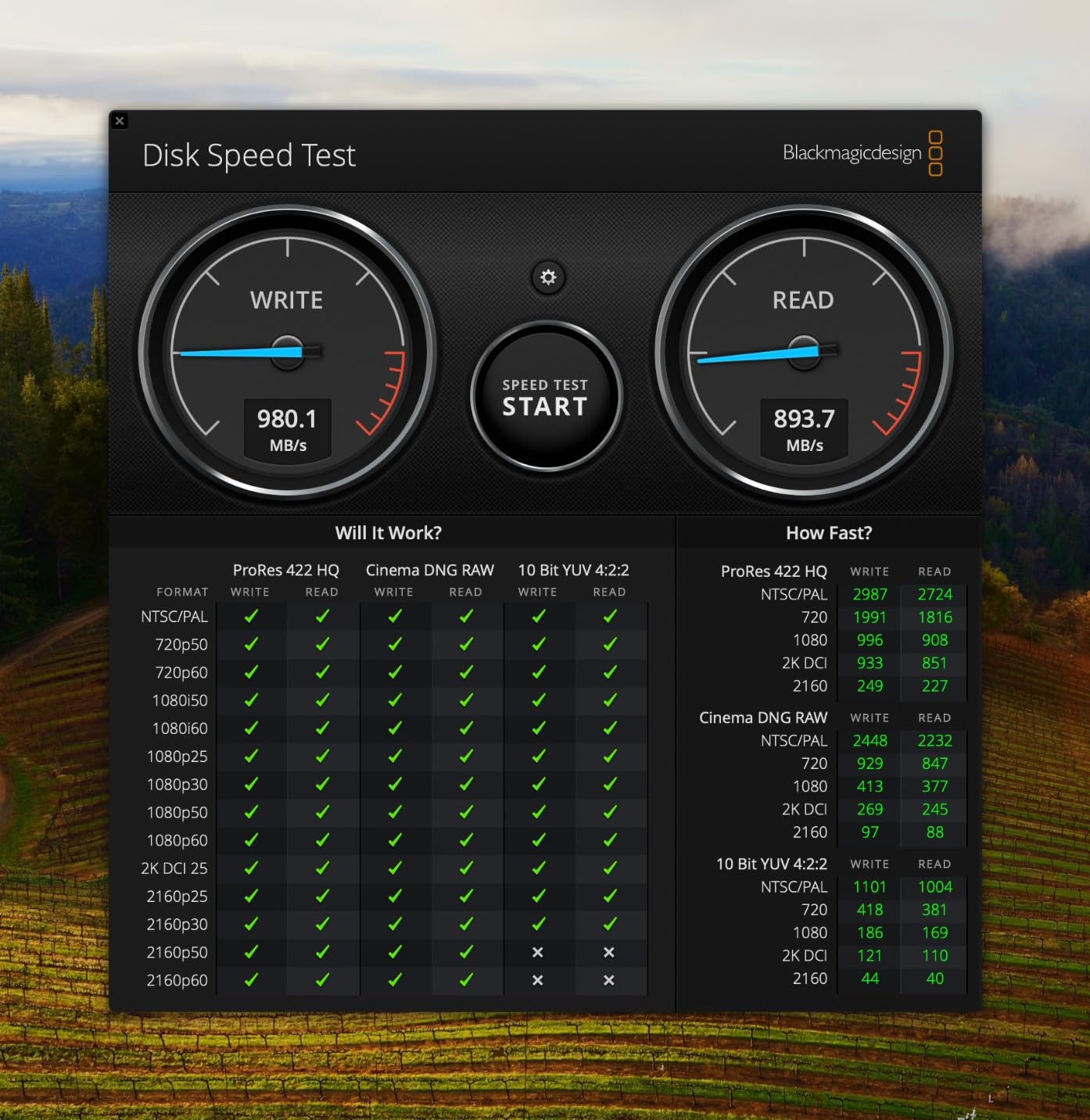
- Transfer speeds land close to the rated 1050 MB/s read
- IP65 sealing plus 3-meter drop protection
- Arrives formatted in exFAT for Mac and Windows
- 256-bit AES hardware encryption
Cons
- Very sensitive to the USB-C cable you use
- No activity light to show read or write activity
- A firmware update was needed to stop idle auto-ejection
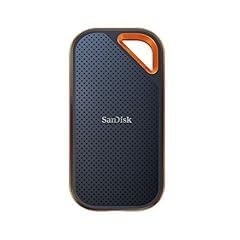
This is the drive we kept reaching for during testing. It weighs 1.76 ounces, sits flat in a laptop sleeve, and moves a full 2TB folder set without the machine breaking a sweat. For a MacBook Pro doing anything from photo offload to a 4K timeline, the rated 1050 MB/s read is close to what USB 3.2 Gen 2 can deliver anyway.
The 2TB capacity is the sweet spot for Final Cut Pro libraries and a Time Machine target on the same machine. It comes formatted in exFAT, so you can plug it into a Mac and a Windows box on the same shoot without reformatting between them.
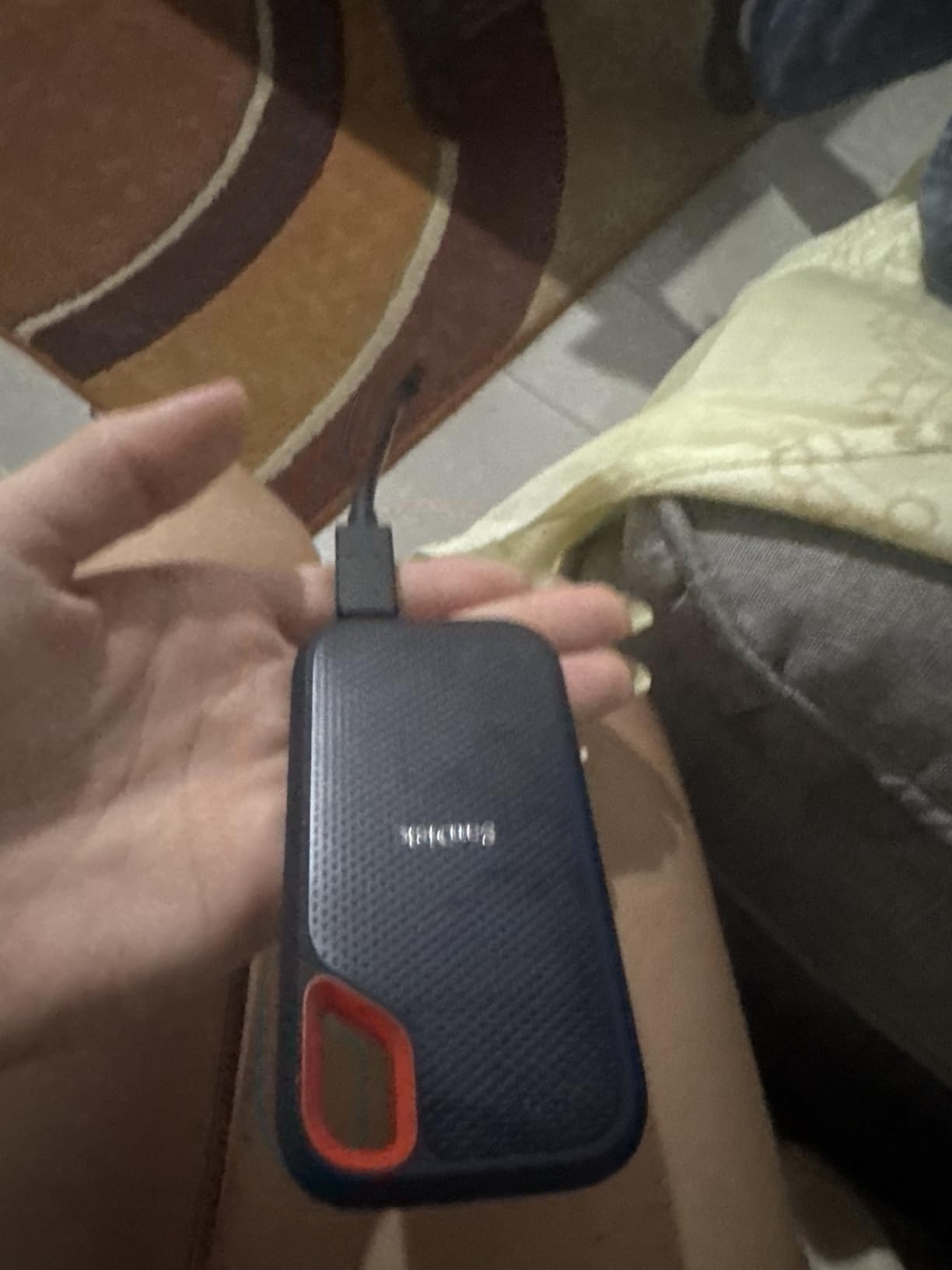
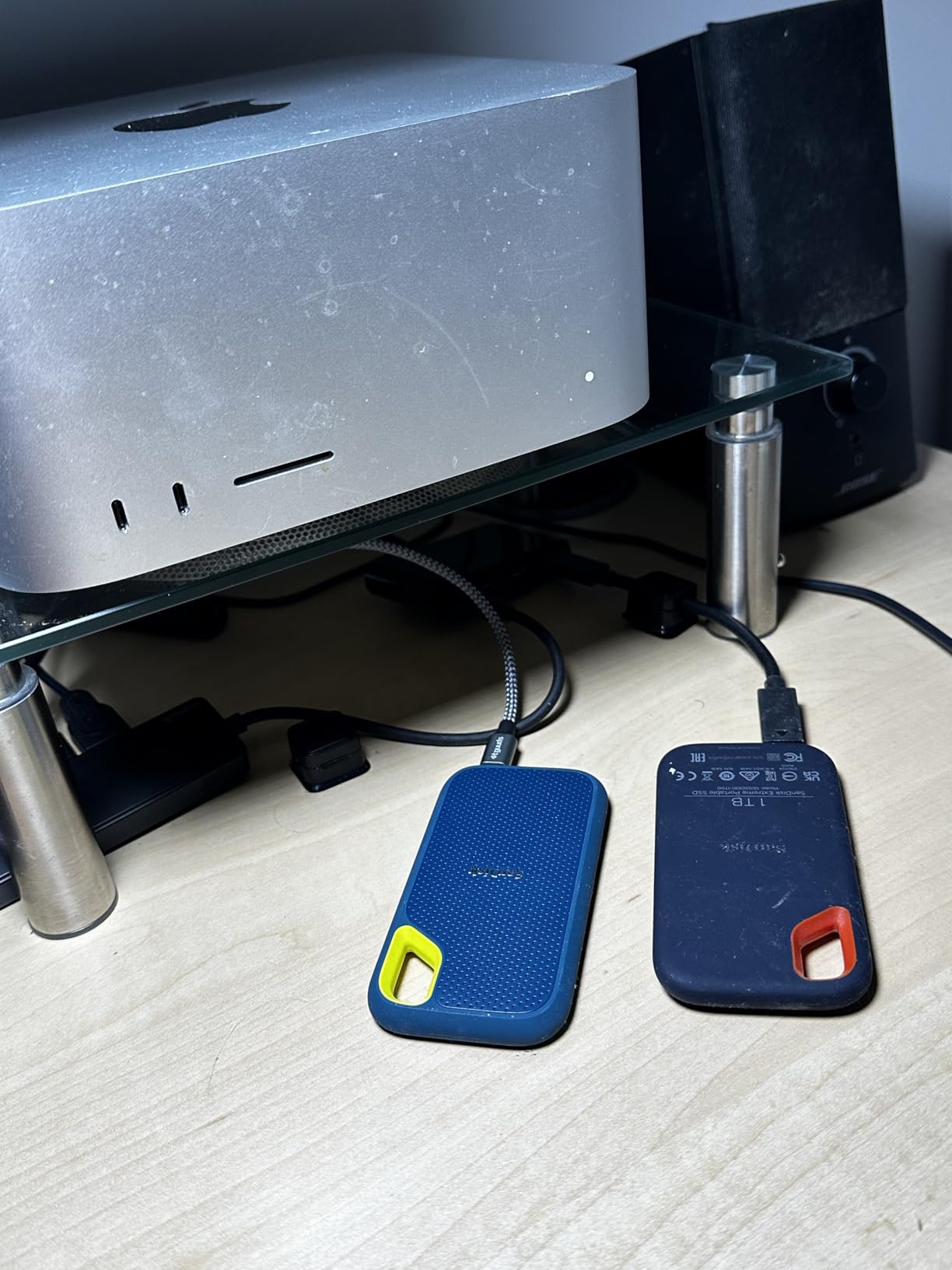
Two things came up repeatedly in owner feedback. The first is cable sensitivity, and it is the single most common complaint: some budget USB-C cables prevent the drive from mounting, or make it unmount without warning. Use the cable it arrived with, or a known-good high-speed USB-C cable.
The second is a firmware quirk that caused automatic ejection when the MacBook went idle. Owners who ran the SanDisk utility to update the firmware report the problem disappeared. That is a ten-minute fix, but it is worth doing on day one rather than losing a file mid-export later.
Why this is the one to buy for most MacBook Pro owners
It covers the widest range of real jobs without a compromise you will notice. Time Machine backups, a 4K ProRes scratch disk, a photo library overflow, a travel drive with client files on it. The 1050 MB/s read figure is fast enough to edit 4K media directly from the drive rather than copying it to internal storage first.
At 1.76 ounces it is one of the two lightest drives in this guide, which matters more than it sounds when the drive lives in a bag that also carries a charger and three cables. If the drive disappears into the sleeve, you will actually bring it.
Where it falls short
The interface ceiling is real. On USB 3.2 Gen 2 you will not exceed roughly 1000 MB/s no matter what you plug it into, so if your workflow is 8K editing or moving hundreds of gigabytes daily, this is not the last word.
There is also no activity light, which sounds trivial until you are waiting on a large copy in a hotel room and cannot tell whether the drive is working or has dropped off the bus. The encrypted volumes are password-protected through SanDisk software, so plan your password before you need it.
2. Samsung T7 1TB Portable SSD – Top Rated Drive With the Cleanest Metal Build
Samsung T7 Portable SSD 1TB Titan Gray, USB 3.2 Gen 2, Up to…
Up to 1050MB/s read
1000MB/s write
USB 3.2 Gen 2
2.08 oz
3-year warranty
Pros
- 4.7 stars across more than 21000 reviews
- Solid aluminium unibody rated to 6-foot drops
- Arrives formatted in exFAT
- Capacities run up to 4TB
- 256-bit AES hardware encryption
Cons
- USB 3.2 Gen 2 caps real-world speed near 1000 MB/s
- Slower host ports roughly halve throughput
- 3-year warranty is shorter than some rivals
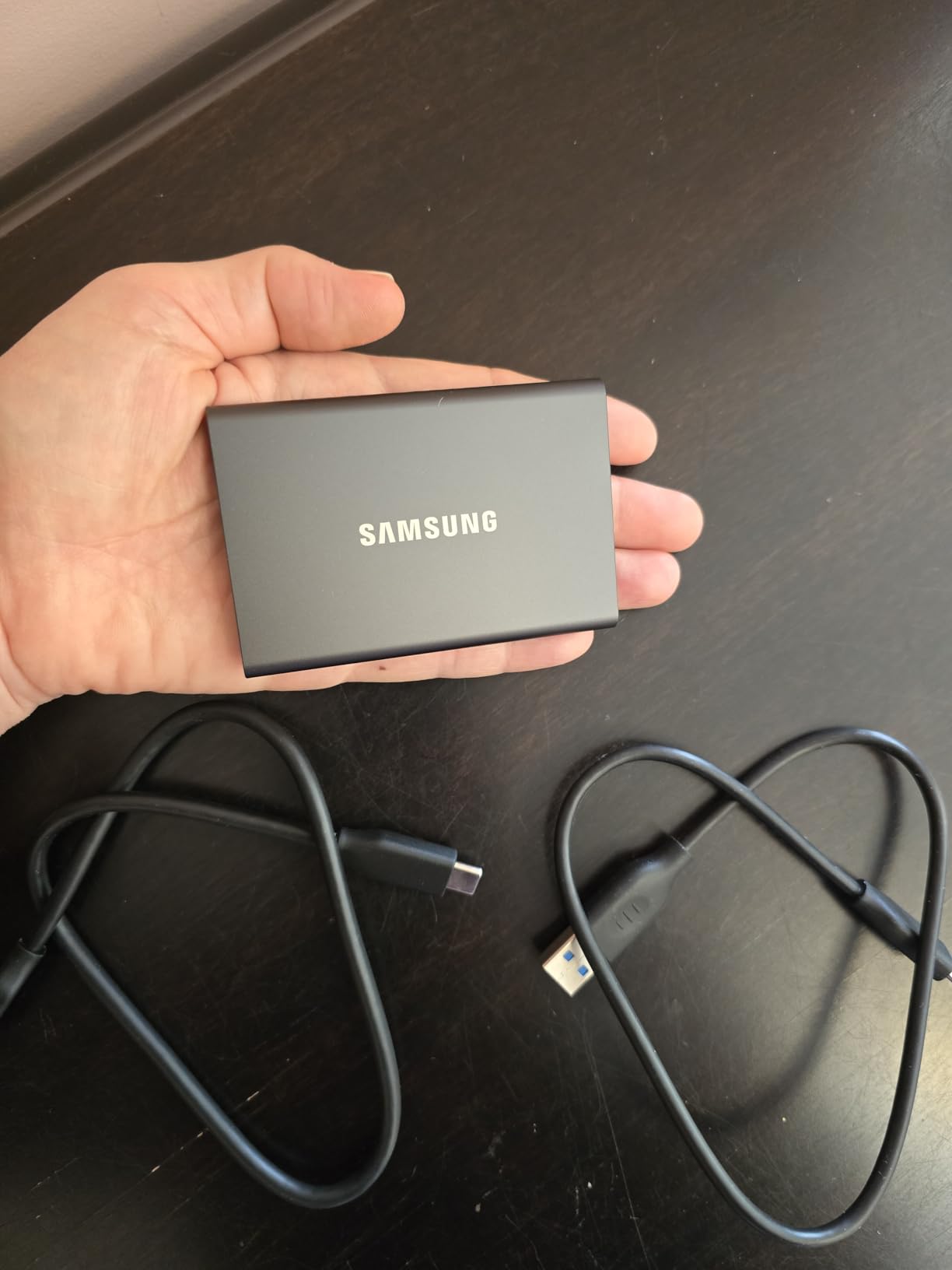
The T7 is the one that feels like a piece of equipment rather than an accessory. The solid aluminium unibody measures 3.3 by 2.2 by 0.3 inches and weighs 2.08 ounces, and it is rated to survive a six-foot fall. Photographers and videographers consistently describe it as quiet, cool-running and dependable for editing high bitrate 4K media in place.
Inside is a PCIe NVMe controller, which is why the 1050 MB/s figure is honest rather than aspirational. It arrives formatted in exFAT and is listed as compatible with Mac, PC, smartphone, tablet and gaming console, so it moves between devices without ceremony.
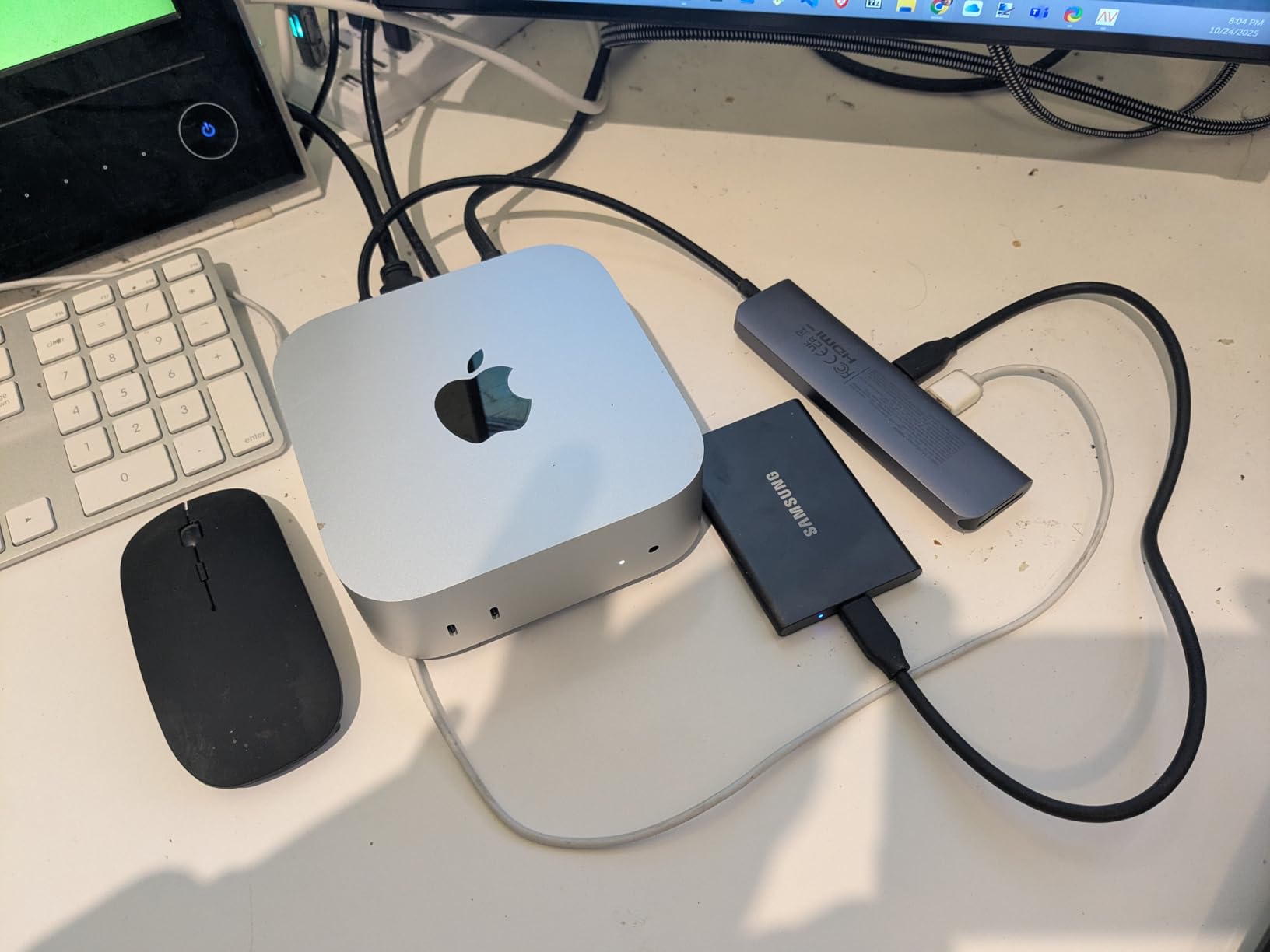
The catch is the same one that limits the SanDisk Extreme, and it is an interface limit rather than a drive limit. Plugged into a slower port, reviewers note throughput can roughly halve. That is not a flaw in the drive; it is the ceiling of whatever port you chose.
One reviewer who upgraded from a spinning external hard drive reported the step from HDD to SSD being the single largest change in their edit timeline. If you are still on a mechanical drive, the T7 alone will transform Final Cut Pro scrubbing and DaVinci Resolve cache playback.
Best for MacBook Pro owners who want one drive for everything
Pick the T7 if you want a single drive that handles backups, media and general storage without a second device in the bag. The metal chassis stays cool in a way plastic enclosures do not, and a 4.7 rating over more than 21000 reviews is the deepest well of owner experience in this group alongside the SanDisk Extreme.
It is also the safest recommendation for a first external drive. Nothing about it is exotic, nothing needs a host-side feature your MacBook Pro may lack, and it works the moment it is plugged in.
Where it falls short
For anyone cutting 8K or moving multi-hundred-gigabyte projects daily, the 1000 MB/s ceiling is a hard wall. The USB 3.2 Gen 2×2 and USB4 options further down this list exist precisely because this one stops there.
The 3-year warranty is also the shortest among the well-reviewed drives here. SanDisk offers 5 years on both of its Extreme models, which is a meaningful difference on a drive that holds a photo library.
3. SanDisk 4TB Extreme PRO Portable SSD – Best for Large Video Projects
Sandisk 4TB Extreme PRO Portable SSD, Up to 2000MB/s, USB-C…
Up to 2000MB/s read
USB 3.2 Gen 2x2
Forged aluminium heatsink
78 g
5-year warranty
Pros
- Holds sustained speed across 500GB-plus transfers without decaying
- Forged aluminium chassis doubles as a heatsink
- IP65 sealing plus 3-meter drop protection
- 4TB capacity in a phone-sized body
- Carabiner loop and Memory Zone app included
Cons
- Rated speed needs a USB 3.2 Gen 2x2 host port
- No activity indicator light
- A firmware fault bricked some units
This is the drive the video people in our comparison group gravitated to. The defining characteristic is sustained throughput: multiple owners report moving 500GB or more with no speed decay, which is exactly the behaviour that separates a usable scratch disk from one that stalls partway through an export. The forged aluminium chassis doubles as a heatsink, and owners credit that with avoiding the cache-out behaviour they see in competing drives.
At 2000 MB/s read over USB 3.2 Gen 2×2, the Extreme PRO is the fastest non-USB4 drive in this guide. That figure only appears on a host port that speaks Gen 2×2. On an ordinary USB-C connection it behaves like a much slower drive.
Runtime heat is reported as mild, which tracks with the heatsink chassis. The body is 4.36 by 2.28 by 0.41 inches and 78 g, and both USB-C to USB-C and USB-C to USB-A cables are included, so you are not hunting for the right lead.
The significant caveat is the firmware incident. One past firmware fault bricked some units, and macOS users had no direct update path; the remedy required a Windows machine and paid third-party recovery software. This drive carries roughly 9 percent one-star reviews, the highest in this lineup, and most of that traces back to that single event.
Best for editors working out of a 4TB scratch disk
If your MacBook Pro has a small internal drive and you edit in place, sustained write speed matters more than peak read speed. A drive that holds 2000 MB/s for twenty minutes will finish a render; a drive that bursts to 2000 MB/s and then falls to a few hundred will make you wait twice as long.
The 4TB capacity also removes the daily friction of pruning files. A single 4K project can fill a 1TB drive quickly, and this gives you room to keep a season of footage offline without touching the internal storage.
Where it falls short
If your MacBook Pro only has standard USB-C ports without Gen 2×2 support, this drive will not exceed the SanDisk Extreme at the number 1 spot. Check your port generation before buying, because the gap between 1000 and 2000 MB/s is the entire reason to pick this model.
There is still no activity light, and the missing Mac-side firmware update path is a genuine risk. Buyers who cannot update firmware from a Mac should weigh the Samsung T9 instead, which sits in the same speed class with a different support story.
4. Samsung T7 Shield 1TB Portable SSD – Best Rugged Travel Drive
Samsung T7 Shield Portable SSD 1TB, USB 3.2 Gen 2, Up to…
Up to 1050MB/s read
USB 3.2 Gen 2
IP65 rated
97 g
3-year warranty
Pros
- Rubberized body with IP65 sealing and 9.8-foot drop resistance
- Small enough for a shirt pocket in 1TB through 4TB
- Fast enough to edit high bitrate 4K from the drive
- Arrives formatted in exFAT
- USB-C to USB-C and USB-C to USB-A cables included
Cons
- Rubberized exterior attracts lint in a bag
- Encryption requires Magician setup and a lost password needs a service centre
- No protective pouch included
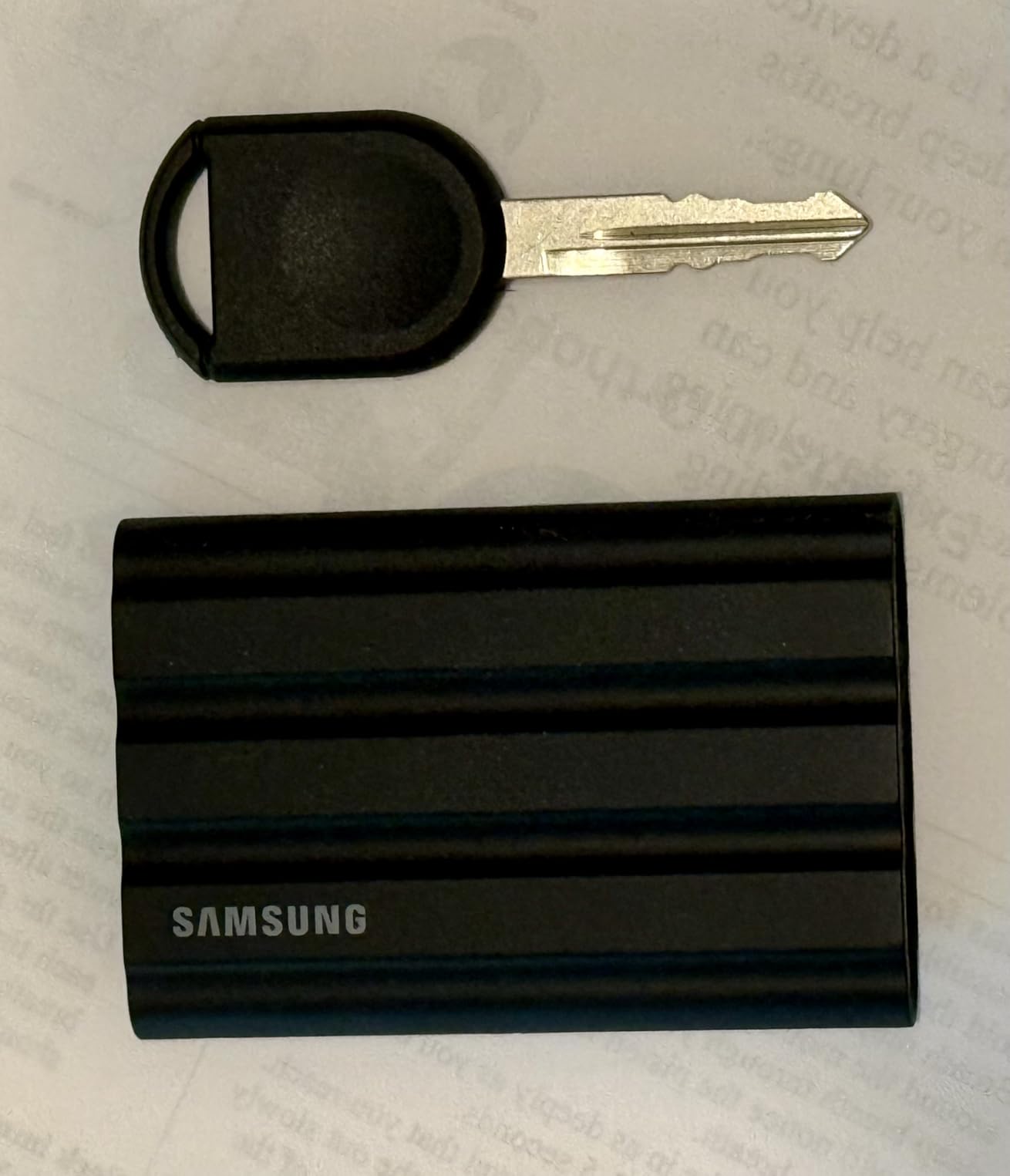
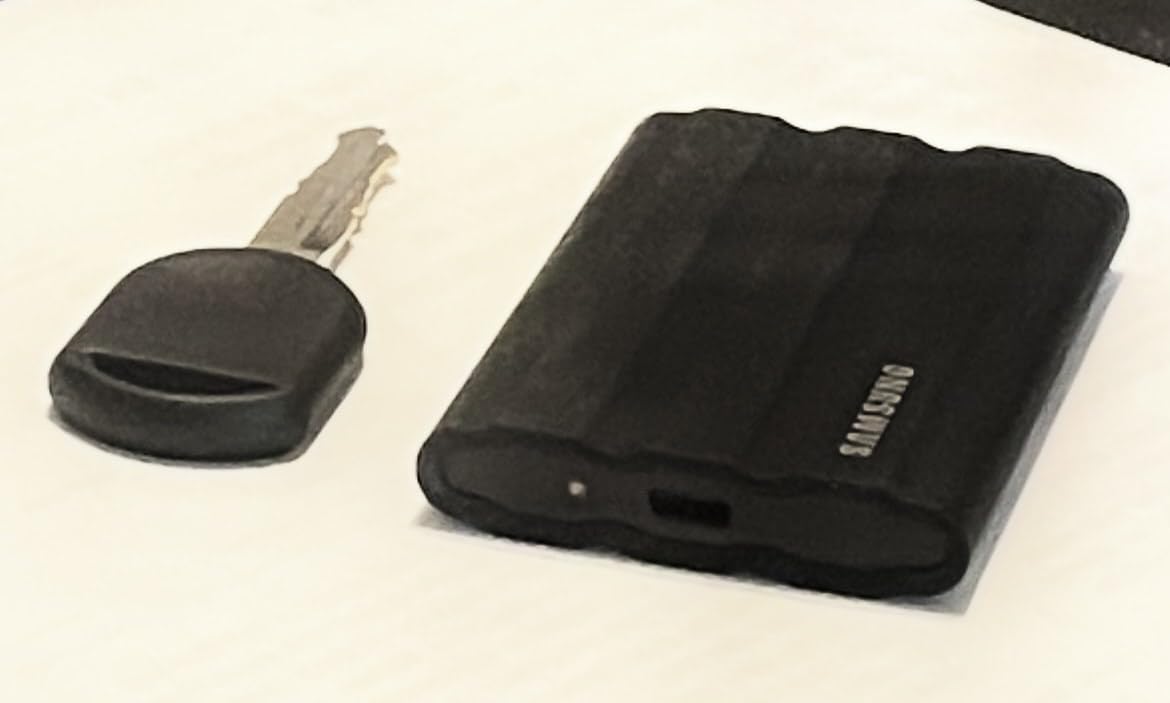
The T7 Shield is the drive we would hand to someone who shoots on location. The rubberized outer sleeve over an IP65 sealed body, rated to survive a 9.8-foot drop, is built for a camera bag rather than a desk. At 97 g and 3.39 by 2.24 by 0.49 inches, it is still small enough for a shirt pocket.
Speed is the familiar 1050 MB/s read class over USB 3.2 Gen 2, and the review set is dominated by video editors and field users who describe it as fast, silent, cool-running and reliable for camera offload and direct 4K editing. It is listed as compatible with iPhone 15 and 16 models as well as Mac, PC, tablet and console.
Both cable types are included, which matters on location when the only spare cable is USB-A. It arrives formatted in exFAT, so it works on a Mac immediately without a Disk Utility session.
Two drawbacks recur. The rubber sleeve collects lint and dust from a bag over time, and Samsung Magician is required to set the encryption password. A lost password means an authorised service centre, not a reset, so treat the password like a hardware key.
Best for shooting, travel and offsite client work
Drop resistance and dust sealing are the deciding factors here. Nine point eight feet and IP65 means a drive that survives a bag drop, a dusty location or an accidental coffee landing, and it holds 1TB to 4TB so a multi-day shoot fits on one device.
It is also compatible with iPhone 15 and 16 for direct 4K 60fps external recording, which makes it useful when the laptop is not the only machine on the job.
Where it falls short
Like the standard T7, this is a USB 3.2 Gen 2 drive, so a slower host port roughly halves throughput. If you own a MacBook Pro with Thunderbolt 4 and you work in 8K, you are leaving three quarters of your bus unused.
No protective pouch is bundled, and the limited colour selection compared with the standard T7 is a minor irritation for anyone buying as a gift. If you need hardware encryption on a travel drive, set the password before you leave the house.
5. Crucial X9 2TB Portable SSD – Best Pocket-Sized Backup Drive
Crucial X9 2TB Portable SSD, Up to 1050MB/s, USB 3.2 USB-C…
Up to 1050MB/s read
USB Type C
IP55 rated
32 g
3-year warranty
Pros
- Smaller than a credit card at 32 g
- Benchmarked at 1067 MB/s read and 1039 MB/s write
- Stays cool with roughly 40-45C idle
- Arrives formatted in exFAT for Mac Windows and Android
- 2TB capacity at a good value per terabyte
Cons
- Polycarbonate housing rather than metal
- Included USB-C cable is only a few inches long
- Bundled Acronis software is stripped and pushes a paid subscription
The X9 is the size story. At 32 g it is the lightest drive in this guide, small enough for a front shirt pocket, and reviewers repeatedly stress how much smaller it is than expected when it arrives. If the drive only leaves the house if it fits in a pocket, this is the one.
Speed is a genuine 1050 MB/s class. One benchmarked unit recorded 1067 MB/s sequential read and 1039 MB/s write. Thermal behaviour is a non-issue, with owners reporting roughly 40 to 45C idle and under 70C under heavy load, helped by a form factor that has a large surface area relative to its internals.
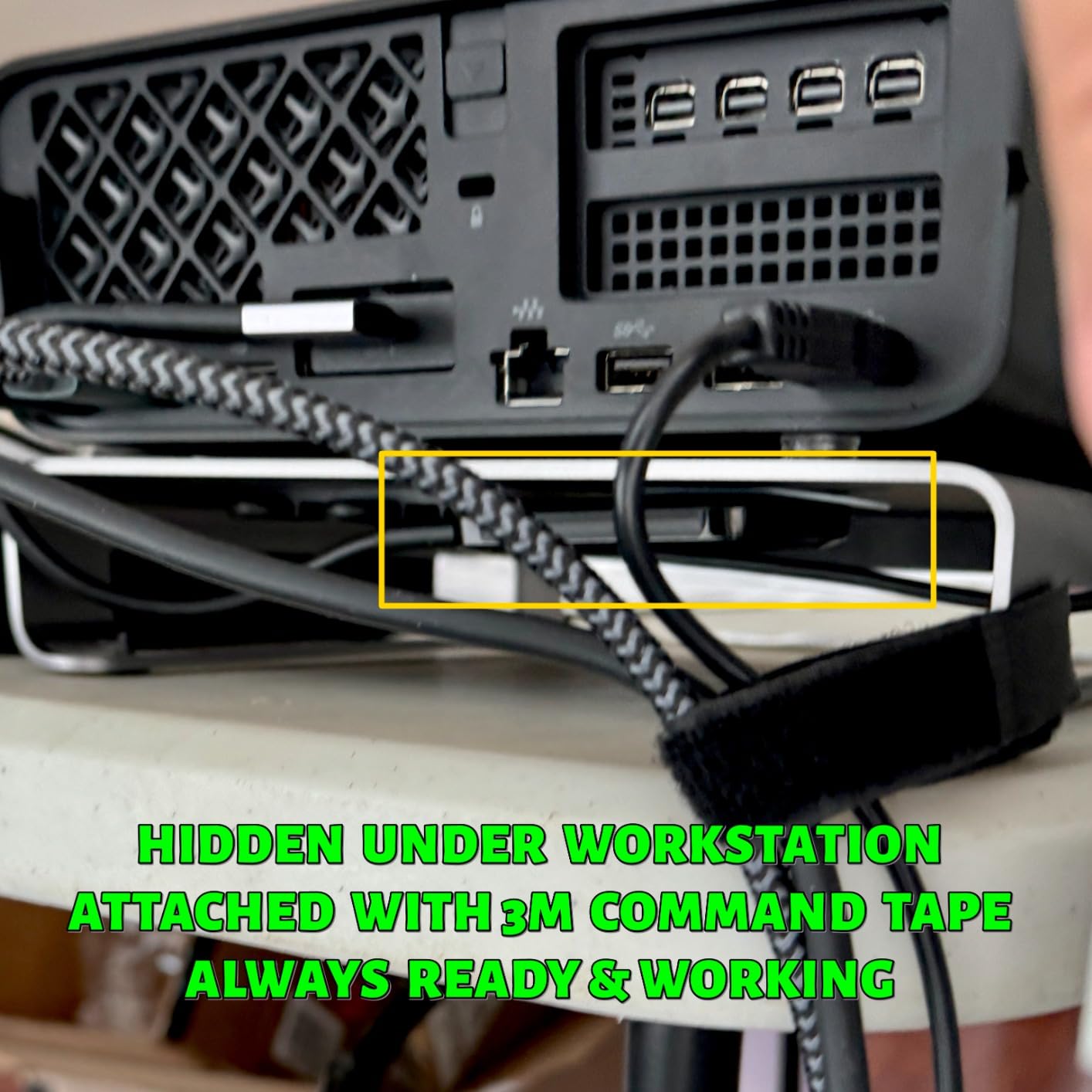
It arrives formatted in exFAT and is listed as compatible with Windows, Mac, iPad Pro, Chromebooks, Android, Linux, PS4, PS5 and Xbox, with a USB-C to USB-C cable in the box. Sustained real-world transfers over USB 3.2 Gen 2 settle around 650 MB/s in reviewers’ testing, which is the honest number for this interface.
The housing is polycarbonate rather than aluminium, and owners ask for a metal chassis with better heat dissipation. The included cable is only a few inches long, and the bundled Acronis True Image software is heavily stripped and pushes a paid subscription, which one long-term owner describes in detail.

Best for a Time Machine drive you will actually carry
Time Machine writes continuously for an hour at a time, which is a gentle enough workload that heat is not the deciding factor. At IP55 and drop resistant to 7.5 feet, the X9 handles the commute, and at 32 g you can keep it in the same pocket as your keys without noticing it.
Two terabytes is enough for a MacBook Pro with a 512GB or 1TB internal drive to keep a meaningful backup rotation, and the exFAT default means it works out of the box on a Mac before you reformat it to APFS.
Where it falls short
Throughput drops sharply on older or slower USB ports, and the plastic shell is the first thing reviewers push back on. One detailed one-star report describes a drive freezing Windows Explorer and appearing as a rotational hard disk rather than an SSD, which is not a Mac issue but is worth knowing.
The short included cable is an irritation if your MacBook Pro ports are on the far side of a large desk. Plan on buying a proper 60W USB-C cable if you move this drive between a laptop and a desktop.
6. Samsung T9 Portable SSD 1TB – Best for Fast Transfers Without Throttling
Samsung T9 Portable SSD 1TB, USB 3.2 Gen 2×2 External SSD…
Up to 2000MB/s sustained
USB 3.2 Gen 2x2
Dynamic Thermal Guard
4.32 oz
Pros
- Holds 2000 MB/s transfers with no thermal throttling on 100GB jobs
- Dynamic Thermal Guard keeps the chassis cool
- Rubberized grippy body sized for a pocket
- Works across MacBook Pro Windows phones and PS5
- Samsung Magician handles updates and encryption
Cons
- Higher-capacity versions can fail to initialize on older hardware
- Runs slightly warm under continuous load
- No protective case included
Thermal management is what separates the T9 from its own T7 sibling. Owners coming from the T7 describe the jump to roughly 2000 MB/s over USB 3.2 Gen 2×2 as clearly noticeable, particularly for camera offloads and moving 4K project files. More than one reviewer reports holding that speed through 100GB jobs without throttling.
Dynamic Thermal Guard is the mechanism behind that, and it is the standout feature in the review set. The drive is repeatedly described as staying cool during long transfers, which is exactly the behaviour a scratch disk needs to survive an export.
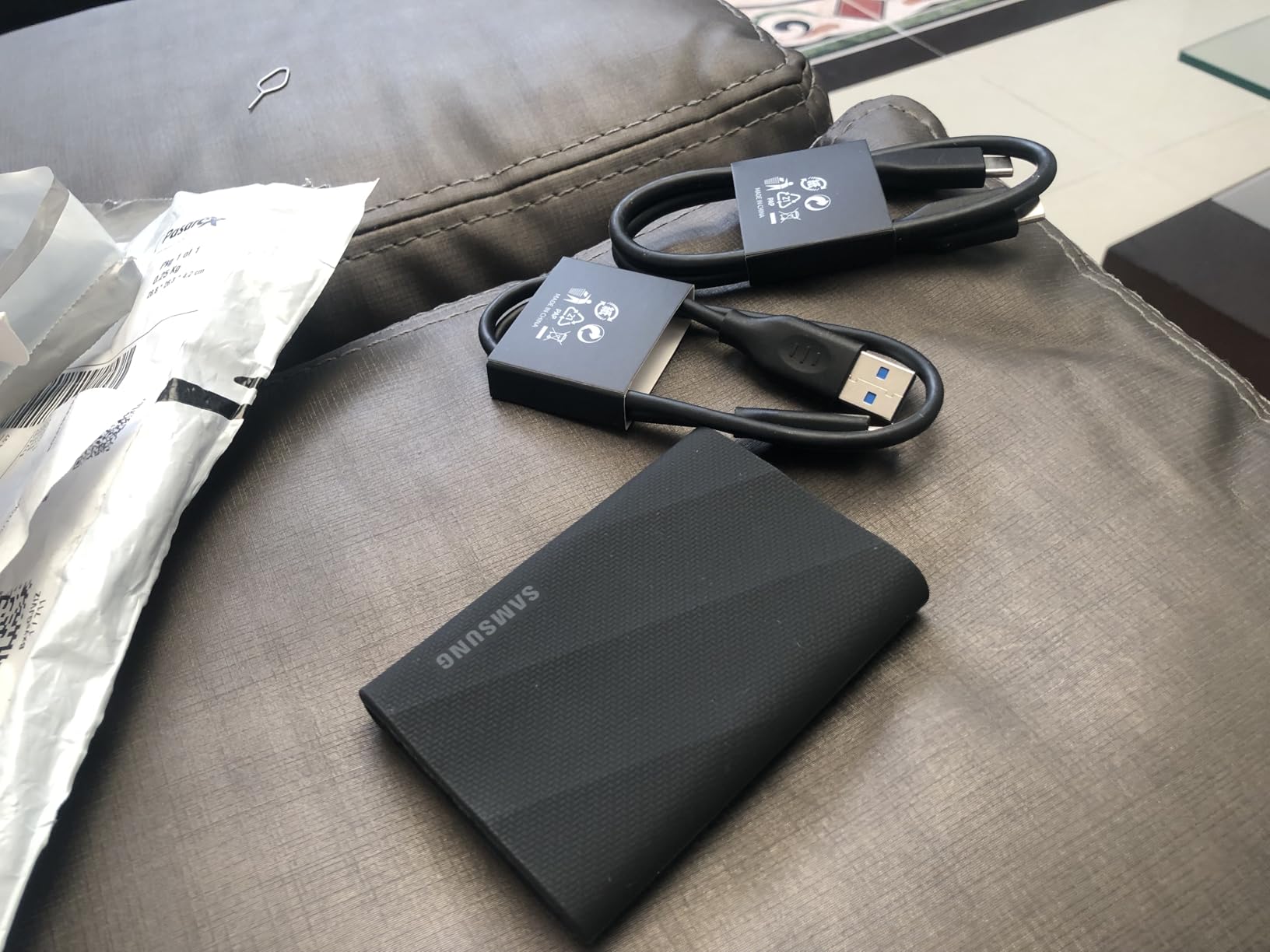
At 4.32 ounces with a rubberized chassis, it is grippy and pocket-sized. It is listed as compatible with Mac, PC, tablet and iPhone 15 and 16 models, and setup is plug-and-play. Samsung Magician covers firmware updates, encryption and health monitoring.
The recurring caution is power delivery. Higher-capacity versions of this line can fail to initialize on older, lower-powered hardware, so if you are plugging into an older MacBook or a hub, verify it mounts before you start a long offload.
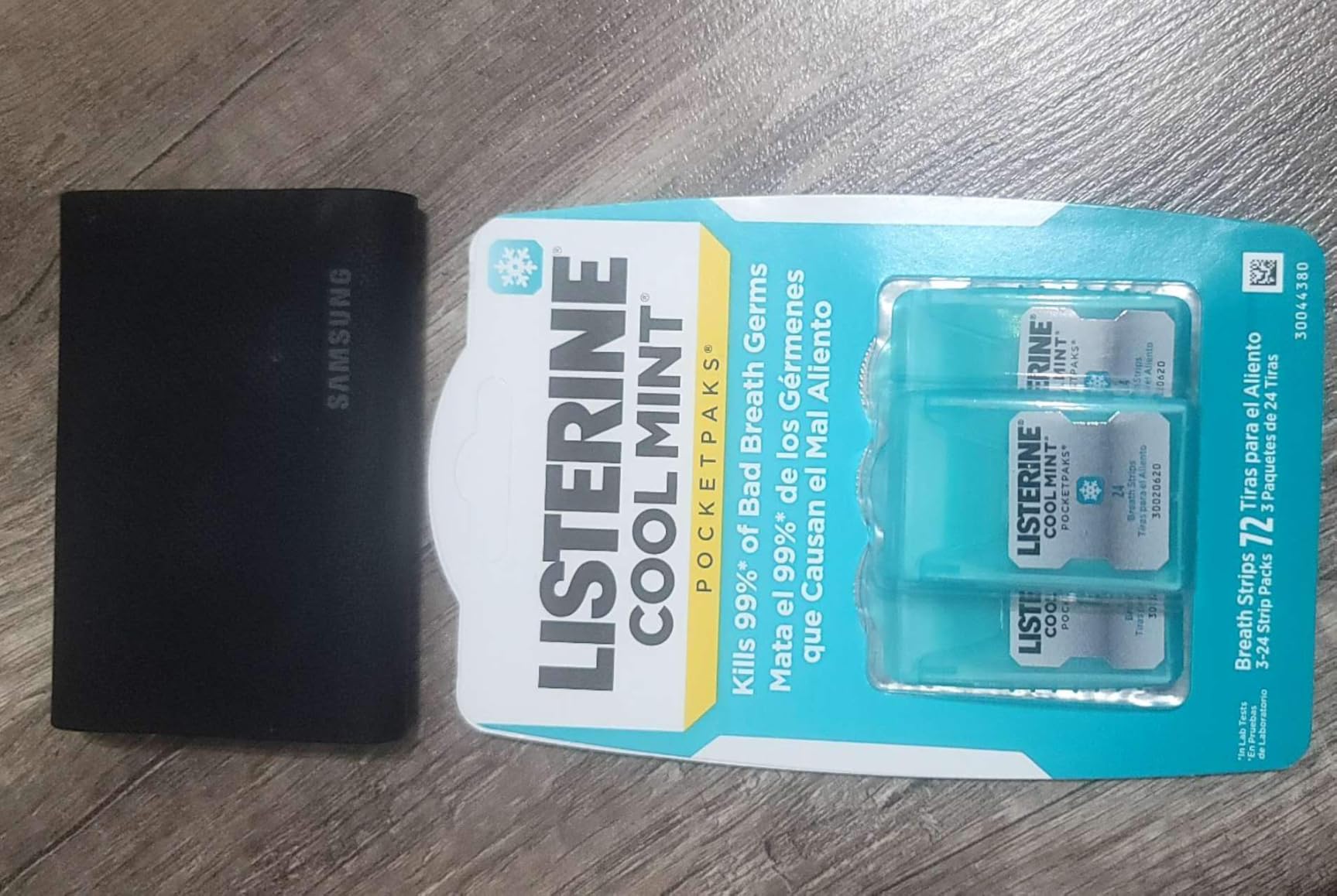
Best for anyone transferring hundreds of gigabytes at a time
If your day involves moving camera cards, drone footage or a large 4K project between machines, the number that matters is sustained throughput, not the printed peak. The T9 holds its rated speed under load in a way reviewers consistently single out, and the five-year warranty matches the SanDisk Extreme PRO.
It is also the cleanest upgrade path for someone who already owns a T7. The form factor is familiar, the software is the same, and the only change you make is the cable and the port.
Where it falls short
The rated 2000 MB/s still needs a Gen 2×2 host. Without one, you are back to roughly 1000 MB/s and paying for a speed tier your MacBook Pro cannot reach.
It runs slightly warm under continuous load, and no protective case is included despite the premium positioning. The initialization issue on older hardware is the reason this does not carry our top badge despite stronger thermal behaviour than some rivals.
7. Crucial X10 1TB Portable SSD – Best Gen 2×2 Speed in a 32g Body
Crucial X10 1TB Portable SSD, Up to 2,100MB/s, USB…
Up to 2100MB/s read
USB Type C
IP65 rated
32 g
3-year warranty
Pros
- Up to 2100MB/s read for large files and game libraries
- Only 32 g and very compact for its speed class
- IP65 sealing plus 3-meter drop protection
- Works with Mac Windows Linux Android and consoles
Cons
- Rated 2100MB/s needs a host port with Gen 2x2 bandwidth
- Only a 3-year warranty
- Limited headroom for sustained heavy writes
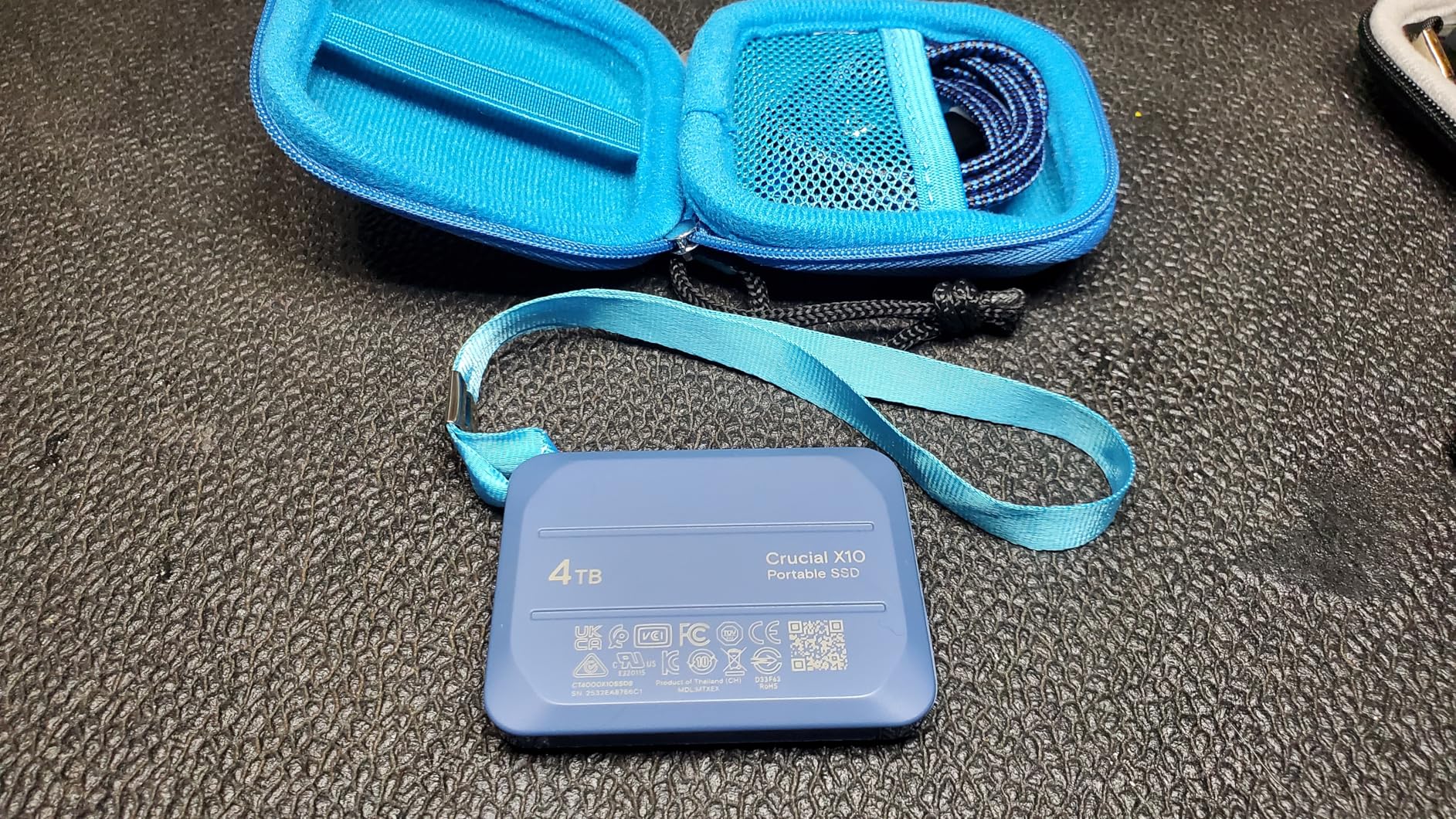
The X10 puts more speed into less mass than anything else here. At 32 g and measuring 1.96 by 2.55 by 0.39 inches, it matches the Crucial X9 on weight while claiming 2100 MB/s read instead of 1050 MB/s. Buyers are mostly creators, students and PC gamers who want Gen 2×2-class throughput without a bulky body.
Durability is a genuine strength. IP65 dust and water sealing with drop resistance to 9.8 feet, and broad compatibility across Windows, Mac, Linux, Android and consoles over either USB-C or USB-A. The hardware platform is listed as Linux, Mac OS X and Windows.
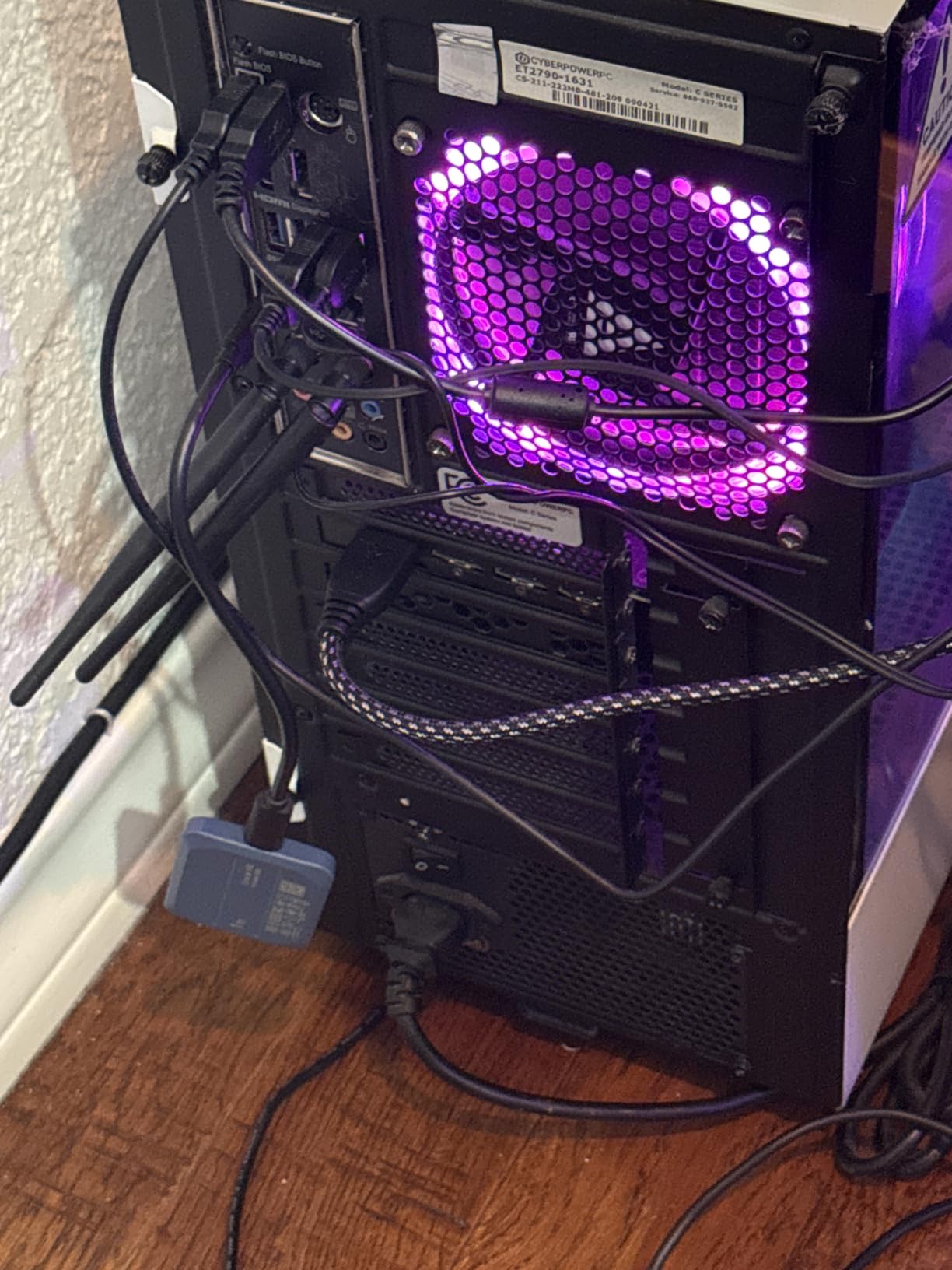
The consistent caveat across the review set is that the headline figure is only reachable on a host supporting USB 3.2 Gen 2×2. On ordinary USB-C connections throughput is considerably lower, so check your port generation first.
Second on the cons list is sustained write headroom. The NAND and enclosure combination has less margin for long write jobs than the aluminium-heatsink drives in this guide, so it suits a game library or a media cache better than a week-long project scratch disk.
Best for a game library and media cache on one drive
If you use the drive mainly to hold a console or Mac game library plus a media cache, the 2100 MB/s read figure is the number that matters, and the 32 g body means it does not dominate a bag. Adding an iPad Pro or Chromebook to the same drive is straightforward over USB-C.
It is a good secondary drive to keep in a desk drawer, since it works with PS4, PS5 and Xbox hardware without reformatting.
Where it falls short
For sustained heavy writes, the SanDisk Extreme PRO and the Samsung T9 both have the better story, with aluminium heatsink and Dynamic Thermal Guard respectively. The 3-year warranty is also the shortest of the well-reviewed options here.
One terabyte fills quickly with a modern game library or a 4K photo shoot. If your project grows past that, step up to the Crucial X9 at 2TB or the SanDisk Extreme PRO at 4TB.
8. Corsair EX400U 1TB USB4 Portable SSD – Best for MagSafe Mounting and 8K Workflows
Corsair EX400U 1TB USB4 Portable External Type-C SSD…
Up to 4000MB/s read
USB4 up to 40Gbps
3500MB/s write
3.2 oz
Pros
- Real multi-gigabit transfers measured on Mac hardware
- Integrated MagSafe magnetic mount for iPhone or laptop
- Recognised by Mac iPhone and Windows after formatting
- Grippy shell with a heat-dissipating back plate
- Warms only slightly and does not throttle
Cons
- Lowest rating in this lineup at 4.1 stars
- A firmware defect left some units unrecognised on M-series Macs
- Included USB4 cable is under a foot long
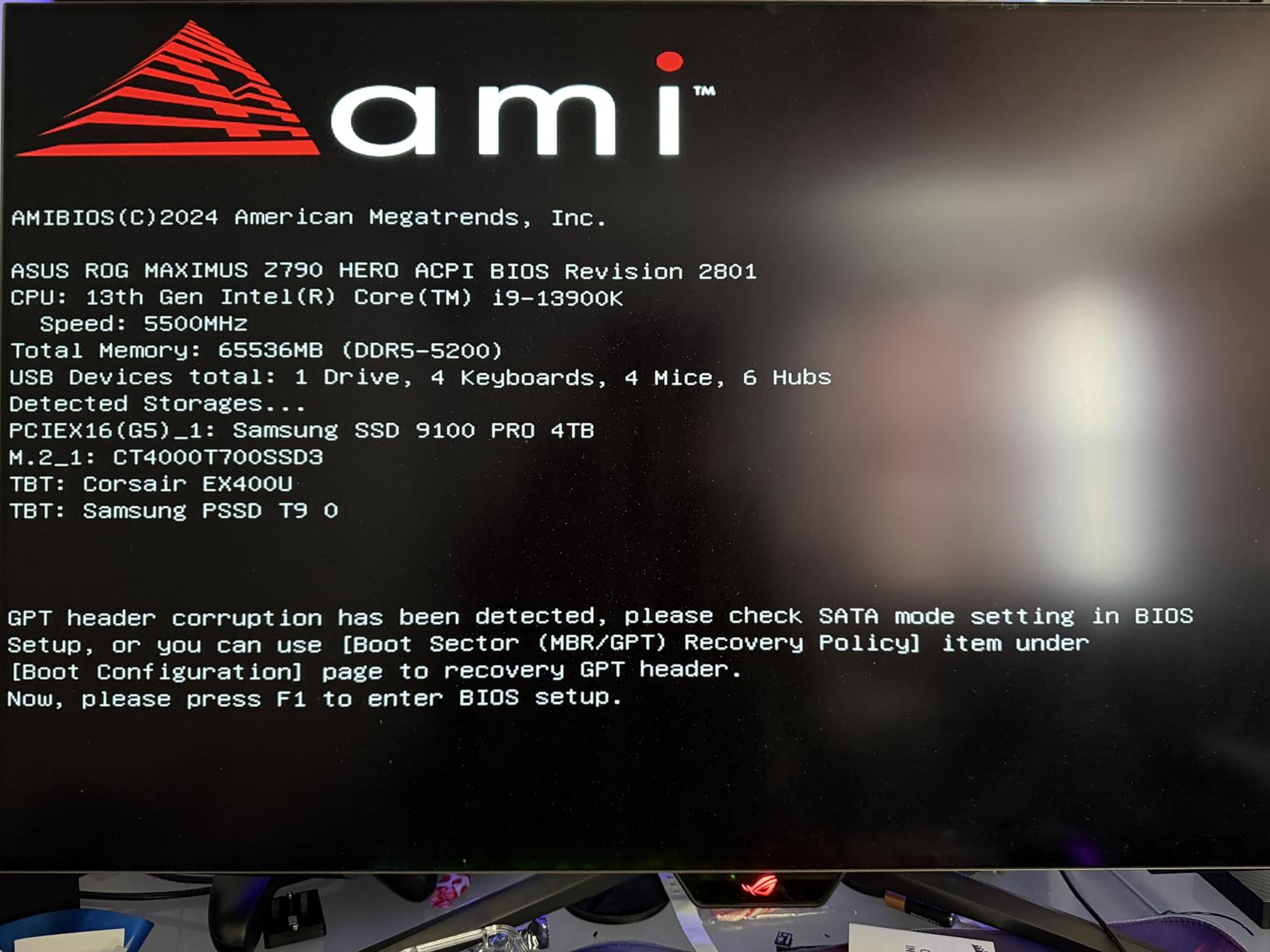
This is the only USB4 drive in the group, and the speed difference is not subtle. Rated figures are 4000 MB/s read and 3500 MB/s write over a 40Gbps USB4 connection, and one owner moved 147GB of 8K files at 4.77 Gbps on a Mac Studio and 5.73 Gbps on an M3 Pro MacBook.
The MagSafe magnetic mount is the feature no other drive here has. It attaches to the back of an iPhone or a MacBook display, which is genuinely useful for ProRes recording to an iPhone in 15 Pro format without a cable across the desk.
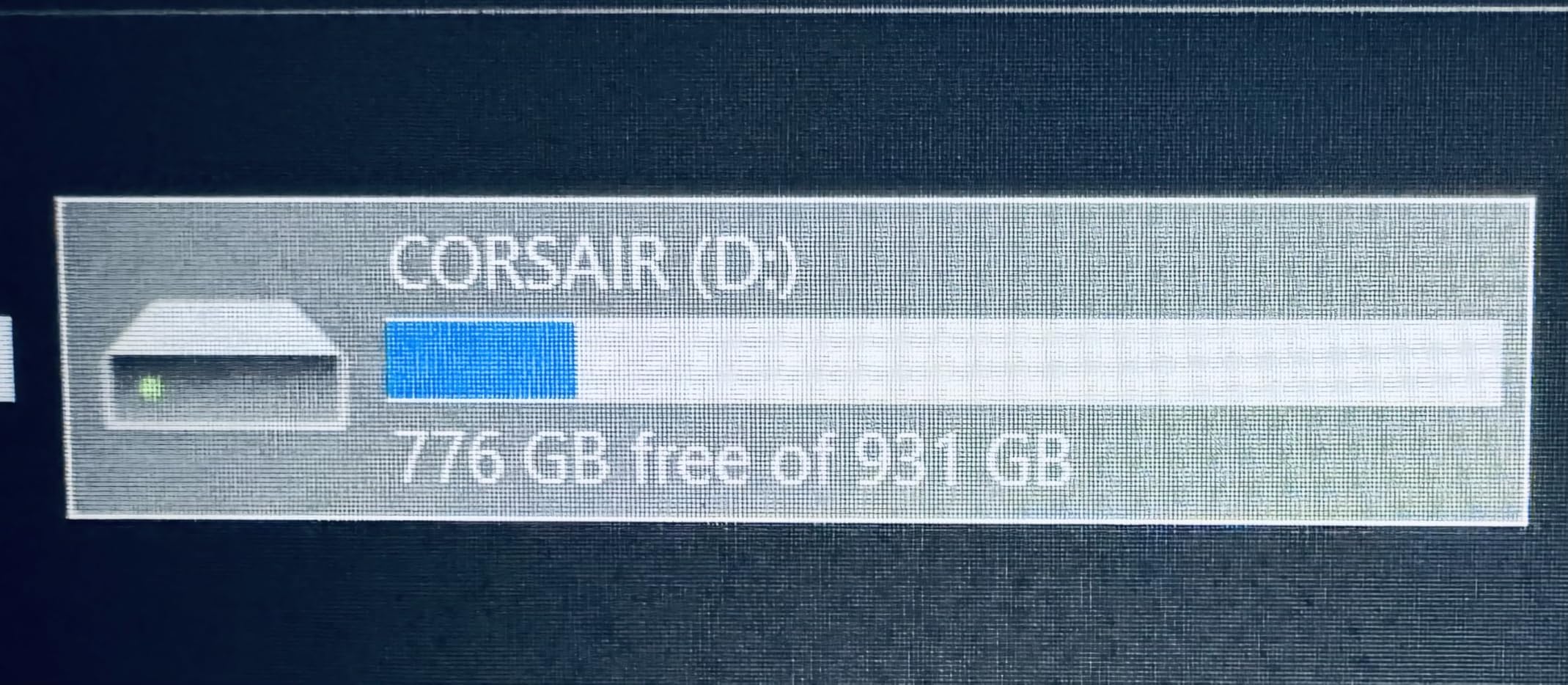
Heat is not a problem. Owners describe a grippy rubberized shell with a graphene-style back plate that dissipates well, warming only slightly during large transfers without thermal throttling. A 0.3m USB-C to USB-C USB4 cable rated to 60W is included.
The caution is real, though. This is the lowest-scoring drive here at 4.1 stars with 17 percent one-star reviews. A firmware defect left some units unrecognised on M-series Macs, and the update utility required a Windows PC to resolve. One 2TB owner reports overheating and crashes on an M4 Mac mini and MacBook Air.
Best for editors who actually need 8K headroom
If you are cutting 8K on a Thunderbolt 4 MacBook Pro and moving hundreds of gigabytes of footage, this is the only drive in the guide that meaningfully uses the port. A 2,700 MB/s Thunderbolt 3 drive below still cannot match a 40Gbps USB4 link, and the gap shows in export times.
The MagSafe mount is a bonus that makes it the natural pick for ProRes external recording to an iPhone, since the drive stays physically attached during a handheld shoot.
Where it falls short
With only 400 ratings, long-term reliability is harder to judge than for the drives above it, and the firmware and recognition complaints are concentrated precisely on Macs. Verify Mac compatibility and keep another backup before you trust it as a working drive.
The included cable is under a foot long and the casing feels plastic with a delicate connector. Budget for a longer USB4 cable and a protective sleeve before it goes into a kit bag.
9. SABRENT Rocket Nano XTRM 4TB – Best Thunderbolt 3 Drive with 4TB Inside
SABRENT Rocket Nano XTRM 4TB External SSD – Thunderbolt…
Thunderbolt 3 up to 2700MB/s
4TB capacity
1.69 oz
Aluminium body
Pros
- Measured read speeds up to 2700 MB/s over Thunderbolt 3
- Half the export time of a 2000MB/s drive in a side-by-side test
- 4TB in a 1.69 oz aluminium body
- Both Thunderbolt and USB-A cables included
- Aluminium body and silicone sleeve aid heat dissipation
Cons
- Runs noticeably hot with the Thunderbolt cable
- One owner reports a drive that died after a few months
- Small 127-rating review base limits long-term confidence
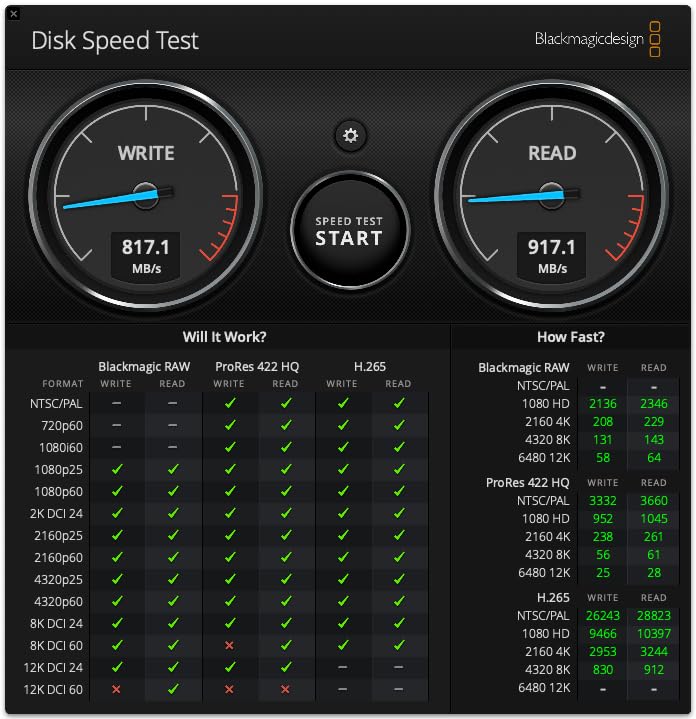
Thunderbolt 3 is still the port generation on a lot of MacBook Pro models in circulation, and this drive speaks to it directly. Rated at up to 2700 MB/s over the 40Gbps interface, it falls back to 900 MB/s on USB 3.2 Gen 2 and is backward compatible with ordinary USB ports. Owners who benchmarked report reads up to 2700 MB/s and writes near 1200 MB/s.
The most useful report in the review set is a direct side-by-side test where this drive finished an export in half the time of a 2000 MB/s SanDisk. That is the kind of result that only shows up when the drive and the host are both fast.
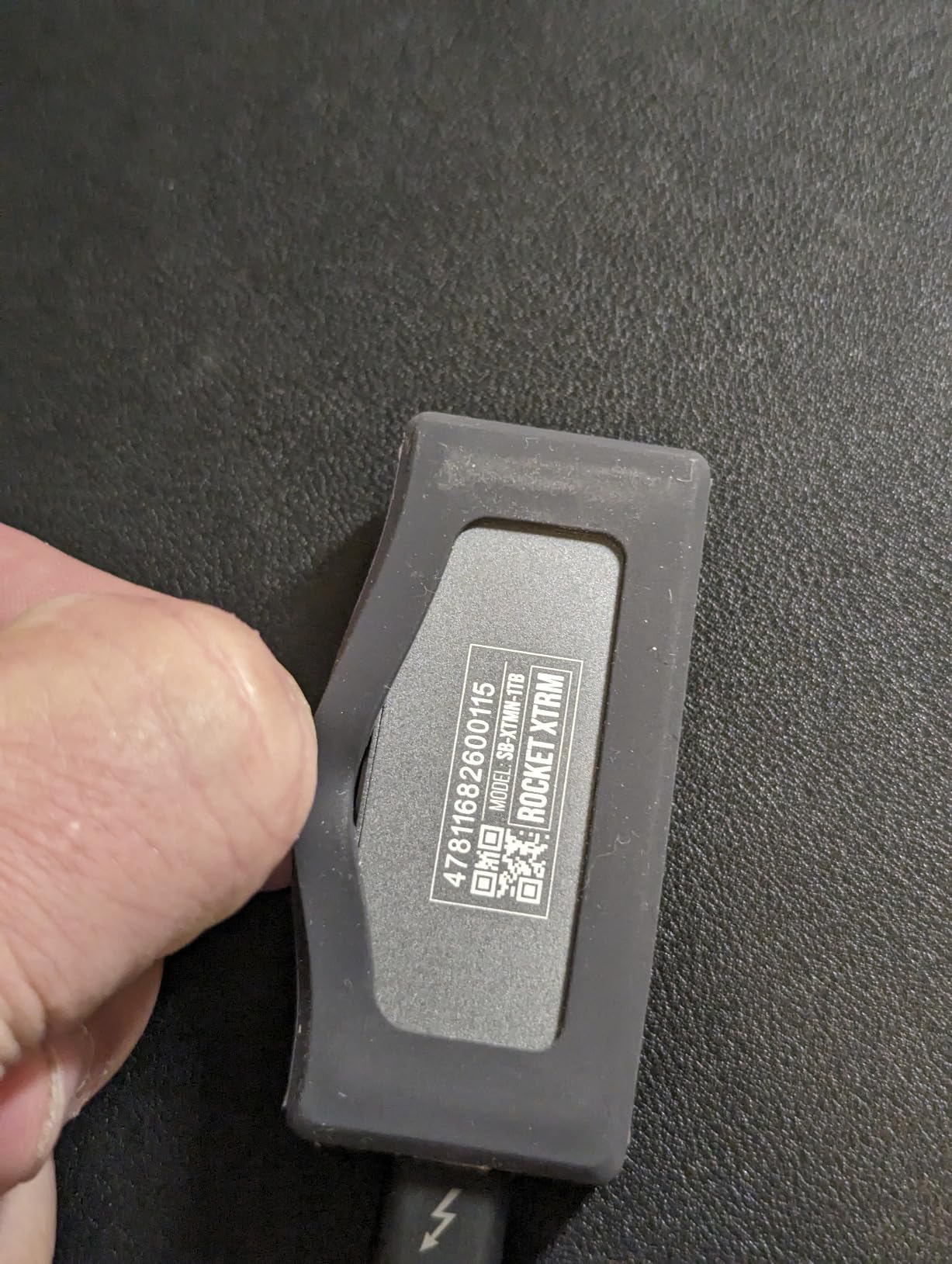
Four terabytes inside a 2.95 by 1.34 by 0.71 inch, 1.69 oz aluminium body is remarkable, and the included silicone sleeve improves heat dissipation and drop protection over plastic designs. Both Thunderbolt/USB-C and USB-C to USB-A cables are in the box, and it is bus-powered, plug-and-play with no drivers, working with Mac, PC and Linux.
The physical complaint is heat. The drive runs noticeably hot when used with the Thunderbolt cable, which is the configuration that delivers the headline speed. A 3-year warranty extends to 5 years with registration.
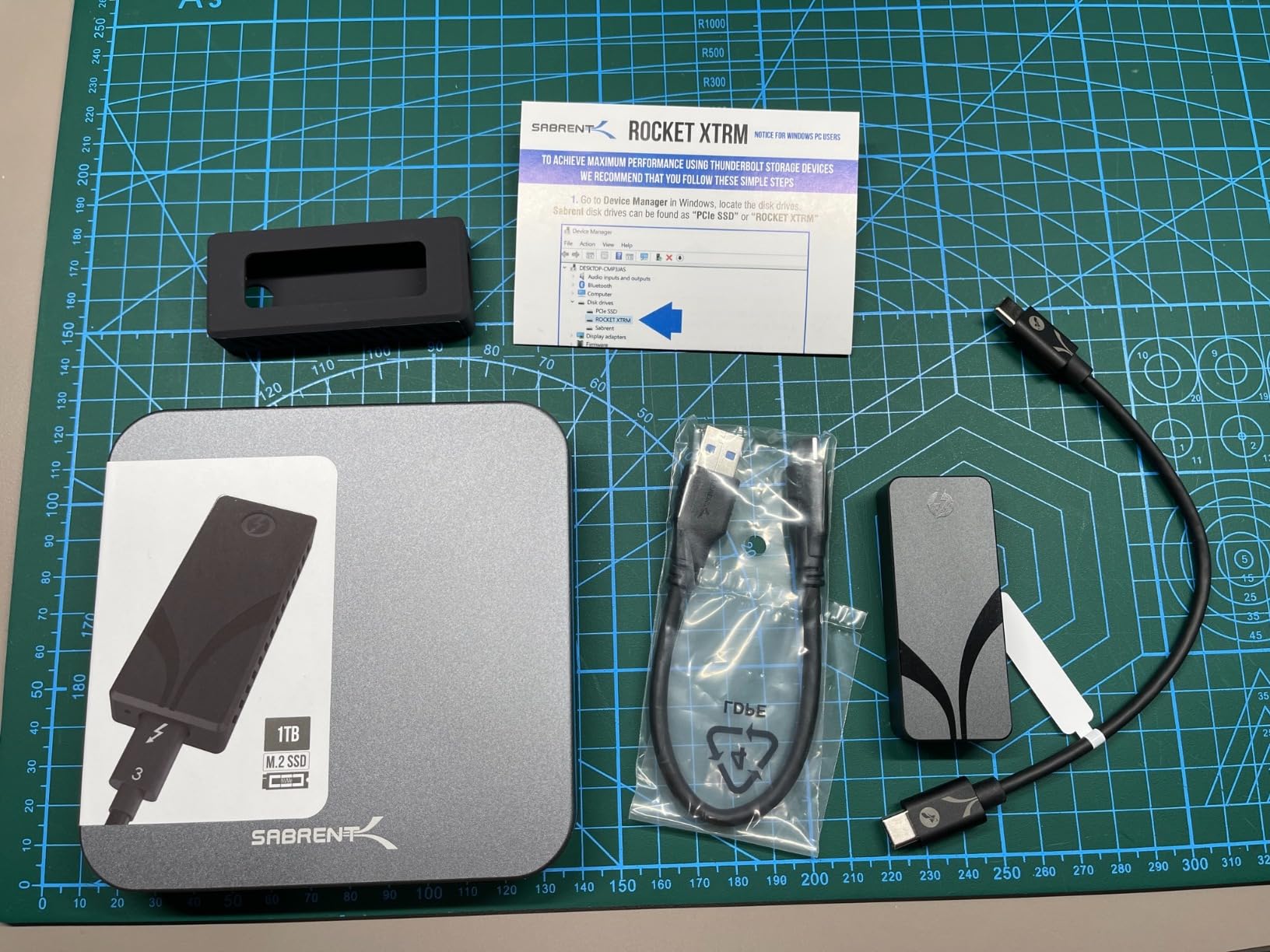
Best for older Thunderbolt 3 MacBook Pro models
If your MacBook Pro has Thunderbolt 3 rather than Thunderbolt 4, this drive delivers more than a USB 3.2 Gen 2×2 model can. A USB4 drive like the Corsair EX400U would negotiate down to Thunderbolt 3 speed on that machine, so buying a native Thunderbolt 3 drive keeps the headroom where your laptop can use it.
The 4TB capacity and the 1.69 oz weight make it a strong match for a mobile edit kit, and the USB fallback means it still works on a borrowed laptop with no Thunderbolt.
Where it falls short
With 127 ratings, the long-term reliability picture is thin, and 7 percent two-star reviews is an unusually high share. One detailed 1TB review reports a sudden failure after a few months with the drive no longer recognised at all.
Heat under Thunderbolt use is the other concern. If you plan long sustained exports, an aluminium heatsink design with a larger surface area will run cooler than this one.
10. Crucial X10 Pro 1TB Portable SSD – Best Aluminium Build at 2100MB/s
Crucial X10 Pro 1TB Portable SSD, Up to 2100MB/s Read…
Up to 2100MB/s read
2000MB/s write
USB 3.2 Gen 2x2
42 g
5-year warranty
Pros
- Up to 2100MB/s read and 2000MB/s write
- Anodized aluminium housing is a step up from plastic bodies
- IP55 sealing with 2-meter drop protection
- Lanyard loop activity light and password protection
- 5-year manufacturer warranty
Cons
- Lowest average rating here at 4.0 stars with 18 percent one-star reviews
- Rated speeds require a USB 3.2 Gen 2x2 host
- Bundled software credits expire quickly
The X10 Pro is the build-quality answer in the Gen 2×2 class. The anodized aluminium housing is a clear step up from Crucial’s plastic X9 and X10 bodies, and reviewers consistently name the chassis, the lanyard loop, the activity light and the IP55 sealing as the reasons they keep it for field work.
Speed is 2100 MB/s read and 2000 MB/s write over USB 3.2 Gen 2×2, at 42 g. It is compatible with Windows, Mac, iPad Pro, Chromebooks, Android, Linux, PS4, PS5 and Xbox, and carries a 5-year manufacturer warranty, which is the longest in the Crucial line.
The rating is the caveat. At 4.0 stars from 4400 reviews, it is the lowest-rated drive in this roundup and carries an 18 percent one-star share, noticeably more negative than the Samsung and SanDisk options. One-star reports cluster around reliability and recognition problems rather than speed.
The other issue is the gap between advertised Gen 2×2 speeds and what most users actually see on standard USB-C ports. If your MacBook Pro lacks Gen 2×2, this drive lands in the same 1000 MB/s territory as the cheaper options and the aluminium buys you nothing.
Best for field creators who want metal and a five-year warranty
If you shoot on location and want a drive that feels robust, this is the one. The activity light is a small thing that matters when you are offloading cards in a dim tent, and the lanyard loop plus 2-meter drop protection suit a field kit better than a bare plastic brick.
Password protection is built in, which covers the case where client footage is on the drive between locations.
Where it falls short
The 4.0 rating is the honest reason this sits at number ten rather than higher. Buyers who have been burned by recognition problems should pick the Samsung T9, which delivers similar Gen 2×2 speed with a better support story and a stronger review profile.
Confirm Gen 2×2 support on your MacBook Pro before buying, and set the password on day one. The bundled Acronis and Mylio credits are promotional and expire quickly, so treat them as a trial rather than a feature.
How to Choose a Portable SSD for MacBook Pro
The speed your drive delivers is capped by the slowest link in the chain, which means the interface on the drive is only half the decision. The other half is the port generation of the MacBook Pro you are plugging into, and that is where most buyers go wrong.
Match the interface to your ports, not to the box. USB 3.2 Gen 2 drives such as the SanDisk Extreme and Samsung T7 top out near 1000 MB/s. USB 3.2 Gen 2×2 drives such as the SanDisk Extreme PRO, Samsung T9, Crucial X10 and Crucial X10 Pro roughly double that, but only on a host port that supports Gen 2×2. USB4 drives such as the Corsair EX400U open up to 4000 MB/s, and Thunderbolt 3 drives like the SABRENT Rocket Nano XTRM reach up to 2700 MB/s on that specific generation.
Check your port generation first. A Thunderbolt 5 MacBook Pro can use every drive in this guide at its best. A Thunderbolt 4 or Thunderbolt 3 model can use the USB4 and Thunderbolt 3 drives but negotiates the rest down. A MacBook Pro with plain USB-C ports without Thunderbolt caps everything at USB speeds, which makes the Gen 2×2 and USB4 tiers the ones worth paying up for. If you are unsure what you own, click the Apple menu, choose System Settings, then General and About, and look at the model year and chip.
Sustained write speed beats burst speed for editing. The number printed on a portable SSD is measured over a short cache burst. Once the cache fills, write speed drops to whatever the NAND can sustain, and heat is what causes the drop. The forged aluminium chassis on the SanDisk Extreme PRO and the Dynamic Thermal Guard on the Samsung T9 both exist to hold speed over a long export. If your work is short bursts of copying, any of the cheaper drives is fine.
Size depends on the job, not on the drive. A 1TB drive suits a game library or a phone transfer buffer. Two terabytes is the practical minimum for a Time Machine target paired with an editing scratch disk. Four terabytes is for multi-season footage or a full project archive, and the 4TB SanDisk Extreme PRO and SABRENT Rocket Nano XTRM are the two that fit that in a pocket-sized body.
Durability rating tells you where the drive lives. IP65 with a 3-meter drop rating covers a laptop bag and an occasional spill. IP55 with 2-meter drop protection is adequate for a desk and a car. A drive that lives in a camera bag or on location should be metal-bodied and IP65 or better, which is why the aluminium models in this guide earn their place despite a few lower ratings.
Encryption is worth setting up. Most of these drives support 256-bit AES hardware encryption, which runs on the drive rather than the Mac. The catch is that a lost password is unrecoverable on several models, with Samsung requiring a service centre visit. Write the password down before you encrypt, not after.
If storage is only part of the problem, our guide to fixing a slow MacBook Air or Pro covers the software side, and MacBook Pro deal roundups cover the hardware side.
How to Format an External SSD on Mac and Set Up Time Machine
Every drive in this guide arrives formatted in exFAT, which is the right choice for moving files between a Mac and a Windows machine. Time Machine is the exception, because it requires an APFS-formatted drive. The formatting itself takes about two minutes.
Format a new external SSD on a Mac. First, plug the drive in and open Disk Utility from Applications, Utilities, or Spotlight. Select the drive in the sidebar, not an individual volume, and confirm you are looking at the right drive. Click Erase, then set Format to APFS, set Scheme to GUID Partition Map, and give the volume a name. Click Erase and confirm, then Quit Disk Utility. The drive mounts as a fresh APFS volume and Time Machine can now use it.
Set up Time Machine on the new drive. Open System Settings, then General, then Time Machine, and click Add Backup Disk. Choose the newly erased volume, decide whether to encrypt the backup with your Apple Account password, and click Done. The first backup runs on its own schedule. On a 2TB drive, expect the first full backup of a 500GB working set to take a couple of hours over this class of hardware.
Use ExFAT when you need cross-platform access. If the same drive needs to carry footage to a Windows editing machine, format it as ExFAT instead, via the same Erase panel. The limitation is that ExFAT is a flat file system with no journalling, so it is more vulnerable to corruption if you unplug the drive without ejecting it first. Always use File, then Eject before pulling a cable.
Give external drives their own Time Machine volume. macOS will not back up a Time Machine destination to itself, so the backup drive cannot be part of the set you are backing up. If you want a second copy of your backup, that is a second drive, and one of the 2TB or 4TB picks above is the right tool for it.
Frequently Asked Questions
Do external SSDs work with MacBooks?
Yes. Every external SSD in this guide connects over USB-C and works with any MacBook or MacBook Pro, and all of them arrive formatted in exFAT so they mount on macOS without setup. You reformat to APFS when you want to use the drive for Time Machine.
Can you put an SSD inside a MacBook Pro?
Not on modern models. Since the soldered-storage era, internal storage on current MacBook Pro models cannot be replaced by the user, so an external drive is the only way to add capacity. On a drive picked here you get a working disk that a Thunderbolt 4 or Thunderbolt 5 port can feed at close to internal speeds.
How do I format my external SSD on a Mac?
Plug in the drive, open Disk Utility, select the drive in the sidebar, click Erase, choose APFS with a GUID Partition Map, and confirm. For a drive that must work on Windows as well, choose ExFAT instead. The whole process takes about two minutes.
How do I fix a locked or read-only external drive on Mac?
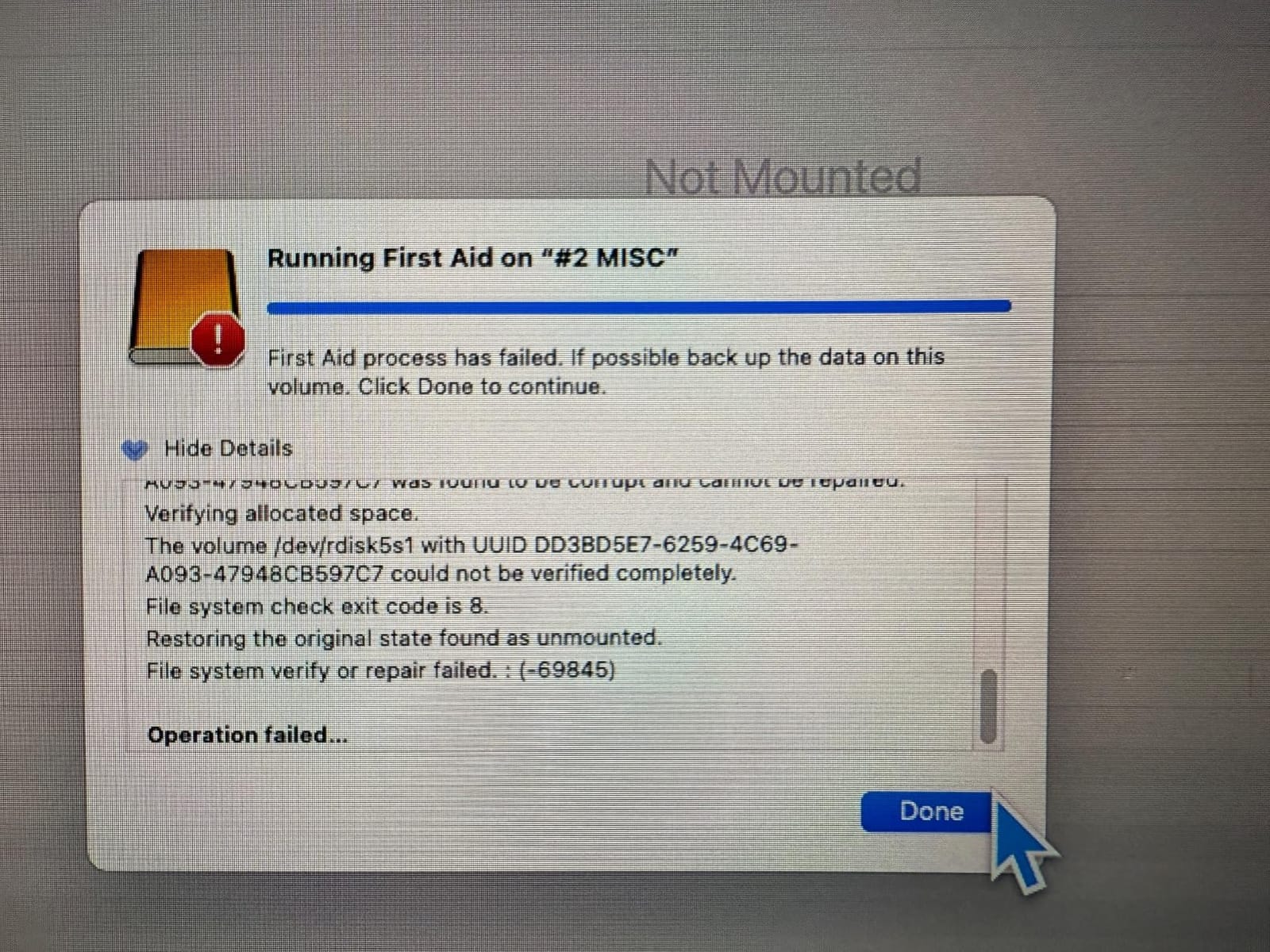
First, open Disk Utility and check the drive appears there. If it mounts, open Finder, right-click the volume, and choose Get Info, then tick the Ignore Ownership box under the Sharing and Permissions section. If it shows as read-only in Disk Utility, click First Aid to repair the file system. If it stays locked, the volume is formatted as NTFS, which macOS mounts read-only; erase it as ExFAT or APFS.
What is the best external SSD to use with macOS?
The SanDisk 2TB Extreme Portable SSD is the best all-round choice, reaching its rated 1050 MB/s over USB 3.2 Gen 2 in a 1.76 oz body with a five-year warranty. If you have a Thunderbolt 4 port and cut 8K video, the Corsair EX400U USB4 drive reaches up to 4000 MB/s read.
The Verdict: Which Portable SSD Should You Buy for Your MacBook Pro?
The best portable SSD for MacBook Pro is the SanDisk 2TB Extreme. It hits 1050 MB/s over USB 3.2 Gen 2, weighs 1.76 ounces, arrives formatted in exFAT and carries a five-year warranty across more than 91000 owner ratings. It is the drive we recommend to anyone who does not want to think about interface generations.
Buy the Samsung T7 instead if you prefer a metal unibody over a rubberized shell. Buy the SanDisk 4TB Extreme PRO or the Samsung T9 if your MacBook Pro has a USB 3.2 Gen 2×2 port and you move large projects. Buy the Corsair EX400U if you have Thunderbolt 4 and cut 8K. Buy the Crucial X9 at 2TB if you want the lightest drive you can carry.
Before you buy, check one thing: the port generation of your MacBook Pro. A faster drive on a slower port is money you cannot use, and that single check resolves most of the confusion buyers bring to MacRumors and the Apple Support Community.
So tell us your situation. What is your primary use case, Time Machine backup, 4K and 8K video editing, or general storage? What capacity do you need, 1TB, 2TB or 4TB and up? And which MacBook Pro generation do you own? Drop it in the comments and we will point you at the right tier.
