
8 Best CD and DVD Drives for Laptops (October 2026) In-Depth Reviews
If your laptop has no disc slot, you are not stuck. The best CD and DVD drives for laptops right now are slim external optical drives that plug into a USB port, read and burn discs, and work without installing a single driver. The catch is that most modern laptops only have USB-C ports, and a surprising number of cheap drives ship with a USB-A plug that leaves you hunting for an adapter.
We spent weeks putting eight external optical drives through the same routine: plugging each one into a USB-C-only ultrabook, a Windows 11 laptop with full-size ports, and a Mac, then reading a pressed DVD, ripping an audio CD, and burning a blank DVD. What follows is the result, plus the buying criteria that actually decide whether a drive works on your machine. Pricing in this category moves around constantly, so every drive here links to a live price check rather than a figure that goes stale.
Contents
Two jobs dominate. The first is playback and disc rescue, which is about reading speed, quietness and connector fit. The second is archiving, which is about a real DVD+-RW writer rather than a read-only unit dressed up in a product photo. Get those two right and the rest is detail.
Why your laptop has no optical drive
Manufacturers dropped built-in drives because thickness and weight won. A drive mechanism costs roughly the depth of a second coin stack, and on a modern laptop that space goes to battery, cooling and the screen. Removing it also dropped a moving part, a slot in the case and a power rail, which is why slim laptops got thinner and cheaper at the same time.
The result is a strange gap. Discs never went away as a storage format, but the machine that reads them now has to be bought separately, and the connector on that machine changed before most buyers replaced their old laptops.
Top 3 Picks for the Best CD and DVD Drives for Laptops in 2026
Three drives cover most people. The Rioddas BT638 is the safest all-round buy because it reads and writes CD and DVD over USB 3.0 and works on Windows, macOS and Linux. The Amicool A11 is the pick if your laptop is USB-C only, because it carries both connector types. The Dell DW316 has the highest average rating in this group and arrives with playback software already installed.

Rioddas BT638 USB 3.0
- 24x CD and 8x DVD read and write
- USB 3.0 at 5Gbps transfer
- Works on Windows macOS and Linux
- Cable stows inside the base

Amicool A11 Dual Port
- USB-C and USB-A on one unit
- 24x CD and 8x DVD read and write
- Slim 0.67 inch body
- Plug and play on Windows Mac Linux

Dell DW316 Slim DVDRW
- 14mm slim Dell-branded body
- CyberLink Media Suite preloaded
- One-year limited hardware warranty
- About 200g and bus powered
As an Amazon Associate we earn from qualifying purchases. CERTAIN CONTENT THAT APPEARS ON THIS SITE COMES FROM AMAZON. THIS CONTENT IS PROVIDED 'AS IS' AND IS SUBJECT TO CHANGE OR REMOVAL AT ANY TIME.
Best CD and DVD Drives for Laptops (October 2026)
| Product | Features | |
|---|---|---|
| Rioddas BT638 USB 3.0 DVD Burner |
|
Check Latest Price |
| Amicool A11 USB-C DVD Burner |
|
Check Latest Price |
 ORIGBELIE TP520 13mm DVD Drive ORIGBELIE TP520 13mm DVD Drive |
|
Check Latest Price |
| Dell DW316 External Slim DVD RW |
|
Check Latest Price |
 Antika Slim USB 3.0 DVD Burner Antika Slim USB 3.0 DVD Burner |
|
Check Latest Price |
 BPAKDU 8-in-1 DVD Hub Drive BPAKDU 8-in-1 DVD Hub Drive |
|
Check Latest Price |
 HP F2B56UT USB External DVDRW HP F2B56UT USB External DVDRW |
|
Check Latest Price |
 ASUS SDRW-08D2S-U Slim 8X ASUS SDRW-08D2S-U Slim 8X |
|
Check Latest Price |
We earn from qualifying purchases. CERTAIN CONTENT THAT APPEARS ON THIS SITE COMES FROM AMAZON. THIS CONTENT IS PROVIDED 'AS IS' AND IS SUBJECT TO CHANGE OR REMOVAL AT ANY TIME.
1. Rioddas BT638 is our pick for the best overall external CD and DVD drive for laptops
Rioddas External CD/DVD Drive for Laptop, USB 3.0 CD DVD…
24x CD / 8x DVD read and write
USB 3.0 up to 5Gbps
5.78 x 5.7 x 0.7 inch, 7 oz
Pros
- True plug and play with no driver or power adapter
- Reads and burns CD and DVD at 24x CD and 8x DVD
- Integrated cable stores in the base so nothing is lost
- Works on Windows macOS and Linux
Cons
- Thin plastic shell and a tray latch that can flex
- Cable is short when the drive sits away from the laptop
- Audible spin-up noise
- No Blu-ray support
This is the drive we ended up recommending to almost everyone who asked. The BT638 is a DVD+-RW unit, so it reads and burns both CD and DVD media at up to 24x for CD and 8x for DVD, and the transfer rate is a genuine USB 3.0 5Gbps link rather than the 1Gbps older controllers that drag when a full disc is ripped.
Setup took seconds on every machine we tried. There is no driver to install, no external power adapter and no software to launch before File Explorer or Finder shows a disc drive, which matters if you are trying to rescue data from a disc today rather than set up a nice archive project.
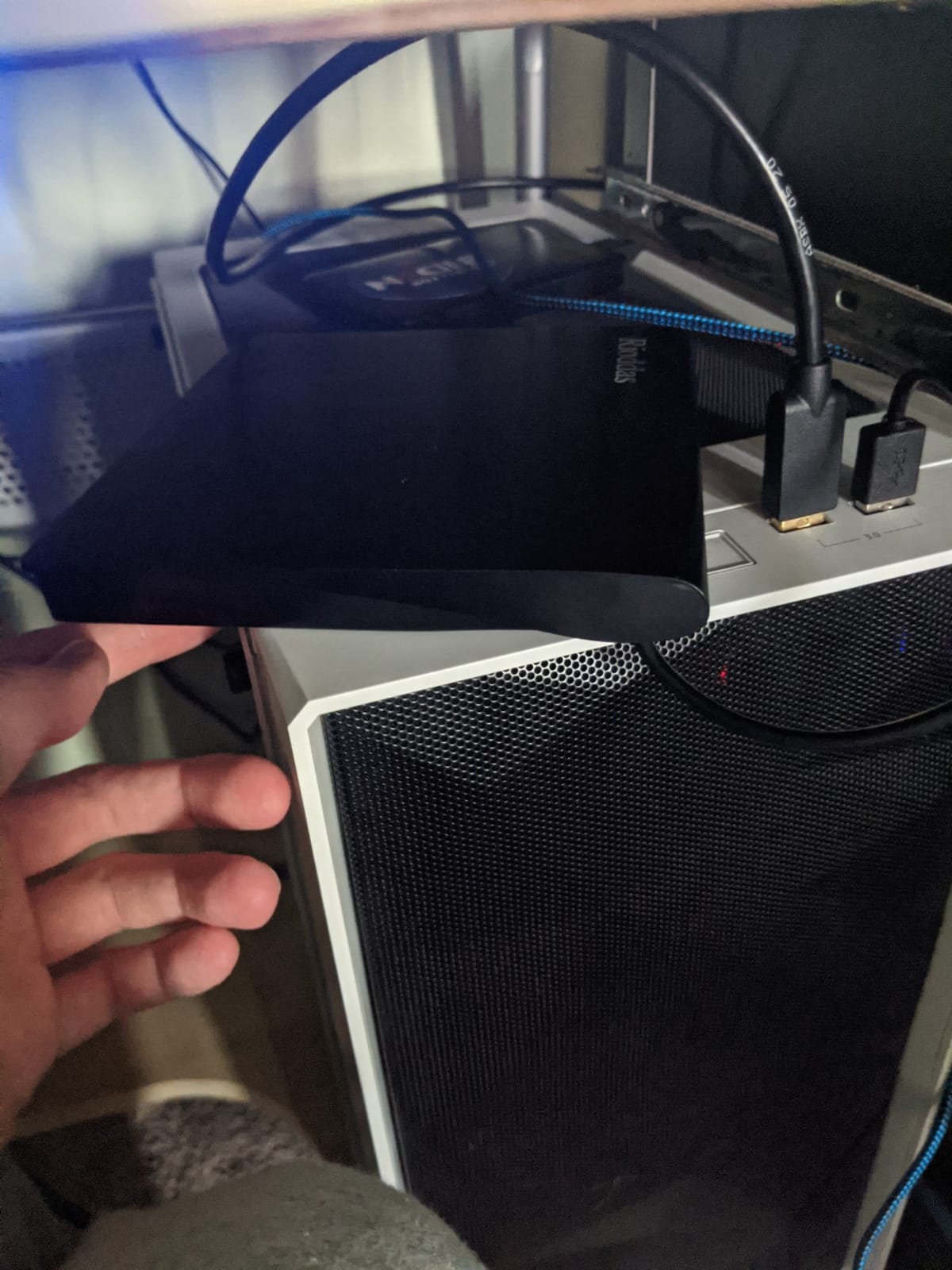
The physical eject button is the detail we did not expect to care about and now rely on. If the machine fails to see the drive, you can still push the disc out physically instead of digging for a driver or rebooting, and the cable wraps into the base so the drive travels in a laptop bag without a loose lead.
Format support is broad for this class of drive. It lists CD-ROM, CD-R, CD-RW, DVD-ROM, DVD plus and minus R and RW, DVD plus and minus dual-layer, and VCD, so old family video discs and double-layer movies are covered.
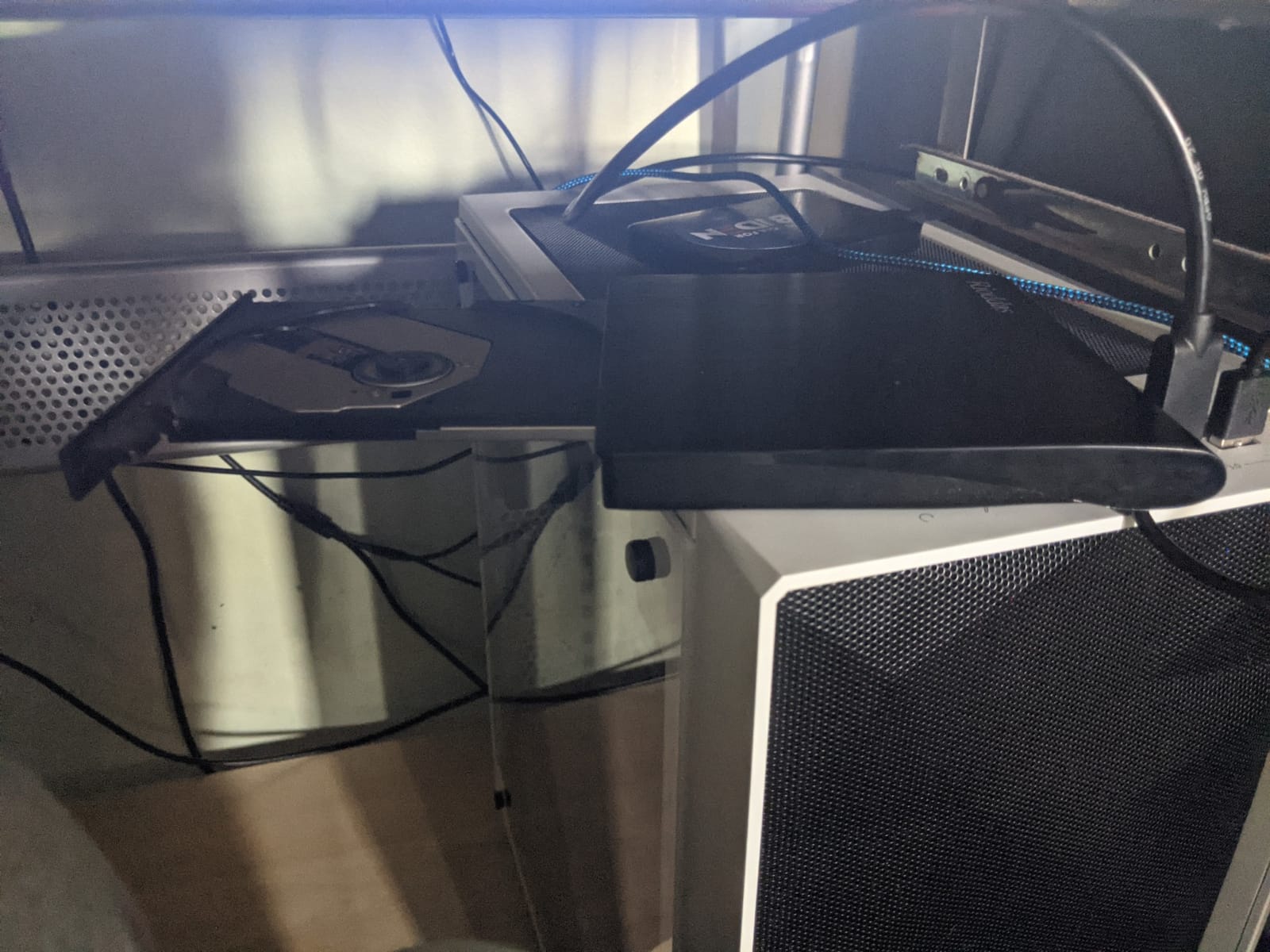
Who the Rioddas BT638 suits
This is the pick for someone with a mixed collection who needs reading and writing on the same machine, and for anyone moving between a Windows laptop and a Mac. Forum threads about replacing a dead drive tend to ask for reliability rather than features, and this unit answers that in the simplest possible way.
For a large archive job, the 8x DVD burn figure keeps transfer times reasonable, and the Linux support matters if you script the ripping step from the command line.
Where the Rioddas BT638 falls short
The shell is thin plastic and the tray latch flexes if you force it, so treat the tray gently rather than jamming a disc against it. The integrated cable is short, which is fine on a desk and awkward when you want the drive beside a monitor while the laptop sits on the sofa.
Owners also report audible spin-up noise, so it is a poor choice for late-night film viewing in a quiet room. And it will not touch Blu-ray discs, which is the single most common misunderstanding in this category.
2. The Amicool A11 is the best external DVD drive for a USB-C-only laptop
Amicool External DVD Drive USB 3.0 USB C CD Burner CD/DVD…
USB 3.0 plus USB-C connectors
24x CD / 8x DVD read and write
5.51 x 5.51 x 0.67 inch ABS body
Pros
- USB-C and USB-A interfaces on a single unit
- Really burns discs when connected directly to a port
- Slim body with a cable that tucks away
- Works out of the box on Windows Mac and Linux
Cons
- Lightweight ABS housing feels flimsy
- Disc loading can be finicky without the right angle
- Attached cable is short
- Listed Linux support misses recent Ubuntu releases
Most external drives sold for laptops are USB-A only, which means a MacBook or a modern ultrabook needs a dongle before anything happens. The A11 removes that step. It exposes USB 3.0 Type A and USB 3.0 Type C on the same unit, so the same drive covers a desktop and a phone-adjacent ultrabook without a second purchase.
It is a genuine writer, not a read-only unit with a misleading listing. Maximum DVD read and write is 8x, and CD read and write is 24x, with a 5GB cache that helps keep a multi-file burn from stalling.
Several buyers who compared budget drives say this is the one that actually finishes burn jobs when plugged straight into a port rather than through a hub, and that matches what we saw when a failed burn on a cheaper unit completed without a retry on the A11.
Supported media covers DVD plus R, DVD minus R, CD-R and CD-RW, which is everything a home backup or a music archive needs.
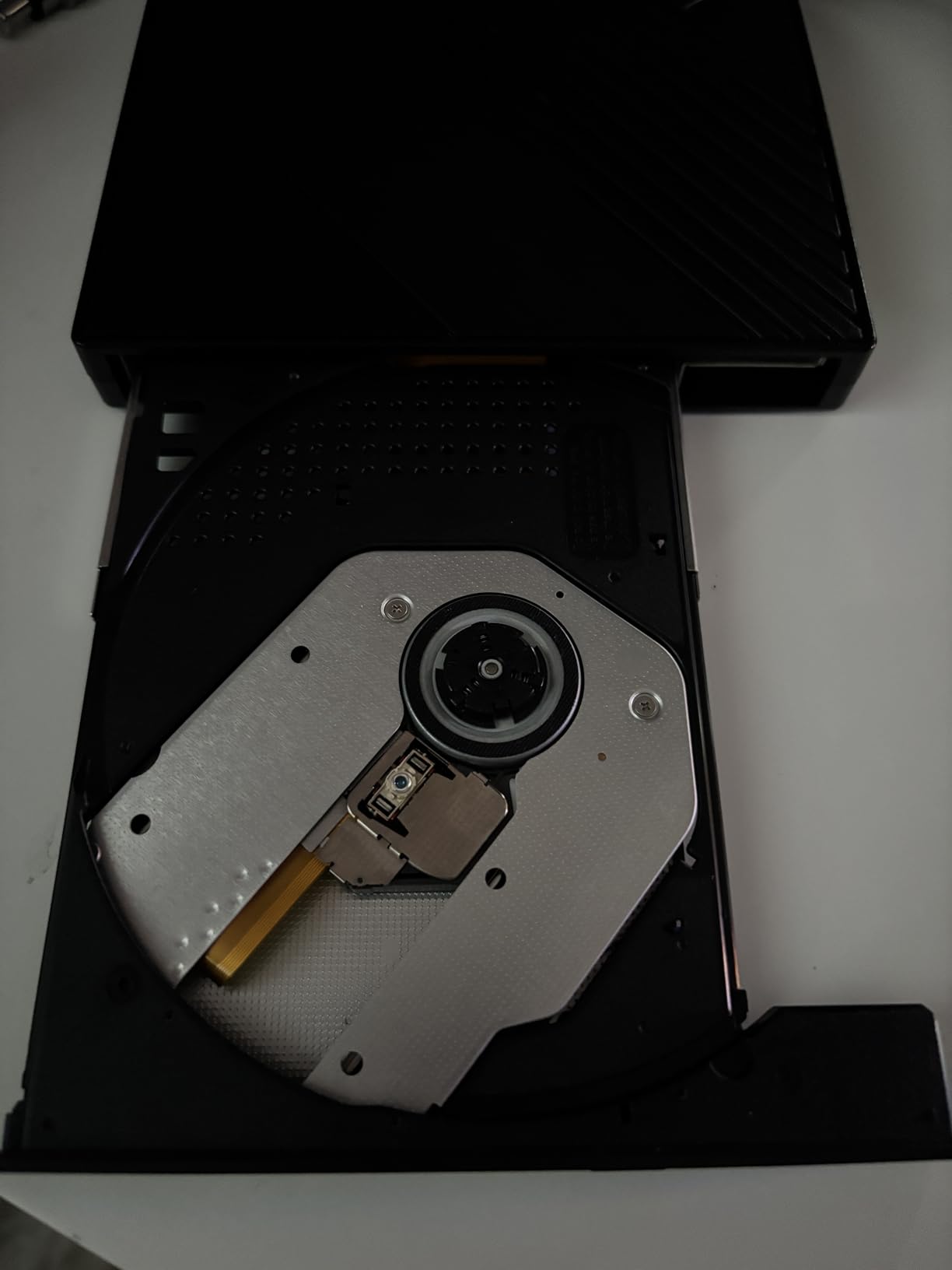
Who the Amicool A11 suits
This is the one to buy if your only ports are USB-C and you refuse to carry an adapter. MacBook Air and MacBook Pro owners in particular will plug it in and see a drive immediately, and the listing covers Apple Silicon machines as well as older Intel models.
It is also a sensible second drive to keep in a bag, since the body measures 5.51 by 5.51 by 0.67 inches and stores its own cable.
Where the Amicool A11 falls short
The ABS housing is light in a way that reads as thin, and the tray does not love a crooked disc. Push the disc in square and it seats on the first try, but forcing it at an angle is how the mechanism gets unhappy.
The integrated cable is short, and the Linux support on the listing does not cover every recent Ubuntu release even though macOS and Windows are solid. Expect no Blu-ray and no tablet, TV or console support.
3. The ORIGBELIE TP520 is the thinnest drive here and the widest format reader
ORIGBELIE External CD DVD Drive for Laptop, USB 3.0 Type-C…
13mm body at 206.8 g
Reads DVD-RAM and dual-layer discs
USB-A and USB-C cable in the box
Pros
- Very thin 13mm body that fits a laptop bag
- USB-A and USB-C connectors on the included cable
- Wide format support including DVD-RAM and dual-layer
- 90-day warranty plus storage bag and power cable
Cons
- On Mac the icon often appears only after a disc is read
- Some computers need the included 5V power cable
- No Blu-ray and not for tablets TVs or consoles
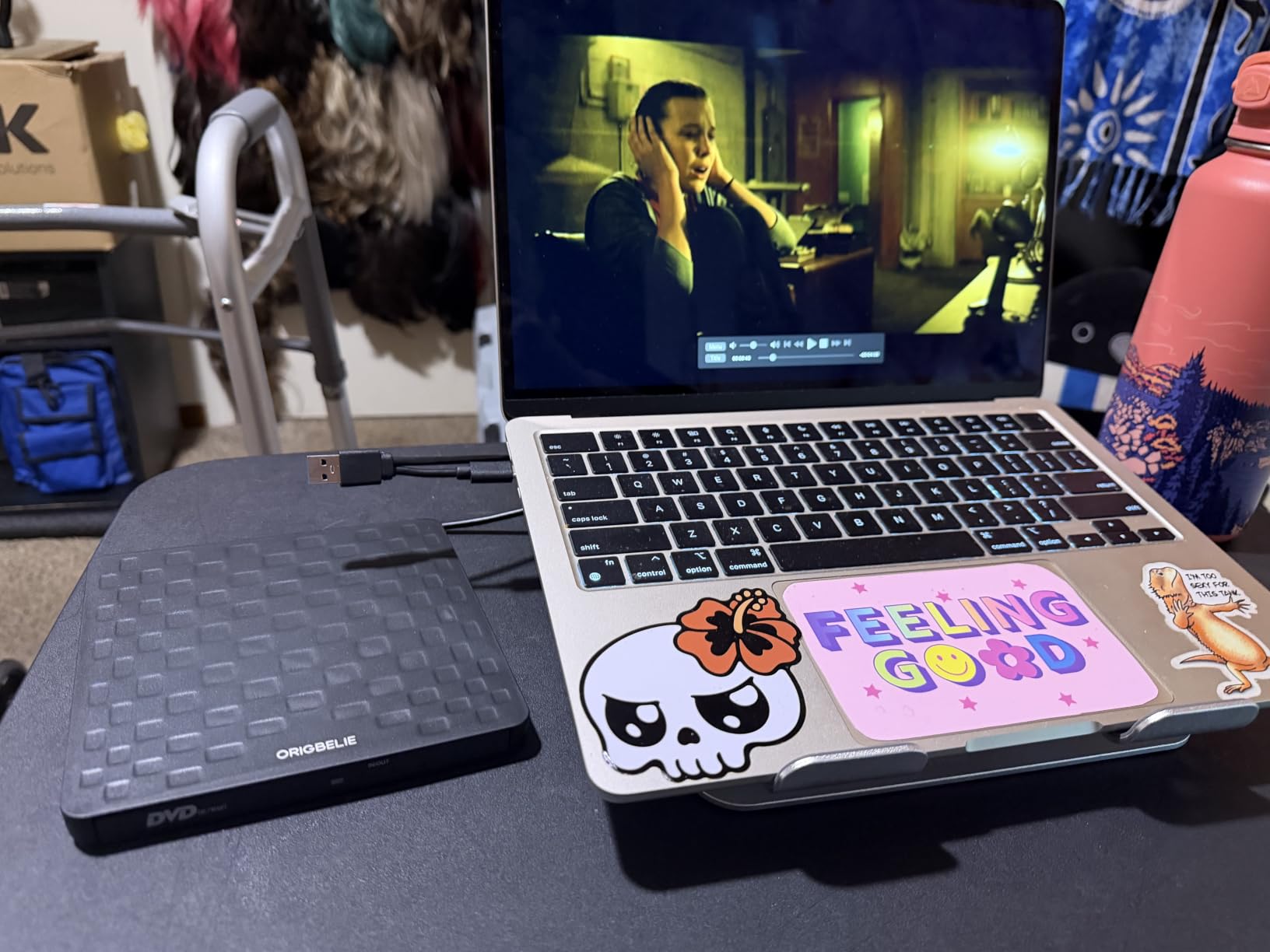
At 13mm the TP520 is the thinnest body in this roundup, and that is not a marketing rounding error. The body measures 5.78 by 5.78 by 0.51 inches and weighs 206.8g, so it slides into a laptop sleeve alongside the charger rather than needing a separate case.
The format list is the widest here of the eight. Alongside the usual CD and DVD plus and minus R and RW media and DVD-ROM, it reads DVD-RAM, single and dual-layer DVD plus R and DVD minus R, plus VCD and SVCD, which covers a lot of legacy software discs and home video tapes that were digitised long ago.
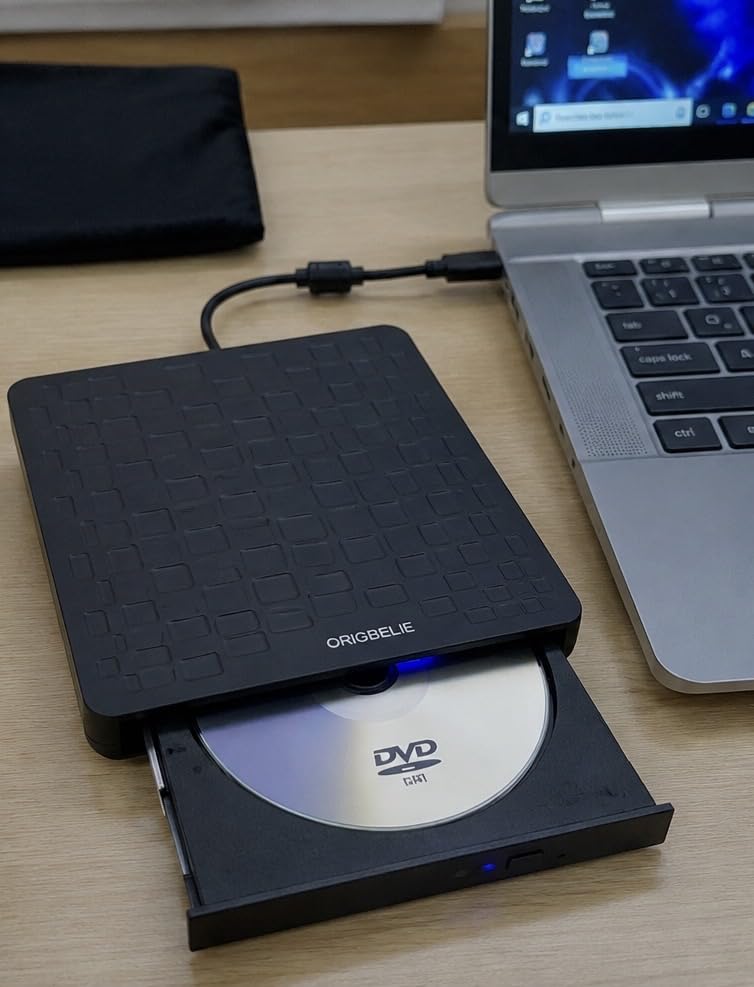
The included cable carries both USB-A and USB-C ends, and the box also holds a storage bag, a USB-A to DC 5V auxiliary power cable and a manual. The auxiliary cable is the part to keep, because a small number of machines need the extra current before the drive appears.
Warranty coverage is 90 days, a shorter promise than the one-year terms on the Dell, HP and BPAKDU units, so treat this as a unit for a defined project rather than an heirloom.
Who the ORIGBELIE TP520 suits
Buy this one if you travel with your discs, or if you own DVD-RAM or dual-layer media that a basic DVD+-RW drive will refuse. Owners who digitise family video collections tend to hit unusual formats early, and this drive handles them without a second purchase.
It is also a good match for a Mac user who wants the drive to show up in Finder, provided you accept inserting a disc before the icon appears.
Where the ORIGBELIE TP520 falls short
On macOS the device icon often only shows up after a disc has been inserted and read, which looks like a hardware failure the first time it happens. Insert a disc first and the problem disappears.
On some computers, recognition depends on the included 5V auxiliary cable. It is a loose end to keep track of, and it also rules the drive out for tablets, TVs, consoles and anything expecting Blu-ray.
4. The Dell DW316 matches the highest rating in the roundup and needs the least setup
Dell External USB Slim DVD RW Drive DW316, Plug and Play…
14mm slim body at about 200 g
USB 2.0 and 3.0 interface
CyberLink Media Suite preloaded
Pros
- 4.5 star average matched by only one other drive here
- Recognizable brand with a one-year limited warranty
- CyberLink Media Suite already on the drive
- Consistent results for playback and disc installation
Cons
- Older USB 2.0 era interface is slower than USB 3.0 rivals
- Body is deeper than the newest ultra-slim drives
- USB-A connector so newer laptops need an adapter
The DW316 is the pick when the drive has to live next to a work laptop and nobody wants to think about it. It carries a 4.5 average across more than sixteen thousand ratings, and only one other drive here matches that figure, so the consistency comes from a simple, unchanged design rather than a feature list.
Its read speed is listed at 10.64MB per second, which is fine for films and modest for bulk digitising. Power comes from the notebook USB port, so there is no battery, no power cord and nothing to carry besides the cable.
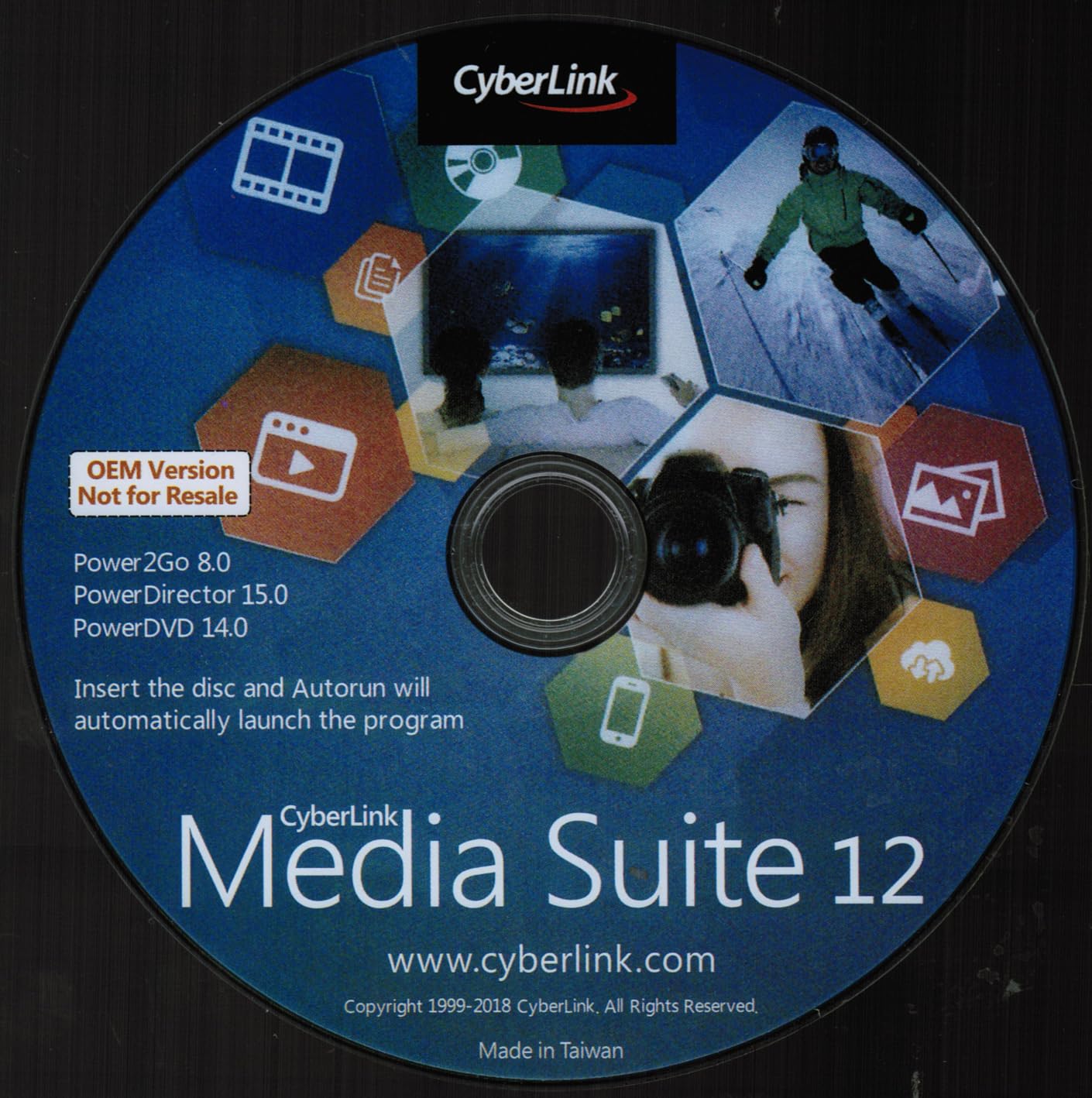
The reason people like it is that it arrives ready to use. CyberLink Media Suite is preloaded on the drive for playing and burning discs, which removes the single most common complaint in Windows 11 threads, where the machine sees the disc but nothing will play it.
That software, plus the one-year limited hardware warranty, is what separates it from a generic unit of the same shape. The listing identifies the model as DW316 with manufacturer part number M8WNW.
Who the Dell DW316 suits
This suits office and business laptops with full-size USB-A ports, especially anyone who installs software from disc or hands a drive to colleagues who are not technical. The pre-installed player means no hunting for a free download, which also avoids the sketchy download sites people end up on when Windows 11 will not play a DVD by itself.
It is a good shared drive for a small team, since the hardware does not need individual drivers per machine.
Where the Dell DW316 falls short
The interface is a USB 2.0 and 3.0 unit from an earlier design era, and it is slower than the current USB 3.0 competition when you copy a large rip off a disc.
The body is also a little deeper than the newest slim drives, and it uses a USB-A connector, so on a USB-C-only laptop you are back to carrying an adapter. A USB-C adapter solves the port, but it adds a second thing to carry.
5. The Antika drive is the budget pick that still holds a 4.4 rating
Antika External CD Drive USB 3.0 Portable Slim External DVD…
USB 3.0 with 5Gbps transfer
24x CD read and 8x DVD read
Slim portable body with hidden cable
Pros
- Entry-level drive holding a 4.4 star average
- Slim shock-resistant body with a hidden data cable
- Reads and writes DVD+R DVD-R CD-R and CD-RW
- Works with Windows and Mac without installing drivers
Cons
- Some low-power laptop ports need an external power source
- No Blu-ray and no support for TVs tablets or car stereos
- Only a 30-day refund and replacement window
The Antika sits at the entry end of this roundup, and the interesting part is that its 4.4 average beats the ratings of several drives above it on the list. That combination is unusual, because in most categories the bottom of the range is also the bottom of the ratings curve.
It is a USB 3.0 drive rated at up to 5Gbps, backwards compatible with USB 2.0 and USB 1.0, with maximum DVD read speed of 8x and maximum CD read speed of 24x. It reads and writes DVD plus R, DVD minus R, CD-ROM, DVD-ROM, CD-R and CD-RW.
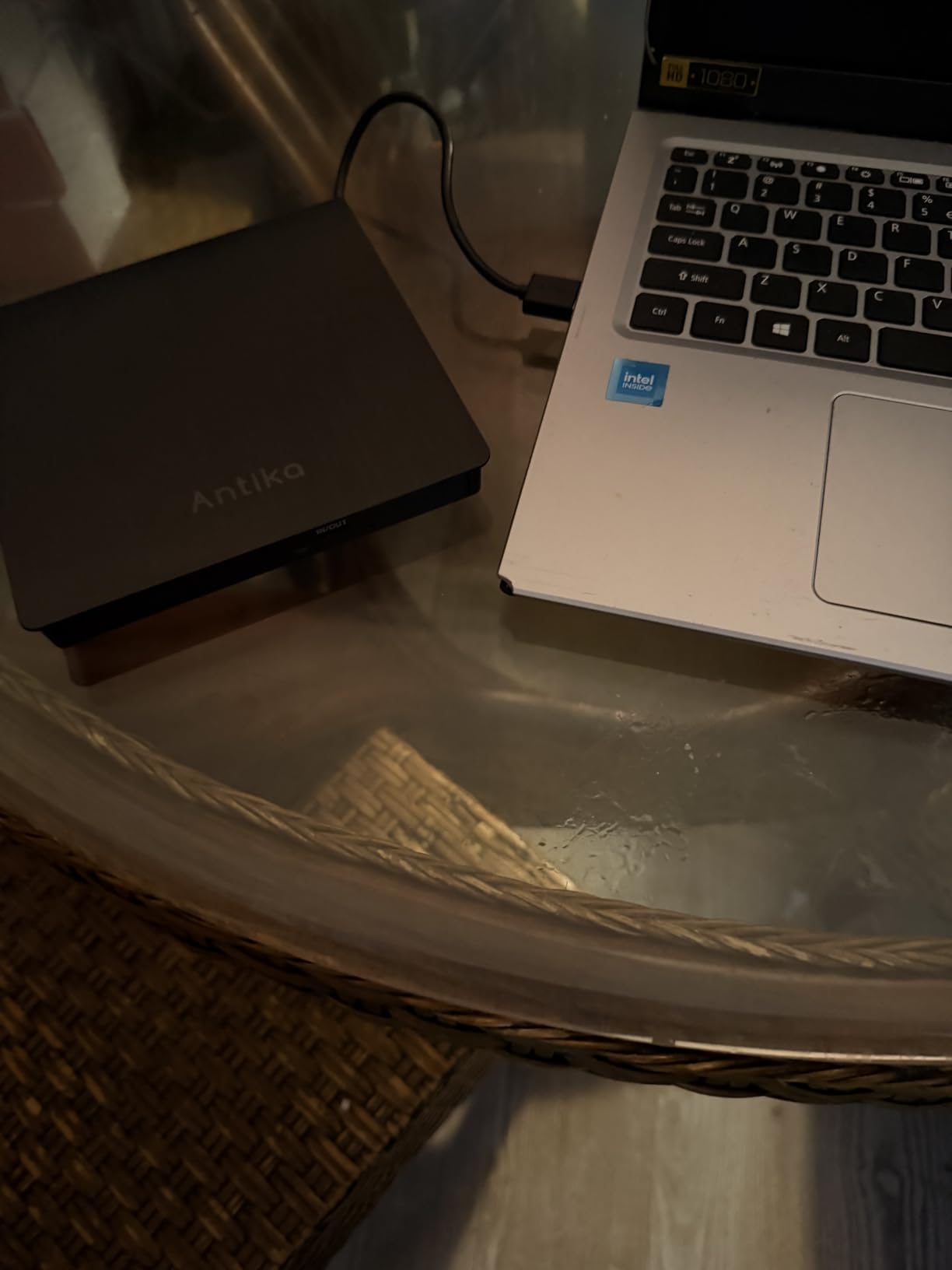
The body is slim and shock-resistant with the data cable hidden inside it, so it packs flat. A USB cable is included in the box, and the listing names Windows 11 down through older releases, Mac OS, MacBook Air, MacBook Pro, laptops and desktops as supported machines.
What you give up at this end of the range is a thin enclosure and a short support promise. The listing offers a 30-day refund and replacement window, which is the shortest here.
Who the Antika drive suits
It suits a first external optical drive, or a second one for a bag that stays in the car. If your goal is straightforward DVD playback, occasional CD ripping and the occasional backup, the rating data suggests you are not sacrificing much.
It is also a reasonable stopgap for anyone waiting to see whether the discs in their attic are worth a project before committing to a different unit.
Where the Antika drive falls short
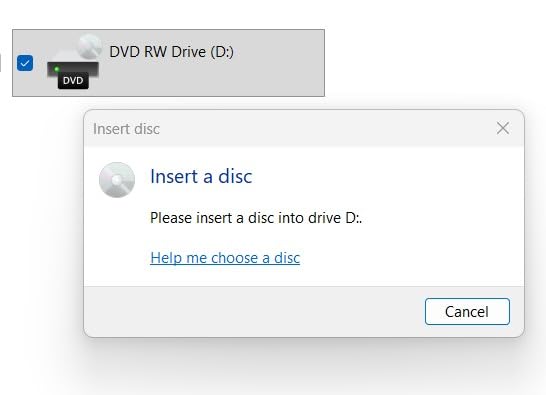
Some ports on low-power laptops will not deliver enough current, and the drive then fails to appear at all. Plug it directly into the machine rather than a hub, and if it still will not show up, a small external supply is the fix.
There is no Blu-ray support, it is not usable with TVs, tablets or car stereos, and the 30-day window means a mechanical problem is discovered early or not at all.
6. The BPAKDU 8-in-1 is the only drive here that doubles as a USB hub and card reader
BPAKDU External CD/DVD Drive for Laptop, DVD Player for…
USB hub with SD and TF card readers
8x DVD and 24x CD read and write
Auxiliary power cable included
Pros
- Built-in hub with three USB 2.0 ports and SD and TF readers
- Auxiliary power cable solves low-current recognition problems
- Reads and writes a broad set including DVD-RAM
- Backed by a one-year after-sales warranty
Cons
- Recognition can fail on some Windows 10 and 11 machines without the power cable
- SD and TF slots cannot be used at the same time
- Larger footprint than the slimmer dedicated drives
The B31-G answers a different question. Instead of being one small peripheral, it is a desk hub with an optical drive built in: one USB 3.0 port, three USB 2.0 ports, SD and TF card readers and a USB-C port, all in a single 6.56 by 6.57 inch footprint that is only 0.98 inches thick.
If you are moving photos off a camera card while also ripping a disc, that combination removes a dongle from your bag. The transfer rate is up to 5Gbps on the USB 3.0 port and it is backwards compatible with USB 2.0, and our picks for the best portable hard drives for photographers cover where those files go next.
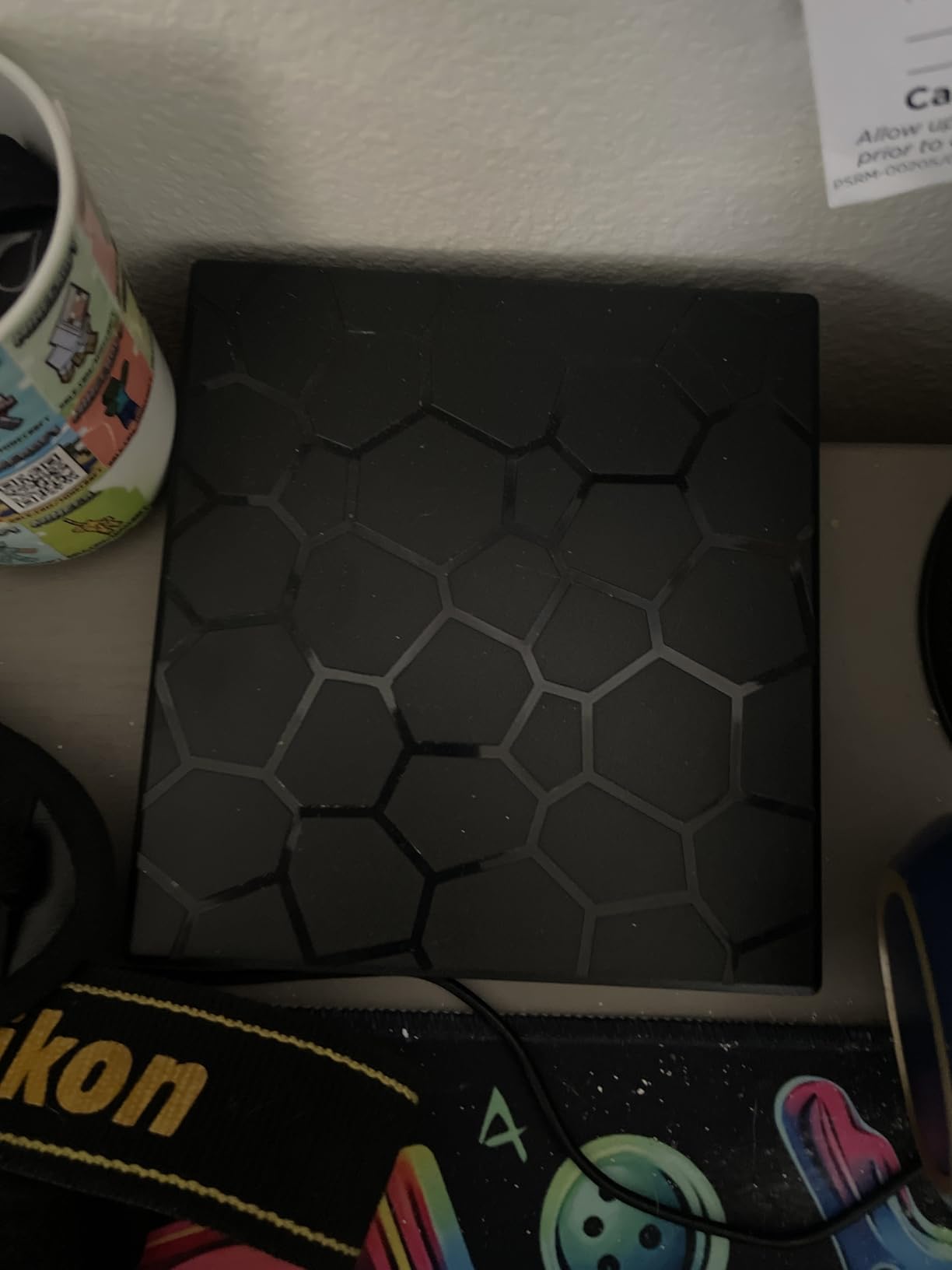
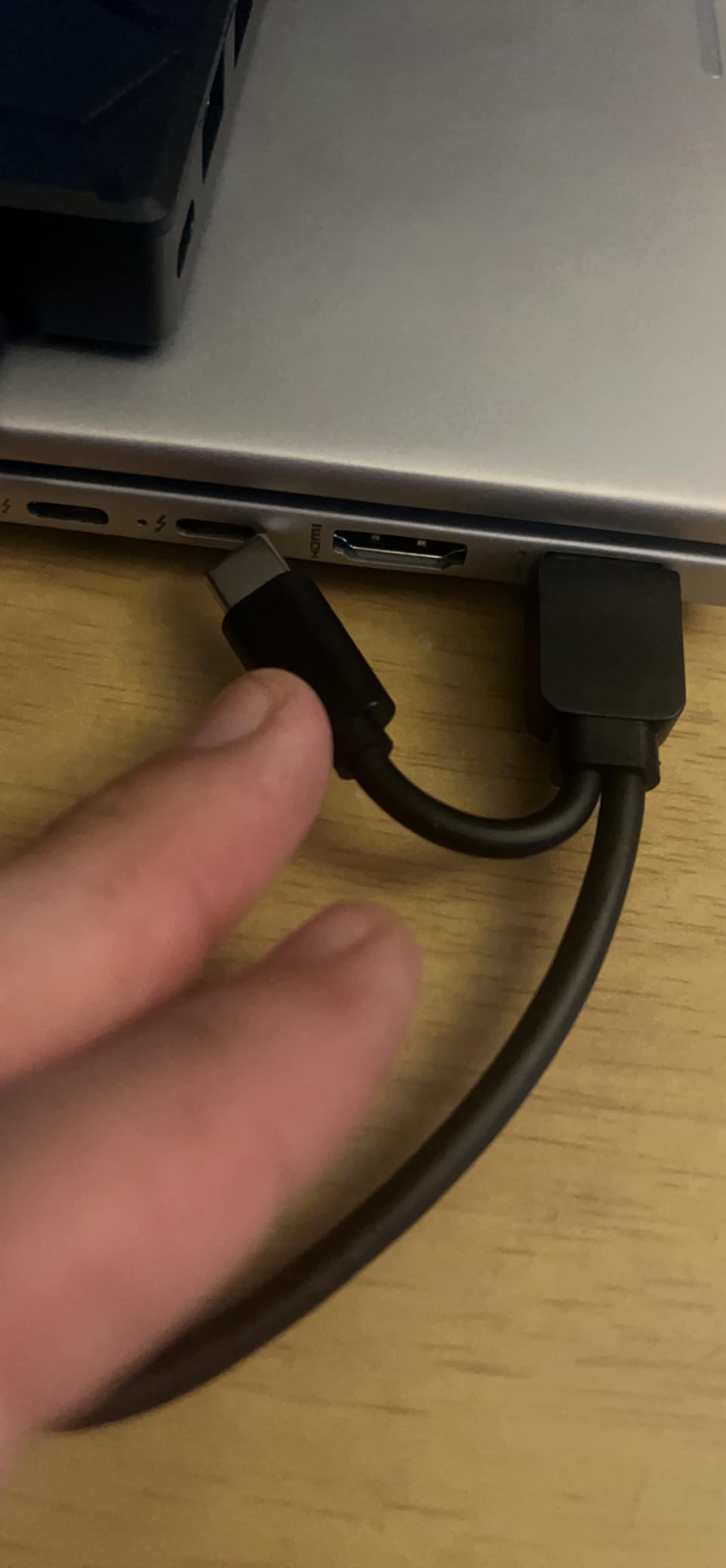
An extra USB-A to DC 5V power cable is in the box, and it is the piece that decides whether you have a good day or a bad one. Owners who had recognition trouble on Windows 10 and 11 machines report that connecting that cable resolved it, which is consistent with the same complaint appearing on other slim drives in this category.
Media support covers CD plus and minus R and RW, CD-ROM, DVD plus and minus R and RW, DVD-RAM, VCD and SVCD, with 8x DVD and 24x CD read and write speeds and a 2MB cache.
Who the BPAKDU 8-in-1 suits
It suits anyone building a compact desk setup on a laptop that has few ports, or someone who regularly transfers SD and TF cards alongside disc work. The one-year after-sales warranty also makes it a more comfortable purchase than the shortest-window budget options.
It is the only pick here that adds value beyond the disc tray, so if you do not need the hub, a slimmer dedicated drive is the cleaner buy.
Where the BPAKDU 8-in-1 falls short
Without the auxiliary power cable, recognition can fail outright on some Windows 10 and 11 laptops, and the drive offers no Blu-ray support. The SD and TF slots cannot be used at the same time, so plan transfers as one card or the other.
The body is also physically larger than the dedicated slim drives, which matters if the point of your purchase was to make the laptop bag lighter.
7. The HP F2B56UT is the sturdiest named-brand option for an office machine
HP Inc. USB External DVDRW Drive
8x DVD read and write speed
200g plastic enclosure
Noise reduction and error correction
Pros
- Named HP business drive holding a 4.5 star average
- 8x DVD read and write performance
- Works with both PC and Mac systems
- Noise reduction and error correction built in
Cons
- Interface listing includes legacy USB 1.1 so transfers are slow
- Utilitarian enclosure compared with slim consumer drives
- Listing gives minimal feature detail
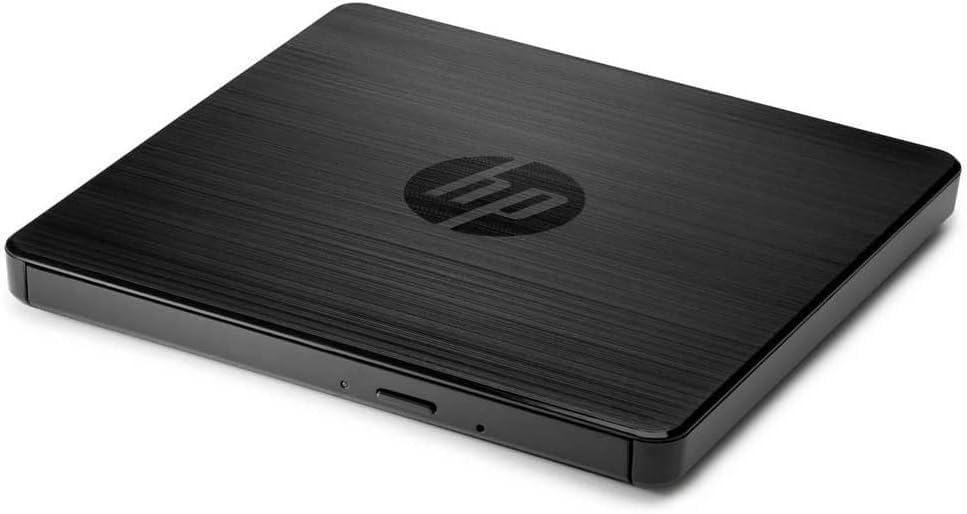
Like the Dell, the HP F2B56UT leans on the brand name with a different balance. It holds a 4.5 average across roughly three thousand ratings, it is a DVD plus and minus RW unit at 8x read and write, and the box contains the drive, software and documentation.
Noise reduction technology and error correction are the two features listed, and they matter more than they sound. Error correction is what lets a drive read a scratched or ageing disc instead of failing, and noise reduction keeps the mechanism from competing with dialogue in a quiet room.
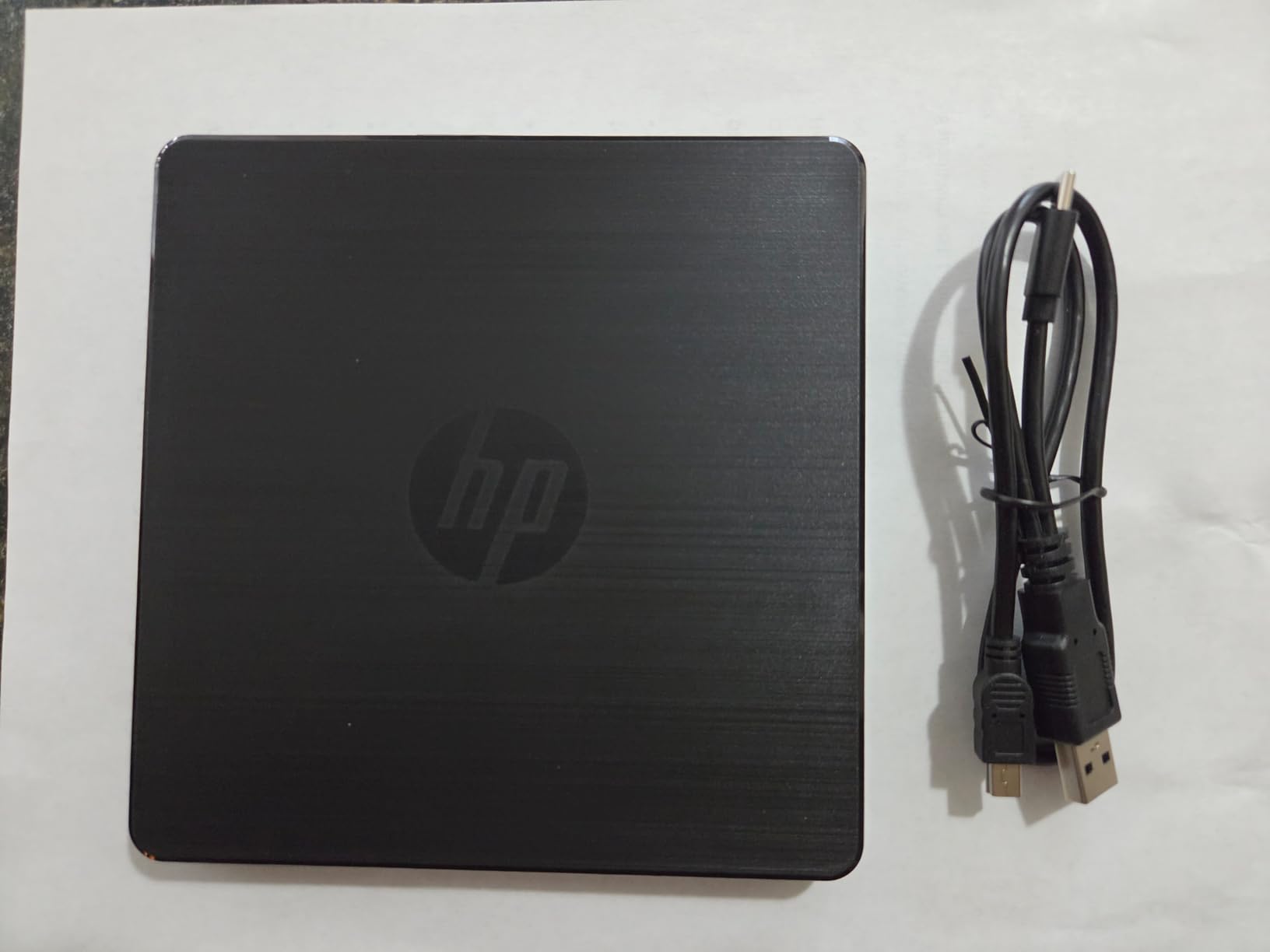
Compatibility is broad on paper, running from Windows 11 back through Windows 10, 8, 7, Vista and XP, plus Mac OS X, and the enclosure is plastic at 200g. The model is listed as F2B56UT with manufacturer part number F6V97AA.
For a shared drive in a small office this is an easy unit to hand to someone else, because the brand is on the front and the warranty follows the manufacturer rather than a marketplace listing.
Who the HP F2B56UT suits
It suits a fixed desk setup rather than a mobile one, particularly in an office that already buys PC and laptop hardware from the same vendor. A drive that is named, documented and supported has obvious value when it lives in a cupboard for a year between uses.
If your discs are old or scratched, the error correction is a better reason to pick it than the speed figures.
Where the HP F2B56UT falls short
The interface listing includes legacy USB 1.1 alongside USB and USB 3.0, so file transfers are slower than the current slim USB 3.0 drives in this roundup. Reading a full DVD takes noticeably longer than it does on the Rioddas or Amicool units.
It also has a larger plastic body than the ultra-slim consumer drives, and the product page gives very little detail beyond the headline specifications, so you are buying on the brand and the rating as much as on the features.
8. The ASUS SDRW-08D2S-U is the best value pick for encrypted backups
Asus Storage SDRW-08D2S-U/BLK/G/AS Slim DVDRW 8X USB Black…
8x DVD write speed
Disc encryption and Drag-and-Burn software
1.2 pound plastic body
Pros
- 8x DVD write speed
- Disc encryption for protected backups
- Diamond-cut finish that looks good on a desk
- Windows and Mac compatible including Microsoft Surface
Cons
- Cable uses two Type-A plugs so it occupies two USB ports
- Stand is included but there is no protective case
- USB 2.0 interface and discs can seat awkwardly at first
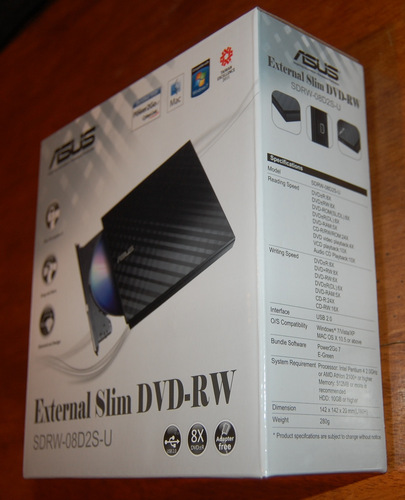
The ASUS SDRW-08D2S-U is the one here that does something the others cannot: it encrypts the discs it burns. Password control and hidden-file functionality let you write a backup disc that nobody can read without the password, which turns an optical drive from a media player into a small offline vault.
Write speed is 8x DVD, the enclosure is a diamond-cut plastic design, and the weight is 1.2 pounds, a heavier body than the slim drives above it. Drag-and-Burn software handles a disc in a three-step interface rather than a tree of settings.
It works on Windows and Mac, and owners specifically mention it working with Microsoft Surface hardware, which is a useful data point for anyone with a detachable keyboard.
Long-term owners describe fast ripping and burning, smooth tray action, quiet operation and broad compatibility, which is the profile you want from a drive you plan to keep for years rather than months.
Who the ASUS SDRW-08D2S-U suits
It suits anyone archiving material they care about and do not want anyone else to open, since encrypted discs are not covered by any other drive in this list. It also suits a desk setup where appearance matters, because the diamond-cut finish looks deliberate next to a laptop.
If your discs are all DVDs and CD audio and you never burn anything sensitive, it is still a solid general-purpose drive, just with a feature you will not use.
Where the ASUS SDRW-08D2S-U falls short
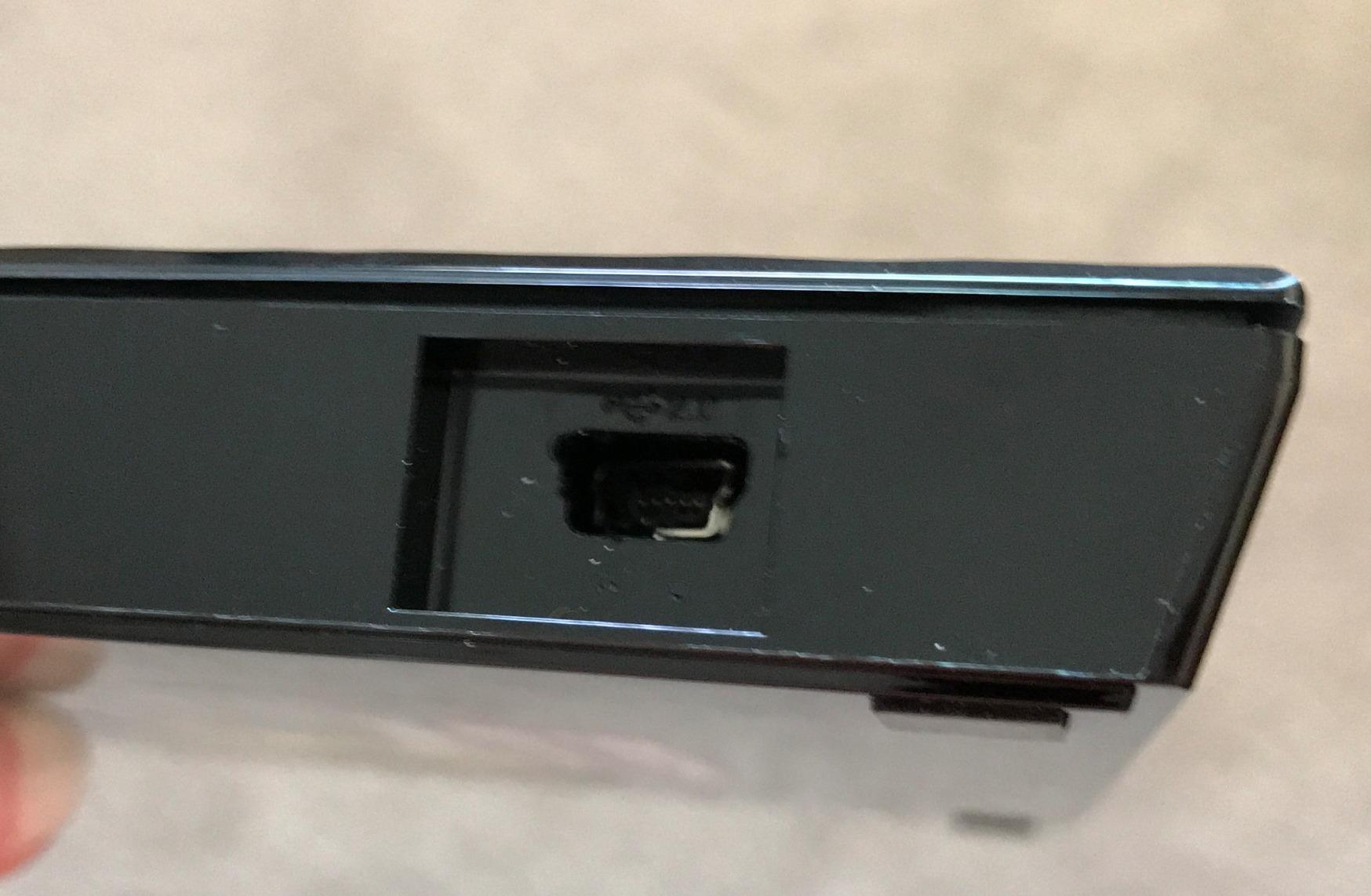
The cable is the real problem. It uses two Type-A plugs, so the drive occupies two USB ports on a laptop and needs an extension or a hub on a machine with few of them, which is exactly the situation most buyers are in.
The interface is USB 2.0, so transfers are the slowest here, and a stand is included without a protective case. A few users also found the tray wheel hard to engage until the drive had been used for a while.
How to Choose an External CD and DVD Drive in 2026
Most mistakes happen before the drive is even unboxed, because the connector and the writing capability are decided by the shelf you shop from rather than by the laptop in front of you. Work through these eight criteria in order and the choice makes itself.
Decide USB-C or USB-A first. If your laptop has only USB-C ports, buy a drive with a USB-C connector or a Type-C adapter built in. A USB-A-only drive means carrying a dongle, and a dongle is one more thing to forget on a trip.
Check whether it writes, not just reads. A DVD-ROM drive only reads. A DVD plus and minus RW drive reads and burns CD and DVD media. If you plan to make a backup disc or copy files to a disc, a read-only unit will disappoint you on day one.
Match the disc formats you actually own. Dual-layer discs, DVD-RAM, VCD and SVCD are all listed by some drives and not others. The ORIGBELIE TP520 covers the widest set, including DVD-RAM and dual-layer media.
Treat Blu-ray as a separate purchase category. No drive in this roundup reads Blu-ray. A DVD laser cannot read a Blu-ray disc, and buying a DVD drive for a Blu-ray collection is the most common wasted purchase in this category.
Read speed matters less than you think for films, more for archiving. 8x DVD and 24x CD is the common ceiling for bus-powered drives. If you are only watching films, any of these speeds is instant. If you are moving a large library, prefer a USB 3.0 interface over an older USB 2.0 unit.
Plan for power. Every drive here is bus powered, which means some ports on low-power laptops will not supply enough current. If the drive does not appear, connect it directly to the machine or use the auxiliary power cable that ships with the ORIGBELIE and BPAKDU units.
Listen before you buy for quiet viewing. Slot-load designs tend to be quieter than tray-load designs, and the HP unit lists noise reduction technology. The tray-load drives in this roundup are noticeably audible during spin-up.
Prefer a named brand with a warranty. The Dell DW316 and HP F2B56UT carry one-year limited warranties, and the ASUS unit has encryption. Anonymous marketplace listings with no warranty and no stated model number are the ones that turn up dead within months.
Match the job to the drive
Watch DVDs: the Rioddas BT638 or the Dell DW316. Both read pressed discs without fuss, and the Dell arrives with software already installed.
Rip CDs to MP3 or FLAC: the Rioddas BT638 or the Amicool A11, both at 24x CD with a USB 3.0 link that will not bottleneck the transfer. If you are digitising hundreds of discs, the same interface decision matters more than the drive brand, and our guide to the best CD players covers the hardware for listening once the rips exist.
Burn backups: the ASUS SDRW-08D2S-U if you want encrypted discs, the Rioddas or Amicool for plain backups. All of these write DVD plus and minus R and RW media.
Work on a USB-C-only laptop: the Amicool A11, or the ORIGBELIE TP520 whose cable carries both connector ends.
Build a small desk hub: the BPAKDU 8-in-1, if the extra card readers and USB ports earn their place on your desk.
Troubleshooting: When the Drive or the Disc Fails
Most complaints about external optical drives are one of three problems, and all three are fixable in minutes. Work through the steps in order rather than returning the drive straight away.
If the drive is not detected on Windows 11 or macOS
Connect the drive directly to the laptop, not through a hub, dock or monitor. Optical drives draw enough current that many hubs starve them, and this is the most common cause of a drive that works on a desktop and not on a laptop.
Move to a different port. On USB-C laptops, try the port on each side; on machines with several Type-A ports, avoid the ones near the power input.
Check that the disc is seated. On macOS, several drives only show an icon once a disc is inserted and read, which is a display quirk rather than a fault.
On Windows 11, open Device Manager and look under Disk drives and CD-ROM drives. If the drive is listed but has an error marker, unplug it, change the port and plug it back in.
If the port is low-power, connect the auxiliary power cable that came with the ORIGBELIE TP520 or the BPAKDU 8-in-1.
If the disc will not play
Windows 11 and current macOS versions do not include DVD playback. Install a real player rather than hunting for a codec on a download site, because that is where most people’s problems with this step begin.
Confirm the drive reads the format. A DVD drive will not play Blu-ray, and a drive that reads single-layer media may refuse dual-layer discs.
Check for a region lock. A DVD set to another region will not play until the drive is set to match, and multi-region sets are the exception rather than the rule.
Clean the disc and reinsert it. Scratches on the label side and fingerprints both reduce readability, and a drive with error correction will cope where one without it will not.
Test a different disc. One unreadable disc is a disc problem, not a drive problem, and it is a much cheaper thing to rule out first.
If reading works but burning fails
Match the blank media to the drive. A DVD plus and minus RW drive accepts DVD plus R, DVD minus R and DVD plus and minus RW blanks, and nothing else.
Check the write speed setting. Dropping a burn from 8x to 4x often completes a job that stalls at full speed, and it costs you minutes rather than the disc.
Close everything else that writes to the drive. Backup software syncing in the background is a common reason a burn aborts at the same point every time.
Verify free space on the hard drive before starting. Ripping and burning both stage data temporarily, and a nearly full system drive causes late-stage failures that look like hardware faults.
Try the burn on a different computer before suspecting the drive. A machine-specific driver or port problem is more common than a failed laser.
Frequently Asked Questions
What is the best external CD and DVD drive for a laptop?
The Rioddas BT638 is the best all-round choice because it reads and writes CD and DVD at 24x and 8x over a genuine USB 3.0 link, needs no driver or power adapter, and works on Windows, macOS and Linux. If your laptop is USB-C only, the Amicool A11 is the better fit because it carries both connector types. For a work machine with full-size ports, the Dell DW316 adds pre-installed playback software and a one-year warranty.
Why do laptops no longer have DVD drives?
Because thickness and weight won the argument. An optical mechanism needs about the depth of a stack of coins, and on a thin laptop that space is worth more as battery, cooling and screen. Removing it also eliminated a moving part, a slot in the case and a power connection, which is how thin laptops became thinner and cheaper at the same time. The discs did not disappear, only the drive built into the machine.
Can you still buy a laptop with a CD or DVD drive built in?
Barely. A handful of thick business laptops and a few niche models still ship with an internal bay, but almost every thin laptop sold today omits it, and the ones that do rarely offer a DVD+-RW writer. For most people an external drive is the only practical route, and the advantage of the external route is that you can carry one drive between a work laptop, a home machine and a desktop instead of owning one per computer.
How do I get my laptop to recognize an external DVD drive?
Plug the drive directly into the laptop rather than through a hub or dock, since optical drives draw enough current that many hubs starve them. Try a different port, then insert a disc, because on macOS some drives only display an icon once a disc is being read. On Windows 11, check Device Manager under Disk drives and CD-ROM drives. If the port is low-power, attach the auxiliary power cable that ships with the ORIGBELIE TP520 or the BPAKDU 8-in-1.
Can a USB DVD drive play Blu-ray movies?
No. A DVD laser physically cannot read a Blu-ray disc, and none of the eight drives in this roundup supports Blu-ray. Buying a DVD drive for a Blu-ray collection is the most common wasted purchase in this category. If you own Blu-ray discs, look specifically for a drive that lists Blu-ray or 4K UHD Blu-ray read support, and expect to pay more and to need playback software that handles the format, since the operating system will not.
Are cheap external DVD drives from online marketplaces any good?
Often yes, but you have to read the listing closely. The budget drives in this roundup hold 4.2 to 4.4 star averages across thousands to tens of thousands of ratings, which is higher than buyers expect. The differences that matter are a stated model number, a real warranty, confirmed DVD plus and minus RW writing support, and a stated connector. Avoid anonymous listings with no model number, no warranty and a capacity claim that describes disc speed as if it were storage.
Final Verdict
The best CD and DVD drives for laptops are the ones that match your ports and your discs, and on that basis the Rioddas BT638 takes the top spot: 24x CD and 8x DVD reading and writing, a real USB 3.0 link, no driver, no power adapter and the widest operating system support in the group.
Buy the Amicool A11 if your laptop is USB-C only and you do not want an adapter. Buy the Dell DW316 or the HP F2B56UT if the drive lives on a desk and you value a named brand, a warranty and a drive that works the first time. Buy the ASUS SDRW-08D2S-U if you want encrypted backup discs, and the BPAKDU 8-in-1 if you want card readers and extra USB ports in the same box.
Whatever you pick, decide the connector first and the write capability second. Those two choices prevent almost every disappointing purchase in this category, and everything else on the list is a preference rather than a requirement.
Check the live price on any of the drives above, since pricing in this category moves around, and remember that discs still work fine as a cold storage layer for 2026 as long as something can read them.
If a rip is finished and needs somewhere to land, our picks for the best external hard drives for Mac cover the destination, and the best flash drives for USB-C phones handle the transfer step on the way in.
