
10 Best Keyboard Trays for Standing Desks (October 2026) Quality Reviews
The VIVO MOUNT-KB05E is the best keyboard tray for standing desks for most people, because its 26.8 inch alloy steel platform carries a full-size keyboard and a mouse together, extends 8.5 inches from the desk edge, and clamps on without a single screw. Nine more trays follow, including the swivel and tilt option that adapts best when your desk height changes through the day.
Here is the problem a keyboard tray solves on a sit-stand desk. A motorized column lifts everything on the desktop at once, so the monitor ends up at eye level and the keyboard ends up at chest height. Your elbows are still down at your sides, and you are typing with raised shoulders. A tray drops the keyboard back to elbow height so your forearms stay level with your upper arms in the sitting position and the standing position.
Contents
Three details decide which tray works for you before price ever enters the conversation. The maximum desktop thickness the clamp can grip, the amount of travel the platform gives you, and whether the mount attaches to the desktop edge, the underside, or the desk frame itself. Get the first one wrong and the tray will not fit at all.
Our team measured the desk-thickness ranges, extension travel, platform dimensions and included hardware for all ten trays below, and separated them by mounting style. If you are still choosing a desk, start with our UPLIFT standing desk picks and our FlexiSpot standing desk reviews, then come back here, because the frame you choose determines which mounts are viable.
Top 3 Picks for Standing Desks in 2026

VIVO MOUNT-KB05E
- Alloy steel platform
- 26.8 x 11 inch surface
- Extends 8.5 inch
- No-drill C-clamp


HUANUO Swivel Tray
- 180 degree swivel
- 6.3 inch height travel
- 6 to 22 degree tilt
- Drill template included
As an Amazon Associate we earn from qualifying purchases. CERTAIN CONTENT THAT APPEARS ON THIS SITE COMES FROM AMAZON. THIS CONTENT IS PROVIDED 'AS IS' AND IS SUBJECT TO CHANGE OR REMOVAL AT ANY TIME.
Best Keyboard Trays for Standing Desks (October 2026)
| Product | Features | |
|---|---|---|
| VIVO MOUNT-KB05E |
|
Check Latest Price |
| S Stand Up Desk Tray |
|
Check Latest Price |
| HUANUO Swivel Tray |
|
Check Latest Price |
 Kensington SmartFit K60004US Kensington SmartFit K60004US |
|
Check Latest Price |
 VIVO MOUNT-KBST1 VIVO MOUNT-KBST1 |
|
Check Latest Price |
 AX WABER AX01WB01 AX WABER AX01WB01 |
|
Check Latest Price |
 Klearlook 360 Swivel Tray Klearlook 360 Swivel Tray |
|
Check Latest Price |
 XINLEI DSF4 XINLEI DSF4 |
|
Check Latest Price |
 Zontera KBT01 Zontera KBT01 |
|
Check Latest Price |
 suptek DSF1 suptek DSF1 |
|
Check Latest Price |
We earn from qualifying purchases. CERTAIN CONTENT THAT APPEARS ON THIS SITE COMES FROM AMAZON. THIS CONTENT IS PROVIDED 'AS IS' AND IS SUBJECT TO CHANGE OR REMOVAL AT ANY TIME.
1. VIVO MOUNT-KB05E: Best Overall Clamp-On Tray
VIVO Black Clamp-on 27 x 11 in Keyboard Tray, MOUNT-KB05E
Alloy steel
26.8 x 11 in surface
Extends 8.5 in
Holds 11 lbs
Pros
- Sturdy alloy steel that stays put under heavy typing
- 26.8 inch surface fits a full-size keyboard plus a mouse
- Roughened surface works for optical mice with no mat
- No-drill C-clamp with all hardware included
Cons
- No height adjustment at all
- Tight clearance under the desktop for tall keyboards
- No position lock so it can drift inward
We have put this tray on more desks than any other in the category, and it is the one we keep coming back to. The platform is a single piece of alloy steel rather than a plastic tray on a steel arm, and you can feel the difference the moment you rest your forearms on it. Nothing flexes, nothing creaks, and there is no joint to work loose.
At 26.8 inches wide and 11 inches deep, the surface takes a full-size 88-key board with the numpad and still leaves a working area for a mouse. The roughened finish gives an optical sensor something to grip, so you can skip the mouse pad entirely and keep the whole setup compact.
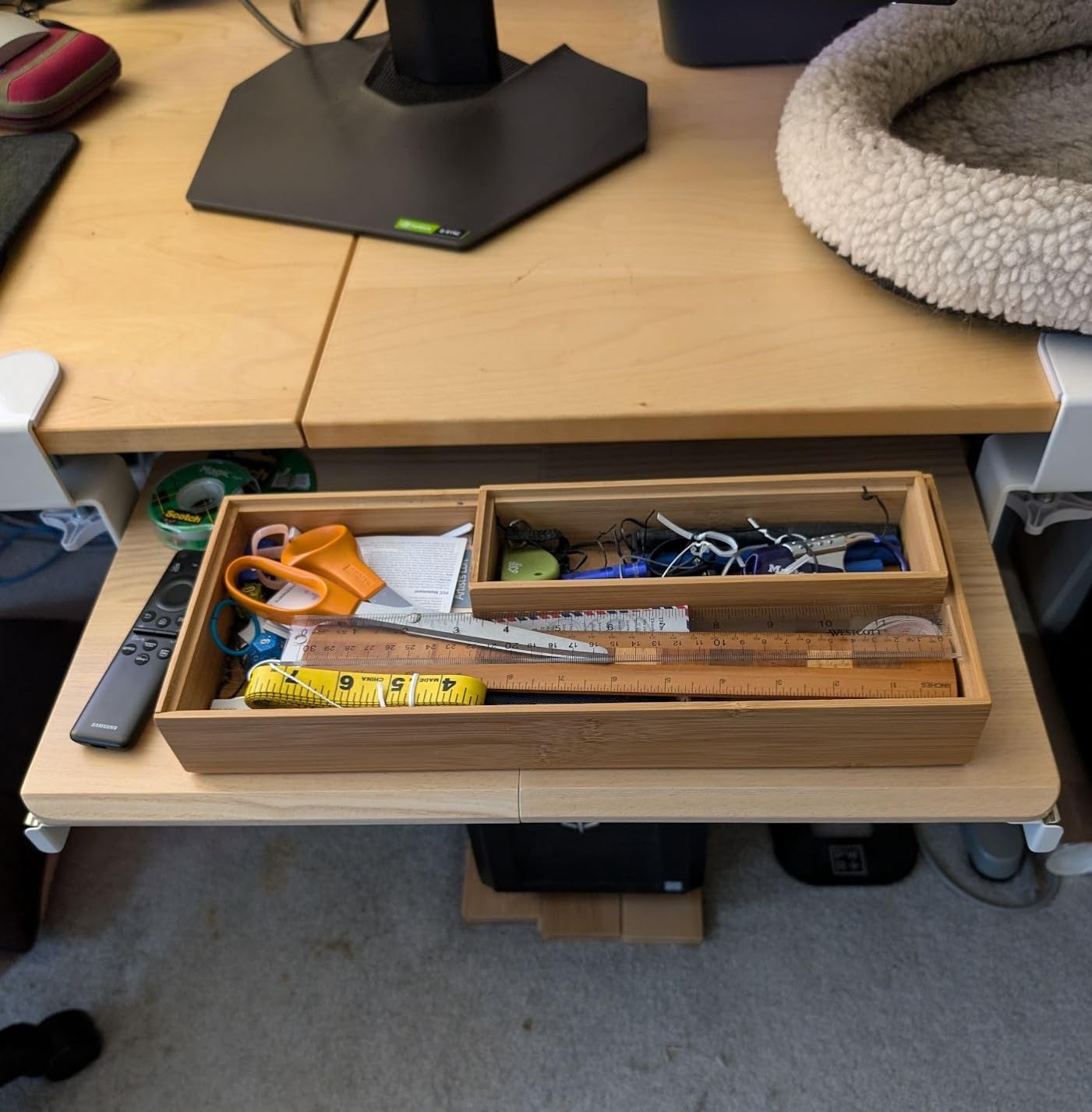
The clamps handle desktops up to 1.25 inches thick and the platform extends a maximum of 8.5 inches from the desk edge, which is enough travel to bring the keyboard over your lap when you sit back. Assembly is a bolt-through job with the supplied hardware, and the whole unit weighs 10.45 pounds, so it stays where you put it.
Beveled-edge desktops are excluded, so check the profile of your top before ordering. The tray also cannot tuck completely away, which means the keyboard stays visible under the desk when you are not using it.
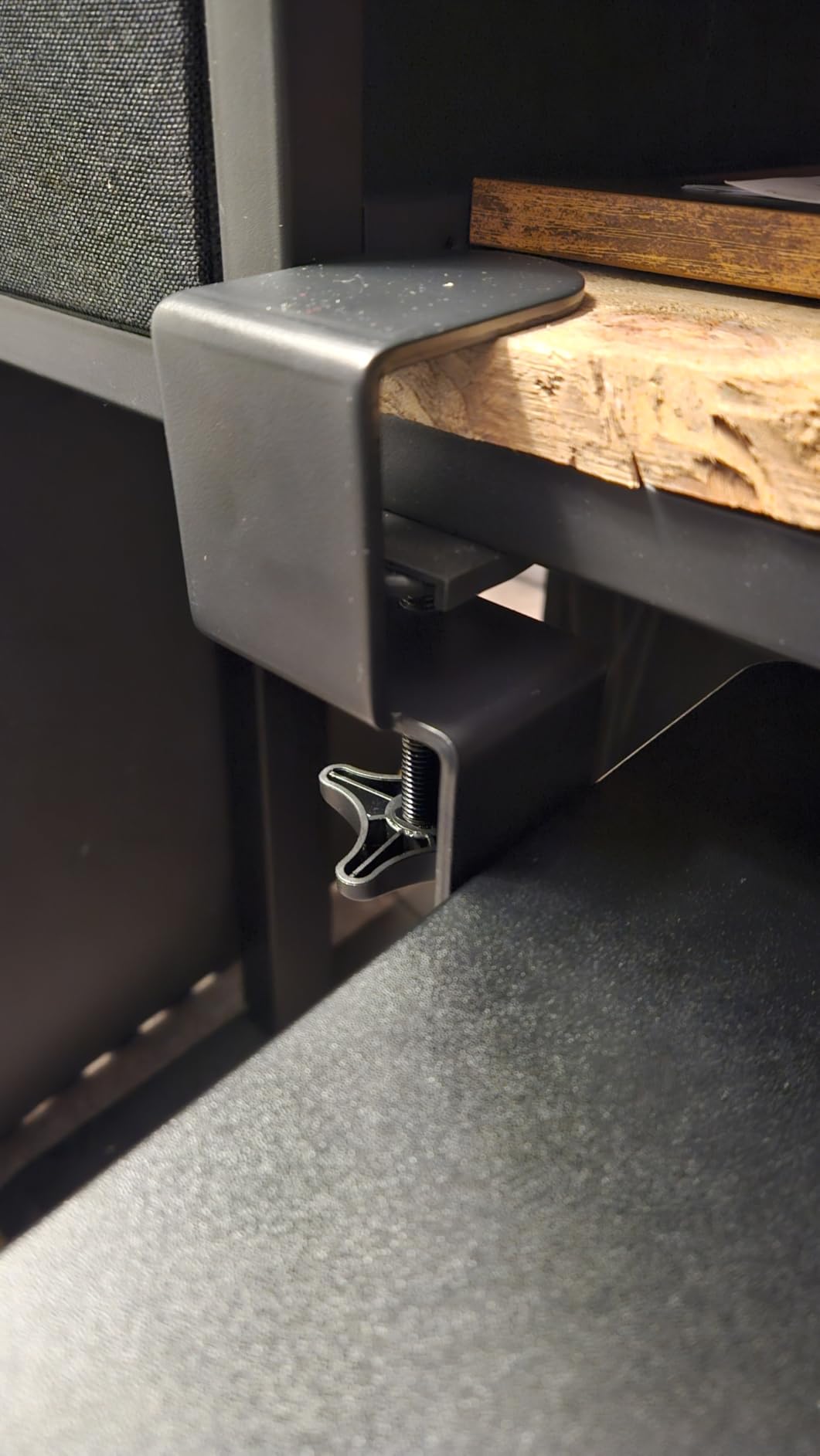
What to check before you order
Measure your desktop thickness and confirm it falls under 1.25 inches, since that is the single number that decides whether this tray fits. If your top is thicker, move to the wider-clamp models further down rather than forcing it.
Decide in advance whether you mind a fixed height. This tray has no adjustment mechanism at all, so if your desk is a crank or hand-raise model with limited range, the keyboard height is whatever your desk height is.
Where it falls short
There is no locking mechanism, so an aggressive typist can push the tray inward over time until the front edge stops being usable. The clearance between tray and desktop is tight, which stowing a tall mechanical keyboard with a raised bezel under the desk turns into a small puzzle.
The screws that fasten the rails to the tray can strip if you lean heavily on the platform while reaching across the desk. Neither issue affects normal use, but both show up after a year or two of hard use.
2. S Stand Up Desk Large Clamp-On Tray: Best Value Pick
Stand Up Desk Store Large Clamp-On Retractable Adjustable…
Three height stops
33 x 12.25 in overall
Desktops to 1.5 in
Tool-free clamp
Pros
- Three height stops handle sit-stand transitions
- Tool-free clamp needs no tools or desk modification
- Powder-coated steel brackets under a hard plastic tray
- Retracts fully out of the way when unused
Cons
- 33 inch footprint needs a roomy desktop
- Only three fixed height positions
The reason this tray earns its place is the three height stops. They sit at 2.69, 3.44 and 4.19 inches below the desktop, and that middle position is what lets one tray serve both a sitting and a standing posture without buying a second piece of hardware. Several of the clamp-ons in this roundup have no height control whatsoever.
Installation is genuinely tool-free. The clamp attaches to the front edge of the desktop, the pad protects the surface, and there is no drilling to think about. The tray itself is hard plastic with powder-coated steel brackets, and at 6 pounds it is the second lightest of the ten.
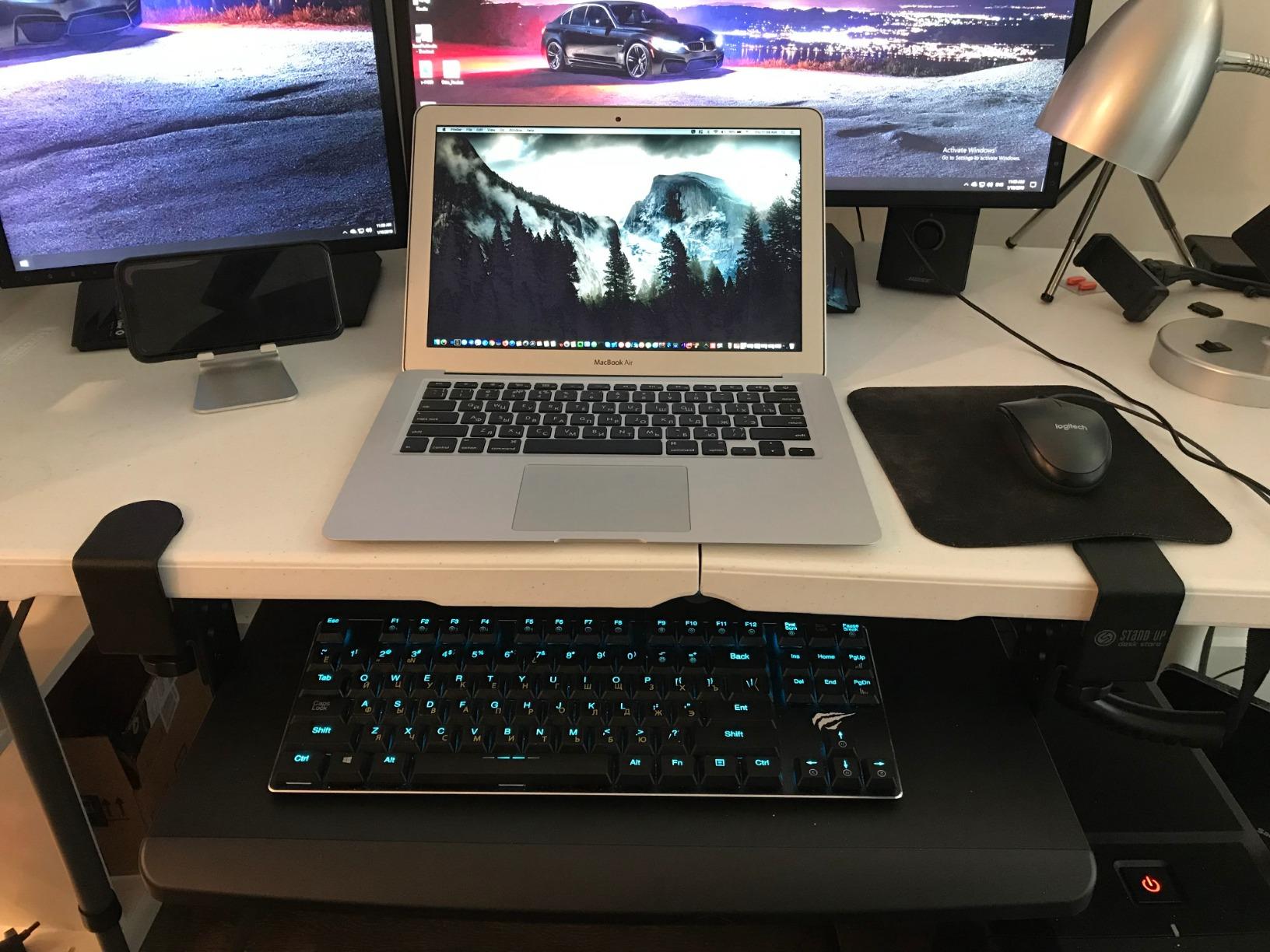
The tray surface measures 27.5 inches wide by 12 inches deep and sits an inch thick, which is deeper than most and gives you room for a mouse pad beside the keyboard. It retracts fully when you push it back, so the footprint matters less day to day than the dimensions suggest.
Desktops up to 1.5 inches thick are supported, which covers most laminate tops and many mid-range sit-stand frames. The warranty is one year, the shortest we saw, so treat it as a consumable part of the setup rather than a permanent fixture.
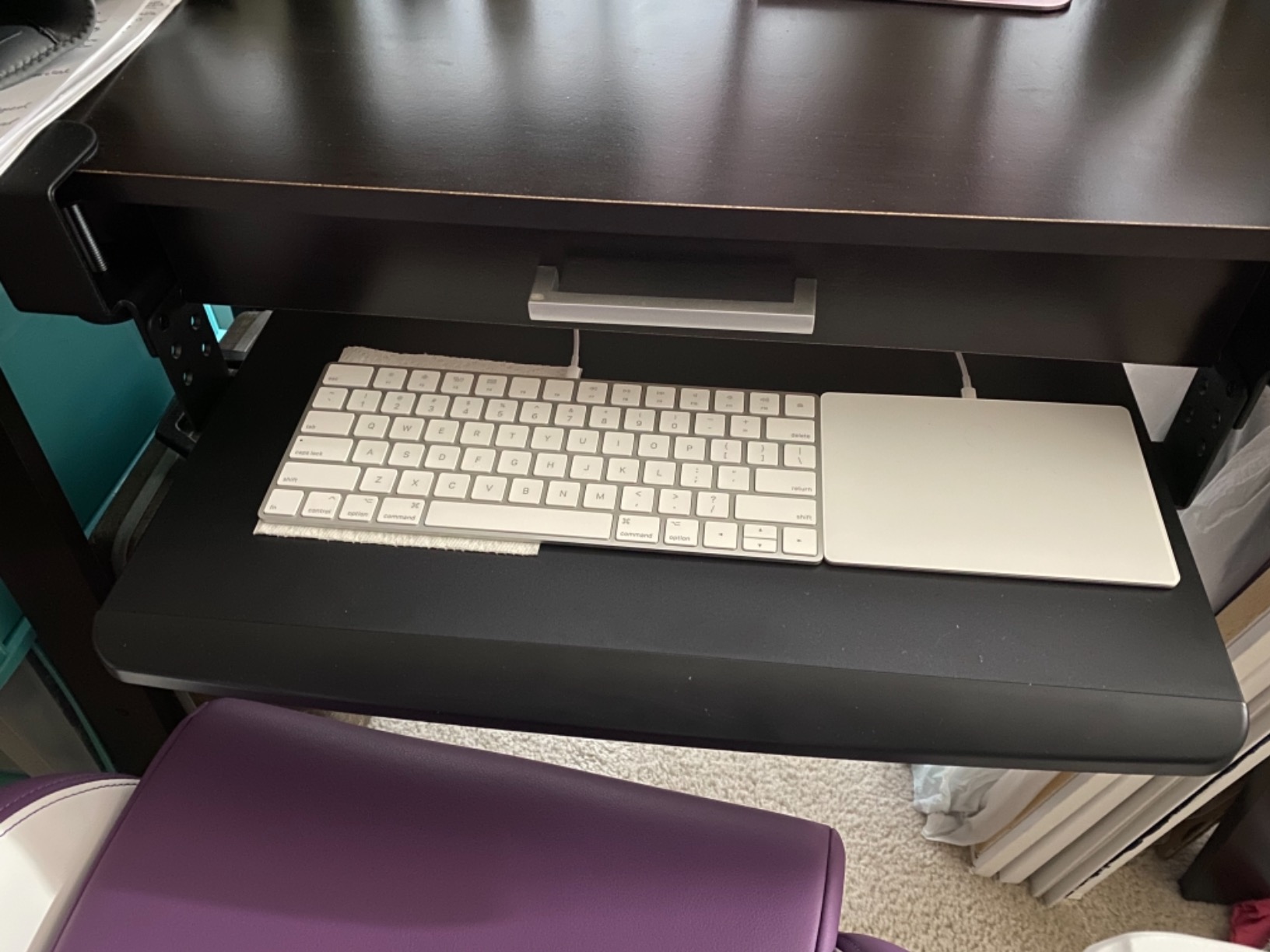
Best for shared and rental desks
This is the tray to buy if you move between desks, because nothing is drilled and nothing is screwed down permanently. It suits an apartment, a hot-desking setup or a home office where the desk is already positioned correctly and only the typing height is wrong.
Because the height stops are discrete rather than continuous, you either land on elbow height or you do not. Measure where your elbows sit at your standing desk height before ordering, and pick the model whose middle stop matches.
Where it falls short
The 33 inch clamp-to-clamp footprint is the drawback buyers mention most. On a compact desk that also has to hold a monitor and a laptop, the tray claims a lot of front edge, and the platform plus mouse area may be wider than the working space you have left.
Three stops is a meaningful improvement over a fixed tray but it is not real adjustment. If your sitting and standing elbow heights differ by more than about 1.5 inches, you will spend your day nudging between positions rather than settling into one.
3. HUANUO 360 Degree Adjustable Mouse Platform Tray: Best for Tilt and Swivel
HUANUO Under Desk Keyboard Tray, 360 Degree Adjustable Mouse…
180 degree swivel
6.3 in height travel
Tilts 6 up to 22 down
25 x 9.84 in platform
Pros
- Swivels 180 degrees and tilts for task changes
- 6.3 inches of total height adjustment
- Heavy solid build that resists wobble
- Drill template included for installation
Cons
- Needs about 14.25 in of clearance behind the desk edge
- Plastic tilt knob is a known weak point
- Included wrist rest is thin
This is the most mechanically capable tray we tested, and the only one in the set that combines a swivel, a tilt range and real vertical travel. It tilts from 6 degrees up to 22 degrees down, which is the range that lets you set a negative tilt for neutral wrist posture when you want it.
Height travel totals 6.3 inches, enough to move from a low sitting position to a standing one without swapping hardware. The platform swivels 180 degrees in either direction, so you can push the whole keyboard and mouse out of the way when you need the desktop for writing or a second screen.

At 25 by 9.84 inches the platform is a little shallower than the leading clamp-ons, so a full-size board with numpad plus a large mouse pad is a tight fit. The weight of 11.54 pounds is what keeps it from wobbling while you type, and the drill template means you are not measuring hole positions by eye.
Minimum desktop thickness is 0.6 inches, so almost any top will clamp. The measurement that matters more is clearance: the bracket needs 14.17 inches from the desk edge to the crossbar, and 16.22 inches to stow it fully.
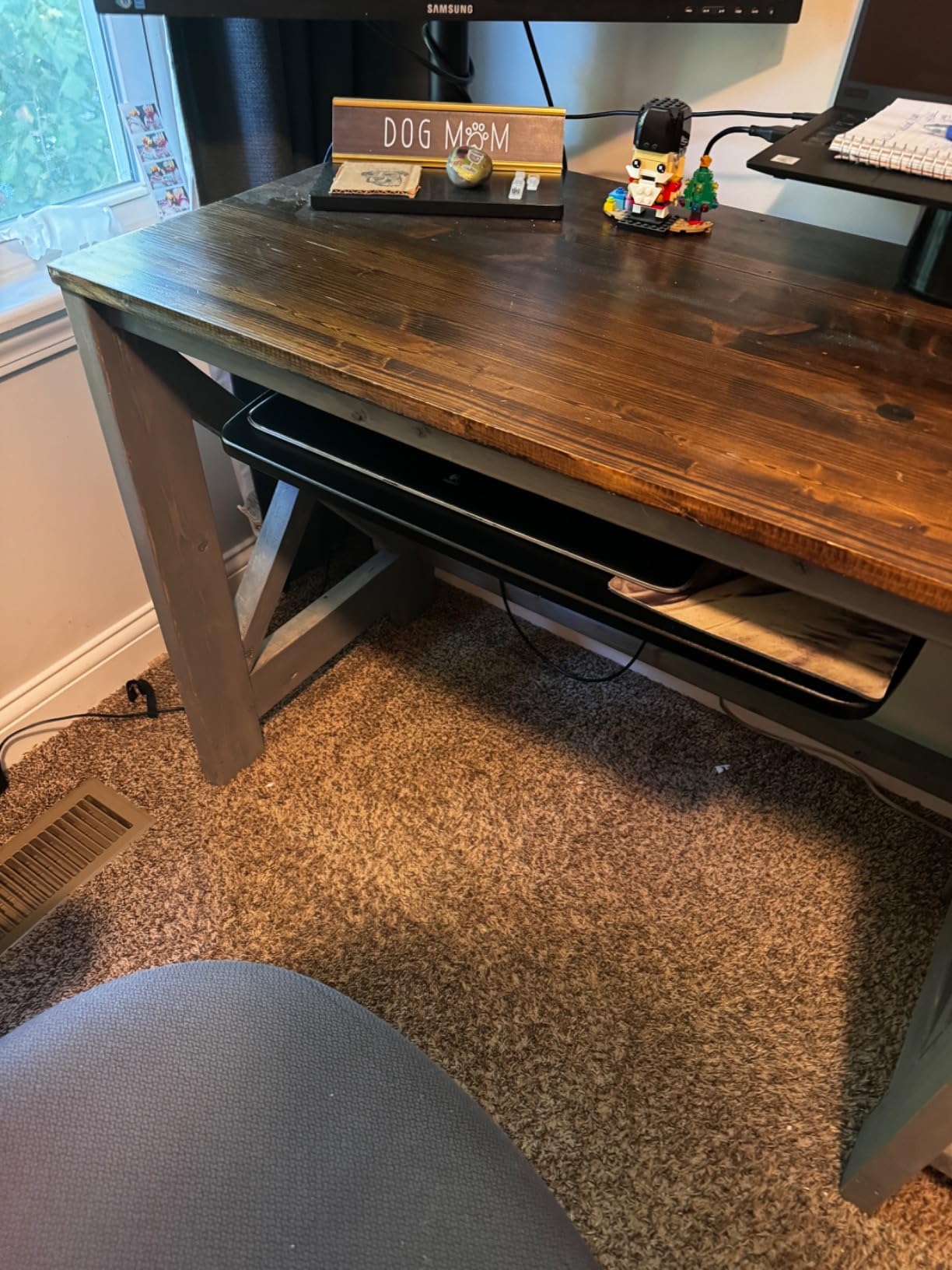
Check clearance before anything else
Pull a tape measure out and check the space from your desk edge to the first structural member underneath. Anything less than 14.17 inches will stop this tray from mounting, and a thick centre support bar on a motorized frame is the most common reason it will not fit.
If you use a laptop, the swiveling arm doubles as a laptop riser, which is a genuine bonus. Just check that the surface is wide enough for your machine once the keyboard is on it.
Where it falls short
The metal-on-metal slide can feel sticky, particularly when a tall crossbar puts the arm under load. Owners report that a lift-and-push technique works better than pulling straight out, and the plastic tilt-locking knob is the component most likely to snap on an aggressive adjustment.
The included wrist rest is thin and has been reported peeling away at the edges. Budget for replacing it if you already know you prefer a separate gel rest, because the tray is a poor match for anyone who wants to swap pads frequently.
4. Kensington SmartFit K60004US: Best for Full-Size Keyboards
Kensington Keyboard Tray Under Desk, SmartFit Ergonomic…
24.5 inch inner drawer
31 to 33 in install width
36 month warranty
Screw-mounted rails
Pros
- Unusually wide 24.5 inch drawer opening
- Soft detent stops the drawer rolling back
- 36 month warranty
- Handles imperfect screw-mount installation
Cons
- Front bevel can press against wrists
- Height changes need removing and re-screwing
- No drill template included
The Kensington SmartFit is the one true drawer design here. Its inner drawer measures 24.5 inches inside a 26 inch outer shell, and that depth of opening is why people with oversized ergonomic boards and split key layouts buy it instead of a shallower clamp-on tray.
Unlike every other entry, it uses screw-mounted rails rather than a clamp, so nothing wraps around the front edge of the desk. Installation width runs 31 to 33 inches including the mounting arms and total depth is 16 inches, so it needs a substantial under-desk area.
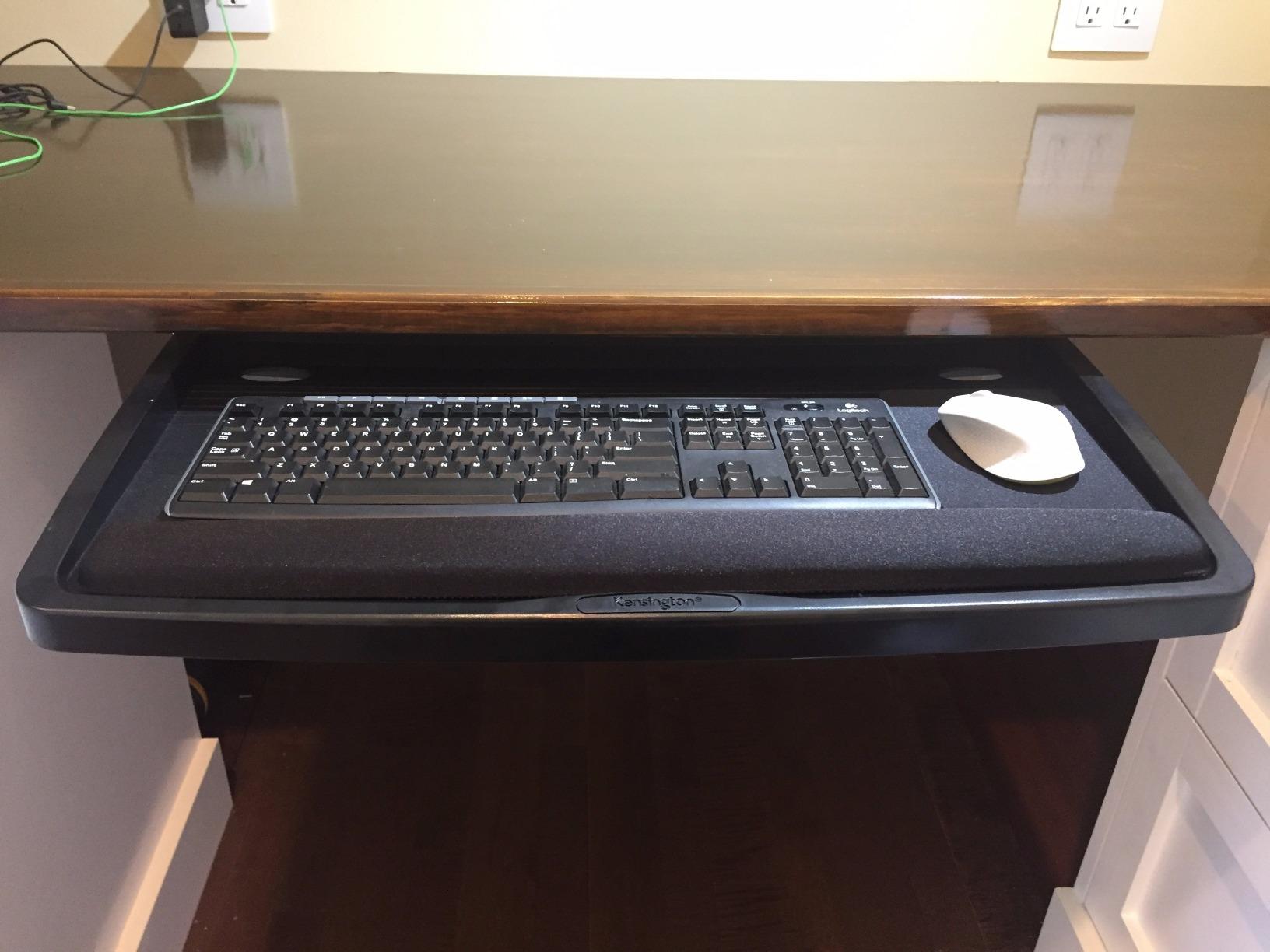
Two details make it pleasant in daily use. The slide has a soft detent, so the drawer does not roll back under the desk while you are typing, and the SmartFit colour system lets you match keyboard height to a comfort reference without measuring. The 36 month warranty is the longest in this roundup by a wide margin.
It also tolerates sloppy screw mounting better than it has any right to, which matters on a desk where the underside is not perfectly flat. A mouse pad and gel wrist pad ship in the box, though you may well replace both.
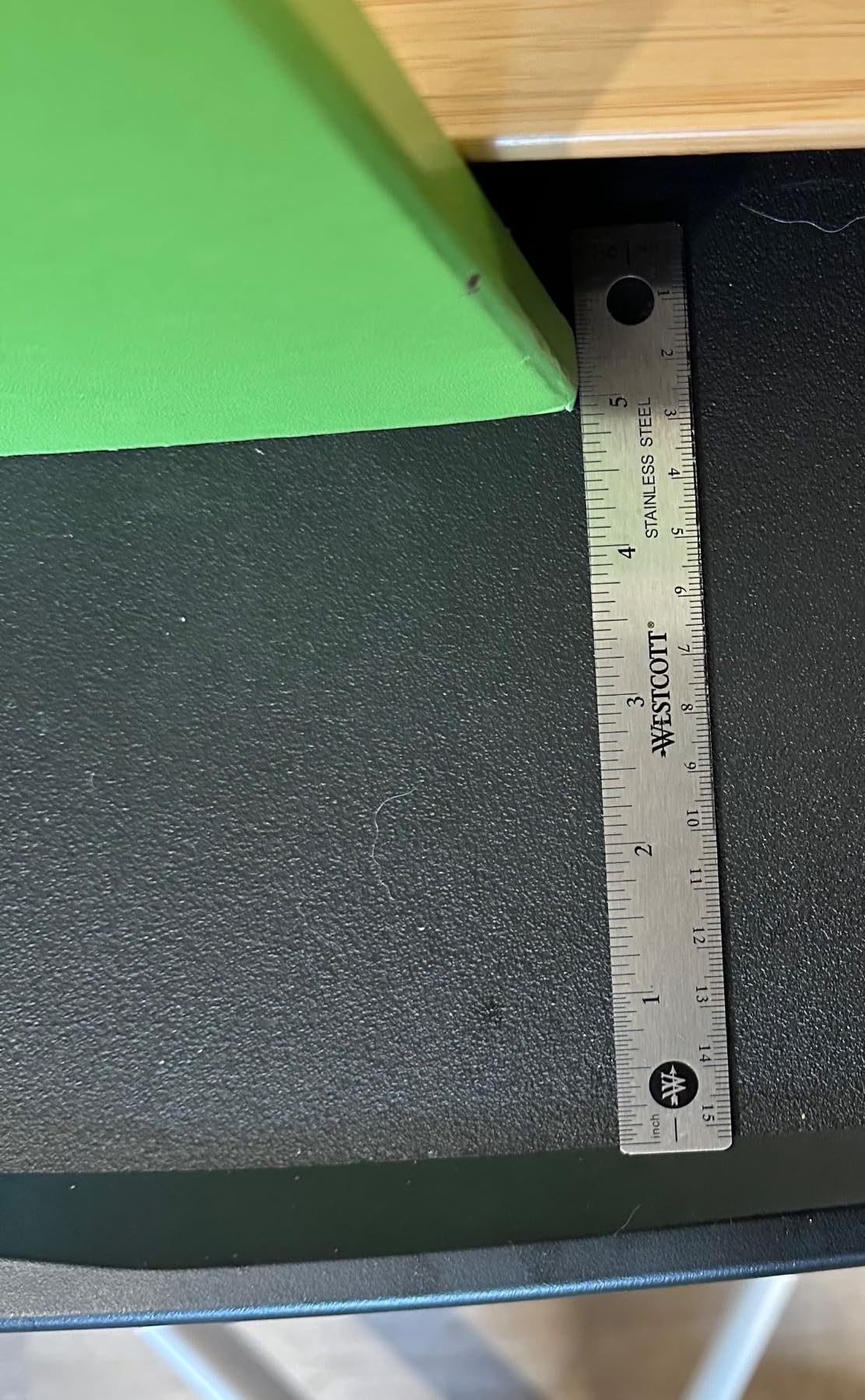
Plan for a permanent mount
Choose this one if you own the desk and want a fit that never shifts. Screw-mounted rails carry more load and hold their position for years, and a 36 month warranty means a failure is not a near-term concern.
Measure your available under-desk depth before ordering. At 16 inches total, it is the deepest drawer here, and it will not work on a slim frame with a shallow crossbar set high up.
Where it falls short
The front bevel can press against the heels of your hands, which is exactly the problem a tray is supposed to solve, and the gel pad that comes with it is not removable. Height changes mean partially removing the tray and re-screwing it, so this is a set-and-forget install rather than an adjustable one.
Instructions are thin and no paper drill template ships in the box, so measure and mark your mounting holes yourself before you start. Budget a little extra time for that step.
5. VIVO MOUNT-KBST1: Best for Adjustable Width
VIVO Black Clamp-on 23” to 30” x 11″ Adjustable Keyboard…
22.5 to 30 inch span
2.4 in height travel
5 set points
Clamps to 3.4 in tops
Pros
- Tray width adjusts from 22.5 to 30 inches
- 2.4 inches of height adjustment across 5 set points
- Clamp range handles thick sit-stand frames
- Includes keyboard wrist pad and mouse pad
Cons
- Height changes need a screwdriver
- Small set screws need periodic tightening
- Tray can sit slightly out of level
The second VIVO in this roundup is the one to consider if your desktop is thick. Its clamps grip surfaces up to 3.4 inches, which is the widest range of any tray here and the only one that comfortably handles a chunky sit-stand frame or a double-slab top.
The tray width slides between 22.5 and 30 inches, or 28.5 to 36 inches including the clamps, and height adjusts 2.4 inches across five set points. That combination lets one tray serve a compact keyboard on a small desk and a large ergonomic board on a wide one.
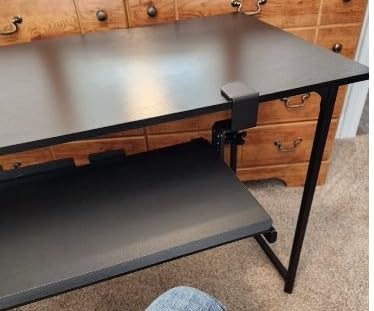
Depth is adjustable too, from 8.8 to 10 inches from the desk, and the platform extends a maximum of 8.5 inches while holding up to 11 pounds. The one-piece tray surface has no joint across the typing area, and the included keyboard wrist pad, mouse pad and mouse wrist rest cover more than most competitors.
Owners of sit-stand desks report good results, which is not a surprise given the clamp range. At 14.37 pounds it is the heaviest tray in the set, and that weight works in your favour once it is mounted.
Best for thick frames and shared setups
Pick this one if you are moving between two desks with different top thicknesses, since the clamp and width both adapt. The five height set points give you more positions than a fixed tray without the complexity of a tilt mechanism.
It is also a sensible choice if you want wrist support included rather than bought separately. Three pads ship in the box, which covers the keyboard, the mouse and the wrist resting on each.
Where it falls short
Height adjustment uses a screwdriver rather than a knob, so switching desks is a five minute job instead of a ten second one. The small screws joining the clamp to the tray have pre-applied threadlocker and do need occasional re-tightening, which is the most common complaint owners report.
The thick tray surface can sit lower than you expect once assembled, which occasionally forces your chair down further than you would otherwise set it. A few owners also note the tray can sit slightly out of level when fully pushed in.
6. AX WABER AX01WB01: Best for Stable Rails
AX WABER Keyboard Tray Under Desk Pull Out with Extra Sturdy…
Ball-bearing rails with locks
27.3 x 8.3 in tray
Three height settings
Extends 5.7 in
Pros
- Rails lock in both extended and stowed positions
- Heavy build stays stable when leaned on
- Low-friction surface suits optical and gaming mice
- Clamp mount needs no drilling
Cons
- Sharp edges exposed near the rails when extended
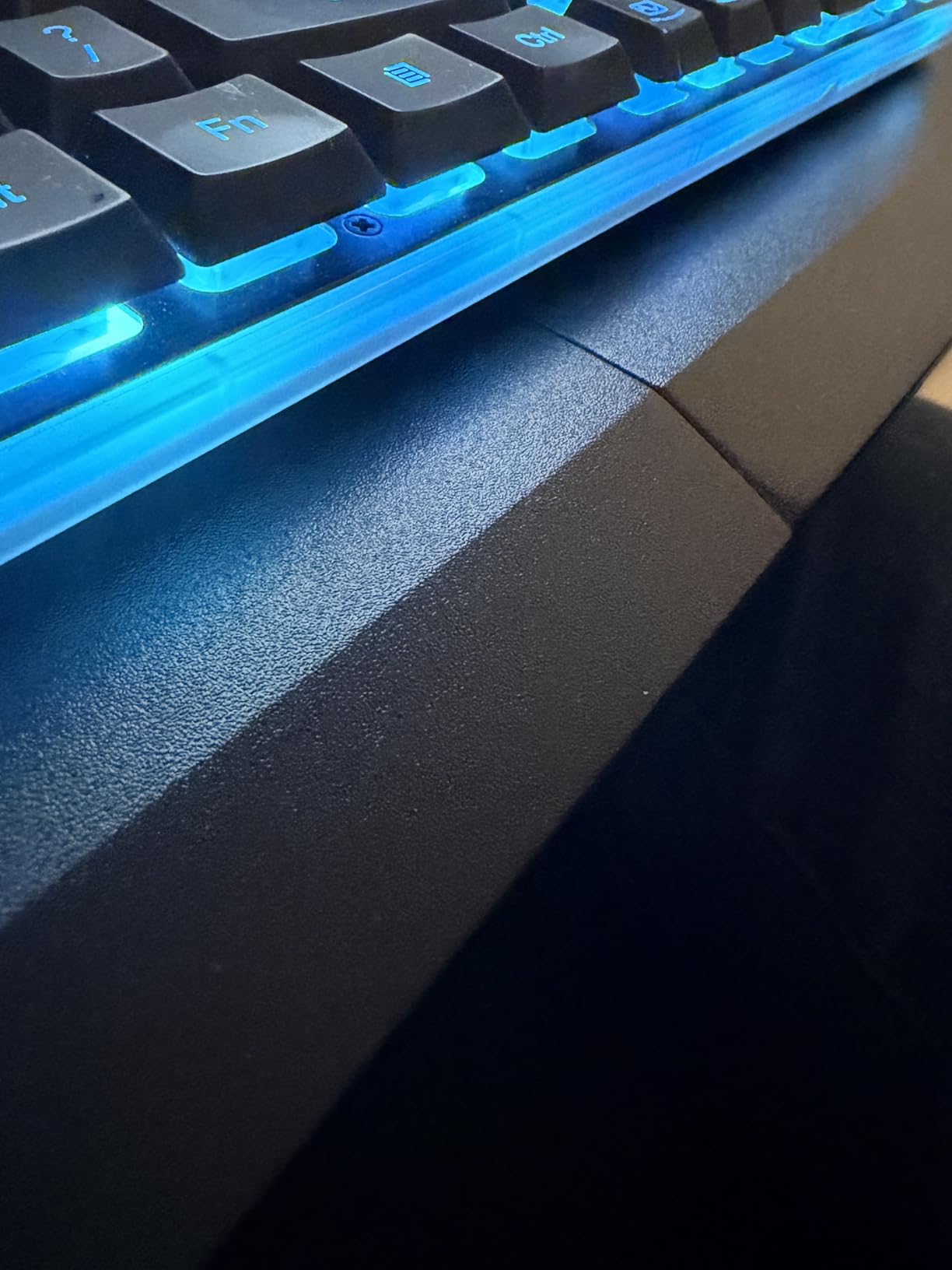
- Two-piece tray shows a front seam gap
- Wobbles on the short return of an L-shaped desk
The defining feature of this tray is a pair of locking rails. Most clamp-ons slide freely, so the platform creeps while you type. This one locks both fully extended and fully stowed, which means the keyboard stays exactly where you put it and disappears when you push it away.
Ball-bearing rails give a controlled glide, and at 8.8 pounds the unit is heavy enough that it does not shift under a forearm. Three height settings plus a wide clamping range give more placement options than the fixed-height models, and the low-friction surface works well for optical and gaming sensors without a pad.
The tray surface is 27.3 by 8.3 inches, among the widest platforms here but the shallowest by a clear margin. Clamps handle desktops up to 1.9 inches thick and it extends a maximum of 5.7 inches from the desk edge, the shortest travel here, so the keyboard sits closer to the desk than some competitors allow.
It also comes in a 38 by 12 inch version if you need the width, and the clamp mount means it suits a sit-stand desk without drilling into company property. Load rating is 11 pounds.
Best when you lean on the desk
This is the tray to buy if you brace your forearms heavily, type with a lot of force, or work in a way that pushes the platform around. The locks mean the surface stays put instead of migrating toward the desk edge over a long session.
It is also a strong fit for gaming setups, where the low-friction surface and the wide lock-down platform both help. Check that your desk edge is straight, because the clamps need a flat surface to grip.
Where it falls short
Quality control is the weak point. Owners report exposed sharp metal edges near the rails when the tray is extended, a visible seam gap at the front of the two-piece tray, and rails that need greasing after a few months.
The 8.3 inch depth is genuinely shallow. If you use a large mouse pad alongside a full-size keyboard, both will not fit without overlapping, and the short 5.7 inch extension does not pull the keyboard far enough towards your lap for a shorter user.
7. Klearlook 360 Degree Swivel Tray: Best for Desk Organization
Klearlook Keyboard Tray Under Desk with 360° Rotation…
360 degree rotation
24.4 x 10 in holder
Single central clamp
Integrated storage drawer
Pros
- Swivels a full 360 degrees out of the way
- Built-in drawer
- phone slot and headphone hanger
- Single clamp leaves the desk centre clear
- Assembles in about five minutes
Cons
- Hard plastic wrist rest cannot be removed
- Height is not adjustable
- Rotation needs substantial under-desk clearance
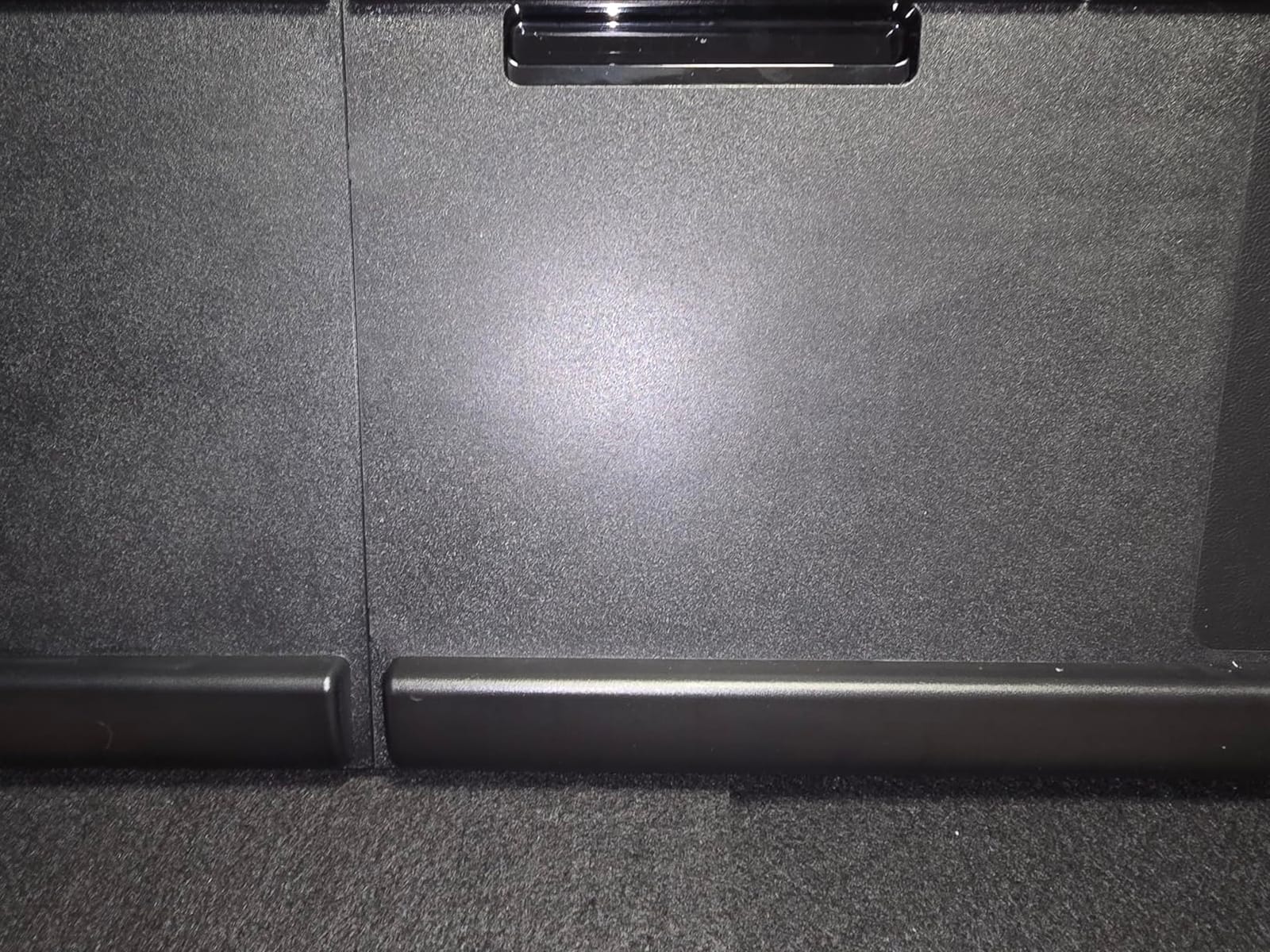
Everything else in this roundup stores your keyboard. This one also stores your small things. The integrated drawer, phone slot and retractable headphone hanger make it the tidiest option for a desk that doubles as a charging and storage surface, and the swivelling arm keeps all of it out of sight when you do not need it.
The 360 degree rotation is the second reason to consider it. A single padded C-clamp mounts in the centre of the front edge and the whole assembly pivots, which leaves both sides of the desk edge clear. Tilt angle is adjustable even though height is not.
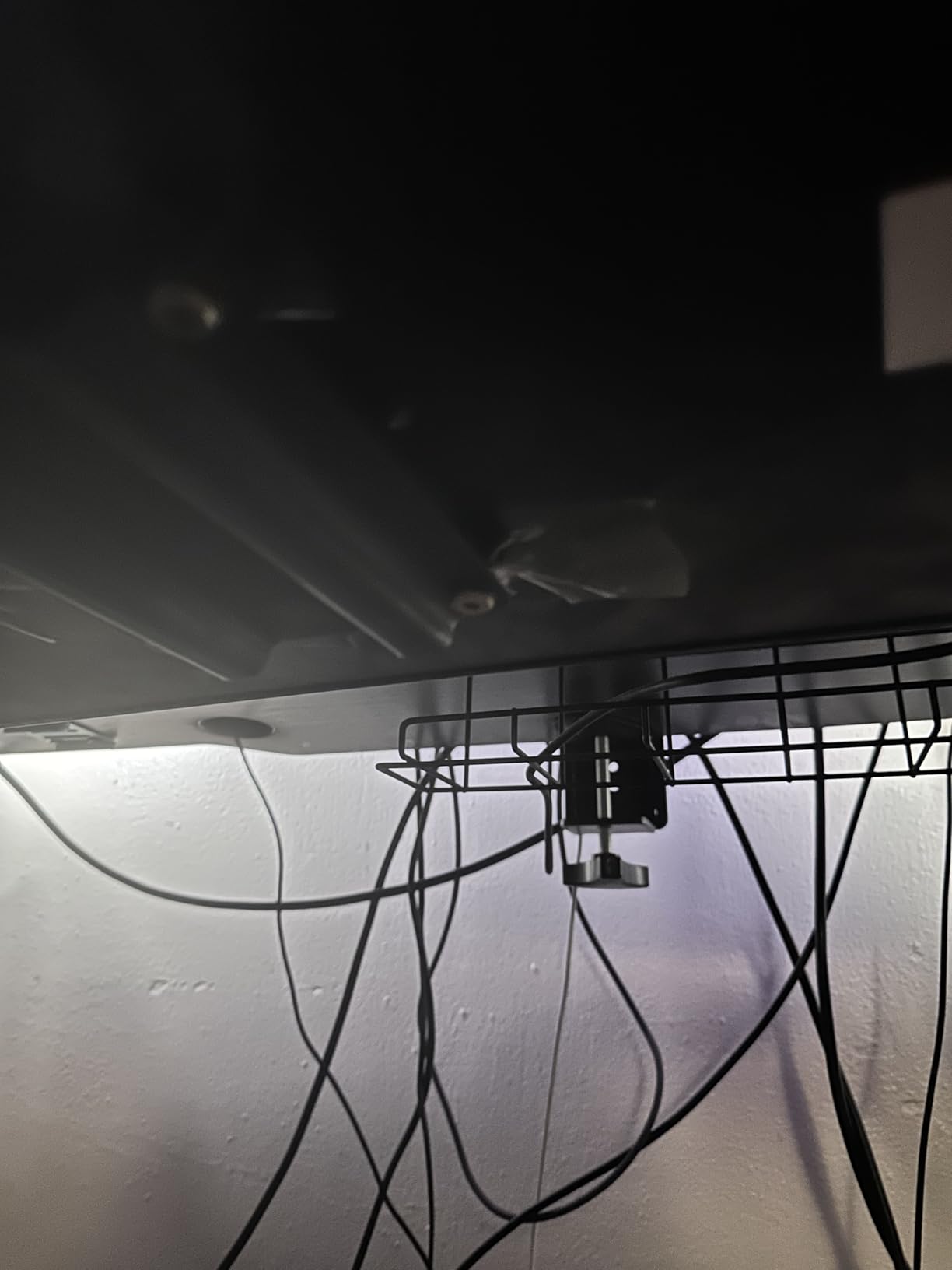
The keyboard holder measures 24.4 inches long by 10 inches wide, and the clamp handles desktops up to 2.68 inches thick, which covers most sit-stand frames. The build is heavy for a plastic tray at 7.83 pounds, and assembly takes about five minutes with the included Allen wrench.
Clearance is the constraint. Double-sided rotation needs a minimum table width of 35 inches, and 27.5 inches if you only rotate one way. Wired peripherals are also awkward to manage when the arm swings, because the cable has to travel with it.
Best for small, shared workspaces
Choose this tray when your desk is also your storage surface and you have no room for a separate drawer unit. The centre clamp is the quiet advantage here, because a two-clamp design would occupy both front corners of the desktop.
It suits a sit-stand desk in one specific way: a fixed platform that swivels fully away gives you the full desktop back at both sitting and standing heights without any height mechanism to conflict with the lift column.
Where it falls short
The wrist rest is hard plastic, not padded, and it cannot be removed. At least one owner returned the tray over it, and if you are buying a tray because of wrist discomfort, a rigid edge in front of your palms is the wrong place to start.
Height does not adjust at all, and the tilt bolt is stiff to move. Swivelling also needs far more clearance under the desk than a sliding tray, so measure your under-desk space before committing.
8. XINLEI DSF4: Best for Two Mount Options
XINLEI Keyboard Tray Under Desk Large C-Clamp…
25.6 x 11.8 in platform
Clamp or screw mounting
Metal rail with baffle
Desktops to 1.63 in
Pros
- Installs by C-clamp or by screws
- Roomy surface fits a 16 in keyboard and 7.5 in pad
- Metal rail gives a controlled quiet glide
- Rear baffle stops the keyboard sliding off
Cons
- Slide can feel clunky and bind from one side
- Instructions are poorly written
- Clamp mode lowers the typing surface
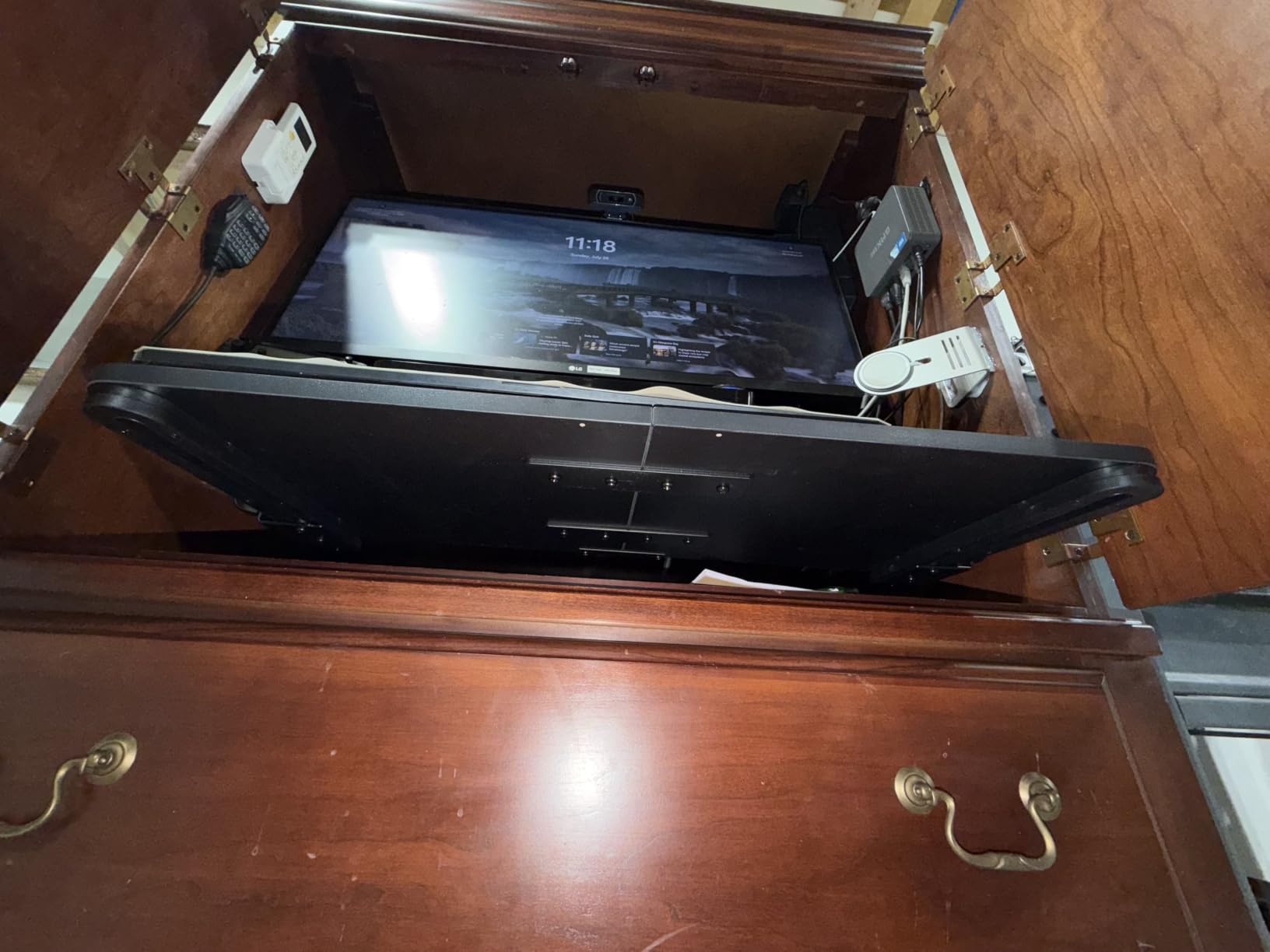
This is the only tray in the roundup that ships with both mounting methods, and that single feature solves the most common real-world dilemma. If you own the desk, screw it in for a permanent fit. If you are renting or on company property, use the C-clamp and take it with you when you leave.
The platform is 25.6 by 11.8 inches, or 30 inches clamp to clamp, and it slides in up to 12.24 inches as well as out up to 7.75 inches. That inward travel is unusual and useful, because it lets the whole assembly tuck under the desk when nobody is using it.
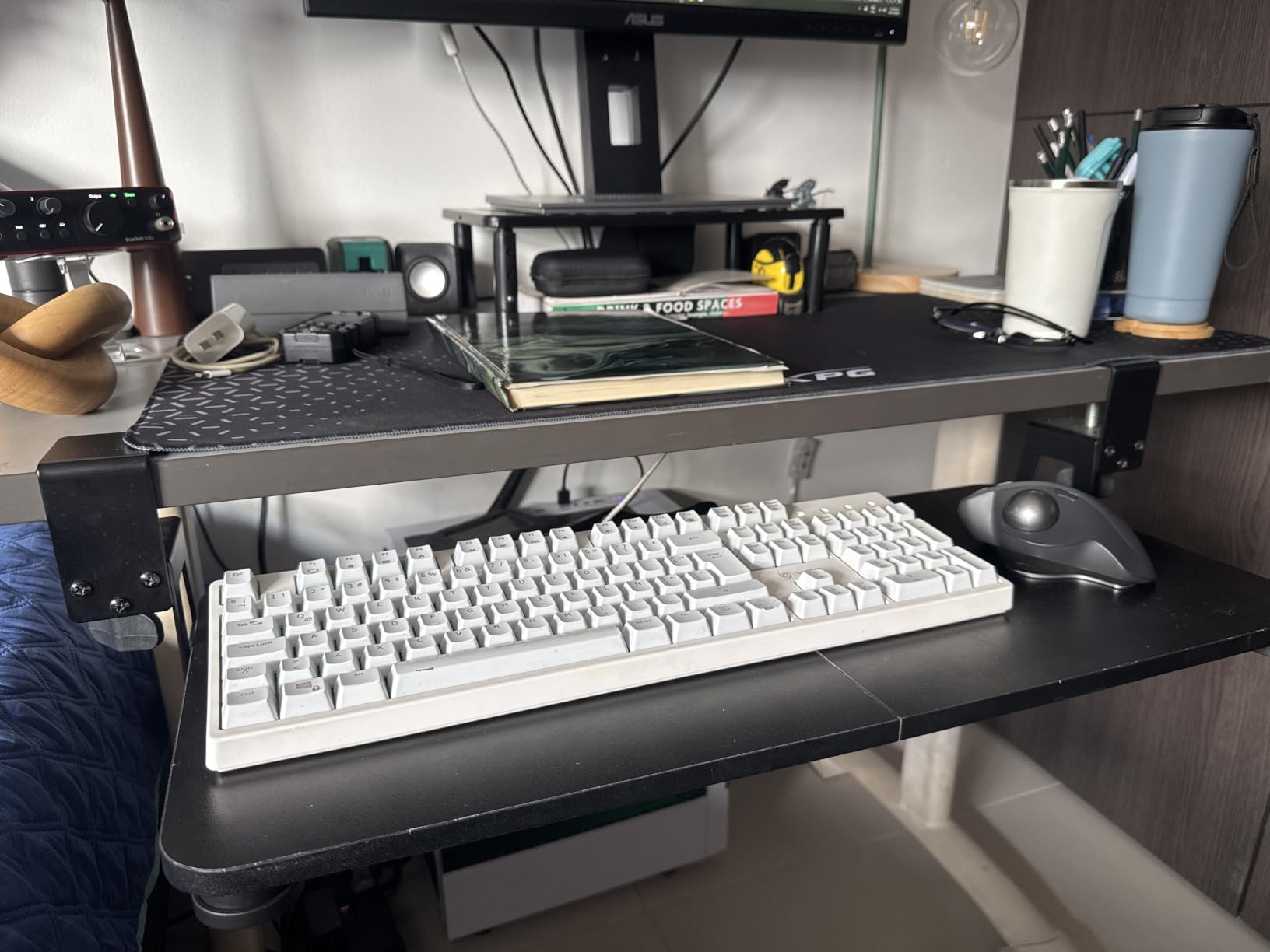
A metal sliding rail with a rear baffle keeps the keyboard on the tray, and non-slip pads protect the desktop. The screw-mount variant offers 2.4 inches of height clearance, which some people find a more useful compromise than the clamp version.
At a 4.4 rating it scores among the highest here, with owners pointing to a stable clamp fit with no bounce and a platform roomy enough for a 16 inch keyboard alongside a 7.5 inch mouse pad.
Best if you might move
Pick this tray if there is any chance you relocate it, or if you want to try clamp mounting and upgrade to screws later. The hardware for both methods is in the box, so the second install costs nothing extra.
It is also a good pick for a shared or hot-desking setup, where a bolted-in drawer would tie the desk to one person and a plain under-desk shelf will not stay in position.
Where it falls short
The slide can feel clunky and plastic, and owners report it can bind if you pull from one side. The instructions are poorly written, so allow extra time and expect to work out the assembly order yourself.
Clamp mode lowers the typing surface, which suits lower desks better than a high one, and the screw-mount variant can work its screws loose over time. The 1.63 inch thickness limit is narrower than some clamps in this roundup.
9. Zontera KBT01: Best for Bottom-Mounted Rails
Zontera Ergonomic Keyboard Tray Under Desk, 25.6×11.8 Inch…
25.6 x 11.8 in board
Bottom-mounted rails
Clamps to 2.76 in tops
Extends 7.8 in
Pros
- Bottom-mounted rails slide smoother and quieter than side rails
- Very wide 2.76 inch clamp range suits thick sit-stand frames
- Quick assembly with a handful of screws
- Recessed height positions the board closer to the desk
Cons
- Slight incline can let a mouse slide off
- May be too narrow for a keyboard and mouse pad together
- Included screwdriver is too soft
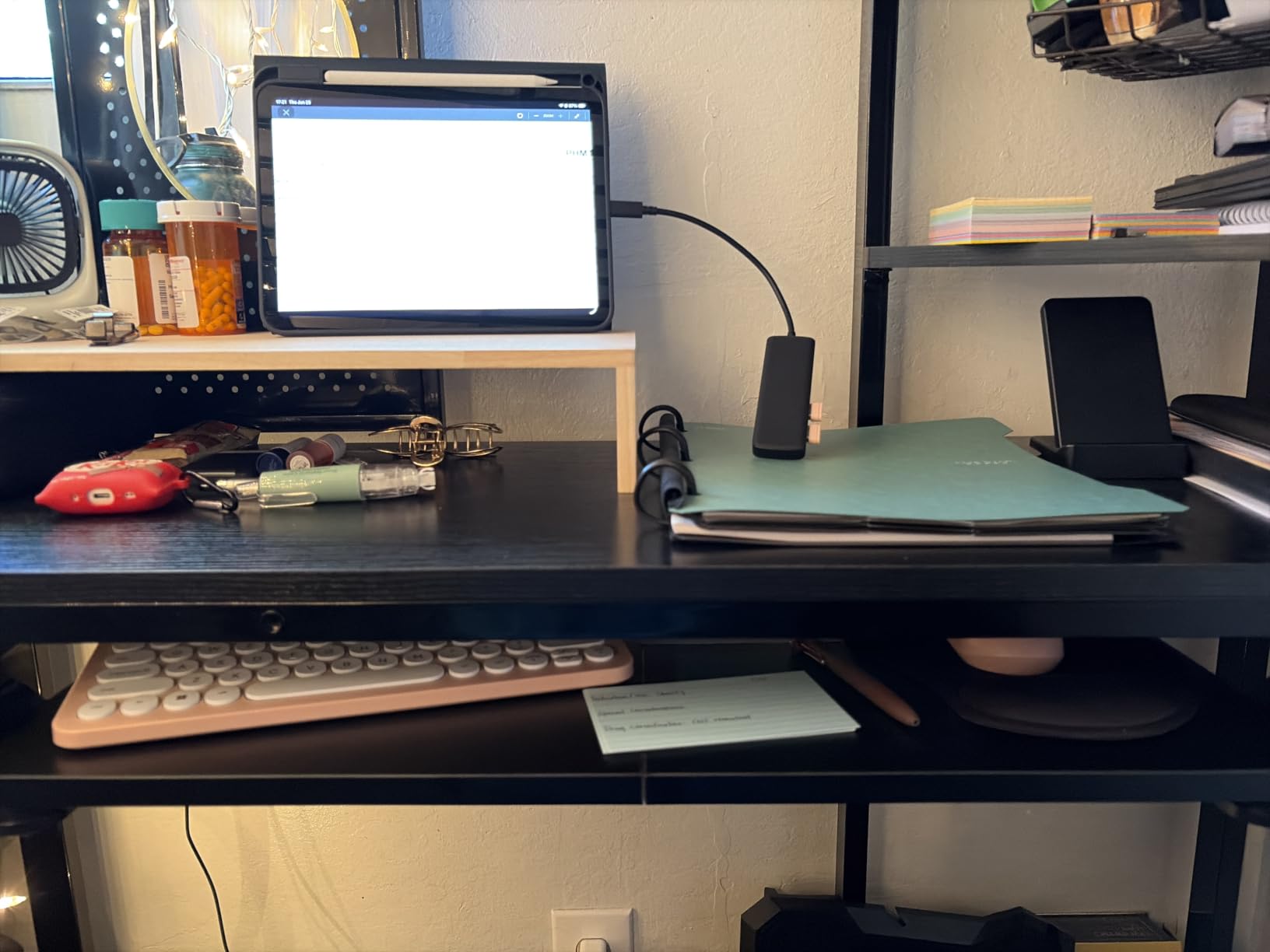
The detail that separates this tray from the rest is where the rails are mounted. Instead of side rails, the slide mechanism sits underneath the board, which owners consistently report gives a smoother, quieter glide and lasts longer than side-railed designs. Nothing rubs against the edge of your keyboard as it moves.
Clamps reach 2.76 inches of desktop thickness, the second widest range here, so it handles thick sit-stand frames comfortably. The board is 25.6 by 11.8 inches, 31.5 inches including the clamps, and it extends up to 7.8 inches from the desk edge.
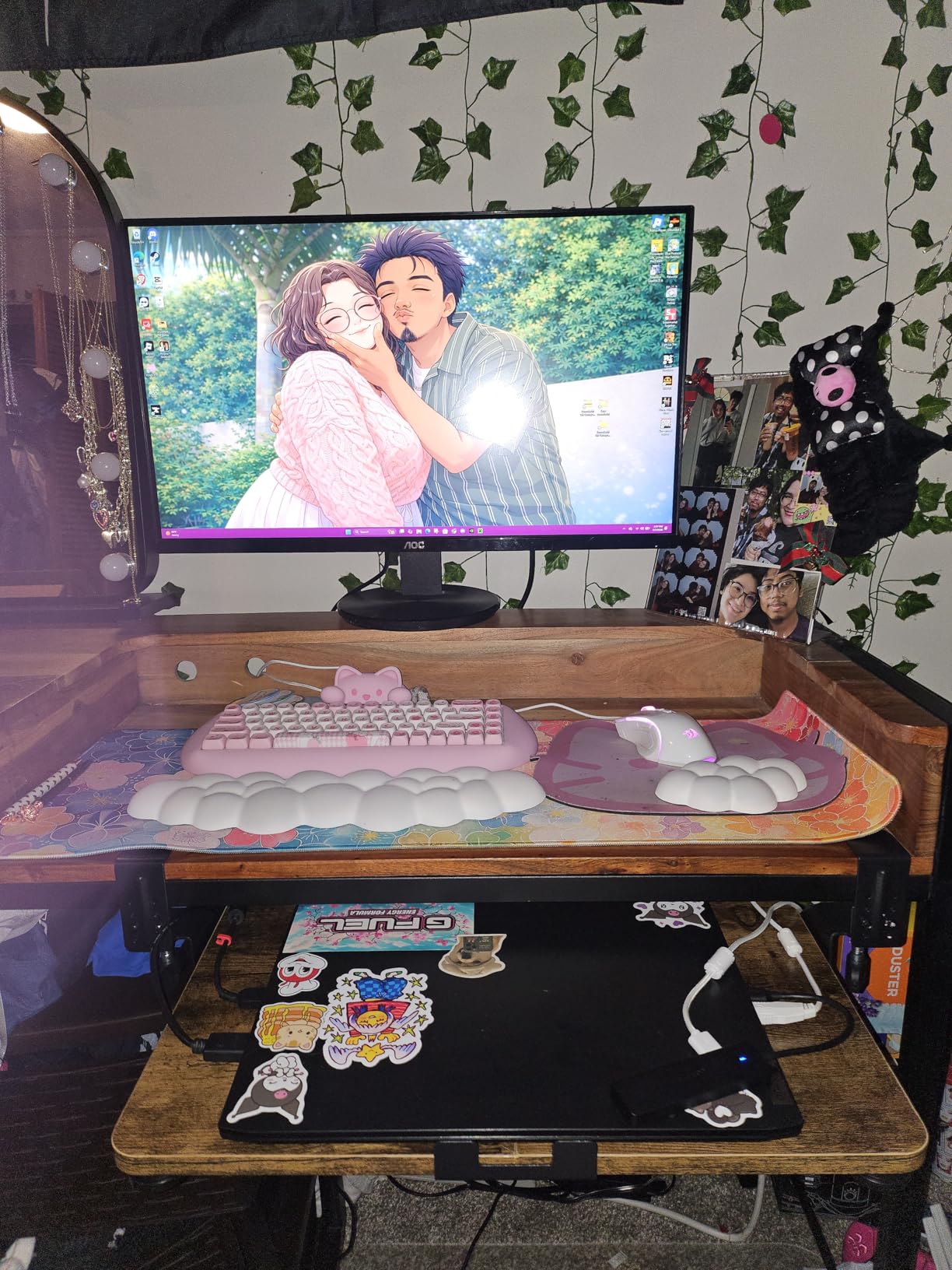
Recessed height positions bring the board closer to the underside of the desktop than a conventional tray, which helps when your under-desk clearance is tight. A rear baffle keeps the keyboard from sliding off, and thick non-slip pads stop the clamps marking your desktop.
It comes in Large and Small sizes and four finishes including walnut and vintage brown, so it is the one to look at if your desk is wood and you do not want a black plastic slab hanging under it.
Best for tight under-desk clearance
The recessed height is what makes this worth a look on a shallow frame or a desk with a low crossbar. When vertical space is the constraint, a board that sits closer to the desktop beats a more capable tray that hangs lower.
Owners of sit-stand desks report that the wide clamp range handles their frames well, and the install comes down to a handful of screws and about five minutes.
Where it falls short
The surface carries a slight incline, and a mouse with a hard bottom can creep off the front edge during a session. Several owners have also had a rail bind on one side, and a few reported an adjustment screw arriving stuck.
Depth is the real limit. A 25.6 inch board does not comfortably hold a full-size keyboard and a separate mouse pad side by side, and the screwdriver included in the box is too soft for the job, so bring your own.
10. suptek DSF1: Most Versatile for a Steel Clamp Tray
suptek Keyboard Tray Under Desk Pull Out with C Clamp Mount…
25.6 in tray surface
Dual steel C-clamps
Holds 11 lbs
Desktops to 1.57 in
Pros
- Alloy steel construction with dual steel clamps
- No-drill installation protects the desktop
- Rear edge stopper keeps the keyboard in place
- Range of sizes in 20
- 25.6 and 34 inch widths
Cons
- 1.57 inch thickness limit excludes some sit-stand frames
- Not compatible with corner or curved desktops
- No height adjustment mechanism
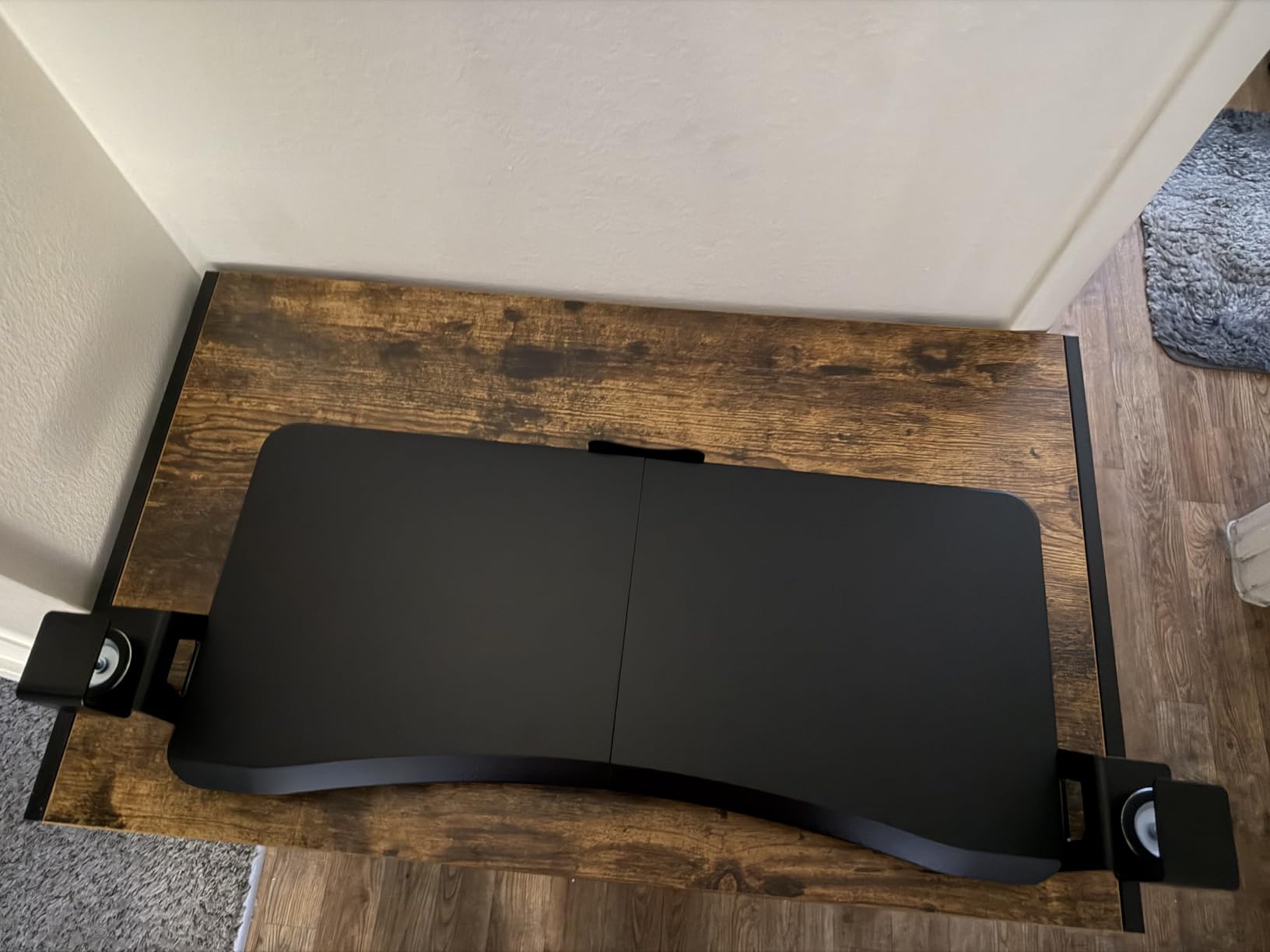
The suptek DSF1 is the straightforward option. Dual steel C-clamps grip the front edge, non-slip pads protect the surface, and the platform is 25.6 inches wide by 11.8 inches deep, or 30 inches clamp to clamp, with an 11 pound load rating.
It is the simplest design in the roundup and that is the appeal. No swivel, no tilt, no height mechanism, nothing to adjust after installation. If your desk sits at one height and your elbows already line up at that height plus three inches, this tray does exactly one job and does it without drama.
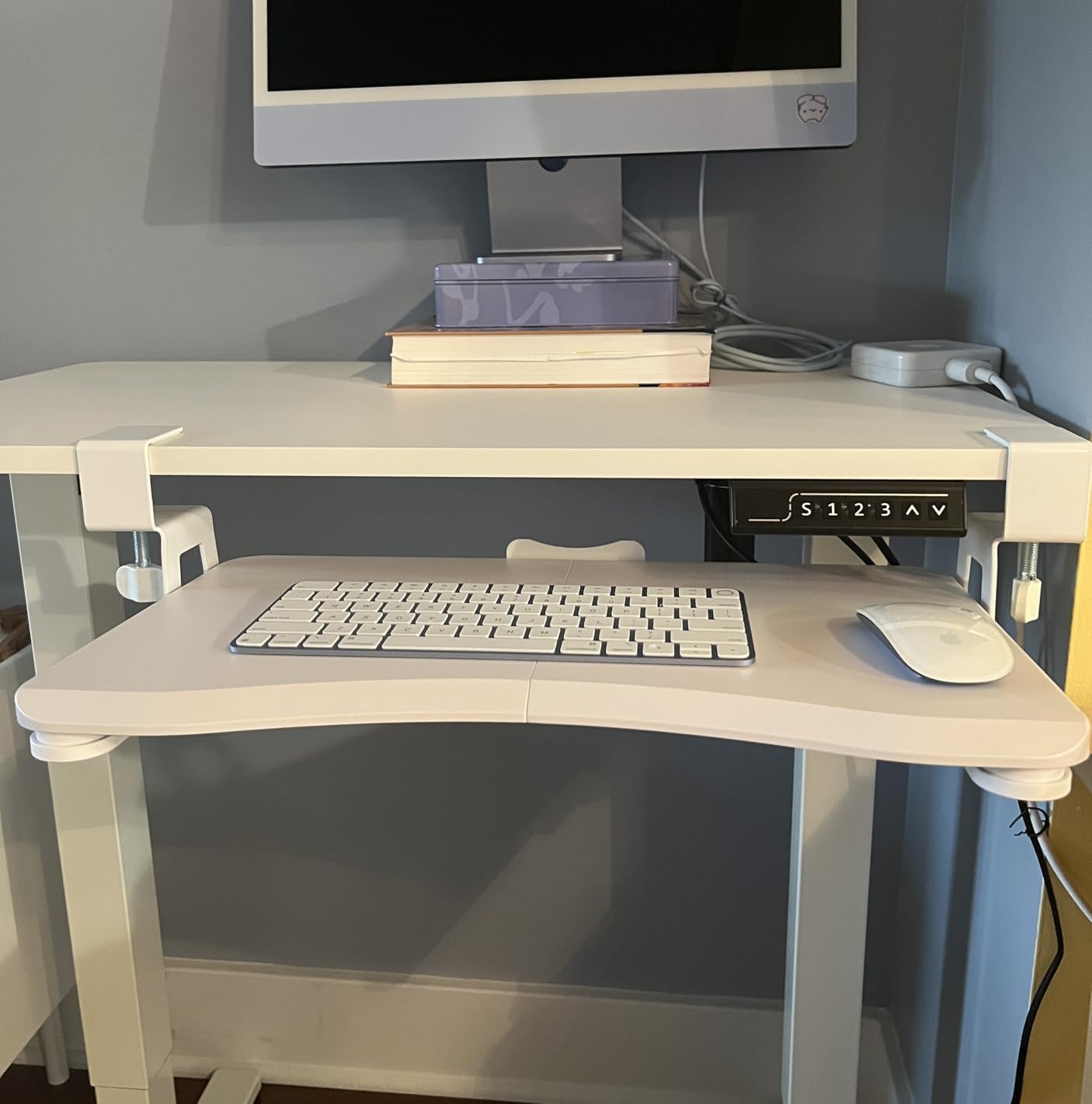
The updated slide system has a rear edge stopper that keeps the keyboard from falling when you push the tray back under the desk. At 7.77 pounds it has enough mass to stay put, and the alloy steel construction is the reason it holds up to daily leaning.
Sizing is flexible too, with 20, 25.6 and 34 inch widths and several finishes, so a small desk or a large ergonomic keyboard can both be matched without changing brand.
Best for a simple, permanent setup
Choose this if you want a steel tray that mounts in a few minutes and does not need to move. It suits a fixed-height desk, or a standing desk you always use at the same two positions, where a locking swivel would be wasted money.
It is also a sensible first tray. If the idea is unfamiliar, this is the least complicated way to find out whether lowering your keyboard changes how your wrists and shoulders feel.
Where it falls short
The 1.57 inch thickness limit is the one to watch. It excludes thicker desktops and some sit-stand frames, and that is the reason it sits at the bottom of this list despite solid owner feedback.
Corner and curved desktops are excluded as well, so it will not suit an L-shaped return in the way the AX WABER already struggles with. There is no height adjustment at all, which makes it the least flexible option for a desk that changes height often.
How to Set Tray Height at Elbow Level in 3 Steps
Installing a tray is the easy part. Setting it so your shoulders stay down is what makes the difference, and it takes about five minutes once the desk is at typing height.
Step one: sit at your normal working position. Let your upper arms hang relaxed at your sides, bend your elbows 90 degrees, and measure from the floor to the top of your forearm. That number is your sitting elbow height, and it is the target for the keyboard surface, not the desktop.
Step two: stand and measure again. Set the desk to your standing height, drop your arms the same way, and measure. The difference between the two numbers tells you how much tray travel you need. If the gap is under two inches, almost anything here will work. If it is four inches or more, look at the S Stand Up Desk tray or the HUANUO and make sure the range covers the gap.
Step three: set the tilt, then re-check your shoulders. Flat is fine to start. If your wrists ache after a week, introduce a slight negative tilt, which drops the back edge of the keyboard below the front and keeps your wrists straight rather than bent upward. Only two trays here adjust tilt at all, and only the HUANUO pairs that tilt with a swivel and height travel, so this is the step that decides between a general tray and that one.
A useful rule of thumb for standing desks is the 20-8-2 pattern: roughly 20 minutes standing, 8 minutes sitting, then 2 minutes sitting again in each half hour. The tray matters because your elbow height changes with the desk, and a fixed-height tray forces you to compromise between the two positions rather than matching both.
What to Check Before You Buy a Keyboard Tray
Five measurements and features decide whether a tray works in your setup. None of them take more than a minute to check, and each one has caused returns that could have been avoided.
1. Desktop thickness. Clamp ranges in this roundup run from 1.25 inches up to 3.4 inches. Measure the front edge of your top with a tape measure and compare it against the clamp range before you add anything to a cart. This is the number that decides compatibility more often than any other.
2. Under-desk clearance. Measure from the front edge of the desk to the first structural member underneath. Sliding trays need roughly 8 to 14 inches depending on the design, and swivel arms need considerably more. The HUANUO states 14.17 inches to the crossbar and 16.22 inches for a full stow, and Klearlook needs a 35 inch wide table for double-sided rotation.
3. Platform size. A tenkeyless keyboard needs about 24 inches of width. A full-size 88-key board with numpad plus a mouse pad needs closer to 32, and several trays in this roundup are not wide enough for that combination without overlapping. Measure your keyboard plus your mouse pad as one object and compare it to the tray surface, not the clamp-to-clamp length.
4. Tilt and mouse platform. Only the HUANUO and the Klearlook adjust tilt, and only the HUANUO combines tilt with a swivel. If your reason for buying a tray is wrist pain, tilt matters more than any other feature on this list. If your reason is reclaiming desktop space, a wider flat tray is the better buy.
5. Load and durability. Most of these trays rate 11 pounds, which is well above the weight of a keyboard and mouse. The more useful question is whether the mount uses ball-bearing rails and whether the platform is one piece, since a two-piece tray shows flex at the seam and side-railed slides tend to catch on the edge of a keyboard.
Pair your tray with a monitor arm and you will get the full benefit, since a tray solves hand height and an arm solves screen height. Our broader under-desk keyboard tray guide covers trays for fixed-height desks, and if your desk already has built-in storage, our standing desks with drawers picks may solve the problem without a tray at all.
Standing Desk Compatibility: What Changes With Your Frame
Nothing about a keyboard tray is model-specific, but a few frame characteristics change what you can mount. Here is what actually varies, based on the desk types we compared.
Thick centre support bars. Electric height-adjustable frames often carry a horizontal support bar across the middle of the underside. Tray brackets have to clear it, and if yours sits high, a shallow tray like the Zontera or a low-hanging mount like the HUANUO will not fit. Measure first.
Thick or double-slab tops. A 1.25 inch clamp limit, which covers the VIVO MOUNT-KB05E, the S Stand Up Desk tray and the XINLEI, will not grip a thick top. The VIVO MOUNT-KBST1 at 3.4 inches and the Zontera at 2.76 inches were designed for exactly this case.
Glass and laminate surfaces. If drilling is off the table, a clamp is the only option, and padded C-clamps avoid scratching. This is the single strongest reason to prefer clamp-on trays on a desk you do not own.
Curved and corner desktops. The suptek DSF1 explicitly excludes corner and curved desktops, and the AX WABER is reported to wobble on the short return of an L-shaped desk. If your workspace is L-shaped, check the review notes for your specific model before ordering.
Readers shopping for the desk as well as the tray can start with our drafting chair recommendations for standing desks, since chair height and tray height have to be set together rather than one after the other.
When Not to Buy a Keyboard Tray
There are three situations where a tray is the wrong purchase, and skipping it will save you money and desk space.
First, if your elbows already sit level with your desktop at both heights, the tray fixes nothing and only takes away legroom. Measure first, as described above, and buy only if there is a gap of an inch or more.
Second, if your desk has a thick centre support bar with no usable clearance and no drilling is possible, no tray in this roundup will mount. Look at a platform that attaches to a monitor arm instead, which needs nothing under the desk at all.
Third, if you have a permanent raised monitor shelf on your desk, the vertical relationship is already fixed and a tray just lowers the keyboard without changing the screen. Fix the shelf instead, or choose a different desk.
Frequently Asked Questions
Do I need a keyboard tray for a standing desk?
Usually yes, if your desk is motorized. A standing desk raises the keyboard along with everything else, so it ends up above elbow height while your arms stay down. A tray lowers it back to elbow height in the standing position and lets you match the sitting position too. Skip the tray if your elbows already sit level with the desktop at both heights, or if your desk has a thick support bar with no mounting clearance.
Will a keyboard tray fit my UPLIFT or FlexiSpot standing desk?
Usually, and the variable is your desktop thickness rather than the desk brand. Most clamp-on trays in this roundup handle desktops between 1.25 and 1.63 inches, while the wider-clamp models reach 2.76 and 3.4 inches. The other thing to check is clearance from the desk edge to the frame’s centre support bar, which can block a mounting bracket. Measure both before you order.
Clamp-on or bolt-on keyboard tray, which is better?
Clamp-on is better for a desk you do not own, a rental, or any top you cannot drill. It protects the surface and takes minutes to install, but it is limited by desktop thickness and can drift over time. Bolt-on rails hold position for years and carry more weight, but they need drilling into the desktop, which is a real risk on a thin laminate or hollow-core sit-stand top.
Is it better to have my keyboard propped up or flat?
Neutral or slightly negative is better than flat. Flat means the keyboard tilts your wrists upward, which extends the wrist and loads the forearm. Negative tilt drops the back edge below the front and keeps the wrist in line with the forearm. Only a few trays in this roundup adjust tilt at all, so if wrist comfort is your reason for buying, that feature should decide your choice.
What is the 20-8-2 rule for standing desks?
The 20-8-2 rule is a pattern for alternating positions rather than a target for a single day. For every half hour or hour, spend roughly 20 minutes standing, 8 minutes sitting, then 2 more minutes sitting before standing again. Because your elbow height changes with the desk, a tray that can be set to more than one height is what lets you match both positions instead of compromising between them.
The Bottom Line for Standing Desk Keyboard Trays in 2026
The VIVO MOUNT-KB05E is the pick for the most people in 2026, because a one-piece alloy steel platform, a 26.8 inch surface and a no-drill clamp need very little from your desk beyond a top no thicker than 1.25 inches. If your desktop is thicker, the VIVO MOUNT-KBST1 clamps up to 3.4 inches and adjusts in width and height. If your wrists are the reason you are here, the HUANUO is the only tray here with both an adjustable tilt range and a swivel.
Measure your desktop thickness and your under-desk clearance before you order anything, and skip the tray entirely if your elbows already match your desktop. We earn a commission from qualifying purchases at no extra cost to you.
