
12 Best Portable Printers for Travel (October 2026) Honest Reviews
If you want one printer that earns its place in your carry-on, the Canon Ivy 2 is the best portable printer for travel overall in 2026. It weighs 8.8 ounces, prints credit-card sized photos with peel-and-stick backing, and holds a 4.6 star rating across 4428 reviews. That makes it the rare travel gadget that is genuinely useful rather than a novelty you use twice.
The single most important thing to work out before buying is not resolution or speed. It is whether you plan to print while you have an outlet. Every printer in this roundup splits into two groups: thermal and photo units that run on a rechargeable battery in the middle of nowhere, and inkjet models like the Canon PIXMA TR160 that need a wall socket and a cartridge in your bag. Get that fork right and the rest of the decision is easy.
Contents
We spent weeks comparing 12 of the best portable printers for travel across four families: inkless thermal document printers, dye sublimation photo printers, a ZINK instant printer and a full-colour inkjet. We weighed the printed specifications, cross-checked them against thousands of owner reviews, and ranked each one for the realities of hotel rooms, airports, cars and campsites. Every pick below includes its real weight, paper format, connection method and stated print speed.
If your printing is mostly photographs, our guide to the best portable photo printers goes deeper on image quality and paper cost. If you want a broader look at travel gear, start with our general portable printer roundup.
Top 3 Portable Printers for Travel in 2026

Canon Ivy 2 Mini Photo Printer
- ZINK zero-ink color
- 2x3 peel and stick prints
- Bluetooth 5.0
- 8.8 ounces

KODAK Mini 2 Retro 2×3
- 4PASS dye sublimation color
- Laminated fade resistant prints
- 300 dpi
- 55 seconds per photo

Gloryang PD-A4 Inkless Thermal
- Inkless thermal letter size printing
- 35 pages per minute
- Built-in paper bin
- Carry case and 3 paper rolls
As an Amazon Associate we earn from qualifying purchases. CERTAIN CONTENT THAT APPEARS ON THIS SITE COMES FROM AMAZON. THIS CONTENT IS PROVIDED 'AS IS' AND IS SUBJECT TO CHANGE OR REMOVAL AT ANY TIME.
The Canon Ivy 2 takes the top slot because it combines the highest star rating in this group with a review count deep enough to trust. The KODAK Mini 2 Retro earns the runner-up spot on sheer longevity of ownership and fade-resistant lamination, with 12149 reviews behind it. The Gloryang PD-A4 is the document answer: letter-size thermal pages at 35 pages per minute, which no other unit here matches.
12 Best Portable Printers for Travel (October 2026)
| Product | Features | |
|---|---|---|
| Canon Ivy 2 Mini Photo Printer |
|
Check Latest Price |
| KODAK Mini 2 Retro 2×3 |
|
Check Latest Price |
| Gloryang PD-A4 Inkless Thermal |
|
Check Latest Price |
 Liene M100 4×6 Photo Printer Liene M100 4×6 Photo Printer |
|
Check Latest Price |
 Phomemo M832D Touchscreen Thermal Phomemo M832D Touchscreen Thermal |
|
Check Latest Price |
 Canon PIXMA TR160 Color Inkjet Canon PIXMA TR160 Color Inkjet |
|
Check Latest Price |
 NDYIN N80 Thermal Printer NDYIN N80 Thermal Printer |
|
Check Latest Price |
 Phomemo M08F Inkless Thermal Phomemo M08F Inkless Thermal |
|
Check Latest Price |
 TATTMUSE A285M Inkless Thermal TATTMUSE A285M Inkless Thermal |
|
Check Latest Price |
 TATTMUSE A28U Thermal Printer TATTMUSE A28U Thermal Printer |
|
Check Latest Price |
 Rongta F11A Thermal Printer Rongta F11A Thermal Printer |
|
Check Latest Price |
 ETIKEZ D90E Inkless Thermal ETIKEZ D90E Inkless Thermal |
|
Check Latest Price |
We earn from qualifying purchases. CERTAIN CONTENT THAT APPEARS ON THIS SITE COMES FROM AMAZON. THIS CONTENT IS PROVIDED 'AS IS' AND IS SUBJECT TO CHANGE OR REMOVAL AT ANY TIME.
Every one of these units prints without a wall outlet. What changes between them is paper format, colour capability and how they connect, so read the buying guide further down before settling on one.
1. Canon Ivy 2 Mini Photo Printer – Best Portable Printer for Travel Overall
Canon Ivy 2 Mini Photo Printer, Print from Compatible iOS…
ZINK zero-ink color
2x3 peel and stick prints
Bluetooth 5.0
8.8 ounces
Pros
- Highest star rating in this group at 4.6
- 8.8 ounces and genuinely pocketable
- No ink cartridges with ZINK dye crystal paper
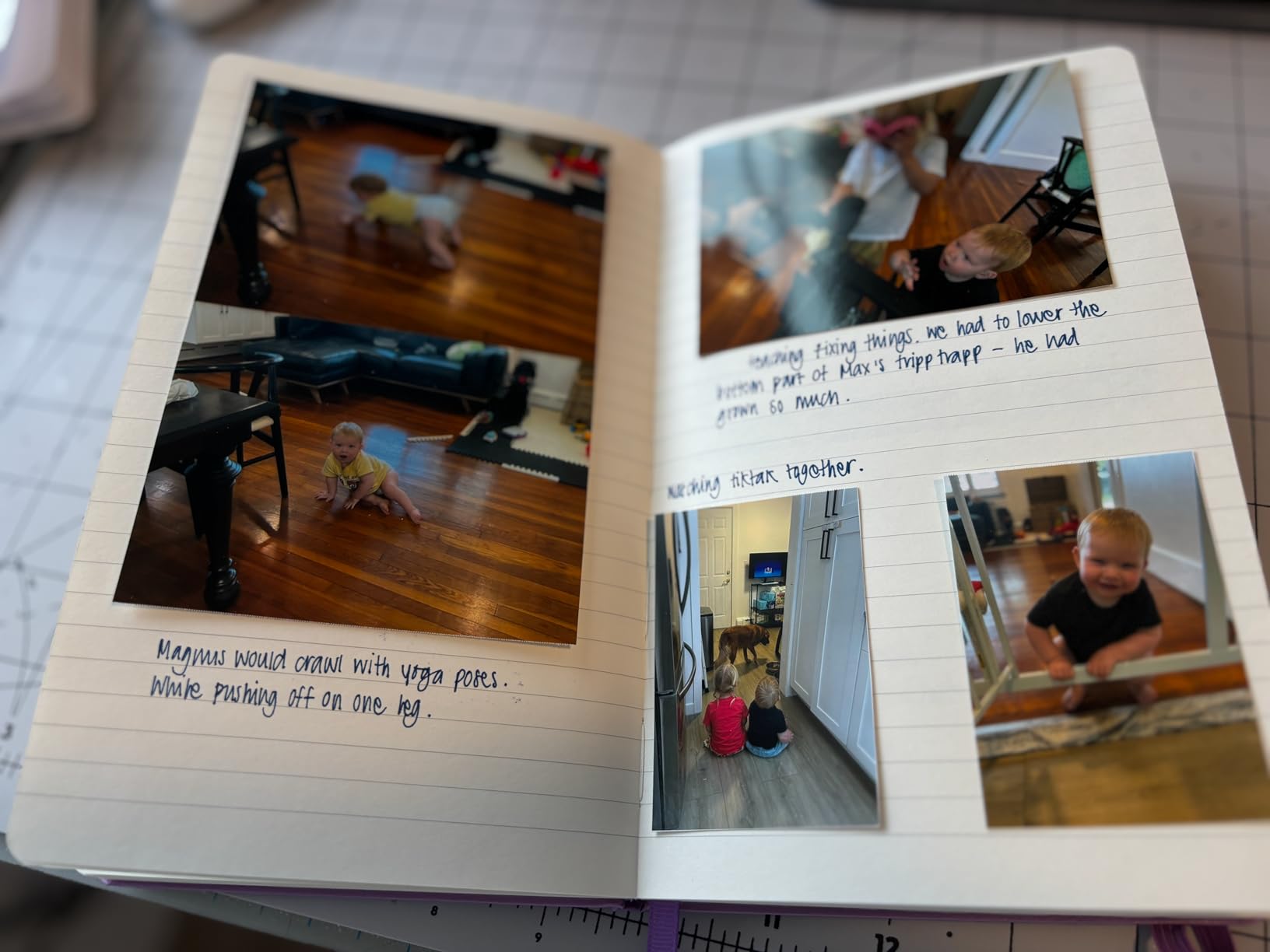
- Peel and stick backing suits journals and scrapbooks
- Canon Mini Print app handles filters frames and collages
Cons
- Only prints 2x3 inch photos
- ZINK paper refills cost more per sheet than thermal paper
- Prints are ruined quickly if they get wet
I have carried the Canon Ivy 2 through three trips now, and it is the one that gets used. It measures 4.69 by 3.29 by 0.79 inches and weighs 8.8 ounces, so it disappears into a jacket pocket rather than eating bag space. Pairing is Bluetooth 5.0 from the Canon Mini Print app, and the whole setup takes about as long as unlocking your phone.
The technology underneath is ZINK, which means the colour comes from dye crystals embedded in the paper rather than from ink cartridges. That means nothing to refill, nothing to leak in a suitcase and no dried-out cartridge after three weeks unused. The trade is money: ZINK sheets cost more per print than thermal rolls, and third-party paper needs a scan step in the app.
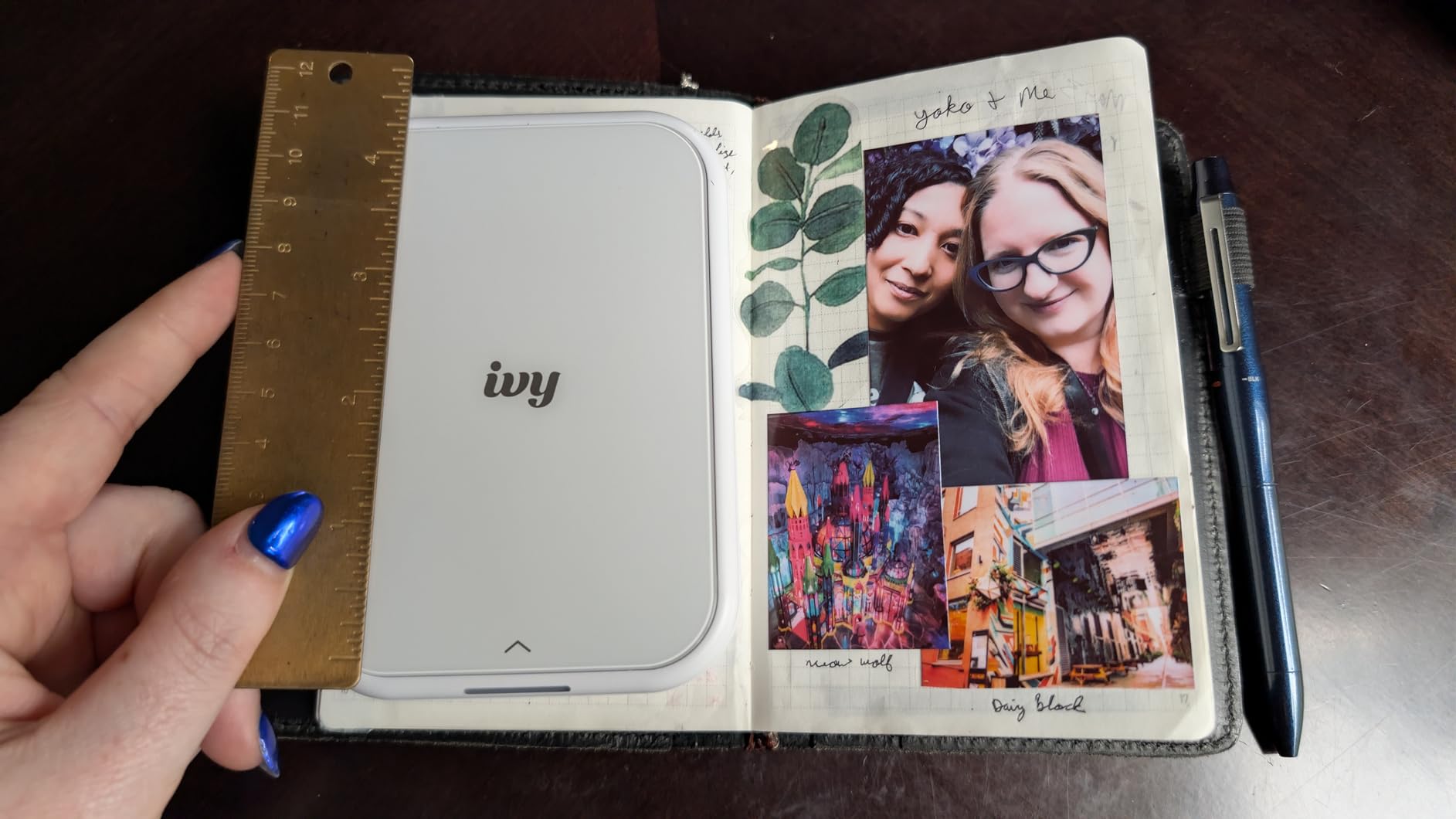
What sold me on it for travel specifically is the peel-and-stick backing. Print a photo, peel it, stick it into a travel journal or a postcard, and the paper disappears from your bag because it is now on the page. Max print resolution is 313 by 512 dpi, which is not much in absolute terms but looks clean at credit-card size.
Owners report one consistent quirk: colours print darker and more saturated than the phone screen suggests, so dial exposure down a notch in the app before you commit a batch. A second complaint, intermittent Bluetooth drops that clear after reopening the app, is real but rarely stops a print.

What you can realistically print with it
Only 2×3 inch photos. There is no document path, no A4, no boarding pass at full size. The box includes 10 sheets of ZINK photo paper and a charging cable, which is enough for a weekend but not a two-week trip.
If you want documents, the Gloryang PD-A4 in slot three covers that side of the problem for the same reason this one works for photos.
Where it falls short
Colour prints do not survive water. Reviewers report that a drink or a rainy jacket ruins a print almost immediately, which matters in exactly the conditions you would carry a printer to. Budget for reprinting.
The running cost is the other real limit. Over a multi-country trip the paper adds up quickly, and refills are the one consumable you cannot substitute with plain sheets. Packing 80 prints means packing a stack of ZINK paper.
2. KODAK Mini 2 Retro 2×3 – Best Fade-Resistant Travel Prints
KODAK Mini 2 Retro 2×3 Portable Photo Printer, 4PASS…
4PASS dye sublimation color
2x3 inch photo prints
300 dpi max resolution
255 grams
Pros
- Most reviewed printer in this roundup with 12149 reviews
- Four-pass dye sublimation gives real colour and white balance
- Clear lamination resists fingerprints water and fading
- 255 grams and one inch thick for pocket packing
- Bundled with 4 cartridges and 38 sheets of photo paper
Cons
- Only prints 2x3 inch photos with no document mode
- Needs a phone and the KODAK app with no computer path
- Paper and cartridge cost per photo is higher than thermal
The KODAK Mini 2 Retro is the oldest and most proven machine in this list. With 12149 reviews it has by far the largest owner base of anything we tested, which matters because portable photo printers fail in predictable ways and owners have already documented most of them.
It uses 4PASS dye sublimation, which lays down three colour layers and then adds a clear protective coat over the top. That lamination is the reason to choose it over a thermal pocket printer: the prints resist fingerprints, water and fading, so a souvenir from a two-week trip still looks right in a drawer next year.
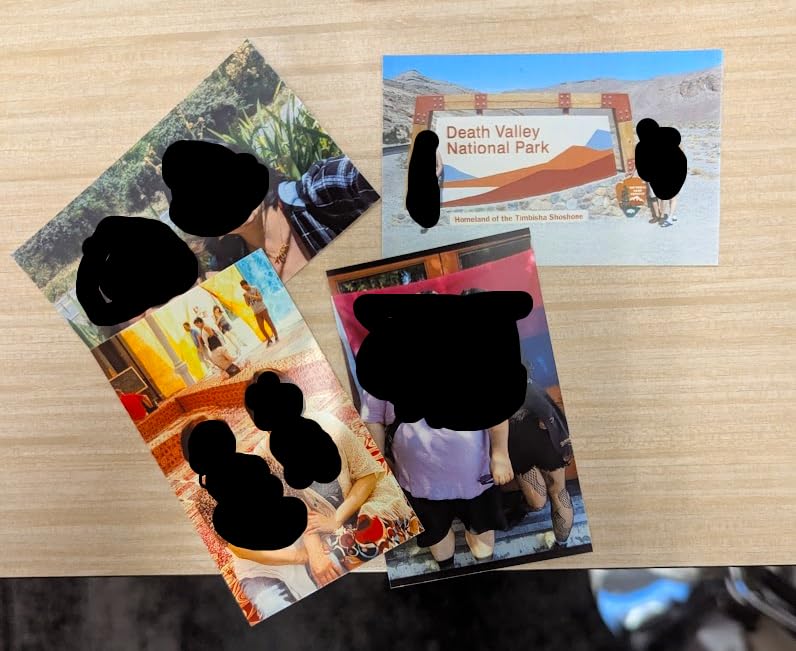
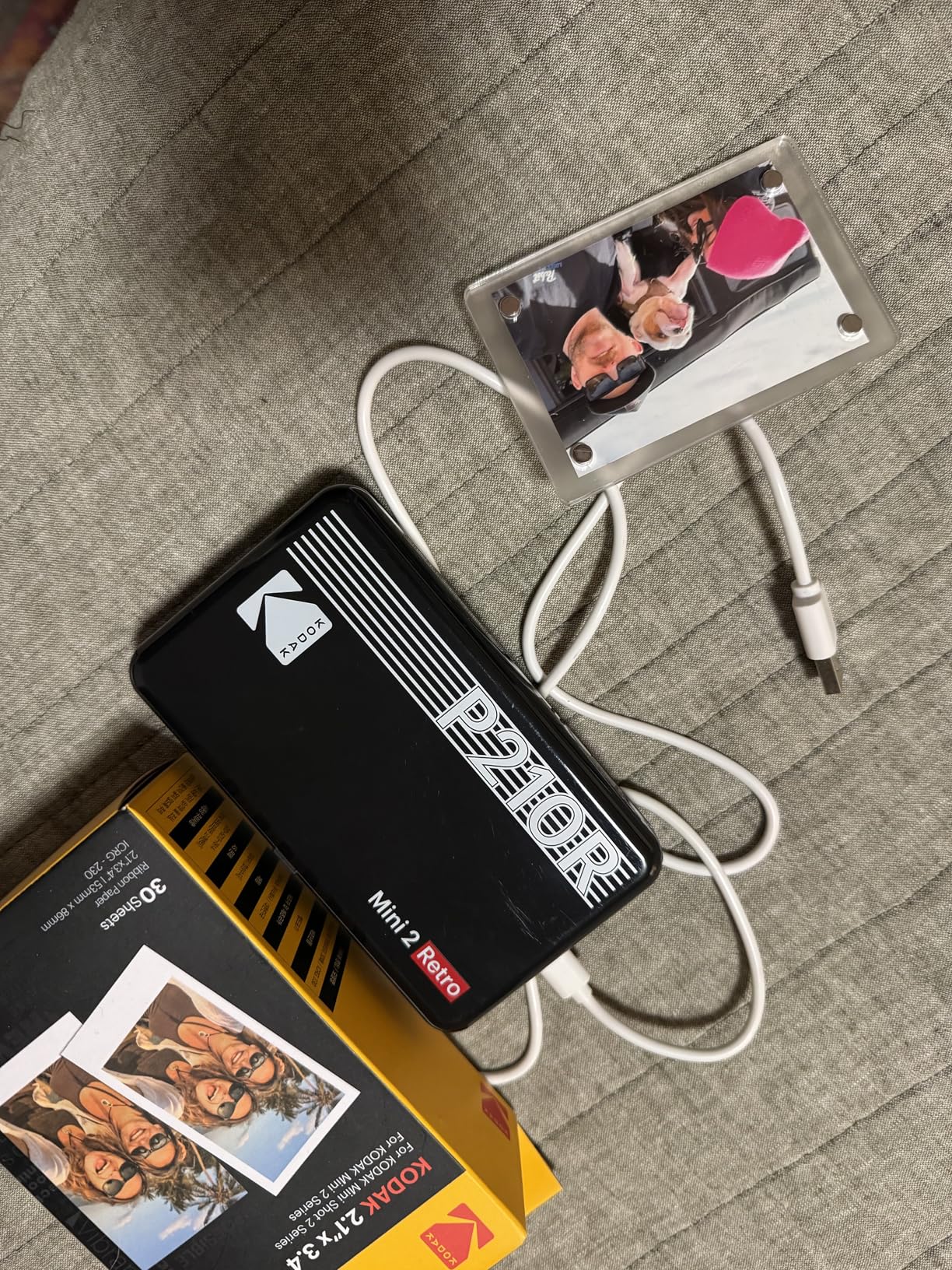
In the hand it is 3 by 5 by 1 inches and 255 grams, roughly the size of a deck of cards with a battery in it. Printing takes about 55 seconds per photo at a maximum resolution of 300 dpi. That is slower than you will like when you want twenty prints, but fine when you are printing one at a time on a café table.
The bundle is generous for a portable unit: 4 cartridges and 38 sheets of glossy photo paper are included, which is more than double what the mini thermal printers give you. After that the cartridges and paper are proprietary and add up over a long trip.
Why the lamination matters on a trip
A laminated print is a different object from a bare thermal print. You can hand it to a child, slide it into a scrapbook, stick it on a fridge later, or wipe dirt off it. Bare thermal prints discolour within months, which matters if the point is a memory rather than a placeholder.
Owners also note that the fade resistance means these survive a trip in a hot car or a beach bag in a way that plain photo paper does not.
What you give up
There is no document printing and no larger format, so this does not replace a printer for contracts or invoices. It also has no computer path at all, everything goes through the KODAK Photo Printer app on your phone.
Budget for the consumables. Twenty-five prints on a long trip means a stack of film and at least one extra cartridge, and review data shows that per-photo running cost is the number one complaint after colour quality.
3. Gloryang PD-A4 Inkless Thermal – Best Value for Letter-Size Documents
Gloryang Inkless Portable Printer for Travel, Wireless…
Inkless thermal technology
Letter 8.5 x 11 inch pages
203 dpi resolution
35 pages per minute
Pros
- Inkless with no ink toner or ribbon to carry
- Letter size thermal output up to 8.5 x 11 inches
- 35 pages per minute is the fastest stated speed here
- Built-in paper bin with two loading paths
- Carry case and 3 rolls of thermal paper included
Cons
- Monochrome black and white only
- Requires branded thermal paper and rejects plain paper
- Output curls and suits short-term documents only
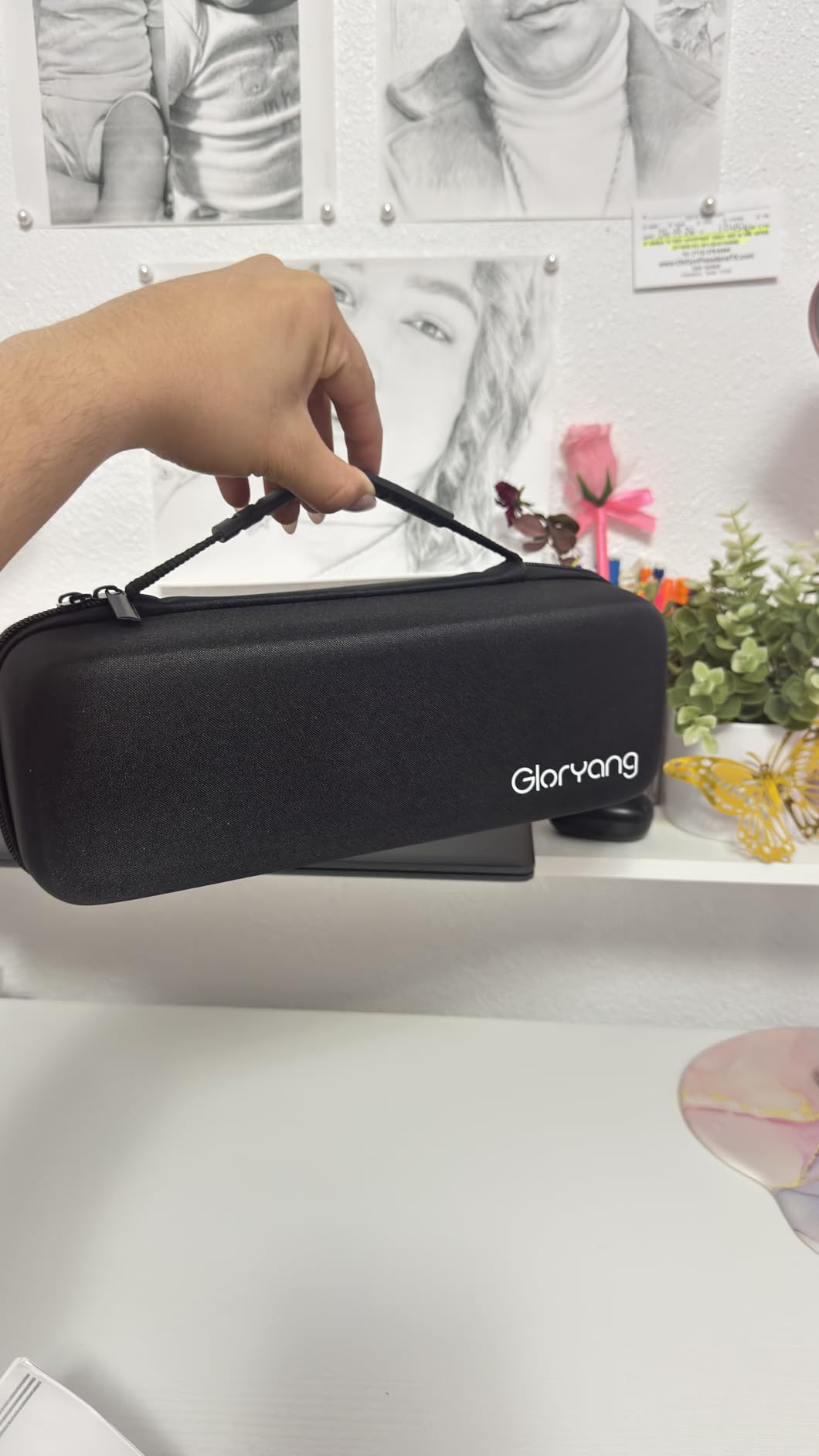
The Gloryang PD-A4 is the document printer we would actually pack for a working trip. It prints full letter-size thermal pages at 203 by 203 dpi, and the stated speed of 35 pages per minute puts it well ahead of every other unit in this roundup, several of which manage 4 to 7 pages per minute.
Paper loads two ways and sits in a built-in bin rated for up to 360 sheets, so you are not feeding a single page at a time while a client watches. The box includes a carry case, a charging cable and 3 rolls of thermal paper, which removes the worst packing problem: an empty printer on arrival with nothing to print on.
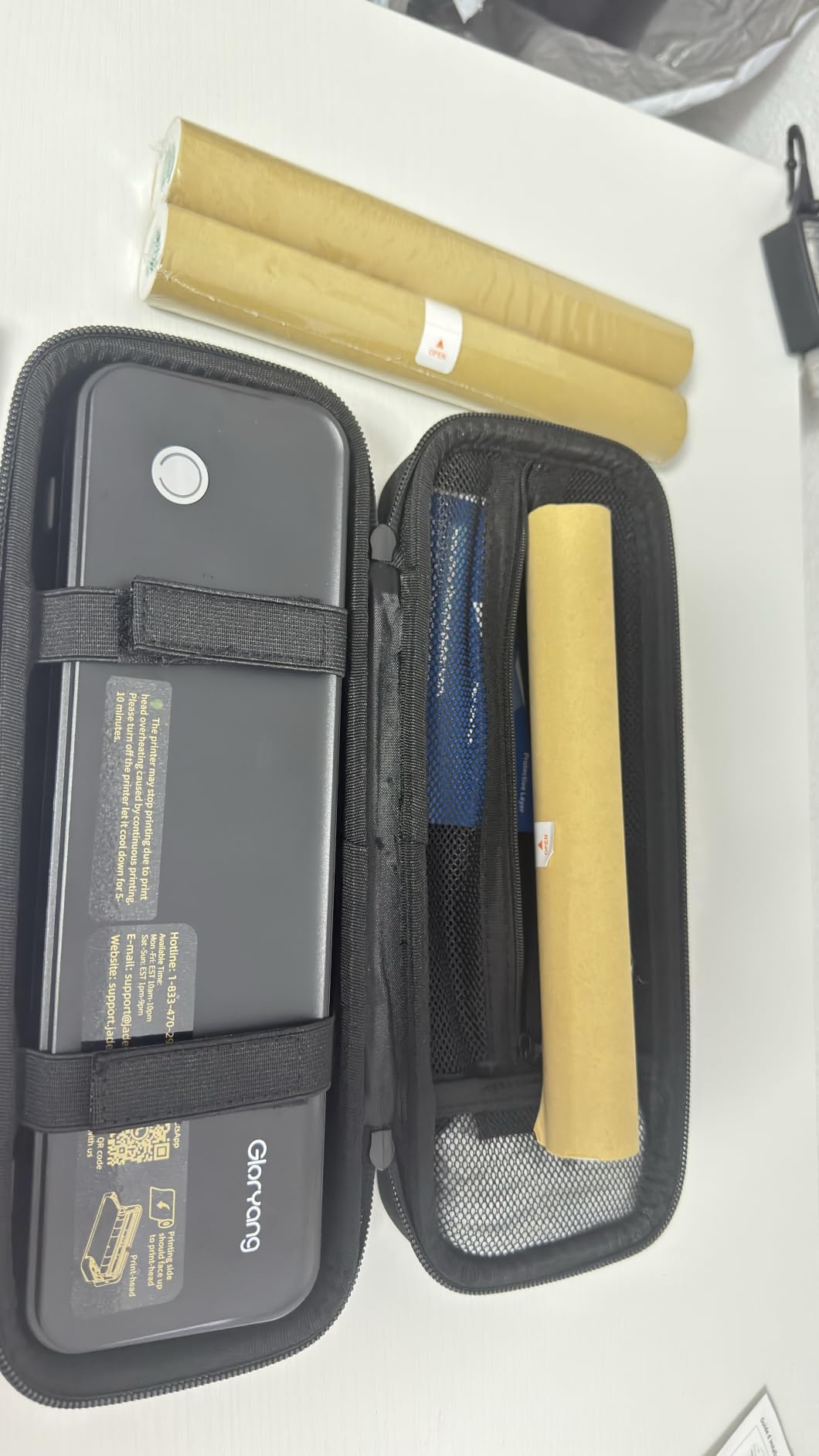
Output quality is sharp for text at this price band, and because there is no wet ink there is no smearing risk in a hot car or in your hand. Connectivity is Bluetooth to iOS and Android through the Jadens Printer app, plus laptop support once you install the driver.
Reviewers rate it at 4.2 stars across 4511 reviews, with 68 percent five-star ratings. The one-star cluster focuses on two predictable things: monochrome-only output and the refusal to accept ordinary paper.
What it is genuinely good at
Invoices, contracts, boarding passes, itineraries, study notes and label drafts. Anything where the content matters more than the look. Text stays legible and the pages come out the same size as a normal document.
The speed figure is the real differentiator. When a contract needs printing before a meeting, a unit that manages 4 pages per minute is stressful and this one is not.
What you should know before packing it
Thermal prints fade. That is a property of the paper, not a defect in this model, and it means these pages are for the trip rather than for the archive. Buy a binder if you need to keep them.
Budget for branded paper. It refuses regular copy paper entirely, so a roll supply has to travel with you or be bought at your destination. The listed weight is 3.1 pounds, which is real luggage weight rather than pocket weight.
4. Liene M100 4×6 Photo Printer – Best Full-Size Colour Prints on the Road
Liene M100 4×6” Photo Printer, Phone Printer 100 Sheets…
Dye sublimation 4x6 color
Built-in Wi-Fi hotspot
Up to 5 device connections
200 grams
Pros
- Prints full-size borderless 4x6 photos
- Built-in hotspot needs no router or hotel network
- Up to five devices can connect at once
- 100 sheets and 3 cartridges bundled in the box
- Laminated output resists water scratches and fading
Cons
- Bulky compared with pocket photo printers
- Uses proprietary cartridges with limited third-party supply
- About 59 seconds for the first page
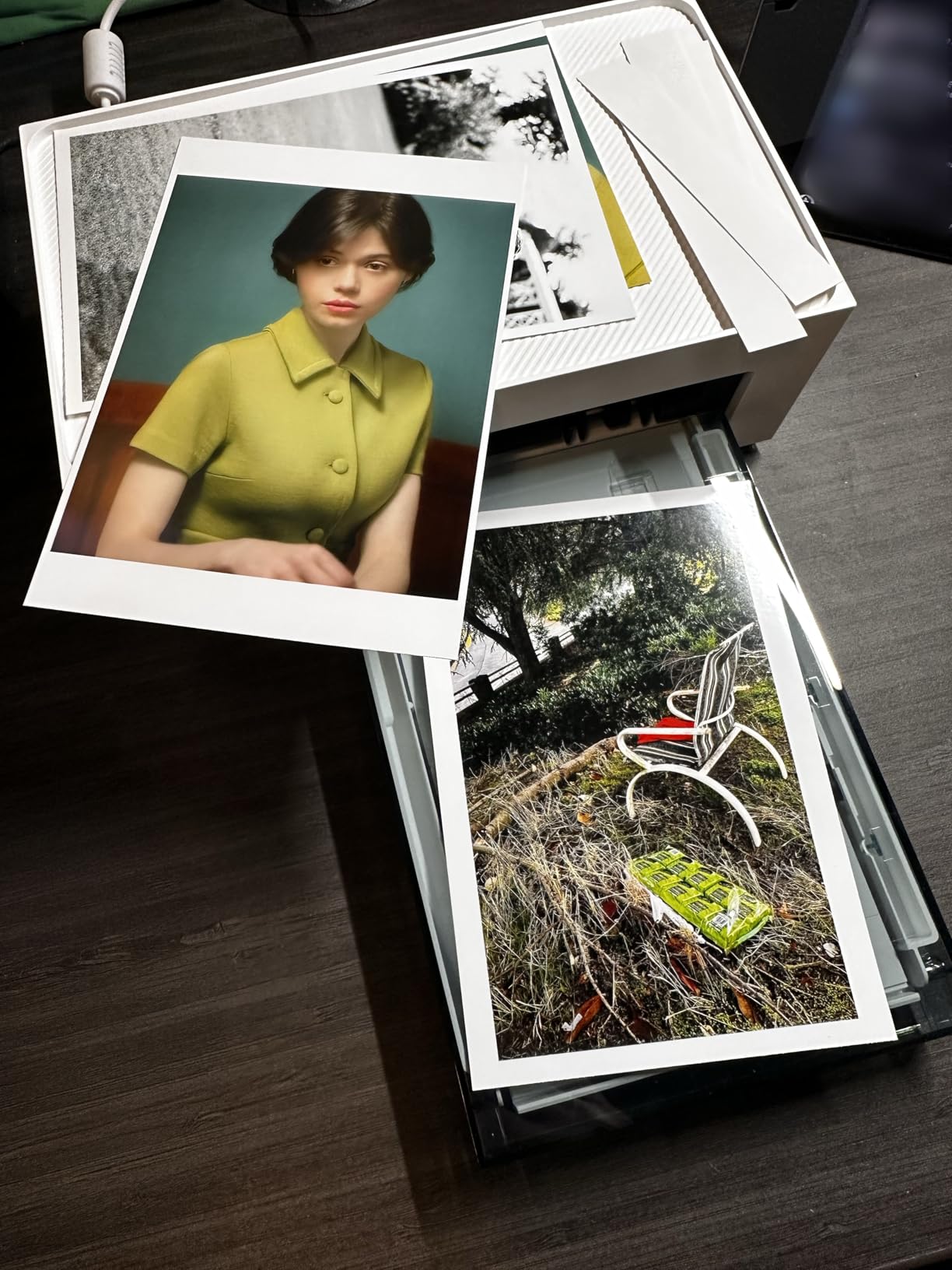
The Liene M100 is the compromise between a pocket printer and a desktop. It produces borderless 4×6 colour photos through dye sublimation, which is a real print size rather than a credit-card novelty, and it weighs 200 grams.
The feature that solves the travel problem is the built-in Wi-Fi hotspot. Your phone and laptop connect straight to the printer without joining a hotel or café network, which removes the most common failure mode of printing on a trip: the printer and the phone cannot see each other on a captive portal login page.
Up to five devices can be connected at the same time, so a family can each pull photos from their own phone. The Liene app adds borders, filters and brightness edits and can print ID and visa photos, which is quietly the most useful travel feature on this list.
First page takes about 59 seconds after you power it on. The bundle is unusually generous: 100 sheets of paper, 3 colour cartridges, a cassette and a power adapter are all in the box, so the running cost starts months into ownership.
Why the hotspot changes the travel maths
Hotel Wi-Fi almost always puts you behind a browser login, and most printers cannot print through that. A printer that creates its own network sidesteps the problem entirely, which is why we rank this one above the Bluetooth-only units for group trips.
With 78 percent five-star ratings across 4408 reviews, colour accuracy is the most praised trait. Owners repeatedly single out how close the output is to what they saw on screen.
Where the bulk starts to hurt
At 7.48 by 9.84 by 7.48 inches this is the biggest footprint here, and 4×6 paper is not something you pack in quantity. It is a printer for one trip of keepsake prints, not a daily journal tool.
Cartridges are proprietary, which limits cheaper third-party refills and makes this a long-term consumable commitment. Smudging does occur occasionally and needs print head cleaning to fix.
5. Phomemo M832D Touchscreen Thermal – Best Control on the Paper Path
Phomemo M832D Touchscreen Inkless Portable Printer with Case…
300 DPI thermal output
Smart touchscreen display
2600mAh battery for 200 pages
1.5 pounds
Pros
- Touchscreen shows battery and connection status and cancels jobs
- 300 DPI is the sharpest thermal resolution here
- 2600mAh battery rated for up to 200 pages per charge
- Handles paper from 53mm labels up to full A4 sheets
- Printing noise reduced by 30 percent with a carry case included
Cons
- Black and white thermal output only
- No paper cutter so torn edges come out ragged
- Bluetooth covers phones and tablets but not laptops
The Phomemo M832D is the most considered thermal printer here. It has a small digital touchscreen on the body that shows battery level and connection status, and reviewers say the ability to cancel a print job from that screen is the feature they notice first, because it stops you wasting a thermal sheet on a page you do not want.
Resolution is 300 DPI, which is a genuine step up from the 203 DPI standard across the other thermal units in this roundup. At 1.5 pounds and 12.17 by 2.5 by 1.87 inches it slips into a laptop sleeve without feeling like a brick.
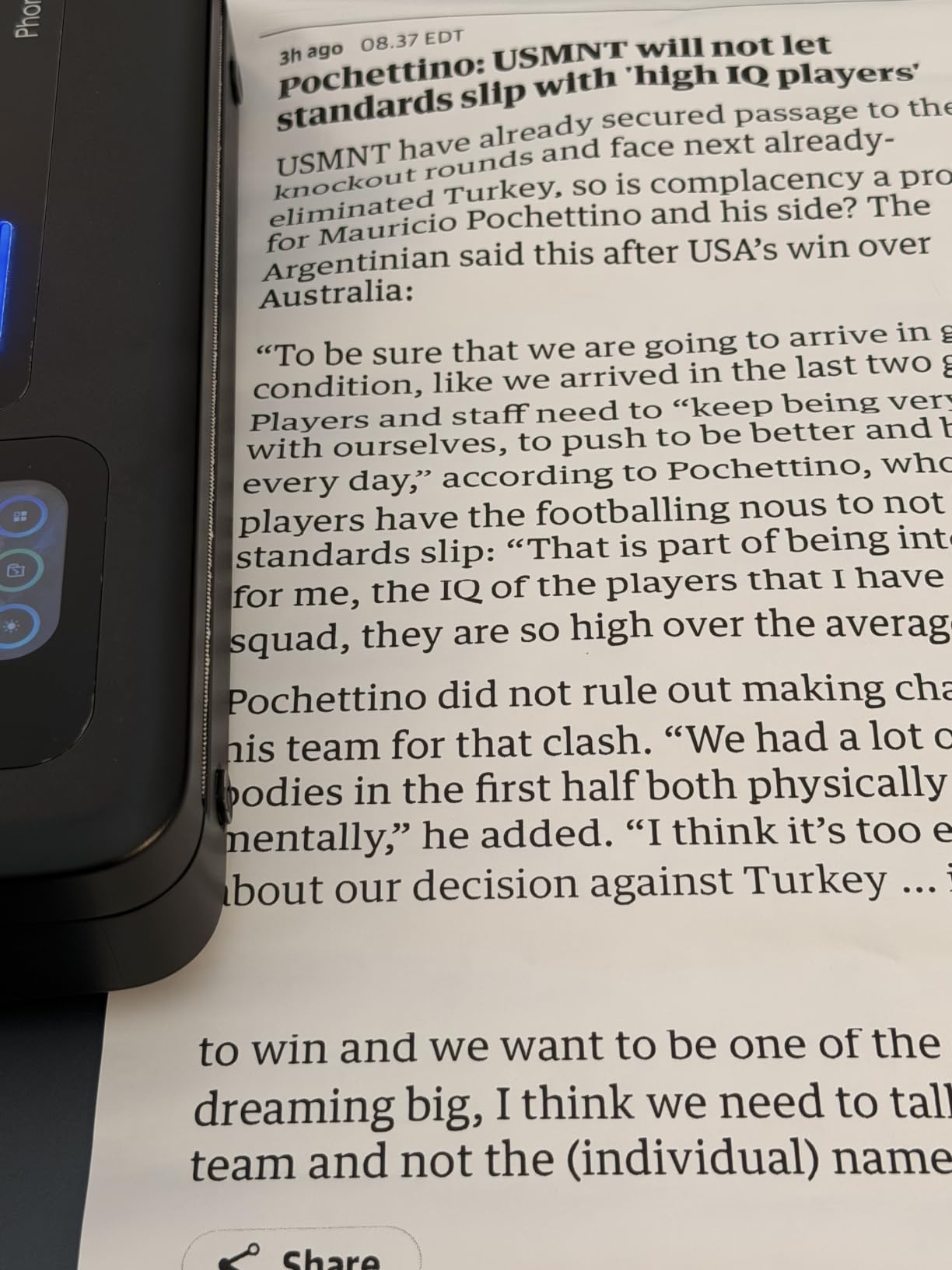
Battery life is rated at up to 200 pages per charge from a 2600mAh cell, and owners report getting well past 100 pages in practice. That figure is the one that matters if you are printing daily notes for a fortnight without a socket.
Paper handling is the widest in the lineup: US Letter, A4, 53mm, 80mm and 110mm thermal paper, loaded as rolls, folded paper or single sheets into a bin that holds up to 50. A carry case and 3 rolls of US Letter paper come in the box.
Where the touchscreen pays for itself
You can check the battery before you start a printing day and cancel a runaway job without opening the app. The printer also detects paper placement automatically, which reduces the skewed-and-torn output that reviewers complain about on the cheaper units.
For label work the size range is the quiet advantage. Running from a 53mm shipping label up to a full A4 sheet on one device means fewer printers to pack for a trip that does both.
What you trade away
It is monochrome only, and there is no cutter, so torn sheet edges are ragged. Buyers of thermal rolls should note the output curls and does not sit flat in a folder.
Bluetooth reaches phones and tablets but not laptops; computers connect by USB-C. On a trip where you need to print from a laptop, that is a real constraint and the reason the Gloryang in slot three sits higher for document work.
6. Canon PIXMA TR160 Colour Inkjet – Best for Full-Colour Documents
Canon PIXMA TR160 Color Wireless Portable Printer
5-colour hybrid ink system
4800 x 1200 dpi colour
Wireless Direct without a router
4.5 pounds
Pros
- Only unit here that prints full-colour letter-size documents and photos
- AirPrint and Mopria support so no driver hunting on the road
- Wireless Direct connects without a router
- 1.44 inch OLED shows ink level and status
- Supports square card and envelope sizes as well as A4
Cons
- Needs ink cartridges which add weight and running cost
- Heaviest printer in this roundup at 4.5 pounds
- Simplex printing only with no automatic duplex
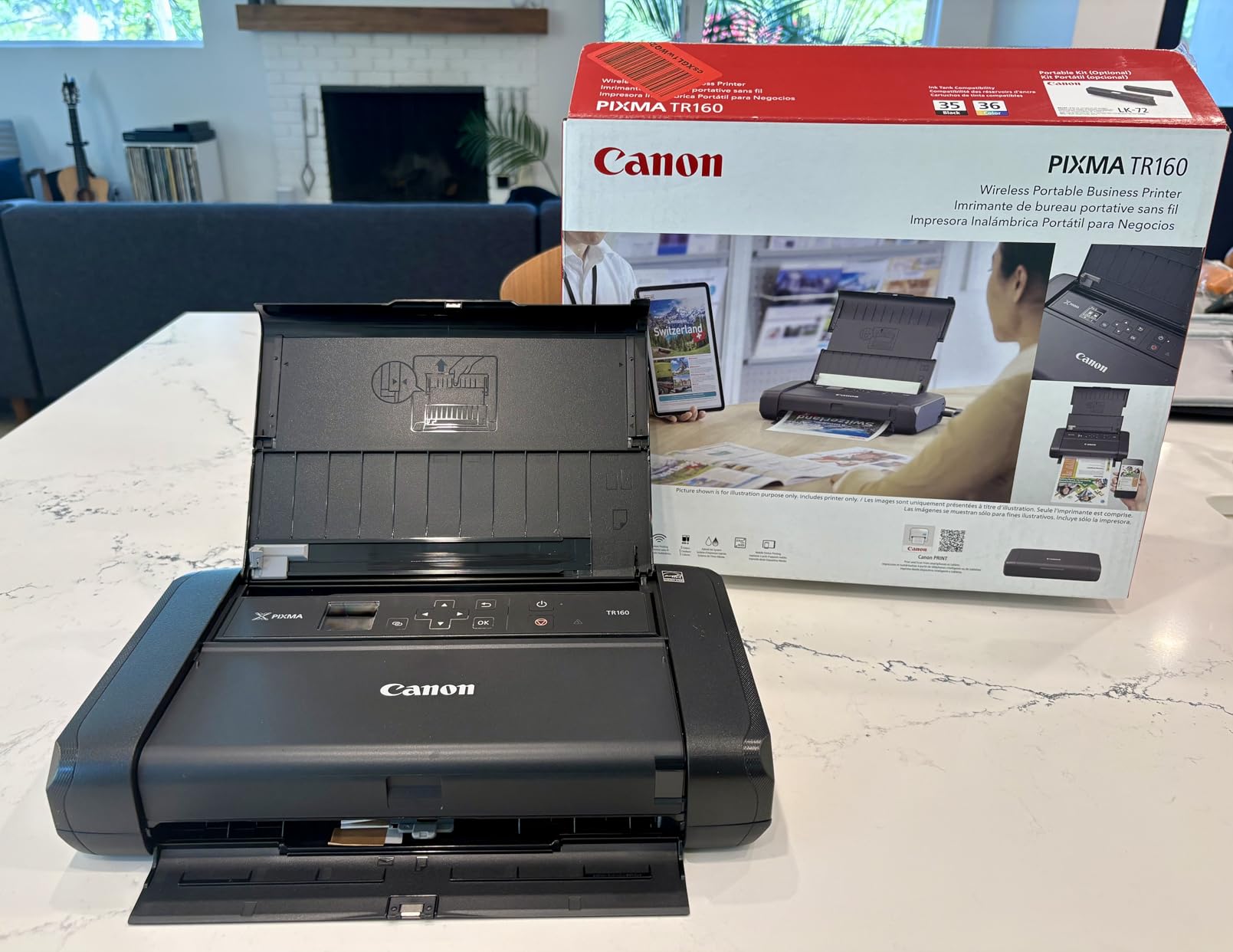
Every other printer on this list prints monochrome documents or small photos. The Canon PIXMA TR160 is the only one that prints full-colour documents and full-colour photos on ordinary paper, using a 5-colour hybrid ink system at up to 4800 by 1200 dpi.
If your trip involves anything a client expects to look professional, that difference is decisive. A colour quote, a chart, a signed agreement with a highlighted clause or a boarding pass at full size all come out looking like office output rather than a thermal receipt.
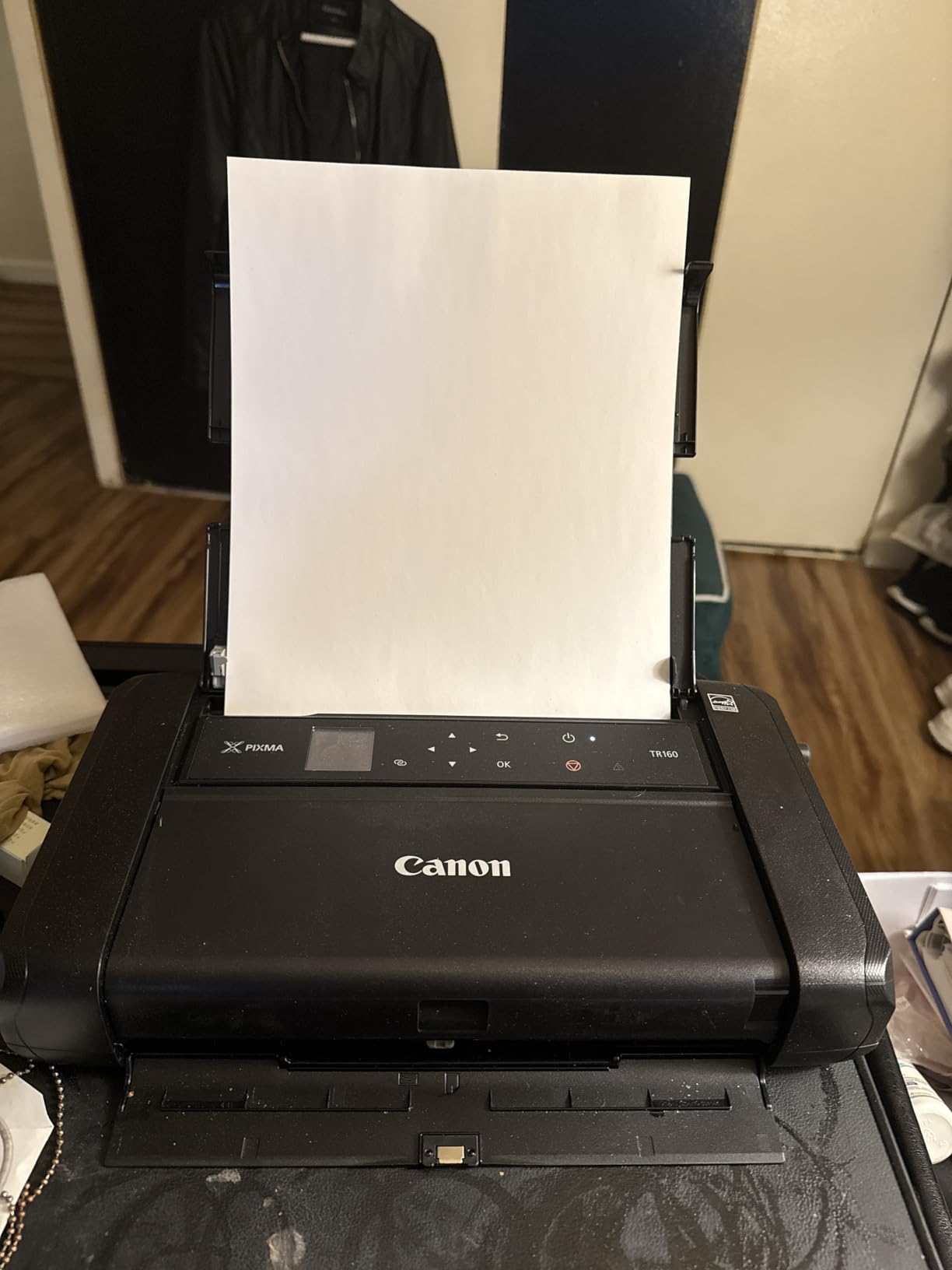
Connectivity is where this one shines on the road. It supports the Canon PRINT app, Apple AirPrint and Mopria Print Service, plus a Wireless Direct mode that connects without a router. Practically, that means an iPhone prints with no setup dialog at all, which is exactly the friction that ruins printing in a hotel room.
The 1.44 inch monochrome OLED display shows ink levels and status, and power draw is 8 watts, so it will run off most USB-C power banks and car adapters without drama.
When this is the right printer
It suits business travel, study and anyone producing documents that leave your hands. Colour photos at 4×6 are within its paper range too, though not at the quality of the dye sublimation units.
Speed is 9 pages per minute in black and white and 5.5 in colour. That is slower than a desktop printer and users online do complain about it, but it is a deliberate trade for the size reduction.
What it costs you in the bag
At 4.5 pounds and 12.7 by 7.3 by 2.6 inches it is the heaviest machine here, and cartridges add more. Carry them in a sealed pouch, since a leaking cartridge in a laptop bag is the nightmare reviewers on travel forums describe most often.
There is no automatic duplex and no scanner, so double-sided documents have to be re-fed by hand. Plan the trip around printing once, not printing drafts.
7. NDYIN N80 Thermal Printer – Best for Rolls, Folds and Transfer Paper
NDYIN Portable Printers Wireless for Travel, N80 Bluetooth…
Inkless thermal at 203 DPI
1500mAh battery for 160 sheets
Roll folded and transfer paper
Pros
- 1500mAh battery rated for 160 letter sheets per charge
- Handles roll paper folded paper and tattoo transfer paper
- 203 DPI output stays sharp for contracts and invoices
- Includes a 7m roll of US Letter thermal paper
- 1.7 pound body fits a backpack or briefcase
Cons
- Thermal letter and A4 paper only with no plain paper
- Laptop printing is USB-C only and needs a driver download
- Monochrome output with no photo capability
- Paper size must be set in the app or output comes out wrong
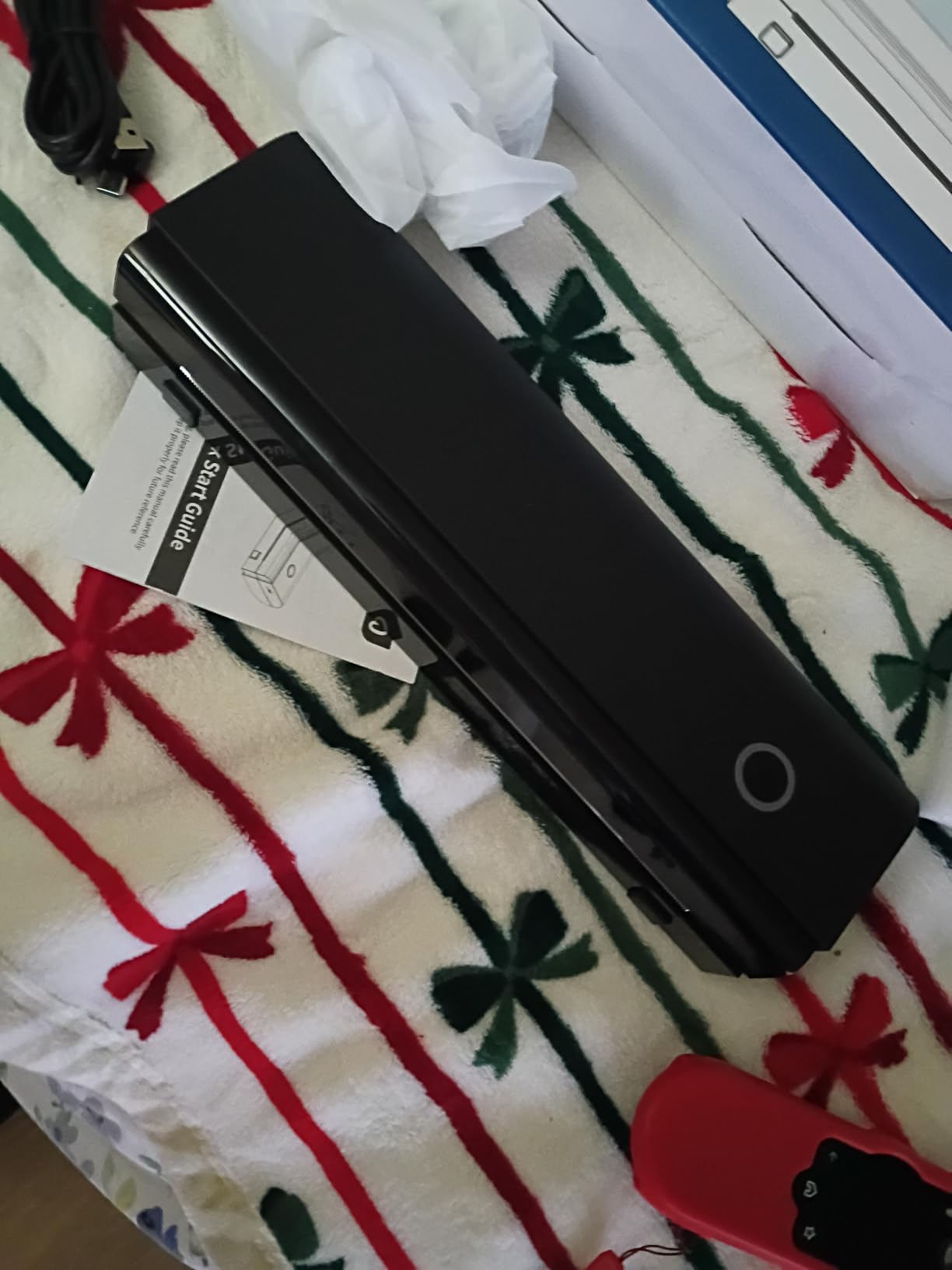
The NDYIN N80 is the thermal unit to buy if your trip is more labelling and logistics than document printing. It accepts roll paper, folded paper and tattoo transfer paper, which widens what you can do with one machine beyond straight pages.
Battery life is the headline: a 1500mAh cell is rated at up to 160 US Letter sheets per charge. At 1.7 pounds and 11 by 3.3 by 2 inches it packs flat, and a 7m roll of US Letter thermal paper plus a Type-C cable and adapter are included in the box.
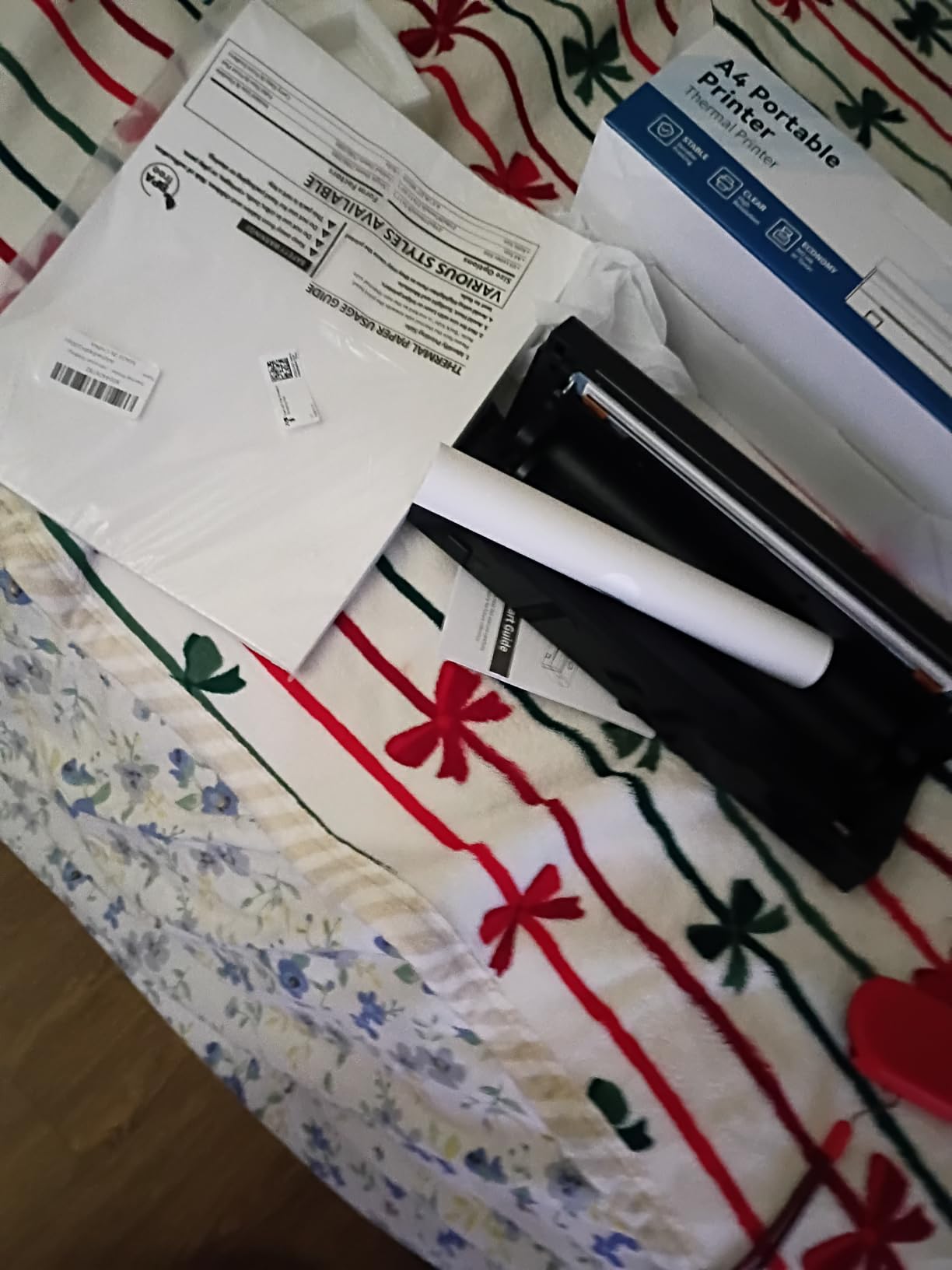
Print quality is 203 DPI direct thermal, which is sharp enough for contracts, invoices and boarding passes and, crucially, cannot smear because no wet ink is involved. Phones connect over Bluetooth through the Nada Print app.
The most common owner frustration is not the hardware but the setup step: if you do not select the correct paper size in the app after loading a roll, the output is wrong. Get that right once and the rest is smooth.
Why the 160-sheet rating changes planning
Roughly 160 letter pages per charge means most two-week trips are covered by a single full charge for documents alone. That removes the anxiety of hunting a socket in an airport or a campsite, which is the main reason people buy a battery printer in the first place.
Owners also point out that the included adapter is a bonus, since a great many portable printers in this category arrive without one.
Limits worth knowing
It takes thermal letter and A4 paper only and will not run ordinary copy paper. Laptops connect by USB-C with a downloaded driver, and Bluetooth does not extend to computers.
Output is monochrome, so this is not a photo printer of any kind. If colour is part of the trip, the Canon Ivy 2 or the Liene M100 handles that side.
8. Phomemo M08F Inkless Thermal – Best for Full Letter Pages Every Day
Phomemo M08F Inkless Thermal Portable Printer with Case…
Inkless thermal technology
8.5 x 11 inch pages
203 x 203 dpi
715 grams
Pros
- Prints full 8.5 x 11 letter pages in a compact body
- Thermal paper runs about 12 cents per sheet
- Hard carry case included for packing
- Works with iPhone Android tablets and Mac or Windows over USB
- Around 25 seconds per full sheet
Cons
- Accepts single sheets or fan-fold paper but not rolls
- Locked into the Phomemo app with no AirPrint or standard driver
- Raster rendering makes complex PDFs slow over Bluetooth
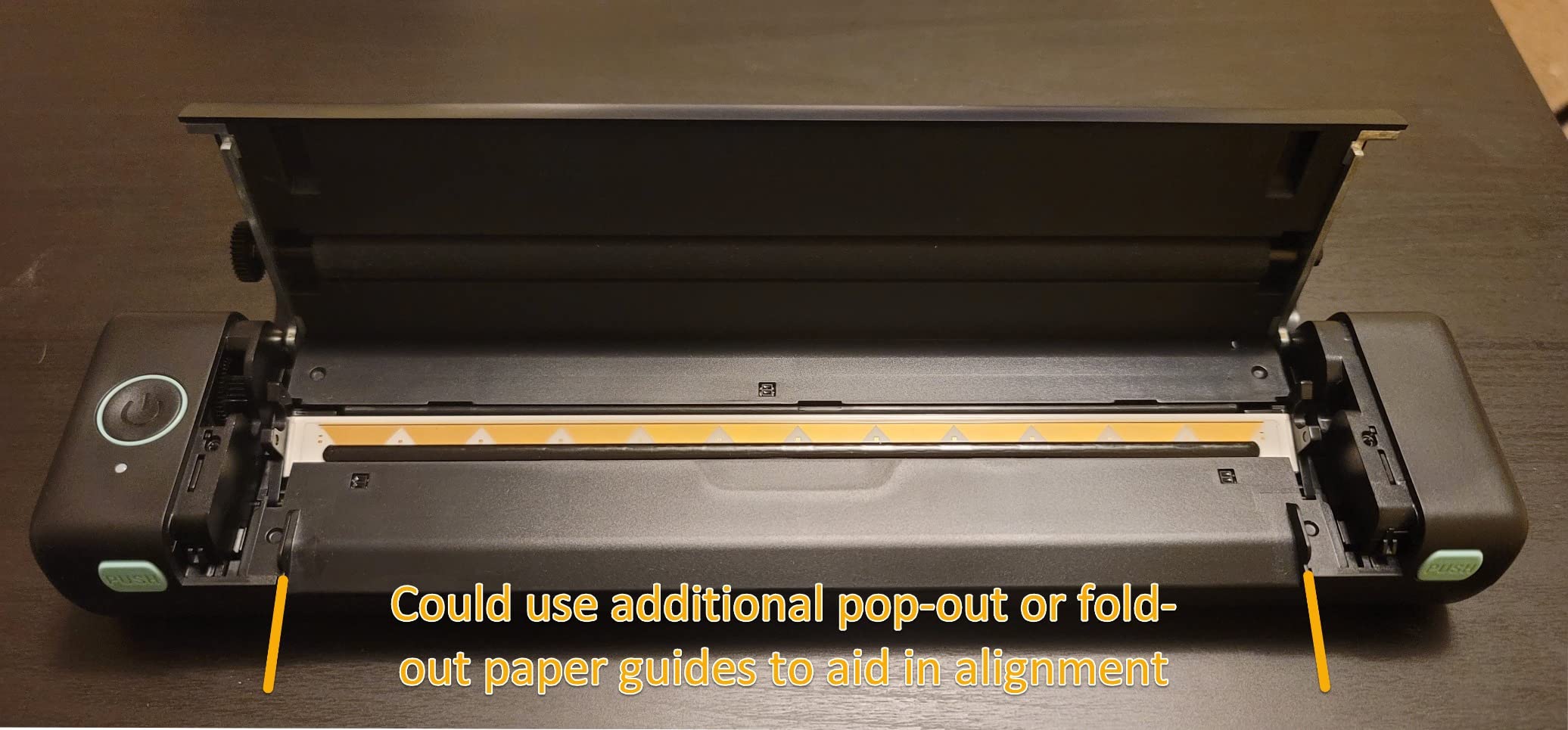
- Paper can skew or tear on insertion
- Output is noisy and monochrome
The Phomemo M08F prints full 8.5 by 11 inch thermal pages at 203 by 203 dpi and weighs 715 grams, so it is a document printer that genuinely fits a daypack rather than a suitcase. Around 25 seconds per full sheet is a comfortable pace for notes and paperwork.
The economics are the argument for it. The stated thermal paper cost works out to roughly 12 cents per sheet, which is a low running cost when a trip involves a page or two a day, and the included hard carry case protects the body in a bag.
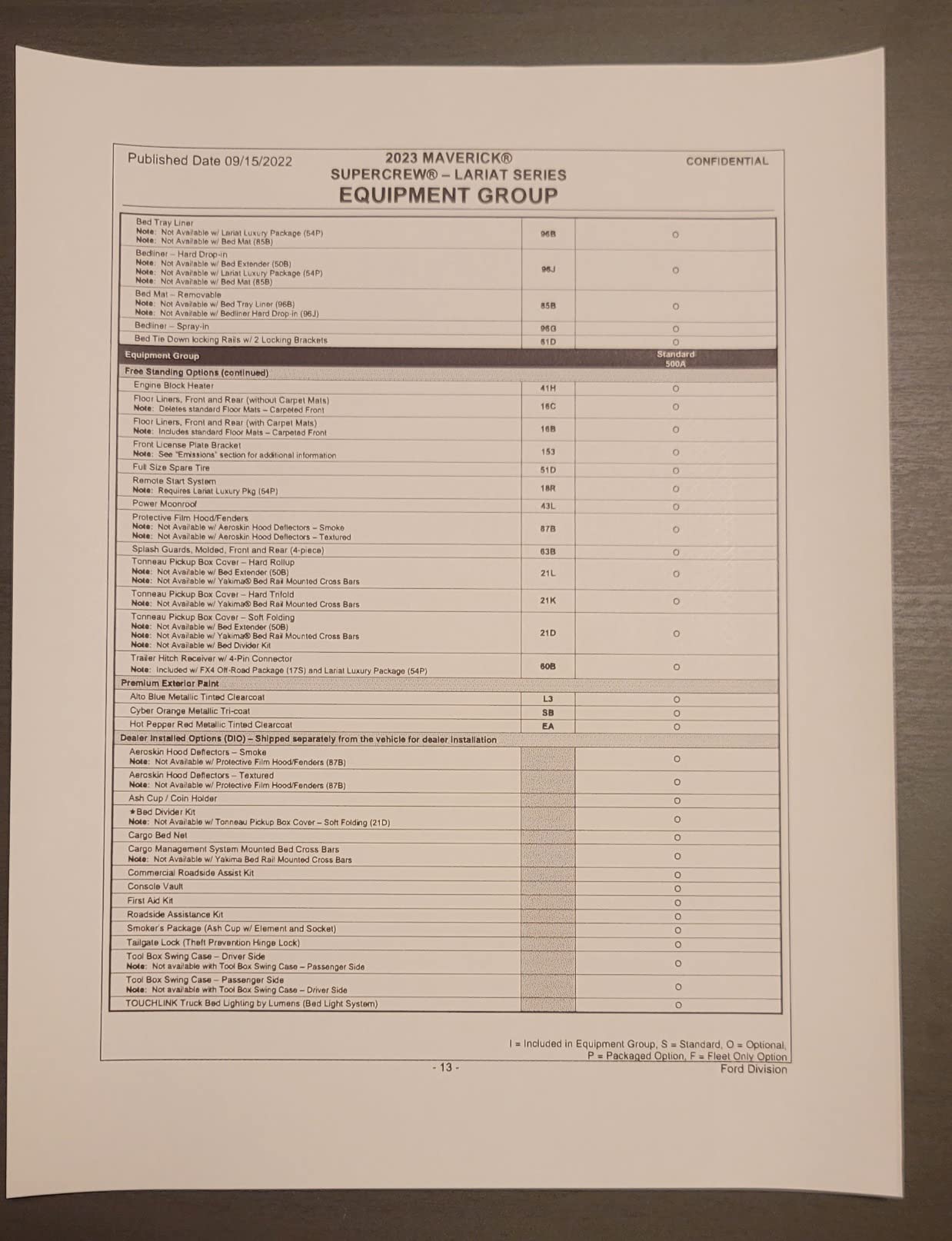
Printing reaches beyond the app. The Phomemo app handles PDFs, Word documents, images and web pages from a phone, and computers connect by USB with a driver from the manufacturer, covering both Mac and Windows.
At 4.3 stars across 3820 reviews, with 71 percent five-star ratings, the strongest praise is for print clarity at this size and the low cost per sheet. The strongest criticism is the closed app ecosystem.
Where the daily note-taking use case wins
If you keep a paper log, print study notes or draft documents on the move, single-sheet feeding is an advantage rather than a limitation. There is no alignment drama from a roll winding badly, because nothing is rolling.
A 140-sheet internal capacity means you can preload a stack of thermal paper and forget about supplies for most of a trip.
What the closed system costs you
There is no standard printer driver and no AirPrint, so every print goes through the Phomemo app. That is a real friction point for laptop users compared with the Canon PIXMA TR160.
Complex PDFs render as raster images and can be slow over Bluetooth. Also note the charging spec: it needs a 5V 2A supply, and faster chargers will not charge it, so pack the right cable.
9. TATTMUSE A285M Inkless Thermal – Most Versatile for Five Paper Sizes
Portable Printers Wireless for Travel, A285M Small Inkless…
Inkless thermal at 203 DPI
Five paper sizes from 53mm to A4
1.5 pounds
Bluetooth and USB-C
Pros
- Light at 1.5 pounds and small enough for a laptop bag
- Supports five thermal paper sizes from 53mm up to Letter and A4
- Inkless means no cartridges to clog or maintain
- Sharp clear text for invoices and boarding passes
- Quick app download and Bluetooth pairing
Cons
- Monochrome black and white only
- Roll-fed output comes out curled rather than flat
- Weak front-to-back paper alignment makes labels unreliable
- Laptop printing is USB-C only with a separate driver
- No Wi-Fi or AirPrint support
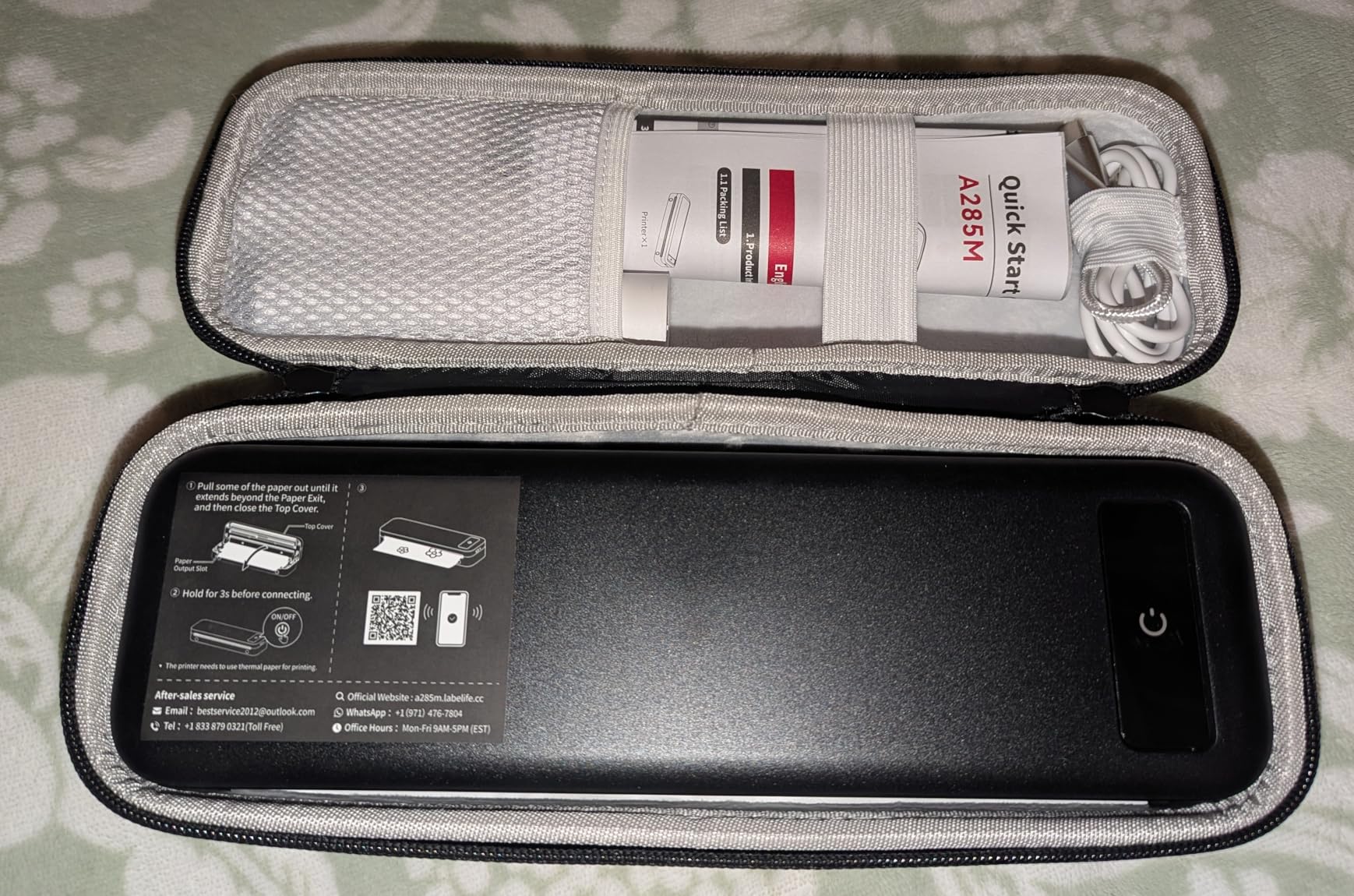
The TATTMUSE A285M is the value entry in this roundup, and at 1.5 pounds with dimensions of 10.39 by 3.07 by 1.77 inches it is one of the easiest units here to justify packing. Paper handling is the standout: five thermal sizes from 53mm up to US Letter and A4.
Setup is a one-minute app download and Bluetooth pair, which reviewers mention often and positively. Print resolution is 203 DPI and the stated speed is 7 pages per minute, with an internal capacity of 160 sheets.
At 4.0 stars across 5290 reviews, the ratings concentrate on text clarity for invoices, study notes and boarding passes. Sixteen percent of ratings are one star, which tells you the paper path is where the complaints sit.
Laptops connect by USB-C only, using a driver downloaded from the manufacturer’s site. Bluetooth covers phones and tablets including iPhone, Android and iPad.
When five paper sizes earn their place
Running from a narrow 53mm receipt roll to a full A4 sheet on one device means a single printer covers label duties and document duties. That removes a second device from the bag, which matters more than the sticker price ever does.
The built-in paper bin accepts roll, continuous and single-sheet thermal paper, so you are not forced into one consumable format.
Where the budget shows
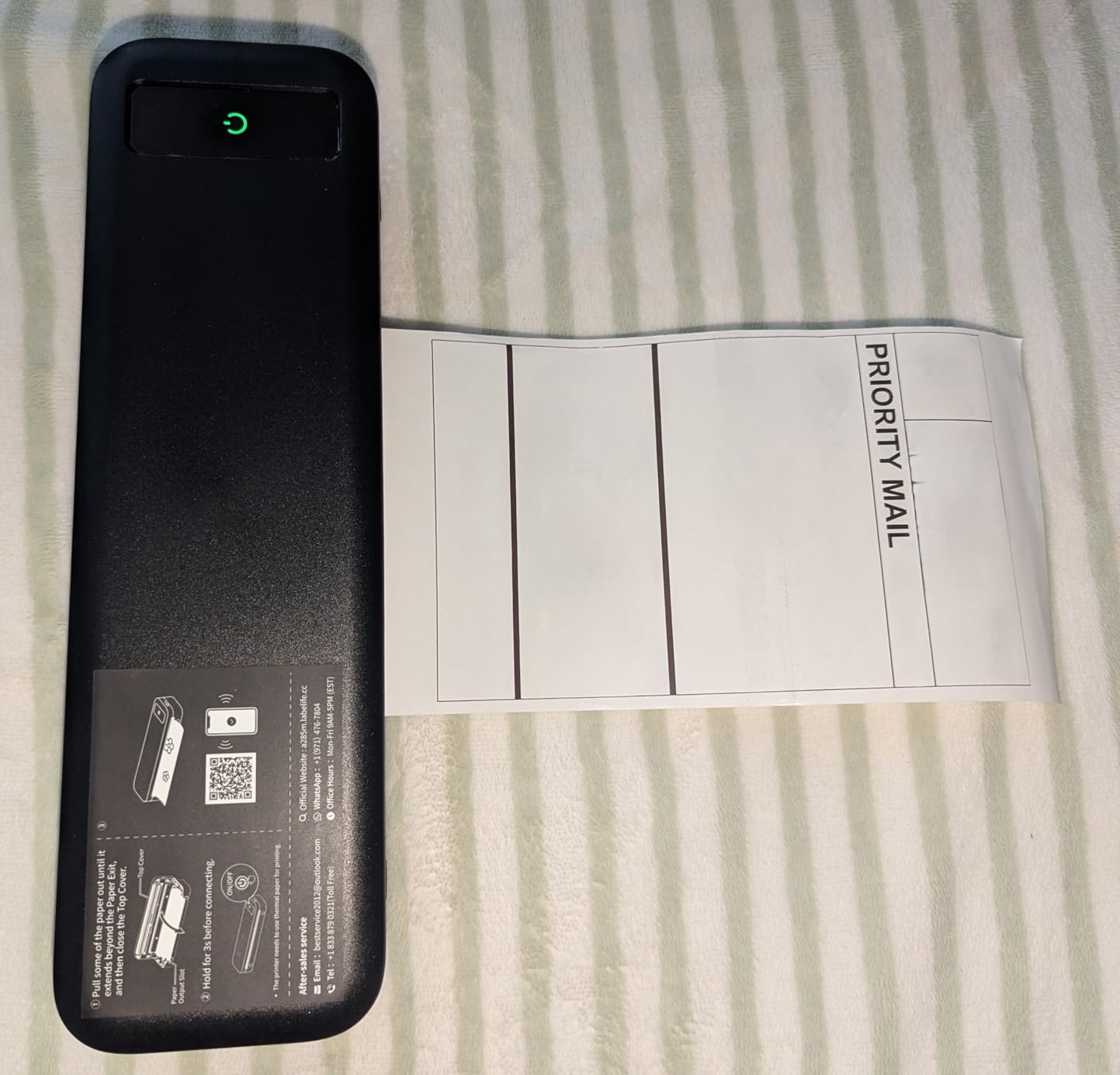
Roll-fed output curls tightly rather than lying flat, and front-to-back alignment is weak, which makes label printing the least reliable task on this machine. Budget a little patience there.
There is no Wi-Fi and no AirPrint. If your printing comes from a laptop rather than a phone app, the Canon PIXMA TR160 is a smoother experience despite being larger.
10. TATTMUSE A28U Thermal Printer – Best for Shipping Labels and QR Codes
TATTMUSE A28U Portable Printer Wireless Inkless Thermal for…
Direct thermal inkless at 203 DPI
Dual-zone heating print head
7 pages per minute
Bluetooth from phone and tablet
Pros
- Sharp barcodes and QR codes for shipping labels and boarding passes
- Dual-zone heating locks print temperature for consistent output
- Double tap the power button to auto-eject a paper jam
- Low-heat charging extends stated battery life up to four times
- Compact body roughly the size of a water bottle
Cons
- Black-and-white thermal printing only
- Requires branded thermal paper and some app templates are paid
- Chromebook users must print through the phone app
- Some owners report noisy operation and image-mode output
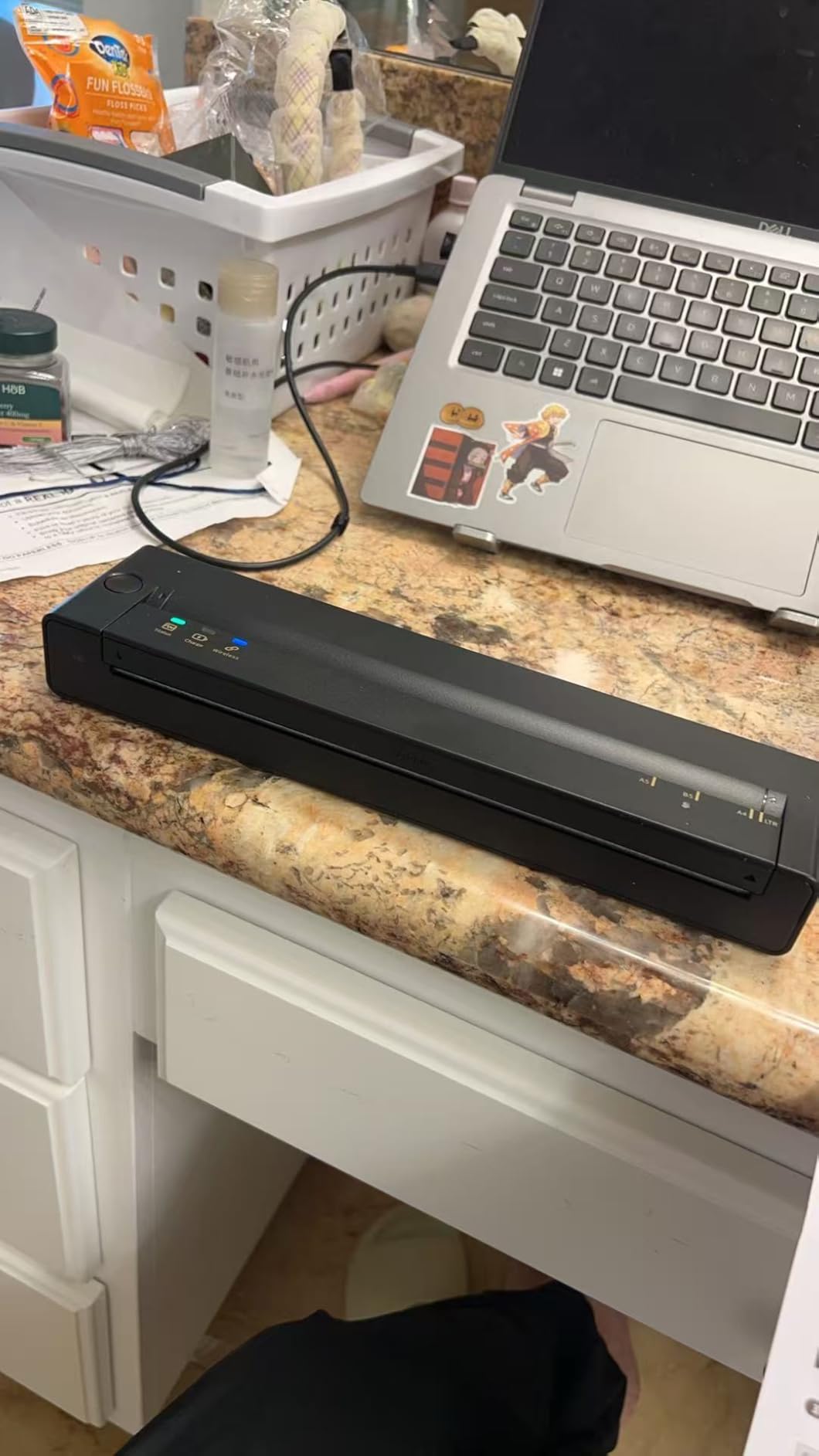
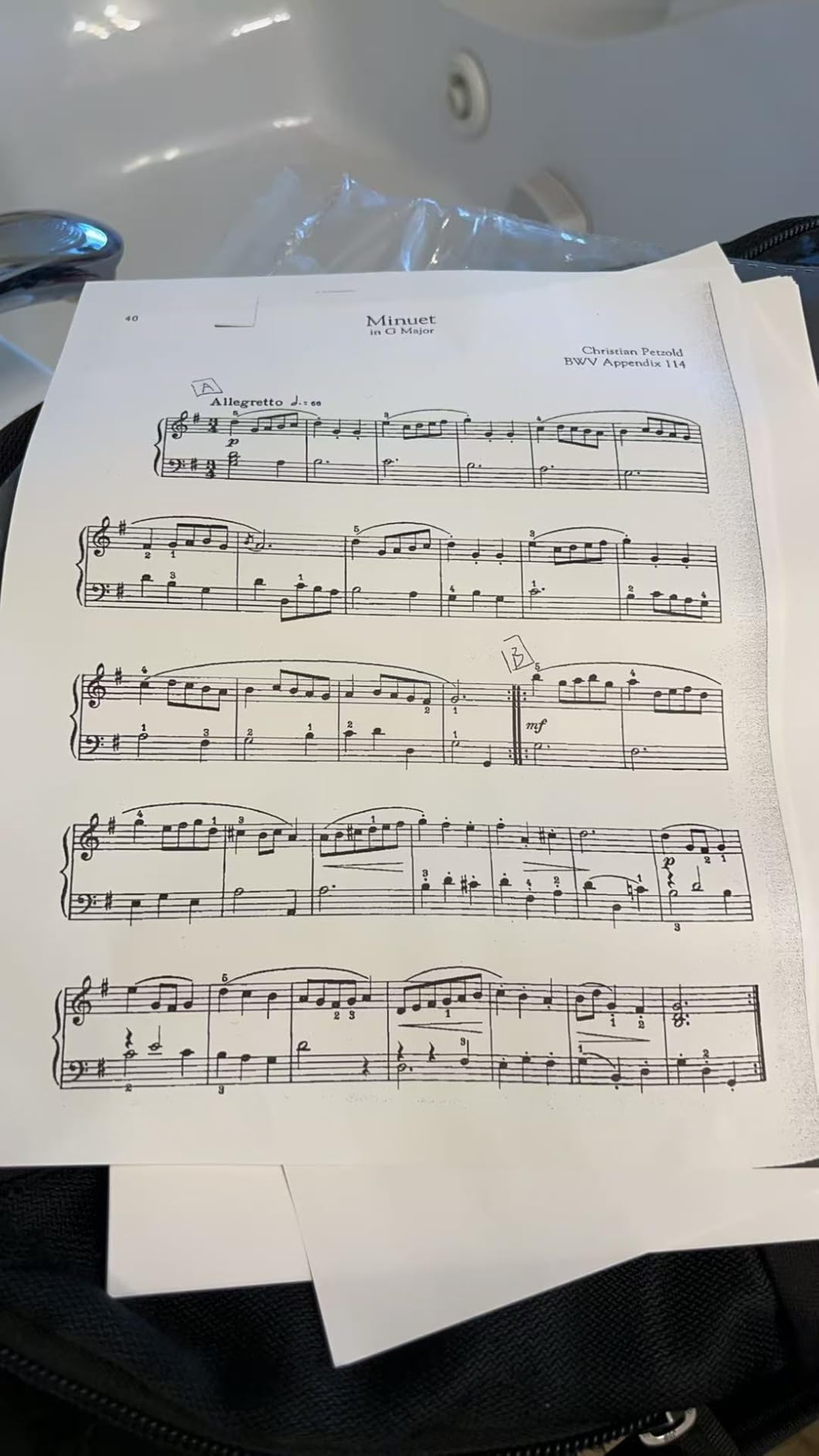
The TATTMUSE A28U is built around a print head that uses dual-zone heating with plus or minus 0.1C temperature locking. In practice that shows up as consistent dark text and clean edges across a long run, which is exactly what barcode and QR scanning needs to read reliably.
That makes it our pick for shipping labels, parcel QR codes and boarding passes, where a smudged code is a failed label rather than an aesthetic problem. At 2.44 by 1.45 by 10.55 inches it is about the size of a water bottle and prints at 7 pages per minute.
Two practical touches stand out. A double tap on the power button auto-ejects a paper jam instead of requiring you to open the body, and low-heat charging is claimed to extend battery life by up to four times, which matters more than the marketing suggests on a long trip.
It carries a 4.5 star rating from 341 reviews with 75 percent five-star ratings, and 10 sheets of thermal paper are in the box. Bluetooth covers phones and tablets directly.
Why print head temperature matters for codes
Barcode readers need contrast and consistent density across the whole symbol. A print head that drifts in temperature across a page gives you pale bands that scanners reject, which is the classic reason a thermal label looks fine and still will not read.
Dual-zone heating keeps both halves of the head at the same temperature, so density stays even from the top of a label to the bottom.
Trade-offs to plan around
It is monochrome only, needs branded thermal paper, and some app templates are paid extras. Chromebook owners must print through the phone app since there is no direct computer path.
A few owners report noisy operation and output that looks like an image render rather than true page printing. If quiet matters more than label density, the Rongta in slot eleven is the opposite trade.
11. Rongta F11A Thermal Printer – Best for Slim, Quiet Study Notes
Rongta Thermal Portable Printers Wireless for Travel…
Inkless 203 DPI thermal
0.43kg body
Letter Legal and A4 thermal paper
Quiet operation
Pros
- Slim 1.18 inch thick body that fits easily in a laptop bag
- No ink or toner costs and very quiet running
- Crisp sharp text with no smearing since there is no wet ink
- Supports US Letter Legal and A4 thermal paper
- Works from a phone over Bluetooth and a laptop over USB
Cons
- Thermal rolls only and will not print regular A4 copy paper
- Bluetooth must be paired inside the RONGTA app not the phone menu
- Output is coarse for detailed images and graphics
- Chrome browser printing is not supported
- Only a small amount of thermal paper included
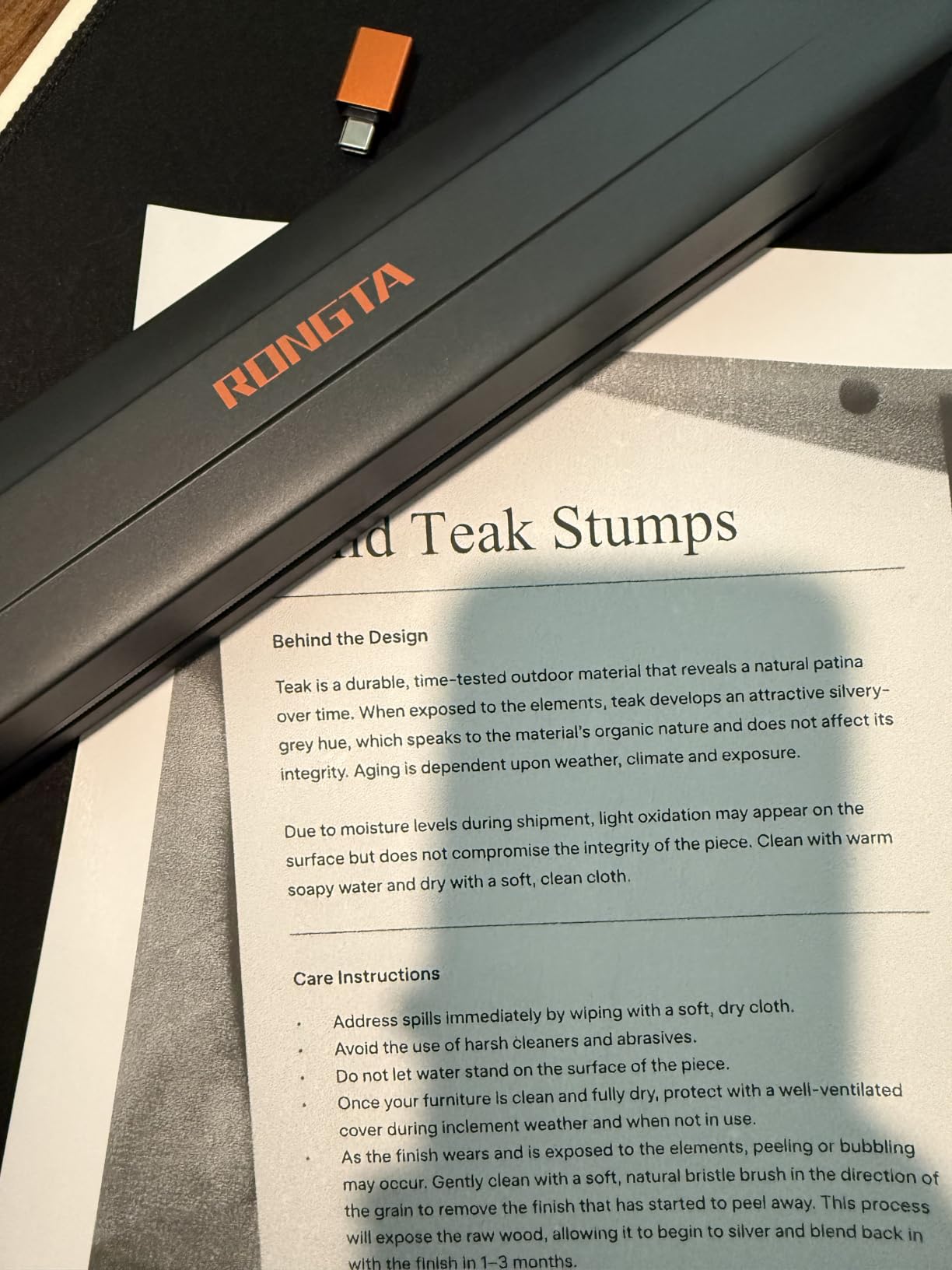
The Rongta F11A is the narrowest unit we tested at 10.55 by 2.28 by 1.18 inches and 0.43 kg, so it slides into a laptop bag beside the computer rather than sitting on top of it. If bag space is the deciding factor, this is the most compact option in the lineup.
Operation is quiet, which owners mention as a genuine advantage in shared spaces like a hostel or a study seat. There is no ink, toner or ribbon, so the running cost is paper only and nothing can dry out between trips.
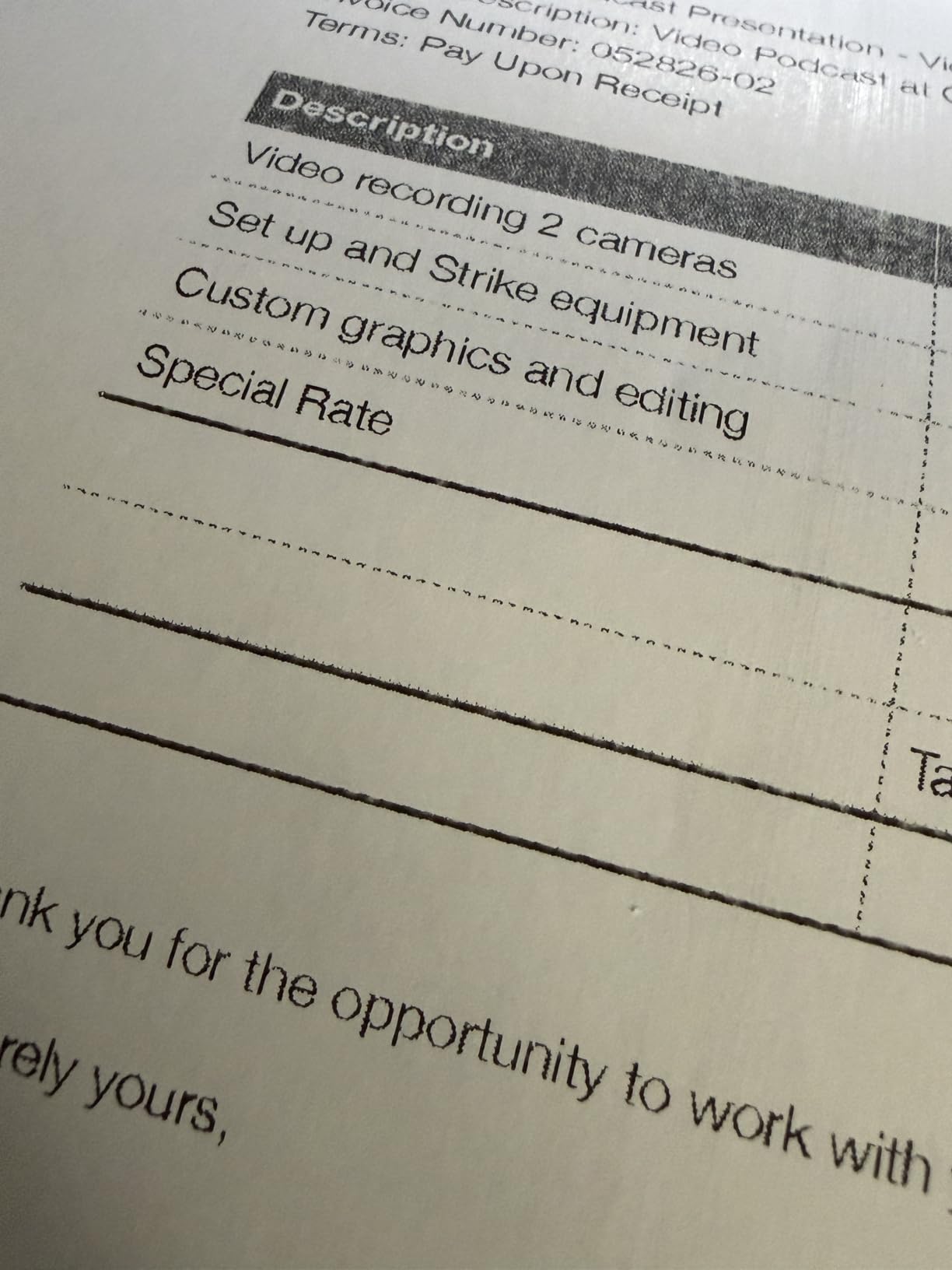
Text output is crisp and sharp for study notes, invoices and reminders at 203 DPI. Because there is no wet ink, output cannot smear in a hot car or in your hand, which is a real difference on a road trip.
Paper support covers US Letter, Legal and A4 thermal sheets. USB cable connection works with Windows 7 through 11 and MacOS laptops for owners who want a wired path.
Best suited to students and light packers
For someone printing a page or two of notes a day, the slim body and quiet running matter more than resolution or speed. Nothing here smears, nothing clogs and the printer disappears into the bag.
Owners rate it at 4.0 stars across 751 reviews, citing value, quick setup and clear black-and-white output, with 17 percent one-star ratings driven by the paper requirement and slightly pixelated images.
Know the setup quirk
Bluetooth pairing has to be completed inside the RONGTA app rather than from the phone’s Bluetooth menu, which trips up first-time users. Chrome browser printing is not supported at all.
It takes thermal rolls rather than plain A4 copy paper, image output is coarse, and only a small amount of paper is included, so pack a supply before you fly.
12. ETIKEZ D90E Inkless Thermal – Best for Colour Choice and Jam Recovery
ETIKEZ D90E Inkless Portable Thermal Printer with Case…
Inkless thermal technology
US Letter and A4 thermal paper
4 pages per minute
Double-tap jam auto-eject
Pros
- Sharp clear text output for documents and notes
- No ink cartridges so no dried-ink problems on a long trip
- Compact 10 inch body with a travel case included
- Quick Bluetooth pairing from phone through the Labelnize app
- Available in a wide range of case colours including pink and green
Cons
- Prints black and white only
- Accepts only A4 or US Letter thermal paper
- No Chromebook support and PC printing needs a driver
- Non-branded thermal paper can curl after printing
- Charging adapter is not included in the box
The ETIKEZ D90E is the pick if appearance on your desk or in your bag matters. It comes in a wide range of case colours including pink and green, and at 10.43 by 2.32 by 1.3 inches and 2.08 pounds it stays compact enough for a daypack.
The mechanical feature worth knowing is the double-tap jam release. Tap the power button twice and the printer auto-ejects a jammed sheet, which removes the most annoying five seconds in portable printing without a pair of hands spare.
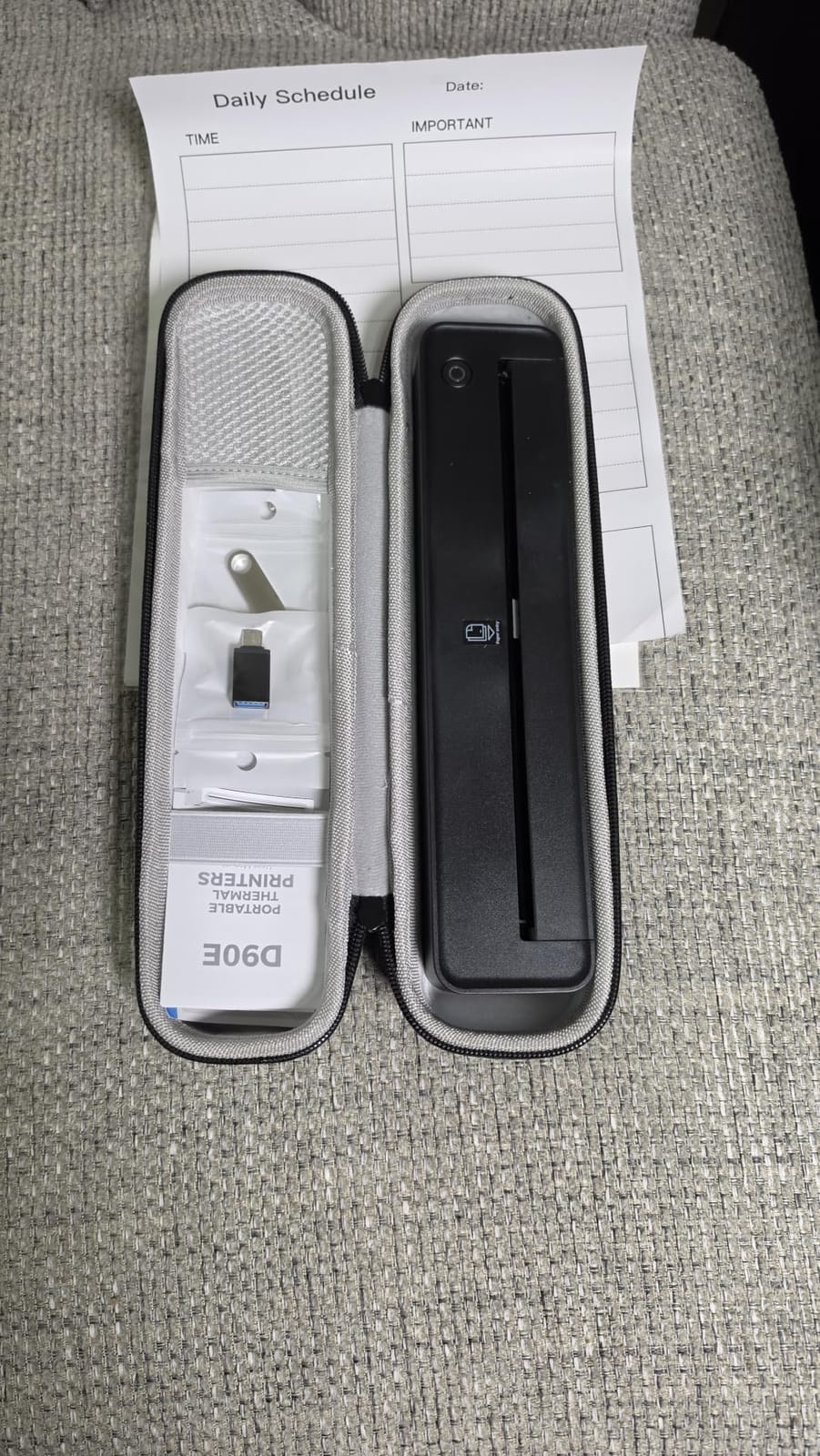
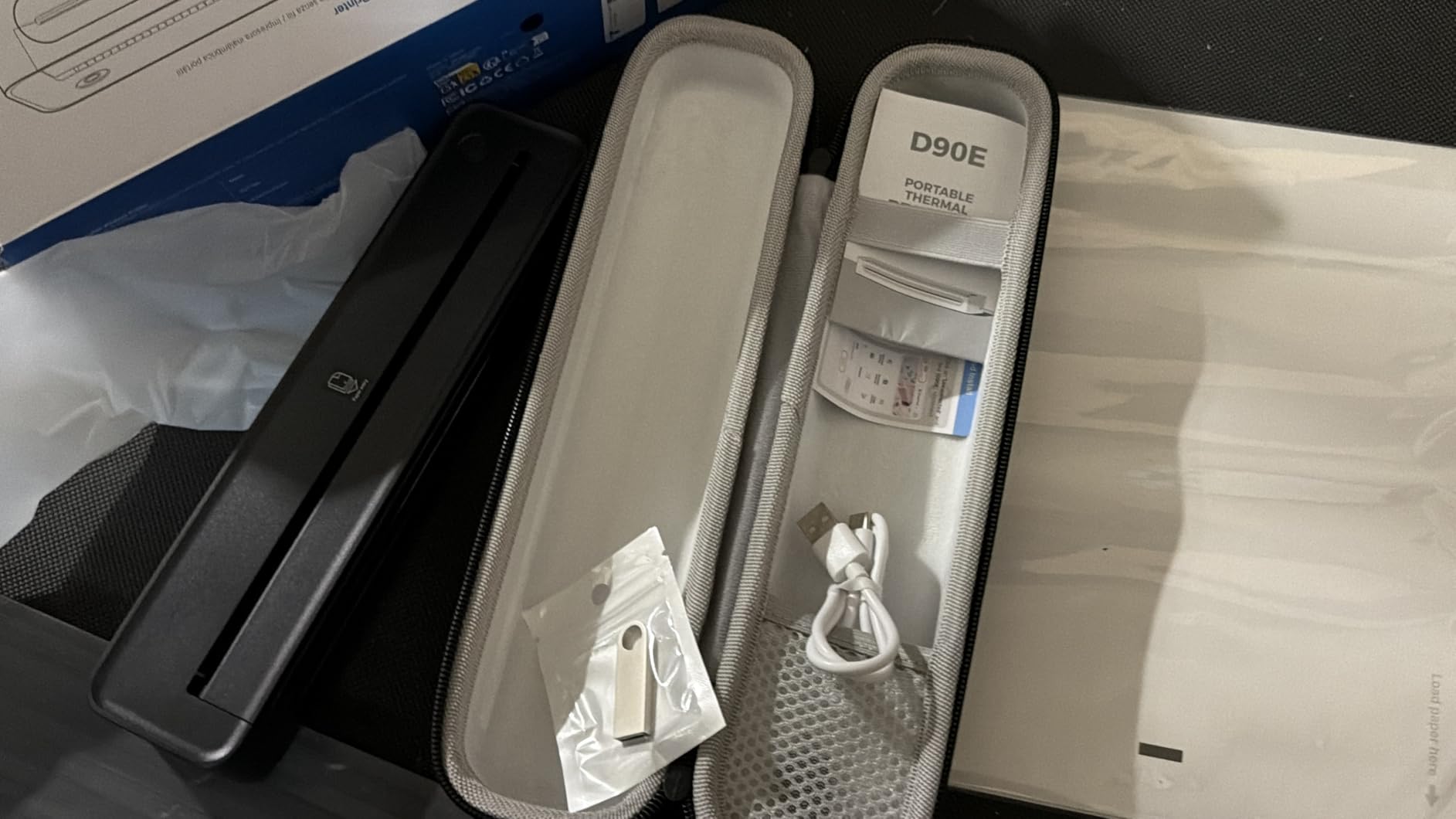
Text output is sharp for documents and notes at 203 DPI, and Bluetooth pairing from a phone through the Labelnize app is quick. Computers print over USB with drivers from the manufacturer’s site, and the box includes a travel case, a USB-C cable and 10 sheets of thermal paper.
At 4.3 stars across 439 reviews with 77 percent five-star ratings, owners centre on portability, sharp output and the absence of cartridges. The recurring caution is that thermal paper fades, so prints are not for documents you must keep long term.
Why cartridge-free travel matters
On a multi-week trip the biggest risk with an inkjet is a cartridge sitting unused until it dries out. Thermal printing removes that risk entirely, because there is no cartridge to fail regardless of how long the gap between uses.
The auto-eject is the small quality-of-life win. Portable printers jam more often than desktop ones, and a double tap is faster than opening the body and fishing out a sheet.
Limitations to budget for
Print speed of 4 pages per minute is the slowest here, so a stack of documents takes patience. Output is black and white only, and only A4 or US Letter thermal paper will load.
Chromebook users are out of luck without the phone app, and the charging adapter is not included. Non-branded thermal paper can curl after printing, which is a good reason to buy the branded sheets.
How to Choose a Portable Printer for Travel in 2026
Start by answering one question honestly: what are you actually printing? Almost every regret in this category comes from buying a beautiful 2×3 photo printer and then discovering you needed an invoice, or buying a thermal document machine and discovering you wanted the memory of a trip in colour. Decide the job first, then pick the family.
Inkjet, thermal or dye sublimation: what you are really choosing
Inkjet means colour on ordinary paper. In this roundup only the Canon PIXMA TR160 does it, and it is the right choice for professional-looking documents. It is also the heaviest option and the only one that needs cartridges in your bag.
Thermal means a heated head darkens a coating on special paper. No ink, no toner, no ribbons, and several of the units here are rated at 160 to 200 sheets per charge. The cost is monochrome output and a consumable that has to be bought in advance.
Dye sublimation gives genuine colour photos at 2×3 or 4×6 with a laminated surface. The KODAK Mini 2 Retro and the Liene M100 sit here, and both resist water and fading better than anything else we tested. If you are protecting memories rather than producing paperwork, this is the right family.
Weight, battery and paper supply decide portability
Weights in this lineup run from 0.43 kg on the Rongta F11A to 4.5 pounds on the Canon PIXMA TR160, and that spread is the difference between a bag you carry and a bag you resent. Battery life matters less than people expect, since the thermal units are rated between 160 and 200 pages per charge, which covers most itineraries on one charge.
Paper supply is the factor people forget. Every thermal unit in this roundup requires its own thermal paper and will not run ordinary copy paper, so budget for rolls or sheets in your luggage. The Gloryang PD-A4, Phomemo M832D, NDYIN N80 and ETIKEZ D90E all include rolls or sheets in the box.
Thermal prints fade, so decide what the print is for
This is the single most useful thing to know before buying a thermal machine. Thermal output darkens and fades over time, which makes it wrong for anything meant to last years, such as a travel journal page you intend to keep.
If the journal is the point, choose a laminated photo printer instead. If the print is a working document for the week you are away, thermal is the right and much cheaper answer.
Connection method decides how painless printing will be
Every thermal printer here pairs over Bluetooth with its own app. That is fine from a phone and fine from a tablet, but most of them connect to laptops over USB only and require a driver download, which is a poor experience in an airport lounge.
If you print from a computer, the Canon PIXMA TR160 is the clear choice because it supports AirPrint and Mopria and offers Wireless Direct without a router. If several people print from several devices, the Liene M100 creates its own hotspot and takes five connections at once.
What to pack alongside the printer
Bring a short USB-C cable, the paper format you will actually use, and a hard case if the printer has one in the box. Keep cartridges sealed in a pouch if you carry the inkjet. If you will print in a vehicle, check that a car charger can supply enough power before you rely on it.
One last practical point: airline rules treat a small printer as ordinary personal electronics, so keep it in your carry-on rather than checked luggage, where temperature swings and impact do the most damage. Our travel safe picks cover protecting documents and gear while you move around.
Frequently Asked Questions
What is the best portable printer for travel?
The Canon Ivy 2 is the best portable printer for travel overall because it weighs 8.8 ounces, prints 2×3 colour photos with peel-and-stick backing over Bluetooth, and holds a 4.6 star rating across 4428 reviews. For colour documents on letter paper, the Canon PIXMA TR160 is the answer. For monochrome paperwork with no cartridges, the Gloryang PD-A4 prints letter-size thermal pages at 35 pages per minute.
What is a good wireless portable printer for travel?
For wireless printing from a phone and tablet, the Liene M100 creates its own Wi-Fi hotspot so no router or hotel login is needed, and it accepts up to five devices at once. The Canon PIXMA TR160 supports AirPrint, Mopria and Wireless Direct for full-colour documents without a router. Most thermal units in this roundup pair over Bluetooth only and reach laptops through USB.
Is there a portable printer that is not thermal?
Yes. Dye sublimation printers such as the KODAK Mini 2 Retro and the Liene M100 produce full colour photos without thermal chemistry, and the Canon PIXMA TR160 is a full-colour inkjet that prints on ordinary letter paper. These are the three non-thermal options in this roundup.
Are thermal portable printers worth it?
They are worth it for working documents because there is no ink, toner or ribbon to carry, no cartridges to dry out between trips and no smearing risk. Thermal output is monochrome only, requires its own special paper and fades over time, so it is the wrong choice for colour prints or for anything you need to keep for years.
Do portable printers need ink refills?
Thermal units do not, because the heated print head darkens a coating on the paper instead. ZINK and dye sublimation printers also avoid cartridge refills by embedding colour in the paper, though that paper costs more per sheet. The Canon PIXMA TR160 is a conventional inkjet and does need cartridges, which add both weight and running cost to a trip.
Which Portable Printer Wins for Travel in 2026
The Canon Ivy 2 is the best portable printer for travel overall in 2026. At 8.8 ounces with the highest rating in this roundup at 4.6 across 4428 reviews, it is the machine most people will reach for more than once, and the peel-and-stick prints turn a photo into a page in a travel journal rather than another loose card in a bag.
Match it to the job if your needs are different. The KODAK Mini 2 Retro is the durable choice for keepsakes, with laminated prints that resist water and fading and a 12149-review owner base behind it. The Liene M100 covers full 4×6 colour and creates its own hotspot for groups. The Gloryang PD-A4 is the document answer at 35 pages per minute, the Phomemo M832D adds the clearest thermal output and a touchscreen at 300 DPI, and the Canon PIXMA TR160 is the only one that prints full-colour documents on ordinary paper.
Whichever you choose, pack paper for it, keep it in your carry-on, and check the other travel gear we rate before you pack the bag.
