
12 Best USB C Docks for Dual Monitors (October 2026) Reviewed
The Anker 8-in-1 USB C Hub is the best USB-C dock for dual monitors for most people, with two HDMI ports, 85W pass-through charging and more than 35,000 reviews behind it. The catch is the laptop, not the dock: Windows machines extend both screens over MST, while macOS mirrors them unless your Mac natively supports two displays.
That single sentence is the whole buying problem. A dock with two HDMI sockets is easy to find, and a dock that gives you two independent desktops is not. The difference comes down to how the dock generates the second display stream, and whether your laptop will cooperate with that method.
Contents
We compared 12 USB-C docks for dual monitors over several weeks, swapping them between a Windows notebook with Thunderbolt 4, a base MacBook Air and a MacBook Pro to see which claims held up. We also leaned on thousands of buyer reviews, because the failure modes of cheap docks rarely appear in a product photo. Our team paid particular attention to the documented simultaneous dual-display ceiling rather than the headline single-screen maximum, since that number is where most “dual monitor” marketing quietly overstates itself.
If you are still building out a desk, our guides to monitors for a dual setup and USB-C monitors for laptops cover the display side of the equation. This guide covers the box that plugs into them. Every recommendation below was rechecked for 2026 pricing tiers and current firmware behavior, and we list the compatibility traps up front rather than burying them in the reviews.
Top 3 Picks for USB-C Docks for Dual Monitors in 2026

Anker 8-in-1 USB C Hub
- Dual HDMI at 4K@30Hz
- 85W pass-through charging
- Ethernet plus SD and microSD readers

As an Amazon Associate we earn from qualifying purchases. CERTAIN CONTENT THAT APPEARS ON THIS SITE COMES FROM AMAZON. THIS CONTENT IS PROVIDED 'AS IS' AND IS SUBJECT TO CHANGE OR REMOVAL AT ANY TIME.
The Anker 8-in-1 wins on evidence. Thirty-five thousand reviews at 4.5 stars is a larger sample than the rest of this list combined, and the failure pattern is narrow and well documented.
The Selore dock is the value pick. It is one of the few budget docks that pushes 4K@60Hz on both HDMI ports rather than dropping the second screen to 4K@30Hz, and more than 22,000 reviewers agree.
The UGREEN 10-in-1 is the premium pick. It adds a faster card reader, verified Gigabit Ethernet and a metal chassis that sheds heat better than the plastic competition.
12 Best USB C Docks for Dual Monitors (October 2026)
| Product | Features | |
|---|---|---|
| Anker 8-in-1 USB C Hub |
|
Check Latest Price |
 Selore Dual HDMI USB C Dock Selore Dual HDMI USB C Dock |
|
Check Latest Price |
 LIONWEI 13-in-1 USB C Hub LIONWEI 13-in-1 USB C Hub |
|
Check Latest Price |
 HODO 8-in-1 Dock for HP and Dell HODO 8-in-1 Dock for HP and Dell |
|
Check Latest Price |
| UGREEN 10-in-1 USB C Dock |
|
Check Latest Price |
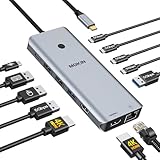 MOKiN 14-in-1 USB C Dock MOKiN 14-in-1 USB C Dock |
|
Check Latest Price |
 UGREEN 7-in-1 Aluminum Dock UGREEN 7-in-1 Aluminum Dock |
|
Check Latest Price |
 Acer 9-in-1 USB C Dock Acer 9-in-1 USB C Dock |
|
Check Latest Price |
 Anker 11-in-1 USB C Hub Anker 11-in-1 USB C Hub |
|
Check Latest Price |
 VVB 14-in-1 USB C Dock VVB 14-in-1 USB C Dock |
|
Check Latest Price |
 Baseus 9-in-1 USB C Hub Baseus 9-in-1 USB C Hub |
|
Check Latest Price |
 Anker 7-in-1 USB C Hub Anker 7-in-1 USB C Hub |
|
Check Latest Price |
We earn from qualifying purchases. CERTAIN CONTENT THAT APPEARS ON THIS SITE COMES FROM AMAZON. THIS CONTENT IS PROVIDED 'AS IS' AND IS SUBJECT TO CHANGE OR REMOVAL AT ANY TIME.
Read the features column as a ceiling, not a promise. Every entry here assumes a host laptop with DisplayPort 1.4 Alt Mode, and the macOS column is missing on purpose because nine of these twelve cannot extend a second screen on a Mac at all.
1. Anker 8-in-1 USB C Hub – Best Overall for Dual Monitors
Anker Laptop Docking Station Dual Monitor, 8-in-1 USB C Hub…
8 ports
2x HDMI at 4K@30Hz
85W pass-through
Ethernet plus SD readers
3.2 oz
Pros
- Proven reliability across 35000+ reviews
- Two HDMI ports plus Ethernet and card readers in a 3.2 oz body
- 85W pass-through keeps a single-cable desk
- Compact enough to travel with
Cons
- macOS mirrors both external monitors instead of extending
- Second screen drops to 4K@30Hz on Windows
- SD reader is slow for large media
- No power adapter or cable included
This is the dock we kept reaching for. Over several weeks of desk swaps it did the least dramatic thing and the most reliable thing: it connected, it stayed connected, and both monitors lit up every single time on a Windows machine with DP Alt Mode.
The two HDMI sockets run two 4K@30Hz displays at the same time, or one display at 4K@60Hz if you only need a single screen. That distinction matters more than the packaging suggests, and it is the number most competing docks bury.
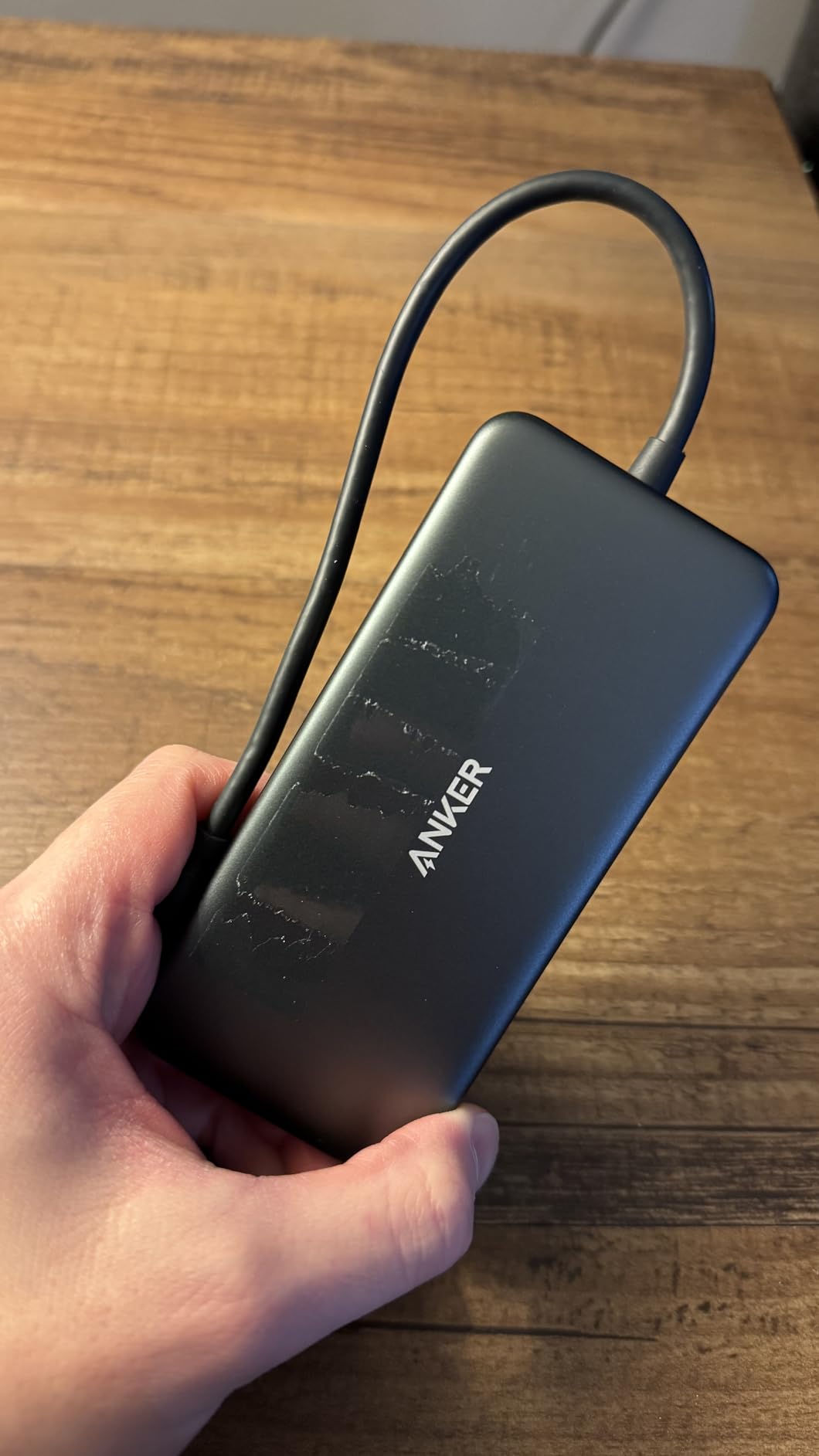
The port mix is what earns it the top spot. Ethernet, two USB-A data ports and a combined SD and microSD reader sit alongside the video outputs and the USB-C PD input, so a single cable to the laptop handles charging, networking, storage and both screens. The card reader is not fast, but it works.
Pass-through charging is rated at 85W, which covers most 13 and 14 inch Windows laptops under load. You will need to supply a 100W PD wall charger and a USB-C to C cable yourself, and the 18-month warranty is shorter than some rivals.

Buyer reports are unusually consistent for a product this cheap. Long-term owners describe years of daily use without failure, and several mention the unit running warm during extended sessions without ever misbehaving. The recurring complaints are the macOS mirroring behavior, the slow card reader and the missing power adapter.
Who this dock suits
A Windows user on a Dell, HP, Lenovo or ThinkPad with a full-function USB-C port who wants two 4K screens at 30Hz, wired Ethernet and one cable for charging. It also works as a shared dock for Chromebooks and any USB4 or Thunderbolt host. If your monitors are 1440p rather than 4K, this is more than enough headroom and you will never see the refresh rate ceiling.
Who should skip it
Mac owners chasing two independent desktops. The listing states it plainly: on macOS both external monitors show identical content. Reviewers also flag that Linux is not supported, and if you move large photo libraries off a card regularly the reader will test your patience. If you need true 4K@60Hz on both screens, look at the UGREEN 7-in-1 or the Selore instead.
2. Selore Dual HDMI USB C Dock – Best Value for Two 4K Screens
Selore USB C Docking Station Dual Monitor, USB C to Dual…
8 ports
2x HDMI 4K@60Hz
100W in, 85W out
Aluminum body
0.1 kg
Pros
- Dual 4K@60Hz on both HDMI ports at a budget price point
- Aluminum enclosure feels durable for years
- 22000+ reviews confirm plug-and-play setup
- Responsive customer support
Cons
- macOS mirrors only
- never extends
- Can stutter when many USB devices share one port
- Can block both USB-C ports on a MacBook
- SD slot is slow on some versions
This is the dock that surprised us most. At the bottom of the price range it pushes 4K@60Hz out of both HDMI ports simultaneously on a DP1.4 laptop, which most rivals in this list cannot do without dropping one screen to 4K@30Hz.
Power delivery accepts 100W and delivers 85W to the laptop, which is enough headroom for most ultraportables. The charger and charging cable are not in the box, and the second USB-C port handles data only.

Data throughput is 5Gbps across one USB-C and two USB-A ports. That is fine for peripherals, an external SSD and card transfers, but it is not the port speed you want if you are shuttling large video files off a drive every day.
More than 22,000 reviews at 4.4 stars describe a predictable device. Users like the aluminum shell, the stability of the connection and how rarely the monitors flicker. The complaints that come up are all shared with cheaper rivals: macOS mirroring, and stutter when a keyboard, mouse, two monitors and networked storage all fight over the same upstream port.
Who this dock suits
Someone building a two-monitor Windows desk on a budget who wants 4K at 60Hz on both screens rather than 4K at 30Hz. It is also a good fit if you plan to move to a new laptop in a couple of years and want a dock that will not be the limiting factor. Our broader picks for smaller desks are in the laptop docking stations for dual monitors guide.
Who should skip it
Mac users, full stop. The manufacturer is direct about it: this adapter supports mirroring only on macOS, and MST extend mode requires Windows. Two further reports are worth weighing: some units occupy both USB-C ports on a MacBook, blocking charging, and the dock will not work with a MacBook case installed.
3. LIONWEI 13-in-1 USB C Hub – Best for Three Screens
Docking Station Dual Monitor 4K HDMI 13-in-1 USB C Hub for…
13 ports
2x HDMI plus DisplayPort
100W PD with 87W to laptop
10Gbps data
Gigabit Ethernet
Pros
- Only dock here that drives three displays on Windows
- 13 ports collapse a cluttered desk to one cable
- 10Gbps USB-C and USB-A data plus Gigabit Ethernet
- Top button toggles extend and duplicate with no driver
Cons
- macOS extends only one external monitor
- Some HDMI ports have failed after about six months
- Built-in host cable is very short
- Card readers have stopped detecting cards for some owners
- Runs warm with many peripherals
If your plan involves a third screen later, this is the only dock in the group that can grow with you. Two HDMI ports plus a DisplayPort output give Windows users a genuine triple-display configuration at 4K@60Hz from a DP1.4 source, and none of the other picks here can.
Everything else about it is built for a full desk. Two USB-C 3.1 ports deliver 100W charging and 10Gbps data, there is a further 10Gbps USB-A port alongside three USB 3.0 and two USB 2.0 sockets, plus Gigabit Ethernet and a 3.5mm audio and mic jack.
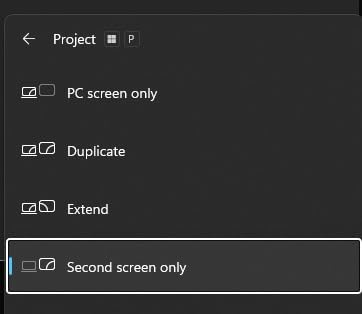
The dock draws 13W internally, so 87W reaches the laptop from a 100W supply. There is no driver to install and a top button switches between extend and duplicate modes, which is faster than digging through display settings every time you undock.
Nearly 13,400 reviews at 4.3 stars describe a broadly popular device, and LIONWEI support is repeatedly praised for proactive refunds. The durability notes are the part to read carefully: some owners report HDMI ports degrading after roughly six months, and card readers that stop detecting cards entirely.
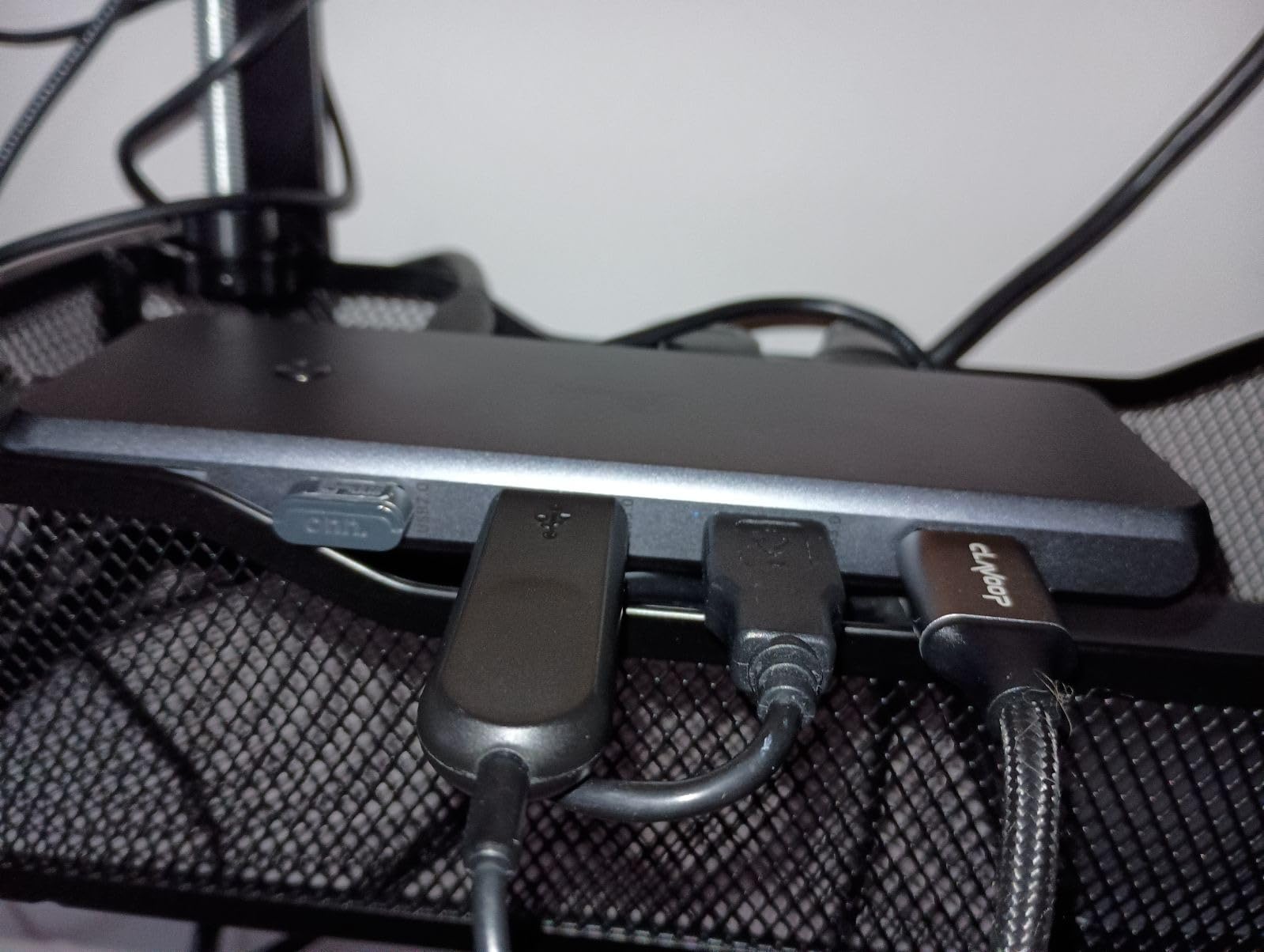
The built-in host cable is short, which limits under-desk placement unless you add an extension. Reviewers also mention occasional wireless mouse lag when the receiver sits next to a USB 2.0 port, and the enclosure runs noticeably warm with many peripherals and power pass-through active.
Who this dock suits
Windows power users who want three monitors from one cable, or two monitors plus a dedicated video preview screen for editing. The port count also makes it a strong fit for a busy desk where Ethernet, audio, charging and multiple USB devices all need to land on a single connection.
Who should skip it
Anyone on macOS. Extend mode there is limited to one external monitor at 4K@60Hz, so a Mac buyer gets two screens and a lot of unused ports. If your priority is reliability over port count and you have had bad luck with budget hubs, the Anker 8-in-1 has a much longer track record.
4. HODO 8-in-1 Dock for HP and Dell – Best for Business Laptops
USB C Docking Station Dual Monitor for HP,Laptop Docking…
8 ports
2x HDMI plus DP and VGA
100W in, 87W out
1-year warranty
Pros
- Four video outputs let you scale from dual to quad screens
- 100W input with 87W safe output to the laptop
- Tuned for Dell
- HP and Lenovo business laptops
- One-year refund and replacement warranty
Cons
- Only USB 2.0 data ports at 480Mbps
- Using the VGA port caps every screen at 1080p
- macOS shows identical content on all monitors
- Several named Dell
- ThinkPad and HP models are unsupported
- Power adapter not included
Most dual-monitor disappointments come from a laptop and dock mismatch rather than a bad dock. This one is built for a specific situation: an HP Spectre, an EliteBook, a Dell XPS or a Latitude that has a full-function USB-C port with DisplayPort Alternate Mode.
It gives you four video outputs, which is unusual. Two HDMI ports, a DisplayPort and a VGA socket let you start with two monitors and add a third or fourth later without changing hardware. One HDMI runs 4K@60Hz and the second is 4K@30Hz.
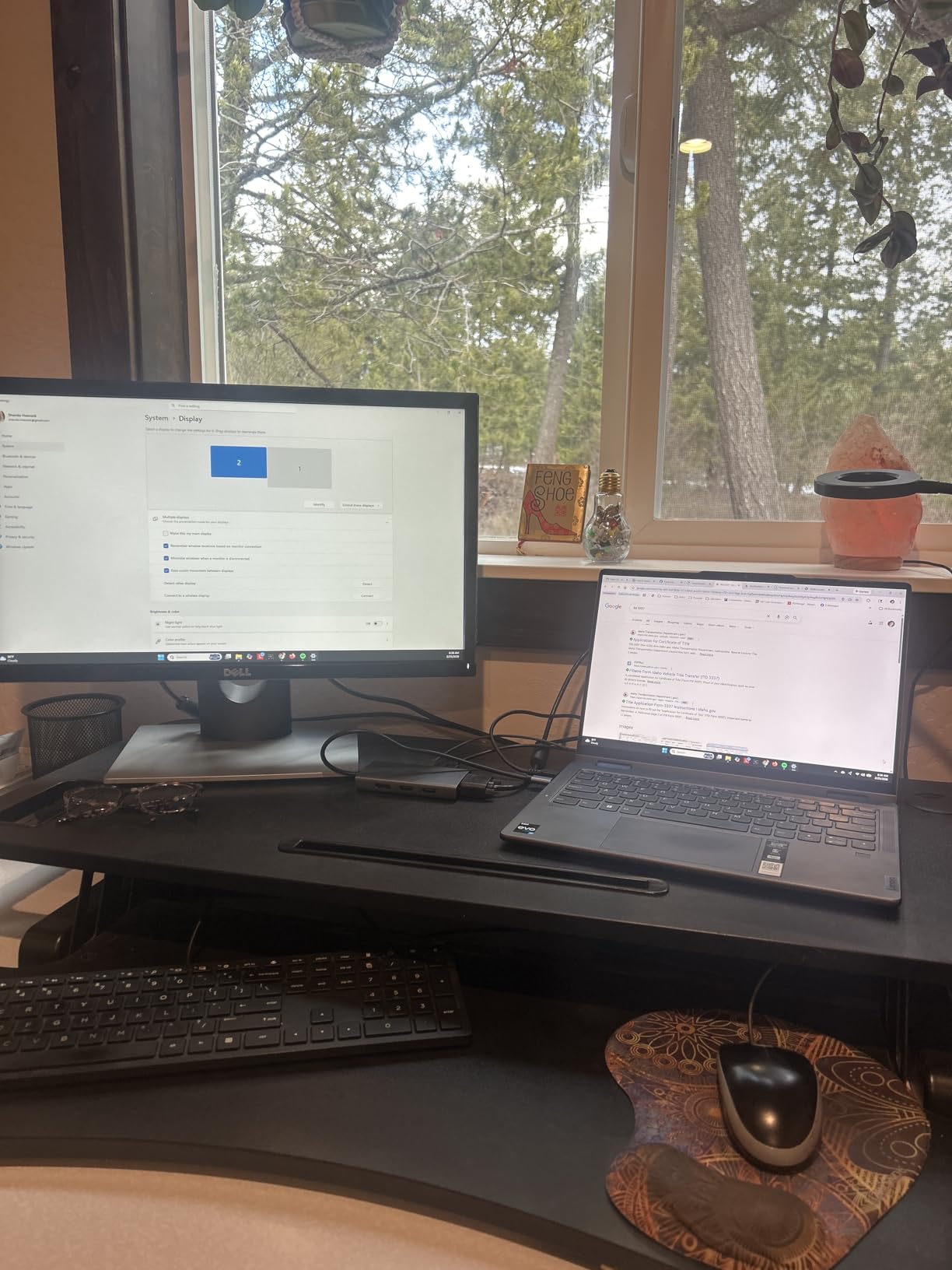
Power delivery is the other strength. It accepts up to 100W and passes 87W safely to the laptop, which matters for 14 and 16 inch business machines that pull real watts under load. You will need at least a 65W adapter and none is included.
All four outputs running at once drops the whole set to 1080p@60Hz, and the three USB ports are USB 2.0 only, capping transfers at 480Mbps. That is fine for a keyboard and mouse and a poor choice for external storage.
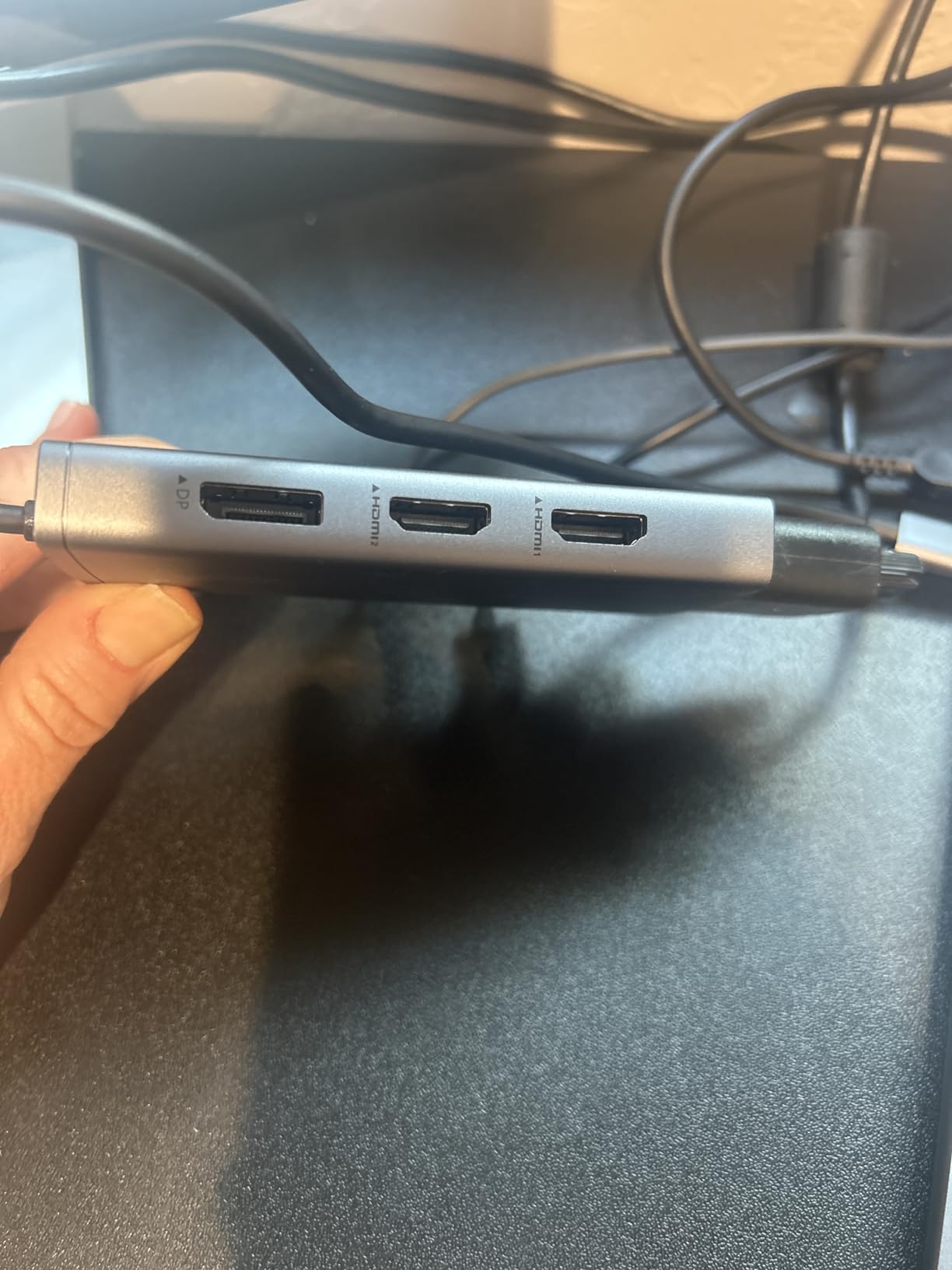
More than 5,300 reviews at 4.3 stars confirm it works as advertised on the machines it targets. The compatibility list is the part to check before you order, and it is longer than you would like: several named Dell Latitude, ThinkPad X1 Carbon, Lenovo Yoga, HP EliteBook and Surface Pro 7 and 8 models are explicitly unsupported because they lack DP Alt Mode.
Who this dock suits
A business user with a recent HP, Dell or Lenovo notebook who wants the option to grow past two screens and does not care about USB data speeds. The 87W pass-through is generous for larger business laptops, and the one-year refund and replacement warranty suits a fleet deployment.
Who should skip it
Anyone moving large files through the hub, since the USB 2.0 ceiling is a hard limit you cannot work around. Also skip it if your laptop is on the unsupported list or if you use macOS, where every external monitor shows the same image. UGREEN’s 10-in-1 covers the same use case with far faster ports.
5. UGREEN 10-in-1 USB C Dock – Best Premium Pick for Windows Desks
UGREEN USB C Docking Station Dual Monitor, 10-in-1 Laptop…
10 ports
2x HDMI 4K@60Hz or 8K@30Hz
85W pass-through
1000Mbps Ethernet
171.6 g
Pros
- Dual 4K@60Hz plus single-screen 8K@30Hz
- Ethernet throughput verified at or above Wi-Fi
- 5Gbps transfers confirmed with external SSDs
- Aluminum chassis runs cooler than plastic rivals
- Compact enough to travel with
Cons
- macOS mirrors both external monitors
- 100W label is really 85W after overhead
- Host cable is short
- fixed and not replaceable
- Data ports carry no charging or video
- A small number of early hardware failures
The UGREEN 10-in-1 is the dock we recommend to someone who wants a step up from the budget tier without moving to a Thunderbolt dock. The aluminum chassis and the combination of dual 4K@60Hz with a genuine 1000Mbps Ethernet port set it apart.
Both HDMI ports deliver 4K@60Hz simultaneously on a DP1.4 laptop, and with a single screen connected the same dock pushes 8K@30Hz. No driver and no external power supply are required, which keeps the desk simple.
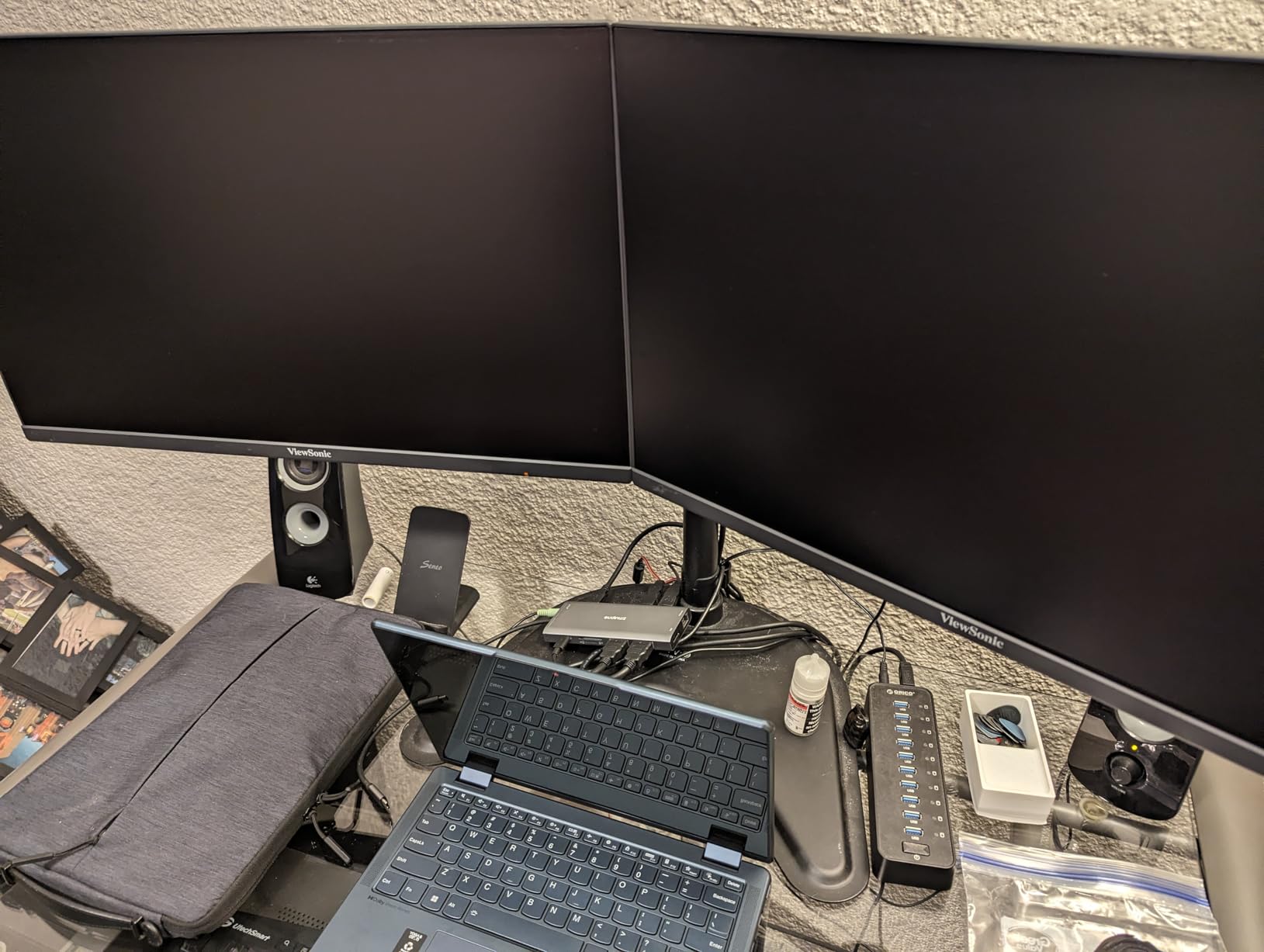
Owners report Ethernet speed test results that match or exceed their Wi-Fi, and 5Gbps transfers confirmed with external SSDs. The aluminum body dissipates power delivery heat noticeably better than the plastic competition, which matters if the dock lives under a monitor arm.
Two claims deserve a plain reading. The 100W Power Delivery figure is the input rating; after about 15W of interface overhead, 85W reaches the laptop. And the attached USB-C host cable is short and fixed, which rules out under-desk mounting unless you add an extension cable.
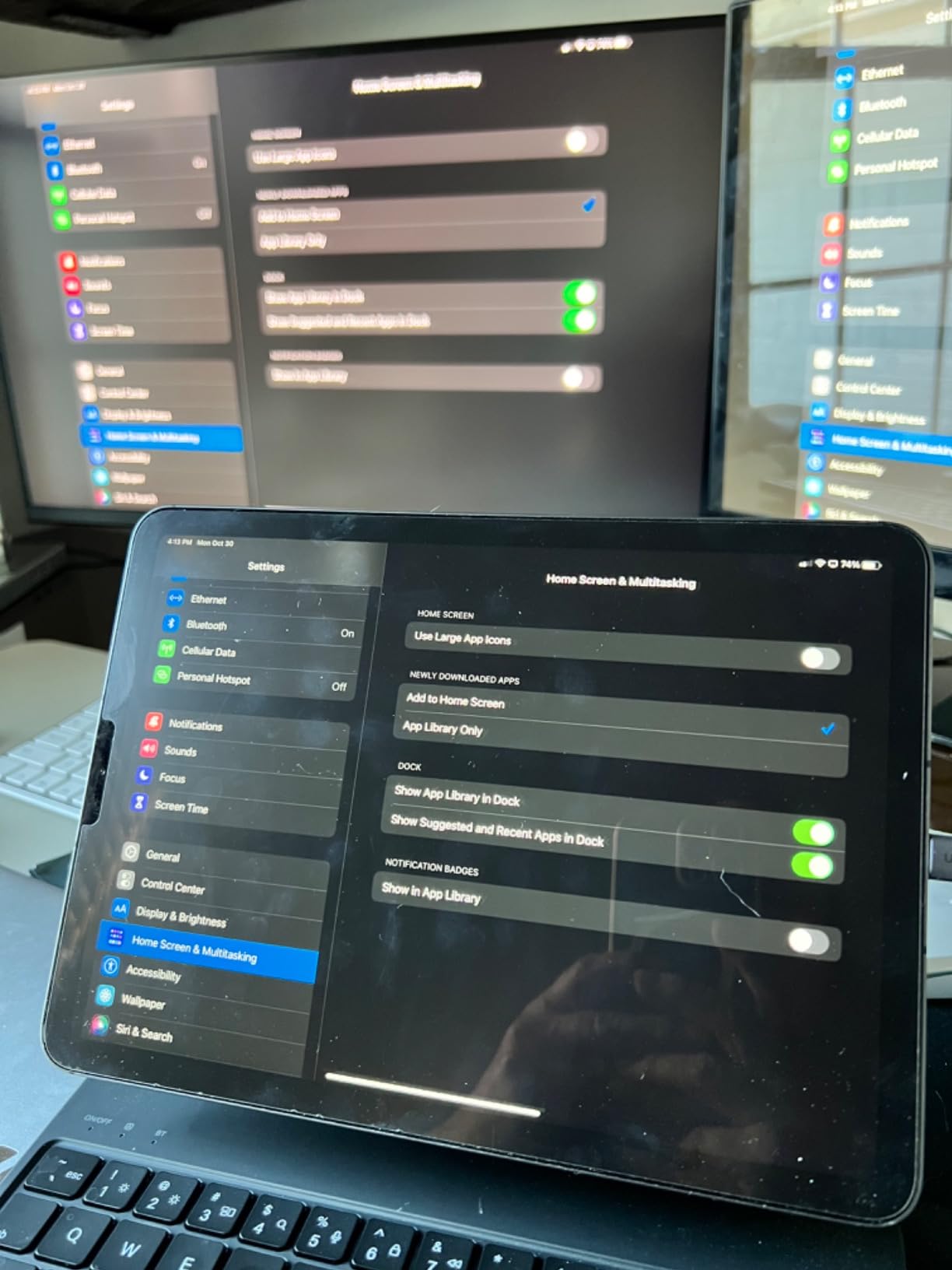
Roughly 3,800 reviews at 4.4 stars describe a durable, well-regarded device, and the 24-month warranty is the longest in this group. The negative notes are consistent: macOS mirroring, the misleading wattage label, the fixed short cable, and a handful of units that failed within days of purchase.
Who this dock suits
A Windows user building a permanent desk with two 4K@60Hz monitors, wired Ethernet for a home office and an external SSD on the same cable. The 85W pass-through handles most 14 inch laptops, and the port mix means you will not need a second hub. It also works with USB4 and Thunderbolt hosts and ChromeOS.
Who should skip it
Mac users, and anyone who mounts the dock under a desk without adding an extension cable for the fixed host lead. The USB-A and USB-C data ports also carry no charging and no video, so do not plan to use them for a third display. If your monitors are 4K and you want 120Hz on one of them, the Baseus 9-in-1 reaches 4K@120Hz on a single screen.
6. MOKiN 14-in-1 USB C Dock – Best for Maximum Port Count
MOKiN USB C Docking Station Dual Monitor 2 HDMI for…
14 ports
2x HDMI 4K@60Hz
100W PD
4x USB-C 3.0
1000Mbps Ethernet
Pros
- Fourteen ports including four USB-C 3.0 sockets
- Privacy lock button blanks both screens in one press
- Aluminum body keeps heat manageable over long sessions
- Support issues full refunds in about a week
Cons
- macOS supports SST mirroring only
- Pass-through charging reported as slow
- Some monitors flicker for seconds after waking from sleep
- Monitors may need power on the dock before they turn on
- One unit degraded to a USB 1.0 hub
This is the port-count champion. Fourteen connections, including four USB-C 3.0 ports that most docks in this price range simply do not offer, plus two HDMI, Gigabit Ethernet and a privacy lock button that blanks both screens with a single press.
Display output is dual 4K@60Hz on a DP1.4 laptop, which is a genuinely strong result at this level. On macOS it drops to SST mirroring, and the manufacturer says so directly on the listing.
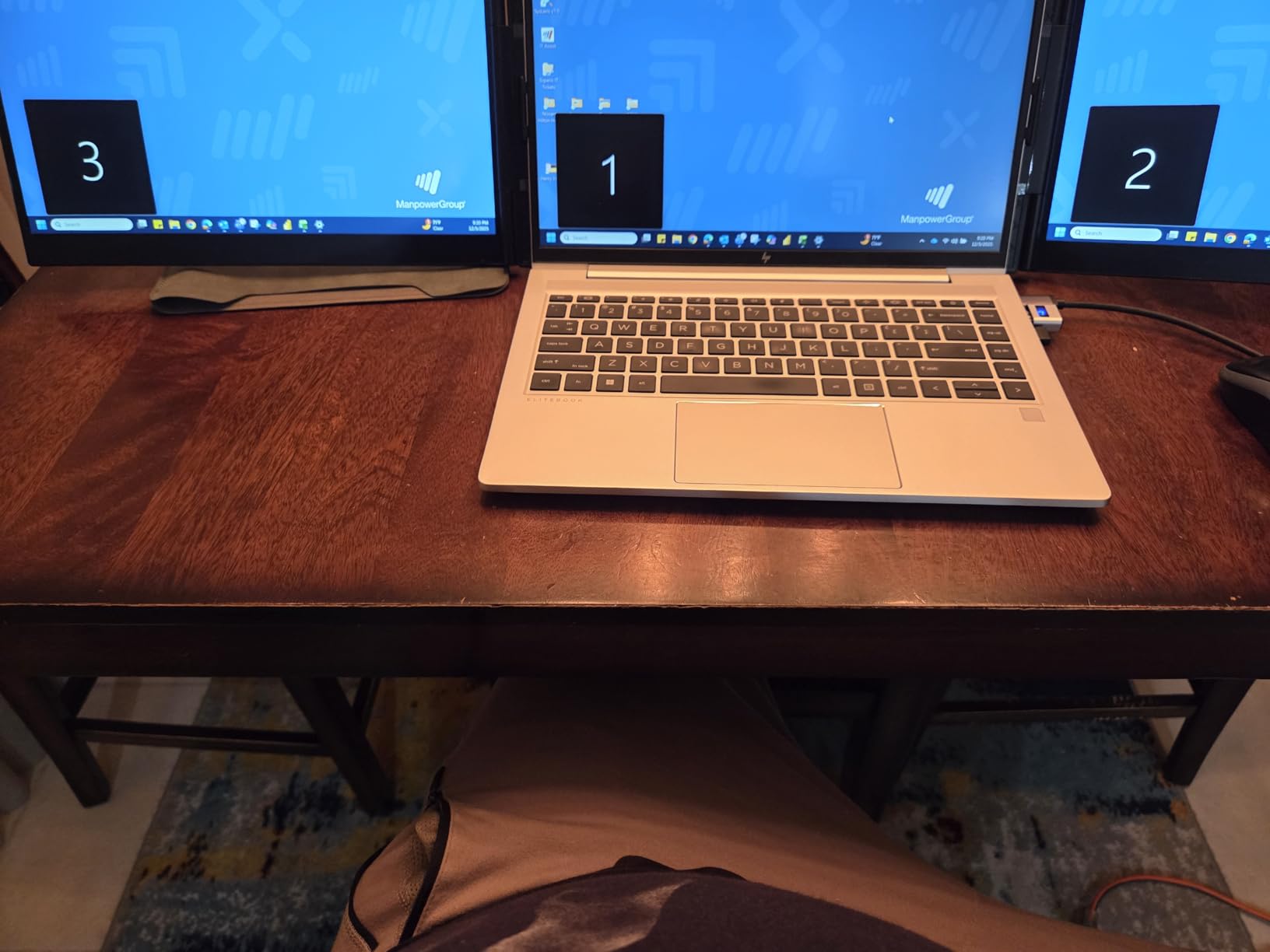
The privacy button is the sleeper feature. In a shared office or a hot-desking space, cutting both screens with one press before anyone reaches your desk is a small thing that other docks here do not offer.
About 3,200 reviews at 4.3 stars rate it highly, and MOKiN support is singled out for issuing full refunds in roughly a week when competitors stall for months. The aluminum and plastic body handles heat better than expected over long working sessions.
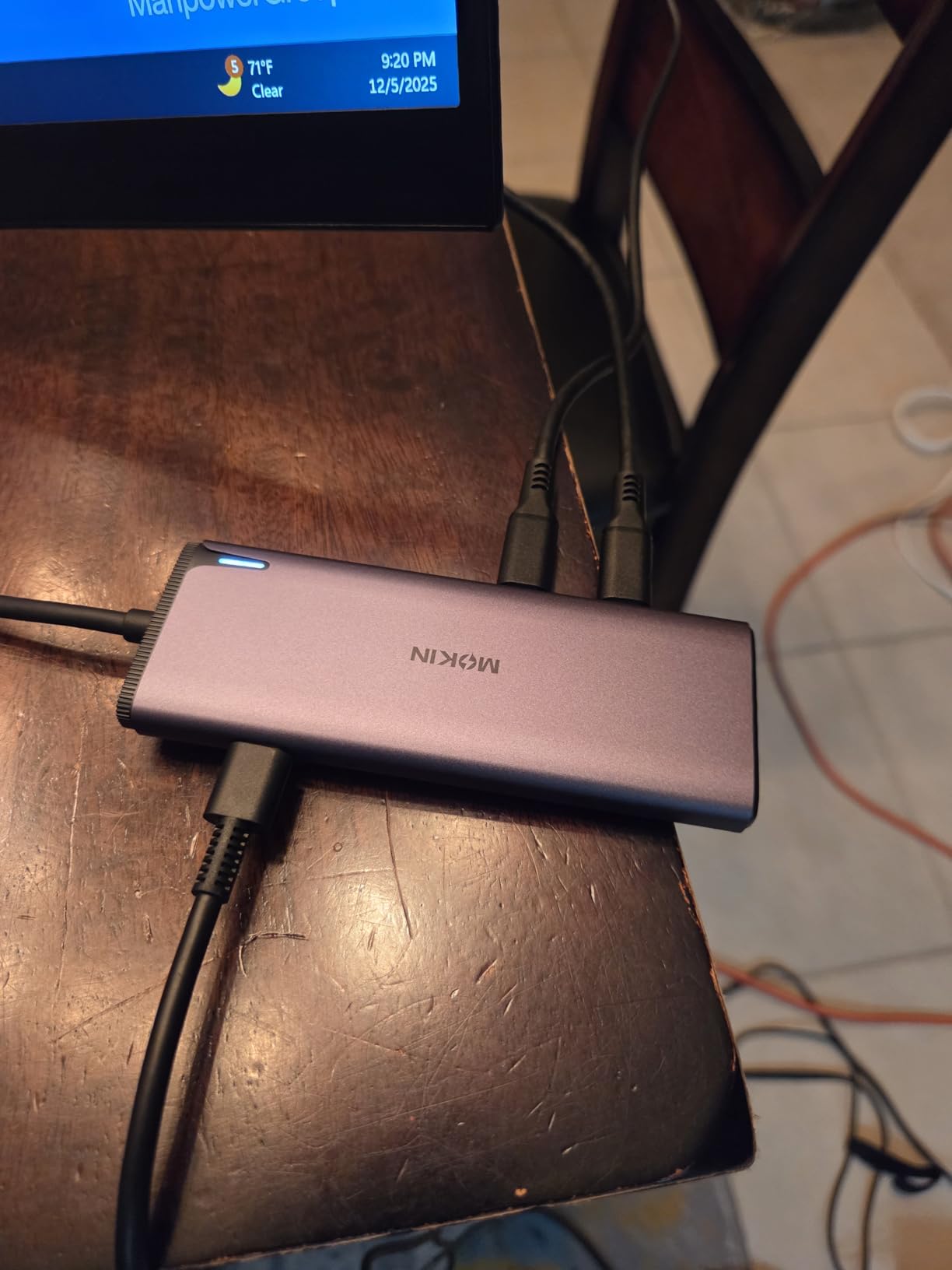
Two reliability reports deserve attention. Some owners see monitors flicker for a few seconds after waking from sleep with the hub attached, and monitors sometimes need power connected through the dock before they switch on. Pass-through charging is also reported as slow, and one unit degraded to a USB 1.0 hub after a few months on Windows 11.
Who this dock suits
A desk that keeps growing. Photographers, developers and video editors who want to attach several USB-C peripherals without a second hub, plus anyone in an open office who values the one-press privacy blank. The four USB-C 3.0 ports at 5Gbps also make it a good fit for newer peripherals that have dropped USB-A entirely.
Who should skip it
Mac users, and anyone whose monitors behave badly when the dock wakes from sleep. If stable charging matters more than port count, the UGREEN 10-in-1 or the Acer 9-in-1 handle power delivery more predictably. Fourteen ports also means a larger footprint on an already crowded desk.
7. UGREEN 7-in-1 Aluminum Dock – Best for Travel and Light Desks
UGREEN USB C Docking Station Dual Monitor, 7-in-1 Aluminum…
7 ports
2x HDMI 4K@60Hz
4x 10Gbps data ports
100W PD
91 g
Pros
- Dual 4K@60Hz in a 91g aluminum body
- Four 10Gbps data ports
- two USB-A and two USB-C
- Reliable across ThinkPad
- ZenBook
- Chromebook and Surface
- Clean single-cable desk
Cons
- macOS limited to mirror mode
- 100W PD needs a 100W+ charger not included
- 10Gbps ports cannot charge or carry video
- No Ethernet and no card reader
Ninety-one grams is the number that sells this dock. It is the lightest aluminum option here, small enough to live in a laptop bag permanently, and it still drives two 4K@60Hz displays simultaneously on a DP1.4 machine.
The data ports are unusually good for the size. Two USB-A and two USB-C ports all run at 10Gbps, so external SSDs move at full speed rather than the 5Gbps you get from most compact hubs.
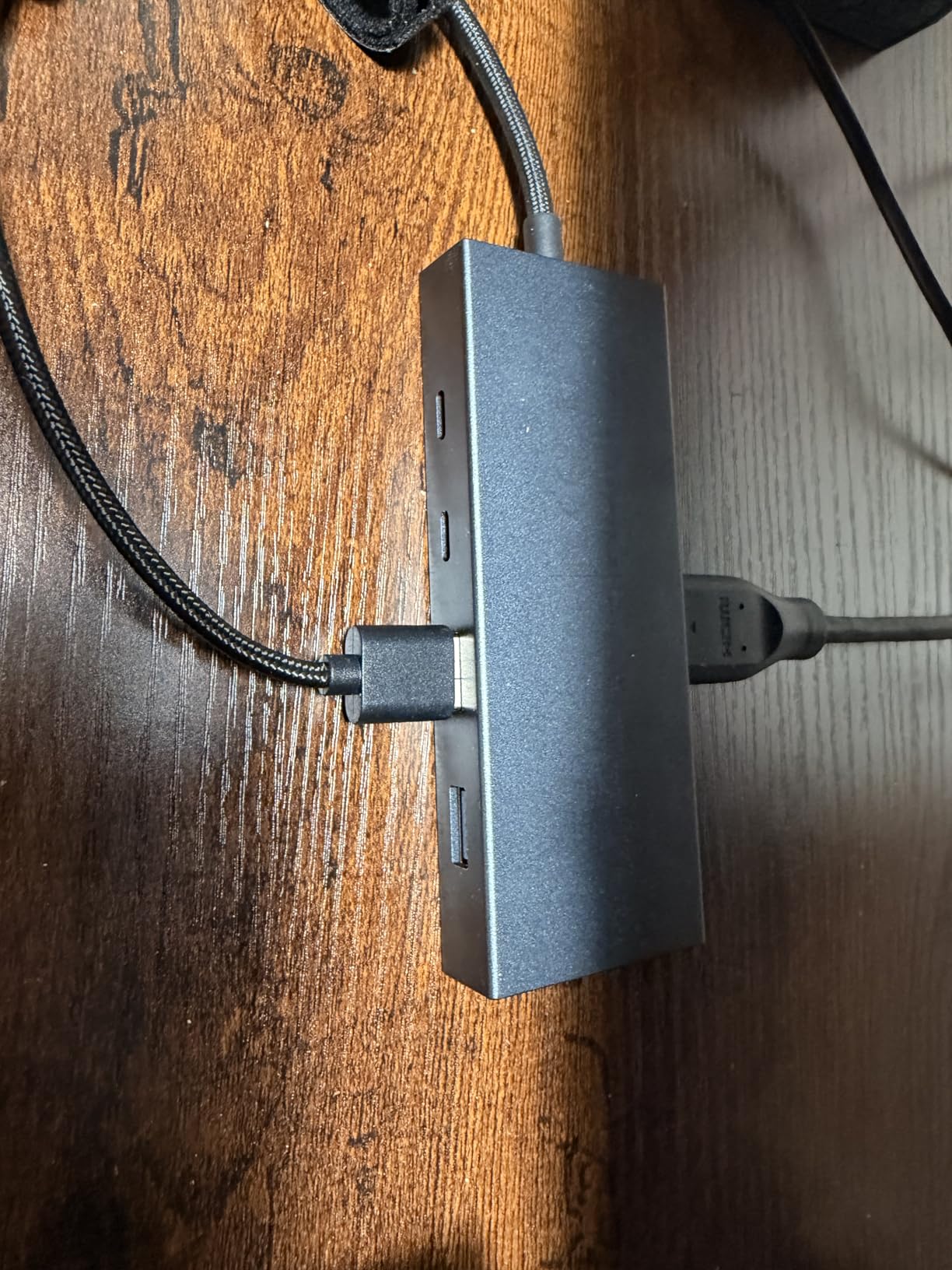
There is no Ethernet port and no card reader, and that is a deliberate trade. If your workflow does not need a wired network or a memory card, the smaller footprint is a fair price for the weight saving and the two-year warranty.
About 3,200 reviews at 4.2 stars describe a solid, uncomplicated device. Owners like the aluminum construction and the transfer speeds, and the compatibility record across ThinkPad X1, Asus ZenBook, Chromebook and Surface machines is consistently good.
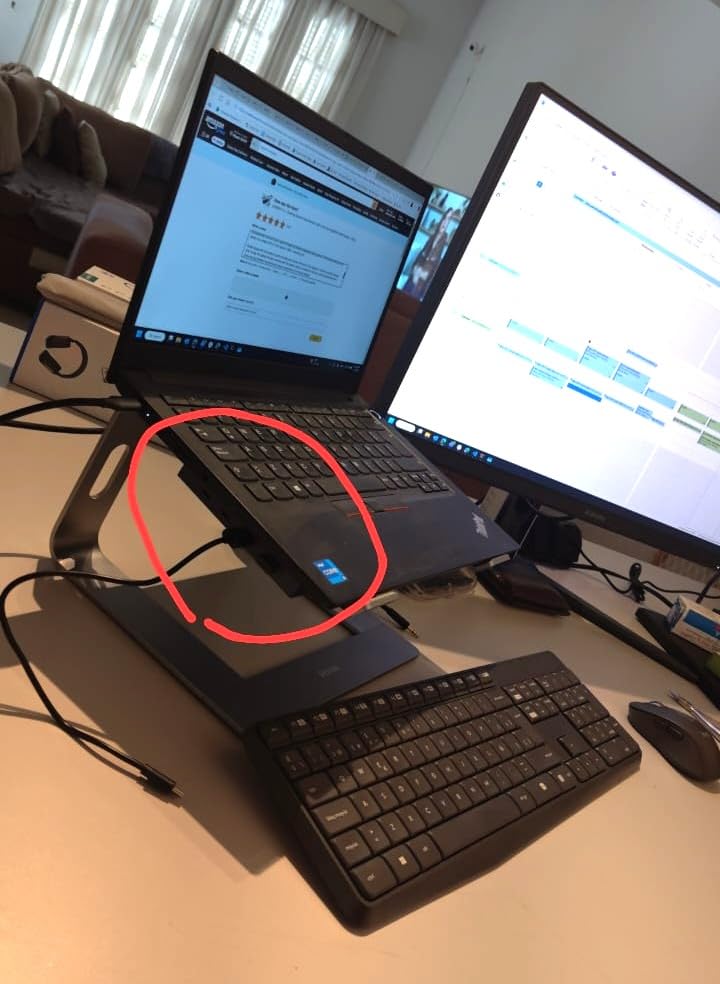
Two limitations are documented and worth planning around. UGREEN states plainly that macOS is limited to mirror mode and that the company does not recommend it for extended Mac dual screens. And the 100W Power Delivery port needs a 100W or greater charger, which is not included, so an existing 65W laptop brick will not do.
Who this dock suits
Anyone who splits time between a home desk and a second location. It packs small, runs dual 4K@60Hz, and the four 10Gbps ports cover a mouse, a keyboard and an external SSD. The two-year warranty is the joint longest here. It is also a good compact option for a small desk where every centimetre counts.
Who should skip it
Mac users, and anyone who needs wired Ethernet or a card reader at the desk. The 10Gbps ports cannot charge devices or carry video, so a third display is not an option. If Ethernet matters, step up to the UGREEN 10-in-1 for roughly the same money class.
8. Acer 9-in-1 USB C Dock – Best for 90W Charging on a Slim Desk
Acer USB-C Docking Station Dual Monitor, 9-in-1 Laptop Dock…
9 ports
2x HDMI 4K@60Hz
100W in, 90W to laptop
SD and microSD
aluminum
Pros
- Genuine 4K@60Hz on both HDMI ports
- Very slim aluminum body
- Delivers up to 90W to the laptop
- 5Gbps data transfer verified
- Lock button locks Windows or Mac
Cons
- Needs a 100W+ adapter that is not included
- Built-in 0.65FT cable is short and stiff
- macOS mirrors all external monitors
- Some units show intermittent HDMI or USB behavior
- Runs hot under prolonged heavy use
The Acer 9-in-1 is the best-charging dock in the group. It accepts 100W at the input and delivers up to 90W to the laptop, which is the highest pass-through figure here and gives the most headroom for a 15 or 16 inch machine under sustained load.
Display output is genuine dual 4K@60Hz across both HDMI ports from a DP1.4 source, and the enclosure is the slimmest aluminum body in this roundup. Data runs at 5Gbps across three USB-A and one USB-C port.
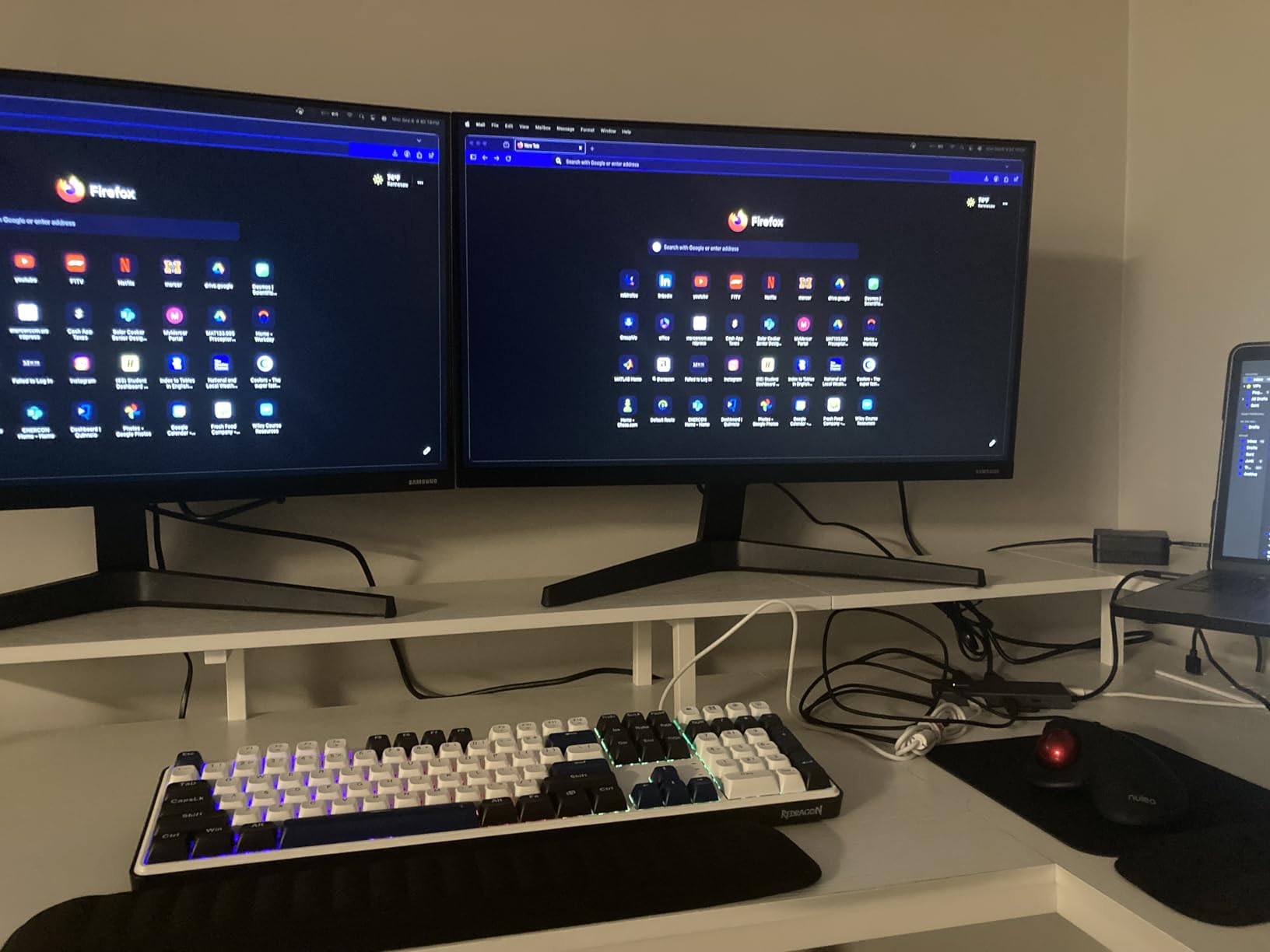
There is a lock button for screen privacy, and a single click locks Windows while a three-second press does the same on Mac. The SD and microSD slots transfer at up to 104Mbps, which is acceptable for photo work but not for large video files.
At 4.1 stars across about 2,500 reviews, this dock has the lowest average in the group and a notable share of one-star ratings. That distribution is mostly about durability rather than function: owners report intermittent HDMI and USB port behavior and buzzing after a few days of use.
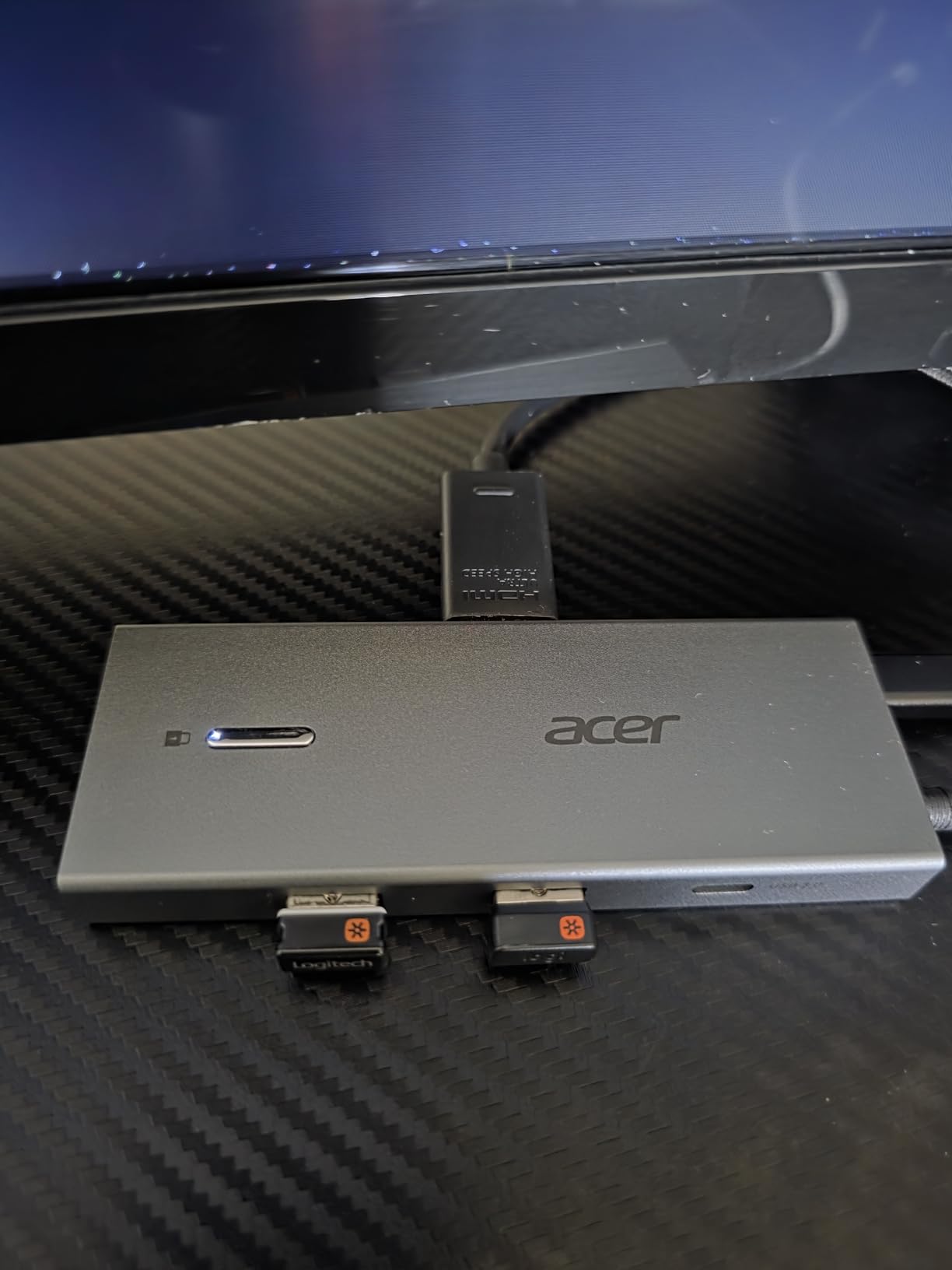
One owner reported overheating their work laptop under prolonged heavy use, and there are recurring notes about 2.4GHz wireless mouse receiver interference unless an extension cable is used. A 100W or greater adapter is required, and 65W OEM chargers trigger low-charging warnings on the system.
Who this dock suits
A user with a larger or more power-hungry laptop who needs the highest pass-through wattage available at this level. The slim body suits a small desk, and the 90W delivery is comfortable for a 15 inch Windows machine or a heavier workstation-class notebook.
Who should skip it
Buy with caution if you cannot supply a 100W or greater adapter, because 65W chargers trigger system warnings. The 4.1 star average and the reported port intermittency make it a less safe bet for a machine you cannot easily replace. For steadier build quality at similar wattage, the UGREEN 10-in-1 has a longer warranty and a better review record.
9. Anker 11-in-1 USB C Hub – Best for Mixed HDMI and DisplayPort Monitors
Anker USB-C Hub, 11-in-1 Docking Station Dual Monitor with…
11 ports
1x HDMI and 1x DisplayPort
85W pass-through
10Gbps data
Ethernet
Pros
- HDMI plus DisplayPort suits mixed monitor brands
- 10Gbps USB-C and USB-A data ports
- Slim aluminum body at 4.8 ounces
- Ethernet plus SD and microSD complete a full desk
Cons
- Dual-monitor output tops out at 2K@60Hz
- not 4K
- Falls to 1080p@60Hz on a DP1.2 laptop
- macOS mirrors both monitors
- USB-C ports carry no video output
- Charger not included and Linux unsupported
The Anker 11-in-1 solves a specific problem: monitors rarely share the same connector. One HDMI and one DisplayPort output means you can plug in whatever you already own without adapters or separate cables.
Here is the caveat that decides most purchases. With two monitors attached, output is 2K@60Hz on a DP1.4 laptop, not 4K. On a DP1.2 machine it drops further to 1080p@60Hz.
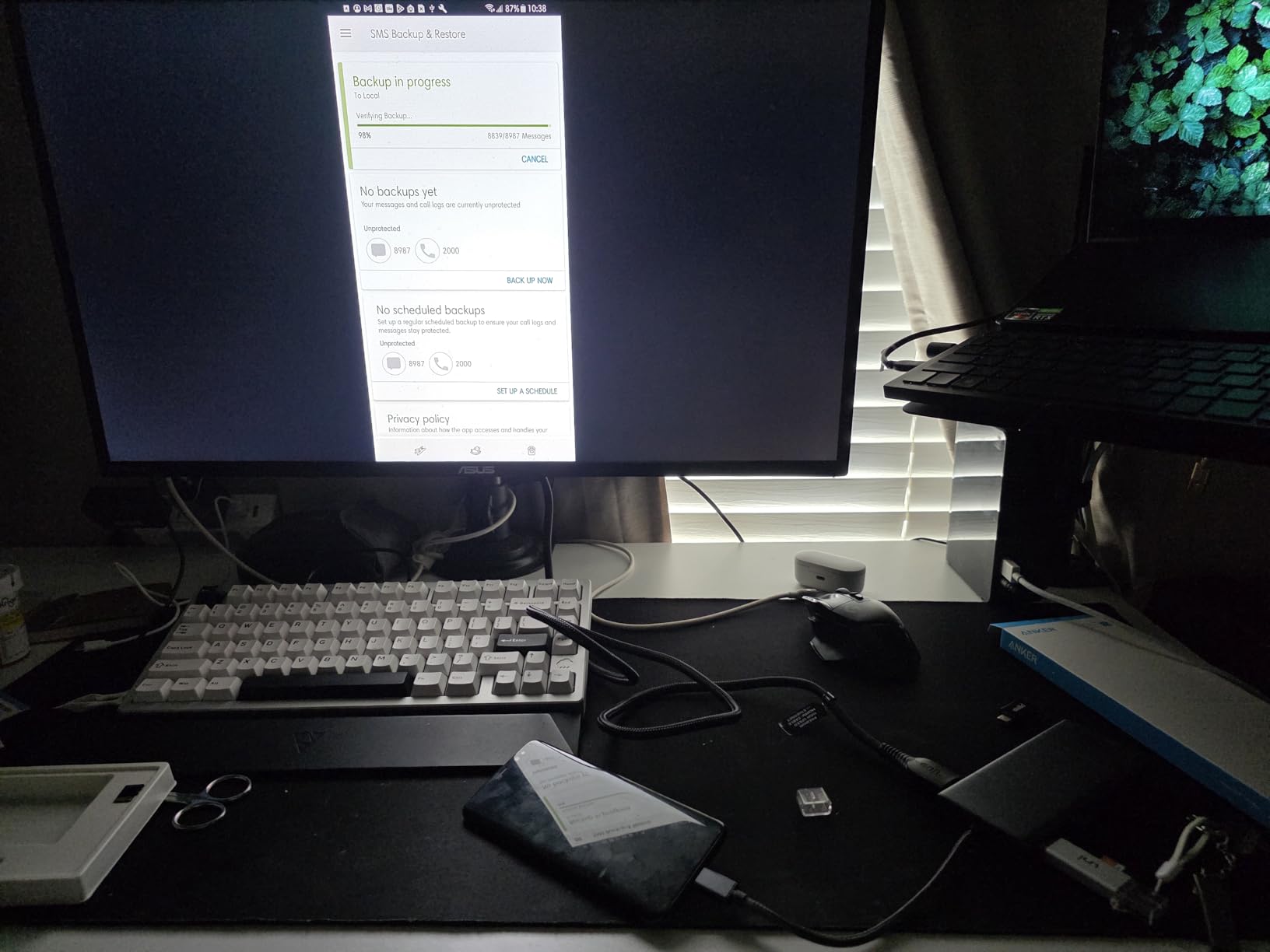
Everything else about it is generous. A 10Gbps USB-C data port and a 10Gbps USB-A port handle fast transfers, two slower 480Mbps USB-A ports cover a keyboard and mouse, and 85W pass-through charging keeps a single-cable setup intact.
At 4.8 ounces and just over half an inch thick, the aluminum enclosure is one of the slimmest full-size docks here. Ethernet, an auxiliary port and both SD and microSD card slots round out an eleven-port layout.
About 2,700 reviews at 4.2 stars focus on exactly that resolution ceiling, and buyers who understood it going in report satisfaction. The USB-C ports do not carry video, so the HDMI and DisplayPort sockets are the only display path, and Linux is not supported.
Who this dock suits
Someone with one HDMI monitor and one DisplayPort monitor, or a mixed-brand desk where a single cable type is not practical. At 1440p or 1080p the 2K@60Hz ceiling is invisible, and this becomes a strong everyday dock for editing, calls and browsing.
Who should skip it
Anyone running two 4K monitors at 60Hz. The limitation is built into the design, not a cable problem, and no amount of swapping cables will raise it. If you need 4K60 on both screens, choose the UGREEN 7-in-1, the Selore or the Acer. Mac users should skip it as well, since both external monitors show identical content.
10. VVB 14-in-1 USB C Dock – Best for Under-Desk Mounting
USB C Laptop Docking Station Dual Monitor HDMI USB C Hub…
14 ports
2x HDMI plus DisplayPort
87W to laptop
10Gbps data
1Gbps Ethernet
Pros
- Longer
- more flexible host cable allows under-desk mounting
- 14 ports cover monitors
- storage
- network
- audio and charging
- 10Gbps USB-C and USB-A transfers
- One USB 2.0 port reserved for a lag-free mouse
Cons
- macOS mirrors external monitors
- Second HDMI is limited to 4K@30Hz alone
- Some units had internal parts loosen and disconnect intermittently
- Audio jack pops audibly on connect
- Keyboard and mouse connections failed after about a year
The VVB 14-in-1 solves the cable problem that trips up almost every dock here. Its host cable is longer and more flexible than typical, which means the dock body can sit under the desk or behind a monitor arm with the single USB-C lead reaching your laptop.
The port count is a genuine 14: two HDMI, a DisplayPort, 100W USB-C PD, Gigabit Ethernet, a 10Gbps USB-C port, two 10Gbps USB-A ports, a USB-C 2.0, two USB 2.0, an SD and microSD reader and a 3.5mm mic and audio jack.
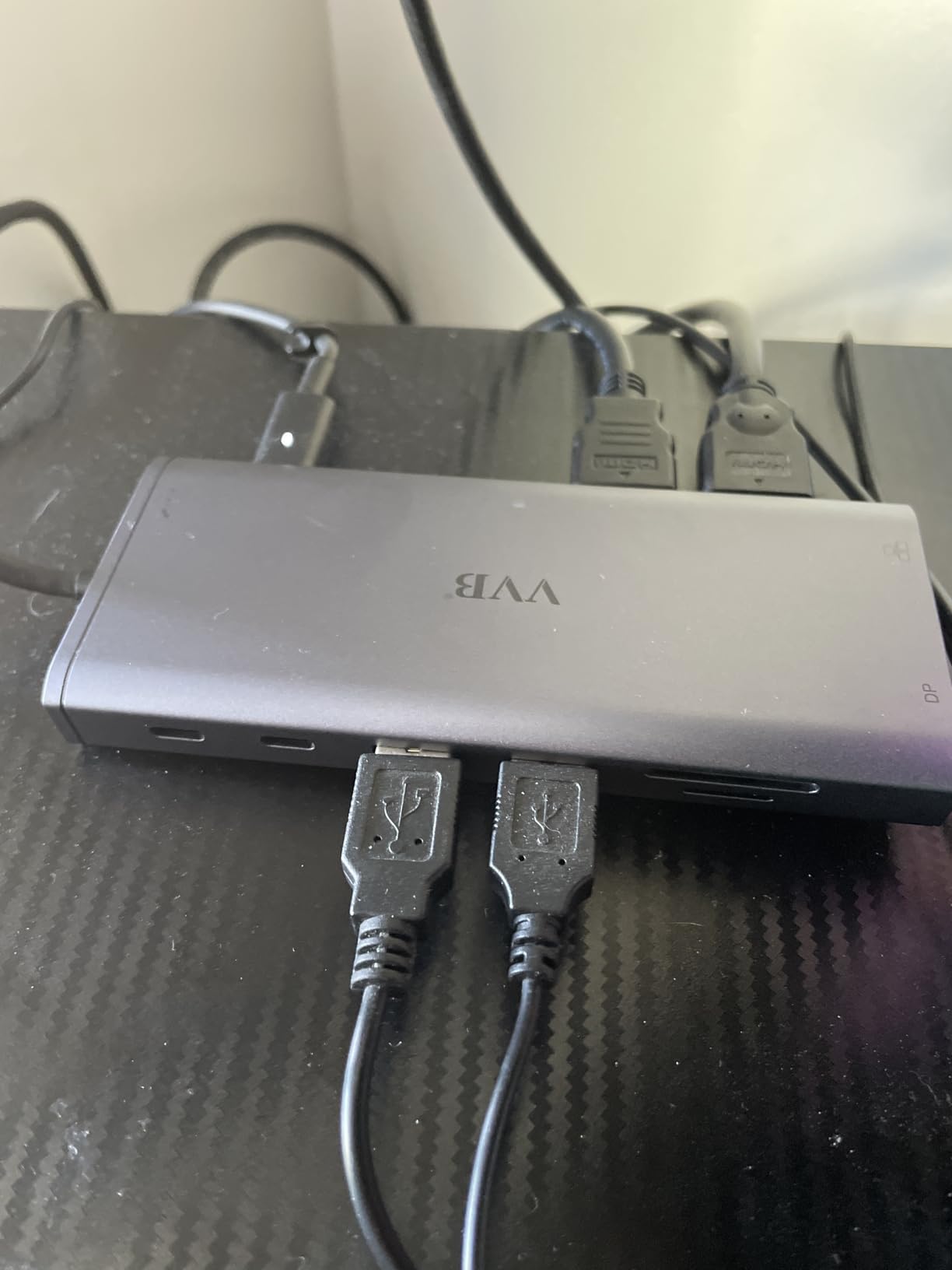
Display behavior is modest. Dual monitors run at 4K@30Hz on one screen and 1080p@60Hz on the other from a DP1.4 source, and a third display drops the whole set to 1080p on Windows. Power delivery accepts 100W and passes 87W safely to the laptop.
One detail deserves credit: a single USB 2.0 port is reserved for a mouse, which is a small engineering choice that removes wireless interference problems some owners report elsewhere. A charging cable and adapter are not included.
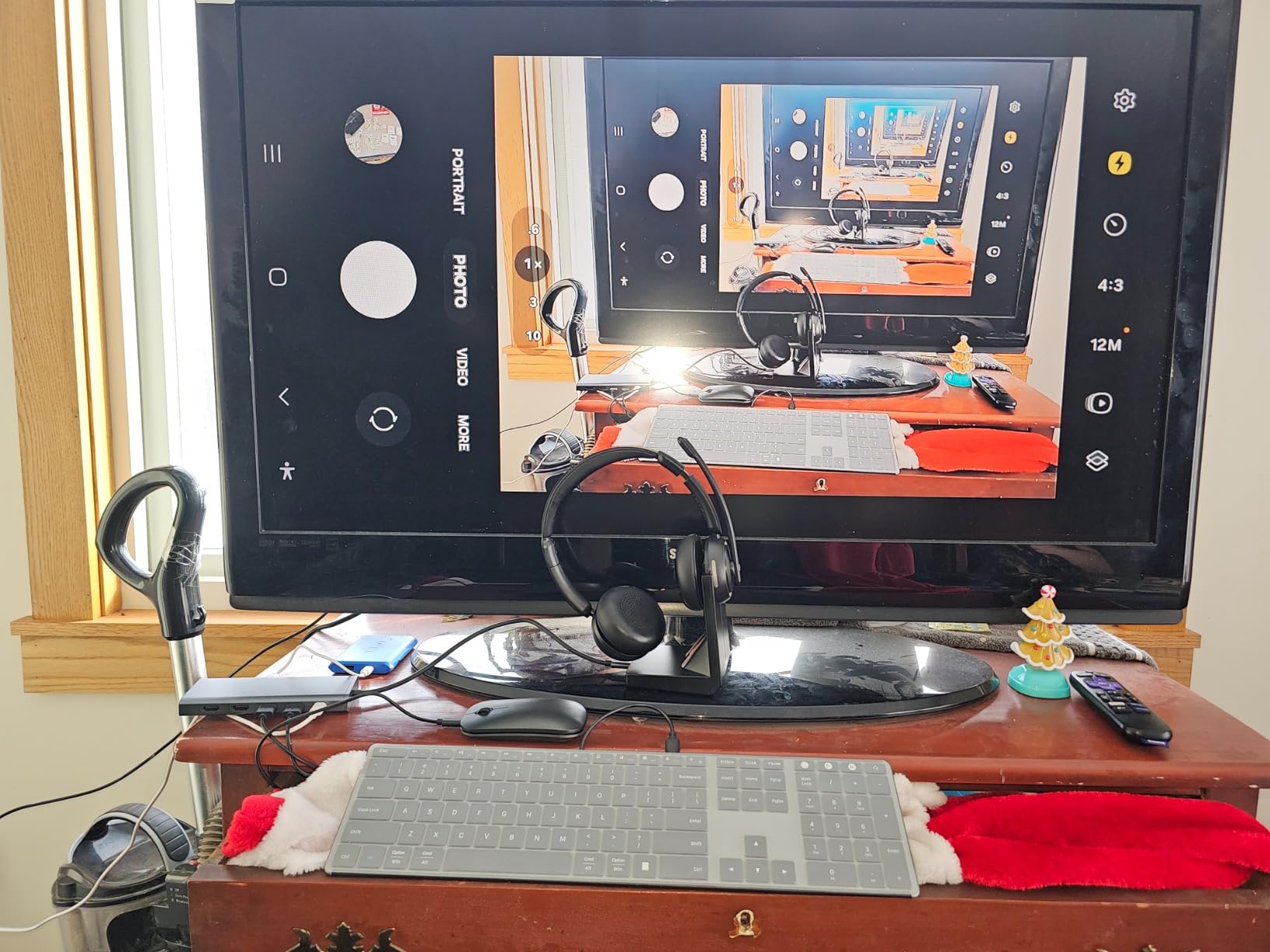
About 1,840 reviews at 4.3 stars describe a well-regarded dock with a clear weakness pattern, and it is durability. Some owners report internal parts loosening inside the case and causing intermittent disconnects, keyboard and mouse connections becoming unreliable after about a year, and an audible pop from the audio jack on connect or boot. Some Lenovo laptops will not boot while the dock is attached.
Who this dock suits
A tidy desk where the dock needs to live out of sight, and anyone who has fought a short fixed host cable before. The port mix also makes it useful for a two-computer desk, a NAS connection and card readers in a single unit. It is compatible with Thunderbolt 3, 4 and 5 laptops from Dell, HP, Lenovo and Microsoft.
Who should skip it
Mac users, since only mirrored output is available. Anyone needing dual 4K@60Hz should also pass, and anyone who cannot service or replace peripherals should consider a model with a longer warranty. The Lenovo boot quirk is real enough to check your specific model first.
11. Baseus 9-in-1 USB C Hub – Best for a 4K120Hz Single Screen
Baseus Laptop Docking Station Dual Monitor 9 in 1 USB C Hub…
9 ports
2x HDMI with 4K@120Hz single display
1000Mbps Ethernet
85W to laptop
5.3 oz
Pros
- Single-display 4K@120Hz is rare at this level
- Dual HDMI extends reliably on Windows
- 85W charging
- Gigabit Ethernet and three USB ports in 5.3oz
- Runs cool and Baseus support resolves issues quickly
Cons
- macOS only supports mirror mode
- Dual-monitor extension depends on host and Windows display cache
- Some units lost HDMI or SD card function after a few months
- Attached USB-C cable is short
The Baseus 9-in-1 is the one dock here that drives a single display at 4K@120Hz. If you have a high refresh rate monitor and care about motion smoothness in a single-screen workflow, that capability is not available anywhere else in this group.
It has two HDMI ports, and Windows laptops extend across both in dual-monitor mode. macOS devices are limited to mirror mode, with the same content on both screens.
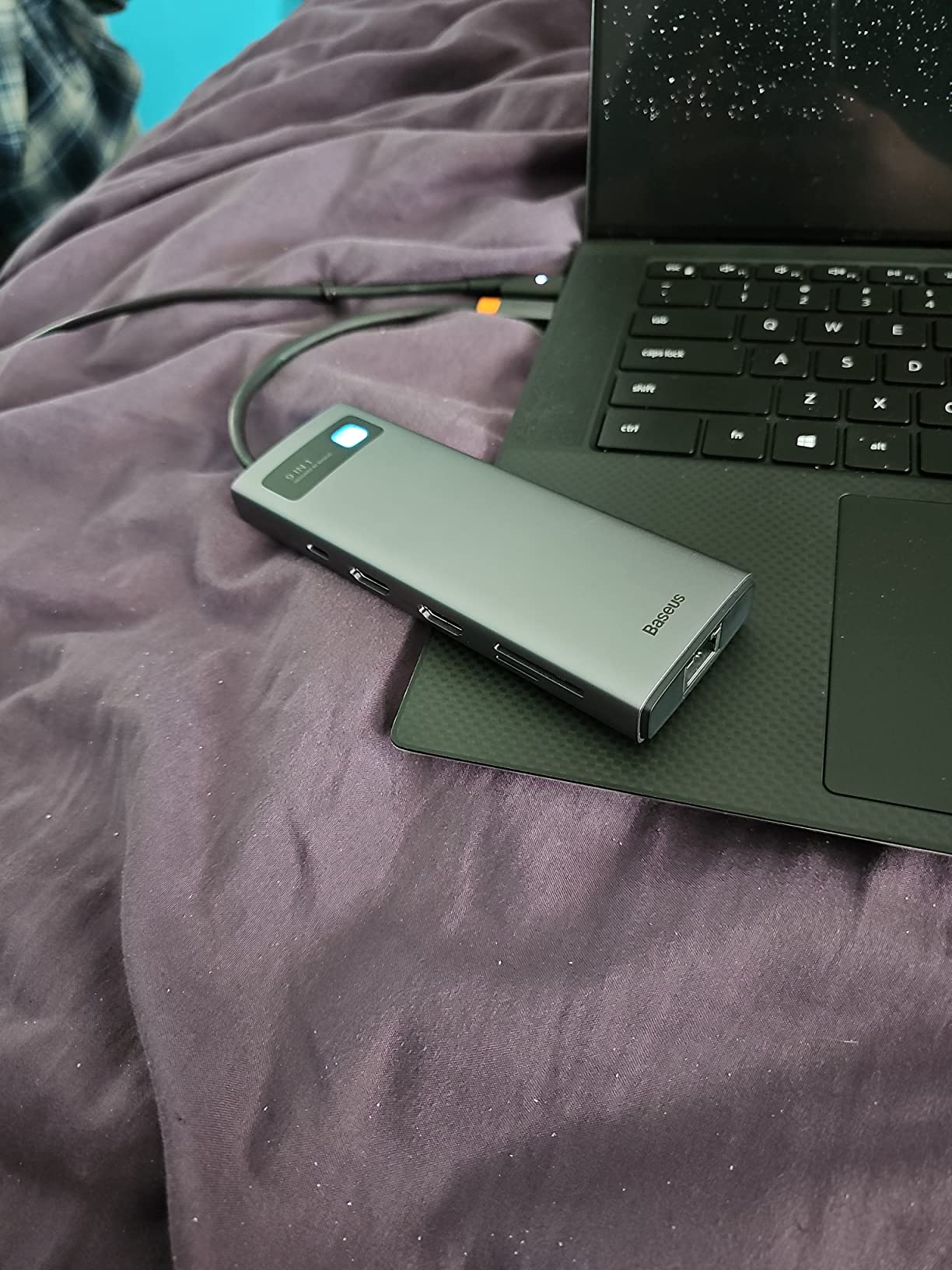
The rest of the layout is compact and sensible: 1000Mbps Ethernet, two USB 3.0 ports at 5Gbps, one USB 2.0 port, SD and TF card slots at up to 104MB/s, and a USB-C PD port that delivers 85W to the laptop. The hub itself draws 15W of that budget, which is why a 100W charger is needed to hit 85W.
At 5.3 ounces and just over a third of an inch thick, it is one of the more portable full-size docks here. Compatibility is broad, covering iPhone 15 series devices, MacBook Pro models from 2018 onward, Dell XPS, Lenovo Yoga, ThinkPad and Microsoft Surface hardware.
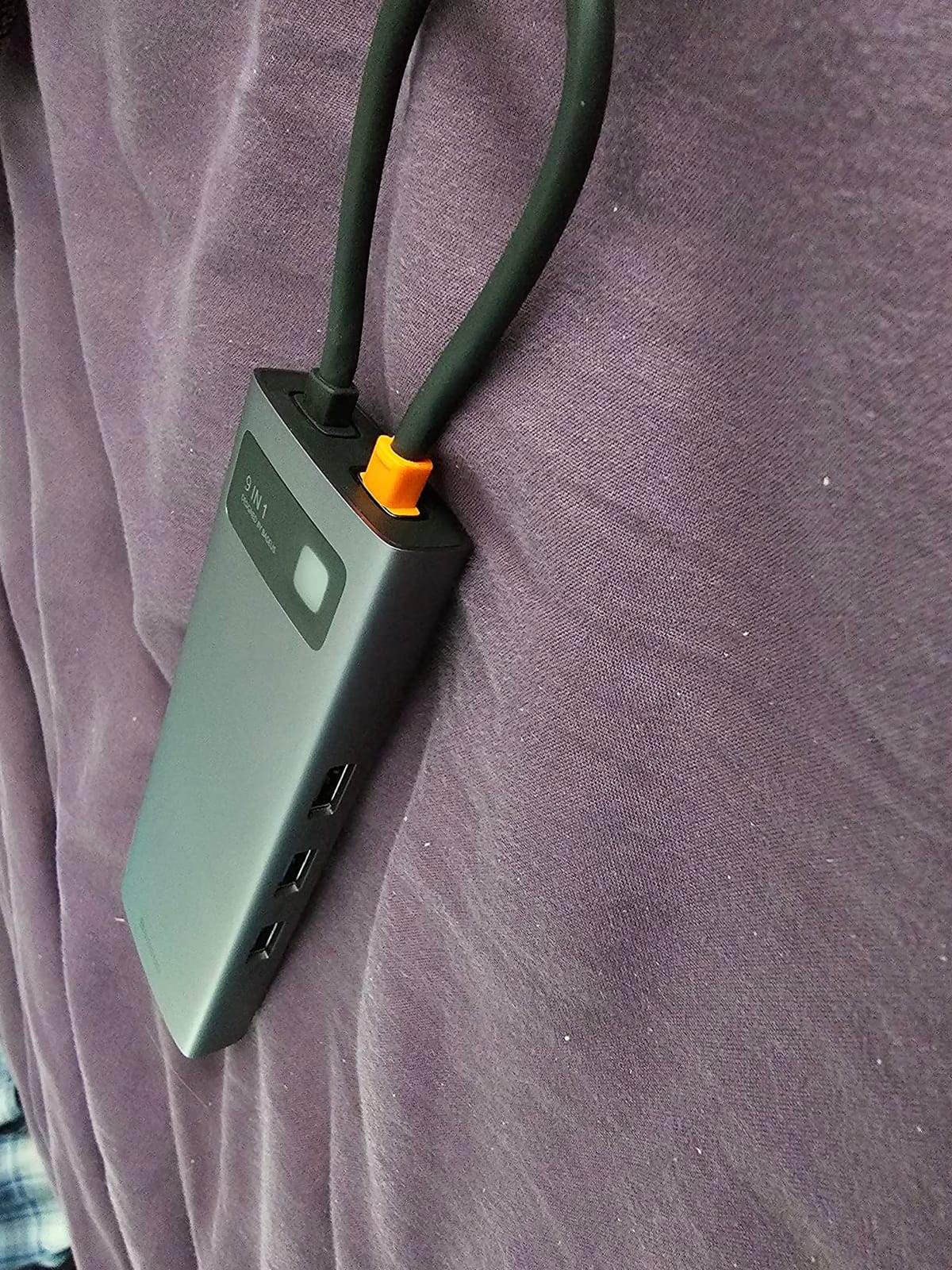
Roughly 1,540 reviews at 4.3 stars praise the 4K@120Hz headline and the minimal heat output. The weak spot is longevity: some owners report HDMI or SD card failure within a few months, and a few had to clear the Windows display cache before dual extension worked. The attached cable is short, so an extension may be needed.
Who this dock suits
A creator or engineer with one high refresh rate 4K monitor who still wants a second screen for reference material or communication. It is also a good fit for a small desk, since the footprint and weight stay modest, and the 85W delivery covers most ultraportables.
Who should skip it
Mac users, and anyone expecting two 4K60 screens, since the 4K@120Hz figure is a single-display capability. If reliability over two years matters more than refresh rate, the UGREEN 10-in-1 carries a 24-month warranty. The short attached cable is a problem for under-desk setups.
12. Anker 7-in-1 USB C Hub – Best for 1080p Desks
Anker 7-in-1 USB-C Hub, Dual Monitor USB C Docking Station
7 ports
2x HDMI at 1080p@60Hz
85W output
10Gbps data
96 g
Pros
- Reliable extended dual screens at 1080p@60Hz
- 10Gbps data port for fast transfers
- 85W pass-through keeps one-cable charging
- Light 96g body with an 18-month warranty
- Works with MacBook
- Windows
- ChromeOS and Thunderbolt hosts
Cons
- Dual-screen resolution capped at 1080p@60Hz
- No Ethernet port
- macOS shows identical content on both monitors
- Plastic enclosure
- Linux unsupported and charger not included
This is the budget portable option, and it is honest about what it is. Two screens at 1080p@60Hz, 85W pass-through charging and a 10Gbps data port in a 96 gram plastic body is a sensible package for a second monitor on a desk, a dorm room or a hot-desking station.
It is the smallest unit in the roundup and weighs almost nothing next to the 3.2 ounce Anker 8-in-1. The 18-month warranty matches its brand sibling, and the setup is genuinely plug and play.

The 10Gbps data port is the quiet strength here. Most docks at this size settle for 5Gbps, and the difference shows when you move footage off an external SSD rather than waiting on a card reader, which reads at 104MB/s.
Two more USB-A data ports handle a keyboard and mouse. Power delivery takes 100W at the input and passes 85W out, though the wall charger is not included.

About 770 reviews at 4.2 stars, with roughly two thirds at five stars, describe a product people accept for what it does. The 1080p ceiling and the missing Ethernet port are known and understood, and reviewers note Anker’s typical macOS mirroring behavior and lack of Linux support.
Who this dock suits
A student, a frequent traveler or anyone adding a second 1080p screen to a desk without spending much. The 85W pass-through keeps a single cable for a slim laptop, and the 10Gbps port is fast enough for everyday file work. It also works with USB4 and Thunderbolt hosts and ChromeOS.
Who should skip it
Anyone running 1440p or 4K monitors, since the 1080p@60Hz ceiling is fixed. There is no Ethernet, so a wired network means a separate adapter. Mac users will only get mirrored output, and Linux is not supported. For 1440p screens at a similar weight, the UGREEN 7-in-1 is the better buy.
How to Choose a USB-C Dock for Dual Monitors
The decision that matters is not brand or price. It is whether the dock’s display mechanism matches what your laptop’s chip and port can actually output. Everything else is preference.
Understand how your laptop generates two display streams
A USB-C dock receives video over the laptop’s single port, then splits it. There are three ways that happens, and they behave very differently.
Thunderbolt and USB4 pass native, independent DisplayPort streams straight through. This is the cleanest path and the only one that gives you two extended desktops on a Mac as well as Windows, provided your Mac supports two external displays natively.
DisplayPort Alt Mode with MST is what nearly every dock in this roundup uses. The host sends a video signal over USB-C and the dock splits it into two extended desktops on Windows. On macOS the same hardware mirrors, which is the single biggest source of disappointment in dual-monitor dock buying.
DisplayLink renders and compresses frames in software over the USB bus, bypassing the laptop’s display engine limit entirely. It is the answer for base M1 and M2 MacBook Air owners who want a second screen, at the cost of a driver install, some added latency and known friction with HDCP-protected playback on macOS.
Check your Mac generation before you buy
Mac display limits are set by the chip, and the widely repeated claim that M-series Macs only support one external display is now out of date. Base M1 and M2 MacBook Air hardware supports one external display only. M3 machines reach two in clamshell mode with the lid closed and a power adapter connected. M4 and later chips support two external displays with the lid open. Pro and Max chips have always supported more than two.
So if you have a current MacBook Pro, any of the Windows-focused docks below will work natively. If you have a base MacBook Air and want two screens, a DisplayLink dock is the only route, and no native dock in this roundup will change the hardware limit.
Match your monitor connectors
Check what each of your monitors actually takes before you pick a dock. Two HDMI ports, or one HDMI and one DisplayPort, is the most common pairing, and every dock here covers at least one of those combinations. If one monitor is DisplayPort only, skip the Anker 11-in-1’s resolution compromise and look at the LIONWEI 13-in-1 or the VVB 14-in-1, both of which offer HDMI plus DisplayPort.
Also confirm the DisplayPort version your laptop emits. The 4K@60Hz claims across this roundup assume DisplayPort 1.4 with Alt Mode. A DP1.2 laptop halves several of these ceilings, and that is the second most common reason a 4K60 dock lands on 4K30 in practice. One further factor is the cable: many budget docks ship a USB 3.x cable that lacks Alt Mode or the right certification, and a certified 4K60 cable is often the fix for a silent resolution drop.
Size power delivery to your laptop’s charger
Read the wattage printed on your existing laptop charger and match it. A 45W to 65W laptop is fine with almost anything in this roundup. A 90W to 100W machine, which covers most 14 inch and larger Windows notebooks, needs a dock rated at 100W input. Anything 130W or above, mostly 15 and 16 inch workstations, is poorly served by every dock in this group.
Two cautions. The wattage on the box is usually the input rating, not what reaches your laptop. The UGREEN 10-in-1 is labeled 100W and delivers 85W after 15W of internal overhead, the Baseus hub draws 15W, and the Acer 9-in-1 comes closest to passing its full 100W by delivering 90W. Separately, an under-wattage charger produces low-charging warnings and a slowly draining battery rather than a clean failure, so match the number rather than hoping.
Decide between extended and mirror mode, and know your ports
Extended mode gives each monitor its own desktop and is what most people want from a dual-monitor dock. Mirror mode shows the same content on both screens and is occasionally what you need for a presentation or a recording setup. On Windows, a top button or the display settings panel switches between them in seconds, and the LIONWEI 13-in-1 does it from the dock itself.
Clamshell mode is the Mac equivalent, using the dock with the laptop lid closed. It needs a power adapter and a keyboard and mouse connected to the dock, since the laptop’s own ports are out of reach. Separately, plan your peripherals honestly. USB 2.0 ports cap transfers at 480Mbps, which is fine for input devices and poor for storage, and the HODO 8-in-1 is built entirely around that limit.
If you are still weighing docks against a simpler setup, two direct USB-C to DisplayPort cables can be cheaper and remove a failure point entirely. That trade is worth making when your goal is simply two screens at 1080p or 1440p and your laptop has the ports to spare.
Frequently Asked Questions
What is the best USB-C docking station for dual monitors?
The Anker 8-in-1 USB C Hub is the strongest all-round choice, with two HDMI ports, 85W pass-through charging, Ethernet and card readers backed by more than 35,000 reviews. For dual 4K@60Hz on Windows, the UGREEN 7-in-1 and Selore dual HDMI dock both beat it. On macOS, none of these extend two screens unless your Mac supports two displays natively, so a DisplayLink dock is the only route.
Is there a USB-C dock that supports dual display ports?
Yes, and most do. The Anker 11-in-1 has one HDMI and one DisplayPort output, while the LIONWEI 13-in-1 and VVB 14-in-1 add a third socket for a triple-display setup on Windows. What matters is not the socket count but the documented simultaneous output: several docks advertise 4K@60Hz as a single-screen maximum and fall to 2K@60Hz or 4K@30Hz when two monitors are attached.
Can a USB-C hub support dual monitors?
A USB-C hub can support two monitors, but the results differ sharply by laptop. Thunderbolt and USB4 hosts pass native independent display streams. Plain USB-C hosts use DisplayPort Alt Mode with MST, which extends two desktops on Windows and mirrors on macOS. DisplayLink hubs compress video over USB in software to bypass the laptop limit, at the cost of a driver install and added latency.
Can you run 2 monitors off one USB-C port?
You can run two monitors off one USB-C port on any laptop with a full-function port supporting DisplayPort Alt Mode. The resolution ceiling depends on the DisplayPort version: DP1.4 enables the 4K@60Hz figures listed here, while DP1.2 typically halves them. Base M1 and M2 MacBook Air models support only one external display natively, so a second screen there requires a DisplayLink dock.
What USB-C hub supports multiple monitors?
For three or more monitors on Windows, the LIONWEI 13-in-1 is the pick here, driving two HDMI ports plus a DisplayPort at 4K@60Hz from a DP1.4 laptop. The VVB 14-in-1 also offers three video outputs, running the set at 1080p. For two monitors with mixed connectors, the Anker 11-in-1 pairs one HDMI with one DisplayPort but caps dual output at 2K@60Hz.
Which USB-C Dock for Dual Monitors Should You Buy in 2026?
If you want one answer, buy the Anker 8-in-1. It has the largest review base in this roundup, a port mix that covers the peripherals most people actually plug in, and a dual 4K@30Hz ceiling that is invisible on 1440p screens. Our broader desk hardware picks sit in the guides to USB-C laptop docks for multi monitor setups and gaming desks for dual monitors if you are rebuilding the whole workspace.
If you run 4K screens and want 60Hz on both, the Selore dual HDMI dock and the UGREEN 7-in-1 both deliver it at a lower cost than most rivals, and the UGREEN 10-in-1 adds Ethernet and faster ports for a permanent desk. For three screens, only the LIONWEI 13-in-1 qualifies. For the highest charging headroom on a large laptop, the Acer 9-in-1 passes 90W.
And if you are on a Mac, check your chip generation before anything else. A current MacBook Pro will extend two screens through any of these docks. A base M1 or M2 MacBook Air will not, and no native dock in this roundup changes that, so a DisplayLink adapter is the only way to a second display there. Everything else on your desk can be settled in the 2026 buying guide above.
