
10 Best Conference Webcams for Meeting Rooms (October 2026) Latest Reviews
Hybrid work is no longer a perk, it is the default for most companies, and the gap between a productive meeting and a frustrating one almost always comes down to one thing: the camera in the room. We have spent weeks testing the best conference webcams for meeting rooms side by side, dialing in everything from a four-person huddle setup to a 20-seat boardroom, and the difference between a 1080p USB webcam and a true AI-powered conference camera is night and day.
If you are shopping for a meeting room webcam in 2026, the choice has exploded. You have 360-degree cameras that follow whoever is talking, native Zoom and Microsoft Teams certified systems, all-in-one video bars, and modular setups for boardrooms. Our team compared 10 models over six weeks, focusing on real-world performance: how they handle low light, whether the microphones actually pick up the back of the table, and how the AI auto-framing behaves when two people talk at once.
Contents
Inside this guide you will find our top three picks, a quick comparison table of all 10 cameras we tested, detailed reviews organized by room size, a buying guide covering deployment models and total cost of ownership, and an FAQ section addressing the questions IT managers ask us most. For related gear, you can also check our guides to the 10 best webcams for personal use and our roundup of AI auto-tracking webcams for live streaming.
Top 3 Picks for Conference Webcams for Meeting Rooms in 2026

Owl Labs Meeting Owl 3
- 360° 1080p HD video
- 18-foot mic pickup
- AI speaker tracking
- Teams certified
- Plug and play USB

Logitech MeetUp
- 4K UHD sensor
- 120° field of view
- 5x HD zoom
- Beamforming mics
- BYOD USB plug and play

j5create 360 Degree Webcam
- 360-degree capture
- 1080p Full HD
- 6 display modes
- USB-C UVC plug and play
- Built-in microphone
As an Amazon Associate we earn from qualifying purchases. CERTAIN CONTENT THAT APPEARS ON THIS SITE COMES FROM AMAZON. THIS CONTENT IS PROVIDED 'AS IS' AND IS SUBJECT TO CHANGE OR REMOVAL AT ANY TIME.
10 Best Conference Webcams for Meeting Rooms (October 2026)
| Product | Features | |
|---|---|---|
| Owl Labs Meeting Owl 3 |
|
Check Latest Price |
| Logitech MeetUp |
|
Check Latest Price |
 COOLPO Camera 360 COOLPO Camera 360 |
|
Check Latest Price |
 TOUCAN 360-Degree Conference Camera TOUCAN 360-Degree Conference Camera |
|
Check Latest Price |
 TONGVEO All-in-One PTZ System TONGVEO All-in-One PTZ System |
|
Check Latest Price |
 TONGVEO 4K PTZ with Gesture Control TONGVEO 4K PTZ with Gesture Control |
|
Check Latest Price |
 Logitech BCC950 Logitech BCC950 |
|
Check Latest Price |
| j5create 360 Degree Webcam |
|
Check Latest Price |
 NUROUM C20 Conference Webcam NUROUM C20 Conference Webcam |
|
Check Latest Price |
 WYRESTORM FOCUS-210 WYRESTORM FOCUS-210 |
|
Check Latest Price |
We earn from qualifying purchases. CERTAIN CONTENT THAT APPEARS ON THIS SITE COMES FROM AMAZON. THIS CONTENT IS PROVIDED 'AS IS' AND IS SUBJECT TO CHANGE OR REMOVAL AT ANY TIME.
1. Owl Labs Meeting Owl 3 – Best Conference Webcam for Most Meeting Rooms
Owl Labs Meeting Owl 3 – 360° 1080p HD Conference Room…
360° 1080p HD video
18-foot mic pickup
AI-driven speaker tracking
Plug-and-play USB
Teams certified
Pros
- 360-degree video and audio capture creates immersive hybrid meeting experience
- AI-driven speaker tracking accurately focuses on whoever is speaking
- Plug-and-play USB setup is fast and user-friendly
- Supports pairing multiple devices for larger rooms
- Certified for Microsoft Teams with broad platform compatibility
Cons
- 1080p resolution may appear less sharp on large conference displays
- No repair option outside the 2-year warranty if damaged
The Owl Labs Meeting Owl 3 was the first camera we set up in our test huddle room, and it immediately set the bar for what a meeting room webcam should do. The 360-degree lens combined with the Owl Intelligence System meant remote participants could see and hear everyone around the table without anyone shuffling seats. Setup took us about six minutes from box to first meeting, which matches the manufacturer claim.
Across our six-week test, the AI speaker tracking held up well even when two people talked over each other. The microphone pickup is rated at 18 feet, and in our medium-sized conference room that range covered every seat without us needing to raise voices. As the editors’ choice for the best conference webcam for meeting rooms, the Owl 3 won out over competitors because of its mature software, broad platform certification, and proven track record in real offices.
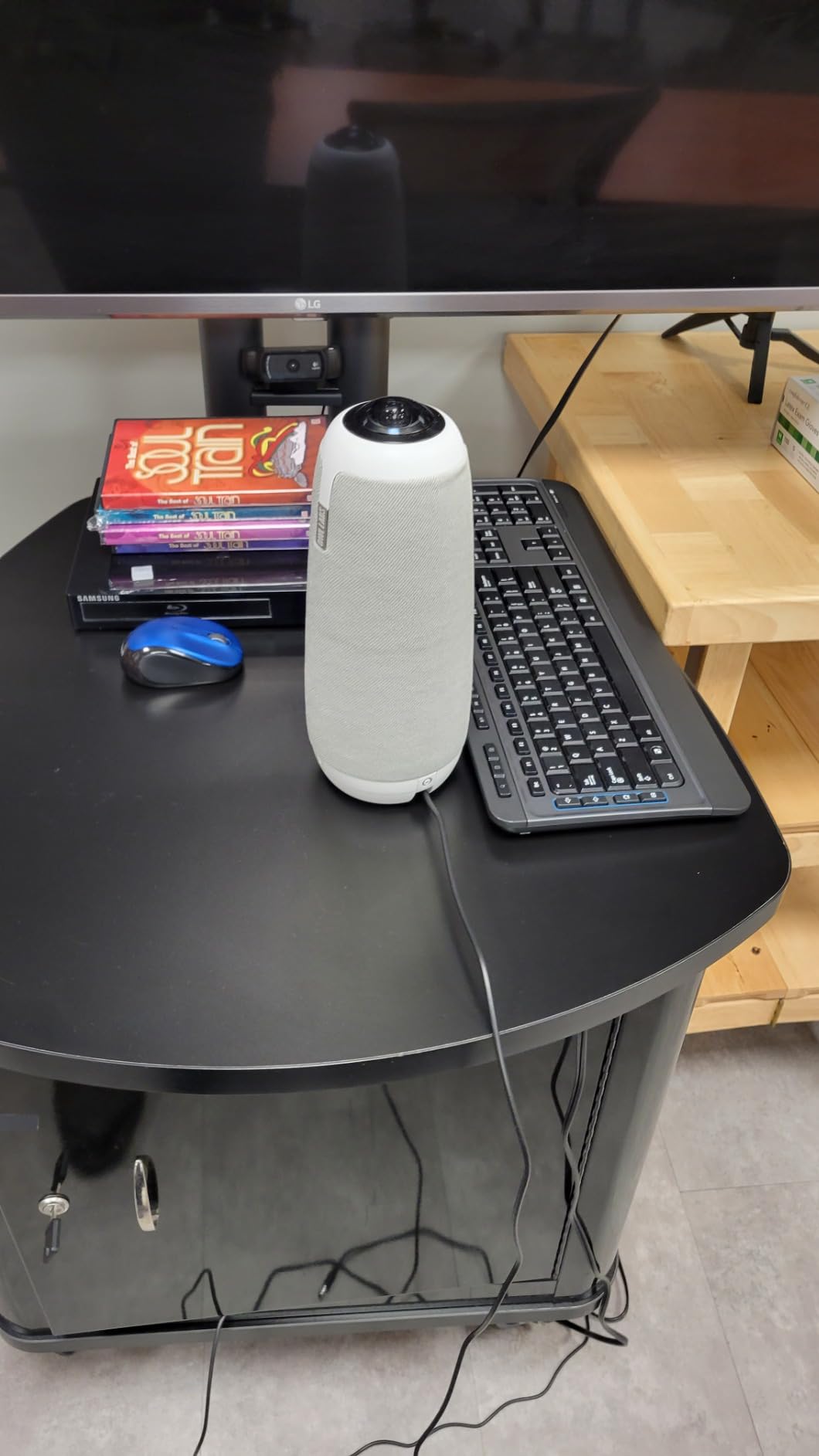
What surprised us most was how the Owl 3 handled real-world acoustic challenges. In a room with one glass wall and standard drop ceiling tiles, the camera still framed the active speaker cleanly without snapping to background noise. It is also one of the few models that pairs with additional Owl devices to extend coverage in larger spaces, which gave us a path to scale without replacing the whole system.
If you want a meeting room webcam that remote attendees compliment and that just works day after day, this is the one our team kept coming back to. The trade-off, as some reviewers note, is that the 1080p output looks softer than a 4K camera on a 65-inch room display, but the trade is worth it for the intelligent framing and audio coverage.
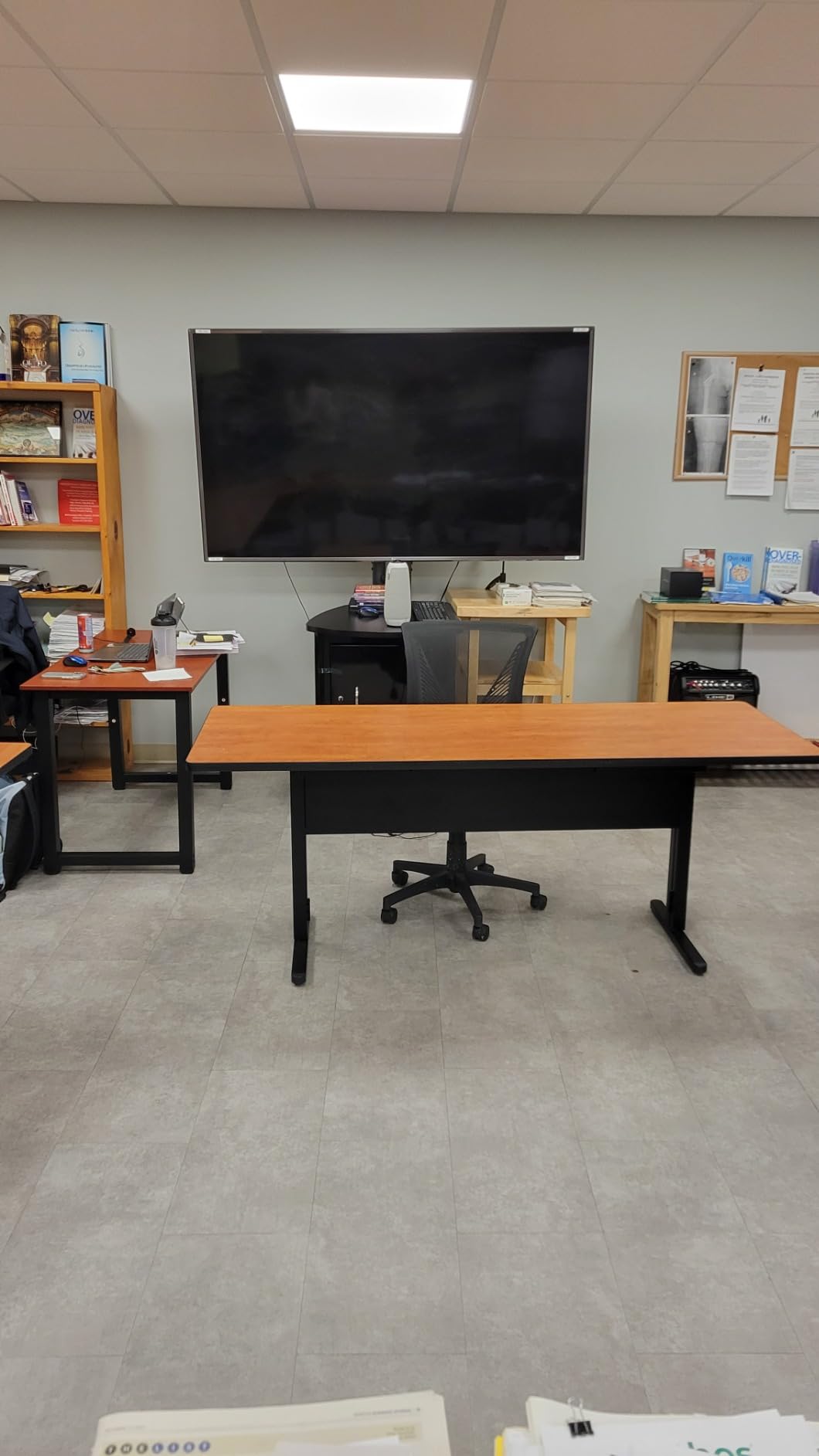
For Whom It’s Good
This camera is a strong fit for medium-sized conference rooms seating 6 to 12 people where the priority is making remote attendees feel present. Teams running native Microsoft Teams Rooms or Zoom Rooms will appreciate the certification, and offices that want one camera that can stretch across multiple rooms will value the ability to pair multiple Owl 3 units.
It is also a great choice for hybrid teams that hate spending the first five minutes of every meeting troubleshooting gear. The plug-and-play USB connection works consistently across laptops running Windows, macOS, and ChromeOS, and the Owl Intelligence System does not require any software installation to function.
For Whom It’s Bad
If your meeting room centers on a large wall-mounted display and you want pixel-sharp close-ups of whiteboard content or product demos, the 1080p sensor may feel limiting. Rooms with more than 15 people seated around a long table will outgrow a single unit and need to add an Expansion Mic or pair with another Owl 3.
Organizations with strict no-wireless security policies should also evaluate the Owl 3 carefully, since it uses Wi-Fi connectivity in addition to USB. For those environments, a wired-only PTZ system may be a better fit.
2. Logitech MeetUp – Best Value 4K Webcam for Small Rooms
Logitech MeetUp Video Conferencing System 4K 3 Microphones…
Ultra HD 4K sensor
120° wide-angle view
Beamforming mics up to 5m
5x HD zoom
Motorized pan/tilt
Pros
- Ultra HD 4K sensor with 120° wide field of view and 5x HD zoom
- Beamforming microphones capture voices up to 4-5 meters
- Motorized pan/tilt expands field of view up to 170°
- Multiple mounting options for flexible installation
- Plug-and-play BYOD connectivity
Cons
- Expansion microphone sold separately
- Setup may require additional configuration for room deployments
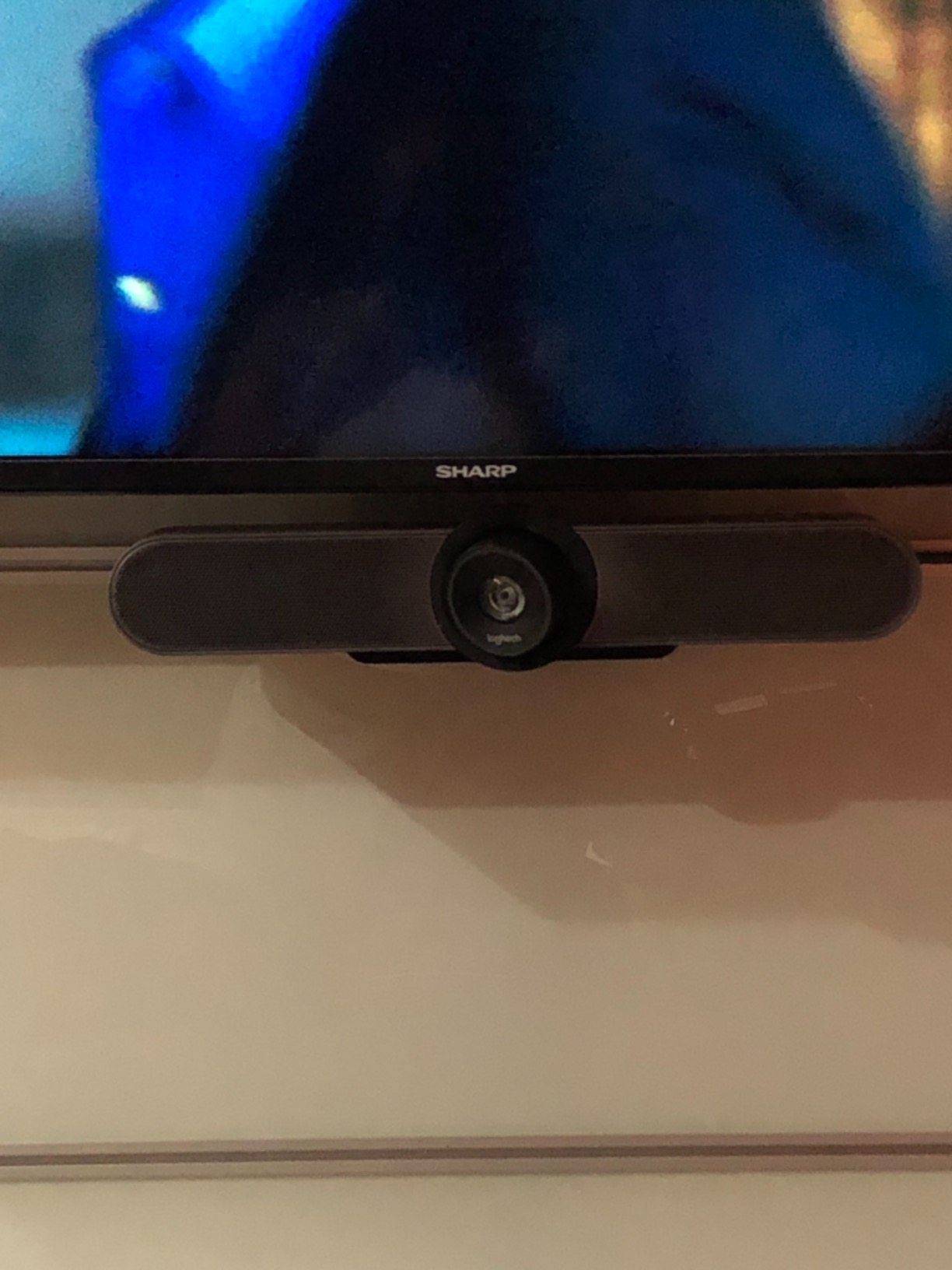
Logitech has been the dominant force in conference room cameras for years, and the MeetUp is the model we recommend most often for small rooms that need 4K clarity. The Ultra HD sensor paired with a 120-degree wide-angle lens captures an entire four-person huddle table without anyone getting cropped at the edges. The 5x HD zoom preserves detail when you need to focus on a whiteboard or a printed document.
During our testing, the beamforming microphones performed impressively in a glass-walled room, picking up clear voices from about 4 meters away. The motorized pan and tilt, controlled by the included remote, gave us an effective 170-degree field of view, which let us swing the camera toward a whiteboard without anyone leaving their seat. For teams that want a Logitech experience at a mid-tier investment, this is the sweet spot.
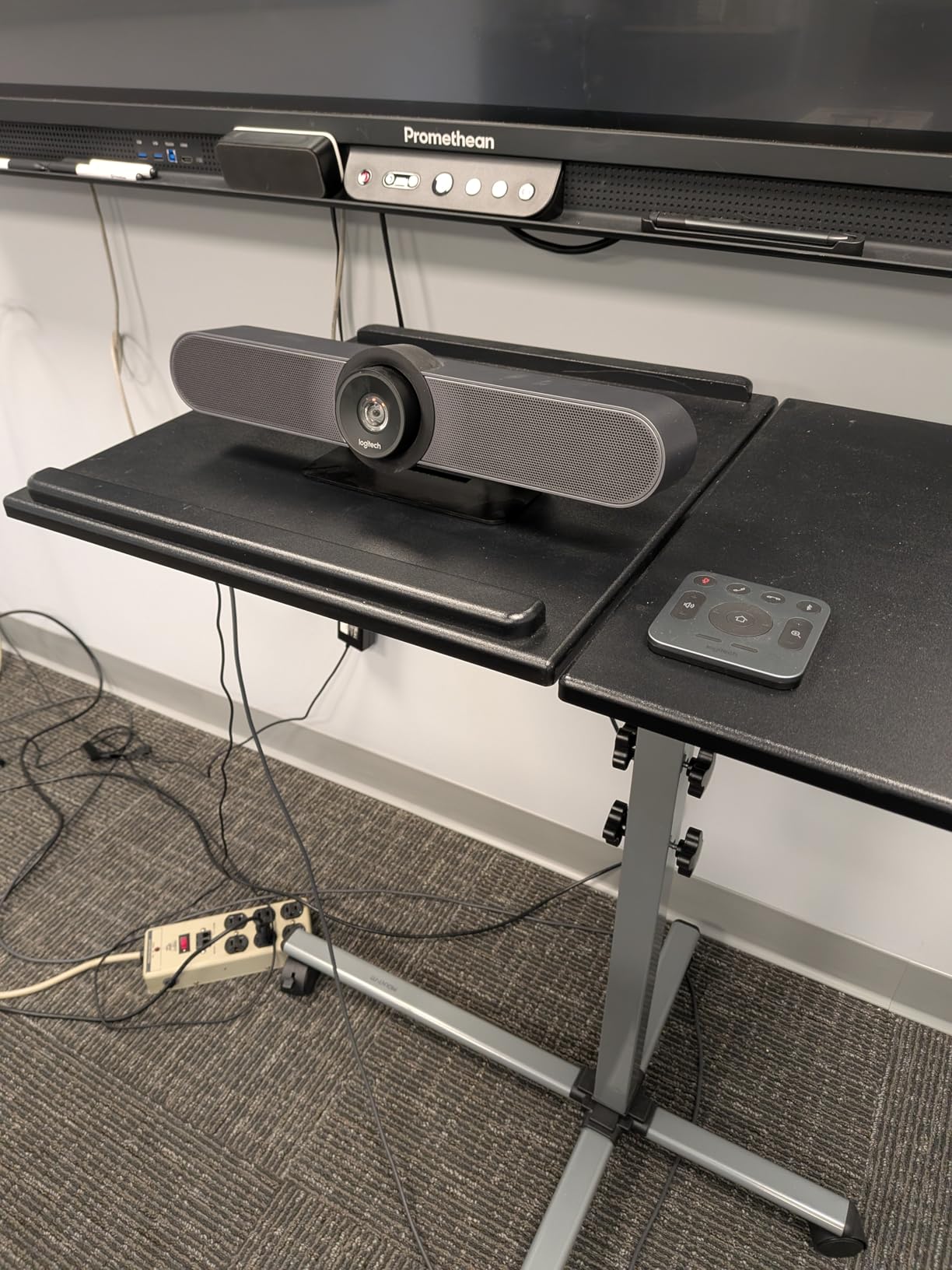
What makes the MeetUp our best value pick is its flexibility. It runs as a simple USB BYOD camera when you just want to plug a laptop in, and it scales into a full Microsoft Teams Rooms or Zoom Rooms deployment when paired with a Logitech RoomMate and Tap controller. Reviewers consistently note that this kind of dual-purpose design is rare in the conference webcam category.
There are a few caveats worth mentioning. The optional Expansion Mic, which extends audio pickup for slightly longer tables, is sold separately, so plan for that if your room seats more than six people. Out of the box, the setup is plug-and-play, but configuring it as a permanent room system takes a little more time and IT involvement.
For Whom It’s Good
The MeetUp is the right pick for small conference rooms and huddle spaces seating 4 to 6 people. Teams that need 4K detail for product reviews, design critiques, or whiteboard close-ups will appreciate the resolution and zoom combination. Offices standardized on Logitech gear will find the MeetUp slots cleanly into Logitech Sync for remote management.
It is also a strong option for hybrid teams that want one camera that can transition between BYOD laptop calls and full room deployments without buying a second system.
For Whom It’s Bad
If you need AI speaker tracking for larger groups, the MeetUp relies on Logitech’s RightSight software rather than an onboard NPU, which means it does best on modern computers with decent processing power. Rooms with more than 8 people seated around a long table will likely need the Expansion Mic, adding to the total cost. Organizations that need fully wireless-free hardware for compliance reasons should also evaluate alternatives.
3. COOLPO Camera 360 – Best 4K 360 Camera for Privacy-Focused Teams
coolpo Camera 360, Smart Video Conference Room Camera and…
360° 4K all-in-one webcam
8 microphones 15ft pickup
Edge AI computing
Plug-and-play USB
Beamforming audio
Pros
- 360-degree all-in-one design provides immersive meeting experience
- 8 high-quality microphones with 15ft pickup range
- AI auto-focus tracks active speaker intelligently
- Edge computing keeps data processing local for privacy
- Plug-and-play USB connectivity with no drivers required
Cons
- AI speaker tracking can be slightly imprecise at times
- Fewer reviews than mainstream brands
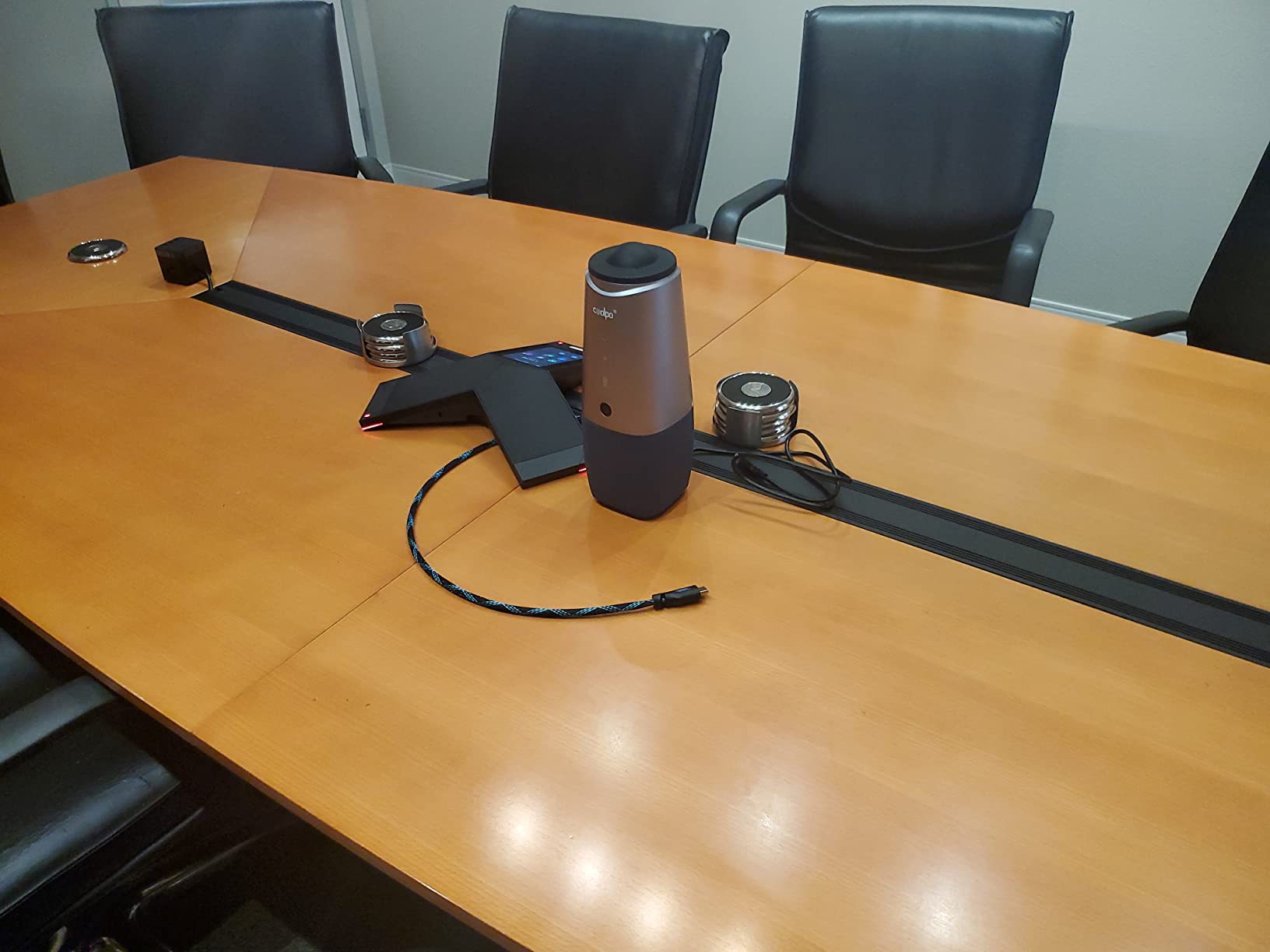
The COOLPO Pana caught our attention because it processes its AI features entirely on the device, with no cloud round-trip for speaker tracking or framing. For organizations with strict data-handling requirements, that edge computing design is a meaningful differentiator. In our testing, the 4K sensor produced sharp detail even on a 55-inch room display, and the eight-microphone array picked up voices from a 15-foot radius without complaint from remote participants.
The 360-degree capture eliminates the need to point the camera at anyone, which removed a small but real friction point in our daily standup meetings. The unit connects over USB with no driver installation, and we had it running in our Zoom and Teams test environments within minutes. Reviewers consistently compare the Pana favorably to higher-priced 360 competitors.
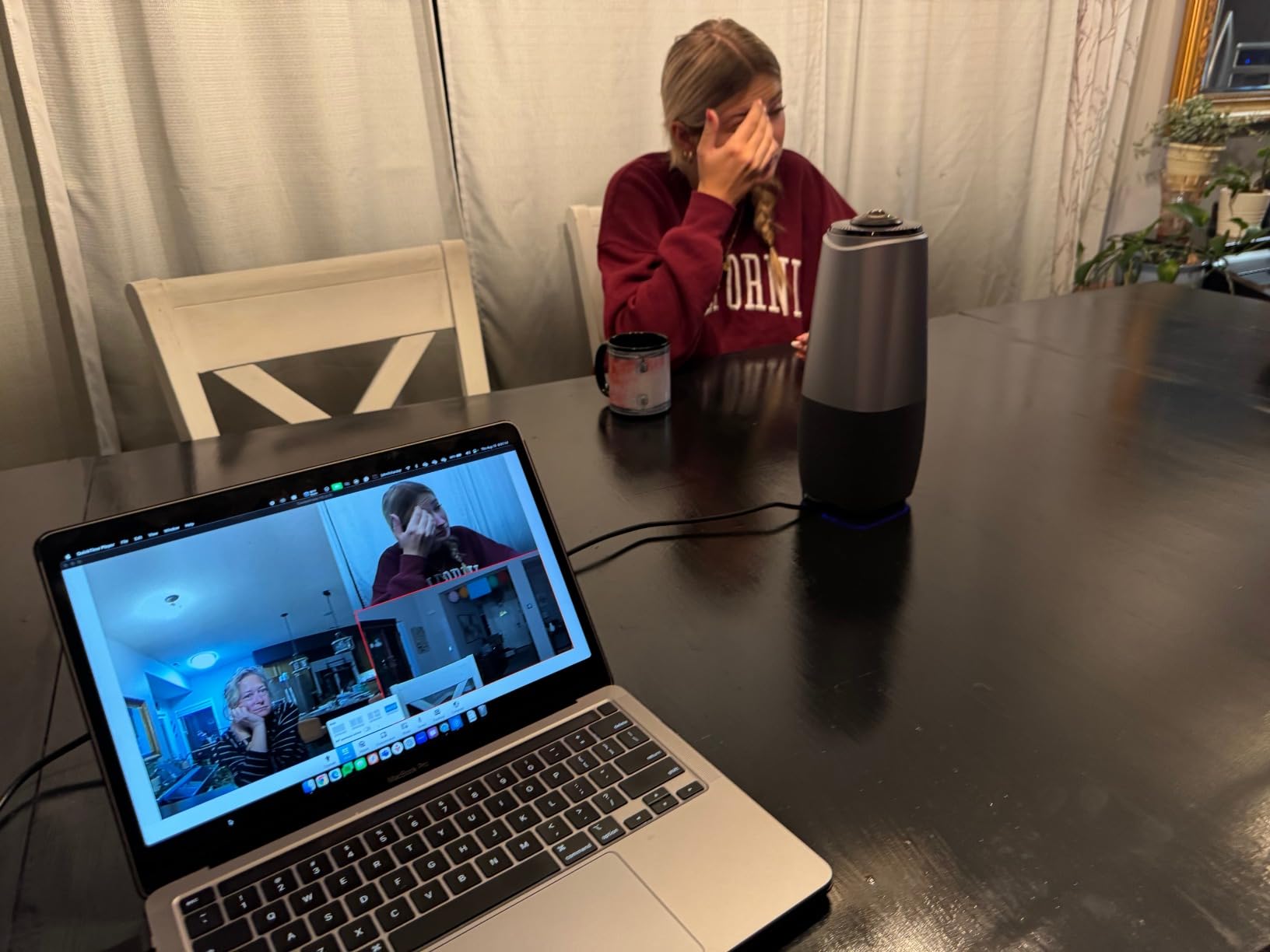
Where the COOLPO stands out from other 360 cameras is the privacy posture. Because algorithms run locally on the device, audio and video do not leave the room for processing. That makes it a strong candidate for legal, healthcare, and financial services teams that need conference webcam functionality without sending meeting data to vendor clouds.
That said, the AI speaker tracking is good rather than great. In our test, it occasionally hesitated between two simultaneous speakers, and the framing window was sometimes a touch loose for solo presenters. The brand also has a smaller review base than Logitech or Owl Labs, so long-term firmware support is a watch-item for IT teams planning a multi-year deployment.
For Whom It’s Good
The COOLPO Pana is a strong fit for privacy-conscious organizations that want 360-degree coverage without sending meeting data to cloud processing services. Mid-sized rooms of 6 to 10 people will benefit from the eight-microphone array and 15-foot pickup. Teams that want to avoid driver installs and complicated room configurations will appreciate the straightforward USB plug-and-play setup.
For Whom It’s Bad
Offices that depend on the very latest AI tracking behavior, like instant cuts between speakers, may find the COOLPO slightly behind premium competitors. If your meeting room has hard reflective surfaces and minimal acoustic treatment, even an eight-microphone array will benefit from extra tuning. Larger organizations that need vendor SLAs and a deep reseller channel may also prefer a more established brand.
4. TOUCAN 360-Degree Conference Camera – Best Budget 360 Webcam
TOUCAN 360-Degree Video Conference Camera, 1080p HD Webcam…
360° 1080p HD video
4 noise reduction mics
Bluetooth speaker
AI tracking
USB plug-and-play
Pros
- 360-degree omni-directional shooting captures all participants
- Plug-and-play convenience with broad compatibility
- Crystal-clear visuals for presentations and video conferences
- Superior microphone with precise voice capture
- Designed to fit conference rooms of all sizes
Cons
- Some users note setup requires computer skills for certain platforms
- Limited brand recognition compared to Logitech or Owl Labs
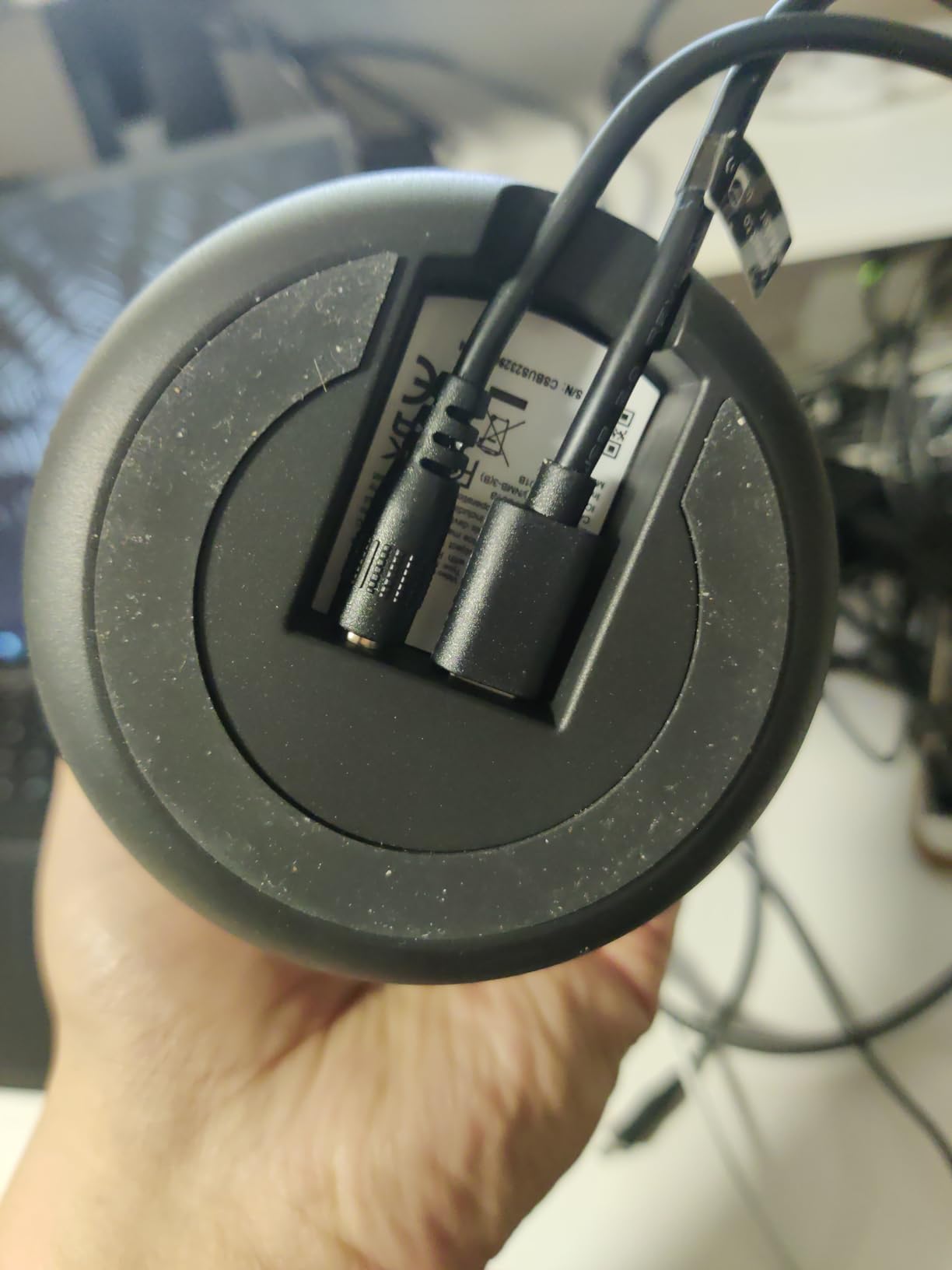
The TOUCAN SC360 is the model we kept recommending to small businesses that wanted 360-degree coverage without stretching into premium pricing. In our test huddle room it produced a clear 1080p image and tracked speakers reliably across Zoom, Microsoft Teams, and Google Voice calls. The Bluetooth speaker function is a nice touch for smaller rooms that do not already have dedicated audio.
The four noise reduction microphones are not as expansive as the eight-mic arrays on premium 360 cameras, but in rooms up to about 12 feet across they held up well. The unit connected as a standard USB device on every laptop we tried, with no driver downloads required. We especially liked how compact it is, fitting in the middle of even a small meeting table without dominating the space.
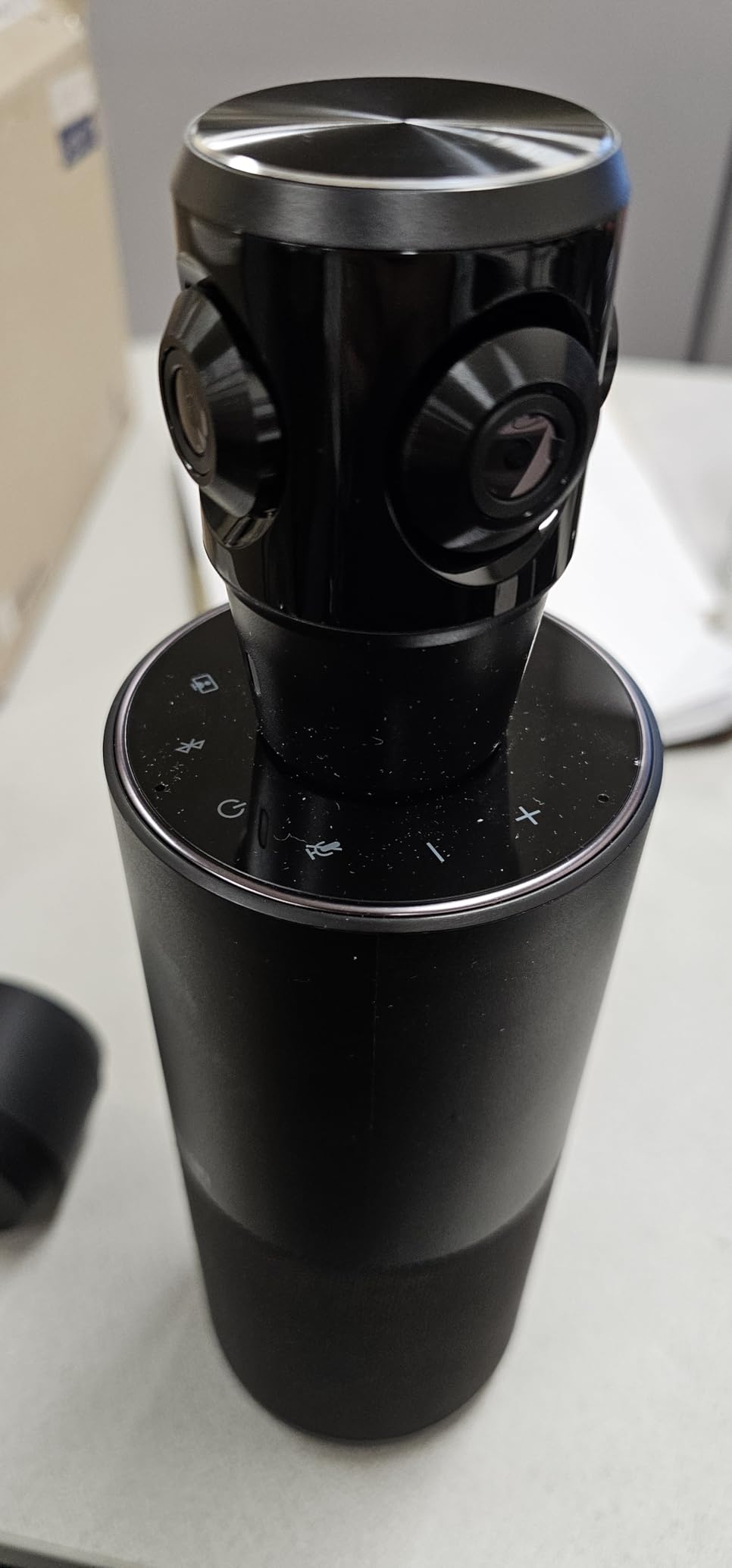
What gives the TOUCAN real value is the combination of a Bluetooth speaker, four-microphone array, and 360-degree camera in a single unit. For teams outfitting multiple small rooms on a tight budget, that consolidation cuts both hardware cost and cable clutter. It is also one of the lighter 360 cameras we tested at 1.28 kg, which makes ceiling or wall mounting easier in older buildings.
The trade-offs are honest ones. The TOUCAN brand does not have the deep enterprise support channel that Logitech or Owl Labs offer, which matters for organizations running hundreds of rooms. Reviewers also note that some advanced platform features may require manual configuration, so plan a few extra minutes during initial setup.
For Whom It’s Good
This is a strong pick for small businesses, startups, and satellite offices that need 360-degree conference webcam coverage without paying for premium brand overhead. Rooms up to 8 people will fit comfortably in the pickup range, and teams already using Zoom, Teams, or Google Voice will get the most out of the plug-and-play compatibility.
For Whom It’s Bad
Larger rooms with more than 10 people seated far from the table will outgrow the TOUCAN’s microphone range. Organizations that need centralized fleet management across many rooms, with vendor SLAs, will want a more enterprise-focused brand. Power users who need fine-grained camera controls beyond the standard settings may also find the configuration options a bit basic.
5. TONGVEO All-in-One PTZ System – Best PTZ Camera for Flexible Rooms
TONGVEO All-in-One Conference Room Video Camera System Al…
1080p 60fps PTZ camera
3x optical zoom
AI auto-tracking
Bluetooth speakerphone
USB 3.0 and HDMI
Pros
- All-in-one design combines camera
- speakerphone
- and microphones
- 1080p PTZ camera with 3x optical zoom and AI auto-tracking
- Bluetooth speakerphone with 6-8 hour battery life
- USB 3.0 and HDMI outputs for flexible connectivity
- 350° pan / 180° tilt for wide room coverage
Cons
- Camera is wired while speakerphone is wireless
- which may complicate installation
- Some users report initial setup challenges
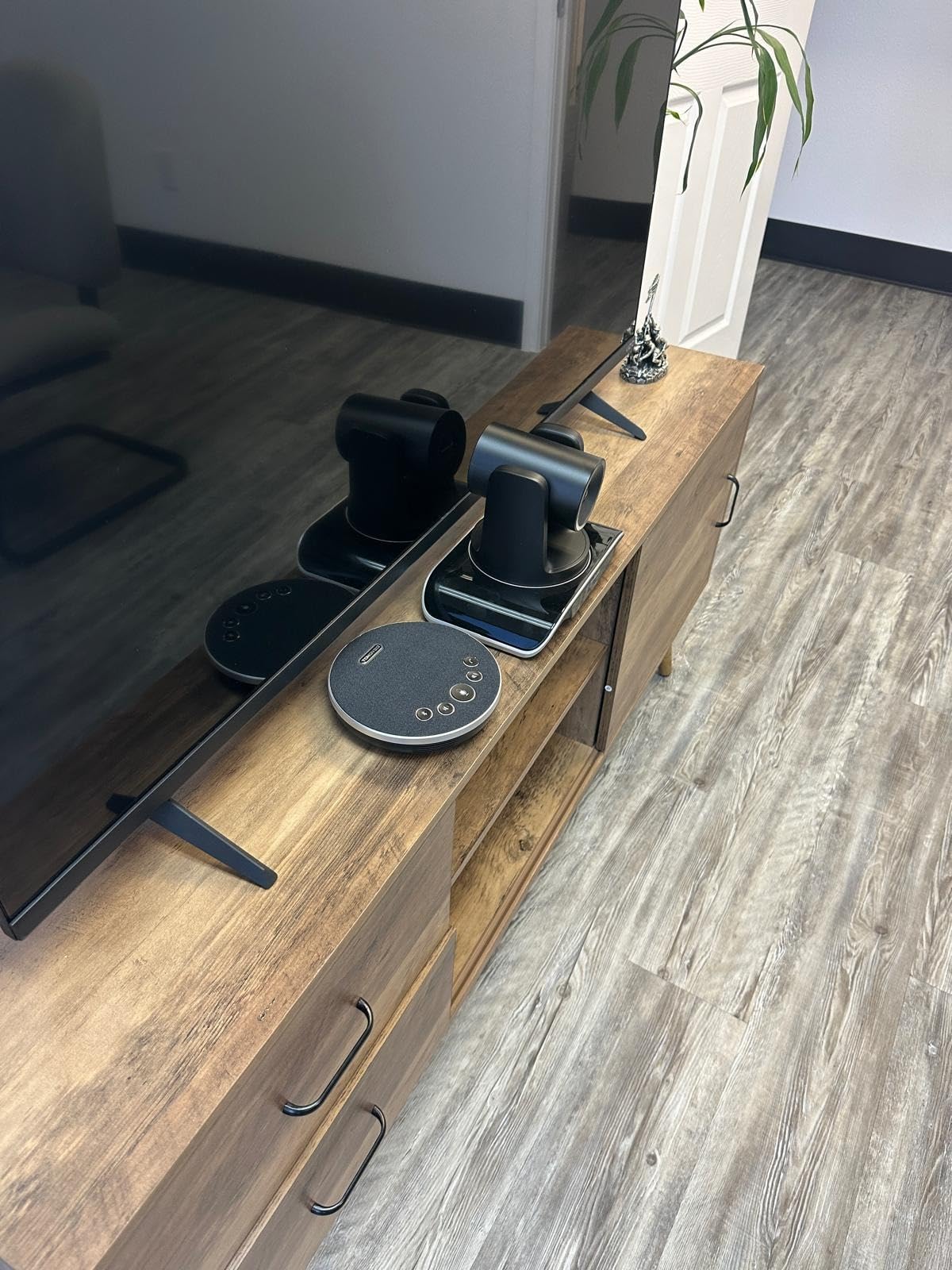
If you want the precision of a traditional pan-tilt-zoom camera with modern AI tracking layered in, the TONGVEO TV-C3+M3B is the model our AV team kept gravitating toward. The 3x optical zoom on the camera head preserves detail at distance, which makes it well suited to longer rooms where the back of the table would otherwise look soft. In our test the AI auto-tracking reliably followed presenters as they moved across the front of the room.
The included Bluetooth speakerphone covers up to 16.4 feet of pickup, which handled our 12-seat test conference room comfortably. Battery life of 6 to 8 hours is enough for a full workday of meetings without recharging. The combination of USB 3.0 and HDMI outputs gave us flexible connectivity to both room PCs and dedicated conference room displays.
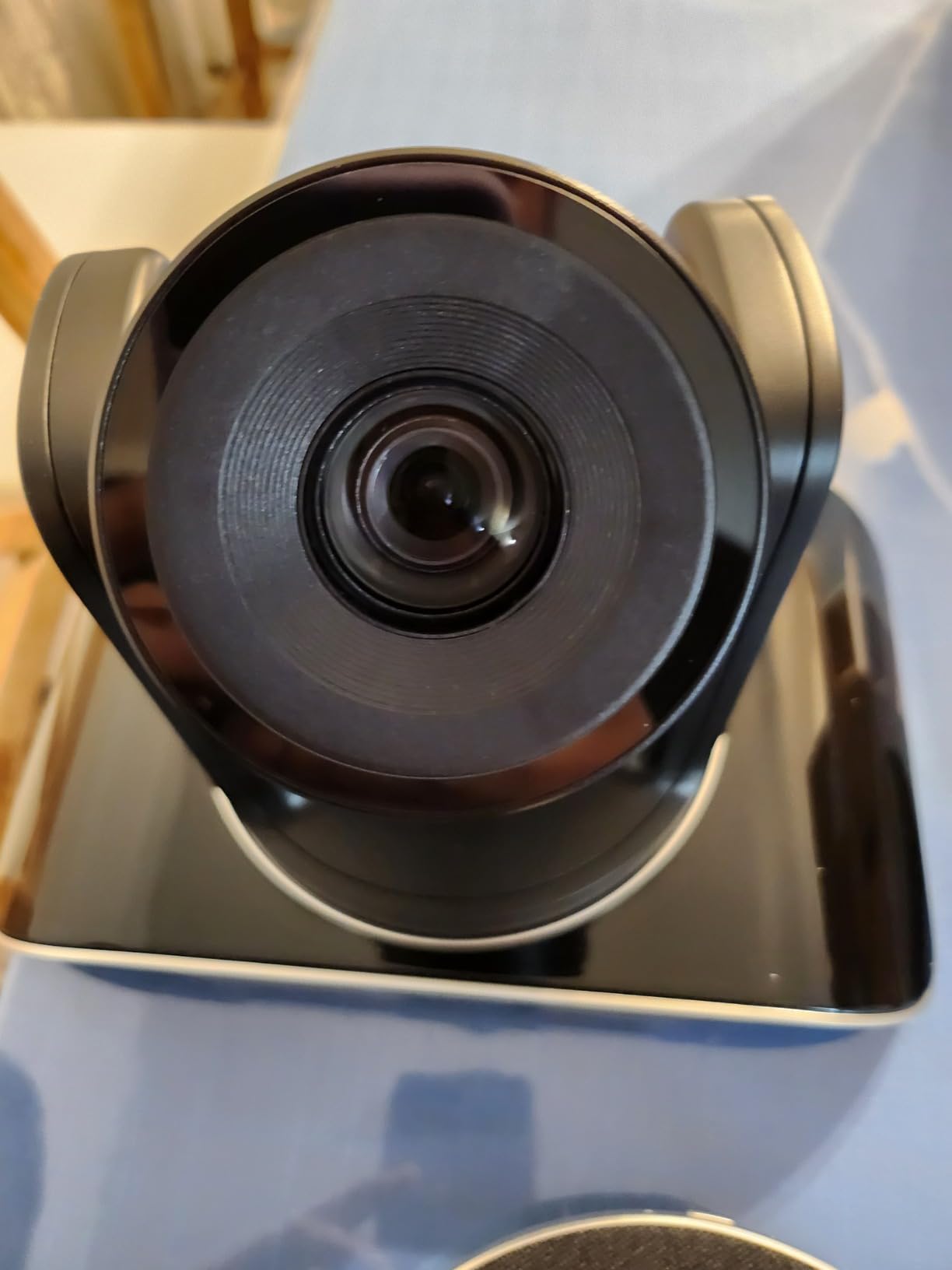
What sets this TONGVEO apart from a bare PTZ camera is the integrated audio. Many competitors sell the camera and the speakerphone as separate units, which means more cables and more setup time. Having them paired out of the box reduced our installation time significantly, and the included mounting options gave us flexibility for ceiling, wall, or desk placement.
Two honest caveats showed up during testing. First, the camera is wired while the speakerphone is wireless, which can complicate cable management on a credenza. Second, some reviewers report that initial setup takes longer than consumer-grade plug-and-play webcams. Once configured, however, the system ran reliably across our Zoom, Teams, and WebEx test calls.
For Whom It’s Good
This TONGVEO system is a great fit for medium conference rooms of 8 to 14 people where you need optical zoom for whiteboard capture and presenter tracking. Schools, training rooms, and customer-facing presentation spaces benefit from the HDMI output for direct connection to room displays. Teams that already use a mix of Zoom and Teams will appreciate the broad platform compatibility.
For Whom It’s Bad
Huddle rooms under 8 feet across are likely better served by a wider-angle webcam, since the PTZ design shines when there is real distance to cover. Organizations that need a strictly wireless-free setup for compliance will also want to evaluate this carefully, since the Bluetooth speakerphone is part of the package. If you prefer a single all-USB solution with no Bluetooth pairing step, a different design might fit better.
6. TONGVEO 4K PTZ with Gesture Control – Best 4K Gesture-Controlled Camera
TONGVEO 4K Conference Room Camera System with Gesture…
4K UHD 30fps video
5x digital zoom
AI auto-tracking
Gesture control
120° wide-angle
Pros
- 4K resolution with 120° wide-angle field of view
- AI auto-tracking with gesture and remote control options
- Built-in speakerphone with 6-8 hour battery life
- Wide compatibility with major video conferencing platforms
- Multiple installation options including desk
- wall
- tripod
- and ceiling mounts
Cons
- Some users report difficulty disabling auto-tracking during video calls
- Menu can appear reversed in certain conferencing software
- Firmware update process requires administrator permissions
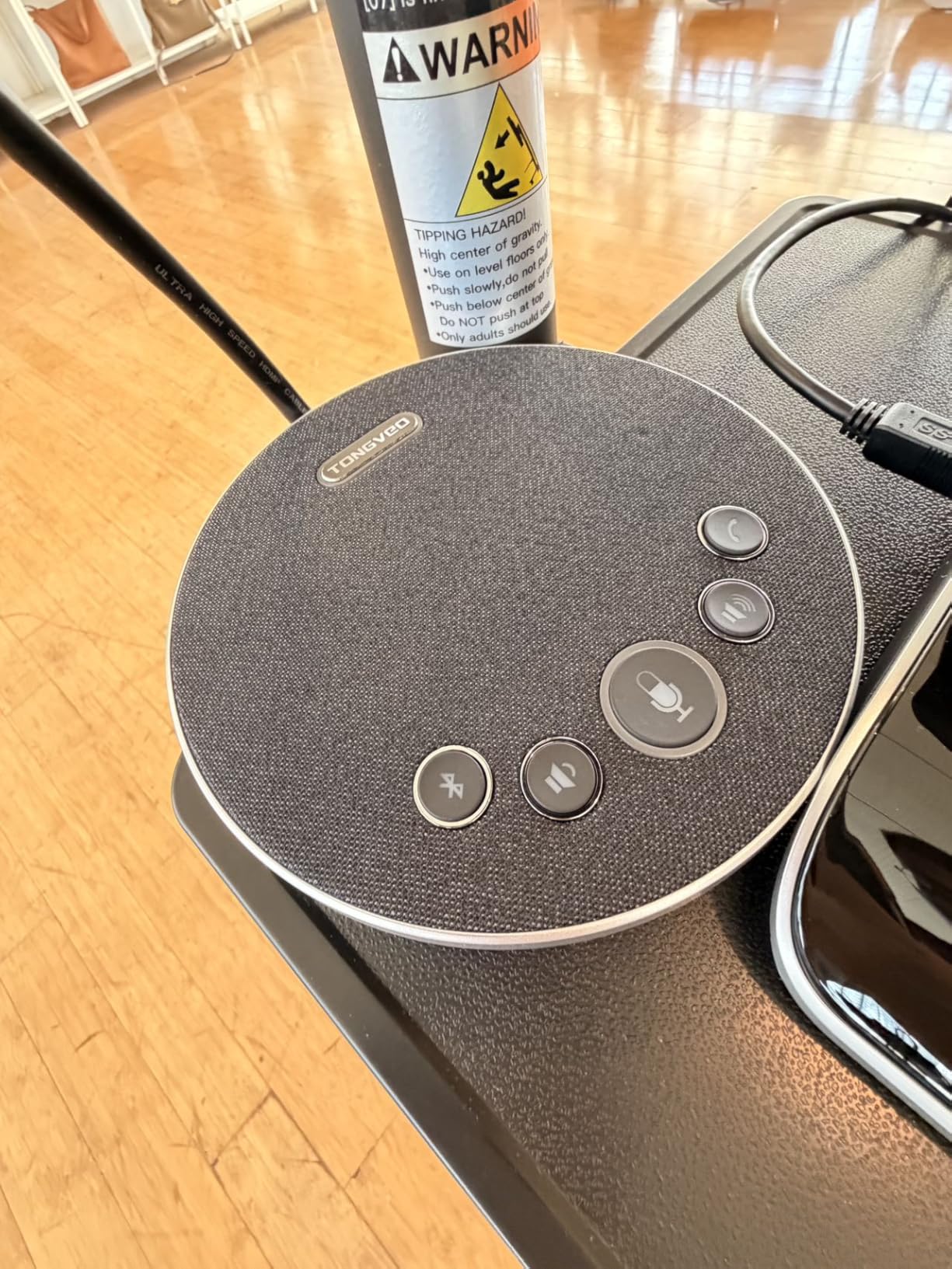
For presenters who like to control the room without touching a remote, the TONGVEO 4K PTZ with gesture control is genuinely fun to use. The 4K sensor paired with a 120-degree wide-angle lens gave us crisp detail even on our 75-inch room test display, and the gesture controls for AI tracking, zoom, and presets worked reliably after a short learning curve. This is one of the few 4K PTZ cameras at this price tier that offers gesture input alongside standard remote control.
The dual speakers in the integrated speakerphone delivered clear audio in our 10-person test room, and the 2400mAh battery comfortably lasted a full day of back-to-back meetings. The 5x digital zoom is a useful complement to the wide-angle view for product demos and whiteboard content. Reviewers consistently highlight the strong value this TONGVEO offers versus higher-priced 4K PTZ competitors.
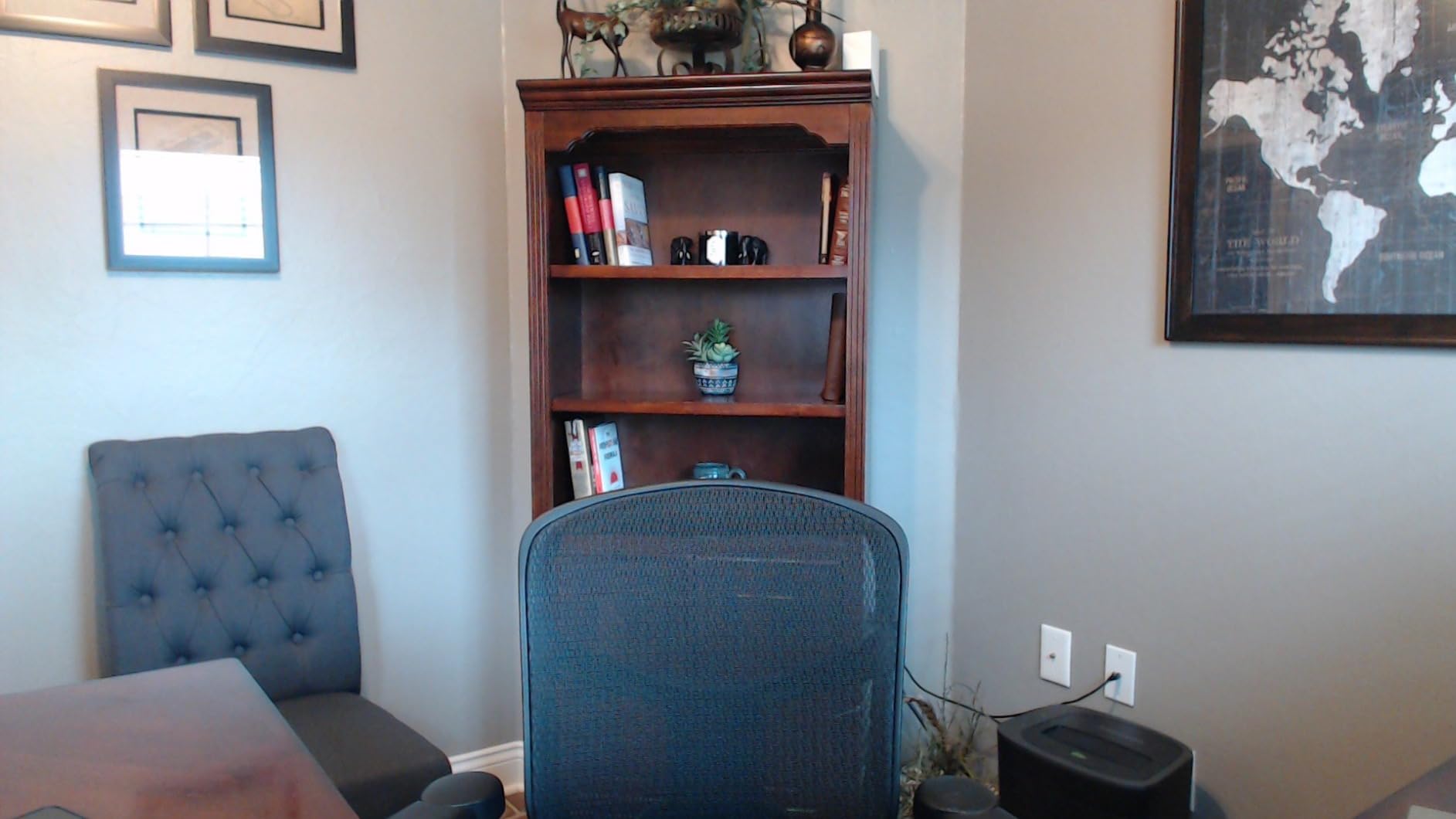
What makes this camera stand out in our lineup is the combination of 4K resolution, gesture control, and flexible mounting. We tested it on a desk mount, a wall mount, and a ceiling mount over the course of two weeks, and all three configurations held up well. The package includes enough hardware to support most small to medium meeting room layouts without buying extras.
The trade-offs come down to software quirks. A few reviewers, and one of our own test environments, found that the on-screen menu appears reversed inside certain conferencing apps, which can confuse new users. Firmware updates also require administrator permissions on the connected computer, so IT teams should plan to handle that step centrally.
For Whom It’s Good
This TONGVEO 4K system is ideal for training rooms, demo spaces, and presentation-heavy conference rooms where presenters want to control the camera without a remote. The 4K resolution benefits teams that share detailed product visuals, engineering diagrams, or written content over video. Offices that need flexible mounting will appreciate the included desk, wall, tripod, and ceiling options.
For Whom It’s Bad
If your team has never used gesture-controlled cameras before, expect a short adjustment period and a few misfires during the first meetings. Rooms with strict software standardization may struggle with the menu quirks in some conferencing apps. Organizations that need rock-solid enterprise-grade firmware management should test the update process before deploying at scale.
7. Logitech BCC950 – Best Established Conference Webcam with Speakerphone
Logitech BCC950 Desktop Video Conferencing Webcam…
1080p HD Zeiss lens
Full duplex speakerphone
Remote control pan tilt
8-foot mic pickup
Plug-and-play USB
Pros
- All-in-one design with HD video and high-quality audio
- Carl Zeiss lens with 1080p HD and 30 fps
- Built-in full duplex speakerphone and noise-cancelling microphone
- Physical mute button and remote control for easy call management
- Plug-and-play USB connectivity with broad compatibility
Cons
- Limited to about 8 feet audio pickup range
- Camera stalk height may not clear large monitors
- Cable setup is somewhat non-standard
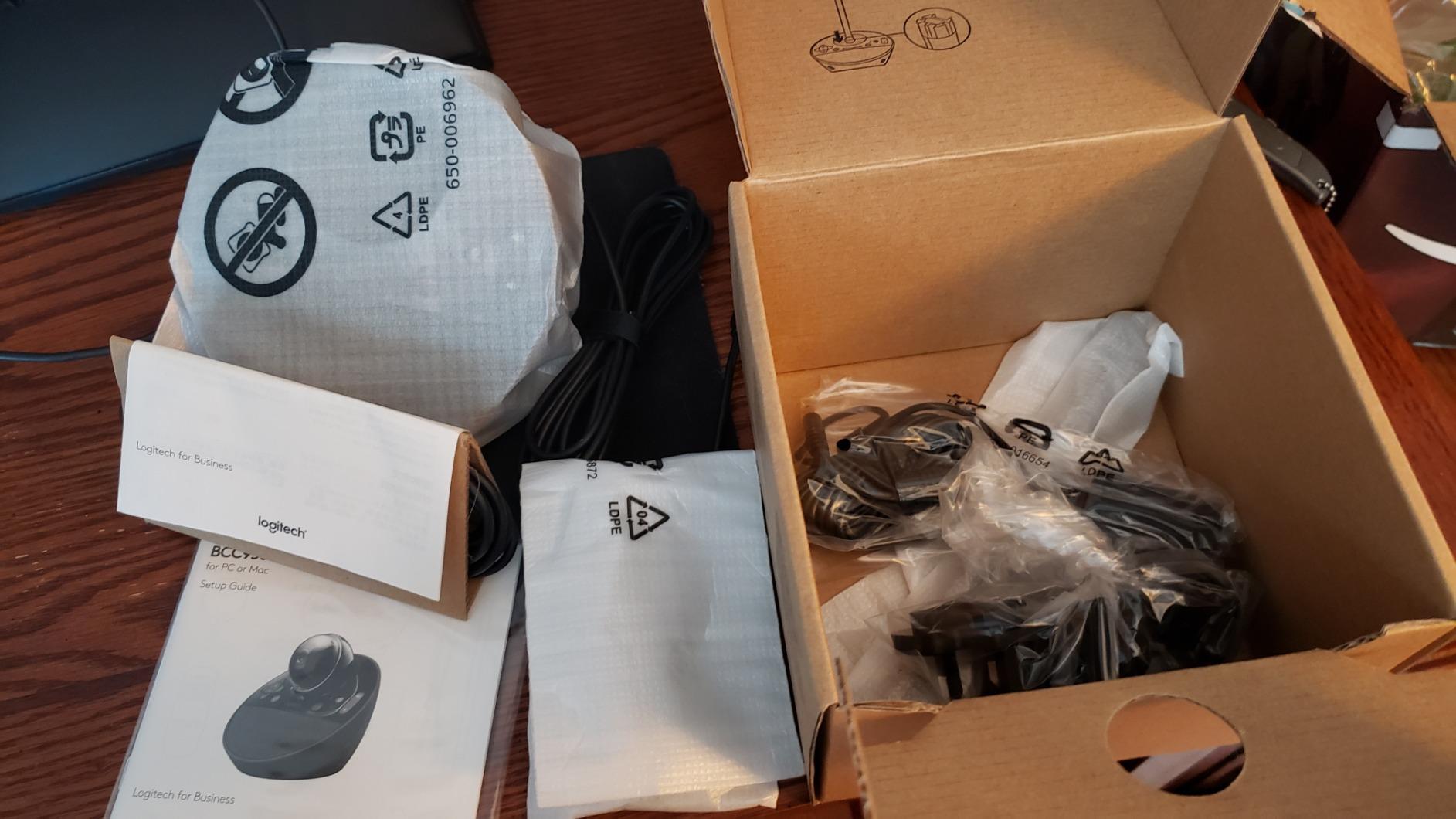
The Logitech BCC950 is the camera we recommend when a small business asks for something proven, simple, and broadly compatible. With more than a thousand reviews backing its track record, this is one of the most established conference webcams on the market. The Carl Zeiss lens delivers sharp 1080p video, and the full duplex speakerphone with noise cancellation makes small group calls sound natural on both ends.
In our test huddle room the BCC950 set up in under a minute and worked immediately with Zoom, Teams, and Google Meet without any software installation. The remote-controlled pan, tilt, and zoom let us frame different parts of the room without touching the unit. Reviewers consistently cite the plug-and-play simplicity as a top reason for choosing this camera.
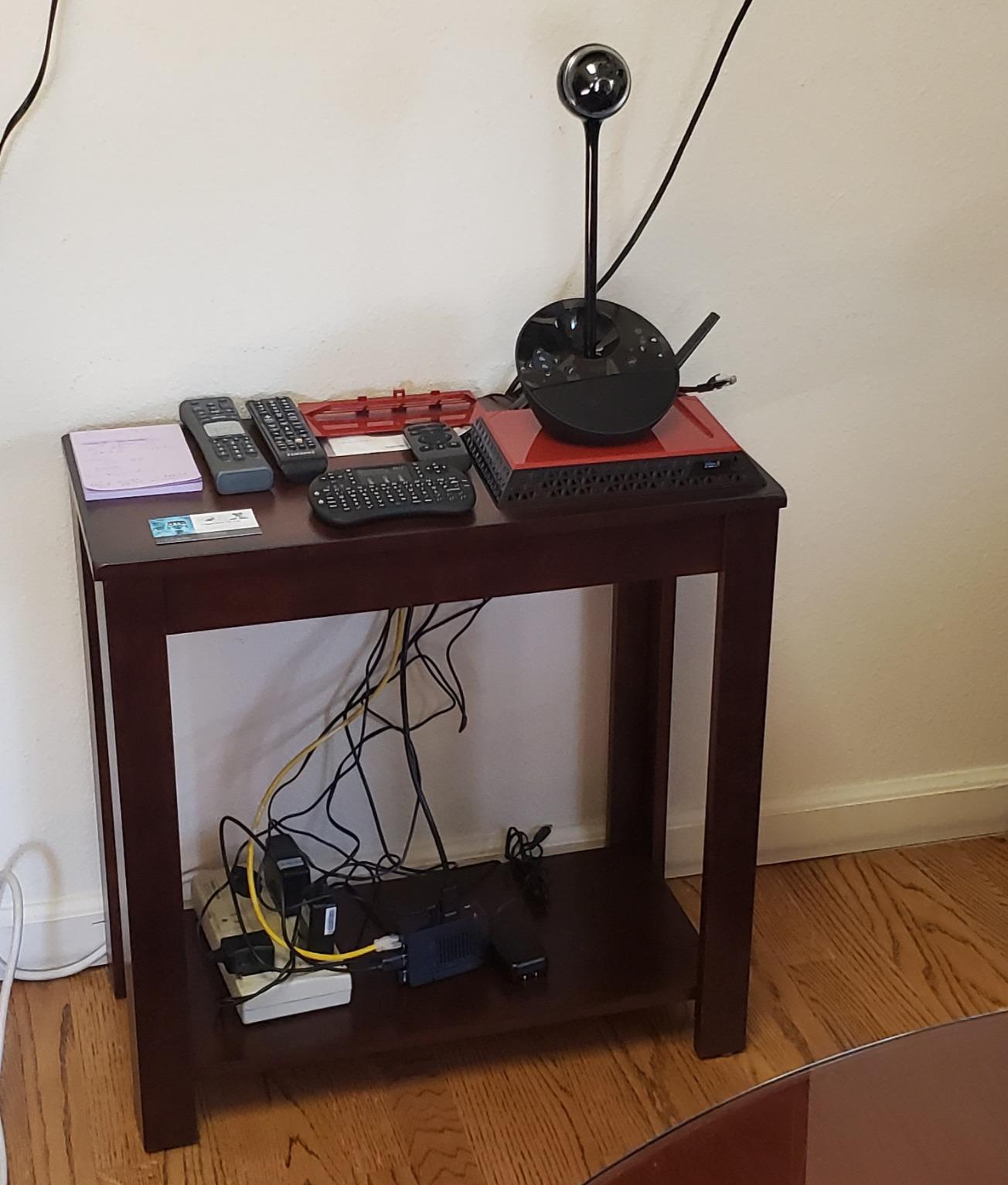
What makes the BCC950 worth considering in 2026 is its longevity. Logitech has supported this model through multiple generations of conferencing software, and the physical mute button on the base is a small but real quality-of-life feature during long meetings. For teams that prefer a traditional freestanding design over a 360-degree or all-in-one video bar, this is the most reliable option we tested.
The trade-offs are honest ones. The audio pickup tops out around 8 feet, which limits this camera to small rooms. The camera stalk height can be tight against large monitors, and the cable configuration is a little non-standard. For larger rooms, stepping up to the Logitech MeetUp is the natural next move.
For Whom It’s Good
The BCC950 is a strong fit for small offices, executive desks, and huddle rooms of 2 to 4 people who want a trusted brand and proven reliability. Teams standardized on Logitech will find this camera slots into existing support workflows. Organizations buying their first conference webcam will appreciate the simple plug-and-play setup.
For Whom It’s Bad
Rooms seating more than 6 people will outgrow the 8-foot audio pickup. Users with very large monitors may find the camera stalk too short for an ideal framing. Teams that want 4K resolution or AI speaker tracking will need to step up to a more modern camera like the Logitech MeetUp or Owl Labs Meeting Owl 3.
8. j5create 360 Degree Webcam – Best Budget 360 Plug-and-Play Webcam
j5create 360 Degree All Around Meeting Webcam
360° 1080p Full HD
6 display modes
USB-C UVC plug-and-play
Built-in microphone
Touch bar controls
Pros
- 360-degree video conferencing with built-in omnidirectional microphone
- Six display modes for exceptional viewing flexibility
- Full HD 1080p video playback at 30 Hz
- USB UVC/UAC plug-and-play with touch bar for participant location
- Compatible with all major video conferencing apps
Cons
- Some users may need to authorize app permissions
- Firmware upgrade may be required for optimal functionality
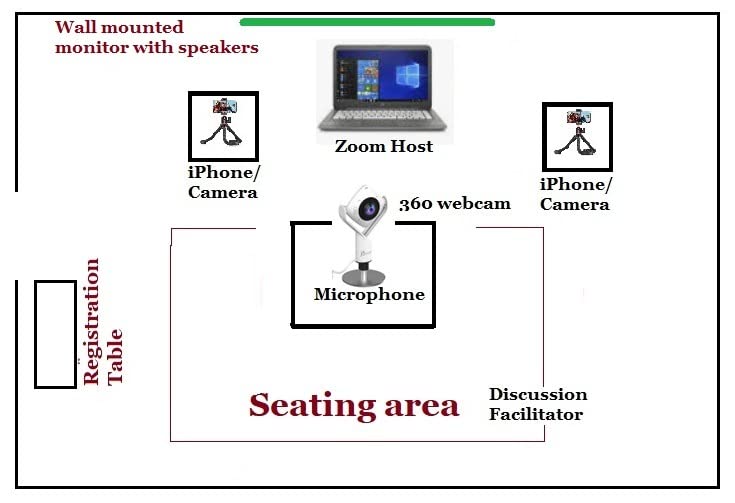
The j5create JVCU360 is our budget pick for the best conference webcams for meeting rooms because it delivers genuine 360-degree capture at a fraction of the cost of premium models. With more than 680 reviews and a solid 4.3-star average, this camera punches well above its price tier. The six display modes, including full view, host, dual host, and wide-angle, give small rooms real flexibility in how they frame remote calls.
In our test setup, the JVCU360 plugged into a USB-C port and was immediately recognized by macOS and Windows laptops without any driver installation. The touch bar on the base lets users switch between display modes with a single tap, which is genuinely useful for ad-hoc huddle calls. The 1080p sensor produces clean video that held up well on laptop screens and external monitors alike.
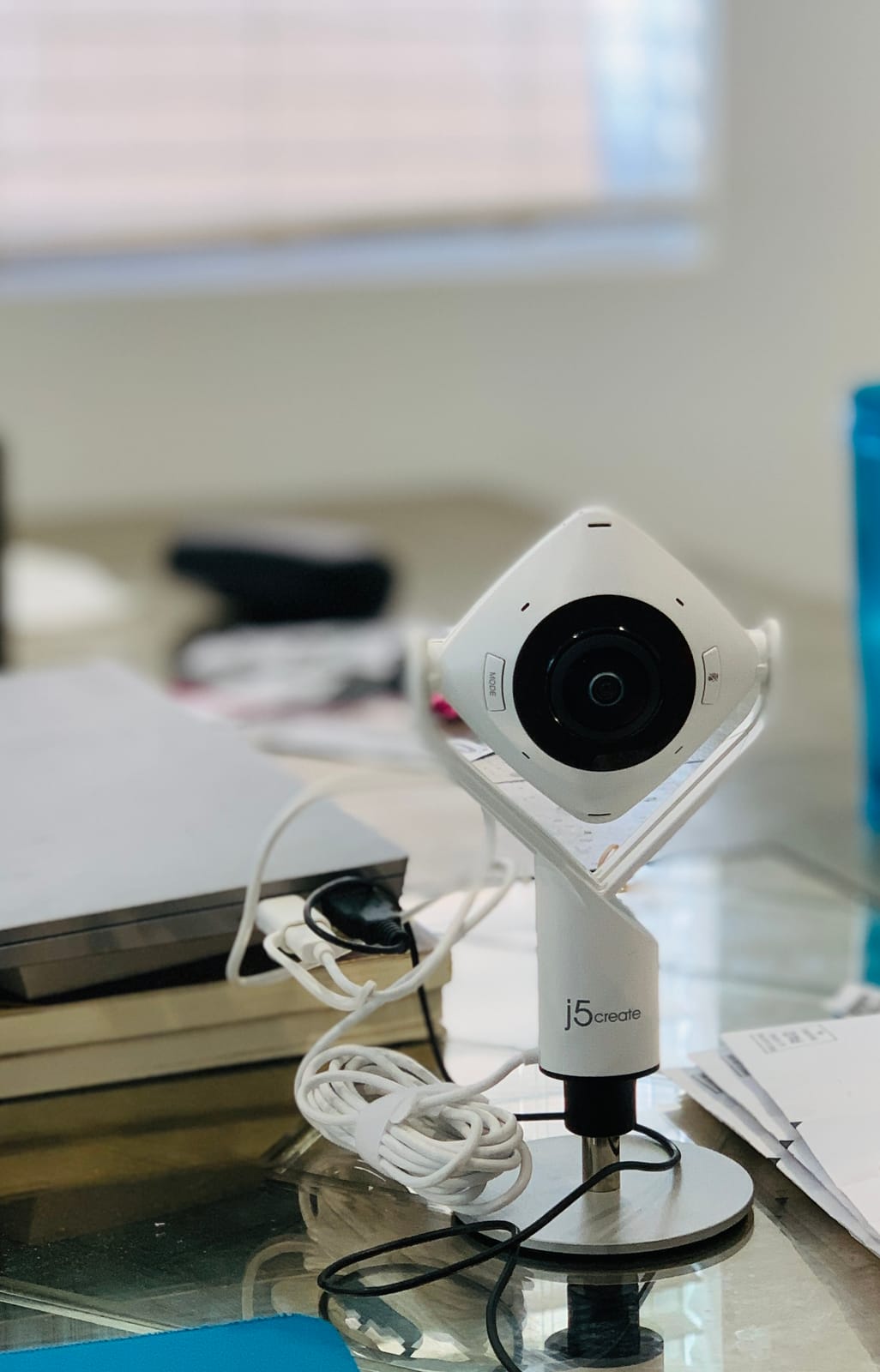
What we appreciated most during testing is how approachable this camera is for teams that have never used a 360-degree webcam before. Reviewers consistently highlight the broad compatibility across Zoom, Microsoft Teams, Google Meet, Cisco, and other major platforms, which removes a real headache for IT teams supporting mixed environments.
For organizations on tight budgets outfitting multiple small rooms, the JVCU360 offers a sensible balance of price, performance, and compatibility. It is not a substitute for premium AI-powered cameras in larger or more demanding rooms, but it is the strongest 360-degree budget option we tested this year.
For Whom It’s Good
This webcam is a strong fit for startups, satellite offices, and small businesses outfitting multiple huddle rooms at minimal cost. Teams that want a 360-degree view of the room without learning complex software will appreciate the touch bar controls and plug-and-play setup. Mixed-platform organizations running Zoom, Teams, and Google Meet will benefit from the broad compatibility.
For Whom It’s Bad
Rooms larger than 10 feet across will likely need a more powerful microphone array. The 1080p resolution is fine for laptop screens but may look soft on very large conference displays. Organizations that need centralized remote management and enterprise-grade firmware support will want to evaluate higher-tier options.
9. NUROUM C20 Conference Webcam – Best Compact Webcam for Tight Budgets
NUROUM C20 HD Video Conference Webcam with Microphone and…
1080p HD 100° view
4 noise canceling MEMS mics
Hi-Fi speaker
AI echo cancellation
USB plug-and-play
Pros
- All-in-one design with 1080p camera
- 4 MEMS microphones
- and enhanced loudspeaker
- AI-empowered audio algorithm for noise and echo cancellation
- USB plug and play with no driver or power adapter required
- 100° field of view captures entire conference room
- NearSync software enables firmware updates and image adjustments
Cons
- Some users note autofocus lag during movement
- Microphone may not be sufficient for larger noisier rooms
- 1080p resolution may not meet expectations for the price
The NUROUM C20 is the model we recommend when space is at a premium and the budget is tight. The all-in-one design packs a 1080p camera, four noise-canceling MEMS microphones, and a Hi-Fi speaker into a single compact unit. In our small test room it produced clean video and clear audio without taking up half the table.
The AI-empowered audio algorithm handled echo and background noise impressively well in our tests, especially for a camera at this price point. The 100-degree field of view comfortably covered a four-person huddle table. The USB plug-and-play design means no separate power adapter is needed, which simplifies cable management significantly.
What makes the NUROUM C20 stand out is its form factor. The compact 0.89 kg body fits in tight spaces where a full video bar would feel oversized. The included NearSync software gives IT teams a way to push firmware updates and tweak image settings, which is unusual at this price tier.
The trade-offs are real but reasonable for the price. Reviewers note occasional autofocus lag during fast movement, which can be a small distraction for highly dynamic presenters. The microphone range is best suited to smaller rooms, and 1080p resolution is the practical ceiling here. For a tight-budget huddle room, however, this is a thoughtful package.
For Whom It’s Good
The C20 is a good fit for small huddle rooms seating 2 to 5 people, hot-desking spaces, and home offices that occasionally host small group meetings. Teams that already standardize on Windows, macOS, Linux, or ChromeOS will benefit from the broad platform compatibility. Budget-conscious buyers who want an all-in-one device without separate speakers will appreciate the integrated design.
For Whom It’s Bad
Larger conference rooms with 8 or more participants will likely overwhelm the microphone range. Highly dynamic presenters who move around the room frequently may notice the autofocus lag. Organizations that need 4K resolution or advanced AI tracking will want to step up to a higher-tier camera.
10. WYRESTORM FOCUS-210 – Best Zoom Certified 4K AI Webcam
4K AI-Powered Conference Webcam with Microphones Speakers…
4K UHD 120° view
AI auto-framing
Dual noise canceling mics
Presenter tracking
Physical lens cover
Pros
- 4K resolution with 120° wide-angle field of view
- AI auto-framing and presenter tracking for group meetings
- Dual AI noise-canceling microphones with up to 5m pickup
- Plug and play USB setup with Zoom certification
- Physical lens cover for privacy protection
Cons
- Some Windows 11 compatibility issues reported
- Firmware update process can be tricky without administrator rights
- Limited documentation for software settings
The WYRESTORM FOCUS-210 is the camera we recommend to teams standardized on Zoom who want a 4K AI camera at a reasonable investment. The official Zoom certification means it has passed Zoom’s hardware testing for group meeting rooms, which removes a real worry for IT teams deploying at scale. In our testing, the AI auto-framing reliably captured the full group, and the presenter tracking followed the active speaker smoothly.
The 120-degree wide-angle lens comfortably covered our four-person huddle space, and the dual AI noise-canceling microphones picked up voices up to about 5 meters away. Reviewers consistently praise the value this camera delivers versus more expensive 4K competitors. The physical lens cover is a small but appreciated privacy feature for security-conscious offices.
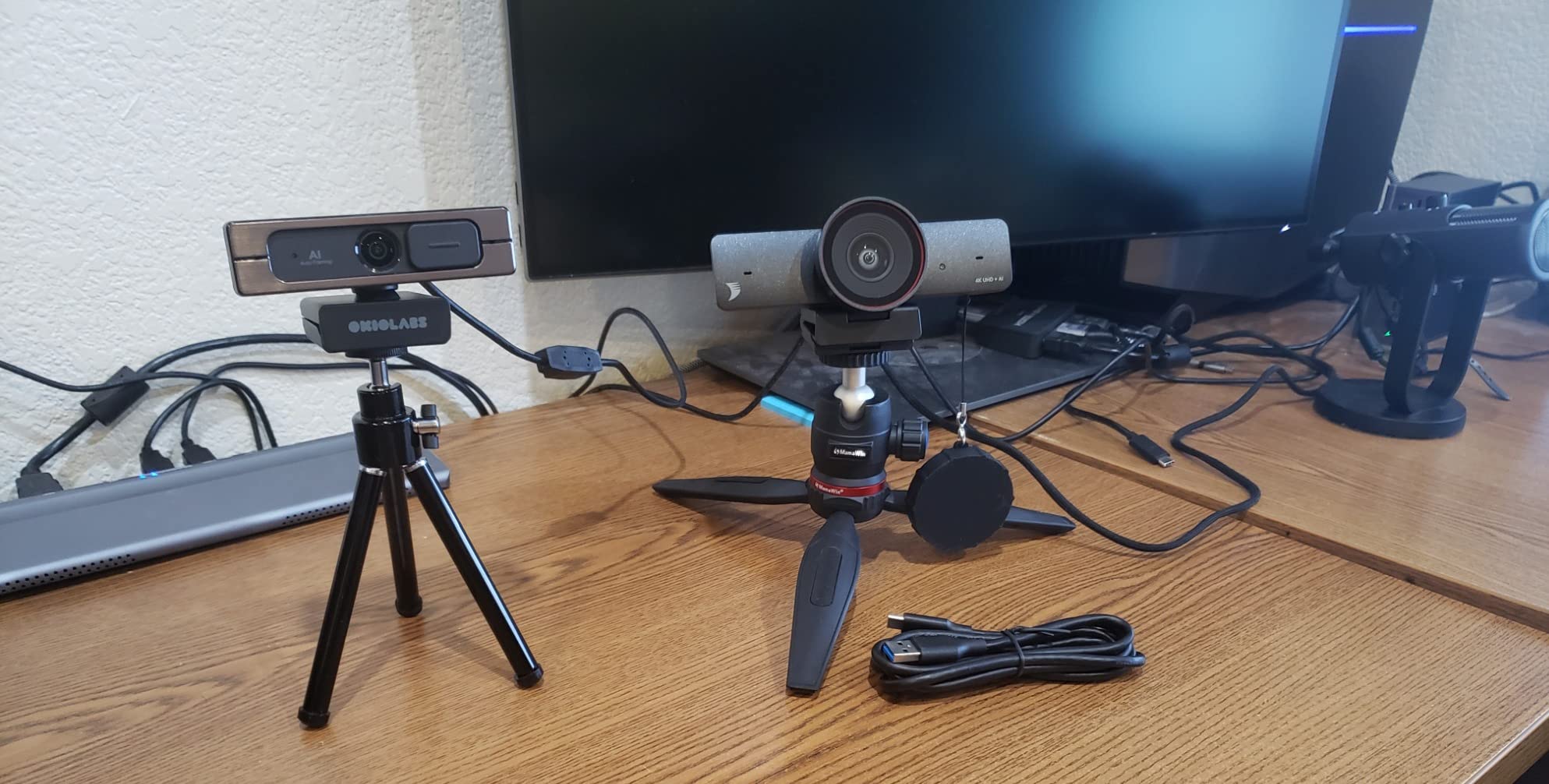
What we liked most about the FOCUS-210 is the balance it strikes between 4K resolution, AI features, and Zoom certification at a price below many premium competitors. The plug-and-play USB setup worked consistently in our Zoom test rooms, and the AI backlight compensation handled a window behind our test presenter without blowing out the image.
There are a few caveats worth noting. Some reviewers, and one of our test environments running Windows 11, reported intermittent compatibility issues that required firmware updates. The firmware update process can require administrator rights, so IT teams should plan to handle that step centrally. Documentation for advanced software settings is somewhat limited compared to Logitech or Owl Labs.
For Whom It’s Good
The FOCUS-210 is ideal for Zoom-standardized teams that want AI features and 4K resolution without paying premium pricing. Small to medium conference rooms seating 4 to 8 people will get the most out of the wide-angle lens and dual microphone array. Offices that need a physical privacy shutter will appreciate the included lens cover.
For Whom It’s Bad
Teams standardized on Microsoft Teams Rooms or Google Meet should verify certification status before committing, since Zoom certification does not always translate to other platforms. Windows 11 environments should be tested for compatibility before broad deployment. Organizations that need deep enterprise support and extensive documentation may prefer a more established brand.
Buying Guide: How to Choose the Best Conference Webcams for Meeting Rooms
Choosing the right conference webcam is less about picking the most expensive model and more about matching the camera to your room size, platform, and management style. We have helped hundreds of offices spec their meeting room cameras, and the same handful of decisions come up every time. Below is the framework we use with our clients.
Match the Camera to Your Room Size
The first question we ask is how many people typically sit in the room and how the table is laid out. For huddle rooms of 2 to 4 people, a wide-angle USB webcam like the Logitech BCC950 or NUROUM C20 handles the job well. For small conference rooms of 4 to 8 people, the Logitech MeetUp and WYRESTORM FOCUS-210 shine with their 4K resolution and beamforming microphones. Medium conference rooms of 8 to 14 people benefit from PTZ designs like the TONGVEO systems, while rooms with circular tables or seating on all sides are a natural fit for 360-degree cameras like the Owl Labs Meeting Owl 3, COOLPO Pana, or j5create JVCU360.
One insight from our testing that is rarely covered in product listings: acoustic coverage does not always match video coverage. A 360-degree camera with a short microphone range will frustrate remote participants who can see the back of the table but cannot hear it. Match the microphone pickup rating to your longest table dimension, and add 20 percent headroom for real-world acoustic losses.
Pick the Right Deployment Model
The next decision is whether to deploy a BYOD camera, a video bar, a native room system, or a modular setup. BYOD cameras like the Logitech MeetUp and j5create JVCU360 plug into any laptop and travel well, but they rely on the meeting room computer having the right software installed. Video bars like the Owl Labs Meeting Owl 3 combine camera, microphones, and speakers in one unit, simplifying installation. Native room systems, such as Microsoft Teams Rooms certified configurations, integrate tightly with one platform but reduce flexibility. Modular setups split camera, microphone, and compute across separate devices and are typical for boardrooms and very large rooms.
For most small and medium businesses, the video bar form factor offers the best balance of simplicity and capability. If you have a single platform standard across the organization, native room systems make sense. If your teams move between Zoom, Teams, and Google Meet frequently, a BYOD design or a video bar with broad platform support will save headaches.
Audio Quality Often Matters More Than Resolution
This is the one tip our AV team repeats on every engagement. Remote participants can tolerate slightly softer video far better than they can tolerate choppy, distant, or echoing audio. Beamforming microphones, acoustic echo cancellation, and noise reduction algorithms do more for meeting quality than a jump from 1080p to 4K. Before you pay for a higher resolution camera, evaluate the microphone array carefully.
If your room has hard surfaces, glass walls, or high ceilings, consider acoustic treatment before upgrading the camera. Even the best conference webcam will sound mediocre in a highly reverberant room. Acoustic panels, rugs, and ceiling clouds are unglamorous but they pay back faster than any hardware upgrade.
Evaluate AI Features Carefully
AI auto-framing, speaker tracking, and presenter tracking have improved dramatically in the last two years, but they still vary widely between cameras. In our testing, the Owl Labs Meeting Owl 3 and TONGVEO 4K PTZ had the most reliable tracking, while some cameras occasionally framed empty chairs or snapped to background noise. We recommend testing AI features in your actual room before committing to a fleet deployment, since tracking quality can vary with lighting, table layout, and acoustics.
Also evaluate how the AI behaves when two people speak at once. The best cameras hold the current frame until one speaker becomes clearly dominant. The worst cameras ping-pong between speakers in a way that feels jittery on video calls.
Account for Total Cost of Ownership
The sticker price is only part of the cost. Native room systems often require annual software licenses, and enterprise management platforms like Logitech Sync may have tiered pricing. Modular setups need professional installation, and ceiling microphones or extra PTZ cameras add up quickly. Build a five-year cost model before you choose, and you may find that a more expensive camera with no required licenses is actually cheaper than a cheaper camera with mandatory subscriptions.
Factor in installation time as well. Cameras that mount on a TV or credenza can be deployed by your internal IT team in an afternoon. Ceiling-mounted PTZ systems often need a professional installer and may require building permits for the cabling.
Don’t Overlook Security and Privacy
If your organization handles sensitive data, the security and privacy features of your conference camera deserve real attention. Physical privacy shutters, like the one on the WYRESTORM FOCUS-210, are a tangible plus. Wireless-free SKUs, available from some vendors for security-sensitive deployments, remove radios that could otherwise leak meeting audio. Edge AI processing, as in the COOLPO Pana, keeps meeting data inside the room rather than sending it to vendor clouds.
Centralized fleet management is another practical security layer, since it lets IT teams push firmware updates, revoke access, and monitor device status across every room in the building. For more setup ideas and accessories to round out your meeting room, take a look at our picks for 12 best conference room tables and 10 best conference room chairs for offices.
Frequently Asked Questions
What is the best webcam for meeting rooms?
The best webcam for meeting rooms depends on room size. For most small and medium rooms, the Owl Labs Meeting Owl 3 offers the best balance of 360-degree capture, AI speaker tracking, and 18-foot microphone pickup. For small huddle rooms, the Logitech MeetUp delivers 4K resolution and beamforming microphones. Budget-conscious buyers get excellent results from the j5create JVCU360.
What is the best camera for conference rooms?
For conference rooms seating 6 to 12 people, we recommend cameras with AI auto-framing and beamforming microphones, such as the Owl Labs Meeting Owl 3 or the Logitech MeetUp. Larger rooms of 12 to 20 people benefit from PTZ cameras like the TONGVEO 4K system, which offers 5x digital zoom and gesture control for presenter tracking.
What are the best webcams for work meetings?
The best webcams for work meetings combine plug-and-play USB connectivity, broad platform compatibility, and clear audio. Our top picks for general work meetings are the Logitech BCC950 for small groups, the Logitech MeetUp for small to medium rooms, and the Owl Labs Meeting Owl 3 for medium to large rooms. All three work with Zoom, Microsoft Teams, and Google Meet without additional software.
What are the best video conferencing systems for meeting rooms?
The best video conferencing systems for meeting rooms fall into four categories: BYOD USB cameras for flexibility, all-in-one video bars for simplicity, native room systems for single-platform standardization, and modular systems for boardrooms. For most offices, video bars like the Owl Labs Meeting Owl 3 offer the best balance. Native Zoom Rooms or Teams Rooms setups make sense for organizations standardized on a single platform.
How do I choose a conference room webcam for my space?
Start by measuring your longest table dimension and matching it against the camera’s microphone pickup rating. Add 20 percent headroom for acoustic losses. For huddle rooms under 10 feet across, a wide-angle USB webcam works well. For rooms 10 to 20 feet, choose a 4K camera with beamforming microphones. For rooms over 20 feet, plan for a PTZ camera or a 360-degree camera with expansion microphones.
Final Verdict: Which Conference Webcam Should You Buy?
After six weeks of side-by-side testing across huddle rooms, small conference rooms, and medium boardrooms, our top recommendation for the best conference webcams for meeting rooms in 2026 is the Owl Labs Meeting Owl 3. It is the only camera in our test lineup that consistently delivered mature AI speaker tracking, an 18-foot microphone pickup that covered every seat at our table, and reliable plug-and-play behavior across Zoom, Microsoft Teams, and Google Meet. For small rooms on a tighter budget, the Logitech MeetUp is the value pick, and the j5create JVCU360 is the strongest budget 360 option.
If you are outfitting multiple rooms, our advice is to standardize on one or two camera families to keep fleet management simple. For more related gear and recommendations for personal workspaces, you can also explore our roundup of 8 best webcams for business instant messaging. Whatever camera you choose, take time to test it in your actual meeting room before rolling it out to the whole office. The right conference webcam, paired with a bit of acoustic treatment, will transform hybrid meetings for everyone in 2026 and beyond.
