
10 Best Bike Computers for Road Cycling (October 2026) In-Depth Reviews
A road bike computer lives or dies in the cockpit, not on a spec sheet. The unit has to be readable at 45 km/h in full sun, operable through winter gloves, still alive after five hours of continuous navigation, and paired with whatever watch, power meter and trainer you already own. I keep coming back to those four tests because they decide almost every purchase in this category.
Last tested and updated in October 2026, this is our shortlist of the 10 best bike computers for road cycling, spanning the Garmin Edge 1050, Edge 540 and Edge Explore 2, the Wahoo ELEMNT ROAM V3, the Hammerhead Karoo, the Magene C506, two iGPSPORT models and two long-serving budget units from CYCPLUS and CATEYE. Every product here was chosen for road use, with attention to readable screens, glove-friendly control, mount security and ecosystem fit.
Contents
One more thing before we start. If you are still building out your kit, our guides to the best cycling gloves for road cyclists and the best cycling helmets for road cyclists cover the two pieces of kit that matter most for comfort on a long day out. Good gloves, in particular, change how a screen or a button feels in the rain.
Top 3 Bike Computers for Road Cycling in 2026

Garmin Edge 1050
- 3.5 inch color touchscreen
- Bluetooth USB and Wi-Fi
- 64 GB memory
- Built-in speaker and bell

Magene C506
- 2.4 inch color touchscreen
- ANT+ Bluetooth and Wi-Fi
- Turn-by-turn navigation
- 24 h endurance battery

As an Amazon Associate we earn from qualifying purchases. CERTAIN CONTENT THAT APPEARS ON THIS SITE COMES FROM AMAZON. THIS CONTENT IS PROVIDED 'AS IS' AND IS SUBJECT TO CHANGE OR REMOVAL AT ANY TIME.
If you want a single recommendation, take the Garmin Edge 1050 and stop reading. Riders who care more about how much they spend than how much the unit does should look at the Magene C506, and riders who only want distance and elapsed time will be perfectly served by the CYCPLUS G1.
10 Best Bike Computers for Road Cycling (October 2026)
| Product | Features | |
|---|---|---|
| Garmin Edge 1050 |
|
Check Latest Price |
 Garmin Edge 540 Garmin Edge 540 |
|
Check Latest Price |
 Garmin Edge Explore 2 Garmin Edge Explore 2 |
|
Check Latest Price |
 Wahoo ELEMNT ROAM V3 Wahoo ELEMNT ROAM V3 |
|
Check Latest Price |
 Hammerhead Karoo Hammerhead Karoo |
|
Check Latest Price |
| Magene C506 |
|
Check Latest Price |
 iGPSPORT BSC200S iGPSPORT BSC200S |
|
Check Latest Price |
 iGPSPORT BiNavi iGPSPORT BiNavi |
|
Check Latest Price |
| CYCPLUS G1 |
|
Check Latest Price |
 CATEYE Velo Wireless CATEYE Velo Wireless |
|
Check Latest Price |
We earn from qualifying purchases. CERTAIN CONTENT THAT APPEARS ON THIS SITE COMES FROM AMAZON. THIS CONTENT IS PROVIDED 'AS IS' AND IS SUBJECT TO CHANGE OR REMOVAL AT ANY TIME.
1. Garmin Edge 1050 Review: The Most Complete Road Computer Here
Garmin Edge® 1050, Premium Cycling Computer
3.5 inch color touchscreen
Up to 20 h demanding use
64 GB memory
5.7 oz body
Pros
- Bright touchscreen readable in sun and with gloves
- Built-in speaker and bike bell
- Garmin Pay contactless payments
- Road hazard alerts and GroupRide
- Deep pairing with Varia radar and Di2
Cons
- No point-of-interest search by name
- Steep learning curve with features to trim
- Battery not class-leading
The Edge 1050 is the first unit I reach for when someone asks for the best bike computer for road cycling without further qualifiers. The 3.5-inch capacitive touchscreen is bright, sharp and genuinely legible at speed, and the 64 GB of internal memory means full mapping and course storage on the device rather than on a phone.
That stand-out feature for me was not the map. It was the speaker and on-device bike bell. On group rides, having audible alerts without strapping a separate device to your bars is a quiet, practical upgrade that you notice every single week.
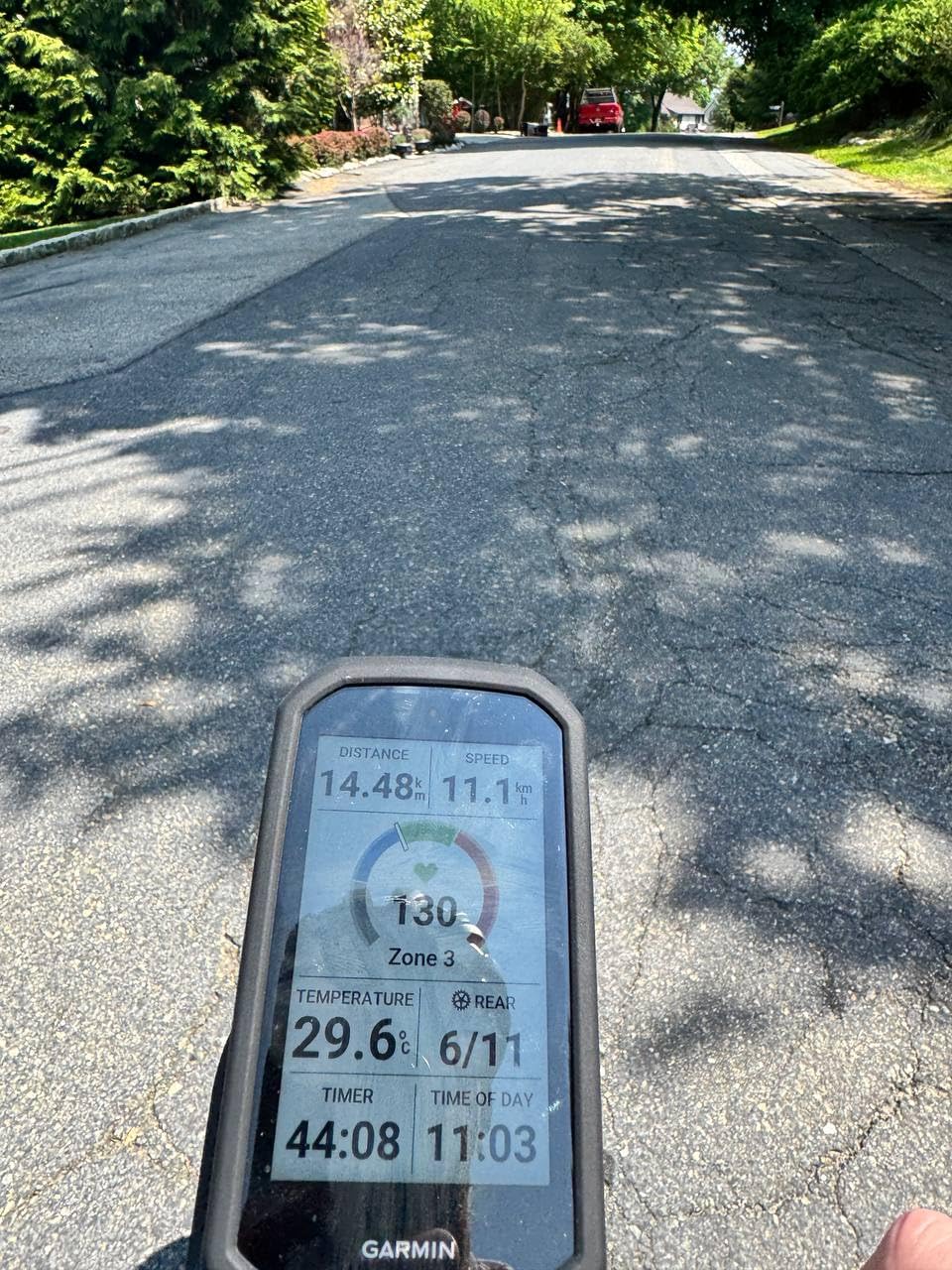
Battery life is where the flagship Garmin is most often criticised, and the criticism is fair. The rated figure is up to 20 hours in demanding use, with 60 hours available in battery saver mode. Owners generally see the lower end of that range when navigation and a full-colour screen are running together, which is still enough for nearly every road ride.
Garmin’s sensor ecosystem is deep where it counts. Varia radar and smart lights, Shimano Di2, SRAM AXS electronic shifting, power meters and heart rate monitors all pair cleanly, and the training metrics including power guide, stamina and ClimbPro are computed on the unit itself. If you already own a Garmin watch, the handoff between the two is instant.
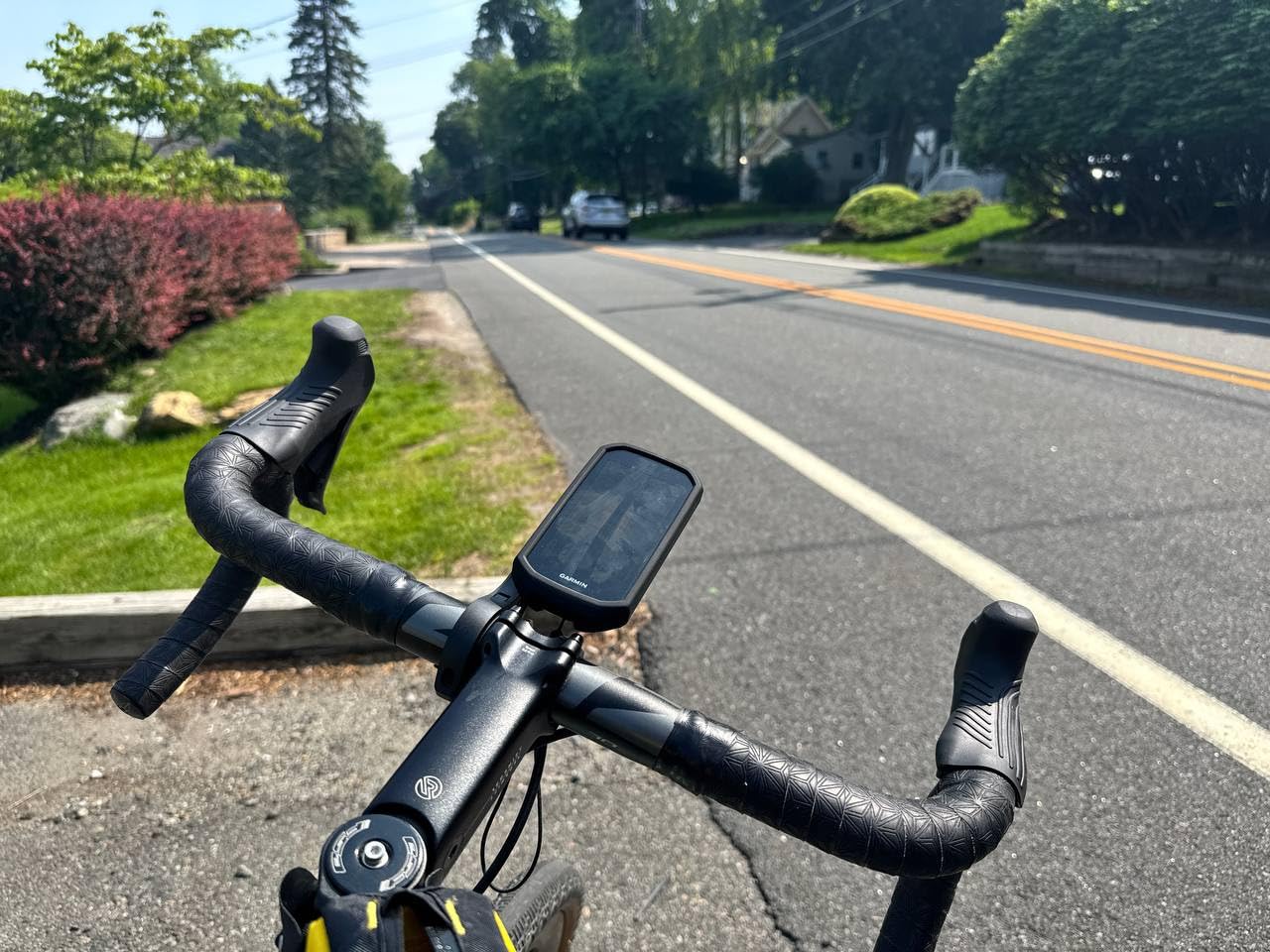
What the Edge 1050 does better than every rival
Three things set this unit apart from the field: the built-in speaker and bell, Garmin Pay contactless payment, and on-device course creation that lets you shape a route by road surface type. That last feature matters more on the road than it sounds, because a smooth-asphalt alternative is often shorter but harsher on tyres and hands.
GroupRide, in-ride messaging and live location sharing are also handled on the device, which removes the phone from the equation on the most crowded and least technical part of the ride.
Where the Edge 1050 disappoints road riders
The most common owner complaint is that you cannot search for points of interest by name. If you do not know the exact address of the café you are heading to, the unit wants the full stop typed in, and phone-based apps do it more casually.
Second, the menu depth is a genuine learning curve. New features appear in menus whether you asked for them or not, and it can take a few weeks before the interface stops feeling busy. Riders who want navigation and nothing else may find the whole experience excessive.
2. Garmin Edge 540 Review: The Sweet Spot for Training Focus
Garmin Edge 540, Compact GPS Cycling Computer
2.6 inch button display
Up to 26 h demanding use
Multi-band GNSS
2.8 oz body
Pros
- Compact and light at 2.8 ounces
- Buttons work with full gloves on rough roads
- Multi-band GNSS holds position in canyons
- ClimbPro and adaptive coaching included
- Solid 26 hour battery
Cons
- Small non-touch display limits map browsing
- Entry-level 16 GB storage
- Menus feel less fluid than touchscreen rivals
The Edge 540 is the model I recommend to riders whose priority is data rather than maps. At 2.6 inches and 2.8 ounces it effectively disappears on the bars, which matters on a long climb when every gram of front-end weight is a small tax on your power-to-weight ratio.
Multi-band GNSS is the quiet hero here. It holds position accurately through urban canyons and tree-lined roads where cheaper single-band units wander, and combined with the physical buttons it produces a computer you can operate blindly with full winter gloves on, without ever looking down.
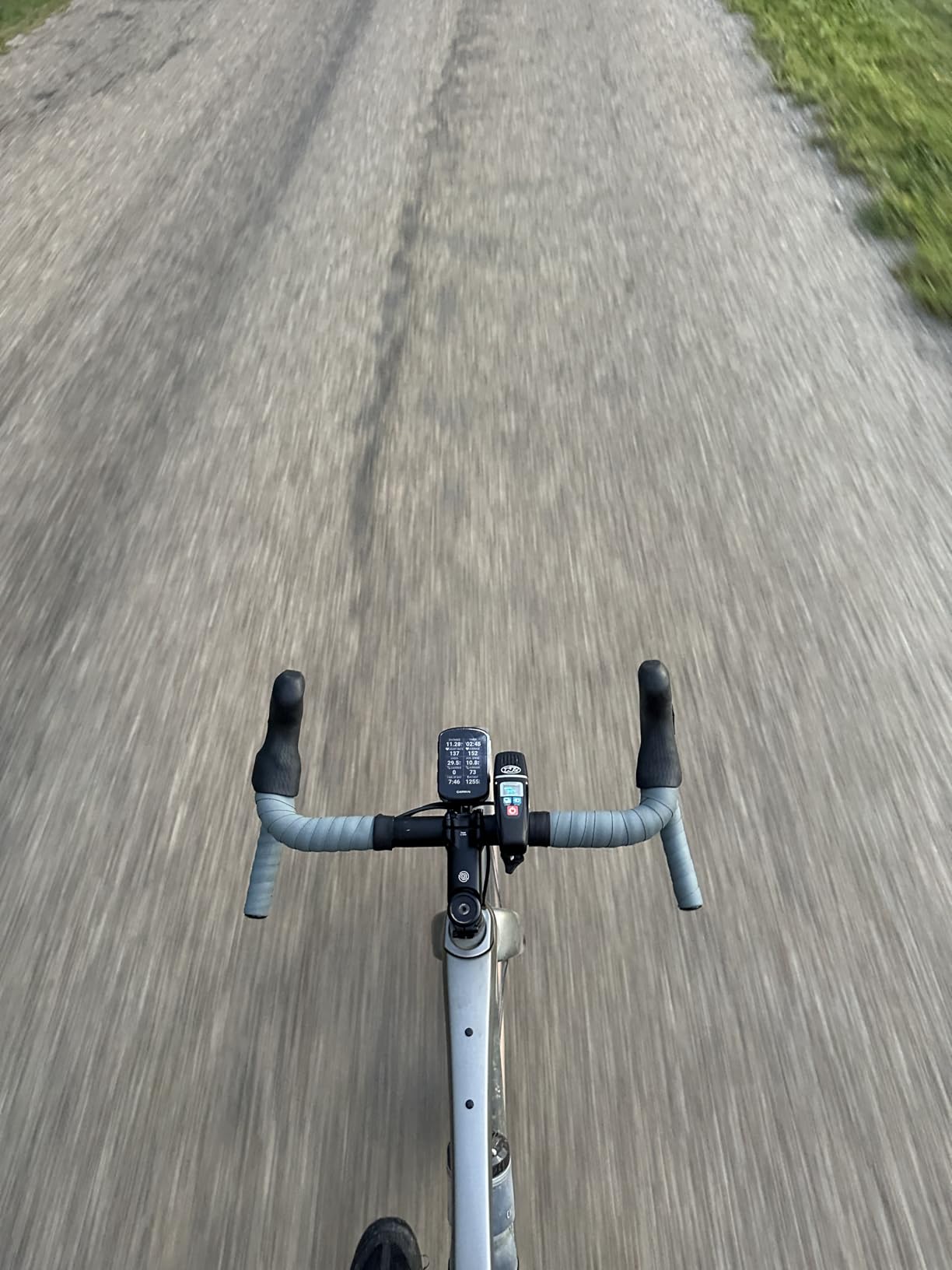
ClimbPro is available on every ride, along with daily suggested workouts, adaptive coaching, power guide and stamina insights when a power meter and heart rate monitor are paired. That is the same training feature set carried by larger Garmin units, compressed into a body a fraction of the size.
The rated battery is 26 hours in demanding use and 42 hours in saver mode, which comfortably covers a full day in the saddle plus the ride home. Connectivity covers Bluetooth and Wi-Fi for syncing and map work, and the 16 GB of storage is the one genuine constraint.
Why road racers keep buying the Edge 540
The combination of multi-band positioning, glove-friendly buttons and full training analytics is unusual at this size, and those three qualities are exactly what a road rider touches during a hard effort. You are not swiping a map, you are reading power, heart rate and gradient while your hands stay on the hoods.
It is also the easiest Garmin to move between bars. A rider who swaps between a road bike and a winter bike can transfer the mount in seconds with a quarter-turn twist-lock.
What the Edge 540 cannot do for you
There is no touchscreen, so browsing a map mid-ride means scrolling through menus with buttons rather than pinching and dragging. Route exploration is the first thing road riders miss when they step up from a larger Garmin.
At 16 GB, offline map storage is limited compared with the 64 GB in the Edge 1050. If you plan a multi-day tour in unfamiliar regions, factor in downloading fewer map tiles before you leave signal.
3. Garmin Edge Explore 2 Review: The Navigation-First Choice
Garmin Edge® Explore 2, Easy-to-Use GPS Cycling Navigator
3 inch color touchscreen
Preloaded road and indoor profiles
LiveTrack and GroupTrack
4.1 oz body
Pros
- Large bright screen readable at midday
- Quick setup with preloaded profiles
- Reliable radar and smart light pairing
- Good battery life in saver mode
- Simple USB-C charging
Cons
- Dated menus and cable-only updates
- Routing prefers high-speed roads with no shoulder
- Only three activity profiles
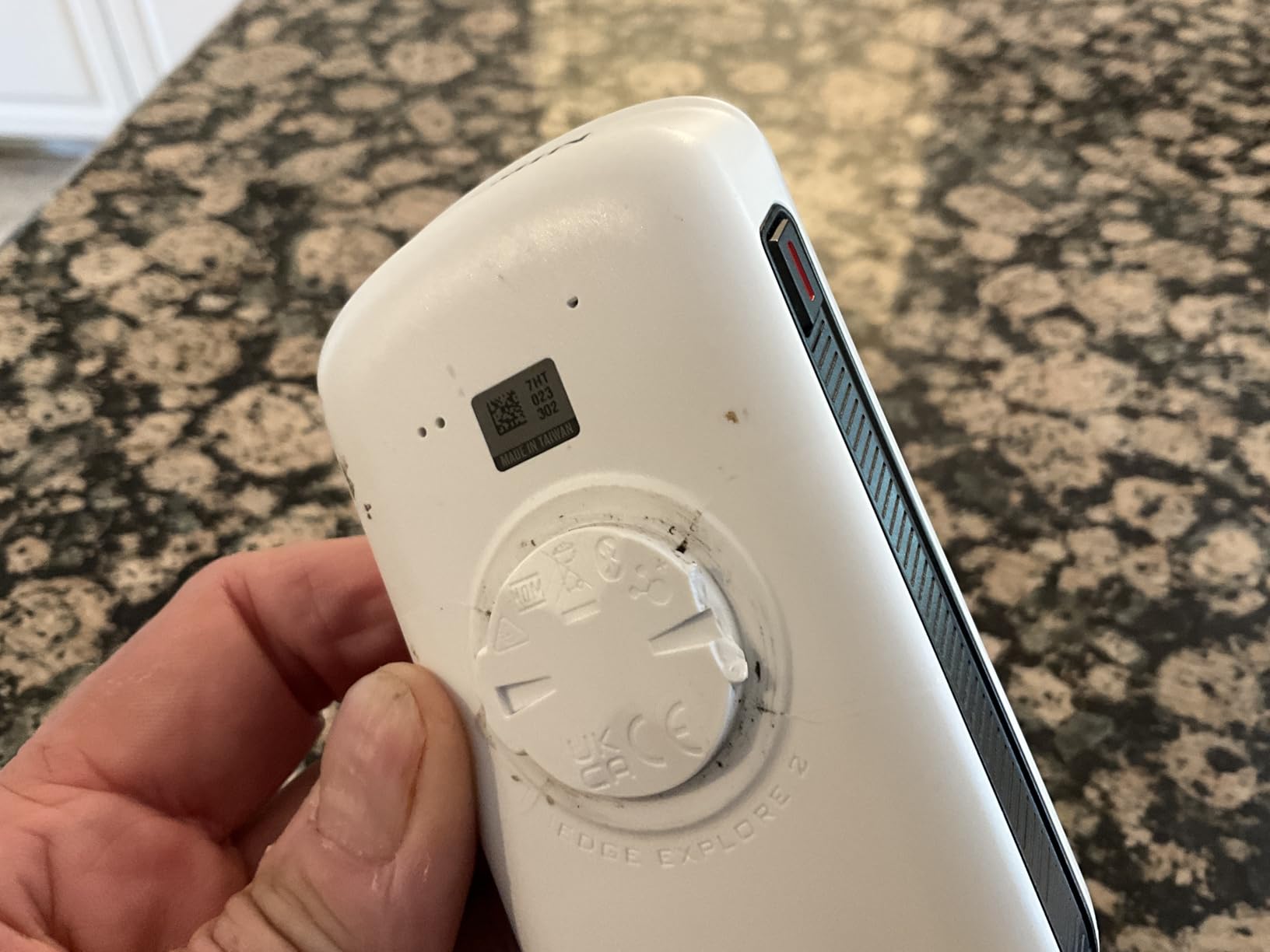
The Explore 2 exists to do one thing well: show you where to go. Its 3-inch glove- and rain-friendly touchscreen stays visible in direct sunlight, and preloaded road, off-road and indoor profiles mean you are riding within minutes of opening the box rather than configuring a device from scratch.
Ride-type-specific maps with high-traffic road overlays are the part that earns the money on the road, because they route you away from the fast, shoulder-less roads that most naive routing sends you down. The eBike routing and battery-aware guidance are a bonus for anyone running an assisted road bike.
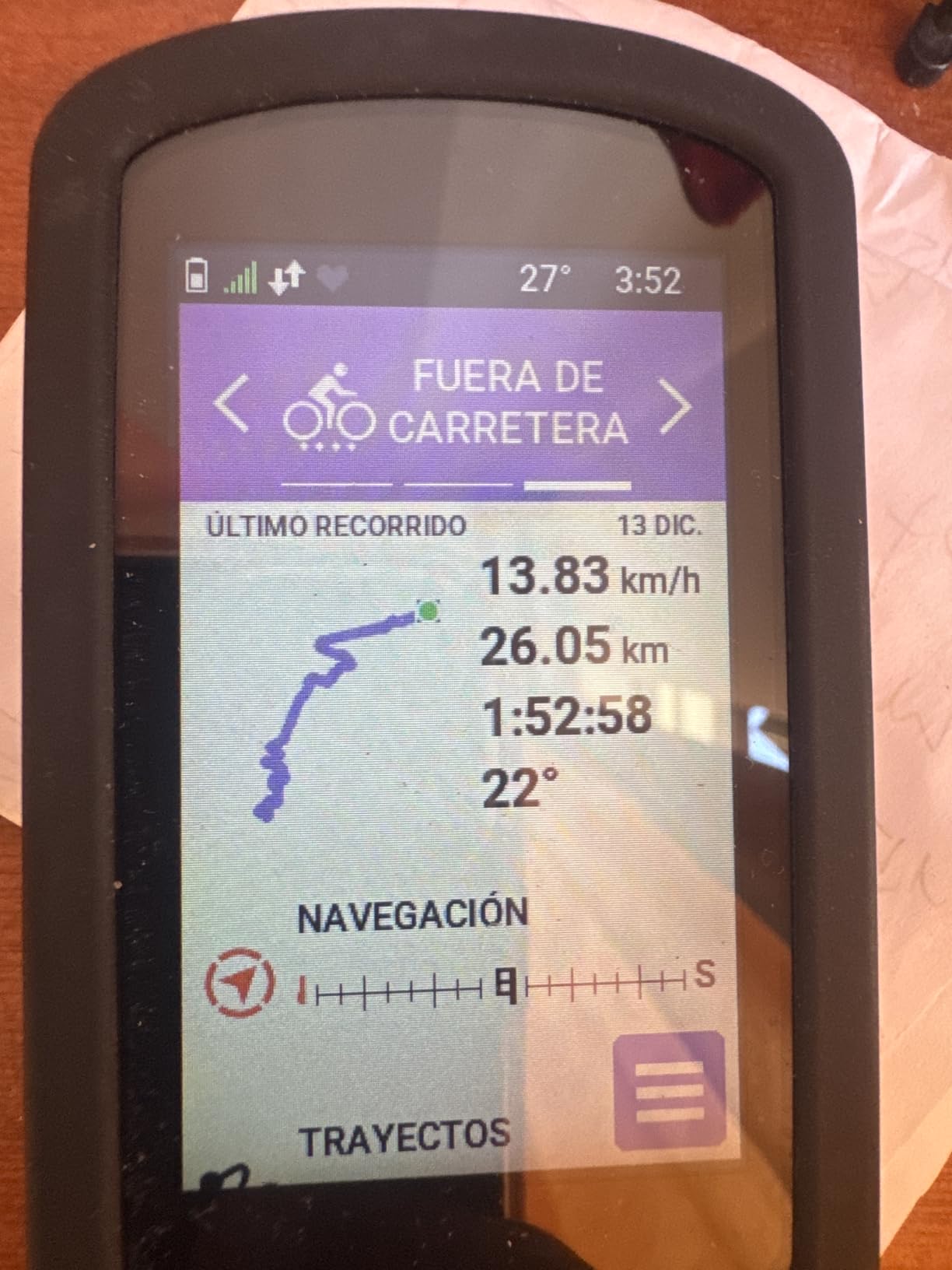
It is also the unit most often named as the best value name-brand bike computer in rider discussions, and that consensus holds up. LiveTrack, GroupTrack, smart notifications and incident detection all work, and pairing with Varia radar and smart lights happens quickly out of the box.
Battery life is rated at 16 hours, and some owners report close to 24 hours in saver mode. For a road rider doing a weekend of five to six hour spins, that is ample.
Best fit for riders who never open a training platform
If you want to arrive somewhere and see how far you got, this is the Garmin for you. Setup is quick, the interface asks very little of you, and the screen is large enough to read at a junction without stopping.
It is also a natural partner for a relaxed rider who already uses a good pair of cycling sunglasses, since the bright screen and bright lenses are the two things most likely to fight each other in summer sun.
Where the Explore 2 feels its age
The menus and the phone app feel dated next to newer rivals, and there is no onboard Wi-Fi, so map and firmware updates require a wired computer. That is an inconvenience in an age when most people manage devices from a sofa with a phone.
Reviewers also report routing that occasionally prefers high-speed roads without a shoulder, a limited set of three activity profiles that cannot be added to, and an altimeter that can stop updating when auto sleep engages. Know the limitation before a long ride rather than at the junction where it matters.
4. Wahoo ELEMNT ROAM V3 Review: Best Button Ergonomics and Spoken Directions
Wahoo ELEMNT ROAM V3 GPS Cycling/Bike Computer,Black
2.8 inch display with buttons
Spoken turn-by-turn guidance
Dual-band GPS
IPX7 rated
Pros
- Spoken directions instead of beeps
- Battery beats similarly priced rivals
- Zero glare in bright sunlight
- Buttons work on rough roads
- Auto illumination and bike bell
- QR-code setup is fast
Cons
- Hard to read in shade and darkness
- Screen setup only through the phone app
- Syncs can stall for long periods
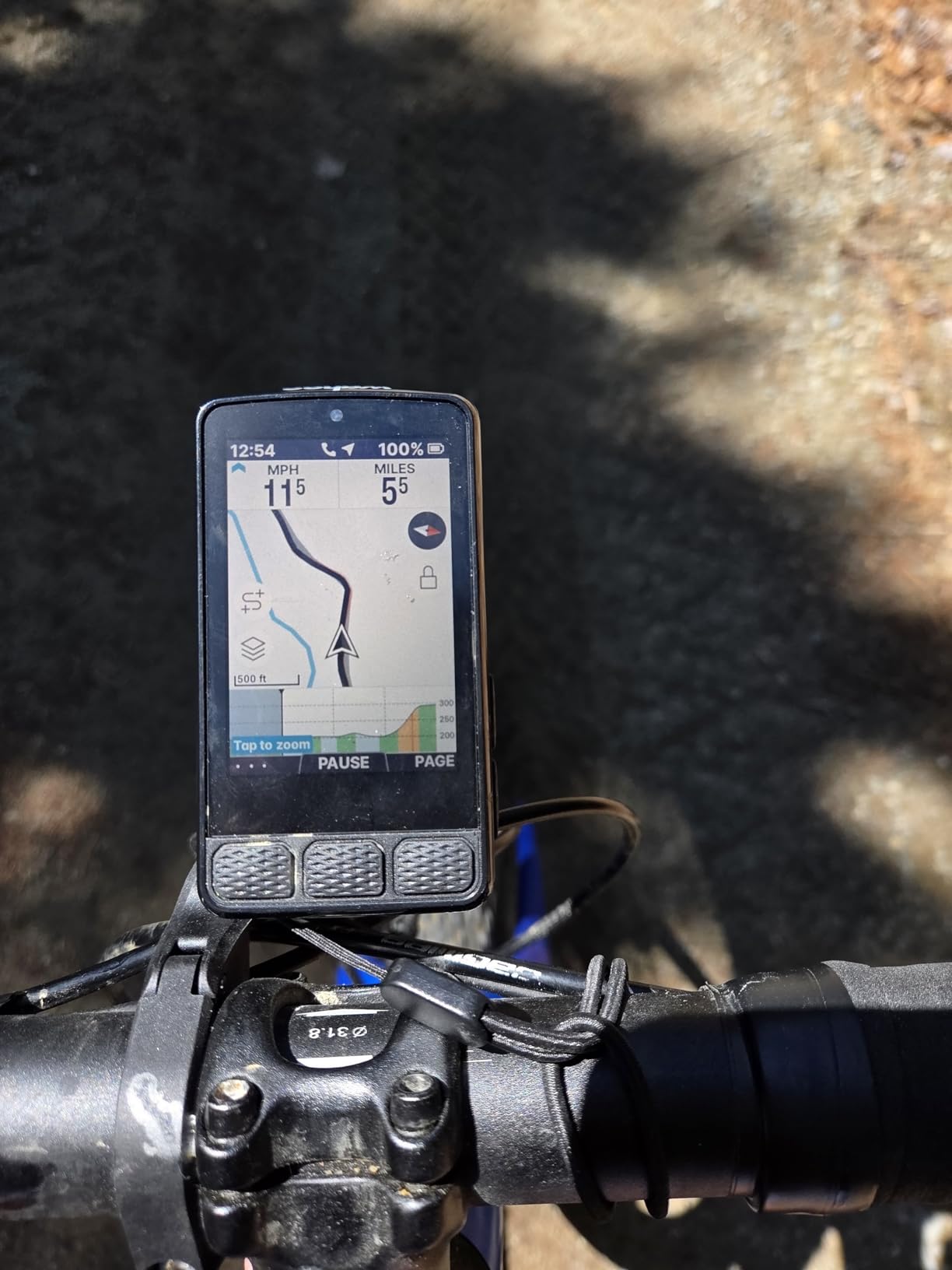
The ROAM V3 is the unit I suggest to anyone who has ever complained about a computer on a rough road. Physical buttons handle every key function, and the 2.8-inch panel pairs a touchscreen with those buttons, so you get modern map handling without giving up tactile control.
Spoken turn-by-turn directions are the real difference on the road. Instead of counting beeps and trying to work out whether the next turn is left or right, the device tells you. Riders on unfamiliar roads can keep their eyes up and their hands on the hoods, which is the whole point of a navigation device.
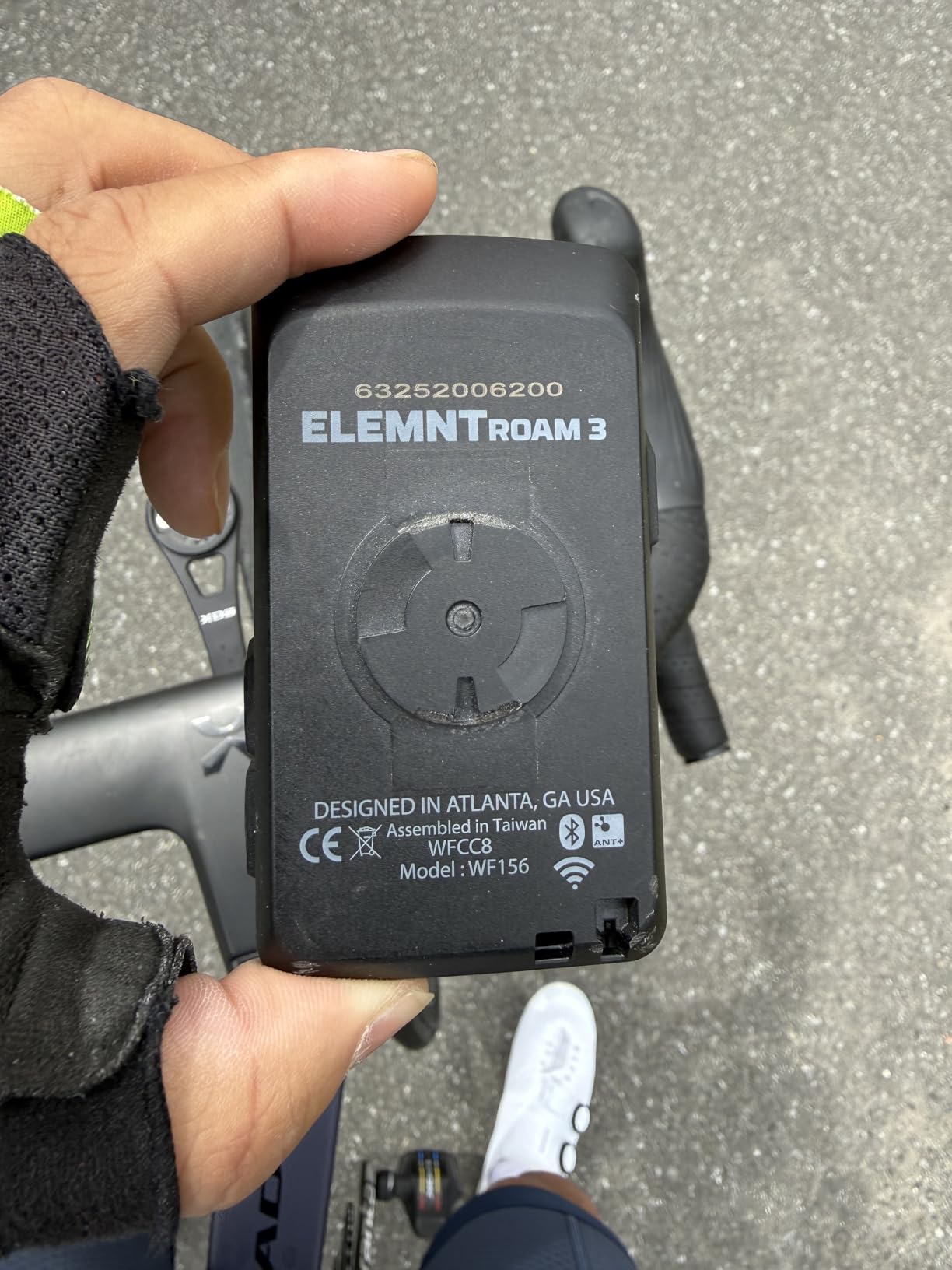
Dual-band GPS covers GPS, GLONASS, BEIDOU, Galileo, QZSS, SBAS and NavIC, so satellite acquisition is fast and stable. On-demand route generation from the map page or from saved locations removes the need to fumble with a phone at the roadside, and public route sharing lets you pick up a route from another Wahoo rider nearby.
Mounting is unusually well thought out: the out-front mount, stem mount and zip ties are all included, which saves a separate purchase and a second trip to the bike shop. Rated IPX7 for water resistance, with auto illumination and a built-in bike bell.
Why Wahoo converts Garmin owners on the road
Riders who switch from Garmin frequently point at rerouting speed rather than raw features. The map interface and rapid rerouting are quicker to read and quicker to act on, and that difference is most obvious when a road closure forces a detour mid-ride. One rider in a cycling forum discussion specifically named faster Wahoo rerouting as the reason they moved away from a Garmin.
Add the 25 hour rated battery, which reviewers consistently say beats similarly priced Garmin units, and it is easy to see the appeal.
Where the ROAM V3 falls short
The screen is the weak point in the opposite direction. It reads well in bright sunlight and avoids glare, but owners report it struggles in shade and low light, and auto illumination does not fully solve it. If you ride at dawn in autumn, test it in shade first.
Screen customisation happens only through the phone app rather than on the device, and Wahoo app syncs can stall for long periods. A steady group of reviewers also reports occasional crashes and false off-route alerts on very long rides, plus GoPro and music stack pages that sometimes fail to display.
5. Hammerhead Karoo Review: The Large-Screen Challenger
Hammerhead Karoo Bike Computer Wireless GPS…
3.2 inch color touchscreen
Multi-band GNSS
SRAM AXS integration
Handlebar mount included
Pros
- Large 3.2 inch touchscreen with smooth maps
- Fast map rendering and quick satellite lock
- Multi-band GNSS in urban and wooded terrain
- Deep SRAM AXS and e-bike integration
Cons
- Roughly 15 hours of battery life
- Heavier body than the smaller units here
- Thinner training ecosystem than Garmin or Wahoo
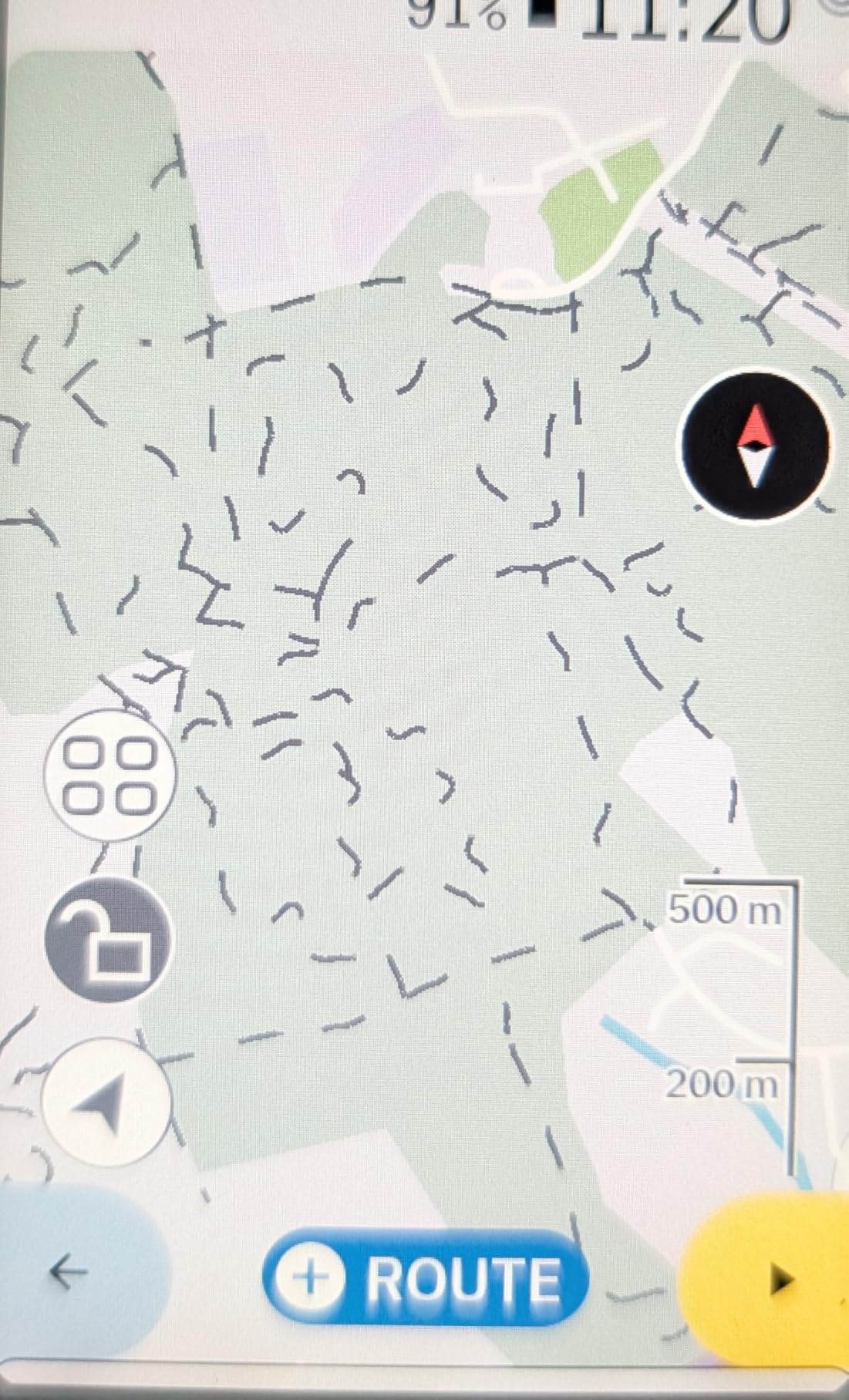
The Karoo is the third-brand option that road riders actually talk about, and the case for it is display and speed. The 3.2-inch touchscreen handles maps with a smoothness that reminds you of a phone, and Satellite acquisition and map rendering are noticeably quicker than on most of the field.
Multi-band GNSS keeps a lock through dense urban and forest terrain, which is reassuring on roads bordered by tall buildings or tree cover. Generous internal memory means you are not fighting for map storage space, and a handlebar mount is included in the box.
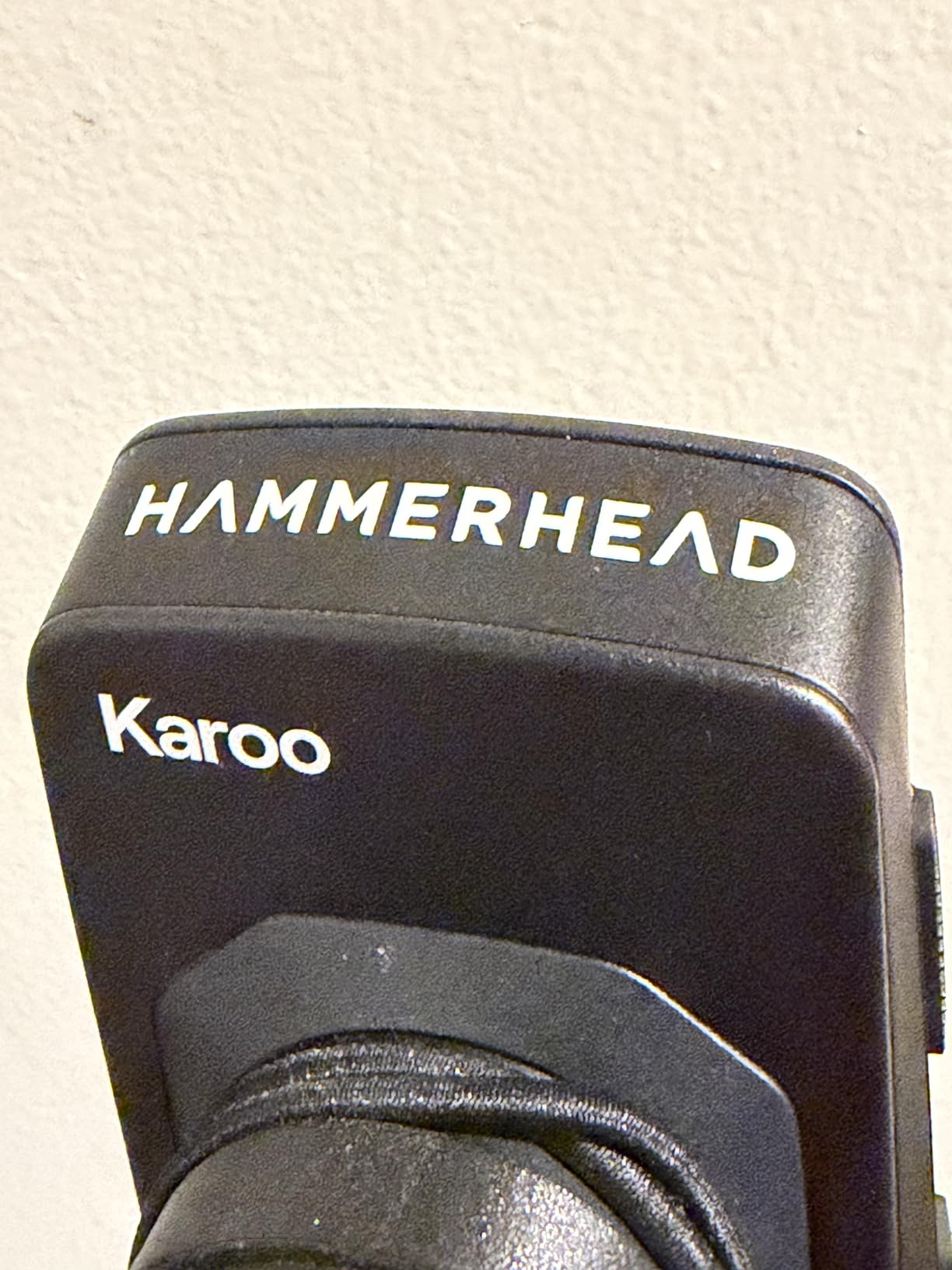
Where it earns its place specifically on the road is integration with SRAM AXS components and e-bikes, alongside ANT+ and BLE wireless connectivity for sensors and lights. If your bike is built around AXS, this computer speaks its language more directly than a Garmin or Wahoo does.
That is also the limitation. Buyers not running SRAM gear describe the outlay as hard to justify, and the training ecosystem is thinner, with fewer apps and fewer community features than the Garmin platform offers.
Who should spend their money on the Karoo
Riders who want one of the largest, fastest map interfaces available and run SRAM AXS or an e-bike are the obvious audience. The screen is large enough to read route previews at a junction without stopping, and the touch response means scrolling through data pages feels natural rather than laggy.
It is also a good choice for riders who value a straightforward, modern interface over a deep metrics library. You get the data, the map and the sensors, without a large learning curve.
Where the Karoo falls short for road riding
Battery life is the headline weakness, rated at around 15 hours, which is short for ultra-distance riding. If your idea of a Sunday is a hundred-mile road ride with a café stop, carry a USB cable or pick a different unit.
At roughly 0.41 kg (about 0.9 lb) it is also among the heaviest computers on this list, and that weight sits on your handlebars for every ride. Add a smaller review base and fewer ecosystem integrations, and the case for the Karoo is specific rather than general.
6. Magene C506 Review: Best Value With a Real Touchscreen
Magene C506 GPS Bike Computer – 2.4″ Color Touchscreen…
2.4 inch color touchscreen
24 h endurance mode
Wi-Fi and Bluetooth sync
76 g with mount
Pros
- Full colour navigation well below premium-tier cost
- Bold fonts readable in bright sunlight
- Automatic Wi-Fi upload to Strava and TrainingPeaks
- Five-second GNSS lock
- Light at 76 g
Cons
- Map downloads are an awkward multi-step process
- App is less polished than Garmin or Wahoo
- No Strava Live Segments
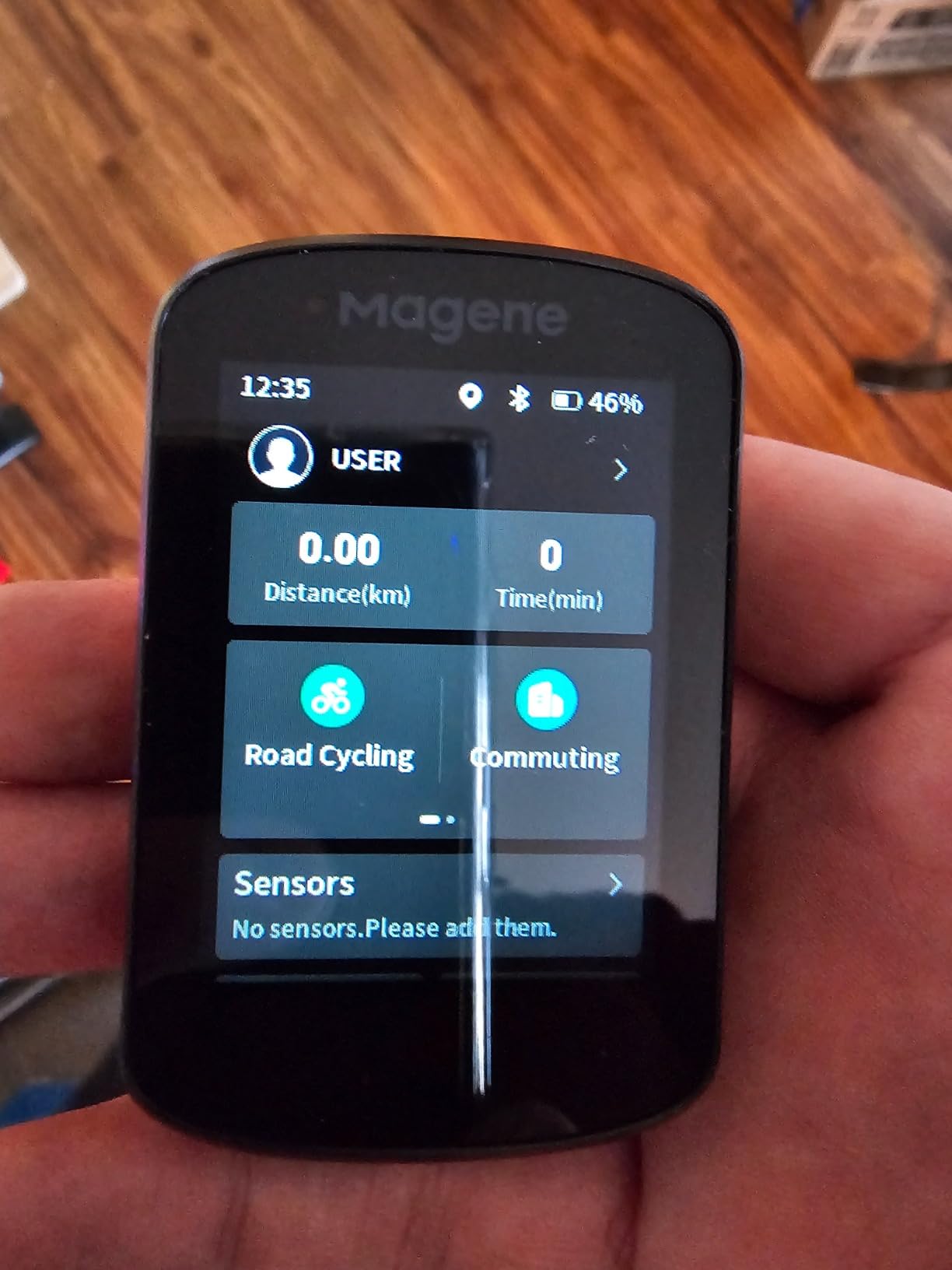
The C506 is the unit I recommend most often to riders moving up from a phone or a basic cyclometer. It gives you a colour capacitive touchscreen with real turn-by-turn navigation and downloadable global maps, at a cost far below the Garmin and Wahoo units here.
The Airoha chipset with AGNSS acquires a fix in about five seconds, so a cold start in a driveway does not eat into your ride. Auto start and stop of navigation also records the ride without prompting, which is a small courtesy you will appreciate on every early start.
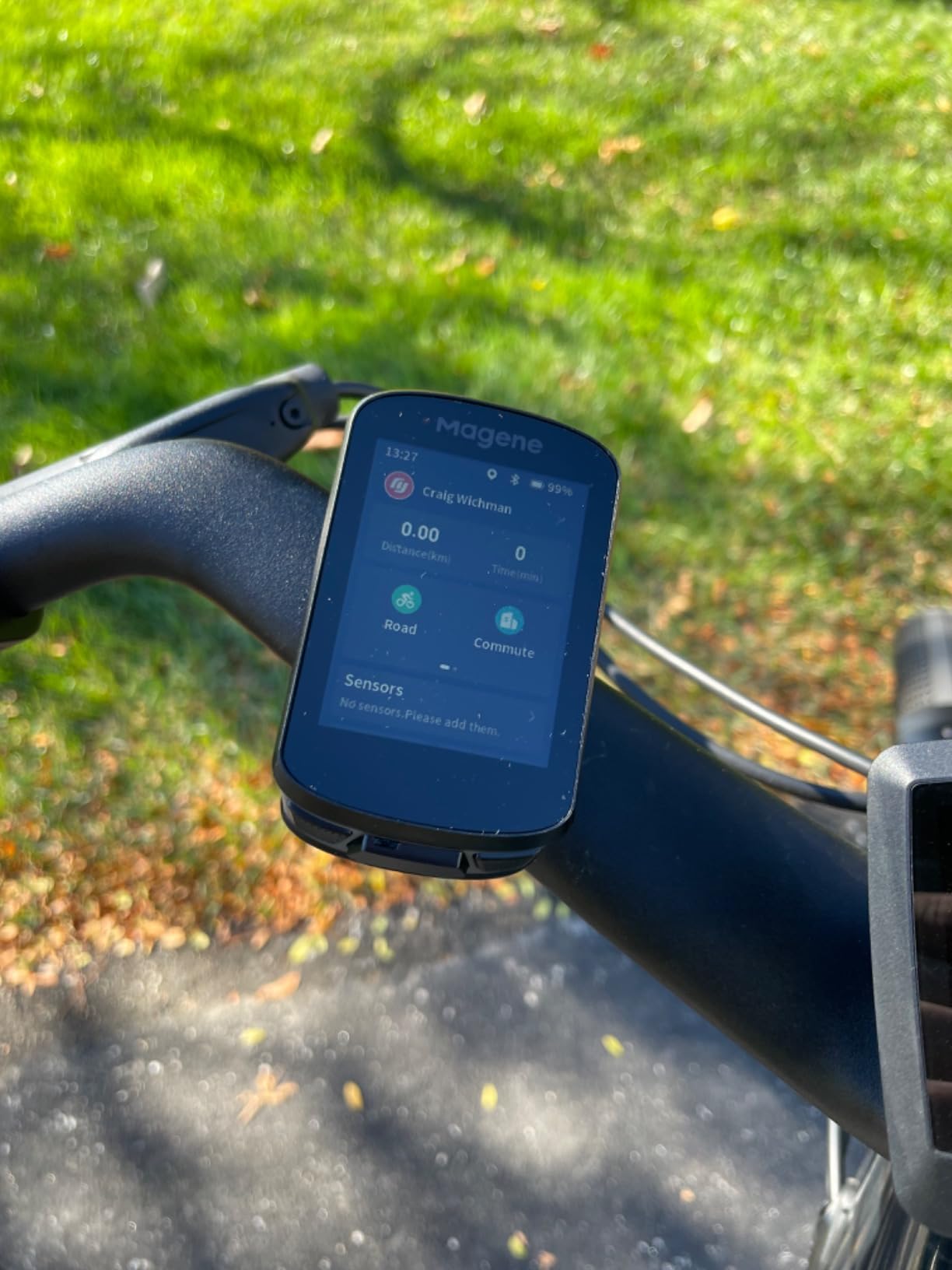
Wi-Fi sync is the sleeper feature. Uploads to Strava, TrainingPeaks and health apps are dramatically faster than Bluetooth, and downloads of maps and firmware happen the same way. For a rider who checks their training data within minutes of getting home, that difference is the whole ballgame.
Sensor support is broad: ANT+ and Bluetooth pairing for heart rate monitors, power meters, cadence, radar, lights, SRAM eTap and Shimano Di2. Indoor FIT file transfer to a smart trainer with power, resistance and gradient targets makes it usable in a training block as well as on the road, with 105 data items across 14 categories available in the OnelapFit app.
Why the C506 is the value answer for road riders
Bold fonts stay readable in bright sunlight, and the riding assistant feature controls Magene L508 and L308 tail lights and can auto-switch the front light at 10 km/h. That kind of integration is normally reserved for far more expensive models, and it is genuinely useful on early morning and evening rides.
At 76 g with the mount, the C506 is among the lightest units here. If you are moving up from a phone in your handlebar pouch, the difference in how a ride feels is mostly about the phone no longer being there.
Where the C506 falls short
The map download process is an awkward multi-step operation through the app, and the OnelapFit app itself is less polished than the Garmin or Wahoo ecosystems, with patchy translations. Some routes show unnamed streets and limited detail.
It also does not support Strava Live Segments or starred segments, which removes a feature many road riders specifically use. The touchscreen occasionally needs more than one press to register, so gloves will test your patience more than a button-based unit would.
7. iGPSPORT BSC200S Review: Lightweight Navigation on a Budget
iGPSPORT BSC200S GPS Bike Computer, Route Navigation Long…
2.4 inch semi-reflective screen
25 h battery
IPX7 rating
67 g body
Pros
- Very light at 67 g
- 25 hour battery with a 1.5 hour USB-C charge
- Button control works with full gloves
- Route import from Strava and Ride with GPS
- 400 hours of onboard storage
Cons
- No touchscreen
- Basic turn-by-turn guidance and simple maps
- USB-C cable not included
- App ecosystem less developed
The BSC200S is the navigator to consider if your budget is tight and your riding is long. At 67 g it is one of the lightest computers here, and the semi-transparent semi-reflective colour screen is genuinely readable in sunlight rather than merely acceptable.
Route creation happens in the iGPSPORT app, or you import from Strava, Ride with GPS and Komoot, which covers every mainstream planning workflow. One-touch navigation, back-to-start guidance and navigation to a recorded ride cover the everyday cases, with turn, yaw and yaw-direction reminders plus call, SMS and app notifications.
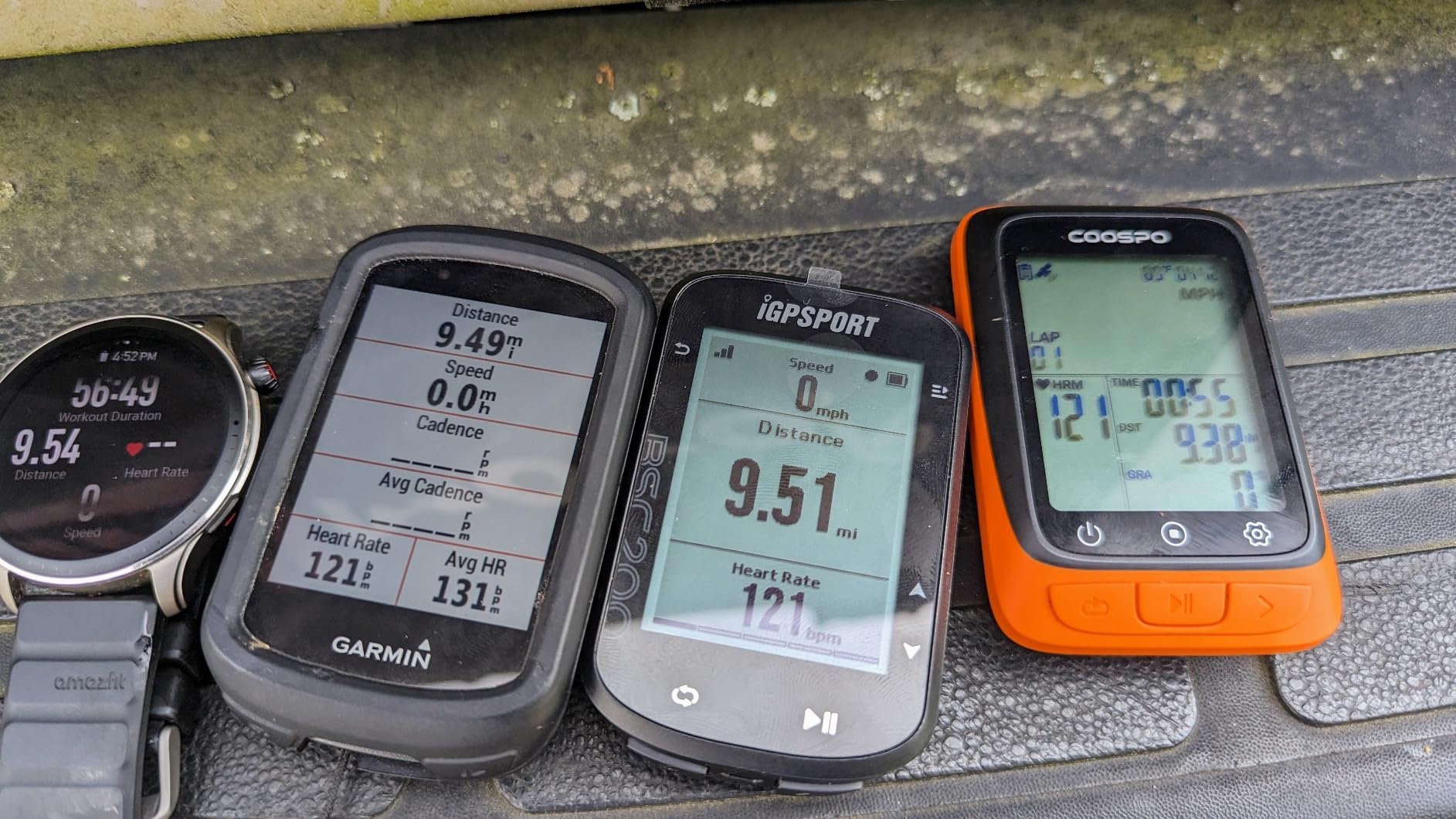
The 600 mAh battery gives up to 25 hours, and a full charge over USB-C takes about 1.5 hours. That combination means you can ride a full day and top it up over lunch without planning around a power outlet. IPX7 waterproofing handles a proper British summer, and a Continue Last Ride function preserves your data across an interrupted session.
Storage is generous, holding up to 400 hours of recorded rides, and the device pairs with an iGPSPORT front light and radar light for vehicle awareness on the road.
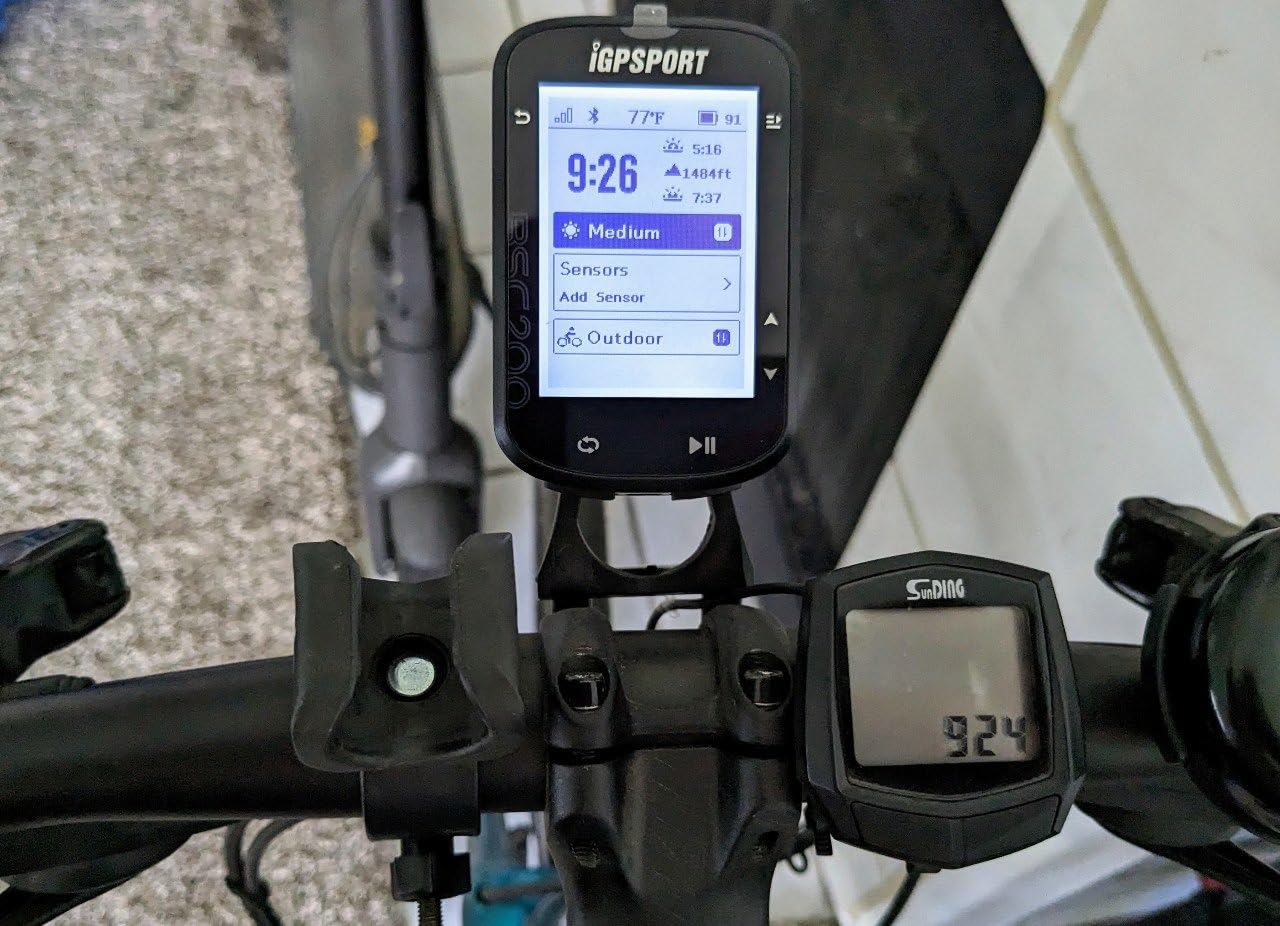
What road riders get for very little money
Button-only control is a real advantage in the rain. You are not trying to hit a small target on a wet capacitive screen with a gloved finger, you are pressing a physical key, and the whole navigation flow works that way from start to finish.
ANT+ and Bluetooth sensor support means your power meter and heart rate strap still record, so a budget computer does not have to mean a training blind spot.
Where the BSC200S falls short
There is no touchscreen, so all navigation happens through buttons, and turn-by-turn guidance is basic compared with map rendering on the Garmin, Wahoo and Magene units. Expect to know your route shape rather than explore it.
The Type-C charging cable is not included, so plan on sourcing one, and the app ecosystem is less developed than those of Garmin, Wahoo or Magene. It is a dependable navigator, not a training platform.
8. iGPSPORT BiNavi Review: Big Screen With Serious Battery Headroom
iGPSPORT BiNavi GPS Bike Computer, 3.5” Touch Screen MAP…
3.5 inch color touchscreen
Up to 35 h battery
Dual-band GPS
32 GB storage
Pros
- Large 3.5 inch touchscreen with vibrant graphics
- Excellent battery
- roughly half remaining after 20 h
- Reliable pause and resume across power cycles
- Works with third-party sensors
- Music control and climb planning
Cons
- Rerouting is slow and can freeze the interface
- Route loading can be slow and buggy
- Screen reported to be fragile
The BiNavi answers the battery question head-on. Rated at up to 35 hours, it is one of the longest-running touchscreen navigation computers in this roundup, and owners report roughly half the charge still remaining after 20 hours of continuous navigation. For a rider doing long road days or a multi-day touring trip, that changes the character of the purchase.
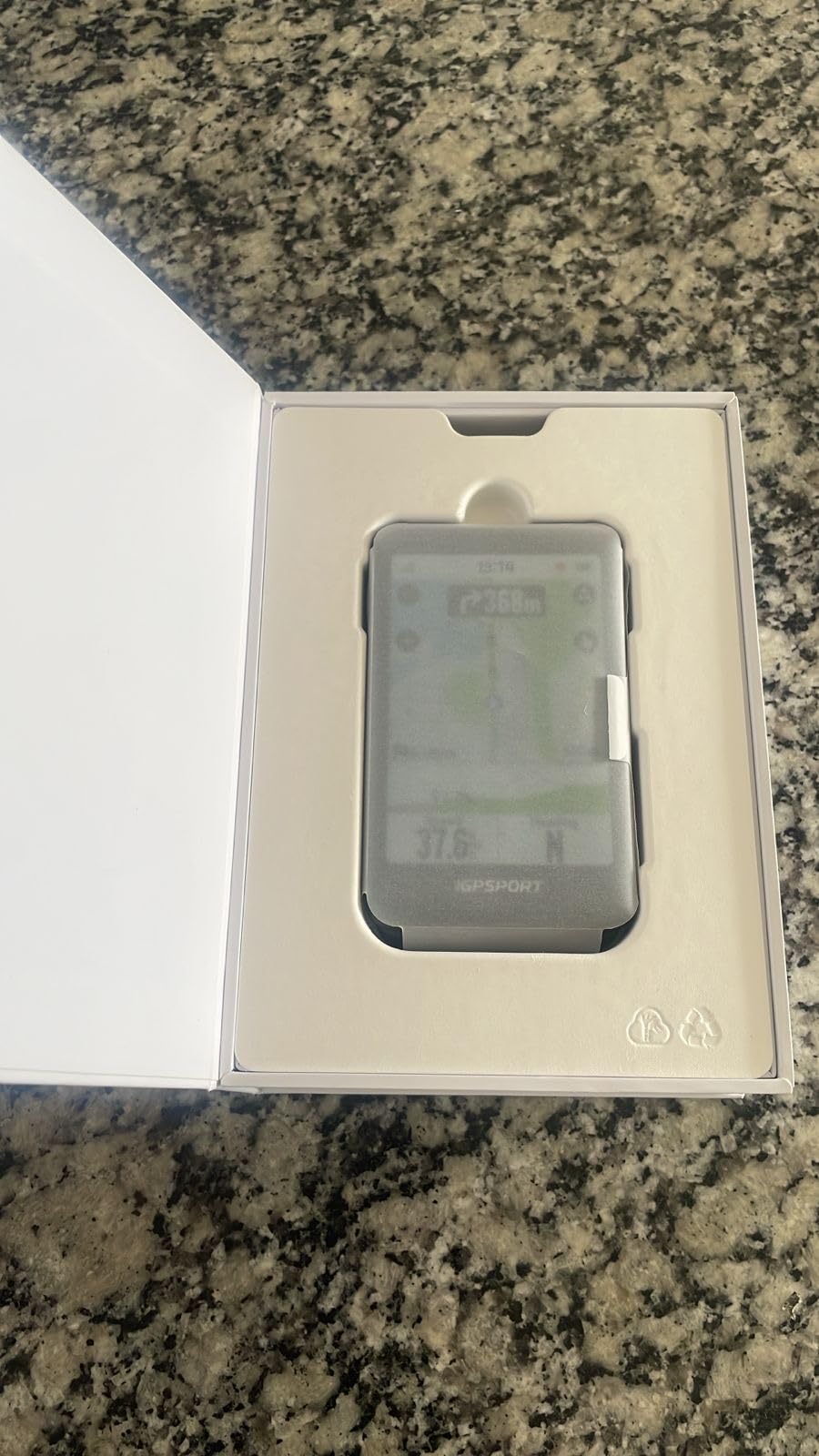
The 3.5-inch capacitive colour touchscreen sits at the top of the size range here, and the graphics are bright and legible. Dual-band GPS runs across L1 and L5 bands covering GPS, BeiDou, GLONASS, Galileo and QZSS, which covers five separate satellite systems on two bands.
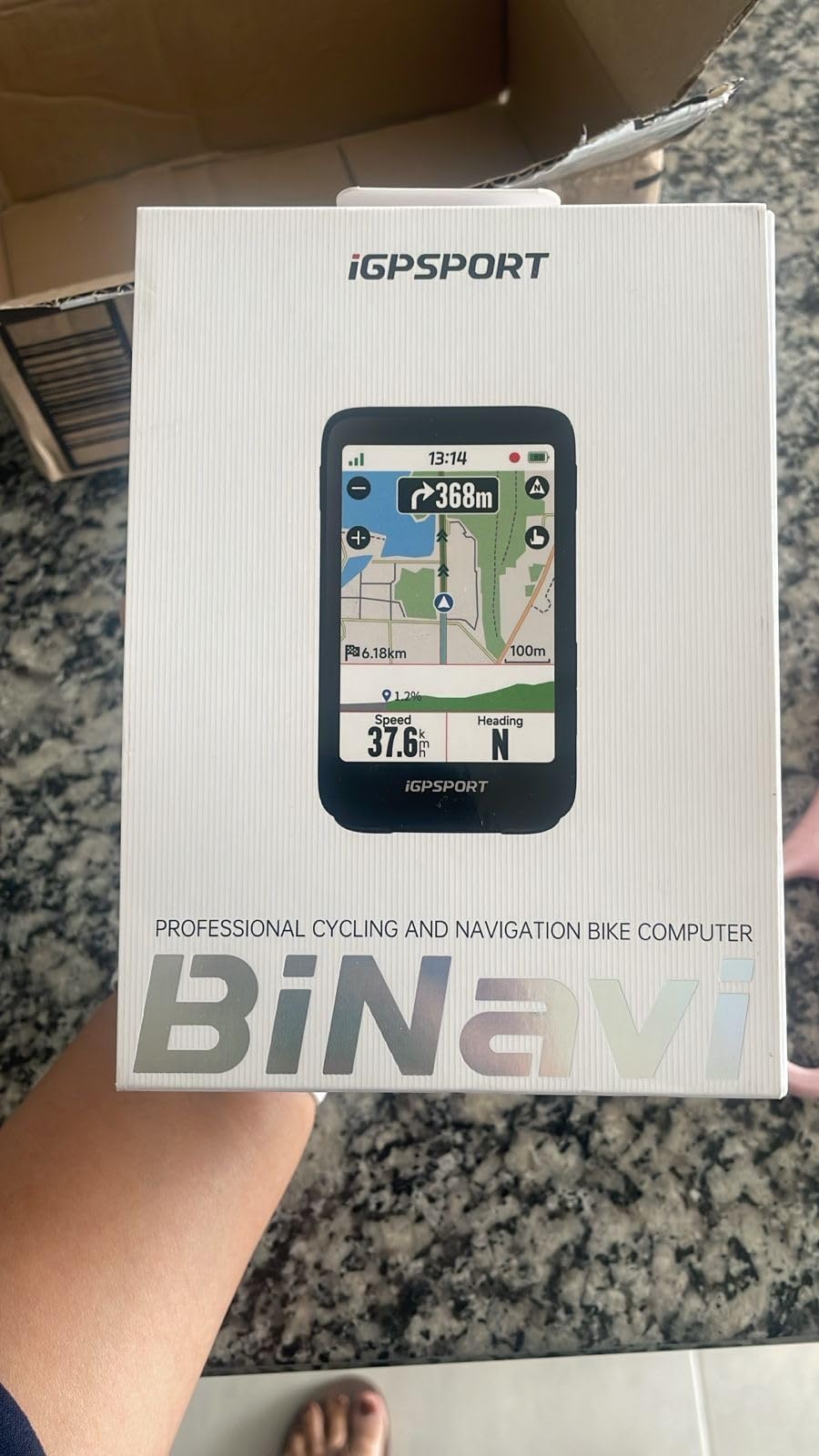
Smart map navigation builds routes in the iGPSPORT app or imports them from Strava and Komoot, and yaw planning recalculates when you drift off course. iClimb Pro handles hill-climb planning with a route preview and effort distribution, music control works once a phone is paired, and training effect analysis gives a basic read on load and recovery with 32 GB of storage for maps and rides.
Several owners use the unit for multi-day adventures, and the reliable pause and resume across power cycles is the feature that makes that possible. It also works with third-party sensors, including Garmin heart rate data.
Why long-distance riders gravitate to the BiNavi
Battery is the whole pitch, and it is a genuine differentiator rather than a marketing line. A single charge covering a long day removes the small anxiety of watching a percentage counter in the last hour of a five-hour ride, and a USB-C top-up during a café stop takes minutes.
The climb planning and music control are the secondary wins, particularly for riders who ride alone and want the ride to do something for them.
Where the BiNavi falls short
Rerouting is the weak point, and the same reviewers who praise the battery criticise it. It is slow, sometimes freezes the interface for minutes, and has no knowledge of local road closures, so it can send you back onto an invalid route at exactly the moment you needed a good answer.
Route loading can be buggy and slow when starting navigation, and some owners report concerns about screen fragility. Buy a stem mount or out-front mount and treat the display with more care than you would a plastic-cased unit.
9. CYCPLUS G1 Review: The Proven Budget Computer
CYCPLUS Wireless GPS Bike Computer G1, 70g, 2.0″ Screen…
2.0 inch LED display
1200 mAh battery
55 plus hours runtime
IPX6 rated
Pros
- Entry-level cost with genuinely useful metrics
- Very long battery life
- Glare-free auto backlight day and night
- Simple two-button operation
- Fast GPS acquisition
- Two-year warranty
Cons
- No sensor connectivity or app sync
- GPS accuracy drops under tree cover
- Manual power-on before each ride
- Chunky housing with a small screen
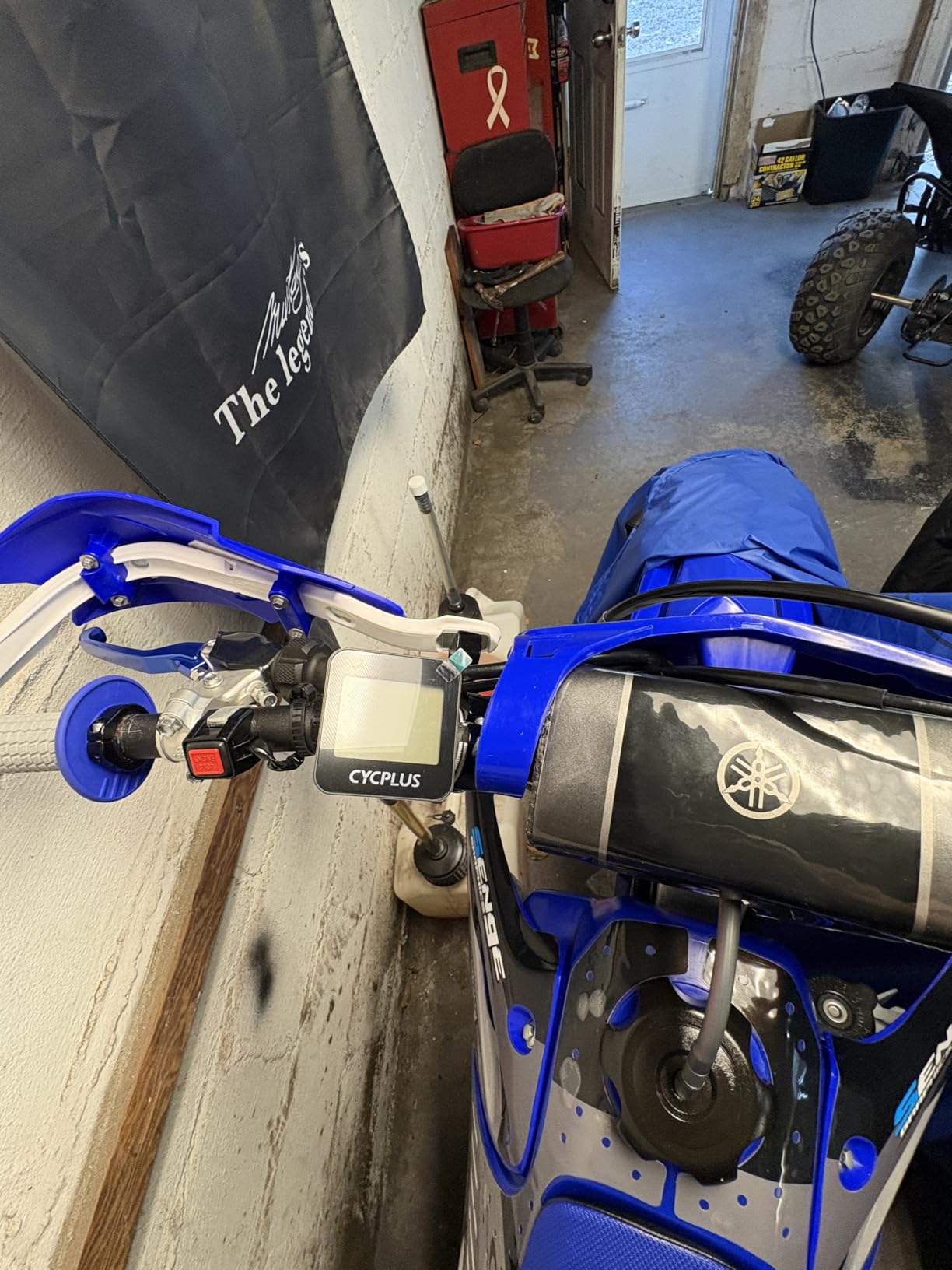
With the most reviews on file, at more than 4k, the CYCPLUS G1 has the widest owner feedback base in this roundup, and the volume of long-term owner feedback matters in a category where cheap devices often disappear quietly. It tracks ride time, distance, mileage, clock and altitude, and that is genuinely all it does.
The 1200 mAh battery delivers a claimed 55 hours or more of working time, which for most riders means weeks of commuting between charges. The FSTN auto-backlight screen is glare-free in daylight and lit at night, and the tempered glass face takes the knocks that come with handlebar life.
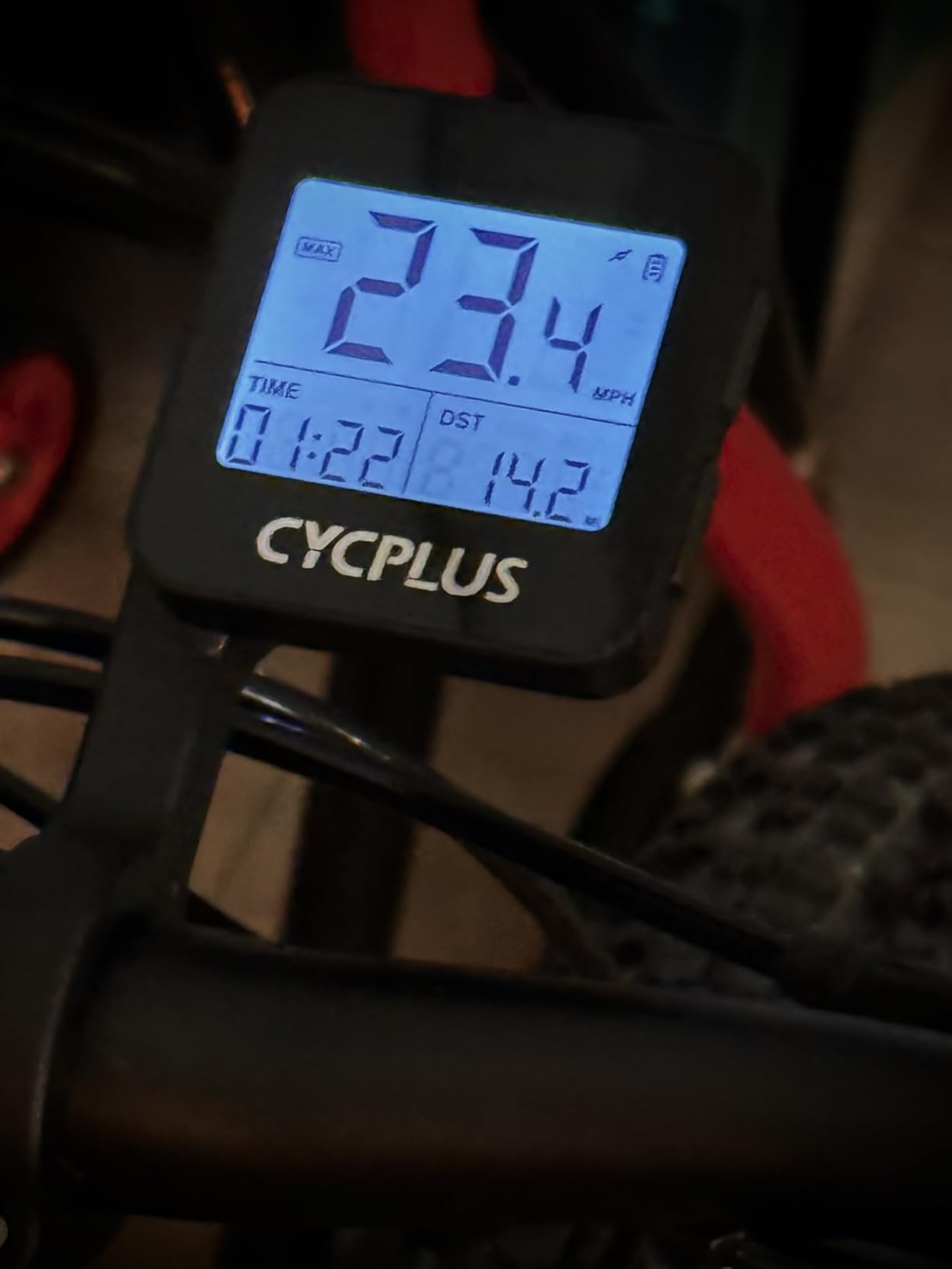
Installation is wireless and cable-free, IPX6 waterproofing handles rain, and auto sleep after ten minutes of inactivity keeps your last ride data intact. Auto start and stop means you do not have to remember to fiddle with a button at every junction, although you do have to remember to power it on before you set off.
It is also the simplest device here in terms of charging infrastructure, with nothing to pair and nothing to configure. Two-year warranty, which is unusual at this end of the market.
What the G1 is genuinely good at
Casual road riding, commuting and club rides where the only questions are how far, how fast and for how long. The auto backlight, the two-button layout and the fast GPS acquisition make it a device you set up once and then stop thinking about.
For a rider who rides two or three times a week and never navigates, this covers the whole requirement at a fraction of what the other nine cost.
Where the G1 falls short
There is no sensor connectivity, no app and no sync to Strava, so none of your ride data leaves the device unless you sit down and type numbers into a spreadsheet. GPS accuracy also drops badly under dense tree cover and in tunnels, and the speed readout lags on rapid acceleration and deceleration.
The chunky housing and very small screen are dated, and time zone and clock setup is fiddly with a poorly written manual. Because it must be switched on manually before each ride, miles can be missed when you forget, so give it a full season on the bars before you commit to a more capable unit.
10. CATEYE Velo Wireless Review: The Reference Basic Cyclometer
CATEYE Velo Wireless Bike Computer (Black)
Wireless wheel sensor
1.1 oz body
Two-year warranty
IP65 rated
Pros
- Very accurate wheel-revolution speed and distance
- Extremely light at about 1.1 ounces
- Simple no-fuss operation
- Long durability record
- No fork cables to run
Cons
- No backlight for night riding
- No Bluetooth or ANT+
- Flimsy zip-tie handlebar mount
- No navigation or app connectivity
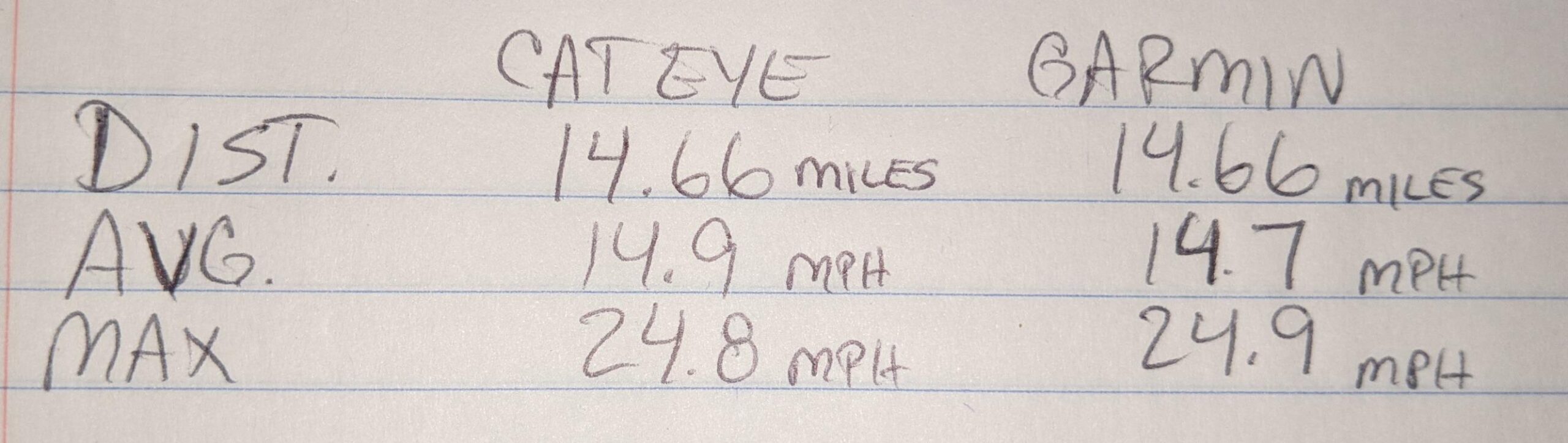
The Velo Wireless is not a computer in the modern sense, and that is precisely why it is here. It measures speed and distance from a wheel-revolution sensor with a consistency that owners across more than 2k reviews describe as accurate, and it weighs about 1.1 ounces, so you will forget it is on the bike.
The display gives current, maximum and average speed, total and trip distance, elapsed time, calories, a pace arrow and the clock. The odometer is manually settable, so your mileage carries over when the battery is replaced, which is the kind of small design decision that only appears after a few seasons of use.
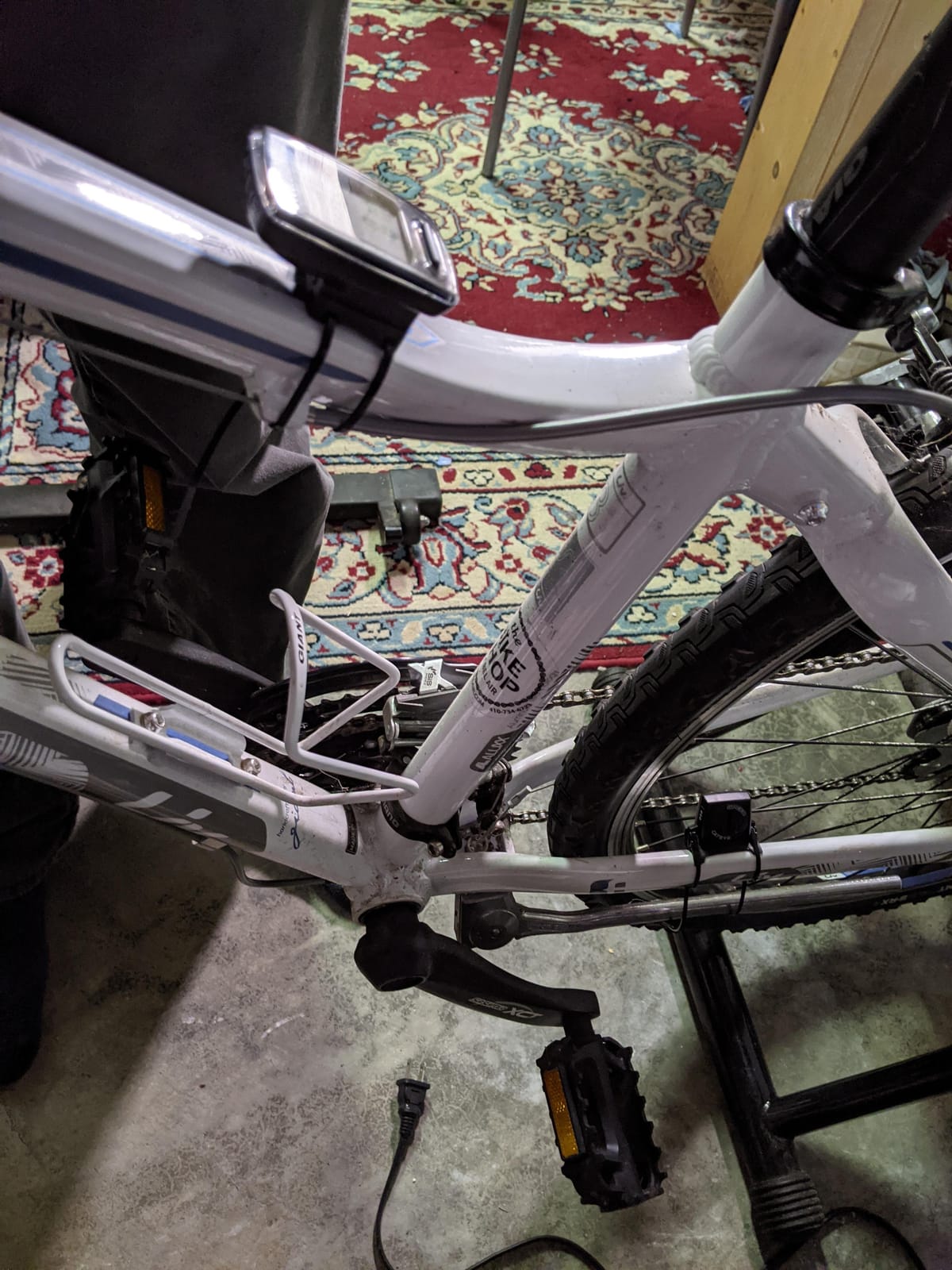
Automatic start and stop pauses timing and speed averaging whenever you stop, which removes the most common complaint about cheap computers. The wheel sensor is wireless, so there are no fork cables to run, and the circumference is finely tunable for accurate readings on any wheel size.
IP65 water resistance and a two-year warranty complete a package that has clearly been built to be forgotten about rather than admired.
Why some road riders still choose this over everything
There is a real argument for a device that never charges more than once a month, never connects to anything, never crashes during a sync and never asks you to dismiss an update prompt. On a group ride where a phone can run flat from navigating and tracking, the Velo Wireless keeps counting.
It is also the safest choice as a backup computer. Riders often run it alongside a more capable unit so that a failed head unit does not end a long ride.
Where the Velo Wireless falls short
There is no backlight, which makes it genuinely hard to read at night or in an unlit tunnel. There is no Bluetooth or ANT+, so it works only with the supplied speed sensor and communicates with nothing else, and there is no navigation, mapping or app connectivity of any kind.
The zip-tie handlebar mount is flimsy and can rotate on the bar, fine-tuning the wheel circumference means removing the unit from the bike, and setup relies on a single main button plus fiddly side buttons. All of that is fair trade at this end of the market, as long as you know what you are buying.
Road Cycling Buying Guide: What Actually Matters on the Road
Do you actually need a dedicated computer?
For short, familiar commutes, your phone is genuinely enough, and a rider with no navigation needs and no interest in data can save money by not buying anything. Once you start riding unfamiliar routes, riding five hours at a time or training with sensors, a bar-mounted unit earns its place for three reasons: your phone battery is preserved for emergencies, the mount keeps the screen visible at a glance, and the device works with full gloves and in the rain.
Navigation or tracking: the first fork in the road
These are different jobs. Tracking means recording speed, distance, time, heart rate and power, which is what the CATEYE Velo Wireless and the CYCPLUS G1 do. Navigation means telling you where to go, which needs mapping, routing and a satellite fix good enough to stay on course. Riders who only need the first should not pay for the second, and the CYCPLUS G1 exists precisely to serve that buyer.
When you do want both, look for turn-by-turn routing with downloadable maps rather than a breadcrumb trail alone. A breadcrumb trail simply replays the line you recorded, which works well off-road and poorly on a road network full of one-way restrictions and closures.
Garmin versus Wahoo: answering by axis, not by winner
There is no universal winner here, and anyone who tells you otherwise is selling something. Garmin holds the deeper training ecosystem and broader sensor support, including radar, lights, electronic groupsets and contactless payment. Wahoo wins on button ergonomics, map interface clarity and rerouting speed, and riders switching from Garmin frequently name that last point as the deciding factor.
The practical question is not which brand is better but what you already own. If your watch, power meter and trainer are all Garmin, the ecosystem friction you will hit elsewhere becomes a real cost. The same is true in reverse for a Wahoo Snap trainer and a phone full of Wahoo apps.
Pairing with your existing watch and trainer
This is the question that causes the most expensive mistakes, because it is rarely asked before purchase. A Garmin head unit pairs with third-party power meters and heart rate monitors over ANT+ and Bluetooth, but a Garmin watch and a non-Garmin trainer do not always behave. The Magene C506 lists ANT+ and Bluetooth pairing across heart rate monitors, power meters, cadence, radar, lights, SRAM eTap and Shimano Di2, plus indoor FIT file transfer to smart trainers with power, resistance and gradient targets, which is the most broadly compatible unit here for a mixed-brand garage.
The Hammerhead Karoo is the reverse case: it goes deepest with SRAM AXS and e-bikes. Before you buy, spend five minutes confirming that the head unit you are considering, your watch, your power meter and your trainer all appear in the same compatibility list.
Touchscreen or buttons: the question that splits every ride group
This is a live, unresolved debate among road riders, and there is no correct answer, only trade-offs. Touchscreens give you map browsing, larger data fields and glove-friendly capacitive operation on modern units like the Garmin Edge 1050, Hammerhead Karoo and Magene C506. Buttons never misfire, work through wet gloves without looking, and let you control the device without taking your eyes off the road, which is why the Wahoo ELEMNT ROAM V3, the Garmin Edge 540 and the iGPSPORT BSC200S feel confident on rough tarmac.
On wet, cold winter rides we would choose buttons. On a sunny summer spin where you are exploring new roads, we would choose a touchscreen. Budget for the fact that a good pair of cycling gloves changes how a capacitive screen responds more than any spec sheet does.
Screen size: bigger is not always better on a road bike
Screen sizes on this list run from 2.0 inches to 3.5 inches. Larger screens are easier to read at junctions, which matters for navigation, but they also add weight and visual bulk to the front end. For a time trial or aero position, an out-front mount with a large screen is intrusive in the air, so a smaller button-driven unit may suit a rider who spends Sunday mornings in a low position.
Anything below roughly 2.5 inches becomes hard to read in direct sun without pausing, and the CYCPLUS G1’s 2-inch LED panel is the clearest example of that limit.
Battery life for long road rides
For road use, a full day of riding is roughly seven to nine hours, and anything above 20 hours in demanding mode removes the anxiety entirely. Claimed figures are mode-specific: the Garmin Edge 1050 is rated at 20 hours demanding and 60 hours in saver mode, the Edge 540 at 26 and 42 hours, the iGPSPORT BiNavi at up to 35 hours and the CYCPLUS G1 at more than 55 hours. Owners routinely see less than the claim when navigation is running, so treat the demanding figure as the realistic one.
Riders doing gran fondos, long-distance touring or multi-day trips should prioritise battery. Riders doing a weekly two-hour spin can ignore this entirely.
Mounting: the detail that ruins rides
Most modern units use a quarter-turn twist-lock interface, and the Wahoo ELEMNT ROAM V3 is unusual in including an out-front mount, a stem mount and zip ties in the box. Out-front positioning puts the screen in your eyeline and is the standard for road navigation. A stem mount keeps the front end clean and suits time trial positions and riders who dislike clutter, and a zip-tie mount is the fallback you should check the durability of, since a rotating mount at 45 km/h is genuinely unpleasant.
Whatever you fit, check the compatibility with your bar tape diameter, and if you switch between bikes, buy a second mount rather than re-tapeing a bracket every week. Getting the setup right matters as much as the computer itself, and it costs almost nothing compared with the unit.
Frequently Asked Questions
Which bike computer is better, Wahoo or Garmin?
Neither is better for everyone. Garmin wins on training depth, sensor breadth and ecosystem completeness, including radar, smart lights, electronic groupsets and in-device training metrics. Wahoo wins on button ergonomics, map interface clarity and rerouting speed, which is the reason some riders switch. If you already own a Garmin watch or a Wahoo trainer, match the computer to that ecosystem and you will avoid friction at every setup and sync.
What are the top 5 cycling computers?
Our five headline picks are: the Garmin Edge 1050 as the most complete all-round road computer, the Magene C506 as the best value with a colour touchscreen and turn-by-turn navigation, the CYCPLUS G1 as the budget pick for basic distance and time tracking, the Garmin Edge 540 as the best training-focused unit with multi-band GNSS and buttons, and the Wahoo ELEMNT ROAM V3 as the best choice for button control and spoken navigation.
Are Wahoo bike computers good?
Yes. Wahoo makes mature, well-regarded bike computers, and buyers choosing them usually cite navigation quality, physical buttons and value for money. The Wahoo ELEMNT ROAM V3 in particular offers spoken turn-by-turn directions, dual-band GPS and a 25 hour rated battery. The main reservation is software rather than hardware: screen customisation happens only in the phone app, and some owners report slow syncs and occasional crashes on very long rides.
Which Garmin bike computer is the best value?
The Garmin Edge Explore 2 is the most commonly recommended Garmin value pick, and it is the easiest Garmin to set up and use. Its 3-inch touchscreen, preloaded road and indoor profiles and high-traffic road overlays deliver navigation without a training analytics burden. Note that its value depends on the rider: if you want deep training metrics and detailed post-ride analysis, the Garmin Edge 540 is the better buy at a similar tier.
Do I need a bike computer for road cycling, or is my phone enough?
For short, familiar commutes a phone is enough. A dedicated unit earns its place once you ride unfamiliar routes, ride for hours, or train with sensors, because it preserves phone battery for emergencies, keeps the screen visible in a secure mount, and works with full gloves and in the rain. The most basic option on this list, the CYCPLUS G1, covers riders who only want distance and elapsed time.
Will a bike computer pair with my existing Garmin watch or smart trainer?
Check the compatibility list before you buy, because mixing brands is where returns happen. Most units pair over ANT+ and Bluetooth with third-party power meters and heart rate monitors, but watch and trainer integration is more limited. The Magene C506 lists ANT+ and Bluetooth support for heart rate monitors, power meters, cadence, radar, lights, SRAM eTap and Shimano Di2, plus indoor FIT file transfer to smart trainers. The Hammerhead Karoo goes deepest with SRAM AXS and e-bikes.
Conclusion: The Best Bike Computer for Road Cycling in 2026
For most road riders, the Garmin Edge 1050 is the best bike computer for road cycling in 2026 and the one we would buy. The screen is one of the most readable in the group, its sensor support covers everything from radar to electronic groupsets, and features like the built-in speaker, on-device bell and Garmin Pay are used weekly rather than occasionally. It is a heavy feature set, and trimming menus takes a few weeks to learn, but nothing else on this list covers as much ground.
Two alternatives serve different riders better. If the cost of a flagship unit is the barrier, the Magene C506 delivers a colour touchscreen, genuine turn-by-turn navigation, fast Wi-Fi syncing and broad sensor support for a fraction of the spend, which makes it our default value choice. If your rides are long and you want to stop thinking about charging, the iGPSPORT BiNavi runs up to 35 hours and holds a dual-band lock across five satellite systems.
Whichever one you choose, buy the mount first, pair it with your existing watch, power meter and trainer before you rely on it, and do a full-length ride on the setup before you need it. Our guides to the best cycling shoes for road bikes and the best cycling cleats for road bikes cover the rest of the contact points that decide how a long road day actually feels.
