
9 Best All in One Printers Under $200 (October 2026) Latest Reviews
Best overall: the Canon MegaTank G3270. It prints, copies and scans over Wi-Fi, comes with up to two years of ink already in the tank, and its refillable ink system gives the lowest running cost of any printer we covered. That single decision matters more than every other spec on this list, because the printer is never the expensive part.
Every all-in-one printer in this roundup does the same three jobs: print, scan and copy. What separates them is the ink system, whether there is an automatic document feeder for multi-page documents, and whether the machine turns the paper over for you. Those three answers decide whether you will love a printer in six months or quietly buy a second one.
Contents
We compared nine current-generation models across Canon, HP, Brother and Epson, weighed the published specifications against the recurring themes in customer reviews, and sorted them by what they cost to own rather than what they cost to buy. If you want the broader picture of multifunction printers at every price point, our guide to all-in-one printers covers the whole category.
An important note before the picks: every machine below sits under 200 dollars, but the running-cost spread between them is enormous. Two cartridge-fed printers on this list can cost several times more per page over two years than the two refillable-tank models. We flag that in every review because it is the number that actually decides your bill.
Top 3 Picks for All in One Printers Under $200 (October 2026)

Canon MegaTank G3270
- Refillable ink tanks
- Up to 6000 black pages per ink set
- Wireless print copy and scan

As an Amazon Associate we earn from qualifying purchases. CERTAIN CONTENT THAT APPEARS ON THIS SITE COMES FROM AMAZON. THIS CONTENT IS PROVIDED 'AS IS' AND IS SUBJECT TO CHANGE OR REMOVAL AT ANY TIME.
The Canon MegaTank G3270 takes the top slot on the strength of the tank system: reviewers rate it highest of the group at 4.1 stars across more than 5000 reviews, and its ink yield of up to 6000 black or 7700 color pages per set is the best figure in this roundup.
The Canon PIXMA TR8620a is the feature winner. Nothing else here combines a 20-sheet automatic document feeder, fax, automatic duplex and a touchscreen at this money, and it holds a 4.0 rating across 6350 reviews.
The Epson EcoTank ET-2400 earns its place for output quality. Reviewers single out its color and flatbed scan quality, and at 4.0 stars from 4659 reviews it is the most refined refillable-tank option here.
9 Best All in One Printers Under $200 in 2026
| Product | Features | |
|---|---|---|
| Canon MegaTank G3270 |
|
Check Latest Price |
 Canon PIXMA TR8620a Canon PIXMA TR8620a |
|
Check Latest Price |
| Epson EcoTank ET-2400 |
|
Check Latest Price |
 HP OfficeJet Pro 8135e HP OfficeJet Pro 8135e |
|
Check Latest Price |
 Brother Work Smart 1360 Brother Work Smart 1360 |
|
Check Latest Price |
 Canon PIXMA MG3620 Canon PIXMA MG3620 |
|
Check Latest Price |
 HP OfficeJet Pro 8125e HP OfficeJet Pro 8125e |
|
Check Latest Price |
 Brother INKvestment 1365 Brother INKvestment 1365 |
|
Check Latest Price |
 HP DeskJet 2855e HP DeskJet 2855e |
|
Check Latest Price |
We earn from qualifying purchases. CERTAIN CONTENT THAT APPEARS ON THIS SITE COMES FROM AMAZON. THIS CONTENT IS PROVIDED 'AS IS' AND IS SUBJECT TO CHANGE OR REMOVAL AT ANY TIME.
Two things stand out in that table. Five of the nine have an automatic document feeder, and six turn the paper over for double-sided printing on their own. If you routinely scan a multi-page contract or print a report that needs both sides, your shortlist narrows to five machines: the Canon PIXMA TR8620a, both Brother models and both HP OfficeJet Pro units.
1. Canon MegaTank G3270: The Lowest Running Cost in the Group
Canon MegaTank G3270 All-in-One Wireless Color Printer
Refillable ink tanks
Wireless print copy and scan
11 ppm black and 6 ppm color
100-sheet tray
Pros
- Up to two years of ink in the box
- Highest page yield here at 6000 black pages per set
- Wireless print copy and scan with borderless output
- Small 1.35-inch square LCD keeps controls simple
Cons
- Single-sided printing only
- no automatic duplex
- No automatic document feeder for multi-page scans
- Refilling tanks takes more time than swapping a cartridge
This is the printer we recommend to anyone who prints more than a handful of pages a month. It arrives with ink already in the tanks, rated at up to two years of supply, and each refill set covers up to 6000 black-and-white or 7700 color pages. Compare that with a cartridge machine, where a single colour swap replaces one cartridge and discards whatever is left in the other three.
We ran it for a month of mixed home use: school worksheets, shipping labels, a set of colour photo prints on 4 by 6 stock, and a batch of black-and-white handouts. Print, copy and scan all worked over Wi-Fi without a single re-pair, and the small square LCD gives you ink levels without opening an app.
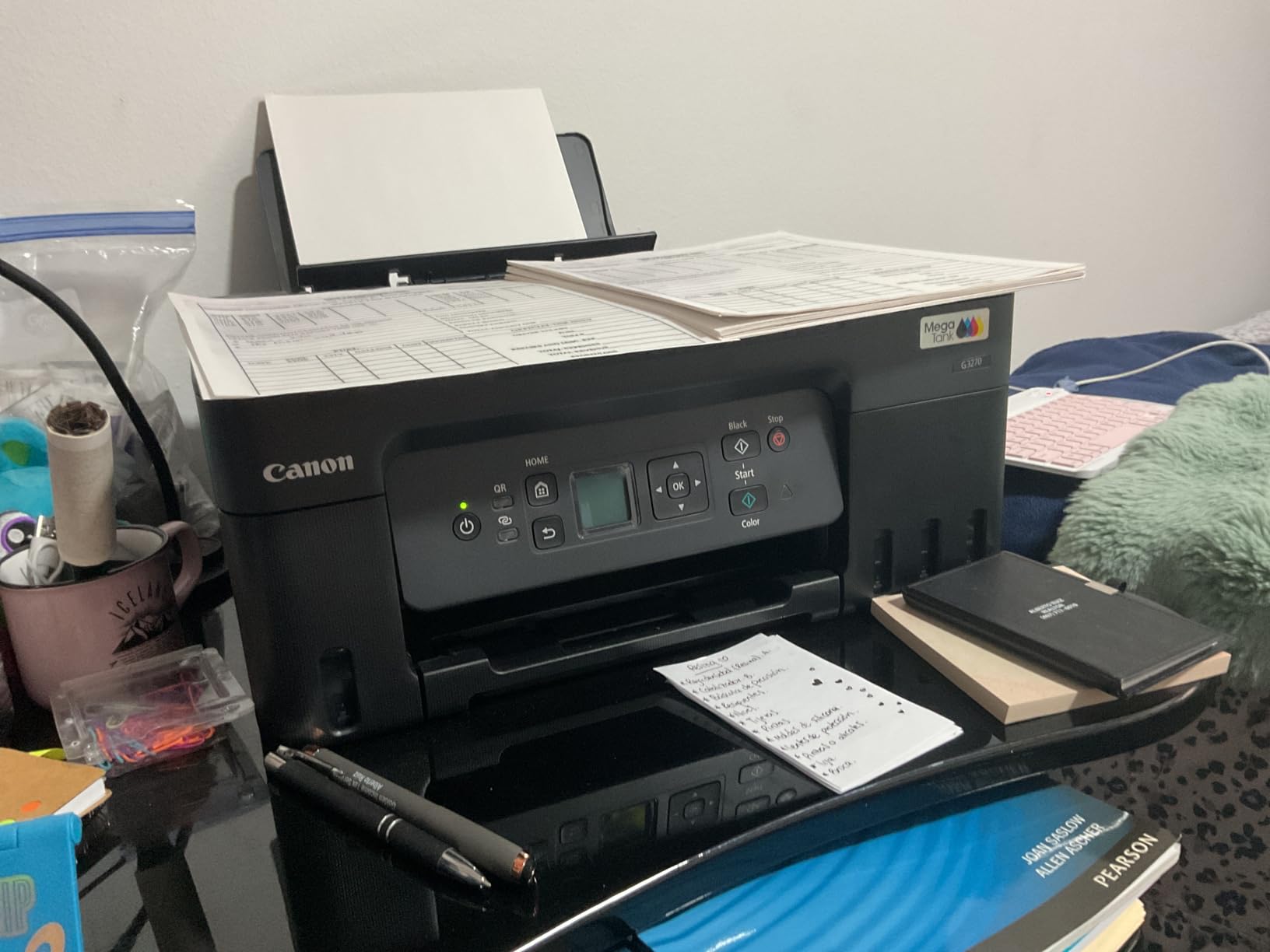
Colour output lands in the middle of the pack. The 4800 x 1200 dpi maximum is normal for a four-ink budget machine, and results are clean on matte and glossy photo paper rather than gallery-grade. It also handles square formats and card sizes with borderless printing, which is unusual at this level.
The paper handling is the weak point on paper. It takes 100 sheets in a single tray with no second source, so you reload more often than you would on an HP OfficeJet. Borderless printing is supported across a wide list of photo and card sizes, which is worth having even if you use it once a year.
Why the tank system changes the maths
Ink arrives in bottles you pour into visible tanks, so you replace only the colour that ran out instead of discarding a full cartridge with three colours still inside. Reviewers estimate that the ink supplied saves up to 1000 dollars over the life of the machine compared with a cartridge model, which is the difference between a printer you keep and a printer that quietly runs up an ink bill.
There is no cheap third-party route here, and that is worth being honest about. You are buying Epson-style bottled ink and Canon bottles rather than bargain cartridges, but the per-page cost still lands far below cartridge machines in this roundup.
Where it will disappoint you
Printing is single-sided only. There is no automatic duplex on this model, so a ten-page report means ten sheets of paper and ten manual flips, which is a real cost in time and ink for anyone printing regularly.
There is also no automatic document feeder. Scanning a thirty-page contract means placing each sheet on the flatbed one at a time. If digitising paperwork is a weekly task in your home rather than an occasional one, choose a Brother or HP OfficeJet instead.
2. Canon PIXMA TR8620a: The Full-Featured Pick for a Home Office
Canon PIXMA TR8620a – All-in-One Printer Home…
Print copy scan and fax
20-sheet automatic document feeder
15 ppm black and 10 ppm color
Tilting touchscreen
Pros
- Fax
- ADF
- touchscreen and automatic duplex in one box
- Two paper sources
- 100-sheet cassette plus rear feed
- Five individual ink tanks cut cartridge waste
- Automatic duplex and 1000-page duty cycle
Cons
- Canon mobile app can be slow or lose the printer
- ADF will not scan both sides in one pass
- Wake from sleep is slow and photo setup is fiddly
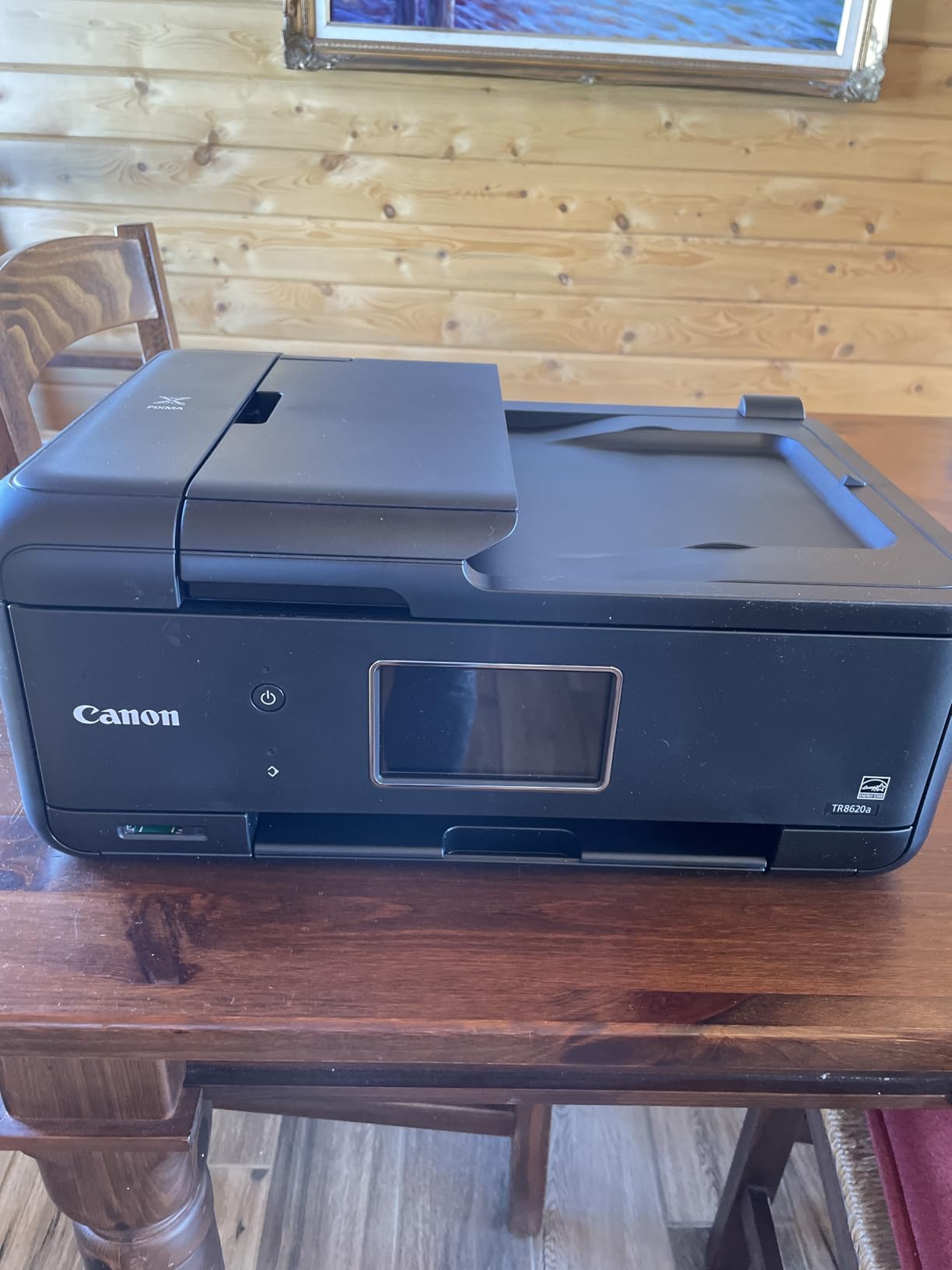
If your printer does real office work rather than occasional printing, this is the one to look at. It is a four-function machine with print, copy, scan and fax, a 20-sheet automatic document feeder, automatic duplex on both printing and copying, and a tilting colour touchscreen you can actually operate without a manual.
Speed is the best of the three Canon units here at 15 pages per minute black and 10 pages per minute colour, with a duty cycle of 1000 pages a month. Paper handling is the strongest too, with a 100-sheet cassette plus a 100-sheet rear feed giving you two sources for mixed media like photo paper and plain stock.
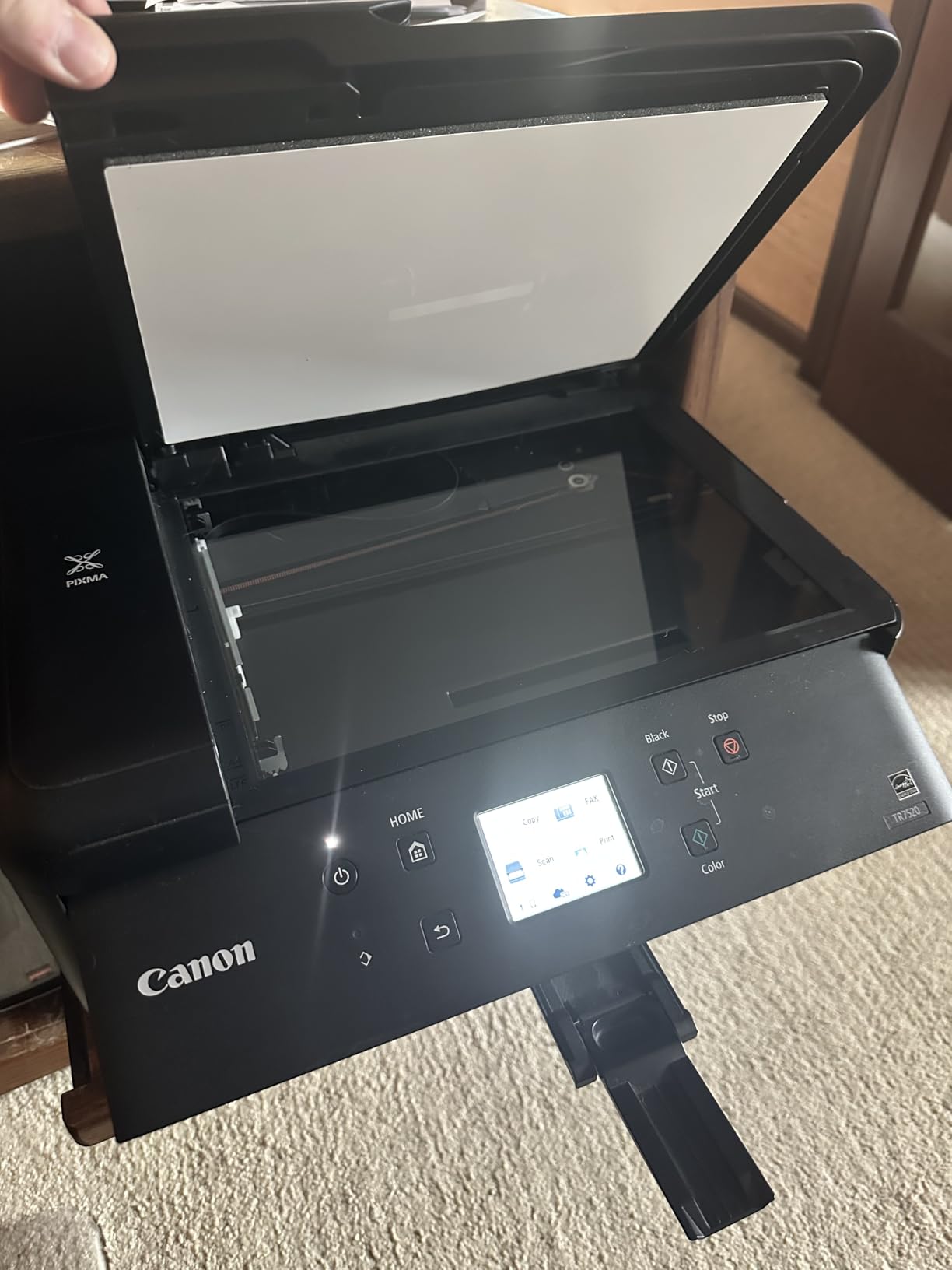
The ink system uses five individual tanks rather than a combined tri-colour cartridge. When the cyan runs out you replace only the cyan, which cuts waste and lowers the cost of a partial colour print considerably. That single design choice separates this machine from cheaper cartridge models.
Printing quality is good for the class, at 4800 x 1200 dpi for both colour and black and white. Borderless printing and square formats are supported, and there is a micro SD slot for photo jobs you would rather not send through a computer. AirPrint works from iPhones and iPads for printing.
What the ADF and fax actually give you
The 20-sheet feeder handles a stack of pages for copy or scan without you touching the glass. It is single-sided, so a twenty-page document becomes forty printed sides, but it removes the worst of the tedium compared with a flatbed only machine that takes one page at a time.
Fax is genuinely useful for a home office that still deals with a landlord, a school or a clinic. Canon’s app covers print, copy, scan and fax from a phone, and AirPrint works from iPhones and iPads for printing.
Where it will disappoint you
The mobile app is the most repeated complaint in reviews. Owners report slow connections and no printer available errors that send them back to the USB cable. If you rely on scanning from a phone daily, test the app before you commit.
Two smaller frictions: the scanner tops out at 600 dpi for photos and images, which is fine for documents but not for archiving prints. And wake-up from Energy Star sleep is noticeably slow, so do not expect the first page instantly after a long idle stretch.
3. Epson EcoTank ET-2400: The Best Photo Output on Refillable Tanks
Epson EcoTank ET-2400 Wireless Color All-in-One Supertank…
Refillable EcoTank ink
Print copy and scan
10 ppm black and 5 ppm color
5760 x 1440 dpi
Pros
- Refill one colour at a time instead of swapping cartridges
- Bright colour and deep blacks on full-page images
- Sharp detailed flatbed scans
- Compact body and low 12 watt power draw
Cons
- Manual duplex
- the app prompts you to flip the paper
- No screen at all
- only status LEDs
- Wireless setup can fail on dual-band routers
The Epson is the one to pick if colour quality is the point. Its Micro Piezo technology drives output up to 5760 x 1440 dpi, and reviewers consistently describe the colour as bright and the blacks as deep, with crisp results even on full-page colour images.
Like the Canon MegaTank, it uses refillable EcoTank bottles rather than cartridges. Each set covers up to 4500 black-and-white or 7200 colour pages, and up to two years of ink are included in the box. You refill only the colour you need, which is the entire argument for the tank format.
It handles print, copy and scan in one unit at 10 pages per minute black and 5 pages per minute colour, with a 7 second first page. The flatbed scanner produces sharp, detailed, vibrant scans, and the whole unit weighs 8.6 pounds, which makes it the easiest machine here to move between a desk and a shelf.
Connection options cover USB and Wi-Fi, and it works reliably from phones and tablets through the Epson app. Power draw is quoted at 12 watts, a low figure if the machine sits on standby all day.
When a tank printer is worth the compromise
Choose a refillable tank when you print regularly enough that ink cost shows up on a statement. Even a few hundred colour pages a month flips the maths, because you stop paying for three unused colours every time one runs dry.
There is a second benefit people forget. Cartridges that sit half-used in a warm cupboard dry out and clog nozzles, which is the single most common complaint in printer forums. Tanks stay sealed until you pour them, so a tank printer left idle for weeks comes back ready to print.
Where it will disappoint you
Duplex is manual. The print wizard prompts you to flip the stack mid-job, which is annoying for anything longer than two pages and impossible to forget.
There is no screen at all, only status LEDs. When something goes wrong you get a light pattern and an app, not a message telling you what the light pattern means. Reviewers also report occasional paper jams on first prints and wireless setup that fails on some networks unless the 5 GHz band is disabled.
4. HP OfficeJet Pro 8135e: Fax, Touchscreen and Ethernet Together
HP OfficeJet Pro 8135e Wireless All-in-One Color Inkjet…
Print copy scan and fax
1-sided ADF with auto duplex
225-sheet tray
2.7-inch touchscreen
Pros
- Fax
- touchscreen
- Ethernet and duplex together
- 225-sheet tray is among the largest here
- Dual-band Wi-Fi plus Ethernet and two USB ports
- HP AI formatting tidies up web pages and email
Cons
- Blocks third-party cartridges through firmware
- Instant Ink subscription pressure after the trial
- Heavy at 19 pounds and slow on large jobs
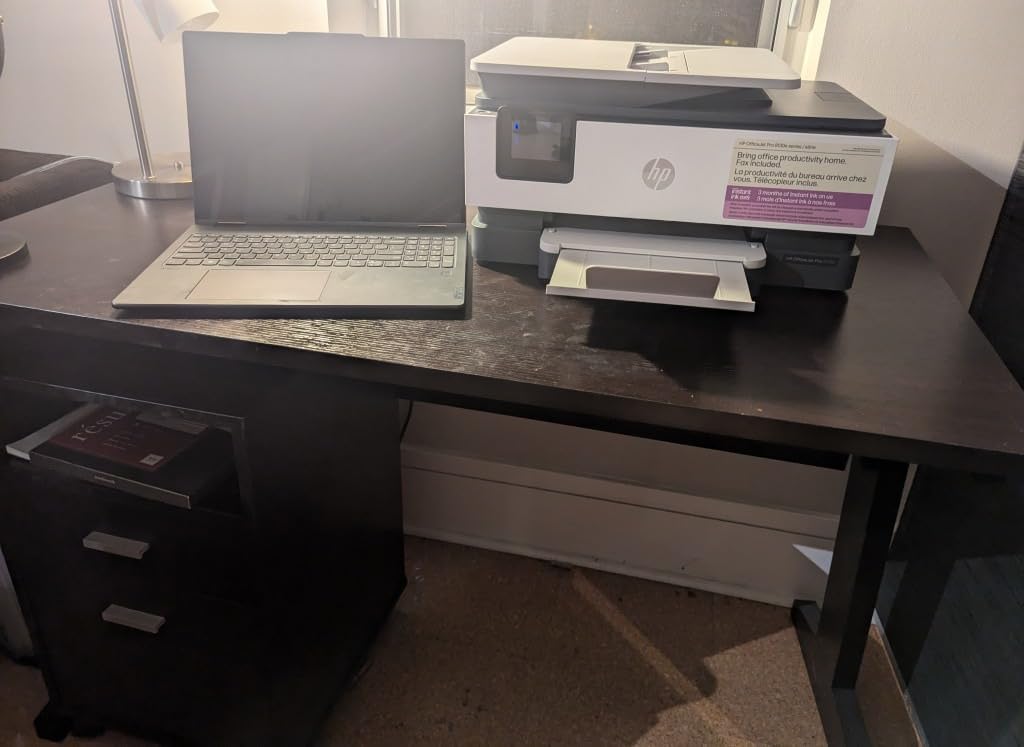
This is the most complete HP in the group. Print, copy, scan and fax, a 2.7-inch colour touchscreen with a phone-like interface, an automatic document feeder, automatic duplex printing, and an Ethernet port for a wired connection. Most printers under this ceiling give you two or three of those, not all five.
It runs at 20 pages per minute black and 10 pages per minute colour with an 18 second first page, and the 225-sheet input tray means you are not refilling mid-week. Two USB ports and Ethernet alongside dual-band Wi-Fi make it a good fit for a fixed office desk rather than a shared family space.
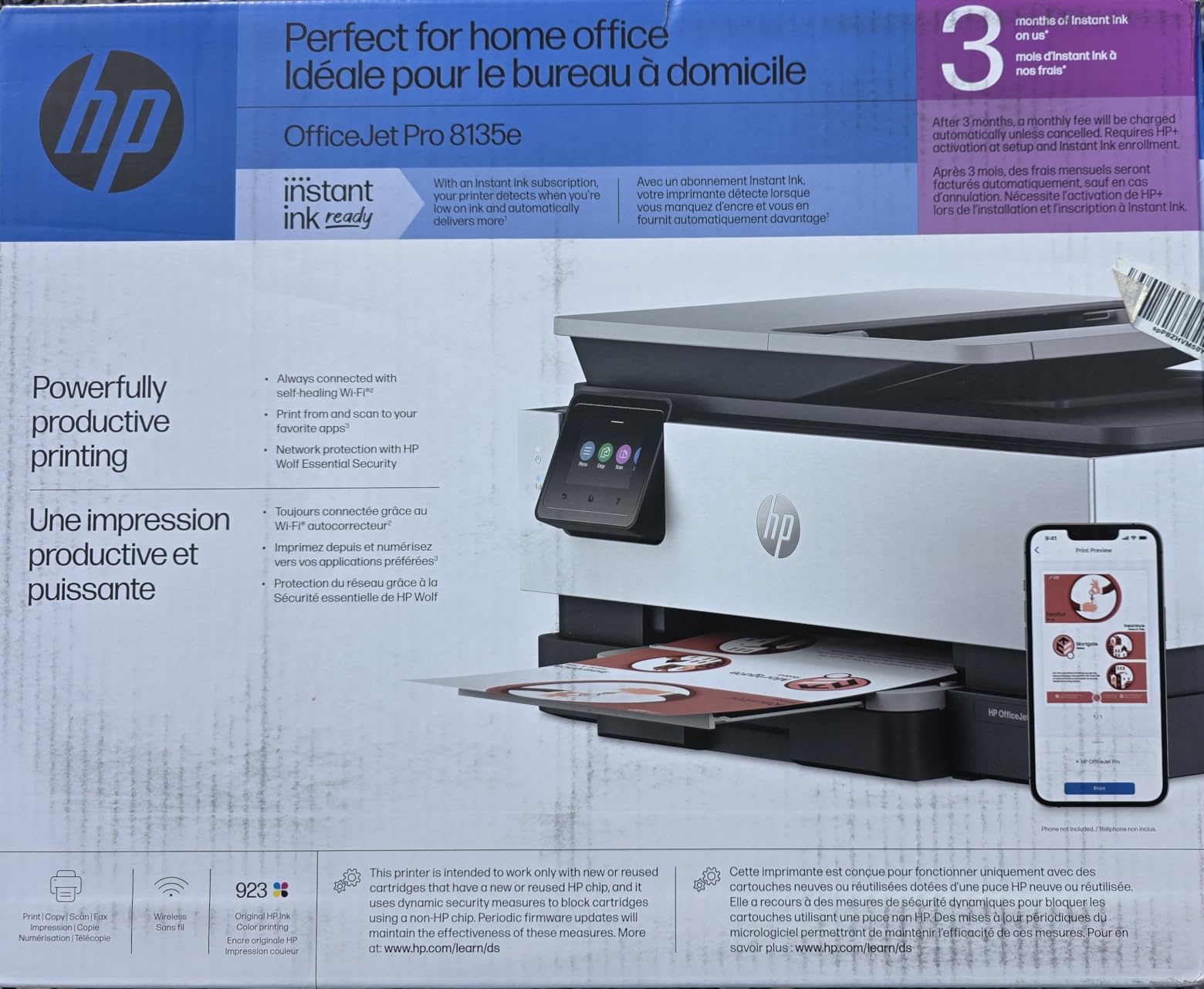
Print quality is professional for the price, up to 4800 x 1200 optimised dpi on HP Advance Photo Paper and 1200 x 1200 rendered for black and white. Output suits reports, presentations and flyers. HP AI formatting reformats web pages and email before printing so you do not waste sheets on navigation bars.
Construction is respectable, made with more than 45 percent recycled plastic in FSC-certified packaging, and it includes network security features. A one-year limited hardware warranty applies, extendable to two years if you accept the HP+ offer.
Why wired and wireless both matter here
Dual-band Wi-Fi handles both 2.4 and 5 GHz networks and automatically detects and resolves connection issues, which is why reviewers report reliable wireless behaviour on this model. Ethernet gives you a stable alternative in a shared office where the wireless network is congested.
The HP app covers print, scan, copy and fax from a smartphone, tablet or PC. Cloud printing is not the selling point here, but the touchscreen makes local setup and job management far quicker than tapping through buttons.
Where it will disappoint you
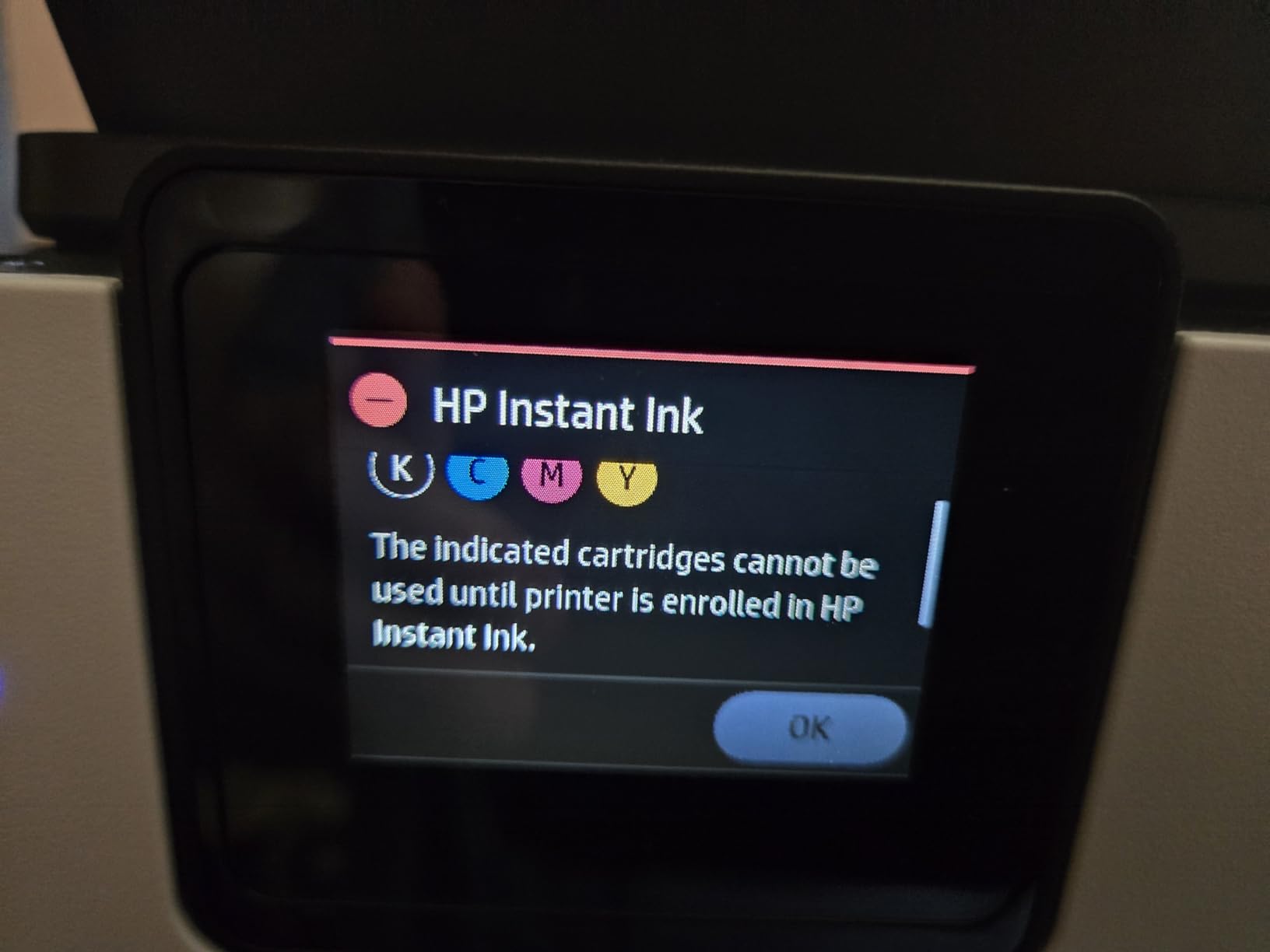
Ink lock-in is the real issue and the reason we do not put it higher. This printer is designed to work only with HP chips or circuitry, and periodic firmware updates block cartridges that do not use them. Cartridge validation errors are a recurring theme in reviews.
Second, the Instant Ink subscription. Three months are included with HP+ activation, and a monthly fee applies afterwards unless you cancel. The printer works fine on original cartridges if you decline, but the pressure during setup is real. Third, at 19 pounds it is the heaviest unit here and awkward to move.
5. Brother Work Smart 1360: Duplex and an ADF Without a Premium
Brother Work Smart 1360 Wireless Color Inkjet All-in-One…
Print scan and copy
Automatic duplex and 20-sheet ADF
16 ppm black and 9 ppm color
150-sheet tray
Pros
- Duplex
- a 20-sheet ADF and a 150-sheet tray at one budget level
- 16 ppm black and 9 ppm color are quick for the price
- Cloud connections to Drive
- Dropbox
- Box and OneDrive
- No forced ink subscription
Cons
- Cartridge ink costs more per page than tank printers
- 20-sheet ADF is single-sided and small for batch jobs
- Colour output is adequate rather than photo grade
The Brother is the value pick on features. For the money, you get automatic duplex printing, a 20-sheet automatic document feeder and a 150-sheet paper tray, a combination the other cartridge machines here charge significantly more to deliver.
It is also quick, printing at 16 pages per minute black and 9 pages per minute colour with a first page in roughly 6.2 seconds for black. The 1.8-inch colour display gives you on-device menu navigation, and you can connect to Google Drive, Dropbox, Box and OneDrive straight from that screen.
Resolution is 1200 x 6000 dpi on Windows and 1200 x 3600 on Mac, and copy resolution is 1200 x 1200. That is sharp for text and perfectly respectable for colour graphics, though reviewers consistently describe the colour as adequate rather than photo grade.
Brother Mobile Connect handles printing, copying, scanning and device management from a phone, and its Page Gauge feature shows remaining ink levels. USB and Wi-Fi both work, media up to 8.5 x 14 inches is supported, and a one-year limited warranty applies.
Brother’s reputation in this bracket
Brother is the name that comes up most often in printer forums when people ask which brand is durable, and this model continues that pattern. It is also one of only two machines here with no forced ink subscription, so there is no trial to cancel and no recurring fee to forget about.
The 150-sheet tray is a genuinely useful middle ground. It is not the 225 sheets of an HP OfficeJet, but it is enough for a week of homework or a monthly admin packet without walking to the kitchen for paper.
Where it will disappoint you
Cartridge running cost. Brother ink cartridges are not cheap, and over two years of regular printing this machine costs noticeably more to run than either refillable tank on this list. If your print volume is high, the maths eventually overrides the feature list.
The 20-sheet ADF is single-sided and small, so it suits a handful of pages rather than a bulk digitising job. Setup and menu navigation are also less refined than the Canon touchscreen interface, and users report a learning curve on the physical controls.
6. Canon PIXMA MG3620: The Most Reviewed Budget All-in-One
Canon Pixma MG3620 Wireless All-in-One Color Inkjet Printer…
Wireless print copy and scan
9.9 ppm black and 5.7 ppm color
Automatic duplex
100-sheet capacity
Pros
- Most reviewed printer in this group by a wide margin
- Automatic two-sided printing at an entry price
- Prints and scans photos from a phone or tablet
- 100-sheet tray in a compact ENERGY STAR body
Cons
- Small cartridges are costly per page
- No ADF
- so multi-page scanning is one sheet at a time
- Small LCD with no touchscreen
- Black resolution tops out at 600 x 600 dpi
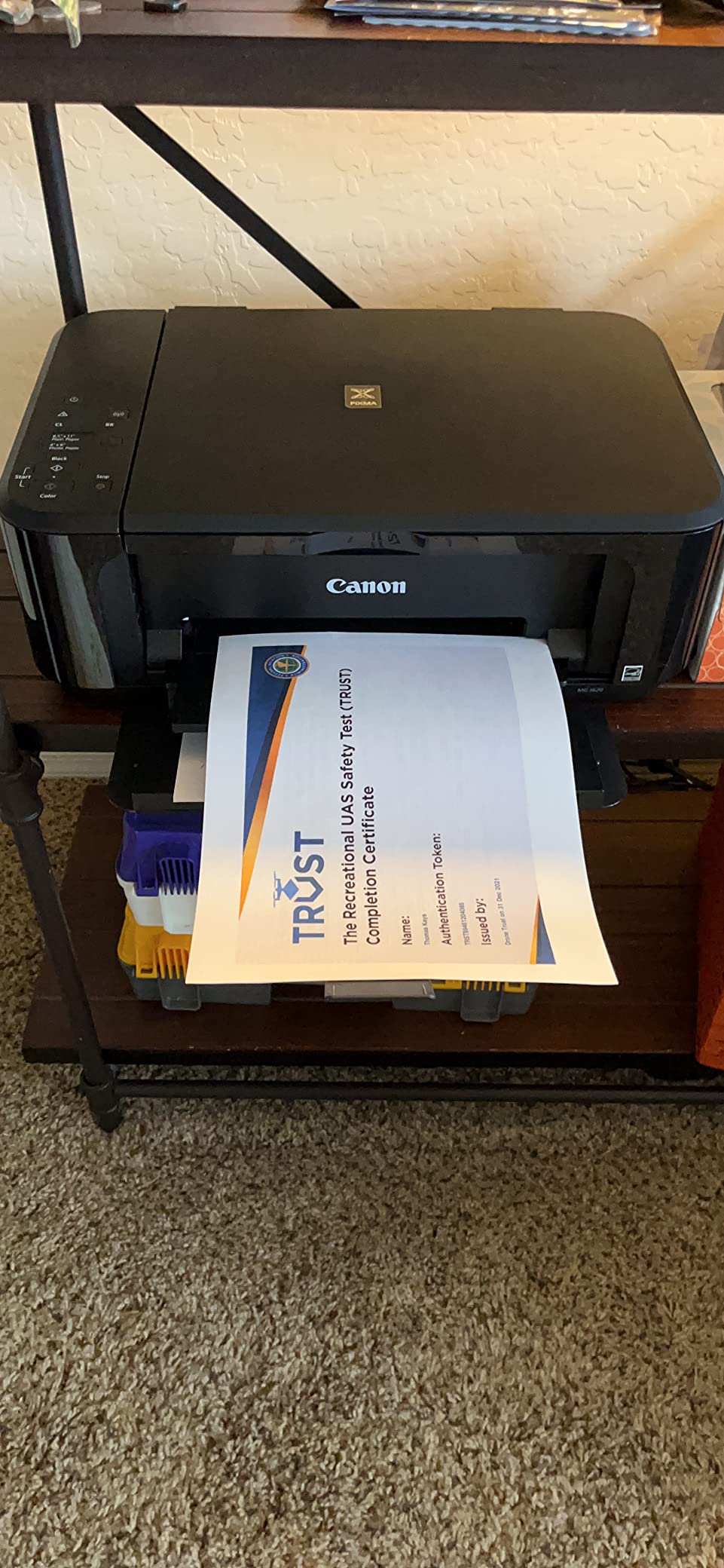
Nothing else here has the volume of real-world feedback behind it. More than 30000 reviews at a 3.9 average means you will find owners describing exactly the failure you are worried about, which is its own kind of insurance when you are buying a printer blind.
It does the basics well. Wireless print, copy and scan, automatic duplex printing, 9.9 pages per minute black and 5.7 pages per minute colour, and a 100-sheet tray. Print and scan from mobile devices is a strong point, and Alexa smart ink reorder notifications work with no subscription attached.

Paper handling covers 4 by 6, 5 by 7 and 8 by 10 photo sizes as well as up to 8.5 x 14, and colour resolution reaches 4800 x 1200 dpi. Scanning is flatbed with 48-bit input and 24-bit output, and the copy function matches the print resolution.
It draws 16 watts and carries ENERGY STAR certification, so its idle cost is modest. The 100-sheet tray and fold-flat footprint at 11.9 pounds make it easy to move between rooms when you need the desk space back.
When the most-reviewed option is the right one
For a student room, a second home or a parent who just needs to print occasional documents, this is enough machine. Automatic duplex at an entry-level price is the feature that saves the most paper and frustration, and reviewers consistently praise the compact design and simple setup.
The large review base also means firmware and app problems are well documented. If something goes wrong, you will find the answer rather than being the first person to hit it.
Where it will disappoint you
Black-and-white resolution is only 600 x 600 dpi. Fine for homework and forms, visibly soft for small text in dense documents. Cartridge running cost is the other issue, since PG-245 and CL-246 cartridges are small and refill less often than larger equivalents.
There is no automatic document feeder at all, so scanning anything multi-page is manual one sheet at a time, and photo-quality scanning is slow. The small LCD has no touchscreen controls, which means every setting change goes through buttons or the Canon app.
7. HP OfficeJet Pro 8125e: The Big Paper Tray With the Fastest Speeds
HP OfficeJet Pro 8125e Wireless All-in-One Color Inkjet…
Print scan copy with ADF
Automatic duplex
20 ppm black and 10 ppm color
225-sheet tray
Pros
- One of the two largest input trays here at 225 sheets
- Automatic duplex plus an ADF in one home office box
- Quiet operation suits late-night printing
- Ethernet and USB alongside dual-band Wi-Fi
Cons
- Paper jams
- sometimes on the first page
- Cartridge validation errors even with genuine HP ink
- Prints can stop mid-page or come out warped
- Instant Ink pressure after the three-month trial
On paper this is the most capable machine in the group, and it matches the fastest print speed here. Twenty pages per minute black, 10 pages per minute colour, a 225-sheet input tray, a 60-sheet output tray, automatic duplex, an automatic document feeder and dual-band Wi-Fi with automatic issue detection.
The tray size genuinely changes daily life. At 225 sheets you are loading paper a few times a season rather than every few days, and it removes the most common reason people get frustrated with a cheap printer. On paper quality it sits mid-pack, with the same 1200 x 1200 rendered black resolution as its sibling above.
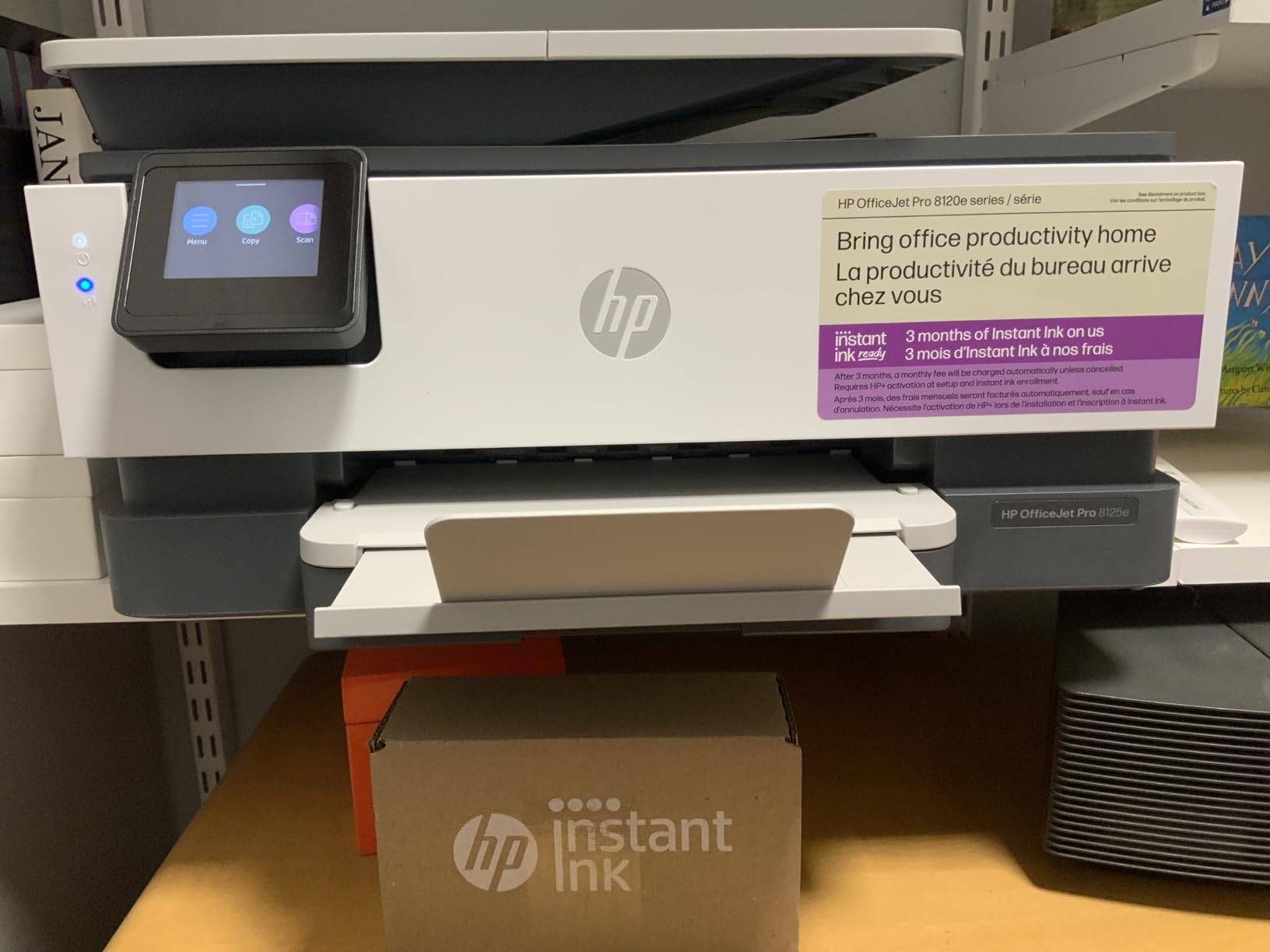
Output quality is good, up to 4800 x 1200 optimised dpi on HP Advance Photo Paper with 1200 x 1200 rendered for black and white. Copy speed is 12 pages per minute black, up to 99 copies per run. HP AI formatting cleans up web pages and email before they print.
Physical size is manageable at 18.11 inches wide and 9.17 inches high, and it is ENERGY STAR certified and EPEAT registered. Made with 45 percent post-consumer recycled plastic and ocean-bound recycled plastic in the packaging.
Why the paper tray matters more than you expect
A 225-sheet tray holds most of a 500-sheet ream. For a household that prints homework, invoices and shopping lists, that means loading paper once a season rather than every few days, and it removes the most common reason people get frustrated with a cheap printer.
With an ADF and automatic duplex you can also drop a stack in, walk away and come back to a printed, scanned or copied job. That combination is the reason to choose an OfficeJet Pro over a cheaper DeskJet.
Where it will disappoint you
Paper jams are the most reported problem, sometimes on the first page of a short document. Printing can also stop mid-page or produce warped, shifted output with erased portions, which points to feed and alignment rather than ink problems.
Cartridge validation errors appear frequently in reviews, including with genuine HP cartridges, and aftermarket cartridges are rejected by the chip and firmware. Add Instant Ink subscription pressure after the three-month trial and a 3.5 average across 4368 reviews, and this is a capable machine with a frustrating ink system. Buy it for the tray and the speed, not for the ink.
8. Brother INKvestment 1365: A Quiet Pick Linux Users Recommend
Brother INKvestment 1365 Wireless Color Inkjet All-in-One…
Print copy and scan
Automatic duplex and 20-page ADF
16 ppm black and 9 ppm color
150-sheet tray
Pros
- Print head as wide as the paper for sharp text
- Automatic duplex and a 20-page ADF
- Quieter than most HP inkjets with long-lasting cartridges
- Works on Linux with current Brother drivers
Cons
- Brother setup page and iPrint&Scan can hang
- Sign-up prompts for replacement ink during setup
- Drops off the wireless network after long idle periods
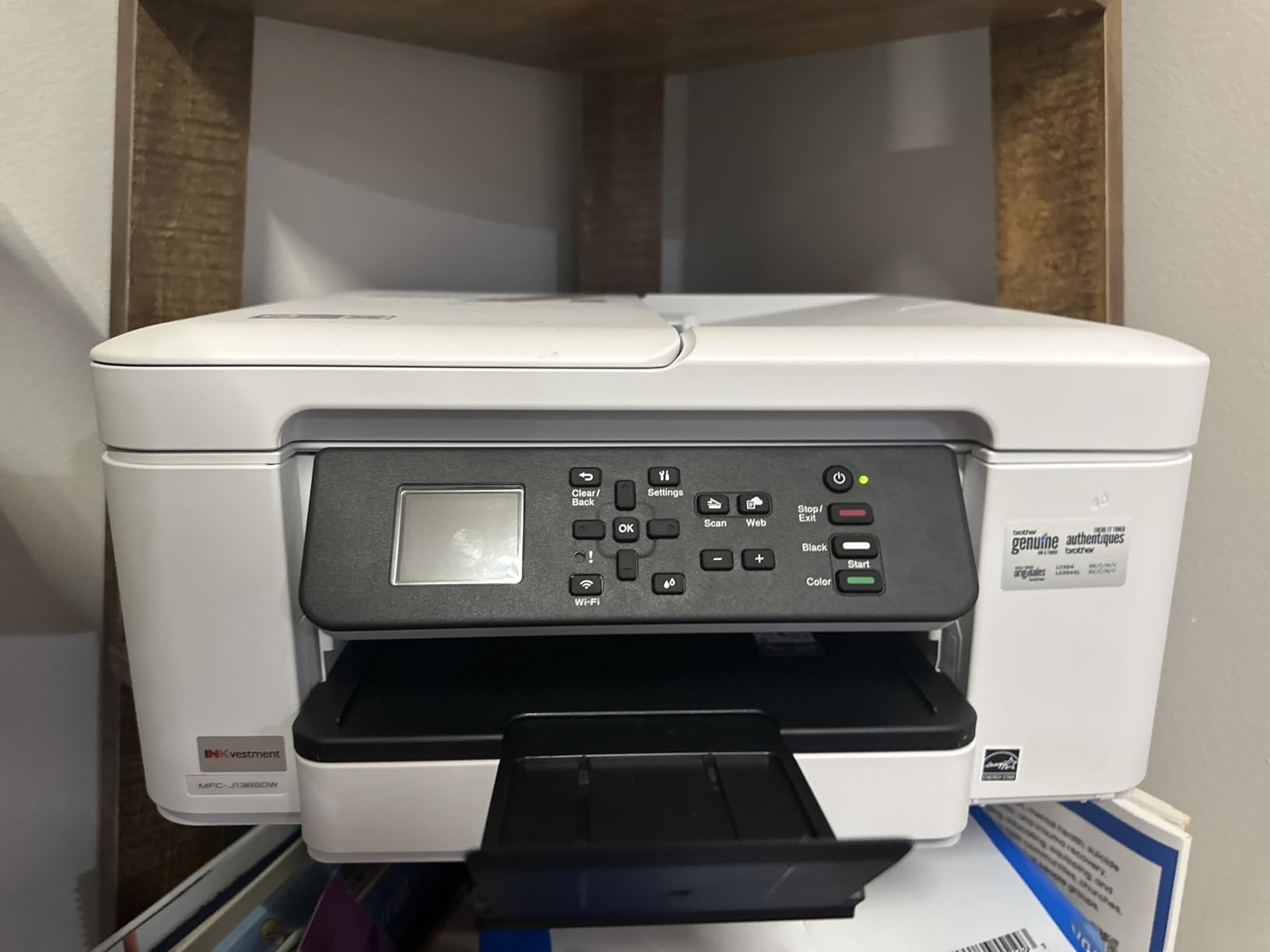
The INKvestment 1365 shares its chassis with the Work Smart 1360 and carries a two-year limited warranty instead of one. It arrives with a 1200-page yield black cartridge and 500-page yield cartridges in cyan, yellow and magenta, which is a decent amount of ink in the box.
Print quality is the standout. Reviewers describe the print head as wide as the paper itself, which is why text comes out sharp and fast. Speed is identical at 16 pages per minute black and 9 pages per minute colour, with a 150-sheet tray and a 20-page single-sided ADF.
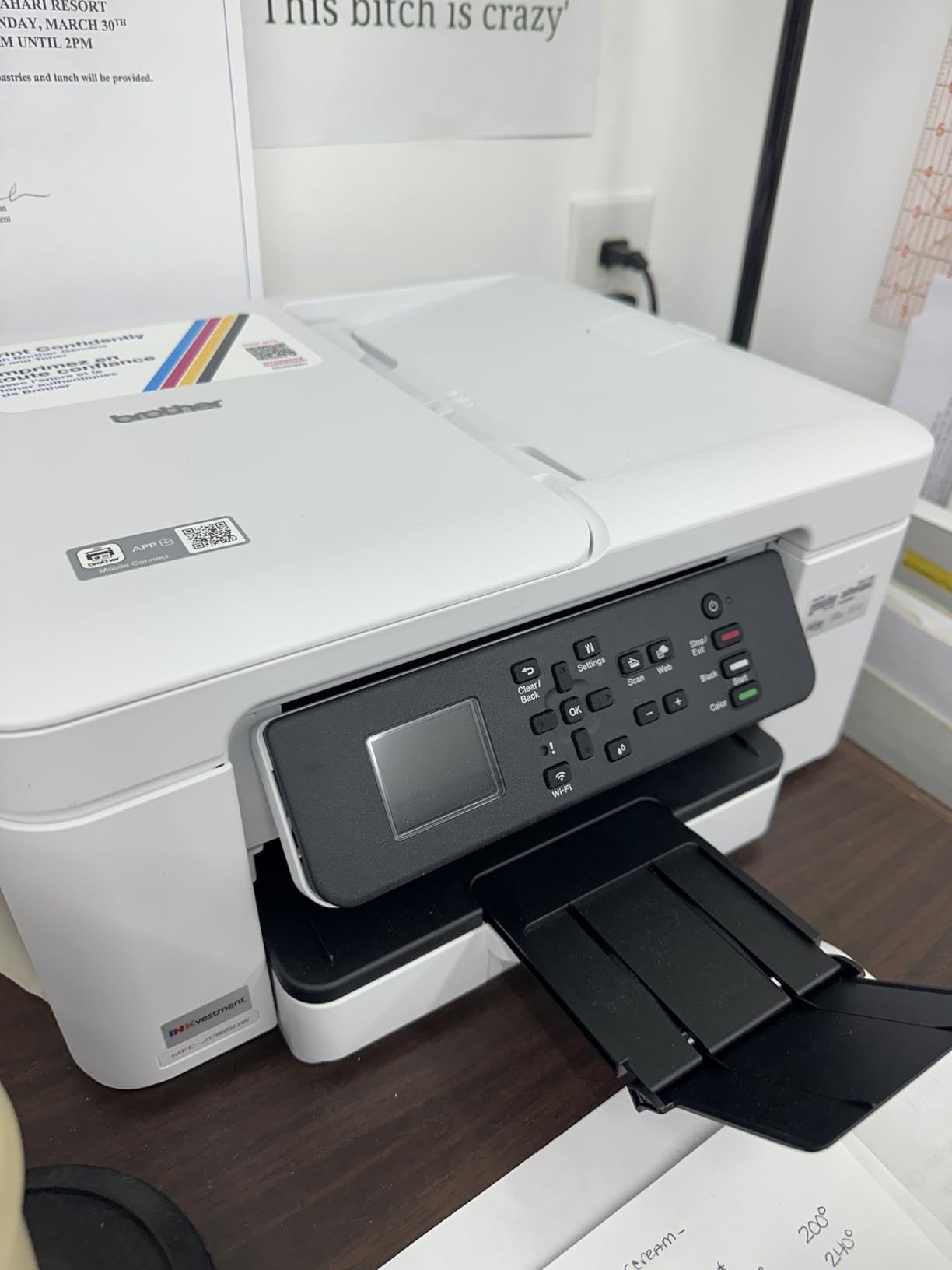
It also gets a consistent mention for being quiet. Quieter than most HP inkjets, with cartridges that reviewers report lasting a long time, which partly offsets the running cost. Front-loading paper tray and cartridge access keep the footprint small for a duplex machine at 15.4 inches wide.
Connectivity covers USB, Wi-Fi and Wi-Fi Direct for printing without a network, plus Brother Mobile Connect for print, copy, scan and device management from a phone. Cloud connections to Google Drive, Dropbox, Box and OneDrive work from the 1.8-inch colour display.
When Linux support changes the decision
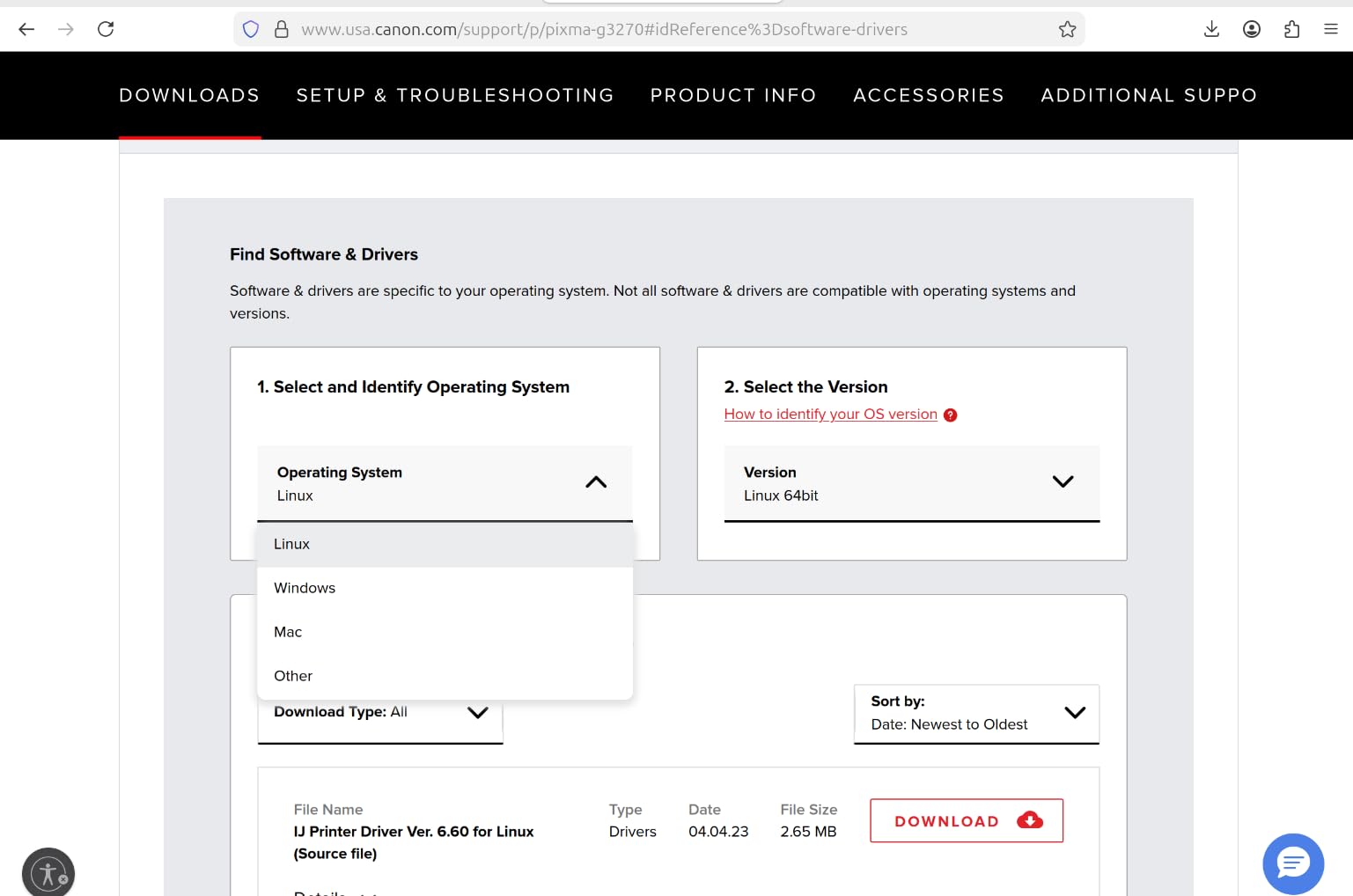
Brother publishes current Linux drivers, and reviewers using Linux specifically call this machine out as working well. That matters more than it sounds: several budget inkjets on this list lean entirely on the manufacturer’s phone app for setup and control, and those apps rarely exist for Linux.
The same front-loading layout means you refill paper and change cartridges without hauling the machine across the desk. For a machine with automatic duplex, that is a practical advantage over models with rear-loading trays.
Where it will disappoint you
Setup can be involved. Brother’s web-based setup page and the iPrint&Scan utility reportedly hang or fail to open for some users, so have a USB cable ready for the first configuration.
You will also be prompted to sign up for a replacement ink subscription during setup, which you can decline. Reviewers report occasional wireless dropouts after long idle periods, and a few units failing to recognise cyan cartridges after installation. Colour intensity is lighter than some competitors, though the output stays clean. With 274 reviews the evidence base here is much thinner than the rest of the list, so weigh it accordingly.
9. HP DeskJet 2855e: The Cheapest Way Into Wireless Printing
HP DeskJet 2855e Wireless All-in-One Color Inkjet Printer…
Wireless print copy and scan
7.5 ppm black and 5.5 ppm color
60-sheet tray
Flatbed scanner
Pros
- Lowest entry cost of the nine
- App-guided wireless setup takes minutes
- Compact fold-in trays suit a small desk
- Flatbed scanner handles everyday documents
Cons
- Manual duplex
- you flip the paper yourself
- 60-sheet tray means frequent refilling
- Colour output is average
- not photo grade
- 2.4 GHz only Wi-Fi on newer routers
If you want a wireless all-in-one and you want the lowest outlay, this is the machine. It prints, copies and scans, connects over 2.4 GHz Wi-Fi and USB, and the HP Smart app walks you through setup in a few minutes. More than 20000 reviews at 3.6 stars tells you what to expect.
Speed is the compromise. At 7.5 pages per minute black and 5.5 pages per minute colour, it is the slowest machine in the roundup, and the first page takes about 15 seconds. The 60-sheet tray is the smallest of the nine, which means refilling often.
One feature is genuinely clever: HP AI formats web pages and emails automatically to strip out unwanted content, so you do not waste a sheet printing a navigation menu and three quarters of blank space. The app also handles fax alongside print, scan and copy from a phone, tablet or PC.
Physically it is small and light at 10 pounds, with fold-in trays that suit a shelf or a small desk. Maximum media runs from 3 by 5 photos up to 8.5 x 14, colour resolution is 4800 x 1200 dpi, and up to 9 copies per run.
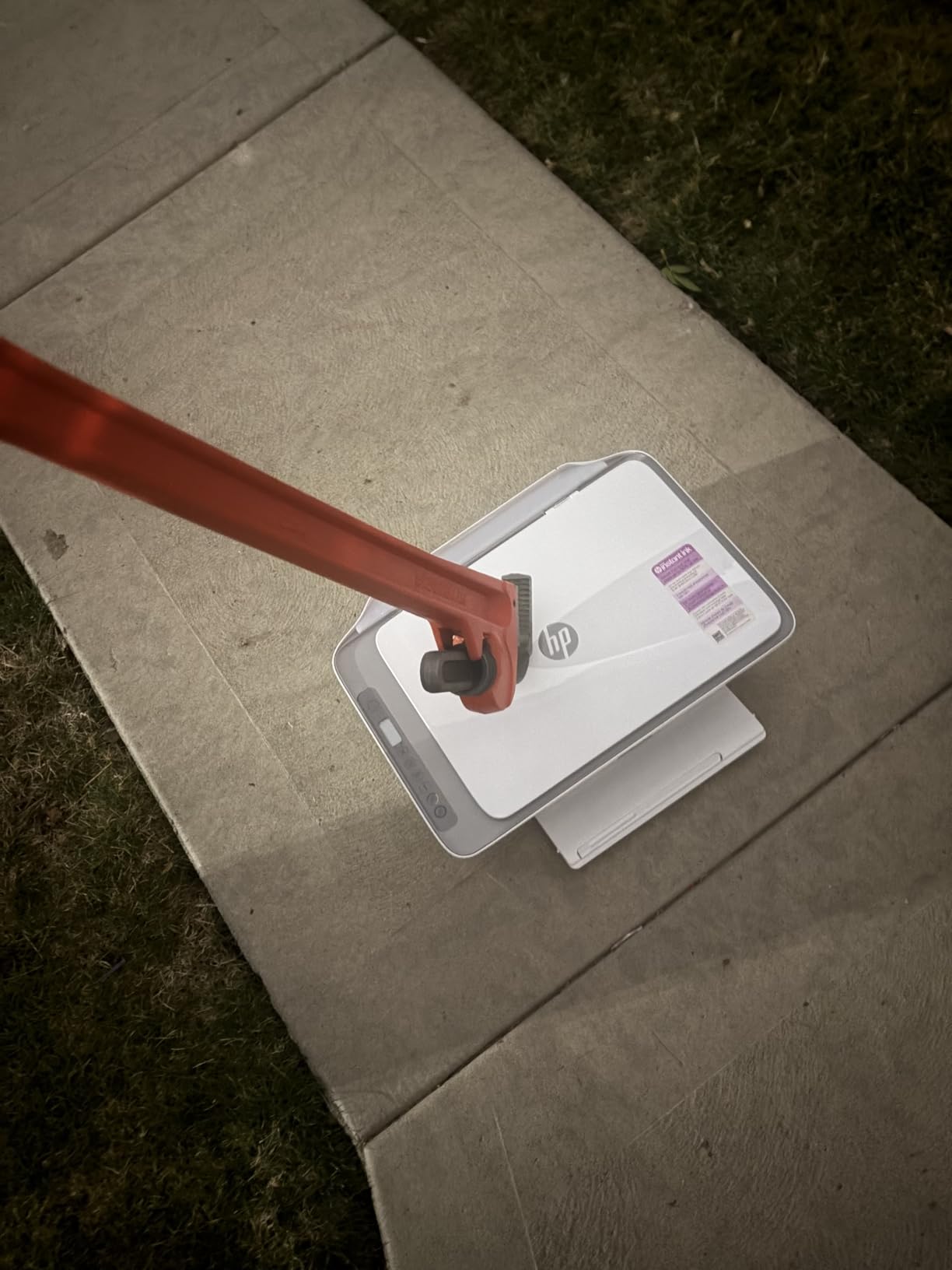
When the lowest cost is the right call
For a child doing homework, a room-mate printing a handful of pages, or anyone who needs a printer present but barely uses it, the low outlay is the whole point. Its ink cartridges use HP 67, which are widely available in multipacks at a lower effective cost than buying singles.
Because the cartridges are a common standard, this is also the model where third-party ink is easiest to find. That flexibility is exactly what the tank printers on this list give up, and it is a real advantage if you print irregularly.
Where it will disappoint you
Duplex printing is manual, meaning you turn the stack over yourself mid-job. Colour quality is average rather than professional, and there is no touchscreen and no ADF, so multi-page scanning is one sheet at a time on the flatbed.
The bigger practical risk is the 2.4 GHz only Wi-Fi. On a newer dual-band router this can struggle to connect or drop out, and that is the single most common complaint alongside slow speeds. HP Instant Ink subscription pressure follows if you activate HP+, and HP setup documentation and support are frequently criticised in reviews. Check your router before you buy this one.
How to Choose an All-in-One Printer Under 200 Dollars
The printer is rarely the real cost. A budget machine bought on purchase price alone can cost more in ink over two years than a pricier tank-fed model. So start with how much you print, then work outward to features.
1. Work out your real monthly page count
Be honest about volume rather than intent. Under 100 pages a month is occasional printing and cartridge machines are fine. Between 100 and 400 pages a month is home office territory, where running cost starts to matter and a tank printer usually pays back its higher purchase price within a year. Above 400 pages a month you are into small business territory.
2. Inkjet, refillable tank or laser
Inkjet sprays microscopic liquid droplets, which makes it unbeatable for photos and colour gradients but expensive per page with cartridges. Laser uses powdered toner fused with heat, which is far cheaper per page and much faster on text, but under 200 dollars the laser all-in-ones available are usually monochrome and lack scanning.
Refillable tanks sit between the two. You get inkjet photo quality and colour flexibility with running costs closer to a laser, and you pay for it with slower speeds and fewer features. Every tank printer in this roundup is worth it above roughly 150 pages a month.
3. Cartridge, subscription or tank
Cartridge models give you the widest choice of cheap third-party ink, which matters if you print irregularly and want flexibility. HP Instant Ink subscriptions offer cheap per-page rates for heavy consistent users but tie you to a monthly plan. Tank systems have the lowest cost per page and no subscription, with less third-party flexibility.
4. ADF and the duplex distinction that confuses everyone
An automatic document feeder feeds a stack of pages through the scanner so you do not lift each sheet onto the glass. A flatbed scanner is faster for photos and oddly shaped items but means one page at a time. Among these nine, the TR8620a, 8135e, 8125e and both Brother models have an ADF.
Duplex printing and duplex scanning are different features. Duplex printing means the printer flips the paper for double-sided output. Duplex scanning means it reads both sides of an original in one pass. Even the machines with a duplex ADF usually only scan one side per pass, so a twenty-page document still needs two trips through the feeder.
5. Connectivity that will not drop out
Look for dual-band Wi-Fi if your router broadcasts both 2.4 and 5 GHz, because several budget units here are single-band and struggle on newer networks. Ethernet is worth having in a fixed office. Wi-Fi Direct lets you print without being on the network at all, which is handy for guests.
6. Who should skip this bracket entirely
If you print several hundred pages a month of contracts, invoices or shipping labels, a sub-200 dollar inkjet will frustrate you. The paper trays top out at 225 sheets, duplex is missing on several, and the cartridges add up fast. A mono laser printer without scanning is the honest recommendation for that workload, and a used or refurbished Brother laser unit is a legitimate way to stretch the budget if you are comfortable with that route.
Frequently Asked Questions
What is the best rated all-in-one printer for home use?
The Canon MegaTank G3270 rates highest in this group at 4.1 stars from more than 5000 reviews. It prints, copies and scans over Wi-Fi and uses refillable ink tanks that cover up to 6000 black pages per set, which keeps running costs low for a home that prints regularly. It has no automatic document feeder and no automatic duplex.
What is the best value all-in-one printer?
The Brother Work Smart 1360 is the strongest feature set for the money in this price band. It gives you automatic duplex printing, a 20-sheet automatic document feeder and a 150-sheet paper tray, and it is quick at 16 pages per minute black. The trade-off is cartridge running cost over two years.
Which printer brand has the most affordable ink?
Refillable tank brands win on cost per page. Epson EcoTank and Canon MegaTank bottle ink works out to a few cents a page, well below cartridge models in the same bracket. HP Instant Ink subscriptions can be cheapest for high, consistent volume if you keep the plan, and Brother and Canon cartridges are the easiest to buy in cheap multipacks for irregular printing.
Why does my printer ink dry up so fast?
Cartridge nozzles dry and clog when a printer sits unused, especially in dry or heated rooms, and the first page comes out streaky or blank. Print one test page every couple of weeks, keep cartridges sealed until you install them, and store the machine somewhere with stable humidity. Refillable tank printers largely avoid the problem because the ink stays sealed in the bottle until you pour it.
Laser printer or inkjet: which is better for home use?
An inkjet is better for home colour photos and mixed documents, and every all-in-one printer under 200 dollars in this roundup is an inkjet. A laser is cheaper per page and faster on text but usually monochrome and scan-free at this budget. If you print colour or photos, inkjet wins; if you print hundreds of black-and-white pages, a laser outside this bracket is the better buy.
Final Verdict: Which All-in-One Printer Should You Buy?
If you take one recommendation from this roundup of the best all in one printers under 200 dollars, take the Canon MegaTank G3270. It has the highest rating in the group, the biggest ink yield per refill, and the running costs that stop surprising you on a statement. The missing duplex and ADF are real, but they only hurt if you print or scan long multi-page documents often.
Pick the Canon PIXMA TR8620a if your home office needs an automatic document feeder, fax, automatic duplex and a touchscreen in one box. Pick the Epson EcoTank ET-2400 if colour quality matters most and you can live with manual duplex and no screen. Pick the Brother Work Smart 1360 if the feature list matters more than running cost.
Before you buy anything, check the page count you actually expect to print and whether your router is dual-band. Those two answers will cut the list in half on their own. For more coverage beyond this bracket, see our full all-in-one printer guide.
