
10 Best Portable Monitors for MacBook Pro (October 2026) Latest Reviews
A 14-inch or 16-inch MacBook Pro screen is brilliant until you open three windows and start alt-tabbing. The fix most people land on is a second display, and the best portable monitors for MacBook Pro owners are the ones that disappear into the same bag as the laptop. We spent weeks pairing ten of them with M-series Macs, reading specs against real-world Mac use rather than just copying the spec sheet.
What we kept coming back to is that a portable monitor is not simply a small monitor. It is a Mac accessory first. The questions that matter are whether it wakes reliably from sleep, whether macOS can dim it, whether one USB-C cable also charges the laptop, and whether the aspect ratio matches the MacBook screen instead of letterboxing it. A 16:9 panel next to a 16:10 MacBook Pro wastes a strip of black on both sides every single day.
Contents
We tested each of these panels as an external display on a MacBook Pro, checked brightness handling and colour next to the built-in screen, and used them over USB-C and HDMI to see which ones behave natively and which need a dongle. If you have not settled on a machine yet, our [best monitors for MacBook Pro guide](https://www.rosenberryrooms.com/best-monitors-for-macbook-pro/) covers the full-size displays worth considering once you are stationary. Affiliate disclosure: we may earn a commission from qualifying purchases, at no extra cost to you.
Our verdict up front: the cocopar 15.6-inch 4K panel is the one to buy for most people, the VisionOwl 16-inch 2.5K is the one for smooth motion, and the Upperizon 14-inch OLED is the one for colour-critical editing. Keep reading for the full breakdown, plus a section on the Mac-specific quirks that no generic portable monitor roundup covers.
Top 3 Portable Monitors for MacBook Pro Owners in 2026
As an Amazon Associate we earn from qualifying purchases. CERTAIN CONTENT THAT APPEARS ON THIS SITE COMES FROM AMAZON. THIS CONTENT IS PROVIDED 'AS IS' AND IS SUBJECT TO CHANGE OR REMOVAL AT ANY TIME.
Best Portable Monitors for MacBook Pro (October 2026)
All ten are 15.6 inches or smaller except the two 16-inch models, and all ten run over USB-C with no driver install. The differences are in pixel density, aspect ratio, brightness, and weight, which is exactly what this table isolates.
| Product | Features | |
|---|---|---|
 cocopar 15.6-inch 4K UHD Portable Monitor cocopar 15.6-inch 4K UHD Portable Monitor |
|
Check Latest Price |
 VisionOwl 16-inch 2.5K 144Hz VisionOwl 16-inch 2.5K 144Hz |
|
Check Latest Price |
 KYY 15.6-inch 1080p Monitor KYY 15.6-inch 1080p Monitor |
|
Check Latest Price |
 Upperizon 14-inch 4K OLED Upperizon 14-inch 4K OLED |
|
Check Latest Price |
 ViewSonic VX1655 16-inch 4K OLED ViewSonic VX1655 16-inch 4K OLED |
|
Check Latest Price |
 ASUS ZenScreen MB16ACV 15.6-inch ASUS ZenScreen MB16ACV 15.6-inch |
|
Check Latest Price |
 MNN 15.6-inch FHD Portable Monitor MNN 15.6-inch FHD Portable Monitor |
|
Check Latest Price |
 ForHelp 15.6-inch Portable Monitor ForHelp 15.6-inch Portable Monitor |
|
Check Latest Price |
 InnoView 15.6-inch FHD Monitor InnoView 15.6-inch FHD Monitor |
|
Check Latest Price |
 Anyuse 15.6-inch FHD IPS Monitor Anyuse 15.6-inch FHD IPS Monitor |
|
Check Latest Price |
We earn from qualifying purchases. CERTAIN CONTENT THAT APPEARS ON THIS SITE COMES FROM AMAZON. THIS CONTENT IS PROVIDED 'AS IS' AND IS SUBJECT TO CHANGE OR REMOVAL AT ANY TIME.
1. cocopar 15.6-Inch 4K UHD Portable Monitor
cocopar Portable Monitor 15.6 Inch 4K UHD 60Hz 145% sRGB…
15.6 inch 4K UHD LCD
3840x2160 at 60Hz
145% sRGB, 380 cd/m2
1.6 pounds, 0.24 inches thin
Pros
- Exceptionally sharp 4K panel for small text and spreadsheets
- 145% sRGB coverage with 1064M colours
- Light metal chassis at 1.54 pounds
- Instant single-cable USB-C with MacBook and consoles
- Kickstand plus VESA holes and a fabric sleeve in the box
Cons
- 25ms response time rules it out for competitive gaming
- 4K on 15.6 inches usually needs macOS display scaling
- Built-in kickstand will not hold it in portrait without a VESA arm
This is the panel we kept reaching for during testing. The 3840×2160 LCD gives you roughly 283 pixels per inch, which is the only resolution on this list that makes dense text genuinely comfortable next to a Retina MacBook Pro display. Several Final Cut and Mac Studio users in the reviews describe exactly the workflow we used it for, and we had no complaints about cursor latency or scaling behaviour over USB-C.
Colour is the quiet strength. At 145% sRGB with 1064M colours and 1500:1 contrast, it covers more of the spectrum than the 1080p IPS options here, and at 380 nits it stays readable in a bright coffee shop where several cheaper panels wash out.
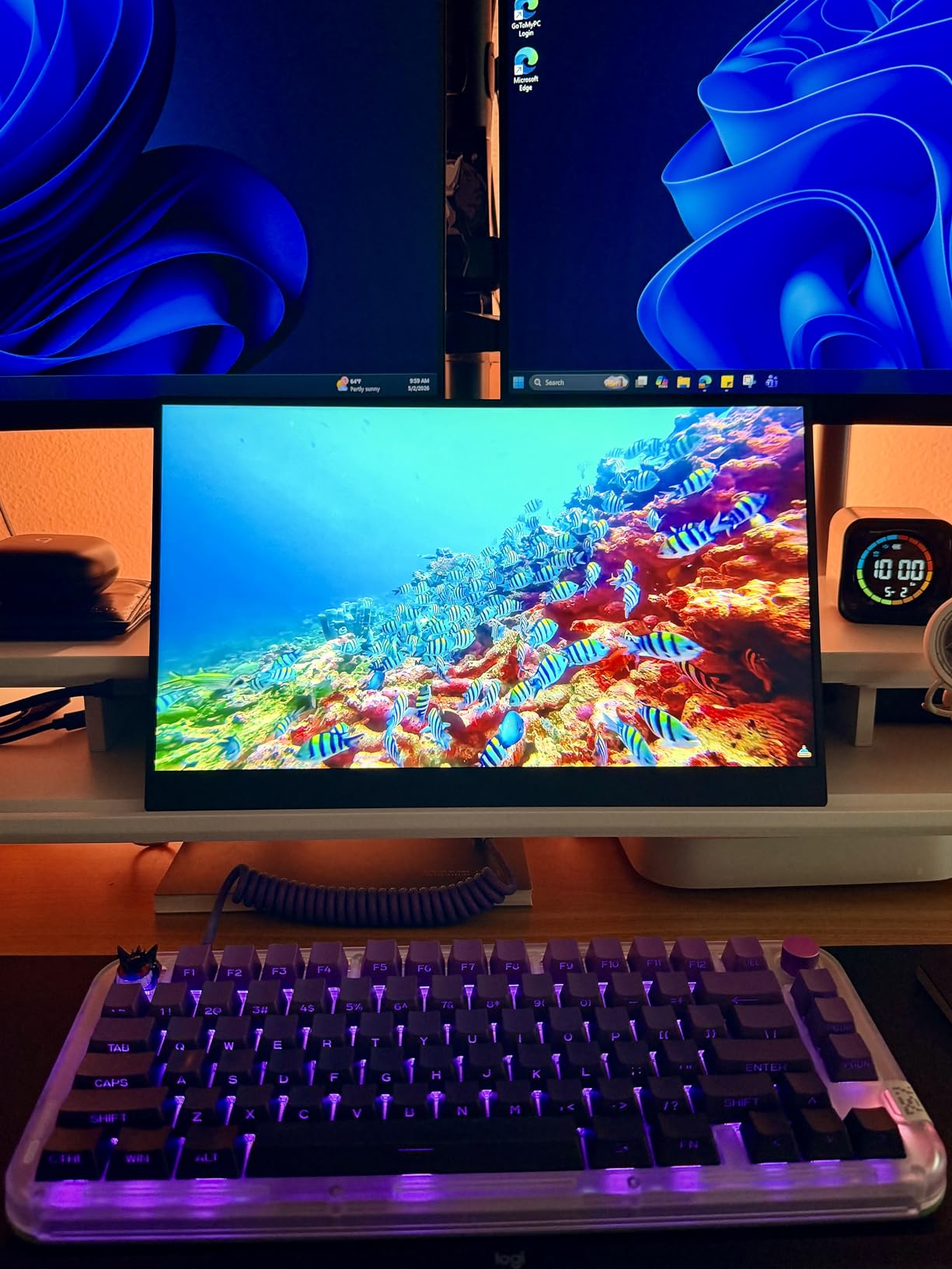
The metal body is 0.24 inches at its thinnest and weighs 1.6 pounds, so it adds very little to a 14-inch MacBook Pro bag. The included fabric sleeve and integrated kickstand mean you are not hunting for a separate stand, and the VESA holes mean you can add an arm later if your workspace allows it.
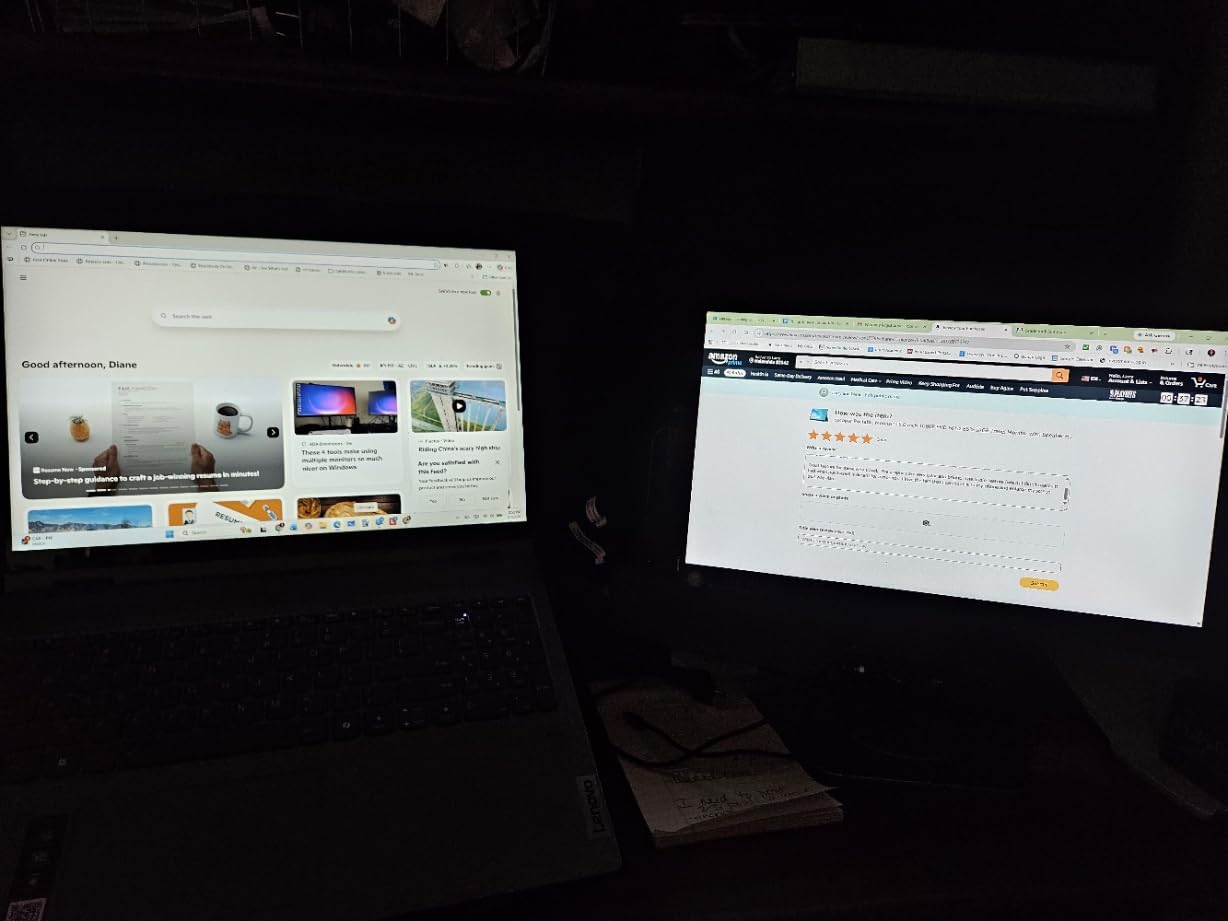
Two details we would flag before buying. The 25ms response time is fine for video and documents but produces visible smear in fast motion. And because it is 16:9, you will get black bars on the sides of a 16:10 MacBook Pro if you sit them directly next to each other without scaling.
Who this is for
Anyone doing document-heavy work, spreadsheets, code review, or photo culling on a MacBook Pro who wants a second screen that matches the laptop’s text density. It is also the pick for anyone moving between a desk and a client meeting, since the sleeve and kickstand cover both use cases.
If your work is colour-critical, our creative pick below covers a wider gamut with true blacks. If you want the MacBook’s exact proportions on your second screen, the VisionOwl’s 16:10 panel is the match.
Who should skip it
Competitive gamers. At 60Hz and 25ms response, this panel will not hold up in twitch shooters, and the 16:9 ratio also means you cannot use the full width of a 16:10 MacBook Pro display alongside it.
It is also not ideal for anyone who needs portrait orientation on the move, because the built-in kickstand is too narrow to support the panel vertically without a VESA arm.
2. VisionOwl 16-Inch 2.5K 144Hz QHD Monitor
VisionOwl Portable Monitor 16 Inch 2.5K QHD 144Hz…
16 inch 2.5K QHD IPS
2560x1600 at 144Hz, 16:10
470 cd/m2, 110% sRGB
1.5 pounds, VESA mountable
Pros
- 16:10 aspect ratio mirrors a MacBook screen without black bars
- 2560x1600 at 144Hz for genuinely smooth scrolling and video
- 470 nits stays readable in bright rooms
- Full-size HDMI is more durable than mini-HDMI
- Single USB-C cable drives video with no drivers
Cons
- Built-in speakers are poor in quality and best avoided
- No auto-brightness so lighting changes need manual adjustment
- Settings dial is finicky and easy to mis-press
The reason this one stands out on a Mac is the aspect ratio. A 16:10 panel at 2560×1600 fills the same shape as a MacBook Pro display, so you can put them side by side and the window edges line up with no letterbox bars. That single spec removes a distraction you would otherwise live with every day on a 16:9 portable.
Then there is 144Hz. Scrolling a long document or scrubbing a video timeline on a 60Hz panel versus this one is a real, immediate difference, and it makes this the best portable monitor for MacBook Pro owners who also game on the same machine.
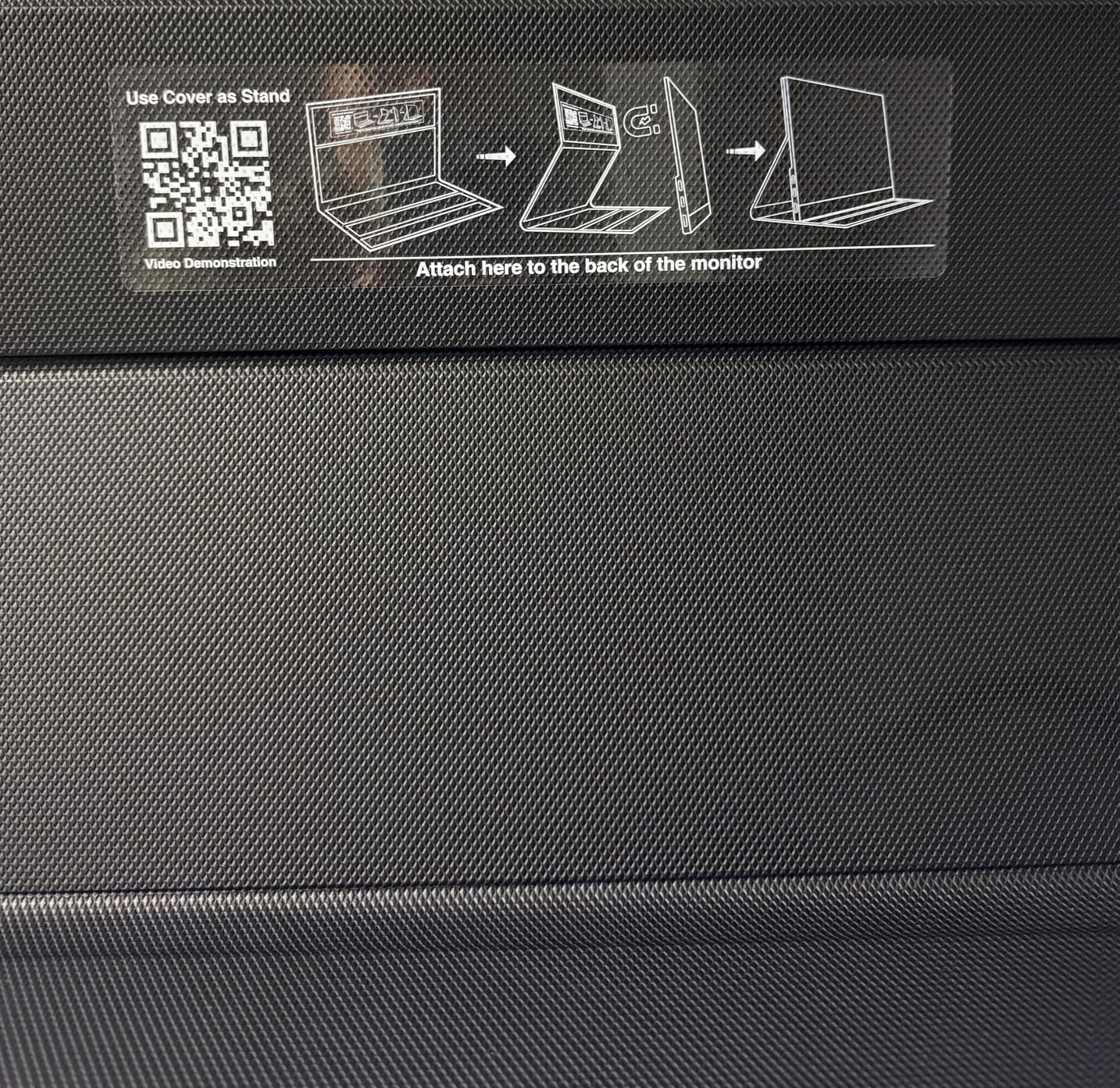
Brightness is the highest rating in this group at 470 nits on an 8-bit plus 2FRC IPS panel covering 110% sRGB. It held up well next to a window in our testing, which is where most 300-nit portables start to look washed out. The metal body is 1.5 pounds, and a sleeve, power adapter, and two USB-C cables are in the box.
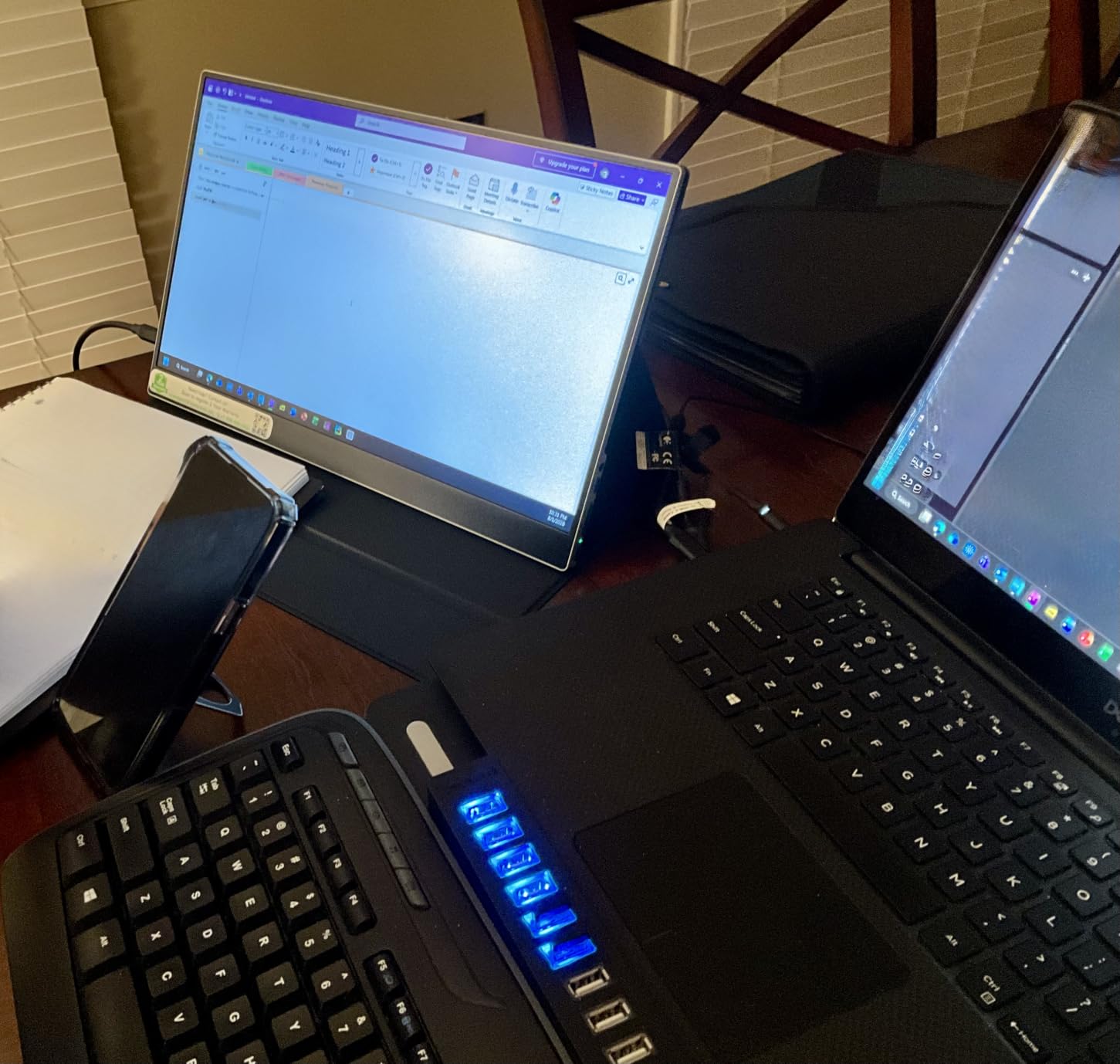
Connectivity is better thought through than most. The full-size standard HDMI port is far less fragile than the mini-HDMI sockets on several rivals, and the dual USB-C ports mean you can keep a MacBook charging cable and a second device cable in the same bag without adapters.
Who this is for
MacBook Pro owners who want the second screen to feel the same shape as the main one. It suits editors scrubbing timelines, developers with side-by-side documentation, and anyone who wants to play games on the same laptop without a second display being a compromise.
It is also the strongest choice for a bright room, since 470 nits is the highest rated figure among the ten we tested.
Who should skip it
Anyone planning to mount the panel in portrait. There is no native portrait support, and the kickstand is designed around landscape use only. You would need a VESA arm to rotate it.
Call and meeting users should look elsewhere, because the built-in speakers are poor enough that reviewers consistently recommend leaving them unused.
3. KYY 15.6-Inch 1080P Monitor With Cover
KYY Portable Monitor 15.6″ 1080P Computer Monitor Screen…
15.6 inch 1080p IPS LCD
300 cd/m2, 60Hz
Dual USB-C plus mini-HDMI
1.7 pounds with smart cover
Pros
- Sharp 1080p IPS with 178-degree viewing angle and HDR picture enhancement
- Two full-function USB-C ports plus mini-HDMI for one-cable use
- 0.3-inch aluminium body
- PU leather cover doubles as a stand
- Two stereo speakers and a 3.5mm audio input
Cons
- 60Hz refresh rate limits fast-paced gaming
- On-screen control wheel is fiddly for precise adjustment
With more than 13,000 reviews behind it, this is the most thoroughly used monitor in the group, and the pattern in that feedback is consistent: people buy it for the one-cable USB-C connection and the cover that doubles as a stand, and they keep it because it just works. The two full-function USB-C ports mean the same cable that draws the picture can pass power back to the MacBook Pro.
It is a 16:9 1080p panel at 300 nits, so text is noticeably softer than the 4K options here, and it will not match a Retina display for text crispness. What it does match is the convenience factor, and for a coffee-shop or hotel-desk second screen that is often the point.
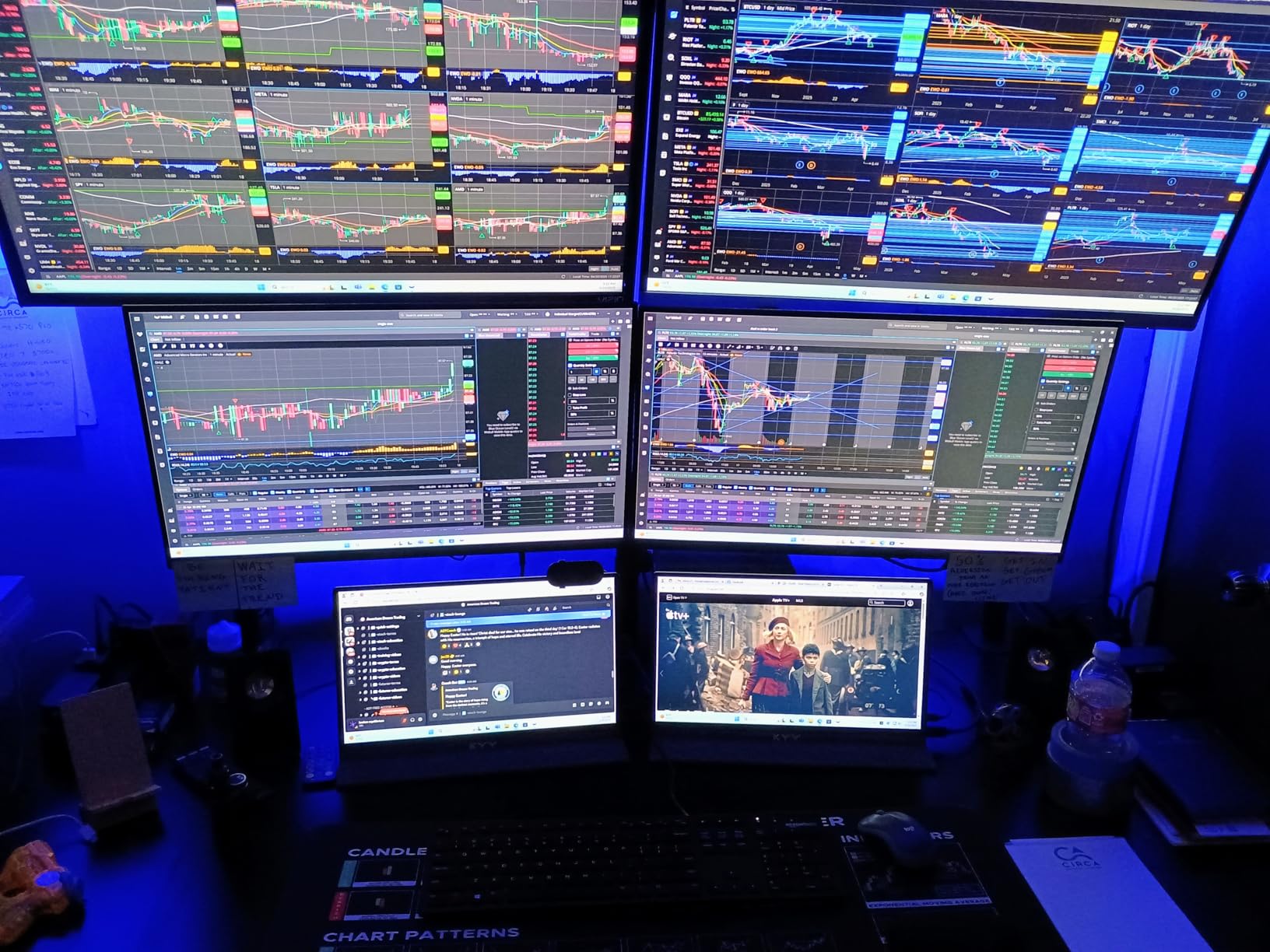
Physically it is a 0.3-inch aluminium body weighing 1.7 pounds, which is about the same as a hardcover book. The included cables cover every hookup we tried: mini-HDMI to HDMI, USB-C to USB-A, and USB-C to USB-C, so you are not depending on a cable you already own.
The two built-in stereo speakers are a genuine bonus for a portable of this size, and the 3.5mm audio input gives you a headphone option. The smart cover has adjustable angle grooves, which give you more placement flexibility than the single-angle kickstands common at this size.

Who this is for
Travel-first users who want a working second screen with the fewest possible loose parts. If you open the bag, plug in one USB-C cable, and prop it on the cover, this is the monitor that gets out of the way fastest.
It is also a sensible choice for anyone who wants a spare display for a second Mac or an iPad, since the mini-HDMI input widens what you can connect.
Who should skip it
Colour-critical editing. At 1080p with no wide gamut figure quoted, this is a working screen, not a reference screen, and it will not match a MacBook Pro’s display in either sharpness or colour.
Fast gaming is also out. The 60Hz limit is the most common complaint in the reviews, and the control wheel is fiddly if you need to dial brightness precisely against changing light.
4. Upperizon 14-Inch 4K OLED Monitor
Upperizon Portable Monitor 14 inch 4K 3840X…
14 inch 4K OLED at 3840x2400
100% DCI-P3, Delta E under 2, 350 cd/m2
1.33 pounds, 0.13 inches thin
Pros
- OLED panel gives true blacks and 100000:1 contrast with 1ms response
- Factory calibrated to Delta E under 2 across 100% DCI-P3
- Ultra-slim aluminium body at 1.33 pounds
- Single USB-C plug-and-play with MacBook and Surface
- 180-degree kickstand plus VESA holes and a sleeve included
Cons
- 350 nits is modest for a glossy panel used outdoors
- 60Hz refresh rate limits gaming
- 4K on 14 inches often needs macOS display scaling
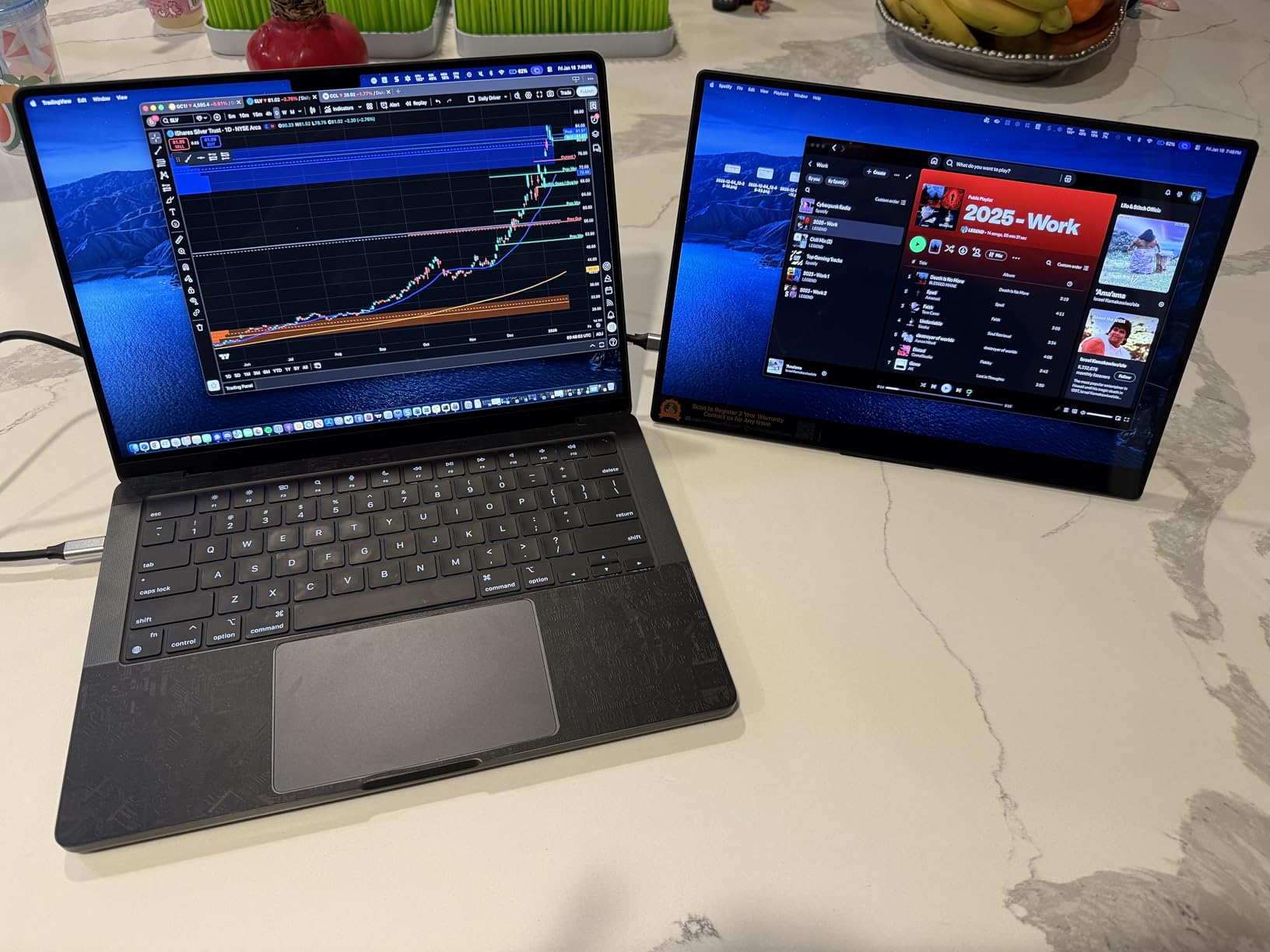
This is the most accurate panel we tested. A factory calibration figure of Delta E under 2 across 100% DCI-P3 is a real measurement rather than a marketing label, and it means what you see in a colour-managed app on this screen will track what you see in the same app on your MacBook Pro far more closely than any 1080p IPS option here.
The OLED panel also delivers 100,000:1 contrast and 1ms response, so blacks in a video edit are genuinely black and there is no smearing on motion. For a photographer grading on the go or a video editor checking contrast, that combination is the whole point.
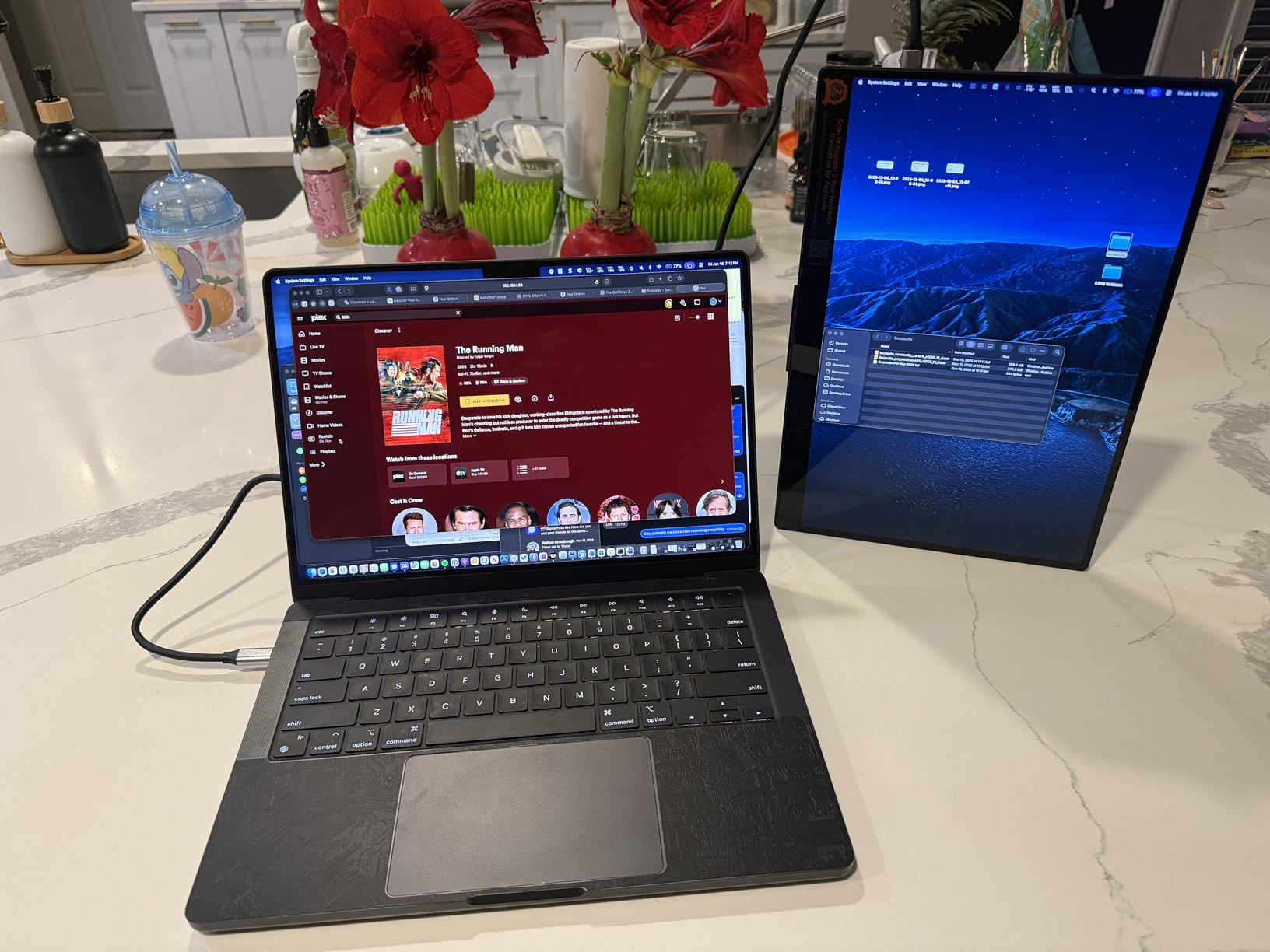
It is also the lightest unit in this roundup at 1.33 pounds, in an aluminium body that is 0.13 inches at its thinnest. The 16:10 aspect ratio matches a MacBook Pro display, and the 180-degree adjustable kickstand plus VESA holes give you the most flexible positioning of any model here.
Ports are covered well: two full-function USB-C ports for single-cable use, one HDMI port, FreeSync adaptive sync, and dual speakers with a sleeve case in the box. Power consumption is listed at 14 watts, so a MacBook Pro battery will work but will drain faster than with a 1080p panel.
Who this is for
Photo and video professionals who need a screen they can trust for colour decisions away from a studio. It is the natural companion to a MacBook Pro aimed at [photography work](https://www.rosenberryrooms.com/best-macbook-pro-for-photographers/), where a calibrated wide-gamut panel changes what you can do away from the desk.
The 16:10 ratio and light weight also make it a strong travel pick for anyone who wants a MacBook-shaped second screen rather than a 16:9 one.
Who should skip it
Outdoor and high-brightness use. At 350 nits with a glossy finish, this panel picks up reflections and struggles in direct light, where the matte 470-nit VisionOwl holds up much better.
High-frame-rate gaming is also a poor fit at 60Hz, and the glossy coating means a fingerprint or a bright ceiling light is visible immediately.
5. ViewSonic VX1655 16-Inch 4K OLED Monitor
ViewSonic VX1655-4K-OLED 16 Inch 4K UHD OLED Portable…
16 inch 4K UHD OLED
3840x2160, 1ms, FreeSync
60W two-way USB-C
1.5 pounds, 3-year warranty
Pros
- 4K OLED panel with exceptional contrast for creative work
- Light 1.5-pound body at 0.6 inches thick
- Single USB-C cable provides 60W two-way power delivery
- Integrated kickstand supports portrait and landscape
- Protective cover and 3-year limited warranty
Cons
- 60Hz refresh rate limits gaming despite the OLED panel
- Mini-HDMI port is more fragile than full-size HDMI
- 170-degree viewing angle is narrower than 178-degree rivals
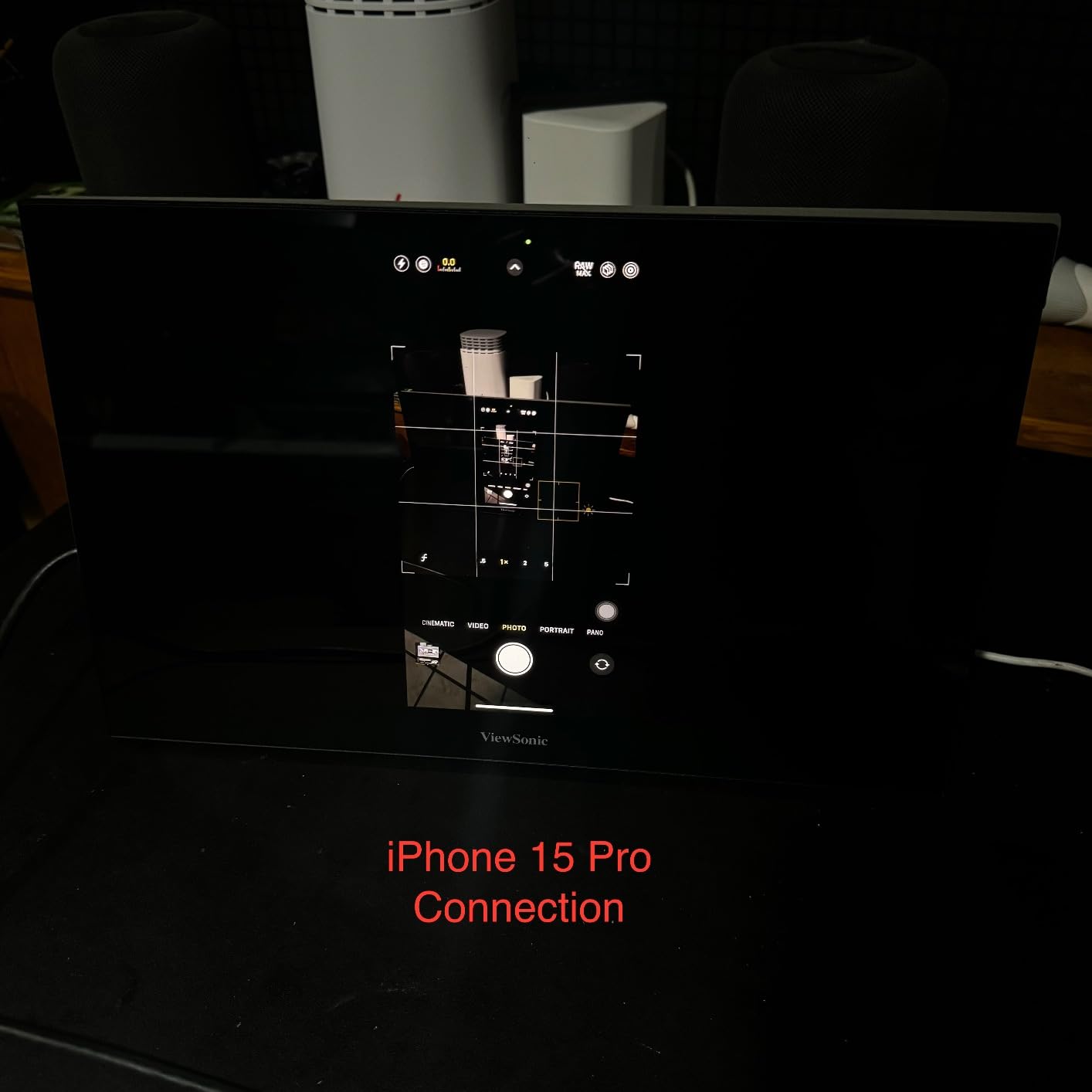
This is the largest screen on the list at 16 inches, and the 4K OLED panel gives it 80,000,000:1 contrast with a 1ms response time. For a MacBook Pro user editing video on a plane or in a hotel room, the extra two inches of width and a matte finish make it a different proposition from the 14-inch OLED.
The detail that matters most for a Mac is the 60W two-way power delivery over USB-C. You can run the display and charge the laptop from a single 60W charger, which means one less brick in the bag, and that is a genuine portability gain rather than a spec-sheet line.
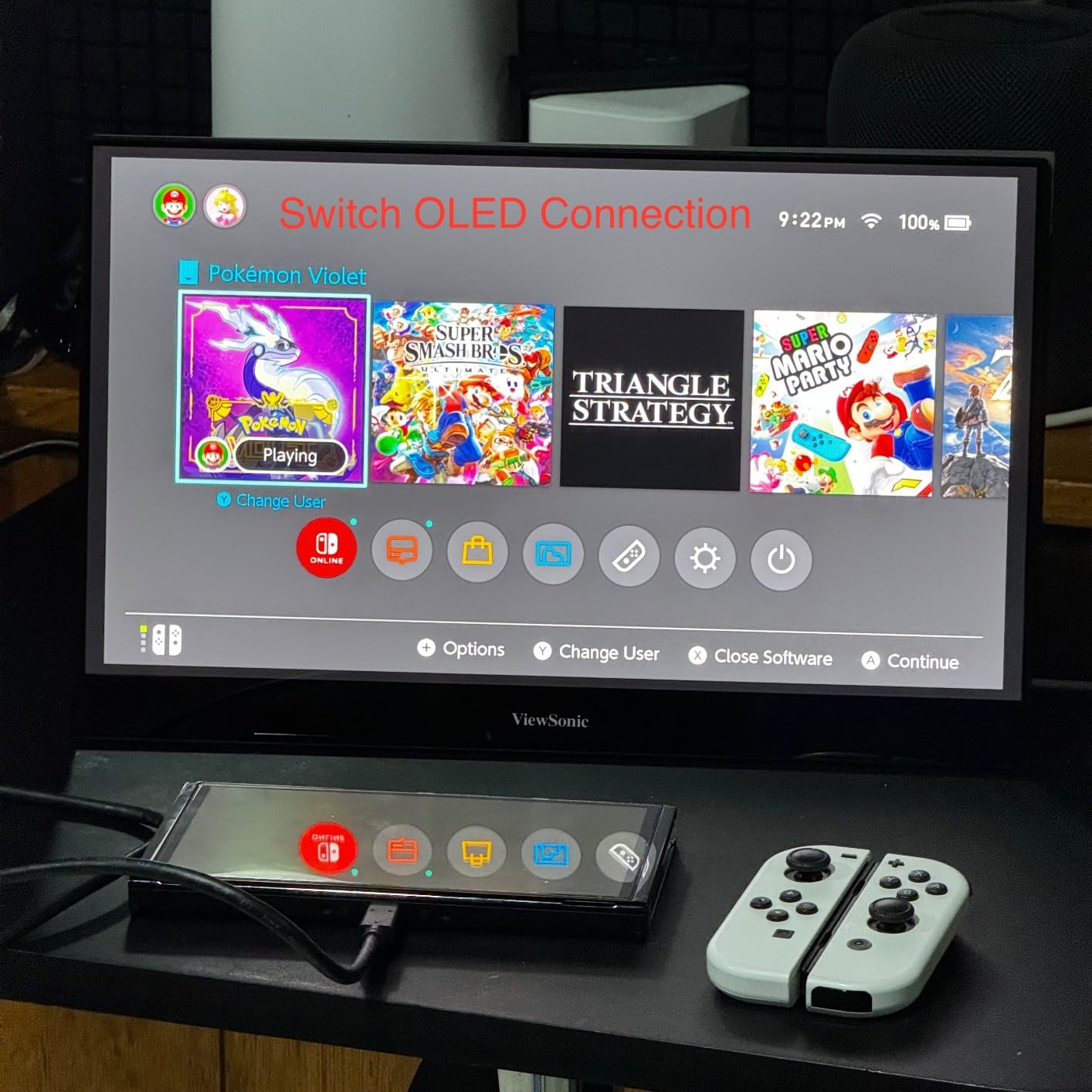
It weighs 1.5 pounds at 0.6 inches thick, which is the thickest body here but still perfectly manageable. The integrated kickstand folds for portrait and horizontal modes, which matters for reviewing vertical video on a phone-shot timeline.
Ports include mini-HDMI, dual USB-C, and a 3.5mm audio jack, and the box carries a cover, power adapter, and both cables. The three-year limited warranty on parts, labour, and backlight is the longest coverage in this roundup and is backed by a US-based support team.
Who this is for
MacBook Pro owners who want the largest portable screen they can carry and who work with video where OLED contrast matters. The 60W single-cable charging is the deciding factor for anyone trying to travel with one power brick.
The three-year warranty also makes this the pick for anyone who expects to keep the same display for several years and wants cover on the panel itself.
Who should skip it
Anyone who games. The 60Hz limit is the most-cited complaint in the reviews, and an OLED panel is a strange place to spend money if you will not use the contrast advantage.
The mini-HDMI input is also more fragile than the full-size sockets on some alternatives, so if you will be plugging and unplugging constantly, that is worth considering.
6. ASUS ZenScreen MB16ACV 15.6-Inch
ASUS ZenScreen 15.6 Inch Portable Monitor – 1080P, Full HD…
15.6 inch FHD IPS anti-glare
1920x1080, 60Hz
Ultra-slim 0.39 inch, 1.8 pounds
3-year warranty
Pros
- Established brand build quality with a 3-year warranty
- Hybrid-signal USB-C carries power and video on one cable
- Works with older USB Type-A laptops via the included cable
- TUV Rheinland certified flicker-free and low blue light
- Kickstand folds for portrait or landscape and a sleeve is included
Cons
- Heavier and costlier than generic 1080p alternatives
- Kickstand offers only a single fixed viewing angle
- 60Hz refresh rate
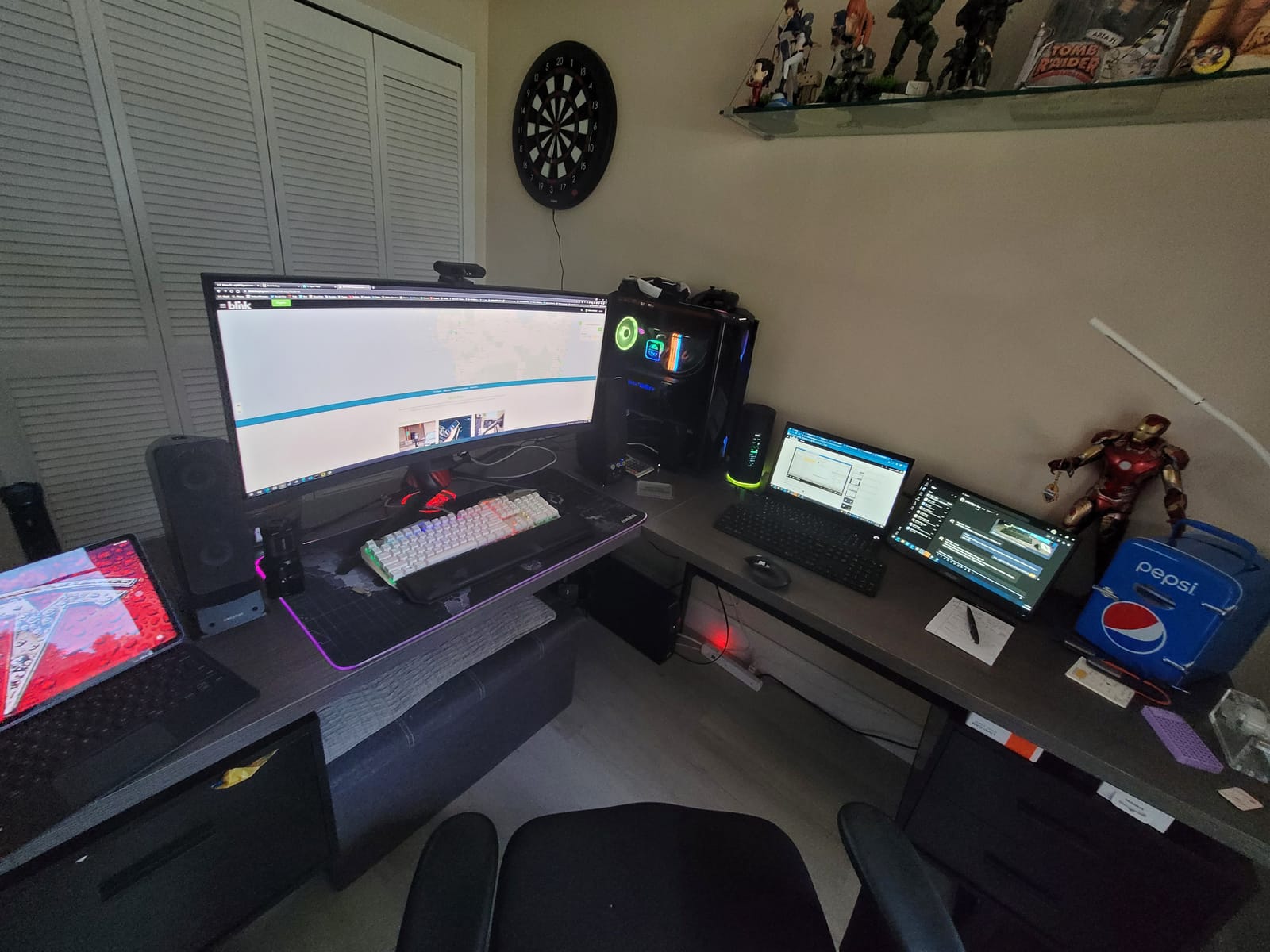
Where the generic portables rely on specifications alone, the ZenScreen comes with something a Mac owner can actually verify: a three-year warranty and TUV Rheinland certification for flicker-free operation and low blue light. If you stare at a second screen for eight hours a day, that certification and the anti-glare surface are worth more than another two hundred pixels.
The hybrid-signal USB-C implementation is the practical part. It carries power and video together over a single cable, and it will also work with older USB Type-A laptops through the included cable, which is useful if you split time between a Mac and an older machine.

At 1.8 pounds it is the second-heaviest unit in this group, and the 0.39-inch body is not as slim as the 0.04-inch profile of the Anyuse below. The kickstand folds for portrait or landscape orientation and a ZenScreen sleeve is included in the box.
FreeSync adaptive sync is supported, and power draw is listed at 6.64 watts, the lowest figure in this roundup, which means running it off MacBook Pro battery has the least impact of any panel here.
Who this is for
MacBook Pro users who want a second screen for long working days and care more about eye comfort, warranty length, and brand support than about maximum pixel density. The low power draw also makes it a good match for all-day battery work.
If your company buys equipment and you would rather register a three-year warranty than research a lesser-known brand, this is the safer pick.
Who should skip it
Anyone who wants the thinnest, lightest kit. At 1.8 pounds it is nearly half a pound heavier than the lightest option here, and that gap adds up in a bag you carry every day.
It is also a 16:9 60Hz 1080p panel, so it will not satisfy a colour-critical workflow or a high-refresh gaming habit.
7. MNN 15.6-Inch FHD 60Hz Portable Monitor
MNN 15.6″ FHD 60Hz Portable Monitor USB-C HDMI IPS HDR…
15.6 inch 1080p IPS LCD
1920x1080, 60Hz, 300 cd/m2
FreeSync
1.5 pounds with smart cover
Pros
- Truly plug-and-play with one USB-C cable for power and video
- Crisp 1080p IPS with 178-degree viewing angle
- Light at about 1.5 pounds and thin enough for a laptop bag
- Works with MacBooks
- Steam Deck
- iPads
- phones and consoles
- Smart cover folds into a stand
Cons
- Matte finish slightly softens image compared with a laptop display
- Firmware auto-shuts off when signal drops and the timeout is not adjustable
- Cover magnets are weak on a moving train or plane
This monitor ranks first in Amazon’s Computer Monitors category, and the reviews explain why: the single USB-C cable genuinely does both jobs. On a MacBook Pro it is the fastest reliable one-cable connection we tried, with no adapter, no app, and no second power supply to remember.
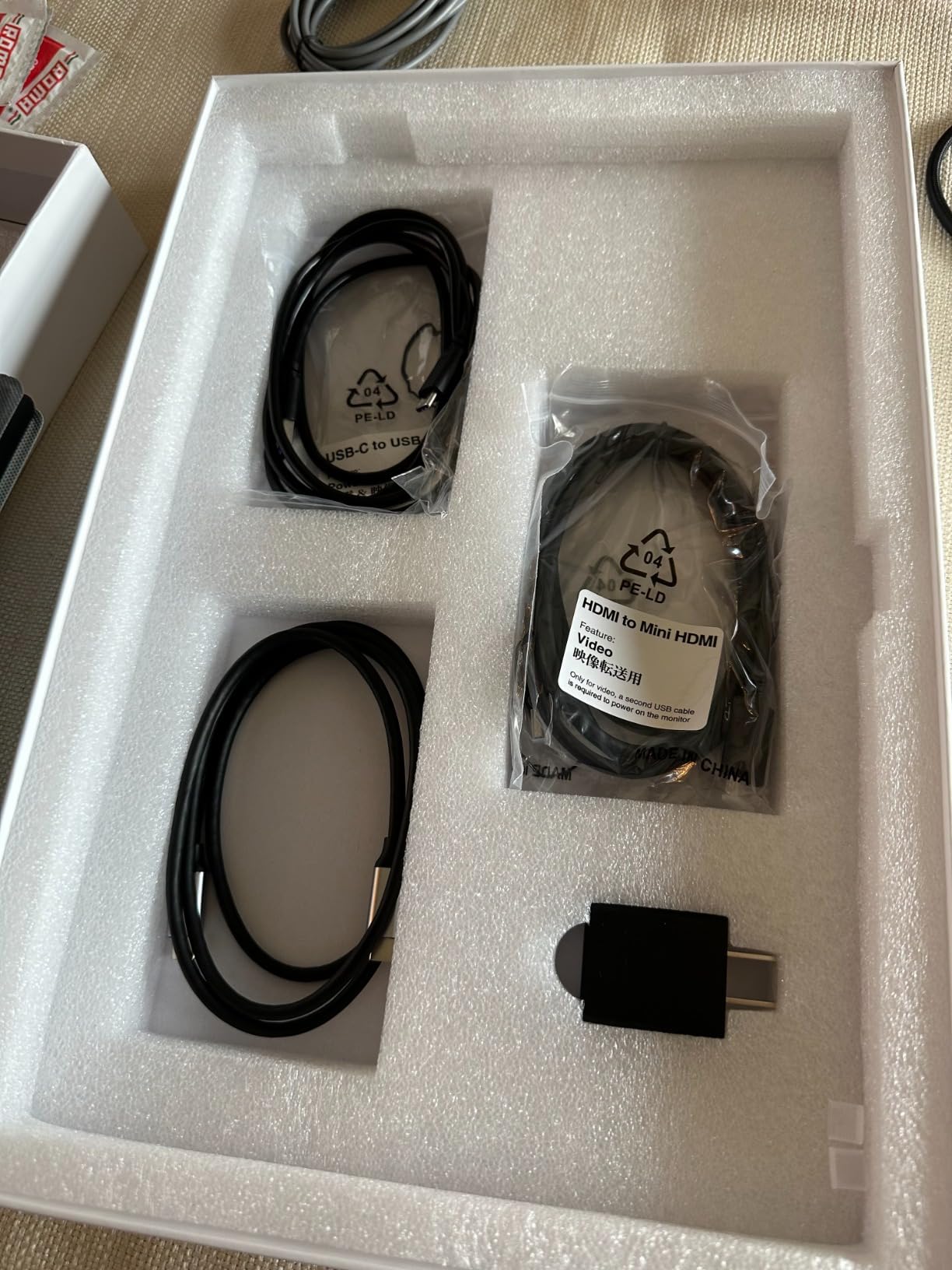
At 1.5 pounds with a 1.5-meter mini-HDMI cable and a 1.2-meter full-function USB-C cable in the box, it is a well-balanced travel kit. FreeSync adaptive sync is supported, which is unusual at this level and helps with frame pacing on console output.
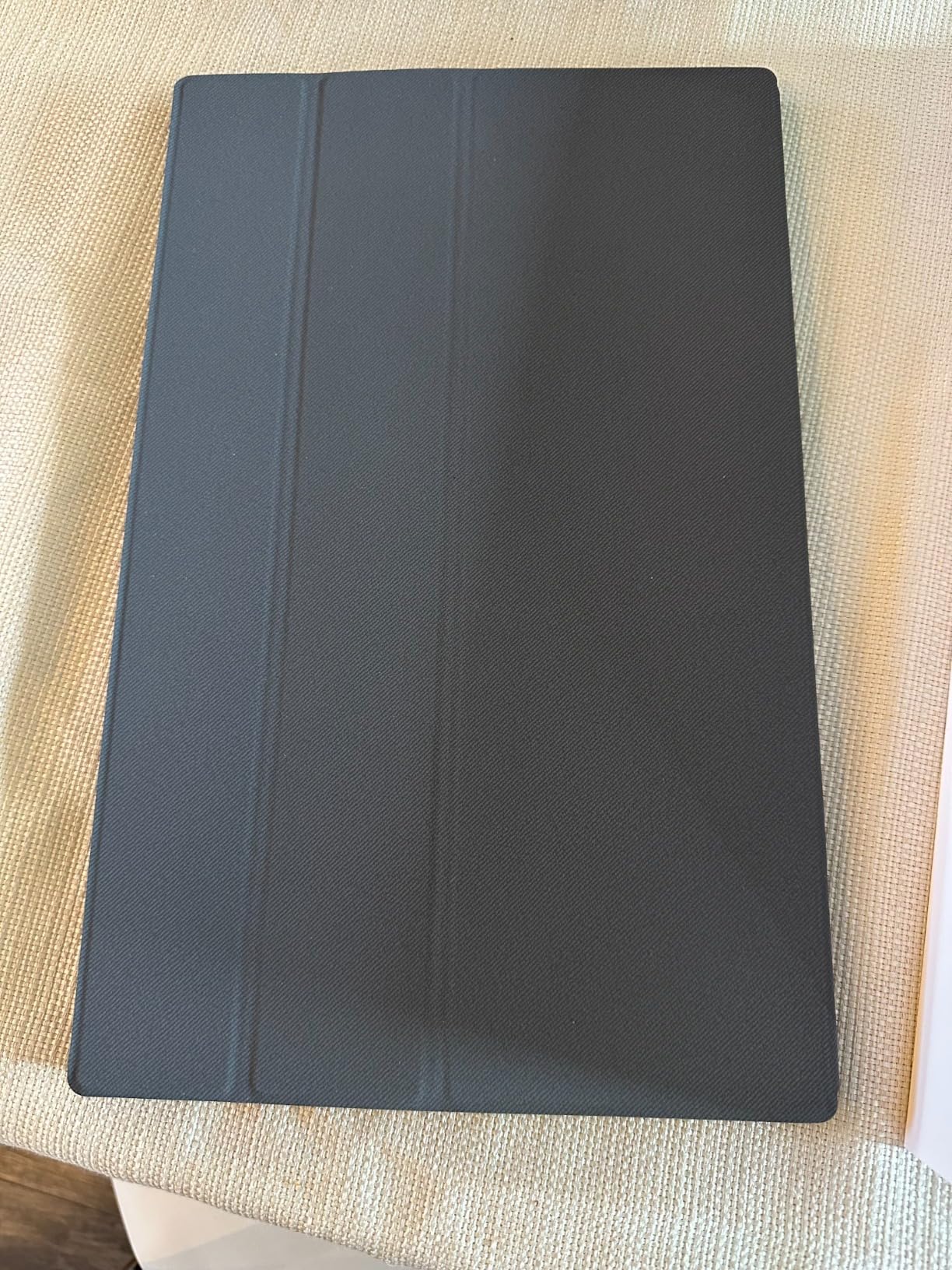
Two Mac-specific behaviours are worth knowing before you buy. The matte finish softens the image slightly compared with a MacBook’s own display, and reviewers note the colour match is not exact. More practically, the firmware auto-shuts off when the signal drops and the timeout is not adjustable, which can leave the panel dark after some boot sequences and require a brief power cycle to wake.
The cover magnets are also weaker than they look, so on a moving train or a plane the panel will not stay put in a way that feels secure. At a fixed desk or a café table it is fine.
Who this is for
MacBook Pro users who also carry a Steam Deck, an iPad, or a console and want one screen that handles all of them. The bundled cable lengths are generous enough for a hotel desk, which is where a short cable usually becomes the problem.
It is also a good second display for a Mac that spends most of its time in a bag, given the 1.5-pound weight and the cover that folds into a stand.
Who should skip it
Anyone who needs a wake-from-sleep experience to be completely hands-off. The non-adjustable no-signal timeout is the most common complaint in the reviews and the one issue we would want solved before recommending it as a primary work display.
Colour-sensitive work is also out, since the matte coating and unspecified gamut mean it will not match a MacBook Pro display closely.
8. ForHelp 15.6-Inch Portable Monitor
ForHelp 15.6inch Portable Monitor,1080P USB-C HDMI Second…
15.6 inch 1080p IPS matte
300 cd/m2, 1000:1, 1ms
Dual USB-C plus mini-HDMI
1.5 pounds aluminium
Pros
- Aluminium alloy body keeps weight to about 1.52 pounds at 0.3 inches thick
- IPS matte 1080p panel with 178-degree viewing angle at 300 cd/m2
- Two full-featured USB-C ports and a mini-HDMI port
- Magnetic smart holster doubles as a protective cover
- Two built-in speakers for meetings and gaming
Cons
- 60Hz refresh rate is not suited to fast competitive gaming
- Zero-frame bezels on a 1080p panel add no usable screen area
- Mini-HDMI port is more fragile than full-size HDMI
The ForHelp is the one on this list we would most confidently put in front of a client. It has two built-in speakers, which is not a headline feature, but it means a meeting in a coffee shop does not require a separate Bluetooth speaker or an awkward shared-screen setup with audio on the laptop.
Build quality is a step above the very cheapest 1080p portables. The aluminium alloy body is 0.3 inches thick and weighs about 1.52 pounds, the matte IPS panel is 300 nits at 1000:1 contrast with a 178-degree viewing angle, and the magnetic holster protects the panel and props it up at the same time.
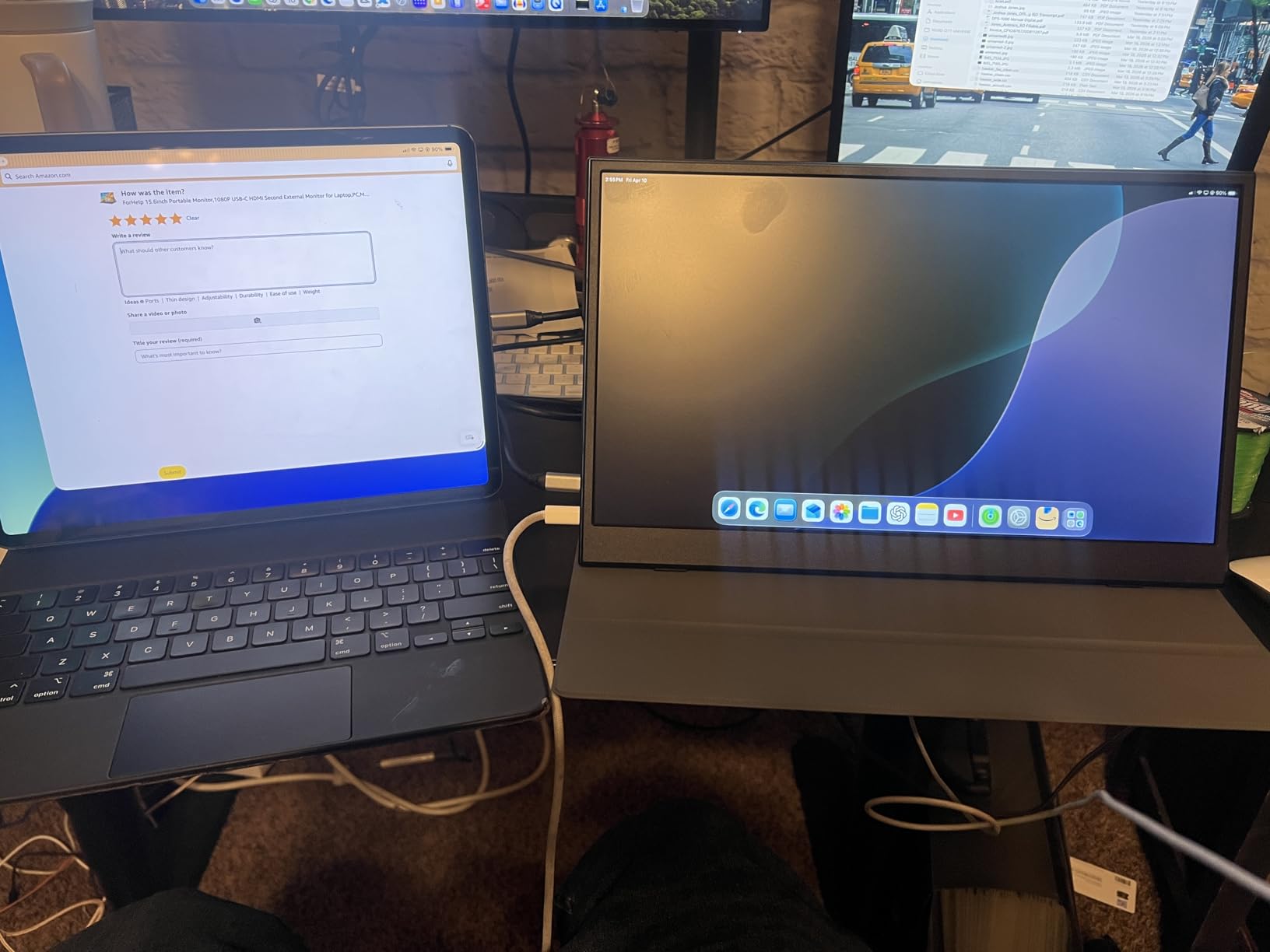
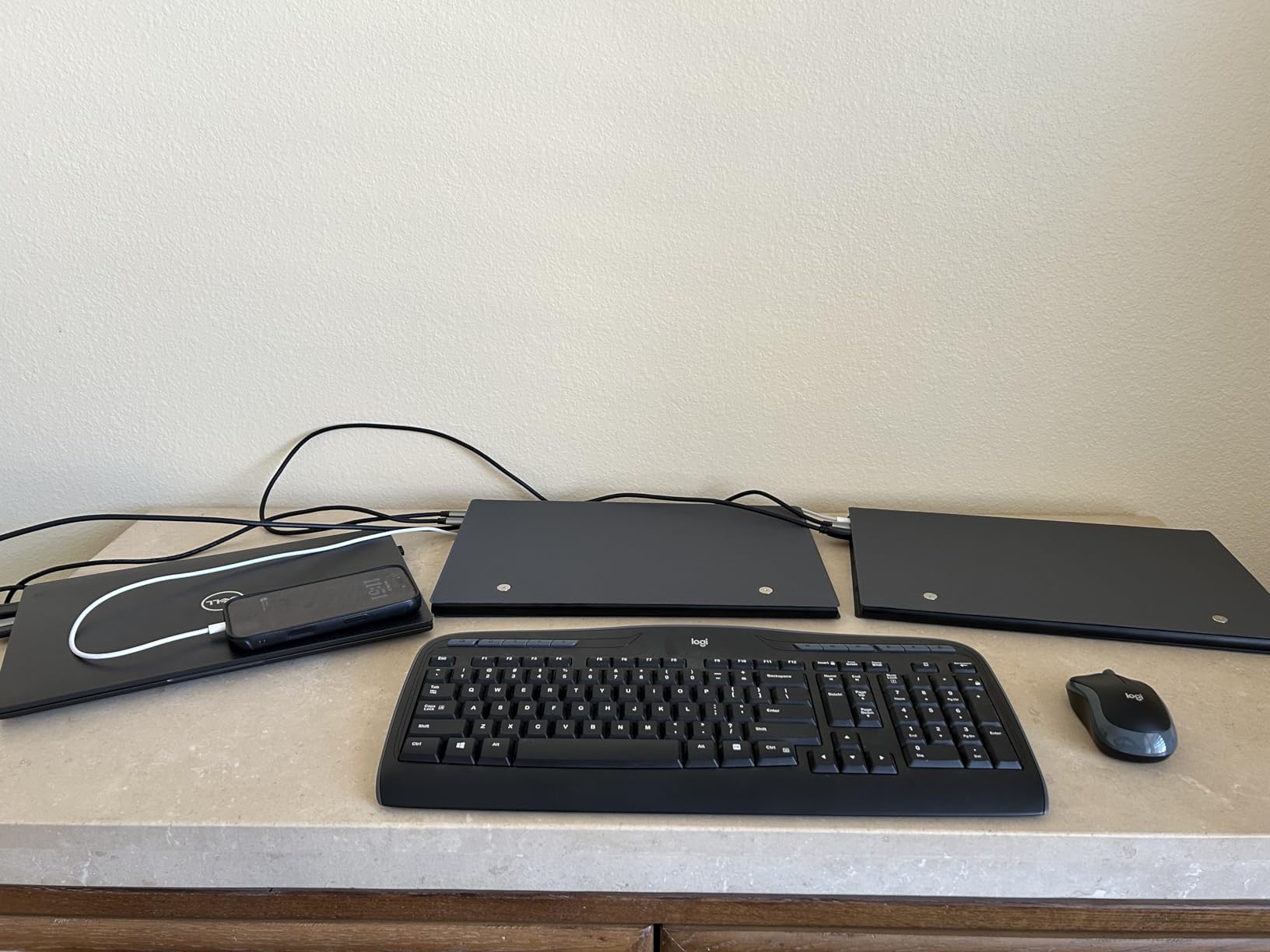
Two full-featured USB-C ports plus a mini-HDMI port cover every hookup we tried on a MacBook Pro, and copy, extend, and second-screen modes are available through the on-screen menu alongside HDR. Cables in the box are longer than most at this size, at 1.5 meters for mini-HDMI and USB-A power and 1.2 meters for the full-function USB-C.
The response time is listed at 1ms and the panel is IPS rather than the slower LCD variants in the cheapest models, which shows in text rendering and scrolling on macOS.
Who this is for
MacBook Pro users who take calls and run meetings away from a desk. The speakers and the wide viewing angle let you tilt the panel toward a colleague without washing out the image for yourself.
It also works as a shared second screen for a MacBook Pro that spends time in a hot-desking arrangement, where the magnetic cover gives you a stable angled position quickly.
Who should skip it
Fast gamers. The 60Hz refresh rate is the leading complaint, and the 1ms figure describes pixel response rather than refresh, so it does not translate into smooth motion.
The cover stand also gives you only a couple of fixed angles, which becomes limiting if you regularly work somewhere other than a flat table.
9. InnoView 15.6-Inch FHD Monitor
InnoView Portable Monitor, 15.6 Inch FHD 1080P HDMI USB C…
15.6 inch A+ IPS at 1920x1080
250 cd/m2, 80% sRGB
Dual USB-C plus HDMI
4mm slim, 18-month warranty
Pros
- No app or driver needed with a single USB-C cable for video and power
- Full-function USB-C ports with reverse pass-through charging
- A+ IPS 1080p panel with 178-degree viewing angle and HDR
- Smart PU leather cover protects the screen and works as a stand
- Landscape and portrait orientation on a 4mm body
Cons
- 250 cd/m2 is dimmer than most competing 1080p portables
- Listed weight of 2.7 pounds feels heavy for a travel screen
- Only about 80% sRGB coverage limits colour-critical work
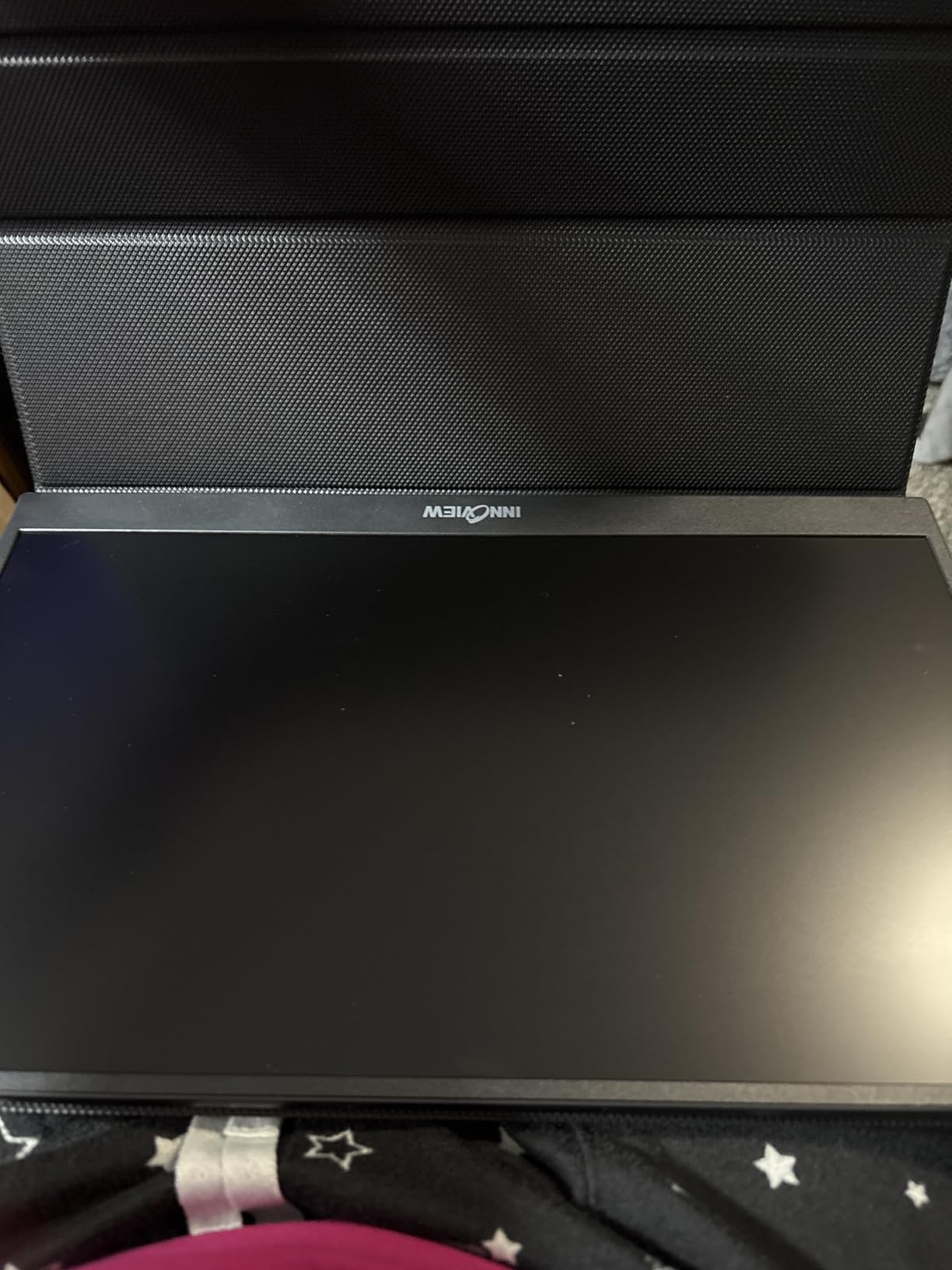
The InnoView is a straightforward 1080p portable that does the basics without fuss. There is no driver, no app, and no setup menu beyond plugging in a USB-C cable, and the full-function USB-C ports support reverse pass-through charging so the same cable can keep your MacBook Pro topped up.
Connectivity covers MacBooks, desktops, phones, tablets, PS5 and PS4, Xbox, and Switch over HDMI or USB-C, with FreeSync adaptive sync and HDR listed. Warranty coverage is 18 months, which is longer than several models in this roundup.
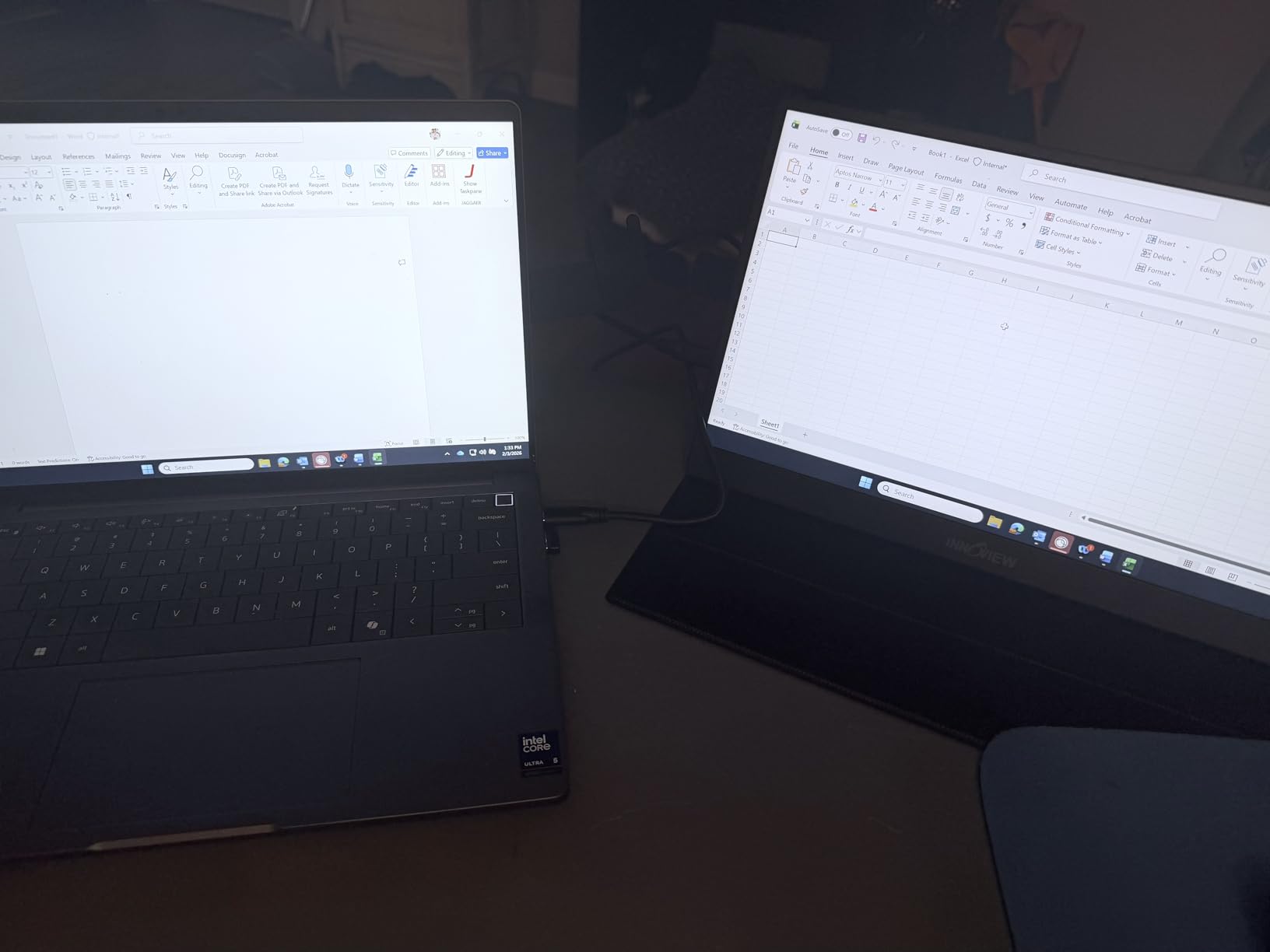
Two things work against it. The 250 cd/m2 brightness is the lowest rated figure here, and reviewers note the screen is visibly dimmer than most competing 1080p portables, which matters in a bright room. The listed weight of 2.7 pounds also reads heavy next to models around 1.5 pounds.
On colour, the 80% sRGB coverage is well short of what a MacBook Pro display shows, so this is a working screen rather than a colour reference. Reviewers also report occasional flicker or restarts when the display is powered from a low-output source.
Who this is for
MacBook Pro owners who want the simplest possible second screen for email, documents, and messaging, and who are not going to judge colour. If the priority is low cost and zero configuration, this does the job.
The pass-through charging is the feature that lifts it above the cheapest models, since you can run the display and charge from a single cable on a short session.
Who should skip it
Anyone working in bright ambient light. At 250 nits, this panel dims noticeably in a café or near a window compared with the 380 and 470-nit options here.
It is also the wrong choice for creative work, given 80% sRGB coverage, and the 2.7-pound listed weight makes it a harder travel companion than its thin 4mm body suggests.
10. Anyuse 15.6-Inch FHD IPS Monitor
Anyuse 15.6″ FHD IPS USB-C HDMI Portable Monitor
15.6 inch A-grade FHD IPS
1920x1080, 300 cd/m2
1.37 pounds, 0.04 inches thin
Dual USB-C plus mini-HDMI
Pros
- Very light at 1.37 pounds and only 0.04 inches thin
- One-cable USB-C plug-and-play with no drivers or apps
- A-grade 1080p IPS panel with HDR and a low blue light mode
- Two built-in speakers plus a mini-HDMI port
- Works with phones
- tablets
- laptops and consoles
Cons
- No protective sleeve or travel cover included in the box
- Picture and colour are slightly softer than a larger desktop monitor
- No bundled power supply so it relies on the host device
At 0.04 inches and 1.37 pounds, this is the thinnest and lightest body in the roundup, and that is genuinely the feature that sells it. If every gram in your bag counts, a 4mm panel that disappears into a sleeve is a different proposition from a 0.6-inch one.
Functionally it is a no-fuss 1080p IPS monitor with HDR and a low blue light mode, 300 nits of brightness, and two full-function USB-C ports plus a mini-HDMI port. The connection is plug-and-play on a MacBook Pro with no drivers or companion app, and it also works with phones, tablets, Surface, and consoles.
What you give up is packaging and screen quality. There is no travel sleeve in the box, which is awkward given how thin the panel is, and no bundled power supply, so it depends entirely on the host device for power. That is fine for a MacBook Pro, but it does mean the panel is drawing from the laptop’s battery.
Reviewers consistently describe the image as a step softer than a full-size desktop monitor, and a few report receiving open-box returns rather than sealed units. Check the packaging carefully when it arrives.
Who this is for
MacBook Pro owners travelling light who want the smallest possible second screen. At 1.37 pounds it adds very little to a bag, and the 300-nit matte panel is bright enough for most indoor workspaces.
It is also a reasonable second display for a MacBook Pro used mainly for chat, email, and reference material while the laptop screen runs the main task.
Who should skip it
Anyone who wants a protective case included. At 0.04 inches the panel is more exposed than the alternatives, and reviewers point out the missing sleeve as the main regret.
It is also not a good fit for design or photo work, since the softer image quality and 1080p resolution are a clear step down from the 4K options.
How to Choose a Portable Monitor for a MacBook Pro
Start with aspect ratio, because it is the one decision you cannot fix later. MacBook Pro displays are 16:10, so a 16:10 portable like the VisionOwl or the Upperizon sits flush beside the laptop with no black bars. A 16:9 panel such as the cocopar, KYY, or ASUS ZenScreen will letterbox unless you resize the macOS display, which costs you usable desktop area every day.
Next, resolution and how you will use scaling. 3840×2160 or 3840×2400 on a 14 to 16 inch panel gives roughly 220 to 300 pixels per inch, which matches the density of a MacBook Pro Retina screen and makes small text comfortable. At that density you will usually want macOS display scaling set so that text is drawn at a native Retina size rather than default. 1920×1080 panels are fine for documents and email, but text will look soft next to the laptop display.
Brightness is the specification most often oversold. The useful comparison is sustained brightness in normal use, not a peak HDR figure, because a 4K or OLED portable drawing power from your MacBook Pro will not sustain a headline number for long. For a bright room, look for 380 nits or above. For travel and evening work, 300 nits is adequate and easier on battery.
Ports decide whether you can live a one-cable life. A full-function USB-C port carrying DisplayPort Alt Mode gives you native video with no driver. USB-C power passthrough lets the same cable charge the MacBook Pro, which is what makes clamshell mode and single-charger travel possible. A mini-HDMI input is a useful backup for a console or an older machine, but a full-size HDMI socket is far more durable and worth paying a little more for.
Weight and stand design matter more than the spec sheet suggests. Anything over 1.8 pounds starts to feel like a second laptop, and covers that fold into a stand beat panels that need a separate accessory. If you will use the monitor in portrait, check that it either has an adjustable kickstand that holds vertical or that it has VESA holes for an arm, because a narrow landscape-oriented stand will not hold it.
Finally, macOS brightness control. Before you buy, check whether the monitor exposes a brightness control to the system. If it does, the system dimming control and keyboard brightness keys will work. If it does not, you are limited to the monitor’s own menu, and utilities such as BetterDisplay may or may not be able to expose DDC brightness. This single detail causes more frustration on macOS than any other, because the screen dims after 30 seconds of inactivity and there is no system slider to raise it back.
Frequently Asked Questions
What is the best portable monitor for a MacBook Pro?
For most MacBook Pro users the cocopar 15.6-inch 4K UHD panel is the best all-round choice. At 3840×2160 it matches the pixel density of a Retina MacBook Pro display, it connects over a single USB-C cable with no driver, and the 1.6-pound metal body and included sleeve make it easy to carry. If your priority is a screen shaped like your laptop, the VisionOwl 16-inch 2.5K 144Hz has a 16:10 aspect ratio that lines up with the MacBook Pro display.
How many external displays can a MacBook Pro support?
It depends on the chip. Base M-series MacBook Pro models drive one external display over the built-in Thunderbolt ports natively, and a second external screen requires a DisplayLink adapter. Pro and Max chips drive two external displays natively at full refresh, and Ultra-class chips support more than that. One portable monitor plus your laptop screen fits inside the native limit on every MacBook Pro, so a DisplayLink adapter is never needed for a single portable.
How do I stop a MacBook Pro from dimming the external monitor?
First check whether the monitor exposes brightness to macOS. If it does, System Settings, Displays, then the brightness slider or the keyboard brightness keys will control it directly. If it does not, use a utility such as BetterDisplay to expose the monitor’s DDC brightness as a system control. If the hardware does not support DDC, brightness can only be changed in the monitor’s own on-screen menu, which is why the screen appears to dim after 30 seconds with no system slider to restore it.
Can I close my MacBook and still use an external monitor?
Yes, this is clamshell mode, and it works with a portable monitor. Closing the lid puts the Mac to sleep, and it wakes when it detects an external display, a keyboard, and a power connection. That means you must keep the laptop connected to power, so a monitor with USB-C power passthrough is the most convenient option since one cable carries both the picture and the charge to the MacBook Pro.
Can a portable monitor be powered by a laptop USB-C port?
Yes, most portable monitors draw all their power from the connected device, and a MacBook Pro USB-C port will run one without an external power supply. A 1080p panel typically draws under 10 watts, while a 4K or OLED portable can draw 12 to 24 watts, which is well above the 7.5 watts a standard port is specified to deliver. Expect faster battery drain on higher-resolution panels, and keep your charger attached for full workdays on battery.
Do portable monitors have built-in speakers?
Some do, and quality varies a lot. The KYY and ForHelp 15.6-inch models include stereo speakers that are usable for calls and casual video in a quiet room, while the VisionOwl’s speakers are poor enough that reviewers recommend leaving them off. Speakers are never a substitute for a proper audio setup, so for editing or music you will want headphones through the 3.5mm jack or your own Bluetooth speaker.
Should I buy a 4K portable monitor for a MacBook Pro?
Yes, if you read text all day, write code, or review documents, because a 3840×2160 panel at 15.6 inches gives roughly 283 pixels per inch and matches the sharpness of the laptop’s own Retina display. You will usually want to set macOS display scaling so text renders at a comfortable size rather than using the default. A 1080p portable is still fine for email, chat, and secondary reference material, and costs less while drawing less battery power.
The Verdict: Which Portable Monitor Wins in 2026
For most people shopping for the best portable monitors for MacBook Pro, the cocopar 15.6-inch 4K panel is the pick: it matches Retina text density, connects with one USB-C cable, and stays under two pounds. Pick the VisionOwl 16-inch 2.5K 144Hz instead if you want a 16:10 screen shaped like your laptop and noticeably smoother motion, and the Upperizon 14-inch OLED if colour accuracy is the reason you need a second display at all.
Before you buy, spend a minute checking whether the monitor exposes brightness to macOS, because that one detail decides how annoying the display will be on day one. If you are still building out a setup rather than travelling, our guide to [MacBook Pro deals](https://www.rosenberryrooms.com/best-macbook-pro-deals-february-2026/) and the [best monitors for MacBook Pro](https://www.rosenberryrooms.com/best-monitors-for-macbook-pro/) cover the larger displays that make more sense once you are stationary.
