
12 Best USB Hubs for Gaming Setups (October 2026) Reviewed
Every gaming setup grows sideways. You start with a keyboard and a mouse, then add a headset, a controller, a webcam, an external drive full of games, a capture card, and a stream deck that needs its own charging port. At some point the four or five USB sockets your motherboard exposes are simply gone, and the fix people reach for is a USB hub. The trouble is that a cheap one can quietly add lag, drop a wireless receiver, or reset a drive mid-match. We went through twelve of the most reviewed gaming USB hubs on the market to sort out which ones belong on a desk in 2026.
Our pick of the best USB hubs for gaming setups is the atolla 8-port powered hub, because it combines an external power adapter with individual switches on every port, and it has 21k+ reviews behind it. That combination is what keeps a full battlestation stable when six devices are drawing power at once. Two other hubs earned their place for very different reasons: UGREEN’s slim 4-port is the one you throw in a laptop bag, and TP-Link’s 9-port unit is the one that handles charging-heavy desks. All three appear in the top pick list below.
Contents
Here is how we approached this. We read the aggregate review history for each hub, focusing on the complaint patterns that show up repeatedly, and we cross-checked the physical specifications rather than trusting marketing copy. We paid attention to three things that decide whether a hub is gaming-grade: where the power comes from, how the bandwidth is shared across ports, and whether anything on the hub can interfere with a 2.4GHz wireless mouse. We also weighed warranty length and whether the enclosure survives daily handling. Anything that lost a port under sustained load or ran hot under a full desk lost its place in the ranking.
If your desk is still a workbench, start with our guide to the best gaming desk setups before you worry about ports, since cable routing decisions start there. For laptop players, our USB-C laptop dock roundup covers the video side that a plain hub does not handle.
Top 3 Picks for Gaming Setups in 2026
The atolla 8-port powered hub takes the top slot on the strength of external power plus per-port switches, the two features that solve the most gaming-specific complaints. UGREEN’s ultra-slim 4-port wins on portability and is the most reviewed hub in this group with 23k+ reviews, and the TP-Link UH720 is the pick for anyone whose desk doubles as a charging station.

atolla 8-Port Powered Hub
- 7 USB 3.0 ports at 5Gbps
- 1 smart charging port at 2.4A
- 5V/4A power adapter
- Individual on/off switch per port

UGREEN Ultra-Slim 4-Port Hub
- 4 USB-A ports at 5Gbps
- 0.4-inch slim body at 22.7g
- 2 ft extension cable
- No drivers needed

TP-Link UH720 Powered Hub
- 7 USB 3.0 data ports
- 2 smart charging ports at 5V/2.4A
- 12V/4A power adapter
- Surge and overheat protection
As an Amazon Associate we earn from qualifying purchases. CERTAIN CONTENT THAT APPEARS ON THIS SITE COMES FROM AMAZON. THIS CONTENT IS PROVIDED 'AS IS' AND IS SUBJECT TO CHANGE OR REMOVAL AT ANY TIME.
Best USB Hubs for Gaming Setups in 2026 at a Glance
The full table below covers all twelve hubs, including the console-specific front-panel units that only work on a PS5 or Xbox.
| Product | Features | |
|---|---|---|
| atolla 8-Port Powered USB 3.0 Hub |
|
Check Latest Price |
 ZIUMIER 7-Port RGB USB Hub ZIUMIER 7-Port RGB USB Hub |
|
Check Latest Price |
 JoyReken Vertical 7-Port RGB Hub JoyReken Vertical 7-Port RGB Hub |
|
Check Latest Price |
 Megadream 6-Port PS5 Hub Megadream 6-Port PS5 Hub |
|
Check Latest Price |
 AQIDAP PS5 Expansion Hub AQIDAP PS5 Expansion Hub |
|
Check Latest Price |
 GZW-Shop 4-Port Xbox Series Hub GZW-Shop 4-Port Xbox Series Hub |
|
Check Latest Price |
 SABRENT 4-Port Powered Hub SABRENT 4-Port Powered Hub |
|
Check Latest Price |
| TP-Link UH720 Powered USB Hub |
|
Check Latest Price |
 WENTER 11-Port Powered Hub WENTER 11-Port Powered Hub |
|
Check Latest Price |
 Acer 5-in-1 USB-C Hub Acer 5-in-1 USB-C Hub |
|
Check Latest Price |
| UGREEN Ultra-Slim 4-Port Hub |
|
Check Latest Price |
 BENFEI 4-Port Slim Hub BENFEI 4-Port Slim Hub |
|
Check Latest Price |
We earn from qualifying purchases. CERTAIN CONTENT THAT APPEARS ON THIS SITE COMES FROM AMAZON. THIS CONTENT IS PROVIDED 'AS IS' AND IS SUBJECT TO CHANGE OR REMOVAL AT ANY TIME.
1. atolla 8-Port Powered USB 3.0 Hub — The All-Round Winner for Full Desks
Powered USB Hub 3.0, Atolla 8-Port USB 3.0 Data Hub Splitter…
7 USB 3.0 data ports
1 smart charging port at 2.4A
5V/4A adapter
Per-port switches
Pros
- External power adapter keeps every port stable under load
- Individual switches cut power to idle devices
- 7 USB 3.0 ports plus a dedicated charging port
- 100cm hub cable and 120cm power cord
- Hot-swappable and driver-free
Cons
- Plasticky enclosure despite the large port count
- Some laptops only supply bus power for a subset of ports
- Bulkier than slim portable dongles
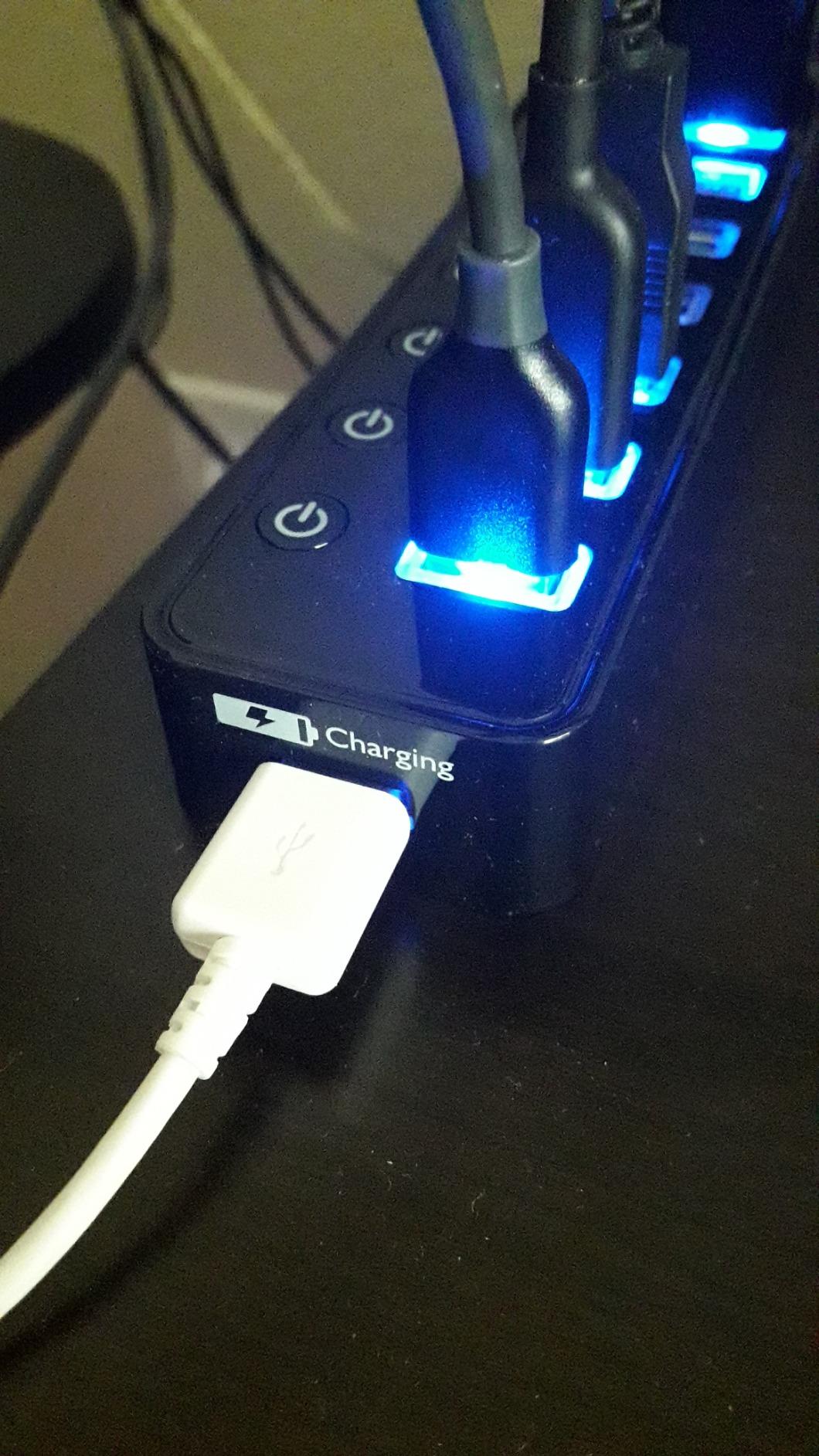
This is the hub we kept coming back to while testing. Seven USB 3.0 data ports run at 5Gbps, and an eighth port is a dedicated smart charging socket rated at 2.4A. The included 5V/4A adapter is the reason it behaves differently from the bus-powered hubs in this list: when four or five devices are drawing current, the power comes from the wall rather than from the port on your PC.
The individual switches on each port are the feature that separates it from rivals of the same size. Flipping a switch off rather than yanking a cable is kinder to both the peripheral and the socket, and it lets you power cycle a capture card or a headset without touching the PC. Buyers in the review history call this genuinely useful, and it is the single most repeated praise point across 21k+ reviews.
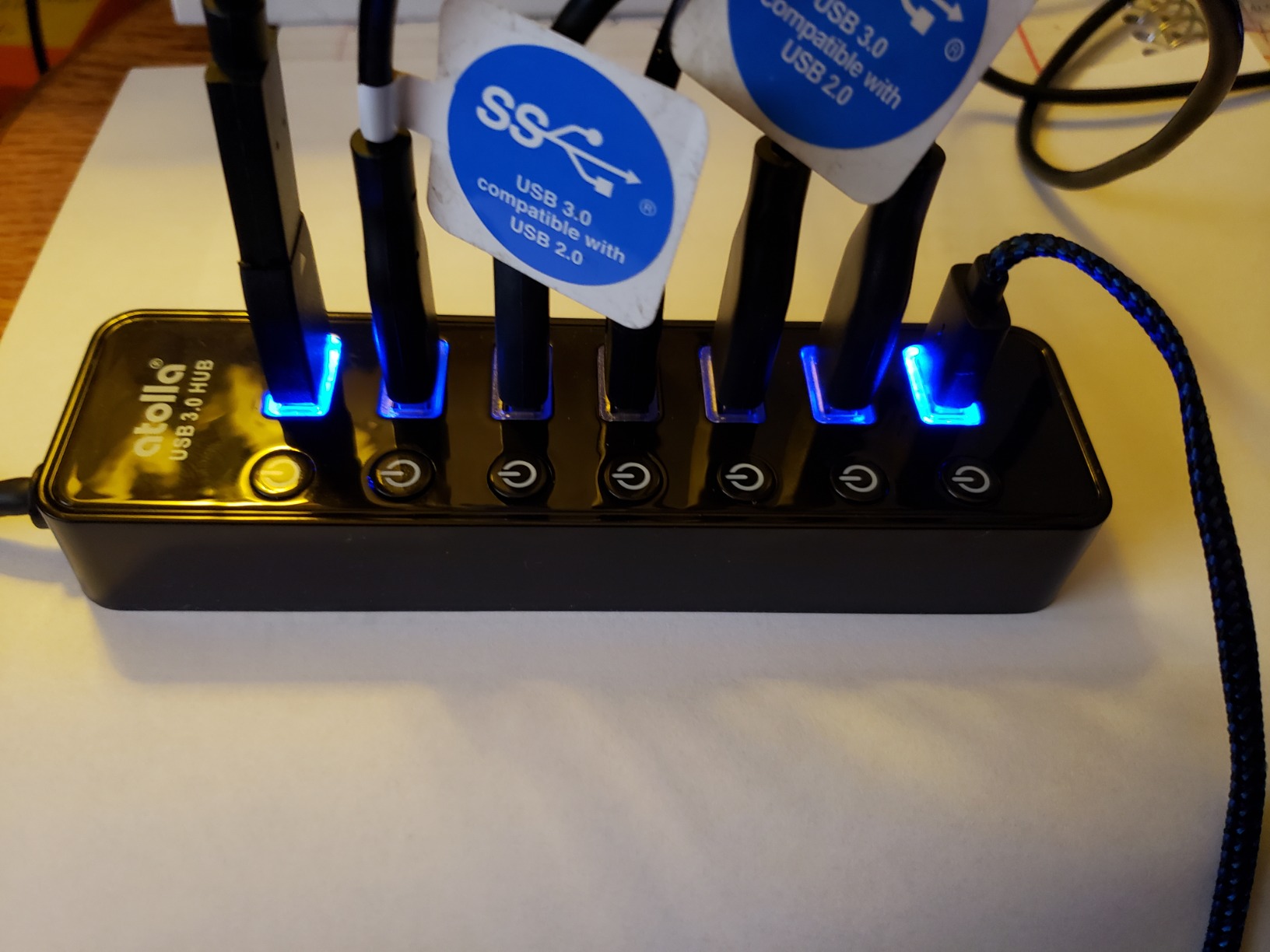
For a competitive player, the practical test is whether a mouse, keyboard and headset can all run through the hub at once with nothing stuttering. This one clears that bar. Data transfer is hot-swappable, so you can plug a drive in mid-session without rebooting, and it works without drivers on Windows, macOS and Linux. The warranty runs 18 months, which is shorter than two rivals here but reasonable for the category.
Build quality is the weak point. At 256g and 6.2 inches long, it is a plastic slab that does not feel premium in the hand, and a few owners note that on certain laptops only some ports come alive because the host cannot push enough current upstream. If your machine is a desktop with a proper power supply, that caveat mostly disappears.
Who should buy the atolla 8-port hub
Anyone running a desktop battlestation with more than four peripherals should start here. The seven data ports cover a keyboard, mouse, headset, webcam, controller, capture card and a flash drive without forcing a choice, and the charging port handles a second controller or a phone.
Laptop players will also like it, as long as the machine can supply enough bus power. The 100cm hub cable and 120cm power cord give you room to place it out of the way rather than dangling it off the edge of the desk.
Who should skip it
Travel setups should look at the slim dongles instead, because this hub and its power brick are a lot to pack. If you only need two extra ports for a mouse and a receiver, the money and the desk space are better spent elsewhere.
Consoles are out of scope too. This is a PC and Mac hub, and it will not sit in the front bay of a PS5 or an Xbox.
2. ZIUMIER 7-Port RGB USB Hub — Best for RGB-Lit Battlestations
USB Hub 7 Port, RGB LED Strip USB Splitter for Laptop Gaming
7 USB-A ports at 5Gbps
RGB LED strip with button toggle
Per-port switches
Pros
- Seven ports at 5Gbps in one flat body
- RGB strip matches a lit desk
- Individual switches with per-port status LEDs
- No drivers on Windows
- macOS or Linux
- 3.3 ft attached cable
Cons
- Plastic enclosure feels basic
- RGB does not remember its state between power cycles
- Unpowered design can struggle with several high-draw devices
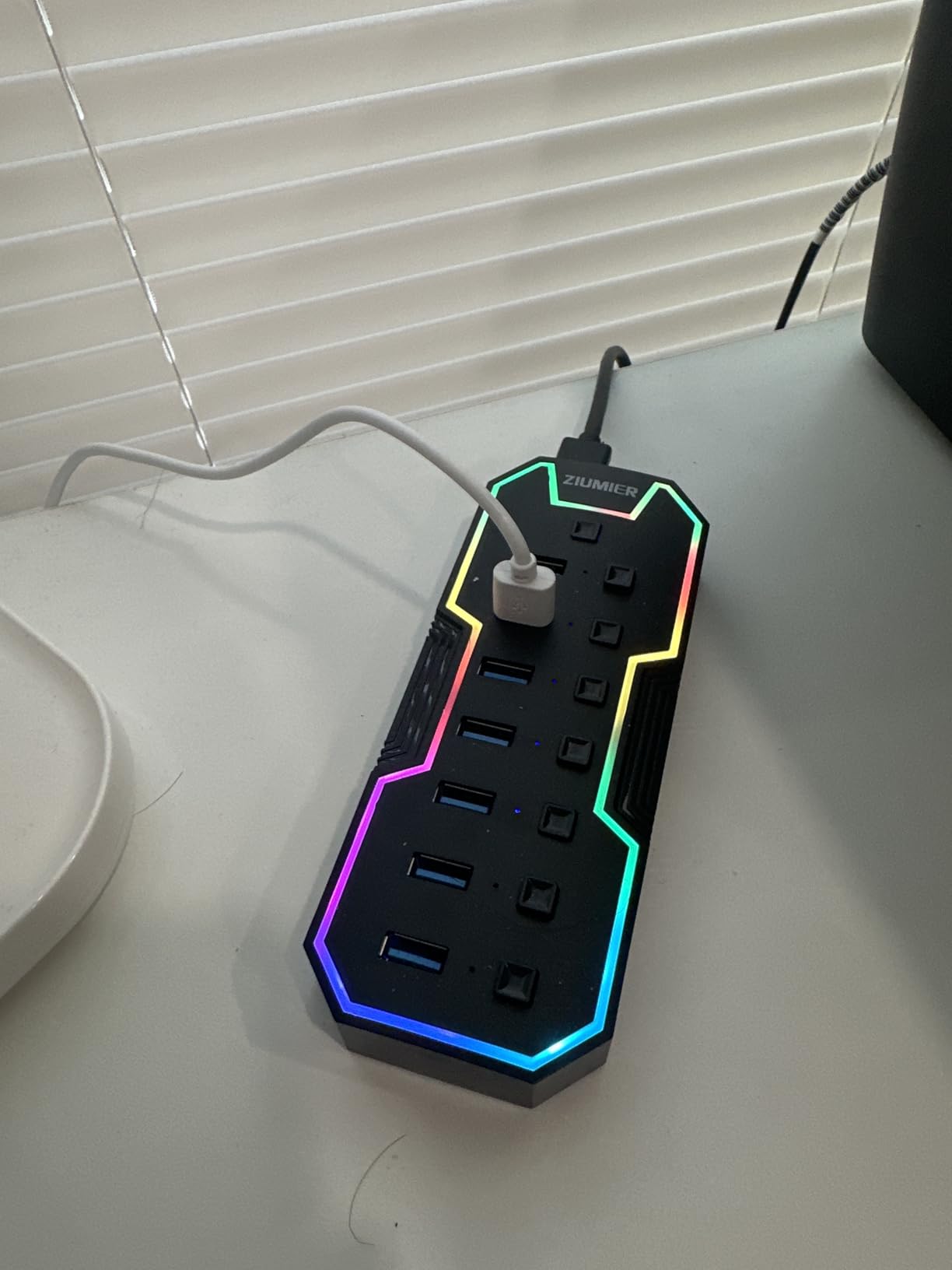
If your desk already has lighting, this is the hub that joins the set instead of fighting it. A single RGB LED strip runs along the edge and toggles with one button press, and the same button cycles the effect. The light is the reason this hub shows up in most battlestation photos, and buyers consistently name it as the reason they bought the hub at all.
Underneath the lighting it is a competent flat seven-port hub running at 5Gbps, with an individual on/off switch and a small status LED on every port. The 3.3 ft attached cable is longer than most competing dongles, which matters when the hub needs to sit at the back of a deep desk. Support covers Windows, macOS and Linux with no driver install.
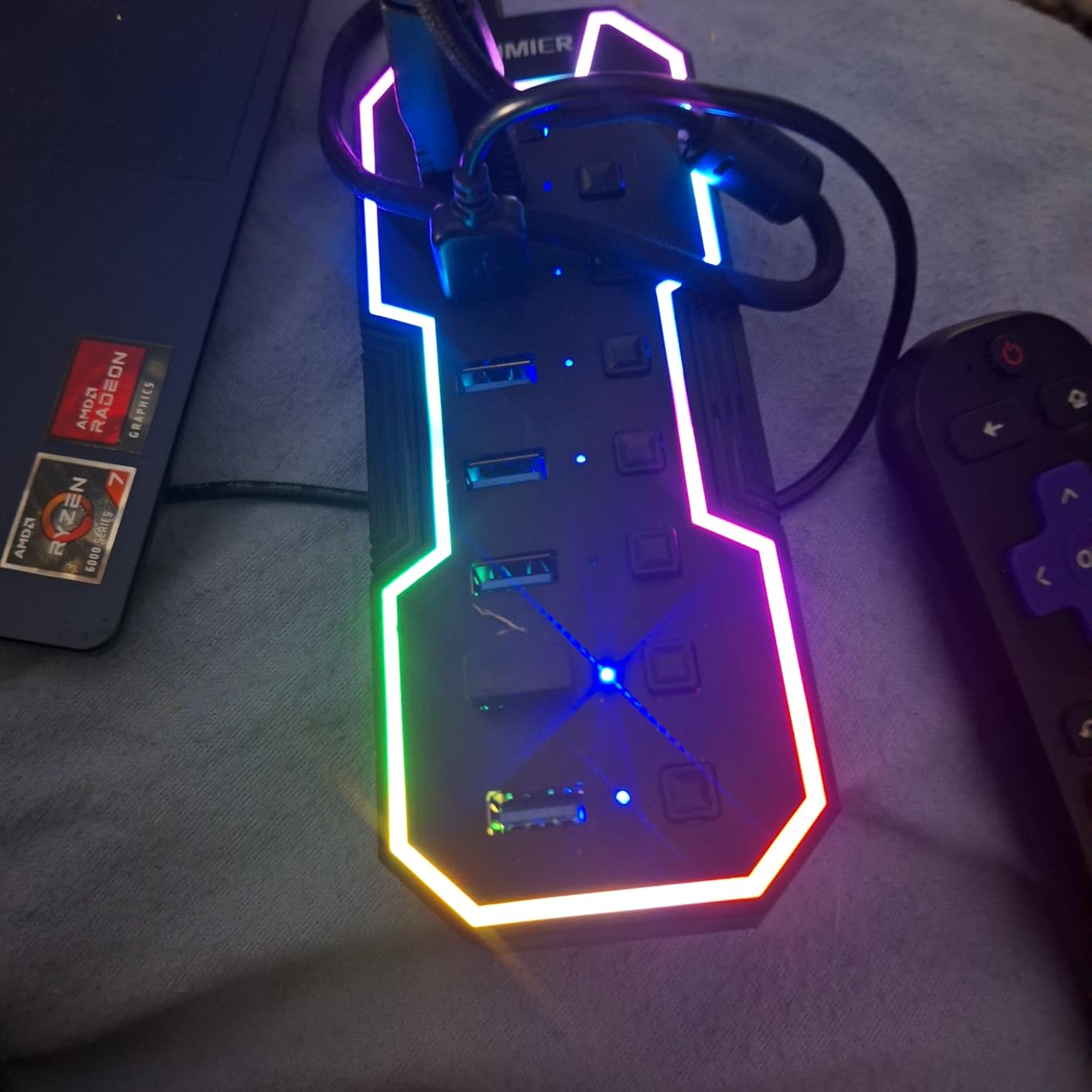
The honest limitation is power. There is no external adapter, so all seven ports draw from the host. A keyboard, mouse and headset are fine, but spinning hard drives or a cluster of RGB devices can starve the bus and cause the kind of random disconnections that send people back to the store. The 595-review history makes the pattern clear: the light is the draw, and the unpowered design is the complaint.
Two smaller annoyances show up too. The RGB strip resets to off every time power is restored, so you press the button again after every boot, and the plastic shell does not have the weight or the thermal feel of a metal-bodied hub. Neither is a dealbreaker for a desk accessory.
Who should buy the ZIUMIER 7-port hub
It suits anyone whose setup is aesthetic-first and whose device list is mostly light-draw peripherals. If you run a keyboard, mouse, headset and a single flash drive, the bus power holds up fine and you get seven sockets for the price of a lit strip.
It also works as a laptop companion because the platform list is broad, and a 2-year warranty is longer than most in this group.
Who should skip it
Skip it for external drives and power-hungry gear. If your storage plan involves more than one spinning disk, buy a hub with a power adapter, because the failure mode of an unpowered hub is a device dropping out mid-session rather than an obvious error.
Also skip it if you want lighting that persists. Having to re-press the button after every restart gets old quickly in a setup that is switched on and off daily.
3. JoyReken Vertical 7-Port RGB Hub — Best for Small Desks
JoyReken 7-Port USB 3.0 Hub, Vertical USB Hub Splitter with…
Vertical 7-port USB 3.0 hub
RGB wolf-head light cycles 7 colors
5Gbps transfer
Pros
- Vertical tower footprint saves desk area
- 7 working USB 3.0 ports in one socket
- Colour-cycling RGB detail looks good on camera
- Double-sided adhesive for out-of-the-way mounting
- 2 ft extension cable and reusable cable tie included
Cons
- Side USB-C port supplies power only
- Unpowered bus power struggles with multiple drives
- Some units stopped lighting within months
- 2 ft cable is short
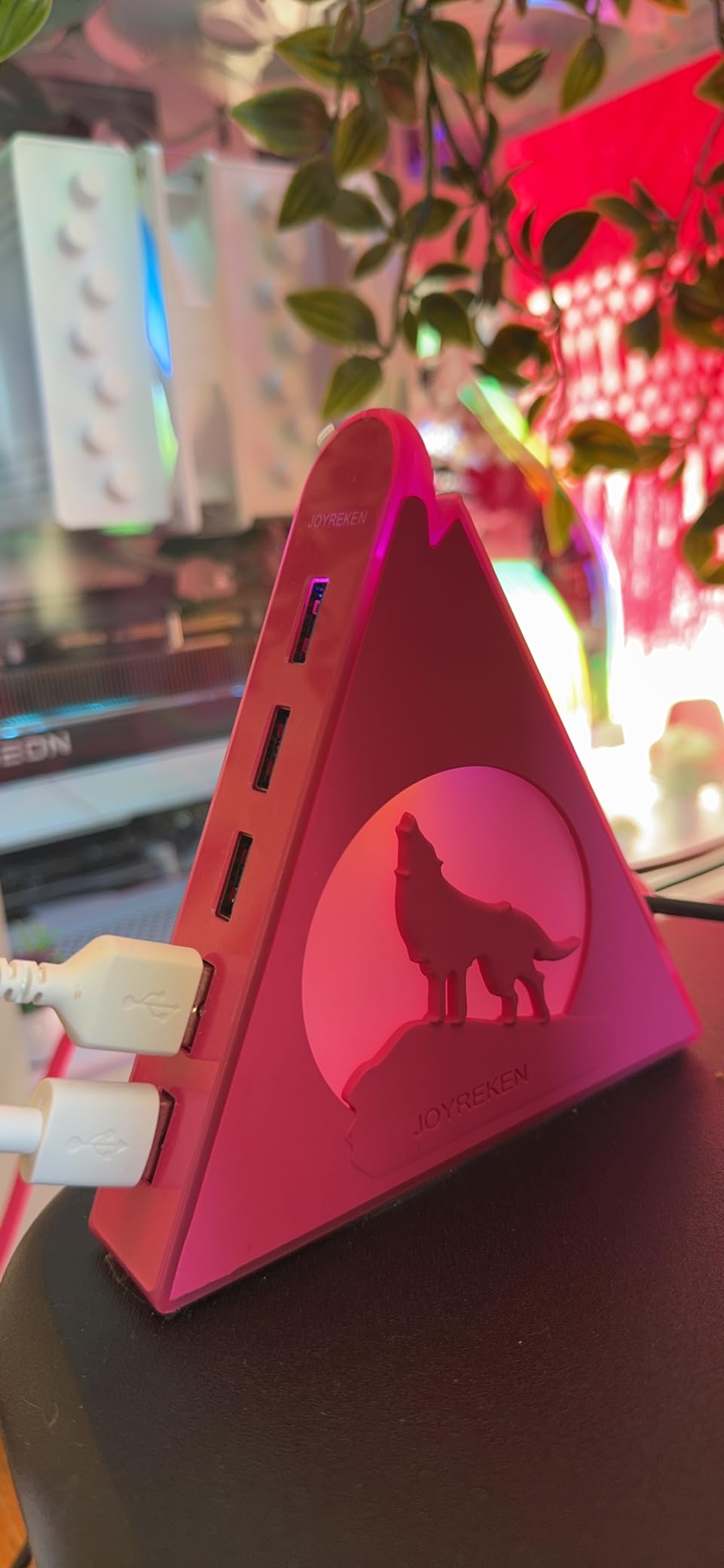
The reason this hub exists is desk real estate. It stands upright at 4.5 inches tall and roughly an inch wide, so the seven ports occupy a strip of desk the width of a mouse rather than a slab that covers the mat. A 1,020-review history is full of people who bought it for that reason alone and stayed for the port count.
The lighting detail is a wolf head that cycles through seven colours, which reads better in a stream camera shot than a plain strip. Ports run at 5Gbps and handle a full peripheral set: keyboard, mouse, mic, webcam, headset and a drive. There is a double-sided adhesive pad so you can mount it to the underside of a desk or the back of a monitor arm, and a cable tie comes in the box.
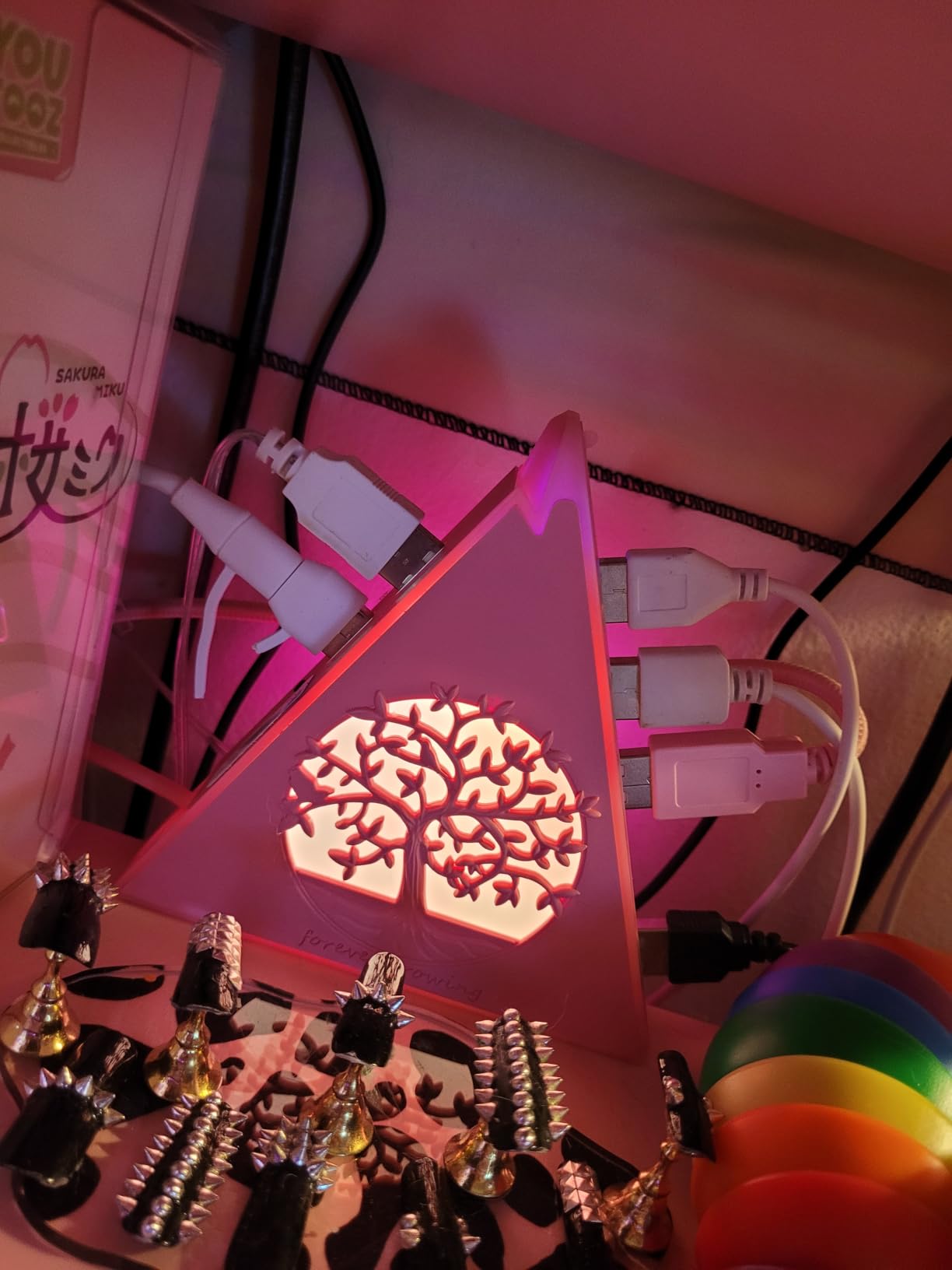
The catch is on the side. The USB-C port there is an auxiliary power input, not a data port and not a charger, which is a detail that trips people up. It draws bus power from the host, so running several hard drives off a laptop port caused instability for a segment of buyers, and a handful reported the lighting dying or transfers becoming unreliable after a few months of use.
The 2 ft cable is also on the short side for a deep desk, which partly defeats the purpose of the vertical footprint. The body is plastic, and the stated dimensions come out at 1.02 by 0.47 by 4.5 inches.
Who should buy the JoyReken vertical hub
It is built for a compact battlestation, a small dorm desk or a streaming corner where horizontal desk space is the scarce resource. If you want a tidy look on camera and you only need peripherals rather than storage, the vertical design and the cycling light do the job.
Platform support covers Chrome OS, Windows 10 and Windows 7, and it is listed for desktops, consoles, drives, keyboards and flash drives.
Who should skip it
Skip it if you plan to run storage off it. Unpowered bus delivery plus a 2 ft cable is a poor match for anything that spins or draws serious current.
Buy the taller-powered alternative instead if long-term lighting reliability matters to you, since durability complaints are the main thread in the lower-rated reviews.
4. Megadream 6-Port Hub for PS5 — Best for Original PS5 Front Bays
Megadream 6 Port USB Hub for PS5 Accessories, High-Speed…
4 USB-A 2.0 data ports
1 charging port and 1 USB-C port
Shaped for PS5 front jacks
Pros
- Seats snugly in the PS5 front bays
- Mixes data
- charging and USB-C ports
- Plug and play with no drivers
- Handles controller chargers
- headsets and wheels at once
Cons
- USB 2.0 speeds only at 480Mbps
- One port is charge-only with no data
- External drives and PSVR hardware are unsupported
- This variant is for the 2020 PS5 only
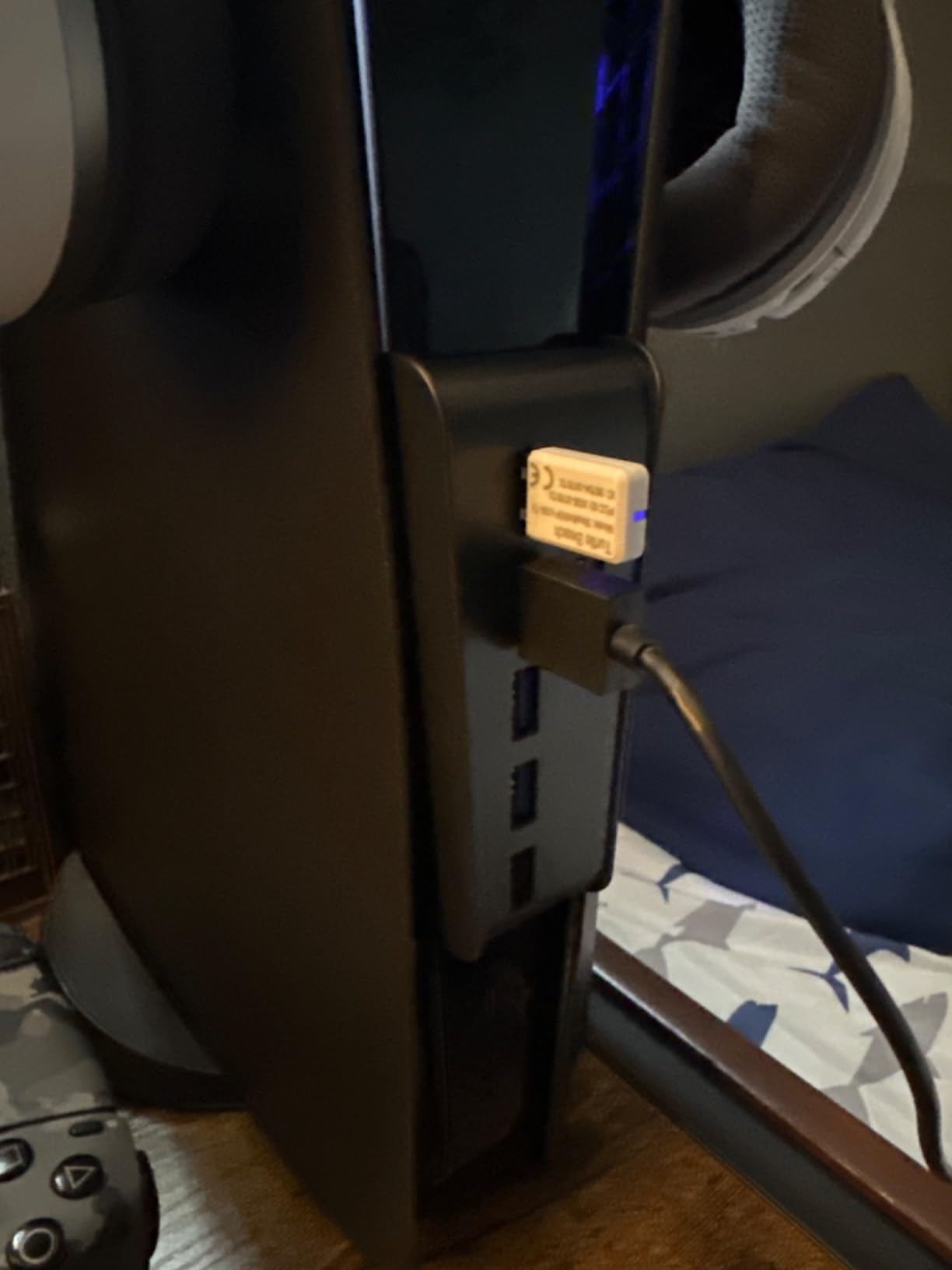
This is a console accessory, not a PC hub, and that distinction matters. It is moulded to slot into the front USB bays of the original 2020 PS5 and holds position without wobbling, which is the first thing a generic hub cannot do. With 3,025 reviews behind it, it is the most established console-specific option in this group.
The port mix is sensible for a living room: four USB-A 2.0 data ports for controllers, a keyboard, a mouse or a wheel, plus one dedicated charging port and one USB-C port. Reviews consistently report that controller chargers, headsets, steering wheels and 2.4GHz dongles can all run simultaneously without fighting each other.
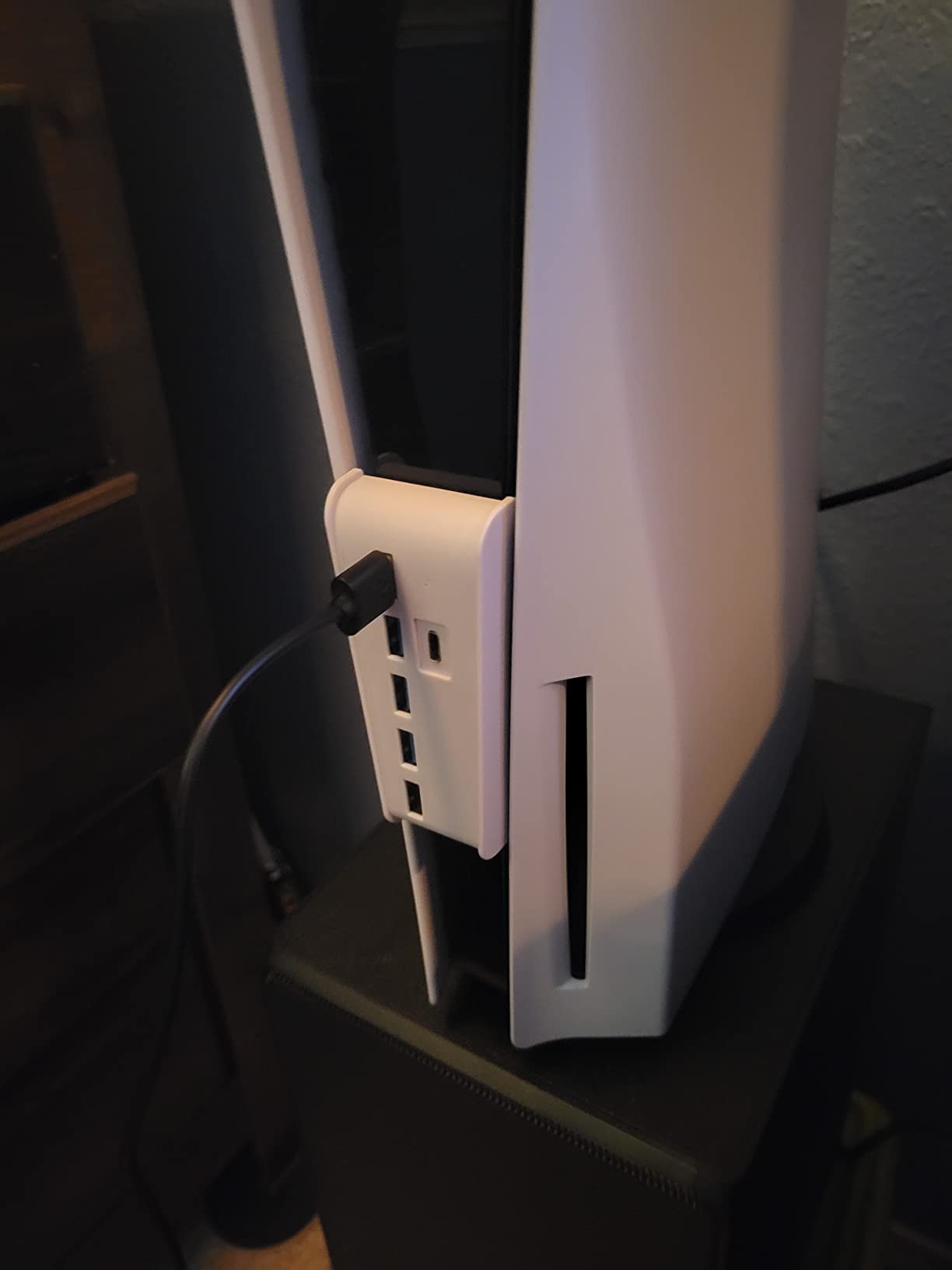
Understand what you are buying. Everything runs at USB 2.0 speeds of 480Mbps, which is invisible for input devices but far too slow for a game library on an external drive. The black port is charge-only and carries no data, and the listing is explicit that external drives, the PSVR processor unit, PSVR and the PSVR2 camera are not supported.
There is also a version mismatch trap: this listing is for the original 2020 console, and a slice of reviews come from people who bought the wrong console revision and had to return it. Black and white variants exist for the original PS5 and for Slim and Pro units, so check your revision before you order.
Who should buy the Megadream PS5 hub
A PS5 living room setup with more controller chargers than front ports is the ideal case. It is also a clean way to keep a headset dongle, a racing wheel and a spare controller connected without cables snaking across the room.
The plug-and-play behaviour matters in a console environment, where you do not want a driver install prompt every time the system restarts.
Who should skip it
Skip it for anything that moves data quickly. External SSDs, capture cards and high-resolution streaming output all exceed what USB 2.0 can carry, and the manufacturer rules them out directly.
PC gamers should look elsewhere entirely, since this unit has no role on a desktop and the shape makes that obvious.
5. AQIDAP PS5 Expansion Hub — Best for Mixed Data and Charging on PS5
AQIDAP 5 Port USB Hub for PS5,USB High-Speed Expansion Hub…
4 USB 2.0 plus 1 USB 3.0 port
1 USB-C port with fast charging
Contour-matched housing
Pros
- Sits flush against the console and stays put
- One USB 3.0 port alongside four USB 2.0 ports
- Dedicated fast charging port
- Runs several peripherals with no interference
- Fits both digital and disc editions
Cons
- External drives and PSVR hardware are unsupported
- Only the black port charges which is easy to misread
- Console is the only supported host
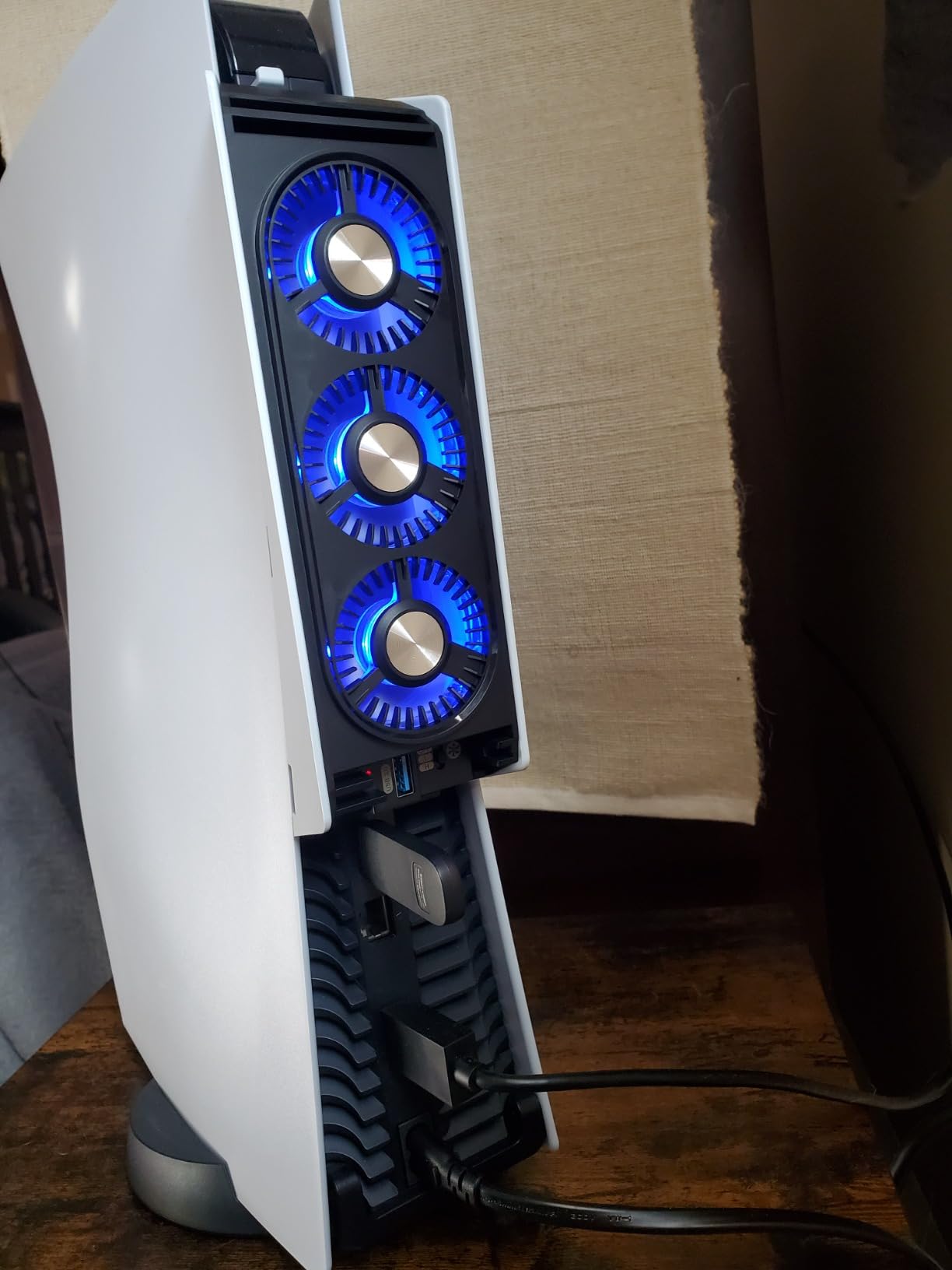
The AQIDAP hub solves the same problem as the Megadream unit but adds a USB 3.0 port, and that single difference matters if you ever want to move a file on or off a high-speed drive. It lists 5Gbps transfer and comes in black, silver and white, with 1,491 reviews behind it.
The body is contoured to match the console and sits flush rather than protruding, which keeps the front of the setup looking intentional. The dedicated port delivers fast charging, and the review history consistently describes stable simultaneous operation across several peripherals with no lag reported by users.
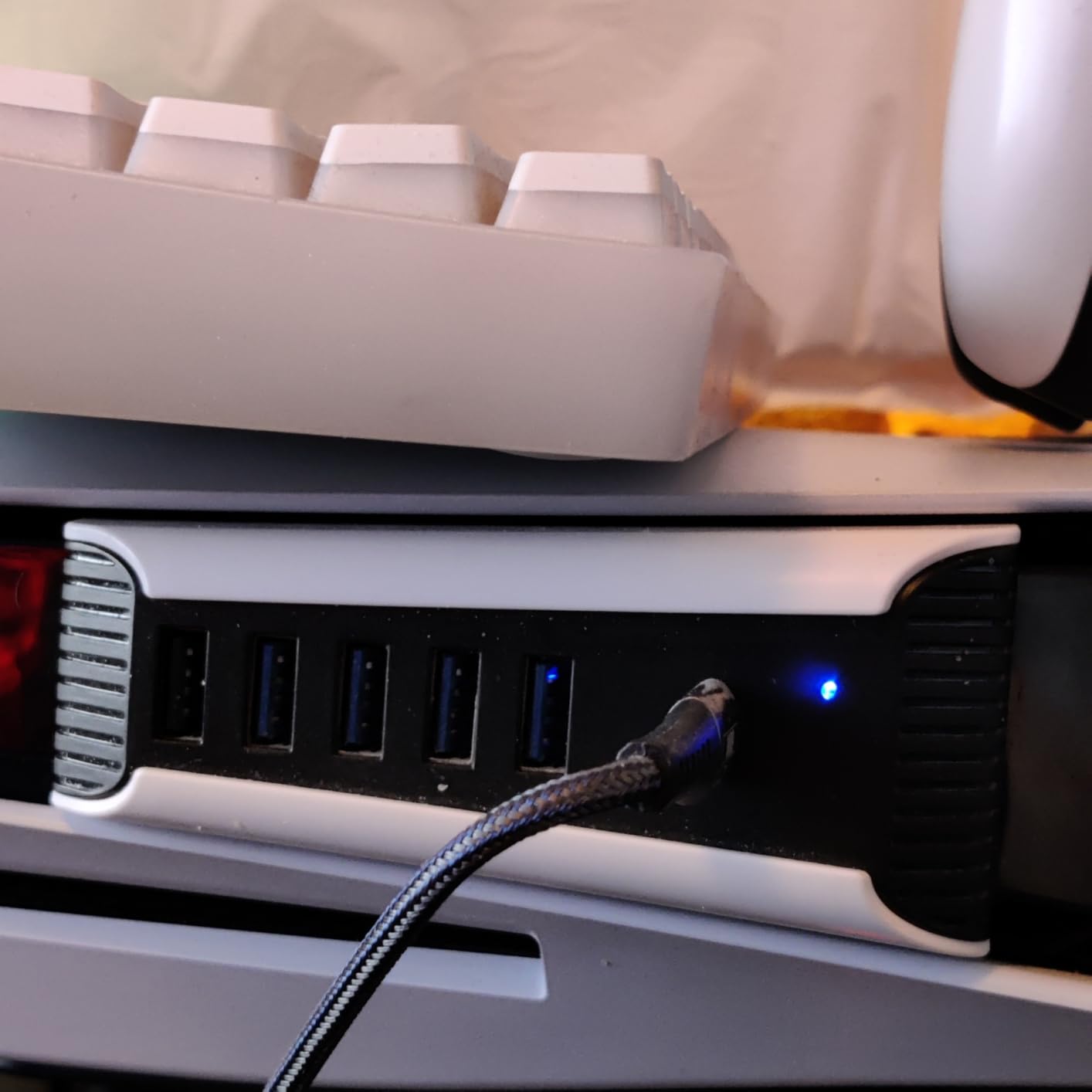
Read the notes carefully. The listing states that external drives, the PSVR processor unit, PSVR and the PSVR2 camera are not supported, which is the most common source of confusion in reviews. Only the black port handles charging, and owners frequently misread which socket that is at a glance.
It is a console-only device with no desktop use, and four of the six ports are still USB 2.0. If your peripherals are all input devices, that is fine. If you want speed, the one USB 3.0 port has to carry everything alone.
Who should buy the AQIDAP PS5 hub
This is the better pick than the pure USB 2.0 option when you want one fast port for a flash drive or a card reader alongside your controller setup. It works on both digital and disc editions of the console.
The flush fit and colour options make it the more discreet of the two PS5 hubs, which matters if the console is on camera.
Who should skip it
Skip it if you plan to attach a PSVR headset or any external storage, because both are explicitly excluded. It also does nothing for a PC, so do not expect it to generalise as a desktop hub.
Buyers who regularly move large game files should skip it and keep storage on the console’s own bays.
6. GZW-Shop 4-Port Hub for Xbox Series — Best for Extra Controller Ports
JZW-Shop 4 Ports USB Hub 2.0 for Xbox Series X, High Speed…
4 USB 2.0 ports for Series X/S
Direct console connection
2.36 inch compact body
Pros
- Plugs straight into the Series X/S front port
- Four USB 2.0 ports for controllers
- keyboard and mouse
- Small and light enough to sit in front of the console
- Plug and play with no drivers or reported lag
Cons
- USB 2.0 bandwidth only at 480Mbps
- Compatible with Series X/S only
- No independent power or charging features
The Xbox side of the console market is thinner than the PS5 side, and this is the main option most players will find. It connects directly to the front port on a Series X or Series S and gives you four USB 2.0 sockets, which is enough for a third and fourth controller charger, a keyboard and a mouse without any extra hardware.
At 0.79 by 0.63 by 2.36 inches and 0.02 kg, it is the smallest thing in this roundup, and it sits neatly in front of the console rather than on the desk. With 1,012 reviews, owners describe it as a simple and dependable way to get more front ports, and none report input lag.
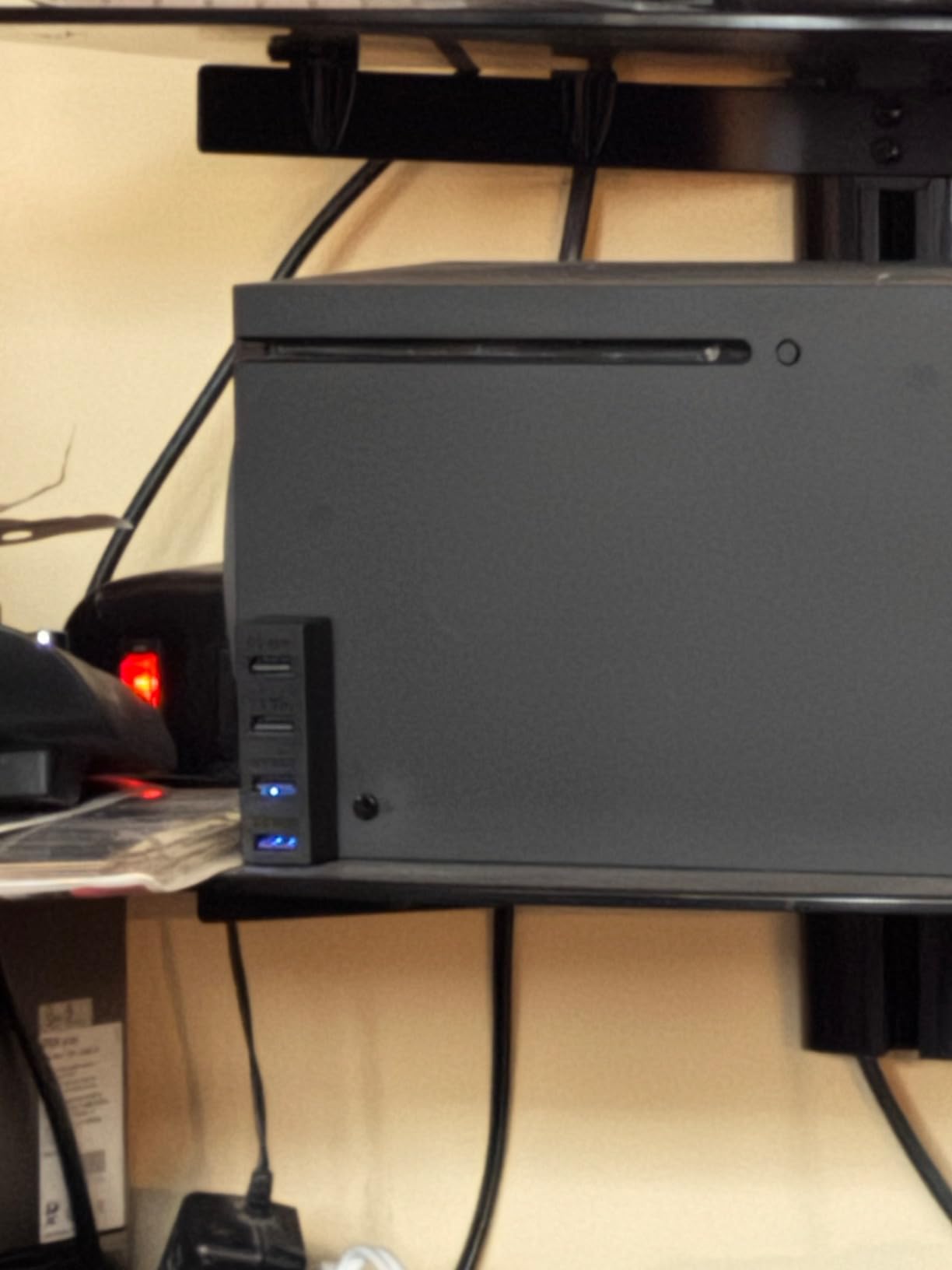
The limits are structural. Everything runs on USB 2.0 at 480Mbps, there is no charging function, and it works with Series X and Series S only, not earlier Xbox models. Any hub in this category that fits an Xbox front port is working within USB 2.0, so this is a port-count solution rather than a bandwidth one.
It is listed for keyboards and mice with Bluetooth headset adapters among the compatible devices, which tells you the intended load. If your Xbox setup includes a headset that charges over USB, you will want a different solution for that piece.
Who should buy the GZW-Shop Xbox hub
Local multiplayer setups are the sweet spot. Four players with controllers, or a party setup that also needs a keyboard and mouse for a racing game, fits neatly into the available ports without adapters or splitters.
It is also the easiest install in the roundup: no drivers, no settings, no firmware, just a front port and a click.
Who should skip it
Skip it if you need charging. There is no dedicated charging port, so controller batteries still need their own solution, and a third-party charge dock remains necessary for long sessions.
Anyone on an older Xbox One or Series-adjacent console should look elsewhere, since the fit is specific to the current generation.
7. SABRENT 4-Port Powered USB 3.0 Hub — Best for Travel and Small Desks
SABRENT 4-Port Powered USB 3.0 Hub, LED Power Switches…
4 USB 3.0 ports at 5Gbps
LED power switch on each port
5V/2.5A adapter included
Pros
- Individual LED-lit switch on every port
- 5Gbps holds across all four ports when powered
- 2.5A adapter allows standalone charging use
- Small 3.5 inch footprint
- Backward compatible with USB 2.0 and 1.1
Cons
- Port 1 draws power from the host only
- Backfeeds 5V which can block Raspberry Pi 4/5 boot
- May not be detected after sleep on some laptops
- Attached cable is short
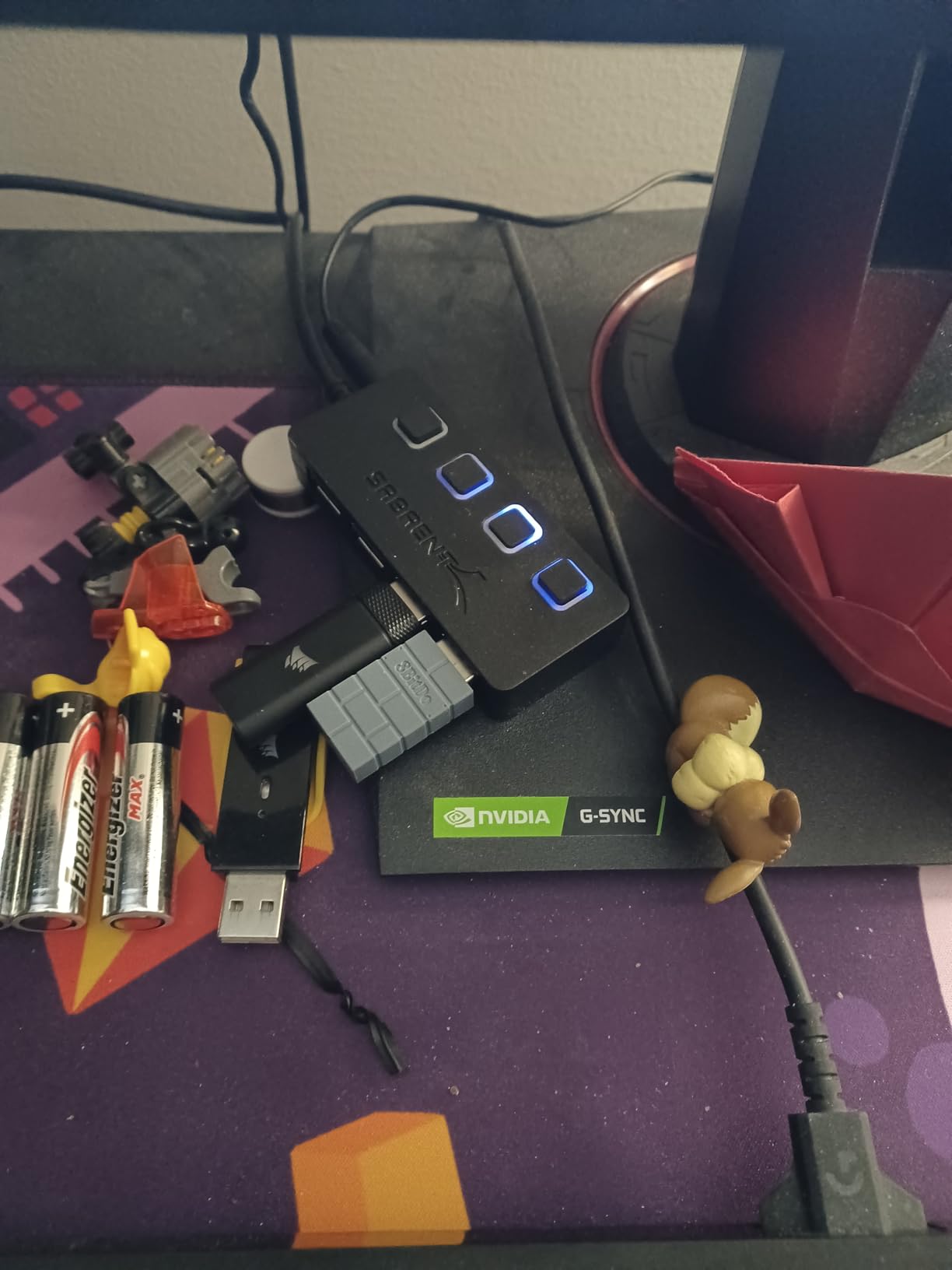
Four ports, an included power adapter and a body small enough to fit in a laptop sleeve is a rare combination, and this is where the SABRENT unit earns its place. Each port has its own LED-lit power switch, so you can cut power to an idle peripheral without unplugging anything, and the 3.5 inch body is roughly the footprint of a phone.
When powered, the hub holds 5Gbps across all four ports, which means a keyboard, mouse, headset and a controller can all run through it without falling back to slower speeds. The 5V/2.5A adapter also lets it work as a standalone charging hub, a feature long-term owners in the 12k+ review history mention more than any other.
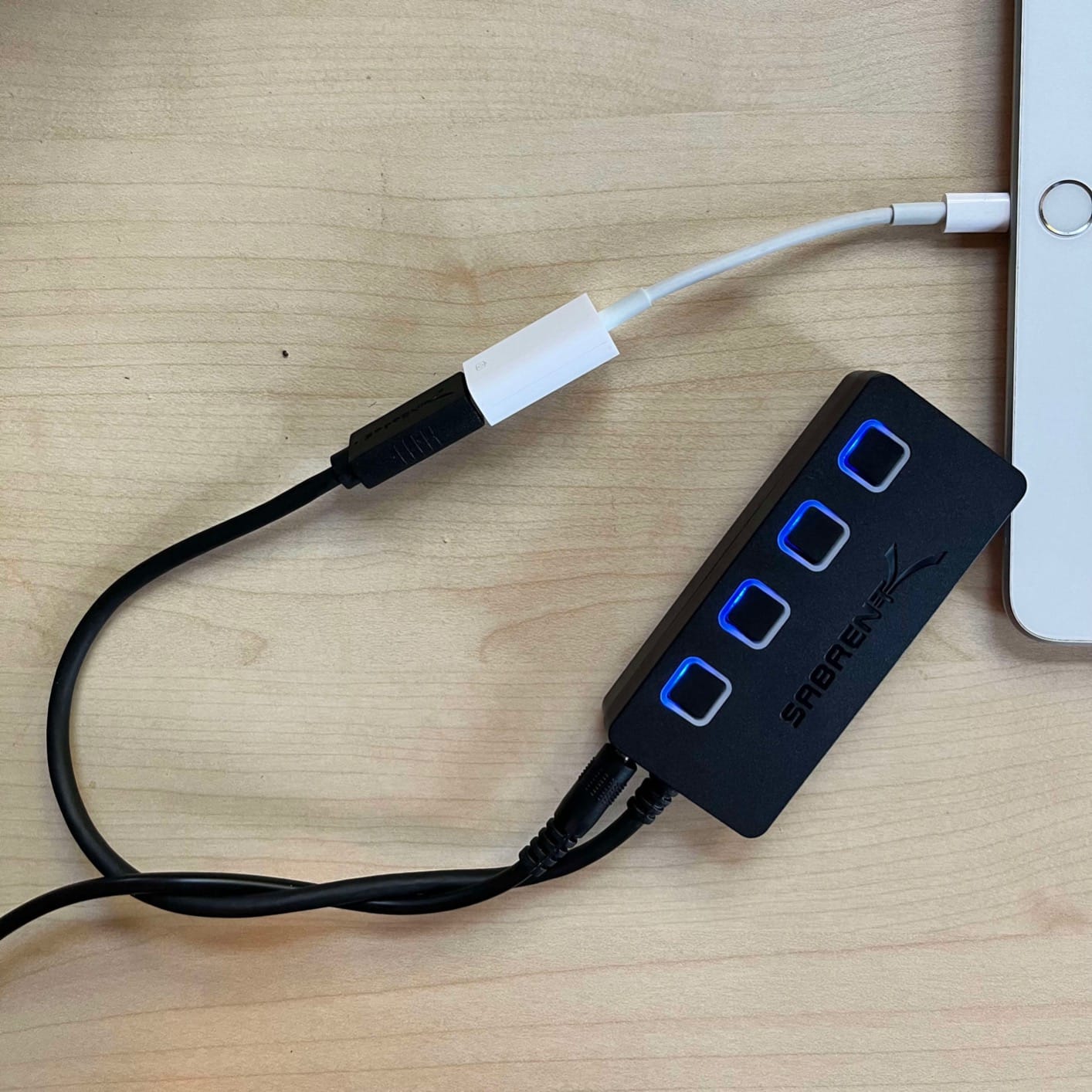
There is one electrical quirk worth knowing before you buy. Port 1 draws its power from the host rather than the adapter, and the hub backfeeds 5V into the host connection. That behaviour is harmless for a PC but stops a Raspberry Pi 4 or 5 from booting without an inline power blocker, which is the single most technical caveat in the reviews.
Some laptop owners also report that after waking from sleep the hub is not detected until it is unplugged and replugged, and the attached cable is short. The warranty is 1 year limited, the shortest here.
Who should buy the SABRENT 4-port hub
Laptop players and anyone moving between a desk and a couch benefit most. The footprint is small, the adapter is included, and the per-port switches let you isolate a misbehaving peripheral without rebooting anything.
It also suits single-board computer builders, provided you already know about the backfeed behaviour and work around it deliberately.
Who should skip it
Skip it if you need more than four ports. Filling all four and then wanting a fifth means buying a second hub, which is a worse outcome than choosing a larger one from the start.
Raspberry Pi 5 owners should skip it entirely unless they add a power blocker, because the hub will prevent a clean boot.
8. TP-Link UH720 Powered USB Hub — Best for Charging-Heavy Desks
TP-Link Powered USB Hub – 7 USB 3.0 Data Ports & 2 Smart…
7 USB 3.0 data ports
2 smart charging ports at 5V/2.4A
12V/4A adapter
Master power switch
Pros
- 9 total ports covering data and charging
- 12V/4A adapter keeps every port powered
- Surge
- overheat
- overload and overvoltage protection
- Hot-swap support and a master power switch
- Two-year manufacturer warranty
Cons
- Largest and heaviest unit here at 500g
- Older design with no per-port switches
- Charging intelligence limited to the two dedicated ports
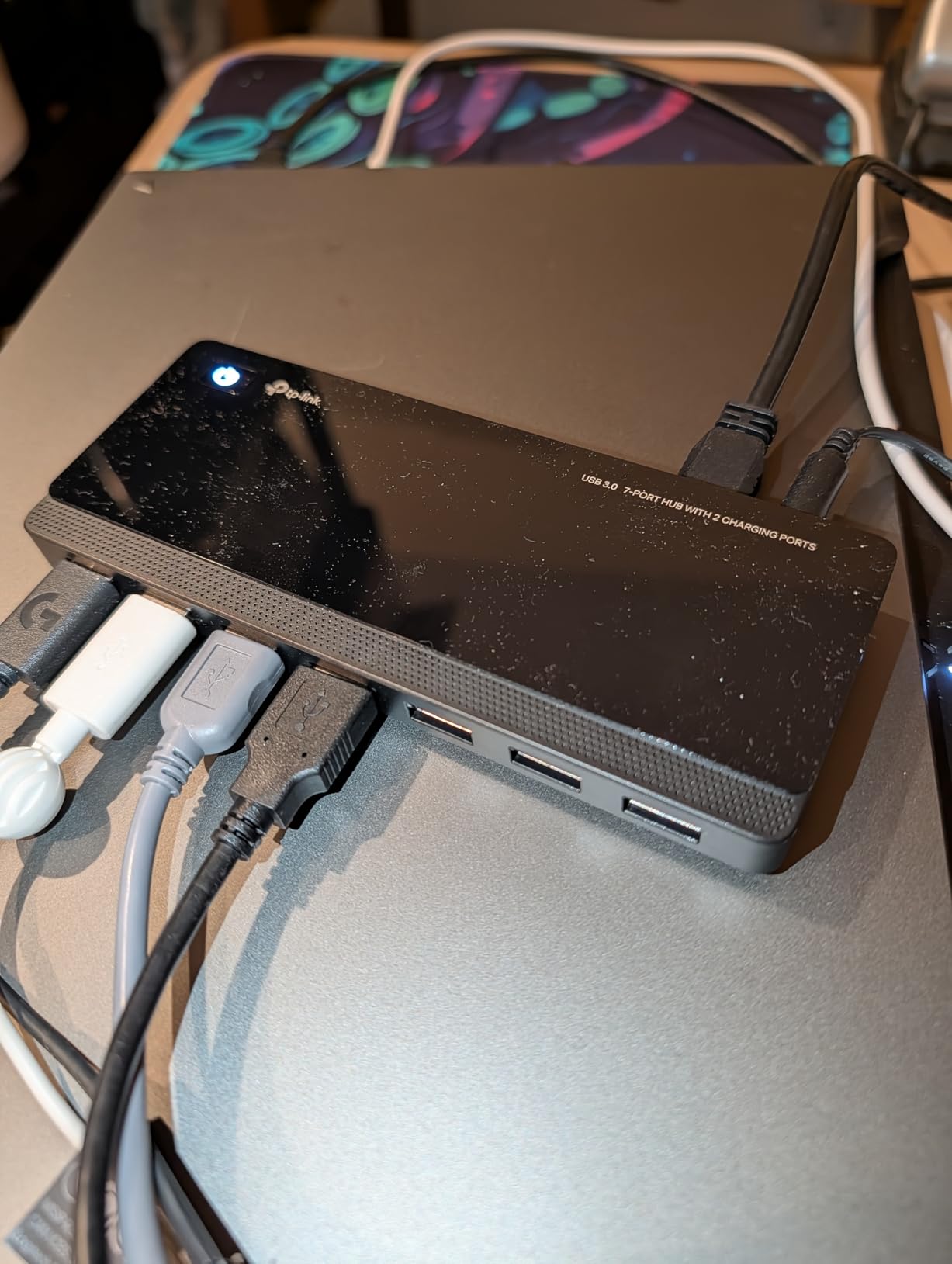
The UH720 is the desk anchor. Seven USB 3.0 data ports run at up to 5Gbps and two more are smart charging ports at 5V/2.4A, giving nine sockets in a single unit. The 12V/4A adapter is the specification that matters here: it is the power headroom that lets a full desk with several charging devices stay stable.
Protection circuitry covers surge, overheat, overload and overvoltage, and a 5,105-review history treats that as the reason to trust it with hard drives. Hot-swapping works, there is a physical master power switch on the unit, and the two-year manufacturer warranty is among the longer commitments here.
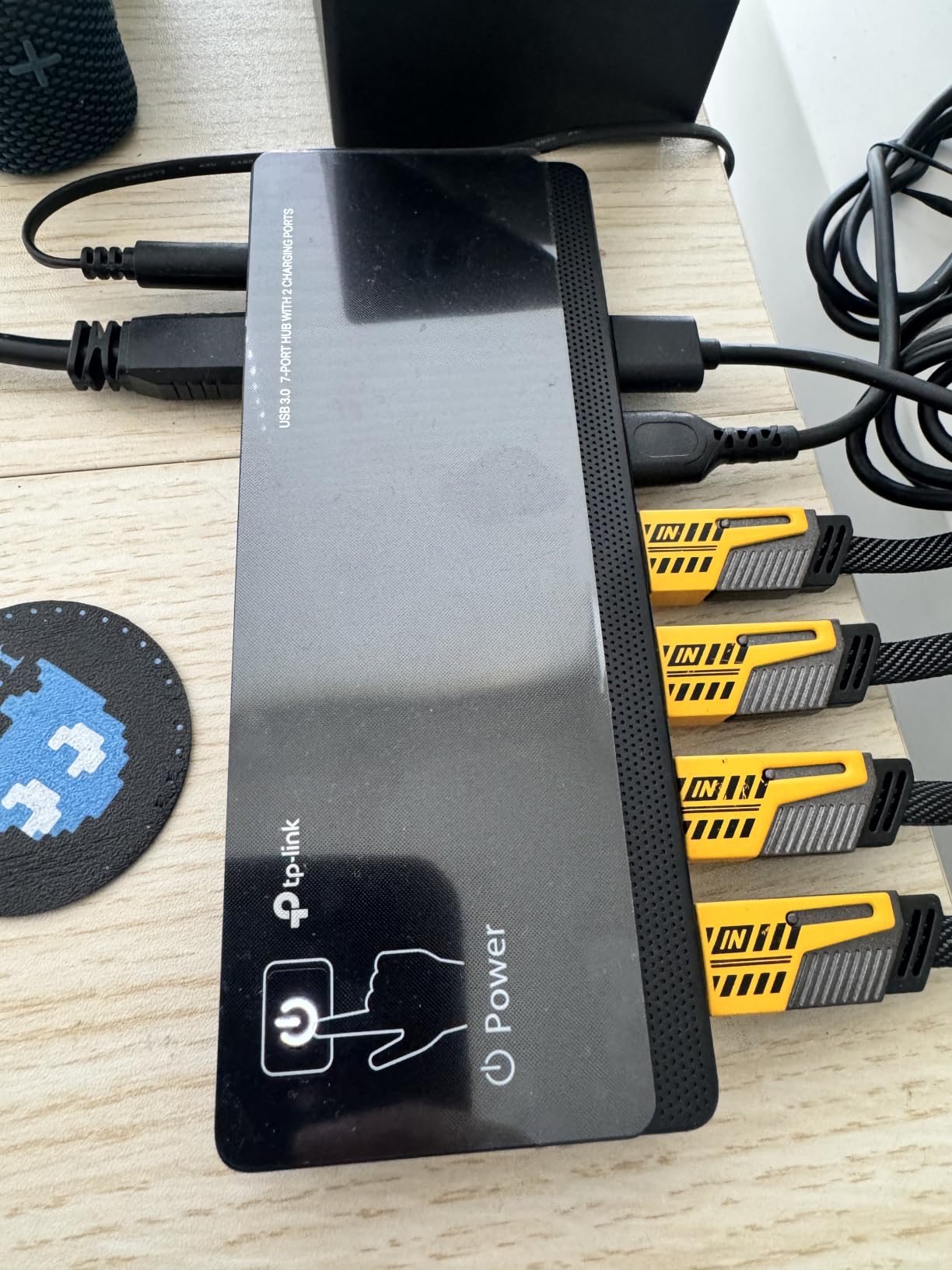
What you give up is control. This design predates the per-port switch trend, so cutting power to one device means either unplugging it or shutting the whole hub down with the master button. For a streamer with a stream deck, a webcam and a mic arm all drawing current, that is a real loss of flexibility.
It is also the bulkiest option in the roundup at 7.8 by 5.8 by 2.8 inches and 500g, which is fine under a desk and awkward on a small one. Charging intelligence applies only to the two dedicated ports, so a phone plugged into a data port charges at standard speed.
Who should buy the TP-Link UH720
It fits setups where power draw is the main worry: streamers charging a second controller and a phone while capture and lighting gear runs, or anyone attaching multiple external drives. The protection circuitry is a genuine benefit with spinning storage.
It also suits people who simply want a single box to rule nine ports and prefer one master switch to a row of small ones.
Who should skip it
Skip it on a compact desk. The footprint is large enough that it will dominate a small mat, and there is no vertical mounting option.
Anyone who needs to isolate individual devices mid-session should pick a hub with per-port switches, since that flexibility is the reason many buyers move to newer models.
9. WENTER 11-Port Powered USB Hub — Best for Maximum Port Count
Powered USB Hub, Wenter 11-Port USB Splitter Hub (10 Faster…
10 USB 3.0 data ports
1 smart charging port at 2.4A
LED on/off switch per port
Pros
- Ten USB 3.0 data ports plus a charging port
- Individual switch and status LED on every port
- 12V/3A adapter supplies up to 2.4A on the charging port
- 100cm hub cable and long power cord for under-desk routing
- Hot-swapping with no drivers
Cons
- Wide desktop footprint for the port count
- Thin plastic shell for a unit this size
- Some reports of units failing after several months
- 5Gbps bandwidth shared across ten ports
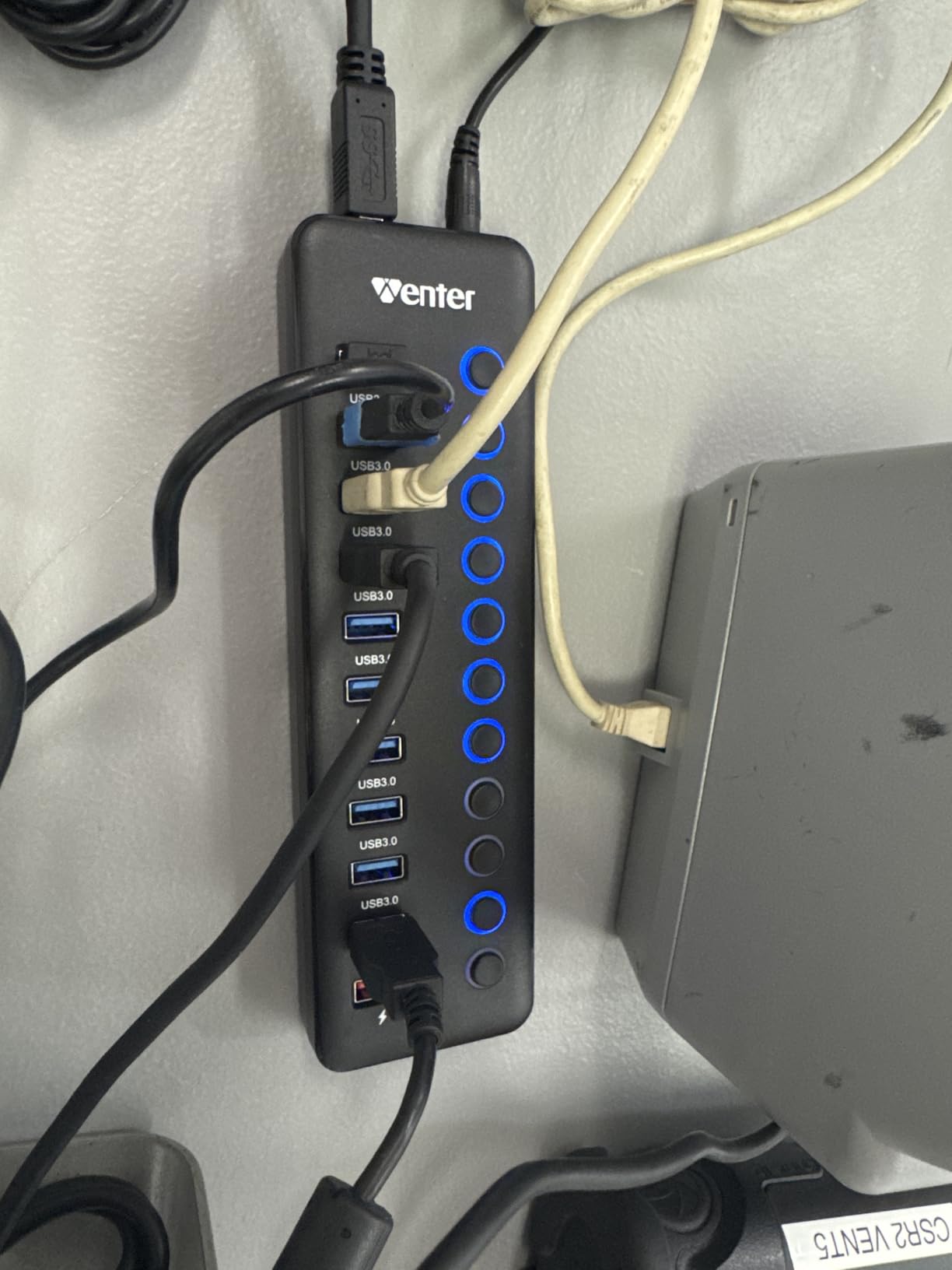
When one port is not enough, this is the biggest number in the group. Ten USB 3.0 data ports plus one smart charging port, every one with an individual on/off switch and a status LED, and a 12V/3A adapter that pushes up to 2.4A to the charging socket. The 100cm hub cable and long power cord make under-desk routing realistic.
It is the hub for a room rather than a desk. Sim racers with a wheel, pedals, a shifter, multiple controllers, a shifter display, a phone and a capture device all find a home here, and hot-swapping means you can add or remove a drive while the session continues.
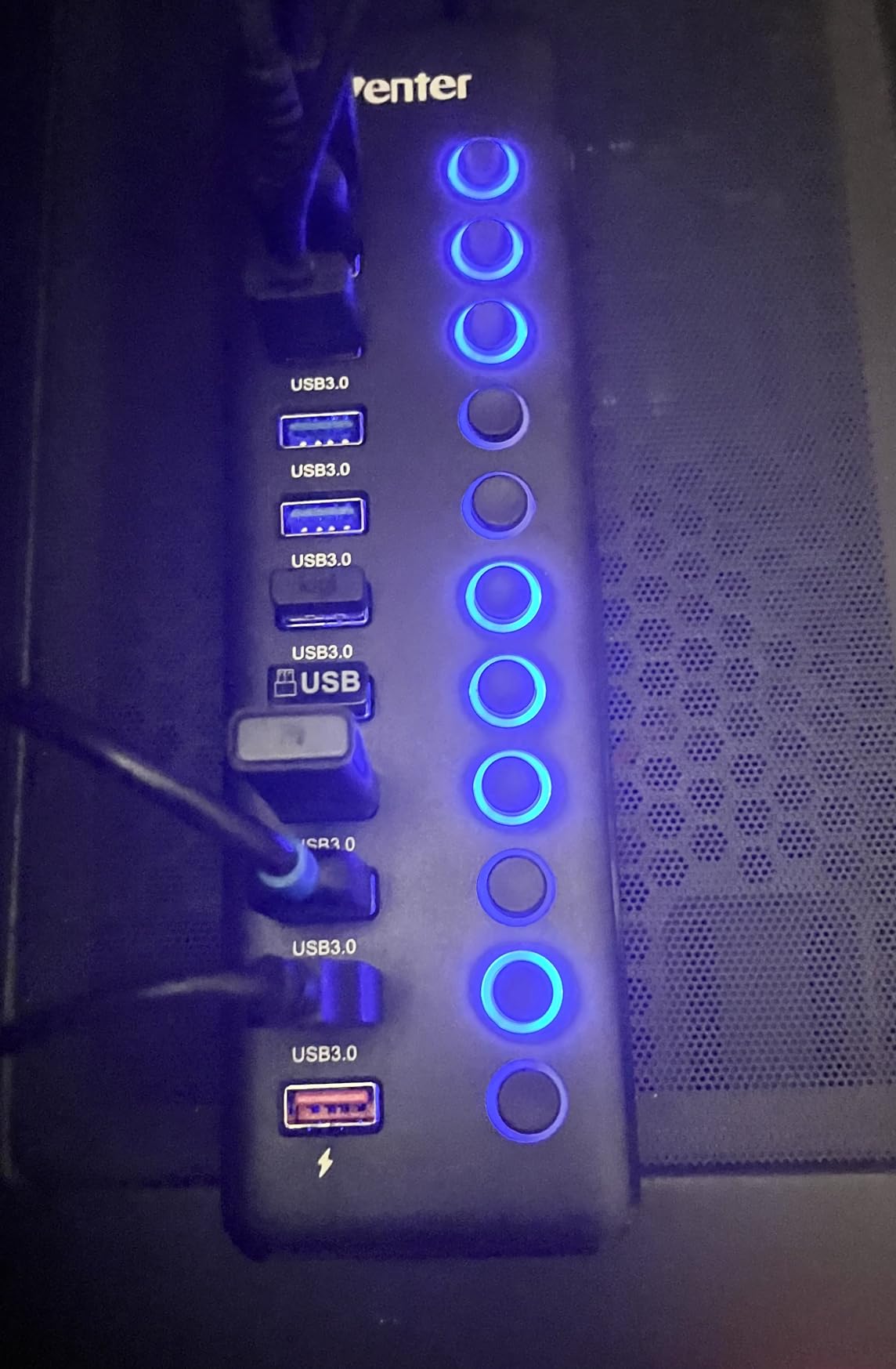
Two things temper the recommendation. The 5Gbps bandwidth is shared across ten ports, so ten hard drives copying at once is not a realistic scenario. More importantly, a slice of one-star reviews across the 4,580-review history reports ports or the entire unit failing after several months of use, with the thin plastic shell blamed.
Warranty coverage is 24 months, which is reassuring, but the durability pattern is the thing to weigh. The wide footprint also means this needs desk real estate that most compact setups do not have.
Who should buy the WENTER 11-port hub
Sim racing and flight sim rigs are the obvious fit, because those setups accumulate USB devices faster than any other genre. Cockpit builders with multiple button boxes and a dashboard screen benefit from having per-port switches to reset a device without touching the PC.
Anyone wiring a cable-managed battlestation under a desk will also appreciate the 100cm hub cable and long power lead.
Who should skip it
Skip it if you have a small desk or a simple two-device setup. A ten-port hub for a keyboard and a mouse is solving a problem you do not have, and the durability reports make the risk harder to justify.
Streamers who need a clean on-camera shelf should also look at smaller options, since this unit is built to disappear under furniture rather than sit in frame.
10. Acer 5-in-1 USB-C Hub — Best for Gaming Laptops That Need Video
Acer 5 in 1 USB C Hub with 4K HDMI, 100W Power Delivery…
4K 30Hz HDMI output
100W power delivery passthrough
1 USB 3.0 and 2 USB 2.0 ports
Pros
- Adds a 4K HDMI output to a laptop without one
- 100W passthrough charges the host from one port
- One USB 3.0 port plus two USB 2.0 ports
- Aluminium body at 60g suits travel
- Works across Acer
- MacBook
- Chromebook
- XPS
- iPad and iPhone
Cons
- HDMI needs a host port with DP Alt Mode or Thunderbolt
- USB-C PD port charges the host only
- HDMI capped at 30Hz for gaming
- Only one USB 3.0 port among three data ports
This is the only hub here that solves a video problem, and for a laptop gamer whose machine has no display output, that can be the whole point. The Acer 5-in-1 adds 4K HDMI, passes 100W of power delivery back to the host so the laptop charges from the same port, and offers three data ports: one USB 3.0 and two USB 2.0.
At 60g and 4.92 inches long with an aluminium body, it disappears into a bag. With 2,876 reviews, it is a proven travel accessory that works with Acer, MacBook, Chromebook, XPS, iPad and iPhone USB-C devices, and it runs driver-free across Chrome OS, Linux, Windows and macOS. It is also the only option in our group with no customer-submitted photos on file, so the ratings carry the weight here.
Read the HDMI limit before you plan a second screen for gaming. Output is capped at 30Hz, which is fine for a menu or a document but is not what you want in a match. The port also only activates if the host USB-C port supports DP Alt Mode or Thunderbolt 3 or 4, and that is the single most common compatibility question in the reviews.
The USB-C power port charges the host only, with no data or video passthrough, and only one of the three data ports is USB 3.0. Warranty coverage is 1 year manufacturer.
Who should buy the Acer 5-in-1 hub
It fits a portable rig, a café session, or a laptop user whose desk has a single free USB-C port and who wants to charge and expand from it at the same time. The aluminium body and 60g weight suit constant packing.
Anyone whose laptop lacks an HDMI port will get more value from this than from a larger data hub.
Who should skip it
Competitive players should skip it. A 30Hz ceiling rules out a gaming display, so this is a productivity companion rather than a gaming one, and a 240Hz monitor needs the full refresh range.
If your laptop only has USB-C ports without display alt mode, the HDMI output simply will not appear, so check your port specification first.
11. UGREEN Ultra-Slim 4-Port Hub — Best Value and the Most Reviewed
UGREEN USB 3.0 Hub, 4 Ports USB A Splitter Ultra-Slim USB…
4 USB-A ports at 5Gbps
0.4-inch body at 22.7g
2 ft extension cable
24-month warranty
Pros
- Expands one USB-A port into four at full 5Gbps
- 22.7g body only 0.4 inches thick
- Devices recognised instantly with no drivers
- Works with Xbox Series
- PS5 and other USB-A hosts
- 24-month warranty and consistent build quality
Cons
- Unpowered
- so high-draw devices are limited
- Shortest cable variants are too short for a desk run
- No individual port switches or charging
With 23k+ reviews this is the most reviewed hub in our group, and that volume is itself a signal: it has been recognised instantly by keyboards, mice, receivers and flash drives across years of daily use, including on a nine-year-old laptop. That is the kind of reliability record you cannot manufacture in a test cycle.
The body is 0.4 inches thick and weighs 22.7g, so it disappears behind a monitor or travels in a pocket. All four ports run at 5Gbps, it works on Windows, macOS, Linux and Chrome OS with no drivers, and the 24-month warranty is among the longer commitments on this list.
It is also the hub we would hand to someone who just needs more sockets without overthinking. One socket in, four out, and nothing to configure.
Who should buy the UGREEN 4-port hub
A laptop with two or three USB-A ports is the classic case. Add a mouse, a keyboard, a receiver and a flash drive and the machine is suddenly usable without a cable on the floor.
It also works with Xbox Series, PS5 and any other USB-A host, which makes it a useful shared accessory for a household that mixes consoles and a PC.
Who should skip it
Skip it for anything that draws real power. With no adapter, it is a pass-through dongle for peripherals, and hard drives or a cluster of RGB devices will outrun the available current.
Buyers wanting a longer desk run should check the cable length before buying, since the shorter variants are too short for most setups.
12. BENFEI 4-Port Slim USB 3.0 Hub — Best for a Durable Metal Build
BENFEI USB 3.0 Hub, 4 Ports USB A Splitter Ultra-Slim…
4 USB 3.0 ports at 5Gbps
Aluminium alloy housing
Braided nylon cable
18-month warranty
Pros
- No speed loss with all four ports populated
- Aluminium alloy shell and braided nylon cable
- 0.4-inch thick and about 2 ounces
- Works with Xbox
- PS4
- PS5
- webcams and printers
- 18-month unconditional warranty
Cons
- Unpowered
- so high-draw peripherals are limited
- Shorter built-in cable than some slim rivals
- Fixed cable cannot be replaced
Where the UGREEN dongle is chosen for its review count, the BENFEI is chosen for how it is built. The housing is aluminium alloy with heat-resistant connectors, and the fixed cable is braided nylon rated for 10000+ bends, which addresses the part of a portable hub that usually fails first.
Performance matches the class: four USB 3.0 ports at 5Gbps with no speed deduction when all four are occupied, which is what makes it useful with a keyboard, mouse, webcam and a fast drive at once. At roughly 2 ounces and 0.4 inches thick, it travels as easily as its competitors.
The 6,352-review history consistently describes it as punching above its class, and the listed compatibility spans Xbox, PS4, PS5, keyboards, mice, webcams, printers, card readers and smartphones.
Who should buy the BENFEI 4-port hub
It suits anyone who travels with their setup and has already had a plastic hub crack or a fixed cable fray. The metal body tolerates being tossed in a bag, and the braided cable resists the bending that kills cheaper alternatives.
Desktop users with a permanently installed four-port need will appreciate that it holds full speed with every port filled, which is not guaranteed in this class.
Who should skip it
Skip it for powered applications. It draws bus power only, so it is best suited to peripherals rather than storage, and anything spinning or high-draw belongs on an externally powered hub.
If you need a longer desk run, the fixed cable is both shorter than some rivals and not replaceable, which is a real limitation in a permanent install.
How to Choose a USB Hub for Gaming
The right hub depends less on brand than on three decisions: how much power you need, how much data you move, and what you want to control. Get those right and the choice narrows quickly. The wrong decision, particularly on power, is the one that shows up as dropped devices during a long session.
Powered versus bus-powered: the decision that matters most
A bus-powered hub draws everything from the port it plugs into, which is all a keyboard, a mouse and a receiver need. It is why slim dongles like the UGREEN and BENFEI work perfectly for peripherals. The moment you add spinning storage, an RGB headset, multiple controllers or a capture card, you are asking one port to supply power for several devices and the voltage can sag.
The failure is not dramatic. You get a device that reconnects on its own, a drive that vanishes mid-game, or a second hard drive that never appears. Powered hubs solve this properly because the wall adapter carries the load. In this roundup, the atolla, SABRENT, TP-Link and WENTER units all ship with an adapter. If your setup includes storage or several powered peripherals, buy powered and do not try to save the difference.
Port count and type mix
Count devices, not ports. A typical competitive setup needs four data ports for a keyboard, mouse, headset and a controller or drive. Add a webcam, a capture card and a flash drive and you are at seven, which is why 7-port and higher units dominate this category. Streaming setups need more, and sim rigs need more still.
Port type matters next. USB 3.0 at 5Gbps handles peripherals and moderate file transfers comfortably, while USB 2.0 at 480Mbps is fine for input devices but useless for a game library. Console front-panel hubs are almost entirely USB 2.0 by necessity, so plan around that. If your setup includes a USB-C host, a dedicated USB-C hub with power delivery is a different category and worth reading separately in our USB-C dock roundup.
Do hubs add input lag?
Good ones do not. A hub is a transparent switch, and a properly built powered hub passes input through with no measurable delay. The lag that people associate with hubs comes from three specific causes: a bus-powered hub starving a device and causing it to reconnect, a cheap controller that drops packets under load, or wireless interference rather than the hub itself.
That is why we ranked the powered units with per-port switches highly. A switch lets you isolate the one device causing trouble, reset it without rebooting, and keep the rest of the setup running. Individual power switches are described as genuinely handy by people who power cycle capture cards and headsets between games, and they reduce wear on cables and sockets.
2.4GHz wireless interference and mouse polling
USB 3.0 hubs emit interference in the 2.4GHz band, which is the same band your wireless mouse and keyboard receivers use. The symptom is a stutter or a momentary freeze that feels like lag but is not. This is one of the most common complaints in gaming communities and one of the least discussed by competing roundups.
Three mitigations work. Keep the receiver plugged into the motherboard rather than the hub, which is the fix most people land on first. Use a short extension cable to move the receiver away from the hub body. And avoid running the hub cable directly alongside the receiver cable under the desk. If you use a high-polling-rate mouse, these steps matter more because the receiver is sampling far more often.
Handheld consoles and travel rigs
Handhelds such as the ROG Ally, Steam Deck and Legion Go run on a single USB-C port, and they need a hub that delivers data, not just power. Our roundup on 60% gaming keyboards and other travel gear assumes you have solved the port problem first, usually with a slim bus-powered dongle.
Two things matter for a handheld. Keep the port count small so the hub is light, and check whether your device charges while the hub is in use, since some handhelds stop accepting a second device when they are already drawing power. The Acer 5-in-1 is the one here with 100W passthrough if your handheld needs simultaneous charging and expansion.
Build, warranty and placement
Warranty length is a rough proxy for manufacturer confidence. In this group it ranges from 1 year on the SABRENT and Acer units to 24 months on UGREEN and WENTER, with 18 months on atolla and BENFEI. Brands with long-running catalogues such as TP-Link, SABRENT and UGREEN also tend to have replacement parts available years later, which matters more than any spec line.
Build quality affects heat and longevity. A plastic shell is fine for a bus-powered dongle that handles light devices. For a powered hub running several devices, an aluminium body dissipates heat better and is less likely to crack. Cable length is the last practical check: measure the desk run before buying, since a 2 ft cable that forces the hub to sit at the edge of the mat undermines the tidy setup you were trying to build.
Finally, think about where the hub goes before you buy. A powered hub with a brick wants to live under the desk, and a vertical or adhesive-mounted unit wants the back of a monitor arm. Our guide to mic arms for streaming setups covers the same cable-routing logic for the other side of the desk.
Frequently Asked Questions
What are the best USB hubs for gaming PCs?
The atolla 8-port powered hub is our top pick for most gaming PCs because it combines seven USB 3.0 data ports, a dedicated 2.4A charging port, an external 5V/4A adapter and individual on/off switches on every port. For a laptop or a small desk, the UGREEN ultra-slim 4-port hub is the most reviewed option in our group. For a desk that also charges several devices, the TP-Link UH720 with its 12V/4A adapter is the better fit.
Do USB hubs add latency for gaming?
A properly built powered hub adds no measurable input delay, because it acts as a transparent switch. Apparent lag usually comes from three causes: a bus-powered hub starving a device and forcing a reconnect, a low-quality controller dropping packets under load, or 2.4GHz interference from a USB 3.0 hub affecting a wireless mouse receiver. Moving the receiver to the motherboard port and using an externally powered hub resolves most of these.
Should I get a powered USB hub for gaming?
Yes, if you use external storage, multiple controllers, a capture card, RGB headsets or any other high-draw peripheral. A powered hub draws from the wall adapter instead of your PC port, which prevents the voltage sags that cause random disconnections. If your setup is only a keyboard, a mouse and a receiver, a bus-powered dongle is perfectly adequate and lighter to carry.
How many USB ports do I need for gaming?
Count your devices, not your ports. A competitive setup usually needs four data ports for a keyboard, mouse, headset and controller or drive. Adding a webcam, a capture card and a flash drive takes you to seven, which is why 7-port hubs are the most common choice. Streaming setups and sim racing rigs need more, often ten or more, plus dedicated charging ports for second controllers and phones.
Can a USB hub handle gaming peripherals?
Yes. Keyboards, mice, headsets, controllers, webcams and flash drives all work through a standard USB hub at full speed with no configuration. The limits appear with external hard drives and SSDs on bus-powered hubs, where available current can be insufficient. Verify the port type as well: USB 2.0 at 480Mbps handles input devices fine but is too slow for moving a game library.
Final Verdict
The atolla 8-port powered hub is the best USB hub for gaming setups in 2026 for the simple reason that it removes the two most common failure modes at once: power starvation and unisolated devices. Seven USB 3.0 ports, a dedicated charging socket, a wall adapter and a switch on every port cover a full battlestation without the desk becoming a cable nest.
Match the pick to the job instead. Take the UGREEN or BENFEI slim dongles for laptops and travel where bus power is enough. Take the TP-Link UH720 when charging is the main demand, the WENTER 11-port for sim rigs, and the Acer 5-in-1 when a laptop needs video and a single-cable setup. Console players should go straight to the Megadream, AQIDAP or GZW-Shop unit built for their machine, and accept USB 2.0 as the trade for a flush, stable front-panel fit.
Whatever you pick, check the two things that cause most returns: whether it has an external power adapter, and whether the attached cable is long enough for your desk. Those two details decide whether a hub becomes part of your setup or a drawer item. Our gaming monitor roundup for PS5 and Xbox covers the display side of the same build if you are planning an upgrade alongside the hub.
