
10 Best 4K Webcams for Zoom Meetings (October 2026) Reviewed
Most of us opened this search because the built-in laptop camera makes us look like we are sitting in a car park. You look soft, the room behind you is brighter than your face, and nobody can read your whiteboard. So you go looking for the best 4K webcams for Zoom meetings, and then you hit the wall that almost nobody mentions.
Most Zoom accounts do not transmit 4K video. You can spend three times more on a camera that resolves 3840 x 2160 pixels, and the person on the other end still receives a compressed 720p or 1080p stream. That does not make a good webcam a waste of money, because the sensor still gathers far more light and far more detail than your laptop’s built-in camera, and it means you are ready for Teams, Meet, FaceTime, recording and screen demos too. It just means you should judge these cameras on sensor size, autofocus, low-light behaviour and framing instead of the number on the box.
Contents
We spent several weeks with the ten cameras below, running each through the same routine: a 9am call in a dim room, a 4pm call with a window behind the monitor, a screen share and a whiteboard walkthrough. Ten is twice what most comparison pages bother with, and it means there is something here for a dark spare room, a lit home office and a streaming setup. If you want a broader look first, our general best webcams guide covers the wider market.
Top 3 Picks for Zoom Meetings in 2026
As an Amazon Associate we earn from qualifying purchases. CERTAIN CONTENT THAT APPEARS ON THIS SITE COMES FROM AMAZON. THIS CONTENT IS PROVIDED 'AS IS' AND IS SUBJECT TO CHANGE OR REMOVAL AT ANY TIME.
Best 4K Webcams for Zoom Meetings (October 2026)
Every camera below captures 4K. What separates them is sensor size, how the autofocus behaves, whether the microphones hold up, and whether you get a physical privacy shutter. The Best For column tells you who each one actually suits.
| Product | Features | |
|---|---|---|
 OBSBOT Meet 2 OBSBOT Meet 2 |
|
Check Latest Price |
 NexiGo N960E Plus NexiGo N960E Plus |
|
Check Latest Price |
 Insta360 Link 2 Insta360 Link 2 |
|
Check Latest Price |
 Logitech Brio Ultra HD Logitech Brio Ultra HD |
|
Check Latest Price |
 Elgato Facecam 4K Elgato Facecam 4K |
|
Check Latest Price |
 NexiGo N680E Pro NexiGo N680E Pro |
|
Check Latest Price |
 EMEET PIXY EMEET PIXY |
|
Check Latest Price |
 EMEET C60E EMEET C60E |
|
Check Latest Price |
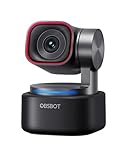 OBSBOT Tiny 3 OBSBOT Tiny 3 |
|
Check Latest Price |
 Logitech MX Brio Logitech MX Brio |
|
Check Latest Price |
We earn from qualifying purchases. CERTAIN CONTENT THAT APPEARS ON THIS SITE COMES FROM AMAZON. THIS CONTENT IS PROVIDED 'AS IS' AND IS SUBJECT TO CHANGE OR REMOVAL AT ANY TIME.
1. OBSBOT Meet 2: the best 4K webcam overall
OBSBOT Meet 2-4K Webcam for PC with 1/2″ Sensor, AI Framing…
1/2-inch CMOS sensor
4K 30fps or 1080p 60fps
40.5g
USB-C with adapter
Pros
- Tiny 40.5g body travels easily
- 1/2-inch sensor stays sharp at 4K
- AI framing handles solo and group calls
- Magnetic privacy cover
- USB-C to USB-A adapter included
Cons
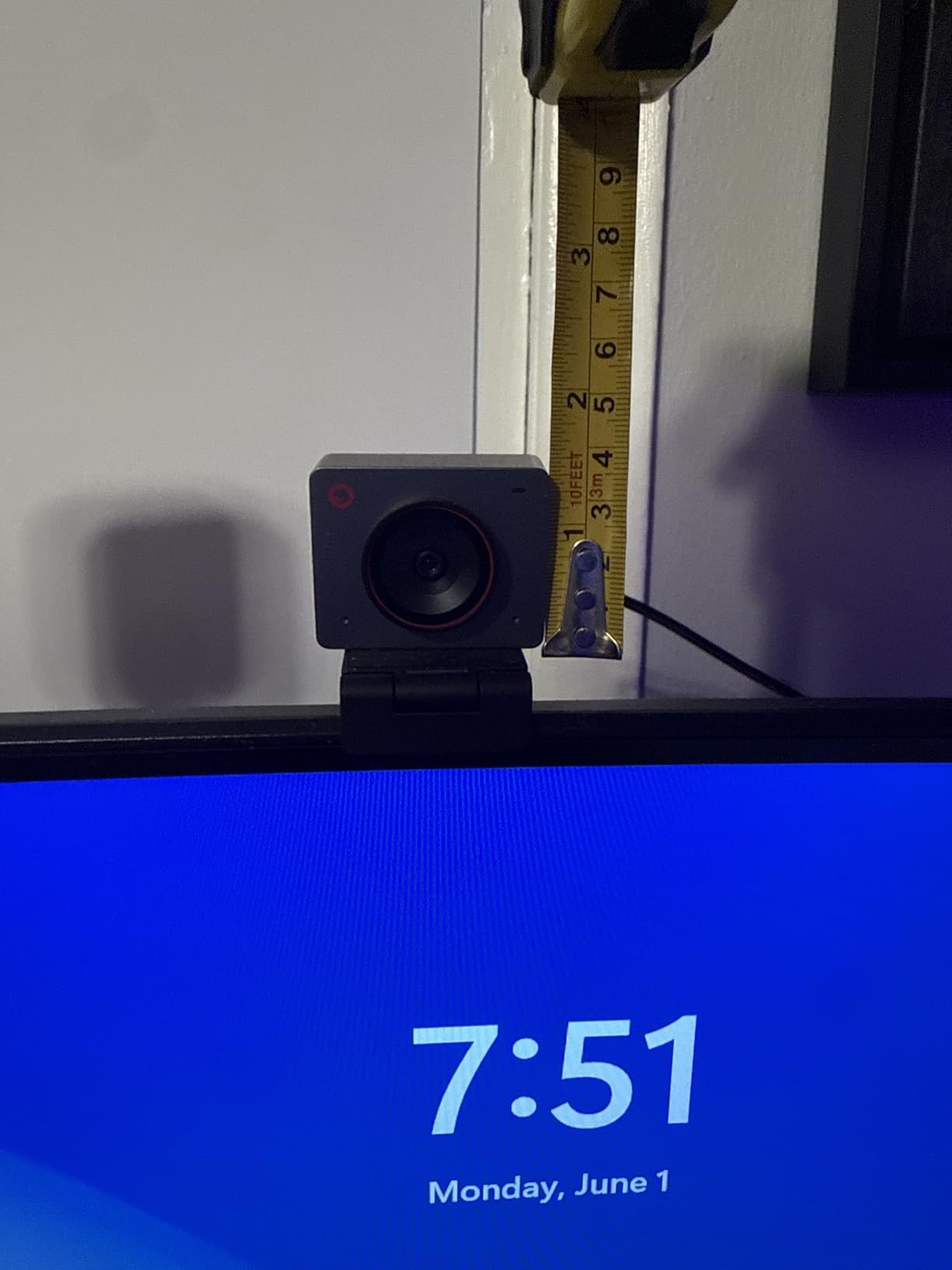
- Monitor clip grips poorly on slim displays
- Average onboard microphones
- Softens into motion blur at 4K
The Meet 2 is the camera we keep going back to, because it is the one we can hand to someone joining a call from a different room. At 40.5g it lives in a laptop bag permanently, and a single USB-C cable with the included USB-A adapter covers essentially every machine we tested it on.
Image quality is driven by a 1/2-inch CMOS sensor with an f/1.8 aperture and a 10-26mm focal range. In a dim room late in the day, our calls looked clean and correctly exposed, with skin tones that did not go green the way the smaller sensors in budget cameras tend to do. The AI framing feature reframes when a second person joins, which is genuinely useful for a household sharing an office during the day.
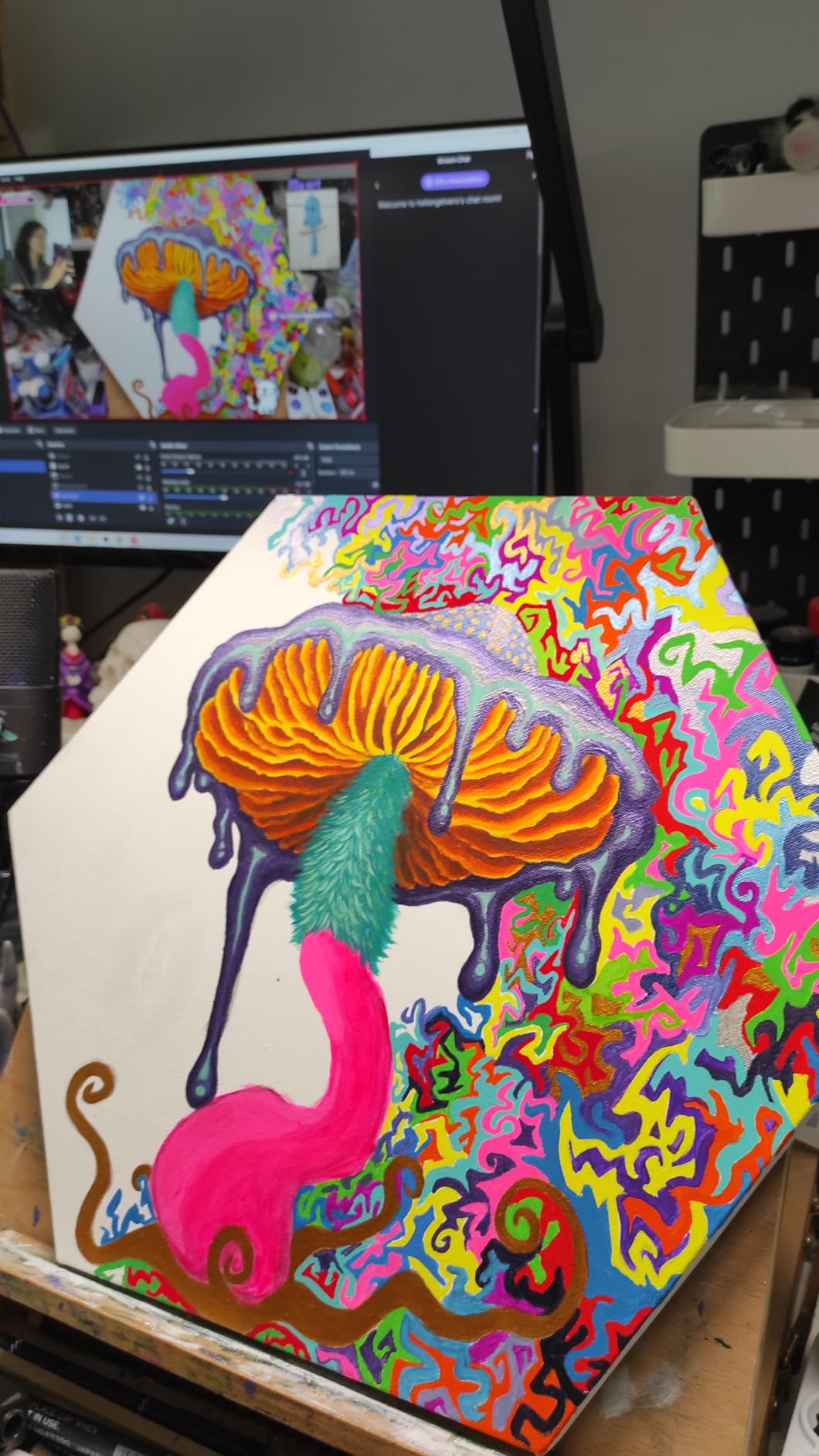
Where it is honest about its limits: detail softens visibly when you move quickly at 4K, and darker scenes show noise. If you present standing and pace around, a camera with a larger sensor or a low-light-first design will hold up better.
The bigger practical gripes are mechanical. The included monitor clip and stand do not grip slim displays confidently, so on a thin panel it drifted unless we added a small wedge. The onboard microphones are fine for short answers but we ended up pairing an external mic for anything longer. Users also report the desktop control app can be slow to respond, and one owner waited roughly 20 minutes for a first-plug firmware update.
What the Meet 2 does well in a meeting
Setup took under two minutes. The AI framing and gesture controls mean you can toggle framing with an open palm and zoom with a raised index finger, so you are not reaching for the keyboard while someone is talking to you. That hands-free loop is the reason this is our top pick for daily calls.
Autofocus was the steadiest of the compact cameras we tried. It settled quickly, held sharpness as we leaned in and out, and did not visibly hunt while talking, which is the failure mode that puts people off webcams fastest.
Where the Meet 2 disappoints
Audio is the weak point. The dual omnidirectional noise-cancelling microphones sound thin on a long call in a room with a fan running, and most owners pair it with something better. Budget for a separate mic if you present regularly, and buy a small 1/4-20 adapter rather than trusting the stock clip on a thin display.
2. NexiGo N960E Plus: the best value 4K webcam
NexiGo N960E Plus 4K Webcam with Ring Light & RF Remote, ToF…
1/2.5-inch CMOS
4K 30fps or 1080p 60fps
Tri-tone ring light
1/4-20 thread
Pros
- Largest review base in the list at 18428 ratings
- Time-of-Flight autofocus locks fast
- Ring light rescues dim evening rooms
- RF remote for zoom and presets
- Physical sliding privacy cover
Cons
- Autofocus can hunt on small movements
- Bundled software is limited
- Slow to initialise on macOS
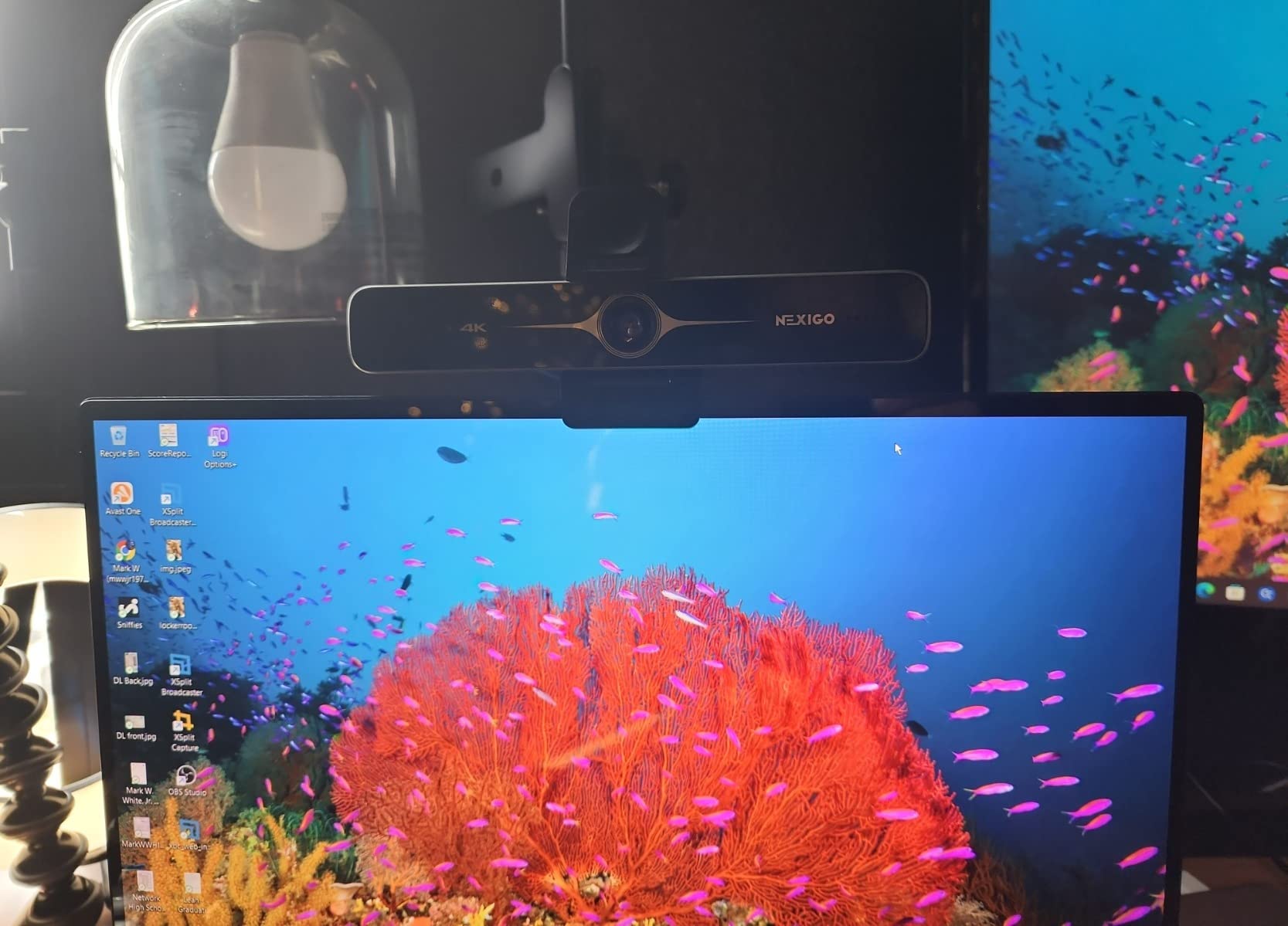
With 18428 ratings on file, the N960E Plus has the deepest review history of any camera here, and that history is consistent: owners repeatedly single out sharp 4K, dependable AI tracking and a ring light that does real work in a dark room. The tri-tone ring light has stepless brightness adjustment and three colour temperatures, and on an evening call with a desk lamp behind us it was the difference between a usable image and a silhouette.
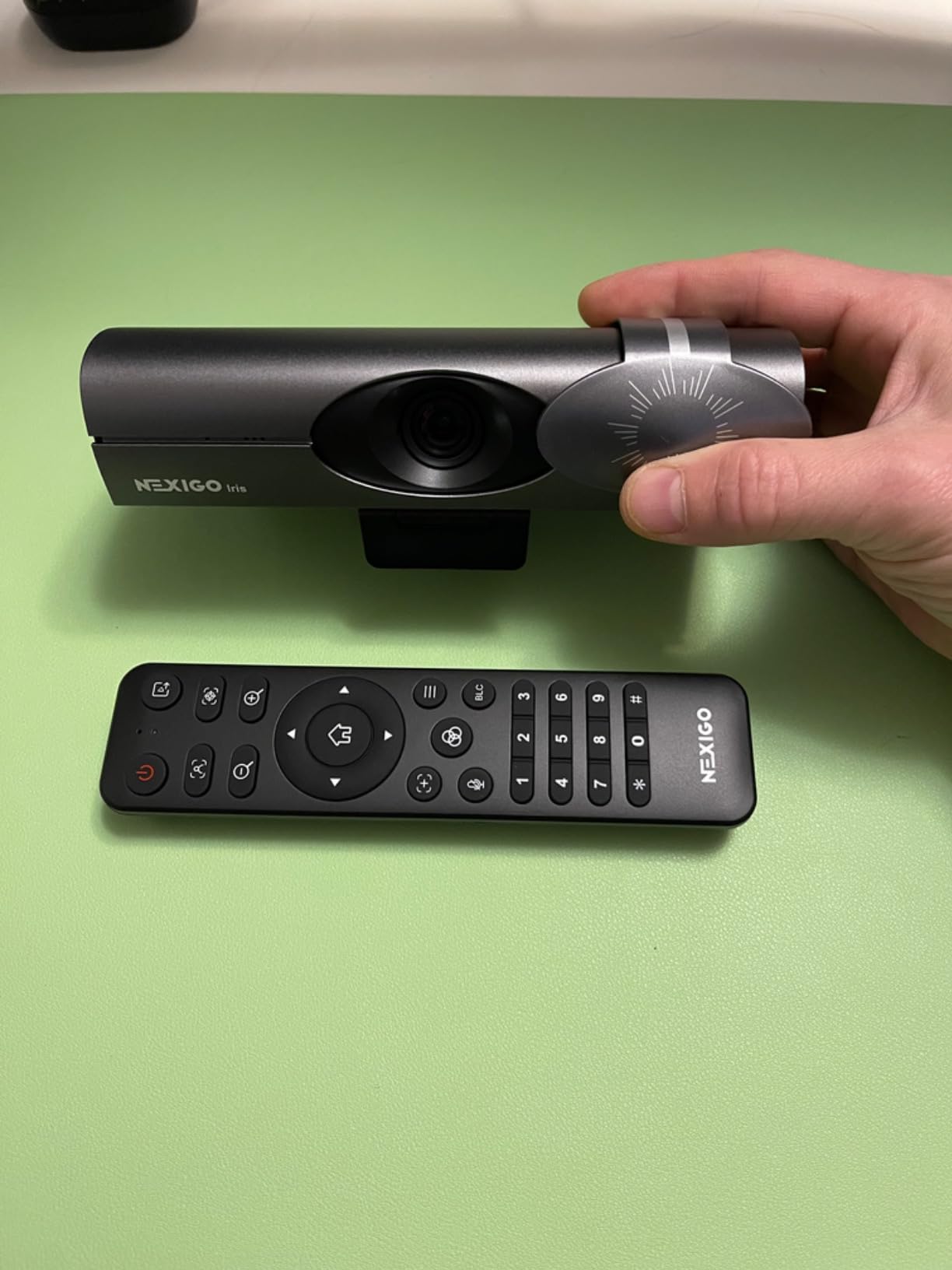
The time-of-Flight autofocus is the technical standout. Rather than hunting by contrast, it measures distance directly, and in our tests it locked almost instantly on a face and held it. A backlight compensation mode also rescues the classic window-behind-the-monitor setup that ruins most cheap cameras.
That said, we saw the hunting behaviour reviewers mention. Small head movements during a call can make the focus slide forward and back, which is distracting on a call where your face fills the frame. The bundled software is also limited, with no way to set the zoom from the app, and the camera can be slow to initialise on macOS. Windows Hello was finicky at certain distances for us.

Why this is the value pick
Feature-for-feature, nothing else in this list combines a physical privacy cover, a ring light, a remote control, a 1/4-20 tripod thread and ToF autofocus at this price, and the 360-degree rotation clip with 45-degree tilt makes it the easiest one here to position. With 18428 ratings behind it, it is also the safest pick to standardise on for a whole team.
Where it falls short
At full digital zoom the image is visibly softer than the Elgato or the OBSBOT Tiny 3, so treat the 4X zoom as a convenience rather than a real optical tool. And if the ring light is the feature you care about, check which variant you are buying, because some versions ship with an automatic cover that opens on its own when the camera powers up.
3. Insta360 Link 2: best for hands-free calls
Insta360 Link 2 – PTZ 4K Webcam for PC/Mac, 1/2″ Sensor, AI…
1/2-inch HDR sensor
4K 30fps
PDAF autofocus
Motorized pan and tilt
Pros
- Highest average rating in this group
- Strong HDR and low-light handling
- DeskView and Whiteboard modes
- Auto privacy tilt after inactivity
- AI noise cancellation
Cons
- No Windows Hello face recognition
- Not compatible with ARM-based Windows
- Needs the free Link Controller app for deep settings
The Link 2 earned the highest average rating of any camera we tested, with 83 percent of ratings at five stars. That is not a rounding artefact. The image is unusually well behaved for a webcam.
A 1/2-inch sensor with HDR gives you the most forgiving exposure we saw. Move from a bright window to a dim room mid-call and the picture settles rather than pumping, and skin tones stayed natural in both. Phase Detection Auto Focus locks almost instantly and, unlike contrast-based systems, does not drift when you sit still.
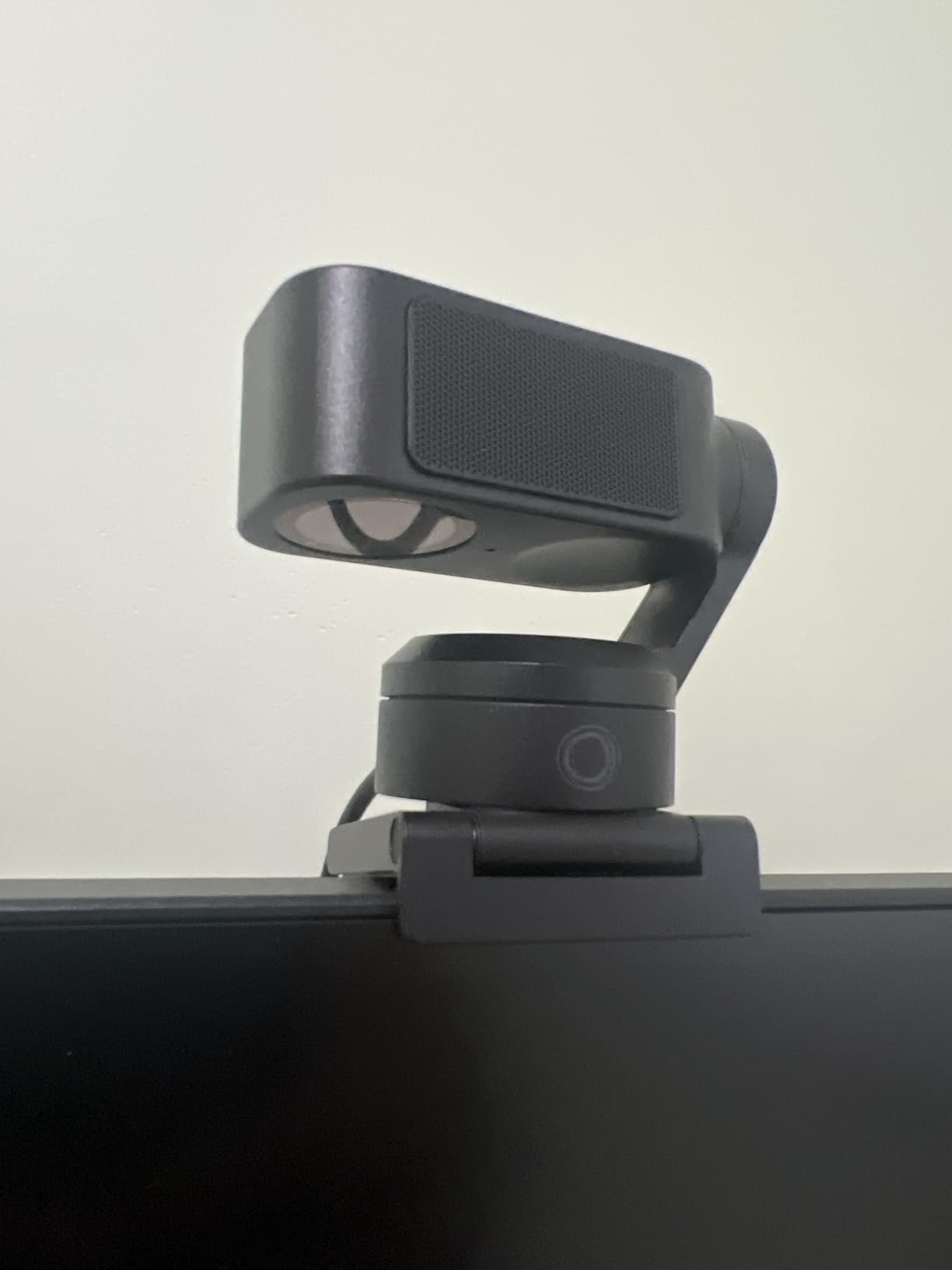
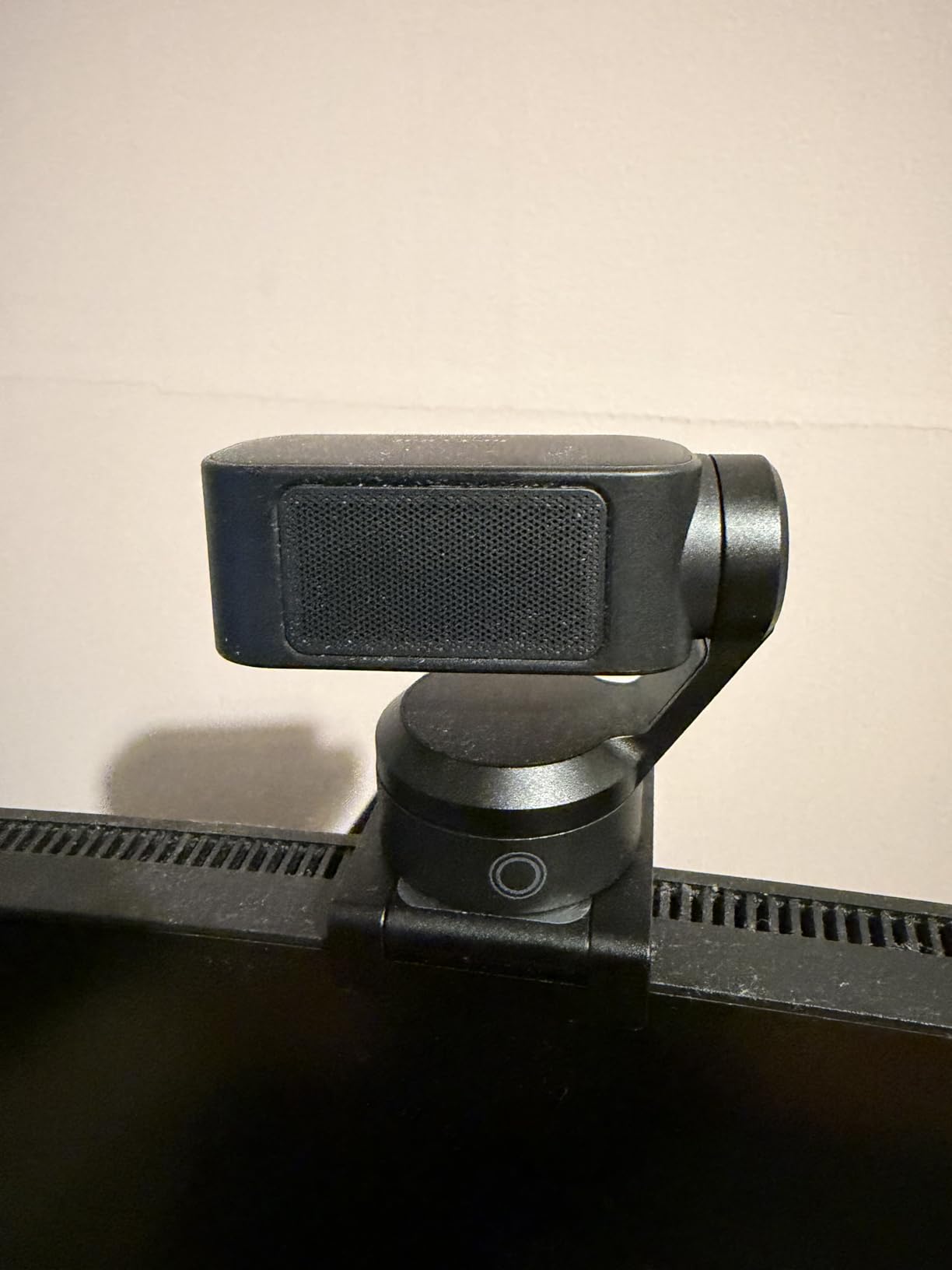
What separates it from the field is the motor. It pans and tilts to follow movement around the room, which turns a fixed laptop-style camera into something closer to a studio setup. DeskView angles down to catch notes on your desk, and Whiteboard mode flattens the view for a board, so teaching or demoing no longer needs a second camera.
There is also a quiet security default. After ten seconds of inactivity the camera tilts its own head down, so the lens is physically pointing at the desk. That is more reassuring than remembering to click a software mute, and it answers a concern that comes up repeatedly in home-office and security communities.
Best for people who move during calls
Stand up, walk to a whiteboard, sit back down, and the framing follows you. Gesture control and phone-based remote control let you retarget tracking without touching the keyboard, and the AI noise cancelling cleaned up a busy cafe background better than the fixed filters on cheaper units.
Where the Link 2 is not right
It does not support Windows Hello face recognition, and it will not run on ARM-based Windows hardware. If your company laptop is an ARM machine, this one is out before you start. It also sits at the top of the price range here, and the deepest settings live in the free Link Controller software rather than in the device.
4. Logitech Brio Ultra HD: best for Windows Hello sign-in
Logitech Brio Ultra 4K HD Webcam for Streaming and Meetings…
Ultra HD 4K at 30fps
Three FOV presets of 65, 78 and 90 degrees
Windows Hello
5x zoom
Pros
- Sharp and well-exposed 4K image
- Reliable Windows Hello in dim rooms
- Three field-of-view presets
- Dual noise-cancelling mics
- Clear upgrade from a C920
Cons
- Privacy shade is a loose plastic flap
- Thick stiff cable
- Weak in dark rooms
The Brio has been around long enough that it is the safe answer when someone in the office asks for a webcam that just works. It runs on Windows, Mac and ChromeOS, appears as a standard device in Zoom, Teams and Meet, and needs no account to configure.
RightLight 3 handles the exposure automatically, adjusting contrast and brightness for glare and backlighting. That is the feature people notice most, because a window behind the monitor is the single most common reason people think their webcam is bad. The three field-of-view presets at 65, 78 and 90 degrees let you tighten to head-and-shoulders for a call and widen when you want the room in frame.
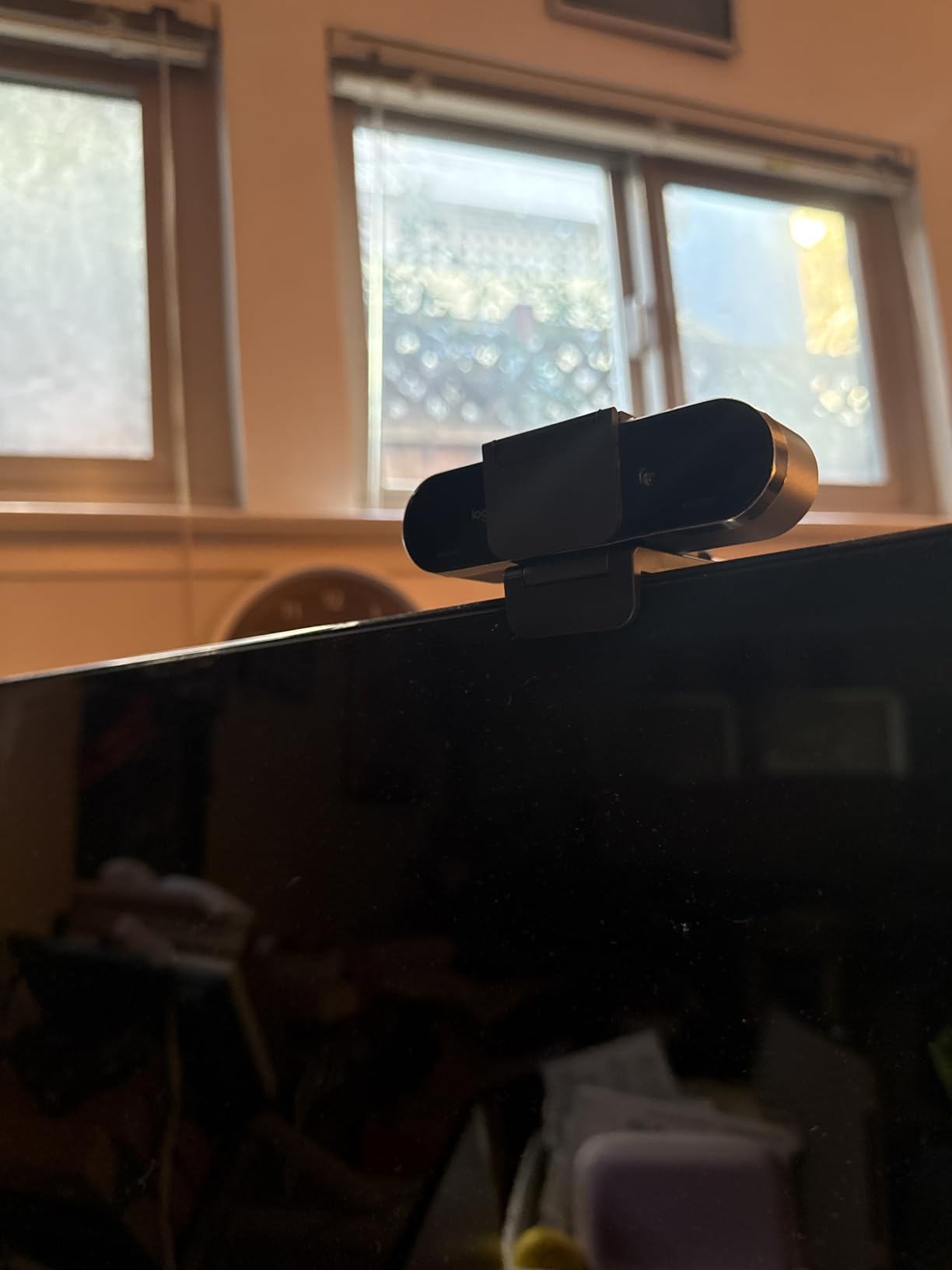
Windows Hello is the standout. Face unlock worked quickly and reliably, including in a dim room, which is not something you can say for every camera in this list. If your laptop logs you in with a camera, this is the one that does it consistently.
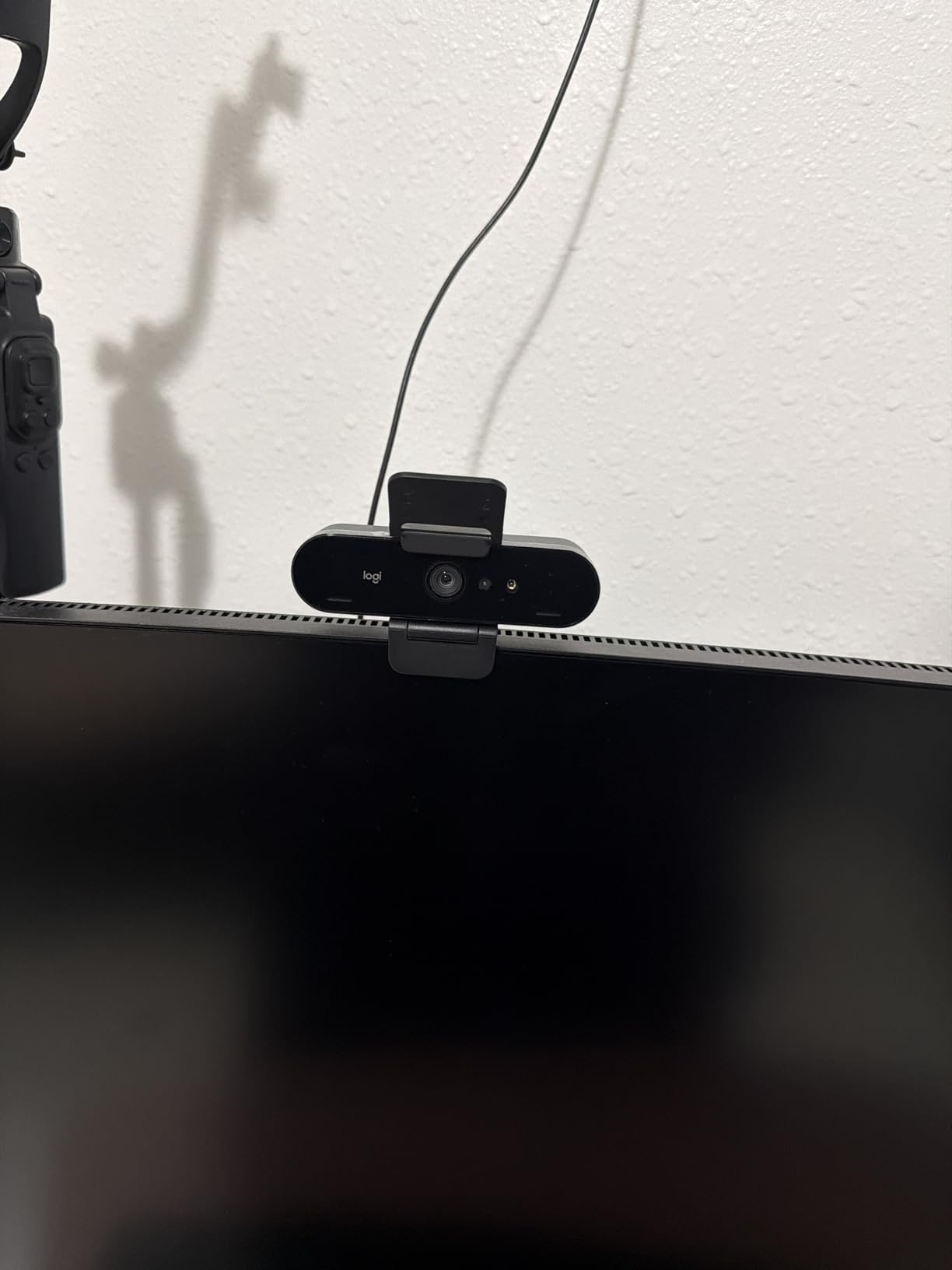
The privacy shade is the most repeated complaint across 1305 ratings. It is a thin plastic flap that clips on loosely and can come off, which is frustrating when the whole reason you bought a privacy accessory is to feel secure. The cable is also thick and stiff enough that fine aiming is awkward, and the body is small enough to get knocked off a monitor. In dark rooms it is weaker than the sensors in the Insta360, Elgato and OBSBOT models here.
Best for office sign-in and mixed platforms
If you move between a work laptop, a personal Mac and a Chromebook, the broad compatibility is worth more than a larger sensor, and the three field-of-view presets are the single most useful framing control on a call. Some users hit Teams video freezing and Windows Hello failures with no driver fix available, and Linux support is basic capture only.
Where the Brio disappoints
Privacy and low light are the two weak spots. The privacy shade is a separate flap that clips on rather than being built into the body, so it is the least secure of the covers in this roundup, and if you regularly take calls after sunset you will see noise here that the HDR and larger-sensor models do not produce.
5. Elgato Facecam 4K: best for streaming and recorded content
Elgato Facecam 4K, 4K60 Studio Webcam, DSLR-Like Control
1/1.8-inch Sony STARVIS 2
4K at 60fps
49mm f/2.8 prime lens
HDR and uncompressed output
Pros
- Large STARVIS 2 sensor with excellent 4K60 detail
- 49mm filter thread for creative control
- Camera Hub gives granular control
- Internal flash saves settings
- Two-year warranty
Cons
- Highest one-star share in the group at 10 percent
- No privacy shutter
- Camera Hub has a learning curve
- Fewer meeting features than rivals
The Facecam 4K is the most creator-oriented camera in this roundup, and it is not trying to pretend otherwise. The 1/1.8-inch Sony STARVIS 2 sensor is among the largest here, and it produces 4K at 60fps rather than 30fps, which matters if you record.
Image quality is the best in the group for static shots. Detail holds across the frame, colour is accurate, and the 49mm equivalent f/2.8 prime lens gives real depth-of-field control that no other webcam here matches. It also accepts standard 49mm lens filters, so you can add a polariser or a diffusion filter the same way you would on a stills camera.
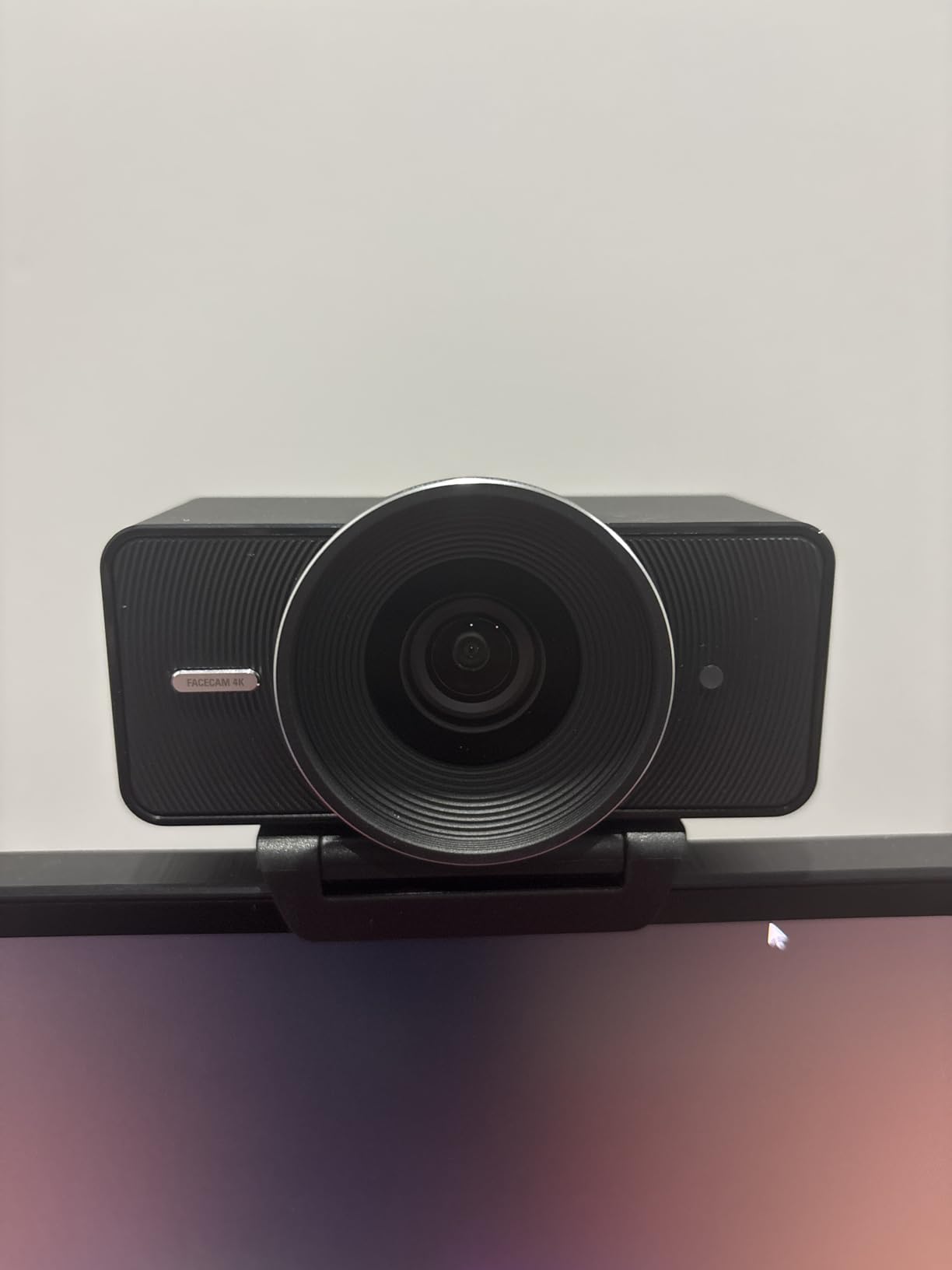
For a meeting camera, though, it leaves a lot on the table. There is no privacy shutter and no built-in lighting. If you run meetings in a shared room where someone might be working behind you, you are relying entirely on software to blank the lens, and the feature people ask for most in privacy-focused forums is physically absent.
At 120g it is stable on a monitor mount, the detachable USB-C 3.0 cable suits a desk arm, and a two-year warranty is the longest in this roundup. It is the right pick only if recording is the point: no privacy shutter, no integrated light and fewer meeting conveniences than models costing less. Camera Hub also has a real learning curve, and the 10 percent one-star share here is mostly buyers who expected a meeting camera and got a studio tool.
Best for people who record as well as call
Uncompressed output, HDR support and internal flash memory that recalls your settings between sessions make this the pick if you film demos, tutorials or courses in the same space where you take meetings. The detachable USB-C 3.0 cable suits a desk arm, and the two-year manufacturer warranty is the longest in this roundup.
Where the Facecam 4K is wrong for calls
No privacy shutter, no integrated light, and fewer meeting conveniences than models costing less. If your webcam’s job is 90 percent Zoom, buy one of the meeting cameras. Buy this one only if the recording is the point, and expect to spend time in Camera Hub before the image looks the way the sensor can deliver.
6. NexiGo N680E Pro: best webcam for evening calls
NexiGo N680E Pro 4K Webcam with Ring Light, PDAF Autofocus…
Sony 1/2.5-inch CMOS
4K 30fps or 1080p 60fps
Tri-tone ring light
Built-in privacy shutter
Pros
- Clear sharp image without macro blocking
- Integrated ring light bright enough to light a desk
- True plug-and-play with no drivers
- Fast PDAF focus at close range
- Privacy shutter and tripod mount included
Cons
- Tight 80 degree field of view
- 4K output shows grain and lag
- No physical microphone mute
- Mostly plastic build
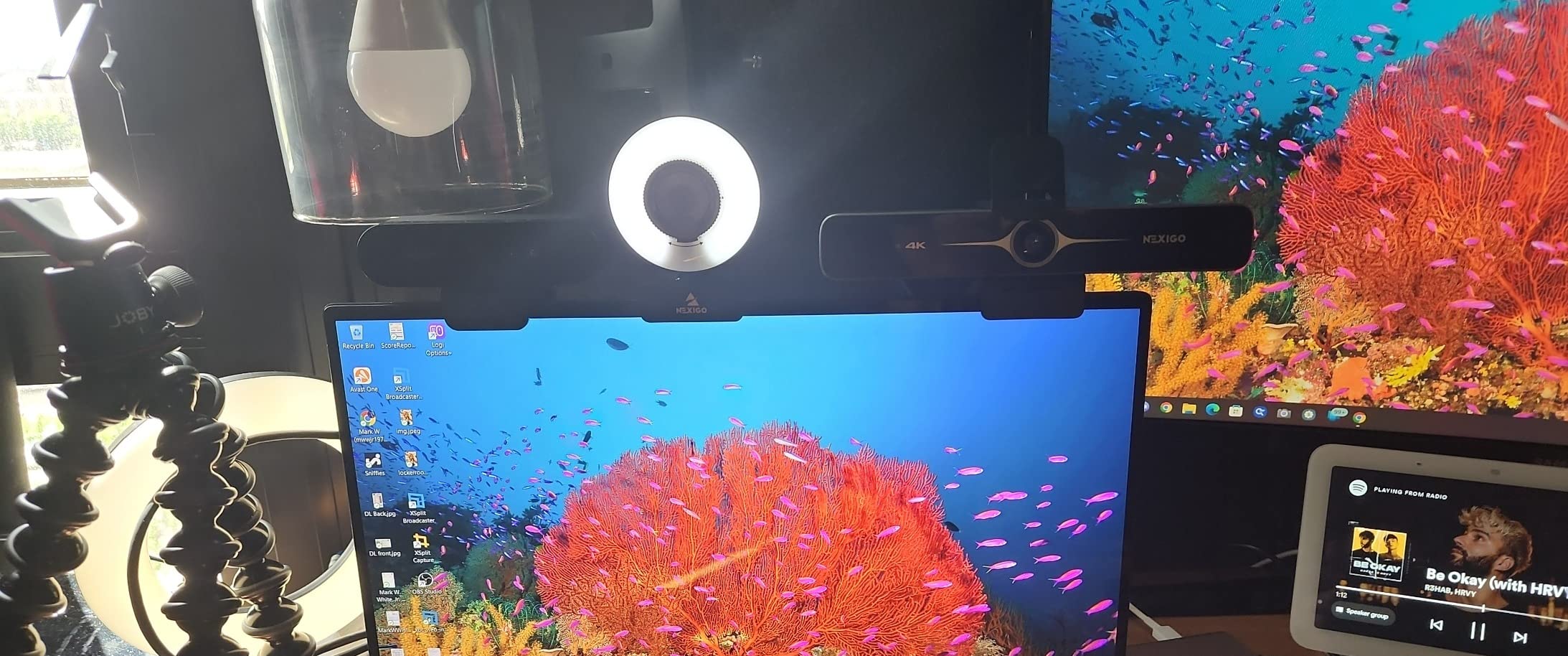
If your working day ends after sunset, the N680E Pro is built for exactly that. The tri-tone ring light is controlled by an outer dial with warm, natural and cool settings, and at full brightness it meaningfully lights a face rather than adding a faint glow. For a desk in a room with no window, that is worth more than extra resolution.
Image quality is cleaner than most budget 4K cameras because of the Sony 1/2.5-inch sensor and a coated lens that improves light transmission. There is none of the soft macro blocking you get from 1080p cameras at close range, and PDAF autofocus responded fast, including a few centimetres from the lens.
Setup is the easiest here. It is USB-A, no drivers, no app, no account, and Windows recognised it immediately in our testing, which matters if you are setting someone up over a phone call. There is a physical privacy shutter controlled by an internal slider, and a 1/4-inch tripod thread for a desk arm.
The recurring complaint is the field of view. At 80 degrees with no software zoom-out, several users describe feeling too tightly framed no matter what they do, and that is exactly the frustration raised on forums for EMEET’s tighter models. 4K output also shows graininess and lag that disappear at 1080p and 1440p, so do not shoot 4K in a dark room with this one.
Best for dark rooms and fast rollouts
Two hundred ratings is a small base, but the complaints are narrow and consistent, which is reassuring. The ring light solves low light at the source and plug-and-play removes the IT ticket entirely, so this is a defensible choice for a team in a dim office.
Where the N680E Pro is not right
The tight framing is the deal-breaker if you sit back from the monitor, share a room, or want a second person in frame. The brightness dial also rotates with no defined stop, and there is no physical microphone mute, so you are still using keyboard shortcuts.
7. EMEET PIXY: best budget pan-and-tilt camera
EMEET PIXY Dual-Camera AI-Powered PTZ Camera 4K, AI Tracking
Dual-camera 4K system
Sony 1/2.55-inch CMOS
310 degree pan and 180 degree tilt
Three mic modes
Pros
- Motorized tracking follows you around a room
- 0.2 second autofocus that rarely hunts
- Three microphone modes for calls or streaming
- Dual cameras keep skin tones natural
- Two-year warranty
Cons
- Field of view locked at 4K 30fps and 1080p 60fps
- Runs on USB 2.0
- No Windows Hello
- Remote sold separately
The PIXY is a budget way to get a camera that physically follows you. The three-chip tracking system pans 310 degrees and tilts 180 degrees, so you can stand, walk to the whiteboard and sit back down without touching anything.
Its dual-camera design is clever for calls: a 4K main sensor for image, plus an auxiliary camera that watches for faces and tunes exposure. The effect is steadier skin tone and exposure than single-camera models manage, and the 0.2 second PDAF and AI autofocus combination was the fastest in our testing.
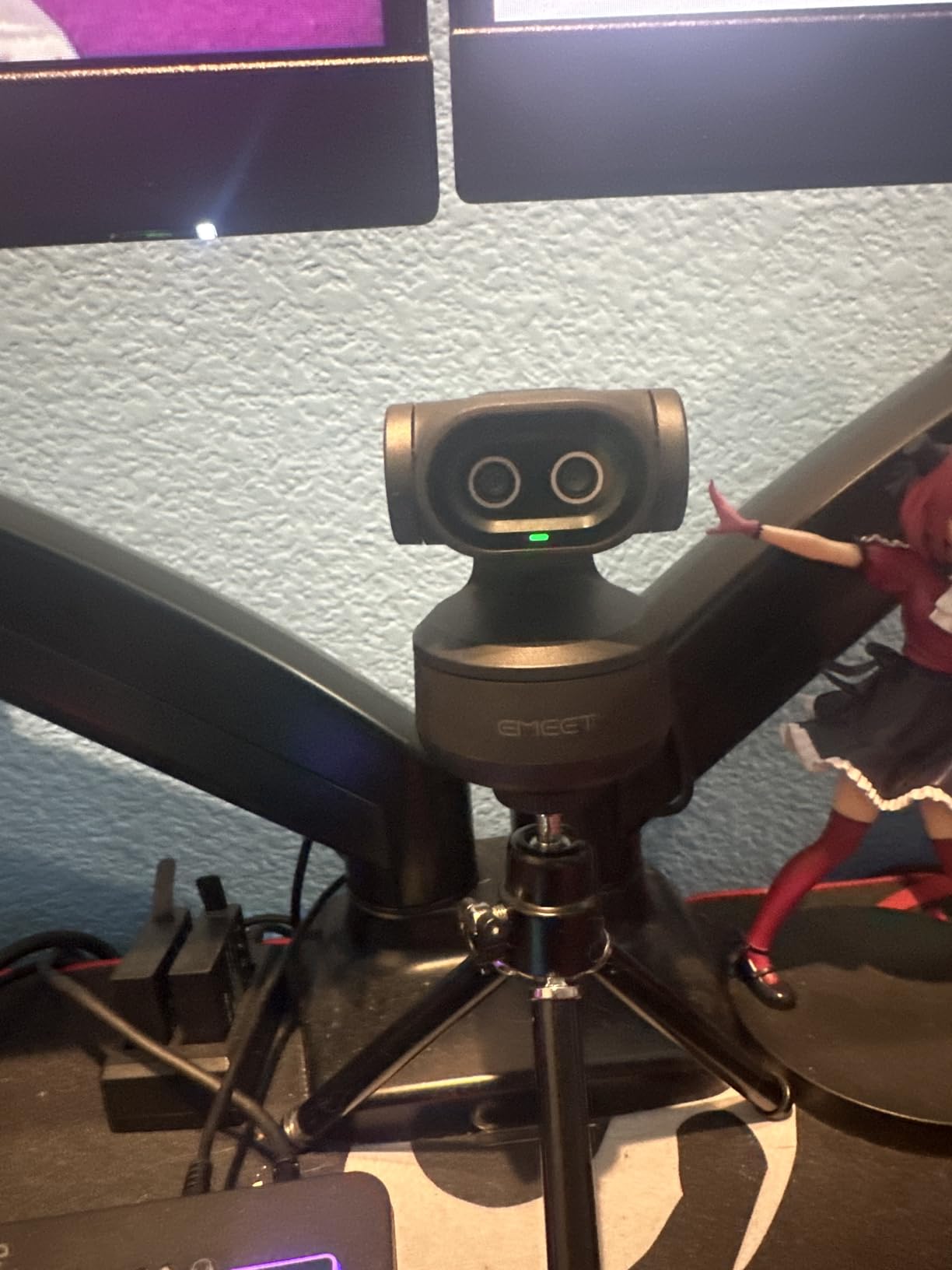
The three-microphone array has distinct modes: Live, Noise Cancelling, and Original Sound. That flexibility is unusual at this price, and it lets you keep your voice natural on a call rather than passing everything through aggressive noise filtering. Gesture control with an open palm held centre for two seconds starts tracking.
Two limitations are worth planning around. The field of view is only adjustable in 1080p and 2K at 30fps and is locked at 4K 30fps and 1080p 60fps, which is where most people will run it. It also draws power and data over USB 2.0, capping bandwidth, and it has no Windows Hello support.
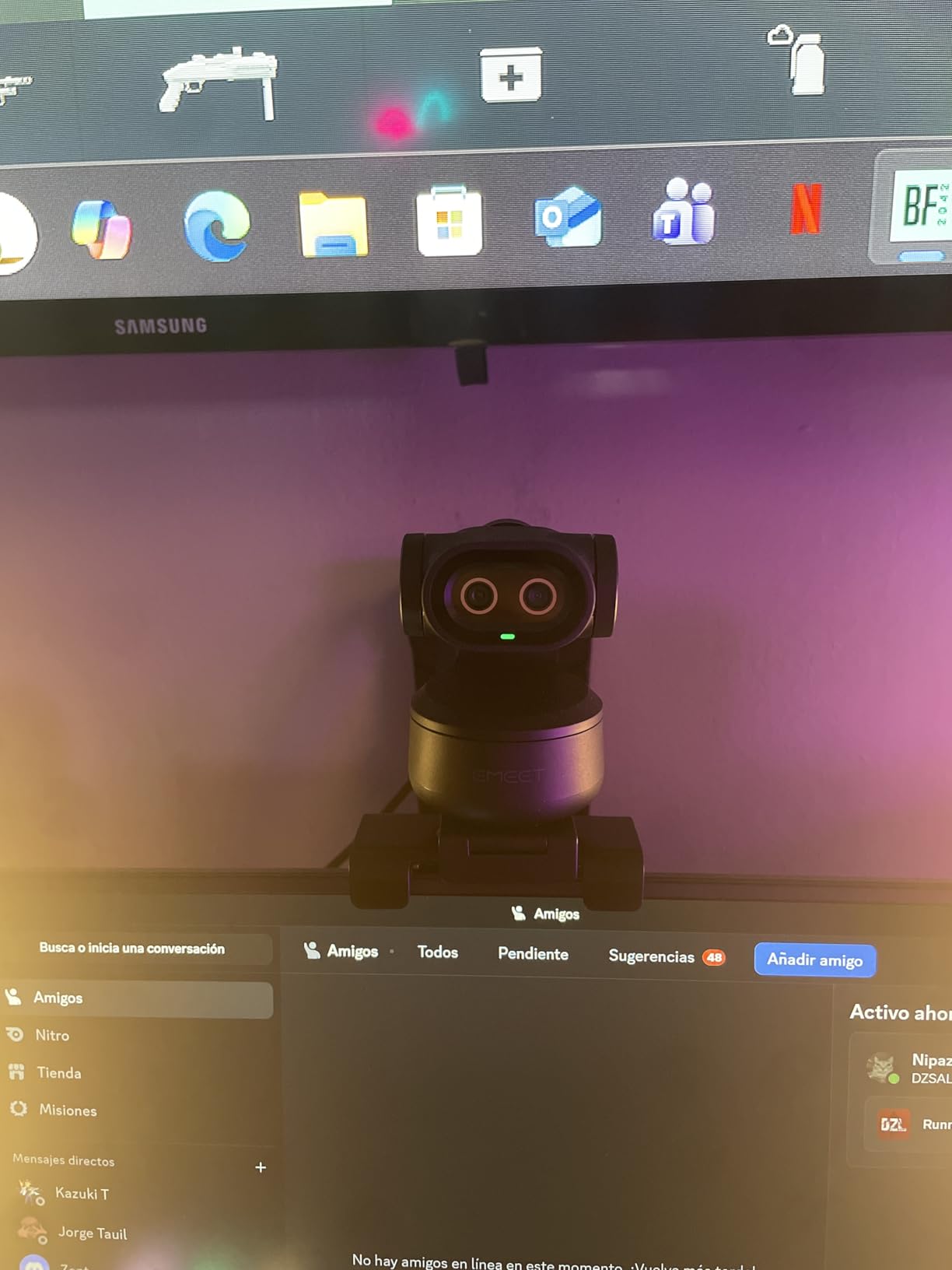
Best for teaching and shared rooms
For a tutor, a trainer or anyone who moves around while talking, the tracking is worth more than a bigger sensor, and Whiteboard mode in the EMEET STUDIO software flattens the board for sharing. The body is bulkier than a fixed-lens webcam, the remote is sold separately, USB 2.0 caps bandwidth, and there is no Windows Hello support.
Where the PIXY disappoints
USB 2.0 is a real constraint at 4K, and the locked field of view removes a tool you might want. If you need Windows Hello face unlock, or your laptop is ARM-based, this is not the camera.
8. EMEET C60E: best dual-lens framing for close-ups
EMEET C60E Dual-Camera 4K Webcam for Streaming, Wide-Angle…
1/2.8-inch CMOS
Wide-angle and telephoto lenses
11X hybrid zoom
PDAF autofocus
Pros
- Dual lenses give real framing flexibility
- 11X hybrid zoom with five steps
- Remote control for live zoom and colour
- Clear image that suits green-screen work
- Two-year warranty
Cons
- Zoom unavailable in 4K 60fps or YUY2
- Visible grain in very low light
- No Windows Hello support
- USB 2.0 connection
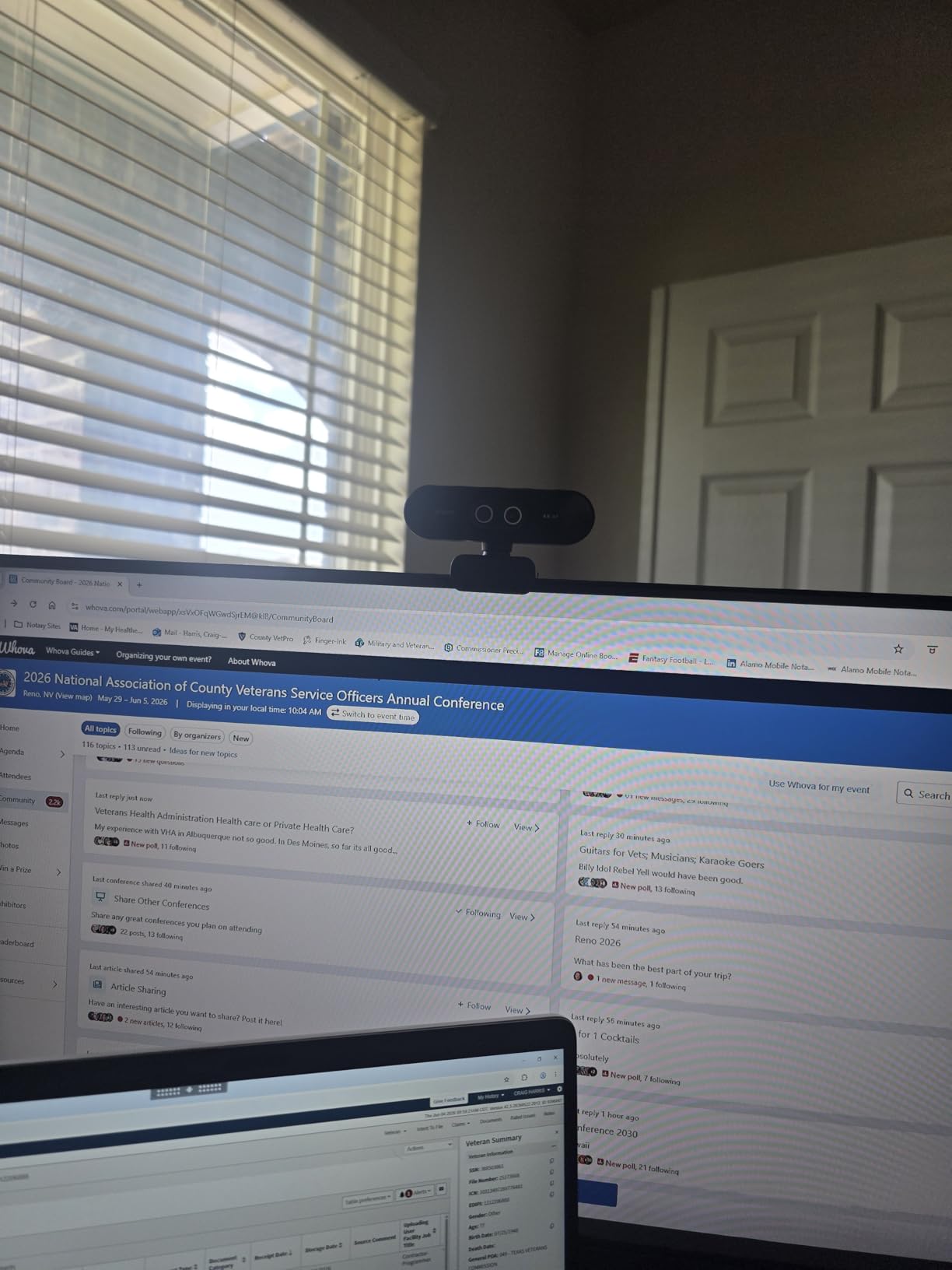
The C60E solves a problem most webcams ignore. It carries two lenses, a wide-angle and a telephoto, and the telephoto is tuned for close-ups at around 13.8 inches. That means you can frame a head-and-shoulders shot from a normal desk distance instead of leaning into the lens.
The 11X hybrid zoom steps through 1X, 3X, 5X, 7X and Max, and a bundled remote lets you change zoom and colour live without touching the keyboard. Reviewers consistently call the image crisp and colourful, and it holds up well for green-screen work. Autofocus stayed stable even while zoomed, and it was plug-and-play on Windows 11 with no drivers needed.
Two omnidirectional microphones with a claimed 9.8 foot pickup radius are adequate for calls, though the sound is outshone by the camera, so buy this for the image rather than the audio. There is grain in very low light, which is what a 1/2.8-inch sensor gives you, and zoom is disabled in 4K 60fps and in YUY2 output, so the flexible zoom and the highest frame rate are mutually exclusive.
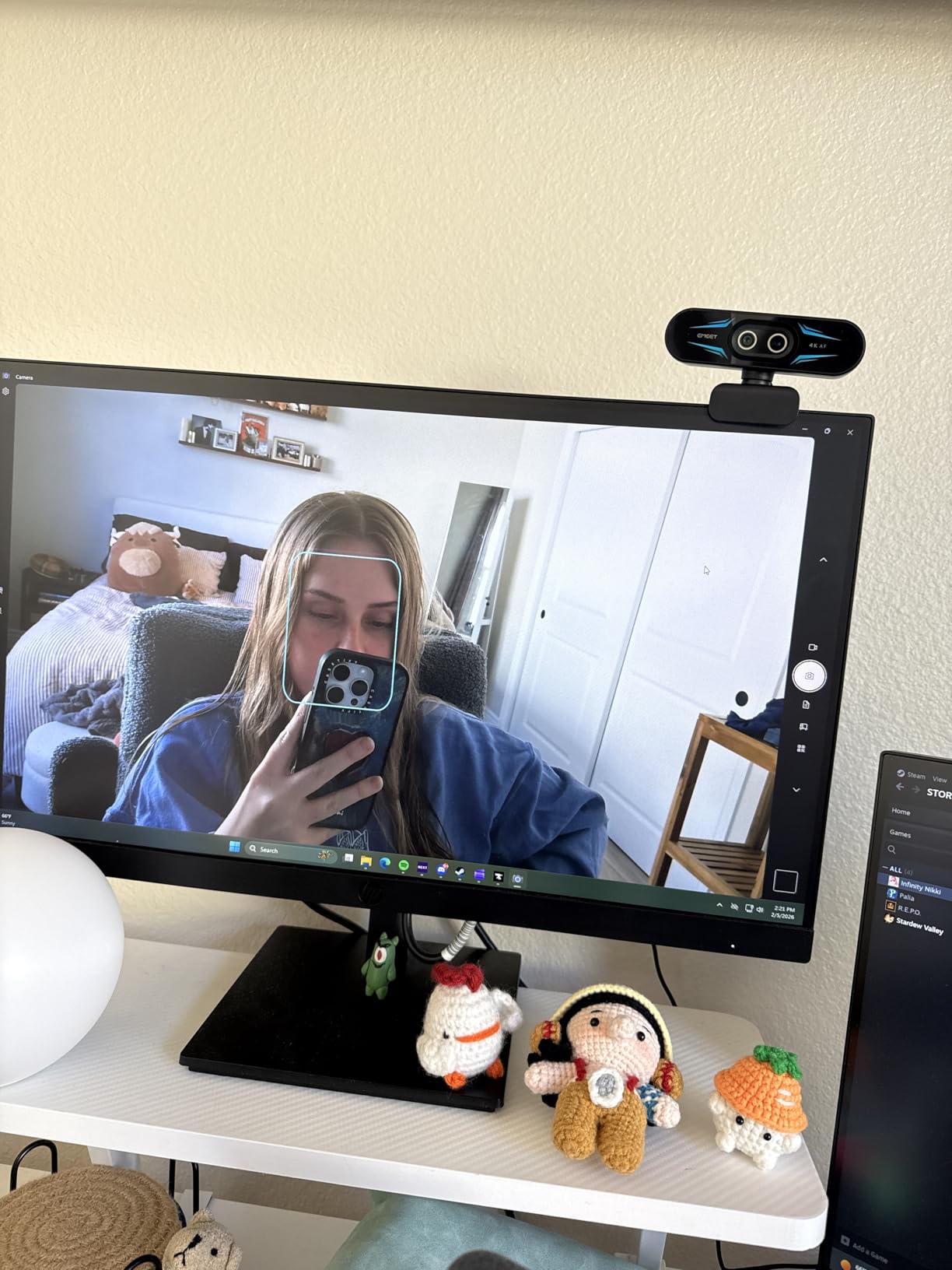
Best for presenters who sit close to the camera
The telephoto lens produces a more natural perspective than a wide lens at close range, which flatters faces and avoids the fish-eye effect, and RGB status lighting tells you at a glance whether the feed is live.
Where the C60E is not right
It will not help you in a genuinely dark room, and the USB 2.0 link limits how much of that 4K sensor you actually get. The flip-down privacy cover helps, but there is no Windows Hello for enterprise sign-in setups.
9. OBSBOT Tiny 3: best image quality of the ten
OBSBOT Tiny 3 AI-Powered Spatial Audio 4K Webcam, AI…
1/1.28-inch CMOS
4K 30fps or 1080p 120fps
ISO 0 to 12800
Triple-mic spatial array
Pros
- Largest sensor in the roundup at 1/1.28-inch
- Tracks people groups and 200 plus object types
- Triple-mic spatial audio array
- Voice and gesture control
- 48 percent smaller and 34 percent lighter than the prior model
Cons
- Most expensive option in the roundup
- Gimbal can behave erratically
- Advanced features need OBSBOT Center
- USB-C only with no wireless
If the only thing you care about is how you look, the Tiny 3 wins. Its 1/1.28-inch sensor is the largest in this roundup by a wide margin, and that translates directly into detail and low-light behaviour. It also records 1080p at 120fps, which nothing else in the list does.
The ISO domain runs from 0 to 12800 with DCG HDR, and in our evening calls the result was the cleanest low-light image of any camera tested. The Dual All-Pixel PDAF switches focus modes to suit the lighting rather than hunting through the change.
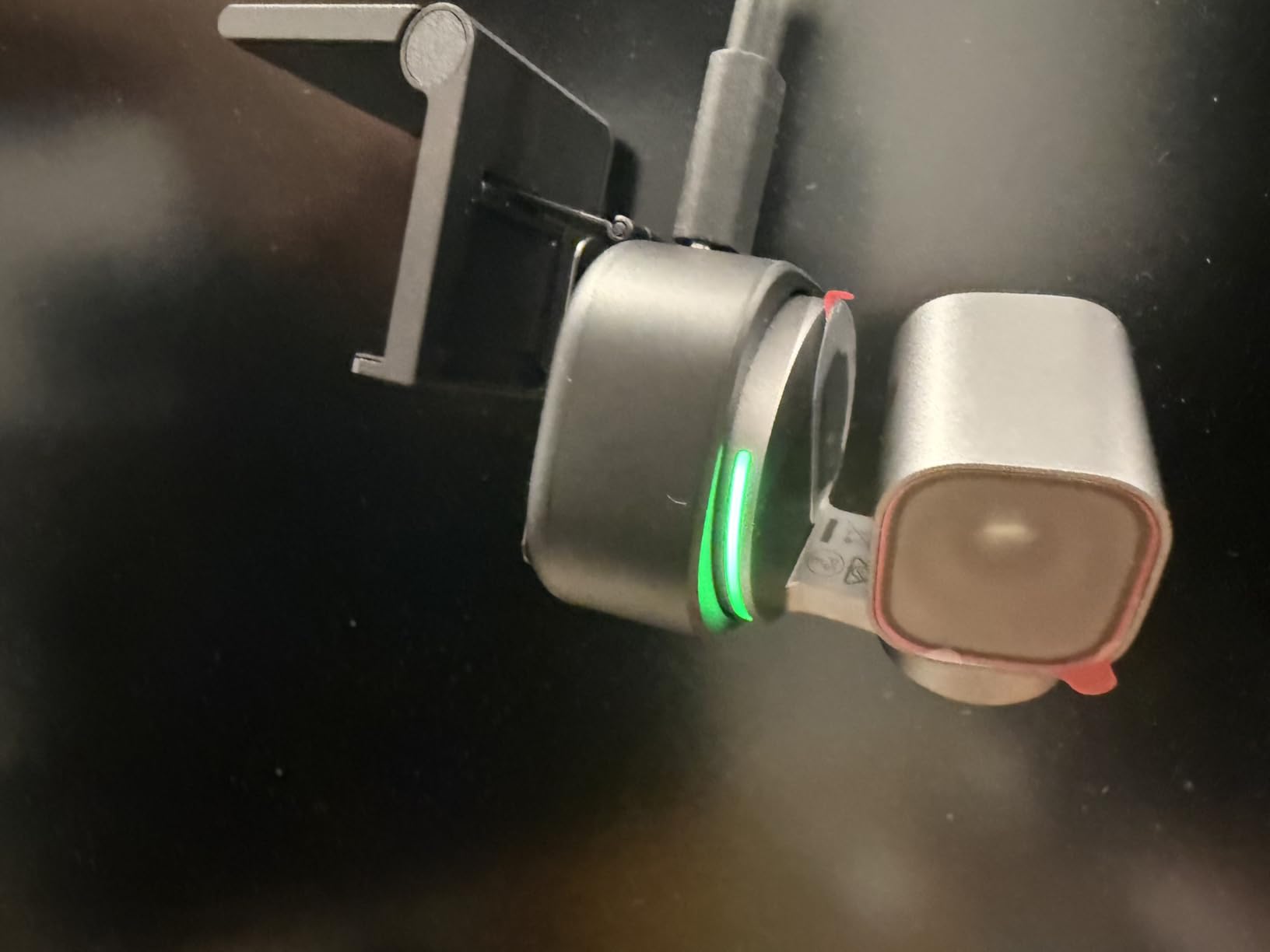
The AI Tracking 2.0 system identifies a person, a group, or more than 200 object types, and Desk and Whiteboard auto-framing modes handle the two most common meeting scenarios without manual input. Voice and gesture control let you wake it, change tracking, zoom and switch presets without touching the body at all.
Audio is unusually capable. A triple-mic array of one omnidirectional plus two MEMS directional microphones with five audio modes gives you genuinely spatial sound, which is a real difference when you are streaming or recording a room conversation.
Best for creators with a serious image requirement
At 310g it is heavier than the other OBSBOT, but it is still 48 percent smaller and 34 percent lighter than its predecessor, and an adjustable mount plus a storage case are included. Teleprompter and background blur in OBSBOT Center make it a two-device studio, and for a company exec who also records town halls that is a rare combination.
Where the Tiny 3 is not right
It is the most expensive camera in this roundup by a wide margin, and that price only makes sense if the image matters more than the budget. Some owners report the gimbal behaving erratically and having to disable voice or gesture control, and every advanced feature needs the desktop software. There is no Wi-Fi or Bluetooth, only USB-C.
10. Logitech MX Brio: best for a business desk setup
Logitech MX Brio Ultra HD 4K Webcam Collaboration and…
4K 30fps or 1080p 60fps
70 percent larger pixels
Show Mode
Rotating privacy cover
Pros
- Exceptionally sharp 4K with natural colour
- Handles mixed and poor lighting without heavy grain
- Cleanest virtual background segmentation we tested
- Show Mode for sharing desk notes
- Rotating privacy cover is far more robust than a flap
Cons
- Logi Tune and G Hub software is fragmented
- Some users report autofocus hunting
- RightSight AI framing does not work on ARM Windows
- Sticky mount adapter lets the camera slip
The MX Brio is the camera we would put on an executive desk, next to the portfolio case you carry into the room. The image is sharp with vibrant, natural colour, and it holds up in mixed and poor lighting without the washed-out or heavy-grained look we saw on cheaper models. Pixels are 70 percent larger than on the previous generation sensor, which is most of the story.
The standout we could not match elsewhere is virtual background segmentation. In Teams and Zoom it produced a clean cut around hair and shoulders that rivaled or beat more expensive cameras, which matters if you work from a busy room and do not want to blur everything behind you.
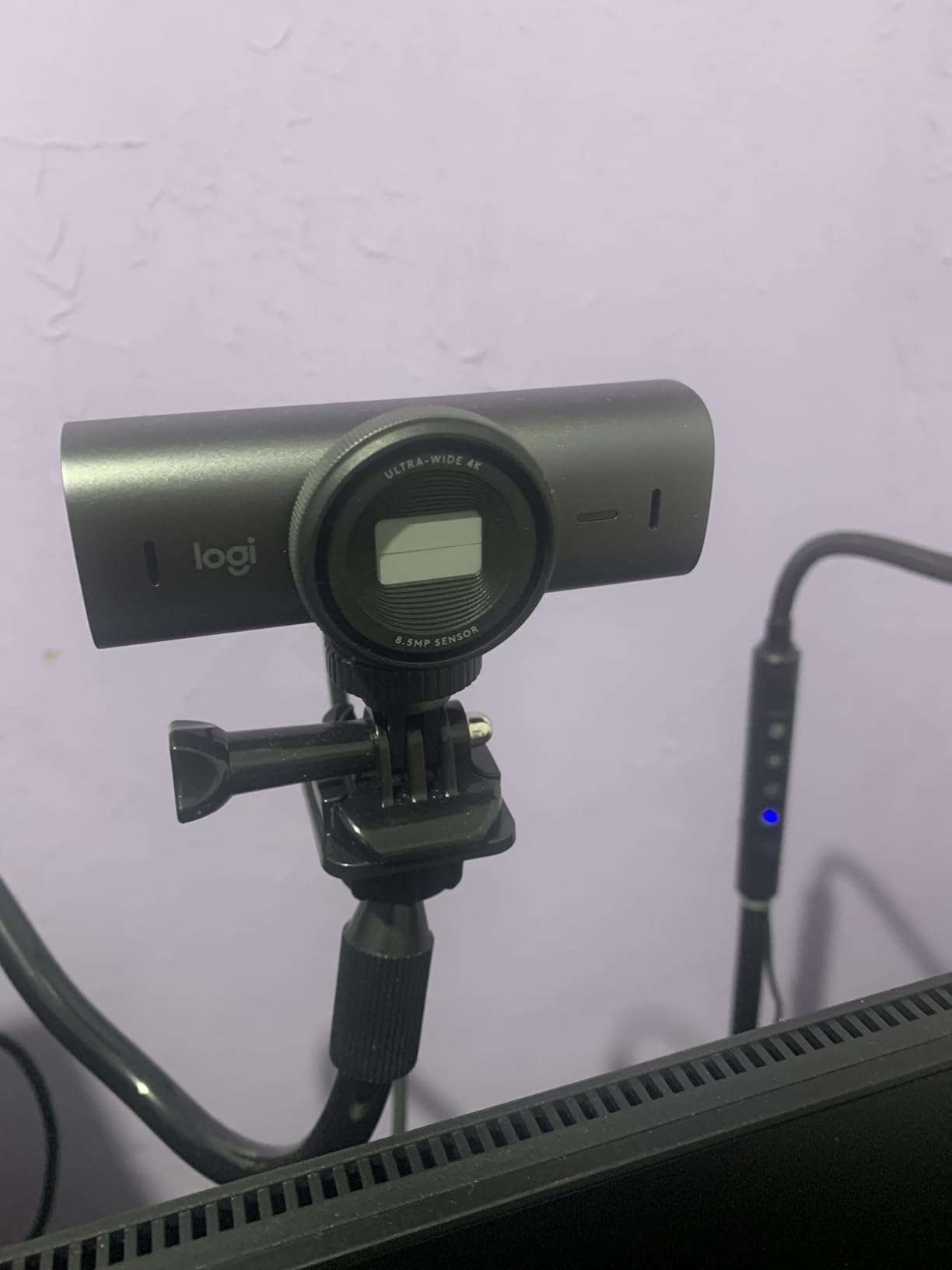
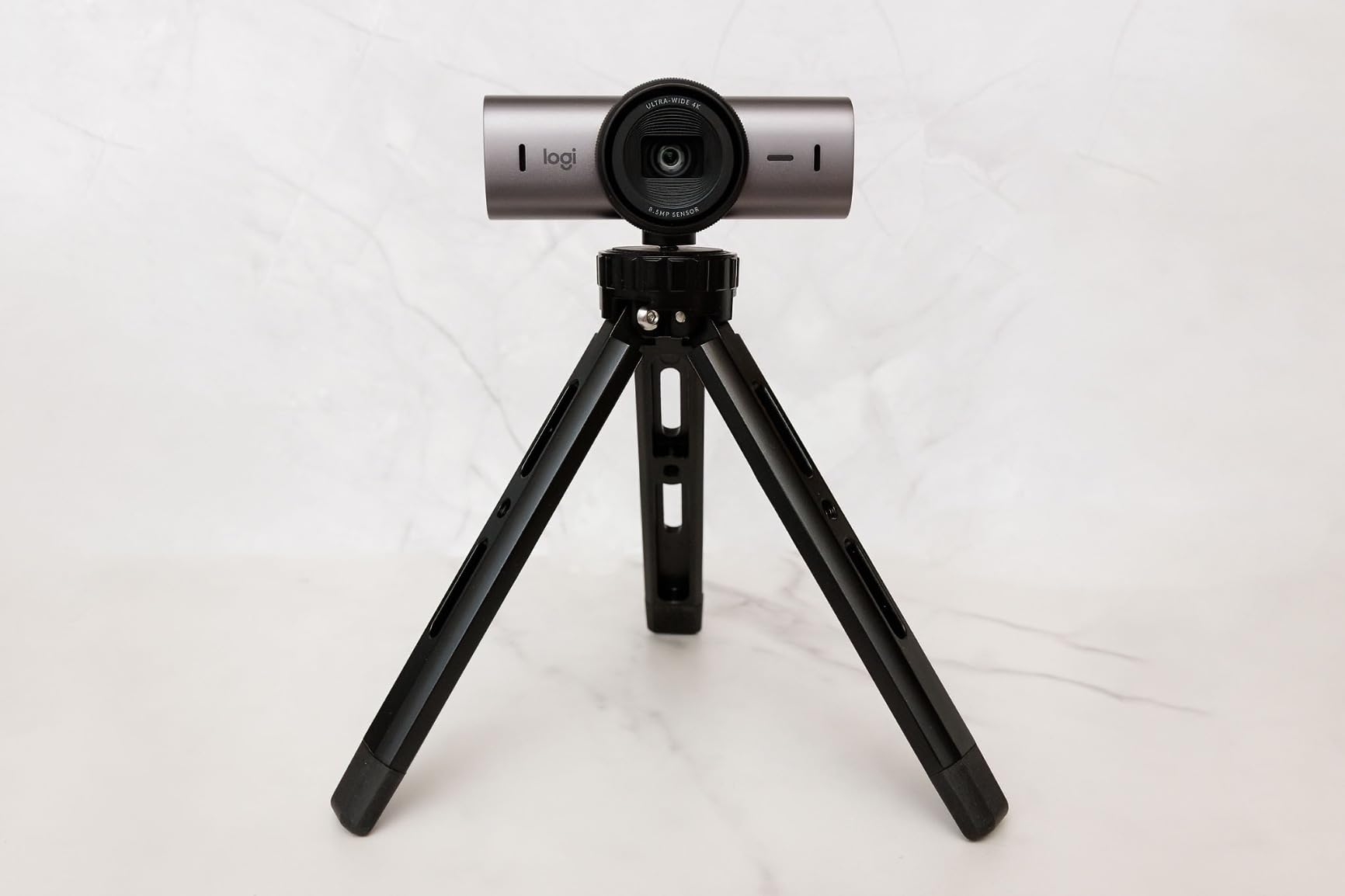
Show Mode tilts the camera down to share handwritten notes or a sketch, and the rotating built-in cover swings over the lens between meetings. Unlike the Brio’s detachable flap, this cover cannot fall off because it is part of the body, which is the single most requested feature in privacy-focused discussions.
Dual beamforming noise-reducing microphones with AI assistance sound clear and avoid the hollow echo cheaper units produce. The body is metal with a magnetic removable base, and it is certified for Zoom, Microsoft Teams, Google Meet, Chromebook and Streamlabs.
Best for mixed client and internal calls
Manual fine controls for ISO, shutter speed, tint, vibrance, lighting and white balance let you lock in a look once and stop fighting the automatic exposure, which is valuable for anyone presenting on camera regularly. The real cost here is software: setup means navigating both Logi Tune and G Hub, though if your company already uses MX keyboards and mice, at least the pairing is familiar.
Where the MX Brio disappoints
A small but vocal group reports persistent autofocus hunting, particularly in streaming scenarios. RightSight AI framing does not work on ARM-based Windows, the sticky mount adapter lets the camera slip if it is nudged, and it is a fairly large body, so check it fits a thin monitor bezel.
How to Choose a 4K Webcam Without Overthinking It
Ignore the resolution label for a moment and ask four questions: how big is the sensor, how does the autofocus behave, will you be on camera after dark, and do you need a physical way to block the lens.
Sensor size drives everything else. Every camera here is 4K, so resolution does not separate them. Sensor size does. The 1/1.28-inch and 1/1.8-inch sensors in the OBSBOT Tiny 3 and the Elgato Facecam gather the most light and hold the most detail; the 1/2.5-inch and 1/2.8-inch sensors in the cheaper units are perfectly fine but show more noise in dim rooms.
Autofocus beats resolution on a call. A camera that hunts while you talk is more distracting than one that is merely a little soft. Look for phase detection or time-of-flight systems, which are both faster and steadier than contrast-based autofocus. The Logitech Brio, the Insta360 Link 2 and the EMEET PIXY were the most consistent in our testing.
Decide whether you need a physical privacy control. A shutter or cover matters if you share a room, work in a regulated industry, or simply want a guarantee that nothing is recording when the light is off. The N960E Plus, N680E Pro, C60E, PIXY, OBSBOT Meet 2 and MX Brio all have one built in. The Elgato Facecam has none at all, and the Brio’s is a separate flap that is the most complained-about accessory in this roundup.
Plan for the microphone anyway. Every built-in mic here is fine for answers and thin for presentations. If you talk for more than a few minutes at a time, pair the camera with a headset or a dedicated microphone. Our meeting recorder picks cover the other half of that problem if you also need a written record of calls.
Check the connection and the port. Use a USB 3.0 port for any 4K camera. Cameras that run on USB 2.0, including the EMEET PIXY and C60E, will deliver a compressed 4K feed. The OBSBOT Tiny 3 is USB-C only, and the EMEET models ship without Windows Hello support, which matters if your laptop signs in with face recognition.
Framing beats all of it. Put the camera at eye level on a small stack of books or a monitor arm, face a window or a lamp in front of you rather than behind, and get close enough that your head fills about a third of the frame. Almost every muddy image we saw during testing was a lighting or positioning problem, not a camera problem.
Frequently Asked Questions
Does Zoom support a 4K webcam?
On most Zoom plans, no. Zoom caps outgoing video quality well below 4K, so a 4K webcam is captured at full resolution and then downscaled and compressed before anyone sees it. A good 4K webcam is still worth buying because the larger sensor gathers more light and the autofocus works before compression, but resolution is the least important spec to shop on.
What is the best webcam for Zoom meetings?
The OBSBOT Meet 2 is the best overall for meetings: a 1/2-inch sensor, AI framing that reframes for a second person, a magnetic privacy cover and a 40.5g body you can carry between rooms. The Insta360 Link 2 is best if you move during calls and want motorized tracking, and the NexiGo N960E Plus is the best value option.
Is it worth getting a 4K webcam?
Usually yes, if your laptop camera produces a soft or noisy image. A 4K webcam improves how you look immediately through a larger sensor, real autofocus and better exposure handling, even when Zoom compresses the outgoing feed. It matters most for recording and screen sharing. If your connection is the weak point, a good 1080p camera can look cleaner.
Which webcam is best for low-light performance?
The OBSBOT Tiny 3 handles low light best, with a 1/1.28-inch sensor and an ISO range up to 12800. The Insta360 Link 2 and the Elgato Facecam 4K follow with large sensors and HDR. If you do not want to spend that much, the NexiGo N680E Pro has a built-in ring light that solves dark rooms directly.
Which Logitech webcam is best for meetings?
The Logitech MX Brio is the best Logitech for meetings because of its rotating built-in privacy cover, Show Mode for sharing desk notes and the cleanest virtual background segmentation we tested. The Logitech Brio Ultra HD is the better choice if you rely on Windows Hello face unlock, and it is also the safer pick if you jump between Windows, Mac and ChromeOS machines.
Why does my 4K webcam look blurry on Zoom?
The most common cause is bandwidth. Zoom compresses the stream to match your upload speed, so extra resolution gets thrown away rather than shown. Other causes are a USB 2.0 port instead of USB 3.0, which caps 4K capture, running the camera at maximum digital zoom, and a dark room that forces the sensor to raise its gain. Test with local recording to separate camera quality from connection quality.
Which 4K Webcam Should You Buy in 2026?
The OBSBOT Meet 2 is the best 4K webcam for Zoom meetings overall, because it puts a 1/2-inch sensor, stable autofocus and hands-free AI framing into a 40.5g body you can carry between rooms, and it sits below the premium tier. If you stand and move while presenting, the Insta360 Link 2 is the better buy for its motorized tracking and self-privacy tilt.
Buy the NexiGo N960E Plus if a room light is the problem, the Logitech MX Brio if virtual backgrounds and a reliable physical cover matter most, and the Elgato Facecam 4K only if you are recording as much as you are calling. Remember that your lighting and eye-level placement will improve your image more than any resolution on the box, and use a USB 3.0 port so the camera is not the bottleneck.
