
10 Best Streaming Webcams for Twitch (October 2026) Verified Reviews
The Logitech C920x HD Pro is the best streaming webcam for Twitch in 2026 for one simple reason: it never lets you down. It is rated 4.6 across more than 22k reviews, it plugs into any laptop or desktop and shows up in OBS without a fight, and the 1080p image with automatic light adjustment looks fine in almost any room. It is not the sharpest camera here and it is not the cheapest, but it is the one you will still be streaming with three years from now.
That said, the webcam is the least important part of most Twitch streams. The facecam is the one part of the stream viewers cannot click away from, but a soft, grainy, badly lit face reads as low effort no matter how many pixels it captures. People on streaming forums repeat the same lesson over and over: a single key light on a desk will improve your picture more than a camera upgrade will. This roundup still ranks every camera on the specs and reported experience that actually matter, but read the lighting section before you spend anything.
Contents
We compared ten of the most-reviewed streaming webcams available in 2026 across four things: whether they output 1080p60 or better, how they behave in a dim room, whether they expose the manual controls streamers need, and whether they survive a restart without losing settings. We also weighed what Twitch actually encodes, which is the part most roundups skip. If you want the wider picture on movement-based cameras, our guide to AI auto-tracking webcams for live streaming covers that category in more depth.
Two things to know before you start. The built-in microphone on every camera here is a backup, not a broadcast tool, and no thread about streaming audio ever ends well with a webcam mic as the main source. And 4K on Twitch is mostly a local-recording decision, not a livestream decision, which we explain in full further down. Ready? Here is the short list first.
Top 3 Picks for Twitch Streaming in 2026

As an Amazon Associate we earn from qualifying purchases. CERTAIN CONTENT THAT APPEARS ON THIS SITE COMES FROM AMAZON. THIS CONTENT IS PROVIDED 'AS IS' AND IS SUBJECT TO CHANGE OR REMOVAL AT ANY TIME.
Our editor’s choice is the camera you can forget about. The Insta360 Link 2 is the only one here with a motorized pan-tilt head that physically follows you around a room, and the NexiGo N660P is the one that gives you genuine 1080p60 with a physical privacy cover and a mount thread at an entry point most streamers can justify. Eight more sit behind them, and each one earns its place for a different reason.
Best Streaming Webcams for Twitch (October 2026)
| Product | Features | |
|---|---|---|
| Logitech C920x HD Pro |
|
Check Latest Price |
 NexiGo N660P NexiGo N660P |
|
Check Latest Price |
 Logitech Brio 101 Logitech Brio 101 |
|
Check Latest Price |
 NexiGo N960E NexiGo N960E |
|
Check Latest Price |
 NBPOWER H782 NBPOWER H782 |
|
Check Latest Price |
 EMEET C960 EMEET C960 |
|
Check Latest Price |
 EMEET S600 EMEET S600 |
|
Check Latest Price |
 Insta360 Link 2 Insta360 Link 2 |
|
Check Latest Price |
 Elgato Facecam MK.2 Elgato Facecam MK.2 |
|
Check Latest Price |
 Angetube 922Max Angetube 922Max |
|
Check Latest Price |
We earn from qualifying purchases. CERTAIN CONTENT THAT APPEARS ON THIS SITE COMES FROM AMAZON. THIS CONTENT IS PROVIDED 'AS IS' AND IS SUBJECT TO CHANGE OR REMOVAL AT ANY TIME.
Read that table as a ranking of compromises, not of image quality. Six of these cameras can output 1080p60, two top out at 1080p30, and two are 4K bodies that fall back to 1080p60 for streaming anyway. Sensor size is the other column worth pausing on, and we explain why further down.
1. Logitech C920x HD Pro – the reliability benchmark
Logitech C920x HD Pro PC Webcam Full 1080p/30fps Video…
1080p at 30fps
1/2.9 inch CMOS sensor
78 degree field of view
f/1.8 glass lens
Pros
- Proven long-term reliability across 22000+ reviews
- Automatic light adjustment handles dim rooms decently
- Dependable autofocus that holds a face sharp
- Completely plug-and-play on Windows and macOS
- XSplit VCam license included for virtual backgrounds
Cons
- No physical privacy shutter
- Fixed 30fps capture
- No proper Linux driver and heavy resource use on Linux
This is the camera most people are comparing everything else against, and for a boring reason: it keeps working. Long-time posters on r/Twitch describe running the C920 family for years with zero issues, and that is exactly the reputation this model inherits. The image is a clean 1080p at 30fps through a glass lens with an f/1.8 maximum aperture across a 1/2.9 inch CMOS sensor, and the fixed focus is sharp as long as you sit at the distance it was designed for.
Automatic light adjustment is the sleeper feature. Owners consistently credit it with producing a usable image in a room that is not properly lit, which is more than most competitors in this list manage. The 78 degree field of view is wide enough to include a second person on a co-stream, though it also means you have to sit close or crop in OBS.
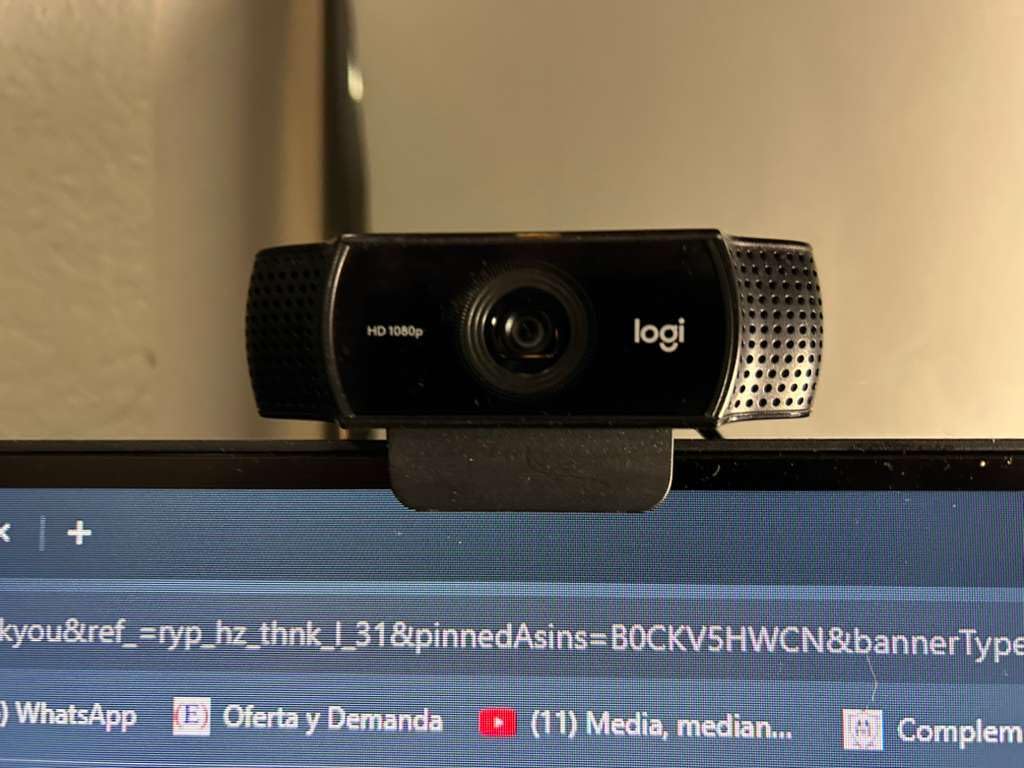
The technical details are unremarkable in a good way. It is a 5.7 ounce unit, it comes with a one year limited hardware warranty, and it ships as a standard UVC device, which means OBS, Zoom, Teams and Streamlabs all see it without extra software. That is the whole reason it has survived this long: nothing about it needs fixing.
What you give up is a physical privacy shutter, which this model does not have, and 30fps. Neither is a dealbreaker on its own, but the 30fps cap does mean fast hand gestures and head turns will not look as fluid as they do on a 60fps feed. Linux users should skip it, since Logitech does not release a proper driver and the camera is resource-hungry under that operating system.
Is the 1080p30 limit a problem for a Twitch facecam?
Only if you move a lot during a stream. Twitch’s own recommended streaming target is 1080p60, so a 30fps facecam layer is a small mismatch against a 60fps gameplay layer, though most viewers will never consciously notice it. If you sit still and talk, which is most of just chatting and most of show-and-tell streams, the difference is close to invisible.
The stronger argument for this camera is that your viewers are watching gameplay, not your face. A stable, sharp 30fps image beats a stuttering 60fps one every time, and this camera is about as stable as webcams get. Save the 60fps budget for the camera you use while standing and moving.
Who should skip the C920x entirely?
Skip it if you need a privacy shutter, work on Linux, or want to move around your desk. It also has no manual exposure control, so if you want to lock your own shutter speed and gain, you need a camera with real software behind it. The 78 degree field of view is not adjustable, which frustrates streamers who want a tighter crop without going into OBS to scale and crop the source.
Buyers who later regret the 30fps cap describe the same upgrade path the forums describe: get a 1080p60 body once 60fps starts to matter. But plenty of long-running channels never made that move, and their facecams still look right. The C920x is the safe default, which is why it is first on this list.
2. NexiGo N660P – the best value 1080p60
NexiGo N660P 1080P 60FPS Webcam with Software Control, Dual…
1080p at 60fps
1/4 inch CMOS sensor
Sliding privacy cover
1/4 inch tripod thread
Pros
- Real 1080p60 capture with auto exposure and white balance
- Dual noise-cancelling stereo microphones
- Sliding privacy cover included
- 1/4 inch thread for arm and tripod mounts
- Recognised immediately by OBS and Zoom on Windows macOS and Linux
Cons
- No optical or digital zoom of its own
- Heavy noise reduction softens detail in dim rooms
- Automatic white balance skews warm under halogen lighting
If your main requirement is 60 frames per second at 1080p and you do not want to spend premium money, this is the camera. It is rated 4.5 across more than 7100 reviews, and the recurring summary from owners is that it outperforms comparably priced Logitech models on both image and audio. That is a claim I would normally treat carefully, but it appears often enough to be worth taking seriously.
The 1/4 inch CMOS sensor is one of the smallest in this roundup, and that shows when the lights are low. The camera leans on automatic exposure and white balance to compensate, which works well in a lit room and gets soft in a dim one. In daylight-balanced rooms the image is genuinely good, and the 60fps output is verified by owners rather than promised on a box.
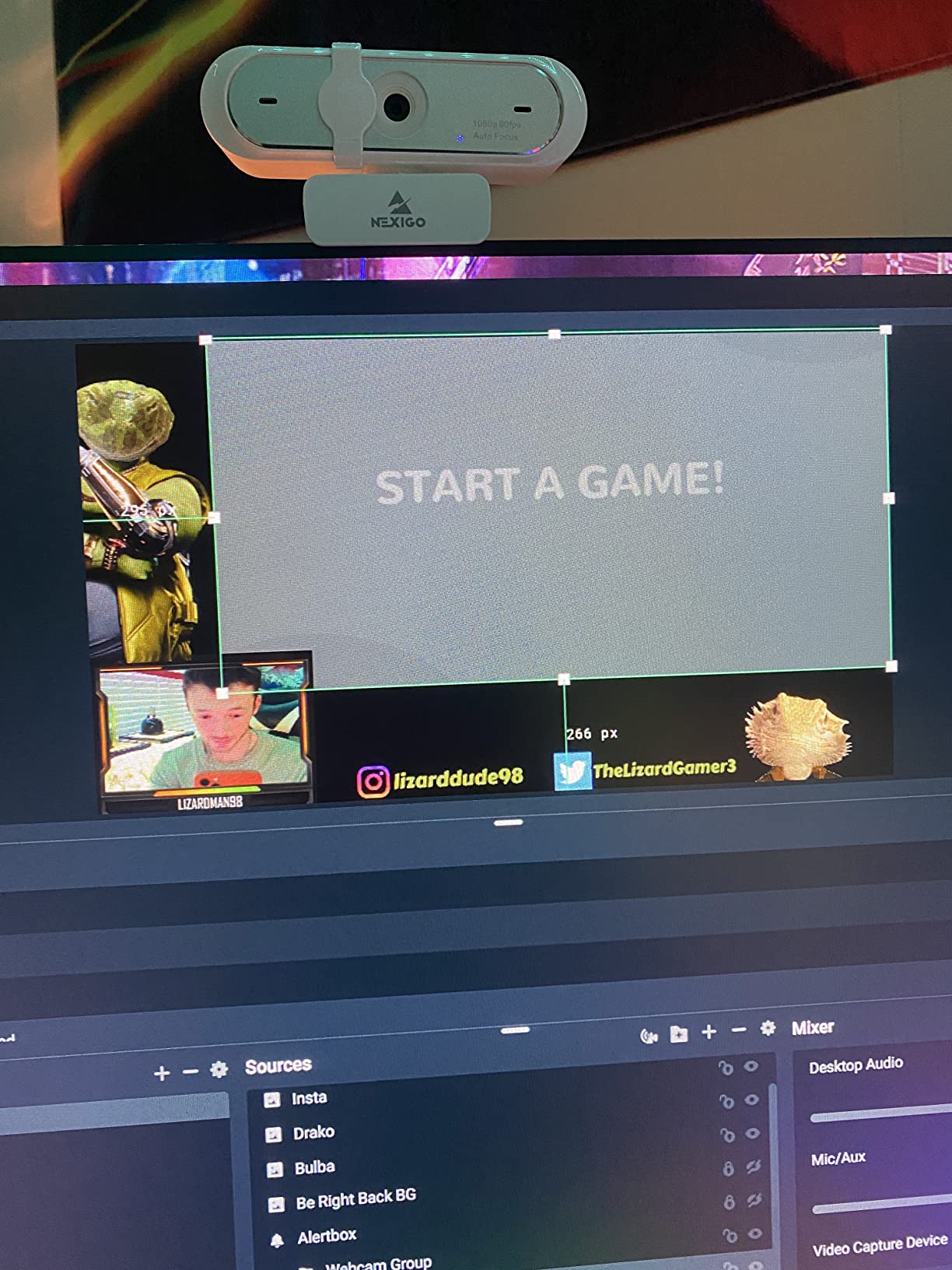
Two details make it more streamer-friendly than the price suggests. The sliding privacy cover is physical and cannot be bumped open, and there is a 1/4 inch tripod thread on the base for an arm mount or a small tripod, which is how most people position a facecam properly rather than balancing it on a monitor bezel. The included 6.5 foot cable reaches most desk setups without an extension.
Software support is broader than the sensor size suggests. It is a standard UVC device, recognised immediately by OBS and Zoom, and owners report it working on Linux, Ubuntu and Chrome OS with no driver installation at all. The bundled control software handles exposure, white balance and framing for anyone who wants to tune things rather than just plug in.
How do the microphones hold up on stream?
The dual stereo noise-cancelling microphones have a warm, full voice signature and reviewers regularly describe them as better than the built-in mics on cameras costing several times more. That is still not the same as a dedicated streaming microphone. Use them for testing, backup, and co-stream audio where the other person is far away, and treat them as a stopgap until you add a real mic.
Because the mics are noise-cancelling, they do a reasonable job of handling a fan or a keyboard in the background. They will not handle a room with real acoustic problems, which is another reason the separate-microphone advice from the streaming forums holds up. Treat the mics as a bridge, not a destination.
What are you giving up versus a 4K body?
Zoom. There is no optical or digital zoom function on the camera itself, so any crop has to happen in software and costs you resolution. In a dim room, heavy noise reduction visibly softens detail, and that softening is worse at 60fps than it would be at 30. Automatic white balance also skews warm, which gives a slightly pink cast under halogen or mixed household lighting.
None of those three pushed this camera out of second place. The frame rate match to a 60fps Twitch stream, the physical privacy cover and the mount threading outweigh a softness issue you can solve with a light. If your stream is dark-room or handheld, look at the Facecam MK.2 or the S600 instead.
3. Logitech Brio 101 – the simplest way off the laptop camera
Logitech Brio 101 Full HD 1080p Webcam for Streaming and…
1080p fixed focus
60 degree field of view
Auto-Light Balance
Integrated privacy cover
Pros
- Clear 1080p output for a first stream setup
- Auto-Light Balance lifts brightness by up to 50 percent
- Integrated slide privacy cover
- Compact and light at 4.96 ounces
- Adjustable through the Logi Options+ app
Cons
- Fixed focus lens cannot zoom out so it frames very tight
- Grainy image in low light even with compensation on
- Very limited manual adjustment
This is the most direct route away from streaming your laptop’s built-in camera, and the gap in quality is large enough that almost anyone notices immediately. It is rated 4.4 across nearly 7800 reviews, sits at number one in its category on Amazon, and it does the two things a budget facecam has to do: produce a clear 1080p image and get out of the way.
Auto-Light Balance, which Logitech calls RightLight, is the feature that earns its place. Owners report brightness increases of up to 50 percent with reduced shadows, which makes a dim corner workable without buying a light. It is a digital brightness lift, so it brightens the image but does not recover detail the sensor never captured. Pair it with a small diffused light and it becomes a genuinely fine picture.
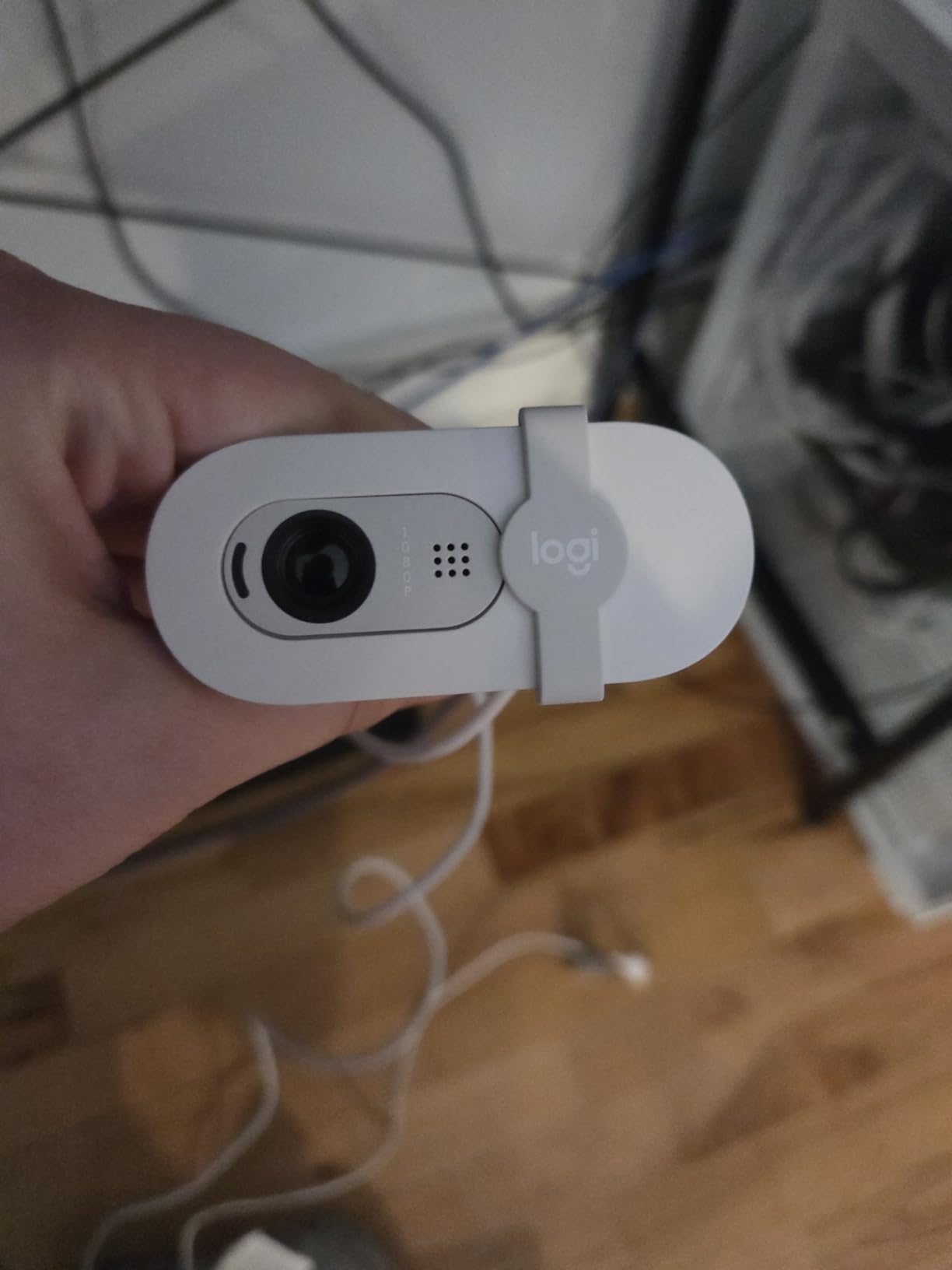
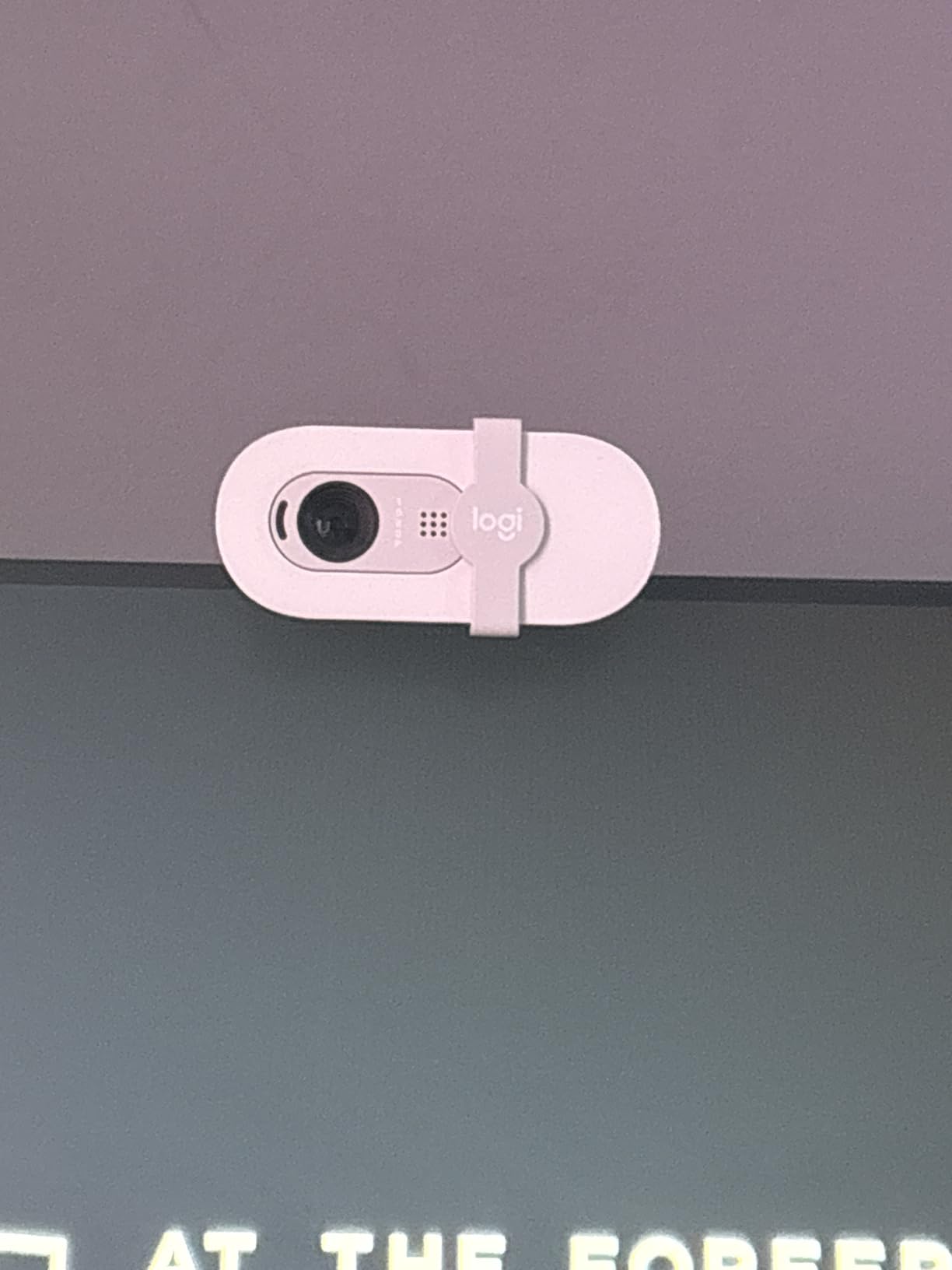
It is 4.96 ounces, measures just under three inches wide, and mounts to a monitor or a laptop. The integrated slide privacy cover is a genuine plus at this level, and the built-in microphone is adequate for everyday meetings and for testing a stream before you buy a real one. It runs on Windows 7 and up, macOS 10.10 and up, and Chrome OS with no fuss.
Logi Options+ gives you control over zoom, framing and camera settings, and the body is made with a minimum of 77 percent post-consumer recycled plastic, which matters more than it sounds if you are replacing gear on a schedule.
Why does the fixed focus cause so many complaints?
The lens is fixed focus with no zoom out capability, and that single fact produces the most repeated complaint in reviews. Mounted on a monitor, it frames very tight, so your head fills the frame and you have to physically move the camera back or crop in software. There is no way to widen the frame after the fact, which is why the 60 degree field of view feels restrictive on a larger display.
Graininess in low light is the second theme. The camera is grainy after dark even with the low-light compensation enabled, and several reviewers recommend adding a small diffused light rather than relying on the software. On a bright desk with a window or a key light in front of you, though, the picture holds up well for a first stream.
Is the Brio 101 good enough to stream on for years?
It is good enough to start and to stream a lot of hours, because the image does not degrade and the autofocus is fixed rather than hunting. It is not good enough if you plan to grow into a just chatting or co-streaming format, because the tight frame leaves no room for a second person and the manual controls are close to nonexistent.
Think of it as a first camera with a real upgrade path. Start here, learn your framing and lighting, and when you outgrow the tight frame and the graininess, move to a 1080p60 body. Several reviewers describe exactly that path, and none of them regret starting here rather than paying for a camera they would not have used.
4. NexiGo N960E – 1080p60 with a ring light on board
NexiGo N960E 1080P 60FPS Webcam with Light, Software…
1080p at 60fps
1/2.9 inch CMOS sensor
Three-level ring fill light
65 degree field of view
Pros
- Built-in three-level ring light with stepless brightness
- Verified 1080p60 with fast dependable autofocus
- 65 degree field of view frames a single user well
- UVC compliant so it works on Windows Mac and Linux with no drivers
- 1/4-20 thread for swing-arm and desk mounts
Cons
- Ring light creates a hotspot rather than diffuse light
- Light is harsh and casts shadows in a very dark room
- Output can look weak or undersaturated without software compensation
The NexiGo N960E exists to solve a problem the forums complain about constantly: webcams need a lot of light. It ships with a three-level adjustable ring fill light with touch control and stepless brightness, which means you can get a front-facing light without buying one or giving up a USB port to a lamp. For a first streaming setup in a small room, that is a genuinely useful design decision.
Behind the light, the camera is a solid 1080p60 unit with a 1/2.9 inch CMOS sensor, matching the C920x sensor class. Owners report fast, dependable autofocus and a 65 degree field of view that frames a single user better than the ultra-wide 90 degree cameras in the same price bracket. It is rated 4.4 across more than 3500 reviews, with longer-term owners reporting two years of glitch-free use and buying a second unit.
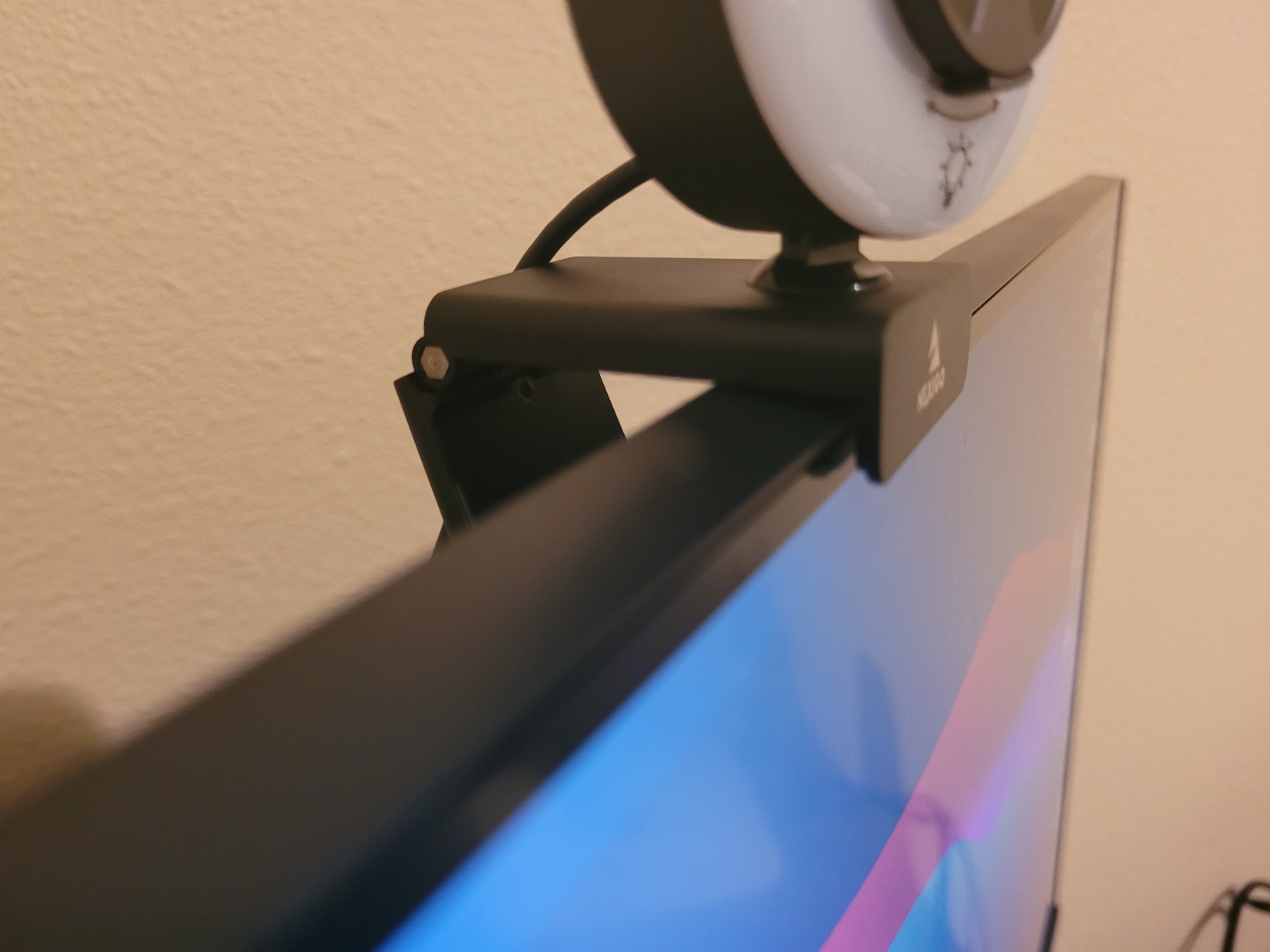
Compatibility is a strength. It is UVC compliant, so it works plug-and-play across Windows, Mac and Linux without special drivers, and owners regularly note it performs as well as or better than premium Logitech models for calls and face-cam streaming. The 1/4-20 tripod thread on the base accepts the swing-arm and desk mounts that most streamers end up buying anyway.
It is 0.23 kg and roughly the size of a large coffee mug, which is a bit heavy to sit on a thin monitor bezel but fine on a proper arm. The bundled software arrives on CD in some packages and may need a newer download from the manufacturer, which is a small annoyance on a machine with no optical drive.
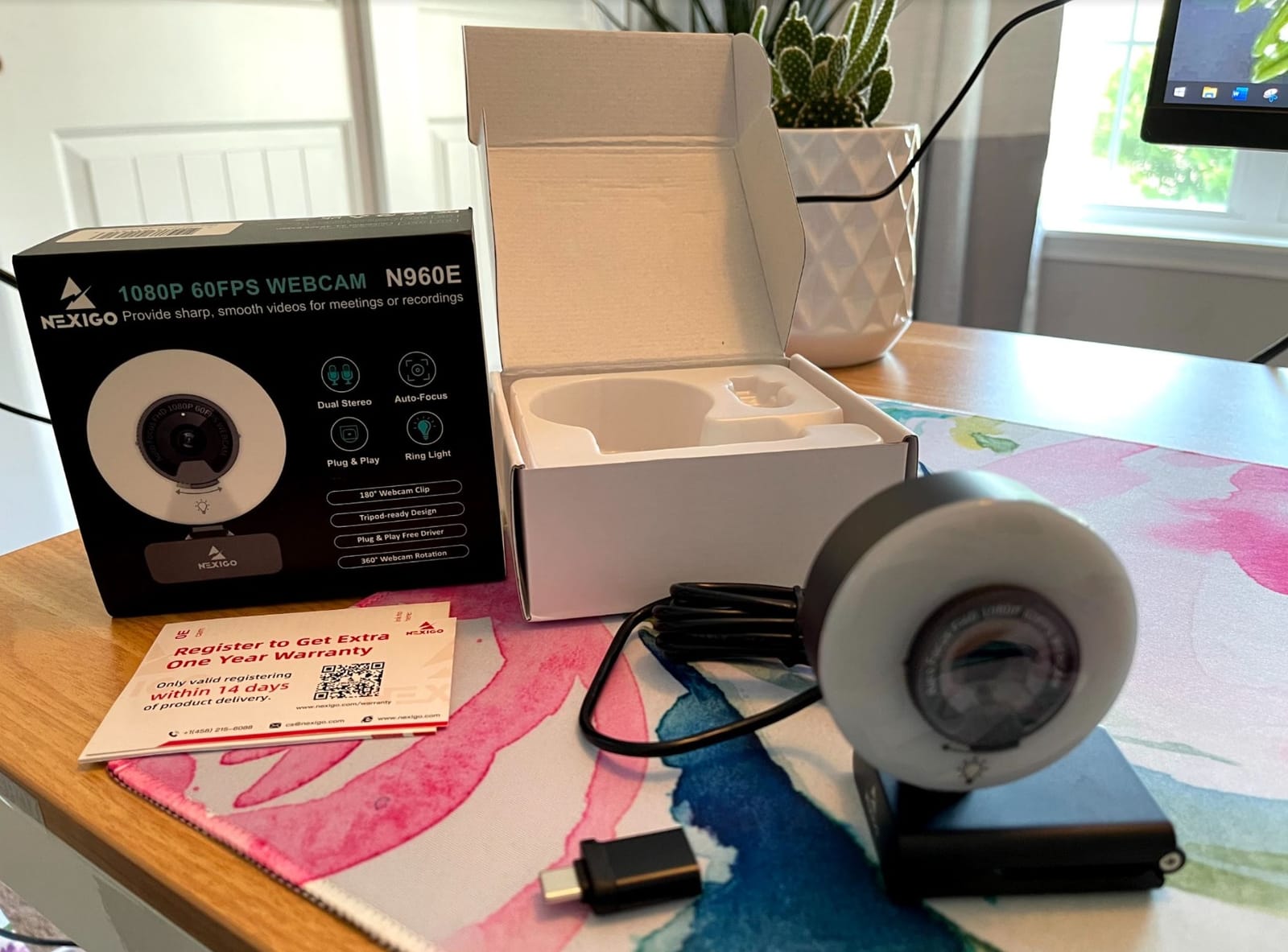
Is a built-in ring light good enough on its own?
It is a real improvement over nothing, and reviewers saving desk space and a USB port genuinely enjoy it. It is not a replacement for a proper key light, because the ring sits a few inches from your face and produces a hotspot rather than even diffusion. In a very dark room the light is harsh enough to create visible shadows behind you, and the top mount section snaps off easily, which makes it a poor travel camera.
Colour is the other limitation. Output can look weak or undersaturated without software compensation, and you will want to spend time in the bundled controls to get it right. If you already own a key light, turn the ring to its lowest level and treat it as a fill, not a key.
How does the 65 degree field of view compare for streaming?
It is the sweet spot for a solo facecam. Compare it with the 78 degree view of the C920x and the Angetube, which frame a lot of empty room around a single person, and with the tighter 60 degree view of the Brio 101, which crops too close. At 65 degrees your head and shoulders sit comfortably in frame with a little headroom, and you can still fit a second person by sitting closer together.
The 60fps output is the other reason to shortlist this. Verified 1080p60 at this level of quality is uncommon, and it means your facecam layer can run at the same frame rate as your gameplay. If you are running a dual-PC or handheld streaming setup where a capture card is not in play, that smoothness is worth more than extra resolution.
5. NBPOWER H782 – budget 1080p60 with RGB fill lights
NBPOWER 1080P 60FPS Streaming Camera Webcam with Microphone…
1080p at 60fps
RGB fill light and face lights
Face autofocus
Included privacy slider
Pros
- Genuine 1080p with 60fps confirmed by several buyers
- RGB fill light and face lights improve a dim space
- Fast autofocus that tracks a moving face
- Privacy slider and noise-cancelling microphone included
- 1.7m braided cable with universal clip mount
Cons
- Some buyers report real frame rate well below the advertised 60fps
- Auto exposure makes the image very bright in lit rooms
- RGB lights are decorative only with no sync to Chroma or Aura Sync
This is the odd one out in the list, and that is why it is here. Every other camera treats lighting as your problem. The NBPOWER H782 puts an RGB fill light and front-facing face lights into the body, at 0.21 kg and with a clip mount, so you can get a lit facecam with one cable and no desk accessory. Rated 4.3 across more than 3100 reviews, reviewers mostly consider it a good budget streaming camera for that reason.
The image is 1080p with 60fps capability that several buyers verified after being skeptical. Autofocus is fast and tracks a moving face, which matters if you lean toward the screen while talking. The included privacy slider and a noise-cancelling microphone round out a package that covers the basics for a first stream.
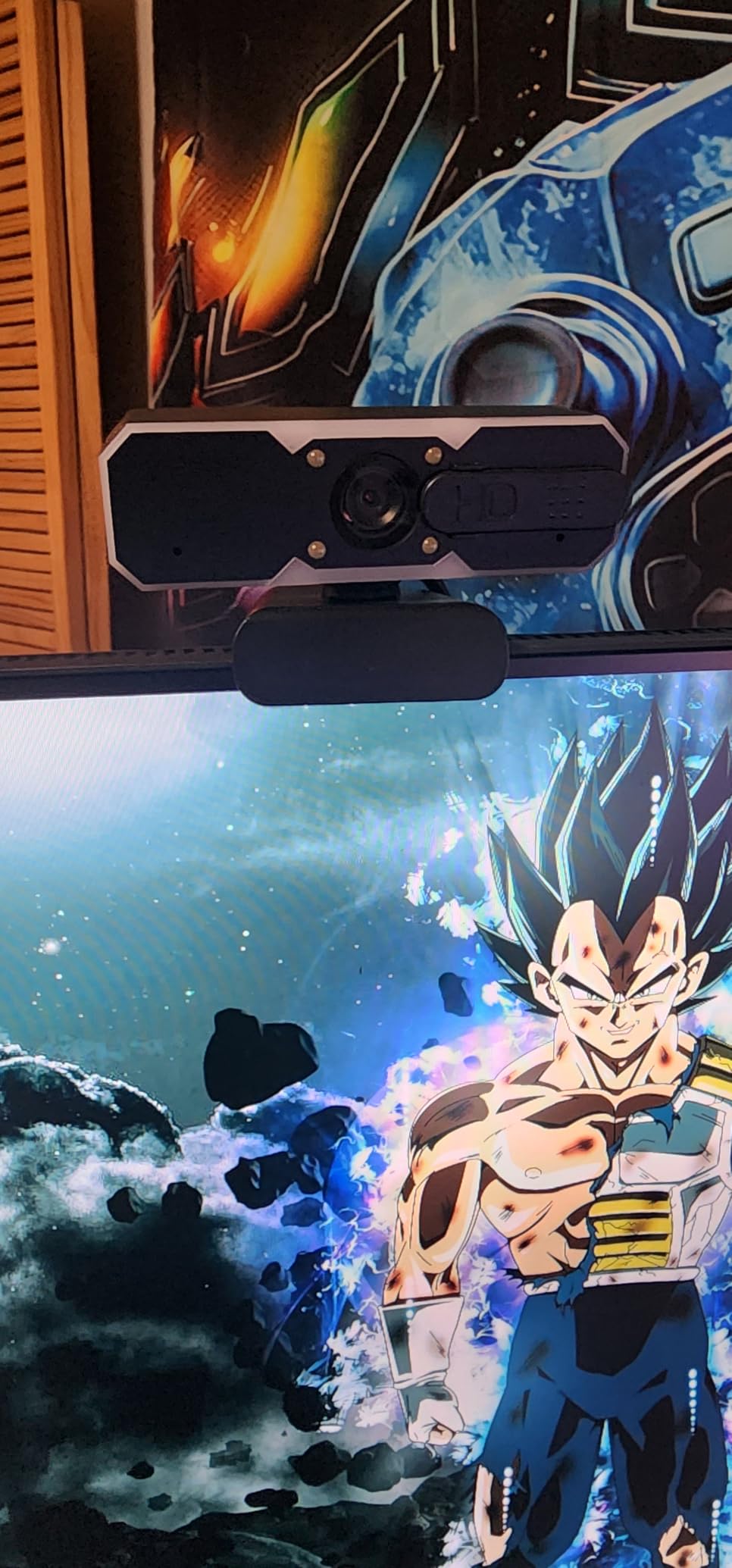
The 1.7 metre braided cable is longer than most and removes the need for an extension, and it is certified for Zoom, YouTube, OBS, Teams and Skype with both Mac and Windows compatibility. Plug and play over USB 2.0 or 3.0 with no driver download, so it works on a laptop, a desktop, or a small form factor streaming machine.
Reviewers are split on one thing: real-world frame rate. Some confirm true 1080p60, while others report something closer to 15fps and motion trails on fast movements. If your stream involves a lot of hand motion, verify the frame rate in OBS before you commit, because the box will not tell you the truth in every unit.
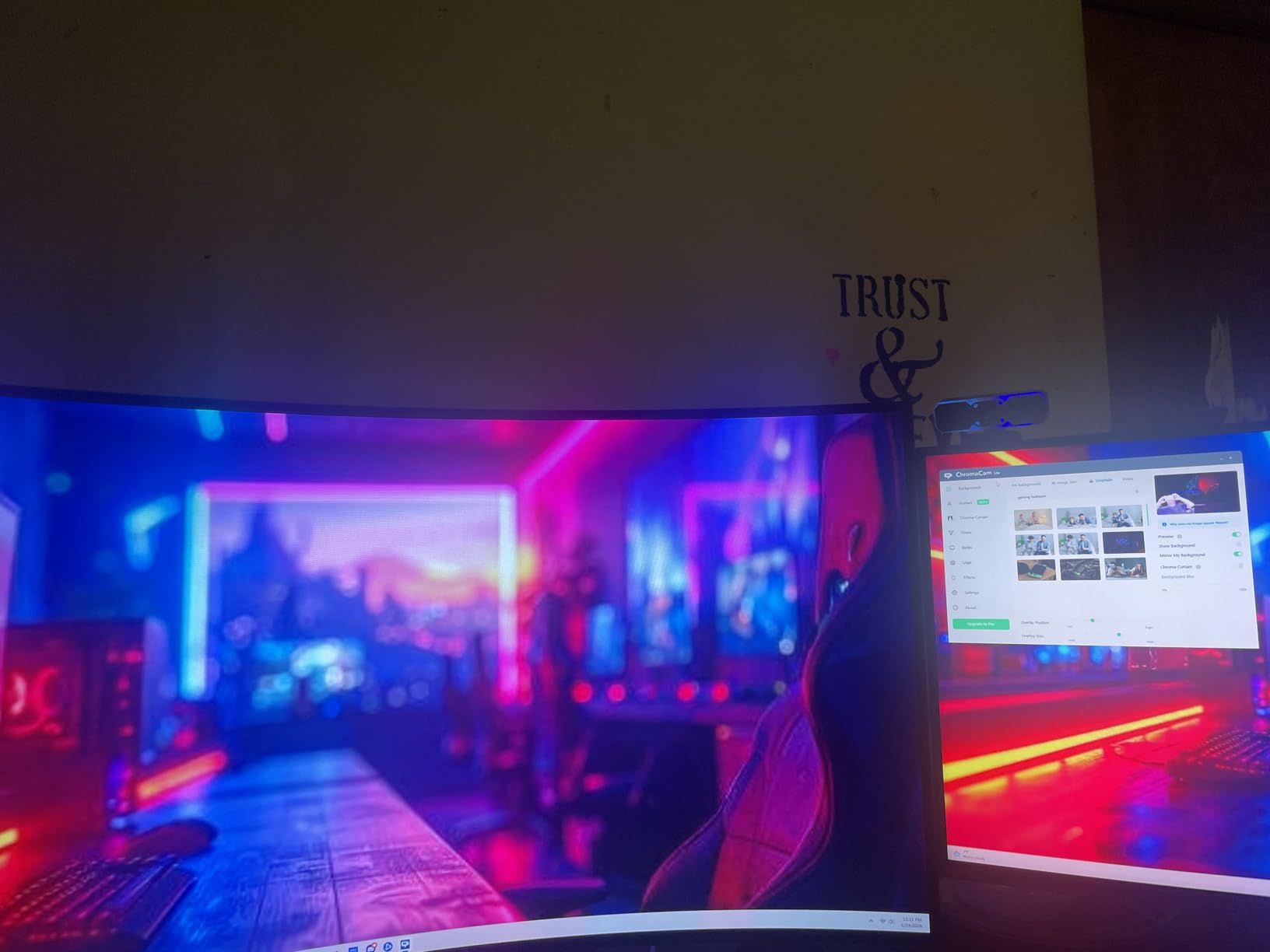
Do the RGB lights do anything useful for video?
They do something useful, and it is not what the name suggests. The front-facing face lights and fill light genuinely improve a dim streaming space, and several buyers single that out as the reason to pick this camera. What they do not do is sync to Chroma or Aura Sync, there are no controls for them, and in a well-lit room the automatic exposure pushes the image very bright.
Reviewers are near-universal that the RGB element is cosmetic. Treat the face lights as a small always-on front light and ignore the colour-changing part, because a fixed diffused key light off to one side will still produce a better image than anything this camera does internally.
What about the microphone and privacy controls?
The microphone is usable and noise-cancelling but not studio quality, which puts it exactly where every other built-in webcam mic sits. For a first stream it removes one purchase, and for anything past that you will replace it. The privacy slider is a genuine plus that not every camera at this level includes.
The frame rate uncertainty is the real decision factor. If you stream mostly seated, talk-based content or gameplay where your hands are not in shot, the picture is fine. If you wave your hands, stand up, or run an action game where you move constantly, treat the 60fps claim as unproven and check a model with verified output.
6. EMEET C960 – a true 4K sensor for calls and streams
EMEET C960 4K Webcam for PC, PDAF Auto Focus, Dual Omni…
True 4K at 30fps
8.3 megapixel stills
PDAF autofocus
73 degree field of view
Pros
- Genuine 4K CMOS sensor rather than upscaled 1080p
- PDAF phase-detection autofocus is fast and stable
- 73 degree field of view avoids wide-angle distortion
- Dual omnidirectional mics with auto light correction
- USB-A plug and play with privacy cover and no cloud storage
Cons
- Video defaults to 1080p and must be switched to 4K manually
- Zoom is digital only
- Adjustments require the EMEET SmartCam software
The C960 is positioned as a business meeting and lecture camera, and reviewers broadly agree it fulfils that role. Rated 4.5 across more than 2300 reviews, it pairs a genuinely 4K CMOS sensor with phase-detection autofocus, which is a combination most cameras at this level do not have. The important word is genuinely: the 4K comes from the sensor rather than from upscaling 1080p.
Phase-detection autofocus, usually shortened to PDAF, is the reason the image stays sharp across varied scenes. It focuses faster and more predictably than contrast-detection autofocus, which is why the Facecam MK.2 and the S600 also use it. You will notice the difference most when you lean forward to read something on your second monitor.
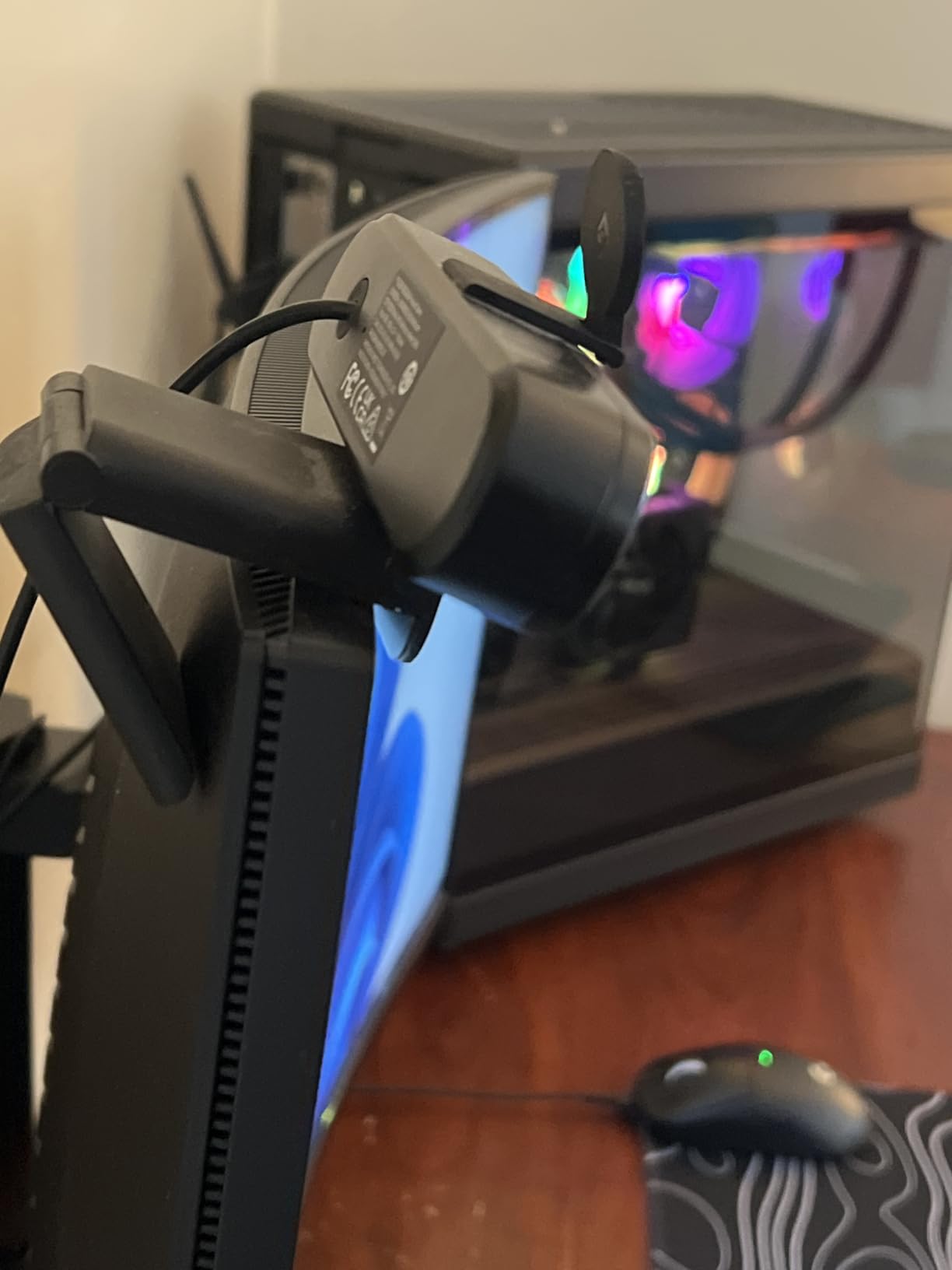
It is 4.8 ounces, adjusts through 360 degrees of horizontal movement and 15 degrees of vertical tilt, and has a 1/4 inch tripod thread for a proper mount. It connects over USB-A with a privacy cover included, needs no drivers, no Wi-Fi and no cloud storage, and runs on Windows, macOS, Linux and Android TV. The warranty runs two years, longer than most in this list.
The dual omnidirectional microphones come with auto light correction for over- and under-exposed rooms, which is genuinely useful when your lighting changes over the course of a stream. Owners report clean conference audio, and for a face-cam on a talk show or a co-stream it does the job without a separate mic.
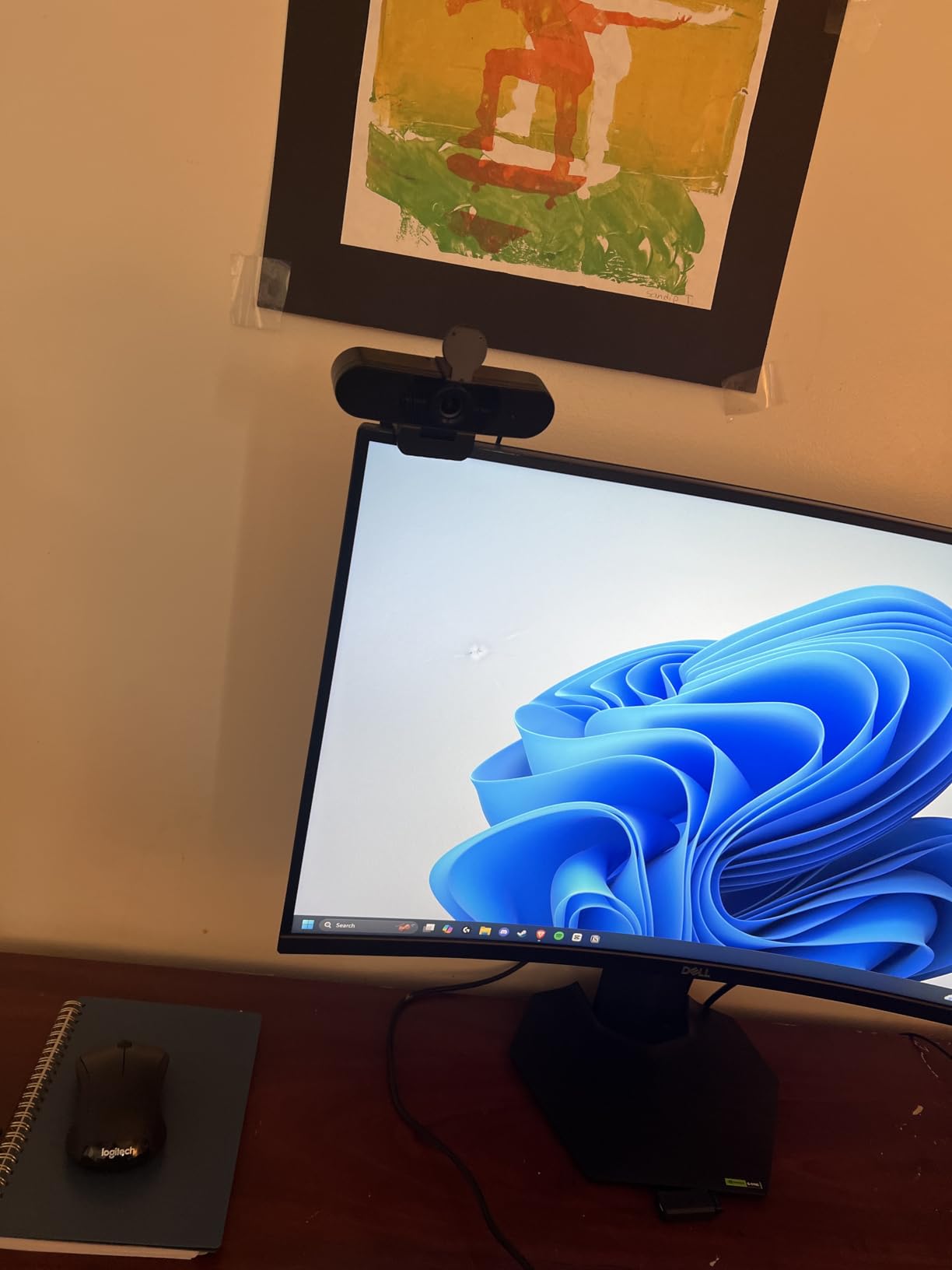
Why does the camera not start in 4K?
Because it defaults to 1080p, and you have to switch it to 4K manually in the camera software, in OBS or in PotPlayer. This is the most commonly mentioned gotcha in reviews, and it catches people out mid-stream. The fix takes about fifteen seconds, but do it before you go live rather than during your first show.
Zoom is digital only, so any crop costs resolution. For a 4K sensor that is less painful than on a 1080p camera, since you are starting with roughly four times the pixels. It is still not the same as an optical lens, and if you need a tight head-and-shoulders frame, a camera with a wider field of view and a longer working distance is easier to work with.
Is 4K useful for a Twitch stream specifically?
For the broadcast itself, barely. Twitch’s recommended target is 1080p60 at 6000 kbps, and a 4K source downscaled to 1080p looks excellent rather than broken, which is a genuine advantage over a soft 1080p sensor. The 4K becomes genuinely useful when you record locally for clips, thumbnails, or vertical video, and when you sit close enough that a 1080p sensor would show its pixels.
So treat this as a camera you will outgrow in one direction. If you are streaming a facecam and occasionally appearing on a recorded video call, the 4K sensor is a real benefit. If you only ever stream, a 1080p60 body will serve you better for the same money, and we would rather say that than pretend otherwise.
7. EMEET S600 – 4K and 1080p60 in one body
EMEET S600 4K Webcam for Streaming, Sony 1/2.55” Sensor…
Sony 1/2.55 inch sensor
4K30 and 1080p60 output
73 degree field of view
Mechanical privacy cover
Pros
- Sony sensor gives genuine 4K30 and 1080p60 modes
- Fast and stable PDAF autofocus
- Mechanical privacy cover cannot be bumped open accidentally
- Dual noise-cancelling mics perform above typical built-in solutions
Cons
- No manual focus option
- EMEETLINK software is very basic
- Occasional connection drops reported in Discord
Of everything in this roundup, the S600 is the camera that most directly answers the question a streamer is actually asking. It has a Sony 1/2.55 inch sensor that outputs true 4K at 30fps and 1080p at 60fps, so you can switch between the two depending on whether you are streaming or recording. Owners upgrading from a Logitech C920 consistently report that it beats it on sharpness, colour and autofocus.
Phase-detection autofocus again, and it is faster and more stable than standard contrast autofocus. The mechanical privacy cover sits on the lens itself and cannot be bumped open by a desk, a cat or a sleeve, which is a small quality-of-life detail that separates it from a sliding plastic tab. The body is well weighted, machined solidly, offers 45 degrees of swivel and sits flush on a monitor mount.
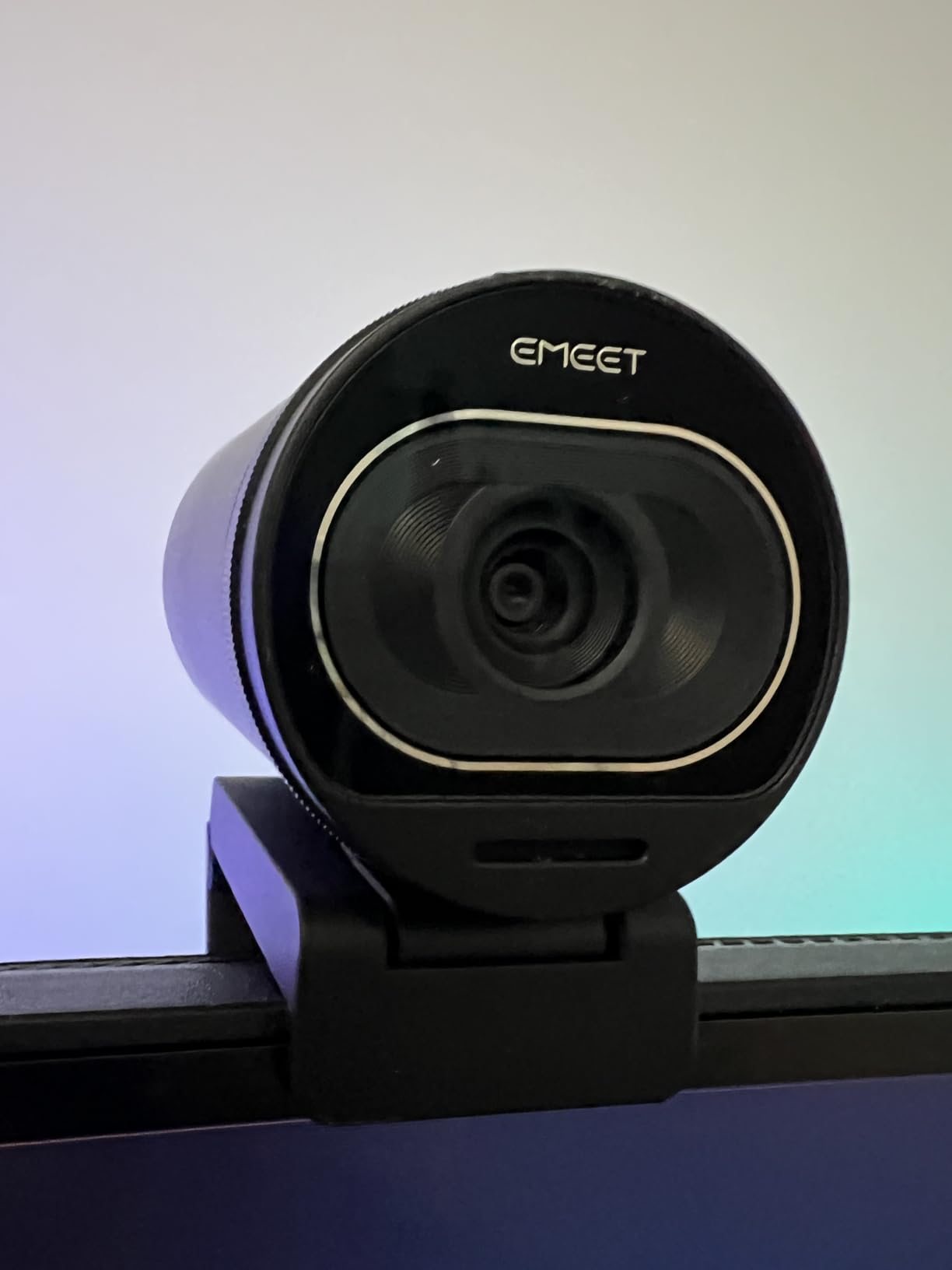
Platform coverage is broad: Windows 10 and 11, macOS 10.14 and up, Linux, and Android TV. It is plug-and-play with no drivers, verified on Windows 11, Debian 13 and Ubuntu 24.04, and the warranty is two years. At 3.52 ounces it is one of the lighter bodies here, and it includes dual noise-cancelling microphones that reviewers describe as better than expected.
Adjustable field of view is worth knowing about. The 73 degree maximum can be tightened to 40 degrees when running at 1080p, which lets you frame a solo facecam tighter without cropping in software and losing quality. There is also 2.1x digital zoom for a little extra reach on a distant setup.
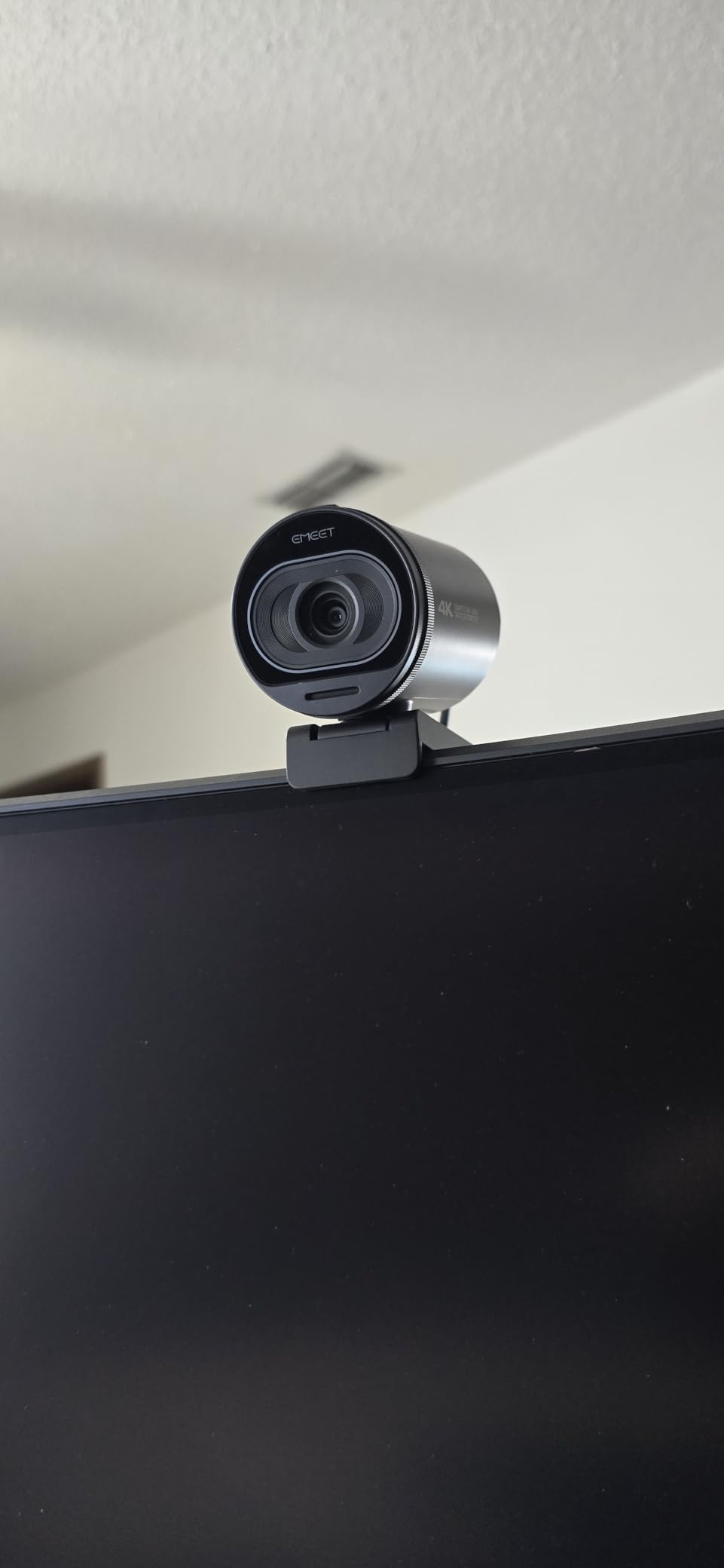
What are the software limitations in practice?
EMEETLINK is very basic. Resolution has to be changed in the operating system camera settings rather than in the app, which is a mild annoyance every time you switch between streaming and recording. There is also no manual focus option at all, so if you want to lock focus yourself rather than let the camera decide, this is the wrong body. The Angetube 922Max is the one here that gives you a manual focus range.
A few users report dropped connections inside Discord, and 60fps output consumes more resources than 30fps, which matters on a modest streaming PC. None of these is widespread, but if your stream runs on a low-power machine or a handheld, check the frame rate before you commit.
Who should pay more for the S600?
Nobody, if your only output is a Twitch stream. The 1080p60 mode is the part you will use, and several 1080p60 cameras here cost meaningfully less while doing the same job. The premium is worth paying when you record locally as well as stream, when you appear in long-form video, or when you want the mechanical privacy cover and the solid build.
It also wins on one detail streamers care about more than spec sheets admit. There is no built-in microphone worth keeping here, but the dual noise-cancelling pair is good enough to use for a backup audio track, and the flush monitor mount will not wobble when you adjust the angle. Small things, but they are the ones you touch every stream.
8. Insta360 Link 2 – the AI tracking cam for movement
Insta360 Link 2 – PTZ 4K Webcam for PC/Mac, 1/2″ Sensor, AI…
4K with a 1/2 inch sensor
Motorized pan and tilt AI tracking
HDR
Gesture and phone control
Pros
- 1/2 inch sensor captures true 4K with HDR and strong low-light performance
- PDAF autofocus focuses instantly without hunting
- PTZ AI tracking physically pans and tilts to follow you
- Natural Bokeh gives a DSLR-like depth of field
- Privacy mode tilts the lens down after 10 seconds
Cons
- Not compatible with ARM-based Windows systems
- No Windows Hello face recognition support
- Natural Bokeh and advanced features need the Link Controller
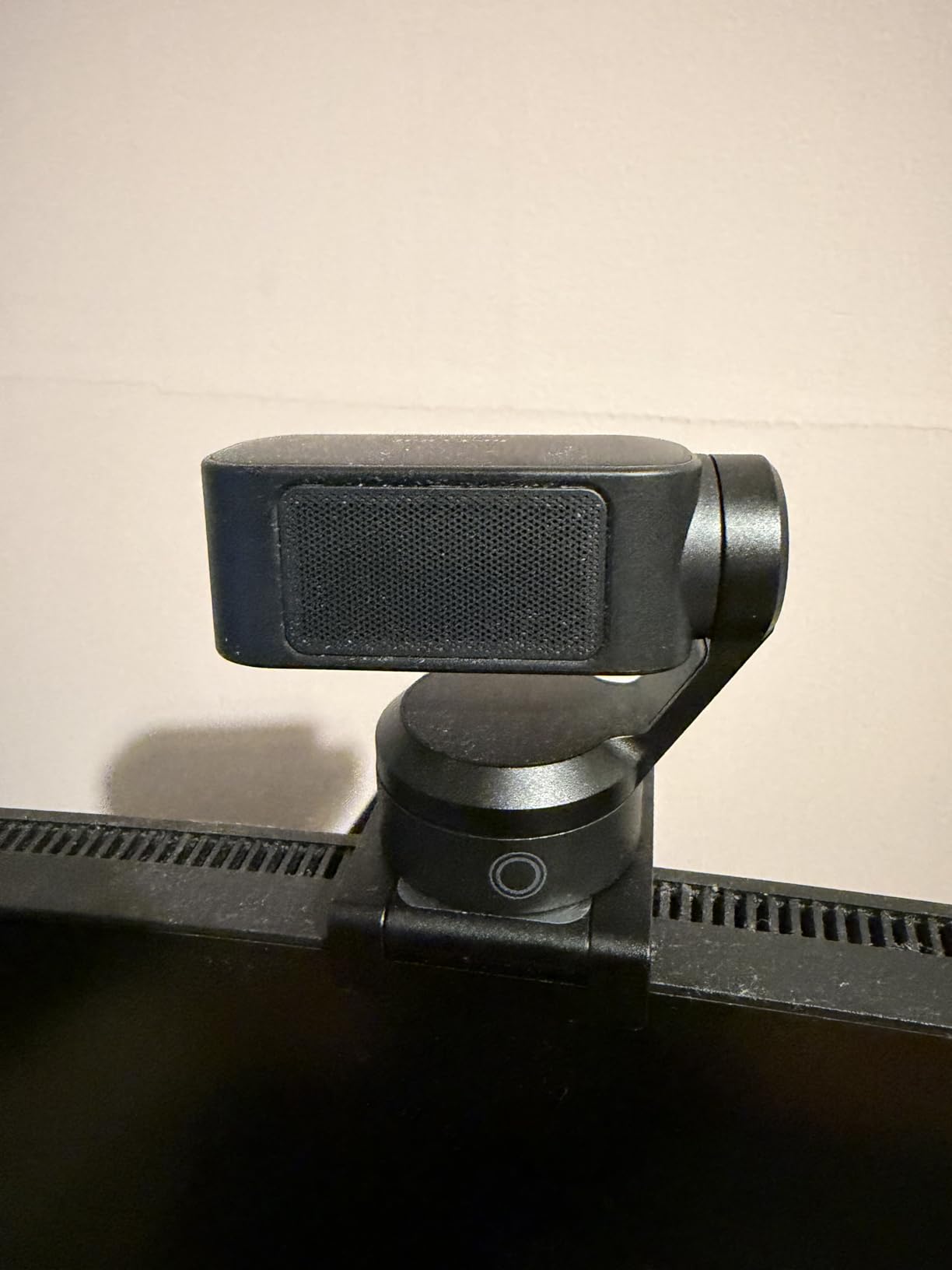
The Insta360 Link 2 is the only camera here that moves. Its 1/2 inch sensor is the largest listed in this roundup, and it drives a motorized pan-tilt head that physically follows you around the room using AI tracking. If your stream involves standing up, walking to a second monitor, or holding a product up to the lens, no other webcam on this list keeps you framed without an operator.
Image quality is genuinely premium underneath the gimmick. The 1/2 inch CMOS sensor captures true 4K with HDR and holds up better in low light than anything else here, and phase-detection autofocus delivers instant focus without hunting. Owners rate it 4.6 across more than 1500 reviews, and sentiment centres on image quality and the tracking rather than the software extras.
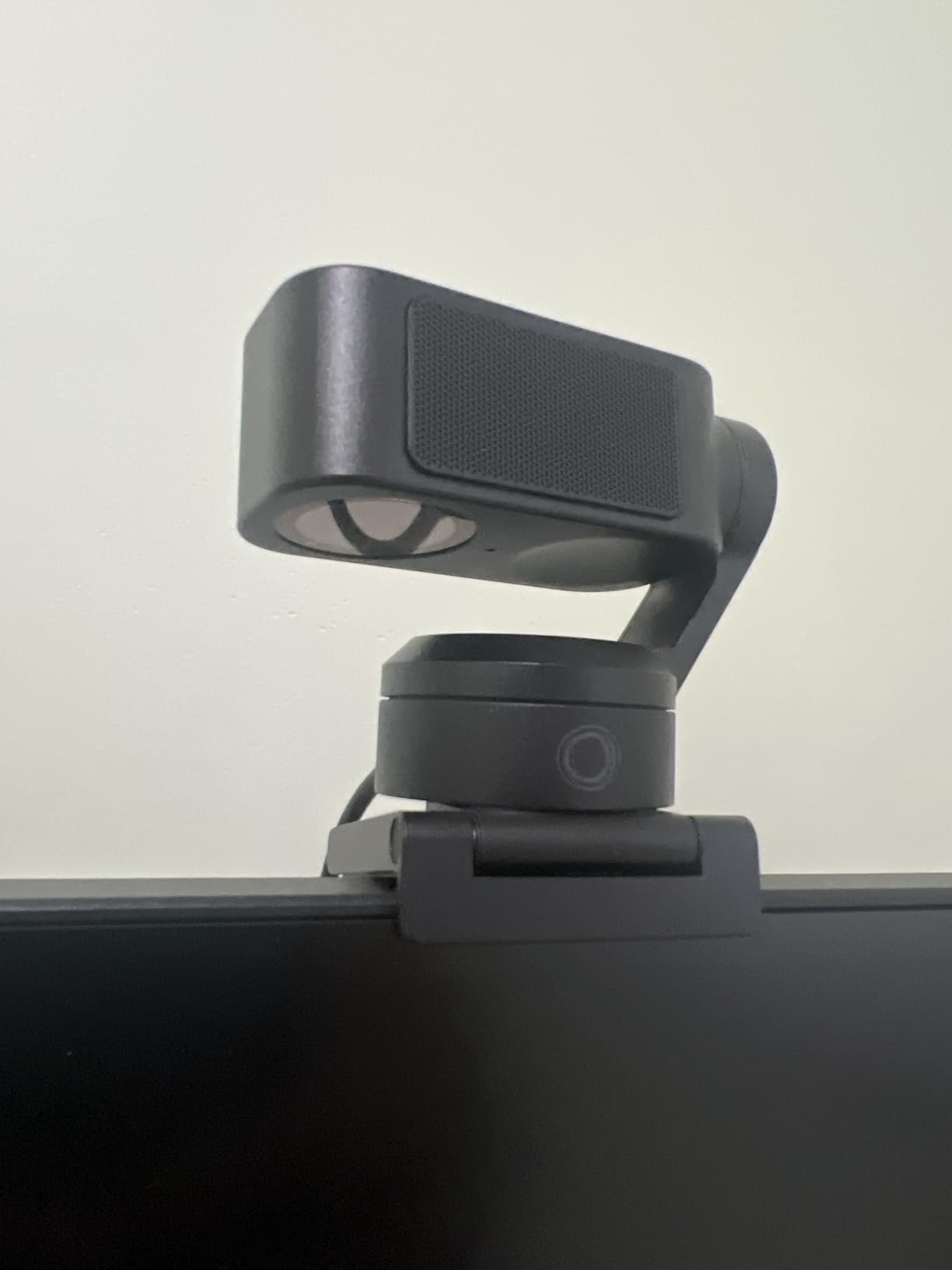
The control options are unusually good. Gesture control lets you start tracking or reframe without touching the camera, and a smartphone remote handles tracking, auto framing, zoom and Whiteboard Mode. Natural Bokeh, driven from the Link Controller, produces a background blur that looks closer to a stills camera lens than a software cutout, and DeskView mode reframes the shot to your desk automatically.
Privacy is handled well too. After 10 seconds of inactivity the camera physically tilts the lens down, so it is not just a hidden setting in a menu. It captures MJPEG and H.264 over USB, runs on Windows and Mac, and comes with a one year warranty. The Link Controller desktop software is free.
What are the platform limitations to check first?
Two, and both matter if you are on the right hardware. It is not compatible with ARM-based Windows systems, which covers some Windows on ARM devices, and it does not support Windows Hello face recognition, so it will not unlock your PC. If you stream on an ARM machine or you rely on Hello to sign in, this camera will not work for you regardless of how good the image is.
Zoom is digital only, and the most impressive features, including Natural Bokeh, Whiteboard Mode and the advanced tracking controls, need the Link Controller and Link software rather than working out of the box. Budget an afternoon setting it up rather than expecting it to work like a webcam that shipped this morning.
Is AI tracking worth it for a Twitch channel?
It depends entirely on what you stream. For just chatting where you stay in a chair, the tracking is invisible and you are paying for capability you will not use, which is what the digital-only zoom and the software requirements reflect. For IRL, cooking, craft, workouts, or a room where you move between setups, the motorized head is something no software-based auto-framing feature can fully replace, because it physically follows rather than cropping.
Our wider guide to AI auto-tracking webcams for live streaming covers the alternatives in more depth if tracking is your priority. If you are still deciding, the honest advice from the forums applies: watch a few hours of your own content back first, because most creators discover they move far less than they assumed.
9. Elgato Facecam MK.2 – manual control and the cleanest low-light image
Elgato Facecam MK.2, Premium Full HD Webcam, HDR
Full HD at 60fps uncompressed
HDR at 1080p30
Full manual control in Camera Hub
No built-in microphone
Pros
- Sharp grain-free 1080p60 with natural skin tones
- Clean low-light image that holds detail in a dim room
- Camera Hub gives full manual control and remembers settings
- Supports uncompressed capture and works over USB 2.0
- Integrated easy-slide privacy shutter
Cons
- No built-in microphone so a separate mic is required
- Build and privacy shutter feel cheap
- Included 2m cable is too short for many desk setups
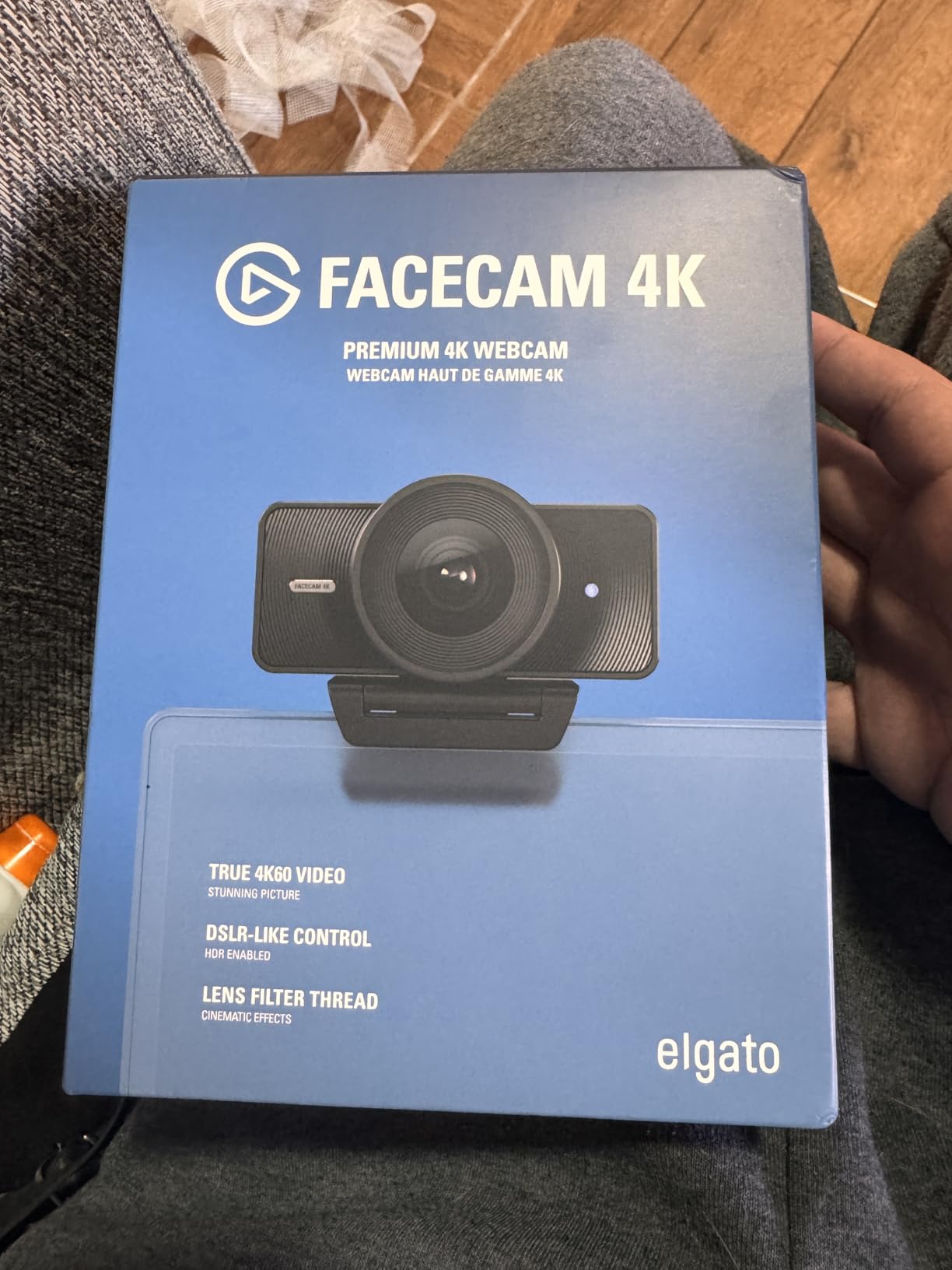
The Facecam MK.2 is the camera in this roundup for the person who actually wants to control their image. Camera Hub gives manual control over shutter speed, ISO, white balance and contrast, comparable to DSLR controls, and it remembers your settings across reboots. That last detail solves the complaint that shows up in nearly every forum thread about streaming webcams, where camera settings reset after every restart.
Low-light performance is the headline. Reviewers consistently credit it with natural colour rendering and clean detail in a dim room, which is the single most common complaint about webcams in general. The image is grain-free 1080p60 with natural skin tones and no blown-out highlights, and HDR at 1080p30 helps with high-contrast and backlit setups.
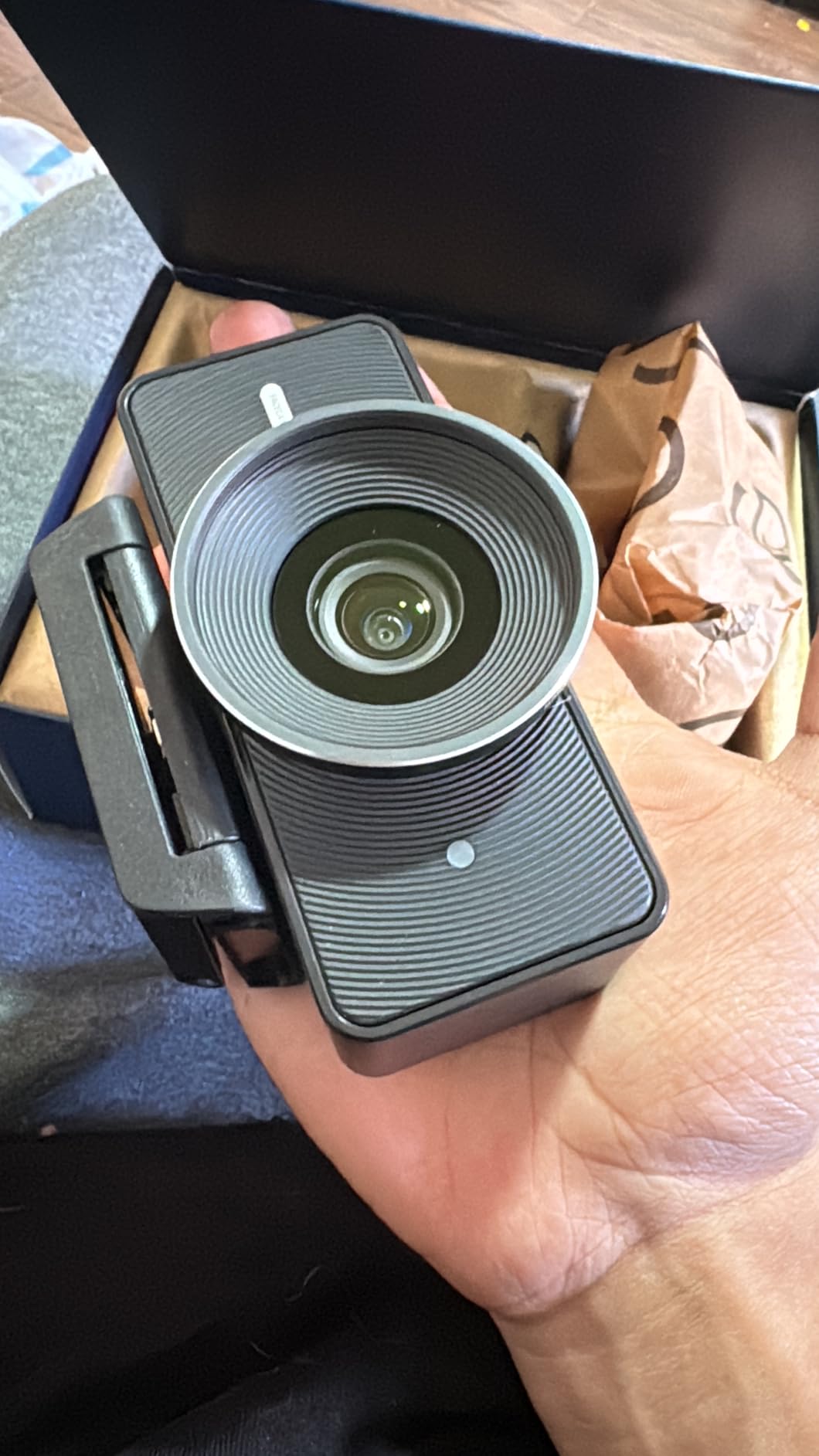
The capture flexibility is unusual. It supports uncompressed UVC capture at 1080p60 and 720p120, and compressed capture over USB 2.0, so you are not forced into a compressed format because of the port you happen to have. The integrated easy-slide privacy shutter is quick, if not luxurious, and the whole unit is 0.09 kg.
Two year manufacturer warranty, a face detection feature, and a 1.5:1 aspect ratio that is slightly taller than 16:9 and gives you a little more headroom for a talking-head frame. It is built by Corsair for Elgato, and the marketing name is simply Facecam, with the MK.2 as the model.
Why is there no built-in microphone?
Because a webcam microphone would be the wrong tool for streaming, and Elgato would rather you buy a real one. That is a deliberate position rather than an omission, and it pushes the total cost of a working setup higher than any of the other nine cameras here once you add a microphone. Reviewers treat this as a feature for streamers and a drawback for anyone who just wants one device to do everything.
The build and privacy shutter do feel cheap relative to the image quality, which is a strange split. One reviewer also reported a unit arriving with a stuck pixel visible when digitally zooming, which is a manufacturing quality-control issue rather than a design one, and is worth checking when yours arrives.
What are the trade-offs against a 4K body?
It stops at 1080p, so there is no 4K mode for local recording or vertical clips, and hot saturated lamps in the background can blow out even with HDR enabled. The brighter default rendering introduces more visible noise, so you will need to use the noise reduction in Camera Hub, which is one of the reasons the manual controls matter so much on this camera.
The 2 metre included USB cable is too short for many creator desk setups and no USB-C cable is supplied, so plan on buying a longer cable. If your stream runs in a dim room, or you want a camera you can tune like a mirrorless body, this is the one. If you want one device to handle a four-hour stream, a co-stream, and a recorded segment, the C920x will serve you with less fuss.
10. Angetube 922Max – manual focus and a wide 78 degree frame
Angetube 4K Webcam for PC w/Microphone, USB Web Cam Built-in…
Sony 4K sensor
1080p60 streaming mode
Manual focus range
78 degree field of view
Pros
- Sony 4K sensor with a 1080p60 streaming mode
- Manual focus range lets you lock focus precisely
- 78 degree field of view with a strong articulating mount
- Built-in privacy cover blocks the lens physically
- Dual microphones pick up clear voice from about 8 feet
Cons
- Will not enumerate through any kind of USB hub including powered hubs
- Cannot extend much past 3 to 6 feet without a hub
- Colour palette is washed out compared with a C920
The Angetube 922Max is the only camera in this roundup with a manual focus range, and for a streamer that is a genuinely useful thing to have. Instead of watching autofocus hunt every time you lean toward the screen, you set a focus distance and it stays there. Owners frequently cite this model as a capable stand-in for the Logitech C920 and C922 for exactly that reason, and the articulating mount that rotates and tilts while locking in place is a close second.
Underneath, it is a Sony 4K sensor that defaults to 1080p and offers a 60fps streaming mode, with 4K selectable in software or directly in OBS or PotPlayer. It is built by XZC, weighs 179 g, and comes with a one year manufacturer warranty. The privacy cover physically blocks the lens rather than switching it off in software.
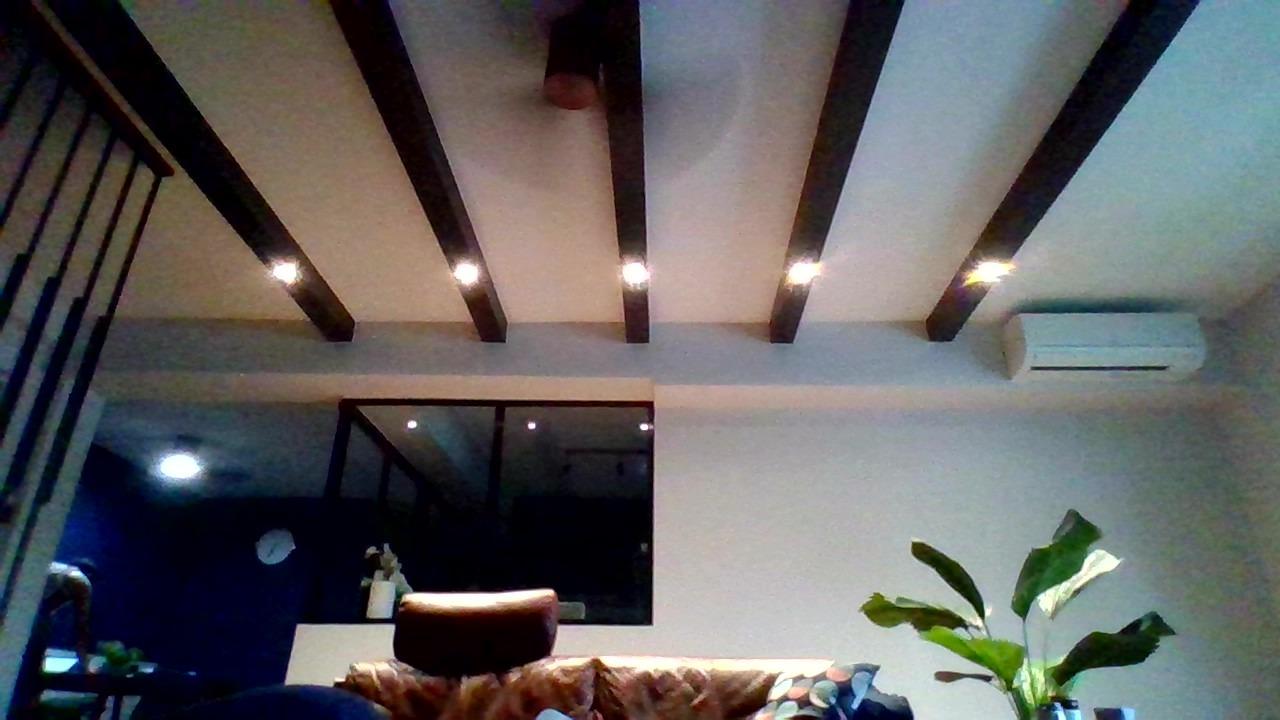
Audio is unusually capable for a built-in solution. The dual noise-filtering microphones are reported to pick up clear voice from about eight feet away, which is enough for a hands-off desk setup and a genuinely useful pair of backup tracks. It connects over USB-A with a USB-C adapter in the box, needs no drivers, and works with Windows 7, 10 and 11, Mac OS 10.6 and up, and Linux.
It is certified across the platforms you actually stream on, including Zoom, Teams, Skype, FaceTime, Twitch and Google Meet, and auto light correction handles shadows and highlights. Compatibility is broad in every direction except the one that matters most below.
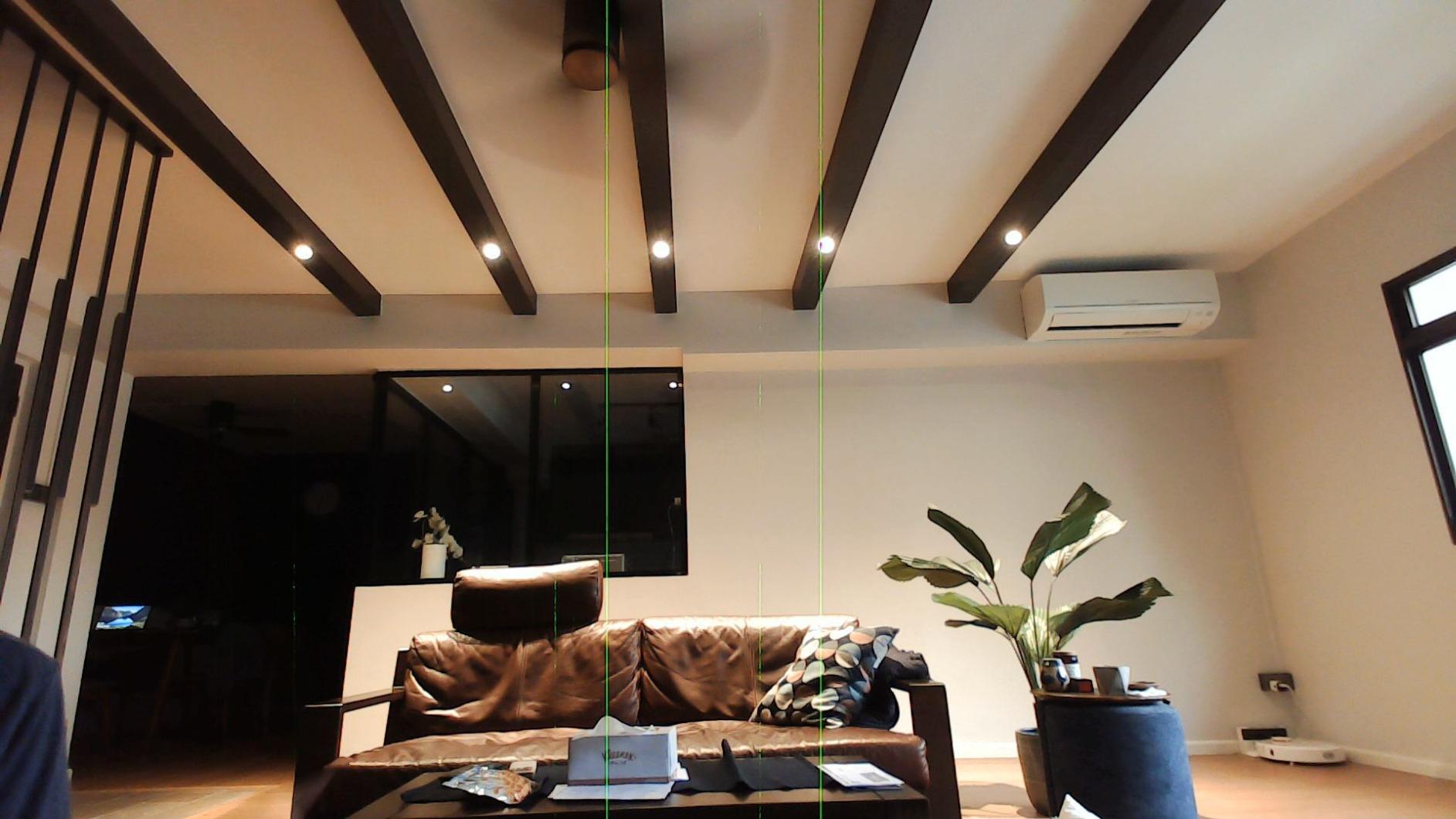
Why does the USB hub problem matter for streamers?
Because it is the dominant negative theme in reviews. The camera will not enumerate as a device when connected through any kind of USB hub, including powered hubs, and it cannot extend much past three to six feet without one. That takes multi-camera studio rigs, KVM switches, and desk setups with a hub built into the monitor offline, and streamers report the camera simply disappearing.
If you run one camera on one port, you will never hit this. If you plan a two-camera setup or already route everything through a hub, pick something else. The colour palette is also washed out compared with a Logitech C920 or C922, which some owners compensate for in post but most simply notice.
When is a wide 78 degree field of view the wrong choice?
For a tight solo facecam, it is the wrong choice. At 78 degrees the camera captures a lot of empty room around a single person, and getting a head-and-shoulders frame means sitting closer or cropping in software. That same width is an advantage for a two-person co-stream, a tabletop unboxing, or a setup where you hold products up to the lens, which is the most common reason owners pick it.
Pair it with a real key light and the washed-out colour improves considerably, because colour accuracy judgements are heavily influenced by exposure. Manual focus, a physical privacy cover and a wide mount are all things the other cameras here do not offer, so if your setup is a shared desk rather than a single-monitor station, this is the one that fits the way you work.
How We Picked These Streaming Webcams
We ranked these ten on four criteria, in this order. The first is whether the camera can output 1080p60 or better, because that matches the frame rate Twitch recommends and it removes the mismatch between a 60fps gameplay layer and a 30fps face. The second is sensor size, since a physically larger sensor captures more light and holds up better in a dim room than any amount of software processing.
The third is control. A camera that exposes shutter speed, ISO, white balance and field of view, and that remembers those settings across a reboot, is worth more to a streamer than one with a marginally cleaner image but nothing to adjust. The fourth is physical design: whether there is a privacy cover that cannot be bumped open, and whether there is a 1/4 inch thread for an arm or tripod mount.
We also weighed owner experience heavily, because these are products that live on a desk for years. A camera with 22k reviews and a long tail of people reporting zero problems is a different risk profile from one with 1500 reviews, and the review counts are on every card above. Where a limitation showed up repeatedly, such as the USB hub problem on the Angetube or the ring light hotspot on the N960E, we put it in the cons rather than burying it.
What we did not rank is price, because prices move and the value positions in this list will change with them. Instead we ranked capability per tier: what you get at each level, and which tier your stream actually needs. That is a more useful guide than a number that is wrong by the time you read it.
1080p60 vs 4K on Twitch: What the Bitrate Actually Shows
This is the question that changes what you should buy, and almost no roundup answers it directly. Twitch’s recommended streaming target is 1080p at 60fps with a 6000 kbps bitrate. That is the resolution and frame rate your viewers actually receive, no matter what your camera can capture. A 4K webcam streamed to Twitch is downscaled to 1080p before it leaves your PC, so the extra pixels only help if you are recording locally at the same time.
That makes 4K a recording decision rather than a streaming decision. If you pull clips, post vertical video, or run a channel where you appear in long segments, a 4K sensor gives you material you can crop into later without artefacts. If you only ever stream, the 1080p60 mode is the mode you will actually use, and paying for 4K capability is paying for something you will not see.
There is one more detail worth knowing, and it is the one that catches people out. The Elgato Facecam MK.2 supports uncompressed UVC capture, which means your 1080p60 feed goes to OBS without being compressed first. Compressed capture eats bandwidth and adds latency, and uncompressed output needs a real USB 3.0 port. If you are planning to use uncompressed video, check which port you are plugging into before you blame the camera for dropping frames.
The practical summary is short. Buy 1080p60 if you stream. Buy 4K if you record. Buy uncompressed capture if you have the USB bandwidth and a PC that can encode the extra data. Those three sentences save more money than any discount we could point you at.
What Big Streamers Actually Use
You will see this question asked constantly, usually about a specific creator, and the honest answer is that gear details for individual streamers are not something we can verify. Anyone claiming to know exactly which camera a particular creator uses is guessing. What the community consensus does support is a pattern, and it has been consistent for years on r/streaming and r/Twitch.
The pattern is a three-stage path. New streamers run a webcam from the C920 family or its equivalents, because it is reliable, cheap to replace, and good enough that the audience does not notice. Creators who outgrow it move to a camera with manual control, usually an Elgato Facecam or a Logitech model, specifically so they can stop the autofocus from hunting. Creators whose format depends on the camera rather than the gameplay move to a mirrorless body with a capture card.
Two more patterns come up constantly. First, a surprising number of long-running channels never upgraded at all, and their images still look fine, which is the strongest argument for the C920x being first on this list. Second, community members repeatedly report that fixing their lighting produced a bigger jump than upgrading the camera, and we think that is right. Lighting is free to improve and the camera is not.
If you are also building out a channel, our guides to Battlefield 6 Twitch drops and Highguard Twitch drops are good places to start while you set the scene. Nobody notices a missing facecam when they are busy claiming a drop.
How to Choose a Streaming Webcam
Sensor size beats megapixel count
A larger sensor gathers more light from the same scene, which is the whole reason a 1/2 inch sensor in the Insta360 Link 2 produces a cleaner image in a dim room than a 1/4 inch sensor at the same resolution. Megapixels tell you how many pixels there are, not how much light each one collects. When two cameras both output 4K, the one with the physically larger sensor wins in a dark room every time.
Sensor sizes in this roundup run from 1/4 inch on the N660P, through 1/2.9 inch on the C920x and the N960E, up to 1/2.55 inch on the S600 and 1/2 inch on the Link 2. Aperture matters alongside it: the C920x lists an f/1.8 maximum, which is a wide opening that lets more light reach the sensor. None of this matters if you light your face properly, and all of it matters if you do not.
Field of view in degrees, and why 78 is not always right
Field of view is the angle the lens captures, and it decides how much room is in the frame around you. Cameras here range from 60 degrees on the Brio 101, which frames very tight, through 65 and 66 degrees, to 73 and 78 degrees on the widest models. A wider angle fits two people or a tabletop but adds empty room around a single face, and it distorts features close to the edges.
Pick based on your format. Solo just chatting works best between 65 and 73 degrees, co-streams and unboxings want 78 or wider, and a single monitor with a tight desk wants the narrow end. The S600 can tighten its field of view down to 40 degrees at 1080p, which is the closest thing here to an adjustable lens.
Autofocus behaviour and manual focus
Autofocus hunting is the most common quality complaint after low light, and it happens most when you lean forward to read something on a second monitor. Phase-detection autofocus, which you will see called PDAF on the C960, the S600 and the Link 2, focuses faster and more predictably than contrast detection. If you move a lot during a stream, that difference is worth more than a resolution bump.
Manual focus is rarer and sometimes better. The Angetube 922Max has a manual focus range, so you set a distance and it stays locked. The Elgato Facecam MK.2 pairs autofocus with full manual control of shutter speed, ISO and white balance, which lets you fix exposure and focus once and forget about it. Both are the right answer for a streamer who has found their framing.
USB bandwidth and uncompressed capture
Every camera here is USB, and the difference between USB 2.0 and USB 3.0 ports matters more than the specifications suggest. Uncompressed 4K60 output, and uncompressed 1080p60 on cameras that support it, needs a genuine USB 3.0 port with the bandwidth to carry it. Plug that into a hub or an older port and you get dropped frames, stuttering, or a silently compressed feed.
Check your port before you buy, and check it before you blame the camera. Separately, be aware that some cameras refuse to enumerate through any hub at all, which is a documented problem with the Angetube 922Max and a real consideration for multi-camera rigs. If you plan more than one camera, buy models that report working hub compatibility.
AI tracking and auto-framing for moving creators
Software auto-framing crops a static frame to follow your face, which works but reduces your resolution and cannot follow you out of frame. Motorized pan-tilt tracking physically moves the camera to follow you, which is why the Insta360 Link 2 costs what it does. If you stream from a chair and never move, neither feature does anything for you and you should spend that money on lighting instead.
For VTubing and face tracking setups, the raw image matters more than tracking, so prioritise manual exposure and a clean sensor. A camera that can be locked down will give a face-tracking model a steadier image to work with than one that hunts for focus every time you move.
Streaming in a Dark Room: Camera Fixes and Lighting Fixes
The most repeated complaint in every streaming forum is that webcams need a lot of light. It is repeated because it is true, and it is repeated because people buy a camera instead of fixing it. If your room is dim, no camera on this list will save you. The Elgato Facecam MK.2 comes closest, with the cleanest low-light image in the group, but clean and bright are different things.
Start with the cheapest fix. Put a diffused light in front of you, slightly off to one side and above eye level, and point it at your face rather than at the wall behind you. That single change does more than any camera upgrade, which is why it is the advice the community repeats most consistently. A second light or a reflector opposite it removes the shadow side of your face.
After lighting, the camera-side fixes are real but limited. A larger sensor gathers more light, so the 1/2 inch Link 2 and the 1/2.55 inch S600 hold detail better than the 1/4 inch N660P does. Manual exposure control stops the camera from pumping brightness up and down, which is what the Facecam MK.2 solves. Built-in lights help, but the N960E ring light produces a hotspot and the NBPOWER RGB lights are largely cosmetic.
If you stream outdoors or at night, the honest answer is that a webcam is the wrong tool. There is no night vision or infrared option in this roundup, and the closest alternative is a mirrorless body with a capture card, which handles low light far better. For a bedroom stream at night, the light is still the answer.
Webcam vs Mirrorless Camera and Capture Card
Reddit consensus on this question is unusually consistent: once image quality actually matters, a mirrorless body with an Elgato Cam Link 4K is worth the modest premium, and many streamers name the same triggers for switching. The most common one is a single complaint that the new image quality was way better than the old C920. The other is needing to move the camera away from the desk entirely.
The trade-offs are real in both directions. A mirrorless body gives you a much larger sensor, interchangeable lenses, and far better performance in a dark room. It also costs more, needs a capture card to feed OBS, uses more USB bandwidth, drains batteries during a long stream, and demands that you learn exposure settings. A webcam is one cable, works the moment it is plugged in, and never runs out of power mid-show.
A practical rule: if your stream is gameplay with a facecam in the corner of the frame, a webcam is the correct choice, and the extra quality from a mirrorless body is invisible at that size. If your camera is the content, such as a cooking stream, a craft stream, or a talk show, a mirrorless body earns its cost quickly. For most people, the webcam first and the camera body later is the right order, and our top pick makes that first step painless.
Setup: Framing, Lighting and OBS Settings
Framing first, before you touch any software. Put the camera at eye level, not below it, and not on top of the monitor if that means looking up at yourself. Sit at arm’s length to check the frame, then adjust until your head and shoulders sit comfortably with a little headroom. If the frame is too wide, move closer rather than zooming, because digital zoom costs resolution.
Then set exposure in the camera’s own software rather than in OBS. Fix shutter speed, gain and white balance, check the settings survive a reboot, and only then add the camera as a video capture device in OBS. Choosing the right resolution and frame rate in the camera settings rather than letting OBS negotiate them removes an entire class of dropped-frame problems.
In OBS, match the facecam layer to your stream. If you are streaming 1080p60 at 6000 kbps, set the video capture device to 1080p60 and let OBS handle scaling. Turn off any automatic exposure or colour correction in OBS so the camera is the only thing adjusting the image, and confirm the audio source is your microphone rather than the webcam.
Finally, test before you go live. Record ten minutes locally, watch it back on a second screen rather than the monitor you are streaming from, and look for the three things that ruin facecams: a hunting focus, a noisy image, and a backlight turning you into a silhouette. All three are fixable, and all three are cheaper to fix than the camera you are about to replace.
Frequently Asked Questions
What is the best high-quality webcam for streaming?
For most Twitch streamers the Logitech C920x HD Pro is the best high-quality option because it is rated 4.6 across more than 22k reviews, works plug-and-play in OBS, and holds a sharp 1080p image with automatic light adjustment. If your format is movement-based or you need 4K for local recording, the Insta360 Link 2 or the EMEET S600 are the step up.
Should I get a 1080p or 4K webcam?
If you only stream, get 1080p60. Twitch recommends a 1080p60 target at 6000 kbps, so a 4K camera is downscaled before your viewers see it. Buy 4K only if you record locally for clips, thumbnails or vertical video. Several cameras here, including the EMEET S600 and the Angetube 922Max, give you both modes in one body.
What do most streamers use for webcams?
Most streamers start with a C920-family webcam because it is reliable and lasts for years, then move to a camera with manual control when autofocus hunting annoys them, and only then consider a mirrorless camera with a capture card. Many long-running channels never upgrade at all. Community reports consistently say that fixing lighting improved their image more than upgrading the camera did.
What webcam does Kai Cenat use?
We cannot verify the exact model used by any individual creator, and anyone who claims a specific answer is guessing. What the streaming community does agree on is the general path described above: a reliable entry webcam first, a manual-control camera second, and a mirrorless body only when the camera itself is the content.
What is a good webcam for VTubers?
For VTubing, prioritise manual exposure and a stable image over smart features, because face-tracking models work better on a picture that does not shift. The Elgato Facecam MK.2 gives full manual control of shutter speed, ISO and white balance and remembers those settings, and the Angetube 922Max adds a manual focus range. Lock your framing and never touch the camera again.
The Best Streaming Webcams for Twitch in 2026
There is no single best streaming webcam for Twitch, but there is a most reliable one, and that is the Logitech C920x HD Pro. It is rated 4.6 across more than 22k reviews, it needs no software to work, and it will still be running three years from now. Buy it if you want a facecam that never becomes the reason a stream goes badly.
Buy the NexiGo N660P instead if 60fps matters to you and you want a physical privacy cover and a mount thread in the same body. Buy the Insta360 Link 2 if you move around your room and want a camera that physically follows you. Buy the Elgato Facecam MK.2 if you are streaming in a dim room and want manual control over everything. And if you only ever stream, spend what you saved on a key light.
Whichever you pick, set your exposure before you go live, confirm the settings survive a restart, and record ten minutes locally before your first show. Those three habits matter more to how your stream looks than any spec on the box, and they cost nothing.
