
10 Best Laptops for CAD and 3D Modeling (October 2026) In-Depth Reviews
If you want one machine that handles AutoCAD drafting, SolidWorks assemblies, Revit coordination and Blender rendering without stalling, the ASUS ROG Strix G16 (2025) is our best laptop for CAD and 3D modeling overall. It pairs an Intel Core Ultra 9 275HX with an RTX 5070 Ti Laptop GPU and 32GB of DDR5 memory, so there is little headroom left to argue about.
That answer only helps if the rest of the field is in order too. The truth is that CAD and 3D work splits into two very different jobs. Modeling is CPU-bound, driver-bound and memory-bound, while rendering is GPU-bound and VRAM-bound, and plenty of buyers pay for a rendering machine when they actually needed a modeling one.
Contents
We compared ten laptops across the full range, from an ISV-certified mobile workstation to a slim RTX 5070 machine that still fits in a backpack. Each review below covers who it suits, who it does not, and which software it handles well. If you also need to capture real-world geometry, our picks for the best photogrammetry scanners for 3D modeling sit alongside this list well.
Updated for 2026, the short version is this. Buy a discrete NVIDIA GPU with at least 8GB of VRAM, 32GB of system RAM, a 1TB NVMe drive and a colour-accurate high-resolution panel. Everything else is a preference.
Top 3 Picks for CAD and 3D Modeling in 2026

ASUS ROG Strix G16 (2025)
- Intel Core Ultra 9 275HX
- RTX 5070 Ti Laptop GPU
- 32GB DDR5-5600
- 16-inch 2.5K 240Hz Nebula

Acer Nitro V 15
- Intel Core i9-13900H
- RTX 4060 8GB GDDR6
- 16GB DDR5 upgradeable to 32GB
- 4.7 lb chassis

Apple MacBook Pro 16 M5 Pro
- M5 Pro 18-core CPU and 20-core GPU
- 48GB unified memory
- 16.2-inch Liquid Retina XDR
As an Amazon Associate we earn from qualifying purchases. CERTAIN CONTENT THAT APPEARS ON THIS SITE COMES FROM AMAZON. THIS CONTENT IS PROVIDED 'AS IS' AND IS SUBJECT TO CHANGE OR REMOVAL AT ANY TIME.
Best Laptops for CAD and 3D Modeling (October 2026)
| Product | Features | |
|---|---|---|
| ASUS ROG Strix G16 (2025) |
|
Check Latest Price |
| Acer Nitro V 15 |
|
Check Latest Price |
 MSI Katana 15 MSI Katana 15 |
|
Check Latest Price |
 Alienware 16 Aurora Alienware 16 Aurora |
|
Check Latest Price |
| Apple MacBook Pro 16 M5 Pro |
|
Check Latest Price |
 GIGABYTE Gaming A16 GIGABYTE Gaming A16 |
|
Check Latest Price |
 Acer Predator Helios Neo 16 Acer Predator Helios Neo 16 |
|
Check Latest Price |
 HP ZBook X G1i HP ZBook X G1i |
|
Check Latest Price |
 Lenovo Legion 5i Lenovo Legion 5i |
|
Check Latest Price |
 Lenovo Legion Pro 7i Gen 10 Lenovo Legion Pro 7i Gen 10 |
|
Check Latest Price |
We earn from qualifying purchases. CERTAIN CONTENT THAT APPEARS ON THIS SITE COMES FROM AMAZON. THIS CONTENT IS PROVIDED 'AS IS' AND IS SUBJECT TO CHANGE OR REMOVAL AT ANY TIME.
1. ASUS ROG Strix G16 – the best laptop for CAD and 3D modeling overall
ASUS ROG Strix G16 (2025) Gaming Laptop, 16” ROG Nebula…
Core Ultra 9 275HX
RTX 5070 Ti Laptop GPU
32GB DDR5-5600
1TB PCIe Gen 4 SSD
16-inch 2.5K 240Hz
Pros
- RTX 5070 Ti and Core Ultra 9 275HX give real modeling and rendering headroom
- Colour-accurate 2.5K 240Hz Nebula panel with anti-glare film
- Vapor chamber tri-fan cooling with liquid metal on the chipset
- 32GB DDR5 and 1TB SSD suit large assemblies
- Thunderbolt and USB-C output for external displays
Cons
- ASUS software suite is bloated and limits fan control
- Preinstalled third-party anti-virus bloatware
- Front-centred numpad crowds a compact desk
- Battery life around 4.5 hours of typical use
The ROG Strix G16 is the machine we kept coming back to while putting this guide together. Owners run Autodesk Inventor, Lumion, SketchUp, Blender and Cinema 4D on it without trouble, and the cooling reports cluster around 65-70C under sustained load, which means the clocks hold up through a long session.
Thermals are the quiet story here. The end-to-end vapor chamber, tri-fan design and Conductonaut liquid metal on the chipset keep the 275HX and the RTX 5070 Ti from falling over when you start a real workload, and the machine is reported to run cool and quiet rather than merely tolerable.
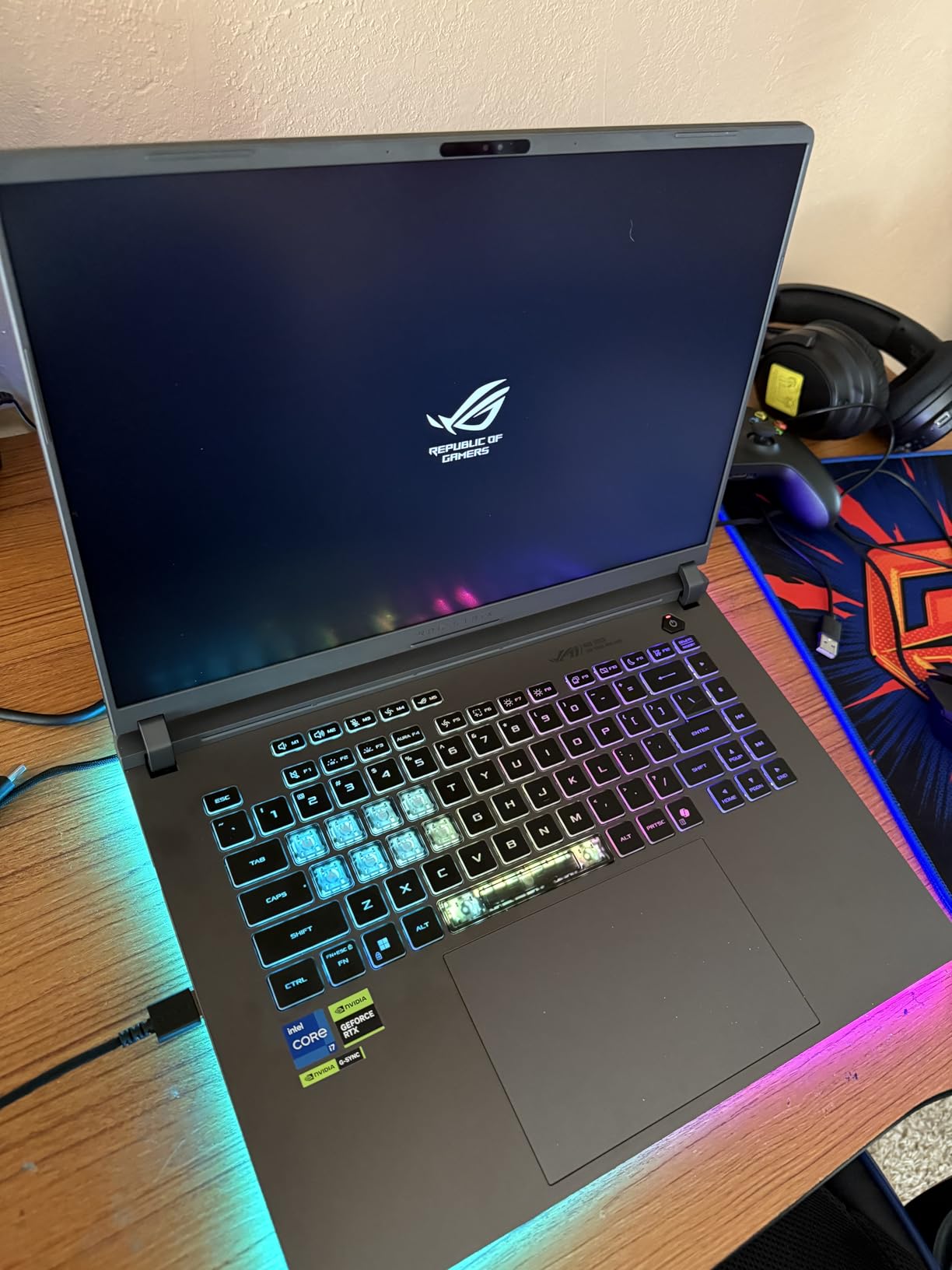
The 16:10 2.5K Nebula panel at 240Hz and 3ms response is genuinely useful for viewport work. At 2560×1600 you get more usable drawing canvas than a 16:9 screen, and the ACR anti-glare film keeps contrast reasonable in a bright studio.
The 90 watt-hour battery is the weak point in an otherwise strong package. Real-world use lands around four and a half hours, so treat this as a mains machine that travels well but does not run all day untethered.
As for software, the recurring complaint from buyers is not hardware at all. The ASUS suite is described as bloated and restrictive, with fan control limits and heavy background memory use, and a lot of people strip it out on day one. There is also preinstalled anti-virus bloatware and a front-centred numpad that some people dislike in tight desk setups.
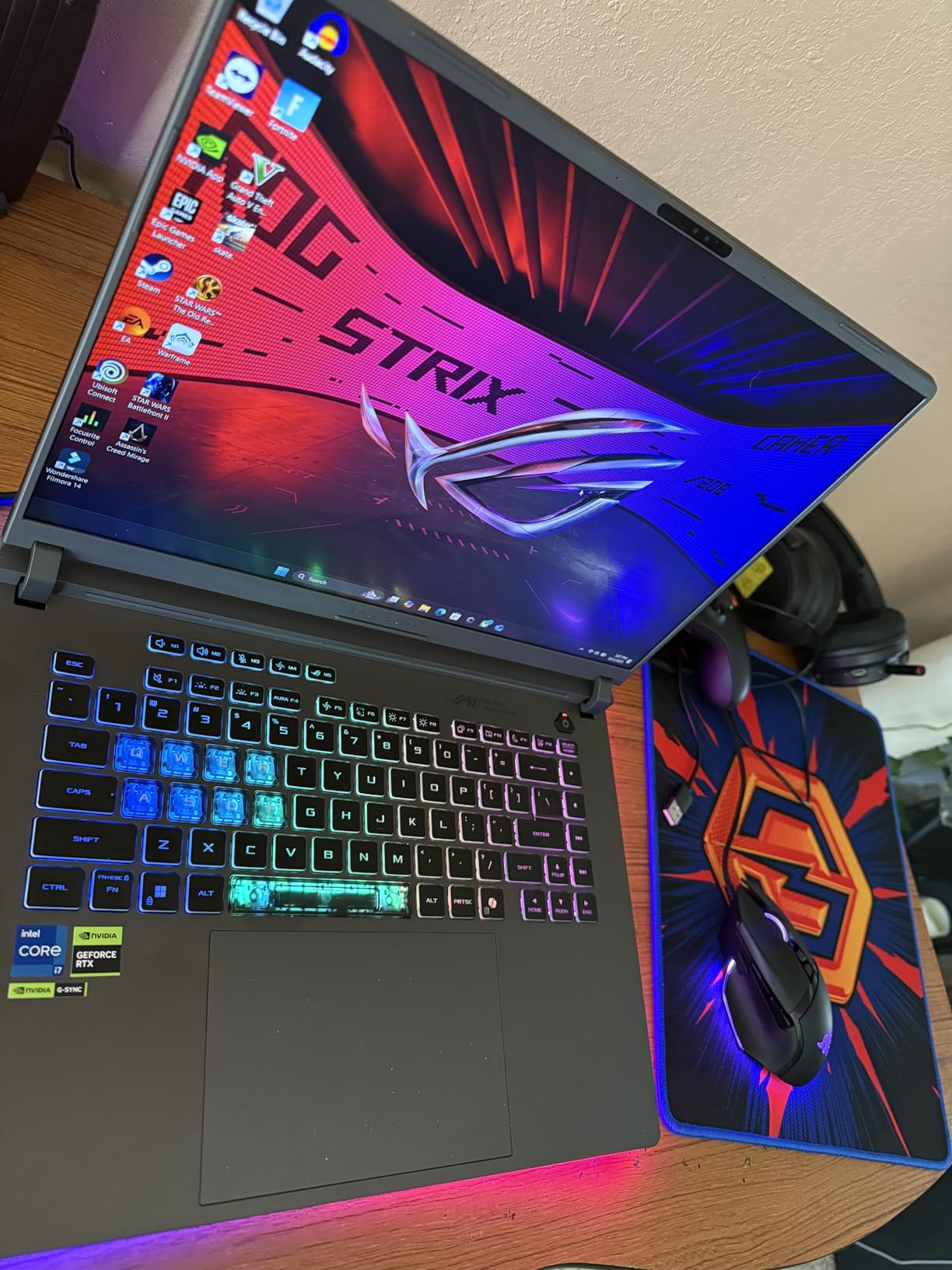
How the Strix G16 holds up on real CAD work
With 32GB of DDR5-5600 and a 1TB PCIe Gen 4 SSD, opening a multi-gigabyte assembly is a one-time cost rather than a recurring wait. The 24-core processor handles geometry rebuilds and simulation setup in parallel, which is where most modeling stutters actually originate.
For anyone coming from a machine with integrated graphics, the jump is large. Integrated-graphics laptops crawl when the viewport tries to shade a complex assembly, and this is the exact problem a 5070 Ti solves.
Who should buy it, and who should not
Buy it if you model and render on the same machine, run large assemblies, or need a colour-accurate canvas in a chassis that still moves between a studio and a client site.
Skip it if you need all-day battery life, dislike RGB lighting in a professional setting (Stealth Mode handles that), or have no patience for cleaning up vendor software after purchase.
2. Acer Nitro V 15 – the best value pick for AutoCAD on a student budget
Acer Nitro V Gaming Laptop | Intel Core i9-13900H Processor…
Core i9-13900H 14 cores
RTX 4060 8GB GDDR6 233 AI TOPS
16GB DDR5 two SODIMM slots
512GB Gen 4 SSD
4.7 lb
Pros
- Desktop-class throughput on a light 4.7 lb chassis
- RAM and storage both upgradeable with two SODIMM and two M.2 slots
- 144Hz matte IPS panel with minimal ghosting
- Runs cool with no overheating complaints
- Thunderbolt 4 and gigabit Ethernet for large file transfers
Cons
- Screen and speakers are functional rather than impressive
- Fan noise can be loud outside quiet mode
- One owner hit an unresolved Hyper-V mitigation BIOS error
- Some owners report performance degrading after months of use
- 16GB RAM and 512GB SSD in the standard configuration
The Nitro V 15 is the answer for the forum question that comes up constantly: is a gaming laptop good enough for AutoCAD and SolidWorks. With a Core i9-13900H and an RTX 4060 carrying 8GB of GDDR6, the answer for coursework and professional 2D drafting is a clear yes.
What makes it stand out in this list is upgradability. There are two SODIMM slots and two M.2 slots, so you can move from the included 16GB of DDR5 to 32GB and add storage later. Students buying a machine they expect to keep for four years care about that more than peak GPU performance.
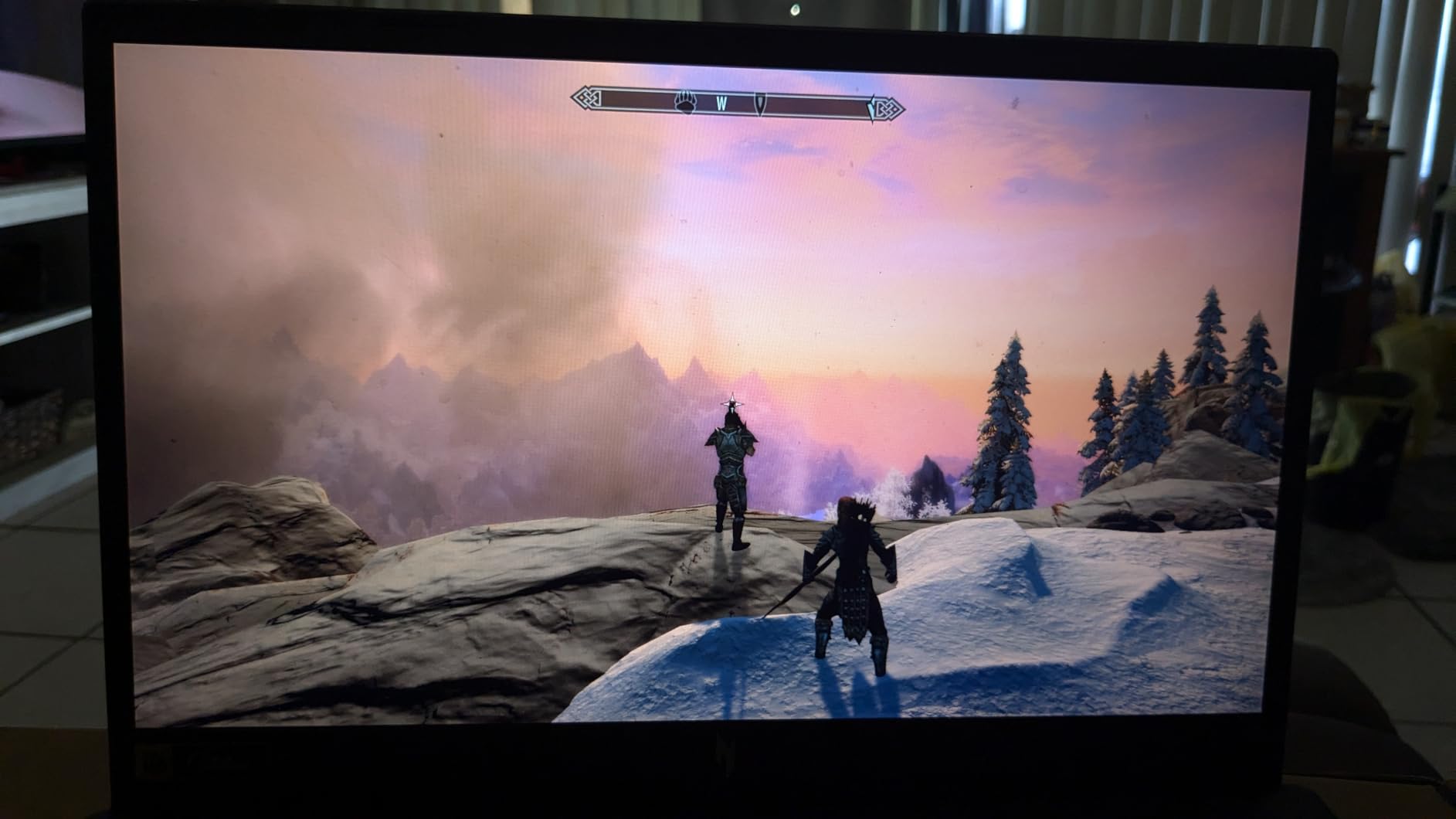
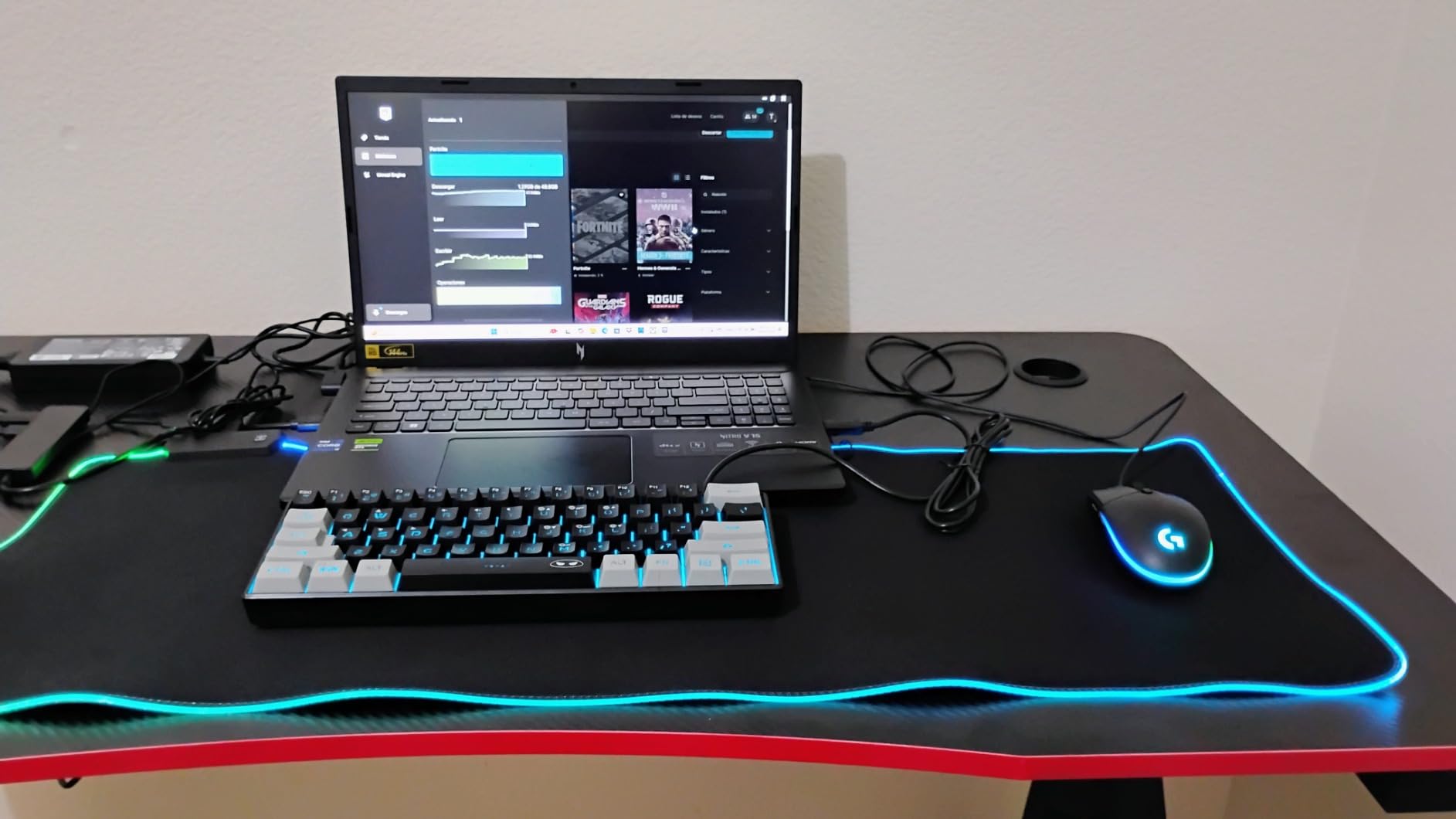
Owners consistently praise performance per pound, build quality and cooling, describing a sturdy, light machine at 4.7 pounds that handles demanding work without overheating. NitroSense also gives you direct control over thermals, fan speed and performance tuning, which is more than most machines in this range offer.
The display is the compromise. It is a 15.6-inch 1920×1080 matte LCD at 144Hz with decent colour, but it is not the canvas you want for colour-critical texturing or high-density BIM work. Speakers are in the same category.
Thunderbolt 4 plus gigabit Ethernet means large project files move quickly, and a 57 watt-hour battery is stated at up to eight hours, though the discrete GPU is what drains it in practice.
What 8GB of VRAM actually gets you in AutoCAD
Eight gigabytes of GDDR6 is enough for the large majority of AutoCAD 2D drafting and sheet sets, and for most SolidWorks parts and sub-assemblies. It starts to feel tight with multi-gigabyte Revit families, dense plant models, or Blender scenes carrying 4K textures.
The bigger practical limit is the 16GB of system memory that comes with it. That is below what large assemblies want today, which is exactly why the open SODIMM slots matter.
Who should buy it, and who should not
Buy it if you are a student or a working drafter with a hard ceiling on spend, you plan to upgrade the memory yourself, and your workload is modeling rather than heavy rendering.
Skip it if colour accuracy drives your work, you cannot tolerate fan noise during long sessions, or you need a machine you will never open. That last one has a specific edge case: one owner hit a Hyper-V and HyperThreading mitigation error that Acer support would not resolve and the BIOS would not allow disabling.
3. MSI Katana 15 – a QHD panel and open memory slots at the value tier
msi Katana 15 15.6” 165Hz QHD Gaming Laptop: Intel Core…
Core i7-13620H 12 cores
RTX 4070 8GB Ada ray tracing
16GB DDR5-5200 up to 64GB
1TB NVMe plus second M.2
Pros
- QHD 165Hz panel is sharp
- vibrant and high contrast
- RTX 4070 8GB delivers full hardware ray tracing
- Two open SODIMM slots and a second M.2 slot
- Can drive 100 percent dedicated GPU output directly
- Good build quality with a well-weighted quiet keyboard
Cons
- Several owners found inadequate CPU heatsink compound causing throttling
- Factory power limits make it run hot until tuned in BIOS
- Plastic chassis feels less premium than the internals
- Battery life under about 1.5 hours of light load
- Tinny built-in speakers
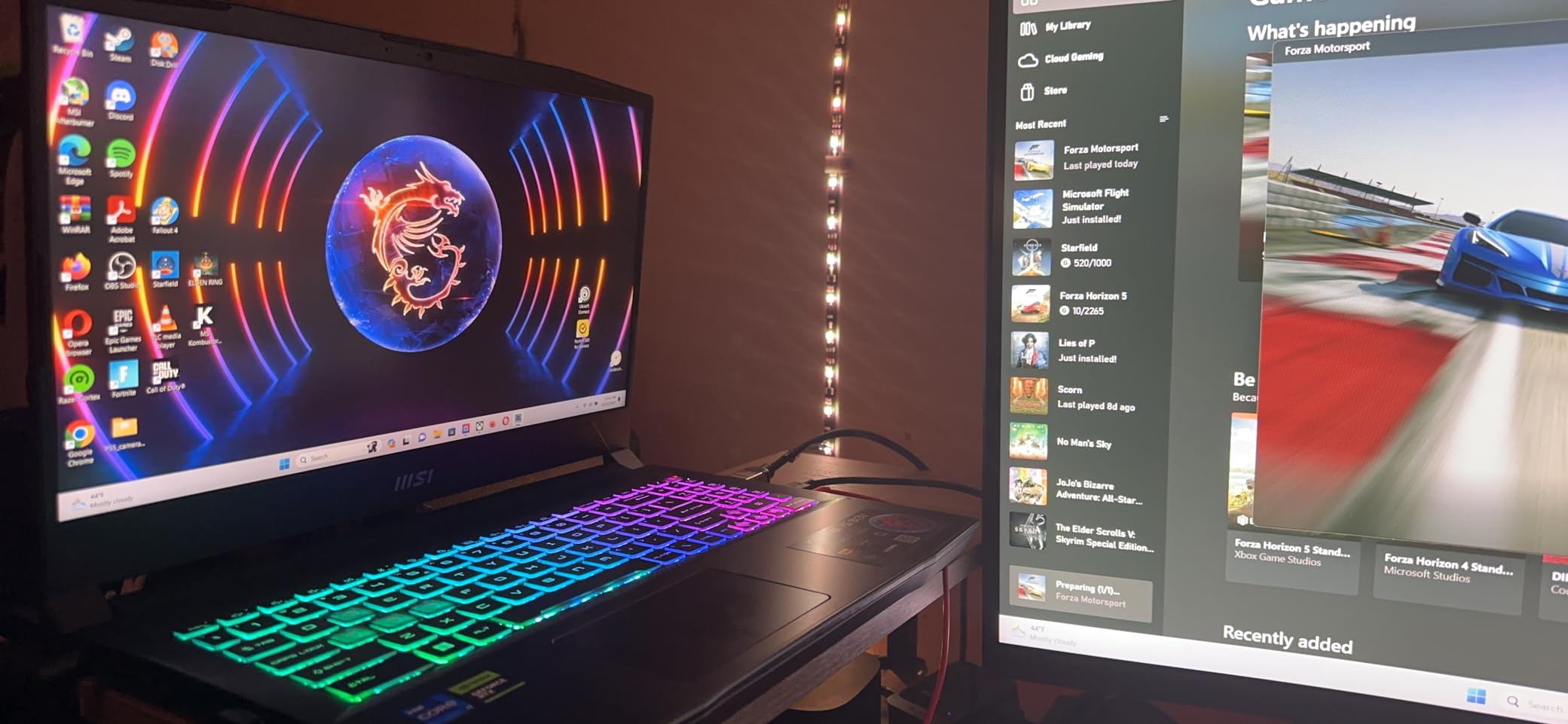
The MSI Katana 15 pairs an RTX 4070 Ada with a genuinely sharp 15.6-inch 2560×1600 matte panel at 165Hz, and that combination is rare in the value tier. For viewport-heavy modeling the higher pixel density does more for daily comfort than a faster CPU would.
Memory is fully open too. Two SODIMM slots take the machine to 64GB, and there is a second M.2 slot for storage. You can also switch to 100 percent dedicated GPU output without routing through the integrated GPU, which avoids a needless bottleneck in some applications.
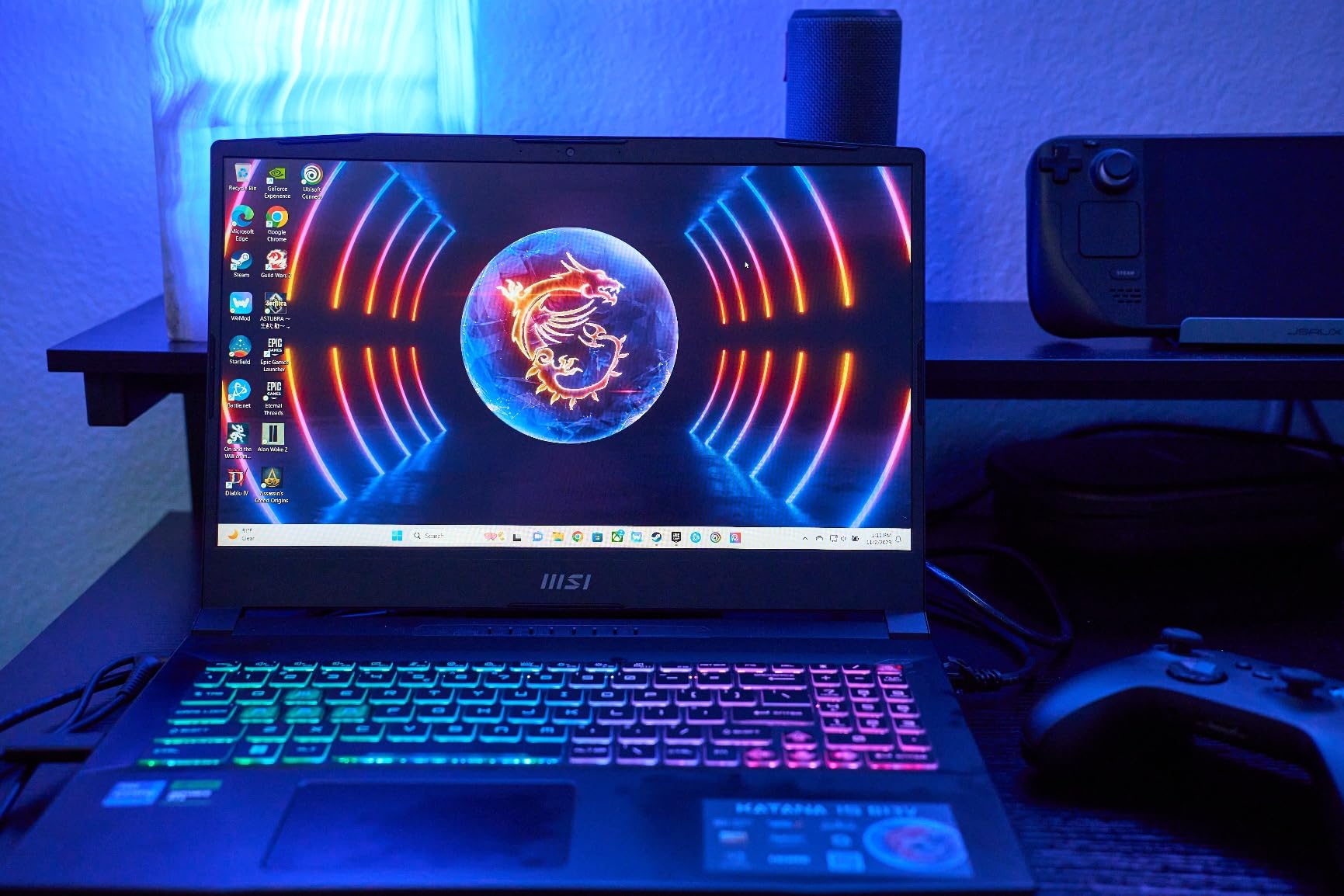
The dominant negative theme here is factory thermal configuration, not capability. Multiple owners found missing or inadequate CPU heatsink compound causing throttling and crashes out of the box, and several report that repasting the CPU fixed both problems. Factory power limits and disabled overclocking make it run hot until you tune it in BIOS.
Battery life is the other universal complaint, at under about an hour and a half on a light load. Budget for mains power. The plastic chassis also feels cheaper than the internals suggest, and the speakers are tinny.
Buyers otherwise call it excellent value with a standout screen and capable, expandable internals. The i7-13620H has 12MB of L2 and 24MB of L3 cache, which is plenty for SolidWorks parts work and most architecture students.
When the RTX 4070 earns its keep
Ada’s hardware ray tracing cores matter for Cycles and V-Ray style renders, and the 8GB of GDDR6 sits comfortably for scenes up to moderately dense texture sets. On pure modeling, treat the GPU as a viewport enabler rather than a rendering engine.
Cooler Boost 5 is the cooling design, and it supports up to three external monitors, which is useful if you model on a laptop screen and review on a larger display.
Who should buy it, and who should not
Buy it if you want a sharp canvas, you intend to add memory yourself, and you are willing to spend an afternoon in BIOS tuning or opening the chassis.
Skip it if you need battery life, want a machine that works perfectly the second it comes out of the box, or have no interest in verifying the cooling under load yourself.
4. Alienware 16 Aurora – a wide 16:10 canvas for BIM coordination
Alienware 16 Aurora Gaming Laptop, NVIDIA RTX 5060, Intel…
Core 7 240H 10 cores
RTX 5060 8GB GDDR7 Blackwell
16GB DDR5-5600 two slots
16-inch 16:10 WQXGA
Pros
- Wide 16:10 2560x1600 display gives room for toolbars and viewports
- RTX 5060 Blackwell brings modern ray tracing to an entry tier
- New Cryo-Chamber thermal design focuses airflow where it matters
- Streamlined chassis avoids a bulky rear thermal shelf
- Dell 1-year onsite service is useful for a portable work machine
Cons
- 16GB RAM is the bare minimum for large assemblies
- 300-nit display is dim for visual and design work
- Listing does not clearly state the SSD capacity
- Only 2x 2W speakers
- 8GB VRAM limits very large textures
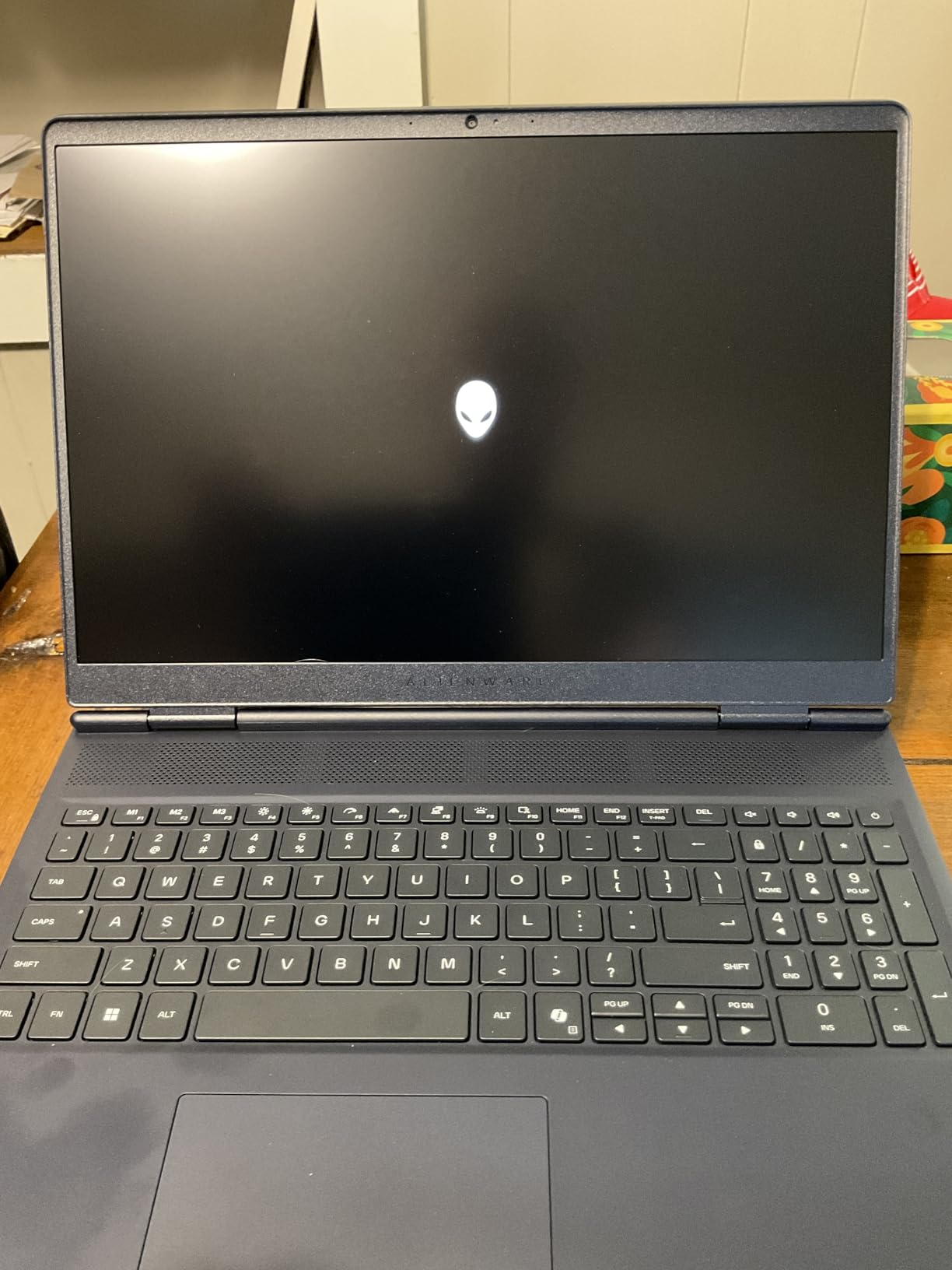
The Alienware 16 Aurora is built around one idea: give you a wide working area. The 16-inch 16:10 WQXGA panel at 2560×1600 gives you noticeably more horizontal canvas than a 15.6-inch 16:9 screen, and for Revit coordination or wide drawing sheets that space is worth more than raw clock speed.
Underneath sits the RTX 5060 on Blackwell architecture with 8GB of GDDR7, paired with a Core 7 240H at 10 cores and up to 5.2 GHz with 24MB of cache. That is a solid AutoCAD and mid-weight SolidWorks platform, and the modern ray tracing cores are welcome for preview rendering.
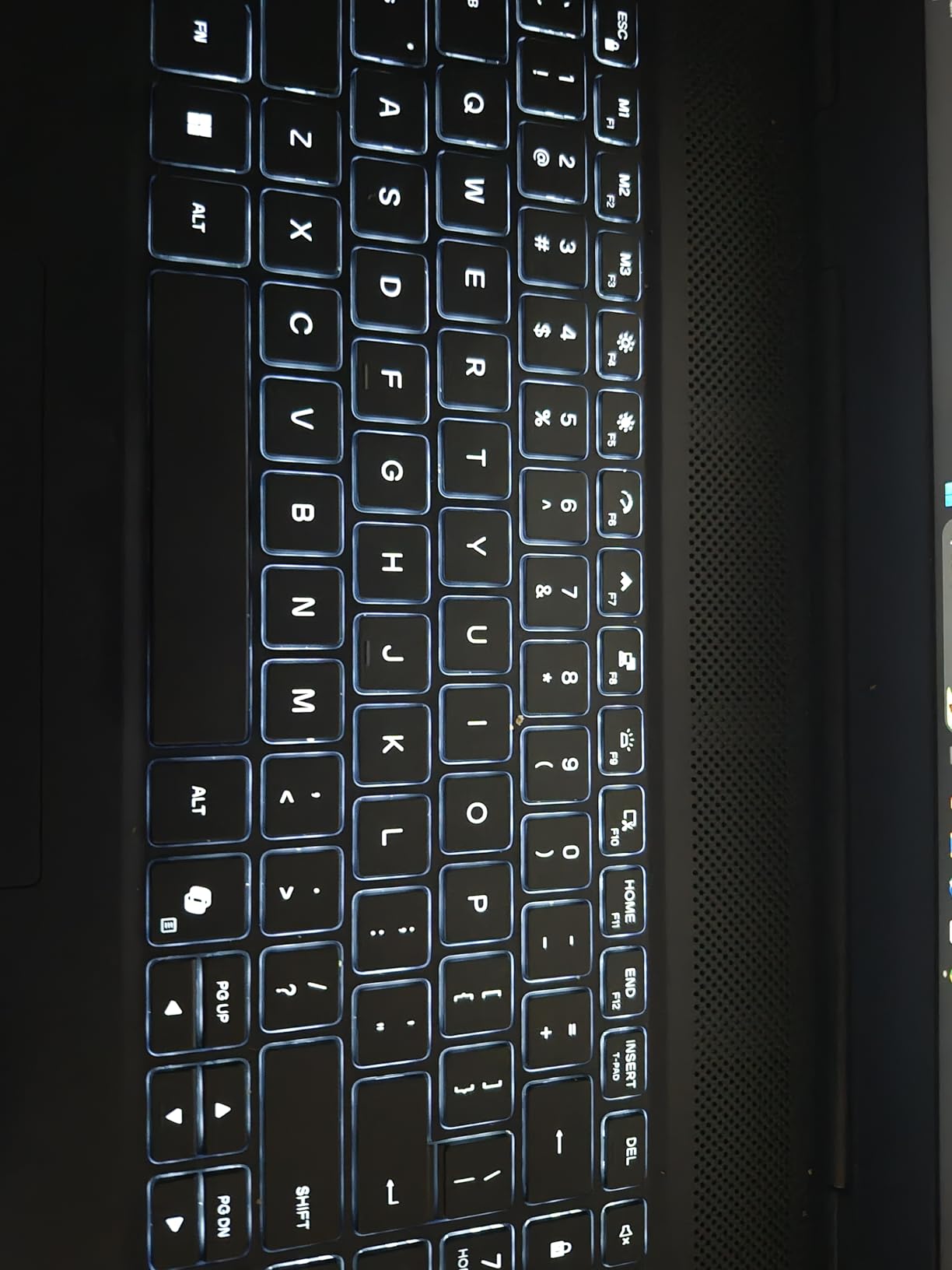
The Cryo-Chamber cooling structure focuses airflow on core components, and the streamlined chassis avoids the bulky rear thermal shelf that usually adds depth to a 16-inch gaming machine. Dell’s 1-year onsite service is a genuine convenience when the machine lives in a bag and travels to client sites.
The 16GB of DDR5-5600 across two slots is the real constraint. It is the bare minimum today, and reaching 32GB is a straightforward upgrade that should be budgeted for. Reviewers also flag the 300-nit brightness as dim for a machine aimed at visual work, and the audio is modest at 2x 2W.
One more practical note: the listing does not clearly state the SSD capacity, so confirm that before you compare it against the others here.
Why 16:10 helps more than a faster chip in BIM work
Revit, Archicad and Navisworks coordination depend on seeing as much model as possible at once. A taller, wider panel means fewer zoom-and-pan cycles between the model view and the schedule or legend view.
The 8GB of VRAM is fine for coordination models and visualization previews. It becomes the limit with heavy GPU rendering and very large textures, where 12GB or more starts to pay off.
Who should buy it, and who should not
Buy it if your work is architecture or BIM coordination, you want a big canvas more than you want a fast GPU, and onsite support matters to your employer or client.
Skip it if you render for a living, if you work outdoors or in bright spaces (300 nits will fight you), or if you would rather not open the machine to add memory.
5. Apple MacBook Pro 16 with M5 Pro – the macOS route into 3D
Apple 2026 MacBook Pro Laptop with Apple M5 Pro chip with…
M5 Pro 18-core CPU and 20-core GPU
48GB unified memory
1TB SSD
16.2-inch Liquid Retina XDR 1600 nits
Pros
- 18-core CPU and 20-core GPU handle intensive 3D and AI workloads with no lag
- 48GB unified memory makes switching heavy applications effortless
- Outstanding 16.2-inch XDR display with exceptional brightness and colour
- All-day battery life with identical performance on battery
- Premium build
- three Thunderbolt 5 ports and an SDXC slot for asset transfer
Cons
- Noticeable heft for a 16-inch machine
- No touch screen and no high-refresh panel
- Costs more than Windows laptops with similar capability
- Windows-only CAD plugins and driver-certified software unavailable
- macOS learning curve for Windows users
The MacBook Pro 16 with M5 Pro is the only machine here that is not aimed at Windows-first CAD, and that changes the answer entirely. If your pipeline is Blender, SketchUp, Rhino, Cinema 4D or Twinmotion, this is a genuinely excellent platform. AutoCAD for Mac works, but it is a secondary version of the product.
The 18-core CPU and 20-core GPU handle intensive multitasking, video editing, 3D and AI workloads with no lag, and reviewers with Neural Accelerators in every core describe it as built for on-device AI. For modeling, the 48GB of unified memory is the headline: large datasets load without a fight.
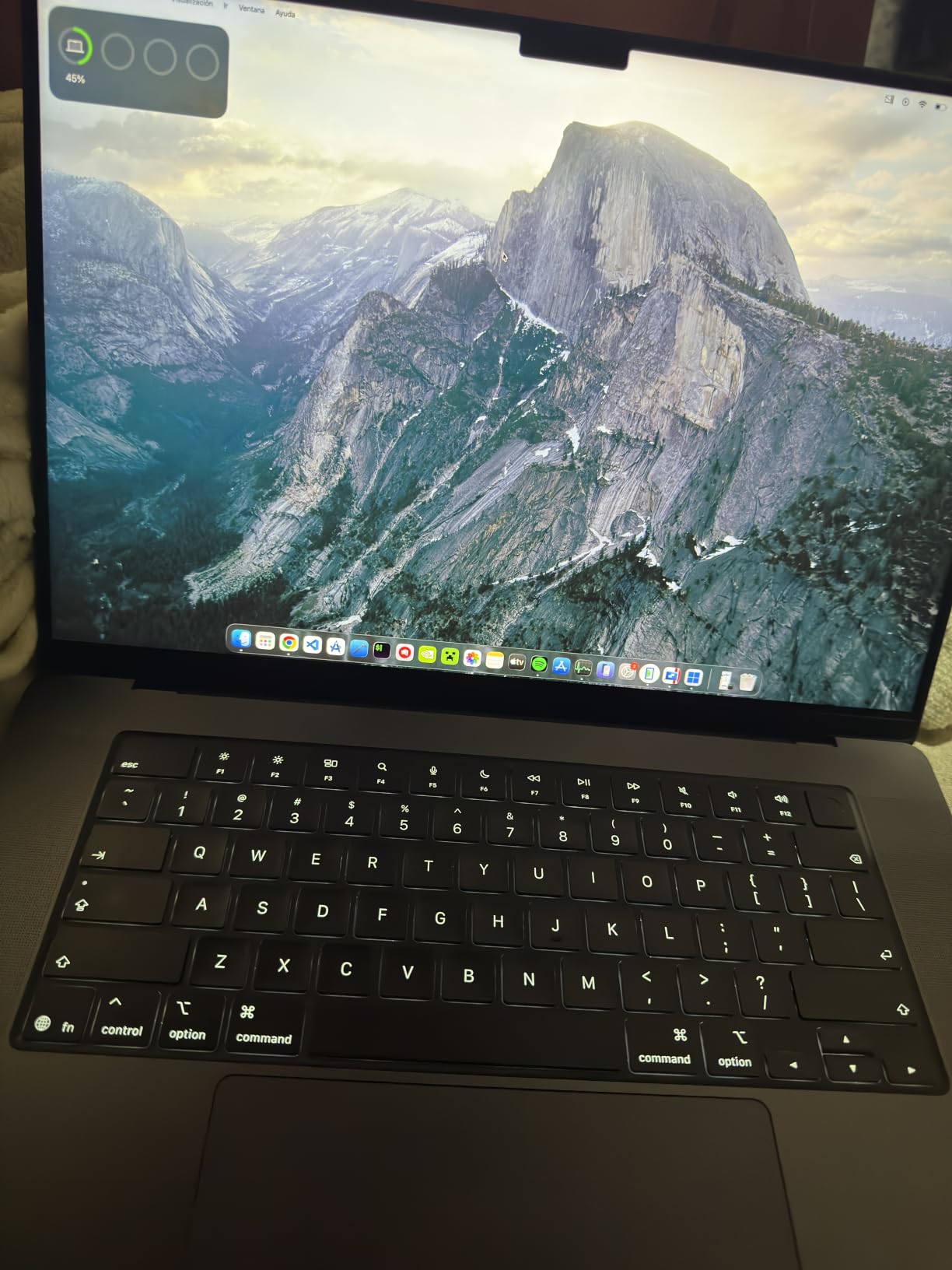
Reviewers repeatedly single out battery life and thermals together. The machine stays cool and quiet under heavy load and delivers the same performance on battery as on power, which no gaming laptop in this list can claim.
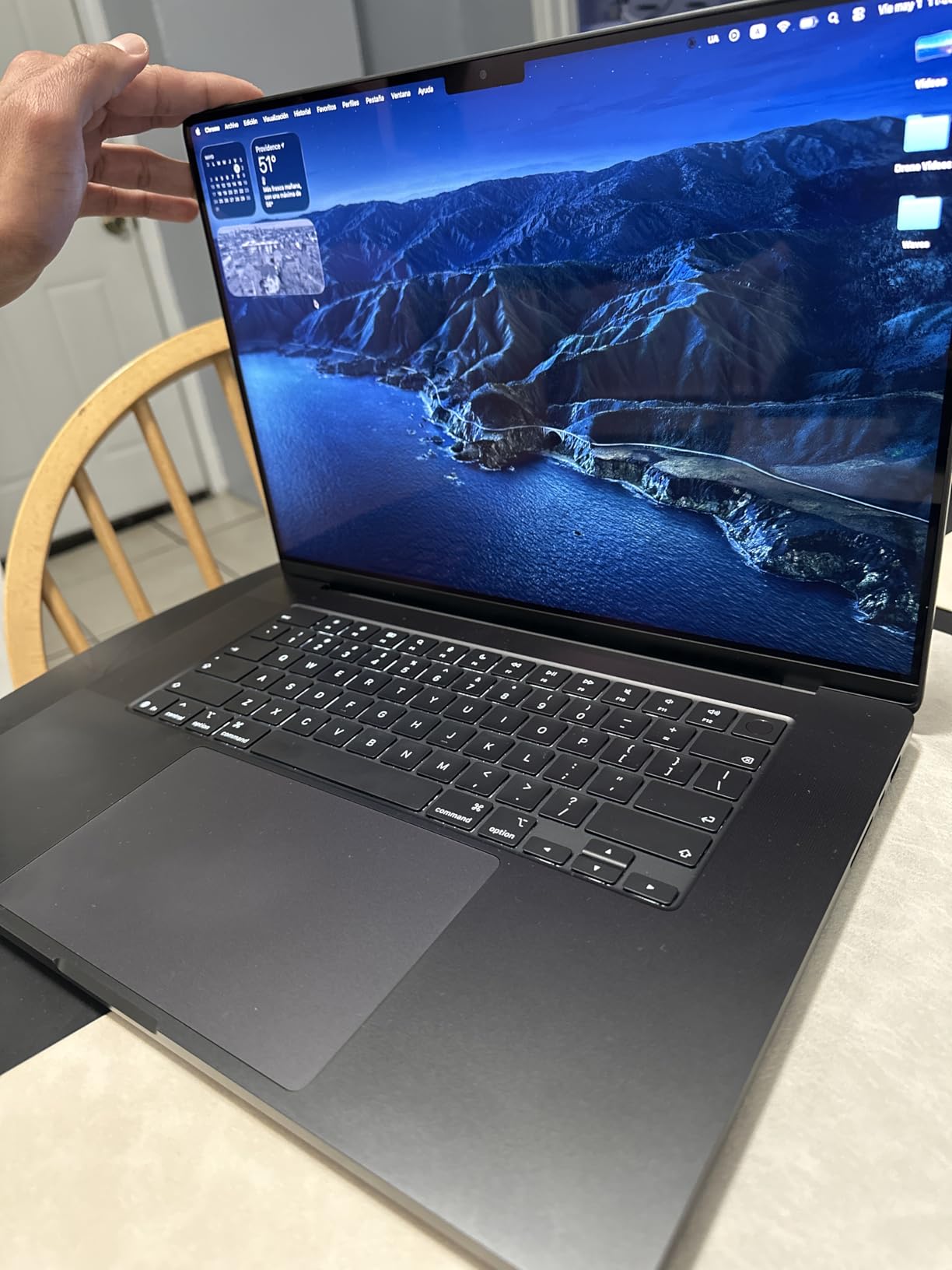
The 16.2-inch Liquid Retina XDR display with 1600 nits peak, 1000 nits sustained and a 1,000,000:1 contrast ratio is exceptional for colour accuracy, and it holds up to three external displays with the M5 Pro.
The catch is ecosystem. Windows-only CAD plugins and driver-certified software are simply not available, so anyone whose firm standardises on certified workstation drivers should look elsewhere. It is also the heaviest-feeling 16-inch machine here at 4.71 pounds, and there is no touch screen or high-refresh panel.
Which software runs well on Apple silicon for 3D
Blender, SketchUp, Rhino and Cinema 4D all run natively and benefit from the unified memory. SketchUp and Rhino users doing 3D printing or fabrication work can pair it with our guide to the best 3D scanners for 3D printing without a platform mismatch.
SolidWorks and Revit users should pause here. There is no driver-certified Windows workstation equivalent in this list of Mac workflows, and several popular add-ins and rendering plugins are Windows-only.
Who should buy it, and who should not
Buy it if your software is macOS-native, you render away from a plug regularly, and colour-accurate output matters more than having a touch screen.
Skip it if your employer requires ISV-certified drivers, you depend on Windows-only plugins, or you are moving from Windows and do not want the learning curve.
6. GIGABYTE Gaming A16 – 32GB of RAM in a 4.9 lb chassis
GIGABYTE Gaming A16 – Intel i7-13620H GeForce RTX…
Core i7-13620H 10 cores
RTX 5070 8GB GDDR7 Blackwell
32GB DDR5 four slots
1TB PCIe Gen 4 NVMe
Pros
- RTX 5070 8GB Blackwell paired with 32GB of DDR5 is an unusually strong spec sheet
- Only 4.9 lb with a 19.45mm chassis for an RTX 50-series GPU
- 16-inch 16:10 matte 165Hz panel is comfortable for extended modelling
- Four memory slots and a PCIe Gen 4 SSD give room to grow
- 180-degree hinge for laid-flat shared viewing
Cons
- 1920x1200 resolution is low for a 16-inch panel
- 300-nit brightness is dim for colour-critical output
- GiMATE and other preinstalled utilities add to the software load
- 8GB VRAM limits very large scenes
- Only 2x 2W speakers
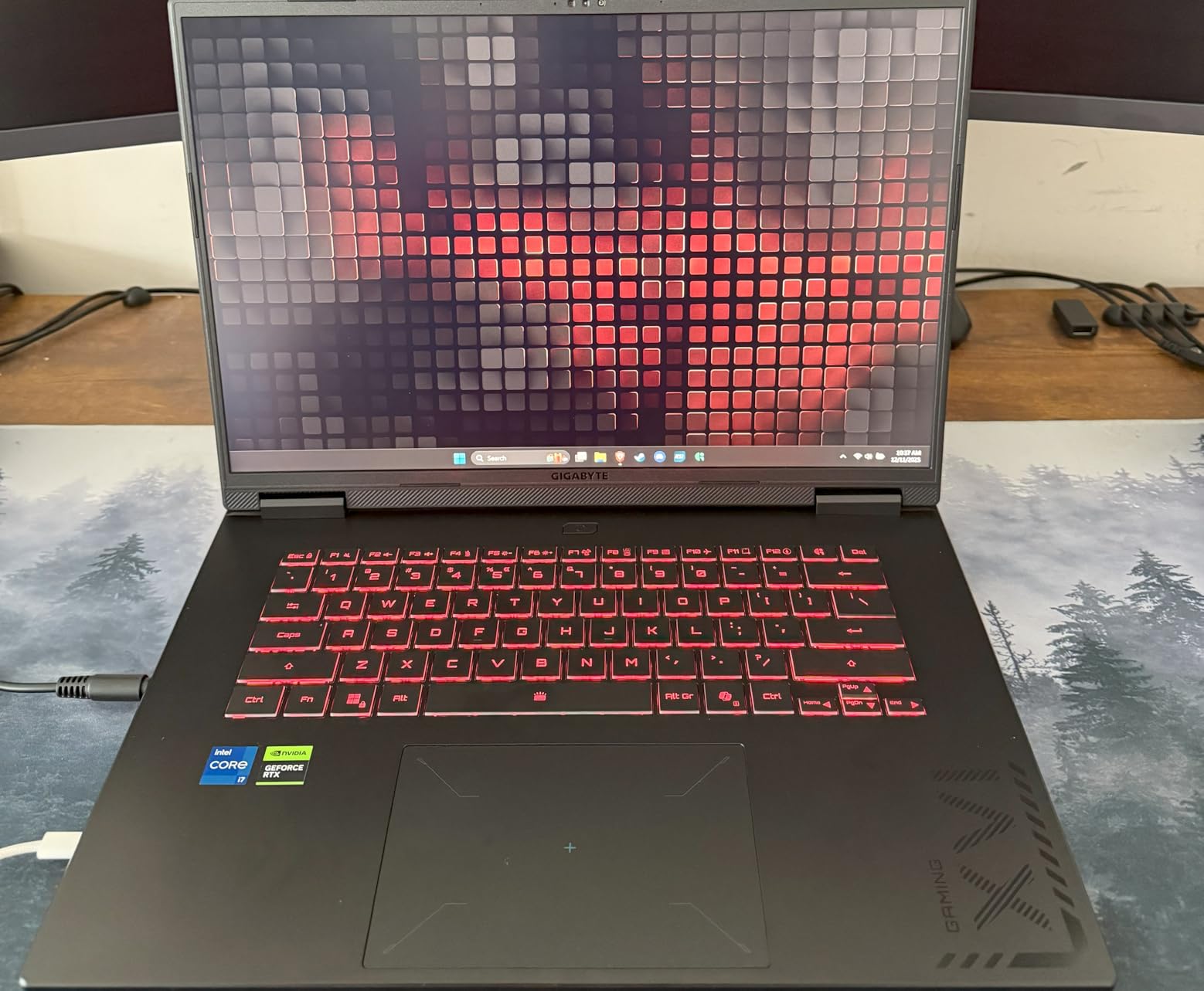
The GIGABYTE Gaming A16 solves a specific problem: getting 32GB of RAM and an RTX 5070 into a 4.9 pound, 19.45mm chassis. Most machines in this list make you compromise on one or the other. This one does not, and that combination is rare.
The RTX 5070 Laptop GPU sits on Blackwell architecture with 8GB of GDDR7, plus DLSS 4, Max-Q and NVIDIA Studio support. The i7-13620H has 10 cores at up to 4.9 GHz, which is a capable pair for modeling and moderate GPU rendering.
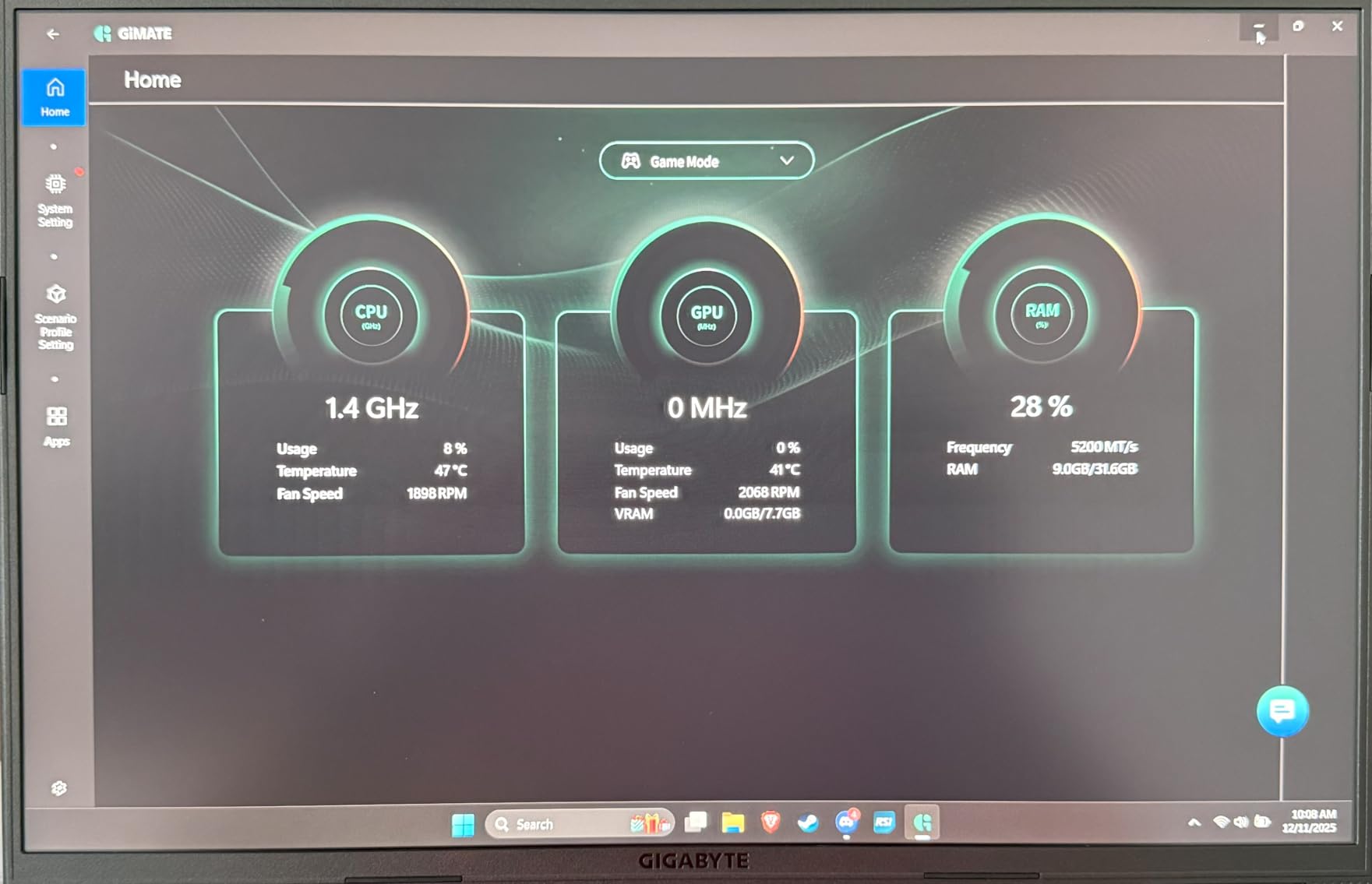
The 16-inch 16:10 matte IPS panel at 165Hz and 25ms response is comfortable for extended modeling work, and the 180-degree hinge lets you lay the machine flat for shared viewing or stable placement when a colleague wants a look at a model.
What you give up is panel quality. At 1920×1200 and 300 nits, this is not a retina-class canvas, and it is too dim for colour-critical output. If your deliverable is judged on final render accuracy, look at the OLED options instead.
Reviewers otherwise highlight an unusually strong spec-to-cost ratio, and the four memory slots mean you can expand well past 32GB. The GiMATE assistant and other preinstalled utilities add to the software load, and the 2x 2W speakers are basic.
How the 8GB of VRAM limit shows up in practice
Eight gigabytes of GDDR7 handles dense assemblies, moderate texture libraries and preview-quality GPU rendering without drama. Push into very large scenes or heavy GPU rendering and you will feel the ceiling, because VRAM cannot be upgraded on a laptop.
The 76 watt-hour battery helps here compared with some rivals, and the machine stays portable at 4.9 pounds even with a 16-inch panel.
Who should buy it, and who should not
Buy it if you need 32GB out of the box, you carry your machine between sites, and you do modest rendering alongside modeling.
Skip it if colour accuracy is part of the deliverable, if you need more than 8GB of VRAM for heavy rendering, or if you want a high-density display for detailed drafting.
7. Acer Predator Helios Neo 16 – 12GB of VRAM for large scenes
acer Predator Helios Neo 16 AI Gaming Laptop | Intel Core…
Core Ultra 9 275HX 24 cores
RTX 5070 Ti 12GB GDDR7
16GB DDR5-6400 SODIMM
16-inch 500-nit 240Hz DCI-P3
Pros
- 12GB of VRAM on the RTX 5070 Ti is future-proof for large scenes
- Core Ultra 9 275HX gives excellent multi-core throughput
- 500-nit 2560x1600 240Hz panel at up to 100 percent DCI-P3
- Time Spy scores around 17600 and strong external display performance
- Good build with a metal lid and little keyboard flex
- Rear ports keep installations tidy
Cons
- Only 16GB DDR5 is included and a BIOS update is needed after upgrading
- Fans get loud in performance and overclock modes
- Reported USB-C port reliability issues
- Heavy at 6 lb with a large power brick
- Battery life around 2 hours of general use
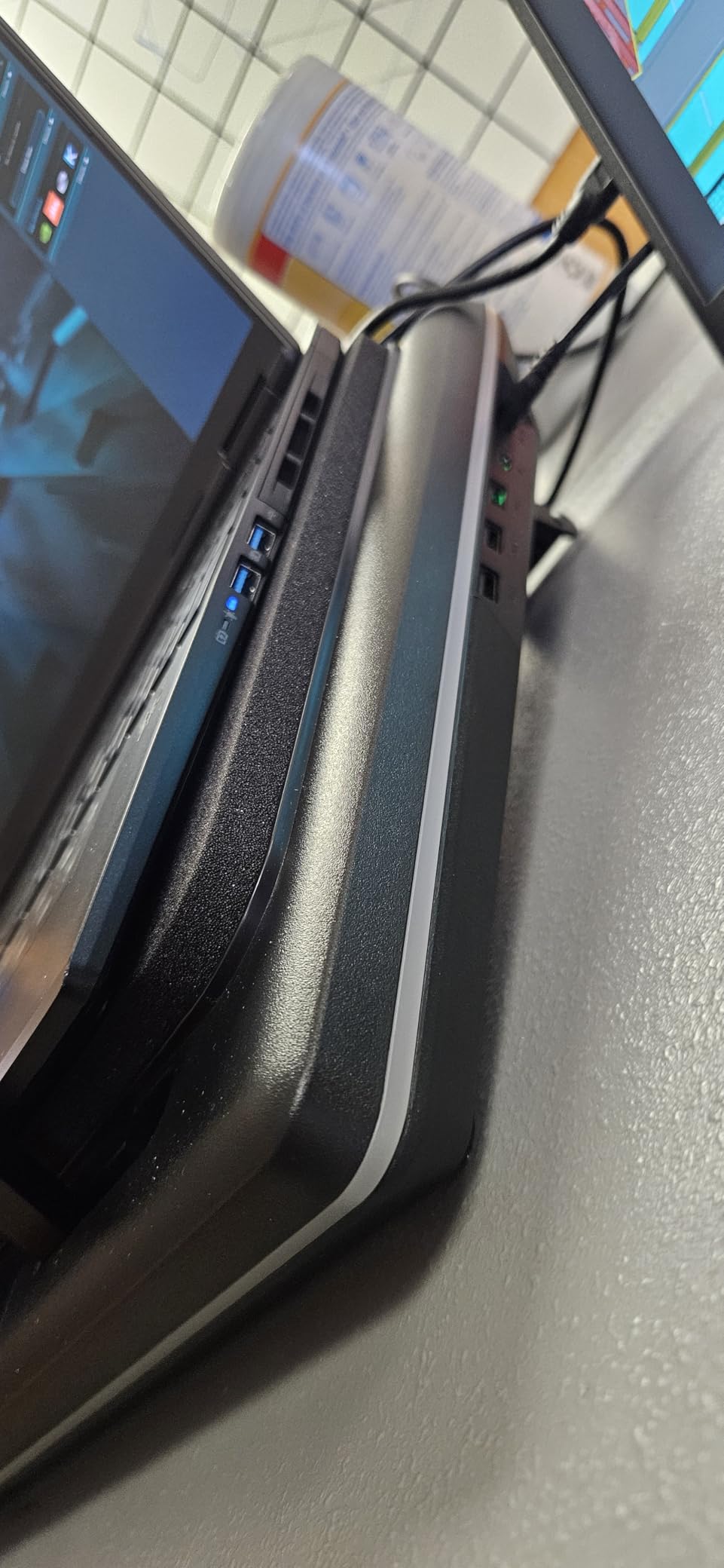
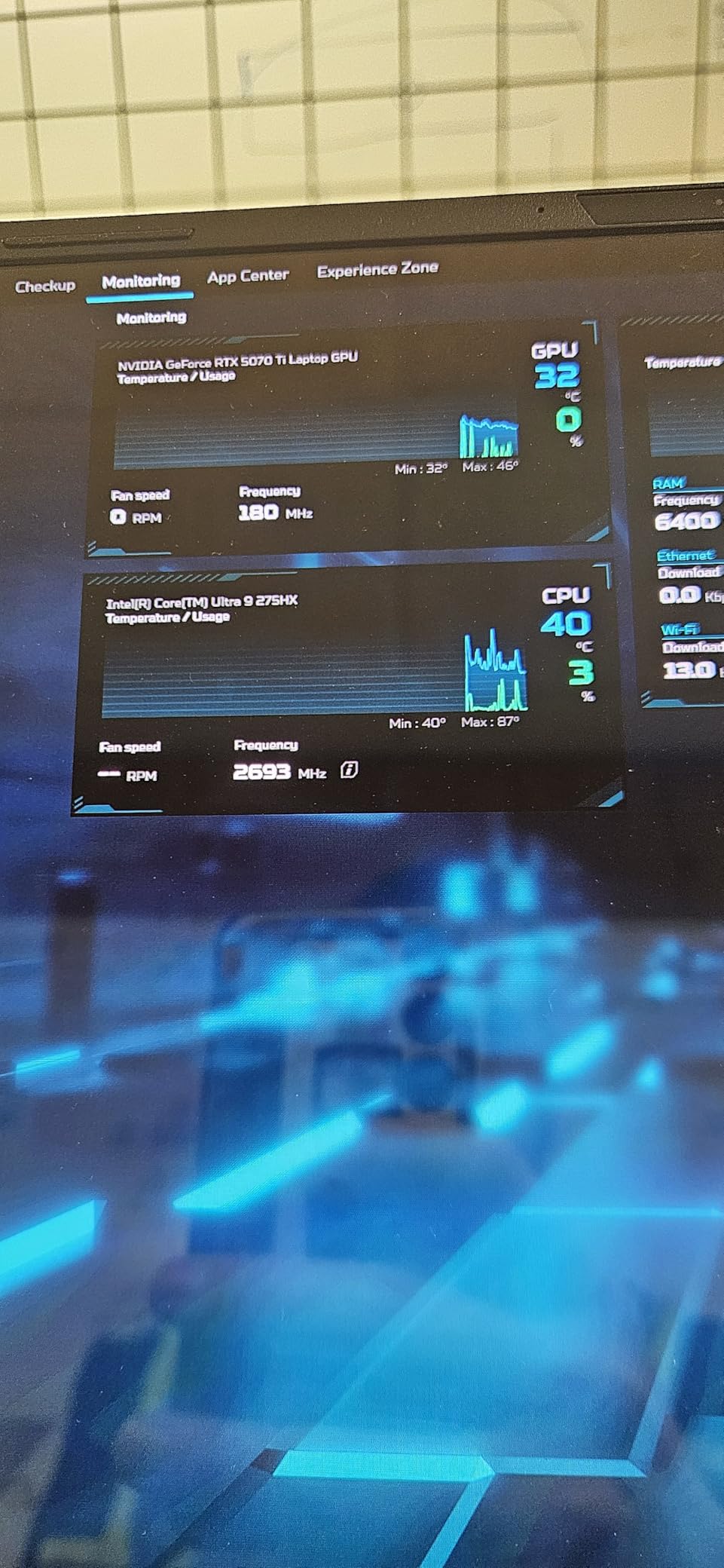
The Helios Neo 16 is the VRAM answer in this list. The RTX 5070 Ti carries 12GB of GDDR7, the second-largest graphics pool in this group after the 16GB in the Legion Pro 7i, and that is the single most useful number for anyone working with dense assemblies, large BIM models or heavy GPU rendering.
Paired with the Core Ultra 9 275HX at 24 cores and up to 5.4 GHz, multi-core throughput is excellent. That is what simulation, rendering and multi-application work all lean on, and owners report driving a 3440×1440 external display very strongly.
The display is the sleeper feature. A 16-inch 16:10 WQXGA panel at 2560×1600, 500 nits, 240Hz, 3ms overdrive, with G-SYNC, Advanced Optimus and up to 100 percent DCI-P3 coverage is a genuinely good colour canvas for design work, and better than most of its class.
The memory is the catch. Only 16GB of DDR5 arrives, and multiple owners recommend upgrading to 32GB and report crashing until the BIOS is updated after adding RAM. Do the upgrade, then update the BIOS before you trust it with a project.
It is also heavy at 6 lb, the power brick is large, battery life is around two hours of general use, and fans get loud in performance and overclock modes. A few owners report USB-C port reliability issues on this model specifically.
Why 12GB of VRAM changes what you can model
VRAM is the resource CAD and 3D work runs out of first. Once a large assembly or a dense texture set exceeds what the GPU has, frame times collapse or the application falls back to system memory, and everything gets slower.
Twelve gigabytes buys you headroom that 8GB cards do not have. Combined with the 500-nit 240Hz panel, this is the machine we would choose for architectural visualization work that has to happen on a laptop.
Who should buy it, and who should not
Buy it if you do visualization or simulation on the go, you want a colour-accurate high-refresh panel, and you can accept 6 lb plus mains power.
Skip it if you need to carry it daily, if you will not upgrade the memory and update the BIOS, or if loud fans in performance mode would be a problem in a shared space.
8. HP ZBook X G1i – ISV-certified drivers for professional CAD
HP ZBook X G1i Laptop, NVIDIA RTX PRO 1000 Blackwell 8GB…
Core Ultra 7 265H 16 cores
RTX PRO 1000 Blackwell 8GB GDDR7
64GB DDR5-5600
Windows 11 Pro, 3-year warranty
Pros
- Genuine mobile workstation with ISV certification for AutoCAD
- SolidWorks
- Revit
- ANSYS and MATLAB
- 64GB DDR5 as standard gives enormous headroom
- RTX PRO 1000 Blackwell professional GPU with certified drivers
- Only 4.5 lb with an 83 watt-hour battery
- Windows 11 Pro with BitLocker and a 3-year HP warranty
Cons
- Only 3 reviews on this listing so long-term reliability is undocumented
- 1920x1200 300-nit display is modest for colour-critical work
- 8GB of GPU memory is small for heavy GPU rendering
- Sold by a third-party reseller rather than direct from HP
- Speakers are not especially loud
The ZBook X G1i is the only certified mobile workstation in this group, and for professional CAD that single fact can outweigh every other spec. It is ISV certified for AutoCAD, SolidWorks, Revit, ANSYS and MATLAB, which means the drivers are validated against those applications rather than merely compatible.
That matters because certified drivers are the answer to the driver instability that forum users report with consumer GPUs in SolidWorks, Revit and COMSOL. When an application crashes on a mismatched driver, the fix is usually a certified one.
The hardware underneath is calm and modern: an Intel Core Ultra 7 265H with 16 cores and 24MB of L3 cache, an RTX PRO 1000 Blackwell mobile GPU with 8GB of GDDR7, and 64GB of DDR5-5600 as standard. That memory figure alone would satisfy most large-assembly work on day one, which removes the upgrade question entirely.
At 4.5 lb with an 83 watt-hour battery, it is the lightest workstation-class machine here. It drives up to three external monitors at 4K 60Hz through HDMI 2.1 or Thunderbolt 4 without a dock, and carries 2x Thunderbolt 4, 2x USB-A, RJ-45 Ethernet and an SD reader. Windows 11 Pro with BitLocker, HP Wolf Pro Security and a 3-year warranty round out a professional package.
One owner also reported a clean Windows install with no trial bloatware, which is unusual at this level, and Cinebench results that came in faster than a comparable Intel Core i9 in their testing.
The honest caveat is the size of the review base. There are only three reviews on this listing, and all three are 5-star, which tells you very little about reliability over three years. Treat the ISV certification, 64GB memory and 3-year warranty as the more reliable indicators. The 1920×1200 300-nit display is also modest for colour-critical design, and the machine is sold by a third-party reseller rather than direct from HP.
Whether the RTX PRO 1000 is worth it for modeling
For viewport work in SolidWorks, Revit and AutoCAD, certified drivers and predictable behaviour are the payoff, not raw graphics throughput. The RTX PRO 1000 is an 8GB part, so it is not the choice for heavy GPU rendering.
For organizations that standardize on a managed fleet, Windows 11 Pro, BitLocker, a 3-year warranty and on-site-capable support are often the deciding factors over a consumer machine with a faster GPU.
Who should buy it, and who should not
Buy it if your employer requires certified drivers, you handle large assemblies daily, and memory headroom today matters more than graphics headroom tomorrow.
Skip it if you are a student with light coursework, if you need a high-resolution colour-accurate display, or if you want a heavily reviewed machine rather than a thin review base.
9. Lenovo Legion 5i – 32GB as standard, ready for SolidWorks coursework
Lenovo Legion 5i Gaming Laptop – NVIDIA GeForce RTX 4070 8G…
Core i7-14650HX 14th gen
RTX 4070 8GB GDDR6
32GB DDR5
16-inch WQXGA 2560x1600
Pros
- 32GB DDR5 as shipped avoids immediate memory pressure
- RTX 4070 8GB plus the i7-14650HX is a large jump over previous mobile GPUs
- 2560x1600 16:10 panel with some units at 165Hz
- Second M.2 slot makes storage expansion quick
- Lenovo Vantage allows direct CPU and GPU performance mode selection and overclocking
Cons
- Weak battery life especially with the discrete GPU active
- Some units arrived with cracked screens or dead pixels and slow returns
- Reported speaker audio issues
- 512GB SSD is small for large texture libraries
- Plastic chassis and refresh rate varies by unit
The Legion 5i is the most straightforward answer for SolidWorks coursework. Thirty-two gigabytes of DDR5 as standard is unusually generous for a mid-range machine, and it means a first-year student is not immediately memory constrained when an assembly grows.
The RTX 4070 with 8GB of GDDR6 alongside the 14th gen Core i7-14650HX is a solid pairing, and owners confirm a big performance jump over previous-generation mobile GPUs. The 16-inch 2560×1600 16:10 WQXGA panel gives a dense canvas, with some units shipping at 165Hz.
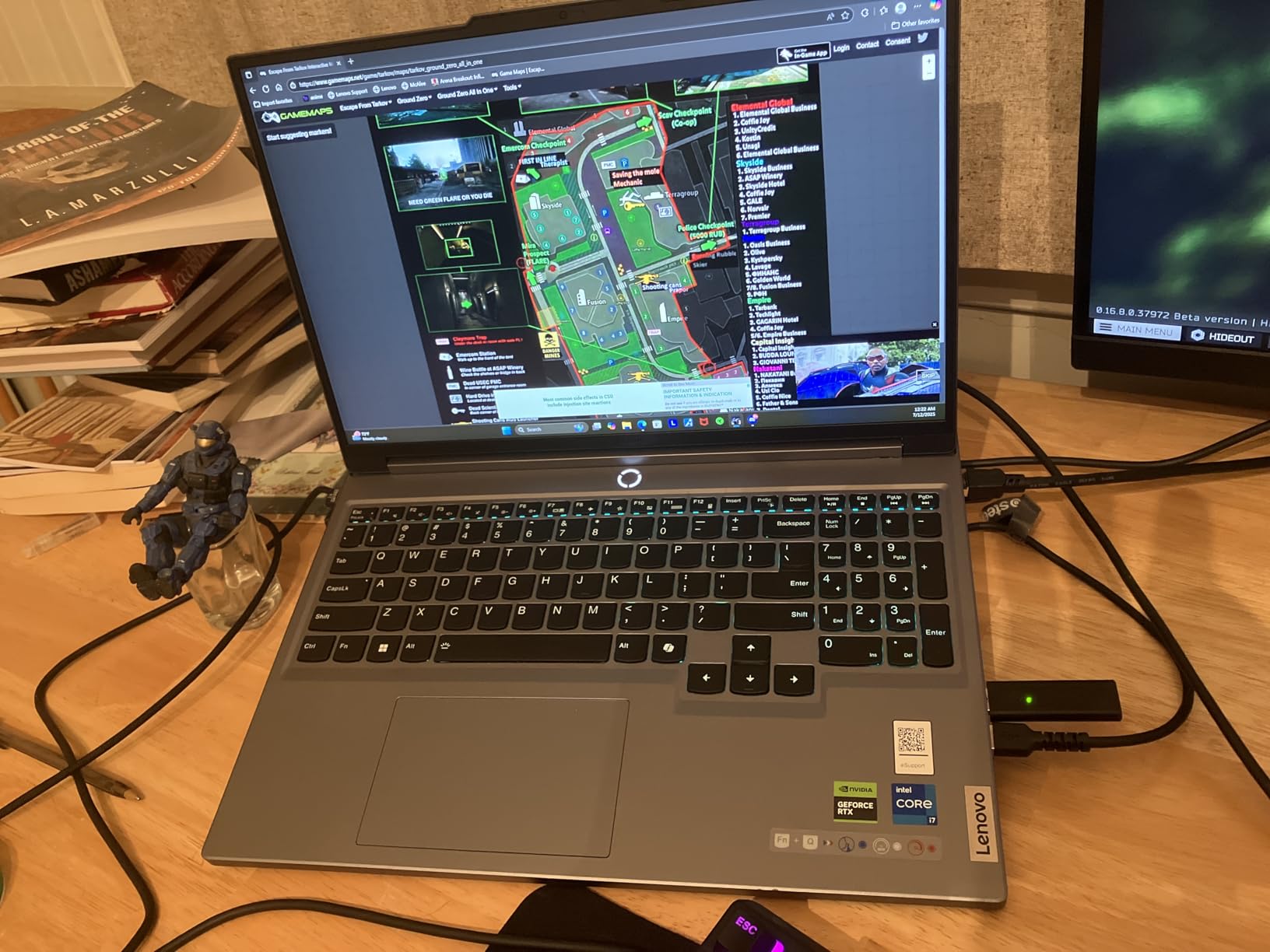
Lenovo Vantage is worth knowing about. It lets you pick CPU and GPU performance modes directly and overclock, which gives you an easy answer when a thermal slowdown shows up in a long session. Fans stay within reasonable noise even at full blast and the chassis stays cool, in a thick, durable plastic body.
Storage is the practical gap. The 512GB SSD fills fast once you add a texture and asset library, so several owners immediately add a drive through the second M.2 slot. A 230W slim tip charger and an 80 watt-hour battery are included, with rapid charge adding about two hours in fifteen minutes.
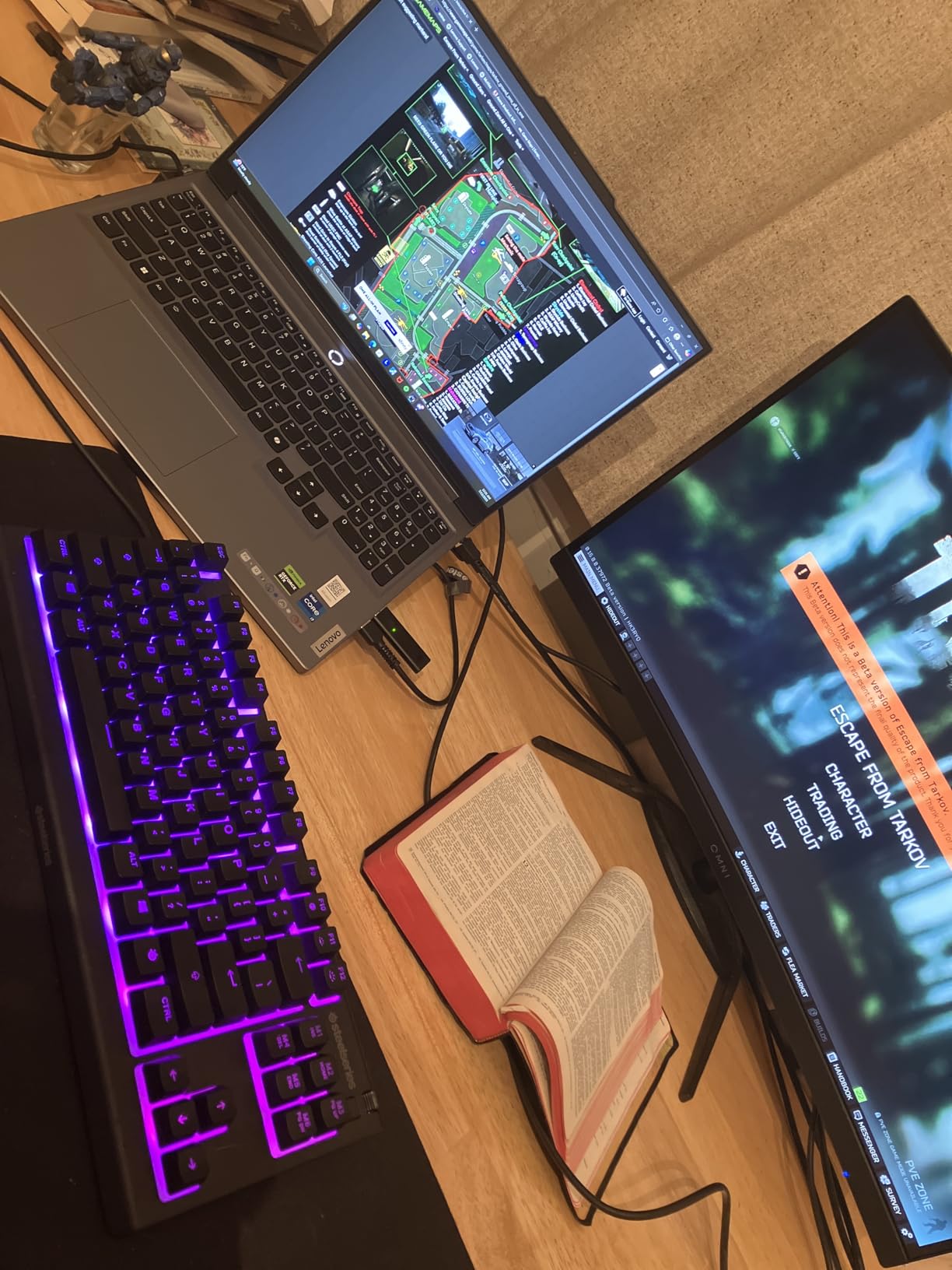
Quality control is the weak thread in owner feedback. Some units arrived with cracked screens or dead pixels and the return process was slow, and there are reports of speaker audio issues. The 4.0 rating with a 19 percent one-star share reflects that panel variance rather than a performance problem.
How to buy around the quality control variance
Inspect the display immediately on arrival, with a full-screen image and a solid colour field, before the return window closes. That single check catches most of the panel issues owners report.
Battery life is weak, especially with the discrete GPU active, and disabling the GPU helps. If you mostly model on mains, that trade is easy to accept.
Who should buy it, and who should not
Buy it if you are a student starting SolidWorks, you want 32GB without opening the machine, and you need a high-resolution 16-inch panel at 5.1 pounds.
Skip it if battery life matters to you, if you cannot tolerate checking the panel on arrival, or if you need a premium chassis feel.
10. Lenovo Legion Pro 7i Gen 10 – the desktop replacement
Lenovo Legion Pro 7i Gen 10 w/Ultra 9, NVIDIA GeForce RTX…
Core Ultra 9 275HX 24 cores
RTX 5080 16GB GDDR7 at 175W
32GB DDR5-6400
16-inch OLED 240Hz DCI-P3
Pros
- RTX 5080 with 16GB GDDR7 at 175W is the most powerful GPU here
- Ultra 9 275HX with 24 cores handles rendering and simulation with room to spare
- 16-inch 2560x1600 OLED at 240Hz with HDR 1000 True Black and 100 percent DCI-P3
- 32GB DDR5-6400 and a Gen 5 SSD with two M.2 slots
- Cooling holds temperatures down under custom fan curves
- Windows 11 Pro out of the box
Cons
- Very heavy at 7 lb and needs the 400W charger
- Battery life is roughly a few hours so it is effectively mains-powered
- Some units delivered with expired warranty or from another region
- Inadequate packaging and cushioning reported at this level
- Loud fans and only 24 reviews of long-term data
- OLED carries a small burn-in risk for static viewports
The Legion Pro 7i Gen 10 is the machine to buy when rendering is the primary job. The RTX 5080 Laptop GPU carries 16GB of GDDR7 at a 175W TGP with 1334 AI TOPS, the largest graphics pool in this group, and it is the only one here that meaningfully changes how long a heavy render takes.
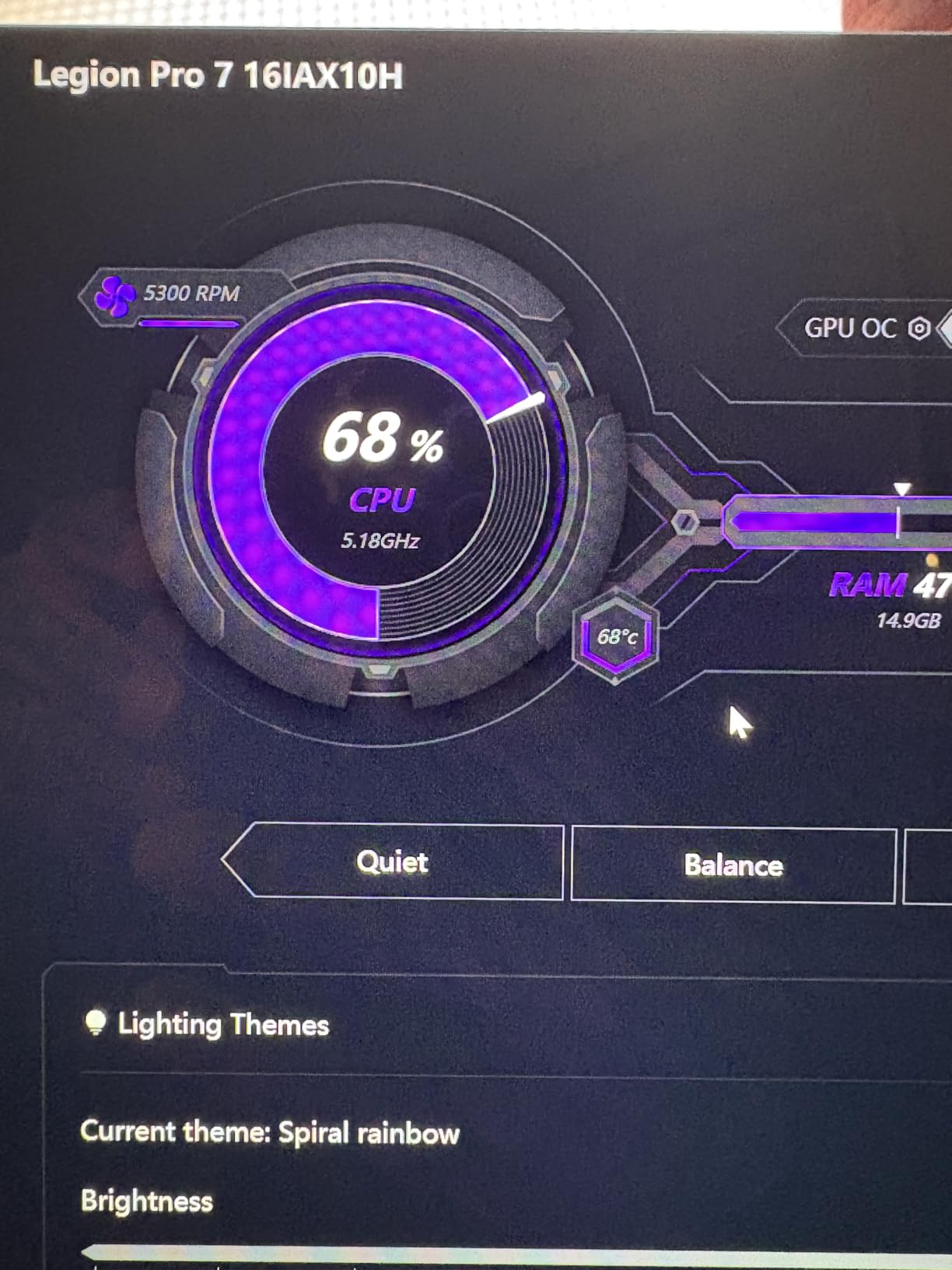
The Core Ultra 9 275HX gives 24 cores across 8P and 16E with 36MB of cache, and with 32GB of DDR5-6400 CSODIMM plus a PCIe Gen 5 TLC SSD across two M.2 slots, the platform is built to stay comfortable under load. Cooling holds temperatures down, with one owner never exceeding 75C on heavy work using custom fan curves.
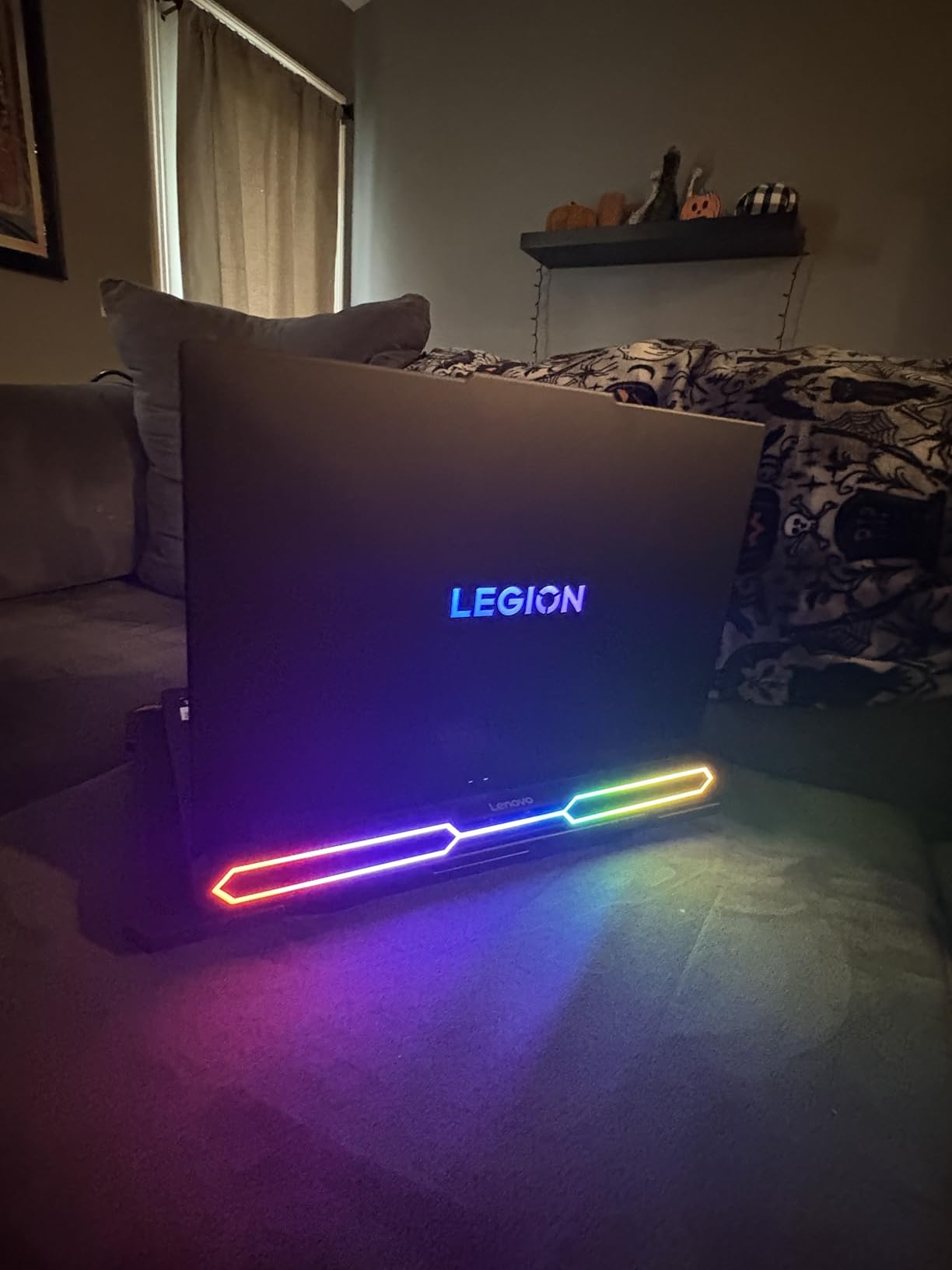
The display is the best on any machine here for visual work: a 16-inch 2560×1600 OLED at 240Hz with HDR 1000 True Black, 100 percent DCI-P3 and 500 nits. For a renderer or a texturer that is a reference-grade canvas, and the low blue light mode helps during long sessions.
Windows 11 Pro 64 arrives out of the box, along with a per-key RGB backlit keyboard, Wi-Fi 7, Bluetooth 5.4, gigabit Ethernet and a 5MP camera with a privacy shutter. That Pro licence is a genuine differentiator for professional work.
It is also the least portable option here at 7 lb, it needs the 400W slim tip charger, and the 99.99 watt-hour battery lasts roughly a few hours. There are reports of units delivered with expired warranty or from another region, and inadequate packaging for a machine at this level.
Whether an OLED viewport is a good idea for CAD
OLED gives you true blacks, high contrast and a wide gamut, which is exactly what you want when judging final output. The trade-off is that a static CAD viewport kept on screen for hours carries a small burn-in risk, which is why the low blue light and panel cycling options matter on a long session.
With only 24 reviews, the long-term reliability signal here is thin but positive. The hardware is not the concern; the delivery experience is.
Who should buy it, and who should not
Buy it if you render seriously, you work from a desk, and 16GB of VRAM plus a reference-grade OLED is the combination you need.
Skip it if you need to carry the machine regularly, if you are still deciding between CAD packages, or if OLED burn-in risk on a static viewport bothers you. If you do, the best 3D scanners side of a modeling workflow is a better place to spend the budget while you decide.
What Specs Does a CAD Laptop Actually Need?
Start with the GPU and its VRAM, because that is where CAD and 3D work runs out first. An integrated-graphics laptop will stutter the moment a viewport tries to shade anything complex, and 8GB of VRAM is the practical floor today.
GPU and VRAM. RTX 4060-class cards with 8GB of GDDR6 handle AutoCAD drafting, most SolidWorks assemblies and moderate Blender scenes. RTX 4070 and RTX 5070 with 8GB are the sweet spot for mixed modeling and rendering. If you push into dense Revit coordination, 4K texture libraries or heavy GPU rendering, 12GB or 16GB is where you stop fighting the machine.
CPU. Modeling and simulation lean on multi-core throughput, so a current mobile Core i7, Core Ultra 7, Core Ultra 9 or Ryzen-class chip with 10 cores or more is a reasonable starting point. A Core Ultra 9 275HX at 24 cores is the ceiling in this list and it shows in render times.
RAM. Sixteen gigabytes is no longer enough for large assemblies. Thirty-two gigabytes is the minimum we would buy in 2026, and 64GB is the right target if you handle BIM coordination, FEA or CFD simulation. Prioritise machines with SODIMM slots you can reach, because soldered memory cannot be fixed later.
Storage. A 1TB NVMe drive is the floor. Multi-gigabyte project files and asset libraries exhaust a 512GB drive quickly, so look for a second M.2 slot before you look at anything else.
Display. Resolution matters more than refresh rate for this work. Look for at least 2560×1600 on a 16-inch panel, and check the colour gamut. Up to 100 percent DCI-P3 coverage and 500 nits is a genuinely good canvas; 300 nits and 1920×1200 is not.
Thermals. Sustained performance is where thin laptops lose. Check the cooling design, and check reviews for throttling reports rather than trusting a marketing term.
ISV certification. For professional work, certified drivers for the exact applications you use beat a faster consumer GPU. It is the reason the ZBook X G1i exists.
What each named package actually demands
AutoCAD 2D drafting and sheet sets are the least demanding, and any of these machines handles them comfortably. Revit and BIM coordination demand far more RAM and VRAM because a single model file can be enormous, so prioritize memory over GPU here.
SolidWorks parametric parts and assemblies are CPU and driver sensitive, which is where certified drivers help. Fusion 360 runs in the cloud for many users, so it needs less local power than people expect, though Fusion CAM and CNC toolpath simulation bring local rendering demands back.
Blender Cycles and Eevee are GPU-bound, and 3ds Max with Corona or V-Ray is GPU-bound with heavy ray tracing. Maya and 3ds Max animation adds a multi-core CPU requirement on top. None of those jobs are served well by an 8GB card once your scene is large, which is the single most common reason people upgrade a laptop two years after buying it.
Workstation or gaming laptop? The decision rule from the forums is simple. A gaming laptop is enough for CAD as long as thermals are adequate and you can get to 32GB. Buy a mobile workstation when your employer requires certified drivers, when the machine is a company fleet asset, or when a crash in the middle of a client deliverable is more expensive than the machine itself.
Laptops to Avoid for CAD and Why
Avoid any laptop that arrives with 8GB of RAM and 512GB of storage in 2026. That combination is below the minimum for anything beyond coursework, and if the memory is soldered you are stuck with it.
Also walk away from ultraportable thin laptops with only integrated graphics. They are fine for documentation and email and nothing more, and no amount of tuning will make the software run well on them.
Third, be careful with 8GB VRAM cards if your work includes large assemblies or GPU rendering. VRAM is not upgradeable on a laptop, so that limit is permanent.
Fourth, treat machines with unverified cooling reports skeptically. A review that mentions throttling, factory power limits or missing heatsink compound is telling you about your first long render.
Fifth, avoid any laptop whose display you cannot inspect before the return window closes, given the panel variance reported in this category.
Frequently Asked Questions
What specs does a laptop for 3D modeling need?
A discrete NVIDIA GPU with at least 8GB of VRAM, 32GB of system RAM, a 1TB NVMe SSD, a current multi-core processor with 10 cores or more, and a high-resolution colour-accurate display at 2560×1600 or better. For BIM coordination, FEA or CFD simulation, push to 64GB of RAM, and for heavy GPU rendering move to a 12GB or 16GB graphics card.
Are gaming laptops good for 3D modeling?
Yes, for modeling. A gaming laptop with 32GB of RAM handles AutoCAD, SolidWorks and most Revit work without trouble, provided thermals are adequate and the memory is upgradeable. Buy a mobile workstation instead when your employer requires ISV-certified drivers for AutoCAD, SolidWorks, Revit or ANSYS, or when the machine is a managed company asset.
Is 16GB RAM enough for 3D modeling?
Only for light work. Sixteen gigabytes is the bare minimum and will frustrate you on large assemblies, dense Revit models and multi-application sessions. Treat 32GB as the practical floor and check whether the laptop has SODIMM slots you can reach, because soldered memory cannot be upgraded later.
Do I need an RTX card for 3D modeling?
You need a discrete GPU, and an RTX card is the current standard choice. An 8GB RTX 4060 or RTX 5060 handles AutoCAD drafting, most SolidWorks work and moderate Blender scenes. Integrated graphics will stutter on complex viewports. For dense BIM models, 4K texture libraries or heavy Cycles and V-Ray rendering, look for 12GB or 16GB of VRAM.
What kind of laptop do I need to run Fusion 360?
Fusion 360 is less demanding than most people expect because much of it runs in the cloud. A current Core i5 or i7 class processor, 16GB of RAM and a discrete GPU with 8GB of VRAM is comfortable for modeling. Fusion CAM and CNC toolpath simulation push harder, so move to 32GB of RAM and a stronger GPU if you are programming machines rather than designing parts.
What laptop should I stay away from for CAD work?
Avoid laptops with 8GB of RAM and 512GB of storage, ultraportables limited to integrated graphics, and any machine whose reviews mention thermal throttling, factory power limits or poor heatsink compound. Also avoid 8GB VRAM cards if you work with large assemblies or GPU rendering, since laptop VRAM cannot be upgraded, and inspect the display carefully within the return window.
Final Verdict: Which CAD Laptop Should You Buy in 2026?
The ASUS ROG Strix G16 is the best laptop for CAD and 3D modeling overall, and we would not change that. The Core Ultra 9 275HX, RTX 5070 Ti, 32GB of DDR5 and the 2.5K 240Hz panel cover modeling, rendering and colour-critical viewport work in one chassis, with cooling that holds up under sustained load.
Buyers on a tighter budget should look at the Acer Nitro V 15, which delivers an RTX 4060 and a Core i9 on a 4.7 pound chassis with memory and storage you can upgrade yourself. Students who want 32GB out of the box should start with the Lenovo Legion 5i, and macOS-native 3D users should read the MacBook Pro 16 review before looking anywhere else.
Whatever you choose, check three things before you pay: 32GB of RAM, 8GB of VRAM or more, and slots you can reach. Get those right and the best laptops for CAD and 3D modeling are all a safe place to spend.
Whichever machine you land on, measuring what comes off it accurately is the next step. Our guide to the best modeling clay for stop motion animation and the wider 3D scanning roundups will help you build the asset library those files point at.
