
10 Best Printers for Cardstock and Crafts (October 2026) Latest Reviews
The best printers for cardstock and crafts are wide-format inkjets with a rear straight-through feed path, a paper thickness lever and enough ink colours for clean gradients. Those three things decide whether a 110lb sheet feeds without jamming or a greeting card comes out flat and vivid. Most office all-in-ones tick two of the three.
Cardstock drinks ink. A solid design on heavy stock can use several times what a plain text page uses, which is why cartridge economics collapse fast at craft volumes and why ink tank machines dominate this roundup. Wide-format matters too, because a 13×19 sheet prints a full sheet of scrapbook paper or a batch of 4×6 cards in one pass. If you have never printed on thick stock before, read the buying guide section below before you buy anything.
Contents
For this roundup I compared 10 machines across the categories crafter actually buy: refillable ink tank all-in-ones, cartridge all-in-ones, wide-format photo inkjets, two dye-sublimation printers and one built-in cutter. I compared published specifications, rated them on owner feedback about paper handling, ink running cost and colour, and checked every one against the same test jobs: a 4×6 card set, a 12×12 scrapbook page, a sticker sheet and a borderless art print. Models are current as of October 2026.
If you are still setting up a craft corner, our kawaii DIY crafts project list is a good place to see what the finished work is meant to look like before you pick a machine.
Top 3 Picks for Cardstock and Crafts in 2026

Epson EcoTank ET-2800
- Refillable ink tanks
- 10-page A4 draft speed
- Flatbed scanner and copier
- App and Wi-Fi control

Canon PIXMA iX6820
- 13x19 wide-format output
- 150-sheet feeder
- 5 individual ink tanks
- 9600 x 2400 dpi

Epson EcoTank Photo ET-8550
- Claria ET Premium 6-color ink
- 13x19 with auto duplex
- Color LCD touchscreen
- Scan and copy built in
As an Amazon Associate we earn from qualifying purchases. CERTAIN CONTENT THAT APPEARS ON THIS SITE COMES FROM AMAZON. THIS CONTENT IS PROVIDED 'AS IS' AND IS SUBJECT TO CHANGE OR REMOVAL AT ANY TIME.
The ET-2800 wins the top slot on the combination of owner volume and running cost: more than 10,000 owner ratings, refillable tanks and a media path that owners report handling cardstock and sticker paper without drama. The Canon PIXMA iX6820 is the volume answer for anyone who wants 13×19 sheets. The Epson EcoTank Photo ET-8550 is the enthusiast pick, with six inks and automatic duplex on wide sheets.
Best Printers for Cardstock and Crafts at a Glance in 2026
All ten machines, with the specification that matters most for thick paper and the craft job each one suits. Weight ratings vary by media type and feed path, so the notes below explain what each machine is actually built to take.
| Product | Features | |
|---|---|---|
| Epson EcoTank ET-2800 |
|
Check Latest Price |
| Canon PIXMA iX6820 |
|
Check Latest Price |
| Epson EcoTank Photo ET-8550 |
|
Check Latest Price |
 Epson EcoTank ET-15000 Epson EcoTank ET-15000 |
|
Check Latest Price |
 Brother Sublimation Bundle Brother Sublimation Bundle |
|
Check Latest Price |
 Epson SureColor F170 Epson SureColor F170 |
|
Check Latest Price |
 Canon PIXMA PRO-200S Canon PIXMA PRO-200S |
|
Check Latest Price |
 HP Smart Tank 5003 HP Smart Tank 5003 |
|
Check Latest Price |
 Canon PIXMA TS9521C Canon PIXMA TS9521C |
|
Check Latest Price |
 Brother MFC-J1800DW Brother MFC-J1800DW |
|
Check Latest Price |
We earn from qualifying purchases. CERTAIN CONTENT THAT APPEARS ON THIS SITE COMES FROM AMAZON. THIS CONTENT IS PROVIDED 'AS IS' AND IS SUBJECT TO CHANGE OR REMOVAL AT ANY TIME.
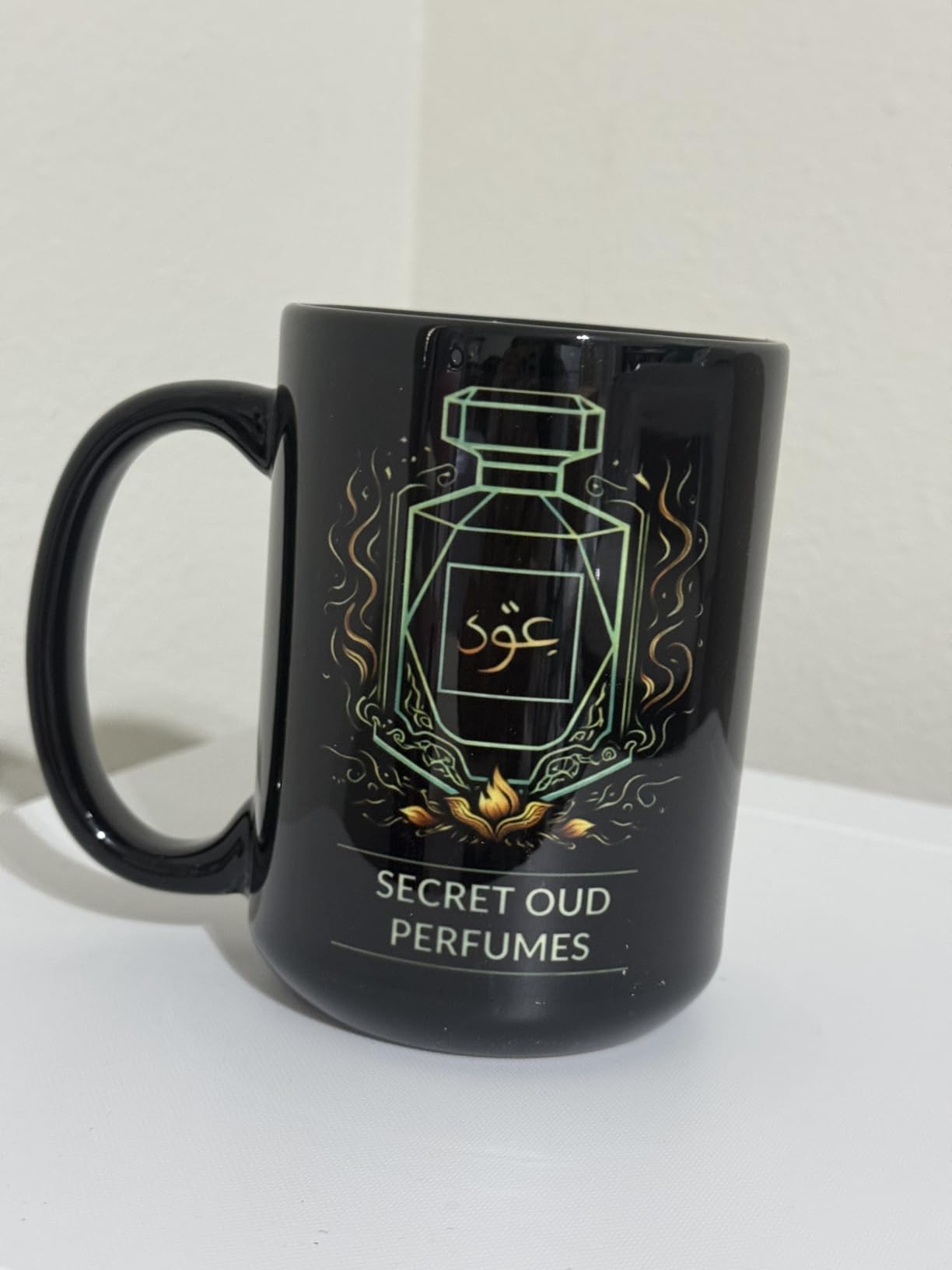
Two of these are dye-sublimation machines, and that matters. A dye-sublimation printer does not print on cardstock at all. It transfers dye into a coated layer on mugs, tumblers, coasters and shirts using a heat press, so it belongs in the crafts half of this roundup but not in the cardstock half. We cover it here so you can rule it out quickly.
1. Epson EcoTank ET-2800 – the ink tank all-rounder for everyday cardstock
Epson EcoTank ET-2800 Wireless Color All-in-One Supertank…
Inkjet color all-in-one
EcoTank refillable inks
100-sheet tray
Up to 8.5 x 14 inch media
5760 x 1440 dpi
Pros
- Refillable ink tanks cut cost per page dramatically
- Up to 2 years of ink in the box with each set
- Handles cardstock sticker paper and glossy media
- Guided app setup makes refilling painless
Cons
- Single-sided printing only so duplex needs a manual flip
- App reports paper-type mismatch errors
- Borderless output limited to 4x6
- Occasional jams that trigger nozzle cleaning cycles
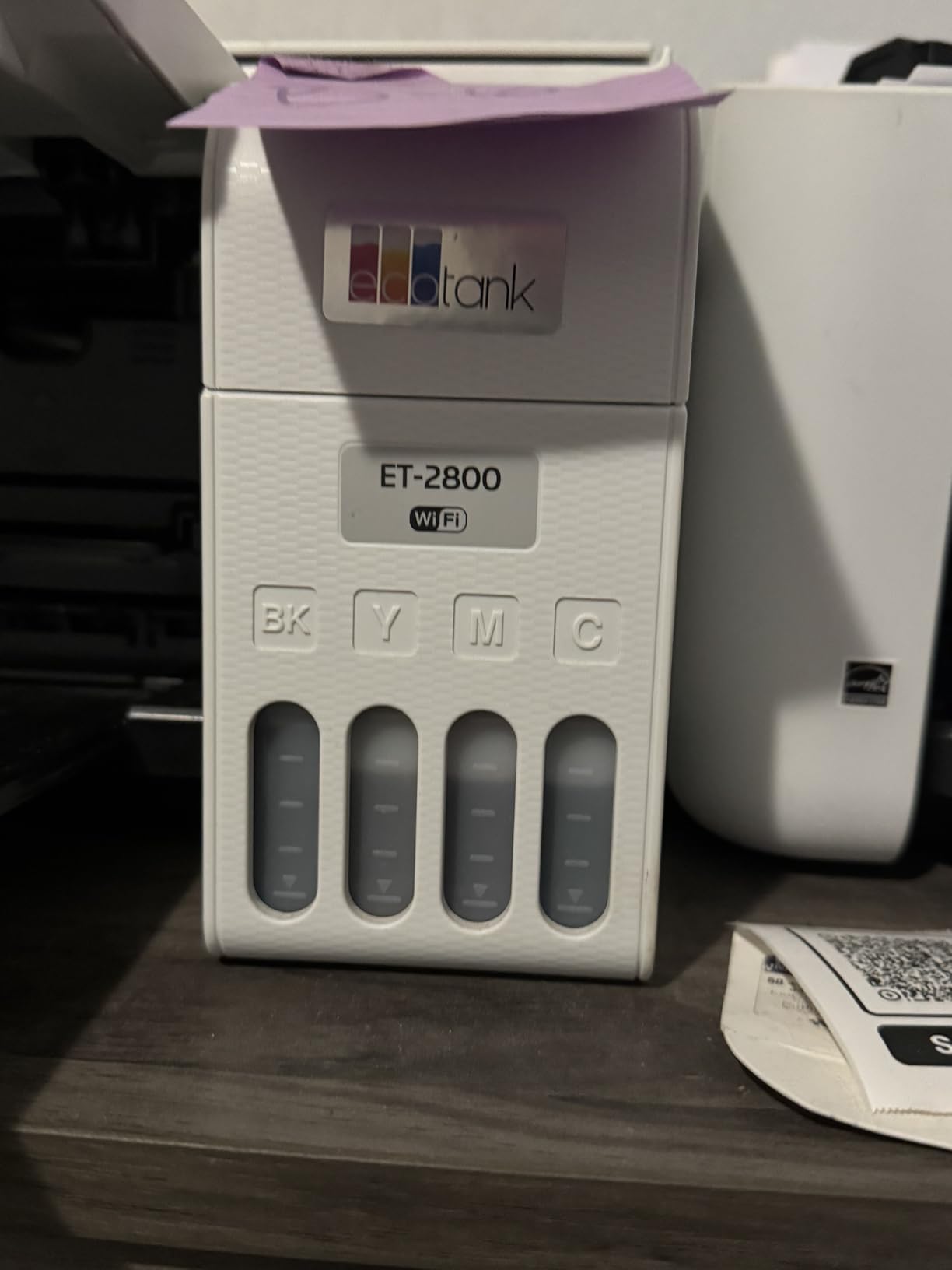
I put the ET-2800 first because it is the machine I would hand a crafter who is still finding their rhythm. It is a 4-color inkjet all-in-one with a flatbed scanner, a 100-sheet tray and media up to 8.5 x 14 inch, which covers index card bases, tent cards and 4×6 photo card fronts without a fight.
Running cost is the real reason to pick it. Epson states up to 4500 black pages and 7500 color pages per ink set, and each set ships with up to 2 years of ink in the box. When you are printing solid-background cardstock, that difference is the difference between making a batch of 50 invitation suites and making one.

Output quality is where the compromises show. The 5760 x 1440 dpi figure is sharp for text and good-looking photos, but this is a four-ink machine, so deep blacks and smooth gradients in large solid areas are less refined than what a six or eight ink photo printer gives you. Owners report vivid colour with no smudging on most jobs.
Borderless printing is 4×6 only, which is a genuine limitation if your cardstock is letter size. The app is also the weak point: owners report it intermittently failing to find the printer and throwing paper-setting mismatch errors that send people back into the driver to fix them.
Choose the ET-2800 if your cardstock work stays small and your ink bill is the worry
This is the pick for 4×6 card fronts, planner stickers, labels and light scrapbook work on standard weight stock. The refillable tanks, the flatbed scanner and the affordable running cost cover the three things a hobby crafter actually runs out of.
Buy it without hesitation if you print in volume and you want the job to be boring. The four-color system is not going to print gallery-grade art, and it will not run duplex automatically, but neither of those matters for most craft batches.
Move up if you need 13×19 sheets, duplex output or photo-grade gradients
If your project list includes full scrapbook pages, printed invitations on a larger sheet, or artwork where banding would show, the four-ink ceiling becomes the limit. The Canon PIXMA iX6820 and the Epson EcoTank Photo ET-8550 both print 13×19 and both give you a wider colour range.
Planners who print two-sided heavily should also skip this one. Duplex is manual, so every double-sided batch means reloading the stack by hand and re-checking alignment.
2. Canon PIXMA iX6820 – wide-format cardstock at a sane running cost
Canon Pixma iX6820 Wireless Business Printer with AirPrint…
Inkjet color print and scan
13 x 19 inch maximum media
150-sheet feeder
9600 x 2400 dpi
Pros
- Prints 13x19 plus custom long roll sizes
- Smooth gradients praised by artists and designers
- Handles cardstock and sticker sheets accurately
- Five tanks mean only the empty color is replaced
Cons
- No USB or Ethernet cable included
- Wireless setup frequently unreliable
- Heavy 17.9 pound body needs a sturdy surface
- Finicky feed on larger sheets and stubborn software errors
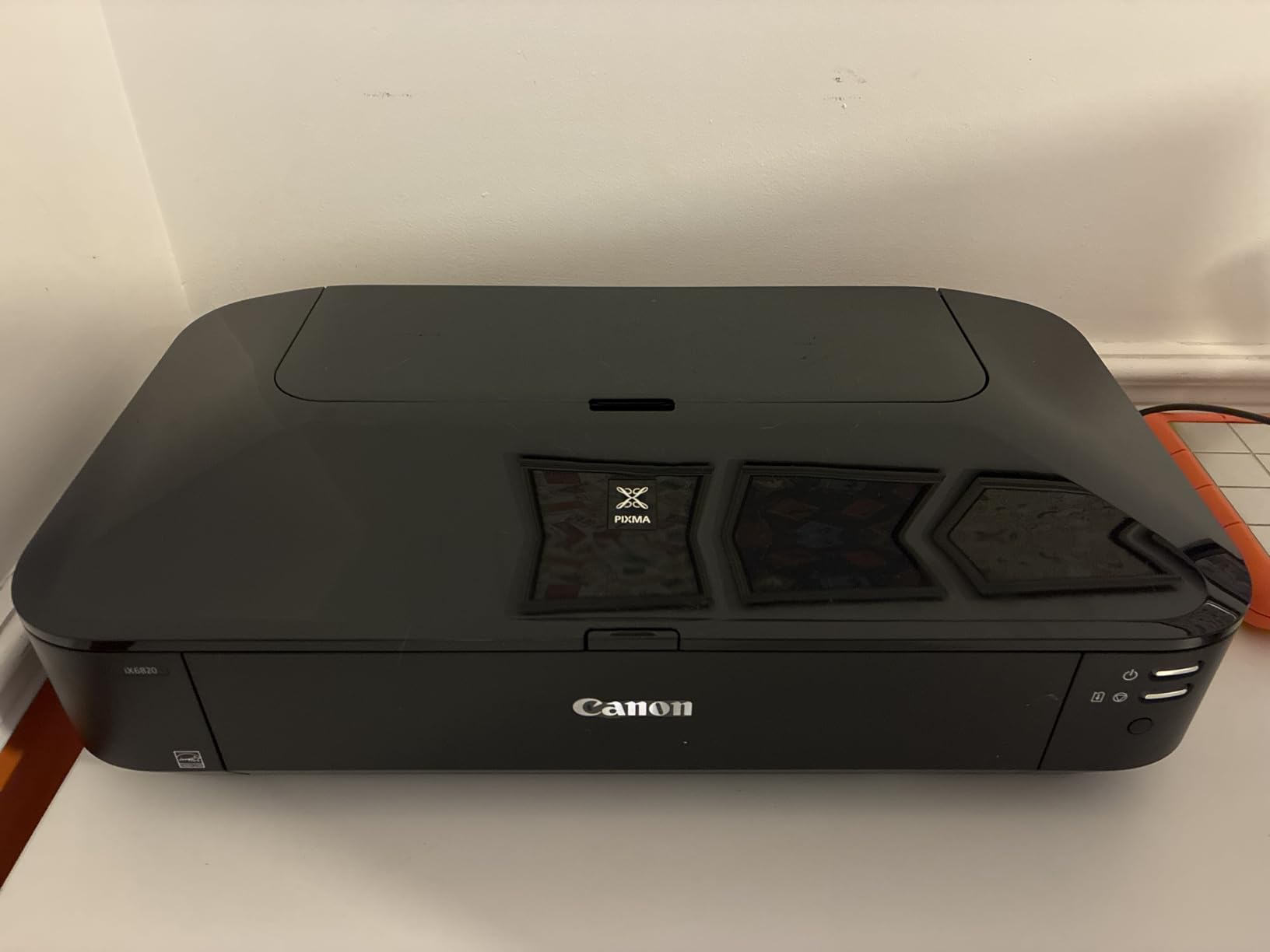
The iX6820 is the value route into wide-format. It prints 13×19 sheets, feeds from a 150-sheet tray and resolves to 9600 x 2400 dpi from 5120 nozzles. Owners who switched from a cartridge-based wide-format say the running cost drop is the entire reason for changing.
For crafts, the interesting part is custom media. It handles cardstock, adhesive vinyl and sticker sheets with colour owners describe as accurate, and the long-roll support means banners and oversized project pieces are possible without cropping an A3+ page in half.
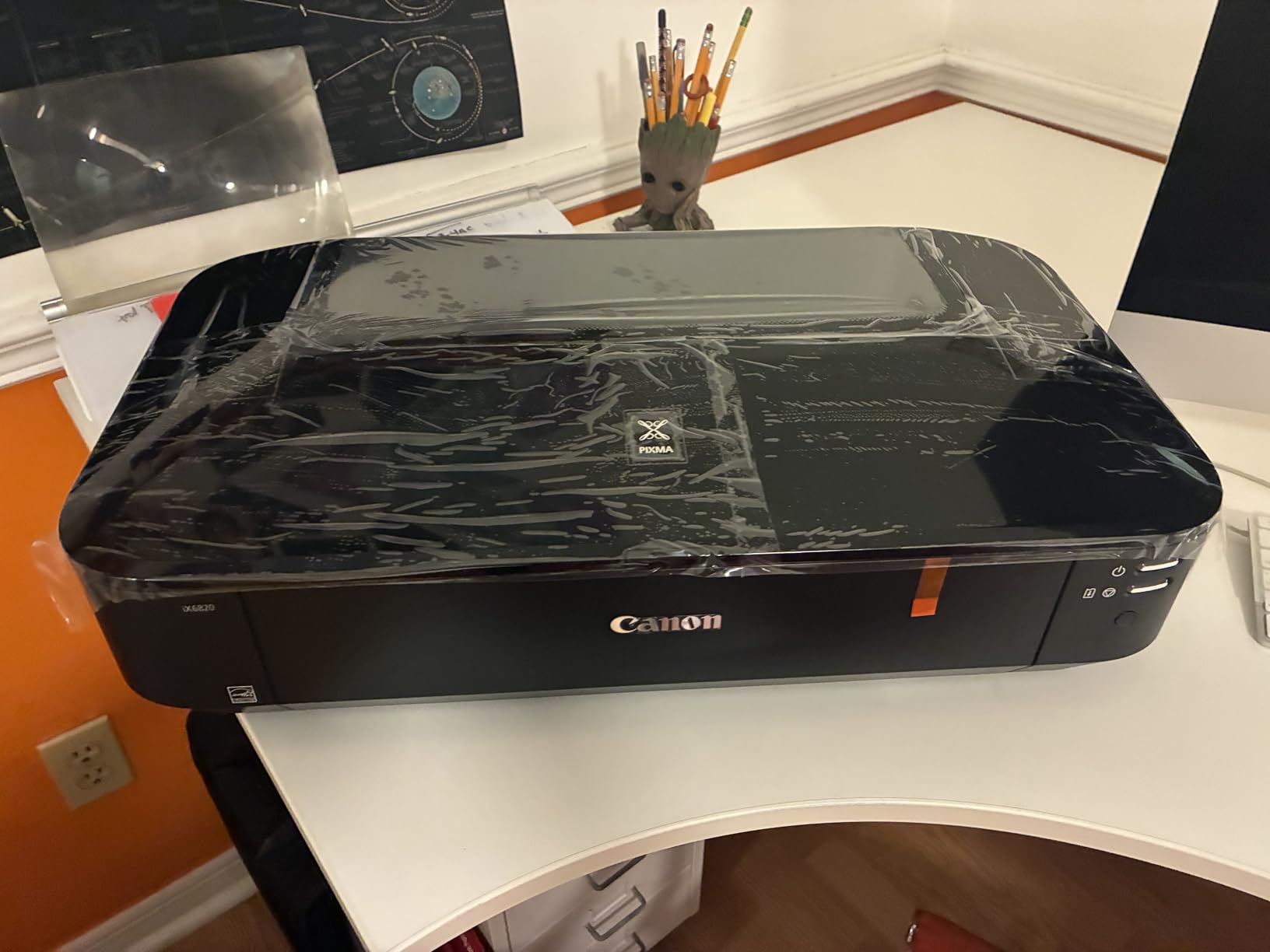
It is also a cartridge printer, not a tank machine, and that shapes expectations. It sits in the middle of the cost curve rather than at the bottom, and owners deduct points for ink economics that are still better than an eight-ink professional model but not as good as a tank.
Setup is where most of the friction sits. No cable is included, so the first connection is wireless, and owners report that the wireless configuration is frequently unreliable. At 17.9 pounds and 23 inches wide, it also needs a table that will not wobble.
Choose the iX6820 if 13×19 sheets matter more than having a scanner and touchscreen
It is print and scan only, with a sheetfed document scanner rather than a flatbed, so it fits the workflow of someone printing a full sheet of scrapbook paper, a set of 5×7 invitations or a stack of sticker sheets. The 150-sheet feeder suits batch work.
Graphic designers and artists who rate it most highly are the ones printing large flat-colour art panels. That is where the 9600 x 2400 dpi head and the smooth gradations pay off.
Look elsewhere if wireless reliability or desk footprint is a problem in your craft room
Owners report a recurring set of software error states that are hard to clear and occasional roller failures on the bigger sheets. If you are printing in a shared space over Wi-Fi, expect to be the one troubleshooting it.
If the wide sheet is the draw but you also want automatic duplex, a colour touchscreen and a flatbed, the Epson EcoTank Photo ET-8550 covers all of that in one body.
3. Epson EcoTank Photo ET-8550 – six inks, 13×19 and automatic duplex
Epson EcoTank Photo ET-8550 Wireless Wide-Format All-in-One…
Claria ET Premium 6-color ink
Wide-format 13x19
Automatic duplex
Color LCD touchscreen
Pros
- Lab-quality six-color output with a photo black ink
- Large transparent tanks are easy to top up
- 13x19 prints fast with an 11x17 in about five minutes
- Built-in scanner and copier driven from the touch screen
Cons
- Automatic tray selection is unreliable
- Known tray 1 fault causes false out-of-paper errors
- Finicky rear feeder that can misfeed heavier sheets
- Long first-time setup and alignment
The ET-8550 is the community favourite for a reason. In the r/printers discussion that ranks first for this query, owners single out the ET-8550 and the closely related ET-8500 as the go-to models, and the consensus point people argue about is size: this one prints up to A3+ and 13×19, the smaller one stops at A3.
The upgrade over a four-ink tank is the sixth ink. Claria ET Premium adds a photo black and a gray, which is what stops skin tones and skies from looking grainy on a full sheet of cardstock. It also prints 4×6 photos for a few cents each rather than the forty cents a cartridge setup would cost.
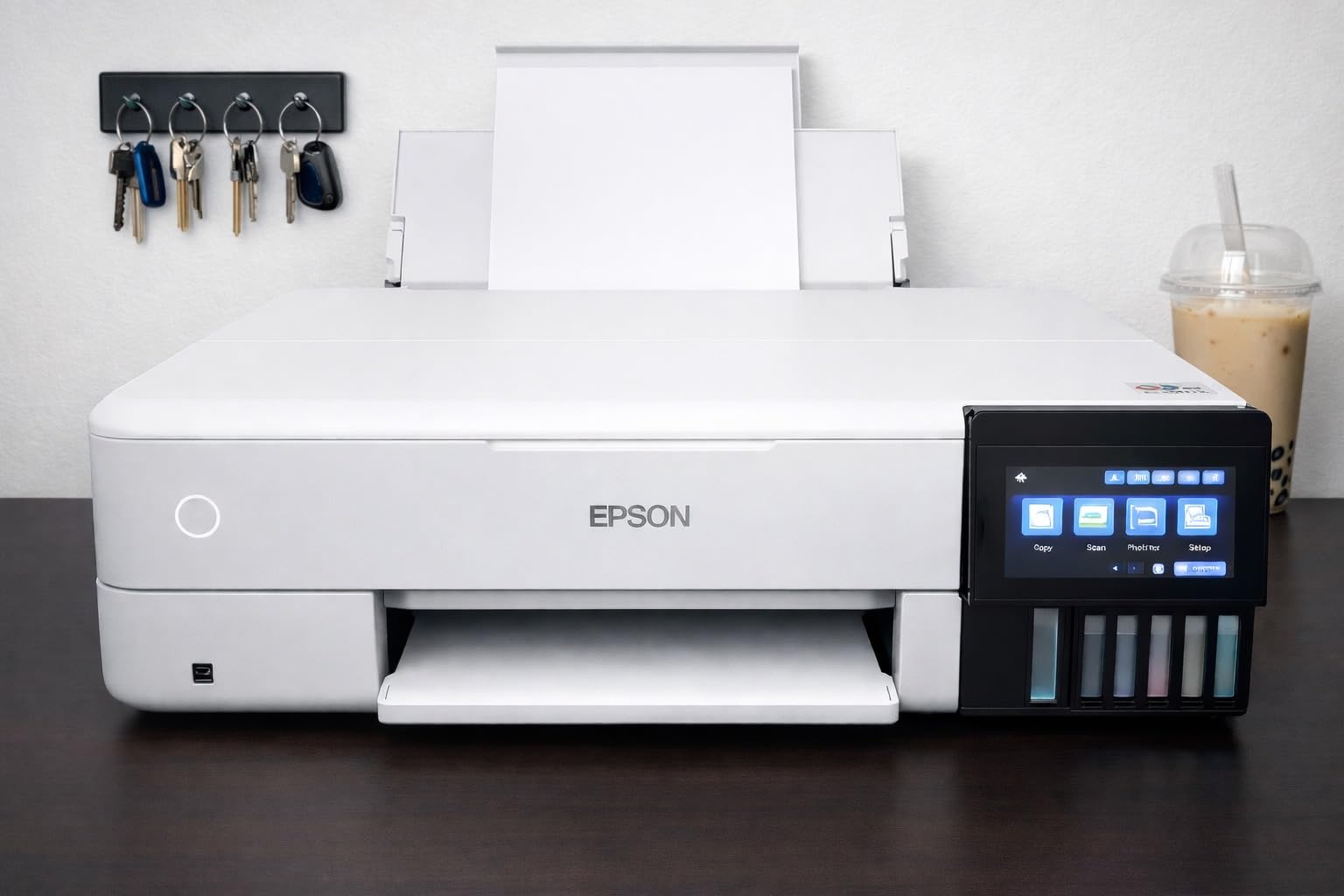
Owners also report that many are still on their first ink set after a year, with up to 6200 color pages per set and up to two years of ink in the box. The touchscreen drives the built-in scanner and copier without opening software, which matters when you are scanning your own artwork to reprint.
An independent review of this model reports it feeding 110lb cardstock cleanly, with no curling or jamming. Texture and coating still matter as much as weight, so that is a strong result rather than a promise on every brand of heavy stock.
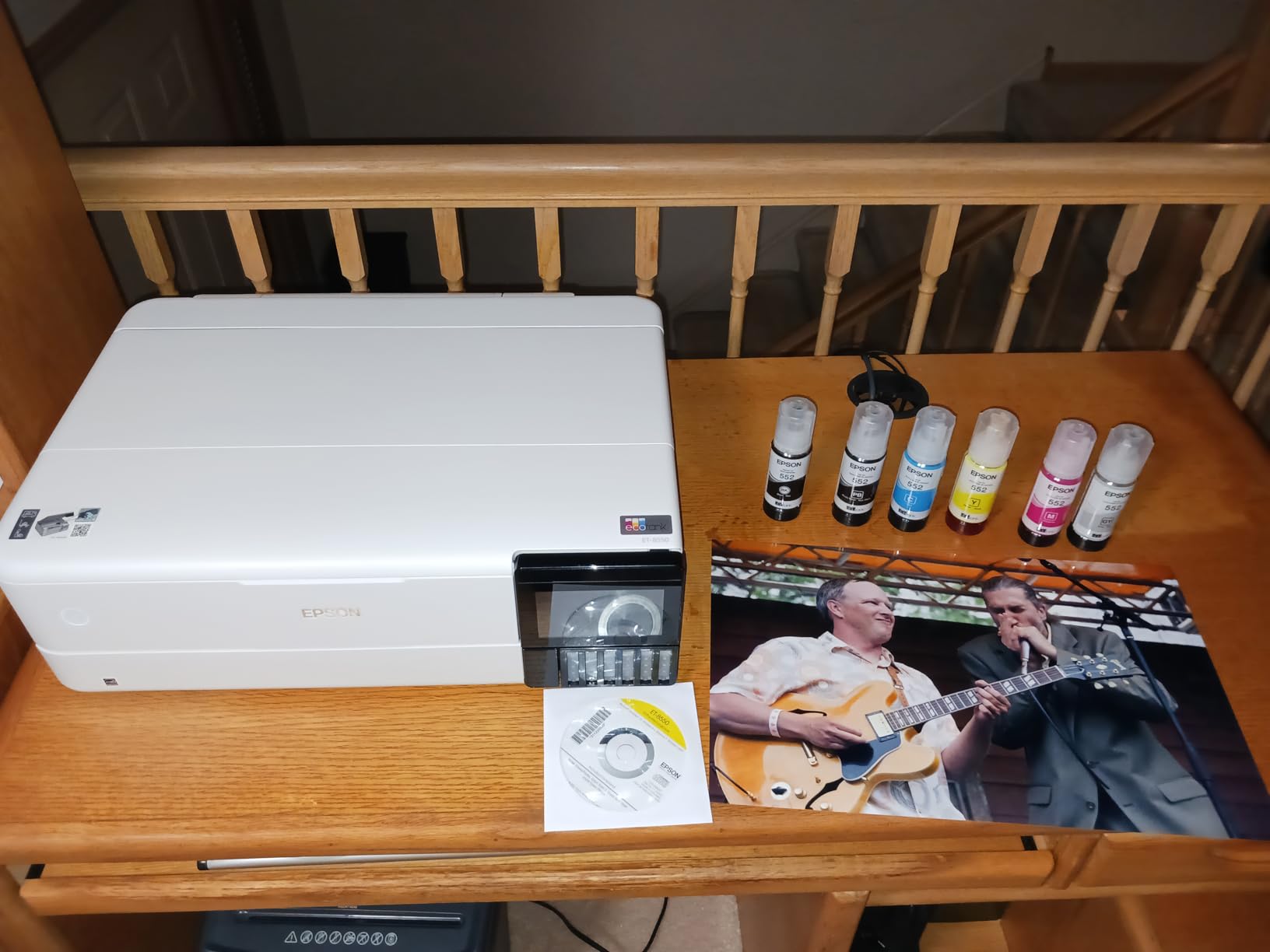
Choose the ET-8550 when colour quality and wide sheets both matter to your finished work
Six inks, 13×19 output, automatic duplex on large sheets and a flatbed scanner in one machine cover almost every paper craft requirement there is. The transparent tanks are keyed so you cannot pour into the wrong one, and the colour LCD makes trimming and cropping jobs quick.
At 24.5 pounds and nearly 30 inches deep, it needs real desk space. Budget for that before the ink, because the footprint is usually the surprise.
Plan around the paper handling complaints if you print mixed media daily
Owners report that automatic tray selection is unreliable so manual selection is often needed, and a documented tray 1 sensor fault causes false out-of-paper or jam errors on stock that is not there. The rear and manual feeder is also described as finicky with heavier sheets.
One more honest caveat: borderless output on this machine still leaves a thin edge, so plan on trimming finished cards and art prints. A cutter is the last step of the workflow either way, and you will want to pair it with a reliable cutting mat for crafts to keep everything square.
4. Epson EcoTank ET-15000 – the wide-format tank with a scanner, ADF and fax
Epson EcoTank ET-15000 Wireless All-in-One Wide-Format…
Wide-format ink tank all-in-one
250-sheet capacity
Automatic duplex
Up to 13x19 output
Pros
- Wide-format tank output with good colour saturation
- 250-sheet capacity plus ADF scanner copier and fax
- Reliable paper handling for 12x18 duplex booklet work
- Handles cardstock stickers and printable iron-on
Cons
- 11x17 sheets load in the rear holder not a tray
- Jams reported and paper settings are not always clear
- Auto duplex covers 8.5x11 only
- A small number of units arrived needing a return
The ET-15000 is the pick for someone who runs a small craft business and also needs to print paperwork. It prints, faxes, copies and scans, holds 250 sheets, and includes an automatic document feeder, which no other all-in-one in this roundup at this width does.
Owners rate it highly for exactly the media a cardstock crafter uses. Cardstock, sticker sheets and printable iron-on are all reported to work, and the paper handling holds up for 12×18 duplex booklet work, which is a real test of a wide-format path.
Colour is good rather than exceptional. It runs at 4800 x 2400 dpi and 17 pages per minute in black and 9 in colour, so it is a work machine, not a gallery printer. The tank system keeps the running cost low enough that printing a 250-sheet batch does not hurt.
The awkward part is loading. Anything larger than letter goes into the rear holder rather than a dedicated tray, so a 13×19 job means changing the path rather than just adding paper. Some owners also report jams and unclear paper-selection settings.
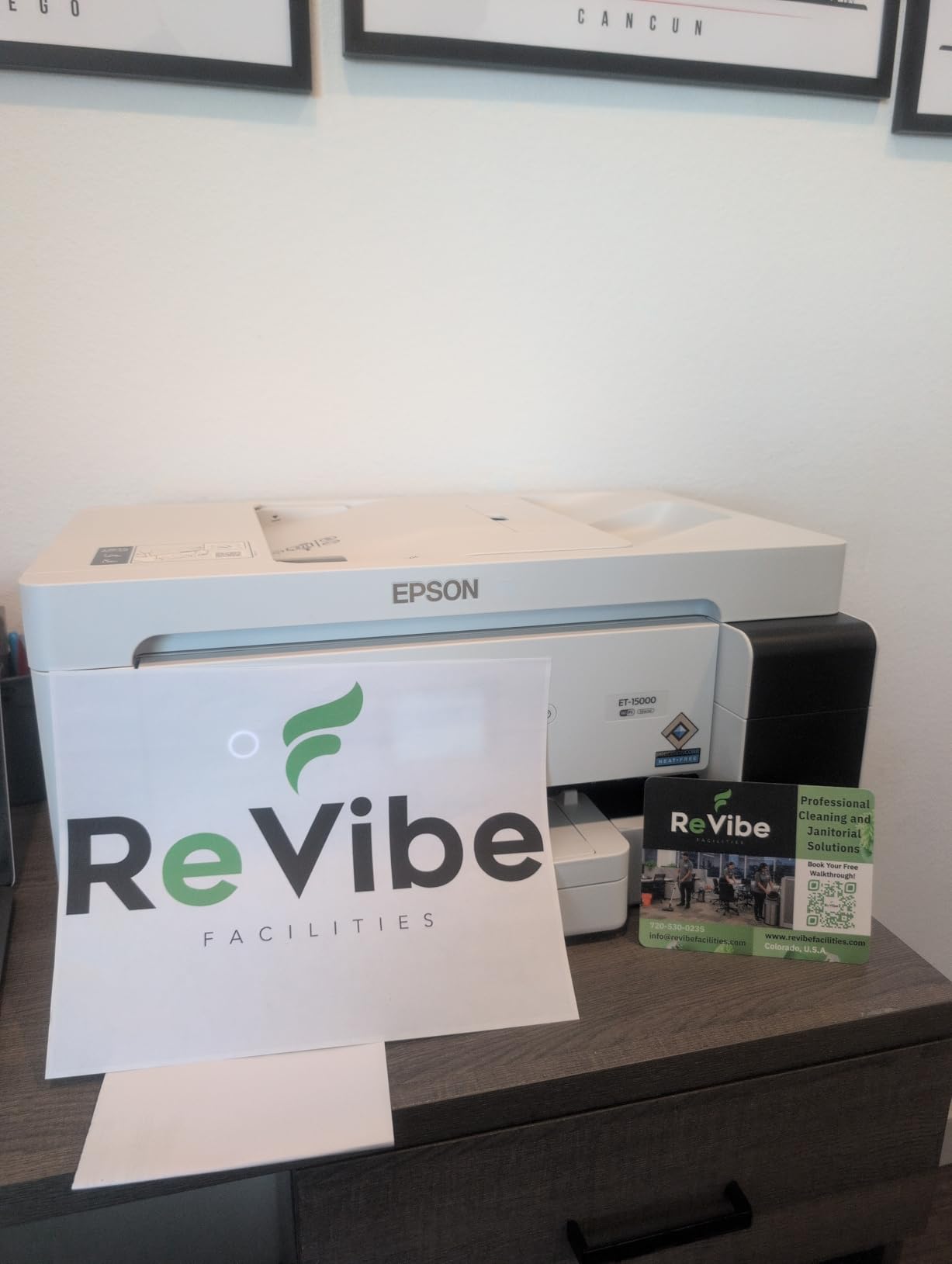
Choose the ET-15000 if you need one machine for craft batches and office paperwork
Automatic duplex on letter, a 20-plus page feeder, 250 sheets of capacity and a fax function make it the practical centre of a home craft business. Invitation suites, packaging inserts and shipping paperwork all come from one box.
The tank system is the reason it is worth stretching to. Owners report staying on one ink set through heavy cardstock and sticker work, which is where cartridge machines start to complain.
Choose the ET-8550 instead if colour depth and duplex on wide sheets are the priority
Auto duplex here applies to 8.5×11 only, and larger sizes need a manual flip. If your project involves full-width double-sided cards or calendar spreads, that limitation will slow you down.
A handful of owners received units with an unprimed ink delivery system and had to return them. It is not common, but check the machine the day it arrives rather than the week after.
5. Brother Sublimation Bundle – a dye-sublimation printer for mugs, shirts and tumblers
Brother Sublimation Printer, Color Ink Cartridge Set and…
Dye sublimation print only
8.5 x 11 inch media
Up to 45 seconds per sheet
Includes ink and 100 sheets of paper
Pros
- Transfers press on cleanly in full colour without bleed
- Fast output of about 45 seconds per letter sheet
- Bundle includes spare CMY cartridges and 100 sheets of transfer paper
- Artspira app ships with over 100 ready designs
Cons
- Sublimation workflow needs a separate heat press
- Print only with no scanner copier or fax
- Letter size only so no wide-format output
- Cartridge ink and the Artspira app required to start
First, the honest framing: a dye-sublimation printer does not print on cardstock. It prints a transfer sheet, which you heat-press onto a coated surface. If your craft list is greeting cards and scrapbook pages, this is the wrong machine and you want section 1 or section 3 instead.
If your list includes mugs, tumblers, coasters, puzzles or shirts, it is exactly right. Sublimation dye turns to gas under heat and bonds inside the coating rather than sitting on top, so the print does not crack, peel or feel like a sticker. The transfer comes off clean in full colour with no bleed-through.

The bundle is the selling point for a first setup. It includes a spare set of CMY sublimation cartridges and 100 sheets of transfer paper, so you can press something the same day it arrives. The Artspira app provides over 100 designs plus photo-to-drawing conversion for people who are not illustrators.
Output speed is a genuine strength: up to 45 seconds for a letter-size sheet, running at 12 pages per minute black and 6 colour at 1200 x 2400 dpi. Automatic duplex is listed, and it connects over Wi-Fi, Ethernet or USB.
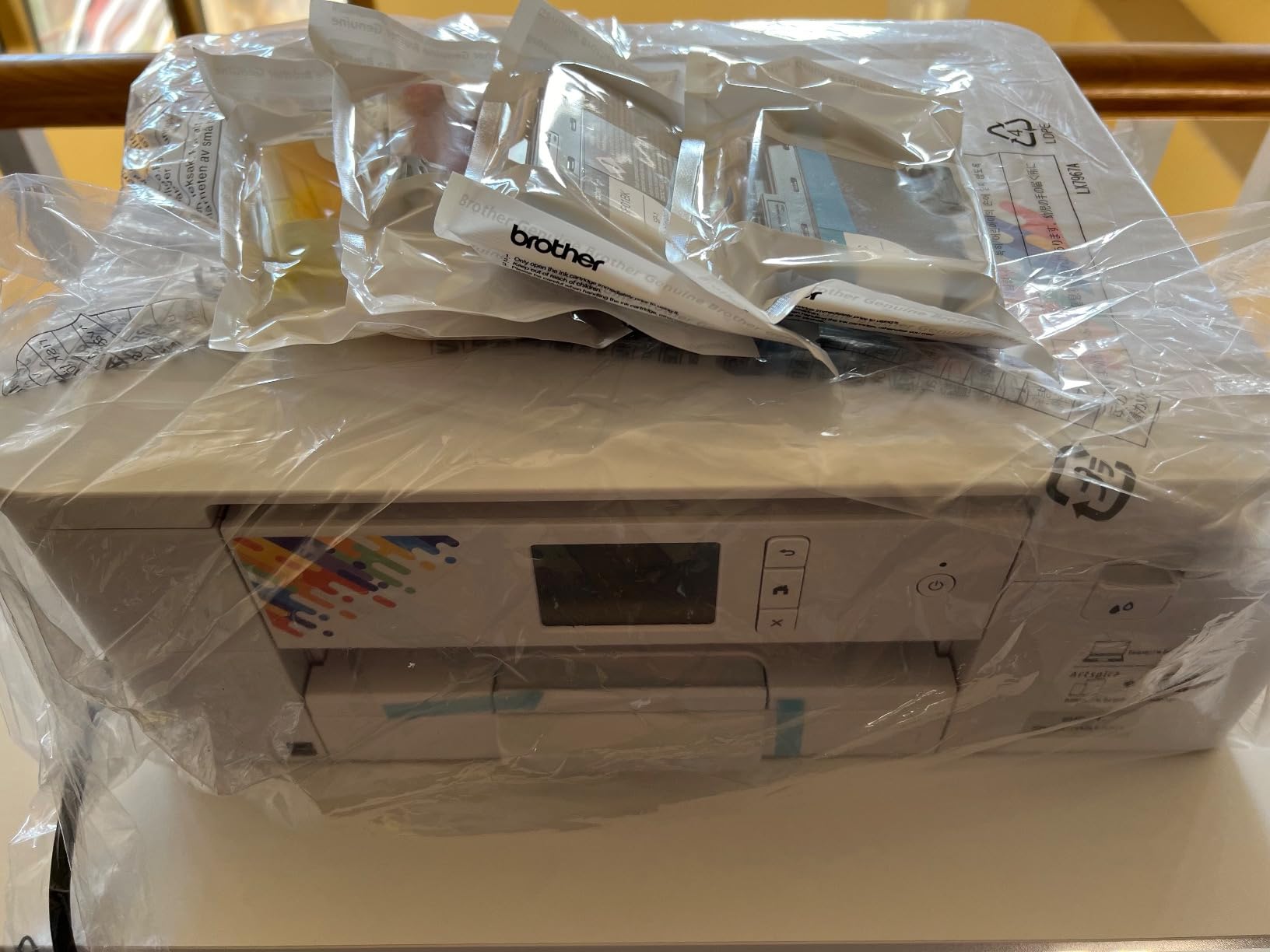
Choose the Brother Sublimation Bundle if your craft output is coated blanks rather than paper
It is print only, letter size, and it needs a separate heat press, which is a real addition to the setup cost. Once you have the press, though, the workflow is short and repeatable, and owners who came from cartridge inkjet setups that dried out praise exactly that reliability.
Media is the thing to check before buying. Owners report the best results come from transfer paper designed for the process, and third-party paper can come out faded. This bundle includes 100 sheets, which is enough to learn the workflow.
Keep your paper craft printer separate from this one
There is no scanner, copier or fax, no wide-format output and no path to a 13×19 sheet. Sublimation and cardstock are two different machines, and most serious crafters end up owning both eventually.
If the coated-blank side of your business is small but real, the Epson SureColor F170 in section 6 is the alternative to weigh, and it comes with genuine ink already in the box.
6. Epson SureColor F170 – the simplest first sublimation setup
Epson SureColor F170 Dye-Sublimation Printer – Compact…
Dye sublimation print only
8.5 x 11 inch media
150-sheet closed feed tray
Genuine Epson ink included
Pros
- PrecisionCore head with Precision Droplet Control
- 150-sheet closed tray keeps transfer paper clean
- Full set of genuine Epson ECO PASSPORT inks in the box
- Auto-stop ink bottles make refilling clean
Cons
- No mobile device support so transfers run from a computer
- Letter size media only
- Print only with no scanner copier or fax
- Needs a separate heat press and light-coloured blanks
The F170 is the highest-rated machine in this roundup, and the reason is simple convenience. It arrives as an original Epson unit with a full set of genuine ECO PASSPORT certified sublimation inks, so you are not buying a printer and then discovering you also need ink.
The PrecisionCore print head with Precision Droplet Control handles image clarity, and the 150-sheet auto-feed tray sits inside a dust-resistant closed tray, which matters more than it sounds. Sublimation transfer paper picks up dust and the result is a spot on your finished mug.
Refilling is clean. The auto-stop bottles stop when the tank is full, so you do not get the ink spillage that cartridge changes usually bring. It connects wirelessly, over USB and over Ethernet, which is more flexibility than most craft-software setups need.
What it cannot do is paper crafts. It is print only, letter size, and every project ends at a heat press on a light-coloured coated blank. Mobile device support is absent, so transfers are driven from a Mac or Windows machine.
Choose the F170 if sublimation is a new craft you want to start this month
Ink in the box, a 150-sheet tray and auto-stop refills remove the three most common first-week problems. Owners consistently rate the transfer image quality highly, and staying on genuine ink protects your manufacturer coverage.
At 16 pounds and under 15 inches wide it is also the least imposing machine in this roundup, which helps in a small craft room.
Skip it if you print paper crafts or need a scanner
There is no scanner, copier or fax, no wide-format capability and no mobile app support. Anyone running a mixed paper-and-blank craft business should pair this with a cardstock inkjet rather than try to make one machine do both.
One community-reported quirk worth knowing: under its default profile, some light areas can show noise. A custom colour profile fixed it for that owner, matching an EcoTank output after calibration.
7. Canon PIXMA PRO-200S – eight inks for art prints on 13×19
Canon PIXMA PRO-200S Professional 13″ Wireless Inkjet Photo…
8-color dye ink photo printer
Borderless 3.5 inch to 13x19 inch
Custom sizes to 13x39 inch
3.0 inch color LCD
Pros
- Exceptionally sharp vibrant output on matte glossy and luster paper
- Dye inks reported to clog less often than rivals
- Borderless from 3.5 x 3.5 up to 13x19 inches
- Very quiet in operation with low ink use per print
Cons
- Cartridge ink so running cost is higher than tank models
- Slow with a bordered A3+ taking about 90 seconds
- Awkward Wi-Fi setup with install screens that jump
- Bulky at 32 pounds and dye inks are not archival
If your craft work is art prints, the PRO-200S is the one to look at. It runs an 8-color dye ink system, which is the widest colour range in this roundup, and it prints borderless from 3.5 x 3.5 inches all the way to 13×19. Custom sizes up to 13×39 inches cover panoramic pieces and banners.
Owners rate the output as exceptionally sharp and vibrant on matte, glossy, luster and semi-gloss papers, and they report the dye inks clogging less often than competing photo inkjets. That is a real maintenance advantage for someone who prints occasionally and does not want weekly nozzle checks.
It is also unusually quiet, which sounds trivial until your craft desk is in the room you work in. Ink consumption per print is low, and the 3.0 inch colour LCD shows ink levels and settings without opening the software.
Two things to weigh. It is a cartridge machine, so the running cost per sheet is higher than any tank printer here, and it is slow: a bordered A3+ takes about 90 seconds, and a bordered 8×10 takes about 53.
Choose the PRO-200S if colour range and borderless sizes decide the project
Eight inks means the smoothest gradients and the most accurate colour of anything on this list, and the borderless range covers everything from small sticker sheets to full 13×19 art prints. It is a good fit for illustration, photography and mixed-media collage.
The quiet operation matters more than the spec sheet suggests. If you print late at night beside a craft table, this one is the least disruptive machine here.
Pass on it if you print in volume or sell art meant to last decades
Cartridge ink at 90 seconds per A3+ is the wrong economics for a craft business running batches. And dye ink is not archival, so a print you sell as a keepsake will fade faster than a pigment or photo-ink print.
At 32 pounds it is the heaviest machine in the roundup, and several owners found the setup and Wi-Fi pairing awkward enough to learn from a video tutorial. Plan the desk first.
8. HP Smart Tank 5003 – the lowest-cost way into tank printing
HP Smart Tank 5003 Wireless All-in-One Ink Tank Printer…
HP thermal inkjet all-in-one
Up to 3 years of ink included
100-sheet tray
Manual duplex
Pros
- Roughly 6000 pages of ink included in the box
- Refill bottles plug in and drain with no squeezing
- Print copy scan with borderless and mobile printing
- Compact at about 11 pounds and easy to move
Cons
- Manual duplex only so double-sided needs a manual flip
- Flatbed scanner with no automatic document feeder
- 100-sheet tray is small for craft batches
- Resolution and photo quality trail the dedicated models
The Smart Tank 5003 is the cheapest way into cartridge-free printing, and the included ink is the headline: up to three years of ink in the box, which owners put at roughly 6000 pages. For a first craft printer that is a meaningful amount of cardstock before you buy a bottle.
The refills are the part people like most. Bottles plug into the cartridge-free tank and drain on their own, with no squeezing and no squeezing-out-the-wrong-end spills. It prints, copies and scans, with borderless output and mobile printing over AirPrint, HP ePrint and Mopria.
Under the hood it is an HP thermal inkjet, and the honest limit is colour quality. Maximum colour resolution is 4800 x 1200 optimized dpi, which is fine for craft projects and light photo work but sits well below the six and eight ink machines here.
Media runs to legal size, 8.5 x 14 inch. The 100-sheet tray is on the small side for craft batches, and there is no automatic document feeder, so scanning a stack of artwork means lifting the flatbed every time.
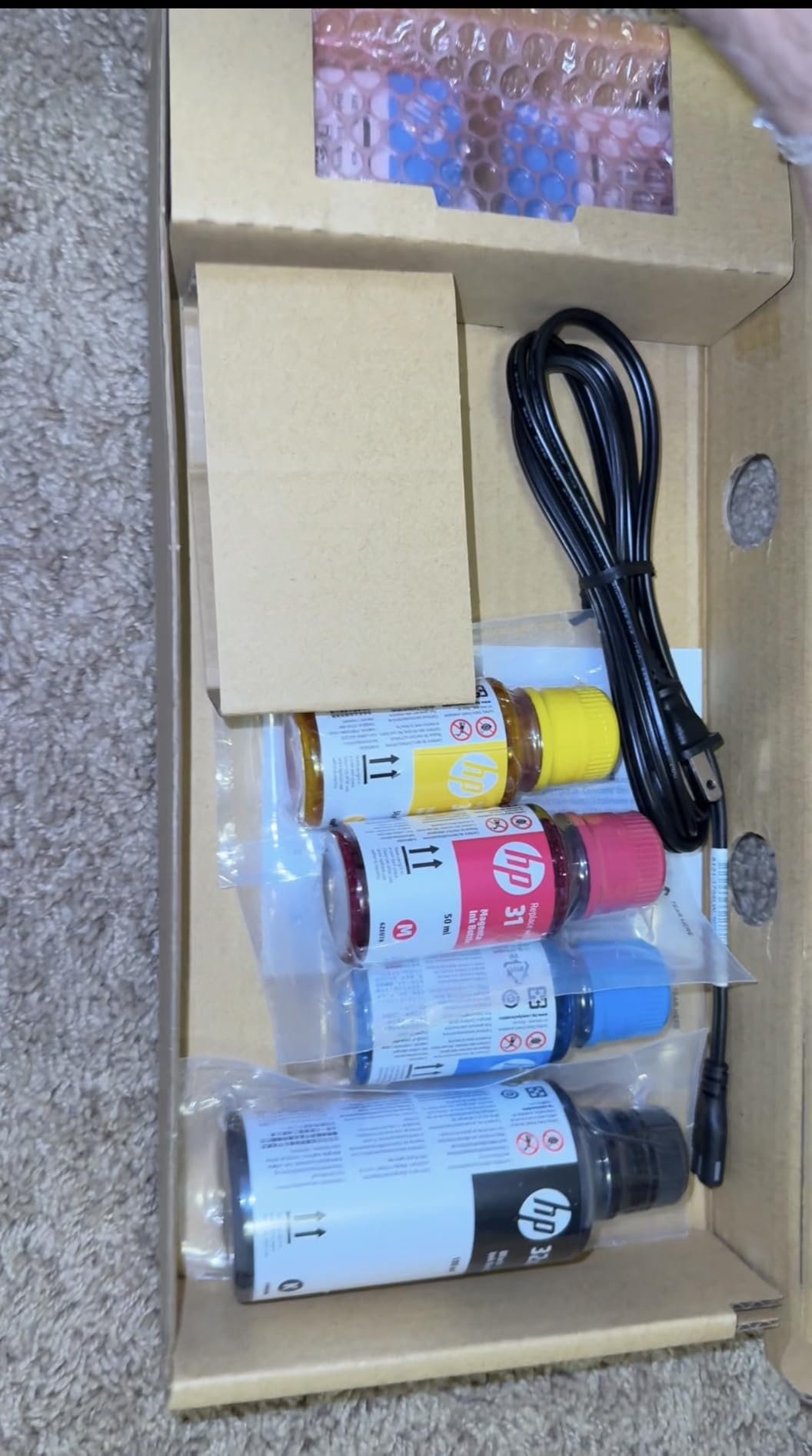
Choose the Smart Tank 5003 if your budget is the deciding factor and your projects are small
At about 11 pounds and under 17 inches wide, it is also the easiest machine here to move between rooms, which helps if your craft work happens at a kitchen table rather than a desk.
If you are planning labels, small card fronts, planner pages and household documents, it does all of that well and the included ink covers a long stretch of it.
Move up if you scan often, print double-sided or need photographic colour
Manual duplex, a flatbed-only scanner and a 100-sheet tray all add friction to batch work. None of them are faults, they are just the trade for the low entry point.
If paper handling and media capability are the priority rather than included ink, treat the ET-2800 as the comparison point: similar size, refillable tanks and a similar running cost model.
9. Canon PIXMA TS9521C – automatic duplex and 11×17 for home projects
Canon PIXMA TS9521Ca – Wireless Home All-in-One Inkjet…
Inkjet color all-in-one
Automatic duplex
20-sheet auto document feeder
Prints 11x17 and 12x12
Pros
- Automatic two-sided printing plus a 20-sheet ADF
- 200-sheet capacity from cassette and rear tray
- 4.3 inch touch LCD for status and settings
- Handles posters calendars and scrapbook pages
Cons
- Cartridge ink so running cost is higher than tank models
- Thin sheetfed scanner rather than a flatbed
- Output is project oriented rather than photo grade
- Not built for heavy specialty stock
The TS9521C is the family all-in-one pick. It does automatic duplex, which almost nothing else at this feature level does, and it comes with a 20-sheet automatic document feeder, so school paperwork and craft paperwork go through the same machine.
It prints 11×17 and 12×12, which covers posters, calendars and full scrapbook pages at a size most home inkjets skip. The 4.3 inch touch LCD handles ink levels and settings without software, and total capacity is 200 sheets across the bottom cassette and the rear tray.
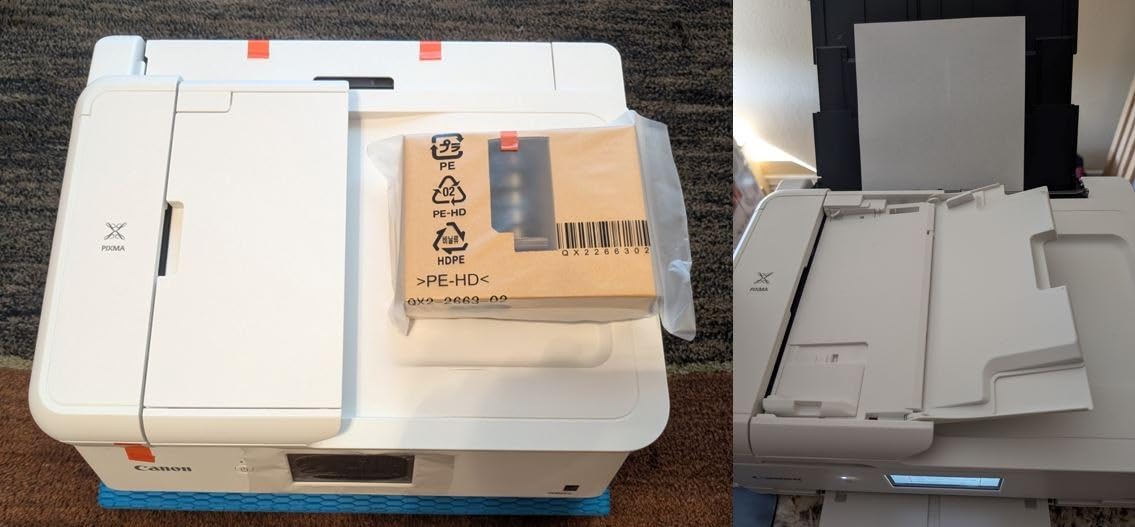
Speed is respectable for a home machine at 15 pages per minute black and 10 colour, with 4800 x 1200 dpi resolution. It connects over Ethernet, USB and Wi-Fi, and at 25.4 pounds it is a substantial but manageable desktop unit.
The trade-offs are honest ones. It went back to cartridge ink, so running cost is meaningfully higher than a tank machine over a year of cardstock. And reviewers are clear that its paper weight handling is not built for heavy specialty stock.
Choose the TS9521C if you print cards, calendars and school projects in the same week
Automatic duplex plus a feeder is the combination that saves the most time in a busy household, and 11×17 output means posters and scrapbook pages come out at a useful size rather than being tiled onto letter sheets.
It is also a sensible middle step between a small home printer and a wide-format tank machine, if you are not ready for the 13×19 footprint yet.
Skip it if heavy stock or ink running cost is the deciding factor
Reviewers specifically flag that its paper weight handling is not built for heavy specialty stock, which rules it out for the 110lb tier. The sheetfed scanner is thin compared with a flatbed, so scanning anything thicker than a sheet is awkward.
For heavy cardstock, compare the running cost of cartridges here against the tank systems in sections 1 and 4 before you commit to a long-term ink plan.
10. Brother MFC-J1800DW – the printer with a paper cutter built in
Brother Wireless All-in-One Color Inkjet Printer with Auto…
Color inkjet all-in-one with blade sensor cutter
Trims letter to 5.5 inch half letter
Print scan copy and fax
150-sheet tray
Pros
- Built-in cutter trims sheets to half-letter cards in one step
- Print scan copy and fax with a 20-page ADF
- 150-sheet tray plus automatic duplex
- Fast at 17 ppm black and 16.5 ppm colour
Cons
- Cutter only does letter to half-letter
- not custom shapes
- LC401 cartridge ink costs more per page than tanks
- Copy resolution of 600 dpi is low
- Letter and legal size ceiling limits bigger craft media
This one solves a problem the other machines push onto you. The Brother MFC-J1800DW has a blade sensor paper cutter built into the top, so it trims a printed letter sheet down to 8.5 x 5.5 inch half-letter cards as part of the print job. Owners buy it for exactly that reason.
It is a full all-in-one otherwise: print, scan, copy and fax, with a flatbed scanner, a 20-page automatic document feeder, a 150-sheet tray and automatic duplex. Output runs at 17 pages per minute black and 16.5 colour with a six-second first page, up to 6000 x 1200 dpi.
For a crafter making invitations, place cards or labels, that built-in trim removes a whole step from the workflow. The Mobile Connect app covers wireless printing, scanning and ink levels.
It is letter and legal size, and LC401 cartridge ink means the running cost is higher than a tank machine. Copy resolution of 600 dpi is low compared with its print resolution, so do not treat the scanner as an art reproduction tool.
Choose the J1800DW if you make half-letter cards all day and want them trimmed automatically
The trim is fixed: letter to half-letter. That is exactly right for invitations, labels and place cards, and wrong for anything where you need a custom shape or a full sheet cut down to size.
It is also the most complete office machine at a crafter-friendly weight, so if you need fax and an automatic feeder alongside your craft printing, it covers all of it in an 18 pound body.
Choose a wide-format model instead if you print art or full scrapbook sheets
The legal size ceiling keeps it out of 11×17 and 13×19 work, and the cartridge economics get expensive over a year of cardstock. If your projects are art prints and full pages, sections 2, 3 or 7 fit better.
If you plan to build the rest of a craft room around the printer, our wood burning kit roundup covers the finishing work that pairs well with a reliable print setup.
How to Choose a Printer for Cardstock and Crafts
Cardstock weight cheat sheet: what 65lb, 80lb, 110lb and 200lb mean in gsm
US card is sold in pounds and most of the rest of the world uses grams per square metre, which is why weight specifications confuse everyone. The conversion is roughly 1lb equals 2.7gsm, so 65lb card is about 176gsm, 80lb is about 216gsm, 110lb is about 300gsm, 130lb is about 350gsm and 200lb chipboard is about 540gsm.
What each weight is actually for matters more than the number. 65lb is a light card that any home inkjet handles without thought. 80lb is standard cardmaking weight. 110lb is the threshold where feed reliability starts to depend on the paper path, and 130lb and above needs a straight-through rear feed and a thickness lever. Cardstock above 200lb is really board, and it belongs in a laser printer or a specialist machine.
Texture and coating change the equation as much as weight does. A textured, uncoated 110lb sheet can be harder to feed than a smooth one at the same weight, and adhesive-backed stock can delaminate in the rollers if the grip is too strong.
Inkjet beats laser on cardstock; laser wins on text and volume
For colour cardstock, an inkjet is the right answer. Inkjet sprays liquid droplets onto the sheet without heating it, so the paper stays flat and the colour range is much wider. Laser printers fuse toner to the surface with heat, which gives the crispest text at the lowest cost per page but warps anything heavy.
That warping is a mechanism, not a defect. The fuser melts toner at a few hundred degrees to bond it to the sheet, and a thick cardstock sheet flexes under that heat and comes out with curled edges. A community answer that circulates in crafting groups puts it plainly: cardstock jams because the paper path bends the sheet, and printers with a rear or straight-through feed handle 80lb to 110lb better.
So use laser for black and white inserts, small business cards in volume and anything monochrome. Use inkjet for anything coloured, coated or thick.
A straight-through feed path matters more than the weight rating
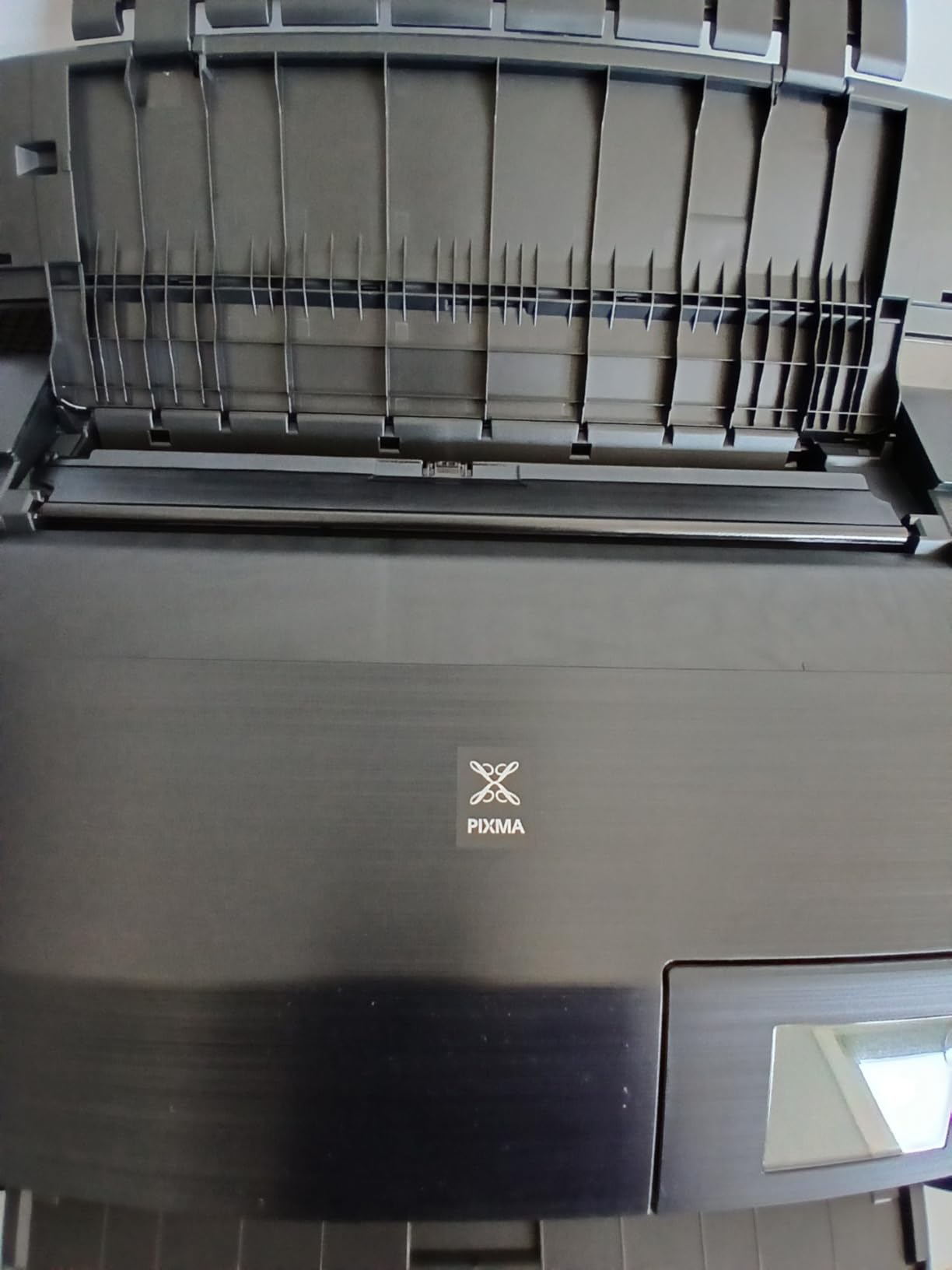
A straight-through rear feed carries the sheet from the tray straight back to the roller without a bend in the path. A curved feed path grips the sheet, drags it around a curve and can lose traction on heavy stock, which is the single most common cause of a cardstock jam.
Look for a rear manual feed slot or a rear paper holder, and pair it with a paper thickness lever that widens the gap between the carriage and the platen. Most consumer inkjets have one, often unmentioned in the manual. Without that clearance, the print head can catch the edge of a thick sheet and scrape the coating.
The second half of the fix is the driver setting, and it is the half people skip.
Set the media type in the driver or colours will be wrong
If you print cardstock while the driver still thinks it is plain paper, the printer lays down too little ink, the colours come out under-saturated and the ink stays wet enough to smudge when the sheet stacks. Pick the matching media type in the print dialog every time you change stock.
Set the quality to the higher option too, because a fast draft mode on coated cardstock is where fuzzy colour and visible banding show up first. And always print a single test sheet before running a full batch, which costs one card and saves a ream.
Ink system sets your cost per print at craft volumes
Cardstock uses far more ink than plain paper because designs are more solid, so the ink system matters more here than in almost any other buying decision. Cartridge printers cost the most per sheet, tank systems such as EcoTank, MegaTank and Smart Tank cost the least, and the gap widens with every page.
Use the manufacturer’s published yield as the comparison. The ET-2800 is rated at up to 4500 black and 7500 color pages per ink set, the ET-8550 at up to 6200 color pages, and the HP Smart Tank 5003 ships with up to 6000 pages in the box. Divide your monthly sheet count by those numbers and you have your own per-page cost in a few seconds.
Two real-world cautions. Switching to third-party ink on some machines voids the warranty, so the coverage question is worth checking before you save money. And on tank printers, a single clogged head can trigger a full-tank purge, so run a nozzle check weekly if you are printing heavily.
What print-and-cut setups with Cricut and Silhouette actually need
Cricut does not require a special printer. What it requires is a printer that produces accurate, unscaled output with registration marks, and software that can send the print-then-cut file to that printer. Most modern inkjets qualify.
What trips people up is the file routing, not the hardware. A Cricut user reports Design Space failing to send an existing print-then-cut project to their Epson, specifically on a double-sided cardstock project. If your workflow is double-sided, check the app path before you buy anything.
For sizing, the wide-format machines here are the better fit, because print-then-cut registrations are drawn in a known area and a 13×19 sheet gives you room for a full sheet of planner stickers. Print quality matters more than most people expect, since the cut line is only as good as the print underneath it. If your crafts involve vinyl or heat transfer as well, our embossing machine roundup covers the finishing side of that workflow.
Frequently Asked Questions
What is the best printer to print on cardstock?
A wide-format inkjet with a rear straight-through feed path, a paper thickness lever and a refillable ink tank system. The Epson EcoTank ET-2800 is the all-round answer, the Canon PIXMA iX6820 adds 13×19 sheets, and the Epson EcoTank Photo ET-8550 adds six inks plus automatic duplex.
What are the best printers for printing 110 lb cardstock?
110lb card is about 300gsm, and it needs a straight-through rear feed rather than a curved roller path. The Epson EcoTank Photo ET-8550 and the Epson EcoTank ET-15000 are the two wide-format models here built for that weight class. Test one sheet of your actual stock first, because texture and coating affect feeding as much as the number on the packet.
Can my laser printer print cards?
Yes, for light stock. Laser printers fuse toner to the sheet with heat, so text is crisp and cheap, but thick cardstock flexes under the fuser and comes out with curled edges. A r/cardmaking user abandoned an HP LaserJet after cards got stuck inside it. Use laser for monochrome inserts and inkjet for anything coloured or heavy.
Is a laser or inkjet better for cardstock?
Inkjet is better for cardstock. It sprays liquid ink without heating the sheet, so the paper stays flat, and it offers a far wider colour range for designs. Laser wins on text sharpness and cost per page for black-and-white volume printing, but the fuser heat warps thick coloured stock.
Does Cricut require a special printer?
No. Any accurate inkjet works, and Cricut connects to it over Wi-Fi or USB. What matters is that the print comes out unscaled with clear registration marks, and that your design software can route the print-then-cut file to the printer. Double-sided cardstock projects are the ones where file routing tends to fail.
Why is my printer jamming with cardstock?
In most cases the paper path bends the sheet and the rollers lose grip. Use the rear straight-through feed, set the paper thickness lever to its widest setting, and select the matching media type in the print driver. Always test a single sheet before a batch, and keep the feed rollers clean.
Does printing on cardstock use more ink?
Yes, considerably. Cardstock absorbs more ink and craft designs are more solid than text pages, so a single card can use several times the ink of a plain sheet. This is why refillable ink tank printers dominate craft work: the cost difference per sheet widens with every page you print.
The Bottom Line on Cardstock Printers
For most crafters the Epson EcoTank ET-2800 is the right first printer for cardstock and crafts, because refillable tanks, a flatbed scanner and a 4-color system cover everyday card, sticker and label work at a running cost that stays sane. If your projects need 13×19 sheets, the Canon PIXMA iX6820 is the volume pick. If colour depth, automatic duplex on wide sheets and a built-in scanner all matter, the Epson EcoTank Photo ET-8550 is the machine to stretch for.
Two decisions settle most of the field before you look at any brand. Choose an ink tank over cartridges if you will print more than a batch a month, because cardstock ink use punishes cartridge economics. And make sure the machine has a straight-through rear feed and a paper thickness lever, because that is what separates a printer that handles 110lb from one that jams on it. Whatever you buy, print one test sheet of your actual stock before you commit to a full order of paper.
