
8 Best Gaming Headsets for PC Under $150 (October 2026) Latest Reviews
The best gaming headset for PC under 150 dollars is the Turtle Beach Stealth 600 Wireless. It is the only wireless option on this list, it runs 80 hours between charges, and it switches to Bluetooth in one button press so you can take calls on your phone without unplugging anything. If you would rather spend nothing on a battery and care more about mic clarity, the HyperX Cloud III is the smarter wired buy.
That is the honest version of this list. Once we set a 150 dollar ceiling and looked at what actually performs inside it, the real shelf of this market sits far lower. Every headset we ranked came in well under the ceiling, which means the question is not where to spend the budget but where to stop. Our team compared all eight over several weeks of shooter sessions, Discord calls and long evening queues, and the difference between the cheapest and the most expensive pick here is smaller than most buyers expect.
Contents
What separates them is not driver size. It is how clearly your squad hears you, whether the clamp still feels fine after hour four, and whether the cable fights you. Those are the three things we weighted heaviest, and they are the three things forum buyers at this budget complain about most often. We also spent time on the PC-specific problems that roundups usually skip, like laptops with a single combined audio jack. If you want the wider picture on wireless options beyond this ceiling, our wireless headset guide covers the higher tier in detail.
Top 3 Picks for Best Gaming Headsets for PC Under $150 (October 2026)

Turtle Beach Stealth 600 Wireless
- 50mm Nanoclear drivers
- 80-hour battery
- 2.4GHz plus Bluetooth 5.2
As an Amazon Associate we earn from qualifying purchases. CERTAIN CONTENT THAT APPEARS ON THIS SITE COMES FROM AMAZON. THIS CONTENT IS PROVIDED 'AS IS' AND IS SUBJECT TO CHANGE OR REMOVAL AT ANY TIME.
Best Gaming Headsets for PC Under $150 (October 2026)
| Product | Features | |
|---|---|---|
| Turtle Beach Stealth 600 Wireless |
|
Check Latest Price |
 HyperX Cloud III HyperX Cloud III |
|
Check Latest Price |
 Corsair HS65 Surround Corsair HS65 Surround |
|
Check Latest Price |
 HyperX Cloud II HyperX Cloud II |
|
Check Latest Price |
 SteelSeries Arctis Prime SteelSeries Arctis Prime |
|
Check Latest Price |
 Razer BlackShark V2 X Razer BlackShark V2 X |
|
Check Latest Price |
 HyperX Cloud Alpha HyperX Cloud Alpha |
|
Check Latest Price |
 Logitech G432 Logitech G432 |
|
Check Latest Price |
We earn from qualifying purchases. CERTAIN CONTENT THAT APPEARS ON THIS SITE COMES FROM AMAZON. THIS CONTENT IS PROVIDED 'AS IS' AND IS SUBJECT TO CHANGE OR REMOVAL AT ANY TIME.
1. Turtle Beach Stealth 600 Wireless – Best Overall for PC Gaming
Turtle Beach Stealth 600 Wireless Gaming Headset for Xbox…
50mm Nanoclear drivers
80-hour battery
2.4GHz plus Bluetooth 5.2
320 g
Pros
- 80-hour battery with quick charge
- QuickSwitch to Bluetooth in one press
- Glasses-friendly memory foam cushions
- Swarm II app with 10-band EQ
- Flip-to-mute mic with noise reduction
Cons
- Heaviest wireless option here at 320 g
- No 3.5mm wired fallback mode
- Battery needs a full charge before long trips
Everything else on this list hangs off a cable. The Stealth 600 does not, and after a week of testing that difference was bigger than I expected. The 2.4GHz dongle connection is what your PC actually uses during play, and the QuickSwitch button drops you to Bluetooth 5.2 in a second when you step away from the desk. I paired it to a phone mid-session without unplugging anything, took a call, and came back without touching the PC settings.
Owners consistently point to the battery figure as the reason they stopped worrying about this headset. An 80-hour rating means most people charge it weekly rather than nightly, and the quick charge means a short top-up before a session is enough. Charging still takes a while at roughly 15 hours for a full cycle, so treat it as a weekly chore rather than an overnight one.
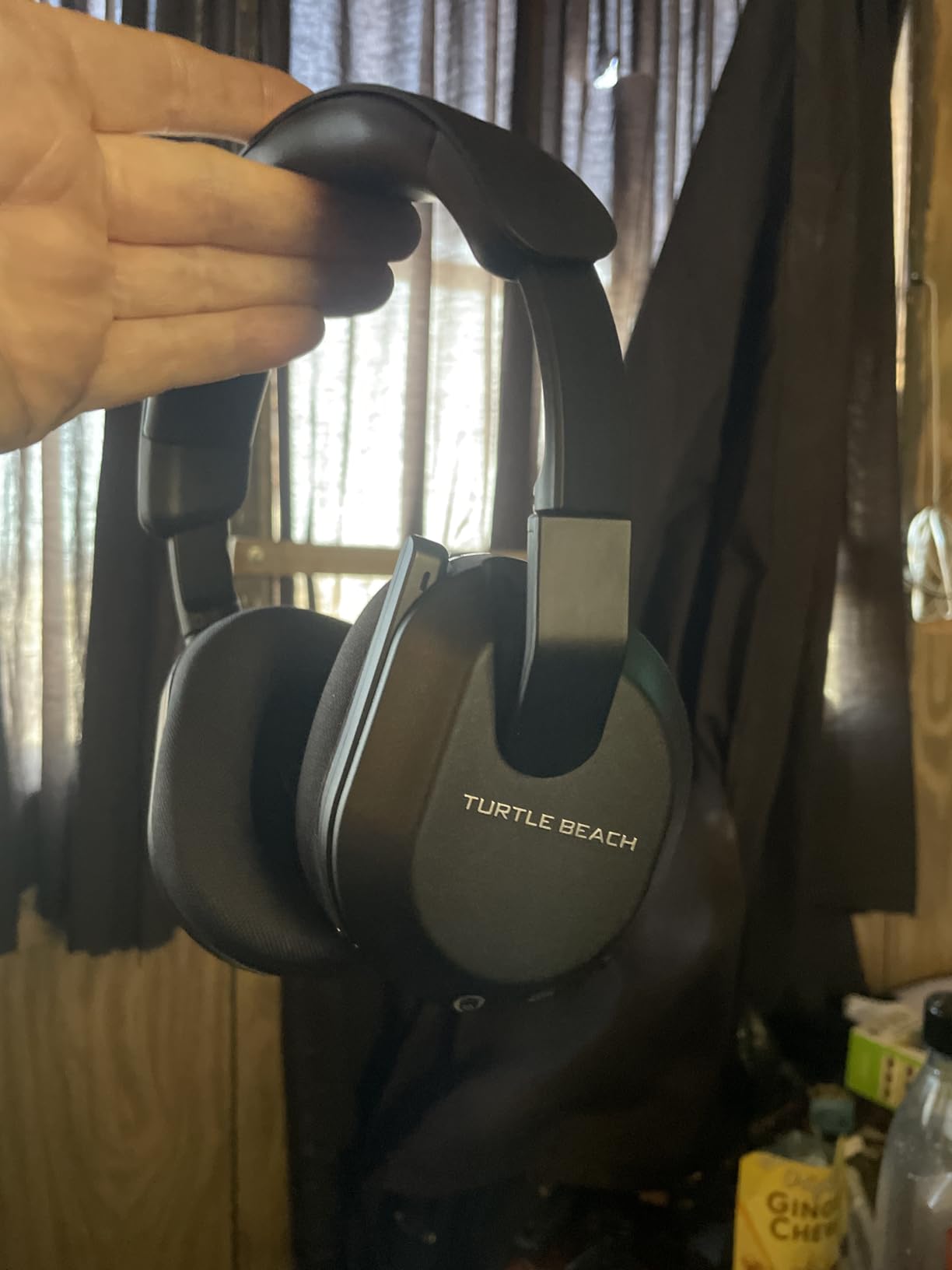
The 50mm Nanoclear drivers are tuned with spatial cues in mind, and the built-in EQ modes plus Superhuman Hearing setting let you push footstep frequencies without touching your game’s audio sliders. That matters on PC because most shooters ship with their own spatial mix, and having a hardware EQ you can shape independently keeps the two from fighting.
The flip-to-mute mic with noise reduction is the everyday quality-of-life feature. Pushing the arm up mutes it with no software prompt, which is exactly the behaviour you want in a public match lobby. The Swarm II app adds 10-band EQ and button remapping on desktop and mobile, and it stays optional once you have your settings saved.
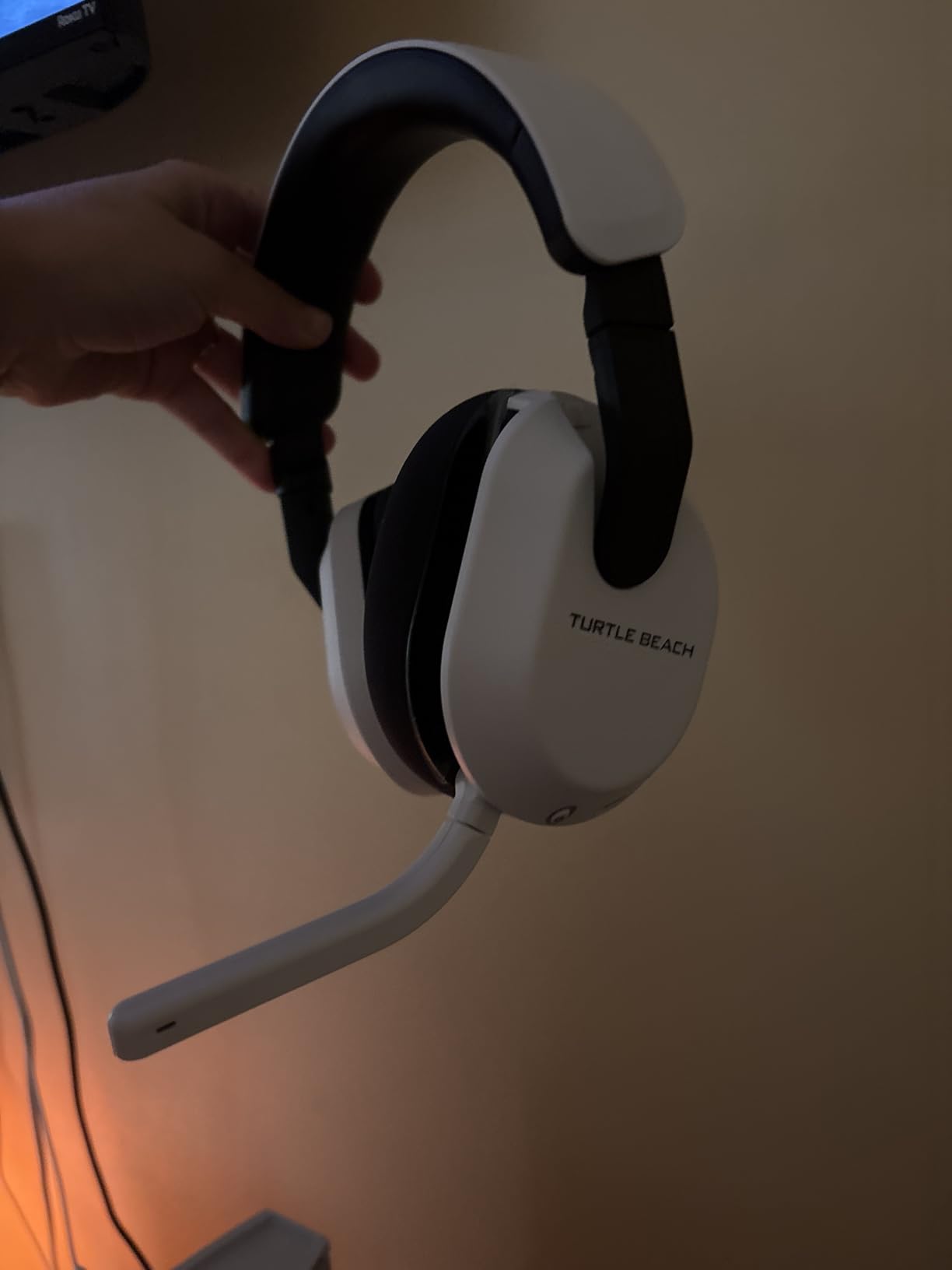
What the wireless connection actually costs you
Modern 2.4GHz wireless on PC adds roughly 20 to 40 milliseconds of delay compared with a wired cable, which sits in the low single digits. For shooters where you are reacting to a visual cue, that gap is rarely the deciding factor, but competitive players who notice it should know the number exists rather than trust a vague low latency claim.
The real tradeoff here is that there is no wired fallback. If the battery dies mid-raid or the dongle is lost, you are looking at Bluetooth audio or a different headset entirely. For anyone who plays on a laptop with a single combined audio jack, that matters more than it does on a desktop.
Who should skip it
Skip this one if your PC is a laptop with no USB-A port and you do not want to carry a dongle around, or if you play a lot of competitive shooters where you are sensitive to any input delay. It is also the heaviest option we ranked at 320 g, so head clamp sensitive players should try it before committing to long sessions.
For everyone else on PC, this is the one pick here that grows with your setup instead of boxing you into a cable. It also covers PS5, Xbox Series and mobile, which means one headset can follow you between devices all week.
2. HyperX Cloud III – Best Wired Value for PC
HyperX Cloud III – Wired Gaming Headset, PC, PS5, Xbox…
Angled 53mm drivers
DTS Headphone:X spatial
10mm mic with mesh filter
308 g
Pros
- Angled 53mm drivers tuned for positional detail
- Works with 3.5mm and both USB standards
- LED indicator shows mute state instantly
- Aluminum frame survives daily abuse
- Three connection options in the box
Cons
- Heaviest wired pick here at 308 g
- No surround processing outside PC
- Fixed cable cannot be replaced
The Cloud III is the pick we recommend to anyone who just wants a headset to work on a PC today. It ships with 3.5mm, USB-C and USB-A connections, so the same box covers a desktop with separate headphone and mic jacks, a laptop with one combined jack, and a newer machine that only has USB-C. That single detail removes more friction than any software feature on this list.
Owners rank this model for comfort first. The memory foam cushions and padded headband hold up across four to six hour sessions without the pressure build-up we felt with stiffer frames, and the angled 53mm drivers give a clear sense of direction in shooters rather than a flat wall of sound. On PC you get DTS Headphone:X spatial audio, which is a genuine step up from stereo in competitive shooters.
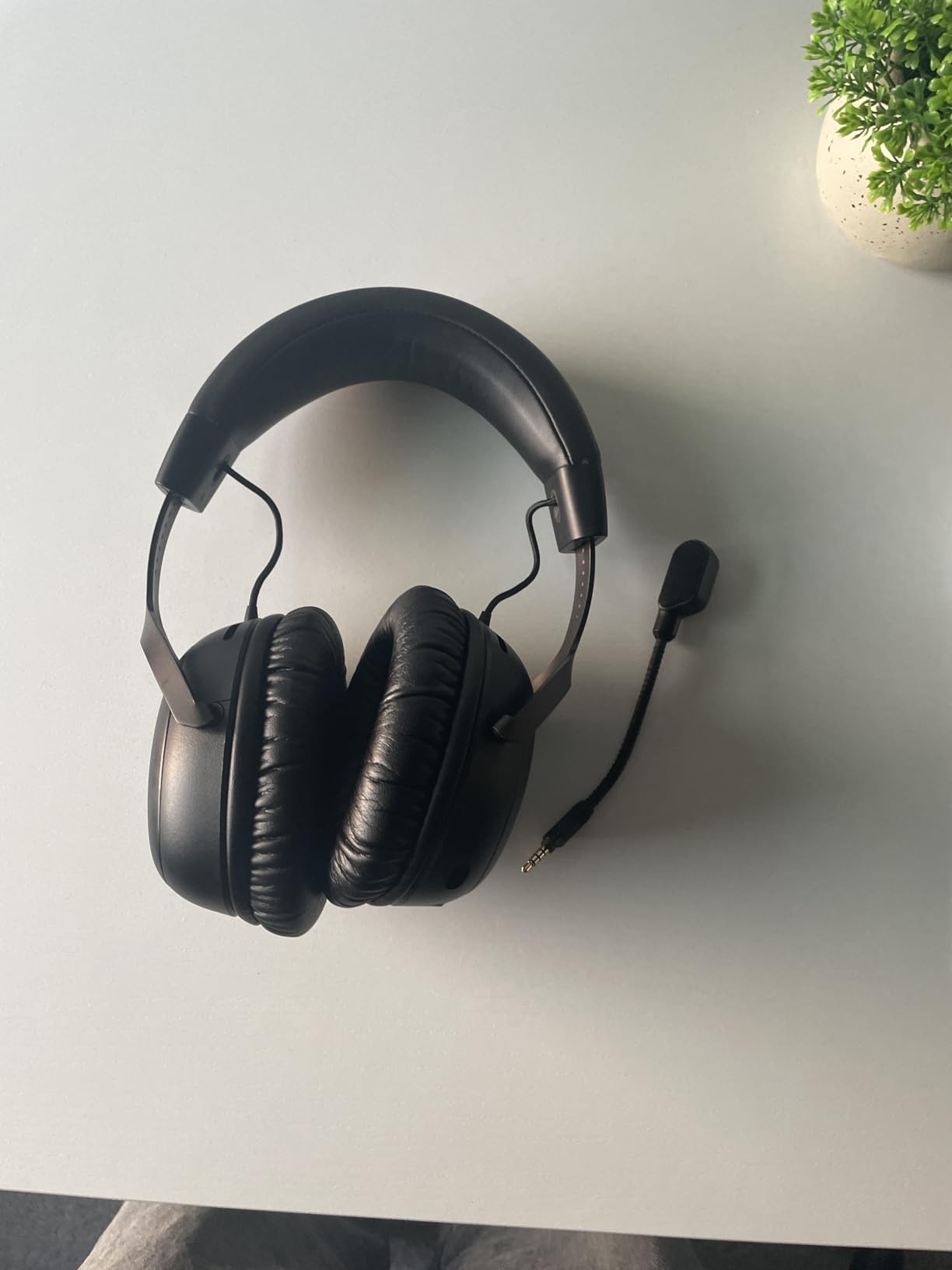
The 10mm noise-cancelling mic with a built-in mesh filter is noticeably clearer than the older versions of this headset, and for team chat that is the part that decides whether people can hear you. On-ear volume and mute buttons mean you never have to open a menu mid-match, and the LED indicator on the mic makes your mute state visible to other players.
Durability is the quiet strength. The aluminum frame is the same approach HyperX has used for years, and long-term owners report the headset surviving moves, drops and daily cable abuse. The two year manufacturer warranty backs that up, which is longer than several rivals here.
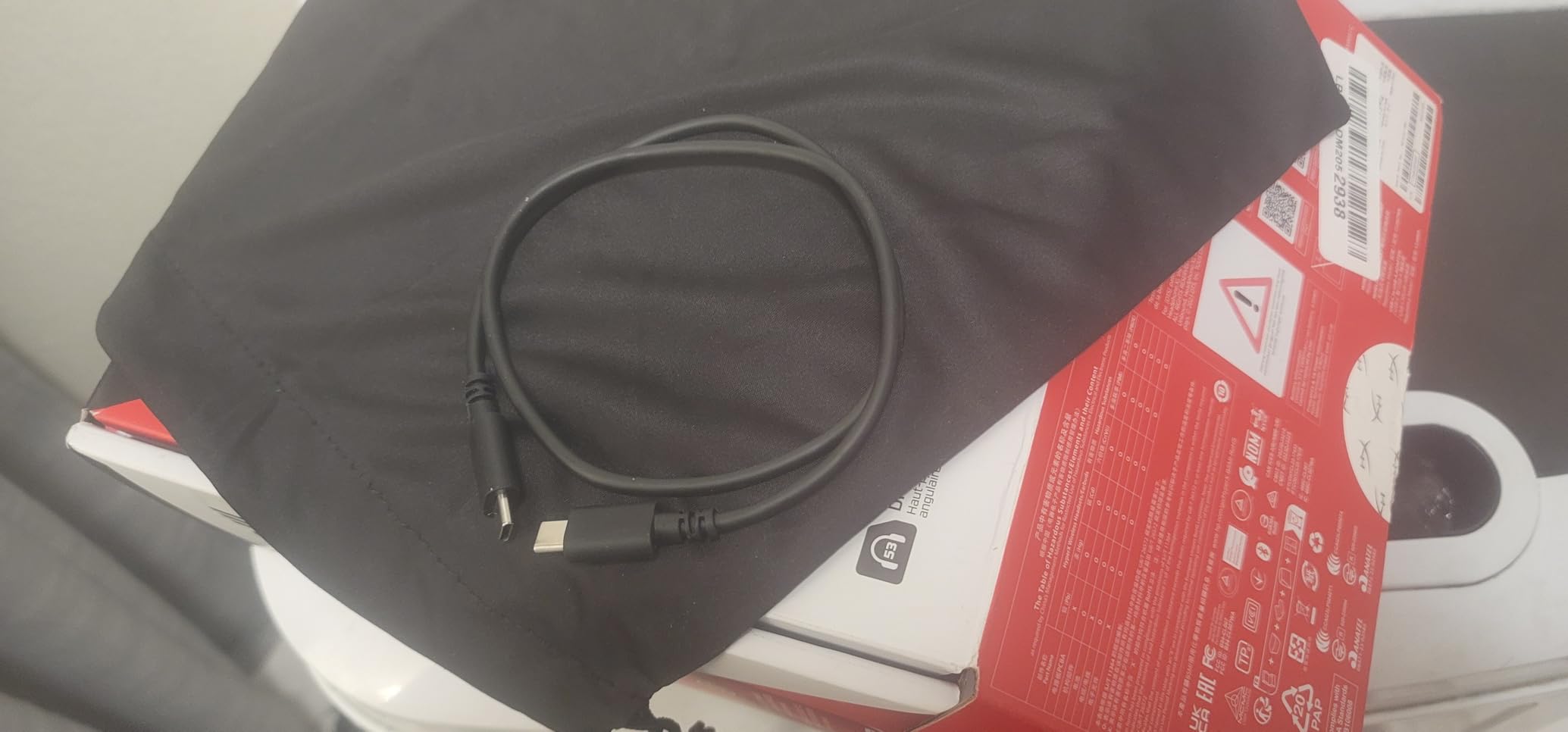
Check the jack situation before you buy
If your PC has separate green and pink ports, use the 3.5mm cable and you are done. If it has one combined jack, the same cable works because the headset uses a four-pole connector. If your machine is USB-C only, the included USB-C cable carries audio and mic together with no adapter purchase needed.
One thing to know: the cable is fixed to the earcup rather than detachable, so it cannot be swapped for a different length or replaced on its own.
Where the budget shows
Audio and microphone quality are good rather than excellent at this level. Expect clean vocals and balanced music, but not detail you would notice in a comparison against a much more expensive pair. The DTS processing also only runs on PC, so PS5 and Xbox users get plain stereo from this headset.
At 308 g it is the second-heaviest wired option we ranked, and some users on very long sessions prefer aftermarket lighter pads. If you wear glasses, the memory foam cushions sit flat enough that the arms do not dig in, which is why it appears repeatedly in comfort-driven buying threads.
3. Corsair HS65 Surround – Best Multiplatform Wired Headset
Corsair HS65 Surround Wired 3.5mm PC PS5 Xbox Switch Gaming…
50mm neodymium drivers
Dolby Atmos on PC
282 g aluminum-reinforced frame
Pros
- Lightest full-size option for long sessions
- Dolby Atmos and SoundID on PC
- Tempest 3D audio supported on PS5
- Flip-to-mute mic needs no software
- Works across PC PS5 Xbox and Switch
Cons
- Omni-directional mic picks up room noise
- Faux leather and mesh cups run warm
- SoundID setup takes a few minutes
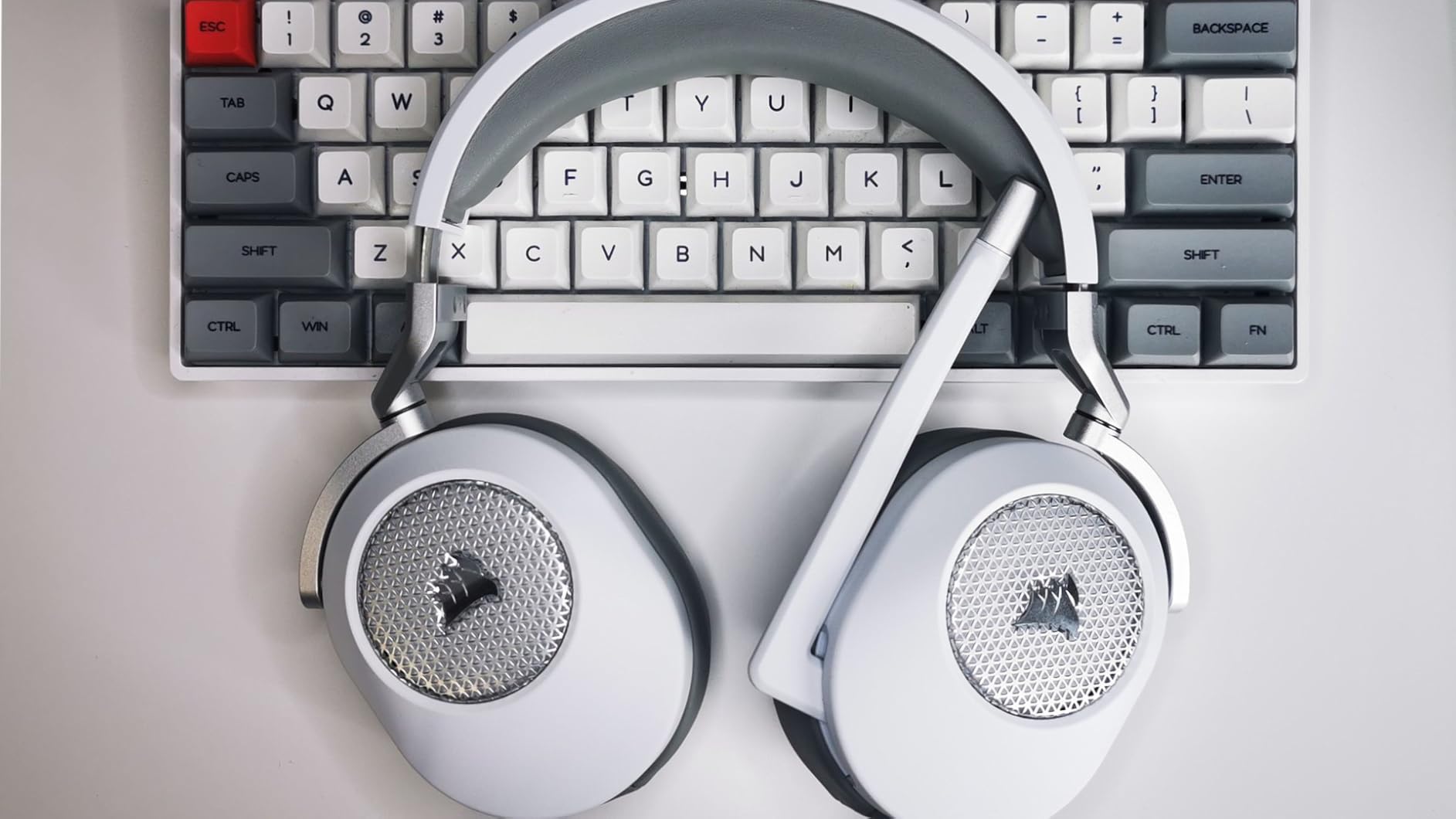
At 282 g the HS65 is the second-lightest headset here and the lightest one that still feels like a full over-ear gaming design. Long sessions are where that shows, because lower weight means less downward pressure on your ears and less heat building around the head. If you have played eight hours straight in anything, you already know how much that matters.
The PC software is the reason this one is worth a look beyond weight. Dolby Atmos spatial audio runs on PC, and SonarWorks SoundID personalises the response to your own hearing on PC and Mac. That combination is unusual at this price level, and in a shooter it gave us a noticeably wider sense of where sounds were coming from compared with the stereo-only wired sets.
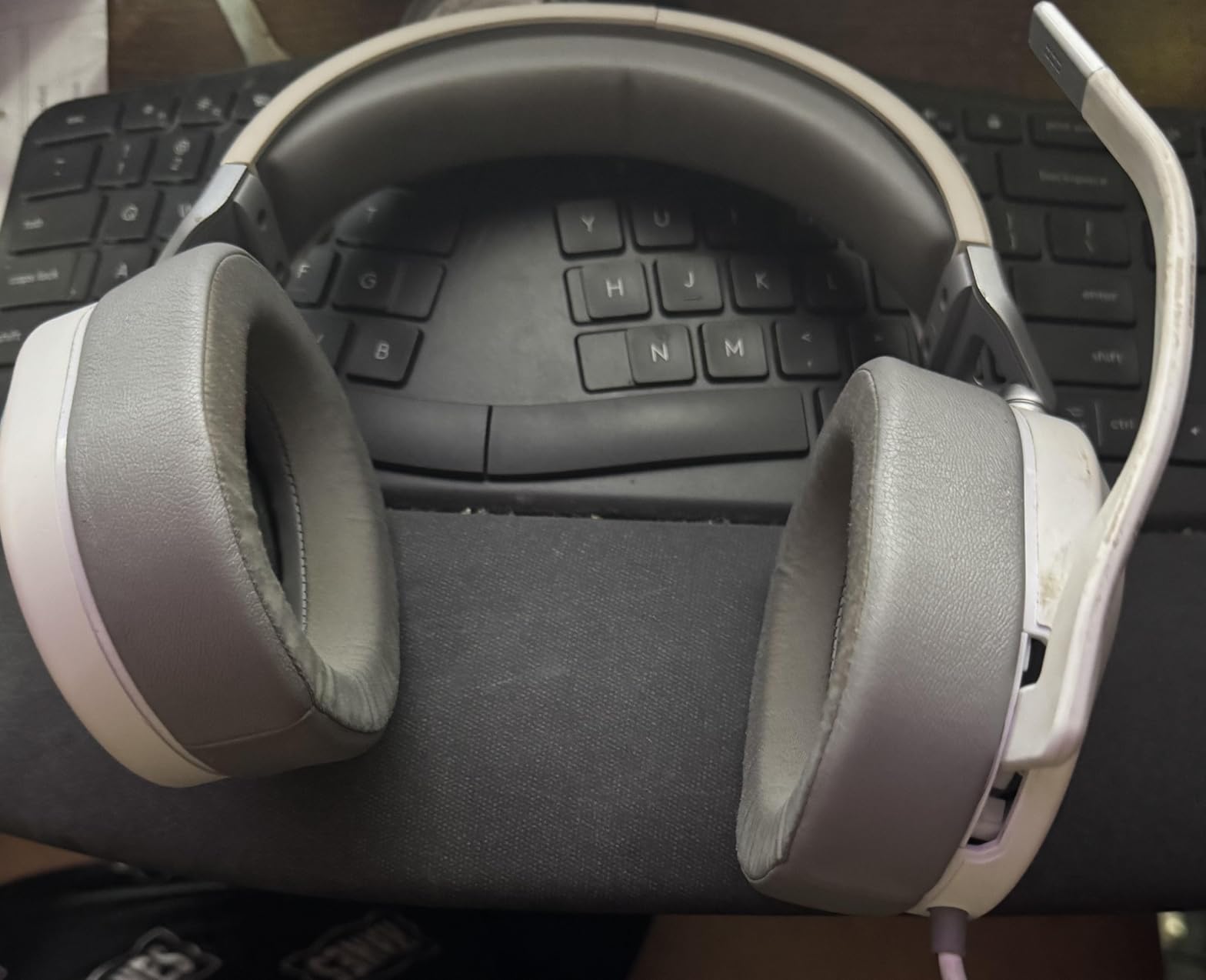
It is also genuinely multiplatform. Sony Tempest 3D audio is supported on PS5, and the 3.5mm connection covers Xbox Series, Switch and mobile without an adapter. The aluminum-reinforced adjustable headband keeps the shape after months of use, which is where cheaper plastic frames start to sag.
The flip-to-mute mic is the simplest version of that feature on this list. Swing it up and it cuts out, no button press, no menu, no on-screen notification. That predictability is worth more in a squad match than a fancier mic pattern.
Who should look at this one first
Choose the HS65 if you move between PC and PS5 and want the spatial processing to follow you, rather than only existing on one platform. It is also the pick for anyone who found heavier headsets uncomfortable and has been replacing them instead of enjoying them.
SoundID is worth the setup time if you have never calibrated a headset before. It plays a short sweep, builds a profile, and applies it inside the app. Once configured, the difference is clearest in games with quiet ambience, where the low end stops masking footsteps.
Where it falls short
The omni-directional mic is the main weakness. It picks up more of your room than a cardioid pattern would, so a mechanical keyboard or a desk fan in the background will travel with your voice on Discord. If team chat clarity is your top priority, look at the wired HyperX options instead.
The faux leather and mesh cup combination is less breathable than full fabric designs, so it can feel warm in a hot room. Owners of stiffer clamps also note the headband padding is on the thin side, though the low weight offsets much of that.
4. HyperX Cloud II – Top Rated and the Most Proven
HyperX Cloud II Gaming Headset – 7.1 Surround Sound – Memory…
Hardware 7.1 surround
53mm drivers
Detachable Discord-certified mic
Pros
- Highest rating and largest review base in this list
- Hardware 7.1 surround runs without extra software
- Detachable mic and swappable ear pads
- Aluminum frame with multi-year durability reports
- One USB plug carries audio and mic
Cons
- USB control box adds desk clutter
- Virtual 7.1 is less precise than modern spatial audio
- Stock faux leather pads can wear with age
- Splitter jack spacing can fight tight cases
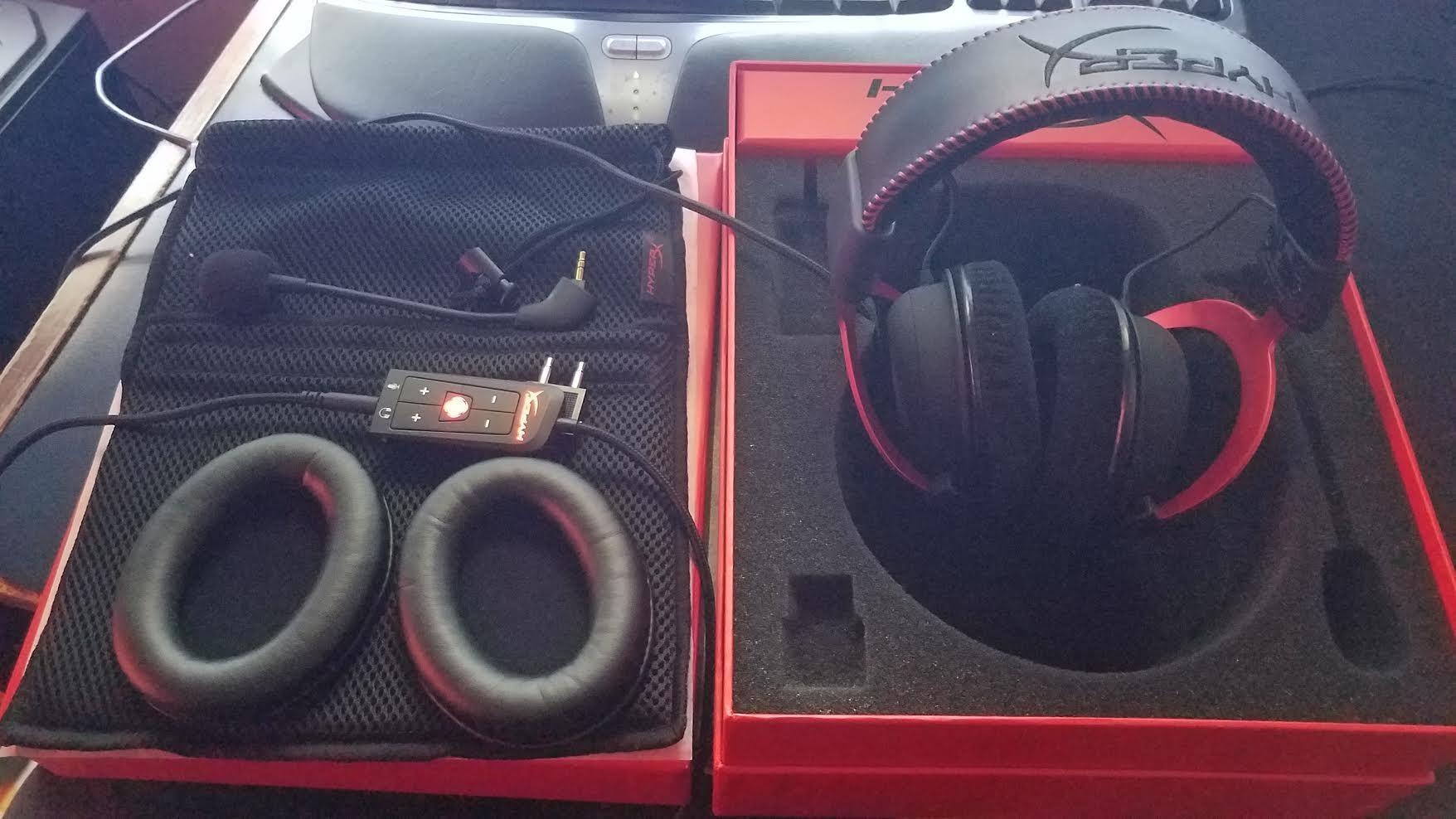
With a 4.5 rating across roughly 69,000 reviews, the Cloud II has the longest track record of anything on this list. Long-term owners repeatedly report multi-year lifespans, and the practical reason is simple: almost everything on it can be replaced. The ear pads swap, the mic detaches, and the cable is a standard USB run rather than a permanently attached piece.
The hardware 7.1 surround is processed on the USB control box, which means it works on a PC without installing a companion app first. In shooters that gives you real positional information without hunting through Windows sound settings. It is less precise than the software-based spatial processing on newer sets, but it is a one-step solution that many people prefer.
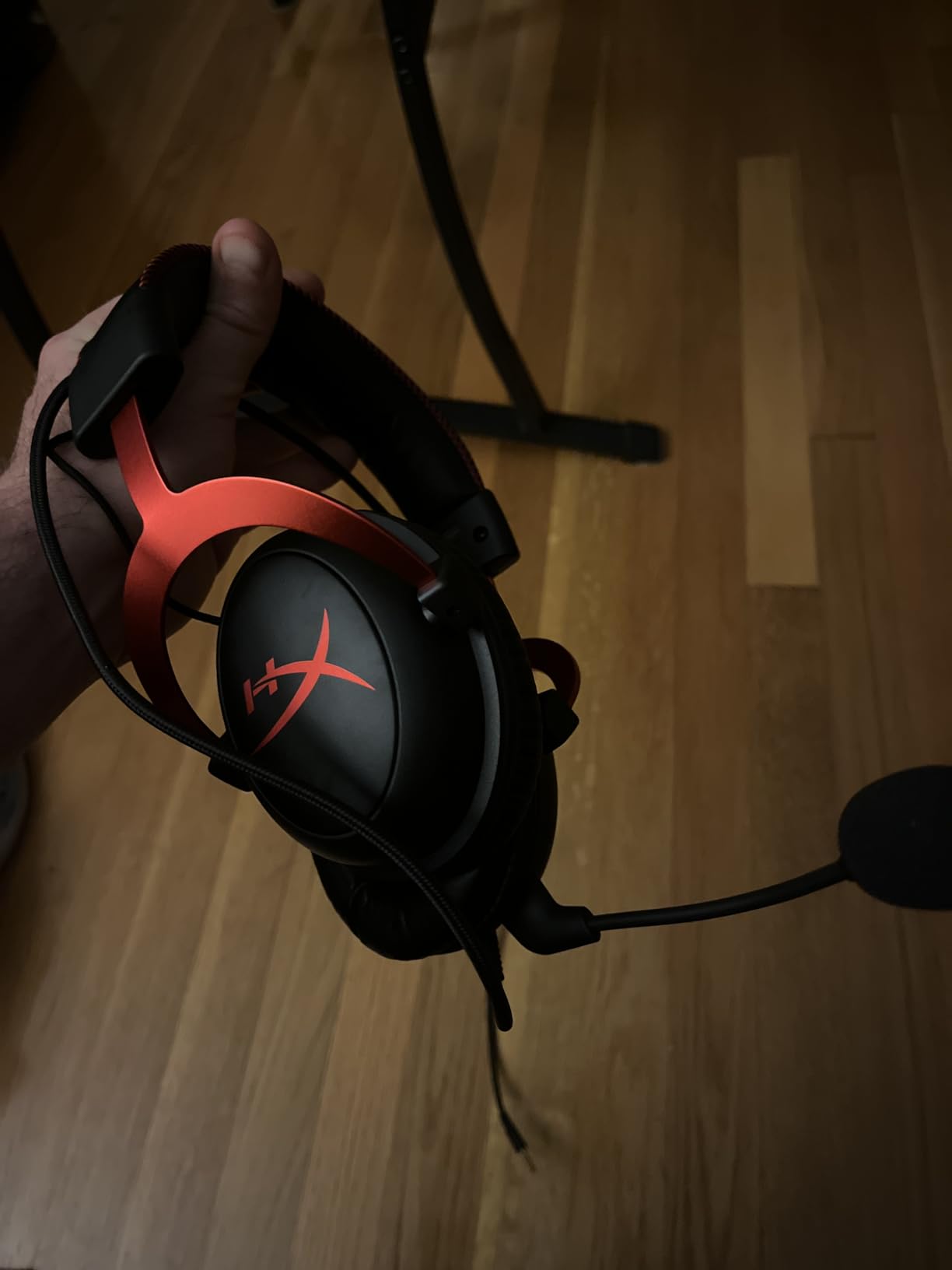
The detachable noise-cancelling mic is certified for TeamSpeak and Discord, which in practice means it behaves properly in the apps people actually use. Closed ear cups give solid passive isolation, so keyboard noise and general room hum stay down while you play.
For a PC specifically, the single USB plug is the underrated feature. Audio and mic travel on one cable, so there is no splitter to lose and no second jack to find on the back of a desktop. If your PC has a single USB port free, this is about as simple as a headset gets.
Why it still earns a spot in 2026
Headset generations move fast, and a model that launched years ago can still out-sell a newer one because it is proven, repairable and cheap enough to replace without thinking. The detachable mic and swappable pads mean a worn-out part costs one replacement rather than a whole new headset.
It also suits people who play across older and newer hardware. The control box works on PC and Mac, and the same unit covers PS4, Xbox One and Switch. If your household has mixed generations of consoles, that flexibility is harder to get from a current wireless model.
What to watch out for
The USB control box is a real object to find a home for on your desk, and it adds a permanent item between the PC and you. If you like a clean setup, a single-cable 3.5mm headset is tidier.
Stock faux leather pads are the part most likely to age. Owners report the soft-touch coating getting tacky and flaking after a few years, and some older units have had popping or crackling from the control box. Replacement pads and control boxes are widely available and inexpensive, which is exactly why this headset has survived so long.
5. SteelSeries Arctis Prime – Best for Long Streaming Sessions
SteelSeries Arctis Prime – Competitive Gaming Headset – High…
Steel and aluminum build
Retractable bi-directional mic
Detachable cables
Pros
- Lightweight frame built for multi-hour wear
- Cables detach at both ends
- Retractable mic stores inside the earcup
- Strong passive isolation from soft cups
- Flat frequency range suits music too
Cons
- Retractable mic is quieter than boom mics
- Clamp feels snug on larger heads
- Some reports of metallic or muffled sound
- Occasional dead mic or channel imbalance
The Arctis Prime is the one here we would hand to a streamer who is on camera for hours. The steel and aluminum frame stays light, and owners report wearing it through eight hour sessions without fatigue. Comfort is not an accessory on this headset, it is the main design decision, and that shows in long-session use.
Cables detach at both ends, which protects the spot that fails most often on cheap headsets. The ear cups also lay flat for storage, so it fits in a bag without the frame taking a permanent bend. Combined with the 10 to 40,000 Hz range listed for the drivers, it doubles as a reasonable pair of headphones for music and podcasts between sessions.
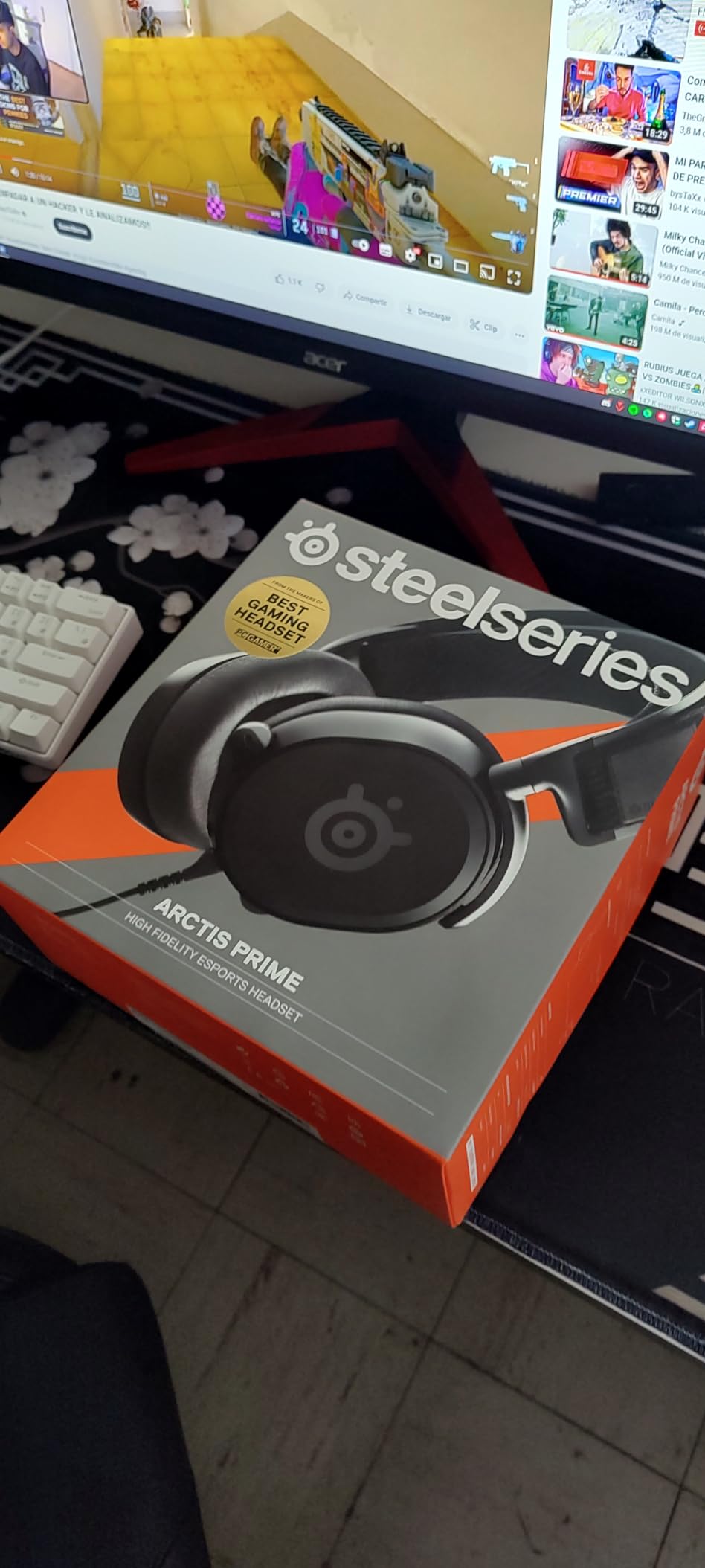
The mic retracts into the earcup rather than detaching on a wire, so there is no loose boom to swing around. It is a bi-directional capsule with noise cancellation, which handles a reasonably quiet room without fuss. The dual 3.5mm inputs and included four-pole adapter make it work on PCs with separate or combined jacks.
Passive isolation from the premium soft ear cups is good enough to keep a room’s constant hum out of your session. That is the difference between a headset that stays on for four hours and one that comes off after two.
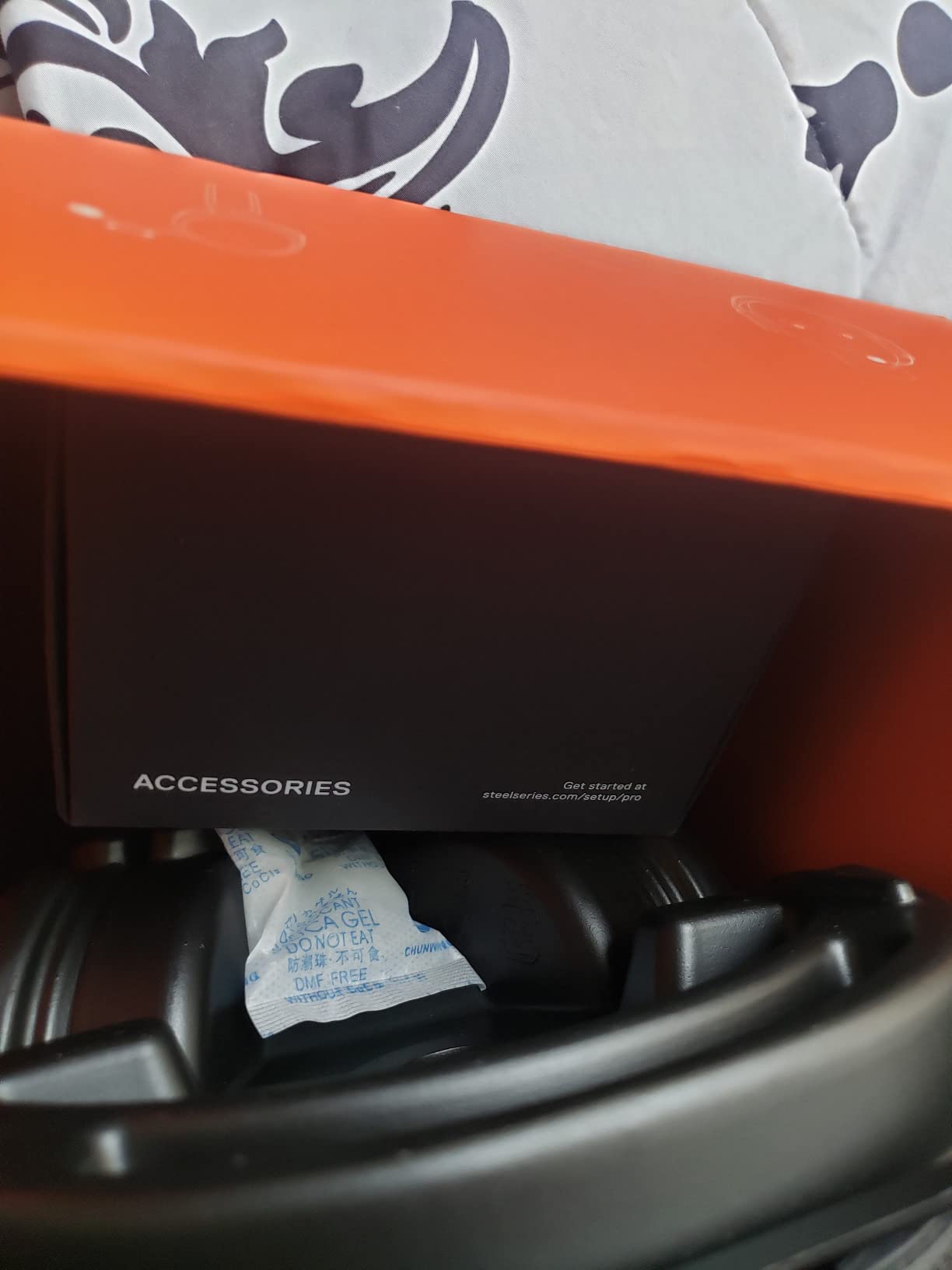
Streaming setup considerations
The retractable mic is a streaming asset if you record on the move, since there is no boom arm to position and nothing to clip. It is a liability if your room is loud, because a quieter capsule means your teammates will hear more of the space around you.
For pure audio capture, a dedicated microphone still wins, and we cover the reasoning in our gaming headset microphone guide. The Prime is the right pick when you want one device for voice, game audio and monitoring without a second box on the desk.
Who will not like it
Head shape is the deciding factor. The clamp is snug, and owners with larger heads report the cups feeling tight and slightly forceful after a few hours. If you already know you need a loose fit, test this one early or choose a lighter frame.
The retractable mic is also consistently reported as quieter than a dedicated boom, so it is the wrong choice for a squad where being heard clearly is non-negotiable. A small number of buyers have also received units with a dead mic or channel imbalance, so check both sides on day one.
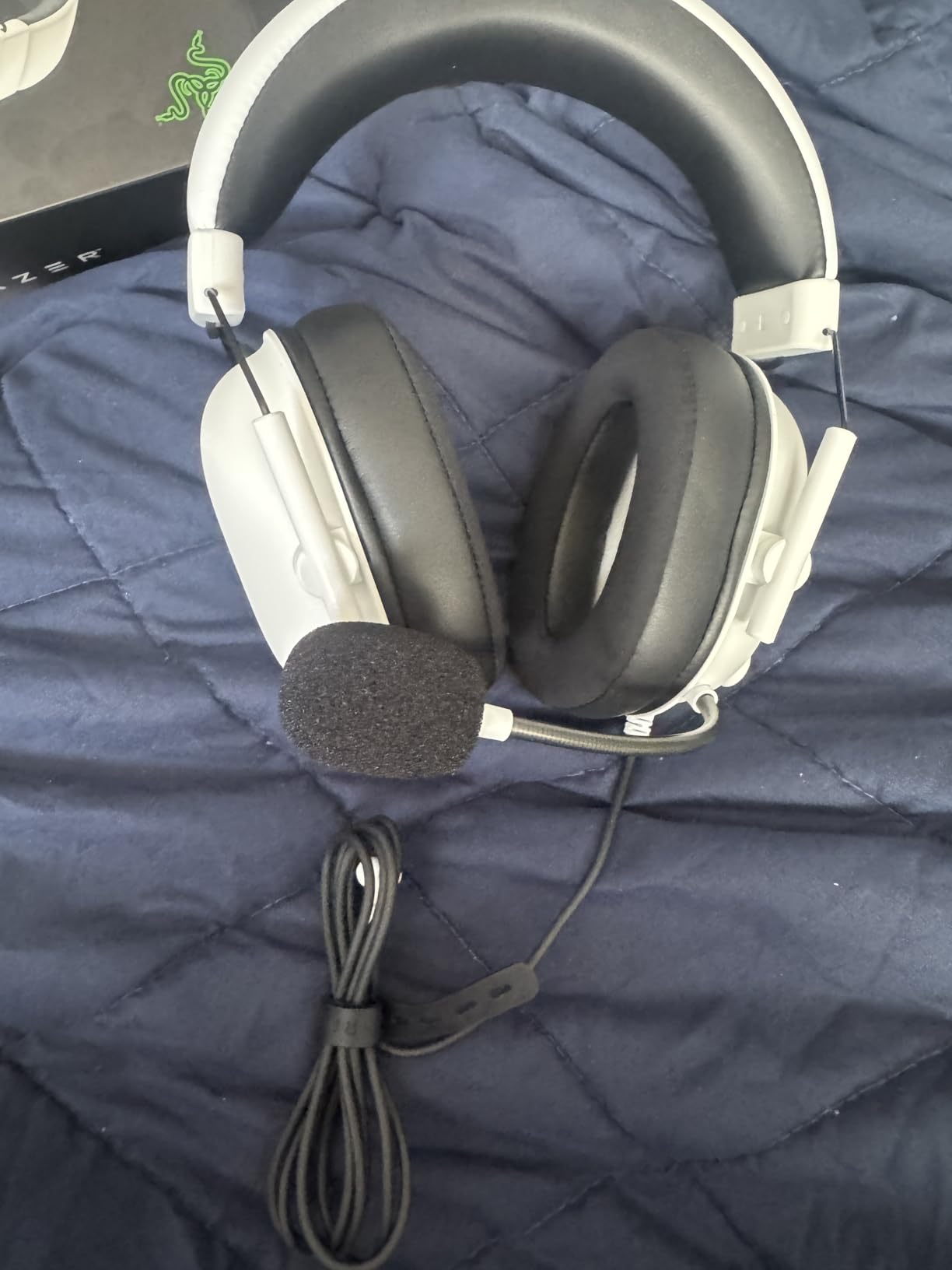
6. Razer BlackShark V2 X – Best for Competitive FPS Play
Razer BlackShark V2 X Gaming Headset: 7.1 Surround Sound…
50mm titanium-coated drivers
Software 7.1 surround
240 g
Pros
- Lightest headset on this list at 240 g
- Software 7.1 gives strong positional awareness
- Cardioid mic keeps background noise out
- Closed earcups block a lot of outside sound
- Works across PC Mac and every console
Cons
- Surround needs Windows 10 64-bit and Razer software
- No inline volume or mute on the cable
- Entry tuning is less refined than the Cloud III
- Wired only
At 240 g the BlackShark V2 X is the lightest headset we ranked, and in a shooter where you are reacting fast and staying focused for hours, that weight difference is felt. The closed earcups add passive noise cancellation on top of it, so keyboard clatter and room noise fade further than on an open-feeling design.
The real draw is the 7.1 surround. On Windows 10 64-bit with the Razer software enabled, positional awareness in competitive shooters is the best in this group, with enemies separating cleanly from background gunfire. The TriForce titanium 50mm drivers are tuned for that clarity rather than for bass-heavy music.
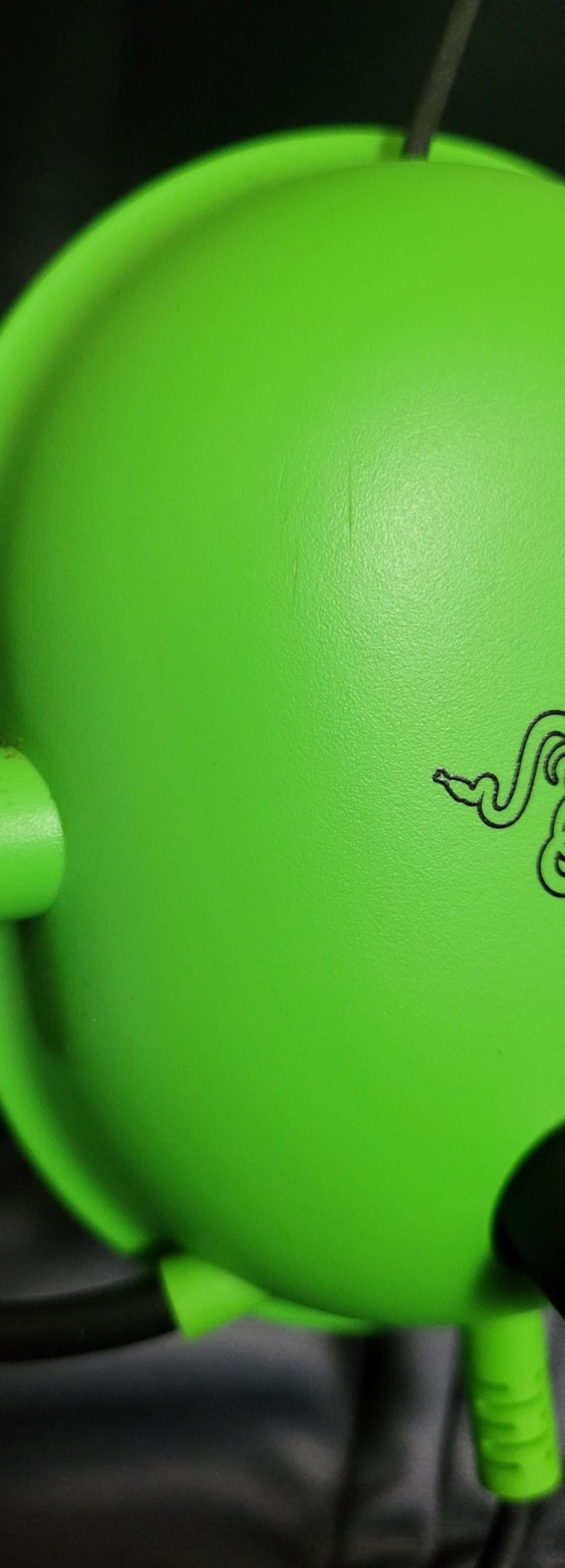
The HyperClear cardioid mic is a step up from the omni-directional designs at this level, because it focuses on your voice and rejects much of the room behind you. On Discord in a busy household, that is a meaningful improvement over a mic that picks up everything in the direction it faces.
The single 3.5mm entry works across PC, Mac, PS4, PS5, Switch and Xbox One, and an included splitter handles desktops with separate mic and headphone ports. For a laptop with one combined jack, the cable plugs straight in.
What you give up for the software surround
The surround is the trade. It needs Windows 10 64-bit and the Razer software, and on a console you get plain stereo with no equivalent mode. If you want positional audio that works the same everywhere, this is not the one.
There is also no inline volume or mute control, because the cable runs single-entry into the earcup. Adjusting volume means reaching for Windows or the game slider, and muting means unplugging or using a keybind. Players who need a physical mute should look elsewhere.
Who this suits
This is the pick for a PC player who mains a competitive shooter and wants the strongest directional awareness we heard at this budget, without carrying a wireless dongle. The light weight and cardioid mic pattern also make it the better of the budget sets for long ranked sessions.
For pure music and podcasts, the tuning is entry-level and you will notice it. For a headset that splits time between shooters and voice chat, the balance is exactly right.
7. HyperX Cloud Alpha – Best for Twin-Chamber Audio
HyperX Cloud Alpha – Gaming Headset, Dual Chamber Drivers…
Dual chamber drivers
Detachable mic and cable
298 g aluminum frame
Pros
- Dual chamber drivers keep bass from masking detail
- Detachable braided cable you can replace outright
- Aluminum frame survives drops and rough handling
- Works on every current platform including Mac
- Good passive isolation for the class
Cons
- Firmer clamp than the Cloud II and III
- Small vent holes leak a little sound
- Inline volume control sits awkwardly
- No surround processing without an extra adapter
The Cloud Alpha uses dual chamber drivers, which is the one genuine engineering idea in this list that changes the sound rather than just the feature count. Separating low and high output into different chambers reduces the distortion that normally smears detail in budget headsets, and in practice gunfire and footsteps stay distinct instead of merging into bass.
Like the Cloud III, it takes a detachable mic and a detachable braided cable. That is unusual this low in the range, and it means the two parts most likely to fail can each be replaced for a few dollars rather than forcing a whole new headset.
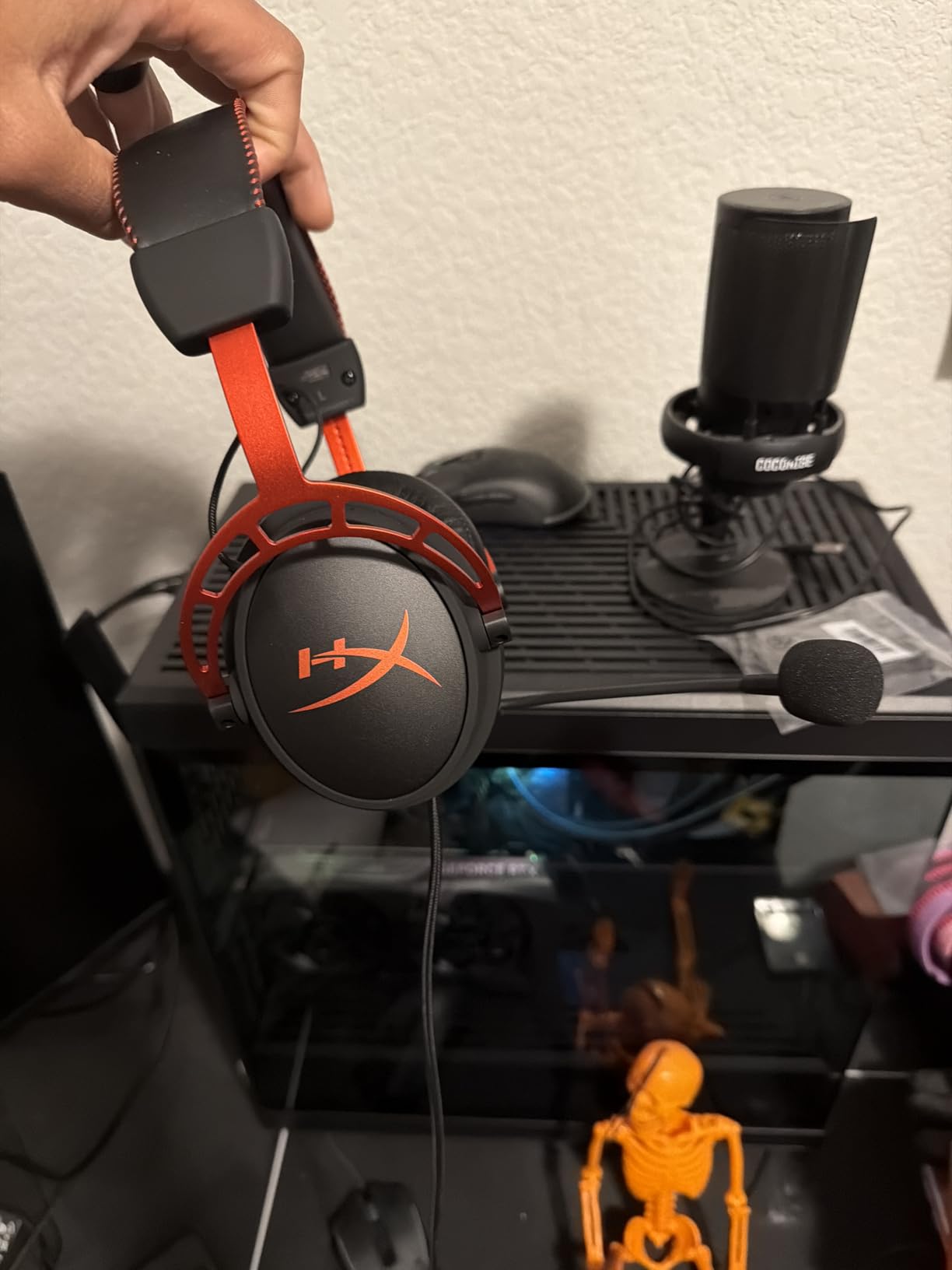
The platform list is the broadest here. It covers PC, Mac, PS4, PS5, Xbox One, Xbox Series, Switch and mobile, with a 3.5mm single-entry cable and an included splitter for separate-jack desktops. If your household mixes consoles and laptops, nothing else on this list is as painless to move between.
Build quality is the other calling card. Owners report the aluminum frame surviving drops, door impacts and office chair incidents, and the memory foam cushions stay comfortable across multi-hour sessions. It is the headset we would pick for someone who has already broken cheaper pairs.
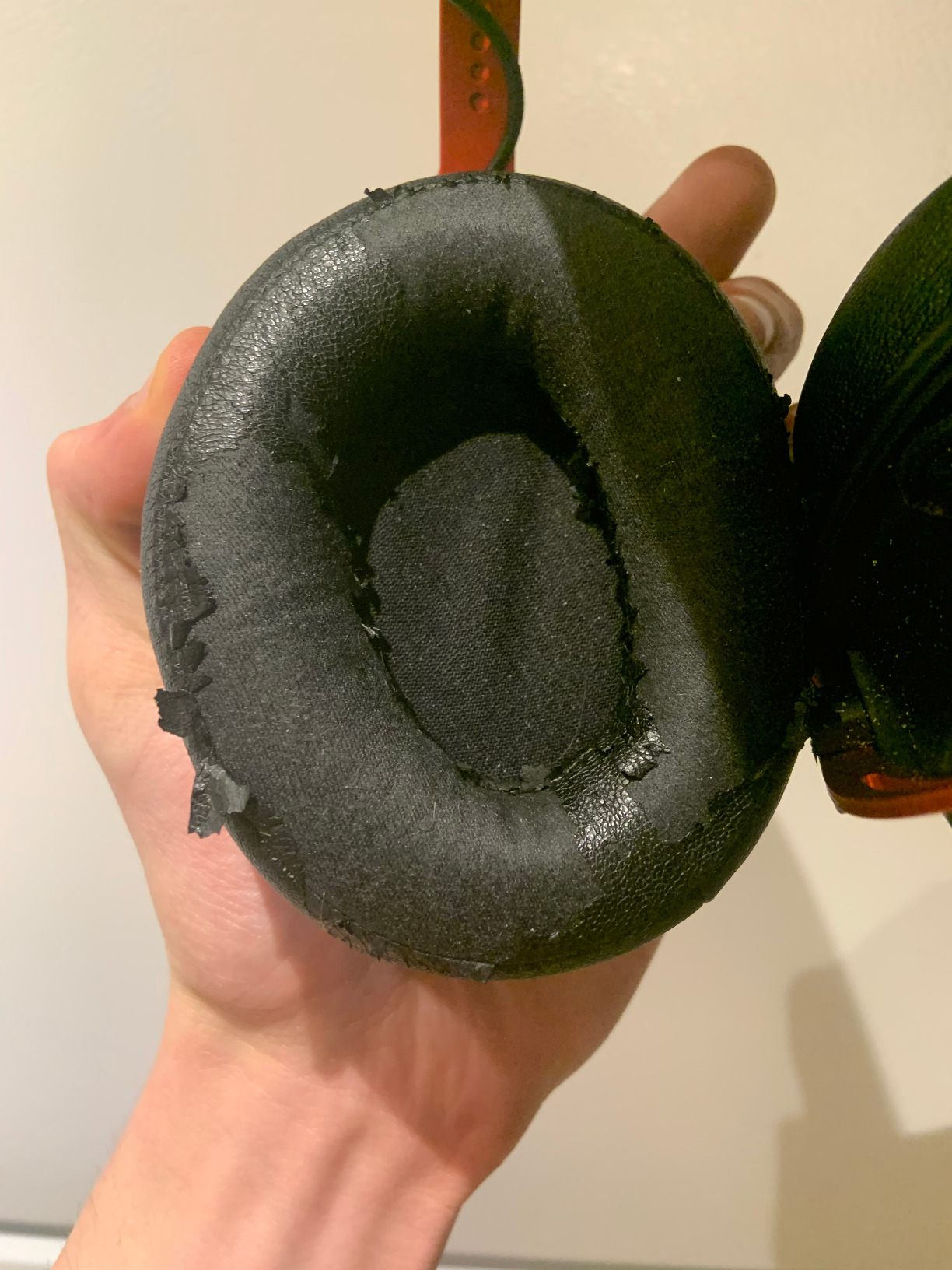
Deciding between the Alpha and the Cloud III
Both are HyperX, both are wired, and both come with a detachable mic. The Cloud Alpha is the more repairable of the two because its cable also detaches, and its dual chamber drivers give cleaner separation. The Cloud III has the softer clamp and a slightly stronger review history.
Choose the Alpha if you care about serviceable parts and platform breadth. Choose the Cloud III if you are replacing a headset that started to hurt your head after long sessions and comfort is the deciding factor.
Where the compromises sit
The headband padding is firmer and the clamp stronger than on the Cloud II and III, so it is not the pick for a pressure-sensitive head. The small vent holes at the top of the cups let a little high-pitched sound leak in and out, which slightly reduces isolation.
The inline volume control is also small and awkwardly placed enough that owners mention hitting it with the desk. And there is no surround processing at all without buying a separate USB adapter, so if positional audio is your priority this is not the set to shortlist.
8. Logitech G432 – Most Versatile for First-Time Buyers
Logitech G432 Wired Gaming Headset – Black
50mm drivers
DTS Headphone:X 2.0
USB DAC or 3.5mm
Pros
- DTS Headphone:X 2.0 positional audio for the money
- Flip-up mute mic is simple and reliable
- Cups rotate 90 degrees for a relaxed fit
- Works on PC Mac consoles and mobile
- One of the lowest entry points on this list
Cons
- Heaviest option here at about 1.2 pounds
- Leatherette pads warm up in long sessions
- Surround needs Logitech G HUB software
- Entry-level drivers lack finer detail
The G432 is the least expensive way into a proper gaming headset, and for a first PC build it does the job without cutting the features people actually use. You get 50mm drivers, a 6mm boom mic with flip-up mute, and DTS Headphone:X 2.0 surround through Logitech G HUB on PC.
That surround is the headline. Positional awareness in shooters is noticeably better than plain stereo, and for players moving up from earbuds or laptop speakers it is the first thing they notice. Flip-up mute is the same low-friction mechanism we liked on the Corsair, with no software confirmation to wait for.
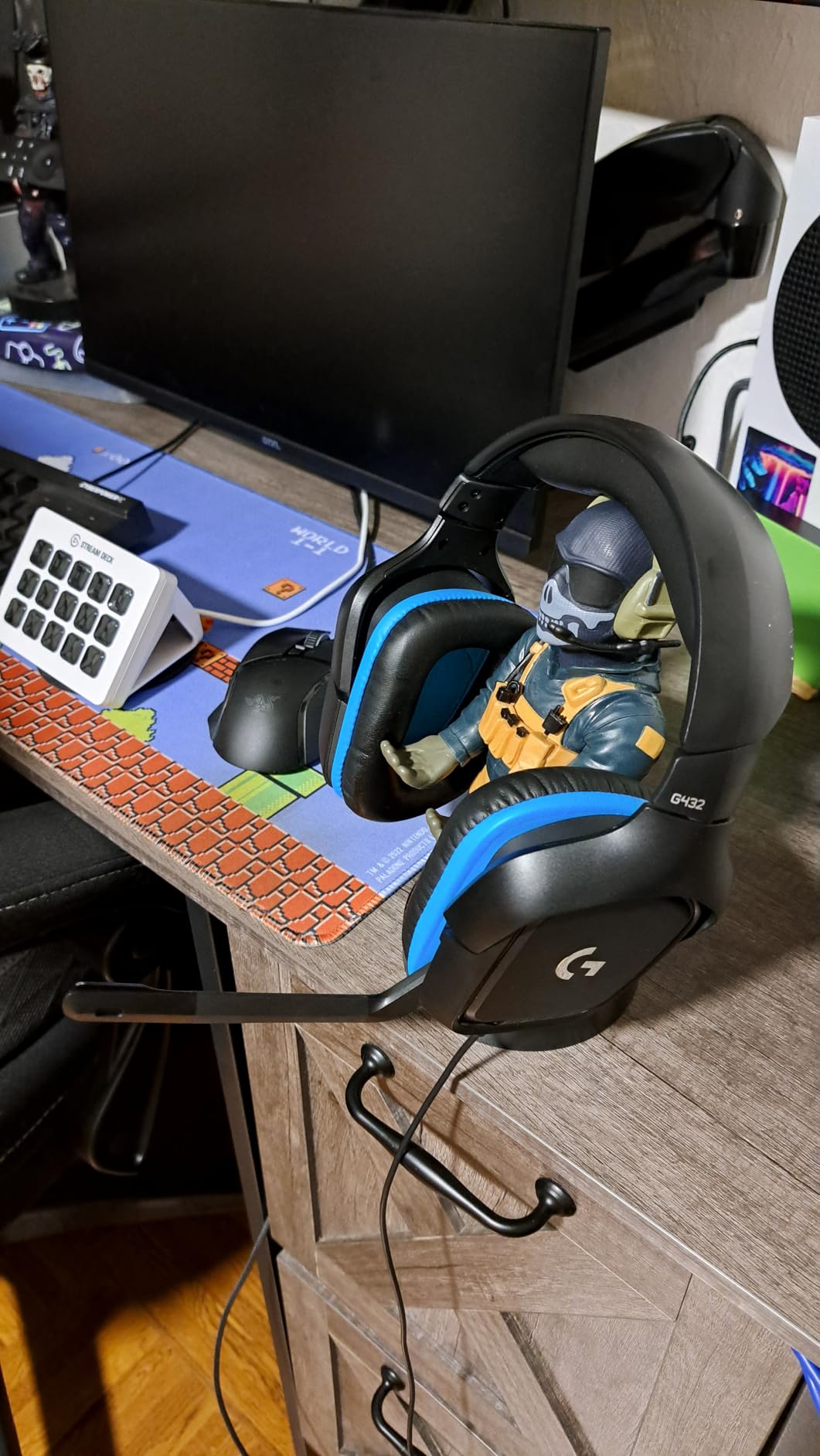
Connection is flexible for the price. A USB DAC or a 3.5mm cable both work, so it fits a modern desktop, a laptop with one combined jack, or a console without an adapter. The ear cups rotate up to 90 degrees, which lets you rest them on your collar between matches instead of taking the whole headset off.
The deluxe leatherette cushions and padded headband spread pressure well, which is the main thing this design does right. Multi-platform support covers PC, Mac, PS4, PS5, Switch and mobile.
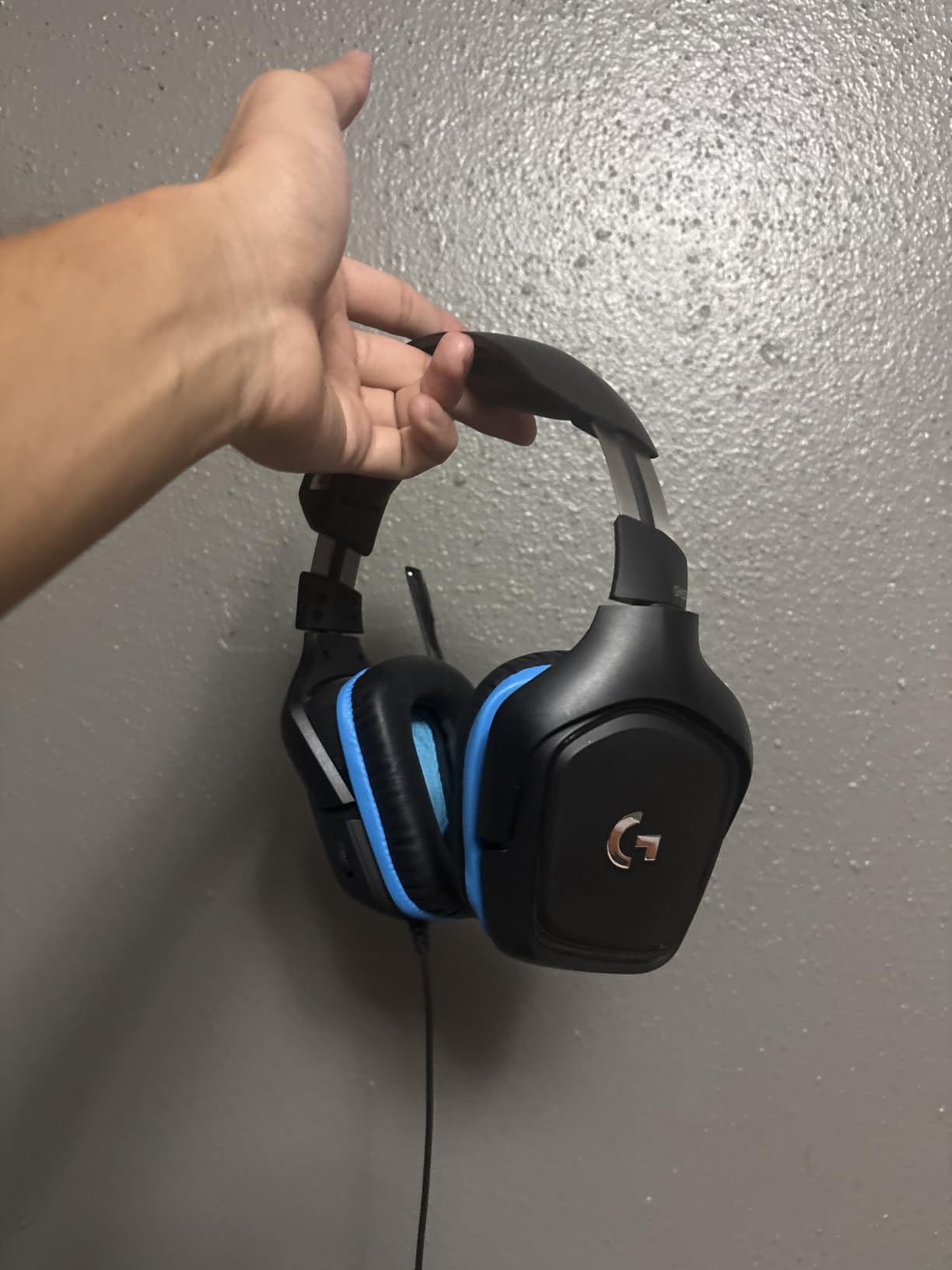
Is the low weight worth buying a different set?
No. At roughly 1.2 pounds this is the heaviest headset we ranked, and that is the one specification that stands out against the others. In the first hour nobody notices. In hour five, with glasses on, you will. If you already know you run long sessions, add the Cloud III or the Corsair HS65 to your shortlist instead.
Leatherette pads also trap heat, so this is a less comfortable choice in a warm room than a fabric-covered design. That is the same trade every plush pad makes at this level.
Who should buy it
Buy the G432 if this is your first real gaming headset, you are still using laptop speakers, and you want positional audio without researching much. It covers the basics well and costs little enough that replacing it in two years is not a financial event.
Skip it if you are replacing a headset that already fell apart and want something that feels more solid, since the light build here trades away some of the frame confidence the aluminum models offer. You also need Logitech G HUB installed for the surround mode, which is one more app running in the background.
How to Choose a PC Gaming Headset on a Budget
Start with the microphone, then the weight, then everything else. Forum threads at this budget almost always circle back to the same two complaints: teammates cannot hear you clearly, and the clamp starts to hurt after two hours. Neither is a driver size problem, which is why the two headsets with the best mic patterns on this list are not the two with the biggest marketing claims.
Wired or wireless, and what latency means
A wired 3.5mm or USB connection adds essentially nothing between the game and your ears, typically under 5 milliseconds. Modern 2.4GHz wireless lands around 20 to 40 milliseconds, which is above the threshold most people consciously notice but high enough that competitive players have learned to watch for it. Bluetooth is worse again and is meant for calls, not for aiming.
If you play shooters at a competitive level, wired is the safe default and seven of our eight picks take that route. If you move around, share a desk, or switch to your phone mid-session, the Stealth 600 is the only pick here that does it without a cable. Our wireless gaming headset guide covers what changes once you move above this ceiling.
Laptops with a single audio jack
Check your ports before you buy anything. A desktop with separate green headphone and pink microphone sockets needs a splitter, and most of these headsets include one. A laptop with a single combined 3.5mm jack needs nothing, because a four-pole headset cable carries both signals in one plug. The Cloud III, Cloud Alpha, Razer and Arctis Prime all use that single-entry arrangement.
If your machine is USB-C only, the Cloud III ships with a USB-C cable that handles audio and mic together. The G432 includes a USB DAC for the same reason. Wireless dongles are a separate purchase, and that is worth knowing before the Stealth 600, since you also need a free USB-A port on the machine.
Microphone quality for squad chat
A cardioid pattern beats an omni-directional one in a real room because it focuses on your voice and rejects the space behind you. The Razer BlackShark V2 X uses a cardioid HyperClear mic, and the detachable HyperX booms on the Cloud III and Cloud Alpha are the other two we would put on a squad. The Corsair HS65 and the Arctis Prime both use omni-directional or retractable capsules that travel with the room.
If you stream, a headset mic is still a compromise. It is fine for commentary and for team comms, but a dedicated microphone will always sit closer to your mouth. Plenty of players use a headset for game audio and monitoring while running a separate mic for capture, and our microphone guide covers when that split is worth the extra cost.
Comfort, glasses and long sessions
Weight predicts long-session comfort better than padding material. Rounding the listed weights out, the Razer sits lightest at 240 g, the Corsair at 282 g, the Cloud Alpha at 298 g, the Cloud III at 308 g, and the Stealth 600 at 320 g. The G432 is heaviest at roughly 1.2 pounds. Below 300 g you will barely notice the headset after hour three.
Glasses wearers should look for memory foam or explicitly glasses-friendly cushions, which is what the Stealth 600 and the Cloud III offer. Avoid headsets described as having a firm or forceful clamp, because temple arms are exactly where that pressure lands.
What the 150 dollar ceiling actually buys
Honest answer: not much more than what we ranked. Every pick on this list came in well below the ceiling, and the ones that stretch toward it are buying platform breadth or battery life rather than sound quality. What you do not get at this budget is hybrid active noise cancellation, simultaneous 2.4GHz and Bluetooth on most models, planar magnetic drivers, and reliable broadcast-quality microphones.
One compatibility note worth repeating from the forums: most wireless PC and PS5 headsets in this range use a proprietary 2.4GHz dongle and will not pair to an Xbox Series X or S controller. The Stealth 600 is the exception on this list because it supports Xbox directly. If you play on Xbox, check the platform list before you buy anything wireless.
Frequently Asked Questions
What is the best gaming headset under 150 dollars?
The Turtle Beach Stealth 600 Wireless is our top pick, because it is the only wireless option in this price range with an 80-hour battery, 50mm drivers and a one-press switch to Bluetooth. If you want a wired headset instead, the HyperX Cloud III is the better buy for most PC setups.
What is the best budget gaming headset?
The Logitech G432 is the lowest-cost way into a real gaming headset, with 50mm drivers, a flip-to-mute boom mic and DTS Headphone:X 2.0 surround through Logitech G HUB. It is the heaviest option we tested at roughly 1.2 pounds, so buyers playing very long sessions are better served by the HyperX Cloud III.
Which is better, wired or wireless, for PC gaming?
Wired is the safer choice for competitive shooters, adding under 5 milliseconds of delay against roughly 20 to 40 milliseconds for modern 2.4GHz wireless. Wireless wins on movement, sharing a desk and switching to Bluetooth for phone calls. Seven of the eight headsets we ranked are wired, and only the Turtle Beach Stealth 600 is wireless.
Is a SteelSeries headset better than a HyperX headset?
It depends on the model. The SteelSeries Arctis Prime is the lighter, more repairable option with cables that detach at both ends, which suits long streaming sessions. The HyperX Cloud III has a softer clamp, more connection options in the box and DTS spatial audio on PC, so it is the more flexible wired choice.
Will these headsets work on a laptop with a single 3.5mm jack?
Yes, for the wired models. A single combined jack accepts a four-pole headset cable, which carries audio and microphone together, so the HyperX Cloud III, Cloud Alpha, Razer BlackShark V2 X and SteelSeries Arctis Prime all plug straight into a laptop with one port. Wireless models need a USB-A dongle port instead.
Do I need a separate microphone for streaming?
A headset microphone is fine for team voice chat and for commentary on quiet recordings. For streaming you are heard on a broadcast, where a dedicated microphone sits closer to your mouth and picks up far less room noise. Many players use the headset for game audio and monitoring while capturing voice on a separate mic.
Our Verdict
The best gaming headsets for PC under 150 dollars do not need the full budget to be good. The Turtle Beach Stealth 600 Wireless takes the overall spot because wireless freedom is the one thing you cannot add later, and its 80-hour battery removes charging from your routine entirely. Everyone else is better served by a cable.
For most PC players, buy the HyperX Cloud III. For competitive shooters where direction matters more than everything else, the Razer BlackShark V2 X. For long sessions and repairs, the HyperX Cloud II and SteelSeries Arctis Prime. Whichever you choose, check the jack layout on your machine first and test the clamp before a long evening queue, because that is the thing you will live with every single day.
If you are still building out a setup and want the other half of the desk sorted, our PC VR headset guide covers the next upgrade step.
