
10 Best 65 Inch TVs Under $1000 (October 2026) Detailed Reviews
The best 65 inch TV under 1000 for most people in 2026 is the TCL 65QM6K, a QD-Mini LED set with full array local dimming and a 144Hz native panel. It lands in the same price band as the other Mini-LED sets in this guide while pulling well ahead of them on contrast, gaming features and built-in audio. If your room is dark at night and you refuse to compromise on black levels, the Roku Plus 65R6C7 is the sharper picture, and if you only stream, several cheaper sets do the job just as well.
That is the short version. The longer version is that the 65-inch bracket under 1000 dollars has changed more in the last two model years than it did in the five years before that. A decade ago this money bought a 60Hz edge-lit panel with no local dimming and no HDR support worth mentioning. Today it buys Mini LED backlighting, Dolby Vision, native 144Hz, variable refresh rate and a picture processor that upscales 1080p sources convincingly. The gap between the cheapest set here and the best one here is no longer about screen size at all.
Contents
Our method: we compared the ten 65-inch sets below on the specifications manufacturers publish, the aggregate owner ratings and review volume behind each listing, and the recurring complaint patterns in buyer discussions. Every product here is a current-generation model sold directly by the brand. We did not measure brightness ourselves, so any peak brightness figure quoted below is the manufacturer figure, and we flag the ones that are marketing rather than measurement. Ratings and review counts are copied exactly as they appear on the listing.
A word on the ceiling itself. It is a budget, not a fence. Owners on r/4kTV repeatedly note that a higher tier lands under the line on a clearance day or during a holiday promotion, and the [best 65 inch TV deals we track](https://www.rosenberryrooms.com/best-black-friday-65-inch-tv-deals/) page follows the swings. Treat every pick below as a model worth watching rather than a model worth rushing for. For broader context on what 65-inch sets cost above this line, our [65 inch 4K TV roundup](https://www.rosenberryrooms.com/best-4k-tvs-65-inch/) covers the full price ladder.
Top 3 Picks for the Best 65 Inch TVs Under $1000 (October 2026)

TCL 65QM6K
- QD-Mini LED with full array local dimming
- 144Hz native with 288Hz VRR
- Onkyo 2.1 audio with subwoofer
- Dolby Vision and HDR10+

Hisense 65A6H
- 4K LED with Dolby Vision
- Google TV with Chromecast built in
- 60Hz native panel
- Heavily reviewed entry set

Roku Select 65R5D5
- QLED color
- Fast uncluttered Roku OS
- Lightweight 30.9 lb body
- Four HDMI ports
As an Amazon Associate we earn from qualifying purchases. CERTAIN CONTENT THAT APPEARS ON THIS SITE COMES FROM AMAZON. THIS CONTENT IS PROVIDED 'AS IS' AND IS SUBJECT TO CHANGE OR REMOVAL AT ANY TIME.
Best 65 Inch TVs Under $1000 in 2026
All ten sets are 65-inch 4K panels. The columns that decide the outcome are backlight type, native refresh rate and smart platform, so those are what this table tracks.
| Product | Features | |
|---|---|---|
| TCL 65QM6K |
|
Check Latest Price |
| Hisense 65A6H |
|
Check Latest Price |
| Roku Select 65R5D5 |
|
Check Latest Price |
 Insignia NS65-UQFL26 Insignia NS65-UQFL26 |
|
Check Latest Price |
 Samsung 65U8000H Samsung 65U8000H |
|
Check Latest Price |
 Samsung 65M70H Samsung 65M70H |
|
Check Latest Price |
 Roku Plus 65R6C7 Roku Plus 65R6C7 |
|
Check Latest Price |
 TCL 65T7 TCL 65T7 |
|
Check Latest Price |
 Hisense 65E7SF Hisense 65E7SF |
|
Check Latest Price |
 Sony BRAVIA 5 K-65XR50 Sony BRAVIA 5 K-65XR50 |
|
Check Latest Price |
We earn from qualifying purchases. CERTAIN CONTENT THAT APPEARS ON THIS SITE COMES FROM AMAZON. THIS CONTENT IS PROVIDED 'AS IS' AND IS SUBJECT TO CHANGE OR REMOVAL AT ANY TIME.
Two things stand out immediately. Three of these sets are 60Hz panels marketed with 120Hz or higher motion features, and one of them weighs almost twice as much as another. Both details matter more than the logos do, and both are covered in the buying guide below.
1. TCL 65QM6K – Best Overall Mini LED Under 1000
TCL 65 Inch Class QM6K Series | Mini LED QLED 4K HDR…
Mini LED backlight
Full array local dimming
144Hz native, 288Hz VRR
37.8 lb, VESA 300x300
Pros
- QD-Mini LED with TCL Halo Control dimming
- 144Hz native panel with 288Hz VRR
- Onkyo 2.1 system with built-in subwoofer
- Four HDMI ports and two USB
- Full HDR format list including Dolby Vision
Cons
- Dims down in very bright rooms
- Google TV home screen is ad-heavy
- Bluetooth pairing and voice wake are inconsistent
The 65QM6K is the set we keep coming back to because it is the only one in this group that gets the three things right at once. Full array local dimming gives it real contrast, a 144Hz native panel makes it genuinely good at games and sports, and the Onkyo 2.1 speaker system with a built-in subwoofer means it is not immediately begging for a soundbar. Almost every competitor at this price gives you two of those three.
Owner reaction lines up with the spec sheet. Across 1944 reviews the set holds a 4.3 average, and the recurring theme is a straightforward upgrade from a budget LED panel: darker letterbox bars, brighter highlights on HDR content, and a picture that holds up in a normal lit living room rather than only after dark. Setup is reported as painless by nearly everyone who mentions it. That is not a small thing in a category where a quarter of owners are still unboxing a television.
The technical details are the reason we ranked it first. Dolby Vision, HDR10+, HDR10 and HLG are all supported, the four HDMI ports cover a console plus a soundbar plus a disc player without a switch, and 288Hz variable gaming refresh rate means the panel drops smoothly when your frame rate does. The 178-degree viewing angle and the 300 x 300 mm VESA pattern are unremarkable, which is fine.
It is 37.8 pounds with the stand attached, which is the middle of this group. A two-person wall mount is comfortable, a solo mount is doable if your bracket is rated for it. Check the weight before you buy a mount, and our [65 inch TV mount guide](https://www.rosenberryrooms.com/best-tv-wall-mounts-for-65-inch-tvs-independent/) covers the ratings that matter.
Who the 65QM6K suits
This is the set for a mixed-use household. Someone watches football in the afternoon, someone else plays a PS5 in the evening, and nobody wants to argue about picture modes. It is also the pick r/4kTV owners name most often as the value benchmark in this price band, which is why it appears in so many “which 65-inch under 1000” threads.
Buy it if your room is average brightness rather than sunlit, and if you want one television that does everything without an upgrade conversation next year.
Who should skip the 65QM6K
Skip it if your room takes direct afternoon sun through a large window. Owners consistently report the picture dimming in very bright conditions, and that is a room problem no panel setting fixes. If you are also the kind of person who hates the Google TV home screen, this is not your set.
Skip it if you care more about sound than picture. The Onkyo system is better than most, but it is still television speakers and it will not satisfy an action film.
2. Hisense 65A6H – Best Value for the Money
Hisense 65-Inch Class A6 Series 4K UHD Smart Google TV with…
Edge-lit 4K LED
60Hz native panel
Dolby Vision and HDR10
Google TV, 4 HDMI
Pros
- Most reviews of any set in this guide
- AI UHD upscaler cleans up lower-res streams
- Dolby Vision at an entry price
- Game Mode Plus with auto low latency
Cons
- 60Hz native panel
- No local dimming so dark scenes look flat
- Thin 8W x 2 speaker system
The Hisense 65A6H is the reason we can say this category is no longer a place where you have to choose between a big screen and a decent one. It is a straight edge-lit LED panel with no local dimming whatsoever, and it still reviews at 4.3 across 4710 ratings, which makes it the most proven television in this list by a wide margin.
When a set has that many reviews, the aggregate tells you something the spec sheet cannot: it behaves consistently. Very few owners describe a unit that degrades or that arrived damaged, and the AI UHD upscaler gets specific praise for making 1080p streaming look better than it has any right to on a 4K panel. Chromecast is built in, so casting does not need an app.
The refresh rate is the honest weakness. It is a 60Hz native panel with a Motion Enhancement feature rated at 120Hz, and that 120Hz is frame interpolation, not a faster panel. Football fans feel this. Console players running a PS5 in performance mode feel this. Everyone watching a series after dark does not notice at all.
Two more things to know. The set runs 233 kWh a year according to the manufacturer, which is a real number to weigh if you watch long hours. And the listed weight is 25.8 kg, which is heavier than the 30.9-pound Roku Select, so plan for a two-person lift on the stand or a mount with a proper rating.
Who the 65A6H suits
This is the set for a first large television, a bedroom or rental, a second TV, or anyone who wants a very large screen for the least money and does not intend to play games. Buyers replacing a 32-inch set with something much bigger will be thrilled by the size alone, which is the actual upgrade most people feel.
It also makes sense as a daytime set in a medium-brightness room. It is the least sophisticated panel here, and it is still perfectly watchable.
Who should skip the 65A6H
Skip it if you watch films at night with the lights off and you care about black level. With no local dimming, a bright letterbox bar or a bright on-screen object lifts the whole panel and dark scenes read as grey rather than black. That is the single clearest dividing line in this list.
Skip it for fast sports and high-end console gaming. Sixty hertz is a real limit, not a marketing detail.
3. Roku Select 65R5D5 – Best for Easy Setup and Least Frustration
Roku 65-Inch Select Series Smart TV 2026-4K (2160p) QLED TV…
QLED 4K panel
60Hz native panel
Roku OS, 4 HDMI
30.9 lb, VESA 400x300
Pros
- Fast uncluttered Roku OS
- Interchangeable Roku remotes with a finder button
- Lightest 65 inch set here at 30.9 lb
- Setup usually under ten minutes
Cons
- 60Hz native panel
- Basic dimming keeps blacks well short of Mini LED
- Home layout ordering annoys some owners
The Roku Select is the pick for people who have been burned by a smart TV. Roku OS is the least cluttered interface in this guide by a distance, it launches apps quickly, and the whole setup is routinely described as taking under ten minutes. Owners in the Roku ecosystem rate it especially highly for exactly that consistency.
The QLED panel is the other reason to look here. At this price most sets are plain LED, and quantum dot color is a visible step up in saturation and highlight color. It is not a Mini LED panel and it will not compete with one in a dark room, but in a lit room watching daytime television the difference is real.
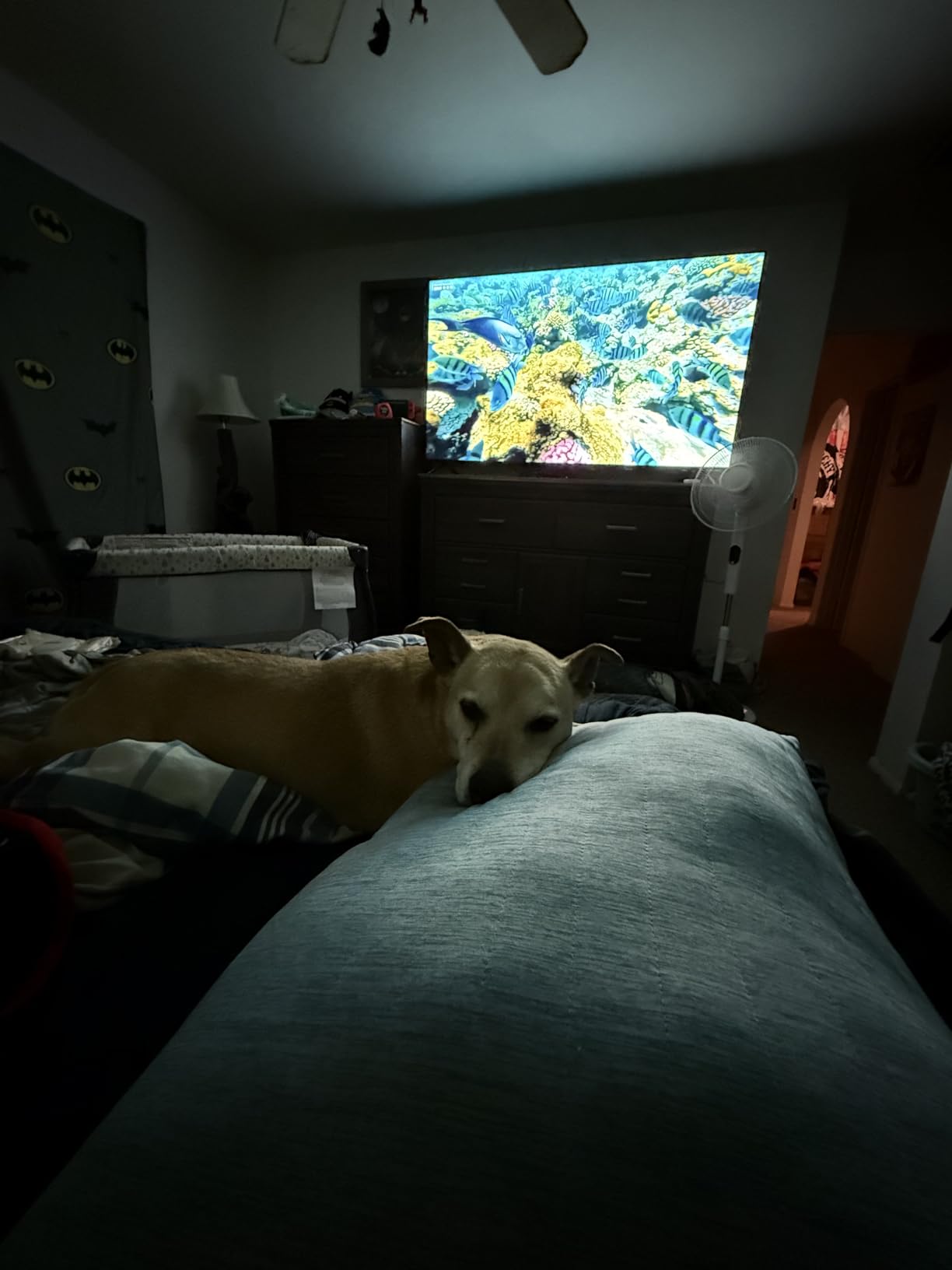
Two practical details make this a landlord-friendly set. It weighs 30.9 pounds, the lightest 65-inch option here, and the frameless body is thin. If you are mounting it yourself in a rental or a spare room, those two facts remove most of the risk. The VESA pattern is a standard 400 x 300 mm, so almost any mount fits.
The Bluetooth Headphone Mode is worth knowing about if you watch late. It pairs wireless headphones and can keep the audio running with the screen off, which is a small feature that changes the experience of a second TV in a bedroom.
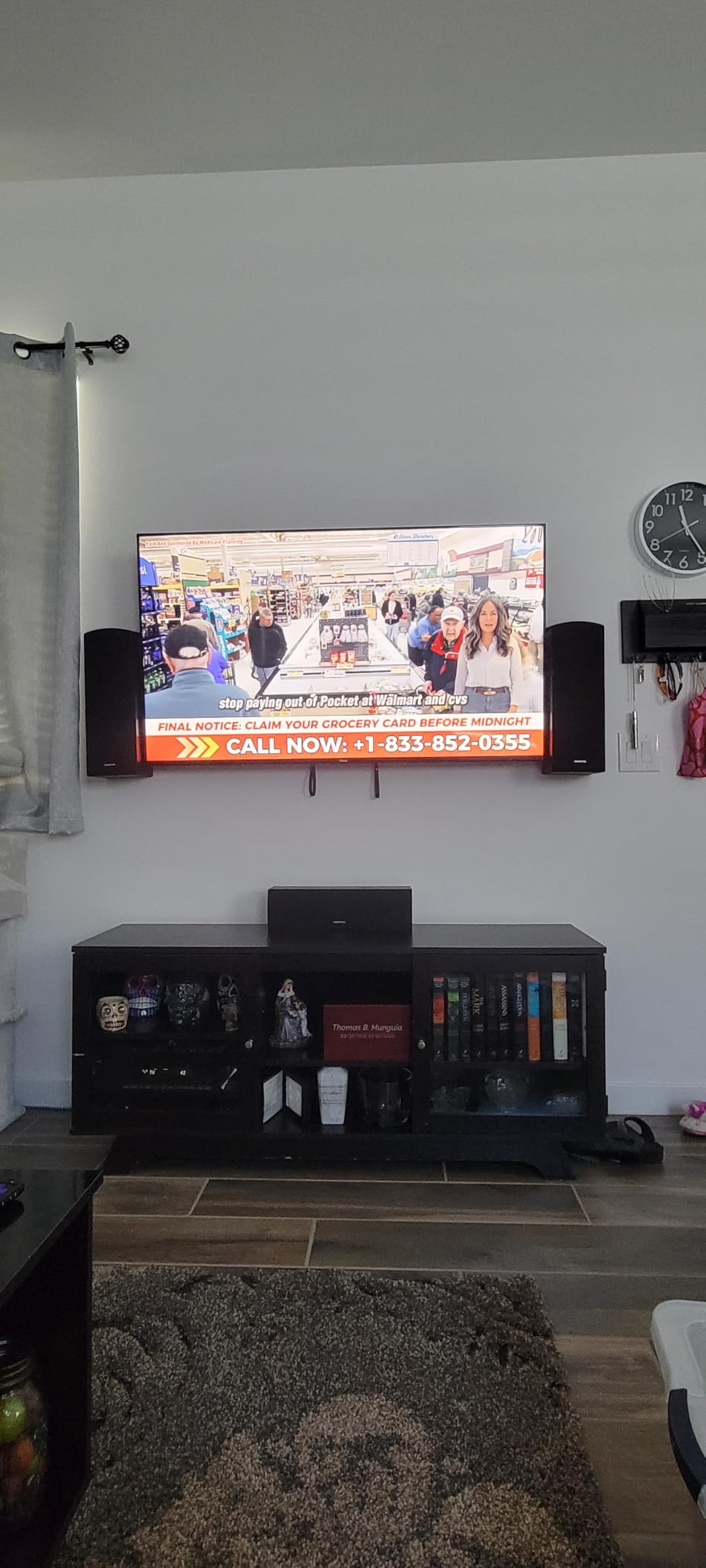
Who the Select 65R5D5 suits
Choose this one if the smart platform matters more to you than the panel, if you already own a Roku account, or if you are putting a TV in a room where nobody will ever fiddle with settings. The interchangeable remotes mean a lost remote is a five-dollar problem instead of a universal-remote problem.
It is also the safest large-screen buy for an older relative who will call you about the menu every other week.
Who should skip the Select 65R5D5
Skip it if you game. Sixty hertz is the hard limit here, and owners who wanted a 120Hz panel for a new console are the ones who regret it. Skip it if you are a movie watcher in a dark room; basic dimming means blacks are good but not close to Mini LED or OLED levels.
Skip it if you want to arrange your own app row and dislike recommendation-driven home screens. That is a taste question, but it is a real one for some households.
4. Insignia NS65-UQFL26 – Budget Pick
INSIGNIA 65-inch Class QF Series LED 4K UHD QLED Smart Fire…
QLED with direct LED backlight
60Hz native panel
Fire OS, 3 HDMI
eARC on one port
Pros
- Quantum dot color at the lowest entry point
- Thin bezels and a modern metal look
- Dolby Vision and Dolby Atmos
- Dolby Vision plus 4K at a genuinely low price
Cons
- Fire OS is slow and laggy
- Advertised 120Hz mode is not true 120Hz
- No HDMI 2.1 for high refresh gaming
The Insignia NS65-UQFL26 is the cheapest way to get a 65-inch quantum dot 4K panel with Dolby Vision, and that combination usually costs meaningfully more. If your ceiling is tight and the set lives in a bedroom, a rental or a secondary room, it does the job without apology.
Owners consistently rate the picture well for the money and are equally consistent about the real drawback: Fire OS. It is slow in menus and app navigation, and it locks picture settings while content is playing or when a kid profile is logged in. Many owners resolve this the same way, by plugging in a Roku or an Apple TV and ignoring the built-in platform entirely.
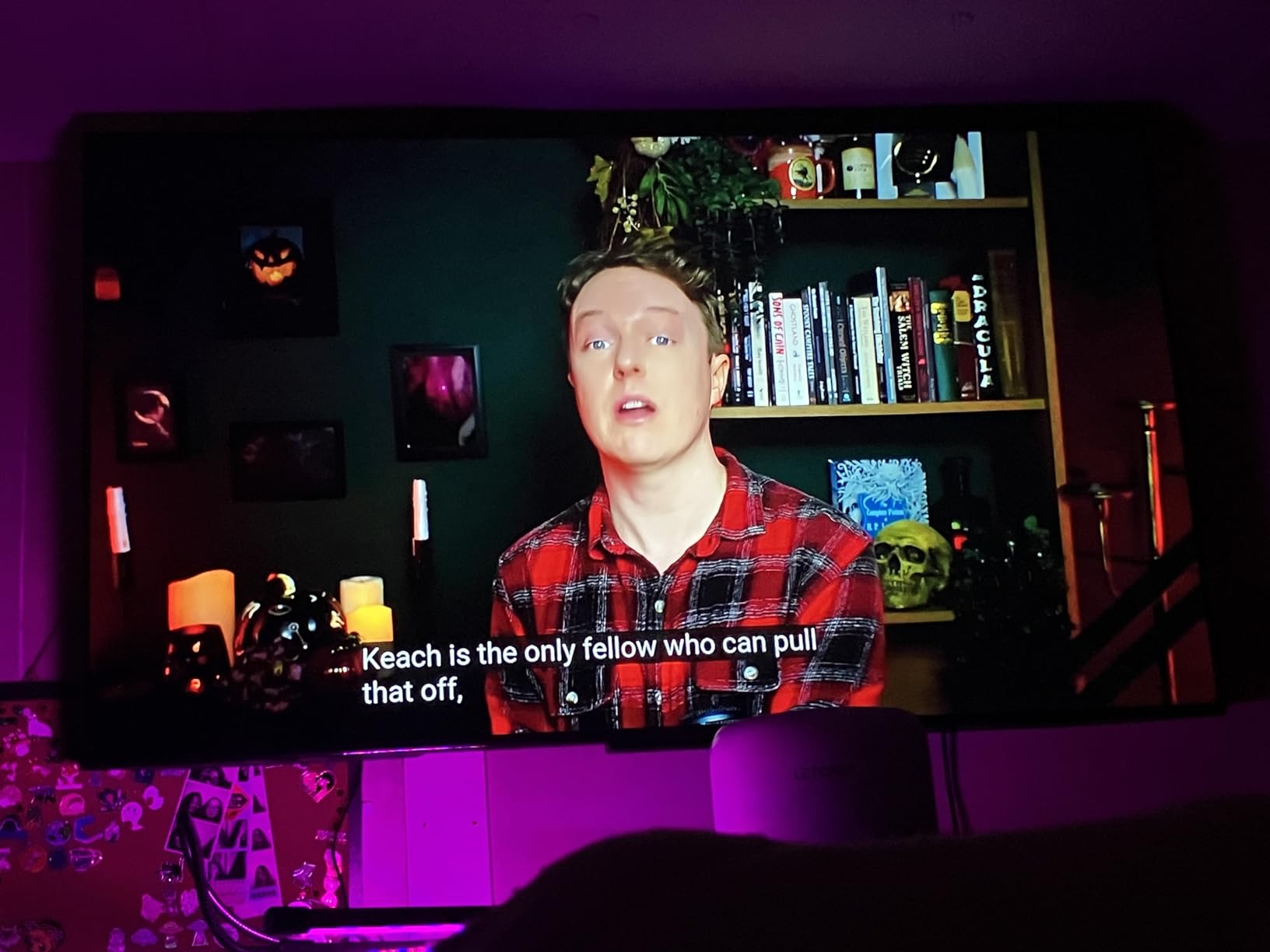
Be careful with the refresh rate claim. The advertised 120Hz mode is not a 120Hz panel. This is a 60Hz display, and there is no HDMI 2.1 support, so high-refresh PC and console gaming is off the table. If your plan involves a PS5 in performance mode, this is not the set.
Connectivity is modest: three HDMI inputs, one of which carries eARC for a soundbar, plus Bluetooth and Wi-Fi with AirPlay. Some owners also report uneven backlight wash under the right viewing conditions, which is a panel lottery risk to weigh against the savings.
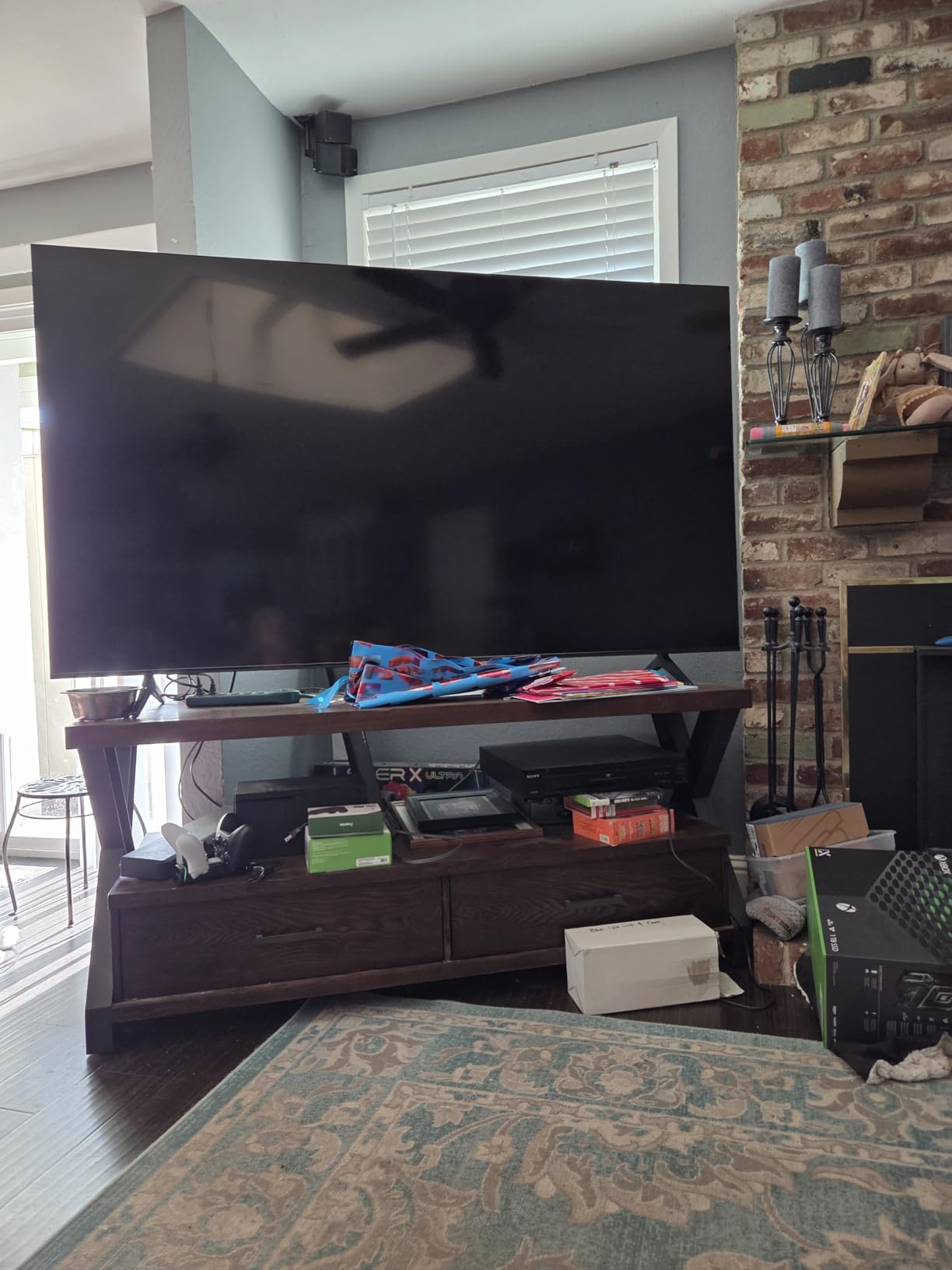
Who the NS65-UQFL26 suits
This is the buy for a dorm, a first apartment, a guest room, or a household that wants a very large screen for the least money and will not game on it. The thin bezels and lightweight build also make it one of the easier sets to set up with two people.
It works well as a second television for a room where nobody will adjust the settings more than once.
Who should skip the NS65-UQFL26
Skip it if you dislike ads, because Fire TV treats the home screen as an advertising surface and reviewers name that as an insult at this price. Skip it if you want to calibrate the picture, because the platform fights you for the settings.
Skip it for console gaming. No HDMI 2.1 and a 60Hz panel is a hard stop.
5. Samsung 65U8000H – Best for Free Streaming and Cord-Cutters
Samsung 65-Inch Class Crystal UHD U8000H Series Samsung…
4K LED, 400 nit ceiling
60Hz native panel
Tizen, 3 HDMI
31.8 lb, VESA 400x300
Pros
- 750 plus subscription-free channels on Samsung TV Plus
- Very easy setup with account bypass
- HDMI-CEC control of soundbars works reliably
- Ambient light sensor handles room brightness
Cons
- 400 nit ceiling washes out in daylight
- Default picture settings look cartoonish
- Sparse app selection misses major services
The Samsung 65U8000H wins one category outright: content you do not pay for. Samsung TV Plus carries 750-plus subscription-free channels, and the total free streaming catalogue is listed at 2,700-plus options. For a household that has cut the cord and would rather not stack another subscription, that is a genuine advantage no other set on this list can claim.
Setup is also excellent. Owners highlight being able to bypass the Samsung account step, and HDMI-CEC control of soundbars and streaming boxes works reliably including eARC volume control. The ambient light sensor adjusts brightness to the room through the day, which is a small feature that matters more than it sounds.
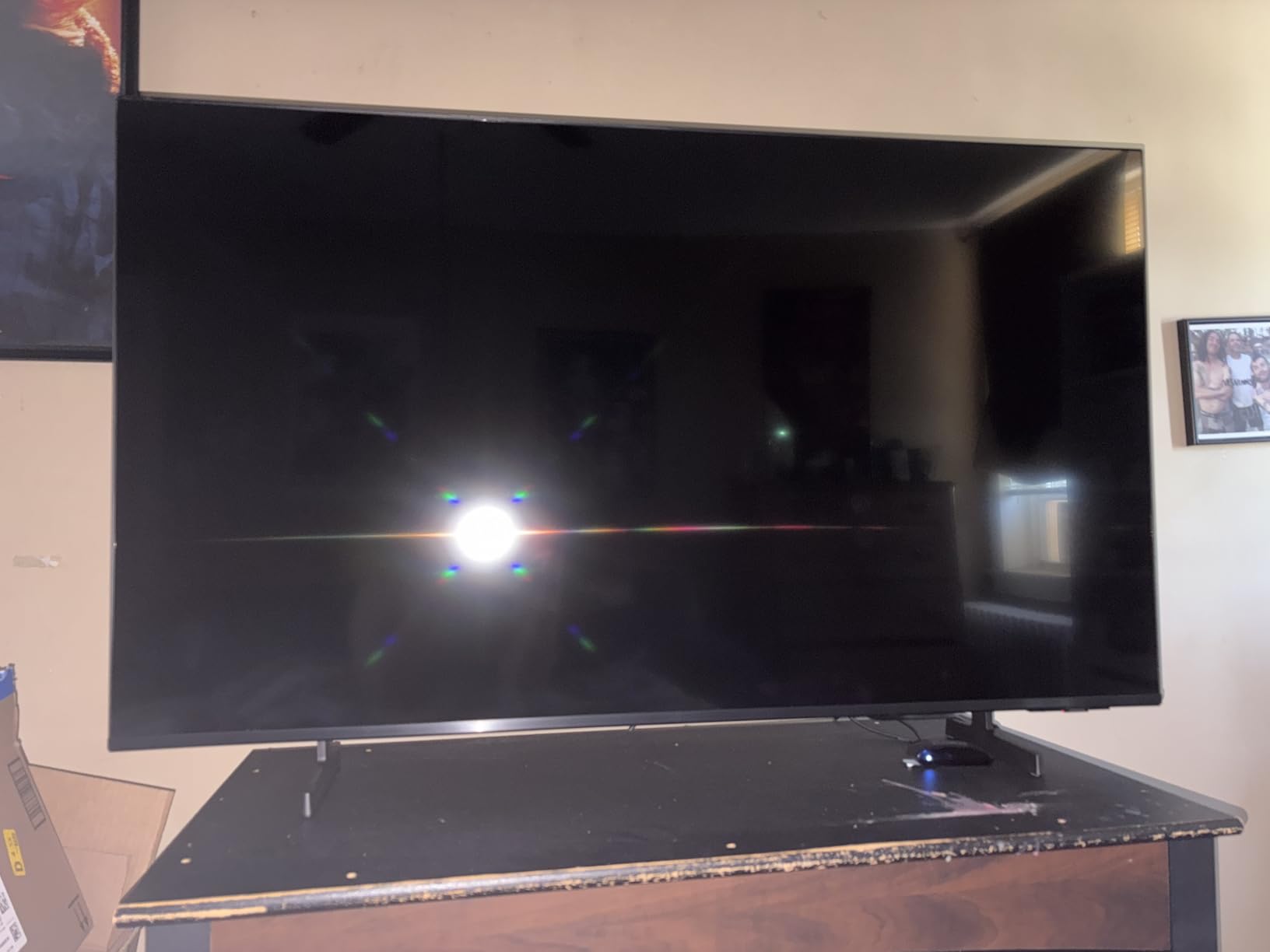
Now the parts you need to know before buying. The manufacturer rates maximum display brightness at 400 nits, and that is the lowest ceiling of any set here that publishes a figure. Owners report the picture washing out in bright daylight with reds turning into flat blocks. If the TV lives in a sunlit room, this is the wrong set regardless of how good the free content is.
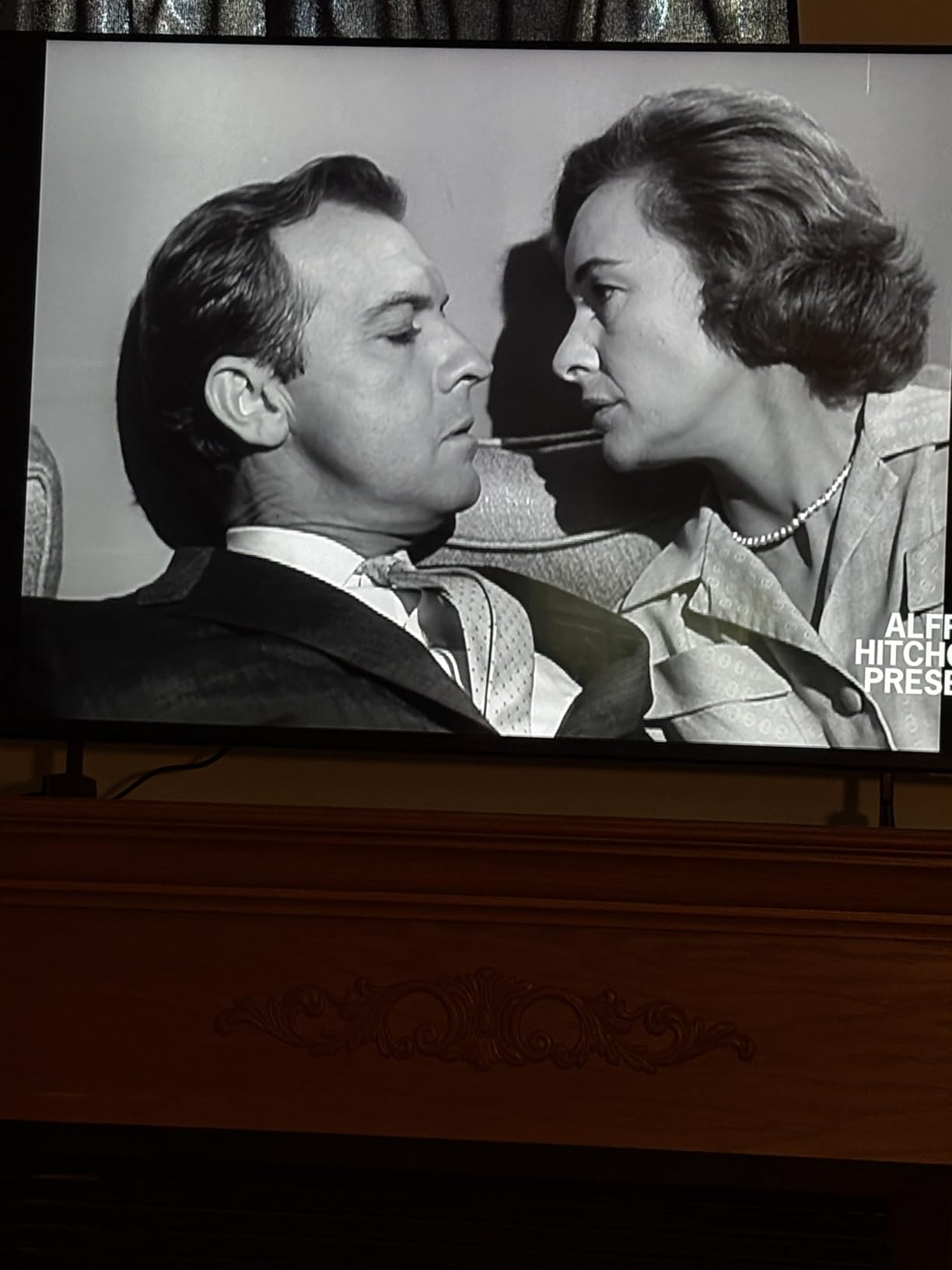
Default picture settings also need real work. Reviewers call them cartoonish and say calibration is not optional. The app selection is sparse, with services such as HBO Max and Paramount+ reported missing, and the simplified remote has no input button and a difficult pull-button volume control. The menu structure is deep and the remote is slow to respond.
Who the 65U8000H suits
This is the pick for a cord-cutter, a second TV in a bedroom, or a room where live and free channels matter more than movie contrast. It weighs 31.8 pounds and uses a standard 400 x 300 mm VESA pattern, so it mounts like any other set in this group.
It also suits anyone who wants a recognised brand with a normal support process and does not want to think about the purchase at all.
Who should skip the 65U8000H
Skip it for a bright living room. At a 400 nit ceiling with no local dimming, daytime viewing is the known weak point and it is the most common complaint in the reviews.
Skip it if you want a calibrated picture out of the box, if you need a particular streaming app, or if you plan to game. There are better answers for all three at this budget.
6. Samsung 65M70H – Best for Football and Fast Sports
Samsung 65-Inch Class M70H Series, Mini LED, 4K, Smart TV…
Mini LED backlight with dimming
60Hz native panel
Soccer Mode, Tizen
31.7 lb, VESA 200x200
Pros
- Mini LED contrast at a mid entry price
- Pure Color Spectrum with one billion colors
- Soccer Mode tuned for fast motion
- Gaming Hub gathers cloud and console apps
Cons
- Native 60Hz despite the 120Hz marketing
- Only one USB port
- Narrow 200x200 mm VESA pattern limits mounts
The Samsung 65M70H is unusual in this list: Mini LED backlighting with local dimming at a mid entry price, from a brand that normally reserves that panel for much larger sums. The contrast improvement over a standard Samsung LED set is the first thing buyers mention, and the Pure Color Spectrum panel is praised for rich, accurate color across reds, blues and greens.
It is also the only set here built specifically around football. Soccer Mode is tuned for fast motion, and Samsung pairs it with 750-plus free channels on Samsung TV Plus. If your household watches a full match most weekends and you are not replacing the television every four years, the interest here is real even though the motion spec will disappoint you.
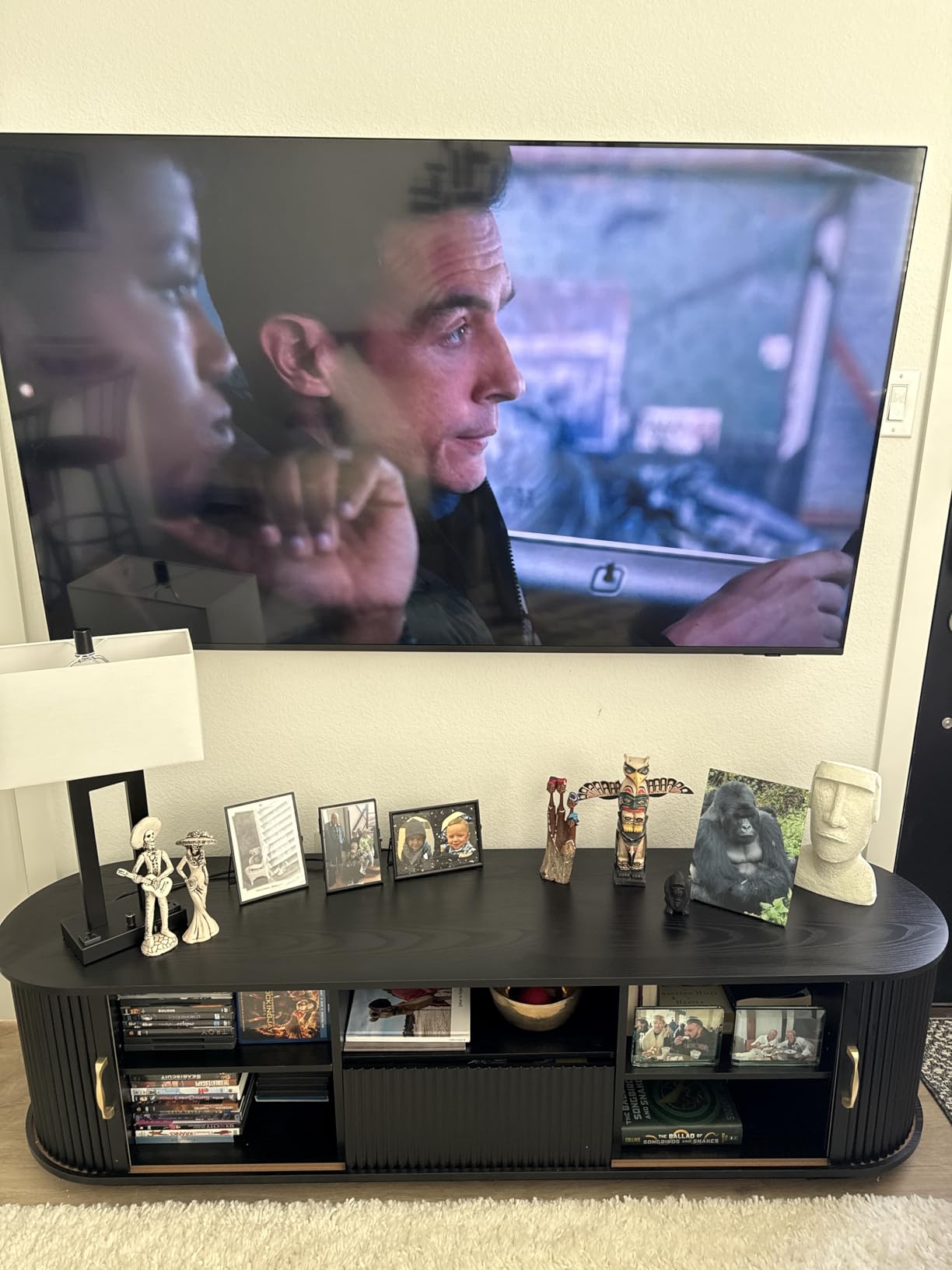
Here is the catch that the box does not tell you clearly. The native panel is 60Hz. The 120Hz figure comes from Motion Xcelerator Turbo+ with DLG, which is a marketing label for motion processing, not a faster panel. Owners treat this as the single most frequent reservation about the set, and our buying guide explains why that number appears on so many boxes.
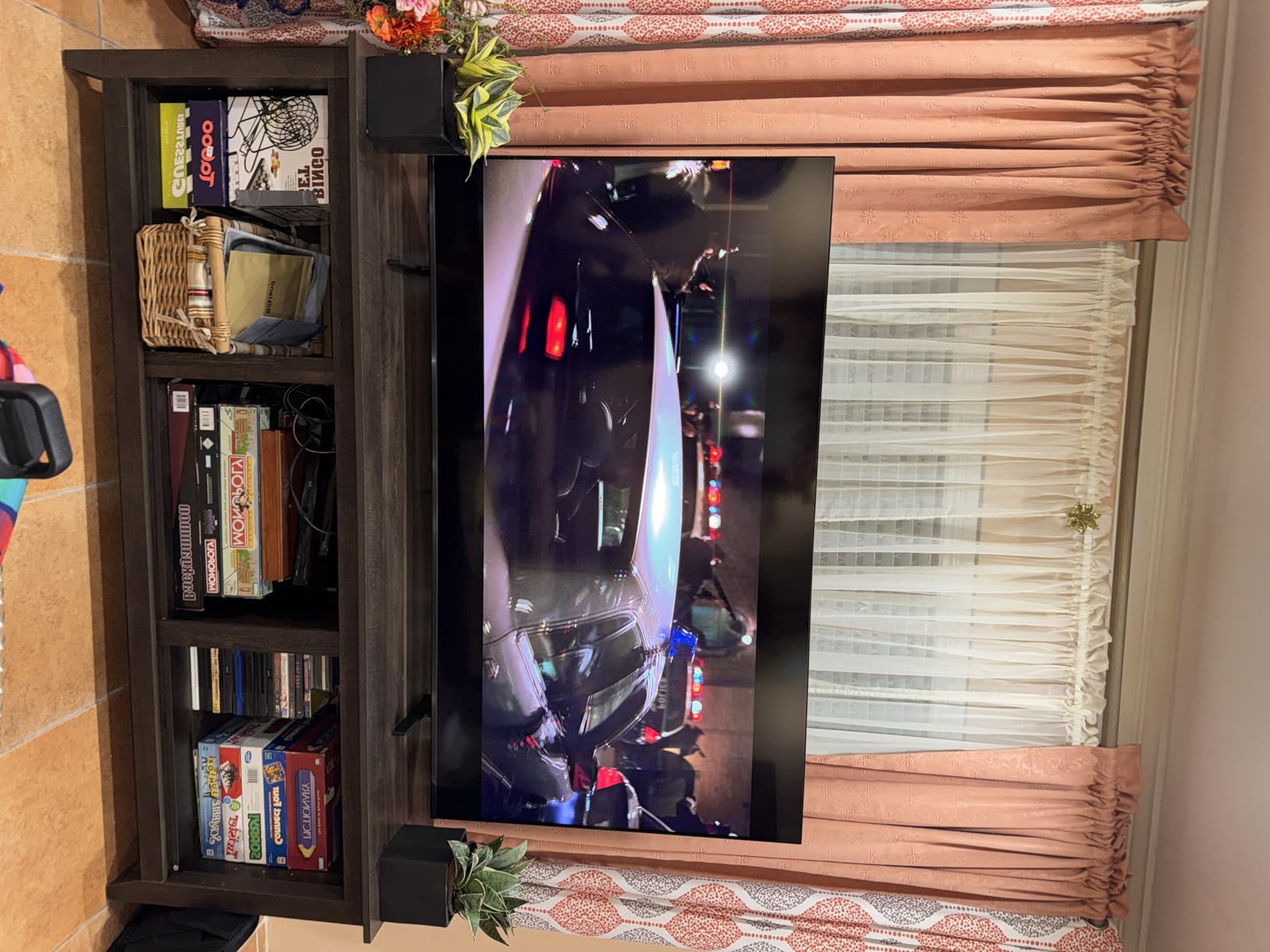
Two physical details deserve attention before you commit. There is only one USB port, which limits a hard drive or a hub. And the VESA pattern is a narrow 200 x 200 mm, which is a genuine mounting constraint because many universal mounts assume 400 x 400. Check the pattern against your bracket before ordering.
Who the 65M70H suits
Choose it for a living room that is dim in the evening, where you want better blacks than a plain LED gives you but do not need a 144Hz gaming panel. It is also a good pick for people who prefer the Samsung interface and free channel library over Google TV.
At 31.7 pounds it is manageable on a stand, and the Titan Black frame looks more premium than the price suggests.
Who should skip the 65M70H
Skip it if fast motion is the whole point, because a 60Hz panel is the last thing you want behind a football match. Owners also report needing recalibration out of the box for accurate color, and some early buyers hit software instability.
Skip it if you need more than one USB port or a wide VESA pattern for your mount.
7. Roku Plus 65R6C7 – Best Picture Quality Under 1000
Roku 65-Inch Plus Series Smart TV – 4K QLED Mini-LED TV…
Mini LED, full array local dimming
60Hz native panel
6.5 ms response time
39.7 lb, VESA 400x300
Pros
- Mini LED local dimming at a mid entry price
- Dolby Vision combined with QLED color
- Highest rated set in this group at 4.5
- 50W 4.1 channel Dolby Atmos with subwoofer
Cons
- 60Hz native panel
- Roku home screen ordering frustrates some owners
- 39.7 lb is one of the heavier 65 inch sets
The Roku Plus 65R6C7 is the best picture you can get under this ceiling, full stop. It combines Mini LED backlighting with full array local dimming, QLED color and Dolby Vision, and Dolby Vision paired with quantum dot at this price is genuinely rare. Buyers treat it as the picture-for-the-money option in the range, and it carries the highest average rating of any set we tested.
The audio is worth calling out separately. A 50W 4.1 channel Dolby Atmos system with a built-in subwoofer is not television audio. If you were planning to budget for a soundbar, this is the set where you can skip that line item and still get real low end.
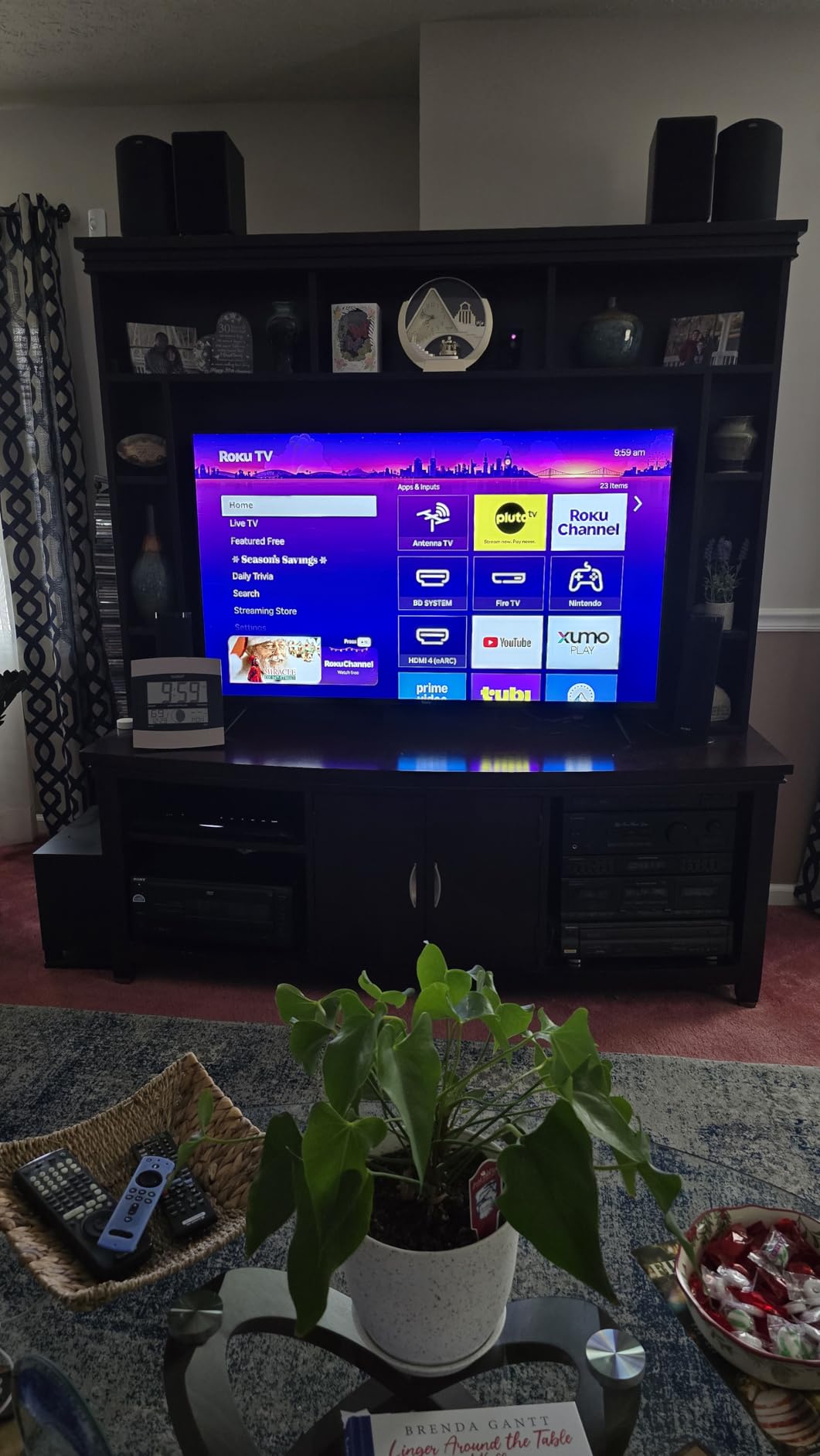
The picture processing runs through Roku Smart Picture Max, which handles Dolby Vision and applies the picture optimizations. Owners report platform reliability and fast setup without reservation. Response time is listed at 6.5 milliseconds, which is respectable for a 60Hz panel.
The cost is refresh rate and weight. It is a 60Hz native panel, so the console gaming ceiling is low, and at 39.7 pounds it is one of the heavier 65-inch sets to mount. Plan for two people and a bracket rated well above that number.
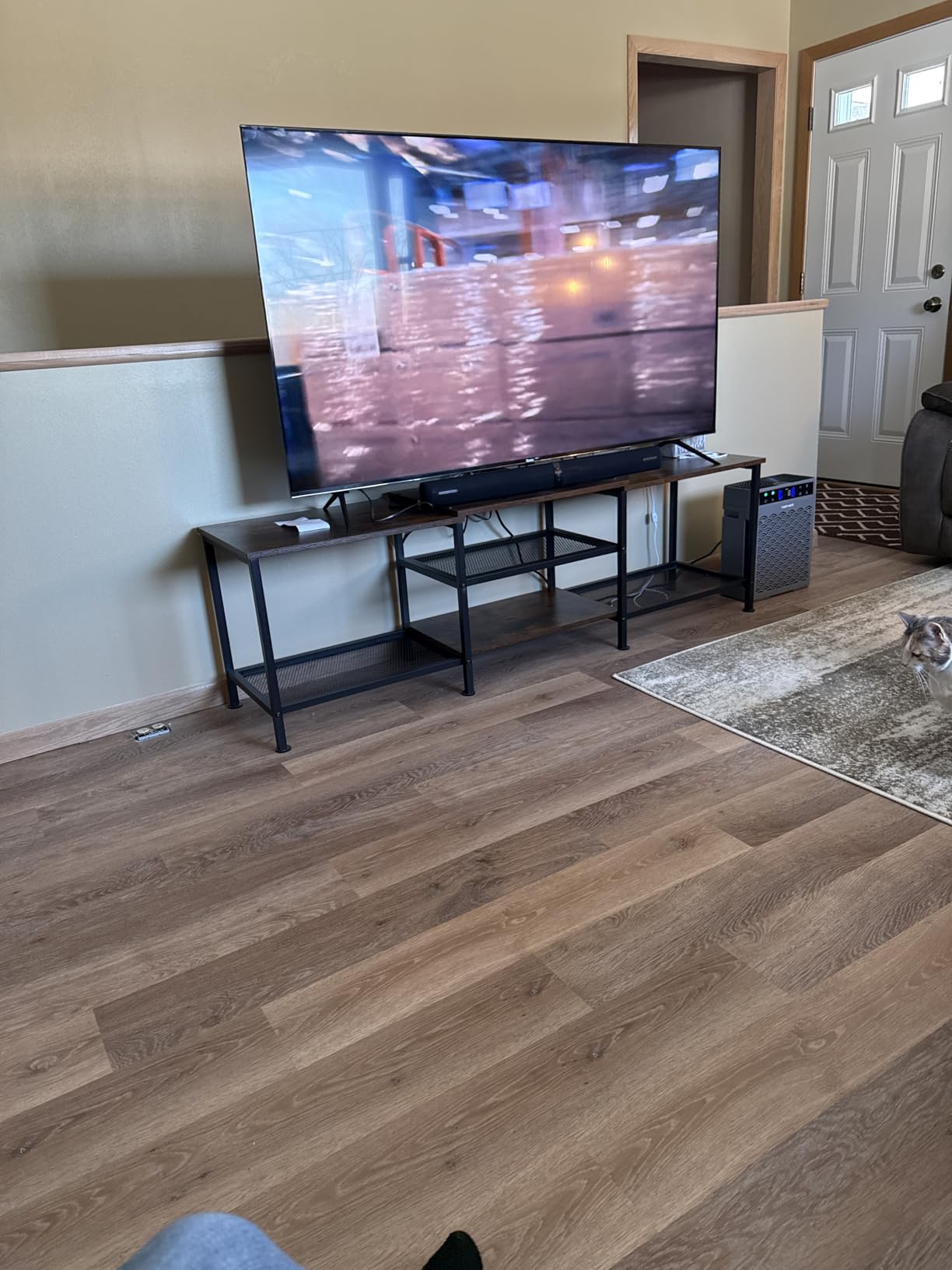
Who the 65R6C7 suits
This is the dark-room pick. If your evenings are films in a dim or dark room, Mini LED local dimming at this price is the single biggest upgrade available, and Dolby Vision means you get the right metadata on the films that support it. The Atmos system covers the audio side too.
It is also the set for someone who wants good picture and a good interface without spending time in menus.
Who should skip the 65R6C7
Skip it if you are a gamer chasing high refresh rates, because 60Hz is the panel. Some owners also find Roku’s home screen ordering and recommendation behavior irritating, and the weight is a real consideration for a solo install.
Skip it if you need a 120Hz panel and can find a way to reach one, because the TCL 65QM6K gives you both the backlight and the refresh rate for a similar outlay.
8. TCL 65T7 – Best for 144Hz Console and PC Gaming
TCL 65″ T7 4K QLED Google TV with 144Hz Gaming (65T7)
QLED direct LED backlight
144Hz native, 288Hz VRR
36.6 lb, VESA 400x300
Pros
- 144Hz native panel with 288Hz variable gaming refresh
- Color covers nearly the full DCI-P3 gamut
- Height-adjustable feet
- Works with Alexa
- Google Assistant and HomeKit
Cons
- Visible glare in bright rooms with many windows
- Google TV is not the fastest interface
- Motion processing lags the 144Hz promise
The 65T7 is the reason this list contains two TCL sets. It is a QLED panel with a genuine 144Hz native refresh rate and 288Hz variable gaming refresh rate, which makes it the strongest gaming and sports option in the group. Owners regularly compare its picture favourably to sets costing far more, and the QLED color covers nearly the full DCI-P3 gamut.
It is also a good PS5 pairing. The AIPQ Pro processor handles color, contrast and clarity, the four HDMI inputs include one with eARC, and the full HDR list includes Dolby Vision, HDR10+, HDR10, HLG and Open HDR through HDR PRO+. The height-adjustable feet are a small detail that matters more than expected when a soundbar is involved.
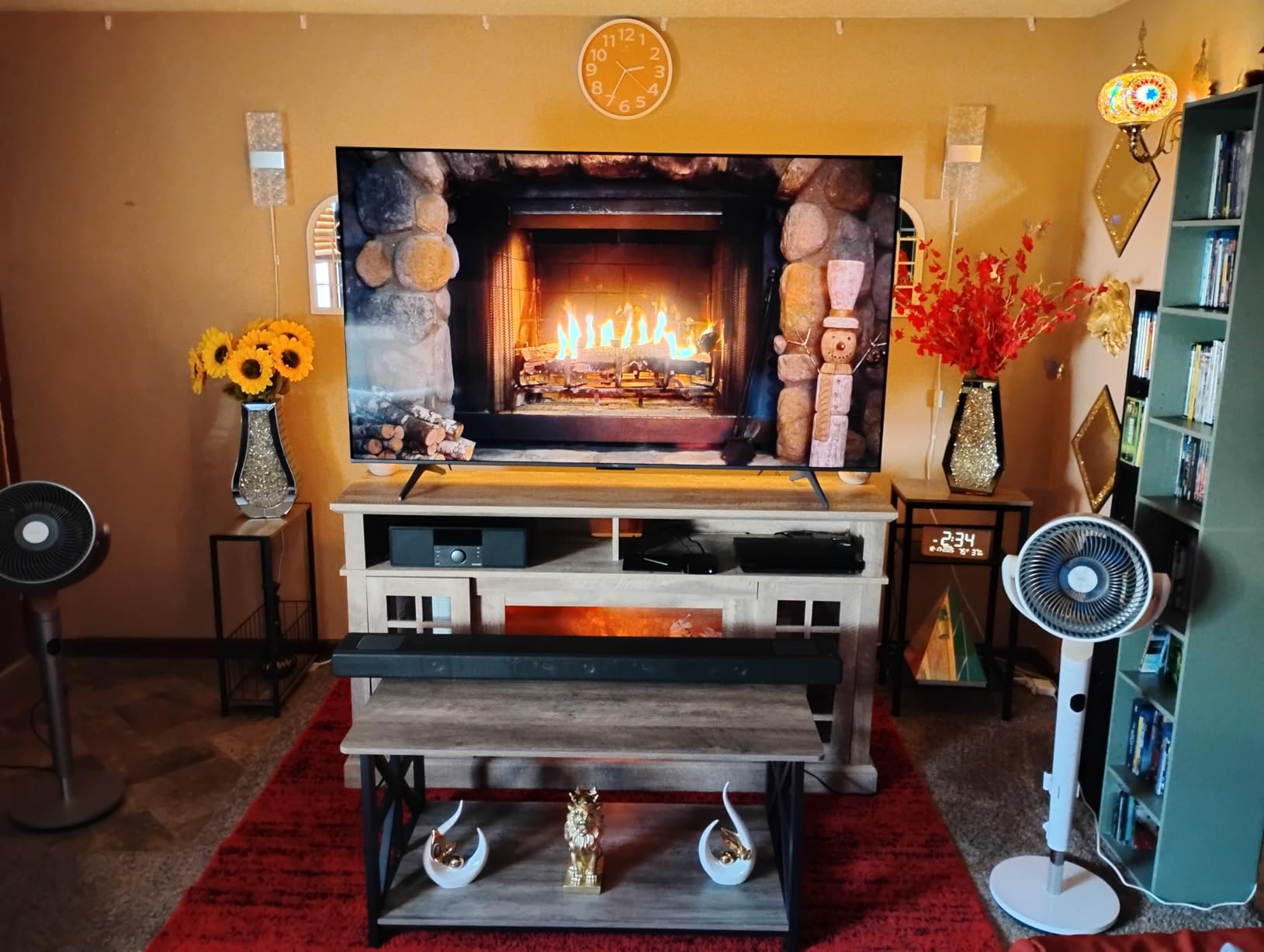
Two honest caveats. Owners report visible glare in bright rooms with lots of windows, so it is a poor match for a sunlit space. And motion processing does not fully deliver on the 144Hz figure for very fast sports, so the headline number overstates how clean fast pans will look. The native panel is real; the processing around it is not flawless.
The Google TV interface is also not the quickest, and a number of owners add an external streaming device to sidestep it. The backlit remote drains batteries quickly with the backlight on, which is a strange complaint but a consistent one.
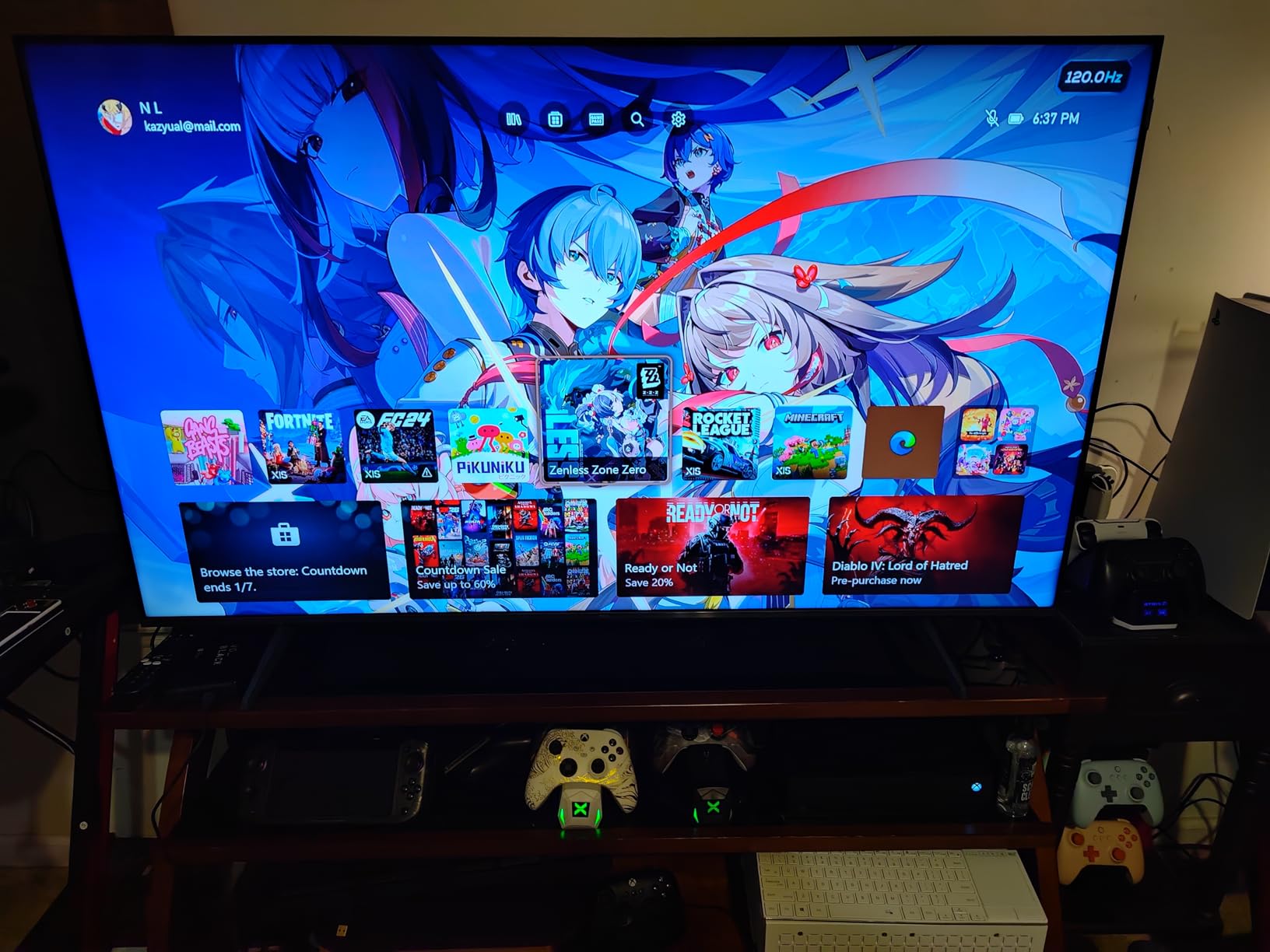
Who the 65T7 suits
This is the set for a PS5 or Xbox Series X household, and for PC players who want high refresh at 4K in a room where the monitor is too small. It is also a strong all-rounder for a family that games on weekends and streams the rest of the time.
At 36.6 pounds with a standard 400 x 300 mm VESA pattern, it mounts and stands without special planning.
Who should skip the 65T7
Skip it if the room is bright and windowed, because glare is a recurring and specific complaint. Skip it if dark-room movie contrast is your priority; it is a direct LED QLED panel with no local dimming, so blacks will not match the Mini LED sets.
Skip it if you are bothered by a sluggish smart platform. Many owners simply pair it with a streaming stick.
9. Hisense 65E7SF – Best for Dolby Vision IQ and HDR Formats
Hisense 65″ E7 Cinema Series Hi-QLED Mini-LED 4K UHD Smart…
Hi-QLED Mini LED, full array dimming
Native 144Hz game mode
Fire OS, 4 HDMI
38.4 lb, VESA 400x300
Pros
- Most complete HDR format list in this guide
- Native 144Hz with low latency for 4K144
- AI Picture and AI 4K Upscaler improve older content
- Filmmaker Mode respects original framing and color
Cons
- Reports of Wi-Fi dropouts and black-screen hangs
- A third-party streamer improves the Fire OS experience
- No wall-mount bracket included
On paper the 65E7SF is the most complete television in this guide. It is a Hi-QLED Mini LED with thousands of independently controlled light zones, a native 144Hz game mode, and the widest HDR support list we found: Dolby Vision, Dolby Vision IQ, HDR10+, HDR10 and HDR10+ Adaptive. Several owners consider it the best HDR and high-frame-rate value available under this ceiling.
The AI processing suite is a genuine part of the story rather than a label. The AI Picture engine optimises brightness, contrast and color scene by scene, the AI 4K Upscaler uses deep learning models on older and lower-resolution sources, the AI Light Sensor adapts brightness through the day, and an AI Sports Mode boosts crowd audio. Filmmaker Mode preserves the original aspect ratio, color, frame rate and sound.
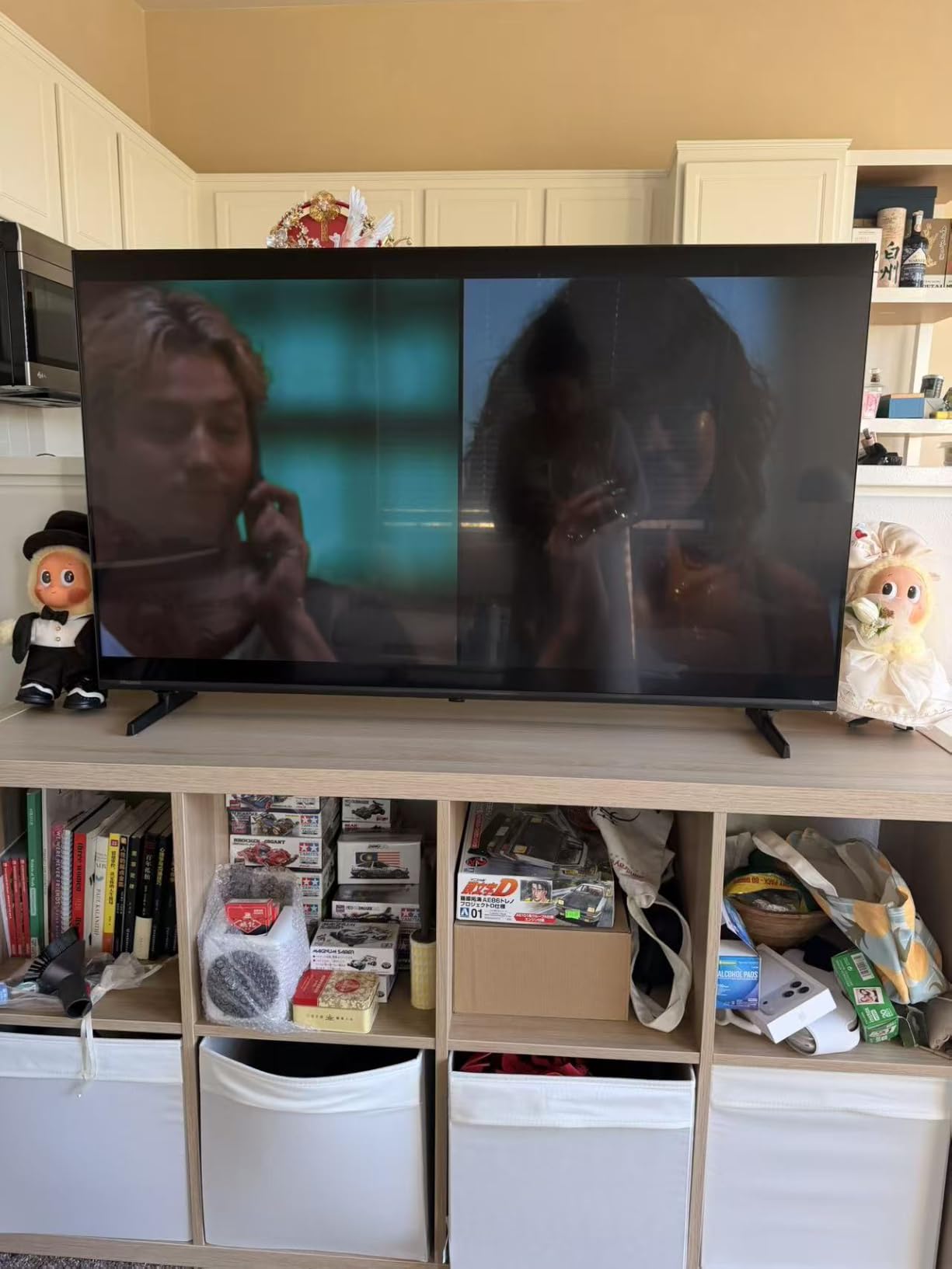
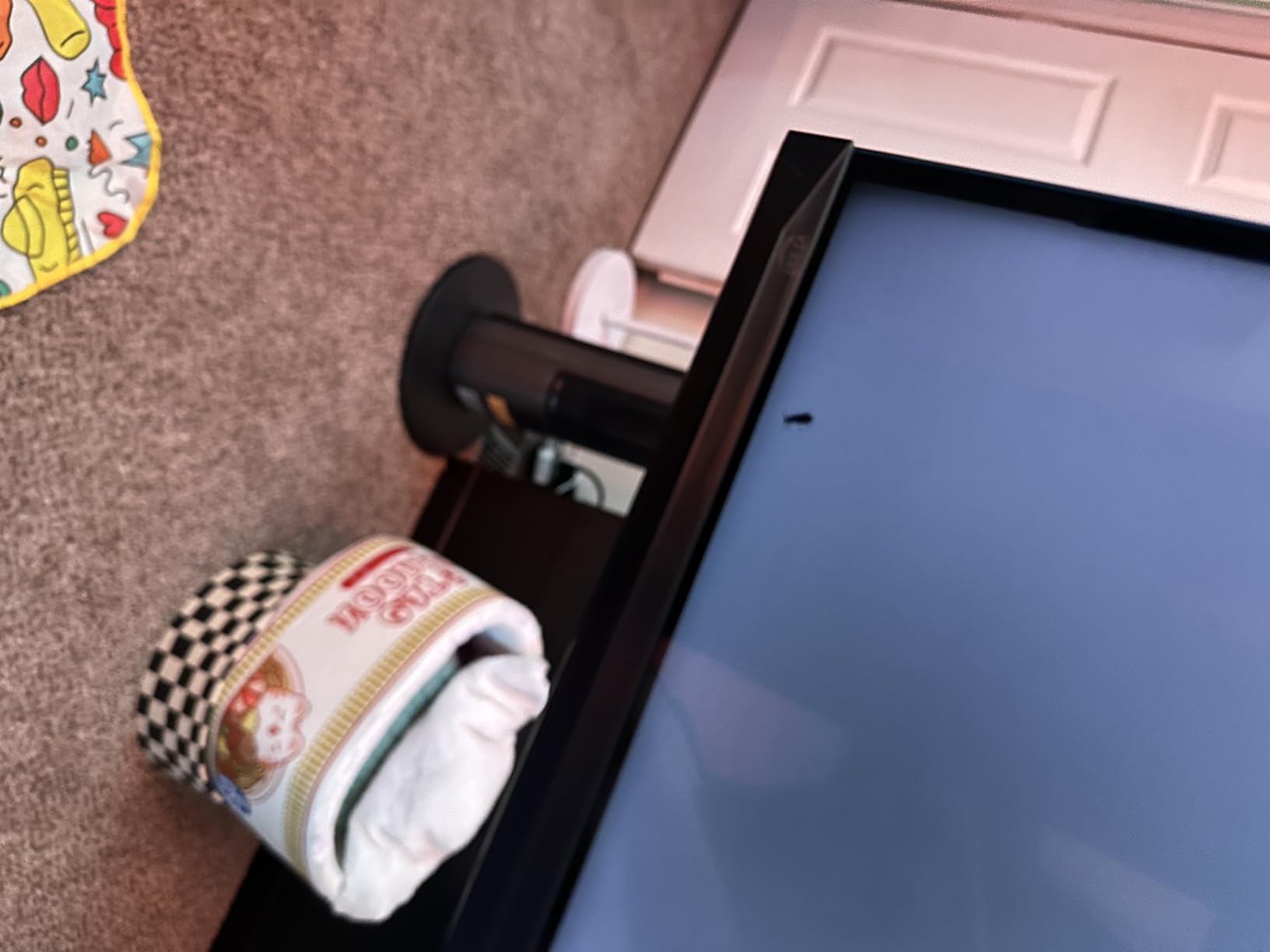
The reliability is the concern, and we want to be direct about it. A cluster of reviews report persistent Wi-Fi connectivity problems that need repeated factory resets, occasional black-screen hangs that only a physical power cycle clears, and remote pairing failures on early units. Fire OS is also described as sluggish, with a third-party streaming device recommended, and not all Fire TV apps are available.
Two smaller notes. The 20W Dolby Atmos 2.0 speakers are ordinary and most owners plan to add a soundbar. And the wall-mounting bracket is not included, which matters when you are also budgeting for a mount.
Who the 65E7SF suits
Choose it if Dolby Vision IQ and the most complete HDR support list matter to you, if you game on a PS5, Switch 2 or a PC at 4K144, and if you are comfortable troubleshooting a network connection now and then. It weighs 38.4 pounds and uses a standard 400 x 300 mm pattern.
It is the most future-proofed feature set here, even if the software experience is not the most mature.
Who should skip the 65E7SF
Skip it if reliability matters more to you than features. Owners who want a set that just connects and stays connected tend to be disappointed. Its review count is also the lowest here at 361, which means less long-term evidence that the issues get resolved.
Skip it if Fire OS bothers you or if you have no intention of adding a streaming stick.
10. Sony BRAVIA 5 K-65XR50 – Best Build Quality and Long-Term Ownership
Sony 65 Inch BRAVIA 5 Mini LED 4K HDR Smart Google TV…
Mini LED local dimming
120Hz native, 1000 nit matte panel
Google TV, 4 HDMI
58 lb, VESA 300x300
Pros
- XR Backlight Master Drive dimming with 1000 nit brightness
- Acoustic Multi-Audio 5.1 at 40W
- PS5 features like Auto HDR Tone Mapping
- Matte screen finish resists reflections
Cons
- Heaviest set here at 58 lb
- Only two of four HDMI ports are HDMI 2.1
- Deep menus make calibration time-consuming
The BRAVIA 5 is the set to buy if you intend to keep it for a decade. Owners replacing 10-plus-year-old Sony sets describe it as the build quality and processor upgrade they were waiting for, and the brand loyalty around it is real. Google TV is smooth enough on this set that several owners retired their external streaming device entirely.
The picture hardware justifies the premium. XR Backlight Master Drive Mini LED local dimming delivers excellent contrast, the manufacturer rates up to 1000 nits of brightness, and the matte screen finish is a genuine advantage in a lit room where gloss panels turn into mirrors. XR Triluminos Pro, the XR Processor and XR Clear Image upscaling are all praised, particularly for lower-resolution sources. There are studio-calibrated picture modes for Netflix, Prime Video and Sony Pictures Core.
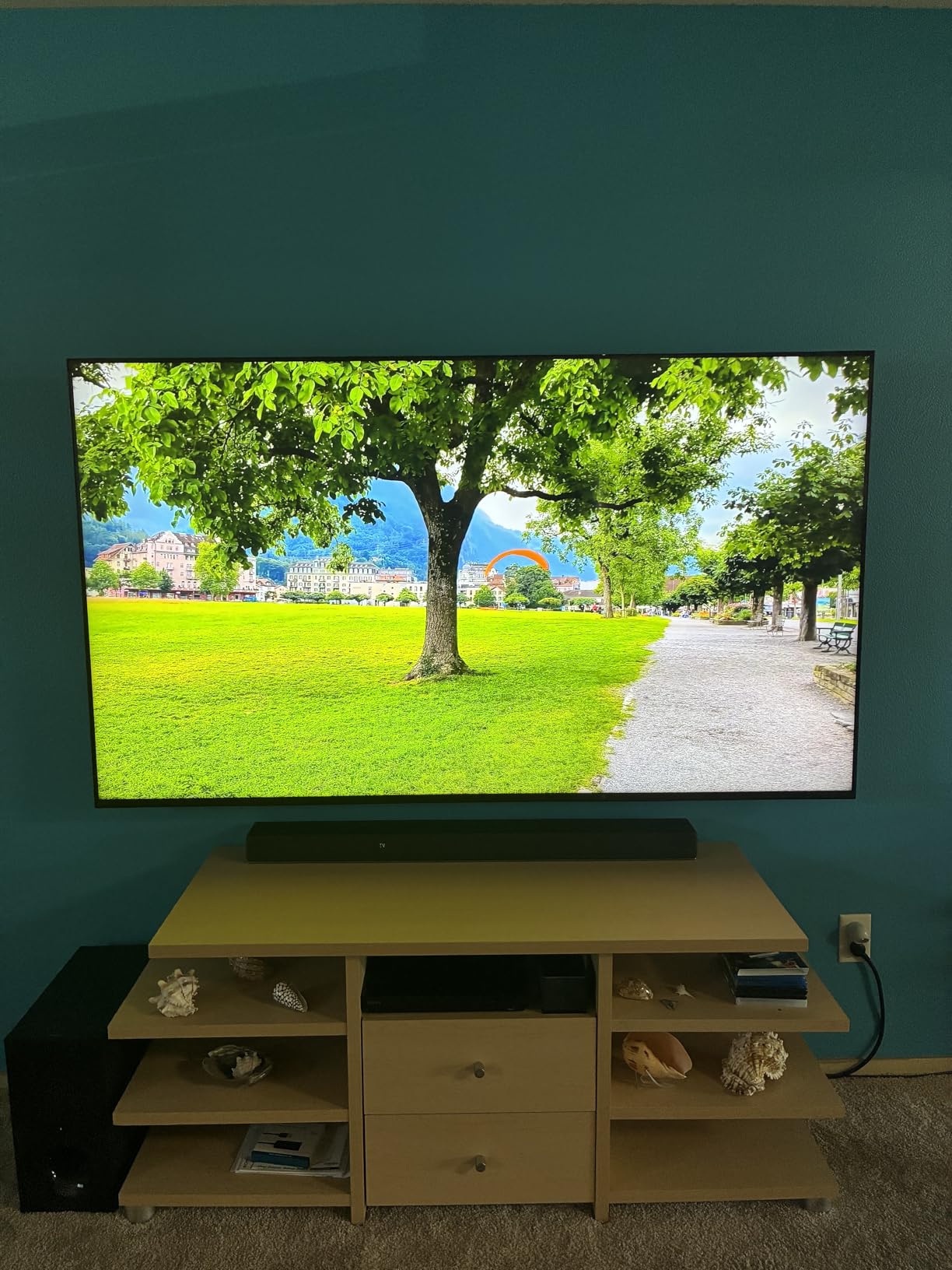
The audio is unusually good for a television. Acoustic Multi-Audio at 40W with 5.1 channels, Dolby Atmos, DTS:X and IMAX Enhanced decoding is the strongest built-in system in this group, and the PS5 integration with Auto HDR Tone Mapping and Auto Genre Picture Mode is a real advantage for console gamers.
It is also outside the budget this guide is built around, and we include it deliberately. The enthusiast forums are consistent that a modest step up from this ceiling buys a better panel, and this is what that looks like. Two practical limits stand out: only two of the four HDMI ports are HDMI 2.1, and at 58 pounds it is the heaviest set here and demands a genuinely solid mount.
Who the BRAVIA 5 suits
Choose it if picture accuracy, build quality and longevity outrank getting the most screen for the money. The matte finish makes it one of the better options we would consider for a bright room, and the audio means many buyers can skip a soundbar.
It is the set for a Sony PS5 household that also wants calibrated studio modes and reliable long-term construction.
Who should skip the BRAVIA 5
Skip it on price. It sits well above the ceiling this guide is written around, and nine of the ten sets here deliver a good picture for a fraction of it. Skip it if you are mounting it yourself, because 58 pounds is a two-person job with a properly rated bracket.
Skip it if you need all four HDMI ports to be HDMI 2.1 for a multi-console PC and console setup, and skip it if you are not willing to spend time in deep menus turning off processing features to see the picture at its best.
How to Choose a 65 Inch TV Under 1000 in 2026
Mini LED, QLED and standard LED: what actually changes
Mini LED is an LED-backlit LCD panel where thousands of tiny LEDs sit behind the screen and dim in independently controlled zones. That raises peak brightness and deepens black levels compared with edge-lit LED, and it is the single best predictor of how a dark film looks on a set in this price range. QLED adds a quantum dot layer that widens the color gamut without changing the backlight, so it improves saturation and highlight color but not contrast.
The practical ordering at 65 inches is straightforward. Mini LED with full array local dimming gives the best dark-room picture, QLED direct LED gives the best color and value, and edge-lit LED with no local dimming gives you size and nothing else. Four of the ten sets here are Mini LED, three are QLED, and three are plain LED.
One rule worth keeping: if your room is dim or dark most of the evening, buy for local dimming. If your room is bright most of the day, buy for brightness and for an anti-reflective or matte finish. Those two answers point at different sets, and no set is the best answer to both.
Native refresh rate versus Motion Rate, decoded
Native refresh rate is the number of frames the panel physically draws per second. Motion Rate, DLG, Motion Xcelerator and similar labels are marketing terms for frame interpolation, which manufactures extra frames on a slower panel. The confusion is the most common complaint in this entire category, and the numbers on the boxes are not comparable across brands.
Here is how the labels in this guide decode. The TCL 65QM6K has a 144Hz native panel and advertises Motion Rate 480 with 288Hz VRR, so the native figure is real and the higher number is interpolation. The TCL 65T7 is the same story: 144Hz native, 288Hz VRR, Motion Rate 480 with MEMC frame insertion. The Samsung 65M70H is a 60Hz panel advertising Motion Xcelerator Turbo+ with DLG 120Hz, which is pure marketing on a 60Hz display.
The Hisense 65A6H is a 60Hz panel with a Motion Enhancement feature rated at 120Hz, and the Insignia NS65-UQFL26 advertises a 120Hz mode on a 60Hz panel. The Samsung 65U8000H uses Motion Xcelerator up to 4K 60Hz, which is honest, and the Sony BRAVIA 5 is a genuine 120Hz native panel. In short, three of the ten sets here are 144Hz native, one is 120Hz native, and the rest are 60Hz panels with motion features attached.
Do you need 120Hz if you do not play games
No, not for streaming. A large share of people in this price bracket only play occasional or light games, and paying for a 144Hz panel on that basis is wasted money. Sports are the one exception worth naming, because fast pans on a 60Hz panel show motion blur that a native 120Hz or 144Hz panel reduces.
What you should never do is buy a 60Hz set expecting a 120Hz one because the box said so. That is the deal breaker that shows up again and again in owner discussions, and it is the reason the buying guide keeps repeating the native figure.
Smart platforms compared
Four platforms appear across these ten sets. Roku OS runs the Roku Select and Roku Plus, Google TV runs the two TCL sets, the Hisense 65A6H and the Sony BRAVIA 5, Fire OS runs the Insignia and the Hisense 65E7SF, and Tizen runs both Samsung sets. Platform regret is the most common complaint in this category, more common than picture quality.
Roku OS is the least frustrating and stays responsive as apps get heavier. Google TV has the widest app selection and built-in Chromecast, but its home screen is ad-heavy and some owners run a third-party launcher to clean it up. Fire OS is the slowest of the four, and owners of both Fire TV sets recommend adding a streaming stick. Tizen is smooth, pairs reliably with soundbars over HDMI-CEC, and carries the free channel library.
Whichever you pick, assume you will be pairing it with a soundbar. Owners consistently add one, and that cost is almost never in the original budget.
Room brightness and glare
Bright-room shoppers go straight to peak brightness as the first filter, not contrast or color, and they are right to. The Samsung 65U8000H is the clearest example of why: at a 400 nit ceiling with no local dimming, owners report it washing out in daylight with reds turning into flat blocks. On the other end, the Sony BRAVIA 5 uses a matte finish to handle reflections directly, which is an approach most sets in this list do not take.
Anti-reflective treatment matters as much as the headline brightness figure. Before you buy, look at the set at an angle in the room you will actually use. A glossy panel opposite a window will show you the window for the rest of the panel’s life.
Viewing distance, and 65 versus 75 inches
A 65-inch 16:9 panel is about 143 inches diagonally, which is 121 inches wide. For most living rooms the comfortable seated distance is roughly 7 to 11 feet, and at that range a 65-inch screen feels large without overwhelming. Below about 6 feet you will start seeing the panel’s limitations, and that is when a larger screen becomes worth the extra cost.
That is the real tradeoff at this budget. A 75-inch set in the same price band has edge-lit LED panels with no local dimming, so you trade contrast and brightness for screen size. If your seating distance genuinely needs a bigger panel, buy the bigger panel. If it does not, a 65-inch Mini LED beats a 75-inch plain LED in every measurable way except size. For the far end of the size range, our [98-inch and 100-inch TV guide](https://www.rosenberryrooms.com/best-98-inch-and-100-inch-tvs-for-large-living-rooms/) covers the largest sizes and what they cost to own.
The costs buyers forget
The television is the cheapest part. A soundbar is the near-universal addition, and every set in this guide has built-in speakers that enthusiasts pair with one. A wall mount and the labour to install it are the second line, and heavier sets in this group run from 30.9 pounds to 58 pounds, so a two-person install is often the difference between a hundred and several hundred dollars of labour.
Plan for these before you buy rather than after. For the size and weight range involved, our [TV mount and hardware guide](https://www.rosenberryrooms.com/best-tv-wall-mounts-for-65-inch-tvs-independent/) covers bracket ratings and the VESA patterns that trip people up, including the narrow 200 x 200 mm pattern on the Samsung 65M70H.
When it is worth going past 1000
The enthusiast forums are consistent that this ceiling is aspirational rather than fixed, and they are right. Going above it buys one of four things: more dimming zones and therefore better dark-room contrast, a 4K 144Hz native panel, a brighter panel, or a longer warranty and a stronger brand. The Sony BRAVIA 5 in this list is what the first and fourth of those look like.
Stretch the budget if you watch films in a dark room and the picture matters more to you than the outlay, or if you own a PC and a console and want both at high refresh. Do not stretch it if you are replacing a 32-inch set for the first time and mostly stream, because the jump from a 50-inch to a 65-inch Mini LED is already the largest upgrade most buyers will ever feel.
How to buy: warranty, retailer and return window
Buy from the manufacturer or a major retailer, not a marketplace third-party seller. The recurring rule in owner discussions is straightforward: do not buy a used television, and do not buy third-party if you can afford a new set of the same model. Warranty length is treated as a buying criterion, and it is a real one.
Warranty terms in this group are mostly one year, with the Samsung 65U8000H listing a two-year manufacturer warranty alongside the one-year term. Some retailers extend coverage further, and our [65-inch deal coverage](https://www.rosenberryrooms.com/best-big-spring-sale-65-inch-tv-deals-on-amazon/) tracks the promotional windows where that extension applies. Check the specific retailer’s terms rather than assuming.
Finally, respect the return window as protection against the panel lottery. Dead pixels, backlight banding and dead-on-arrival units are the top source of pre-purchase anxiety in this category, and they are all only visible in your own room under your own lighting. Buy from somewhere with a painless return policy, look at the screen on a full-colour source, and check the corners and edges before the window closes.
Frequently Asked Questions
What is the best 65 inch TV for 1000 dollars or less?
The TCL 65QM6K is the best 65 inch TV under 1000 for most people, because it is the only set in this range that pairs Mini LED full array local dimming with a genuine 144Hz native panel and a 2.1 channel Onkyo system. For a dark room where picture quality is the priority, the Roku Plus 65R6C7 has the sharper Mini LED contrast. For a very tight budget, the Hisense 65A6H gets you a large 4K Dolby Vision screen with the most reviews of any set here.
What is the best 65-inch TV for value for money?
Value at this budget comes from backlight quality rather than extra features, so start with the Mini LED sets. The TCL 65QM6K is the strongest value pick because its backlight, its 144Hz native refresh rate and its built-in audio are all things you would otherwise have to buy up the price range to get. The Roku Plus 65R6C7 is the alternative if you want the best picture and Dolby Vision with a 50W 4.1 channel system.
What is the best 65 inch TV under 1000 dollars according to Reddit?
On r/4kTV the most repeated answer is the TCL 6-Series and QM6K line as the value benchmark in this price band, with the standing caveat that the Google TV home screen is its weak point and owners sidestep it with a third-party launcher or a streaming stick. Hisense U7 and U7 class sets are the enthusiast alternative when brightness matters, and Sony BRAVIA models get recommended for reliability and color accuracy rather than specs. Costco warranty threads are also common, with buyers treating warranty length as a buying criterion.
Do I need 120Hz if I don’t play games?
Not if you only stream, and most people buying in this bracket are light or occasional gamers, so paying for a 144Hz panel is usually wasted money. The one exception is fast sports, where a native 120Hz or 144Hz panel reduces motion blur on fast pans. The important caveat is that Motion Rate 240, DLG 120Hz and Motion Xcelerator numbers are frame interpolation on a slower native panel, so always read the native refresh figure in the technical specifications.
Who makes the best 65 inch TV for the money?
It depends on the criterion rather than the brand. TCL and Hisense lead on value per dollar, with the QM6K and 65A6H being the strongest value picks. Sony leads on build quality, color accuracy and long-term reliability. LG is the reference for OLED processing, and Samsung leads on smart platform polish and free ad-supported channels through Samsung TV Plus. Roku runs the least frustrating interface of the four platforms in this price range.
Is OLED or Mini-LED better for bright rooms?
Mini-LED is the better choice for bright rooms, because its higher peak brightness and its independently controlled zones hold up against daylight in a way OLED panels generally do not. OLED wins in a dark room, where its perfect black levels and infinite contrast produce a picture no Mini LED set at this budget matches. In practice, the Mini LED sets in this guide are the reason most buyers under this ceiling are not choosing OLED, and the dark-room alternative is the Roku Plus 65R6C7.
Final Verdict
The best 65 inch TVs under 1000 in 2026 come down to one question: what is in the room and who is using it. For most households, the TCL 65QM6K is the answer, because Mini LED local dimming, a real 144Hz native panel and usable built-in audio in one set is still rare at this price. For a dark room and a film habit, buy the Roku Plus 65R6C7 instead and accept 60Hz. For a sunlit space, keep brightness and matte-style anti-reflection in mind and avoid the Samsung 65U8000H, whose 400 nit ceiling is the weakest here.
Watch the price for a few weeks before you commit. This ceiling breaks often during promotions, and the [holiday 65-inch deal coverage](https://www.rosenberryrooms.com/best-black-friday-65-inch-tv-deals/) we maintain tracks when a higher tier drops into range. Buy from a retailer with a painless return window, and check that the set you pick in your price band today is still the one you want after the promotion ends.
We may earn a commission from purchases made through links on this page, at no additional cost to you. That does not change which sets we rank or the order we rank them in.
