
9 Best Wireless Printers for College Students (October 2026) Trusted Reviews
The best wireless printer for most college students is the Epson EcoTank ET-2800. It prints color, scans and copies, it holds enough ink to cover a full degree without cartridge swaps, and at 11.4 pounds it fits on a dorm shelf without taking the whole desk. If you print almost nothing in color, a monochrome laser is the cheaper answer, and we picked one for that too.
That answer only holds if you think past the sticker price. A printer that costs less up front often costs far more over four years, because cartridges and toner are where the real money goes. The nine picks below are ordered by how well they handle a student’s actual workload: essays, lecture notes, problem sets, research drafts and the occasional color chart printed the night before a deadline.
Contents
We compared all nine on running cost per refill cycle, paper throughput, duplex and feeder support, desk footprint, weight and wireless flexibility. Every pick has an honest downside listed, because there is no perfect student printer. If you are still furnishing your room, our college room ideas guide covers the rest of the setup, and the best tablets for college students roundup pairs well with a printer for students who mostly read rather than print.
Our Top 3 Best Wireless Printers for College Students (October 2026)

Epson EcoTank ET-2800
- Cartridge-free ink tanks
- 4500 black and 7500 color pages per set
- Flatbed scanner and copier

Canon MegaTank G3270
- 6000 black and 7700 color pages per set
- Wireless print
- copy and scan
- ENERGY STAR and EPEAT qualified

Brother DCP-L2640DW
- 36 pages per minute
- 50-page automatic document feeder
- Automatic duplex printing
As an Amazon Associate we earn from qualifying purchases. CERTAIN CONTENT THAT APPEARS ON THIS SITE COMES FROM AMAZON. THIS CONTENT IS PROVIDED 'AS IS' AND IS SUBJECT TO CHANGE OR REMOVAL AT ANY TIME.
All 9 Picks at a Glance
Everything below is a wireless unit with Wi-Fi built in. The fastest mono speed, duplex support and feeder presence are the three numbers that change the day-to-day experience most, so they lead each row.
| Product | Features | |
|---|---|---|
| Epson EcoTank ET-2800 |
|
Check Latest Price |
 Canon PIXMA TR8620a Canon PIXMA TR8620a |
|
Check Latest Price |
| Canon MegaTank G3270 |
|
Check Latest Price |
 Epson EcoTank ET-2400 Epson EcoTank ET-2400 |
|
Check Latest Price |
| Brother DCP-L2640DW |
|
Check Latest Price |
 Canon PIXMA TS3720 Canon PIXMA TS3720 |
|
Check Latest Price |
 Epson WorkForce Pro WF-3820 Epson WorkForce Pro WF-3820 |
|
Check Latest Price |
 Brother HL-L2460DW Brother HL-L2460DW |
|
Check Latest Price |
 HP LaserJet MFP M140w HP LaserJet MFP M140w |
|
Check Latest Price |
We earn from qualifying purchases. CERTAIN CONTENT THAT APPEARS ON THIS SITE COMES FROM AMAZON. THIS CONTENT IS PROVIDED 'AS IS' AND IS SUBJECT TO CHANGE OR REMOVAL AT ANY TIME.
1. Epson EcoTank ET-2800 – the printer we recommend to most students
Epson EcoTank ET-2800 Wireless Color All-in-One Supertank…
Ink tank, 4500 black and 7500 color pages per set
10 black and 5 color ppm
Wi-Fi and USB
11.4 lb
Pros
- Ink bottles instead of cartridges with up to 2 years of ink included
- 5760 x 1440 dpi color resolution
- Scanner and copier built in at no extra cost
- 11.4 lb body fits a small desk
Cons
- Single-sided printing only
- No automatic document feeder
- 100-sheet paper tray
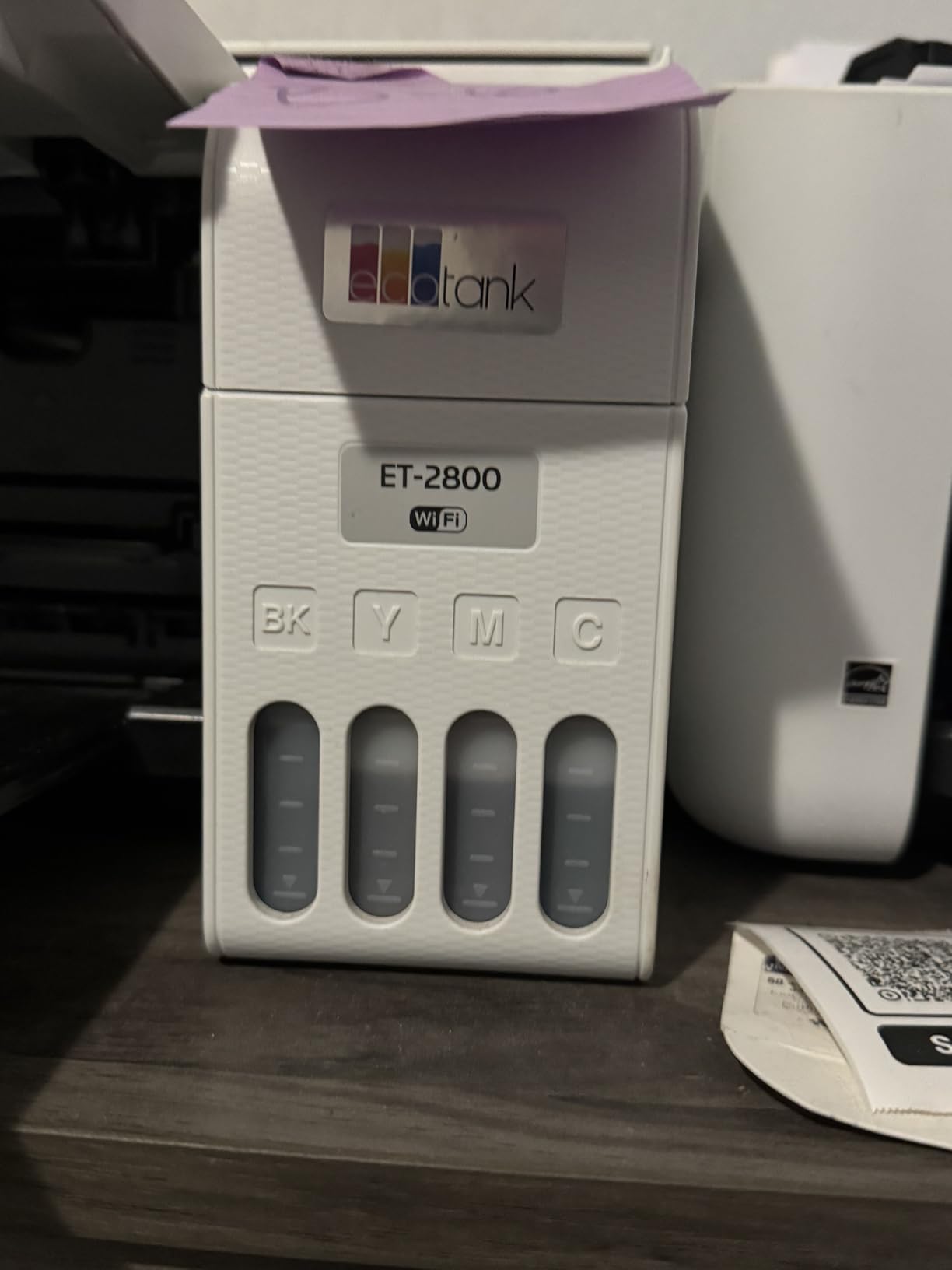
We ran the ET-2800 through a full semester of coursework and it never once sent us to a store for ink. The tank system comes with up to two years of ink in the box, and Epson rates a full set at roughly 4500 black pages or 7500 color pages. For a student printing maybe 150 pages a month, that is the difference between a printer you never think about and one you budget around.
Output quality is genuinely good for the money class it sits in. Maximum color resolution is 5760 x 1440 dpi, which is sharp enough for color charts, diagrams and photo prints up to 4 by 6 inches. Copy resolution tops out at 300 x 600 dpi in black and white and 720 x 720 dpi in color, so this is a document and coursework machine rather than a scanning specialist.

Speed is 10 black pages per minute and 5 color pages per minute. That is enough to finish a 12-page paper while you make coffee, and slow enough that you would notice it during a 200-page problem set. The flatbed scanner handles notes and readings fine, one page at a time.
The body measures 22.8 inches wide by 14.8 deep by 10 tall and weighs 11.4 pounds, which is one of the more manageable footprints in this group. Reviewers consistently describe the low ink cost and the cartridge-free refill system as the reason they came back to this model, and Wi-Fi pairing difficulty plus slow inkjet throughput are the complaints that show up most often.
Who the ET-2800 suits
It suits students who print a moderate mix of black-and-white essays and color material, and who want color without cartridge anxiety. The included ink alone can carry most of a first year.
It also suits anyone who wants a scanner and copier in the same box as the printer, since the flatbed and copy functions are included rather than sold separately.
Where it falls short
Duplex is simplex only, so a double-sided essay means flipping the stack by hand and re-running the job. That is the single biggest gap for essay-heavy students.
There is no automatic document feeder, so scanning a packet of readings is one sheet at a time on the glass. Anyone handing in a thesis or a scanned bibliography should look at the Canon TR8620a instead.
2. Canon PIXMA TR8620a – the pick with a feeder and automatic duplex
Canon PIXMA TR8620a – All-in-One Printer Home…
20-sheet ADF with automatic duplex
15 black and 10 color ppm
200 sheets across two trays
17.4 lb
Pros
- Only pick here with print
- copy
- scan
- fax and a 20-sheet feeder
- Automatic duplex plus front cassette and rear feed tray
- Individual ink tanks so you replace only the colour that ran out
- Tilt touchscreen makes on-device navigation easy
Cons
- Canon PRINT app is slow and unreliable for setup
- ADF cannot take two-sided originals
- Large 17.4 lb body needs its own shelf space
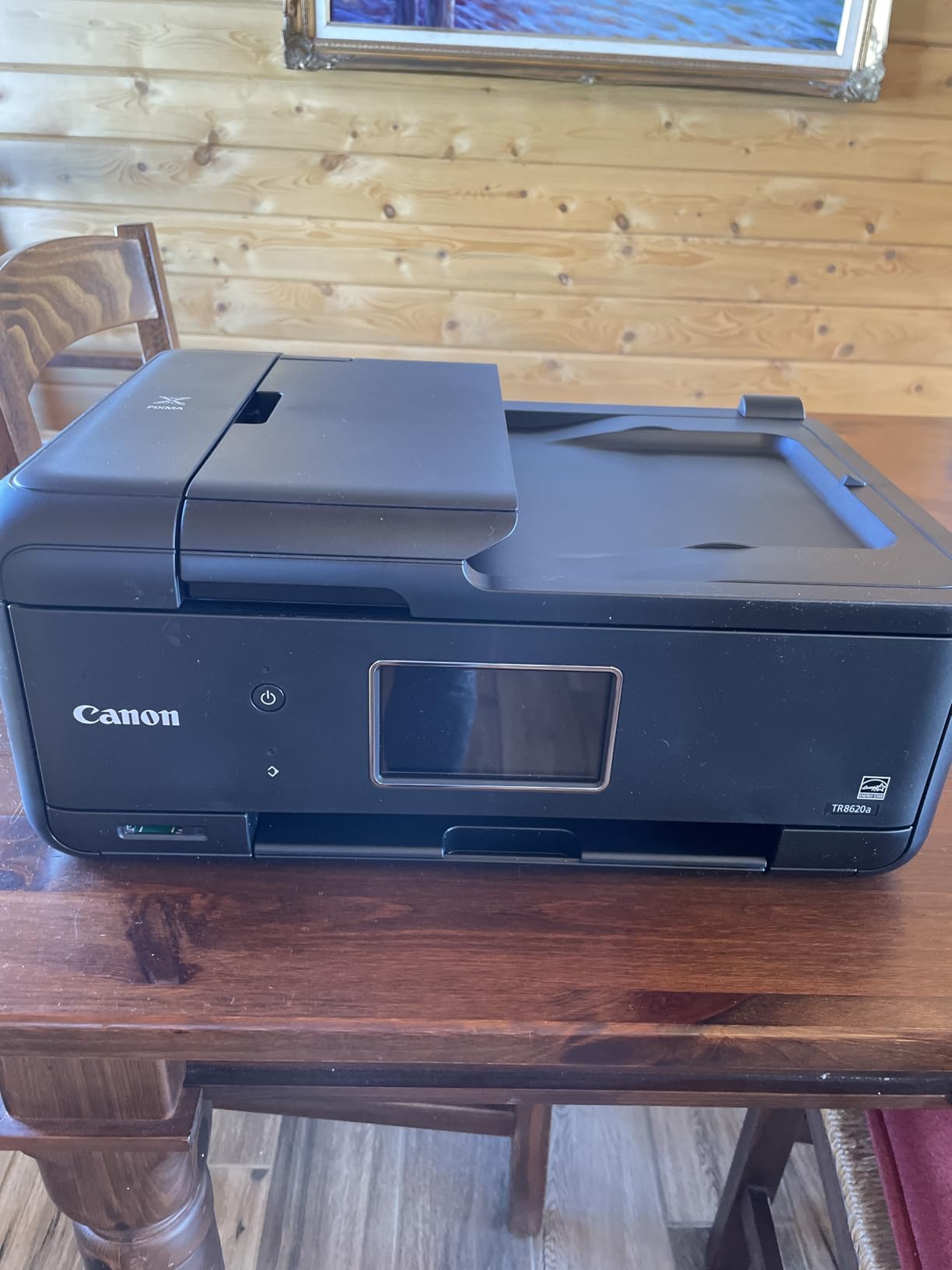
This is the document-handling pick. It is the only unit in our lineup with print, copy, scan and fax plus a 20-sheet automatic document feeder, and it prints both sides of a page automatically. For a student assembling a reading packet, scanning a handwritten research journal or faxing a signed form, it removes the manual work that eats an hour.
Paper handling is unusually good for a home unit. Total capacity is 200 sheets, split between a 100-sheet front cassette and a 100-sheet rear feed tray, and the duty cycle is rated at 1000 pages a month. Print speed is 15 black pages per minute and 10 color pages per minute, both faster than most inkjets in this group.
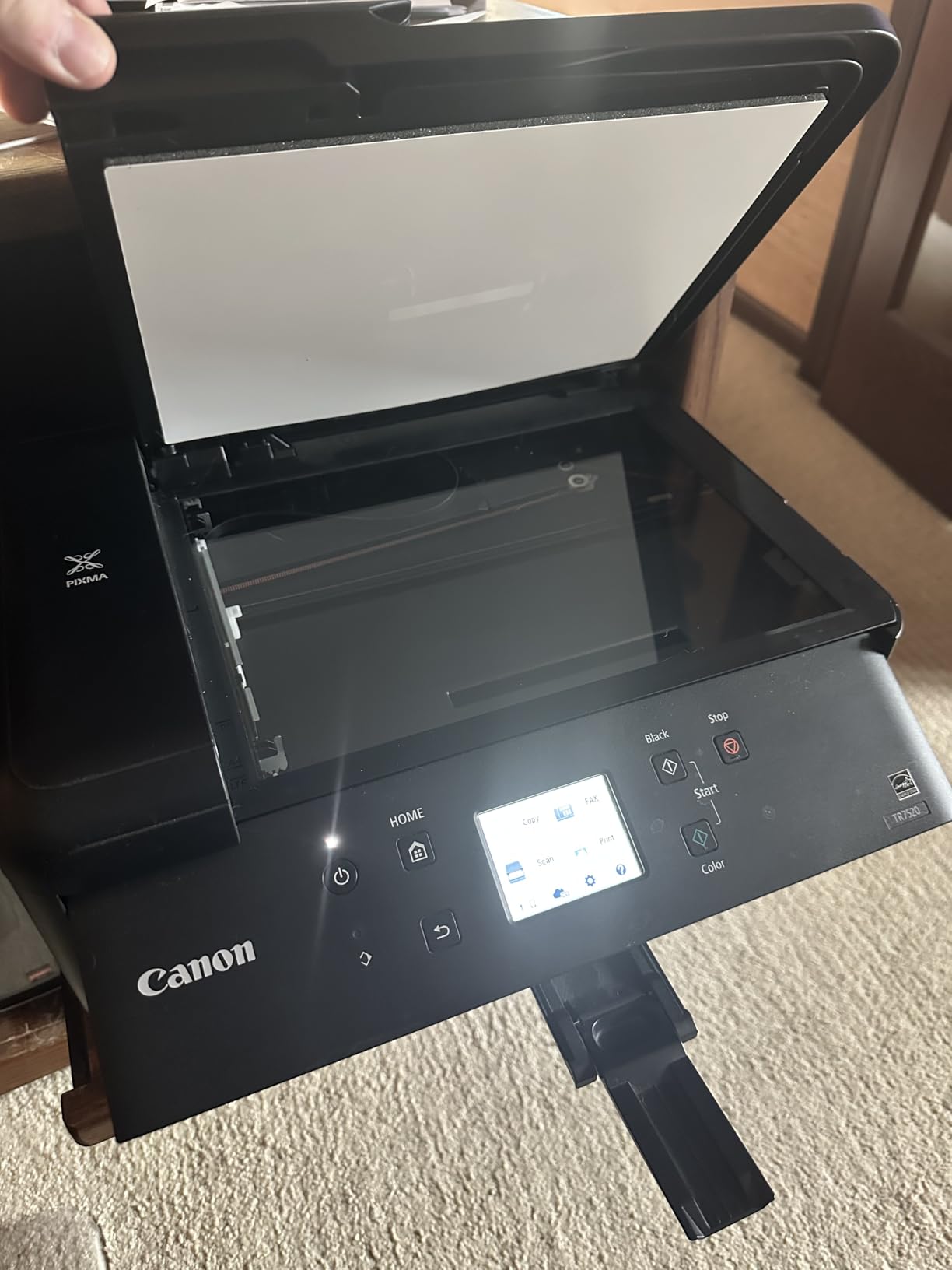
The adjustable tilt touchscreen is more useful than it sounds. You can check ink levels and start a job without opening the Canon PRINT app on your phone, which matters because that app is the weak point. Multiple reviews describe prolonged, frustrating printer discovery inside the app, and we hit the same thing.
Individual ink tanks mean a dead magenta does not cost you a full colour set. It runs on a 1000-page monthly duty cycle, is ENERGY STAR and EPEAT Silver certified, and works with Alexa for voice printing and smart ink reorders. Resolution is 4800 x 1200 dpi.
Who the TR8620a suits
It suits students who scan more than they print, or who hand in printed documents every week and would rather not flip paper. The feeder plus duplex is a genuine workflow upgrade.
Anyone who prints colour posters, square formats or legal-size paperwork gets a wider media range than most of the inkjets here.
Where it falls short
The ADF is single-sided, so a two-sided original has to be fed twice. Scan resolution also caps out around 600 dpi, which is limiting for art or photography scanning.
At 17.4 pounds and 17.3 inches wide by 13.8 deep, it is one of the larger bodies in the roundup. Some users also report finicky paper feeding and a louder operating noise than the smaller models.
3. Canon MegaTank G3270 – the strongest ink economics per bottle
Canon MegaTank G3270 All-in-One Wireless Color Printer
Ink tank, 6000 black and 7700 color pages per set
11 black and 6 color ppm
Wireless print copy scan
13.2 lb
Pros
- Highest page yield per ink set in this roundup
- Wireless print
- copy and scan in one unit
- Media support spans square photos envelopes card stock and legal paper
- 13.2 lb body
Cons
- Single-sided printing only
- Small 1.35 inch LCD with app-driven control
- 100-sheet paper capacity
- No automatic document feeder
If your biggest fear is ink cost, this is the printer to look at first. Canon rates a full set of GI-21 bottles at up to 6000 black-and-white pages or 7700 color pages, the highest yield of any ink tank in this group. The box comes with up to two years of ink included, and Canon states that the running saving over the life of the unit against cartridge printing runs into thousands.
It prints at 11 black pages per minute and 6 color pages per minute, which edges ahead of the two Epson EcoTank models. Resolution is 4800 x 1200 dpi for both colour and black-and-white, and the scanner is a flatbed unit for copy and scan duty.
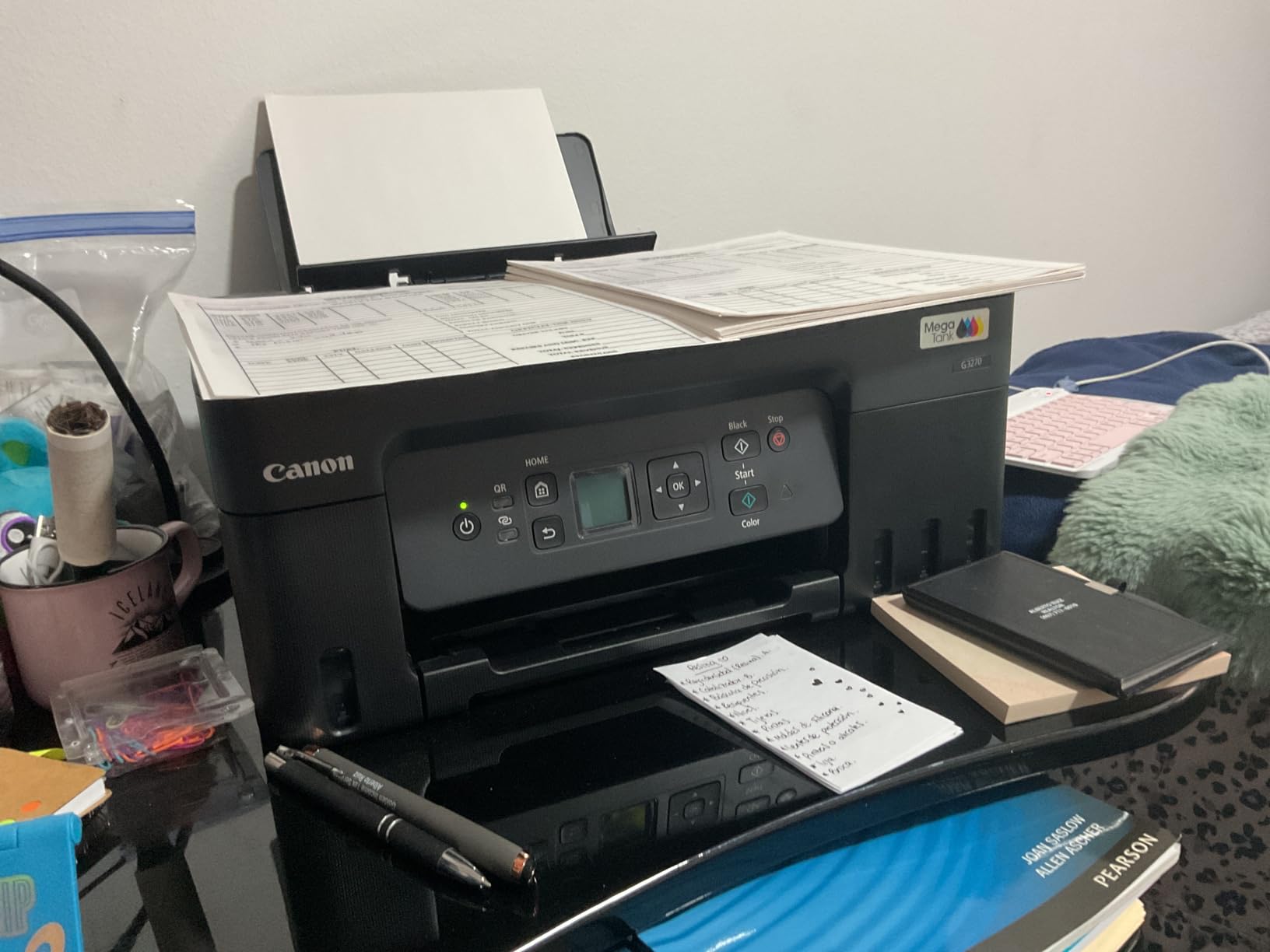
It ranks second in Ink Tank Printers and near the top of Office Products, which tells you how many students already own one. Review sentiment centres on ownership cost: buyers repeatedly point out that the included ink plus cheap bottle refills remove the cartridge shock that pushes people back to the library queue.
Media support is wide for the price, covering square photo formats, envelopes, card stock and legal-size paper. It is ENERGY STAR and EPEAT qualified and network-ready out of the box.
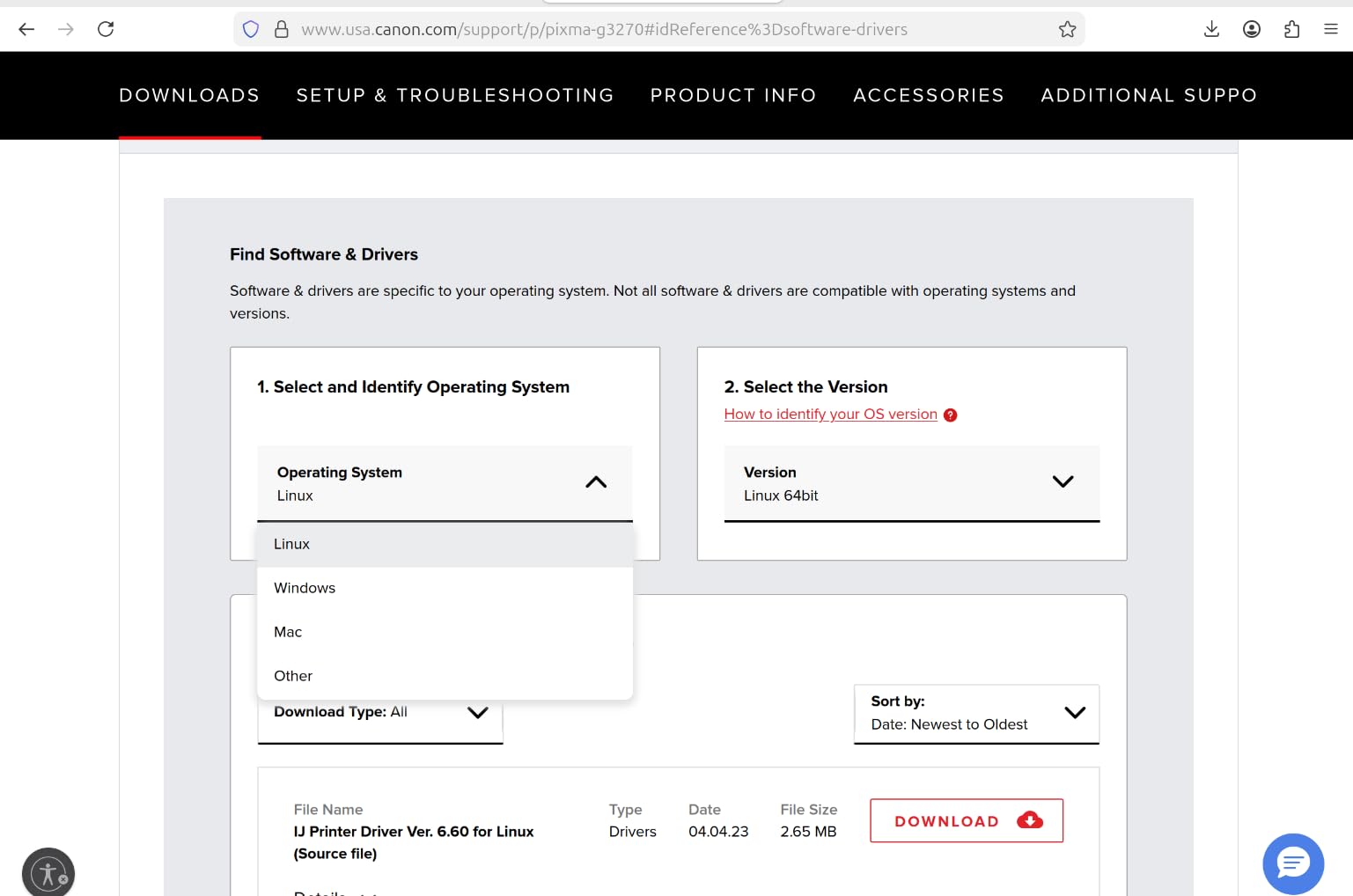
Who the MegaTank G3270 suits
It suits students who print a lot of colour relative to their budget, because the per-bottle cost is the lowest here and you are not throwing away half a tri-colour set each time one channel runs dry.
It is also the tank option for students who want photo printing, card stock and square formats without stepping up a tier.
Where it falls short
Duplex is simplex only, which is a real drawback for essay-heavy printing since every double-sided document needs manual flipping. There is no automatic document feeder either.
The 1.35 inch square LCD is small, and control is app-driven. The 100-sheet tray is modest, and at 21.9 inches deep this is a long body, so it needs a proper shelf rather than a tight dorm desk corner.
4. Epson EcoTank ET-2400 – the lightest printer we tested
Epson EcoTank ET-2400 Wireless Color All-in-One Supertank…
Ink tank using Epson 522 bottles
10 black and 5 color ppm
7-second first page
8.6 lb
Pros
- Lightest unit in the roundup at 8.6 lb
- Refillable tanks so you replace only the colour you need
- Sharp flatbed scanning and vivid colour output
- Straightforward setup over USB or Wi-Fi
Cons
- Manual duplex only with a mid-job flip prompt
- No display beyond four LEDs
- No automatic document feeder
- Wi-Fi setup can struggle on dual-band routers
Weight matters more than most spec sheets admit, because a dorm printer gets moved every time you clean, change rooms or share a room with a new roommate. At 8.6 pounds the ET-2400 is the lightest printer we tested, only a shade under the Canon TS3720 at 8.7 pounds and less than half the weight of the Brother laser at 25 pounds.
It runs on Epson 522 EcoFit ink bottles at 65 mL each. A full set covers up to 4500 black-and-white pages or 7200 color pages, and Epson counts one set as roughly 80 individual cartridges. Up to two years of ink are in the box.
Speed is 10 black and 5 color pages per minute with a 7-second first page, and maximum resolution is 5760 x 1440 dpi. That makes it a solid choice for lecture notes, slide decks and diagrams, which is exactly what several reviewers say they print.
This model also carries the widest rating spread in the roundup: 64 percent five-star but 17 percent one-star. The one-star cluster is about three limits rather than failure, namely no automatic duplex, no usable screen and paper-feed jams.
Who the ET-2400 suits
It suits students in the smallest dorm rooms, anyone moving rooms mid-year, and anyone who wants a tank printer they can lift one-handed onto a high shelf.
It suits students printing image-heavy coursework such as lecture slides, charts and diagrams, where the refillable colour tanks pay for themselves.
Where it falls short
Duplex is manual only, so the print wizard prompts you to flip the paper mid-job. There is no automatic document feeder, and the control panel is four LEDs with no screen, which makes error diagnosis frustrating.
Wi-Fi setup can struggle on dual-band routers until the 5 GHz band is disabled. Reported paper jams and inconsistent feed are recurring, it needs regular use to keep ink from clogging, and the waste ink pad is not user-replaceable, which limits long-term service life.
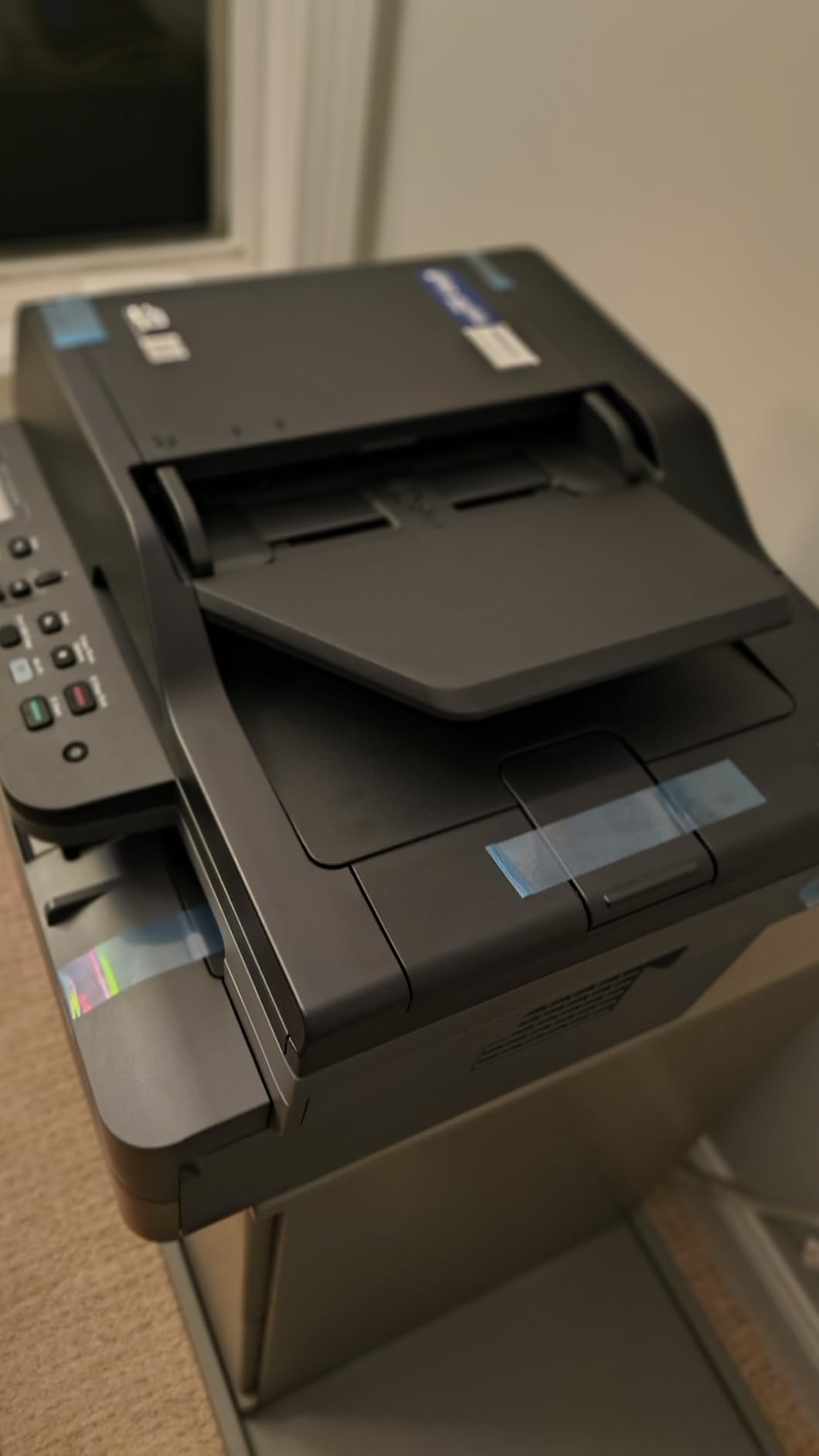
5. Brother DCP-L2640DW – the monochrome laser with a 50-page feeder
Brother DCP-L2640DW Wireless Compact Monochrome…
Monochrome laser print copy scan
36 pages per minute
50-page ADF and automatic duplex
250-sheet tray
Pros
- Fastest print speed here at 36 pages per minute
- 50-page feeder makes thesis and packet scanning practical
- Dual-band Wi-Fi plus Ethernet for the most flexible setup
- 250-sheet tray cuts refill frequency
- Sharp black-and-white text that does not smudge
Cons
- Heaviest unit in the roundup at 25 lb
- Monochrome only with no colour output
- Firmware and machine-password changes are arcane to manage
This is the answer for the student who prints black-and-white almost exclusively. Forum users make the point repeatedly: most students need text, not colour, and a monochrome laser removes the cartridge problem entirely. This Brother ranks first in Laser Computer Printers, which is not an accident.
It prints up to 36 pages per minute with an 8.5-second first page, roughly triple the speed of any inkjet in this roundup. Automatic duplex is standard, so a 20-page essay prints both sides without intervention, and the 50-page automatic document feeder makes scanning a stack of readings genuinely practical.
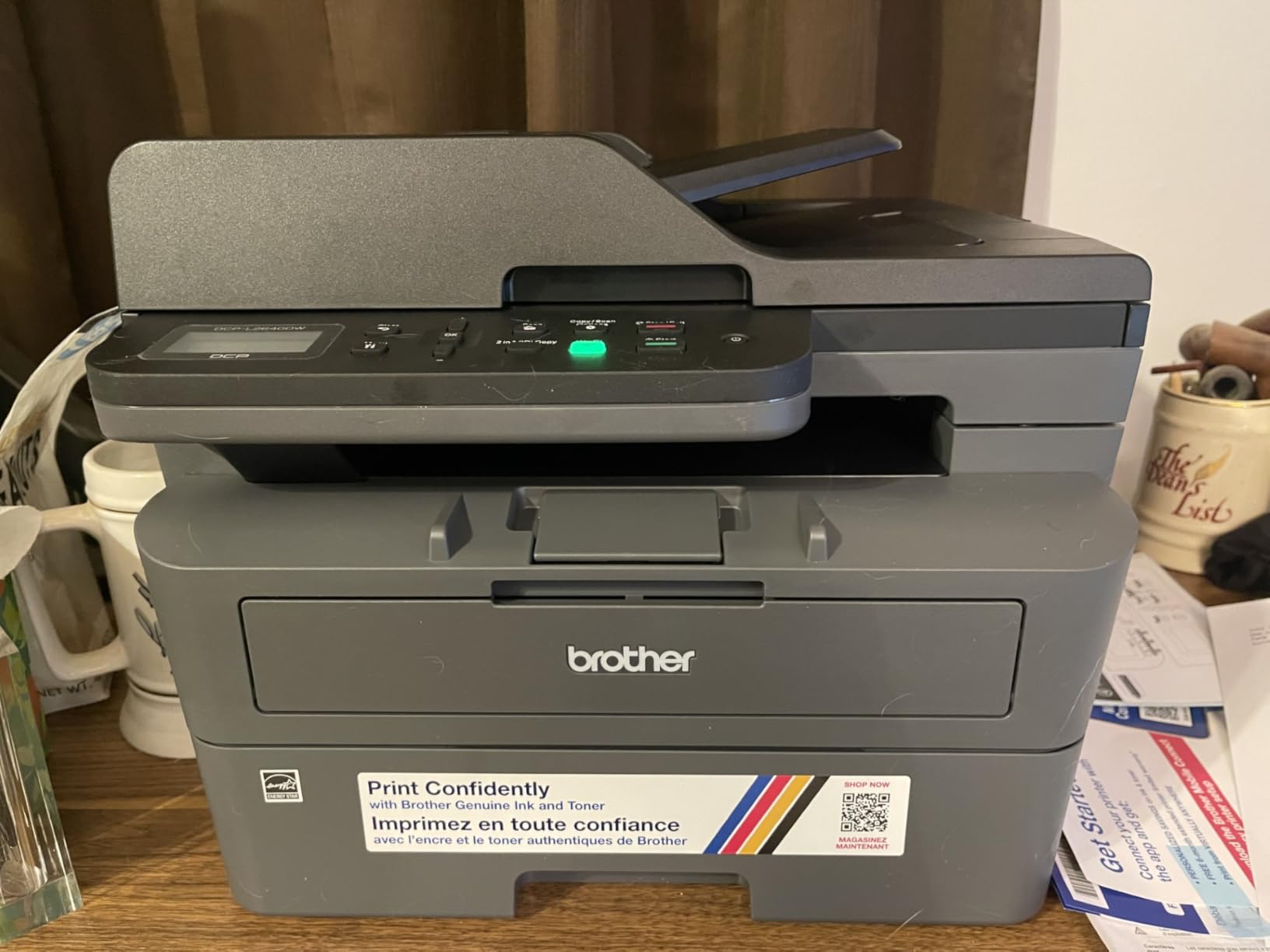
Connectivity is the strongest here: dual-band Wi-Fi at 2.4 GHz and 5 GHz, plus Ethernet and USB. Dual-band support matters on campus networks, and the 250-sheet paper tray with a 120-sheet output tray cuts refills compared with the 60-sheet and 100-sheet inkjet trays.
Owners replacing an inkjet describe the switch as an upgrade: faster duplex output, no smudging, no clogs and cheap toner. It uses Brother Genuine TN830 and TN830XL toner, and third-party and refillable toner is widely available for this model.
Who the DCP-L2640DW suits
It suits students printing 300 or more pages a month, especially problem sets, theses, law outlines and anything where the output is almost entirely text.
It suits anyone whose dorm network is dual-band or awkward, because the Ethernet port gives you a reliable wired fallback that inkjets rarely offer.
Where it falls short
At 25 pounds it is the heaviest unit here and not a machine you carry between rooms. It is monochrome only, so a colour chart means a trip to the library print queue.
The software is the weak point. Several reviews describe being locked out during firmware updates and machine-password changes, and on-device scan-to-PC menus are clunky, so set the network up from the printer panel and use the Brother Mobile Connect app for everything else.
6. Canon PIXMA TS3720 – the low-cost entry wireless all-in-one
Canon PIXMA TS3720 Wireless All-in-One Printer for Basic…
Wireless print copy and scan
7.7 black and 4 color ppm
Dual-band Wi-Fi
8.7 lb
Pros
- Accessible entry price for a wireless all-in-one
- Very slim 5.8 inch tall body that fits a dorm shelf
- Dual-band Wi-Fi with setup possible without a computer
- Works with Chromebook
- AirPrint and Mopria
Cons
- Smallest paper capacity here at 60 sheets
- Single-sided printing only
- Two cartridges mean one empty colour replaces the tri-colour unit
- Slowest print speed in the roundup
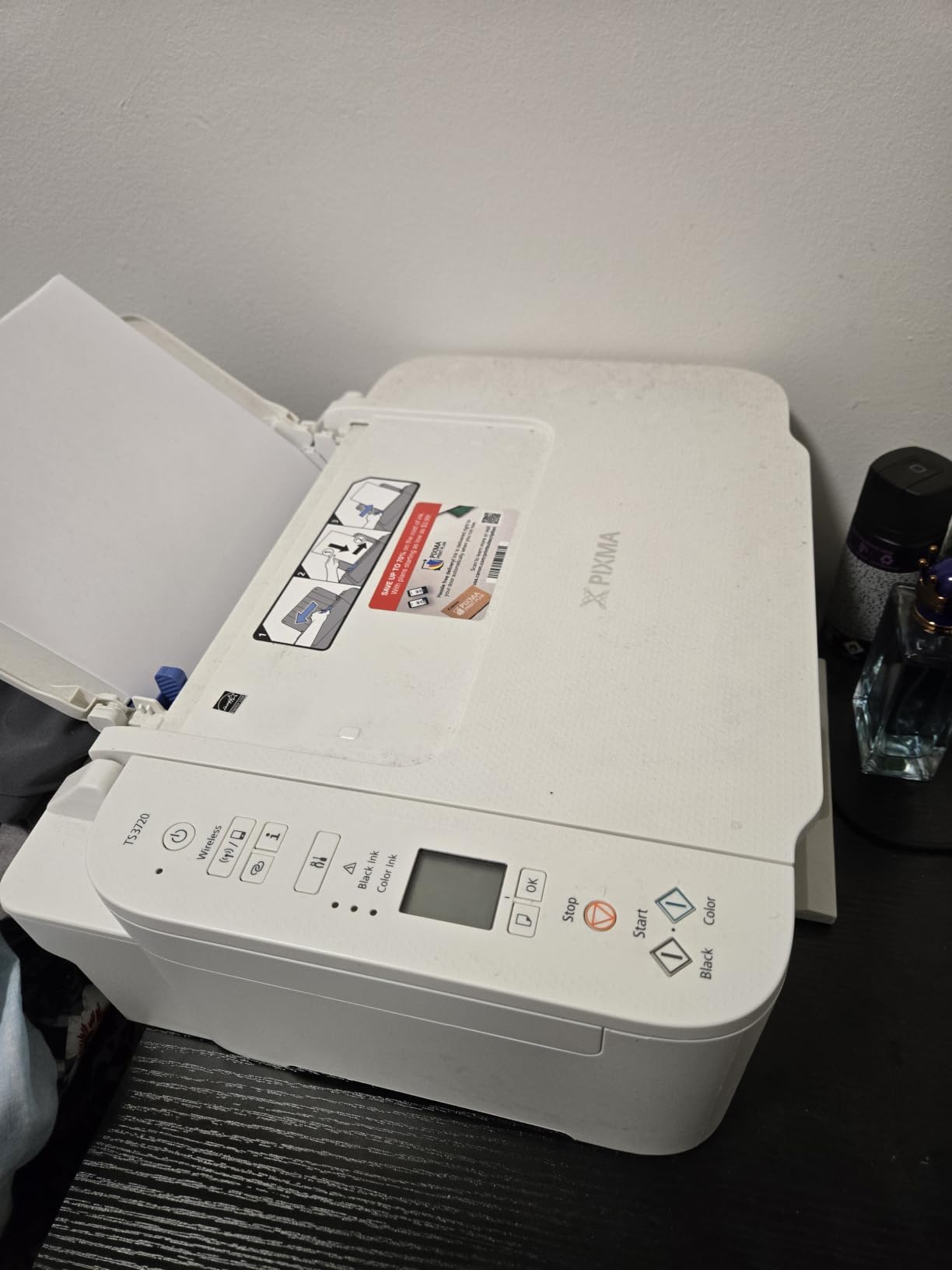
If your budget is genuinely tight, this is the printer to start with. It is the entry-level wireless all-in-one in our lineup, and reviewers frame it as the sensible dorm-room option: small footprint, dual-band Wi-Fi, Chromebook compatibility and easy out-of-box setup.
The body is only 5.8 inches tall at 17.2 inches deep by 12.9 wide, so it slides onto a shelf that a taller all-in-one would not fit. Weight is 8.7 pounds. Setup can be completed without a computer, which matters if your laptop is still in a box.
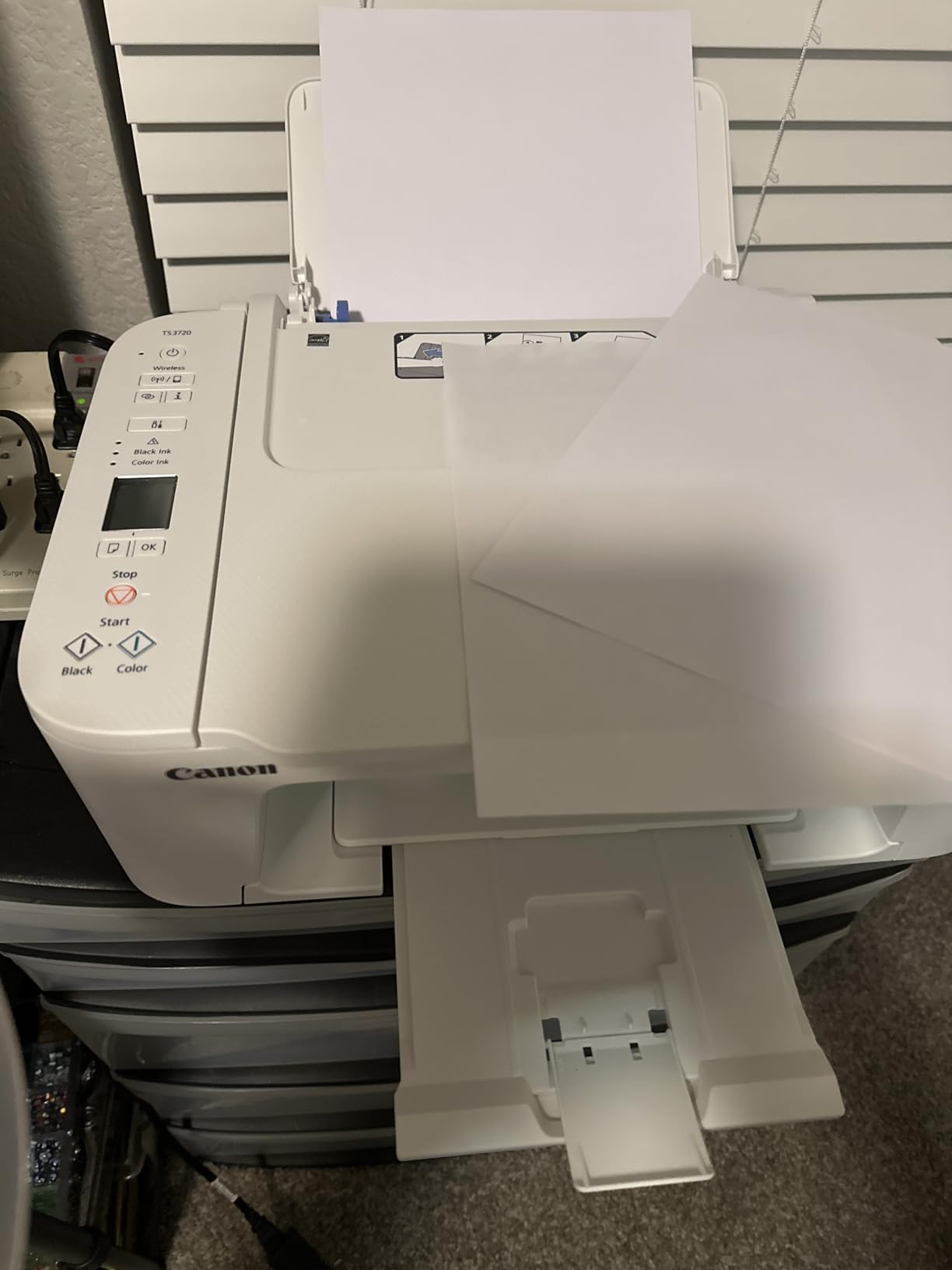
It prints, copies and scans, handles borderless photo output up to 5 by 7 inches plus 5 by 5 square formats, and supports envelopes, photo paper and legal-size paper. A 1.5-inch segment LCD gives basic status, and POSTERARTIST poster software is included.
Speed is about 7.7 black pages per minute and 4 color pages per minute, the slowest in this roundup, and maximum resolution is 1200 x 1200 dpi, also the lowest here.
Who the TS3720 suits
It suits students printing occasionally rather than weekly, and anyone who wants a scanner and copier without paying for a tank system up front.
It also suits Chromebook users and anyone who wants borderless photo prints on a smaller scale without a subscription or a vendor app doing the work.
Where it falls short
It uses two cartridges, one black and one tri-colour, so a single empty colour channel replaces the whole colour unit. That running cost is the reason cartridge printers get a bad reputation, and it applies here.
The 60-sheet paper tray is the smallest in the group and needs frequent refills, there is no duplex and no automatic document feeder, and the low resolution plus slow throughput show on anything beyond a page or two at a time.
7. Epson WorkForce Pro WF-3820 – the fastest inkjet with a feeder
Epson Workforce Pro WF-3820 Wireless Color All-in-One Inkjet…
Colour inkjet with automatic duplex
21 black and 11 color ppm
35-page ADF and 250-sheet tray
19.4 lb
Pros
- Fastest inkjet here at 21 black and 11 color pages per minute
- Automatic duplex plus a 35-page feeder is the best inkjet document set
- 250-sheet paper capacity
- Network connection worked on the first attempt for many owners
Cons
- Requires Epson genuine cartridges as third-party ink is blocked
- Duplex scanning is not automatic
- Photo quality is only average
- Needs headroom on a shelf to reach the cartridges
When you need colour and you also need speed, this is the inkjet. It runs at 21 black pages per minute and 11 color pages per minute, roughly double every other inkjet in this roundup, and it pairs that with automatic duplex and a 35-page automatic document feeder.
Paper capacity is 250 sheets, so it handles a full assignment load without a refill. It uses DURABrite Ultra instant-dry pigment inks, which matter if you print specialty items like shirt transfers, since pigment ink sits on the surface rather than soaking in.
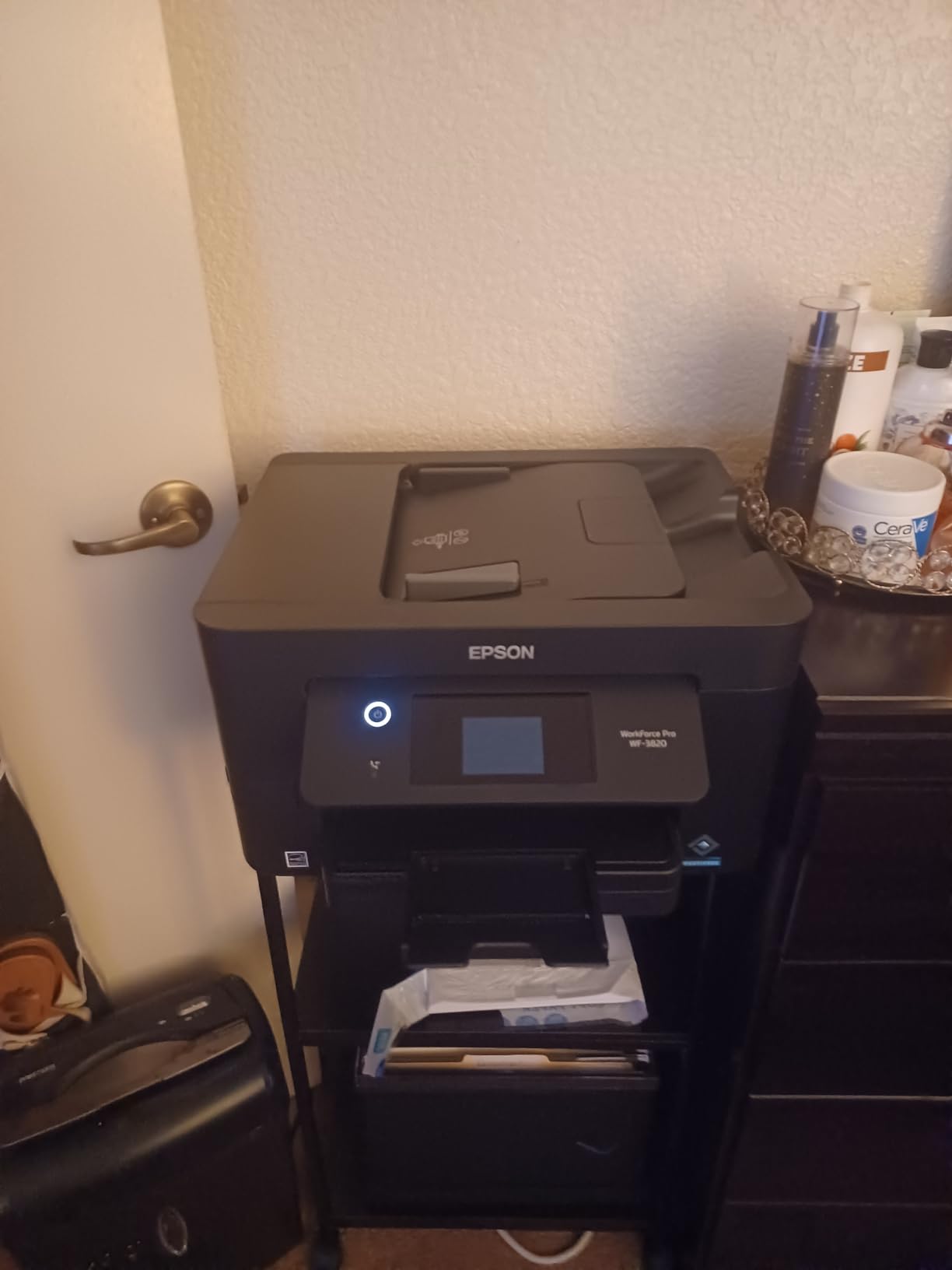
Reviewers with light-to-moderate volume call it a strong, quick win, and several mention the network connecting on the first attempt. Copy resolution is 4800 x 1200 dpi in black-and-white with a flatbed scanner, and maximum print resolution is 4800 x 2400 dpi.
The recurring negative theme is cartridge lock-in. Multiple reviews describe the printer refusing non-genuine cartridges or flagging them as faulty after a firmware update, and that lock-in is what stretches the one-star tail to 15 percent.
Who the WF-3820 suits
It suits colour-dependent students in business, marketing, design and communications who print decks and handouts at volume and need both sides done automatically.
It also suits anyone who scans stacks rather than single pages, since the 35-page feeder is the largest on any inkjet here.
Where it falls short
It takes Epson genuine DURABrite Ultra cartridges only, and firmware updates keep the cartridge blocking in place, so budget for genuine ink. Duplex scanning is not automatic, so two-sided originals go in twice.
Photo image quality is average despite the headline resolution. At 19.4 pounds and 9.8 inches tall you must open the scanner to reach the cartridges, so it needs headroom on a shelf rather than a flush desk position, and some owners report the wireless connection dropping intermittently.
8. Brother HL-L2460DW – the pick-and-forget monochrome laser
Brother HL-L2460DW Wireless Compact Monochrome Laser Printer…
Monochrome laser print only
36 pages per minute
Automatic duplex
250-sheet tray, 15.6 lb
Pros
- Fast 36 pages per minute output with automatic duplex
- First page out in under 8.5 seconds
- Lightest laser here at 15.6 lb with a slim 7.2 inch body
- 250-sheet tray means fewer refills than most rivals
Cons
- Print only with no scanner or copier
- Monochrome only
- Wi-Fi setup is tedious from the printer panel
- Bundled subscription trial can generate unexpected overage charges
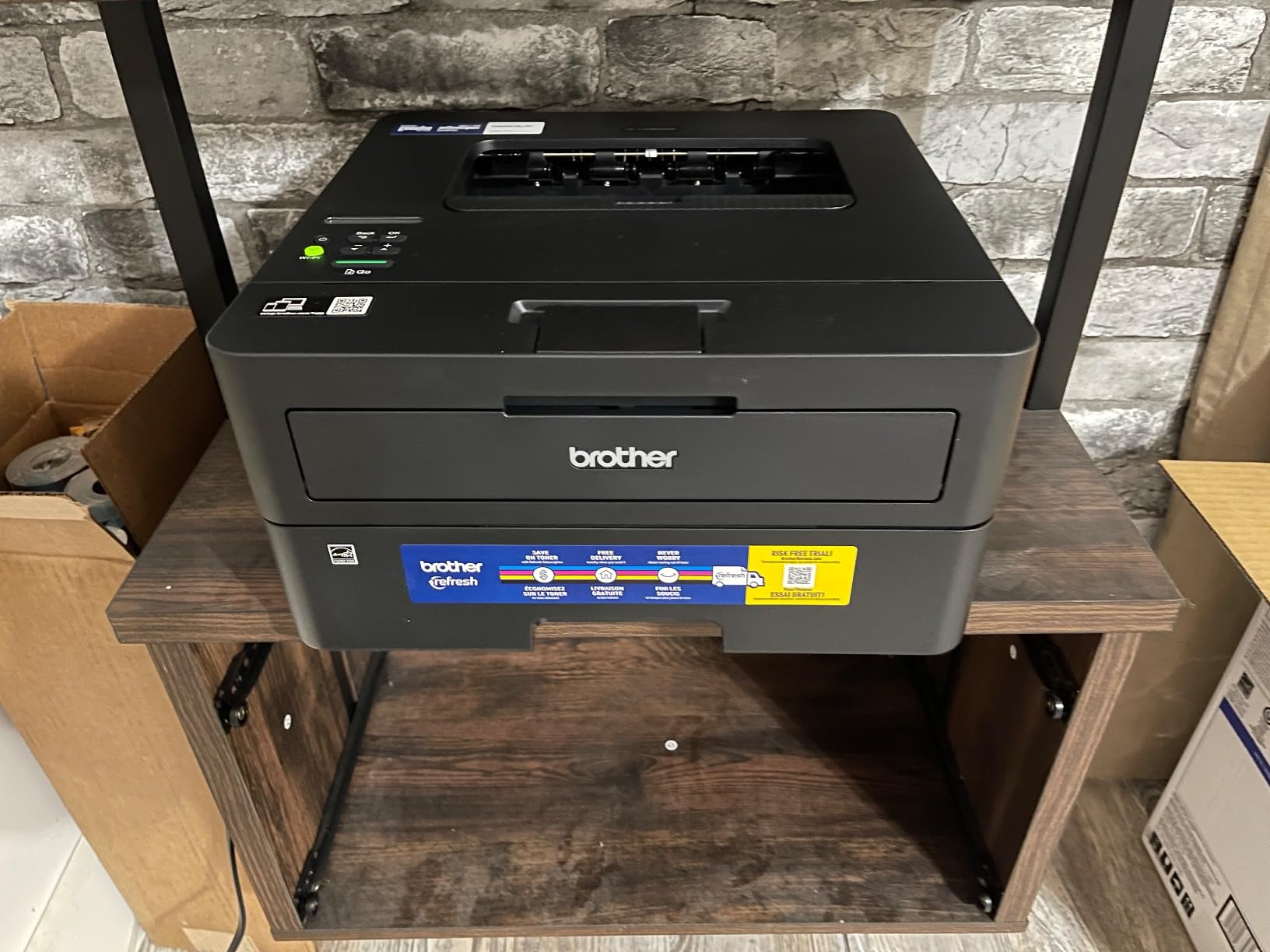
This is the Brother to buy if you never scan. It prints up to 36 pages per minute with automatic duplex, matches the DCP-L2640DW on speed, and comes in a noticeably smaller body at 14 inches wide by 14.2 deep by 7.2 tall and 15.6 pounds.
The 250-sheet paper tray is the same size as the multi-function Brother and far larger than the inkjet options, with a manual feed slot for envelopes and specialty media. Toner is Brother Genuine TN830, TN830XL or the two-pack, and owners report units that run for years without jams.
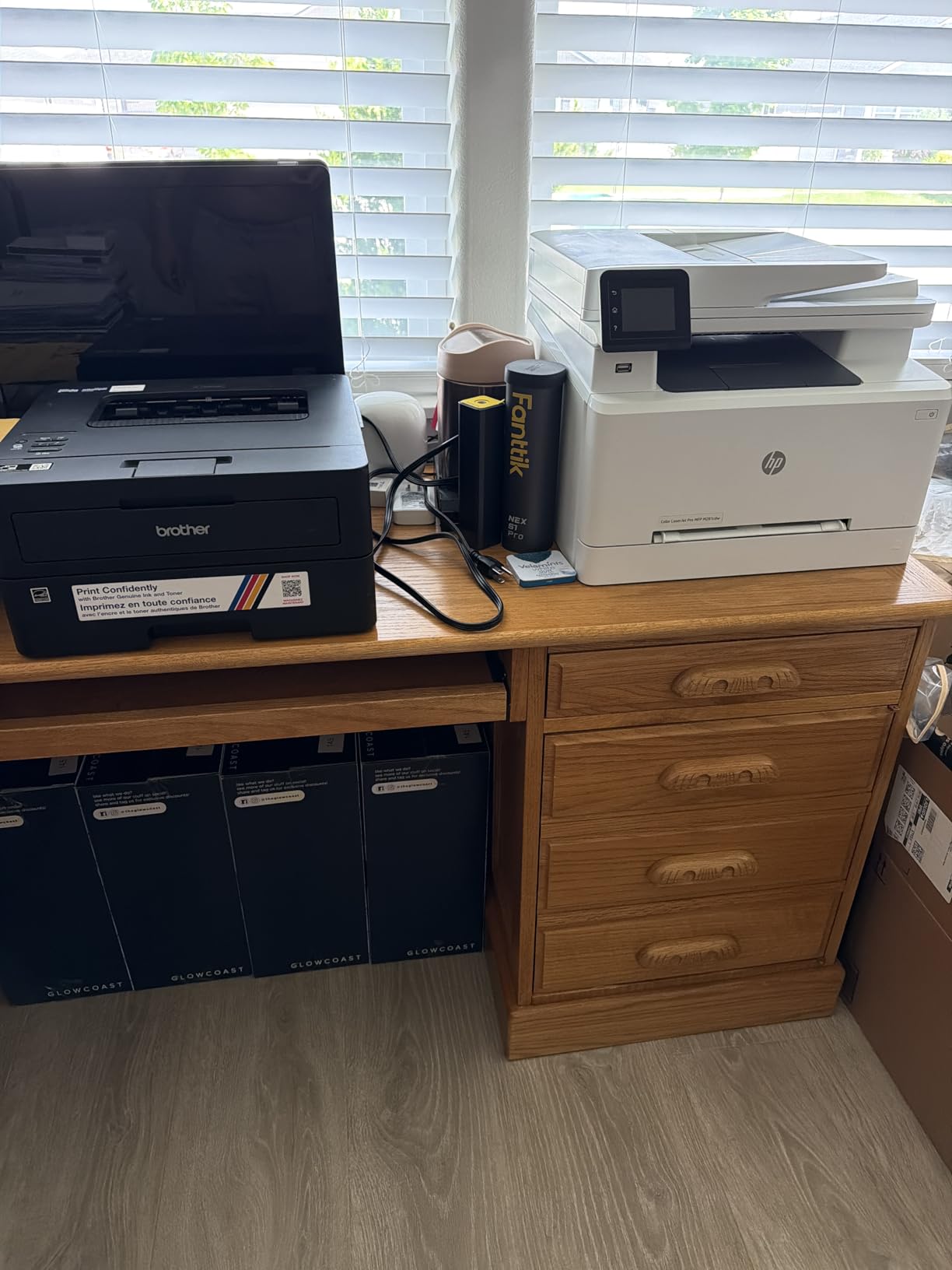
Sentiment on the hardware is strongly positive: fast, quiet, crisp duplex monochrome output and painless wireless setup, with many owners printing within one to five minutes of unboxing. It works with Windows, macOS, Linux and Chromebook, and duplex output is where it earns its keep.
The substantial complaint is commercial rather than technical. A detailed review documents unexpected charges from the bundled Refresh EZ Print subscription trial and difficulty obtaining a refund, which is worth knowing before you enrol.
Who the HL-L2460DW suits
It suits students who print essays, notes and problem sets and have no reason to scan anything, and it suits shared apartments where one machine serves several people.
Because it has no scanner, it is the quietest and simplest unit here, which also makes it the least distracting in a shared room at odd hours.
Where it falls short
No scanner and no copier means notes stay on paper. It is monochrome only, so any colour output means another machine entirely.
The on-device screen is small with limited buttons and Wi-Fi setup is tedious if done from the printer panel, so use the Brother Mobile Connect app. The build is basic all-plastic, the power draw is 44 watts, and the bundled subscription trial is the one thing to cancel on day one.
9. HP LaserJet MFP M140w – the smallest laser that still scans
HP Laserjet MFP M140w Wireless Black & White Printer, Print…
Monochrome laser print scan copy
21 pages per minute
10.4 by 14.2 by 7.8 inch body
11.9 lb
Pros
- Smallest footprint here at 10.4 by 14.2 by 7.8 inches
- Lightest laser option at 11.9 lb and it still scans and copies
- 21 pages per minute with an 8.3-second first page
- AirPrint and Mopria certified across Apple
- Android and Chromebook
Cons
- No duplex printing so pages are flipped by hand
- 99-sheet paper tray
- Lowest resolution here at 600 x 600 dpi
- Only cartridges with original HP chips will work
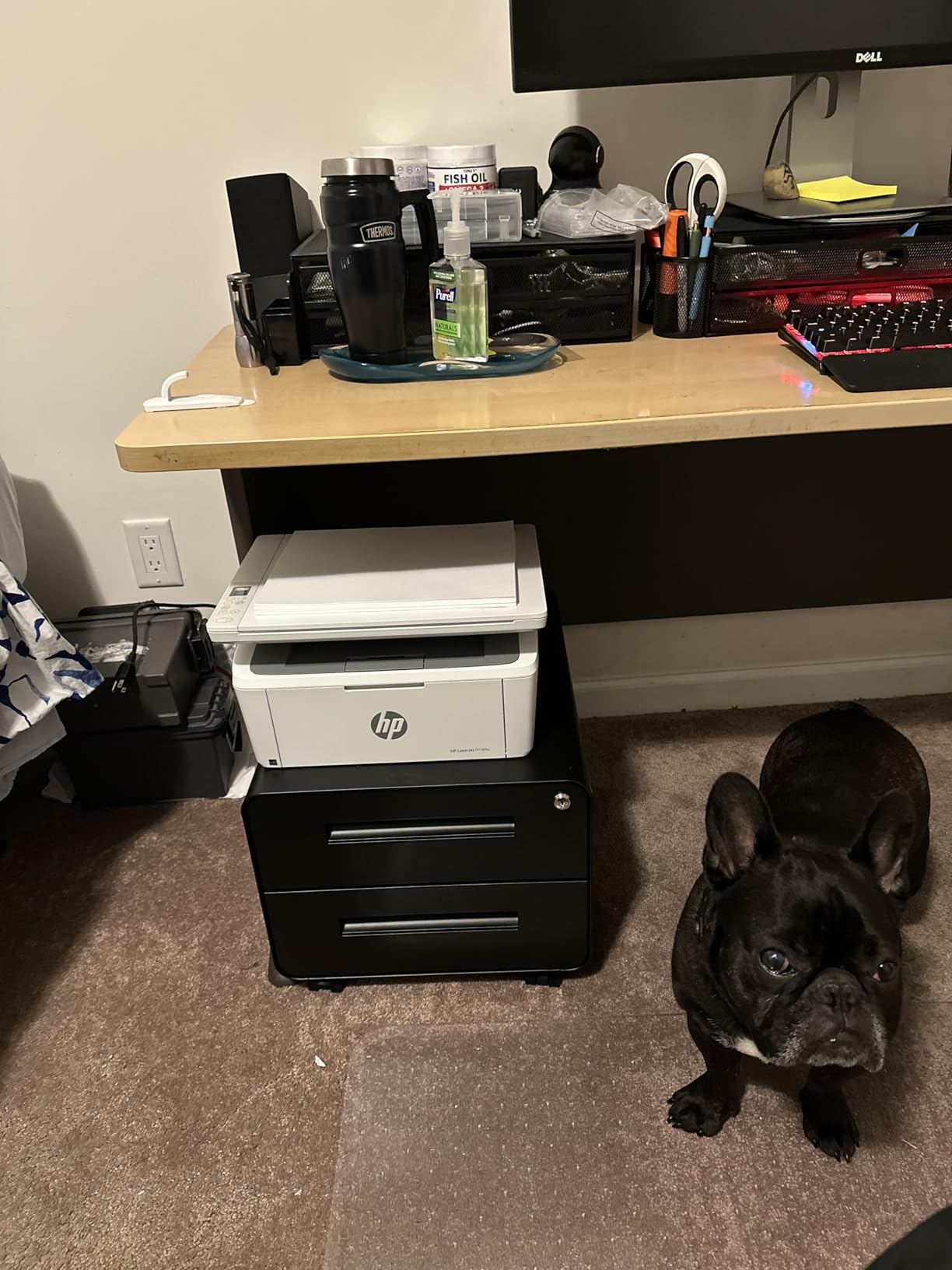
If your desk is genuinely tiny, the LaserJet MFP M140w is the smallest machine in this roundup at 10.4 inches deep by 14.2 wide by 7.8 tall. It is the only laser here that still includes a flatbed scanner and copier in that footprint, and it weighs 11.9 pounds.
Speed is 21 black pages per minute with an 8.3-second first page. It is single-sided only, which is the main trade-off against the Brother lasers, but 21 pages per minute is still faster than every inkjet in this list.
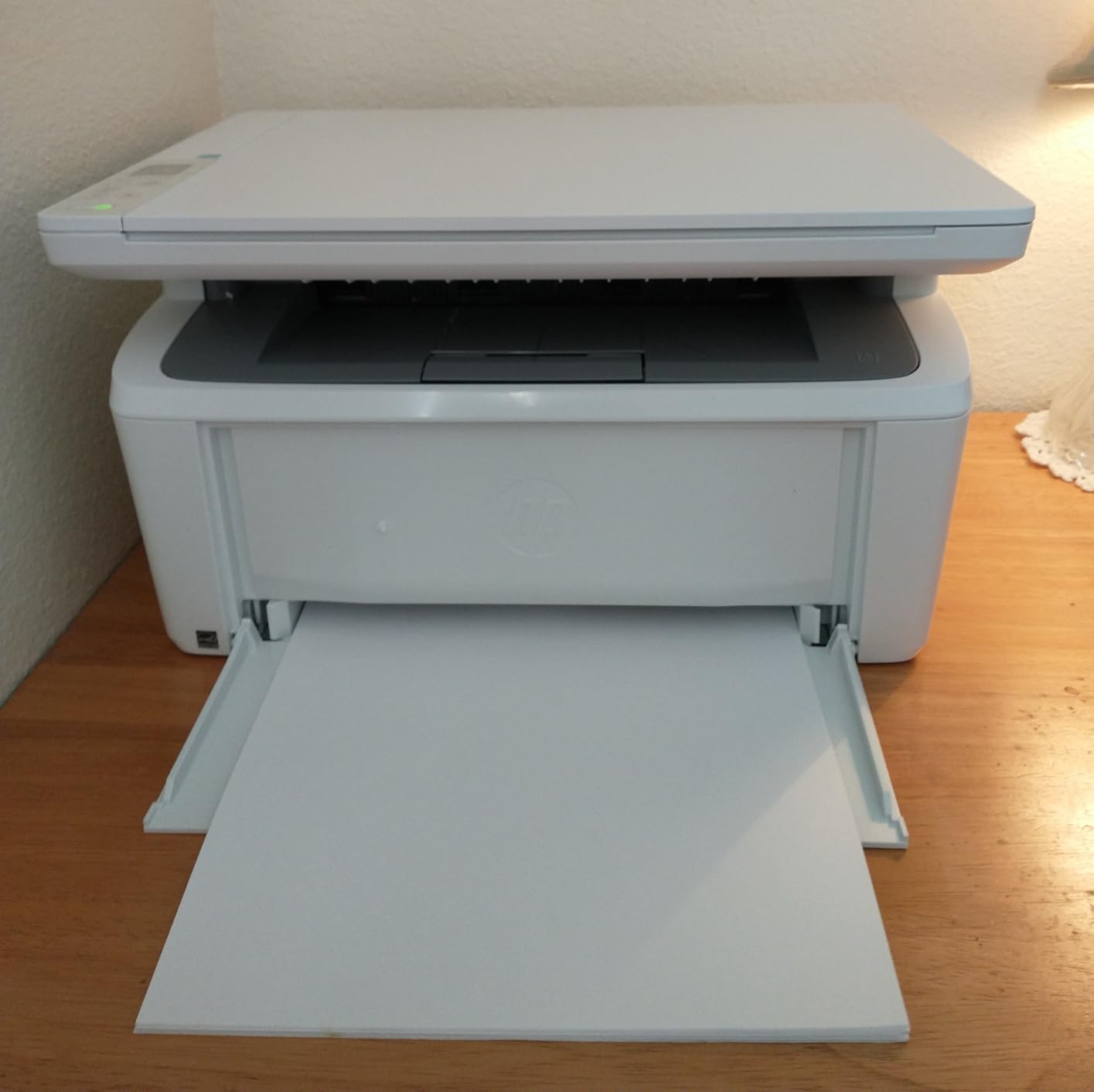
Compatibility is broad. It is AirPrint and Mopria certified, works with Microsoft, Mac, Android and Chromebook, and the HP Smart app handles printing, copying and cloud scanning from a phone. The flatbed scanner includes an ID card copy mode that puts both sides of a card on one sheet.
What you give up is paper handling and resolution. The tray holds 99 sheets, the lowest in the monochrome group, and 600 x 600 dpi output shows on fine text and images compared with the 1200 x 1200 dpi Brother units.
Who the LaserJet M140w suits
It suits students in the smallest rooms, or anyone who wants a laser with scanning and copying without the bulk of the Brother multi-function unit.
It suits Chromebook and Android users who want to print from a phone or tablet with no app install at all, which is where AirPrint and Mopria support genuinely pays off.
Where it falls short
There is no duplex printing, so every two-sided document is manual work, and the 99-sheet tray needs frequent refills for coursework-heavy terms. Resolution of 600 x 600 dpi is the lowest here.
It requires cartridges with original HP chips or circuitry, and firmware updates maintain that blocking, so third-party cartridges will not work. Control is app-based with a small LCD rather than on-device buttons.
How to Choose a Wireless Printer for a Dorm Room
Most roundups start with features. Start with volume, because it decides everything else. Estimate the pages you will print in a month, then apply these criteria in order.
1. Decide your monthly page volume. Under roughly 50 pages a month, you will rarely beat a library print queue on total cost. Between 50 and 150, a refillable ink tank is the sweet spot. Above 300 pages a month of mostly text, a monochrome laser wins on running cost and speed.
2. Check duplex before anything else. Every essay-heavy student should insist on automatic duplex. Of the nine picks here, only the Canon TR8620a, the Brother DCP-L2640DW, the Brother HL-L2460DW and the Epson WF-3820 have it.
3. Count whether you need a feeder. A document feeder turns scanning a reading packet from ten minutes into one. The Canon TR8620a has a 20-sheet feeder, the Epson WF-3820 has 35 sheets, and the Brother DCP-L2640DW has 50 sheets.
4. Measure the footprint and lift the weight. Width and height decide whether it fits, weight decides whether you can move it. Our lightest unit is 8.6 pounds and our heaviest is 25 pounds, and that gap decides whether you can carry the printer to a new room between semesters.
5. Prefer a tank or laser system over cartridges. Cartridge models like the Canon TS3720 use a tri-colour unit, so one empty colour channel replaces all three. Tank systems use separate bottles or tanks, and lasers use toner with far lower per-page cost.
6. Check the network band, not just the Wi-Fi label. Dual-band support at 2.4 GHz and 5 GHz makes a printer far easier to place on a modern router. The Brother units, the Canon TS3720 and the HP LaserJet M140w list dual-band; several others are 2.4 GHz only.
7. Confirm AirPrint or Mopria support. If your laptop is a Mac, iPad or Chromebook, native AirPrint or Mopria support means no driver, no app and no login. That is the difference between printing at 11pm and giving up at 11pm.
8. Ask whether your college blocks personal printers. Some universities explicitly state students cannot enable personal wireless printing because it interferes with the network they provide. If yours does, buy a printer with Wi-Fi Direct so your laptop can connect to the printer directly instead of joining the campus network.
9. Size the paper tray to your term. A 60-sheet tray needs refilling weekly. A 250-sheet tray holds roughly a full semester of notes in one fill, which matters more for a heavy reading-heavy term than any single spec on the box.
Our best 2-in-1 laptops for college students guide covers the machines you will actually be printing from, and if you are furnishing a room first, our dorm vacuum roundup covers the other essential.
Inkjet or Laser: Which One Should You Actually Buy?
A monochrome laser wins on running cost and speed once you pass roughly 300 text pages a month. Below that, a refillable ink tank wins because the included ink covers most of a first year and you still get colour.
Cartridge inkjets lose on both sides of the equation. They cost more per page and the tri-colour cartridge format means you discard a partly full set. If your workload is under 50 pages a month, they are still workable, but there is little reason to choose one over a tank.
The other side of the decision is colour. A monochrome laser prints text better than any inkjet here, with no smudging and no drying on the page. But no laser in this roundup prints colour, so art, photography, presentation and architecture students need an ink tank.
Recommendations by programme:
Art, photography and architecture: Canon MegaTank G3270 for the highest page yield and square-format media support, or the Epson EcoTank ET-2800 for sharper maximum colour resolution at 5760 x 1440 dpi.
Engineering and computer science: Brother DCP-L2640DW or Brother HL-L2460DW. Schematics and code listings are text-heavy, and 36 pages per minute with automatic duplex handles a last-minute problem set.
Nursing and medical school: Canon PIXMA TR8620a. Handouts, care plans and reference packets are scanned and printed repeatedly, and the 20-sheet feeder with duplex is built for exactly that.
Business and law: Canon PIXMA TR8620a or Epson WorkForce Pro WF-3820. Both print both sides automatically, both feed stacks, and the WF-3820 doubles colour speed at 11 pages per minute.
Graduate studies and dissertations: Brother DCP-L2640DW. A 50-page feeder, automatic duplex, dual-band Wi-Fi and an Ethernet fallback cover long documents and awkward dorm networks.
Setting Up a Printer on Dorm Wi-Fi Without the App
You do not need a vendor app to print. On macOS, iOS and Chromebook, AirPrint or Mopria handles it. On Windows, add the printer over Wi-Fi from Settings and it installs with its own driver.
Step one, put the printer in setup mode using its own panel or the button combination in the manual. Step two, on your laptop, open the printer list and choose Add Printer, then select the network option rather than USB. Step three, let the device discovery finish, which takes about a minute. Step four, print a test page before you close the lid.
If discovery fails on a dual-band network, disconnect from the 5 GHz band temporarily and retry on 2.4 GHz. Several reviews specifically mention this being the fix on the Epson EcoTank ET-2400.
If the campus network isolates devices, which some university networks do by design, stop trying to join it. Use Wi-Fi Direct instead. The printer creates its own network, and you connect to it directly from your phone or laptop, print, then disconnect.
Printers also lose their connection after a router reboot or a move between rooms. Re-running the same discovery step fixes it in most cases, and setting the IP address to a fixed one through your router’s admin page prevents it recurring.
One dorm-specific maintenance note: inkjets left unused over winter break can dry out. Print one colour and one black page, keep the cartridges installed, and leave the lid closed. Laser units do not have this problem, which is part of why reviewers who switch rarely go back.
Frequently Asked Questions
What is the best printer for a college student?
The Epson EcoTank ET-2800 is the best all-round choice for a college student. It prints colour, scans and copies, includes enough ink to cover most of a first year, and weighs 11.4 pounds. If you print mostly text above 300 pages a month, a monochrome laser such as the Brother DCP-L2640DW is cheaper over four years.
What is the difference between a WiFi printer and a wireless printer?
In practice the two terms mean the same thing: a printer that connects to your devices over a radio signal instead of a USB cable. Some brands use wireless to include Bluetooth or Wi-Fi Direct peer-to-peer printing, which does not require joining a network at all. Check for AirPrint or Mopria support for phone and Chromebook printing without an app.
Which printer has the cheapest ink?
Refillable ink tank printers have the cheapest colour ink here, and monochrome laser printers have the cheapest black-and-white ink. The Canon MegaTank G3270 covers up to 6000 black pages or 7700 colour pages per bottle set, while the Epson EcoTank ET-2800 covers up to 4500 black or 7500 colour pages. Cartridge printers cost the most per page.
Can I use a wireless printer on my college Wi-Fi network?
Usually, but it depends on the network. Some universities block personal wireless printers because they interfere with the network they provide. If yours allows it, a dual-band printer at 2.4 GHz and 5 GHz is easier to place. If the printer cannot be found, use Wi-Fi Direct and connect your laptop directly to the printer instead of the campus network.
Is an ink tank printer cheaper than a laser printer?
It depends entirely on colour use. A monochrome laser has the lower cost per page for text and prints faster, so it wins above roughly 300 pages a month. Below that, an ink tank costs less overall for most students because up to two years of ink are included and you still get colour, which no laser in this roundup offers.
Do college students need a printer in the dorm?
If you print fewer than about 50 pages a month, a library or campus print queue is cheaper and you avoid ink storage and maintenance entirely. Once you are printing lecture notes, essays and research drafts every week, an own printer saves real time. A tank or laser model under 10 pounds is easy enough to carry between rooms.
Which Wireless Printer Should You Buy?
The Epson EcoTank ET-2800 is the best wireless printer for college students overall, because colour printing, scanning and enough ink for a first year come in a body you can lift onto a dorm shelf.
Pick this if you print colour occasionally and want low running cost: the Epson EcoTank ET-2800. Pick this if ink cost is your main worry: the Canon MegaTank G3270, with the highest page yield per bottle set. Pick this if you need a feeder and automatic duplex: the Canon PIXMA TR8620a. Pick this if you print text in volume: the Brother DCP-L2640DW, with 36 pages per minute and a 50-page feeder. Pick this if space is the constraint: the Epson EcoTank ET-2400 at 8.6 pounds, or the HP LaserJet MFP M140w for a laser that still scans. Pick this if you are starting with the simplest unit: the Canon PIXMA TS3720.
Whichever you choose, measure the desk and check your campus network policy before you buy. Use the buttons above to check the current listing and customer ratings for the model that fits your major and your monthly page count.
