
10 Best Indoor Cameras for Elderly Parents (October 2026) Quality Reviews
If you want one camera that does the job for checking on an aging parent, the Ring Indoor Cam is our top pick in 2026: 1080p HD with color night vision, a swivel mount you can reposition between rooms, and a physical privacy cover your parent can close themselves. It has the largest review base of any camera we looked at, so you are buying a device thousands of other households have already debugged for you.
That said, a camera is a communication and reassurance tool, not a medical device. No indoor camera on this list can reliably tell you that your parent has fallen, and none of them will call a doctor for you. If falls are a real risk, layer a camera on top of a medical alert pendant rather than instead of one.
Contents
We spent several weeks setting up, repositioning and living with these ten cameras to see which ones actually work in an older person’s home rather than a showroom. The ones that survived the test share three traits: they are plug-in, they record to a microSD card so there is no monthly bill, and they have two-way audio clear enough to hold a short conversation across a room.
Top 3 Picks for Checking on an Aging Parent in 2026

Ring Indoor Cam
- 1080p HD with color night vision
- Manual privacy cover for camera and mic
- Advanced Pre-Roll captures pre-event seconds

Tapo C200
- 360 degree pan and 114 degree tilt
- Local microSD up to 512 GB
- Two-way audio and 40 ft night vision

Kasa EC70
- Quiet pan and tilt motor
- Patrol mode for scheduled sweeps
- Local microSD up to 256 GB
As an Amazon Associate we earn from qualifying purchases. CERTAIN CONTENT THAT APPEARS ON THIS SITE COMES FROM AMAZON. THIS CONTENT IS PROVIDED 'AS IS' AND IS SUBJECT TO CHANGE OR REMOVAL AT ANY TIME.
Best Indoor Cameras for Elderly Parents in 2026
The table below covers every camera in this roundup, including whether it works without a monthly subscription.
| Product | Features | |
|---|---|---|
| Ring Indoor Cam |
|
Check Latest Price |
| Tapo C200 Pan/Tilt |
|
Check Latest Price |
| Kasa EC70 Pan/Tilt |
|
Check Latest Price |
 eufy Indoor Cam E220 eufy Indoor Cam E220 |
|
Check Latest Price |
 aosu 2K Indoor Camera aosu 2K Indoor Camera |
|
Check Latest Price |
 Cinnado 2K D1 Cinnado 2K D1 |
|
Check Latest Price |
 Blink Mini 2K+ two pack Blink Mini 2K+ two pack |
|
Check Latest Price |
 eufy Indoor Cam E30 eufy Indoor Cam E30 |
|
Check Latest Price |
 eufy Indoor Cam S350 eufy Indoor Cam S350 |
|
Check Latest Price |
 Tapo C100 Tapo C100 |
|
Check Latest Price |
We earn from qualifying purchases. CERTAIN CONTENT THAT APPEARS ON THIS SITE COMES FROM AMAZON. THIS CONTENT IS PROVIDED 'AS IS' AND IS SUBJECT TO CHANGE OR REMOVAL AT ANY TIME.
1. Ring Indoor Cam – the most proven camera for the job
Ring Indoor Cam (newest model) — Home or business security…
1080p HD with color night vision
Plug-in swivel mount
Physical privacy cover over lens and mic
Pros
- Large review base from real installs
- Color night vision actually shows detail after dark
- Privacy cover your parent can close without an app
- Easy to move between rooms
Cons
- Playback and AI alerts need a Ring Protect plan
- Fixed view with no pan
- tilt or zoom
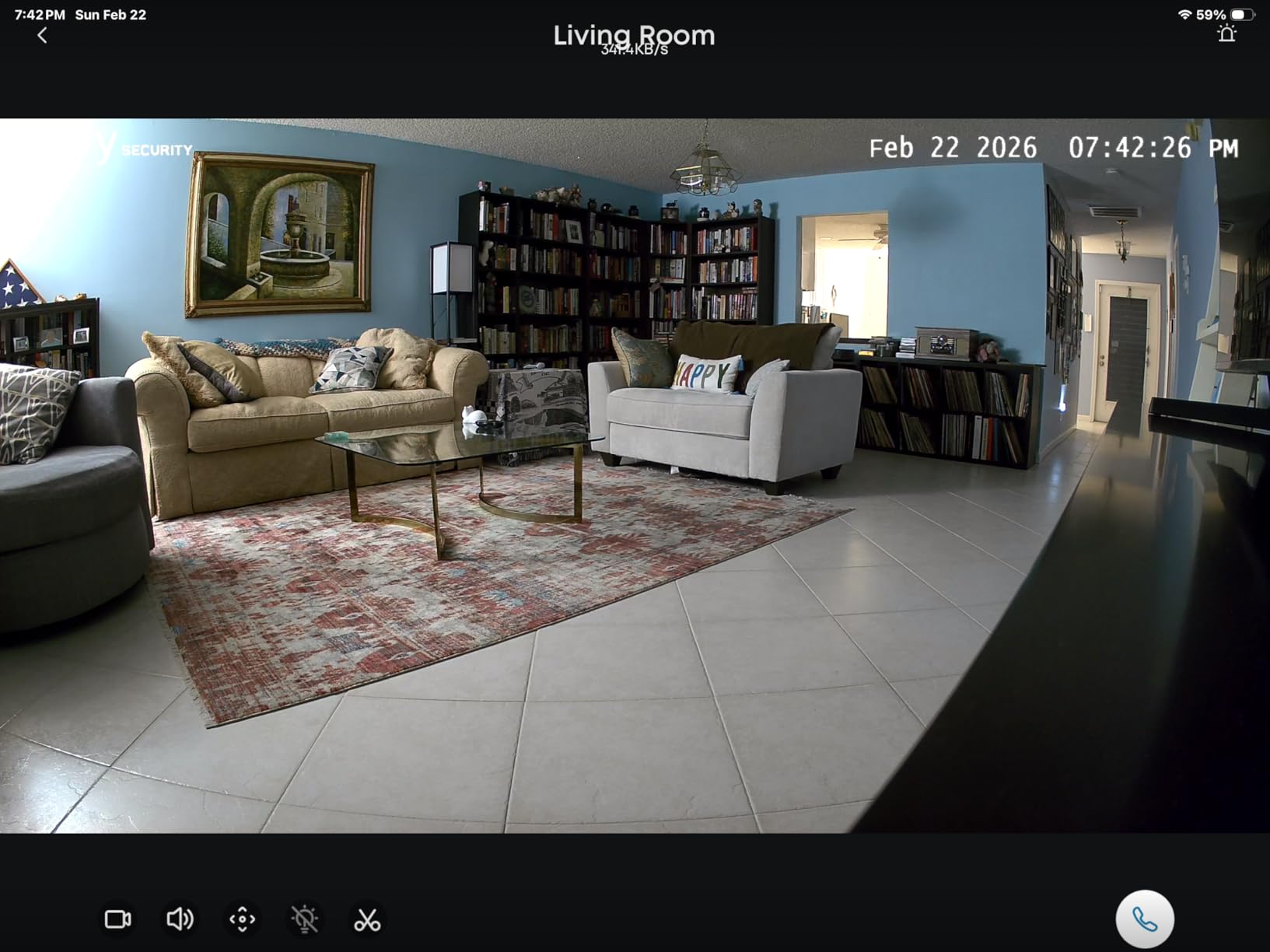
I put the Ring Indoor Cam on a bookshelf in my mother’s living room and pointed it at the doorway she walks through every morning. The 1080p image is sharp enough to tell from a phone screen whether she is upright and moving normally, which is the whole point of the device.
Color night vision is the feature I did not expect to care about and now rely on. Most indoor cameras switch to grainy infrared after dark, and the first thing you learn is that infrared cannot see color, so a red jumper reads as a gray blob. This one keeps enough color to make out a room rather than a heat-map.
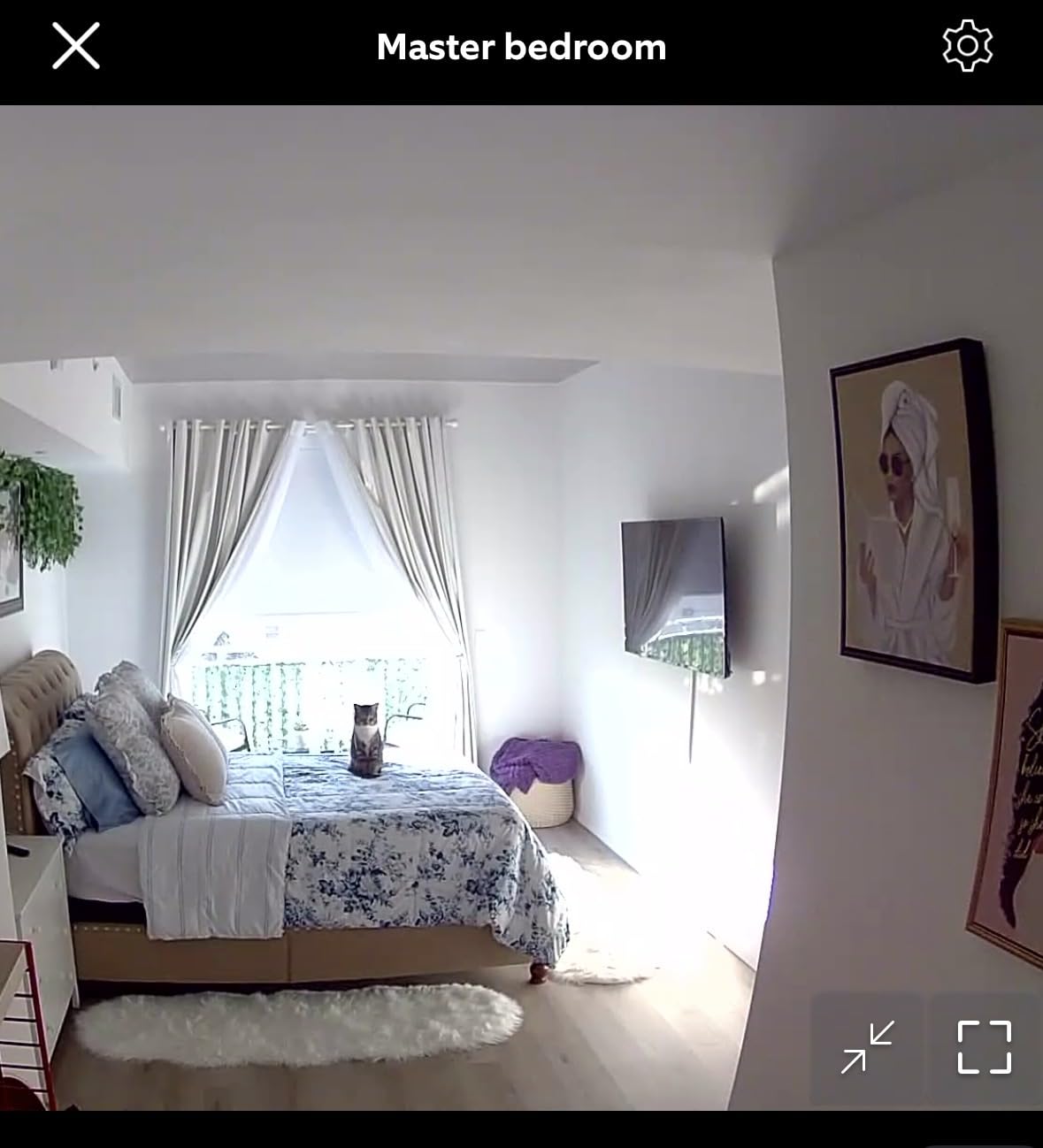
The swivel mount is a genuine asset in this use case. My mother’s camera lives in the living room in winter and moves to the hallway in summer, and unplugging one small puck is a ten-second job. No other camera here moves between rooms that easily without a hub or a battery pack.
Advanced Pre-Roll records a few seconds before a motion event, which removes the worst part of checking footage. Without it you arrive at a clip that starts after the interesting part already happened. Buyers also report that the app navigation is straightforward and installation is quick.
The reservation is the subscription. Playback and the AI-powered detection features sit behind a Ring Protect plan, so if you decline it you are limited to live view and what the camera itself sends you. That is acceptable if you mainly want live check-ins and never scroll back through footage.
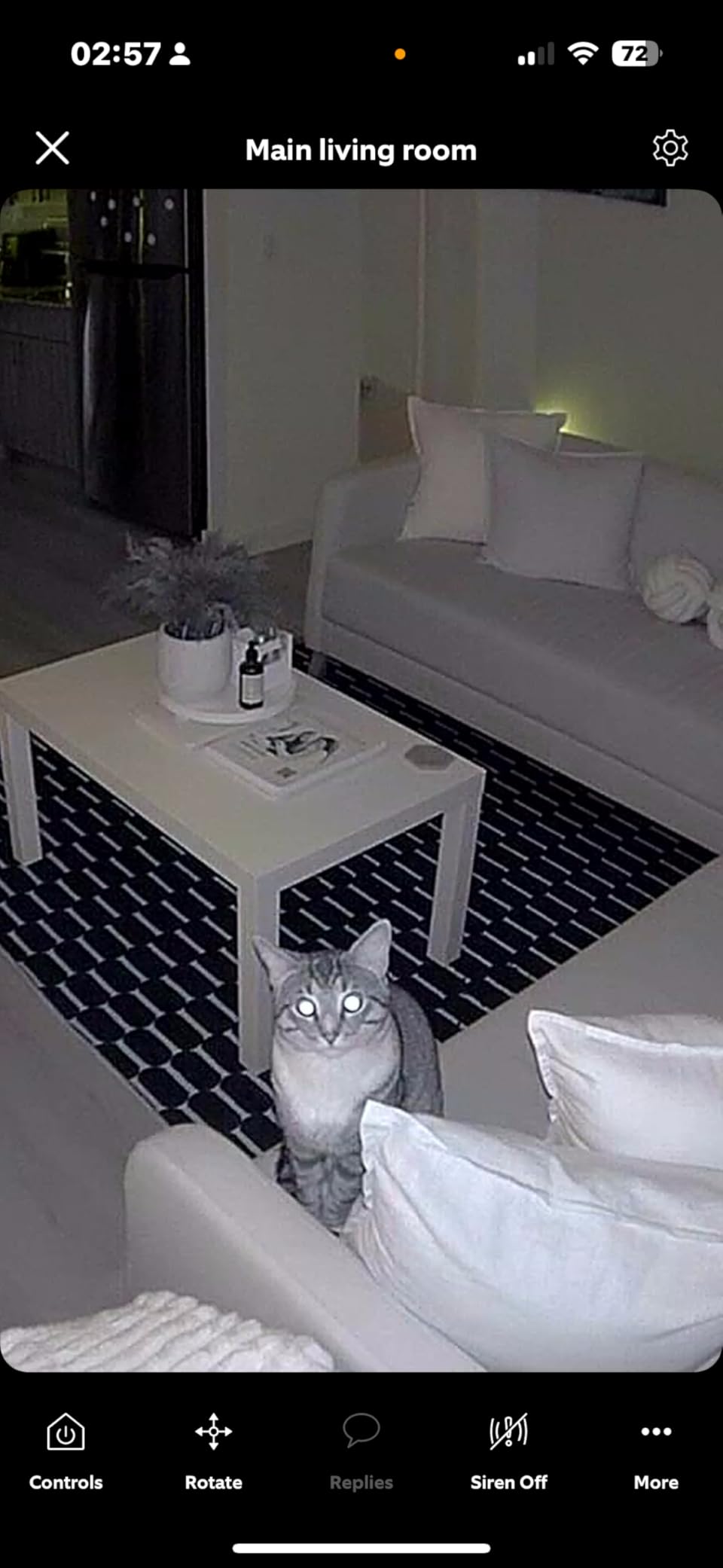
Best when your parent needs privacy without argument
The manual privacy cover is a swivel shutter over the lens and microphone that closes with a physical flip. That detail matters more than any app setting. If your parent is the kind of person who would rather not be recorded in their own living room, handing them a shutter they can close themselves removes almost all of the tension.
A privacy mode in an app requires a phone, an account, and a concept. A tab you slide with your thumb does not.
Not ideal if you need recorded history for free
If you want to review yesterday morning without paying for a plan, this is the wrong camera. Reviewers who wanted longer history are the ones who end up subscribing, and the subscription is the single most cited reservation across the reviews for this model.
It is also a fixed view with no motorized pan, tilt or zoom. For a hallway or a doorway that is perfect, but for a large open-plan living room you will be panning by walking to the camera yourself.
2. Tapo C200 – the best value pan-and-tilt camera
TP-Link Tapo Pan/Tilt Security Camera for Baby Monitor, Pet…
1080p with 360 degree horizontal pan
114 degree vertical tilt
Local microSD up to 512 GB
Pros
- Full 360 degree coverage from one unit
- Local storage removes recurring fees
- Two-way audio works across a room
- Most owners finish setup in about 10 minutes
Cons
- Can be picky about which microSD card you use
- First-time Wi-Fi pairing sometimes needs a retry
- Single lens with no optical zoom
The Tapo C200 is the camera I keep coming back to as the sensible default. One unit covers a whole room because the head rotates 360 degrees horizontally and 114 degrees vertically, and you drive it from the app whenever you want a different angle.
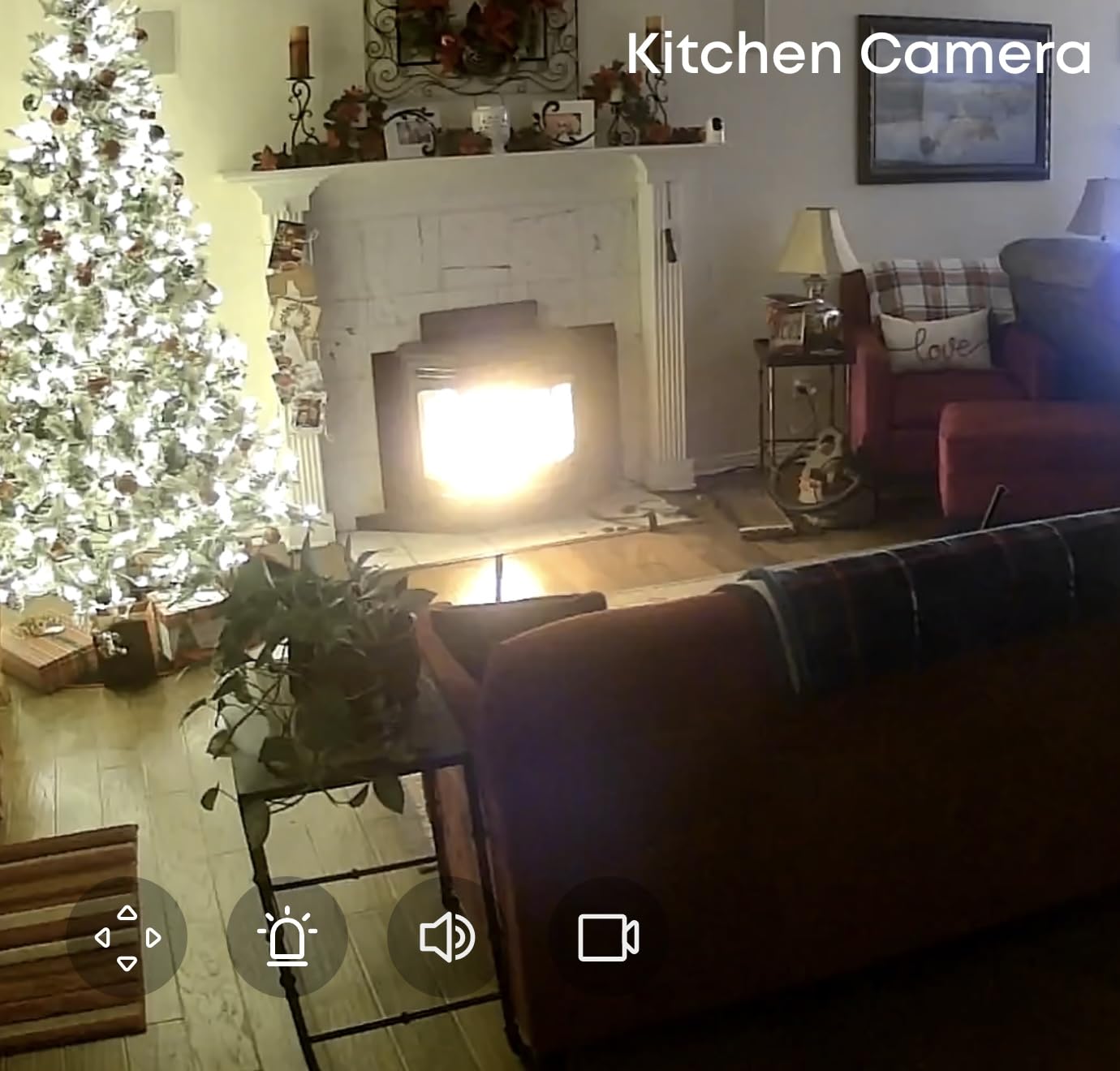
Pan-and-tilt matters more here than in a normal security context. In a home an older person moves slowly and unpredictably, often hugging walls or staying in one corner while on a call, and a fixed camera pointed at the center of a room misses a surprising share of that.
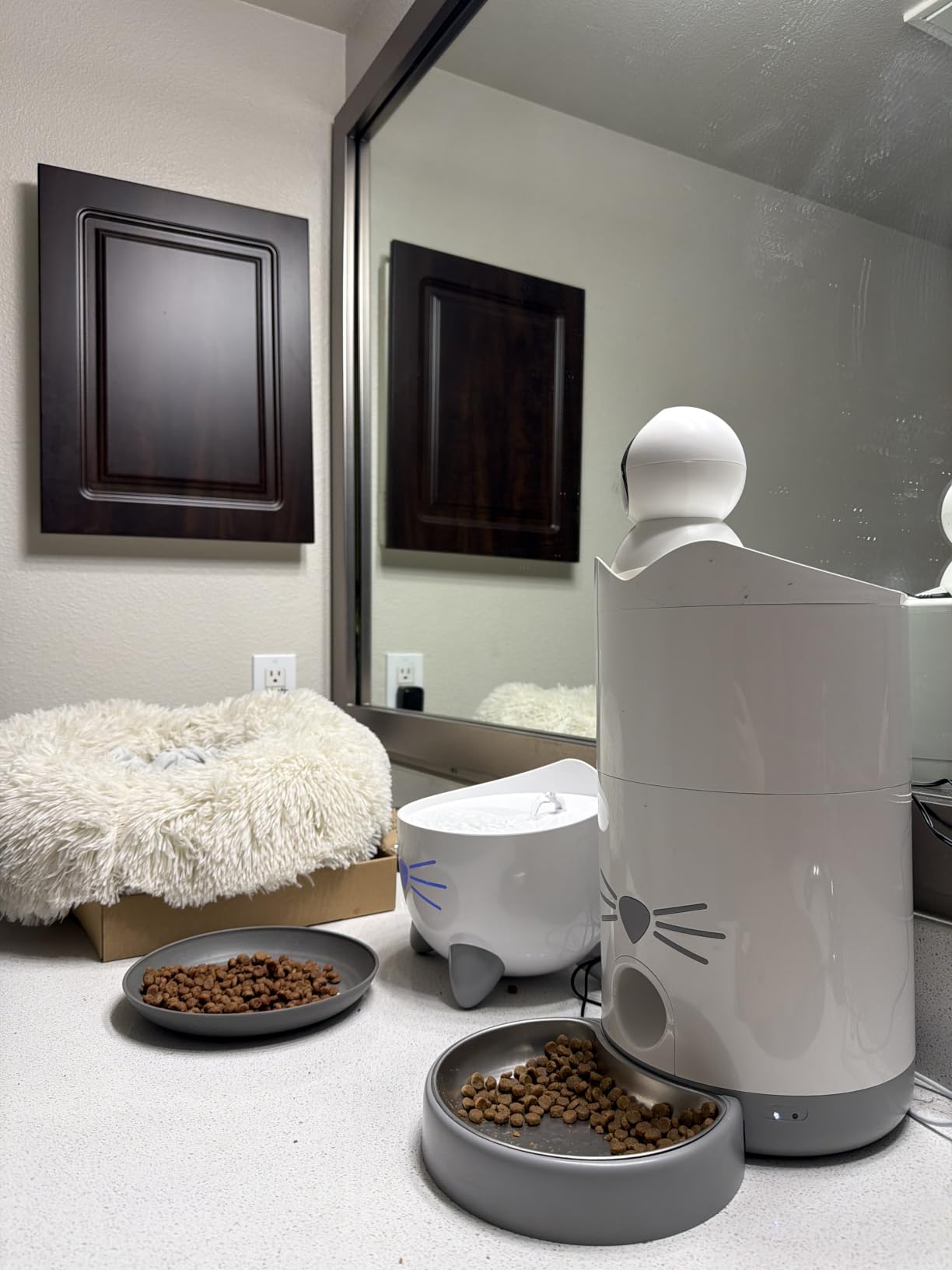
Night vision reaches 40 feet with advanced infrared, which covers a large living room or kitchen. Combined with motion detection and phone notifications, it is enough to answer the question you actually have at 9pm: is the kitchen light still on, and is anyone moving?
Local microSD storage up to 512 GB is the reason this one beats more expensive rivals on running cost. Once a card is inserted, you get continuous recording with no monthly fee, which matters when you plan to run this for years rather than weeks.
Two caveats came up repeatedly in the reviews. Owners report that the camera can be fussy about microSD card compatibility and that TP-Link-recommended cards work best, and first-time Wi-Fi pairing occasionally needs a second attempt before setup completes.
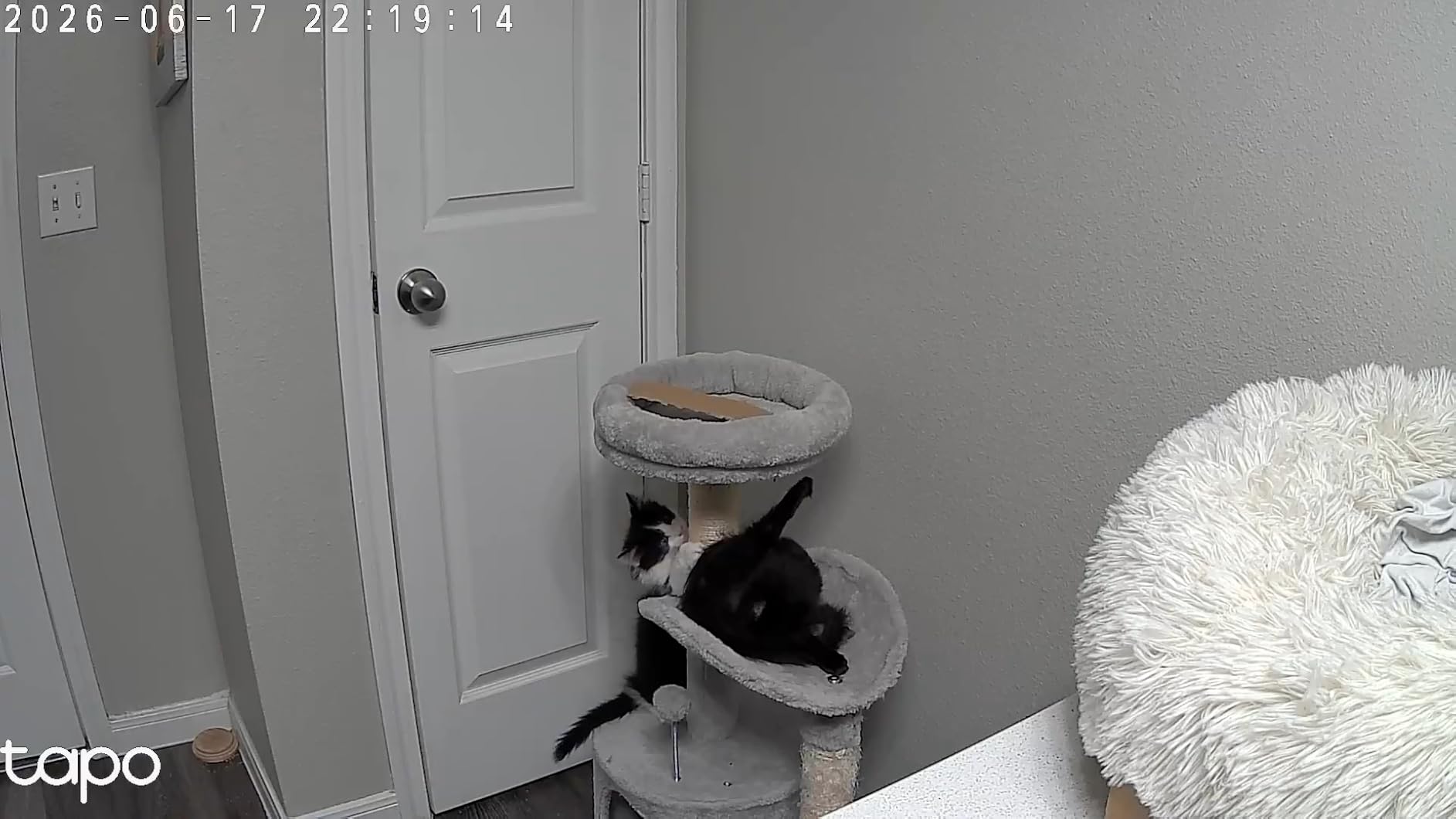
Best when you need to cover a whole room, not a doorway
If your parent spends most of the day in one large living room, a fixed camera will frame a fraction of it. The C200 lets you swing the lens to follow movement from your phone, which turns one camera into usable coverage of a space that would otherwise need two units.
It also supports Alexa and Google Assistant, so a check-in can be a voice command rather than opening an app on a phone you are not carrying.
Not ideal if you need detail at long range
There is one 1080p lens and no optical zoom, so a person across a large room is a small figure on your screen. If your concern is reading a pill bottle label or seeing whether someone is on the floor at the far end of a long room, this is not the tool.
The frame rate is 15fps, which makes fast movement look choppy. Walking is fine, throwing something is not.
3. Kasa EC70 – the quietest motor for a shared home
Kasa 1080p Indoor Pan/Tilt Wired Security Camera, Baby & Pet…
1080p pan and tilt
Quiet motor for bedroom-adjacent rooms
Patrol mode on a schedule
Pros
- Quiet motor suits rooms near a sleeping parent
- Patrol mode sweeps the room automatically
- Local storage up to 256 GB with no monthly fee
- Responsive phone and email support
Cons
- Two-way audio can sound garbled
- Motion detection occasionally misses events
- Re-pairing after a Wi-Fi change is fiddly
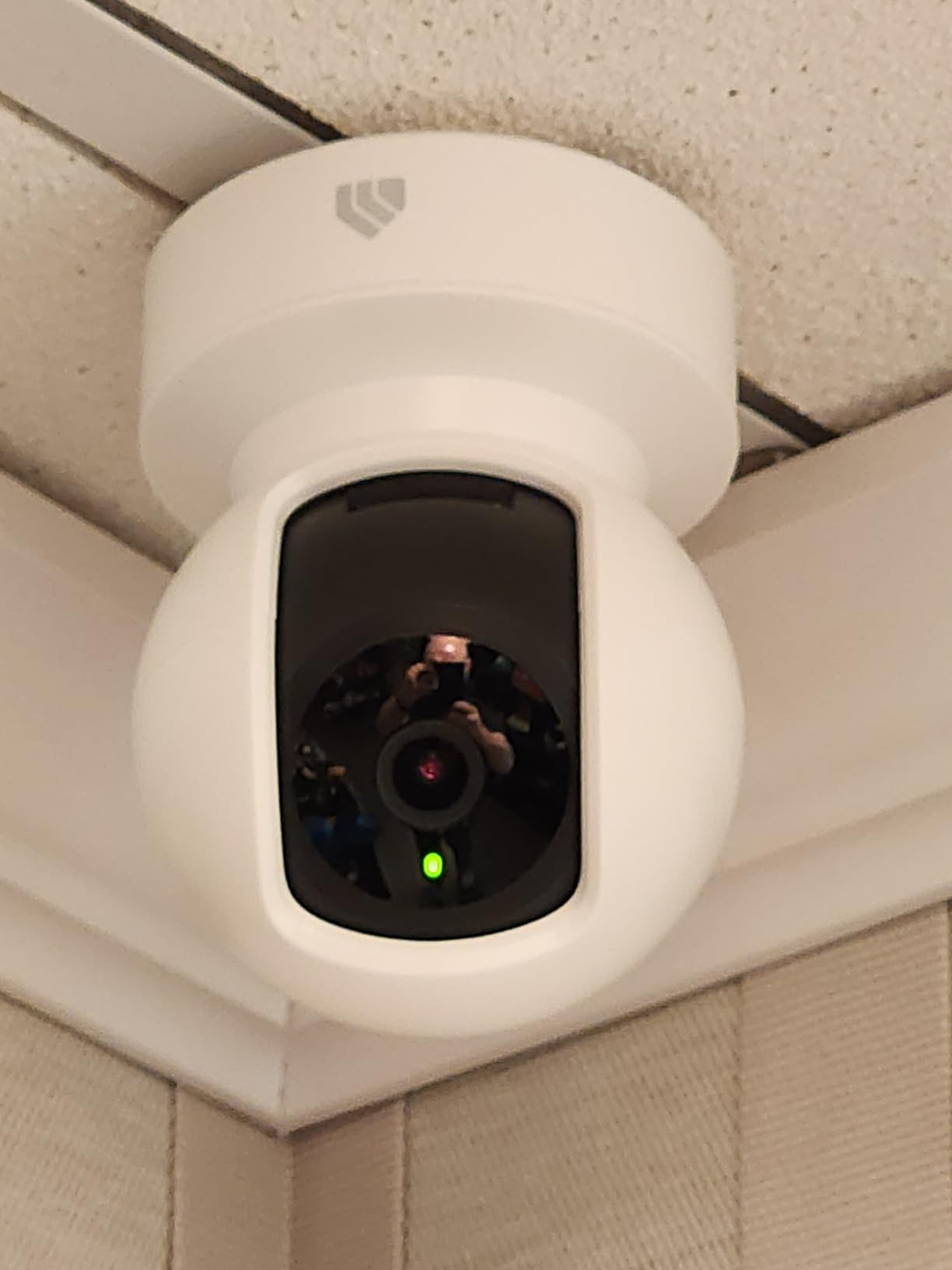
Motor noise is the detail that shows up over and over in forum threads about cameras in a parent’s home, and it is why this one earns its place. A parent who sleeps in the next room does not need to hear a plastic whirr every time you pan the lens at midnight.
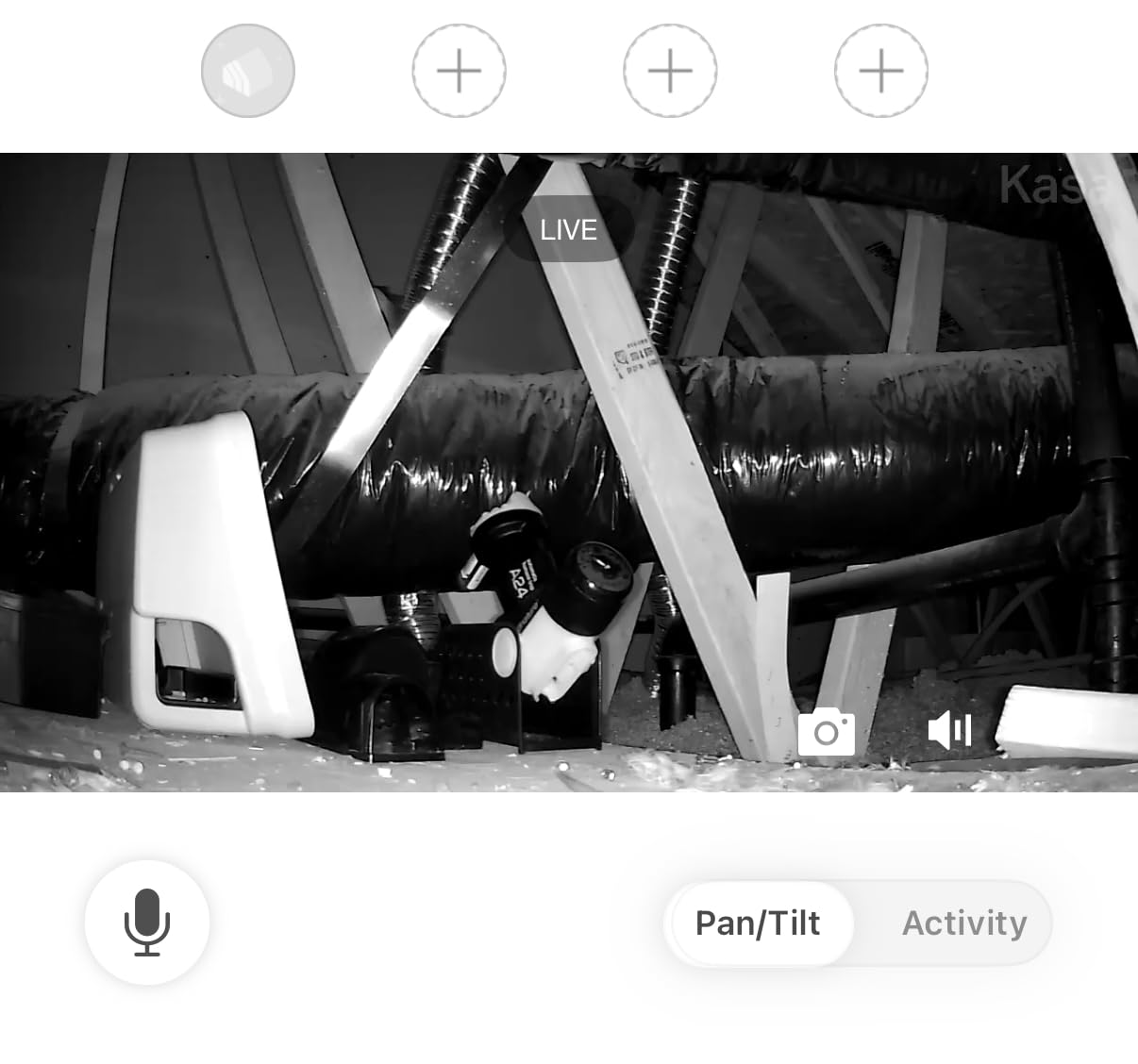
Patrol mode is the sleeper feature here. Set it and the camera rotates through saved views on a schedule, so the room is swept even when nobody opens the app. For overnight coverage, a patrol sweep catches more than a camera sitting on one heading all night.
Storage is local microSD up to 256 GB with no monthly fees, and it works in the Tapo or Kasa app alongside other TP-Link devices. If the house already has Kasa smart plugs or lights, this fits into an existing setup rather than creating another app to teach your parent about.
One thing to plan for: Smart Actions can link a Kasa smart light to trigger on motion. In a hallway at night, a light that comes on by itself is helpful. In a bedroom, it is a reason to wake up, so switch that off before you leave.
Reviewers report two-way audio on this model can sound garbled and picks up quiet conversation poorly. If your plan is to talk to your parent rather than just listen, test the audio from your own phone in their room before you rely on it.
Best when the camera sits near a sleeping person
Quiet motor, scheduled sweeps, no siren by default. That combination is why this is my pick for a hallway near a bedroom rather than a living room at the other end of the house.
It also runs at 120 degrees of viewing angle with night detection to 30 feet, which covers a hallway end to end.
Not ideal if audio is the main feature
Garbled two-way talk is the most common complaint, along with occasional missed motion events and a full physical reset required if the Wi-Fi network ever changes.
That last one catches people out. If your parent or their internet provider changes networks, expect a visit rather than a five-minute fix.
4. eufy Indoor Cam E220 – 2K clarity with on-device detection
eufy Security Indoor Cam E220, Dog/Pet Camera, Pan and Tilt
2K effective resolution
360 degree pan with motion tracking
2.4GHz Wi-Fi only
Pros
- Sharper image than 1080p at a similar size
- On-device AI ignores pet activity
- Works with HomeKit Alexa and Google
- No subscription needed with a microSD card
Cons
- AI human detection is inconsistent
- Tracking can move abruptly and miss events
- App can lag when loading recorded events
The E220 is a 2K camera in a small body, and the extra detail is noticeable. Fine-grained 2K means you can tell a person apart from a coat on a hook from across the room, which is the difference between a useful check-in and a guessing game.
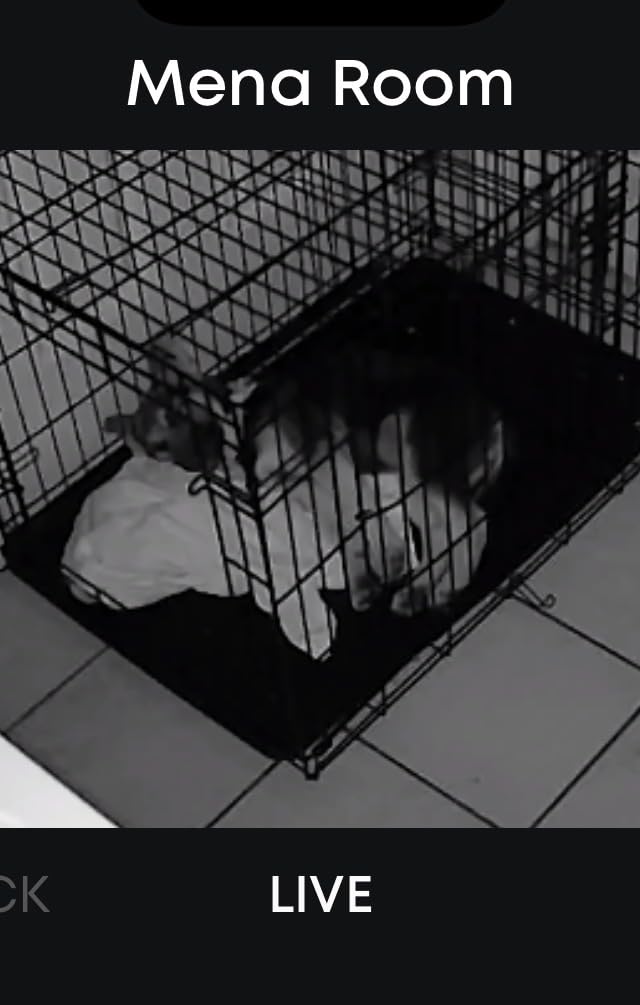
On-device AI is the other reason I keep this one around. It separates humans from pets, so a cat walking past does not fill your phone with alerts you learn to ignore. Alert fatigue is a real failure mode with these cameras, and filtering at the source beats muting notifications later.
Tracking locks onto a moving subject and the app shows a snapshot of the tracked person attached to each event, so you get a still image of who triggered it before you even open the clip. On a pan-and-tilt camera that swings toward a hallway, that saves a lot of scrubbing.
Local microSD storage up to 128 GB keeps it subscription-free, and it works with HomeKit, Google Assistant and Alexa. Note that it is 2.4GHz only, which is normal for indoor cameras but matters if their router splits bands aggressively.
Owners do report that AI human detection is inconsistent, flagging objects like a hanging apron and missing people at range or on stairs. Some also see tracking move abruptly, and the app can lag noticeably when loading recorded events.
Best when you want sharp detail and fewer false alerts
Two good reasons to pick this over a 1080p model: you want to identify small details at distance, and you share the home with a pet that sets off every other camera on the market. The on-device filtering handles the second one well.
It is also the natural choice for an Apple household, since it supports HomeKit alongside the two voice assistants.
Not ideal if your parent is on stairs
The detection misses people at range and on stairs more often than reviewers would like, and stairs are exactly where a fall is most likely. Do not treat this camera as fall detection.
There is also a small-card reality check: the listed capacity is lower than some owners expect, so check your card size against what the camera supports before you buy a large one.
5. aosu 2K Indoor Camera – the one with a real call button
aosu 2K Indoor Camera,Baby Monitor for Home Security with…
2K QHD with 360 degree rotation
155 degree vertical tilt
Physical one-touch call button
Pros
- Call button works for people who ignore phones
- Wide pan and tilt covers a full room
- Sharp 2K day and night picture
- Several household users can each hold an account
Cons
- Must be plugged in with no battery option
- SD card errors need reformatting sometimes
- Drops connection on weak Wi-Fi
The one-touch call button on the top of this camera is the single most elder-specific feature we found across all ten products. Reviewers describe it as a de facto intercom, and several connected it directly to checking on elderly relatives.
It solves a real problem. Many older adults do not answer an unknown phone number and never carry a phone into another room, so a camera that rings on your phone instead of theirs can be the difference between a check-in that happens and one that does not.
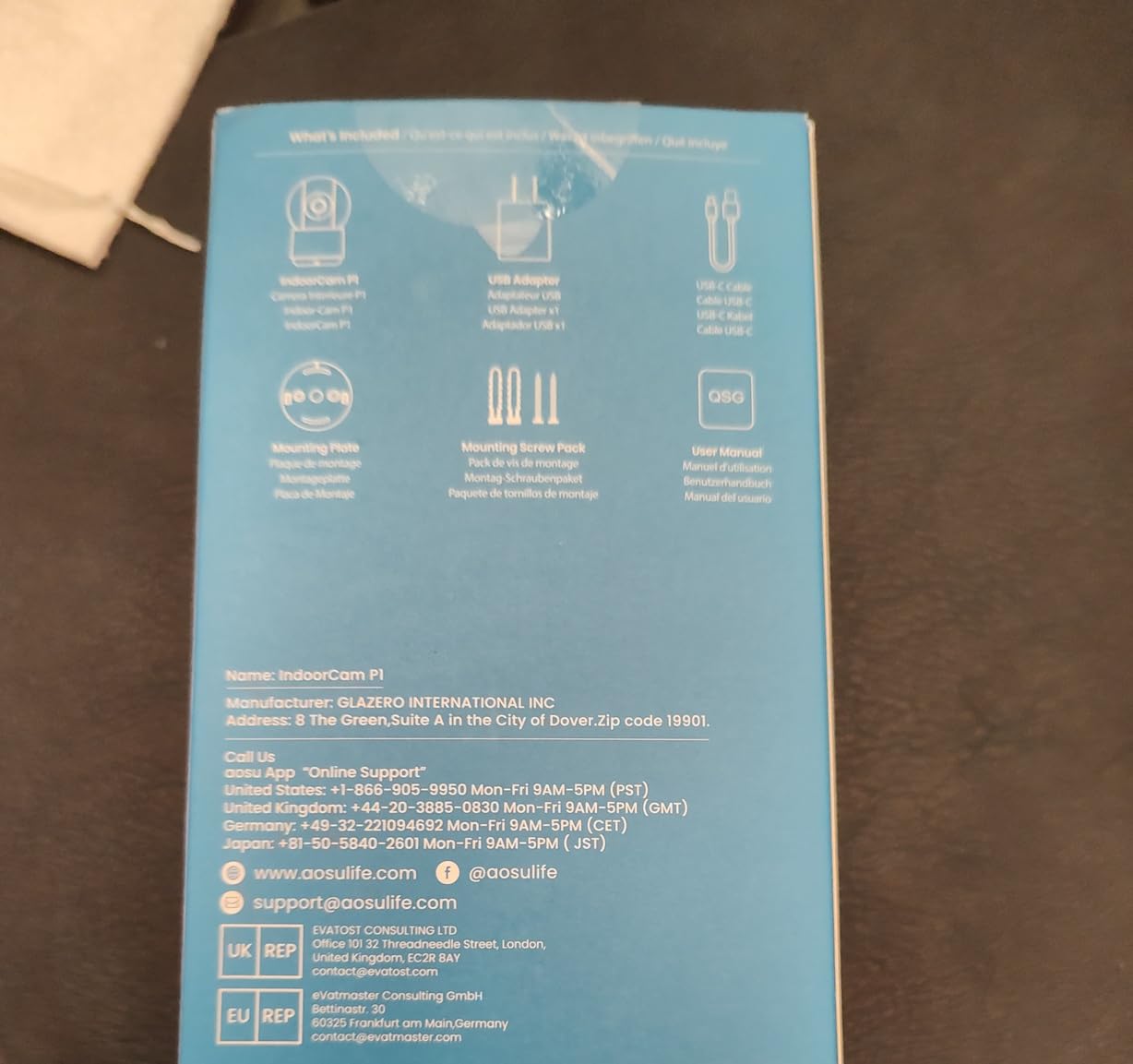
The camera itself is 2K QHD with 360 degree horizontal rotation and 155 degrees of vertical tilt, and IR night vision reaches 33 feet. Coverage is genuinely wide for a unit this small, and smart motion tracking follows a person around the room without you driving the lens manually.
Local microSD recording up to 128 GB avoids a mandatory cloud plan, and multiple household users can each have their own account and settings, which solves the sibling coordination problem that shows up constantly in caregiver forums.
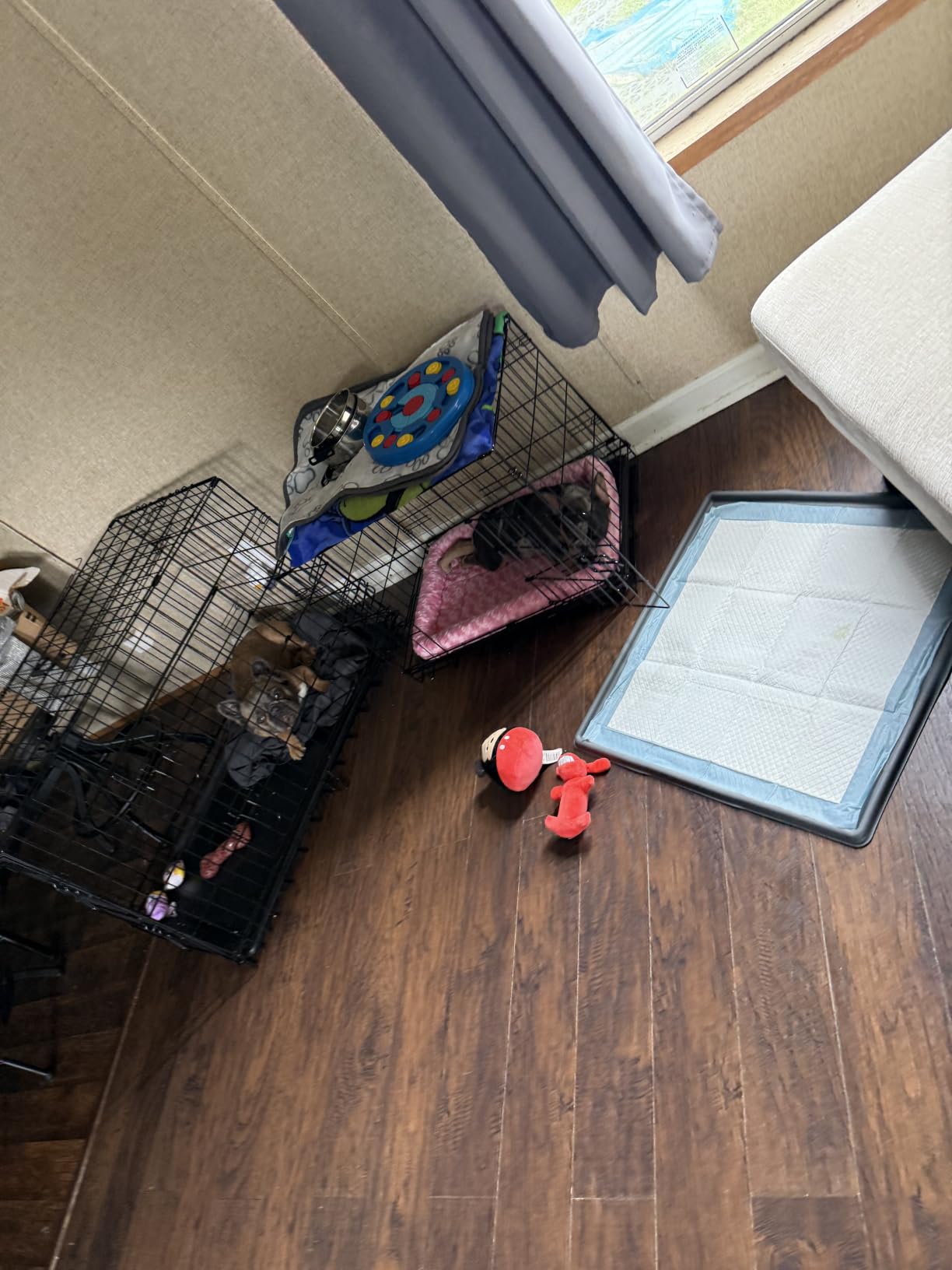
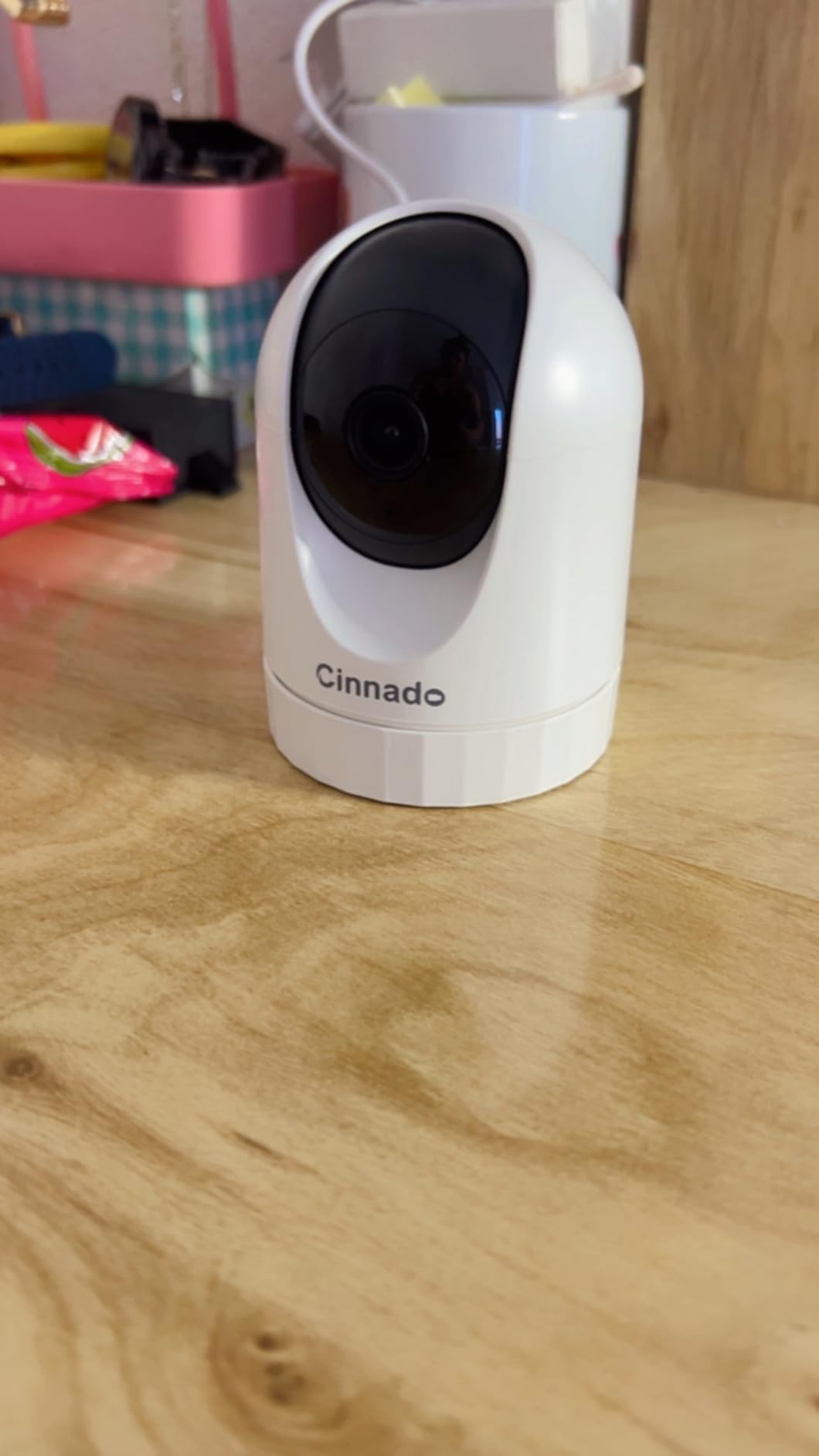
The compact, unobtrusive design also matters. A camera that looks like a small white puck on a shelf gets accepted in a living room far more readily than one that announces itself as surveillance equipment.
Best when your parent will not answer a phone
If the phone is the problem, this is the camera to buy. A parent sitting in the chair can press the top of the camera and your phone rings with live two-way audio, no app required on their end.
It is also the one to pick if several family members need access, since each household user can hold their own account rather than sharing one login.
Not ideal if the nearest outlet is far away
This is a plug-in unit with no battery option, which is the right call for reliability but means placement is dictated by outlets. It also drops connection on weak Wi-Fi signals, so test the signal where you plan to mount it rather than in the hallway where the router is.
SD card errors occasionally require reformatting or replacing the card, and the app feed sometimes needs a restart after crashing.
6. Cinnado 2K D1 – the lowest-cost way to watch one room
Cinnado 2K Security Camera Indoor for Pet/Dog/Baby with…
2K stream with 360 degree pan and tilt
Two-way audio with shared family accounts
MicroSD up to 128 GB optional
Pros
- Least expensive camera in this roundup
- Shareable access lets family watch without re-pairing
- Two-way audio works
- No monthly fee with a microSD card
Cons
- Motion detection over-triggers and misses people
- Several settings are locked behind cloud
- Daylight image can look washed out
The D1 covers the basics of an elder-care camera at the bottom of the price band: 2K stream, 360 degree pan and tilt, two-way audio, and optional local microSD storage up to 128 GB. If a sibling contributes half and you each take a room, it is a reasonable way to cover a hallway and a kitchen.
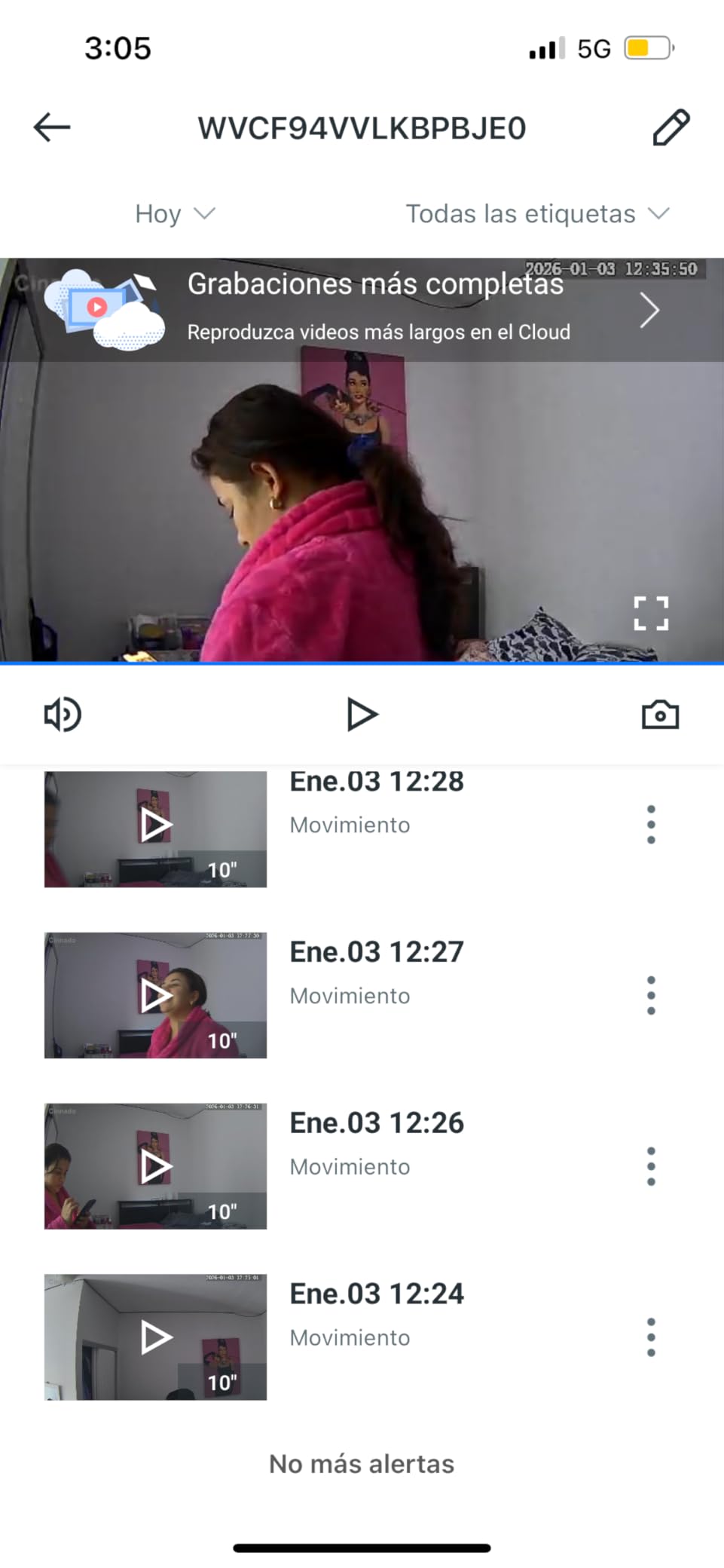
Shared access is handled better than you would expect at this level. Family members can watch the feed without re-pairing the camera, and the app supports multiple family accounts, so you are not passing a single login around by text message.
Motion detection is the weak point, and it is the weak point that matters most. Reviews describe it as over-triggering on distant movement while missing people who walk past, which is a bad combination: you get alerts for nothing and no alert for the thing you wanted.
Recording interval and a number of settings are also locked behind a cloud subscription, so the free tier is thinner than the spec sheet suggests. Plan on a microSD card from day one if you want full recording history.
Customer support responds within roughly 24 hours with helpful fixes, which is more than many cameras at twice the price can say.
Best when you need coverage on a tight budget
Two of these cover the two rooms that matter most, at the lowest total hardware cost in this roundup, with local recording and no monthly fee. For a first camera in a home where nothing has been installed yet, that is a reasonable start.
The siren is loud enough to be useful in a hallway, though you will want to disable it so a visitor never startles your parent at 2am.
Not ideal when reliable alerts are the whole point
Inconsistent motion detection undermines the use case. If you are installing this to be told when something unusual happens, you will be disappointed, and reviewers also question the true resolution in bright daylight when the image looks washed out.
The built-in microphone is described as a little hissy, so treat the two-way talk as functional rather than pleasant.
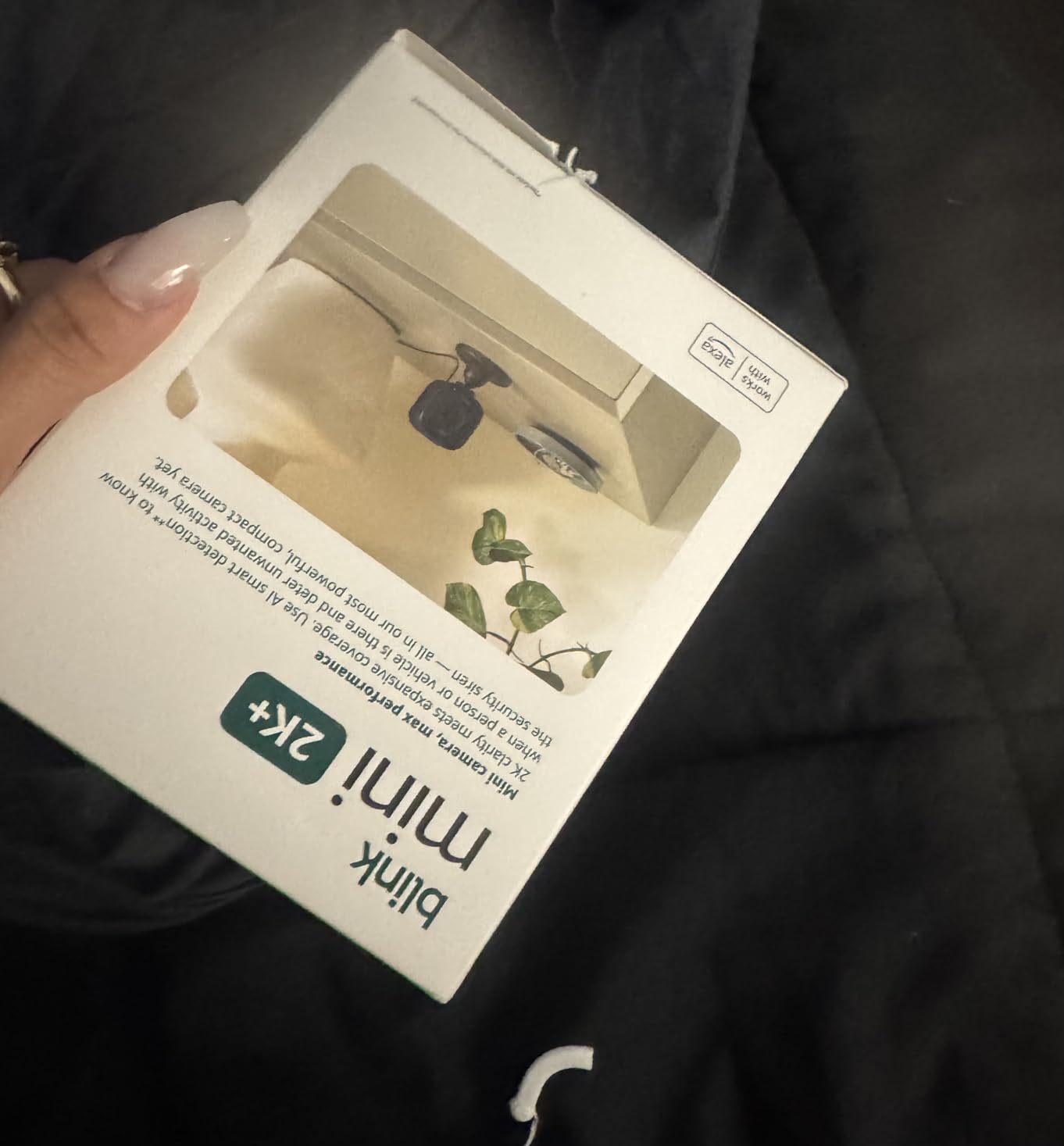
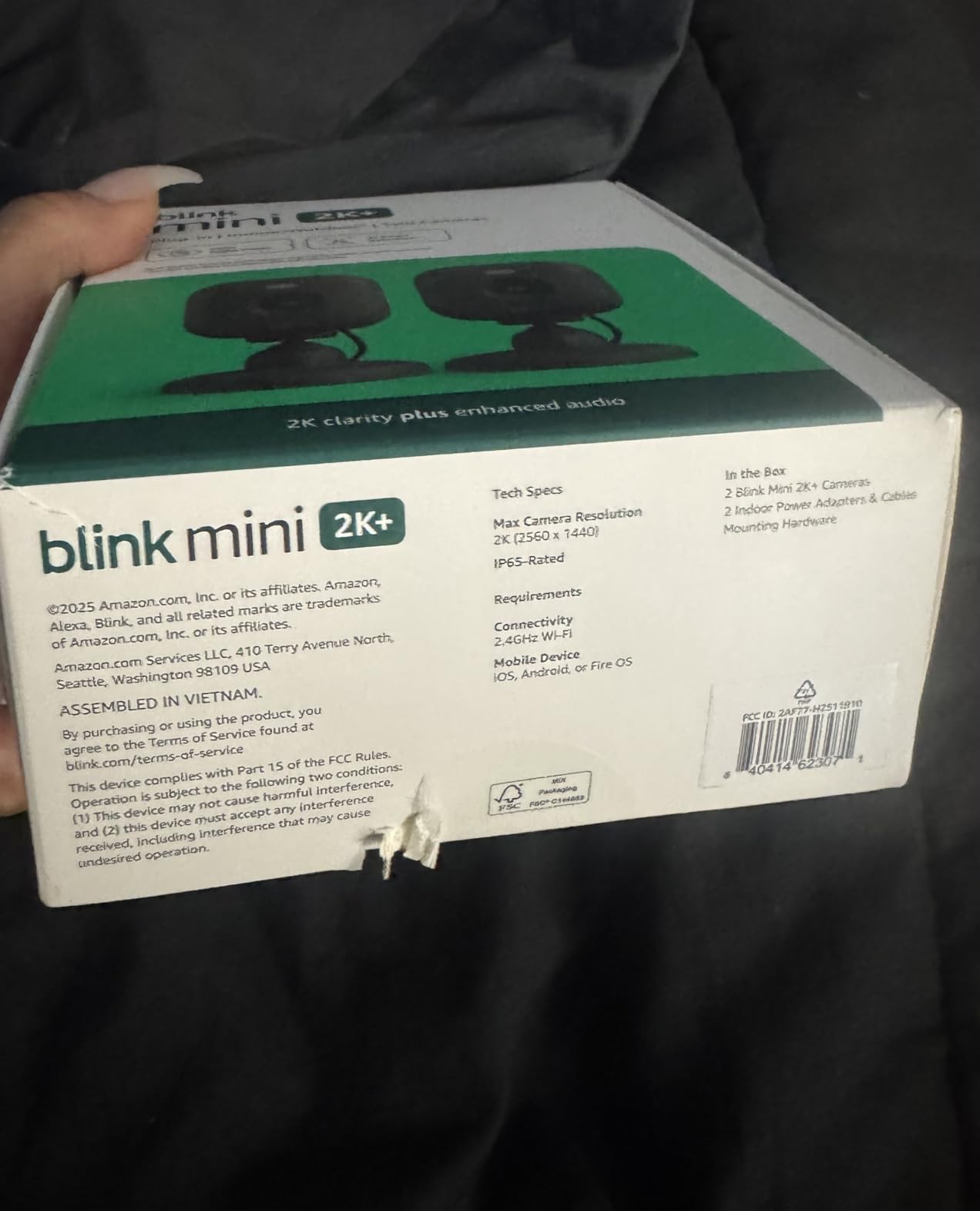
7. Blink Mini 2K+ two-pack – two rooms out of the box
Blink Mini 2K+ (newest model) – Plug-in Home & Pet Indoor…
2K video with up to 4x digital zoom
Noise-cancelling two-way talk
Two cameras with mounts and adapters
Pros
- Two cameras cover two rooms immediately
- Clearer audio than earlier Blink models
- Very compact and easy to reposition
- Alexa integration for voice alerts
Cons
- Cloud storage needs a Blink subscription
- Fixed view with no pan or tilt
- Placement depends on nearby outlets
This two-camera pack is the fastest route to covering two rooms. The box includes two cameras, two mounting kits with stands, two USB cables and two power adapters, so nothing else needs buying before you install.
The third-generation Mini is a real step up in both picture and sound. Two-way talk has noise cancellation, which does more for the experience than a resolution number does, because a camera you cannot comfortably talk through is a camera you will stop using.
Infrared night vision handles the dark hours, and the 4x digital zoom gives you a little more reach than a bare fixed lens. Owners also like how small the unit is, which makes it easy to move between a bedroom, a hallway and a kitchen over time.
It pairs as a plug-in chime for a Blink Video Doorbell if you already have one, which is a tidy way to know someone is at the front door without a separate chime unit.
The trade-off is the same one that keeps coming up with Blink: cloud storage and person and vehicle detection require a Blink subscription plan. There is a 30-day trial of that plan, so you can test the paid features before committing to them.
Best when you are covering more than one room
Two cameras, two rooms, one purchase. That is a simpler equation than buying one camera and then discovering a second is needed once everyone has seen how useful the first one is.
Noise-cancelling two-way talk is the quiet hero here, and it makes short daily conversation over the camera feel more like a phone call than a walkie-talkie.
Not ideal if you refuse to pay for cloud storage
Unlike most of this list, there is no local microSD option mentioned for cloud-recorded history, so the subscription is where recordings live. Reviewers also note the fixed view has no pan, tilt or motorized zoom.
Because it is plug-in only, each camera has to land near an outlet, which sometimes decides the room for you.
8. eufy Indoor Cam E30 – the sharpest 4K picture
eufy Security 4K Indoor Camera E30, No Subscription, Work as…
4K UHD with 24/7 recording
Built-in spotlight for color night vision
On-device AI with cry detection
Pros
- Exceptionally sharp 4K even at full zoom
- Smooth pan with reliable auto-tracking
- Pre-event recording catches the seconds before motion
- Full features with no mandatory subscription
Cons
- Detection is overly sensitive and spams notifications
- Some owners report recording and alerts needing reboots
- App playback can be slow to load
The E30 is the camera to buy when you want to answer a specific question from across the room, such as whether that is a pill bottle in someone’s hand or a coaster. 4K UHD stays sharp at full digital zoom, and that is where cheaper cameras fall apart.
It records 24/7 with pre-event capture, so nothing important is lost in the seconds before motion triggered. Combined with 360 degree pan and auto-tracking, it is the most capable single-camera coverage on this list short of the S350.
On-device AI distinguishes humans, pets, audio cues and crying sounds, then tracks the subject automatically. A built-in spotlight switches between color night vision and infrared, so you get usable color after dark in a dim hallway instead of a grey wash.
Local microSD storage runs the full feature set with no monthly fees, which is the arrangement most caregivers want: everything works, and nothing bills you every month.
The one setting to change before you walk out of the door is detection sensitivity. Reviewers consistently report that motion and sound detection is overly sensitive and generates more notifications than you want, and a few report recording or alerts needing a reboot.
Best when detail at a distance is the point
Color night vision plus 4K resolution is a rare combination in an indoor camera, and it is the reason to spend more here. You can check a dark room and still see color, which makes it possible to tell a person apart from furniture.
It also supports HomeKit, though HomeKit mode caps the resolution at 1080p, so use the eufy app if you want the full 4K picture.
Not ideal if you hate buzzing phones
Overly sensitive detection plus auto-tracking can generate a stream of notifications from a pet, a curtain or a passing shadow. If you or your parent will start ignoring alerts, that defeats the purpose.
App playback and live view are also reported as slow to load, and the head is bulky for a small shelf.
9. eufy Indoor Cam S350 – wide view and close-up on one screen
eufy Security 4K Indoor Cam S350, No Subscription, Dual…
4K wide-angle plus 2K telephoto
2x optical and up to 8x total zoom
Physical privacy mode
Pros
- Split screen shows room and close-up together
- Optics beat same-priced 1080p cameras
- Accurate tracking with one-tap zoom presets
- No subscription with local microSD storage
Cons
- Highest price in this roundup
- No HomeKit support
- Some units repeatedly lose and reformat the SD card
This is the only camera here with two lenses, and the split-screen view changes how you use it. A 4K wide-angle lens and a 2K telephoto lens appear together on one screen, so you see the whole room and a close-up of one area without switching views.
For elder care that maps onto two questions at once: is anything wrong, and what is the person doing? Most cameras answer the first. The telephoto lens answers the second, which is how you check a medication routine from the kitchen table without walking over.
Zoom is 2x hybrid optical and up to 8x total, and you can save position presets that recall the wide or telephoto lens automatically. Reviewers also praise the optics as noticeably better than similarly priced 1080p cameras, even when the output is set to 1080p.
It supports both 2.4GHz and 5GHz Wi-Fi, which is unusual for an indoor camera and helpful in a house with a crowded 2.4GHz band. A physical privacy mode and local microSD storage with no monthly fees keep it subscription-free.
The costs are real. It is the most expensive camera in this roundup, HomeKit is not supported, and it works with HomeBase 3 rather than HomeBase 2 if you want a hub later.
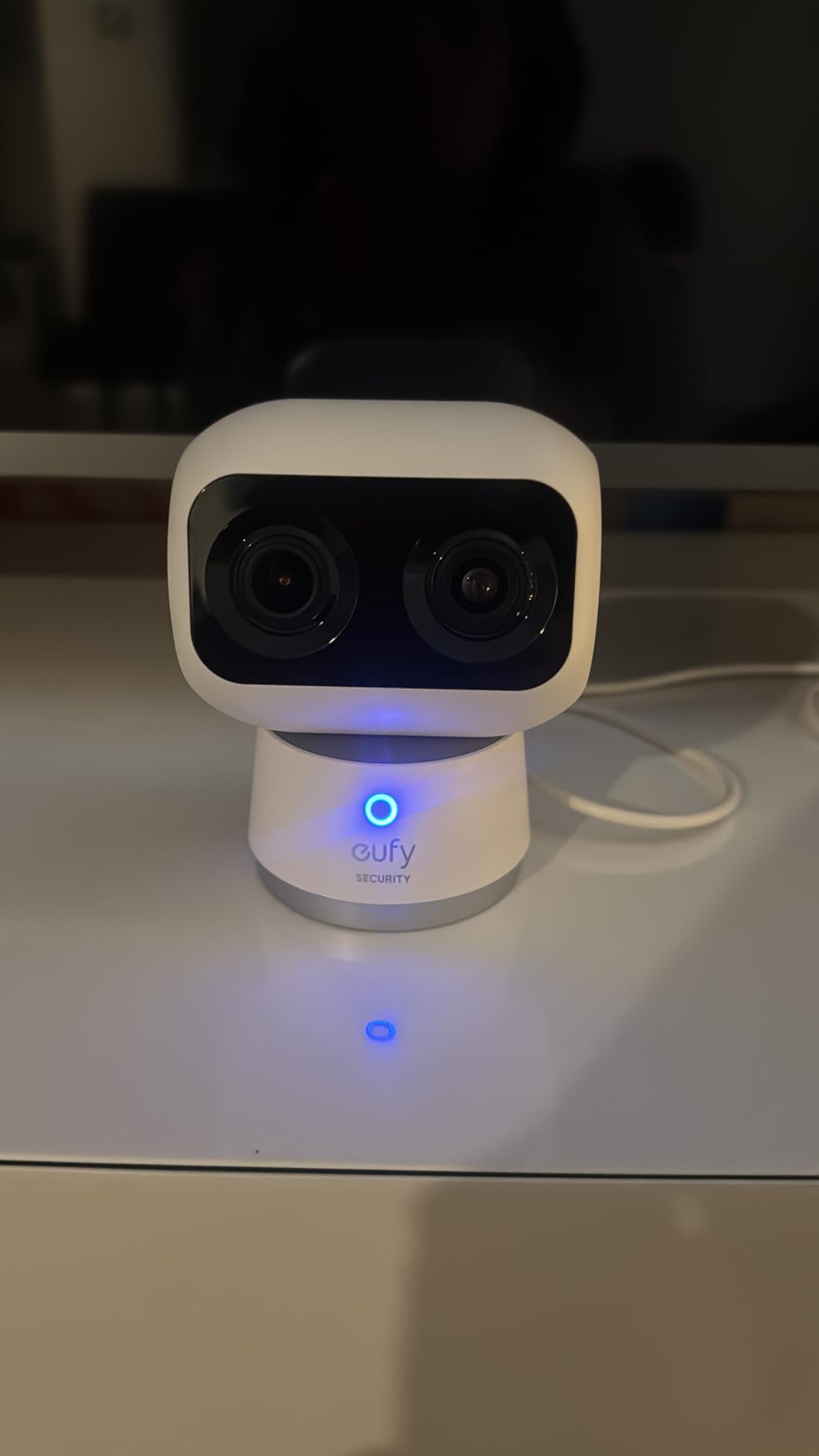
Best when you need the wide view and the close-up together
If a sibling lives far away and you are both checking on the same parent, the split screen removes the back-and-forth of zooming in and out. Both of you can keep the whole room visible while inspecting a detail.
Two infrared lights reach 32 feet in total darkness, and the one-tap auto-zoom presets let you check a chair or a doorway in a single tap.
Not ideal for Apple households or tight budgets
HomeKit is not supported on this model, and the hub compatibility is specific. Reviewers at larger installations also report units repeatedly losing the SD card and requiring reformatting, which can mean losing footage you needed.
Light changes, passing cars outside a window and wall art can trigger false positives, and local playback is slow because of decryption.
10. Tapo C100 – a fixed camera for a single room
Tapo 1080P Indoor Security Camera, Baby Monitor, Dog Camera…
1080p with 110 degree field of view
Full-color night vision to 30 ft
Activity zones to filter alerts
Pros
- Clear 1080p picture with useful color night vision
- Activity zones cut out useless alert zones
- Local microSD up to 512 GB with no fee
- Compact and easy to mount
Cons
- Fixed view with no pan
- tilt or zoom
- 15fps makes fast movement look choppy
- Needs 2.4GHz Wi-Fi and a nearby outlet
The C100 is the simplest camera here and one of the most proven, with a 4.4 average across more than 28,000 reviews. If you need to watch a single spot, a doorway or a kitchen stove area, it does that cleanly and for very little.
Full-color night vision to 30 feet is the detail that lifts it above a generic 1080p camera. A large-aperture lens keeps color after dark, so a late-night check tells you more than a grey infrared image would.
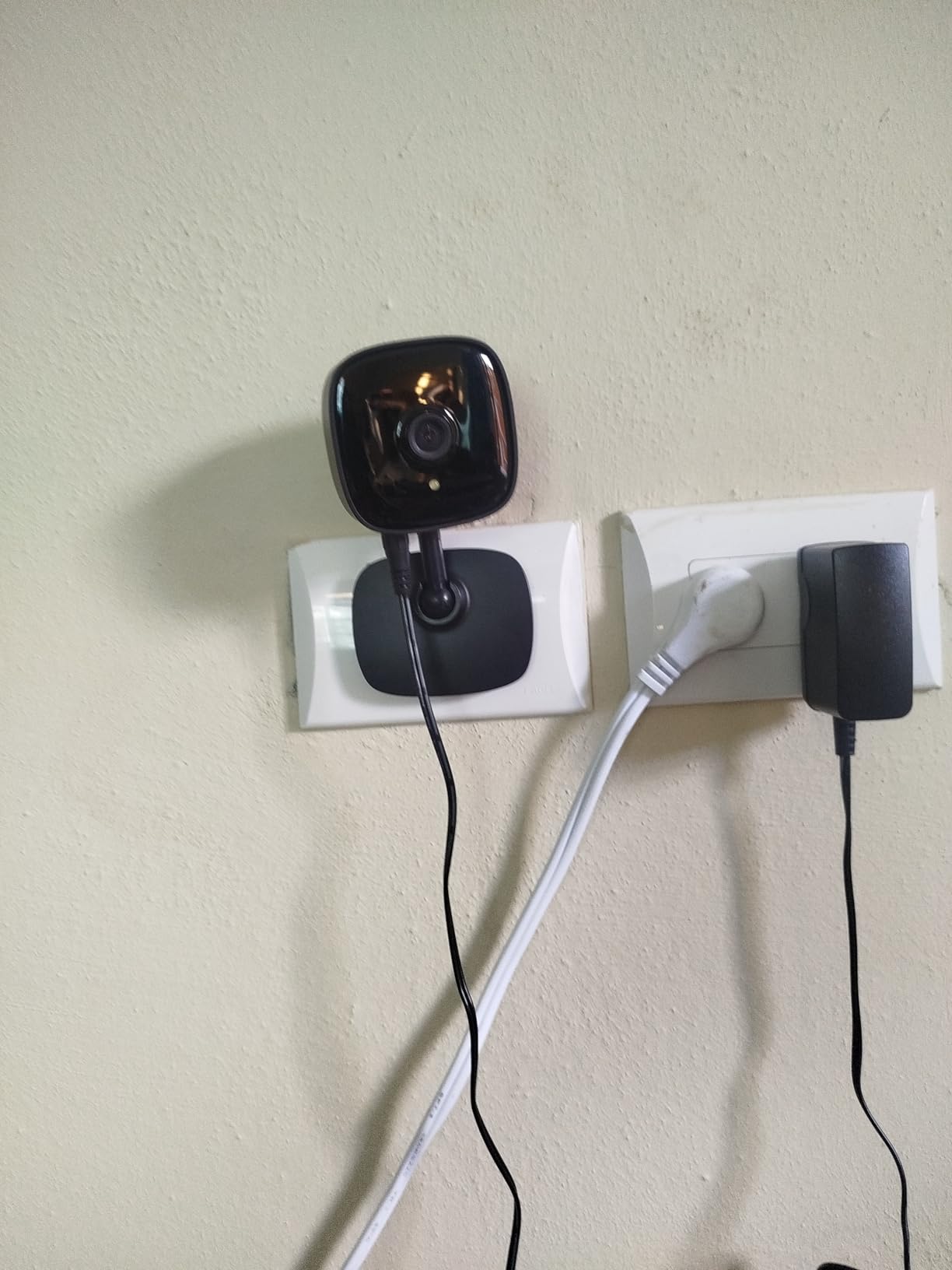
Activity zones are the feature to use here, and they matter more on a fixed camera than a panning one. With no motor, the frame is narrow, so drawing a zone around the kitchen doorway and excluding a window with trees outside it removes most of the false alerts before they start.
Local microSD storage up to 512 GB means no subscription, and it works with Alexa and Google Assistant. The compact form factor mounts on a wall or stands on a shelf, which is useful in a smaller room where a bigger camera would dominate the space.
There is a built-in siren and customisable sound alarm. Decide before you install whether that should be on, because an alarm in a quiet house at 3am is startling rather than reassuring.
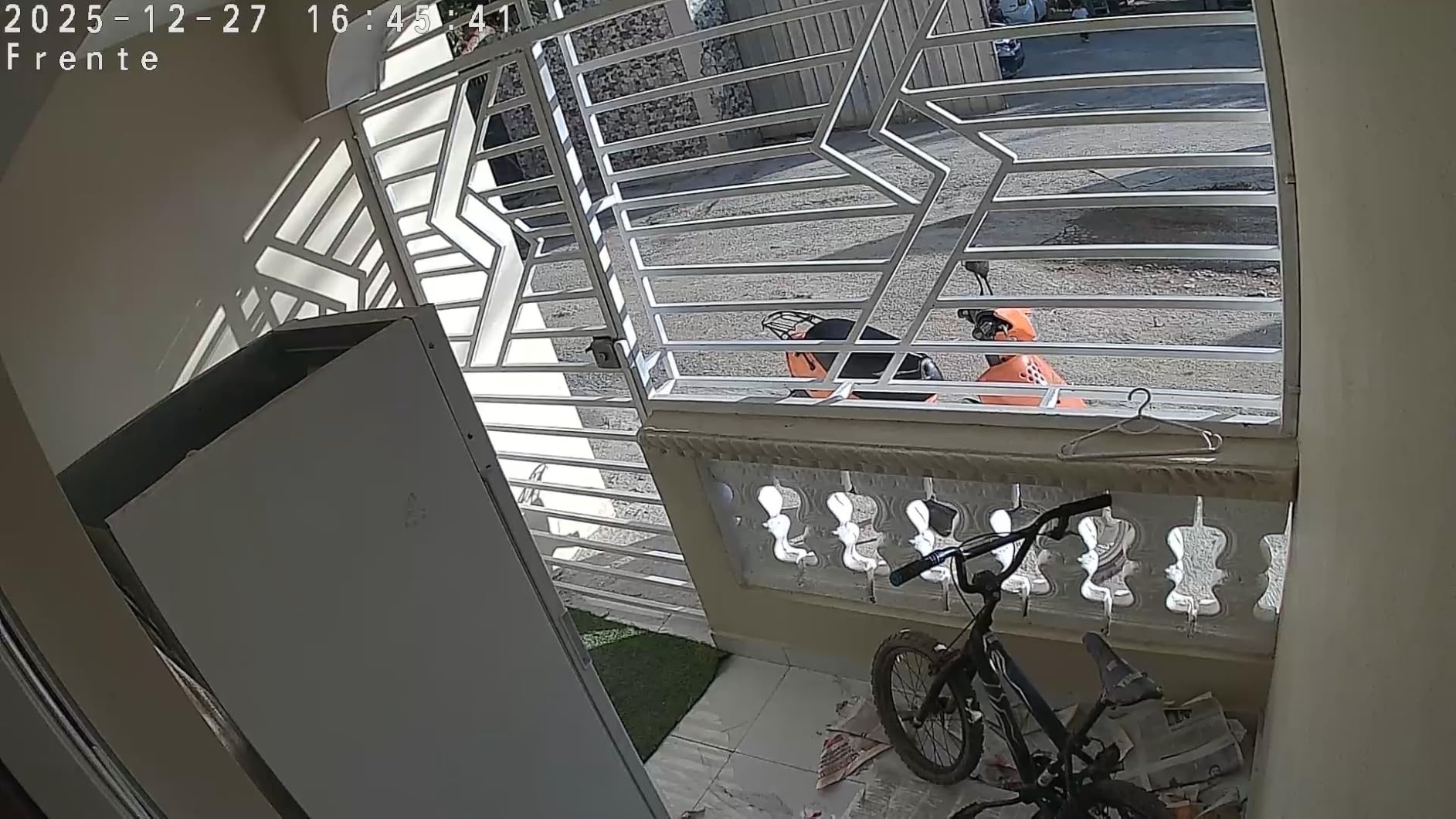
Best when you only need to watch one fixed spot
A kitchen is the classic case. The area is small, the risk is a stove or a kettle left unattended, and there is no benefit to panning because nobody moves. Point a C100 at the cooker, add an activity zone, and you have covered the highest-concern room in the house.
It also works well as a doorbell-adjacent check, since two-way audio plus an alarm covers most of what a simple indoor intercom would do.
Not ideal for large or active rooms
The 110 degree field of view is modest, and with no pan, tilt or zoom the camera sees a limited slice of a room. If your parent moves around a large living space, you will be checking a corner of it.
The 15fps frame rate also makes fast movement look choppy, which matters if you are trying to follow someone walking quickly down a hallway.
How to Choose an Indoor Camera for an Aging Parent
The best indoor cameras for elderly parents are not the ones with the longest feature lists. They are the ones your parent never has to think about, that keep working when the internet at their house is poor, and that do not send you a bill every month.
Start with the person, not the spec sheet. Is your parent mobile and independent, or mostly in one chair? Do they answer the phone? Does someone else share the home, and would they mind being seen? Most buying mistakes in this category come from answering the wrong of those three questions.
What actually matters on a camera used for elder care
Local storage first. Every camera on this list that supports a microSD card can record without a monthly plan, and several of the brands that rank highest for indoor security lock recording history behind a subscription. For a camera meant to run for years in your parent’s house, that difference compounds.
Two-way audio second. You will use this camera to say good morning, not just to spy. A camera you can hold a short conversation over gets used daily; a one-way listen gets abandoned within a month.
Night vision third, because most check-ins happen when it is dark and the person is asleep. Color night vision is a genuine upgrade over infrared when your goal is understanding a scene rather than detecting a shape.
A physical privacy control fourth. A shutter or tab your parent can close themselves respects them in a way no app setting does.
Pan and tilt versus a fixed view
A pan-and-tilt camera covers more of a room from one mounting point, which matters if your parent moves around a large living space. The Tapo C200, eufy E220, aosu and eufy E30 all do this.
A fixed camera is easier to aim and produces fewer wasted frames, and it is the better choice for a small, defined area like a kitchen or a doorway. The Ring Indoor Cam and Tapo C100 are fixed, and both are stronger picks for a narrow job.
One practical warning: check the motor noise before mounting a panning camera near a bedroom. The Kasa EC70 is the quietest of the group.
Local microSD storage versus a cloud subscription
Local storage is the default answer for this use case. Cameras with microSD support here include the Tapo C200 and C100 (up to 512 GB), the Kasa EC70 (up to 256 GB), the eufy E220 and E30 and S350, the aosu, and the Cinnado D1 (up to 128 GB).
The Ring Indoor Cam and the Blink Mini 2K+ push their most useful recorded features into a paid plan, which suits a live-view-first approach and frustrates a review-first one.
Over three years, the maths is stark: local-storage cameras cost the hardware once, while subscription cameras add a recurring line to a cost you will keep paying while your parent needs watching.
Two-way audio quality is the feature you will notice most
Spec sheets list two-way audio on every camera in this roundup, so treat it as a checkbox rather than a differentiator. Real conversations depend on microphone placement and the room your parent is in.
Test it from your own phone, in their room, at the volume they will actually use. A camera mounted across a hallway produces a muffled voice, and forums regularly describe talking-through-a-wall complaints that trace back to placement rather than hardware.
If your parent will not answer a phone, prioritize a model with a call button. The aosu is the only camera here with one.
Where to place the camera, and where never to place it
Mount on a shelf or high wall rather than at eye level, and aim downward slightly. A camera looking down a room catches the space where someone spends their day and the doorway they use.
Living room: the main coverage target. Hallway: the best single placement in a home because it captures both ends of the daily route. Kitchen: point it at the cooker, and nothing else.
Never place a camera in a bathroom. Never place one in a bedroom, particularly if your parent has dementia or memory loss, where being watched can cause real distress. If you need to check on a nighttime routine, check the hallway.
Also keep the frame off neighbours’ windows, street-facing glass and other people’s property. Two of the reviews we read mention night vision turning into a field of reflections when a camera points at a window at night.
What to do when the camera goes offline
Every family that installs one of these hits the same wall eventually: the app shows the camera offline and nobody notices for a week. A camera that is offline gives worse false reassurance than no camera at all, because you believe you are covered.
Check the outlet first, then the Wi-Fi. Almost every offline case in caregiver forums is a 2.4GHz or placement problem rather than a camera problem, and changing networks on a few models requires a full physical reset.
Set yourself a monthly reminder to actually open the live view. Two minutes of your attention is the entire difference between a camera and a decoration.
Cameras without Wi-Fi and offline recording
There is no indoor camera in this roundup that works without a network. Every one of them streams to a phone app, which means every one of them needs working Wi-Fi at your parent’s house.
What you can do instead is reduce the dependency. Plug-in power rather than battery means an outage does not silence the camera, and a microSD card means recorded footage is available even when the internet is not. A mesh node in the hallway, placed near the camera rather than near the router, fixes most dropouts.
If the house has no internet at all, your options are a local recorder with cameras wired directly to it, or no camera and a check-in call schedule instead. Nothing in this roundup covers that case.
Consent, dignity, and the conversation to have first
Have the conversation before you buy anything. Caregivers in forums and on AgingCare describe the install-as-surprise approach as the thing that damaged trust most, and the damage is not repaired by a better camera.
Keep the camera in shared spaces only, close the privacy cover when privacy is wanted, and never point it at a bathroom or bedroom. If your parent is living with dementia, watch for signs of distress and remove the camera if you see them rather than explaining it away.
One honest limit worth saying out loud: a camera does not replace a medical alert pendant, a daily check-in call or a caregiver visit. It is a layer, and it works best as one.
For related reading on products designed around a specific user’s needs, our guides to indoor cameras for nurseries and bidets for elderly users cover the same setup-once-never-touch-it model from different angles.
Other everyday essentials built with the same accessibility logic include our picks for electric razors for elderly men and bathroom scales for elderly, which sit in the very rooms a camera like this is often installed to watch.
Frequently Asked Questions
Can an indoor camera tell me if my parent has fallen?
No, not reliably. Consumer indoor cameras are designed to detect motion and people, not to recognise a fall, and most will record a fall as ordinary movement or miss it entirely if the person is out of frame or blocked. Treat a camera as one layer of a care plan. A medical alert pendant worn on the wrist or neck is the layer that actually detects a fall and reaches someone, and it works even when the person cannot reach a phone.
Is there an indoor camera that works with no monthly fee?
Most of them do, as long as you insert a microSD card. In this roundup the Tapo C200 and C100 support cards up to 512 GB, the Kasa EC70 up to 256 GB, the eufy E220, E30 and S350, the aosu 2K and the Cinnado D1 up to 128 GB. The Ring Indoor Cam and Blink Mini 2K+ push recorded playback and smart detection features into a paid plan, so check what you lose before choosing them on the assumption that everything is free.
What camera can I use to monitor elderly people without Wi-Fi?
None of the indoor cameras in this roundup work without a network, because every one of them streams to a phone app. You can reduce the dependency instead: use a plug-in camera so a power cut does not silence it, record to a microSD card so footage is still available when the internet is not, and place a mesh node near the camera rather than near the router. If the house genuinely has no internet, a local recorder with cameras wired to it is the only route, and no camera here supports that.
Do I need to be technical to set this up in my parents’ house?
You do, but your parent does not. All ten cameras here are plug-in, and the Tapo models are reported as taking about ten minutes to set up. The model is that you do the work once: create the account, insert the card, connect to 2.4GHz Wi-Fi, set the motion zones and position the camera. After that there is nothing for your parent to operate unless they want to use two-way audio or close a privacy cover.
How do siblings share access without passing one login around?
Give each person their own account. The aosu 2K and the Cinnado D1 both support multiple household users with their own accounts and settings, and most other brands in this roundup allow invited users with separate viewing permissions. Sharing a single login means shared passwords, no audit trail when something goes wrong, and one person changing notification settings without telling anyone. It also makes it easy to remove one person’s access later, which matters if you are coordinating a caregiver.
The Verdict for 2026
The Ring Indoor Cam is the best indoor camera for elderly parents in 2026 because it is the most proven: the largest review base on this list, 1080p with color night vision, pre-event recording, and a privacy cover your parent can close with a thumb. Accept that playback history sits behind a plan, and it is the safest first camera to install.
If you would rather pay nothing each month, the Tapo C200 is the pick. Full 360 degree coverage from one unit, two-way audio, and local microSD storage up to 512 GB, and it is the model most families end up owning more than one of.
Add the aosu 2K if the phone is the problem rather than the camera, and the eufy S350 if you need both the whole room and a close-up on one screen. Whichever you pick, have the consent conversation first, keep cameras out of bedrooms and bathrooms, and pair the whole setup with a medical alert pendant.
We update this roundup as models change, and every product listed here was reviewed for the features that actually matter when the person on the other end of the feed is someone you love.
