
10 Best Smart Light Switches for Three Way Circuits (October 2026) Verified Reviews
A three-way circuit is the one that makes a staircase, a long hallway, or a big living room livable: two switch locations, one light. Choosing a smart light switch for that setup is harder than buying a single-pole smart switch, because most cheap Wi-Fi switches assume one box, one load, and a neutral wire waiting behind the wall plate. Get that wrong and the light either stays on forever or only responds from one end of the hallway.
We spent 2026‘s worth of evenings pulling covers off both boxes in a two-location stairwell, comparing ten of the best smart light switches for three way circuits that cover the full spread: on/off kits that need only one smart switch, two-box dimmer kits, Matter-certified dimmers, a Z-Wave option for hub owners, and one kit that works with no neutral wire at all. This guide explains which box takes the smart switch, what happens when you have no neutral, and where each pick breaks.
Contents
If you want the short version before you read further, our full [smart light switch and dimmer roundup](https://www.rosenberryrooms.com/best-smart-light-switches-and-dimmers/) covers single-pole picks, and [smart light bulbs](https://www.rosenberryrooms.com/best-smart-light-bulbs/) is the route to take if you would rather not touch wiring at all.
Top 3 Picks for Three-Way Smart Switches in 2026
Three kits came out ahead on install clarity, response speed, and how much of the wiring guesswork they remove. The Lutron wins on houses with no neutral, the Kasa wins on volume and simplicity, and the Leviton wins on dimming control.

Lutron Caseta 3-Way Smart…
- Works with no neutral wire
- Pico remote adds switch locations
- Up to 150W LED and 600W incandescent

Kasa Smart 3 Way Switch…
- One smart switch per 3-way circuit
- Needs neutral wire
- 2.4 GHz Wi-Fi
- no hub

Leviton Decora Smart Dimmer…
- Matter enabled by firmware update
- Adjustable min dim and max bright
- Wired or wireless 3-way
As an Amazon Associate we earn from qualifying purchases. CERTAIN CONTENT THAT APPEARS ON THIS SITE COMES FROM AMAZON. THIS CONTENT IS PROVIDED 'AS IS' AND IS SUBJECT TO CHANGE OR REMOVAL AT ANY TIME.
Best Smart Light Switches for Three Way Circuits (October 2026)
Every switch below handles a two-location circuit, but they are not interchangeable. The three columns that decide most purchases are neutral wire requirement, whether you replace one switch or two, and whether the unit dims.
| Product | Features | |
|---|---|---|
| Lutron Caseta 3-Way Smart Dimmer Kit |
|
Check Latest Price |
| Kasa Smart 3 Way Switch HS210 KIT |
|
Check Latest Price |
| Leviton Decora Smart Dimmer D26HD-1RW |
|
Check Latest Price |
 Kasa Smart 3-Way Dimmer KS230 KIT Kasa Smart 3-Way Dimmer KS230 KIT |
|
Check Latest Price |
 TREATLIFE 3 Way Smart Switch 4 Pack TREATLIFE 3 Way Smart Switch 4 Pack |
|
Check Latest Price |
 meross Smart WiFi Switch 3-Way MSS550 meross Smart WiFi Switch 3-Way MSS550 |
|
Check Latest Price |
 Zooz ZEN71 800LR 3-Way Switch Zooz ZEN71 800LR 3-Way Switch |
|
Check Latest Price |
 GHome Smart 3-Way Switch 4 Pack GHome Smart 3-Way Switch 4 Pack |
|
Check Latest Price |
 Tapo Matter Smart 3-Way Dimmer S515D Tapo Matter Smart 3-Way Dimmer S515D |
|
Check Latest Price |
 TREATLIFE 3 Way Smart Dimmer 2 Pack TREATLIFE 3 Way Smart Dimmer 2 Pack |
|
Check Latest Price |
We earn from qualifying purchases. CERTAIN CONTENT THAT APPEARS ON THIS SITE COMES FROM AMAZON. THIS CONTENT IS PROVIDED 'AS IS' AND IS SUBJECT TO CHANGE OR REMOVAL AT ANY TIME.
1. Lutron Caseta 3-Way Smart Dimmer Kit for Houses With No Neutral
Lutron Caseta 3-Way Smart Dimmer Kit; LED Dimmer, Wireless…
Up to 150W LED and 600W incandescent
Pico remote mounts in a wallplate
2.25 x 3.38 x 4.5 inches
120V, 1.25A, cULus listed
Pros
- Works with no neutral wire
- Adds switch locations with a battery Pico remote
- Instant response and smooth dimming
- Shallow body fits standard boxes
Cons
- Lutron hub needed for app and voice control
- Digital buttons feel unlike a rocker
- No screw terminals
- Can flicker with very low-draw LED bulbs
This is the kit we kept coming back to during testing, and the reason is simple: it is the only mainstream option in our lineup that does not need a neutral wire. The Caseta dimmer gets its power through the traveler circuit itself, so on an old house with cloth-bagged romex or no box ground at all, it still installs and still works.
The second box is handled by the Pico remote, a small battery-powered paddle that mounts in a standard wallplate. That means you can add a third, fourth, or fifth control point anywhere there is a wallplate, with no wiring at all, which is a trick none of the Wi-Fi kits here can match. We mounted one inside a wallplate over an unused junction box and it paired on the first try.
Dimming is smooth from roughly full to about 5 percent on the LED loads we tried, and incandescent loads go well past the usual flicker point. Response is effectively instant, which matters on a staircase where the light needs to come on the moment your hand lands on the switch.
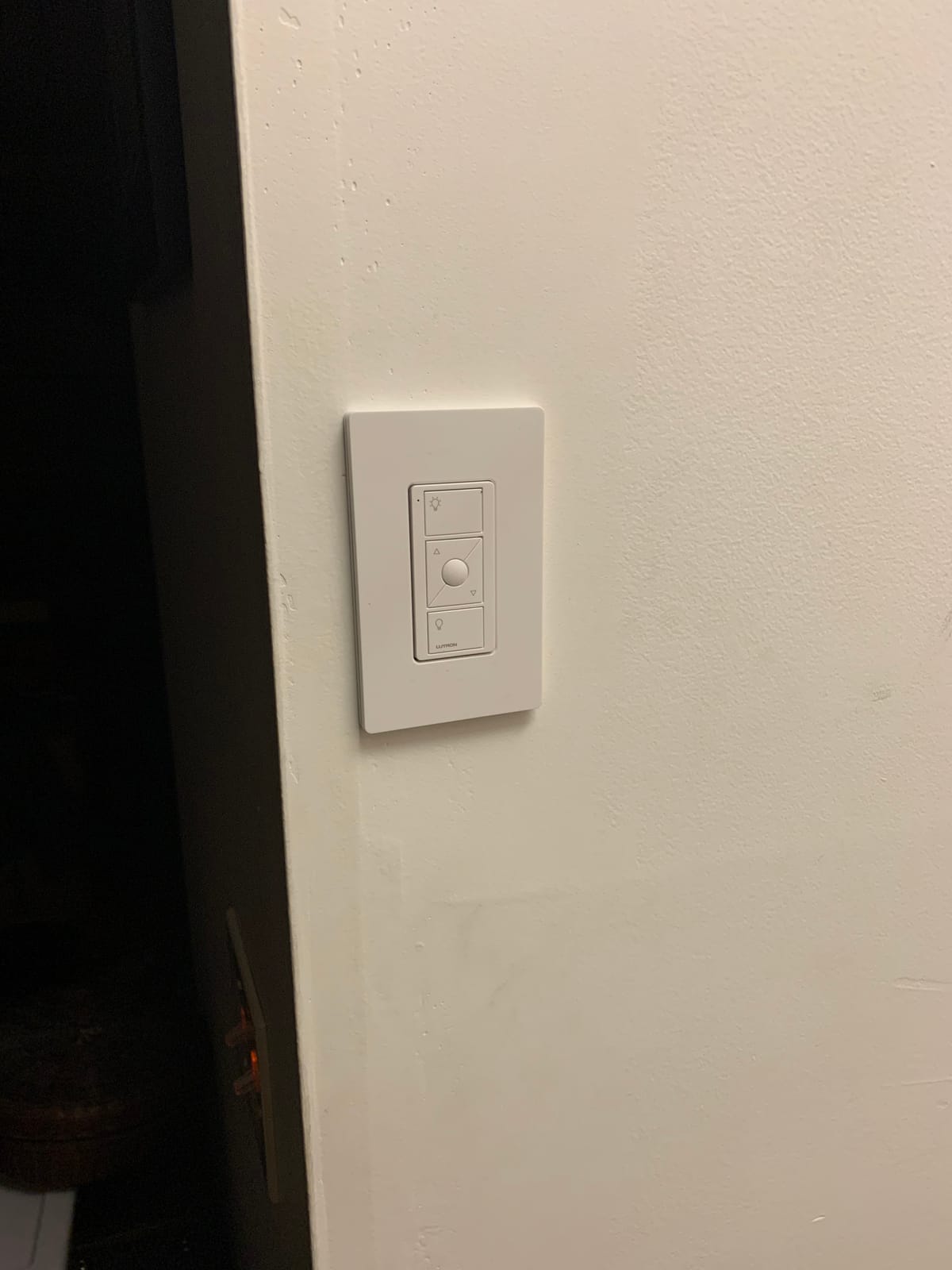
The catch is the ecosystem. Lutron runs its own proprietary ClearConnect radio, and the hub or bridge is required before the app, voice assistants, or scenes will do anything. If you already run SmartThings or Home Assistant, that bridge requirement is a real cost, though our [voice-controlled switch guide](https://www.rosenberryrooms.com/best-voice-controlled-light-switches-for-smart-homes/) covers the alternatives that skip the extra box.
Two more practical notes. There are no screw terminals, so every connection uses wire nuts, and because the dimmer stays powered without a neutral, very low-draw LED bulbs can make the switch glow or flicker faintly in the dark. Both are minor once you know them going in.
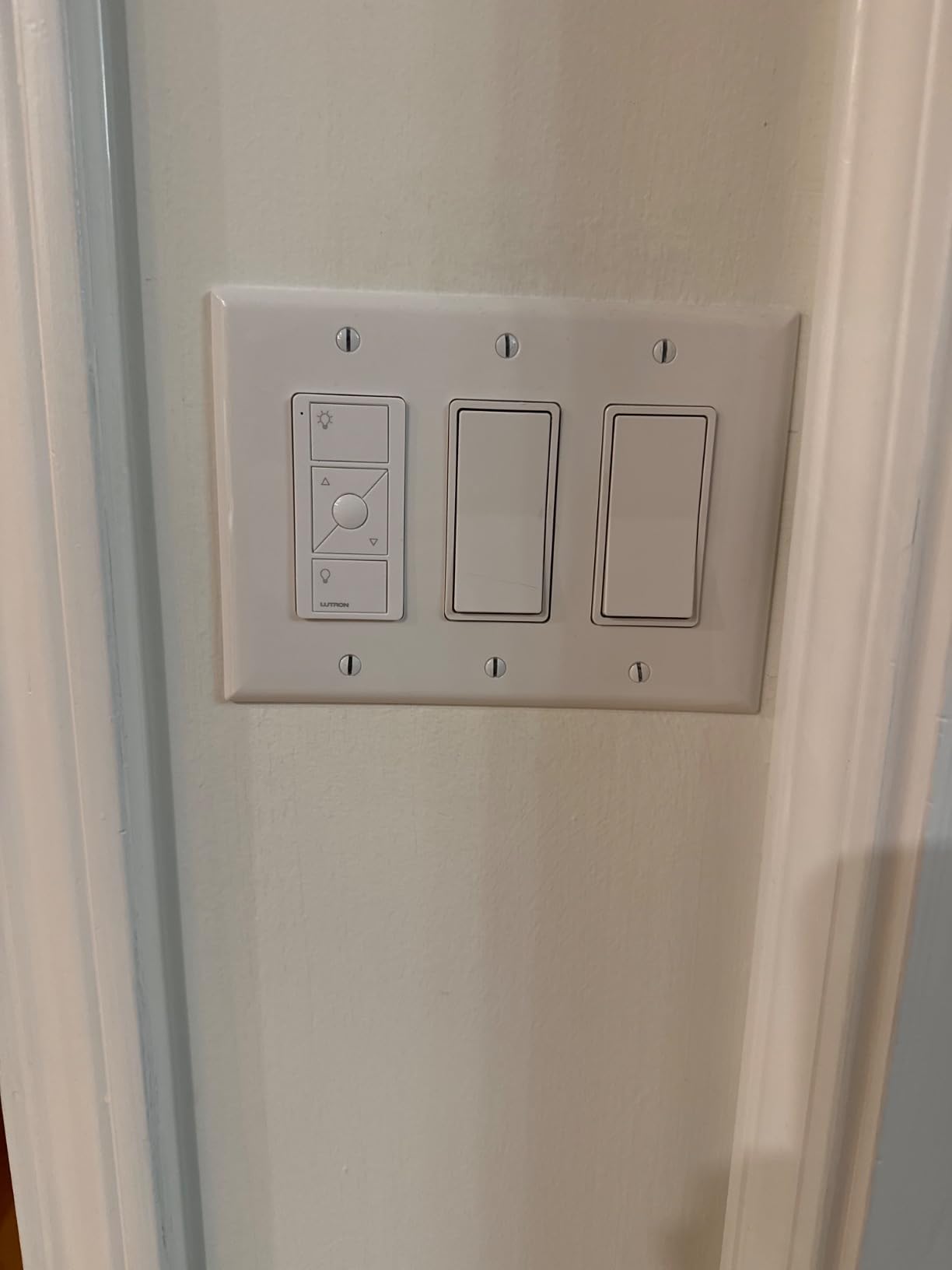
Does the Pico remote count as a real 3-way switch?
Functionally, yes. The Pico sends a wireless signal that the dimmer follows, so flipping it at the bottom of the stairs turns the light exactly like the wall dimmer does. The difference is that a Pico has no line or load connection of its own, so it can go anywhere, including places a conventional switch could never be wired.
If you also want a mechanical fallback in the second box, a standard 3-way switch works in the Pico’s place. Several buyers do this so guests can operate the light without needing the remote in hand.
When should you skip the Lutron and buy something cheaper?
Skip it if you have a neutral wire, no plan to add more than two control points, and no interest in hub-based automation. Paying for a hub to control two switches is a lot of hardware for the job. In that case, the Kasa HS210 below does the same thing for a fraction of the setup.
Also consider skipping if the Lutron hub is already committed to another system in your house, since mixing its ClearConnect devices with Z-Wave or Zigbee gear adds a second bridge to maintain.
2. Kasa Smart 3 Way Switch HS210 KIT as the Default Two-Location Upgrade
Kasa Smart 3 Way Switch, HS210 KIT, Need Neutral Wire
One smart switch per 3-way circuit
Neutral wire and 2.4 GHz Wi-Fi required
1800W and 15A rating
UL certified, 2-year warranty
Pros
- Only one smart switch needed per circuit
- Wires almost like a standard 3-way
- Instant on and off with no delay
- UL certified and holds connection through reboots
Cons
- Deep body is tight in multi-gang boxes
- Neutral wire mandatory
- May need re-pairing after a power outage
- White only with a single-gang wallplate
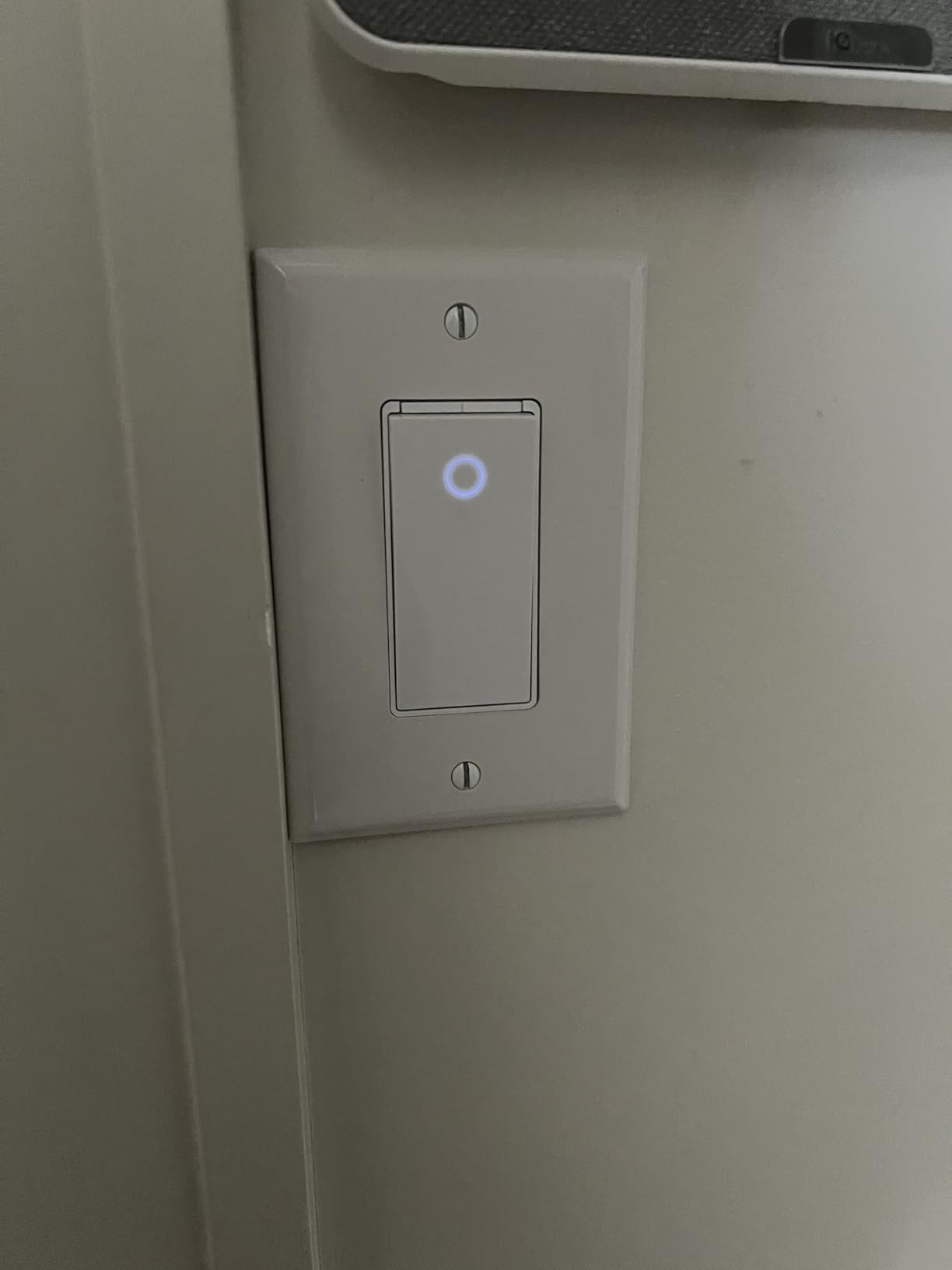
With close to 20,000 reviews behind it, the HS210 is the switch most people end up with, and after installing several we understand why. It is the rare three-way smart switch that needs exactly one smart unit: you replace the switch in the box that has the line and load wires, and the mechanical 3-way at the other end stays untouched.
That single-switch design halves both the parts and the wiring time. The app walkthrough labels each wire and shows the traveler connections clearly, which matters because misidentifying travelers is the single most common failure we ran into across all of these kits.
On and off response was immediate in every test, with no perceptible delay even when controlling from the app. Timers, countdowns, and the away mode that randomly toggles a light to mimic occupancy all worked as advertised, and the switch kept working through a router reboot.
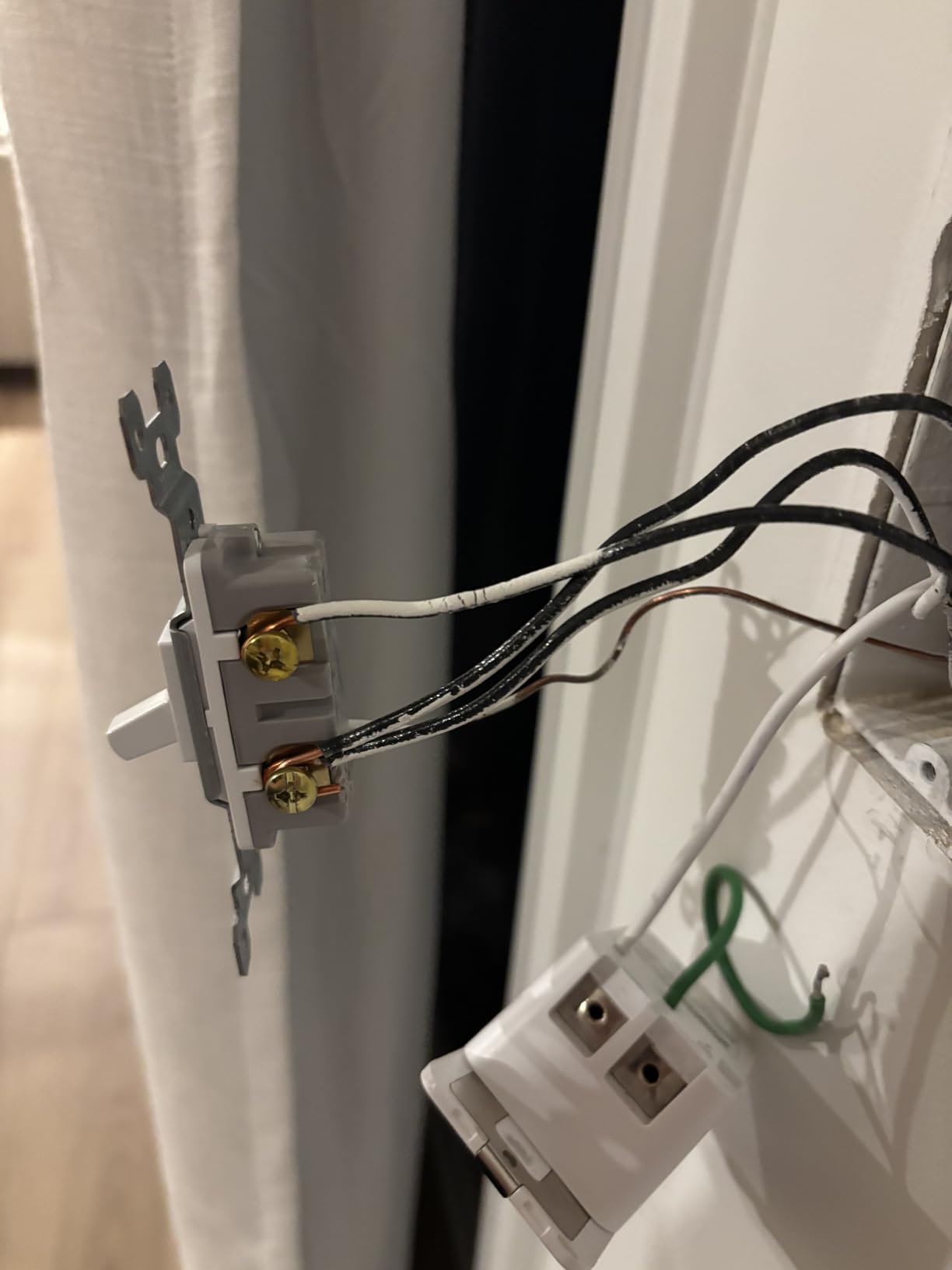
Where it earns its complaints is physical. The body and bracket are deep, and in a crowded multi-gang or an older box with a bundle of cables behind it, space is genuinely tight. The neutral wire requirement is also absolute, so a house built before the 1980s is out of scope for this particular kit.
There is one more real-world quirk: after a power outage or an ISP change, some units need to be re-paired from the app before voice control works again. Our [smart light switch and dimmer roundup](https://www.rosenberryrooms.com/best-smart-light-switches-and-dimmers/) has notes on which models hold state better when your power flickers.
Why does only one switch need to be smart?
A three-way circuit has a line wire feeding one box and a load wire leaving it, with two traveler wires shared between the boxes. Only the box with line and load can power smart electronics, so that is where the HS210 goes. The travelers simply tell the second mechanical switch which way to signal, and it keeps doing that job unchanged.
Because only one box is touched, you also avoid pulling new wire through a finished wall, which is why this is the most popular install in older houses that do have a neutral.
What breaks first with this switch?
Box depth. Before you buy, pull the existing switch forward and check whether the new body and bracket slide in without compressing the wire bundle. A shallow box with three cables stuffed behind it is the scenario where installers most often end up with a switch that will not seat flush.
Second on the list is network band. The HS210 connects to 2.4 GHz only, so a router with 2.4 and 5 GHz on separate names is fine, but a mesh system that steers everything to 5 GHz will refuse the pairing.
3. Leviton Decora Smart Dimmer D26HD-1RW for Adjustable Dimming and Matter
Leviton Decora Smart Dimmer Switch, Wi-Fi 2nd Gen, Neutral…
Matter enabled through a firmware update
Adjustable fade, min dim and max bright
600W rating, CSA certified
9.44 ounces
Pros
- Best dimming adjustability in the group
- Works with existing Decora faceplates
- Reliable Wi-Fi with two-way status
- Matter plus Alexa
- Apple Home and SmartThings
Cons
- Poor behaviour with a plain mechanical 3-way switch
- Limited low-end dimming range
- Bright and dim is a side button not a paddle press
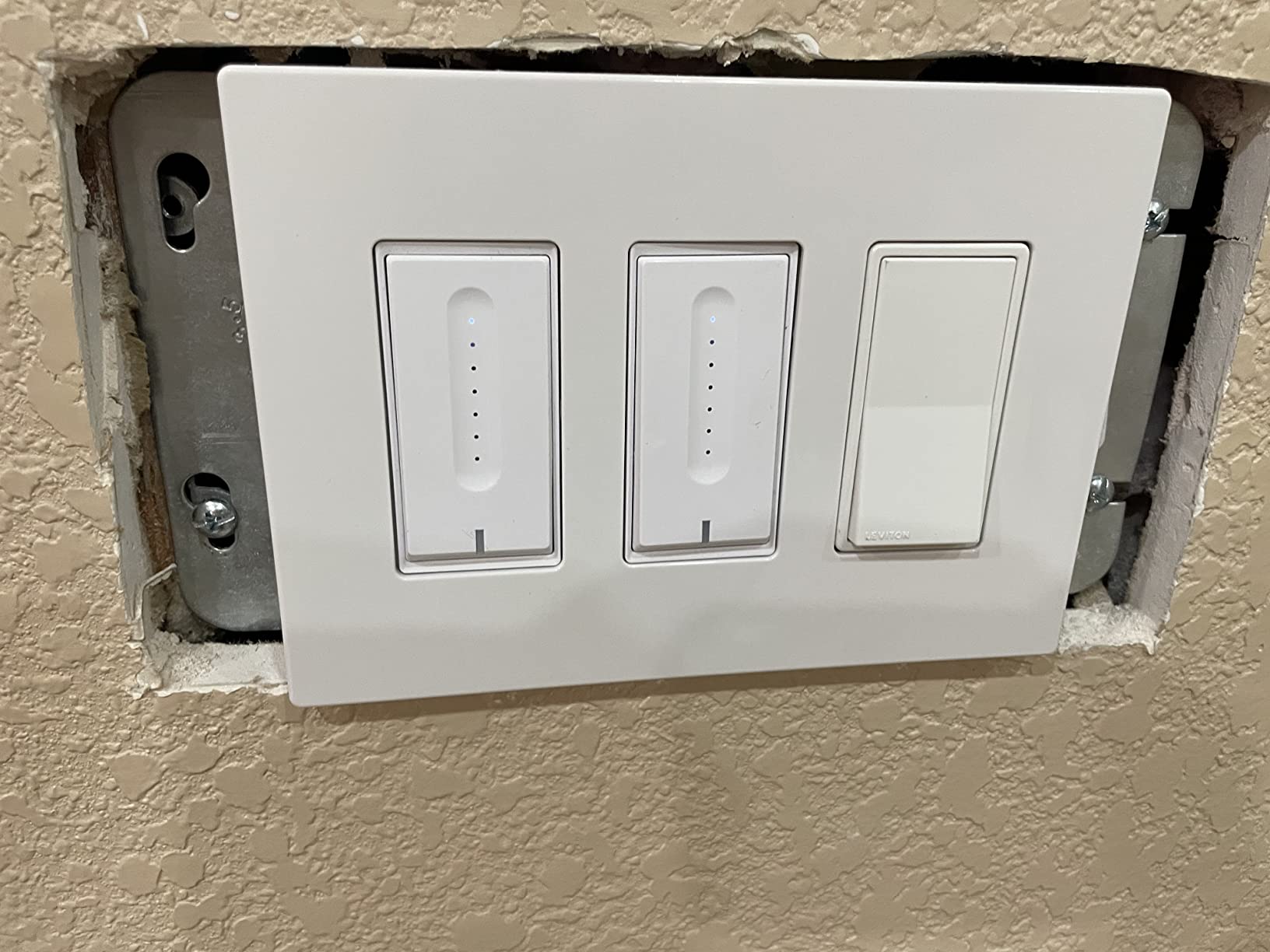
The Leviton is the pick when the dimming itself is the point. It lets you set the minimum dim level, the maximum brightness, and the fade rate independently, which is the fix for the LED flicker that ruins most smart dimmers on a mixed bulb circuit.
It also gives you two ways to handle the second location. Pair it with a Leviton companion switch for a wired 3-way, or with an Anywhere switch for a wireless one, so you are not locked into buying a second identical dimmer.
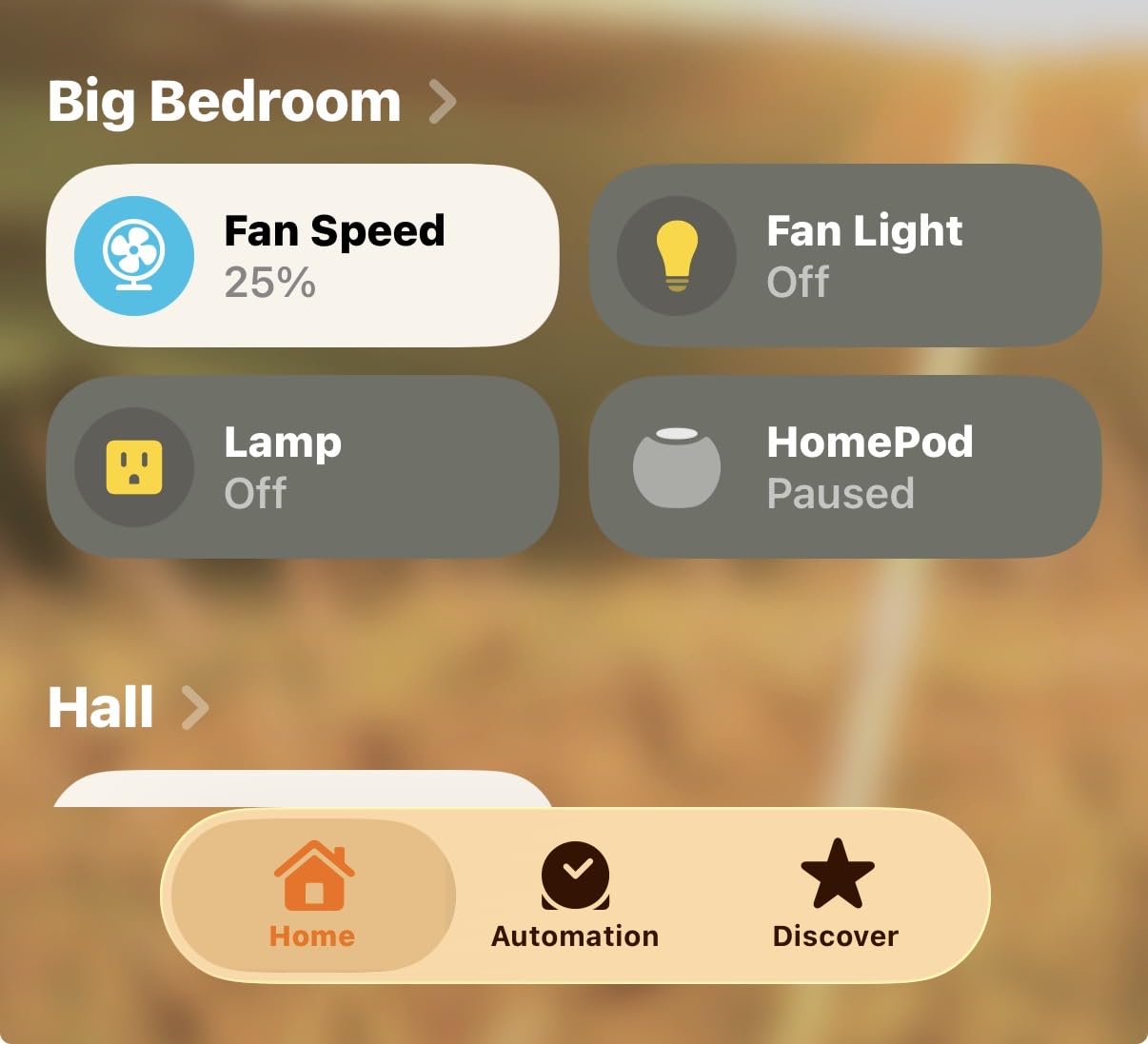
Wi-Fi connection stayed solid through our testing, and the app reports on and off status in both directions rather than guessing. Matter arrives through a firmware update in the My Leviton app, which is the part that keeps it relevant in 2026 even if you change platforms later.
Our main reservation is mechanical. When we tried it against a plain mechanical 3-way switch at the other end, the combination tripped and flashed rather than behaving predictably. Buy the companion or the Anywhere switch and the problem disappears, but budget for that extra piece.
Dimming below about 20 percent is also shallower than the Kasa KS230, so if you are chasing a genuine night-light level on dimmable-only bulbs, this is not the one. The Decora body fits existing multi-gang faceplates neatly, which does a lot for appearance in a hallway with two boxes side by side.
Is Matter worth waiting for on a smart switch?
It depends on how long you plan to keep the switch. Matter means the device can join Apple Home, Google Home, SmartThings, and Alexa without a brand-specific bridge, so the switch is not stranded if you drop whichever assistant you use today. Here it is a firmware update rather than a hardware swap.
If your smart home is settled and everything already speaks Z-Wave or Zigbee, Matter adds less. If you are starting fresh or mixing brands, it is a meaningful advantage.
Can you pair it with the mechanical switch you already own?
Technically you can, but we do not recommend it. Leviton supports the wired 3-way with its own companion switch, and using a traditional 3-way at the other location produced tripping and flashing in our testing rather than clean operation.
The Anywhere switch is the better middle ground if you do not want to run a traveler wire. It communicates wirelessly with the dimmer, so you keep the look of a switch at both locations without new cable.
4. Kasa Smart 3-Way Dimmer KS230 KIT for Wide-Range Dimmable 3-Way Circuits
Kasa Smart 3-Way Dimmer Switch Kit, KS230 KIT v2, Need…
Main and satellite dimmer switch kit
1%-100% dimming range
300W incandescent and 150W LED
ETL certified, 2-year warranty
Pros
- Widest dimming range of the Wi-Fi kits
- Scheduled dim levels for waking and bedtime
- App-guided install
- ETL certified with a 2-year warranty
Cons
- Neutral wire and 2.4 GHz Wi-Fi both required
- Two-box wiring is more involved
- White only
Unlike the HS210, this kit is a true two-box dimmer solution: one main dimmer and one satellite dimmer, so both locations set brightness. For a bedroom where someone always wants the light lower, that is the difference between a half-solution and a complete one.
The dimming range runs from 1 percent to 100 percent, which is the widest we measured among the Wi-Fi kits. At the bottom it goes low enough to read by without waking a partner, and the fade setting keeps that transition gentle rather than abrupt.
Scheduling is the sleeper feature. You can set a specific brightness for a specific time, so the bedroom comes up at 20 percent in the morning instead of snapping to full brightness, and drops to 5 percent at night.
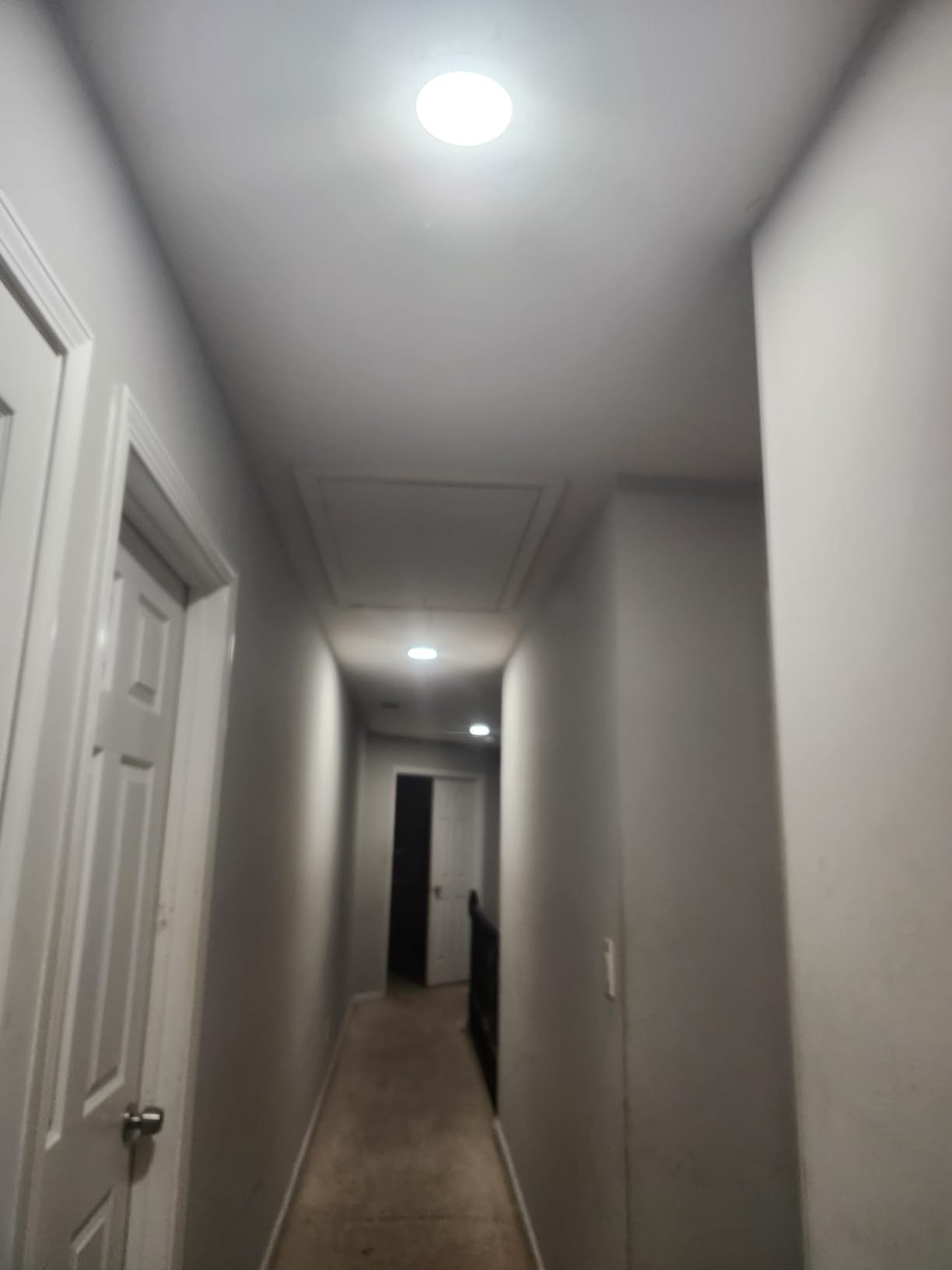
The trade-off is install effort. You are wiring two boxes instead of one, and both need a neutral, which makes this the least forgiving pick for a first project. The app does walk you through it step by step, and the box includes wire nuts, two wall plates, and labels.
Load limits are modest compared to some rivals: 300W incandescent or 150W dimmable LED. A fixture with a row of eight ceiling cans on incandescent can hit that ceiling quickly, so count your bulbs before you commit.
Do I need dimmers at both locations?
Only if you want brightness control from each end. The main dimmer handles the smart functions and the satellite carries the control signal, so the light works from both boxes. Buying a second non-dimming smart switch at the other location would work for on and off, but you would lose the satellite’s dimming control there.
One caution worth knowing: mixing a mechanical dimmer into this circuit is not supported. The satellite is a specific part, and a plain 3-way at the far end does not communicate with the main unit.
What happens with non-dimmable bulbs?
The manual does not treat this as a supported configuration, and bulbs that are not dimmable will either sit at full brightness or buzz and heat depending on the driver. If the fixture is on a non-dimmable bulb, either change to dimmable LED or use an on and off switch such as the HS210 instead.
There is another detail specific to dimmers: the minimum load. Running a single low-wattage LED on a dimmer designed for a multi-bulb fixture is the most common cause of the flicker and ghosting people report on cheap smart dimmers.
5. TREATLIFE 3 Way Smart Switch 4 Pack for Whole-Home Rollouts
TREATLIFE 3 Way Smart Switch 4 Pack, Neutral Wire Required…
Four switches in one pack
Neutral wire and 2.4 GHz Wi-Fi required
1250W and 10A rating
FCC certified, 2-year warranty
Pros
- One smart switch per 3-way circuit
- Clear labeled wiring diagrams
- Compact body leaves room for wire nuts
- Smart Life app with sunrise and sunset scheduling
Cons
- No dimming and no Apple HomeKit
- Bulky plastic body
- Neutral wire required
- Some units reported failing after a few years
Four switches in one box is the practical reason to look at this pack. If you are converting a hallway, a basement, and two staircases in one weekend, buying singles means four separate orders and four sets of wall plates, and this bundle handles it in one.
The install experience is friendlier than the spec sheet suggests. Wires are labeled and the diagrams are clear, so a first-time installer can follow them without a second trip to the hardware store. The body is also smaller than most competitors, which left noticeably more room for wire nuts in a crowded box.
Smart Life is a capable app: schedules, countdowns, real-time status, device grouping, and sunrise and sunset triggers. Voice control through Alexa and Google Assistant works reliably in our tests, and the soft indicator glow makes the switch easy to find at night without lighting the room.
Two limits shape the purchase decision. It is not a dimmer and it will not dim anything, and it does not work with Apple HomeKit, so a household built around HomeKit has to look elsewhere. The neutral wire requirement is the same as every other kit in this group.
The durability feedback is the part we would weigh most. Some owners report units dying after three to four years, and newer revisions can misread the on and off state over long wire runs. Treat the pack as a good fit for a rental, a guest suite, or a light-storage space rather than a main staircase you depend on daily.
Is a 4-pack cheaper than four single switches?
On a per-switch basis, yes, and that is the main argument for it. You also get the wall plates in the box, which removes a second hardware-store trip. The savings shrink if your project only needs two locations, since you would be holding two spare switches with no circuit for them.
Our advice is to count your two-location circuits first, then buy the quantity that matches. Partial packs get awkward fast because each circuit needs its own neutral at the smart box.
Does the 4-pack include everything needed for one 3-way circuit?
It includes the switch, and the wall plates, but a three-way circuit still only needs one smart switch. The second existing mechanical switch stays in the wall. The other three switches in the pack are for three more circuits, or for a second location if you prefer a fully smart wall at both ends.
Nothing else is included beyond the plate and hardware: no neutral wire, no dimmer companion, and no bridge. This is a 2.4 GHz Wi-Fi device, so it will not appear on a 5 GHz-only network.
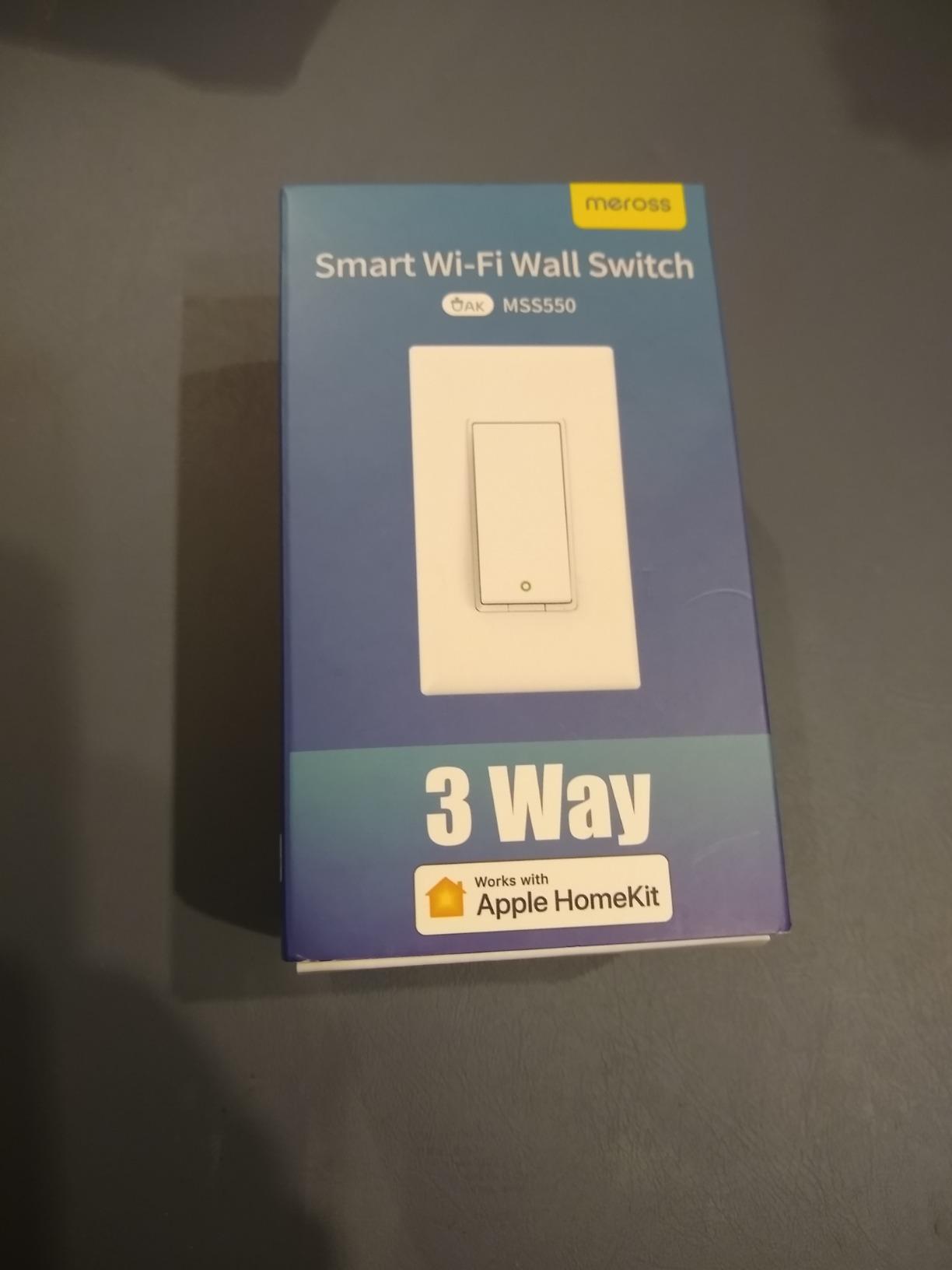
6. meross Smart WiFi Switch 3-Way MSS550 for Apple Home
meross Smart WiFi Switch, 3-Way/Single-Pole, HomeKit…
Native HomeKit and Siri with no hub
Neutral wire and 2.4 GHz Wi-Fi required
200W rating
ETL certified, 2-year warranty
Pros
- Only one existing switch needs replacing
- Native HomeKit
- Siri
- Apple Watch
- Alexa and Google support
- Fits existing Decora and GFCI faceplates
Cons
- Neutral wire required
- Not a dimmer
- 2.4 GHz only with no 5 GHz support
- Control limited to the meross app plus voice assistants
The meross is the most direct answer for an Apple household, because HomeKit support is native rather than bolted on through a bridge. Pair it with an iPhone, and the switch appears in the Home app with a familiar tile alongside your other accessories.
It is also a one-switch install. Replace the switch in the box with line and load, leave the mechanical 3-way alone, and the circuit is done in about a quarter hour. meross will even review a photo of your open box before you buy to confirm a neutral is present, which removes the most common surprise in this whole category.
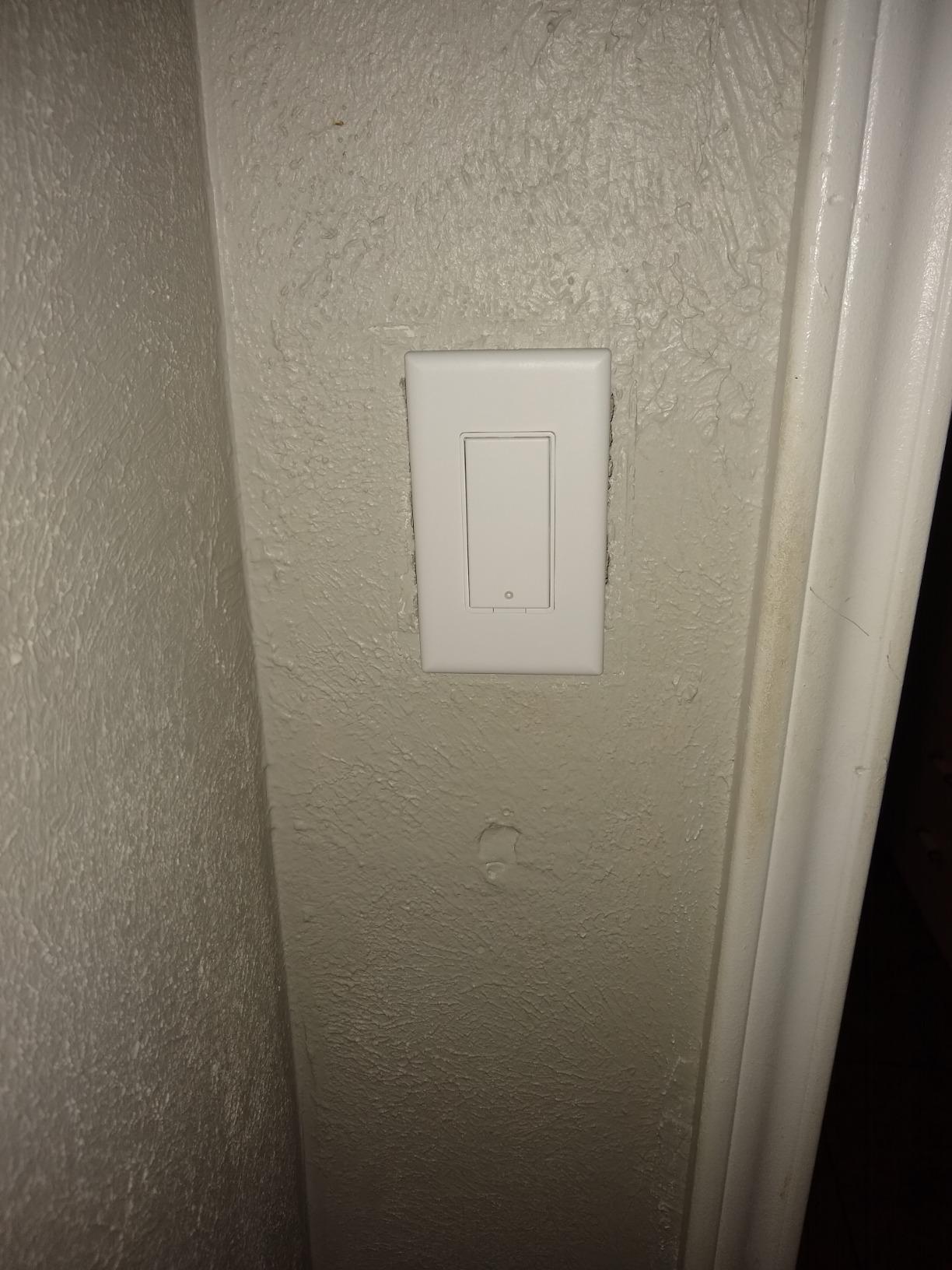
The body fits existing 1, 2, 3, or 4 gang Decora and GFCI faceplates, so you do not end up with a mismatched wall plate. In a hallway where the two boxes sit close together, that detail is more visible than you would think.
Limitations are honest and easy to state: it is on and off only, it needs a neutral, and it is 2.4 GHz only with no 5 GHz support. The 200W rating is the lowest in this group, which is fine for a hallway fixture but tight for a fixture with several incandescent bulbs.
Control is limited to the meross app plus voice assistants, with no third-party automation hooks. If you run SmartThings routines, the app supports timers and sunrise and sunset triggers, but you are working inside meross’s own world rather than a shared hub.
Does HomeKit work without a hub?
Yes. HomeKit uses Wi-Fi to reach your Apple Home hub, whatever that happens to be: an Apple TV, an iPad, or a HomePod. No extra bridge is needed, which is the practical difference from the Lutron kit at number one.
The trade is portability. A Matter device can move to a new platform more freely, while a HomeKit-only device is closely tied to the Apple account you paired it with. If your household might be non-Apple in a few years, that is worth weighing.
Can it be used on a single-pole circuit too?
Yes, the same unit handles single-pole or three-way circuits, so one model covers an entry switch as well as a hallway. On a single-pole circuit you simply connect the line and load wires and ignore the traveler terminals.
Because it is not a dimmer, keep it on non-dimmable bulbs or on a fixture where the existing bulb is already dimmable and controlled by a separate dimmer in the room. Pairing a non-dimmer smart switch with a dimmable smart bulb can produce flicker at the low end.
7. Zooz ZEN71 800LR for Z-Wave Homes With Shallow Boxes
Zooz 800 Series Z-Wave Long Range On/Off Switch ZEN71 800LR…
Z-Wave Long Range with S2 security
Only 1.16 inches deep, no heat-sink tabs
960W rating, 15A
ETL certified
Pros
- No add-on switch needed for 3-way
- Shallow body fits crowded multi-gang boxes
- Instant status reporting and state memory after power loss
- Quiet mechanical action
Cons
- Z-Wave hub required as a separate purchase
- Both boxes must be rewired
- Manual actuation takes about a second
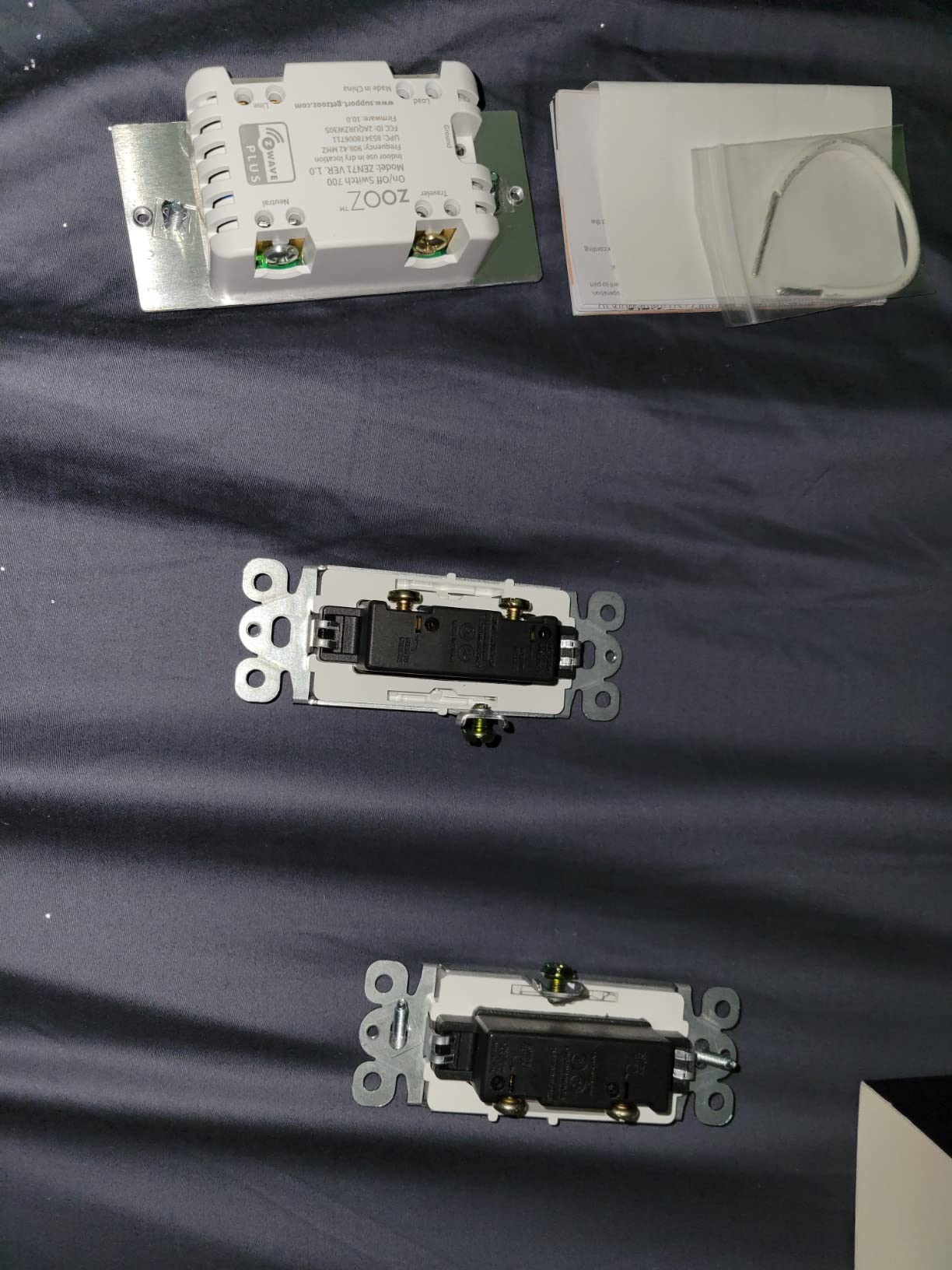
Among Z-Wave owners, the ZEN71 800LR solves a problem most 3-way kits create. Unlike the add-on switch design used by other Z-Wave dimmers, it drives an ordinary 3-way switch directly, so you are not hunting down a specific matched companion module.
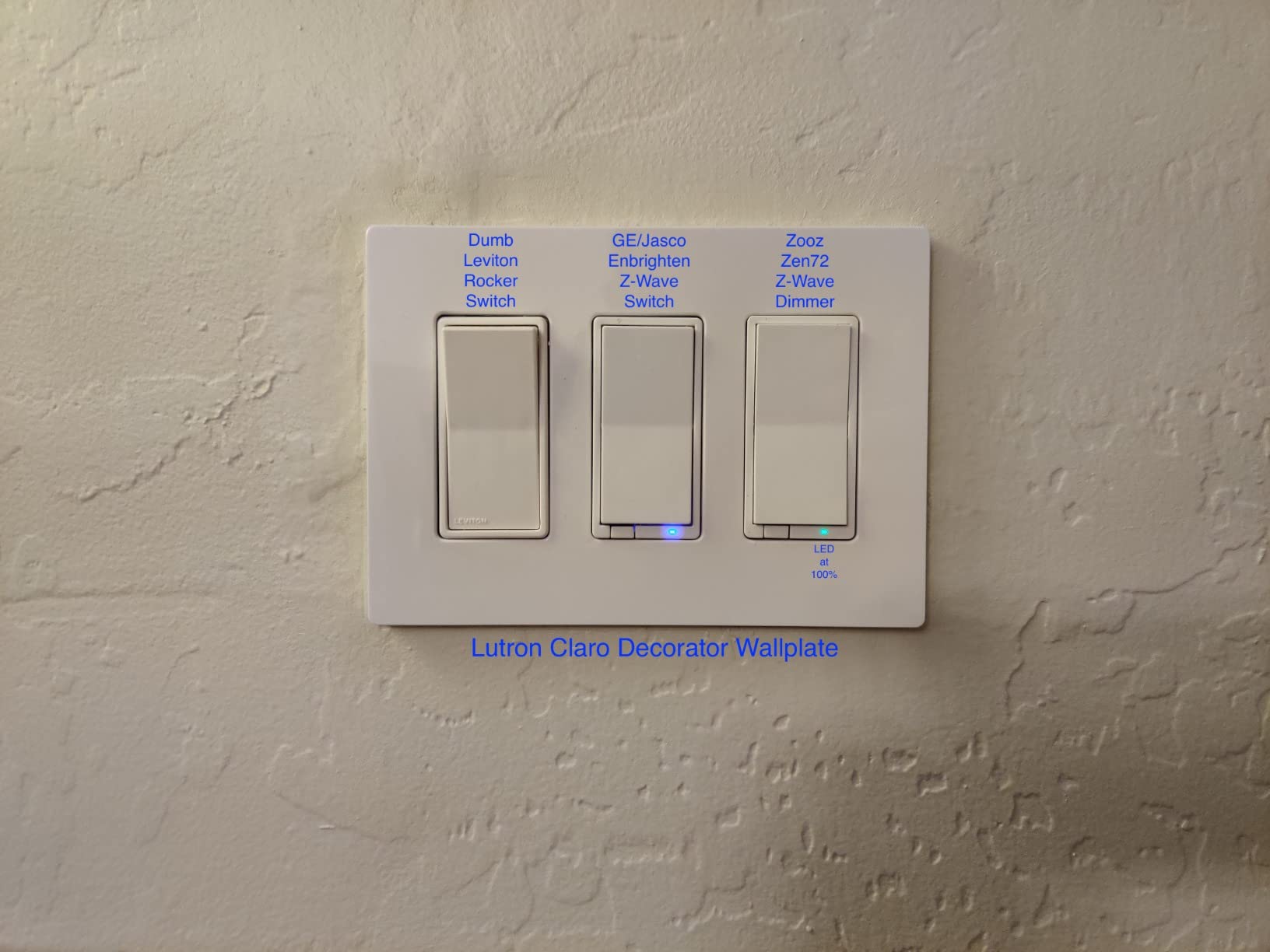
The body is the other headline. At 1.16 inches deep with no heat-sink tabs, it is the shallowest device in our lineup, and it dropped straight into a crowded three-gang box where the deeper Wi-Fi kits would not seat without compressing the wire bundle.
Status reporting was instant, and the switch restores its on or off state after a power failure rather than coming back in an unknown state. That matters in a home with flaky power, and it is one of the quiet advantages people on Z-Wave tend to notice first.
Z-Wave is not a hub-free protocol, and a hub is a separate purchase and setup step. If you do not already run SmartThings, Hubitat, Home Assistant, or a similar controller, this switch is a hard sell for the cost of the extra hardware.
Both boxes need rewiring following the manual diagrams, and the paddle rests in a middle position rather than toggling between up and down, which some people find odd. Manual actuation also takes roughly a second, noticeably slower than the Wi-Fi kits, though remote control is immediate.
Why do experienced smart home users lean Z-Wave here?
Reliability and local control. Z-Wave switches report to a hub in your home rather than reaching out to a cloud server, so they keep working when your internet is down and respond without round-trip lag. The 800 Series chip in this model also extends range well past earlier Z-Wave versions.
The trade-off is the same one every local-protocol purchase carries: you accept a hub, a pairing step, and an ecosystem in exchange for control. On a two-location circuit, the Wi-Fi kits are simpler; across a whole home, that calculation changes.
Can I avoid buying an add-on switch for the second box?
With this model, yes. That is the specific reason it exists: it is a direct 3-way design, so a standard 3-way switch in the other box works normally. The add-on requirement belongs to other Z-Wave dimmers, not this one.
Be aware that both boxes get rewired according to the manual, so this is not a one-switch job even though you only buy one switch. Budget an evening rather than fifteen minutes, and keep the diagrams open while you work.
8. GHome Smart 3-Way Switch 4 Pack for Bulk Budget Conversions
GHome Smart Switch, 3 Way Wi-Fi Light Switch Compatible with…
True 3-way wiring using real traveler wires
Neutral wire and 2.4 GHz Wi-Fi required
1800W and 15A rating
FCC listed, wall plates included
Pros
- True 3-way control using real traveler wires
- Wall plates
- screws and wire nuts included
- Small body fits multi-gang boxes
- Alexa pairing was smooth
Cons
- Metal decorative cover plates can block the Wi-Fi signal
- Short neutral and ground pigtails
- runs warm and uses standby power
- Some units reported failing within a year
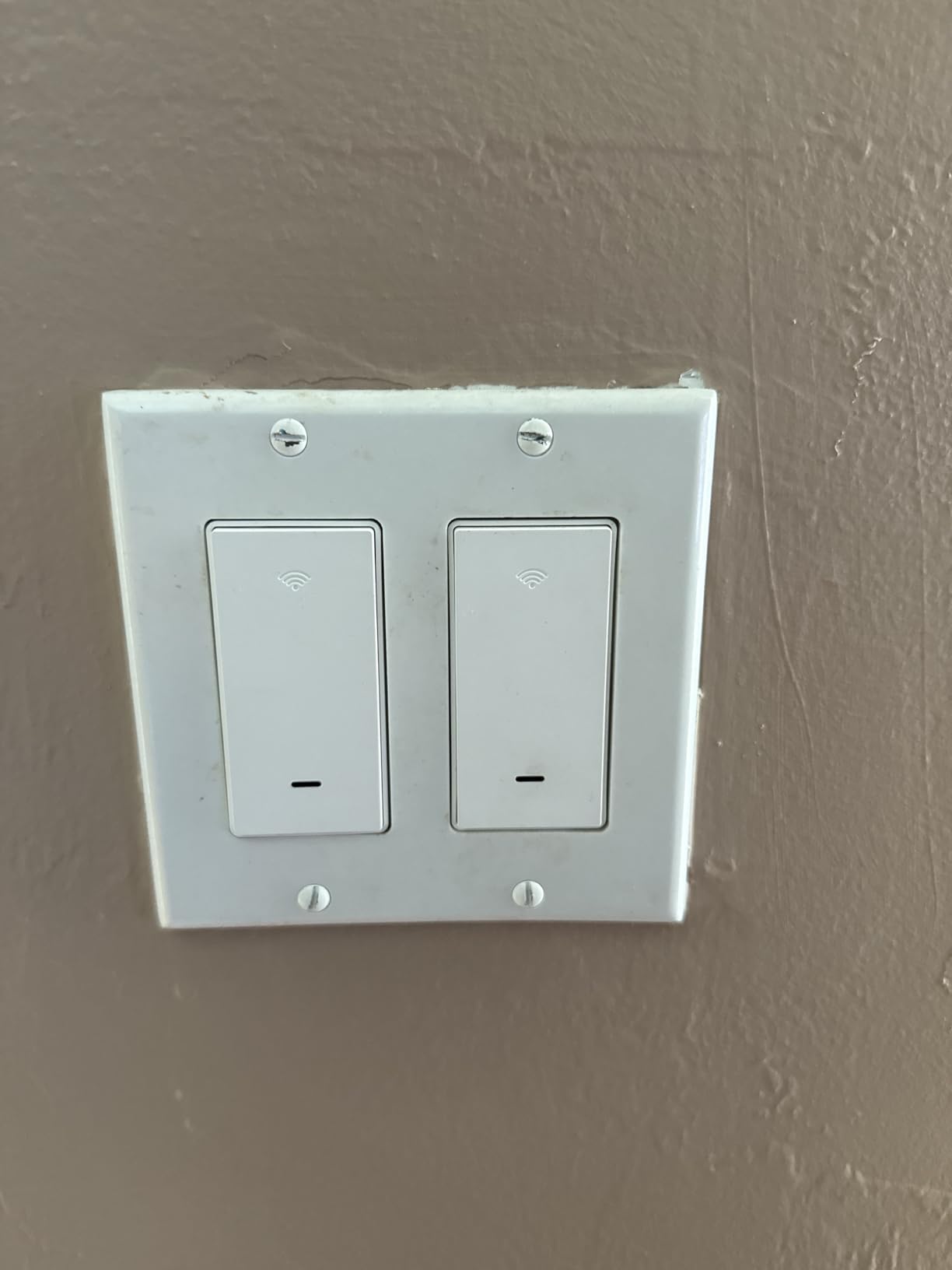
GHome is the most economical way to convert a lot of locations at once. The pack includes four switches, four wall plates, sixteen wire nuts, eight screws, and a manual, so a whole floor of hallways is one order and one trip to the hardware store.
Unlike some cheaper kits that only simulate three-way behaviour, this one uses real traveler wires. That means it behaves like a conventional 3-way circuit: flip the wall switch and the light responds, with no app involvement at all.
The body is slim enough for multi-gang boxes, and the red indicator shows circuit state clearly in daylight. Pairing with Alexa went smoothly in our testing, and time schedules including sunrise and sunset defaults worked as expected.
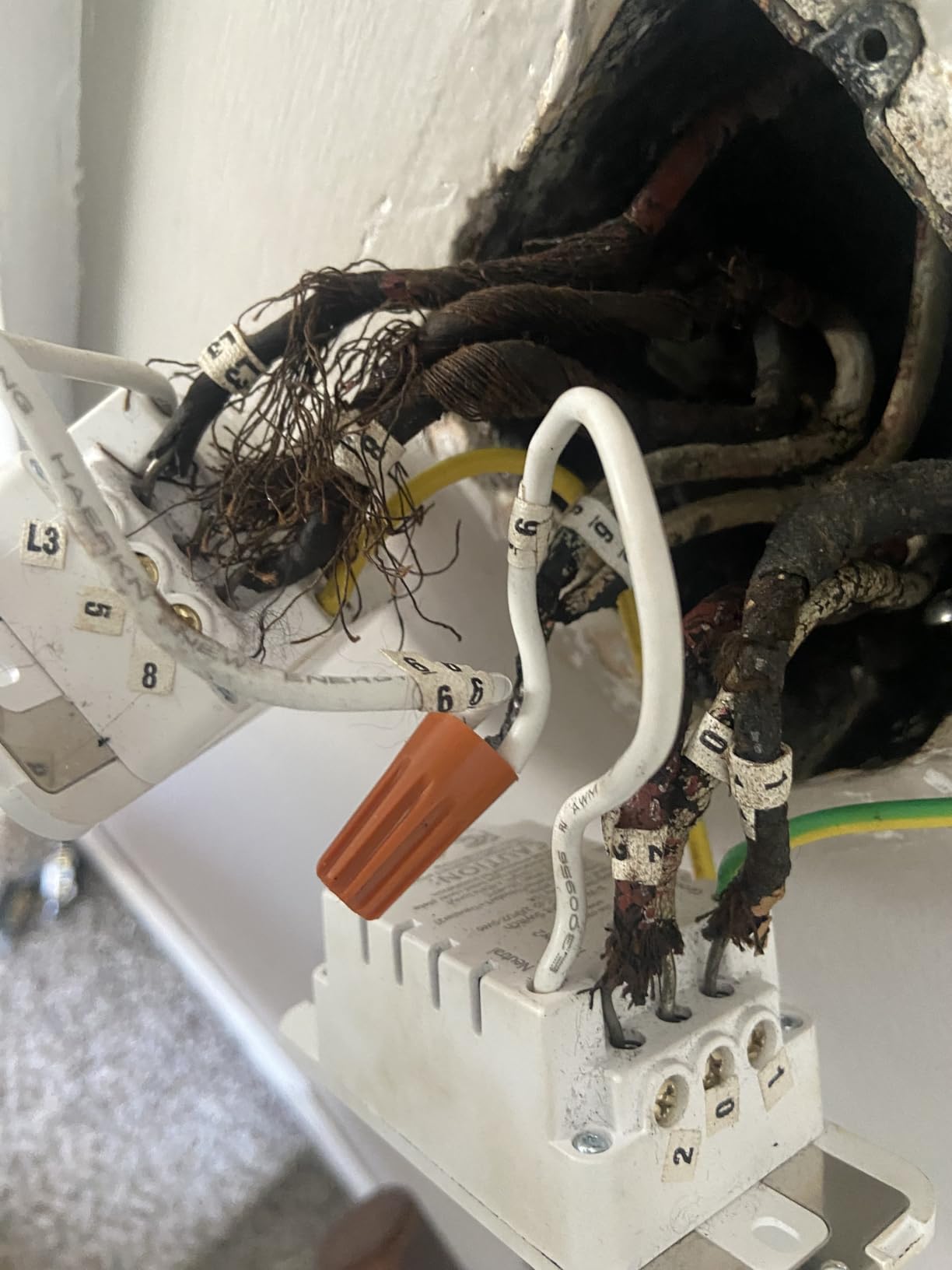
The most useful thing to know is the metal wallplate issue. Metal decorative cover plates can block the Wi-Fi signal badly enough to cause dropouts, so keep the supplied plastic plate or switch to a non-metal one if you have a decorative cover installed.
There are also physical complaints worth weighing: the attached neutral and ground pigtails are very short, which makes crowded-box wiring fiddly, and the switch runs warm to the touch with a measurable standby draw. Some owners report units failing within a year, and app data can apparently be wiped after a couple of weeks without opening the app.
Is this a real 3-way switch or a simulation?
It is a real one. The switch uses the actual traveler wires between the two boxes, so both physical switches operate the circuit mechanically in the way a conventional 3-way does. Simulated designs often depend on the app or on both switches being smart, which fails the moment someone flips the wrong one.
You still only replace one switch, the one in the box with line and load. The second box keeps its existing mechanical 3-way, and the circuit keeps working normally from both ends.
What should I watch out for with these switches?
Start with the wall plate. A metal decorative cover is the most common cause of connection dropouts, and the fix costs almost nothing if you use the plastic plate that comes in the box.
Second, mind the short pigtails. Neutral and ground leads are brief, so in a deep box with existing cables you will want a screwdriver and patience rather than force. Third, remember the standby draw and the warm-running body if the switch sits in a busy hallway.
9. Tapo Matter Smart 3-Way Dimmer S515D KIT for Energy Tracking
Tapo Matter Smart 3-Way Dimmer Switch Kit, S515D KIT
Matter certified with 0-100% dimming
Energy monitoring for connected lights
600W and 15A rating
UL certified, 9.92 ounces
Pros
- Matter certification for cross-brand use
- Energy monitoring reports light usage
- 0-100% dimming with smooth fade
- App-guided install that mirrors existing wiring
Cons
- Neutral wire and 2.4 GHz Wi-Fi required
- Two-box install with a satellite dimmer
- Dimming compatibility varies by bulb type
- Newer model with less long-term feedback
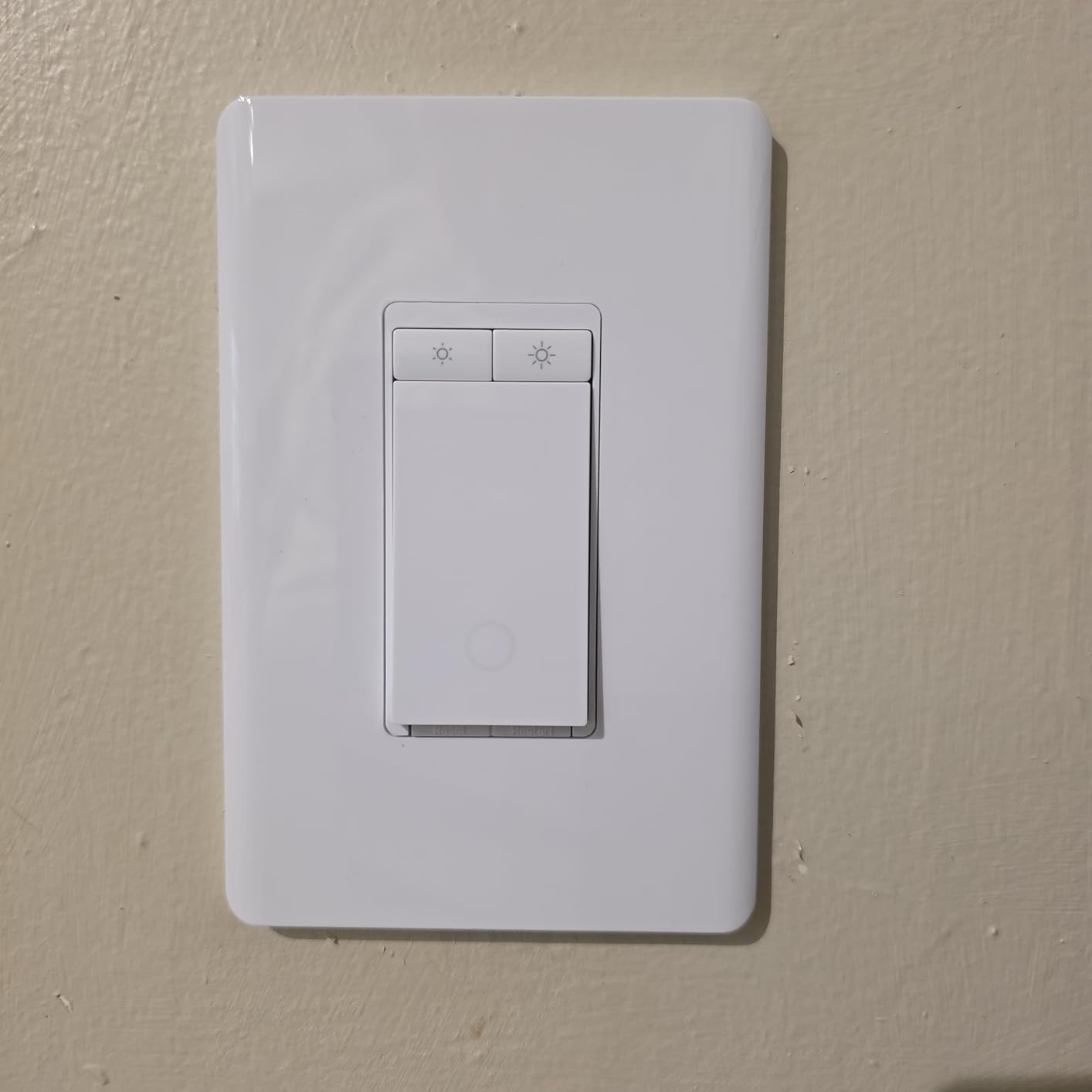
The S515D is the one we would start with in a house that is still assembling its smart home. Matter certification means it joins Apple Home, Google Home, SmartThings, and Alexa without a brand-specific bridge, and it is also the only kit here that reports how much energy the connected lights are using.
Dimming covers 0 to 100 percent with fade on and off, and the fade reduced the harsh wake-up effect that bare LED bulbs give you. Scheduling, away simulation, and voice control through Alexa, Siri, Google Assistant, or Bixby all worked without fuss.
The install is a two-box job: a main dimmer plus a satellite dimmer switch, with two wall plates, wire nuts, and wire labels in the box. The Tapo app walks through the wiring step by step, which is helpful since travelers are easy to mix up.
Neutral wire and 2.4 GHz Wi-Fi are both required, so it shares the usual constraints with most Wi-Fi kits. Dimming compatibility also varies by bulb type, and some fixtures needed adjustment before the low end behaved properly, which is normal for any dimmer meeting a mixed bulb circuit.
Because this is a newer model, the installed base of long-term feedback is smaller than the HS210 has after years of use. The spec sheet and feature set are strong, but the long-horizon durability story is still being written.
What does energy monitoring actually tell you?
It reports the power draw of the lights connected to that switch, so you can see whether a fixture is running a 60W incandescent equivalent or a 9W LED after a bulb swap. Over time it tells you which circuits in the house are the expensive ones.
It is a per-switch figure rather than a whole-home number, which makes it most useful when you are deciding what to upgrade next. If you are still comparing smart bulbs against smart switches, our [smart light bulbs guide](https://www.rosenberryrooms.com/best-smart-light-bulbs/) covers the other side of that calculation.
Is a Matter dimmer safer than a brand-specific one?
For most people, yes. Matter is a shared standard, so if you change platforms the switch has a good chance of being adopted rather than orphaned. A brand-specific switch usually works exactly as well but only inside its own app or hub.
The catch is that Matter covers control, not every feature. Dimming range settings, energy monitoring, and manufacturer-specific automations often stay inside the Tapo app even when the device is exposed to HomeKit or SmartThings.
10. TREATLIFE 3 Way Smart Dimmer 2 Pack for Finger-Slide Dimming
TREATLIFE 3 Way Smart Dimmer Switch 2 Pack, 2 Master 3 Way…
1%-100% brightness by finger slide
One smart dimmer per 3-way circuit
400W incandescent, 150W LED and 150W CFL
2-year warranty
Pros
- One smart dimmer per circuit
- Silent finger-slide dimming with no click noise
- Remembers the last brightness level after power-up
- App scheduling by time and brightness
Cons
- Lowest average rating in the group at 4.1
- Works with dimmable bulbs only
- No Apple HomeKit
- Neutral wire required and line/load side only
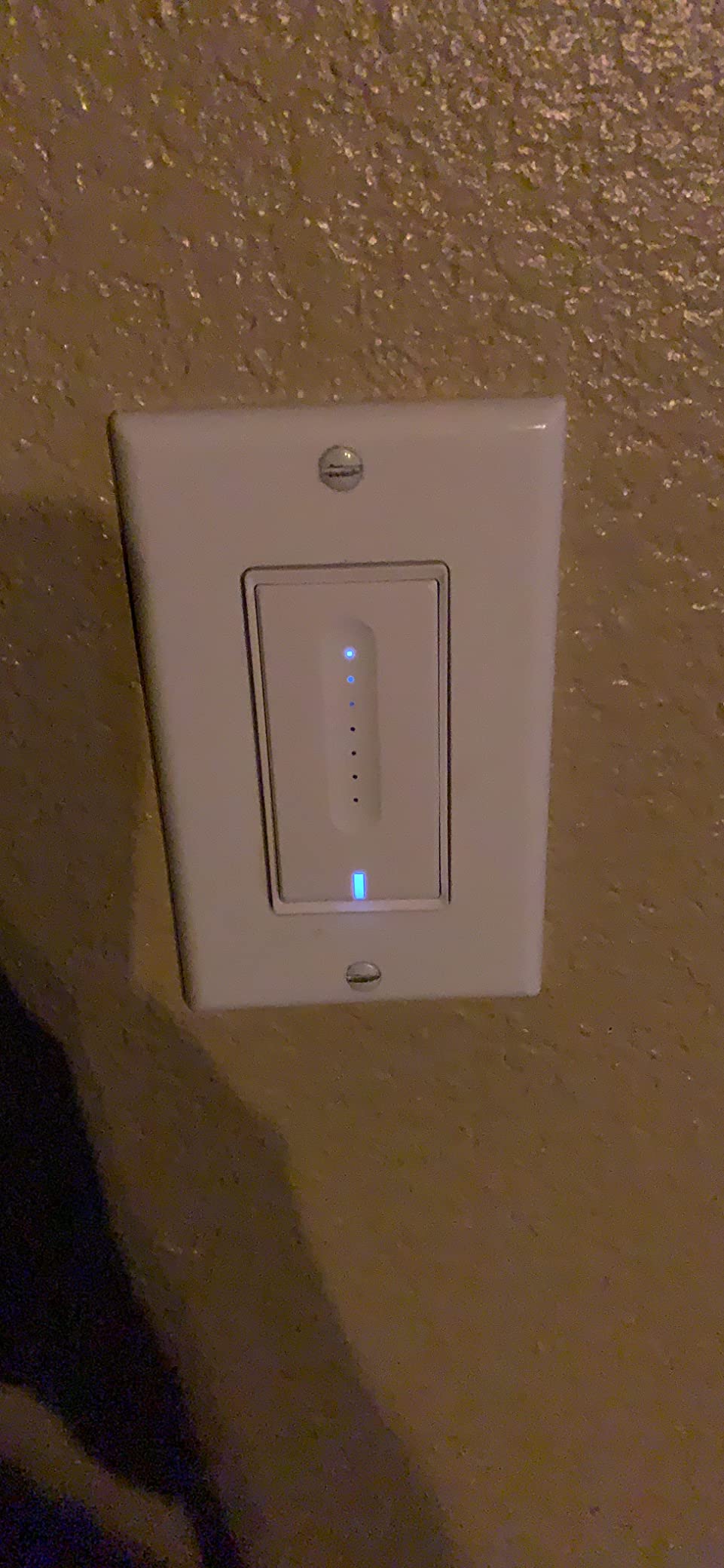
The defining feature here is the control surface. Instead of tapping a button, you slide a finger up and down the face to set brightness, and it does it silently with no click at every step. For dimming a bedroom at half past midnight, that is a real quality-of-life difference.
Like the HS210, it is a one-switch-per-circuit install: the smart dimmer goes on the line and load side, and the other location keeps a standard 3-way. That keeps parts and labor down while still giving you app dimming from the other end.
It also remembers the last brightness setting, so when the power returns the light comes back at the level you left it instead of snapping to full. Scheduling by time and brightness worked in the app, and no hub is needed.
This is the weakest-rated pick in our lineup at 4.1, with a meaningful share of one-star reviews, and the causes are consistent: reliability, compatibility limits, and setup confusion over which side the dimmer belongs on. The instructions need to be read before the box is open.
It works with dimmable bulbs only, it is not compatible with Apple HomeKit, and homes built before the 1980s frequently have no neutral to work with. It also joins 2.4 GHz Wi-Fi only, and the 3.3A rating is the lowest current handling of any dimmer here.
Where does the smart dimmer go on a three-way circuit?
On the line and load side, which is the box containing the incoming hot wire and the wire going to the light. The other location keeps an ordinary 3-way switch. Getting this backwards is the top cause of the lights-stuck-on behaviour people report with this type of dimmer.
If you are unsure which box is which, the line wire is the only one that is live when the circuit is complete and the old switch is removed. Turn the breaker off, remove the old switch, and test before connecting anything.
Is the low rating worth avoiding?
Not automatically. The 4.1 average reflects a full spread of experiences rather than a single failure mode, and the finger-slide control is genuinely nicer than the alternatives. What raises the risk is buying it for a critical circuit without checking your bulb type and box wiring first.
If your fixture is on non-dimmable bulbs, this is the wrong product and no amount of care will fix it. For dimmable fixtures in a secondary room, it is a reasonable choice; for the hallway light you use every day, one of the higher-rated kits is the safer bet.
Buying Guide for Three-Way Smart Switches in 2026
Do I need two smart switches for a three-way circuit?
Usually one. A three-way circuit has two boxes joined by a pair of traveler wires, and only the box with the line and load wires can power smart electronics. Replacing that single switch gives you app and voice control of the light while the existing mechanical switch at the other end keeps working normally. Kits built around a main and a companion switch are the exception, not the rule.
Does your switch box have a neutral wire?
This single question eliminates most of the list. A neutral is the current-carrying return path that powers the electronics inside a smart switch, and most smart switches need it at the box that gets the smart unit. If your box has a bundle of white or gray wires, you likely have one. If you see only black and red or brown and red, you probably do not.
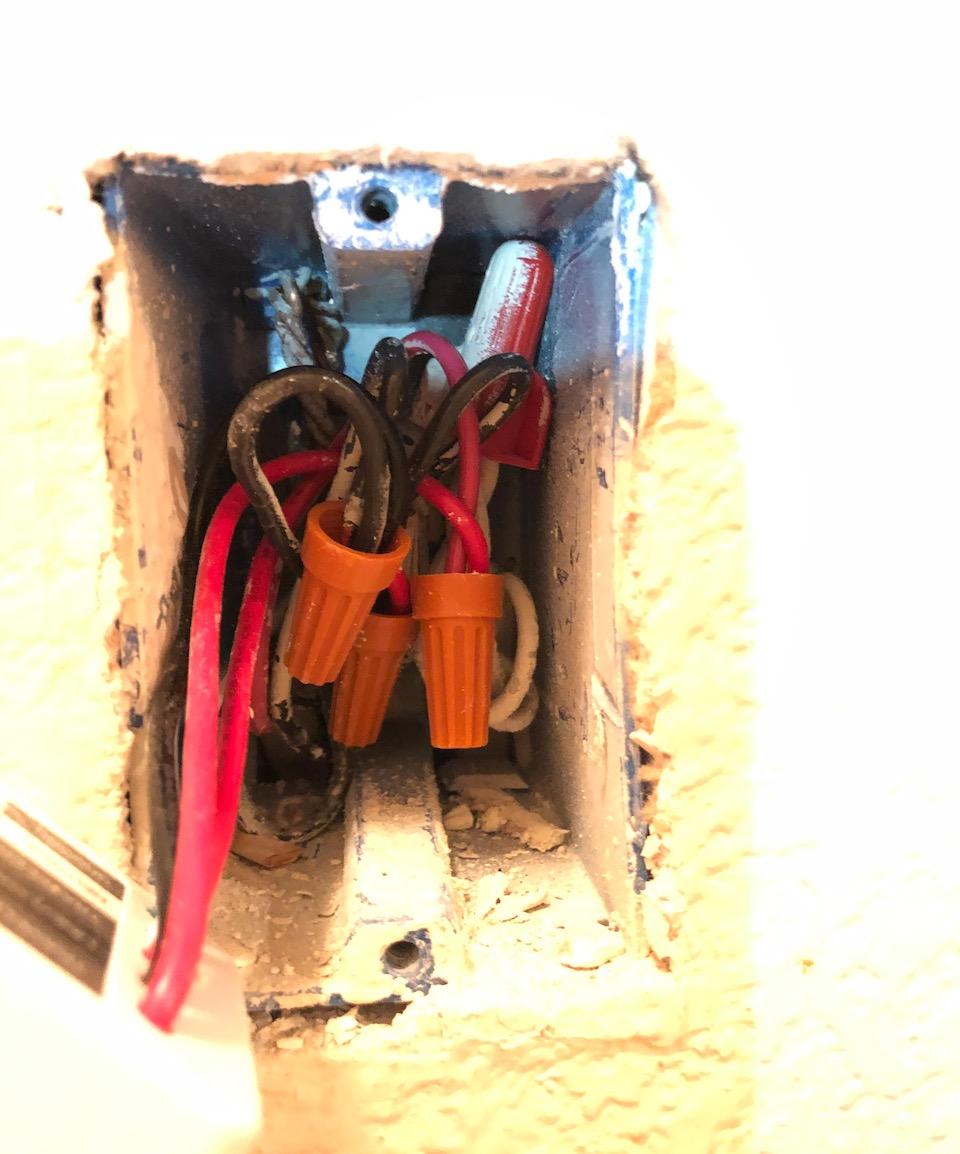
Five steps to check without guessing. Turn the breaker off and confirm the light is out. Remove the wall plate. Pull the switch forward gently without unhooking anything. Look for a white or gray conductor bundled with the others, which is the neutral. Photograph the box before you disconnect anything, so you can compare terminal positions later.
Homes built before the 1980s are the group most likely to lack a neutral at the switch box. That is the single most common reason a project stalls, and the reason we put the Lutron kit at number one.
What to do when you have no neutral wire
You have four realistic options, and the right one depends on how much wall you are willing to open.
One, buy a switch that does not need a neutral. The Lutron Caseta in this lineup is the clearest example: it draws power through the traveler circuit and pairs with a battery-powered Pico remote for the second location. It is the only pick here that solves a no-neutral three-way without any other hardware.
Two, install an in-wall relay module behind the switch, which draws power from the ceiling fixture’s hot wire where a neutral usually is present. It works with nearly any brand of smart switch and is the most flexible option, but it needs a cavity deep enough to hold the module and a smart switch with a low-battery mode.
Three, use a wireless companion at the second location. Leviton sells an Anywhere switch that pairs with a wired dimmer without a traveler wire, which is helpful when the two boxes are far apart or in a remodeled wall.
Four, run a neutral. Fishing a new conductor back to the switch box is the cleanest permanent fix, and it is the point where the job stops being a straightforward weekend swap. For a stairwell or a hallway you plan to live with for years, it is often worth having an electrician do it.
Hub-free Wi-Fi or hub-based Z-Wave?
Hub-free Wi-Fi switches connect straight to your router and are set up in about five minutes. The trade is that each switch is its own small computer on your network, and if your internet drops, automations that run in the cloud can lag or pause.
Hub-based Z-Wave switches report to a hub inside your home. They keep working when the internet is out, they respond without cloud round trips, and they fit into whatever automation platform you already run, but they cost more up front and need a pairing step. For a single two-location circuit, Wi-Fi wins on simplicity. For a house-wide conversion, local control starts to matter.
What to know about dimmers on three-way circuits
Dimming adds three constraints that on and off switches do not have. First, minimum load: a dimmer driving a single low-wattage LED can flicker or glow, because the load is below what the electronics expect. Second, bulb type: the bulb must be dimmable, and mixing dimmable and non-dimmable bulbs on one circuit causes problems.
Third, the two-location question. A main and satellite kit gives dimming at both ends but needs two devices. A single smart dimmer on the line and load side leaves a mechanical 3-way at the other box, which turns the light on and off but cannot set brightness. Decide which of those you actually need before you buy.
One more caveat that catches people: do not leave a mechanical dimmer in the other box. A mechanical dimmer in a three-way circuit with a smart dimmer is not a supported combination, and it produces erratic behaviour.
Match the switch to your smart home
Start with the assistant you already use, then check the protocol. Amazon and Google users are well served by the Wi-Fi kits here. Apple Home users should look at HomeKit-native options or Matter devices. SmartThings, Home Assistant, and Hubitat users get the most from Z-Wave.
All of these switches are 2.4 GHz Wi-Fi except the Zooz, which is Z-Wave. If your router runs 2.4 and 5 GHz on separate names, that is fine. If the network is 5 GHz only, or a mesh system steers every device to 5 GHz, pairing will fail and you will spend an evening wondering why.
The honest downsides of smart switches
They cost more than a mechanical switch and some of them need additional hardware, a hub, a bridge, or a companion at the second box. Pairing fails more often than it should, usually because of the 5 GHz issue above. A failed power cycle can leave a switch unpaired in some models, and the electronics draw standby power even when the light is off.
There is also the aesthetic point that gets mentioned more than it should: capacitive touch faces and digital buttons do not look or feel like a traditional rocker. On a visible hallway wall, that matters more than any app feature. And any of these switches installed wrong, especially with travelers swapped, produces a light that stays on or only responds from one location.
Frequently Asked Questions
Do I need a special light switch for a 3-way switch?
Yes. A standard single-pole switch cannot be used on a three-way circuit because it has no traveler terminals. For a smart install, most households need one switch rated for three-way circuits that replaces the switch in the box with the line and load wires, while the existing mechanical switch stays in place.
Do I need two smart 3 way switches?
Usually one. Only the box containing the line and load wires can power smart electronics, so replacing that single switch adds app and voice control while the other mechanical switch keeps working. Kits with a main unit and a satellite or companion switch are the exception, and they are what you need if you want dimming control from both locations.
Can I use a smart light switch without a neutral wire?
Yes, but your options narrow. A switch that runs without a neutral, such as the Lutron Caseta, works because it draws power through the traveler circuit, and a battery-powered Pico remote covers the second location. An in-wall relay behind the fixture is the other common route. Most other smart switches require a neutral at the switch box.
Which smart switch works without a neutral wire?
Among the picks in this guide, the Lutron Caseta 3-Way Smart Dimmer Kit is the one designed to work without a neutral wire, pairing with a Pico remote at the second box. Some other brands also offer self-powered models, so check the listing carefully, because neutral-free operation is an exception rather than the norm.
Does a 3 way light switch have a neutral?
A three-way switch does not require a neutral, which is why many switch boxes have none. A neutral is only needed if you fit a smart switch that draws power from it. With the breaker off, remove the plate and look for a white or gray conductor in the box: that is the neutral, and its absence is the reason many three-way projects need a different approach.
Final Verdict on Smart Light Switches for Three-Way Circuits
The Lutron Caseta 3-Way Smart Dimmer Kit is our pick for the best smart light switches for three way circuits, because it is the only one here that works without a neutral wire and adds extra control points with a battery remote and no wiring. If your box has a neutral and you want the shortest install, the Kasa HS210 does the same job with a single switch and no hub.
For dimming, the Tapo S515D is the strongest long-term option thanks to Matter and energy monitoring, while the Leviton D26HD wins if you want the widest control over low-end brightness. Whichever you choose, confirm the neutral, confirm the 2.4 GHz network, and install the smart switch in the box with the line and load wires. Those three checks prevent nearly every problem we ran into.
Want more of the basics covered? Our [general smart light switch roundup](https://www.rosenberryrooms.com/best-smart-light-switches-and-dimmers/) handles single-pole installs, and our [smart light panel guide](https://www.rosenberryrooms.com/best-smart-light-panels/) is the route if the lighting is in a room rather than a circuit.
