10 Best Amazon Prime Big Deal Days Printer Deals (October 2026 Sale)
The printer worth watching first in Amazon’s Prime Big Deal Days sale is the Epson EcoTank ET-2800, a refillable-ink all-in-one that prints about 4,500 black pages per bottle set and carries more owner reviews than anything else on this list. If you want a cheaper way into tank printing, the Canon MegaTank G3270 does the same job with a smaller footprint. If you print paperwork rather than photos, the Brother DCP-L2640DW handles 36 pages a minute in black and white and needs no ink at all.
Prime Big Deal Days runs October 6-7, 2026, and most offers need a Prime membership. Prices on these models move constantly, so use the buttons below to see the current figure rather than trusting a number from any deal roundup, including this one.
Contents
Our Top 3 Picks for Best Amazon Prime Big Deal Days Printer Deals in 2026

Epson EcoTank ET-2800
- Up to 4500 black pages per ink set
- Cartridge-free bottled ink
- Flatbed scanner and LCD

Canon MegaTank G3270
- Up to 6000 black and 7700 color pages
- Compact MegaTank footprint
- Borderless photo printing

As an Amazon Associate we earn from qualifying purchases. CERTAIN CONTENT THAT APPEARS ON THIS SITE COMES FROM AMAZON. THIS CONTENT IS PROVIDED 'AS IS' AND IS SUBJECT TO CHANGE OR REMOVAL AT ANY TIME.
Best Amazon Prime Big Deal Days Printer Deals Compared
| Product | Features | |
|---|---|---|
| Epson EcoTank ET-2800 |
|
Check Deal Price |
| Canon MegaTank G3270 |
|
Check Deal Price |
| Brother DCP-L2640DW |
|
Check Deal Price |
 Canon PIXMA TS6520 Canon PIXMA TS6520 |
|
Check Deal Price |
 Brother MFC-L3720CDW Brother MFC-L3720CDW |
|
Check Deal Price |
 HP LaserJet Pro 3101sdw HP LaserJet Pro 3101sdw |
|
Check Deal Price |
 HP Sprocket 2nd Edition HP Sprocket 2nd Edition |
|
Check Deal Price |
 Nelko PL70e Label Printer Nelko PL70e Label Printer |
|
Check Deal Price |
 Canon PIXMA TS7720 Canon PIXMA TS7720 |
|
Check Deal Price |
 KODAK Step Instant KODAK Step Instant |
|
Check Deal Price |
We earn from qualifying purchases. CERTAIN CONTENT THAT APPEARS ON THIS SITE COMES FROM AMAZON. THIS CONTENT IS PROVIDED 'AS IS' AND IS SUBJECT TO CHANGE OR REMOVAL AT ANY TIME.
How We Chose
We compared the specs that decide a printer purchase: type, print speed, duplex, paper capacity, connectivity and how the ink or toner is supplied. Every figure comes from the product listings and the owner-review summaries behind them, checked in October 2026. Ratings and review counts move, so confirm the current numbers before buying.
1. Epson EcoTank ET-2800: Best for Low Ink Running Cost
Epson EcoTank ET-2800
Type: ink tank inkjet
Duplex: single-sided
Speed: 10 ppm black
Tray: 100 sheets
Pros
- Cartridge-free bottled ink system
- Up to 4500 black and 7500 color pages per ink set
- Up to 2 years of ink in the box
- USB and Wi-Fi with mobile printing
- Vivid photo output up to 5760 dpi
Cons
- No automatic duplex
- Color speed is a slow 5 ppm
- Single 100-sheet tray
The running-cost answer for most households. This is the printer we would anchor the sale around, and the reason is arithmetic rather than hype: one bottle set covers up to 4,500 black pages and 7,500 color pages, which the manufacturer frames as roughly 90 cartridges. Buyers who print a few hundred pages a month will not think about supplies for a couple of years.

The engine underneath is a conventional color inkjet with an LCD and a flatbed scanner, printing at 10 pages a minute in black and 5 in color, up to 5760 dpi. It takes plain paper, envelopes and glossy photo paper, and handles 4×6 and 5×7 sizes as well as media up to 8.5 by 14 inches. Connectivity is USB and Wi-Fi, so phones can print through the manufacturer’s app without a cable.
Owners repeatedly single out one thing in reviews: no cartridges to throw away. The most common complaint is the missing automatic duplex, which means long reports come out one-sided unless you reinsert each sheet. Color speed is the other soft spot at 5 ppm, fine for holiday photos and slow for a burst of color worksheets.
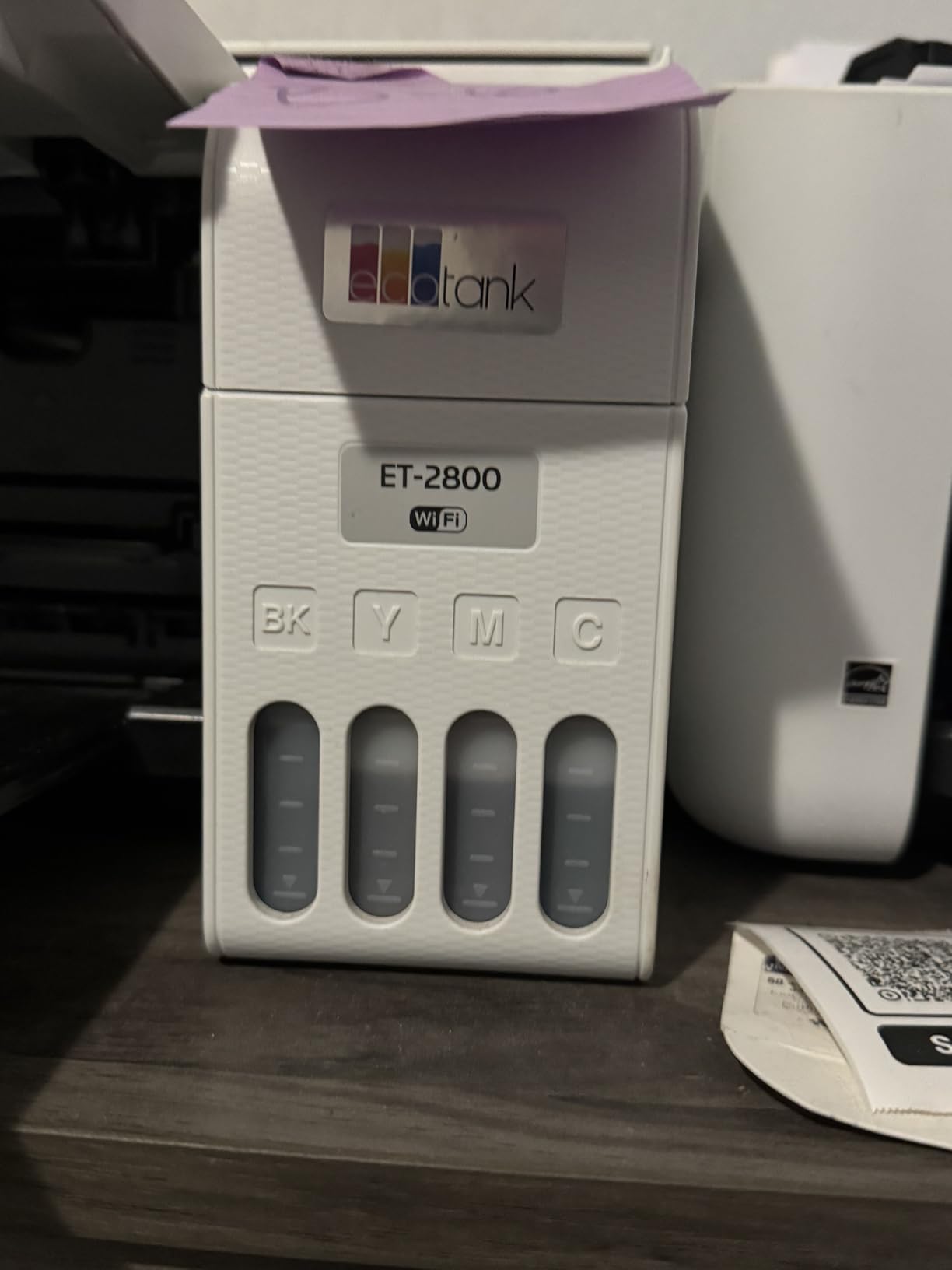
Compared with the Canon MegaTank G3270, this Epson has the larger owner base and the higher page yield, but the Canon is the tidier object on a small shelf. Compared with the Brother DCP-L2640DW, you trade speed and duplexing for a running cost that stays low after the first bottle. If you mainly print photographs on glossy stock, look at the Canon PIXMA TS7720 instead.
Good to know: the refillable tank design shifts the failure mode. A cartridge printer fails when a cartridge dries out; this one fails when a print head needs alignment or cleaning, so keeping it used regularly matters more.
2. Canon MegaTank G3270: Best for Mixed Documents and Photos
Canon MegaTank G3270
Type: ink tank inkjet
Duplex: single-sided
Speed: 11 ppm black
Tray: 100 sheets
Pros
- Wireless print copy and scan
- Up to 6000 black and 7700 color pages per set
- Compact for a tank printer
- Wide media range including card and envelopes
Cons
- No automatic duplex
- Small 1.35-inch square display
The compact tank option. Where the ET-2800 wins on owner volume, the Canon MegaTank G3270 wins on footprint and media handling. At 21.9 by 16.4 by 10.6 inches it slots onto a home-office shelf where the Epson’s 22.8-inch width does not, and the paper list is unusually broad: letter, legal, A4 through B5, envelopes, card, 4×6, 5×5 and 5×7.
Yields are close to the Epson’s, at up to 6,000 black and 7,700 color pages per set, with up to two years of ink included in the box. Print speed edges ahead at 11 pages a minute in black and 6 in color, and resolution tops out at 4800 by 1200 dpi. Borderless printing is supported, which matters for anyone framing a photo rather than filing a form.
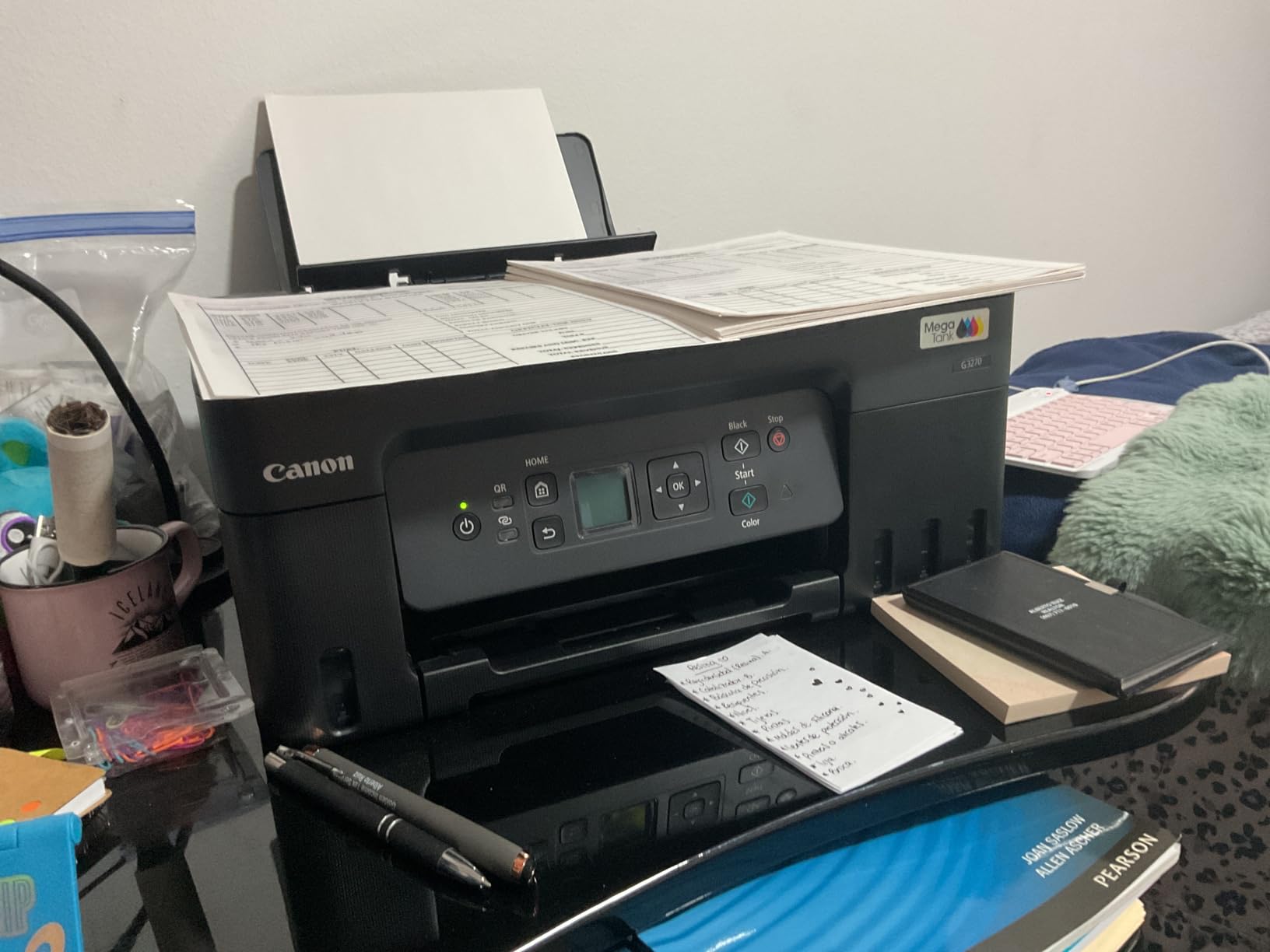
What you give up is duplexing, the same limitation as the Epson, and the display is a 1.35-inch square LCD that shows little more than ink status. Reviewers treat the wireless setup as straightforward and the running cost as the headline benefit, with the small screen and single-sided output as the accepted trade-offs. Scanning is flatbed, so multi-page documents need manual feeding.
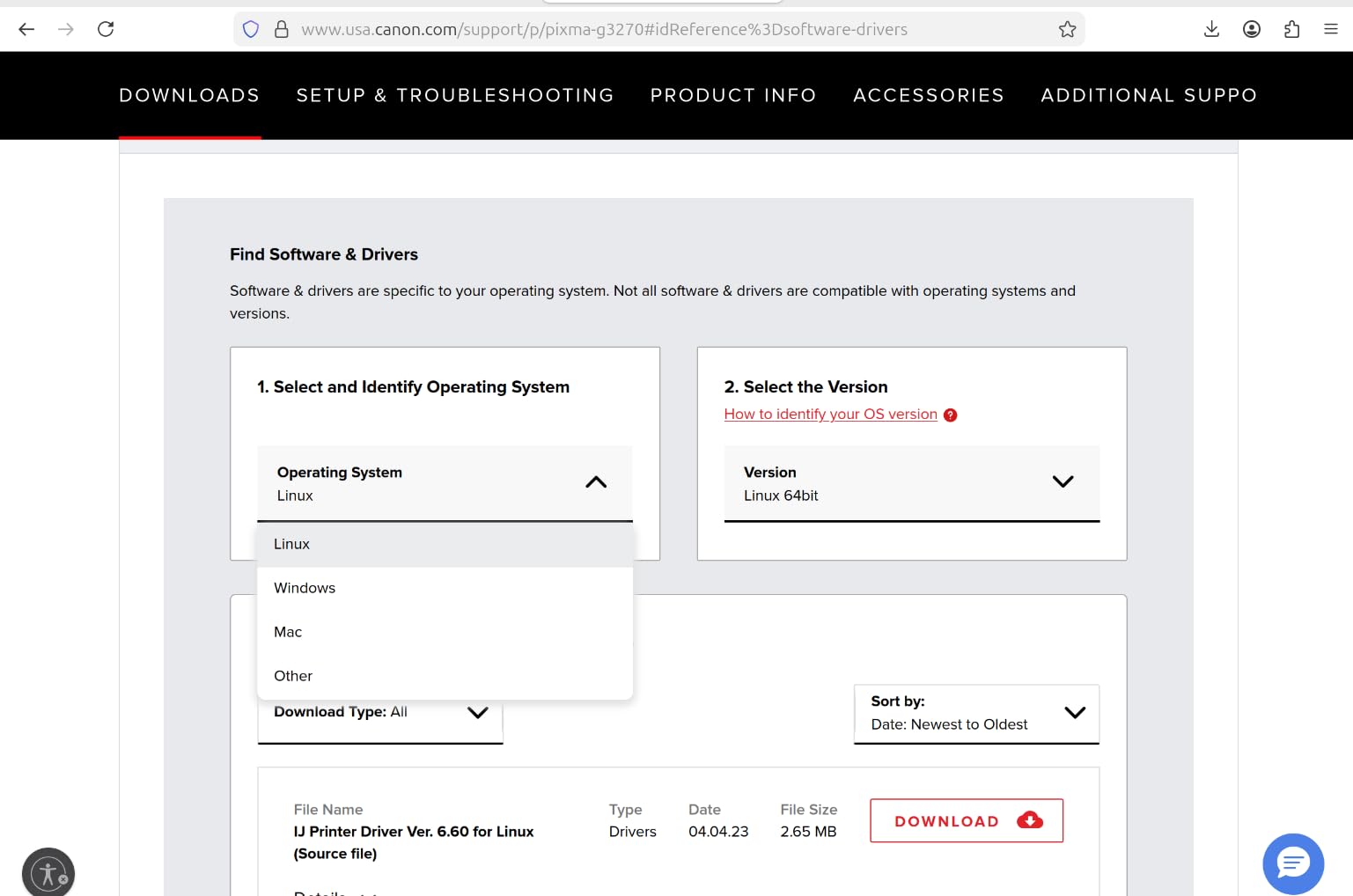
Skip this one if you print more than a page at a time on both sides, or if you need a feeder for a stack of receipts. In that direction, the Brother DCP-L2640DW handles 250 sheets, a 50-page feeder and automatic duplexing, though it only prints in black and white.
3. Brother DCP-L2640DW: Best for High-Volume Black and White
Brother DCP-L2640DW
Type: monochrome laser
Duplex: automatic
Speed: 36 ppm black
Tray: 250 sheets
Pros
- 36 ppm black printing
- Automatic duplex printing
- 50-page document feeder
- Dual-band Wi-Fi plus Ethernet and USB
- Toner does not dry out
Cons
- On-printer menus are fiddly
- Wi-Fi and firmware password setup frustrates some owners
- Short power cord
Buy this one if your printing is contracts, invoices and coursework rather than photographs. A monochrome laser changes the running-cost conversation entirely: toner is dry powder that sits unused without drying out or gumming, which is the failure that ruins an inkjet left alone over a holiday. At 36 pages a minute and 1200 by 1200 dpi, output is crisp enough for a client-facing document.
Paper handling is where laser pulls clearly ahead. The input tray holds 250 sheets with a 120-sheet output tray, a 50-page automatic document feeder handles multi-page scans and copies, and duplexing is automatic on both. It reaches Ethernet as well as USB and 2.4GHz and 5GHz Wi-Fi, and the Brother Mobile Connect app covers print, scan and toner ordering. First page lands in 8.5 seconds.
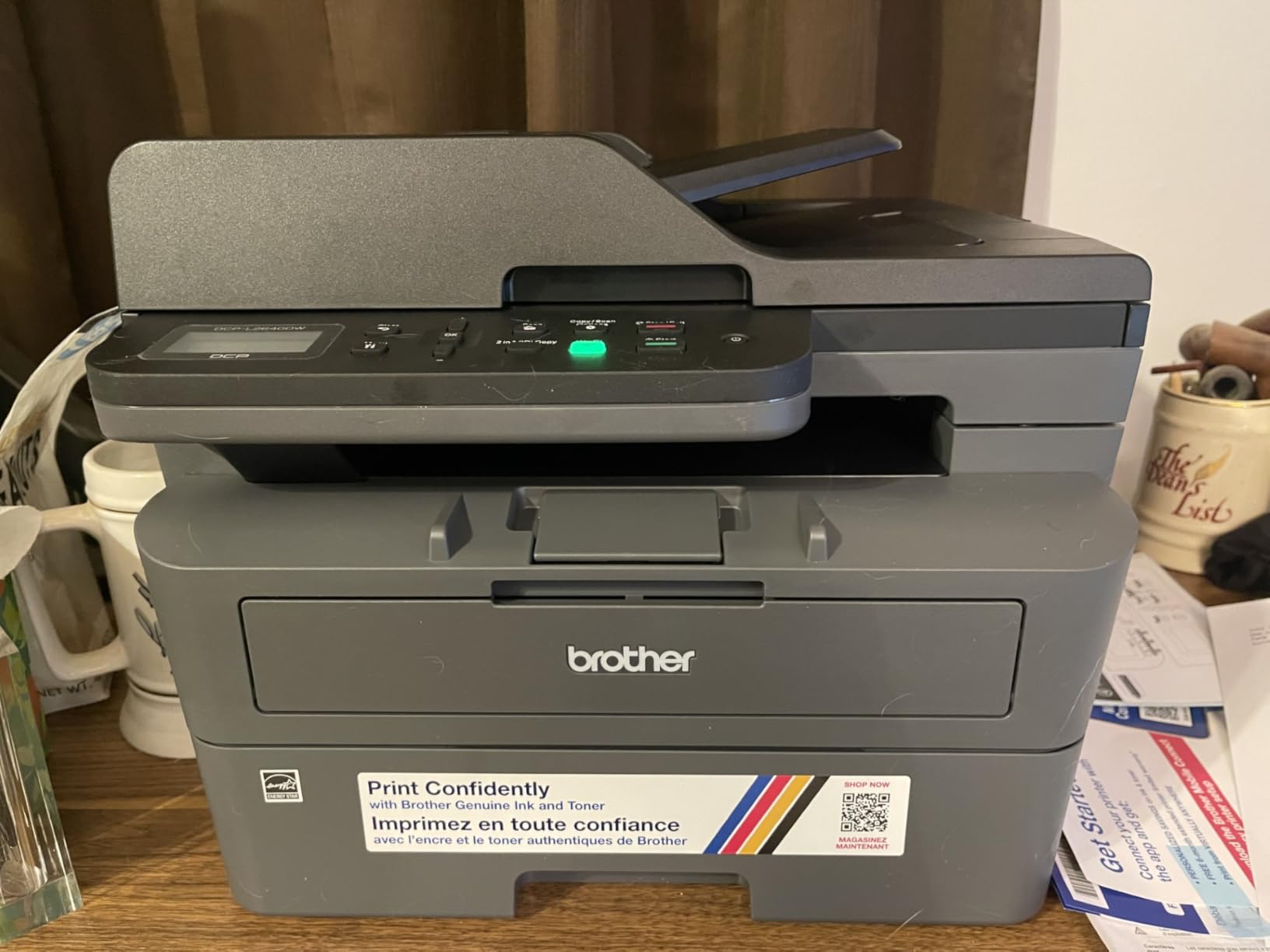
The recurring gripe in reviews is not the hardware but the software. Owners describe fiddly on-printer menus compared with the app, frustration with the Wi-Fi and firmware password step, and occasional freezing when scanning to PDF from a PC. The bundled Brother scan software is the usual culprit. None of that touches the printing engine, which reviewers describe as dependable once configured.
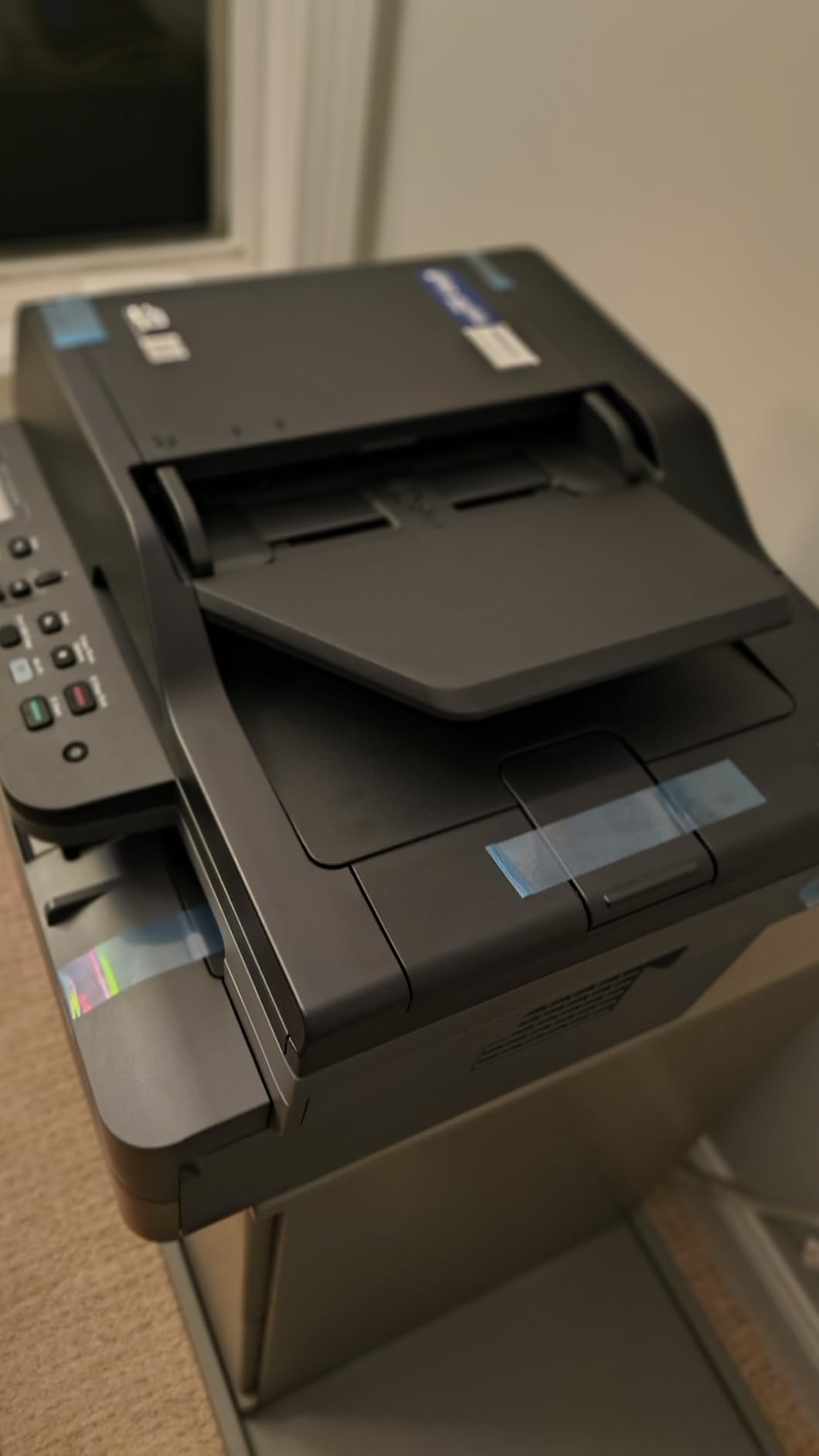
At 25 pounds this is a floor-standing machine rather than a desk accessory, so measure before you commit. The HP LaserJet Pro 3101sdw is the faster and better-rated alternative for a small office, at 40 ppm and 4.5 stars, and it is the model to watch if your team needs color later on.
4. Canon PIXMA TS6520: Best for Small Desks and Students
Canon PIXMA TS6520
Type: cartridge inkjet
Duplex: automatic
Speed: 14 ppm black
Tray: 1 tray
Pros
- Automatic two-sided printing
- Lowest entry cost in this roundup
- Dual-band 2.4GHz and 5GHz Wi-Fi
- 1.42-inch OLED status display
- Works with AirPrint and Mopria
Cons
- Two-cartridge ink system limits photo colors
- Small paper capacity
The lowest-costed printer on this list, and the first one we would point a student at. What separates it from the budget inkjets people regret is automatic duplex printing, which normally disappears at this price. It manages 14 pages a minute in black and 9 in color, with a first page in 7.5 seconds, and a 1.42-inch monochrome OLED display shows ink levels and status without opening an app.
Wireless is the other strong suit here. Dual-band 2.4GHz and 5GHz Wi-Fi is listed, and printing works through the Canon PRINT app, Apple AirPrint and Mopria, which covers most phones and laptops without a driver. It copies at 11 pages a minute and scans on a flatbed.
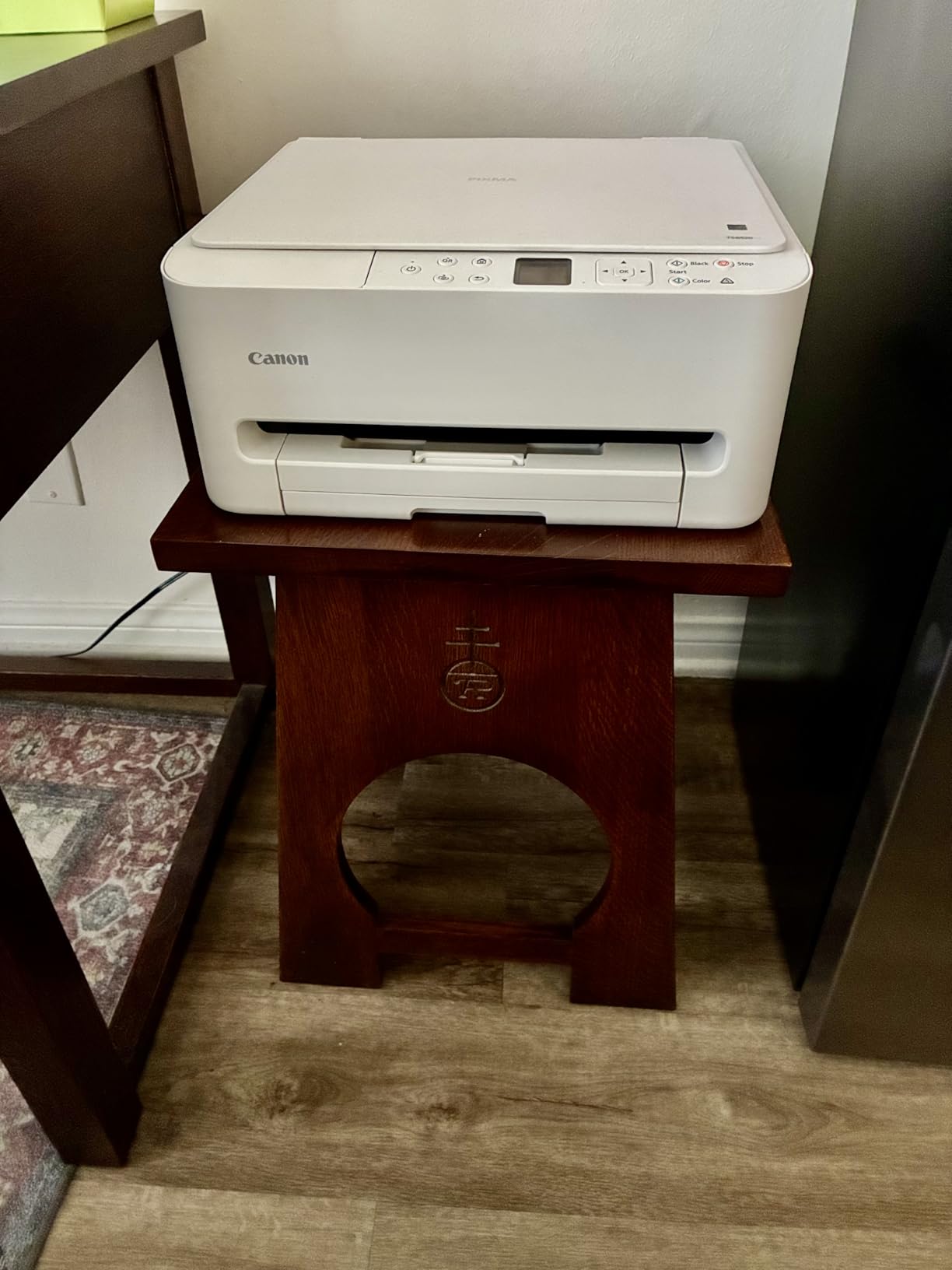
The catch is the ink system, and it is the real running cost. This is a two-cartridge hybrid: one PG-295 pigment black and one CL-286 dye color. That setup produces sharp text and good color, and reviewers like it, but it limits the inks available for photo work. Paper capacity is also modest for a family, so expect refills mid-project.
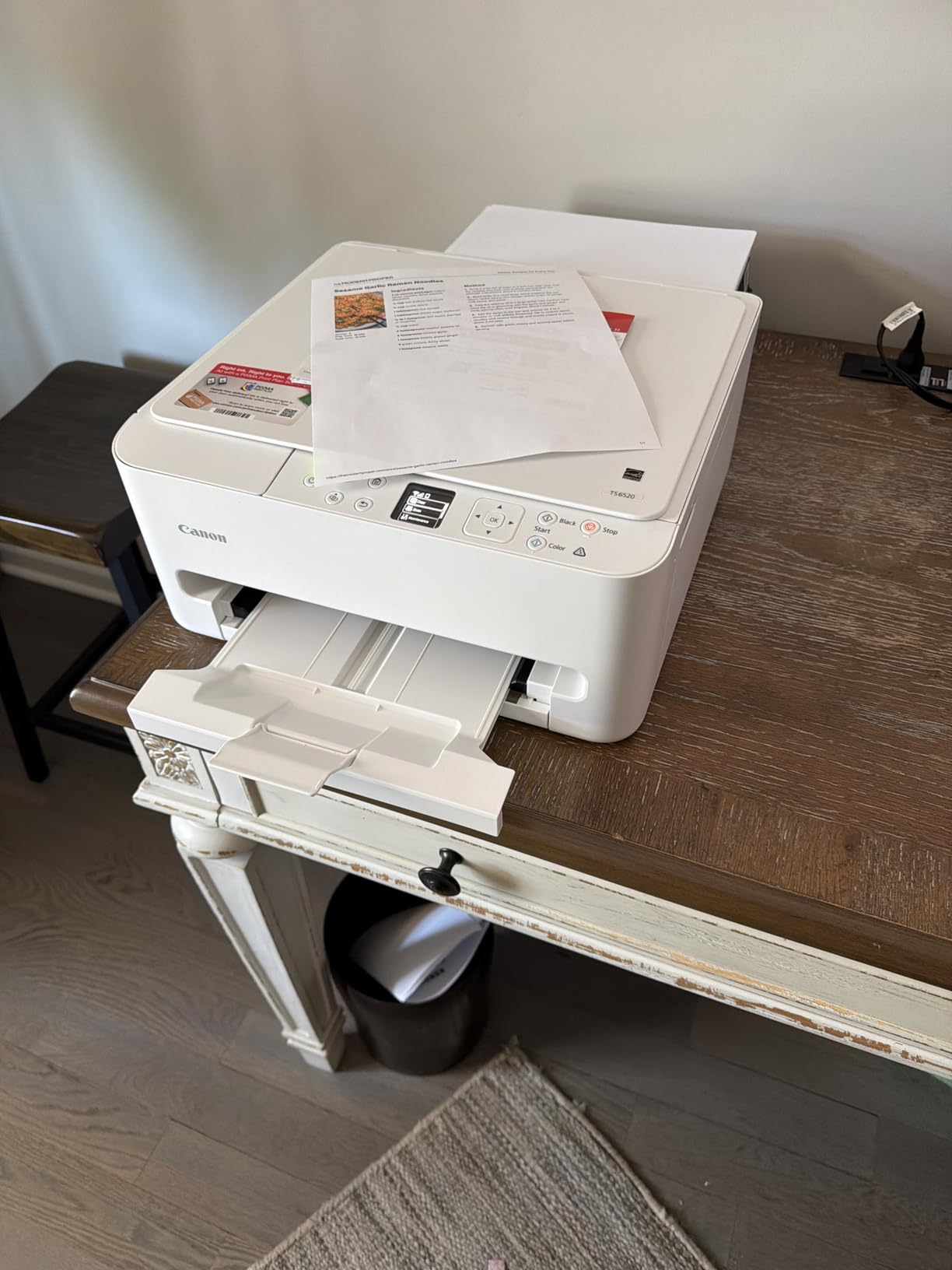
Skip it if you print more than roughly 150 pages a month, or if photo color depth is the point. The Epson EcoTank ET-2800 is the same buy with the running cost problem removed, and the Canon PIXMA TS7720 keeps the two-cartridge layout while adding a touchscreen and a second paper tray.
5. Brother MFC-L3720CDW: Best for Small Business Color
Brother MFC-L3720CDW
Type: color laser all-in-one
Duplex: automatic
Speed: 19 ppm
Tray: 250 sheets
Pros
- Print scan copy and fax at 19 ppm
- 250-sheet tray plus 50-sheet document feeder
- 3.5-inch color touchscreen with 48 shortcuts
- Dual-band wireless and Wi-Fi Direct
- Toner level monitoring in the app
Cons
- Heavy and bulky at 44 pounds
- Premium bracket for a home office
Where the monochrome Brother is about speed, this one is about output with color. It prints, scans, copies and faxes, which is the combination a home business actually needs, at 19 pages a minute in both black and color, up to 2400 by 600 dpi. A 250-sheet adjustable tray and a 50-sheet feeder mean you are not refilling mid-batch, and the first page arrives in under 15 seconds.
The 3.5-inch color touchscreen is unusual at this size and carries 48 customizable shortcuts, mostly for cloud destinations. Dual-band wireless, Wi-Fi Direct and USB 2.0 cover connectivity, and the Brother app handles mobile printing and toner level checks. Card stock, envelopes, labels and glossy photo paper are all listed as supported media.
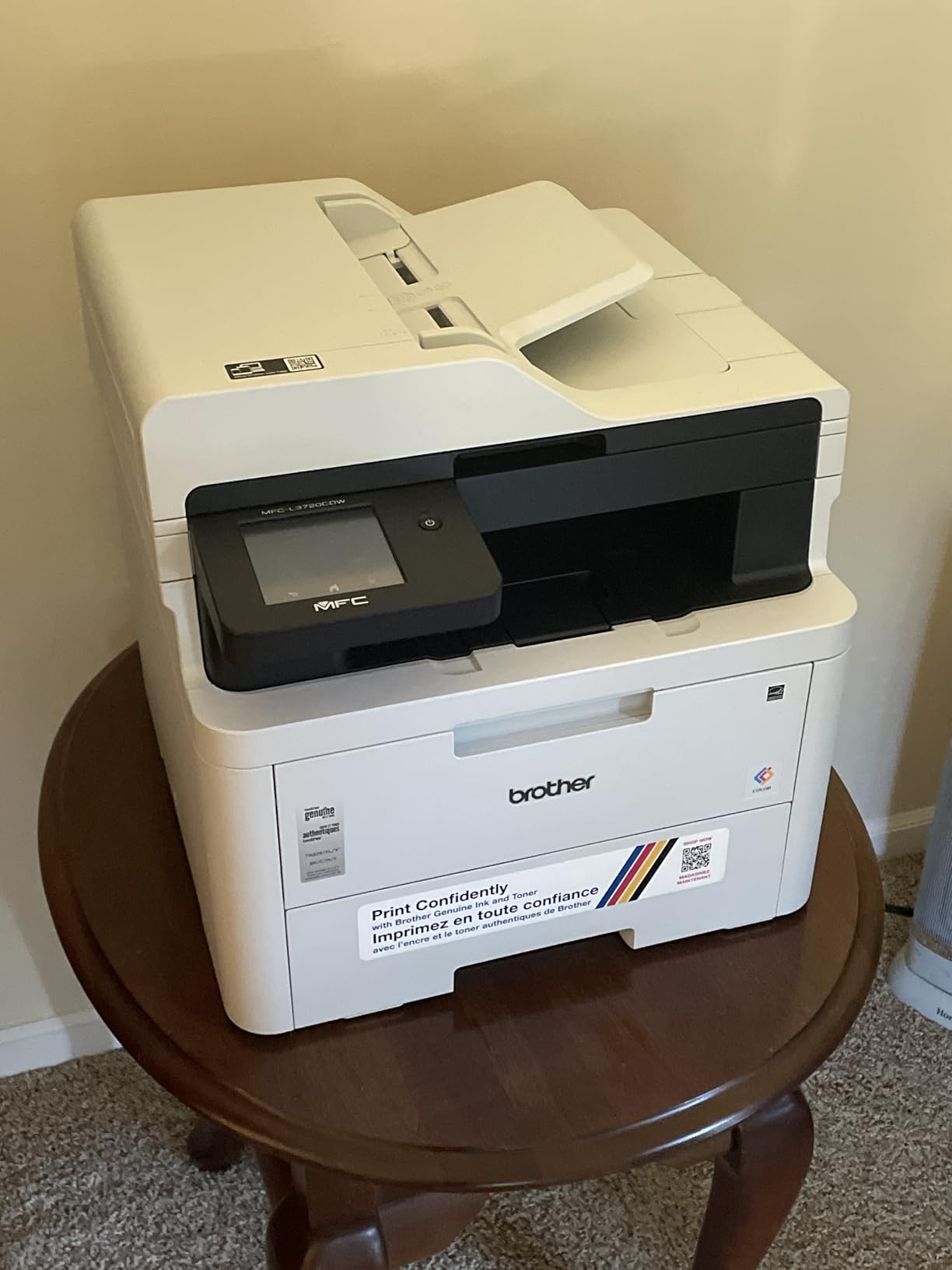
Owners rate the paper handling and the touchscreen highly and flag two practical problems: it weighs 44 pounds and stands 17.5 inches wide, so it needs a shelf with real floor space under it, and the price bracket is steep for a home office. The owner base is also much thinner than the tank printers above, at a little over 1,000 reviews.
If nobody at the office sends faxes, the Brother DCP-L2640DW gives you the paper capacity and duplexing for less and skips the color engine entirely. If the color is the point, this is the printer to watch during the sale rather than a cartridge inkjet that will eat supplies printing brochures.
6. HP LaserJet Pro 3101sdw: Best for Busy Small Teams
HP LaserJet Pro 3101sdw
Type: monochrome laser all-in-one
Duplex: automatic
Speed: 40 ppm black
Tray: 250 sheets
Pros
- 40 ppm black printing with crisp 1200 dpi output
- Automatic duplex and 250-sheet tray
- 50-sheet document feeder
- Quiet for its speed
- Easy wireless setup
Cons
- Chipped toner blocks third-party cartridges
- Some owners report flimsy tray construction
- HP Smart app can report the printer offline
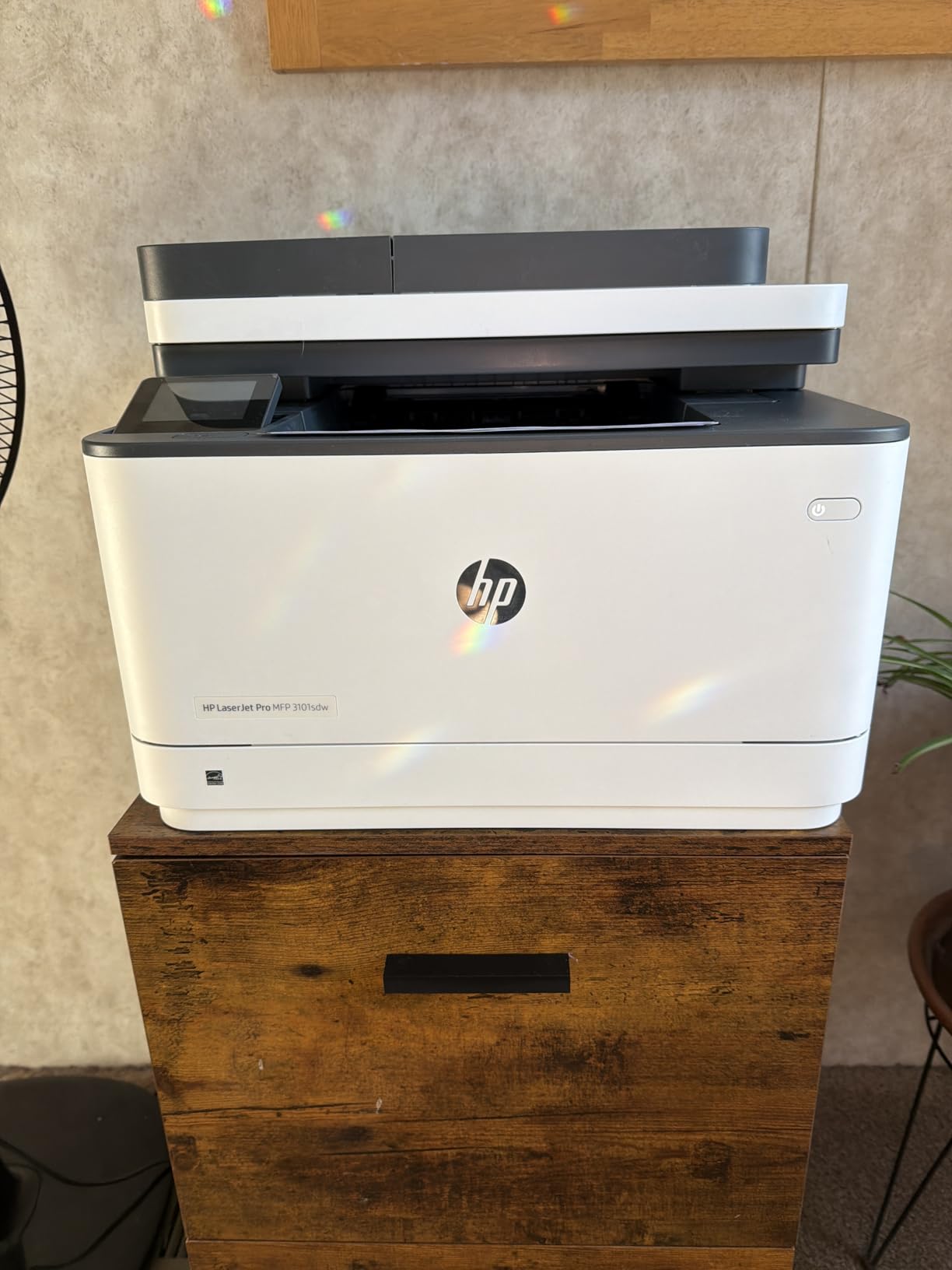
The fastest engine in this roundup and the highest-rated among the office machines, at 4.5 stars across just under 600 reviews. Forty pages a minute in black with copies at 35, up to 1200 by 1200 dpi, and a first page in seven seconds. HP lists AirPrint, Mopria, Ethernet, USB, Wi-Fi and Print Anywhere, so phone printing is handled natively rather than through a vendor app.
It takes a 250-sheet tray and a 50-sheet automatic document feeder, handles paper up to 8.5 by 14 inches, and runs up to 999 copies in one job, which is the kind of number that matters for a two-desk office printing a directory. Copy output can be scanned straight to email, and duplexing is automatic. The machine is 23.1 pounds, noticeably easier to place than the Brother MFC-L3720CDW.
Owners describe it as quiet for something this fast, with a wireless setup that connects without fuss, and several report more than a year of heavy use without trouble. The most-cited negative is the toner: the cartridges carry a chip and circuitry that blocks non-HP replacements, so you are locked into genuine HP toner. Occasional tray errors and a paper tray some owners call flimsy come up less often but do appear.
Compared with the Brother DCP-L2640DW, this HP is four pages a minute faster and rated higher, but the Brother uses TN830 and TN830XL cartridges and has a larger owner base. If color ever comes up, step up to the Brother MFC-L3720CDW rather than a color inkjet.
7. HP Sprocket 2nd Edition: Best for Scrapbook Stickers and Gifts
HP Sprocket 2nd Edition
Type: Zink portable photo
Duplex: single-sided
Speed: 1 sheet per minute
Tray: 10 sheets
Pros
- Pocket-sized at just over 6 ounces
- 2x3 inch peel-and-stick prints in under a minute
- No ink cartridges and smudge-resistant paper
- App adds filters borders and collages
- Bluetooth 5.0 with multi-device pairing
Cons
- Colors skew warm or pink
- Modest 313 x 400 dpi resolution
- Occasional paper feed issues and short battery life
This one does not print documents at all, and that is the point. The HP Sprocket turns a phone photo into a 2×3 inch peel-and-sticky print in under a minute using Zink paper with dye crystals instead of ink, so there is nothing to refill and nothing to smear. At just over 6 ounces and roughly the size of a paperback, it lives in a bag rather than on a shelf.
The owner base is the largest here, more than 25,000 reviews at 4.5 stars, and the reason is scrapbooking, party favors, gift tags and memory books. The app handles filters, borders, stickers and collages, Bluetooth 5.0 pairs several devices, and ten sheets of Zink paper come in the box. The rechargeable battery and sleep mode make it genuinely portable, and peeling the backing off a print is half the reason scrapbookers buy one.
Owners report a recurring warm or pink color cast that often needs correcting in the app before printing, and the 313 by 400 dpi resolution is nowhere near inkjet photo quality. Paper feeds can jam on a worn roller, battery life is short for a full album, and Zink refills cost more per sheet than plain paper does elsewhere. Print a test page and edit before you commit to a batch.
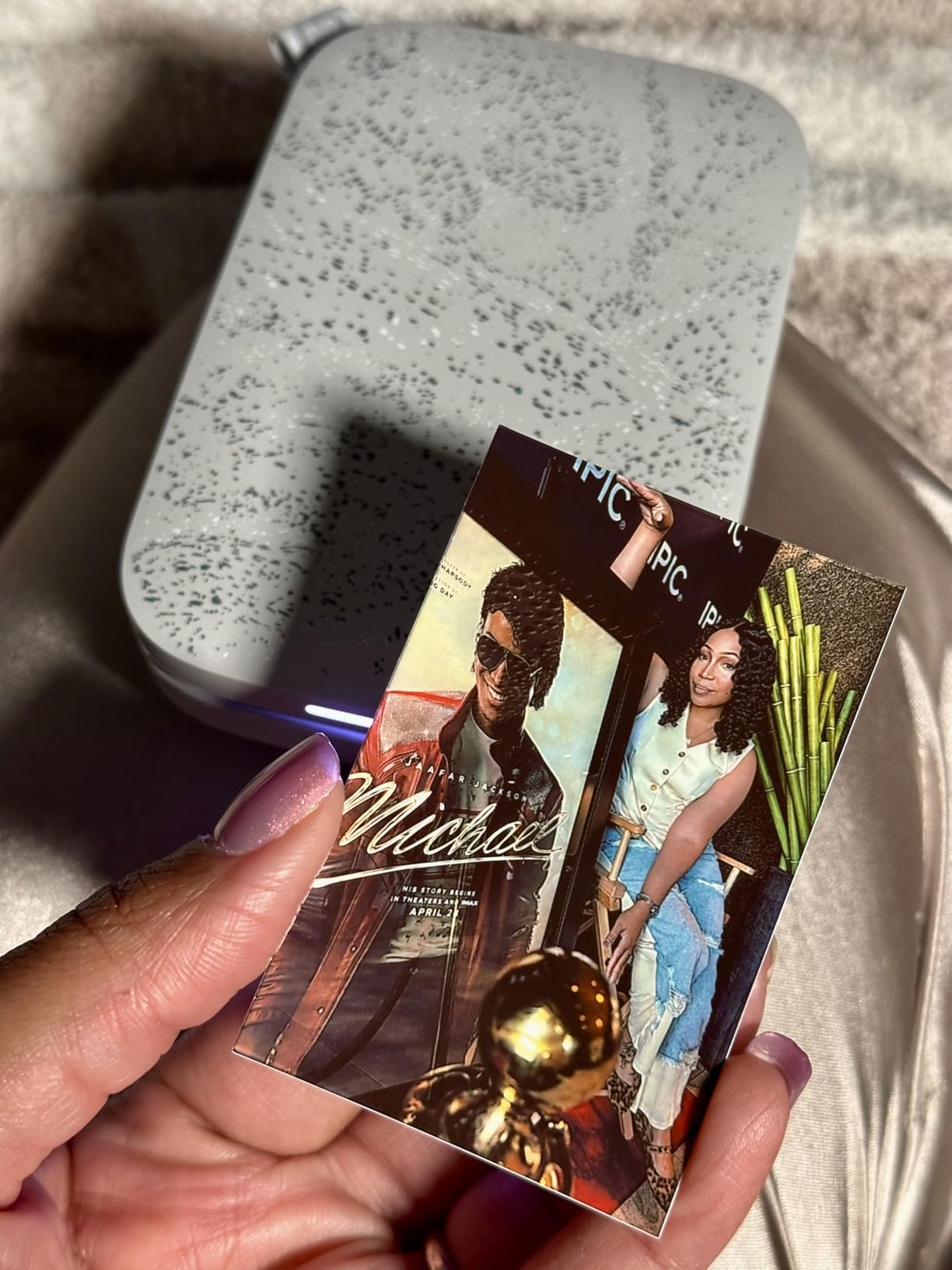
Look at the KODAK Step Instant if you want the same idea smaller, or the Canon PIXMA TS7720 if the photos need to look like photographs rather than souvenirs.
8. Nelko PL70e Label Printer: Best for Shipping Labels and Small Sellers
Nelko PL70e Label Printer
Type: thermal label printer
Duplex: single-sided
Speed: 72 sheets per minute
Tray: 500 labels
Pros
- No ink toner or cartridges
- 150 mm/s thermal printing at 203 dpi
- Works with Amazon eBay Shopify USPS UPS Etsy and PayPal
- Label widths from 1.54 to 4.1 inches
- Compact 9 x 5 x 6 inch body
Cons
- Bluetooth printing routes through the vendor app
- Mac users must print over USB
- Labels must be saved as PDF and uploaded
Four x six thermal labels at up to 72 sheets a minute, with no ink, toner or cartridge to buy for the life of the machine. If you send parcels from a kitchen table or a home office, this is the only printer in the roundup built for the job, and nearly 6,000 reviews at 4.3 stars reflect how many people discovered that.
Resolution is 203 by 203 dpi, which is the standard for shipping labels and entirely adequate for barcodes and addresses. Label widths run from 1.54 to 4.1 inches with both fanfold and roll media supported, and up to 500 labels can be queued in one run. It connects over Bluetooth and USB across iOS, Android, Windows, Mac and Chrome OS, and the compatibility list includes Amazon, eBay, Shopify, USPS, UPS, Etsy, PayPal and Poshmark. Fifty 4×6 labels are included.
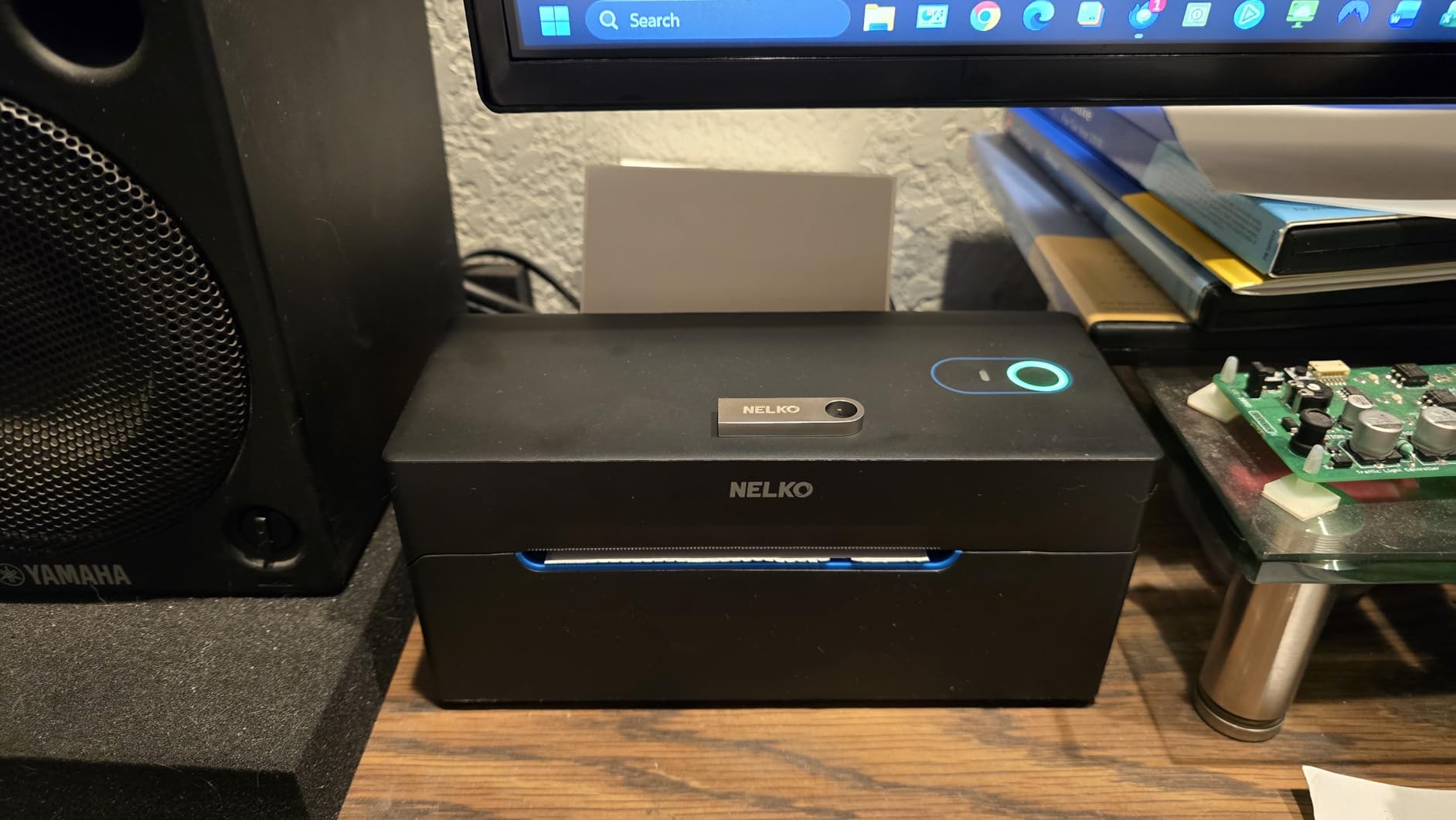
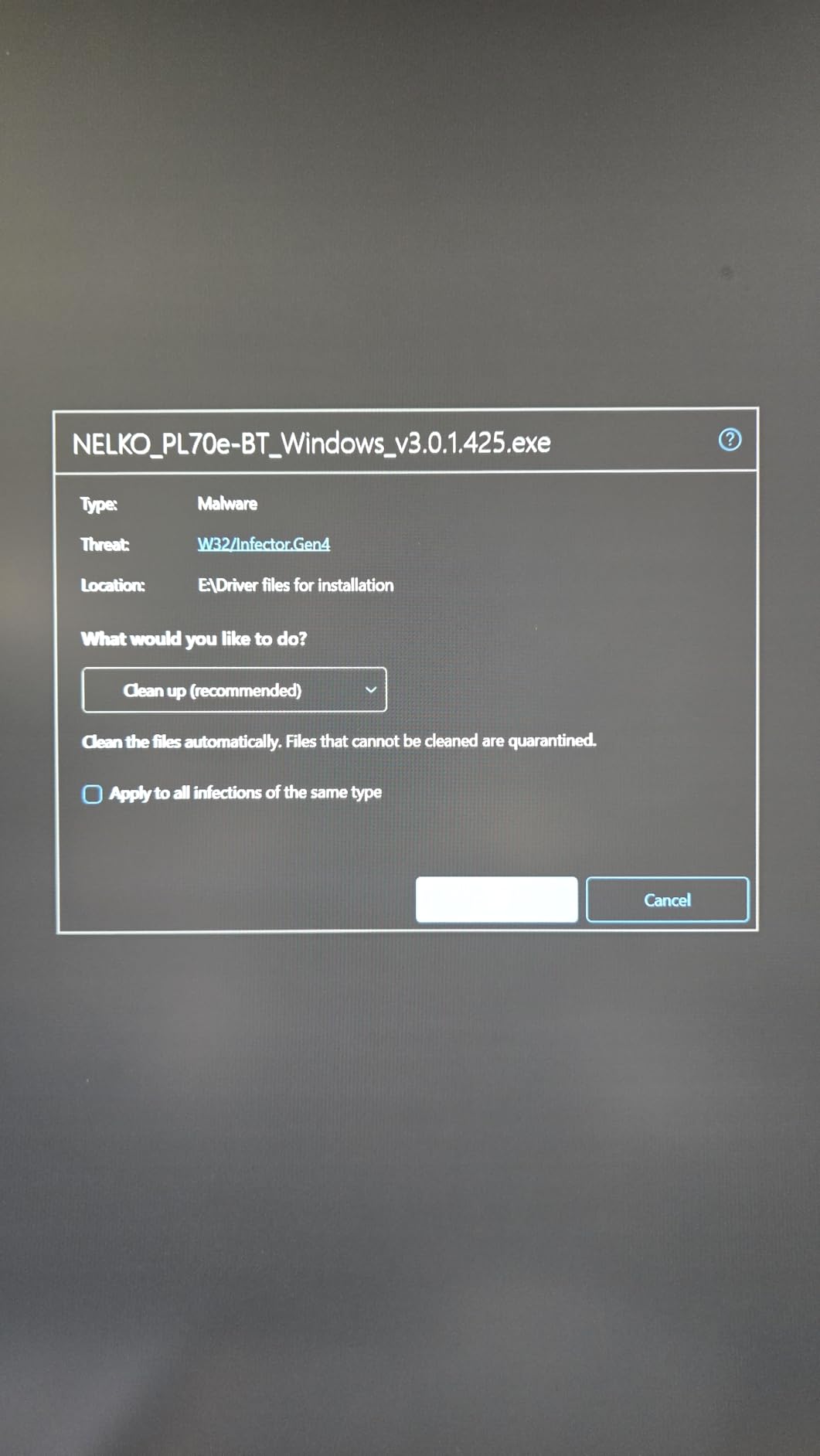
The friction is software, not hardware. Bluetooth printing routes through the NELKO app rather than pairing directly with the device, Mac users have to print over USB because Bluetooth is not supported there, and labels must be exported as a PDF and uploaded rather than sent straight from a browser. Owners running mixed Mac and Windows setups report the app workflow is the learning curve.
Good to know: this prints labels and nothing else. A four by six photo of a product listing is not what it is built for, and if you need both, our roundup of label printers for small businesses covers the wider label-printer market.
9. Canon PIXMA TS7720: Best for Glossy Home Photos
Canon PIXMA TS7720
Type: cartridge inkjet
Duplex: automatic
Speed: 15 ppm black
Tray: 2 trays
Pros
- Automatic duplex printing
- 2.7-inch LCD touchscreen
- Two paper trays for mixed media
- Compact footprint
- Streamlined out-of-box setup
Cons
- Only two ink cartridges for photo work
- Modest 15 ppm black speed
A home photo printer that behaves like an office machine. The 2.7-inch LCD touchscreen lets you set it up and print without an app, and two paper trays are unusual in this class: a rear tray that takes letter, legal, A4, 4×6, 5×7, 7×10, 8×10 and square sizes, plus a cassette for letter and A4. That means photo paper and document paper can stay loaded side by side without swapping stock.
Speed is 15 pages a minute in black and 10 in color, with resolution and copy output up to 1200 by 1200 dpi. Duplexing is automatic, borderless printing is supported, and glossy photo paper and high-resolution media are both listed. It is Energy Star rated and 13.8 pounds, the lightest full-size inkjet here after the portable units.
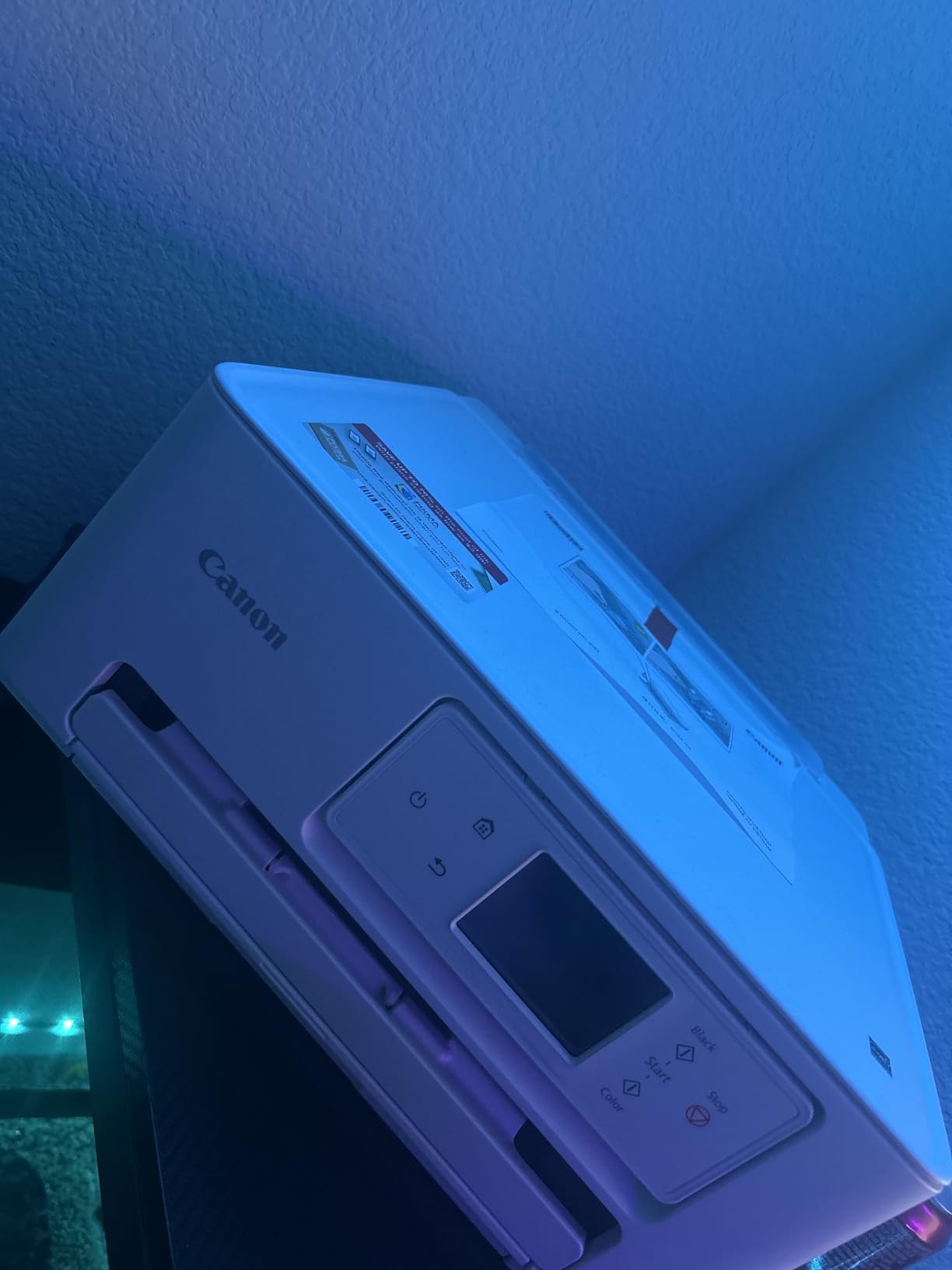
Reviewers like the touchscreen and the straightforward setup, and the two-tray layout is the feature that separates it from the Canon PIXMA TS6520. The limitation is the two-cartridge ink system, one PG-285 black and one CL-286 color, which narrows the inks available for serious photo work, and 15 ppm is unremarkable for long documents. The owner base, a little over 1,000 reviews, is also one of the thinner ones here.
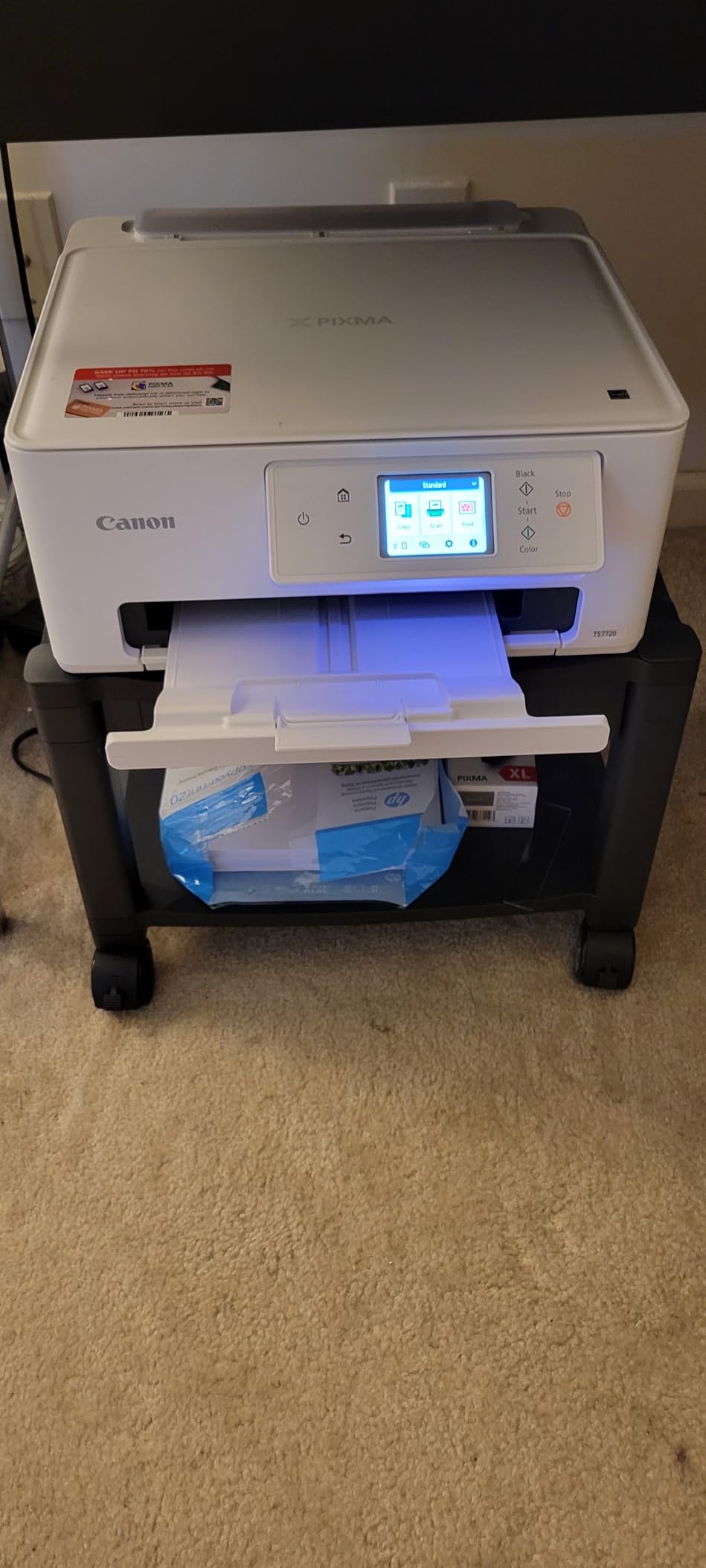
If photographs come out of the same machine as homework all year, the Epson EcoTank ET-2800 handles the volume and the cost better. Choose this Canon when the photo output is the reason the printer exists.
10. KODAK Step Instant: Best for Pocketable Instant Photos
KODAK Step Instant
Type: Zink portable photo
Duplex: single-sided
Speed: 1 sheet per minute
Tray: 10 sheets
Pros
- Palm-sized and under a pound
- Zero-ink Zink paper resists moisture rips and smudges
- Bluetooth and NFC pairing
- KODAK app with filters borders and collages
- About 25 prints per battery charge
Cons
- 2x3 inch prints are lower resolution than inkjet output
- Starter Zink paper packs are a recurring cost
The smallest printer in the roundup, and the one that fits the least fuss into a pocket. It measures about 1 by 2 by 3 inches and weighs under a pound, connects by Bluetooth and NFC to iOS and Android, and prints a 2×3 inch sticky-backed Zink photo in roughly 60 seconds. The rechargeable lithium-ion battery gets about 25 prints per charge.
Zero ink means the embedded dye crystals in the paper handle moisture, tearing and smudging, which is why these survive a wallet or a school bag in a way inkjet prints do not. The KODAK app handles filters, borders, stickers, text and collages. More than 20,000 owners at 4.4 stars have rated it, and reviewers single out pocketability and easy pairing.
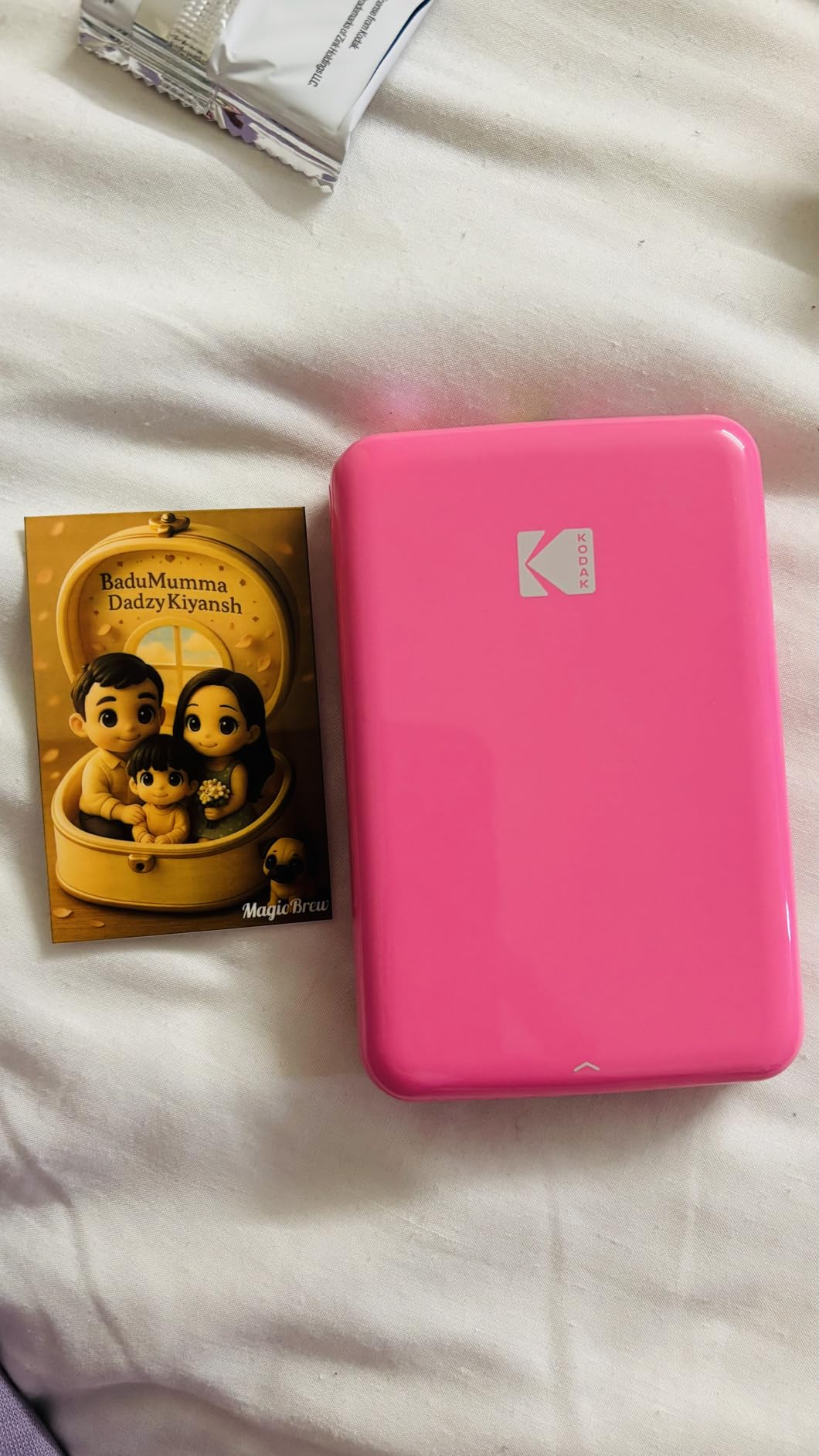
The limits are size and paper cost. A 2×3 inch print at 313 by 400 dpi is fine for a fridge display and thin for anything framed, and Zink refills are a repeating expense that adds up faster than ink on a tank printer. Compared with the HP Sprocket 2nd Edition, this Kodak is smaller and cheaper to carry but the app offers less editing, and Sprocket prints in under a minute with a rechargeable battery too.
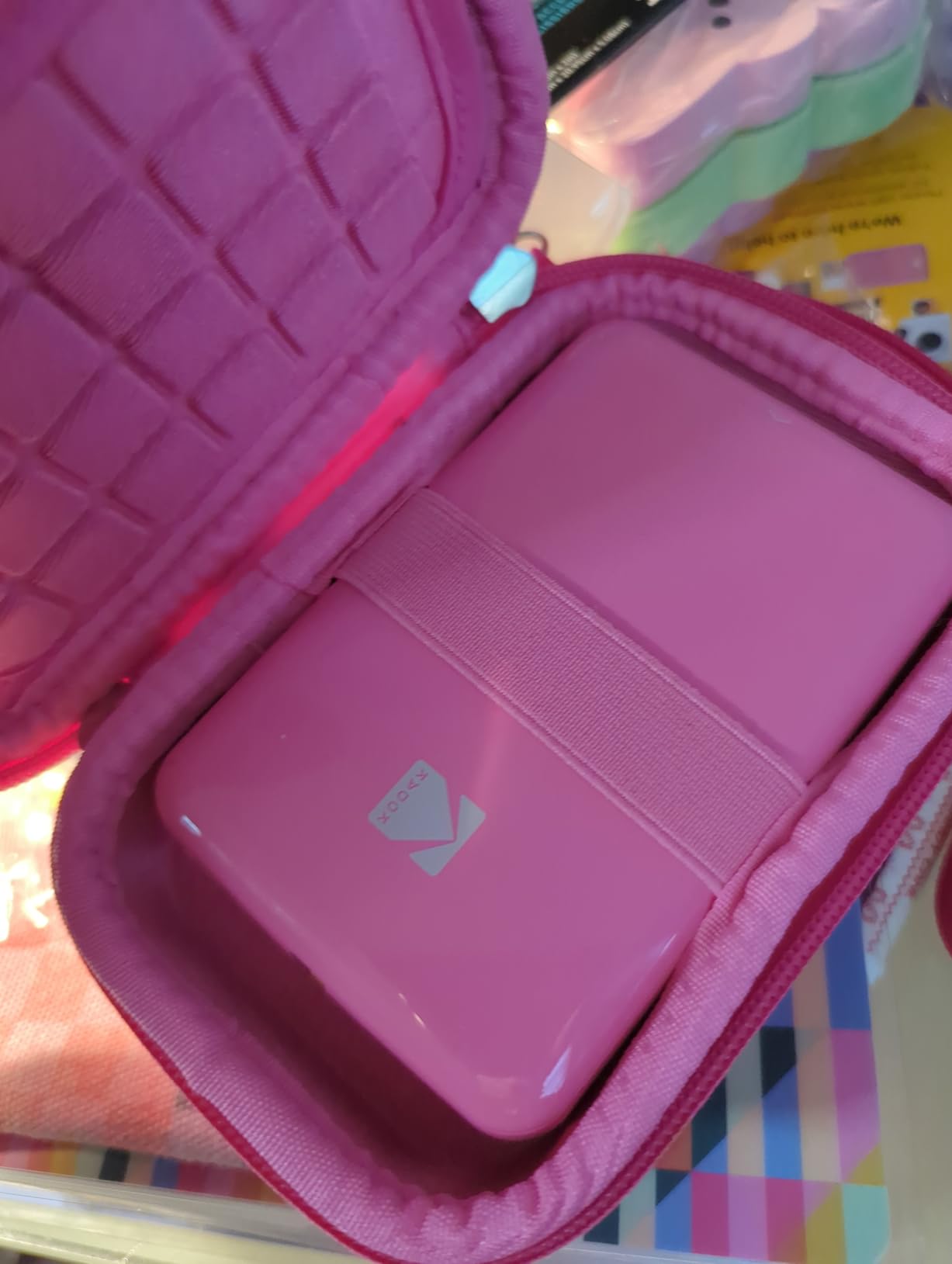
Skip it for documents entirely, and for anyone who wants archival photos. If you travel and print as you go, our guide to portable printers for travel covers what else fits in a carry-on.
How to Choose Printers During Prime Big Deal Days
Laser or Inkjet: Which Printer Type Fits Your Needs?
Inkjets print color and photos and start cheaper; lasers print text fast and cost less per page, but monochrome unless you buy a color laser model. Above roughly 400 pages a month, toner math wins on running cost, and no inkjet cartridges or nozzles are exposed to the drying problem that stops a tank printer working after a long spell unused.
Refillable tank printers sit between the two: color output like an inkjet, per-page cost closer to a laser, and no cartridge replacements. For a first home office machine, our guide to affordable all-in-one printers breaks down the entry bracket. The Epson EcoTank ET-2800 suits most families; the Brother DCP-L2640DW suits anyone printing documents all day.
Print Quality for Home Office and School Work
For text, anything rated 1200 by 1200 dpi or better looks professional, and every laser here clears that bar. Color work is where inkjets separate: 5760 dpi on the Epson ET-2800 and 4800 by 1200 on the Canon MegaTank G3270 give noticeably smoother photos than a 1200 dpi cartridge inkjet.
Line speed matters more than resolution when a child prints 40 worksheets a week. The Brother DCP-L2640DW at 36 ppm and the HP LaserJet Pro 3101sdw at 40 ppm finish that work in minutes; an inkjet at 10 ppm does not. If color and speed are both on the list, our picks of color laser printers for home offices cover the middle ground.
Connectivity and Printing from Phones and Laptops
Wi-Fi is standard on all ten printers here, so check the band rather than the presence of wireless. Dual-band 2.4GHz and 5GHz support, listed on the Canon PIXMA TS6520, the Brother DCP-L2640DW and the Brother MFC-L3720CDW, holds up better on a crowded modern network than 2.4GHz alone. Ethernet on the Brother and HP machines gives a wired fallback.
Phone printing usually runs through AirPrint, Mopria or a vendor app. The Canon PIXMA TS6520 and the HP LaserJet Pro 3101sdw both list native AirPrint and Mopria, so they will work without installing anything, while the Nelko label printer requires its own app over Bluetooth and a USB cable on Mac. Owners of the Brother DCP-L2640DW most often report trouble with the Wi-Fi password step, so budget ten minutes for setup.
Paper Handling and Running Costs
Capacity sets how often you refill: 100 sheets on the tank printers and the Canon PIXMA models, 250 on the Brother and HP laser machines, 500 labels on the Nelko. Automatic duplexing halves paper use and appears on the Canon PIXMA TS6520 and TS7720, both Brother laser printers and the HP LaserJet Pro 3101sdw, but not on either tank printer. A 50-page document feeder, present on the three laser machines, saves more time than any other single feature on a busy desk.
Running cost is where a tank printer pulls away: one Epson ink set covers up to 4,500 black pages and one Canon set up to 6,000. Laser toner in TN830 and TN830XL cartridges does not dry out, which matters if the machine sits idle between jobs. Remember that the HP LaserJet Pro 3101sdw’s chipped cartridges rule out non-HP replacements before you factor third-party pricing into a plan.
Photo Printing and Specialty Uses
No laser here prints photographs worth framing, so glossy output means inkjet or Zink. Tank printers win on cost per photo and handle glossy photo paper, envelopes and card stock, and the Canon MegaTank G3270 supports borderless printing. For labels, craft stock and small batch photos, the photo printers for scrapbooking we covered elsewhere cover the Zink route in more detail.
The Zink units make 2×3 inch sticky-backed prints with no ink at all, in about a minute, which suits scrapbooks, party favors and gift tags. The HP Sprocket 2nd Edition offers the larger editing toolkit, while the KODAK Step Instant wins on size. Shipping labels are their own category: the Nelko PL70e prints 4×6 thermal labels at up to 72 a minute and needs no consumable but paper.
How to Shop Printer Deals During the Sale
Read the model number, not the listing title. Printer names carry generation codes, and two models that look identical in a headline can sit in different brackets for supplies. Check what is in the box, because a tank printer listing that includes only one starter bottle is a different purchase from one with a full set, and a cartridge printer listing a starter set means you will buy more within a month. Confirm the condition line says new rather than renewed, and note who sells the listing, since a third-party seller with a thinner return window is a different deal from a first-party one. Most offers across the sale need a Prime membership, and pricing shifts through the event.
Before you click, it is worth checking:
- Model number and generation code, so the supplies match
- New condition, not renewed or open-box
- Whether a full ink set or a single starter bottle is included
- First-party seller and a return window you can live with
- Duplexing and feeder size against your weekly volume
- What replacement supplies cost, not just the machine
Frequently Asked Questions
When do Amazon Prime Big Deal Days printer deals start?
Prime Big Deal Days runs October 6-7, 2026. Printer offers are among the steepest in that window because inkjet and tank models sit in highly competitive price bands, and the event lasts 48 hours, so a good figure does not linger. Most offers need a Prime membership, and a free trial counts.
Which is better for home office use, an inkjet or a laser printer?
A laser printer for a home office, unless you print color photos often. Lasers run 36 to 40 pages a minute with automatic duplexing, a 250-sheet tray and toner that never dries out. Inkjets cost less to buy and handle photos better, but cartridge running costs add up and there is no automatic duplex on the tank models we list.
Do laser printers use ink?
No, laser printers use toner, which is dry polymer powder melted onto the page by a laser drum. Because it is a powder, it does not dry out or clog the way liquid ink can, which is the main reliability argument for a laser in a home office that sits unused between jobs. Both still need a drum unit replaced periodically.
Which printer has the fewest reported problems?
The HP LaserJet Pro 3101sdw and the Brother DCP-L2640DW come up most often as dependable, with the 4.5 stars on the HP and steady owner commentary on the Brother. Tank printers draw more reliability complaints, usually about print head alignment and nozzles that need cleaning. HP Smart software reporting a printer offline and Brother scan software freezing are the two most common software gripes.
Are refillable ink tank printers cheaper to run than cartridge models?
Yes, by a wide margin over time. A single Epson ET-2800 ink set covers up to 4,500 black pages and one Canon MegaTank set up to 6,000, which the manufacturer frames as roughly 90 cartridges. The saving matters most above 100 pages a month; below that, the higher purchase price takes longer to earn back.
Do portable photo printers like the HP Sprocket need ink cartridges?
No, they use Zink paper with dye crystals embedded in the sheet, so there is no ink to buy or refill. The HP Sprocket 2nd Edition and the KODAK Step Instant both print 2×3 inch sticky-backed photos from a phone in about a minute over Bluetooth. The catch is that Zink paper is a repeating cost and the output is lower resolution than an inkjet photo.
Final Verdict: Best Amazon Prime Big Deal Days Printer Deals
Buy the Epson EcoTank ET-2800 if you want the running cost of the roundup under control and a color all-in-one that handles both homework and holiday photos; it is the pick most worth watching during the sale. The Canon MegaTank G3270 is the sensible alternative when shelf space or borderless printing decides it, and the Canon PIXMA TS6520 is the one to buy on a student budget where duplexing matters more than ink cost.
Buy the Brother DCP-L2640DW when documents outnumber photographs, the HP LaserJet Pro 3101sdw when a small team needs raw speed, and the Brother MFC-L3720CDW when the office genuinely needs color and fax. The Canon PIXMA TS7720 is the home photo choice, the HP Sprocket 2nd Edition and KODAK Step Instant handle instant sticker photos, and the Nelko PL70e is the shipping desk. Check the current figure on the listing, confirm the model number matches the supplies you will buy later, and pick from there.