10 Best Amazon Prime Big Deal Days Monitor Deals (October 2026 Sale)
If your monitor shopping has been sitting in a browser tab since spring, the SANSUI 34 Curved Ultrawide is the one to watch during Amazon’s Prime Big Deal Days, because it pairs a 3440×1440 panel with a 200Hz refresh rate and dual HDMI 2.1 inputs at a price tier that usually belongs to 1440p 27-inch screens. It handles ultrawide gaming, a split work layout and console play on a single panel.
Two others earn their place. The Acer KB272 G0bi covers the plain 1080p office case, and the Samsung Odyssey G55C is the safe 16:9 gaming step-up with QHD at 165Hz. Prime Big Deal Days runs October 6-7, 2026, and most offers need a Prime membership.
Contents
Our Top 3 Picks for Best Amazon Prime Big Deal Days Monitor Deals (October 2026)

SANSUI 34 Curved Ultrawide
- 3440x1440 at 200Hz
- 1500R VA panel
- Dual HDMI 2.1 and DP 1.4
- 3000:1 contrast and 96% DCI-P3

Acer KB272 G0bi
- 27-inch 1080p IPS at 120Hz
- 1ms VRB response
- FreeSync adaptive sync
- Three-year warranty

Samsung Odyssey G55C
- 32-inch QHD at 165Hz
- 1000R curved panel
- 1ms MPRT response
- FreeSync and HDR10
As an Amazon Associate we earn from qualifying purchases. CERTAIN CONTENT THAT APPEARS ON THIS SITE COMES FROM AMAZON. THIS CONTENT IS PROVIDED 'AS IS' AND IS SUBJECT TO CHANGE OR REMOVAL AT ANY TIME.
The SANSUI takes the top slot on paper strength: a 200Hz ceiling over 3440×1440, 3000:1 contrast and the port selection needs no compromise, on the longest owner review history of any pick here.
The Acer KB272 G0bi is the plain, low-fuss option, and among the highest-rated picks here at 4.6 across more than 2000 reviews. A three-year warranty is unusual at this end of the range, and 120Hz is smooth for a 1080p office panel.
The Samsung Odyssey G55C is the 16:9 option for people who want a sharper picture than Full HD without leaving the window shape they already know. QHD at 165Hz, a 1000R curve and HDR10 make it the gaming step-up.
Best Amazon Prime Big Deal Days Monitor Deals Compared
| Product | Features | |
|---|---|---|
| SANSUI 34 Curved Ultrawide |
|
Check Deal Price |
| Acer KB272 G0bi |
|
Check Deal Price |
 Dell S2725QS Dell S2725QS |
|
Check Deal Price |
| Samsung Odyssey G55C |
|
Check Deal Price |
 Samsung S30GD Samsung S30GD |
|
Check Deal Price |
 Samsung ViewFinity S50GC Samsung ViewFinity S50GC |
|
Check Deal Price |
 Alienware AW3425DWM Alienware AW3425DWM |
|
Check Deal Price |
 LG 27US500-W LG 27US500-W |
|
Check Deal Price |
 Dell SE2426H Dell SE2426H |
|
Check Deal Price |
 LG 27UP850K-W LG 27UP850K-W |
|
Check Deal Price |
We earn from qualifying purchases. CERTAIN CONTENT THAT APPEARS ON THIS SITE COMES FROM AMAZON. THIS CONTENT IS PROVIDED 'AS IS' AND IS SUBJECT TO CHANGE OR REMOVAL AT ANY TIME.
Fields are the same for every row so the numbers can be compared directly. Refresh rate on its own tells you little, which is why the resolution pairing matters more than either figure alone.
How We Chose
We compared resolution, panel type, refresh rate, response time, adaptive sync support, port selection and stand adjustment across all ten monitors, then read the owner review themes for each one. Ratings and review counts were checked in October 2026. Every pick earns its place on specifications and reported owner experience, and prices move during the sale, so use the buttons to see the current figure.
1. SANSUI 34 Curved Ultrawide: Editor’s Choice for Ultrawide Gaming
SANSUI 34 Curved Ultrawide
Size: 34 inch
Res: 3440x1440
Refresh: 200Hz
Sync: FreeSync
Panel: VA 1500R
Pros
- 3440x1440 and 200Hz in one panel
- Dual HDMI 2.1 and DP 1.4 both reach 200Hz
- 3000:1 contrast with 96% DCI-P3 coverage
- PIP and PBP for two sources at once
Cons
- Tilt-only stand with no height or swivel
- VA edge darkening when viewed off-center
- 200Hz needs a recent GPU to make use of it
Buy this if you have been staring at two 27-inch screens and keep thinking one would be tidier. The 21:9 panel is 31.8 inches wide, which is the same desk footprint most dual-monitor arms need, and PIP and PBP let a console, a work laptop and a trading window share it.
The 200Hz figure is the headline, and it is real on both DisplayPort 1.4 and both HDMI 2.1 ports, so you are not locked into one cable type. Response time is listed at 1ms overdrive, contrast at 3000:1 and colour coverage at 96% of DCI-P3, with HDR and a matte anti-glare finish.
Owners like the on-screen tools more than the specification sheet suggests. The built-in crosshair, sniper scope and blue light reduction are aimed at competitive shooters, and a 100x100mm VESA pattern plus a Kensington lock mean it mounts on an arm or locks to a desk like any other display.
Plan for out-of-box tuning. Several reviews mention spending time in the OSD and GPU settings before colour and sharpness look right, which is normal for a Fast VA panel. If you want a stand that raises and swivels instead, the Dell S2725QS later in this list adjusts in all four directions.
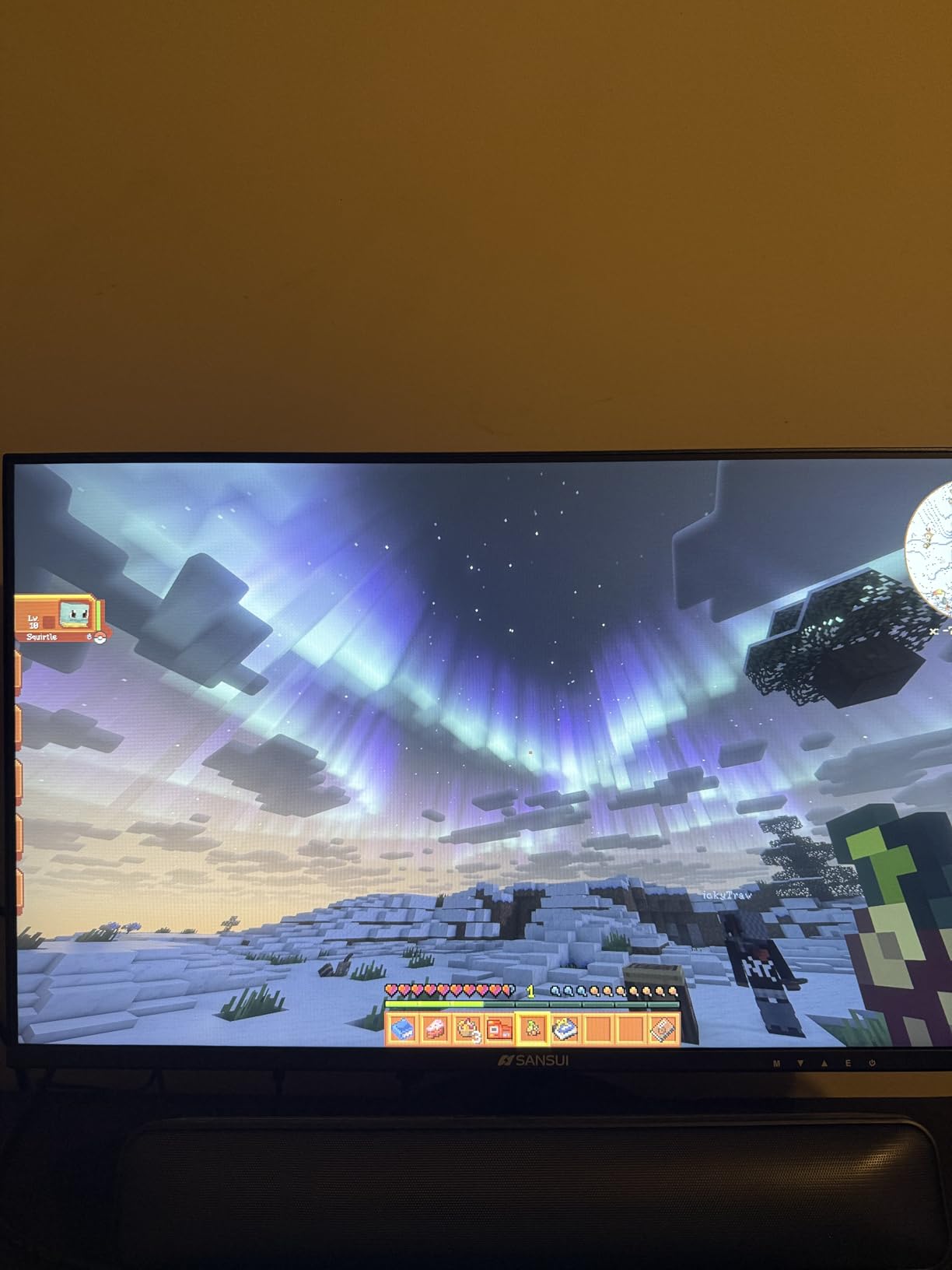
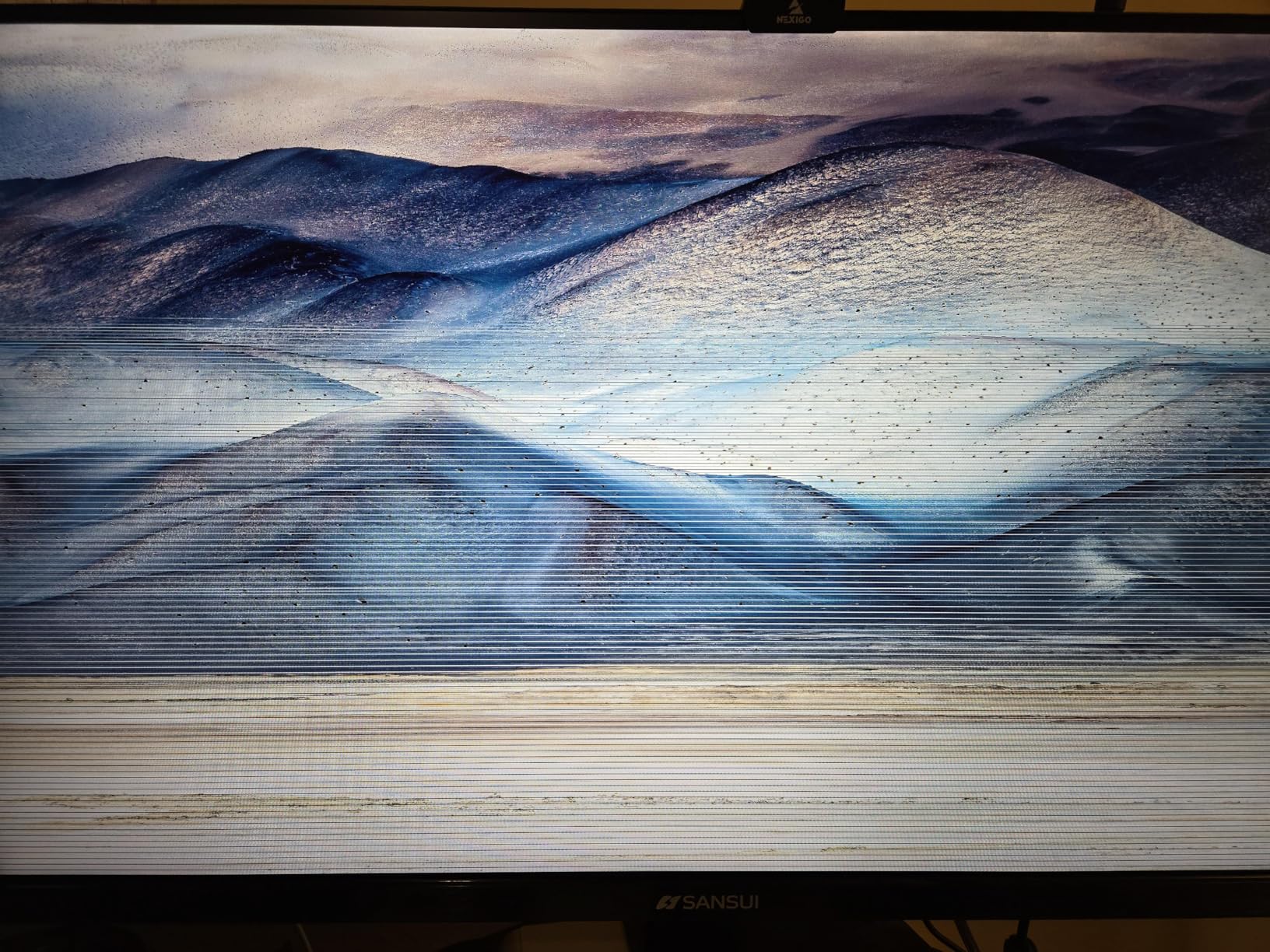
Two things to weigh first. A small but vocal group of owners report repeat power-on failures across multiple units, though most describe year-long reliability, so keep the return window in mind. And the 200Hz ceiling only helps if your GPU can feed it; a console or a laptop will run at a lower rate, where the Alienware AW3425DWM is the calmer pick.
2. Acer KB272 G0bi: Best for Budget Office Desks
Acer KB272 G0bi
Size: 27 inch
Res: 1920x1080
Refresh: 120Hz
Sync: FreeSync
Panel: IPS
Pros
- 4.6 rating across 2134 owner reviews
- 120Hz is smooth for a 1080p office panel
- Accurate IPS colour at wide viewing angles
- Three-year parts and labour warranty
Cons
- Tilt-only stand
- 250 nit brightness is modest in a bright room
- VGA alongside HDMI is dated for modern desks
Owners treat this as the dependable first monitor: a school dorm, a shared home office or a second screen behind a laptop. Setup takes a couple of minutes, the HDMI cable is in the box, and there is a three-year parts and labour warranty behind it.
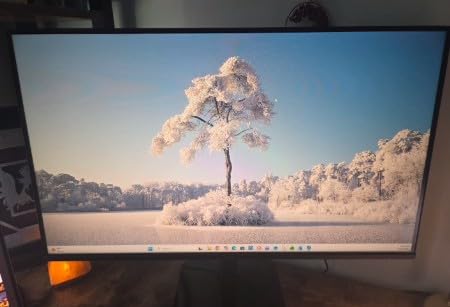
What you get over a typical office panel is the 120Hz refresh rate and 1ms VRB response, which makes scrolling, dragging windows and casual gaming noticeably smoother than 60Hz. Adaptive sync with FreeSync keeps frames aligned with an AMD or compatible NVIDIA card.
The IPS panel handles text well, and 250 nits is bright enough indoors with the blinds down. For a second monitor beside a laptop, the flat panel holds colour from wide angles, so you can sit slightly off-centre and still read the first column of a document.
The ceiling is the resolution, not the monitor. 1920×1080 at 27 inches is fine for one window or a browser and a chat app, but side-by-side documents get tight. If the same desk runs code all day, the Samsung ViewFinity S50GC later in this list is the wide-screen answer.
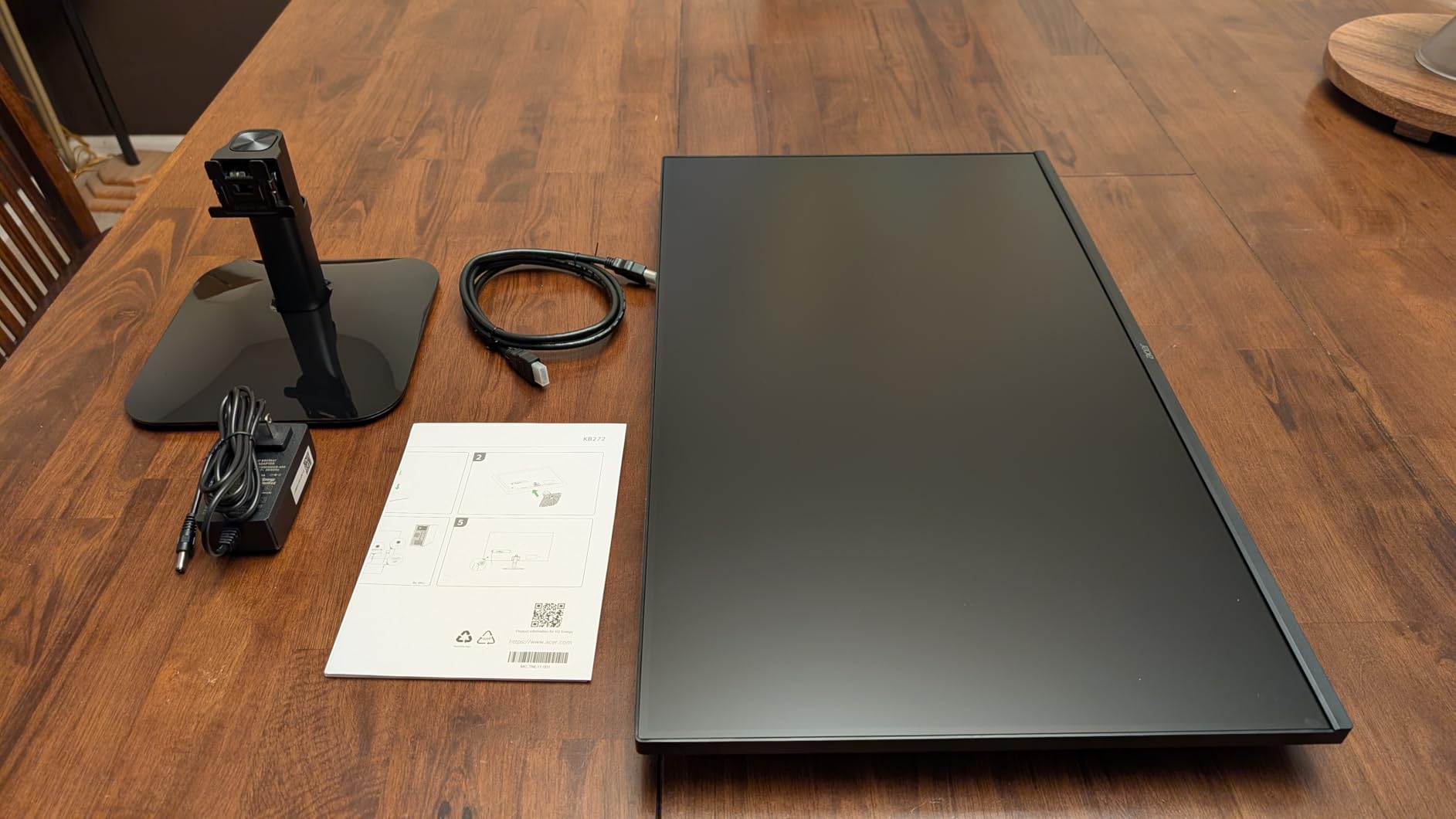
Two practical notes. The stand tilts and nothing else, so set the desk height before you connect it rather than after. And 1080p is the one spec to think about twice: if a 4K panel is affordable for you this week, the jump in text crispness is large and hard to unsee, and the Dell S2725QS covers the same size with 4K and a 120Hz refresh if you can stretch to it.
3. Samsung Odyssey G55C: Best Value Curved QHD Gaming
Samsung Odyssey G55C
Size: 32 inch
Res: 2560x1440
Refresh: 165Hz
Sync: FreeSync
Panel: 1000R curved
Pros
- QHD sharpness at a 16:9 aspect ratio
- 165Hz with 1ms MPRT response
- 1000R curve wraps closer than most
- FreeSync and HDR10 support
Cons
- Glossy finish picks up room reflections
- Tilt-only stand with no height adjustment
- Weaker off-axis angles than a flat IPS panel
This is the safe buy for a 16:9 desk. Everything on screen fits the window shape you already know, so browser, chat and game share the same rectangle without the letterboxing that comes with a 21:9 panel.
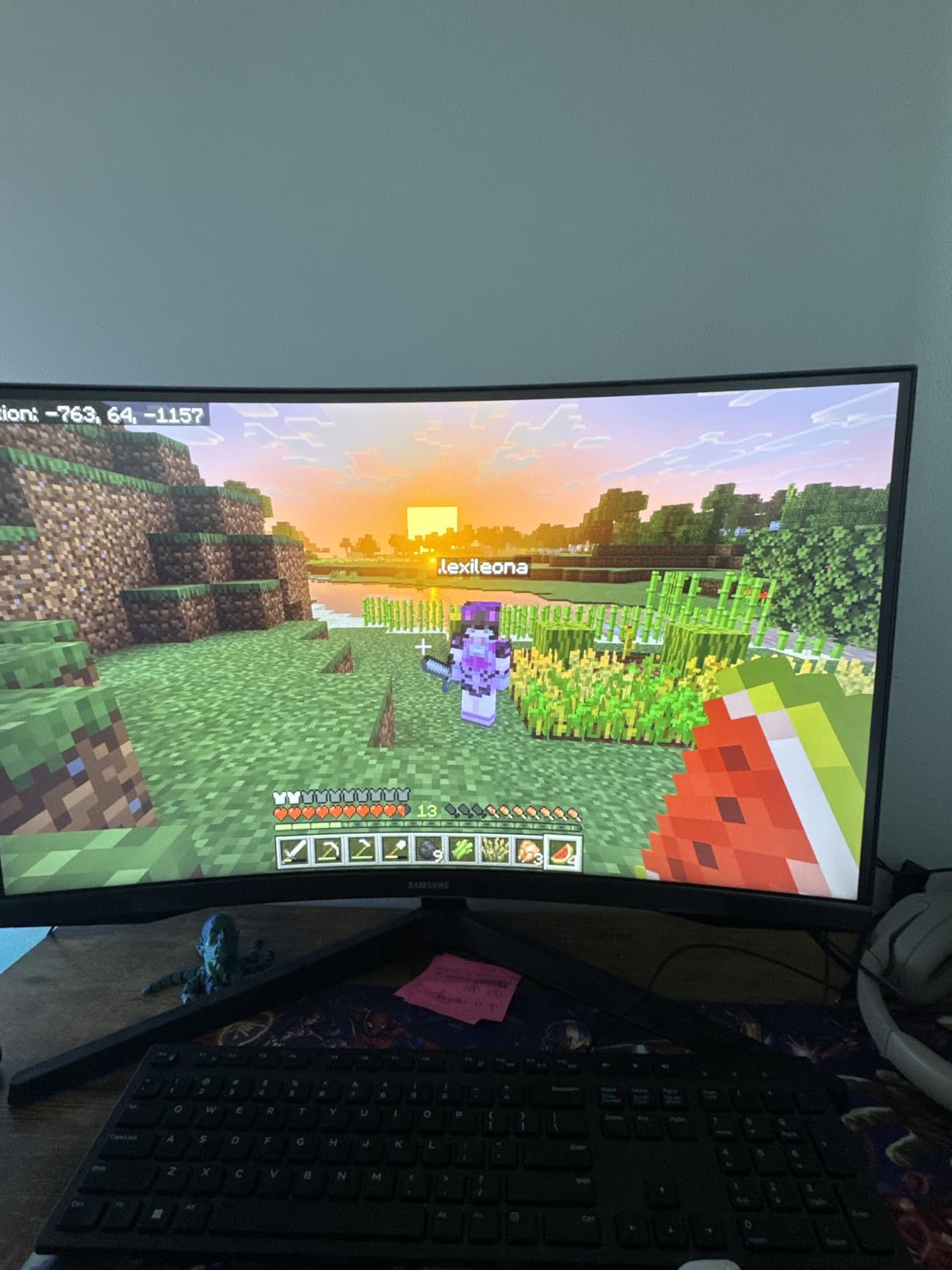
Buyers point to the 1000R curve as the reason it feels more involving than a flat screen at the same resolution. It is a tighter wrap than the 1500R curve on the SANSUI 34 Curved Ultrawide, a difference you either notice immediately or barely register.
Motion handling is where the value shows: 165Hz with a 1ms MPRT rating, AMD FreeSync for tear reduction and HDR10 for a bit more depth in dark scenes. Eye Saver Mode handles the blue light filter and flicker reduction for long evening sessions, and the panel is wall mount capable.
Keep the glossy finish in mind. Several owners mention reflections in a bright room, and the curve means off-axis viewing is weaker than a flat IPS panel, so this is a single-user monitor rather than something two people share.
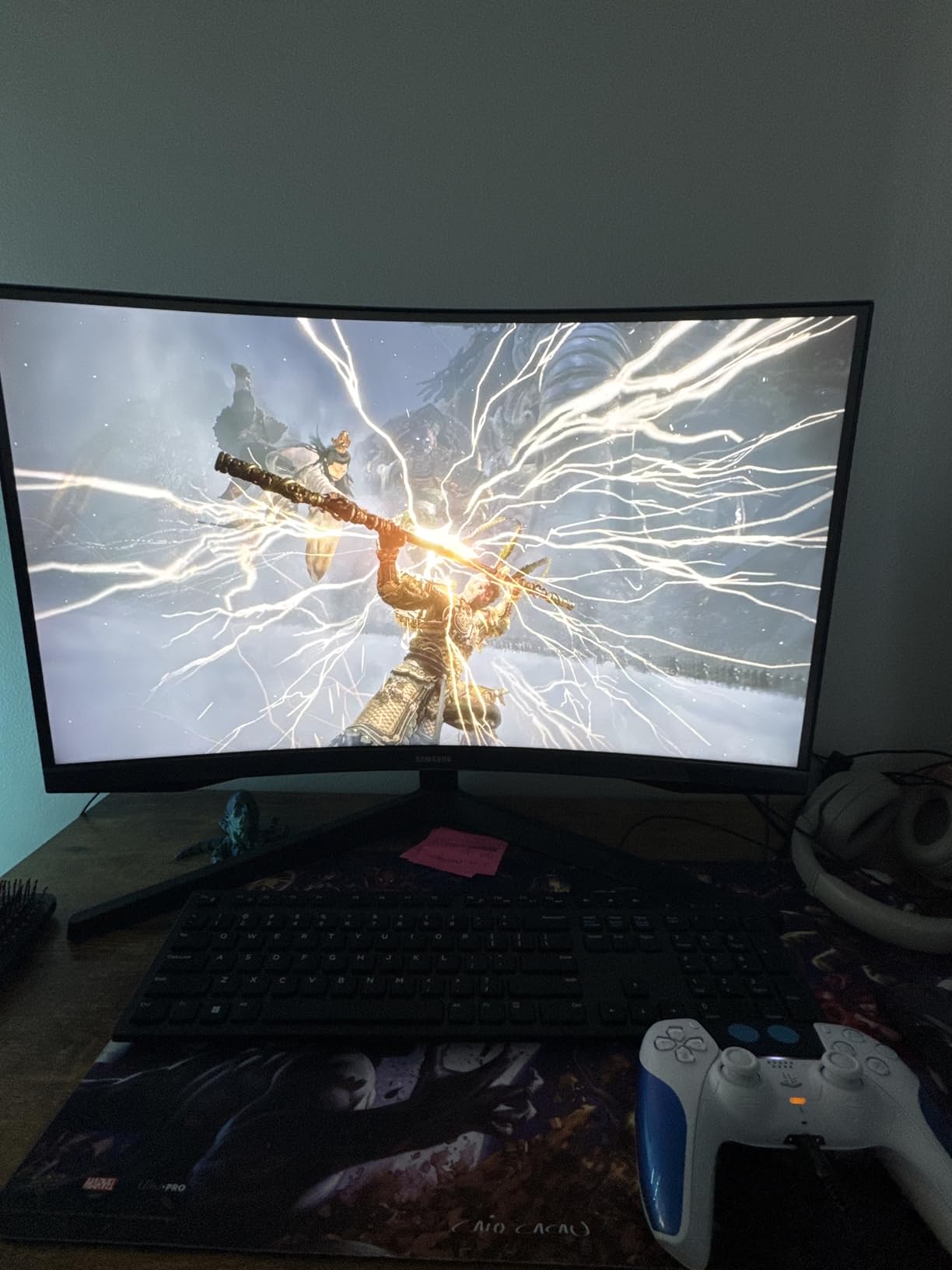
Skip it if the desk is shared or brightly lit, and consider the Samsung S30GD later in this list, which has a flat IPS panel and near-bezel-free fronts suited to sitting two screens side by side. If you play competitive shooters, note that the 5ms pixel response here will not match the 1ms MPRT panel on the SANSUI 34 Curved Ultrawide.
4. Samsung S30GD: Best for Thin-Bezel Dual-Monitor Desks
Samsung S30GD
Size: 27 inch
Res: 1920x1080
Refresh: 100Hz
Sync: FreeSync
Panel: IPS
Pros
- Ultra-thin three-sided bezels suit side-by-side pairing
- Light 6.4 pound body is easy to move
- Blue light filter and flicker-free design
- Game Mode with colour and contrast presets
Cons
- 100Hz and 5ms response blur fast motion
- Fixed stand height sits the panel high
- Some owners find text less sharp than expected at 27 inches
Buy two of these if your desk is the kind that people lean over. The three-sided bezels are the point, and at 6.4 pounds each, moving one to make room for a laptop is a two-minute job rather than a two-person one.
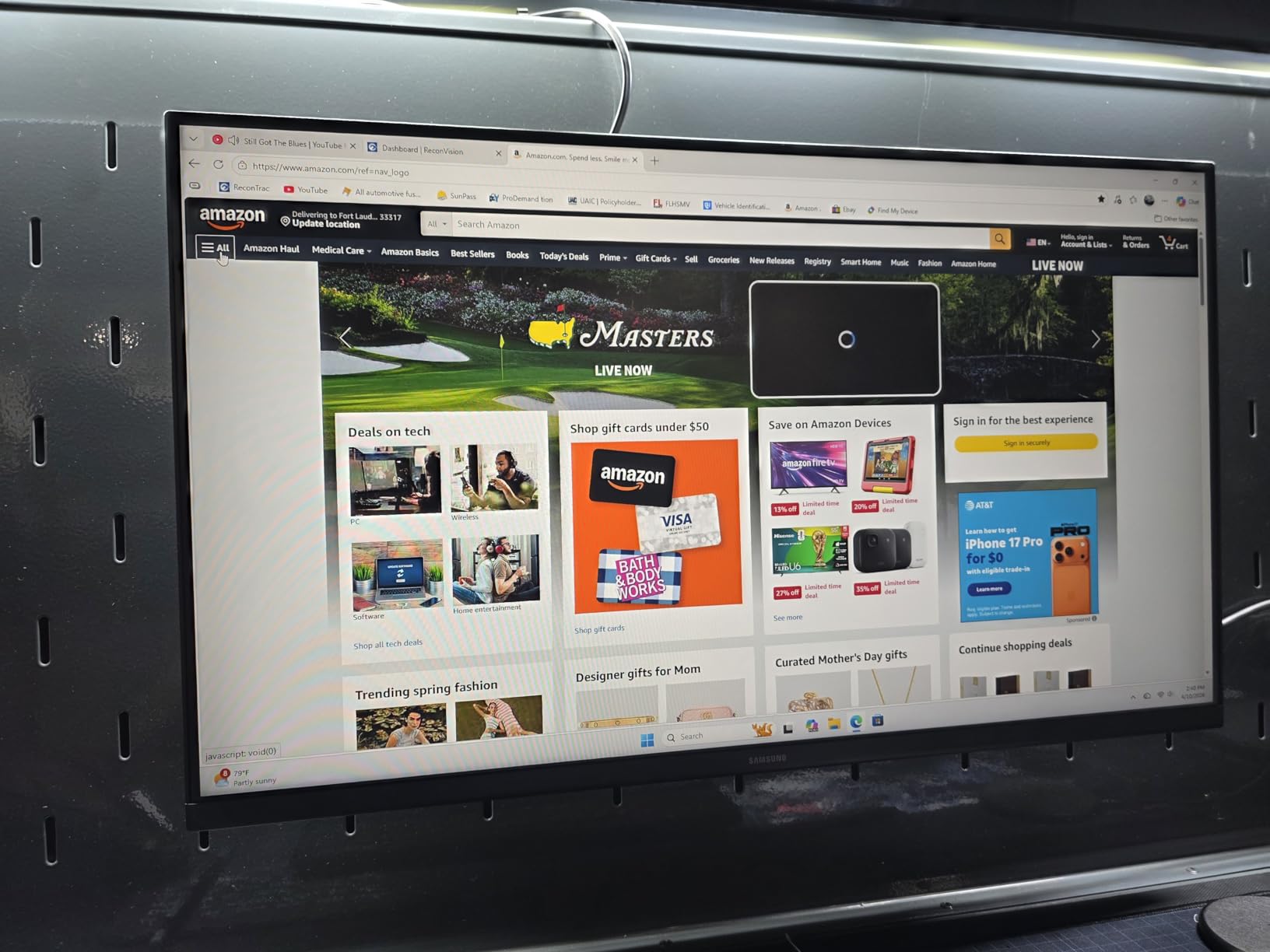
Colour stays consistent from wide angles, which matters on a second screen you glance at rather than face straight on. Owners also like the Game Mode preset and the Eye Care blue light filter for a long workday of reading.
Compared with the Acer KB272 G0bi, the trade is refresh rate for panel design. This one runs at 100Hz with 5ms response, so fast action in a shooter smears slightly where the Acer’s 120Hz and 1ms VRB do not. For documents, email and a media window, you will not notice.
Good to know before you order: the factory stand has no height adjustment, and several buyers say the panel sits fairly high out of the box. If you already use a monitor arm, that stops mattering.
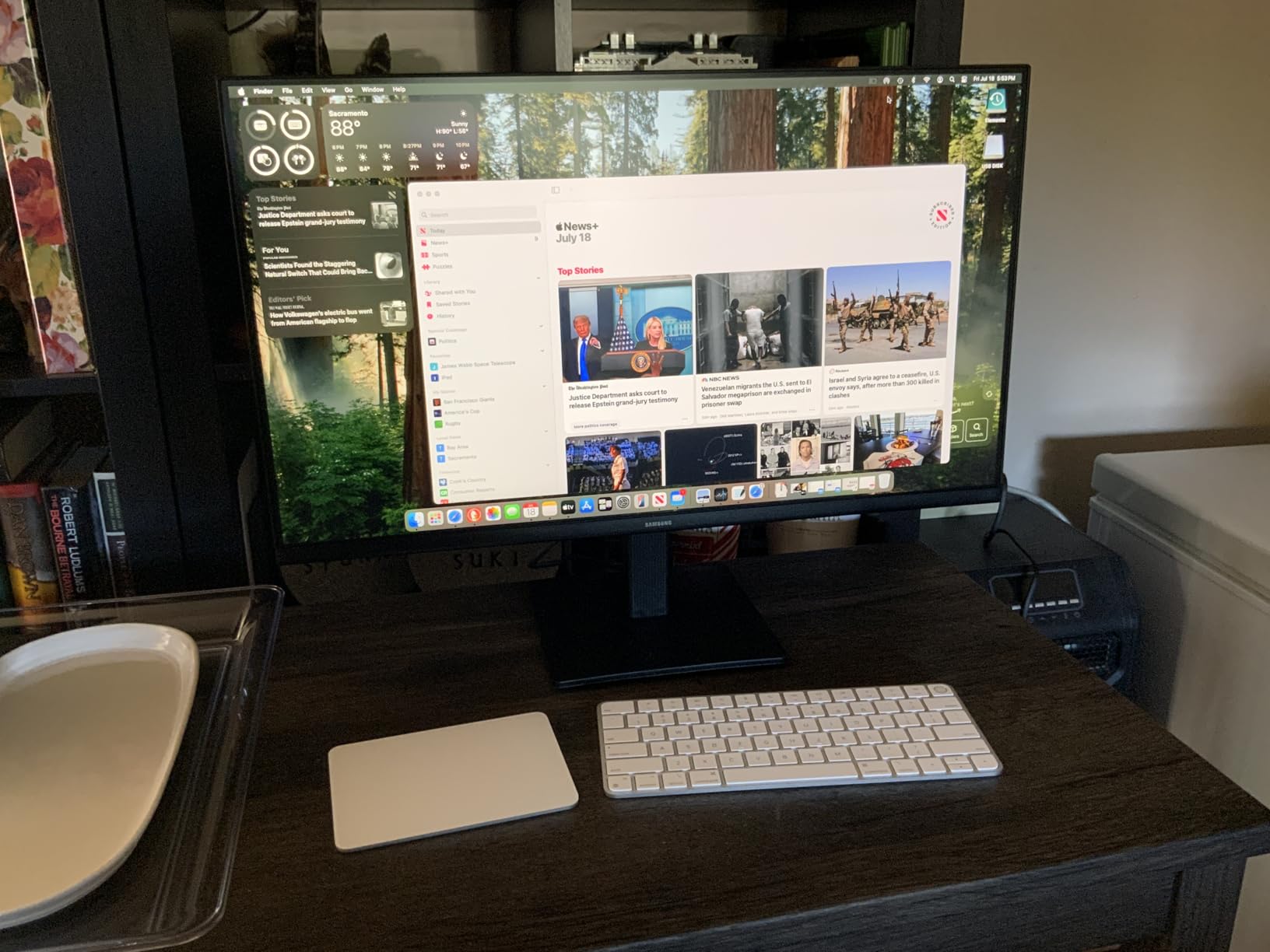
Owners report almost no reliability complaints, with the gripes staying ergonomic: the fixed height, tilt-only movement, and an isolated report of a base that pivots when it should not. If you want more width at the same refresh rate, the Samsung ViewFinity S50GC later in this list spreads the same 100Hz across a 3440×1440 panel.
5. Dell S2725QS: Best for 4K Productivity and Console Play
Dell S2725QS
Size: 27 inch
Res: 3840x2160
Refresh: 120Hz
Sync: FreeSync Premium
Panel: IPS
Pros
- 4K text crispness on a 27-inch panel
- 120Hz at 4K instead of the usual 60Hz
- 1500:1 contrast beats typical 1000:1 IPS
- Stand raises swivels pivots and tilts
Cons
- No USB-C input and no audio out jack
- 4-8ms pixel response shows ghosting in competitive FPS
- Basic HDR and bright default brightness
This is the productivity pick. At 3840×2160 on 27 inches, code, spreadsheets and small text are sharp in a way no 1080p panel in this list matches, and 120Hz keeps window dragging smooth instead of stuttery.
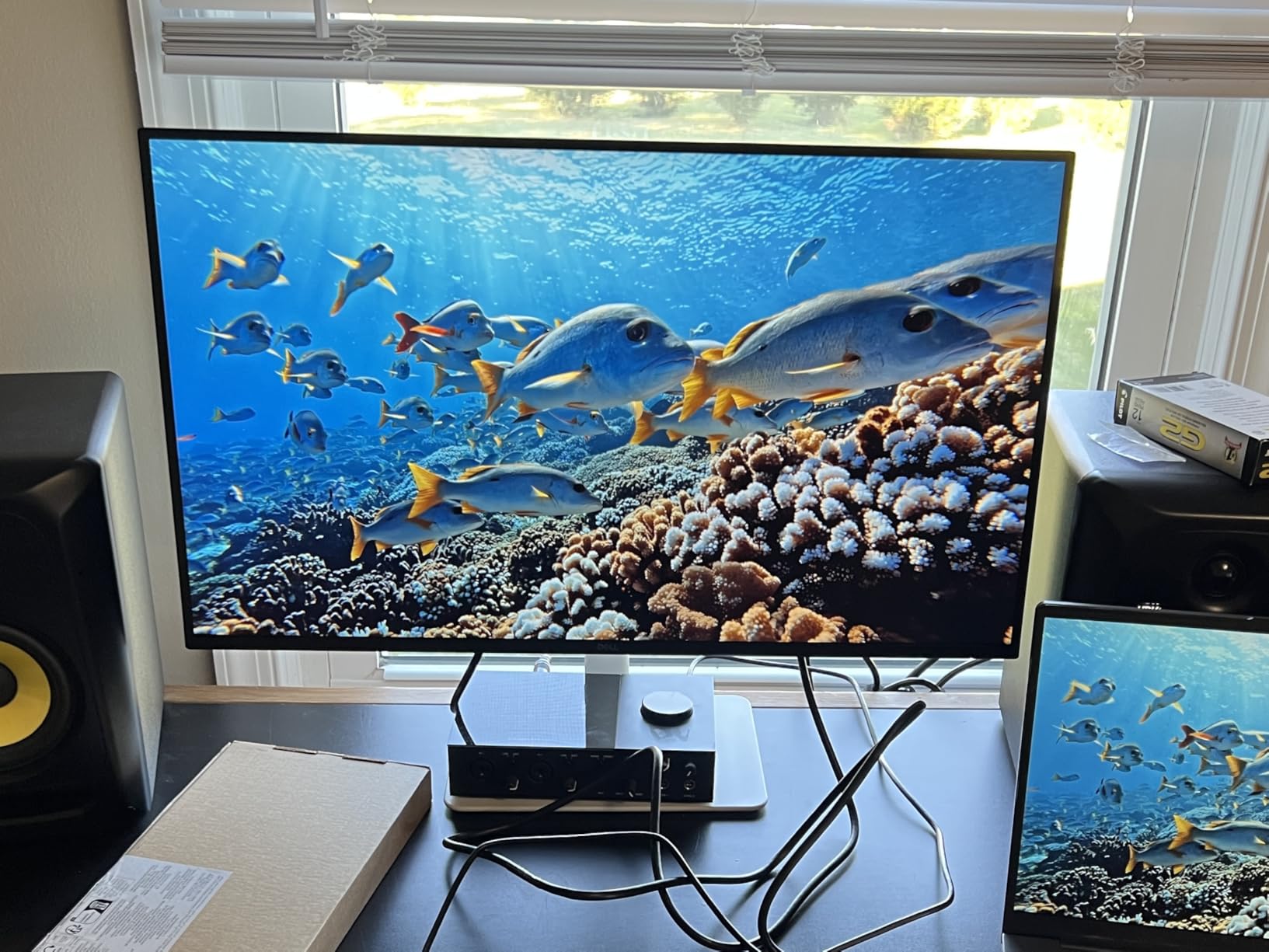
The stand is the other headline. It adjusts for height, swivel, pivot and tilt, and there is a 100x100mm VESA pattern behind it, so the monitor can go on an arm once you outgrow the desk. Two HDMI inputs and DisplayPort cover a laptop and a desktop, and the re-engineered built-in speakers work for calls and everyday media.
Two HDMI and one DisplayPort mean 4K at 120Hz is reachable, but only if your GPU, cable and system all support it. Otherwise Windows will happily settle at 60Hz and the panel will feel slower than it should, which is the single most common confusion in the reviews.
It is not a competitive FPS monitor. Pixel response runs around 4-8ms and owners report visible ghosting in fast mouse-and-keyboard play, which is exactly where the 200Hz SANSUI 34 Curved Ultrawide at the top of this list pulls ahead. For single-player and console play at 4K, that difference rarely shows.
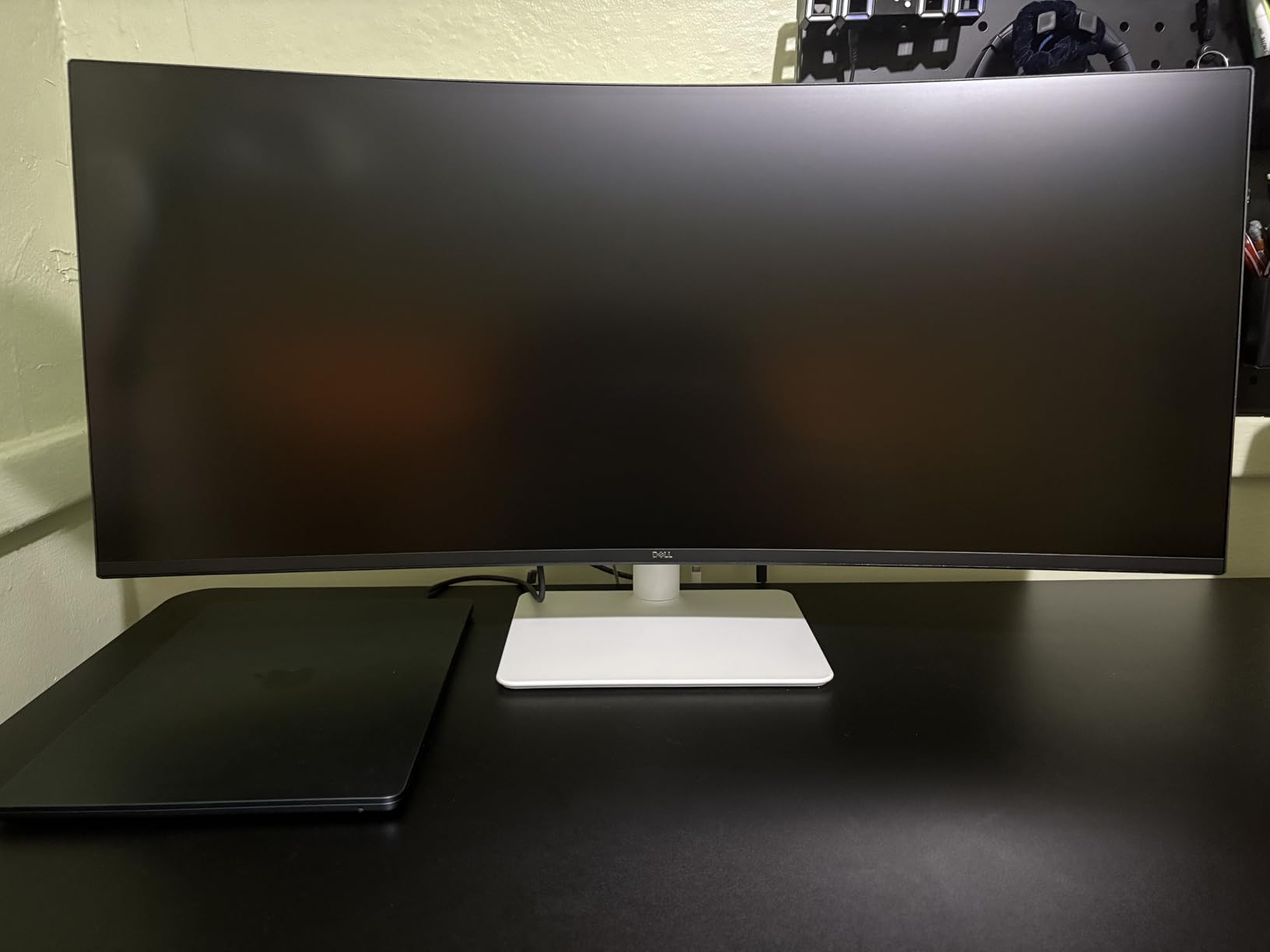
Connectivity is where the compromises show: no USB-C input, no USB hub and no 3.5mm audio out, so external speakers need their own amplifier. Owners also commonly lower the default brightness on day one. If a single-cable laptop setup matters to you, the LG 27UP850K-W handles that with 90W USB-C power delivery.
6. Samsung ViewFinity S50GC: Best for Programmers and Multi-Machine Setups
Samsung ViewFinity S50GC
Size: 34 inch
Res: 3440x1440
Refresh: 100Hz
Sync: FreeSync
Panel: LCD 21:9
Pros
- PBP shows two sources at native resolution
- 3440x1440 fits two full windows or three code panes
- Ambient light sensor auto-adjusts brightness
- Near-bezel-free front for paired setups
Cons
- No height adjustment on the factory stand
- VA viewing angles need you centred
- 100Hz and 5ms response are modest for gaming
Buyers consistently recommend this for work rather than play, and the reason is PBP. Two HDMI 2.2 inputs and one DisplayPort 1.2 let a desktop and a laptop run side by side at native resolution, which is the arrangement programmers and traders tend to want.
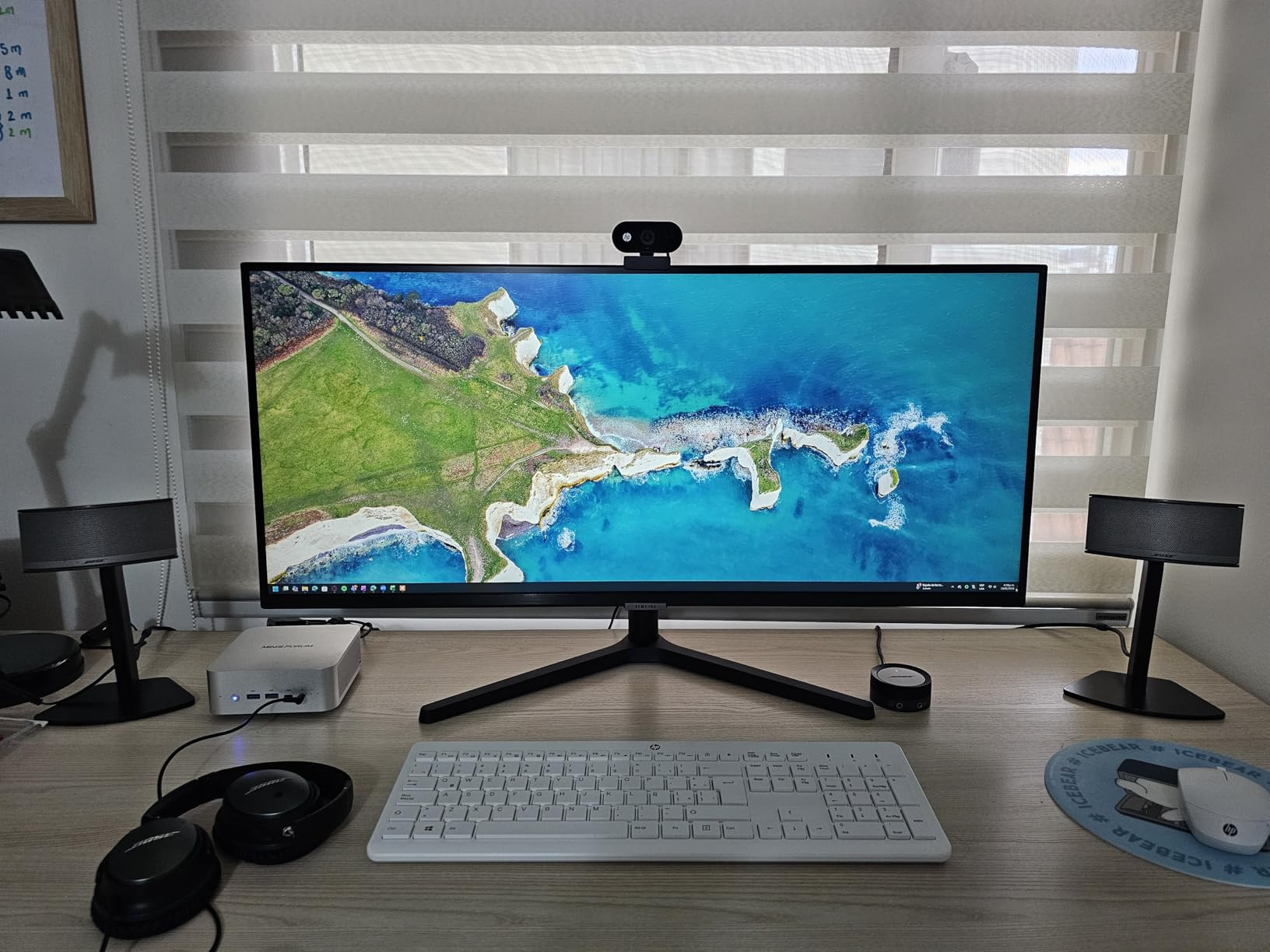
Panel real estate is the other half. A 21:9 screen at 3440×1440 holds two full windows or three code panes at once, and the near-bezel-free front looks tidy if you later pair it with another display. The ambient light sensor adjusts brightness automatically, and Eye Saver Mode with flicker-free operation handles long reading sessions.
HDR10 is supported, and 3000:1 contrast is a genuine step above a typical 1000:1 IPS panel, but the HDR implementation is basic, as owners note.
Compared with the SANSUI 34 Curved Ultrawide, the difference is speed. This monitor runs at 100Hz with 5ms response, which is fine for scrolling long documents and light games and not fine for competitive shooters. If you want the same width for gaming, the Alienware AW3425DWM takes it to 180Hz.
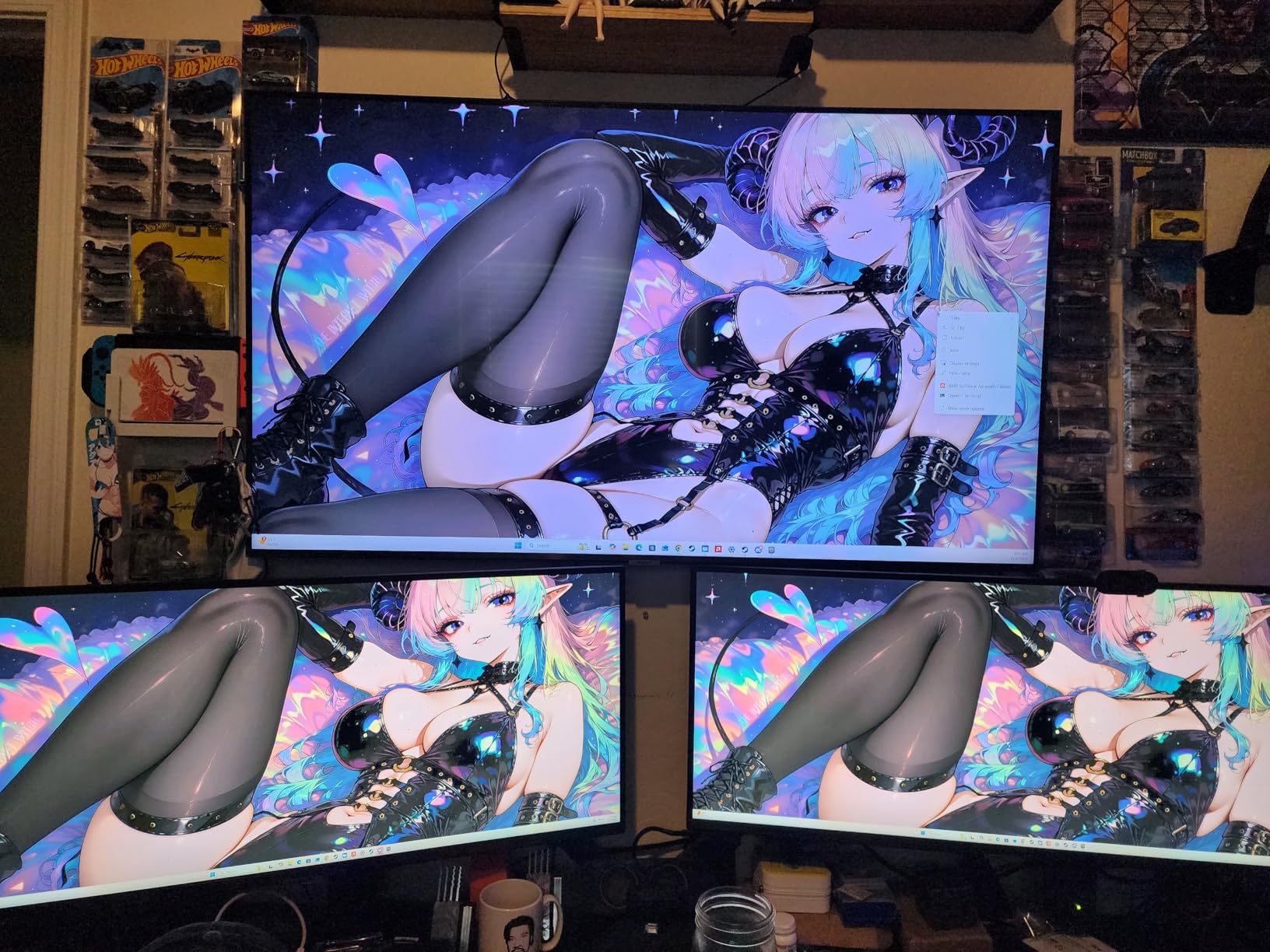
Good to know: the stand has no height adjustment, and a number of owners fit a VESA arm instead. The VA panel also wants you sitting directly in front, and the on-screen control takes several clicks to move between sources with no quick-access toggle. The buying guide below covers the ergonomic side of that trade-off.
7. Alienware AW3425DWM: Best for Enthusiast Ultrawide and HDR
Alienware AW3425DWM
Size: 34 inch
Res: 3440x1440
Refresh: 180Hz
Sync: FreeSync Premium
Panel: 1500R curved
Pros
- 180Hz with 1ms gray-to-gray response
- 400 nits and DCI-P3 95% coverage
- VESA DisplayHDR 400 certification
- Console mode and hardware low blue light filter
Cons
- 21 pound chassis needs a sturdy desk
- 85W power draw is high for the class
- DisplayPort-centric port mix suits PC over console
This is the one to buy if picture quality on an ultrawide matters more than the price tag. It runs 3440×1440 at 180Hz with a 1ms gray-to-gray rating, and 81% of owners give it five stars.
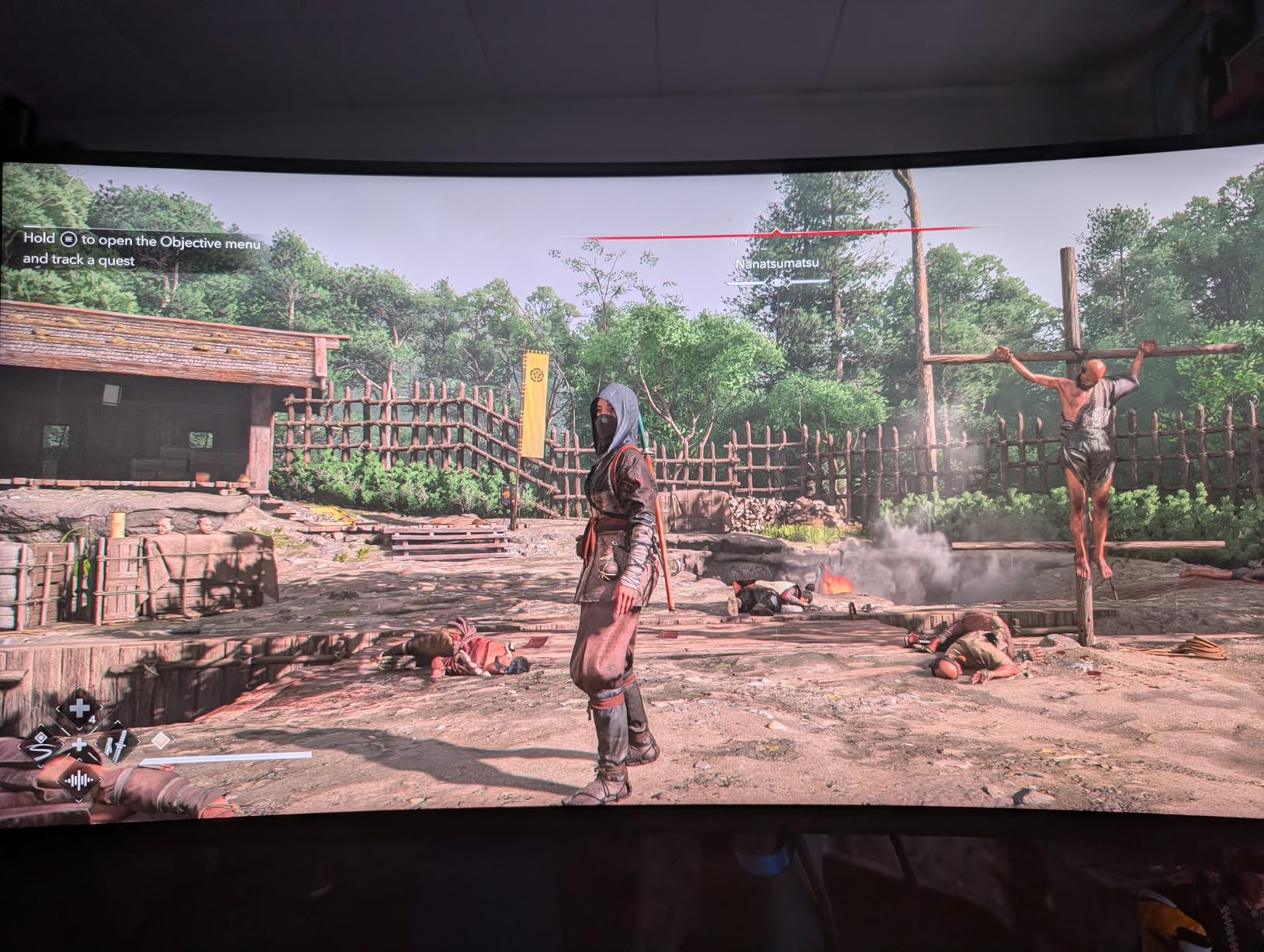
Colour and brightness are where it separates from cheaper 3440×1440 panels. 400 nits with 95% DCI-P3 coverage and VESA DisplayHDR 400 certification means highlights hold detail in dark scenes, and FreeSync Premium plus VESA AdaptiveSync keeps frame pacing steady when the frame rate dips.
For long sessions there is a hardware-based low blue light filter rather than a software overlay, and a dedicated console mode for when the same screen takes a PS5 or Xbox input.
Compared with the SANSUI 34 Curved Ultrawide, which is 20Hz faster with a much longer review history; the Alienware answers with certified HDR, brighter output and a more solidly built panel. Adaptive sync here is FreeSync-centric, so a G-Sync-only setup gets a less ideal experience.
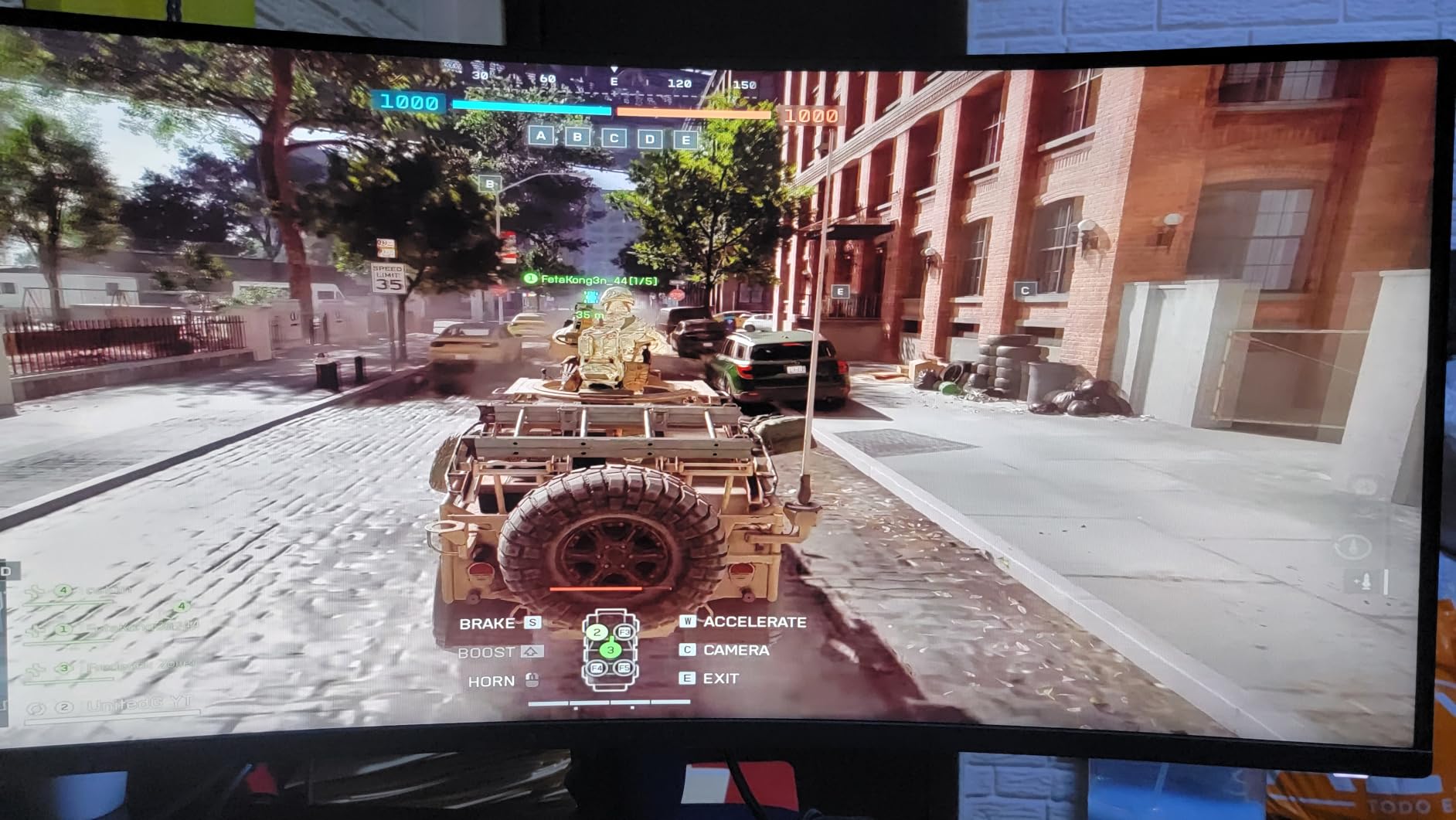
The practical warnings are worth reading twice. At 21 pounds it needs a desk that can take it and two careful hands to assemble, and an 85W power draw is high for a monitor in this class. The port mix also centres on DisplayPort, with fewer HDMI inputs than the SANSUI.
8. LG 27US500-W: Best for Creative Work on a Budget
LG 27US500-W
Size: 27 inch
Res: 3840x2160
Refresh: 60Hz
Sync: FreeSync
Panel: IPS
Pros
- 4K resolution at a low price point
- 90% DCI-P3 coverage for photo and video
- Onscreen Control splits the workspace simply
- Borderless three-sided design and Flicker Safe
Cons
- 60Hz refresh and 5ms response
- 1000:1 contrast is low for IPS
- Tilt-only stand with no speakers
If you own an older or mid-range graphics card, this is the least demanding route onto a 4K IPS panel in this list. Owners put it as a workhorse rather than a gaming display, and the picture matches that description.
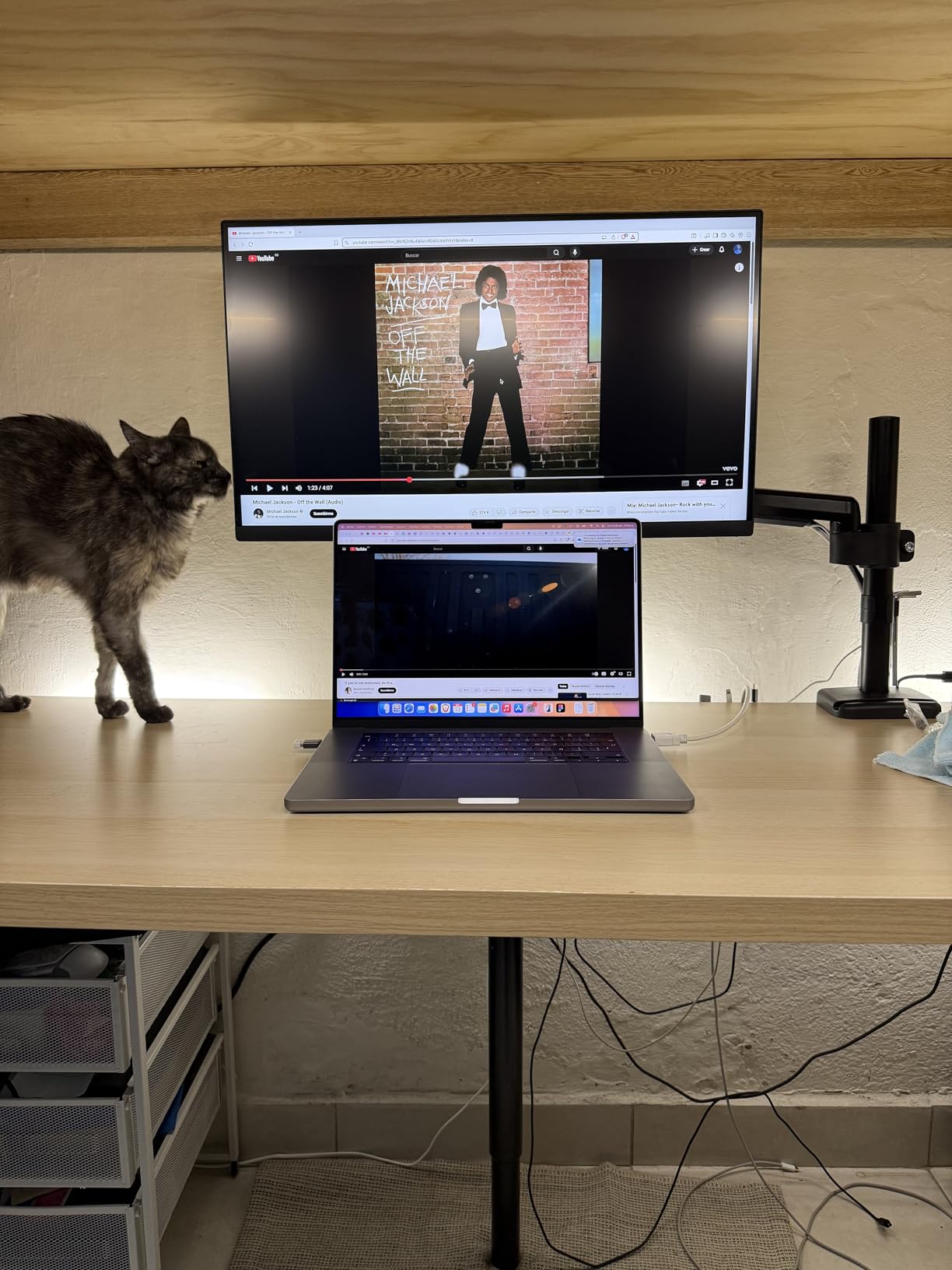
Colour coverage runs to 90% of DCI-P3 at 300 nits, which is enough for photo and video work where you are checking exposure and skin tones rather than grading a film. Reader Mode and Flicker Safe take the edge off long sessions, and Onscreen Control handles workspace splitting without a second utility.
The borderless three-sided design keeps a white desk looking clean, and both HDMI and DisplayPort are present, so a laptop and a desktop can share it.
Refresh rate is the catch, and it is a real one at 60Hz. Any mouse movement or scrolling feels restrained next to the 120Hz Dell S2725QS, and fast games will not suit it. If you work in the same room where you play, weigh that before you order.
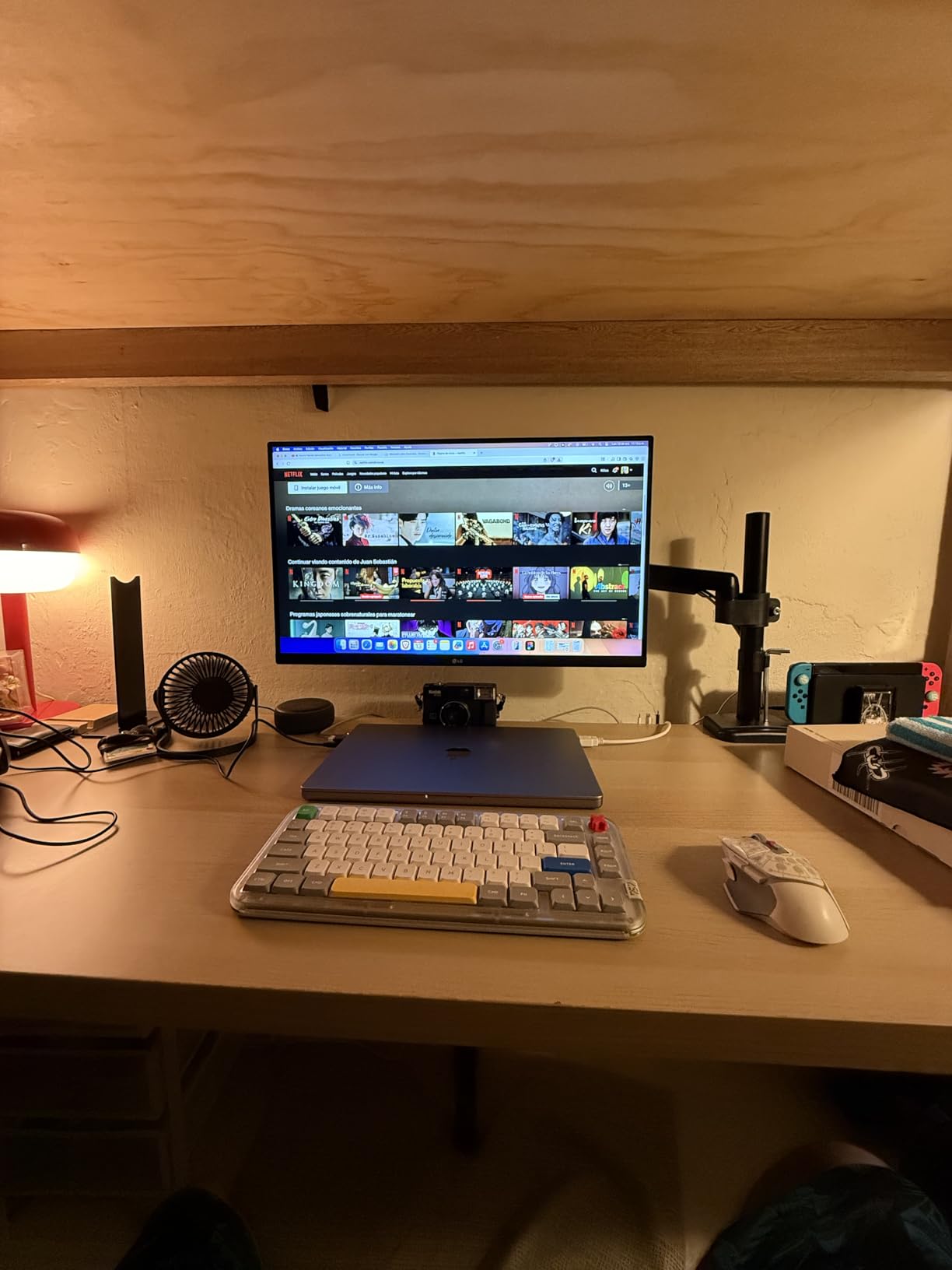
Also note the 1000:1 contrast ratio, which is modest for IPS, and the tilt-only stand with no height or swivel. A handful of owners note that the HDR10 support is present rather than transformative. If your desk is shared between a laptop and a desktop and one cable is all you want, the LG 27UP850K-W below does that job instead.
9. Dell SE2426H: Budget Pick for a First Real Monitor
Dell SE2426H
Size: 23.8 inch
Res: 1920x1080
Refresh: 144Hz
Sync: FreeSync
Panel: IPS
Pros
- 144Hz at the lowest tier in this list
- 4.7 rating across 336 owner reviews
- TÜV Rheinland 3-star eye comfort certification
- Two HDMI inputs for a desktop and a laptop
Cons
- Tilt-only stand and no speakers
- 1080p is dated for heavy multitasking
- Printed setup text is very small
Owners rate this 4.7, and the spec that earns it is simple: 144Hz at the bottom of the price range. Most 23.8-inch screens sit at 60 or 75Hz, so the difference in scrolling and casual gaming is immediate.
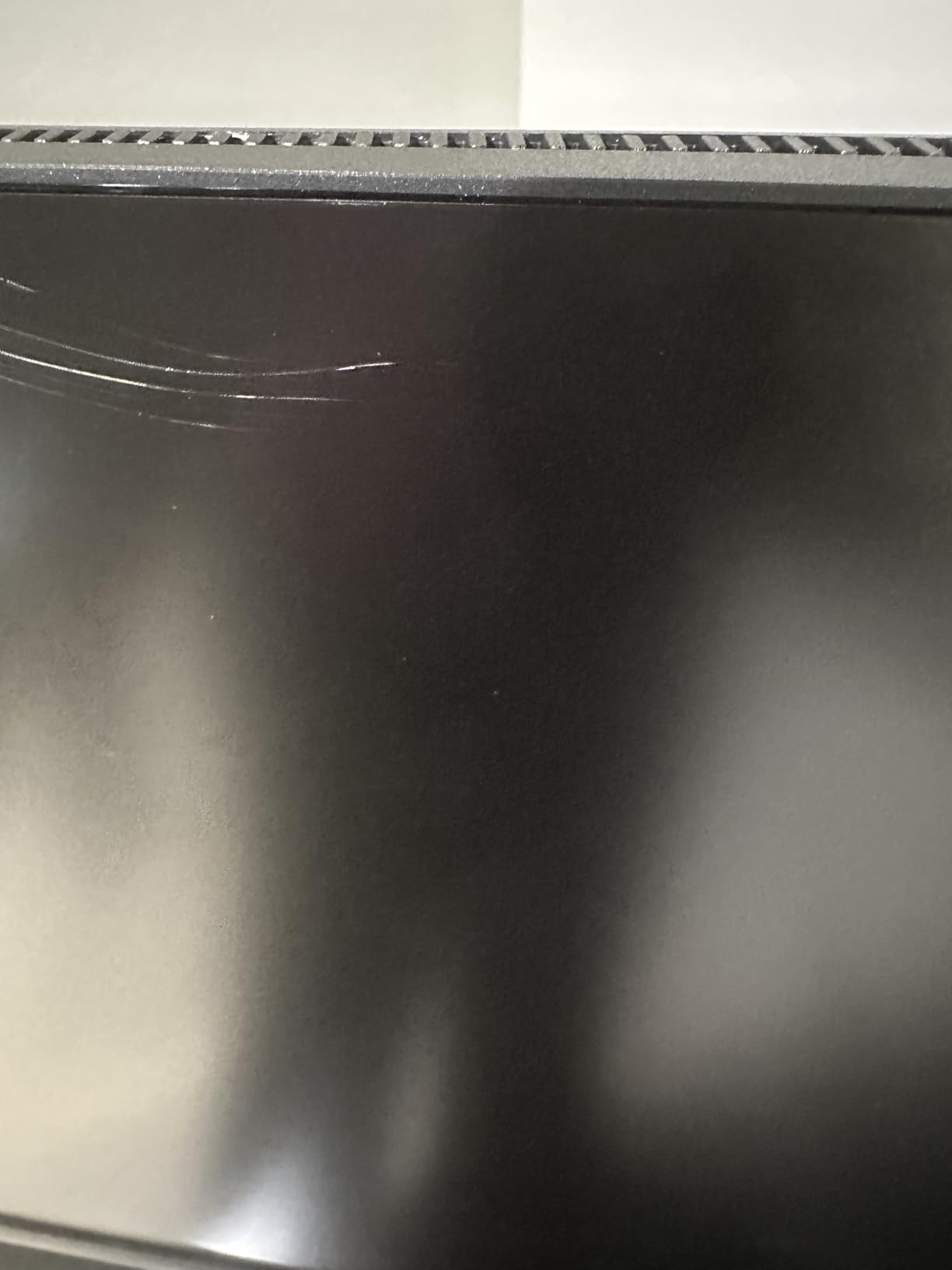
The IPS panel holds colour across 178 and 178 degree viewing angles, AMD FreeSync is supported, and two HDMI inputs mean you can switch between a desktop and a laptop without replugging. Setup is quick, which is why it appears so often as a first gaming or work display.
The TÜV Rheinland 3-star eye comfort certification is a real feature rather than a marketing line, and it matters on a screen you stare at through a workday.
At 23.8 inches, the footprint is compact enough for a small home office, and that is both the strength and the limit. 1920×1080 across 21.2 inches of width gives you one comfortable window, not two.
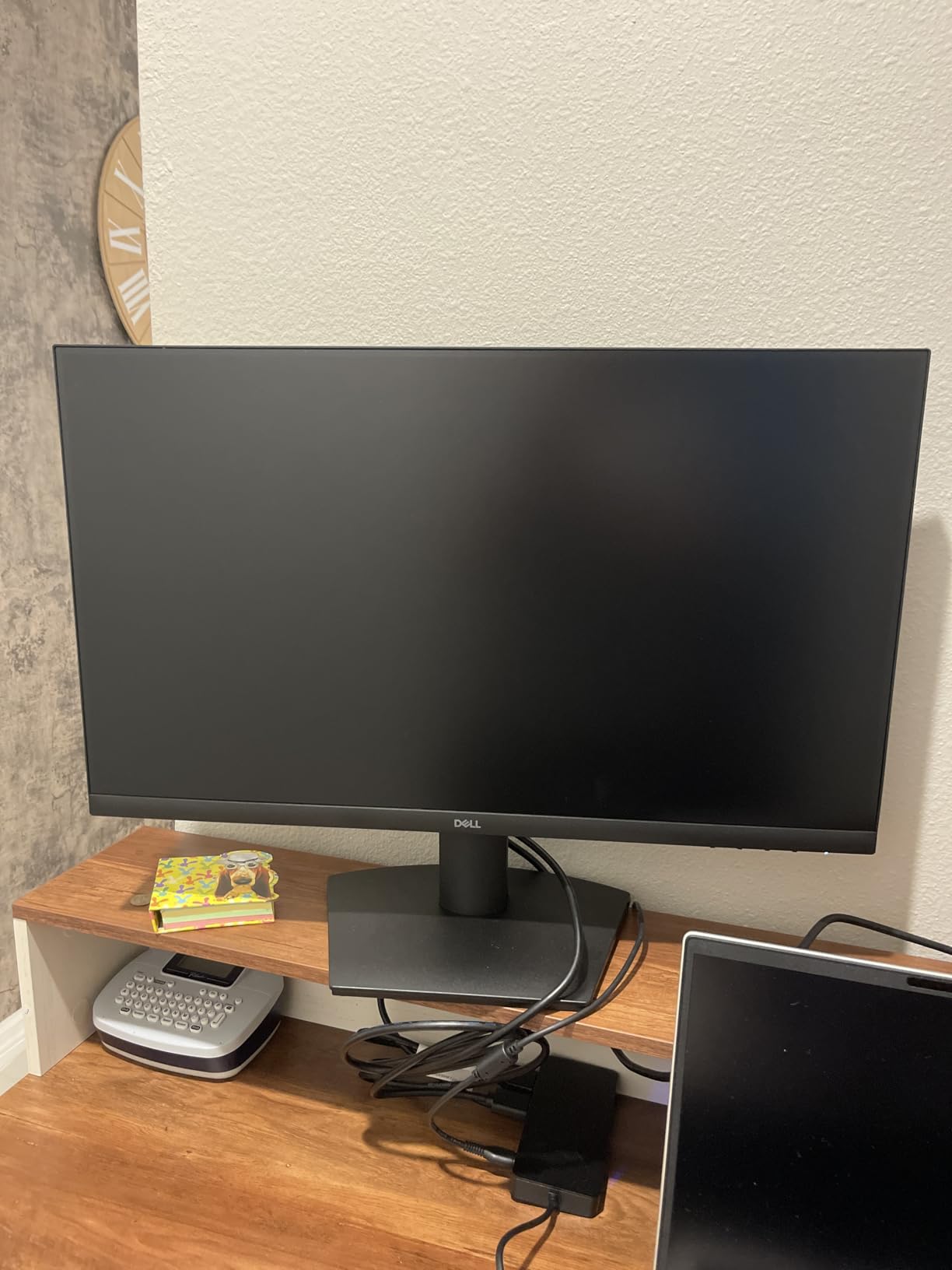
What owners complain about is the missing list, not the picture: no speakers, tilt-only stand, and printed instructions with type small enough that several people have given up and searched online instead. One reviewer also reported the language prompt sticking on screen. If a larger panel appeals more, the Acer KB272 G0bi adds two inches and a longer warranty.
10. LG 27UP850K-W: Best for Single-Cable USB-C Laptop Setups
LG 27UP850K-W
Size: 27 inch
Res: 3840x2160
Refresh: 60Hz
Sync: FreeSync
Panel: IPS
Pros
- USB-C with 90W power delivery and data transfer
- 95% DCI-P3 coverage at 400 nits
- Two USB 3.0 ports and a headphone jack
- Built-in Waves MaxxAudio speakers
Cons
- 60Hz refresh and 5ms response
- Costs more than the HDMI-only sibling
- No KVM switch despite the USB hub
Plug a laptop into this and the desk is done: one USB-C cable carries video, data and up to 90W of charging. That single-cable arrangement is the reason to choose it over the cheaper 4K IPS panels in this list, and owners use it that way.
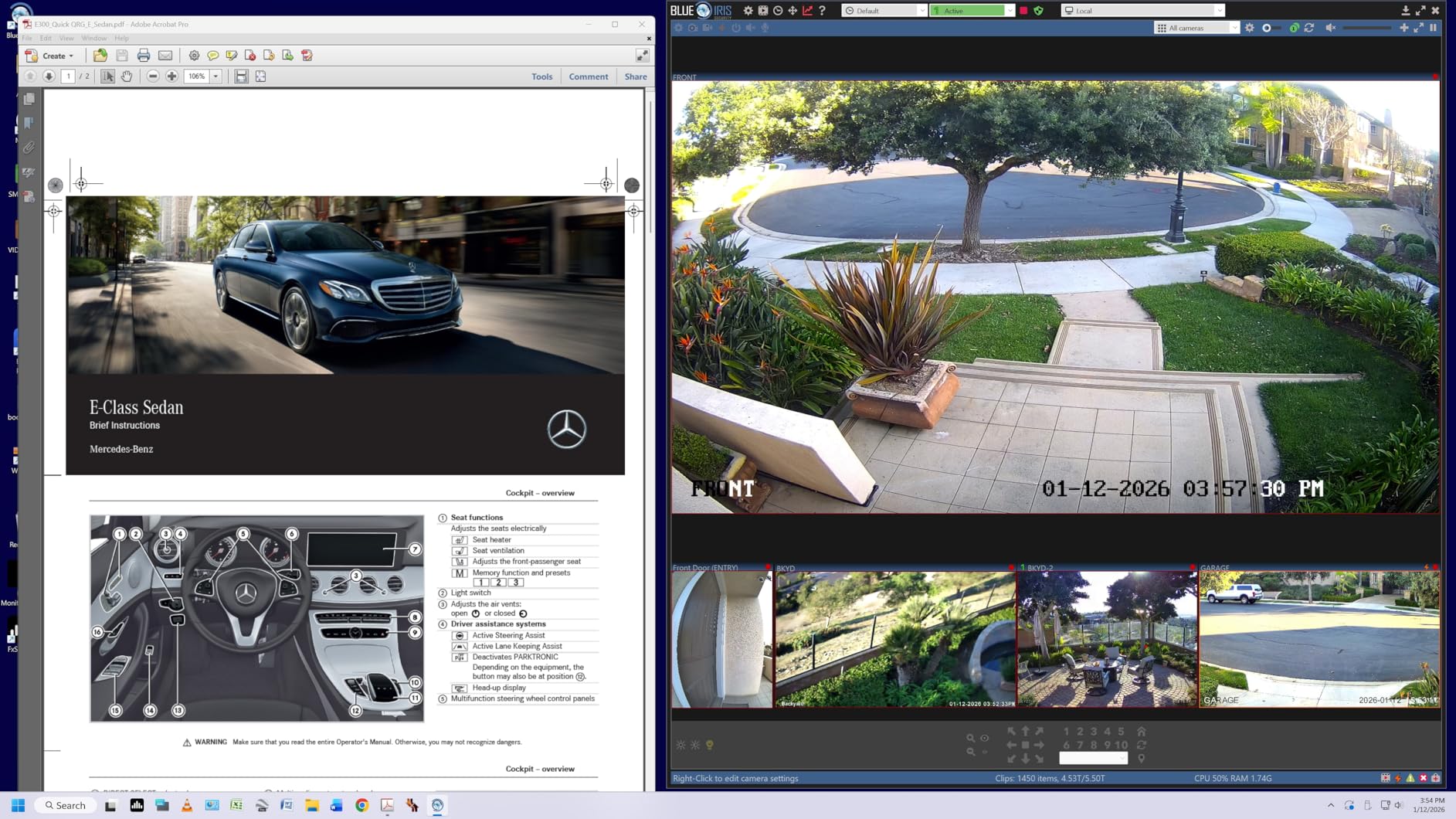
The panel spec is where it separates from the other 4K IPS options here. Coverage runs to 95% of DCI-P3 at 400 nits with VESA DisplayHDR 400 certification, and the stand adjusts for height, tilt and pivot. Two USB 3.0 ports, a headphone jack, DisplayPort and two HDMI inputs complete the selection.
Built-in stereo speakers with Waves MaxxAudio remove the need for desktop speakers at a desk, and the Switch app handles multi-window splits with a built-in webOS for the apps you want on the second screen. Cables for DisplayPort, HDMI and USB-C all come in the box.
The compromise is 60Hz with 5ms response. It is invisible while you read and type, and obvious the moment you play something fast. The Dell S2725QS keeps 4K resolution and adds 120Hz, so it is the better choice when the same monitor does work and play.
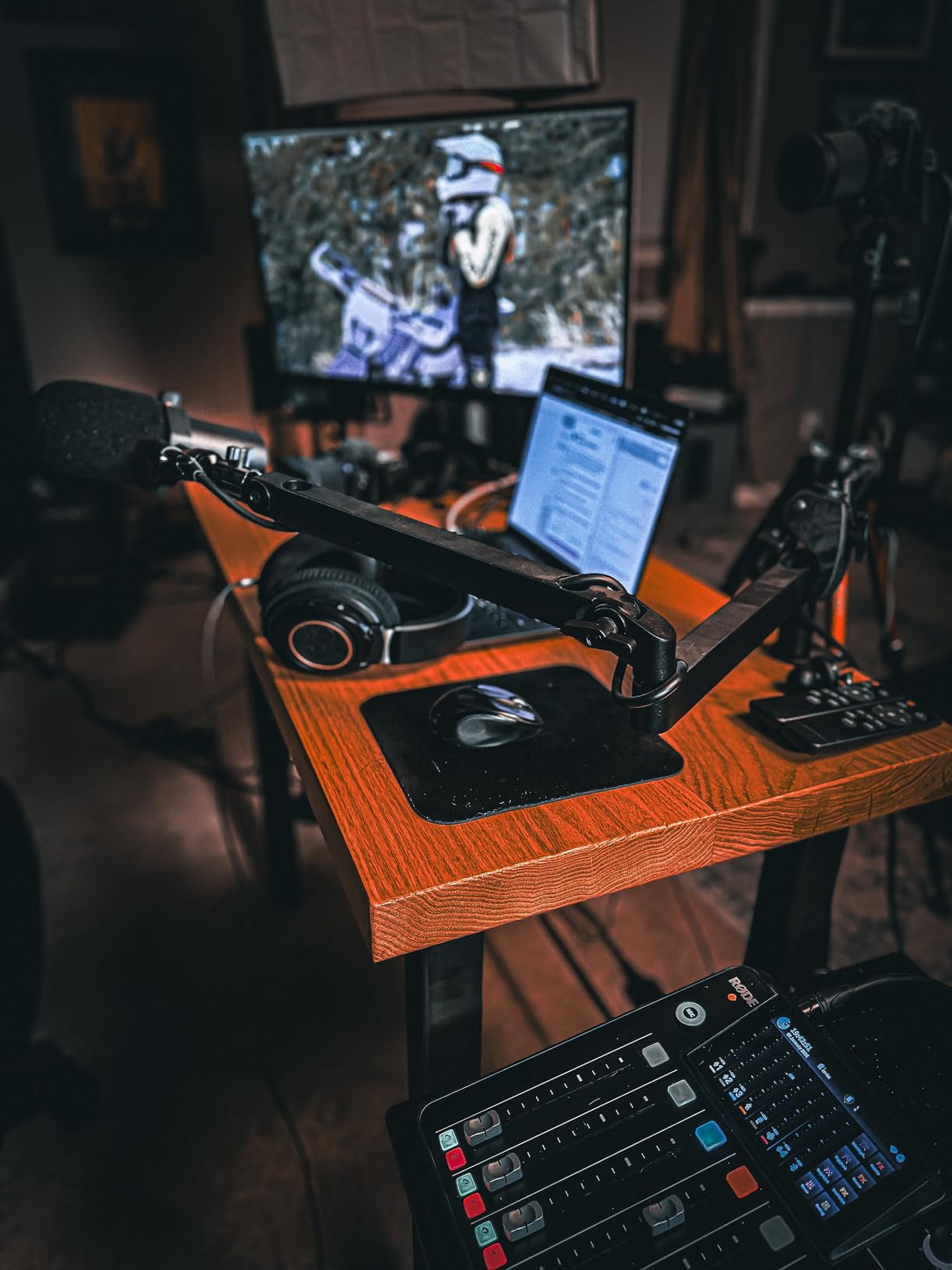
Owners note the gap in cost against the otherwise similar HDMI-only LG 27UP650K, which has the same panel without the USB-C hub. If you already have a dock and a monitor arm, that premium buys you less than it appears, and the connectivity notes in the buying guide cover that route.
How to Choose Monitors During Prime Big Deal Days
Resolution and Screen Size
Match the resolution to what you actually put on screen, not to the largest number in the listing. 1920×1080 at 23.8 or 27 inches is comfortable for one window and light gaming, while 3840×2160 on 27 inches makes text and small interface elements noticeably sharper for office and creative work. A 34-inch 3440×1440 ultrawide replaces a dual-monitor setup, and if you spend the day in a code editor the monitors for programmers roundup is worth a look alongside this list. Our picks under 300 dollars for 4K cover the entry point to high resolution.
Sitting distance matters as much as the number. About 24 to 30 inches for a 27-inch panel keeps a 4K screen readable without scaling, while a 34-inch ultrawide works at roughly the same distance as a 32-inch 16:9 display.
Refresh Rate and Response Time
120Hz is the practical floor for everyday use in 2026, because window dragging, scrolling and text feel noticeably smoother than at 60Hz. Competitive shooters and racing games justify 165Hz or more, and only there does 180Hz or 200Hz start to matter. Response time is the separate number buyers most often confuse: MPRT values describe motion clarity under backlight strobing, while gray-to-gray ratings describe pixel transition.
Check what your hardware can feed the panel before you commit, because a monitor cannot outrun its source. A PS5 or Xbox Series X tops out at 120Hz, so our gaming monitors for Xbox Series X guide stays at that ceiling no matter how high the panel goes. On PC, confirm your GPU and cable support the resolution and rate together, or Windows may fall back to 60Hz.
Panel Type and Color Coverage
IPS gives accurate colour and wide viewing angles, which makes it the right choice for documents, code and photo work. VA delivers far higher contrast, often 3000:1 against the 1000:1 of a typical IPS panel, and darkens toward the edges of a curved screen when you sit off-centre. Response times on VA panels also tend to be slower, so competitive gaming is better served by IPS.
For creative work, look at gamut coverage rather than brightness alone. A panel covering 90% or more of DCI-P3 handles photo and video editing far better than one that stops at sRGB, and the monitors for graphic design roundup goes deeper into what each coverage figure means in practice.
Connectivity and Desk Compatibility
Count inputs before you buy, not after. Two HDMI ports plus DisplayPort covers a desktop and a laptop, and USB-C with power delivery can replace the charger as well, which is how the LG 27UP850K-W works. A 100x100mm VESA pattern is worth checking if you plan to use an arm, and a tilt-only stand is the most common complaint in the reviews on this list.
Measure before ordering as well. Ultrawides run about 32 inches wide, and a 21-pound panel needs a desk that can take the weight. If you are running two screens from one laptop, a USB-C dock for dual monitors is often the tidier answer to cable management.
How to Shop Monitor Deals During the Sale
On a monitor listing, check the model number in the specifications rather than the marketing title, because the same product line gets refreshed panels and new suffixes. Confirm the size and resolution match what you ordered, read what is in the box for cables and stands, and look at who the seller is, since a marketplace seller can undercut an Amazon offer on the same page. Most offers during Prime Big Deal Days need a Prime membership, and prices change through the event, so re-check the listing before you commit.
- Match the exact model number on the listing to the one in the product details
- Check the panel type, because refreshed versions of the same line can differ
- Confirm the stand adjustment and the VESA pattern match your desk
- Read who the seller is and what the warranty covers
- Verify your GPU or console can drive the resolution and refresh rate
- Check the current price with the button before ordering, since event pricing moves
Frequently Asked Questions
What are the best Amazon Prime Big Deal Days monitor deals?
The best picks in our list are the SANSUI 34 Curved Ultrawide for gaming and split-screen work, the Dell S2725QS for 4K productivity and console play, and the Acer KB272 G0bi for a low-cost office upgrade. Each covers a different budget and use, so the right one depends on your resolution and refresh needs rather than on deal size.
When does Amazon Prime Big Deal Days run this year?
Amazon Prime Big Deal Days runs October 6-7, 2026. Some offers appear before those dates for Prime members, and the main event pricing lasts for the two days themselves. Deals can change during the event, so it is worth re-checking a listing shortly before you order.
Is Prime membership required for Prime Big Deal Days monitor offers?
Most offers during Prime Big Deal Days require a Prime membership, and a free trial counts for the length of the trial. A smaller number of deals stay open to every shopper, so check the eligibility line on the listing if you are not a member and do not want to sign up.
Do monitors usually see worthwhile deals during Prime Big Deal Days?
Monitors are among the categories most often reduced during the event, which is why they appear on so many deal roundups. The size of the reduction varies by model, and watching the price on a specific monitor for a week or two before the event tells you more than a general sale headline does.
What should I check before buying a monitor during the sale?
Check the exact model number, panel type, resolution, refresh rate and stand adjustment, then confirm the ports match your computer or console. Also look at who the seller is, what the warranty covers and whether your hardware can drive the panel at its full rate.
Final Verdict: Best Amazon Prime Big Deal Days Monitor Deals
Watch the SANSUI 34 Curved Ultrawide if you want one screen to do gaming, work and console duty, because 3440×1440 at 200Hz with dual HDMI 2.1 covers all three without a second panel.
For a cheaper route into a good picture, the Acer KB272 G0bi is the plain, well-rated office monitor, and the Dell SE2426H is the smallest footprint with an unusually high 144Hz refresh rate. Both are sensible first screens.
Match the monitor to the job otherwise. The Dell S2725QS takes 4K productivity with a stand that adjusts properly. The Samsung ViewFinity S50GC handles programming and PBP multi-machine work. The Alienware AW3425DWM is the enthusiast ultrawide with certified HDR. The LG 27US500-W serves photo and video editing, and the LG 27UP850K-W runs a whole laptop setup on one USB-C cable. The Samsung Odyssey G55C stays the safe 16:9 gaming choice, and the Samsung S30GD suits a thin-bezel dual-monitor desk.
Check each listing for its model number, panel and seller before ordering, then use the buttons to see current pricing during the event.