
12 Best Thumb Drives for Large File Transfers (October 2026) Latest Reviews
For large file transfers, the best thumb drives are the ones that hold their write speed past the first few gigabytes, not the ones with the biggest headline number. Our pick for most people is the SanDisk 1TB Ultra USB-A, which copies a full project folder without the progress bar stalling. On USB-C-only laptops, the Transcend 1TB ESD310 is far quicker, and for workstation throughput the SanDisk 1TB Extreme PRO Dual Drive is hard to argue with.
That distinction matters more than any spec sheet. A drive advertised at 1000MB/s is quoting peak read speed on small cached files, and the number you feel while copying a 90GB video library is a different figure entirely. We compared 12 drives, worked through 84k+ owner ratings, and flagged where measured write speed falls short of the claim.
Contents
This roundup is written for 2026 buyers tired of watching a transfer crawl. We explain the cache cliff, the file format that blocks files over 4GB, and the port mistake that caps almost everything at 40MB/s.
Top 3 Picks for Large File Transfers (October 2026)
As an Amazon Associate we earn from qualifying purchases. CERTAIN CONTENT THAT APPEARS ON THIS SITE COMES FROM AMAZON. THIS CONTENT IS PROVIDED 'AS IS' AND IS SUBJECT TO CHANGE OR REMOVAL AT ANY TIME.
The 12 Best Thumb Drives for Large File Transfers in 2026
We earn from qualifying purchases. CERTAIN CONTENT THAT APPEARS ON THIS SITE COMES FROM AMAZON. THIS CONTENT IS PROVIDED 'AS IS' AND IS SUBJECT TO CHANGE OR REMOVAL AT ANY TIME.
1. SanDisk 1TB Ultra USB-A – Best Overall for Large File Transfers

SANDISK 1TB Ultra, USB-A Flash Drive, Up to 130MB/s Read…
130MB/s read
USB 3.2 Gen 1
1TB capacity
9.07g
Pros
- Largest review base here at 53k+
- 1TB holds a full 4K project library
- Works in older USB 2.0 ports
Cons
- USB-A only so USB-C machines need an adapter
- Retractable slider exposes contacts to dust
This is the drive we hand to friends who need a library moved tonight. It reads at up to 130MB/s, holds 1TB, and weighs 9.07g, so a 50GB copy takes roughly seven to nine minutes rather than an hour.
More than 53k ratings averaging 4.6 out of 5 with 81% five-star feedback makes it a heavily proven large-capacity drive, and Arch Linux users on r/archlinux name its smaller capacities as install media for that same reason.
Two caveats. It is USB-A only, so USB-C-only machines need an adapter, and the 130MB/s figure is a read number, meaning pulling footage off is faster than pushing a project folder on.
Buyers comparing usable capacity to the label will find a gap. That is normal formatting overhead every flash drive carries, but a 1TB stick still shows less free space than a 1TB hard disk.

Best For: Moving Multi-Gigabyte Folders Between Desktop And Laptop
A monthly archive of mixed video, RAW photos and documents, moved between a tower and a laptop. The single-interface design keeps setup simple, and 1TB means you rarely split a shoot.
Skip It If: You Are On USB-C Only Or Need Faster Writes
Without an adapter it will not help a modern USB-C machine, and anyone pushing a ProRes library repeatedly will find writes slower than the read figure suggests. Step up to a USB 3.2 Gen 2 drive for that.
2. SSK 1TB Dual USB-C and USB-A – Best Value Dual-Connector Speed
SSK 1TB USB C Flash Thumb Drive up to 550MB/s Dual USB C+A…
550MB/s read
500MB/s write
Dual connectors
Zinc alloy
Pros
- Dual connectors remove the adapter problem
- Zinc alloy body resists drops
- Reads meet or exceed 550MB/s
Cons
- Warms up during sustained transfers
- USB-A cap does not pivot
The SSK SD311 answers the most common complaint in this category. One end is USB-C and one is USB-A, so owners move files between a phone, tablet, Mac and Windows laptop without an adapter, and the zinc alloy body survives a pocket better than plastic.
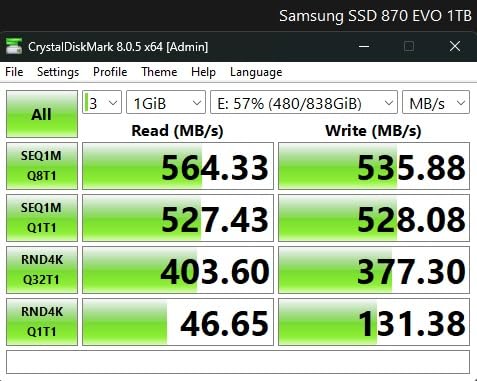
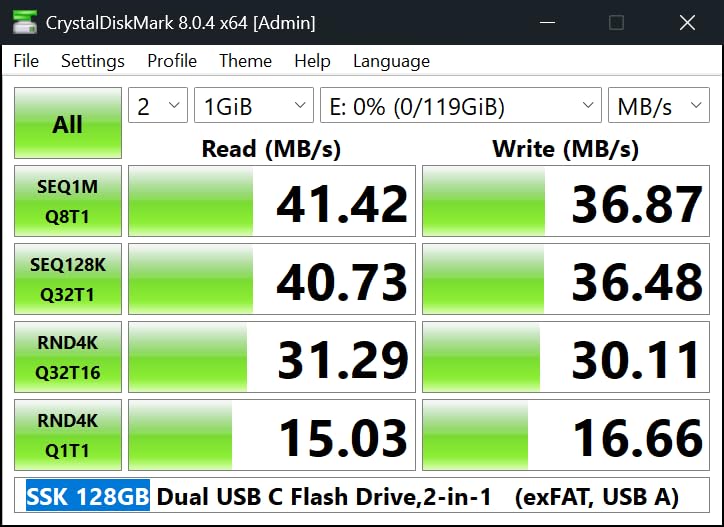
Speed is the real story. Independent benchmarks report reads meeting or exceeding 550MB/s with writes landing between 130 and 300MB/s depending on copy size, and that post-cache write rate is a genuine step up for 60GB moves.
It is formatted as exFAT out of the box, which is the right call for a drive meant to hop between operating systems. A 20GB file moves from a Mac to a Windows PC without the format errors people hit with FAT32.
The heat complaint deserves attention on marathon copies. A small metal shell pushing several hundred MB/s generates warmth, the same condition forum users flag when hosts start throttling USB writes.
Best For: One Drive Across Phone, Laptop And Tablet
No dongles and no second purchase. If your week moves between a USB-C phone, a USB-C laptop and a USB-A work machine, this removes friction entirely.
Skip It If: You Need Encryption Or Long Hot Copy Loops
There is no hardware encryption, so keep client footage off it in an unattended bag. For a six-hour unattended copy, the warmth reports point toward a larger-bodied drive instead.
3. SanDisk 1TB Ultra Dual Drive Go – Best for USB-C and USB-A Backup Workflows

SANDISK 1TB Ultra Dual Drive Go, USB-C & USB-A, Up to…
400MB/s read
50-350MB/s write
USB-C and USB-A
4.54g
Pros
- Reversible connectors on one body
- Backs up phone photos automatically
- Only 4.54g
Cons
- Write speed trails the read claim
- Phone use needs OTG support
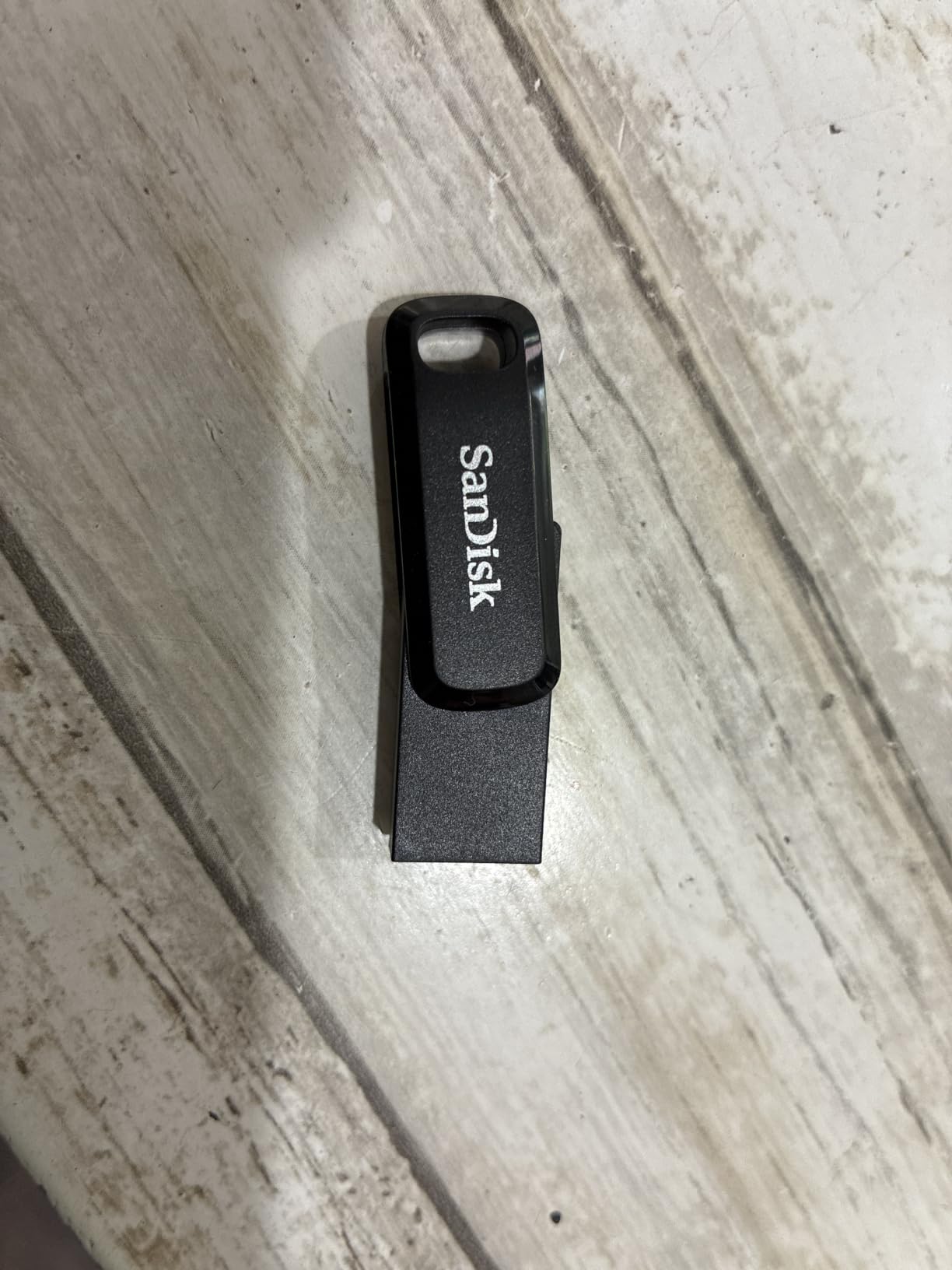
This is the phone-to-laptop shuttle. At 4.54g it disappears into a bag, and the two exposed connectors mean you can offload a camera roll from a USB-C phone then plug the same stick into a desktop without a cable.
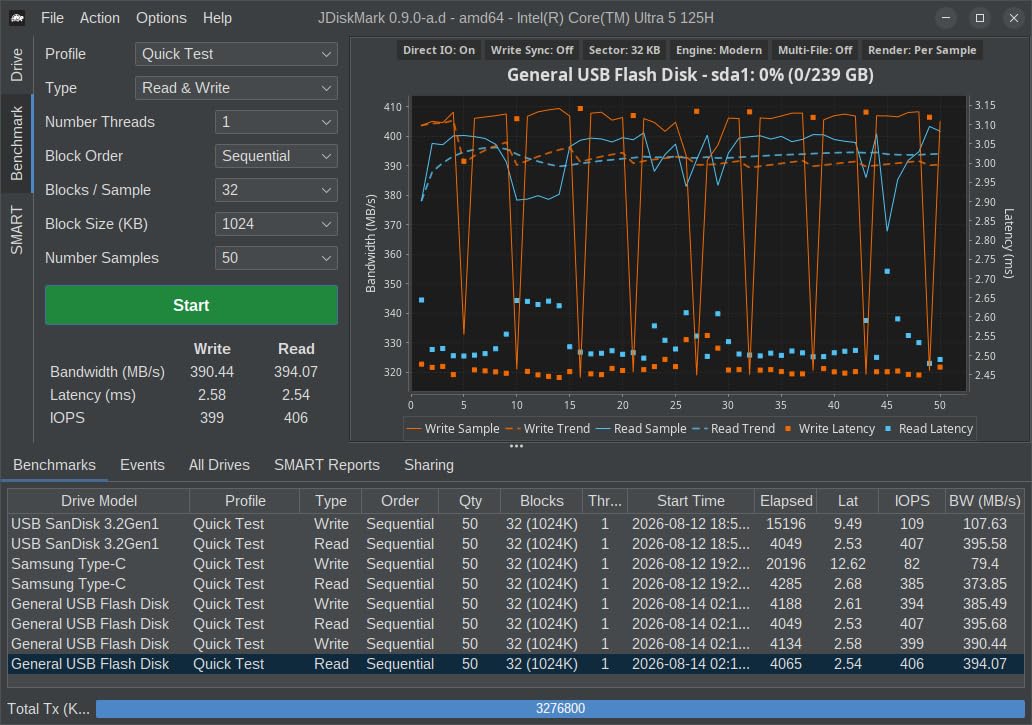
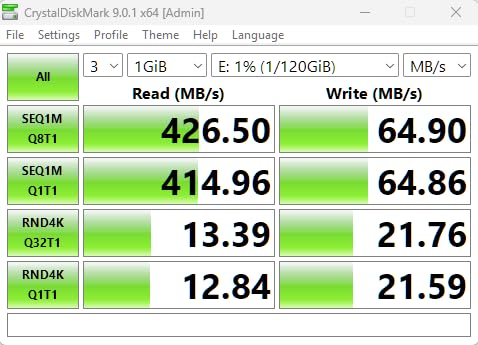
SanDisk lists writes at 50-350MB/s, and that spread is where the real behaviour lives. Big single files write near the top, while folders of thousands of small files sit at the bottom, which decides whether this suits your workload.
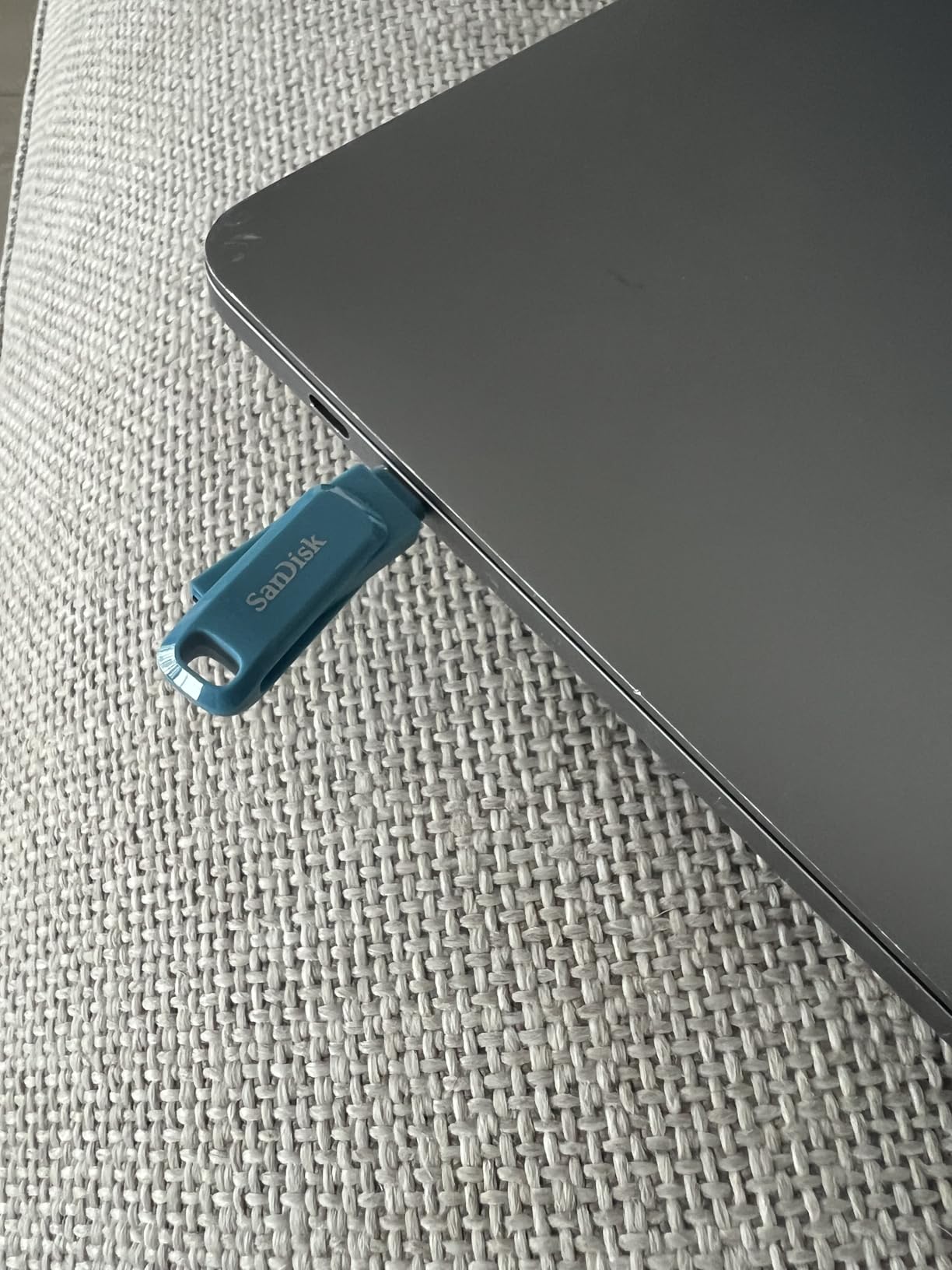
It works on USB-A hosts through the Type-A end, so nothing about your current machine rules it out. The long warranty term is a real plus for something you expect to keep for years.
Its 4.3 rating sits below the single-interface Ultra with a wider spread of one-star feedback. The recurring themes are write-speed shortfalls and phone compatibility, both fixable once you know to check OTG support.
Best For: Clearing Space On a USB-C Phone Automatically
If the drive to your phone is always full, the dual connectors plus the auto-backup app build a repeatable cable-free habit. It also works as an everyday carry for shuttling client selects.
Skip It If: You Copy Hundreds Of Small Files At Once
Bulk photo imports favour a steadier write floor. The 50MB/s lower bound is fine for video and tight for mixed project folders copied in one shot.
4. Amazon Basics 512GB USB-C and USB-A – Best Budget Dual-Port Pick

Amazon Basics 512GB USB Flash Drive, Thumb Drive Memory…
512GB capacity
Dual USB-C and USB-A
USB 3.2 Gen 1
exFAT
Pros
- Dual ends work on phones tablets and TVs
- Fast writes over the USB-C port
- Rotating metal housing with hanging hole
Cons
- One connector end is always exposed
- USB-C plug can be short on cased devices
512GB suits most people not archiving entire shoot catalogues, and this drive pairs it with dual ports at a tier where many options offer one connector.
It comes formatted as exFAT, so it works on Windows, macOS, Linux and Android without a reformat step. That matters because the commonest beginner mistake is buying a FAT32 stick and failing to move a 6GB file onto it.
The rotating cover protects whichever connector is idle, and the hanging hole clips to a bag. The short USB-C plug is worth checking against a thick phone case before a trip.
Durability is the surprise. Buyers report a metal exterior that survived a full wash and dryer cycle with data readable, which says more about build quality than any spec line.
Best For: A First Transfer Drive Without Adapter Friction
Buy this for a student, a family member or a shared machine where plug-and-play on any port matters. Half a terabyte holds a couple of 4K shoots plus a photo backup, already exFAT.
Skip It If: You Need 1TB In One Drive
For a project running past 512GB, or several years of footage, a 1TB dual-interface drive saves time compared with refilling this one mid-transfer.
5. Thkailar 1TB USB-C Flash Drive – Best for MacBooks and iPads

Thkailar 1TB USB C Flash Drive for MacBook and Android…
120MB/s read
100MB/s write
USB 3.0
Dual connectors
Pros
- 2-in-1 USB-A and USB-C connector
- Plug and play with no drivers
- Compact metal body
Cons
- 120MB/s is slow for 1TB transfers
- Shortest warranty in this group
Apple Silicon users on r/MacOS describe a familiar gap, where a fast drive writes far slower on a Mac than on Windows. The Thkailar T3 does not close that gap, but it is a dependable 1TB shuttle for MacBook, iPad Pro and Android OTG devices with no software to install.
The trade is arithmetic. At 120MB/s read and 100MB/s write, a 50GB copy takes seven to nine minutes of pure transfer time, so filling the capacity is a multi-hour job.
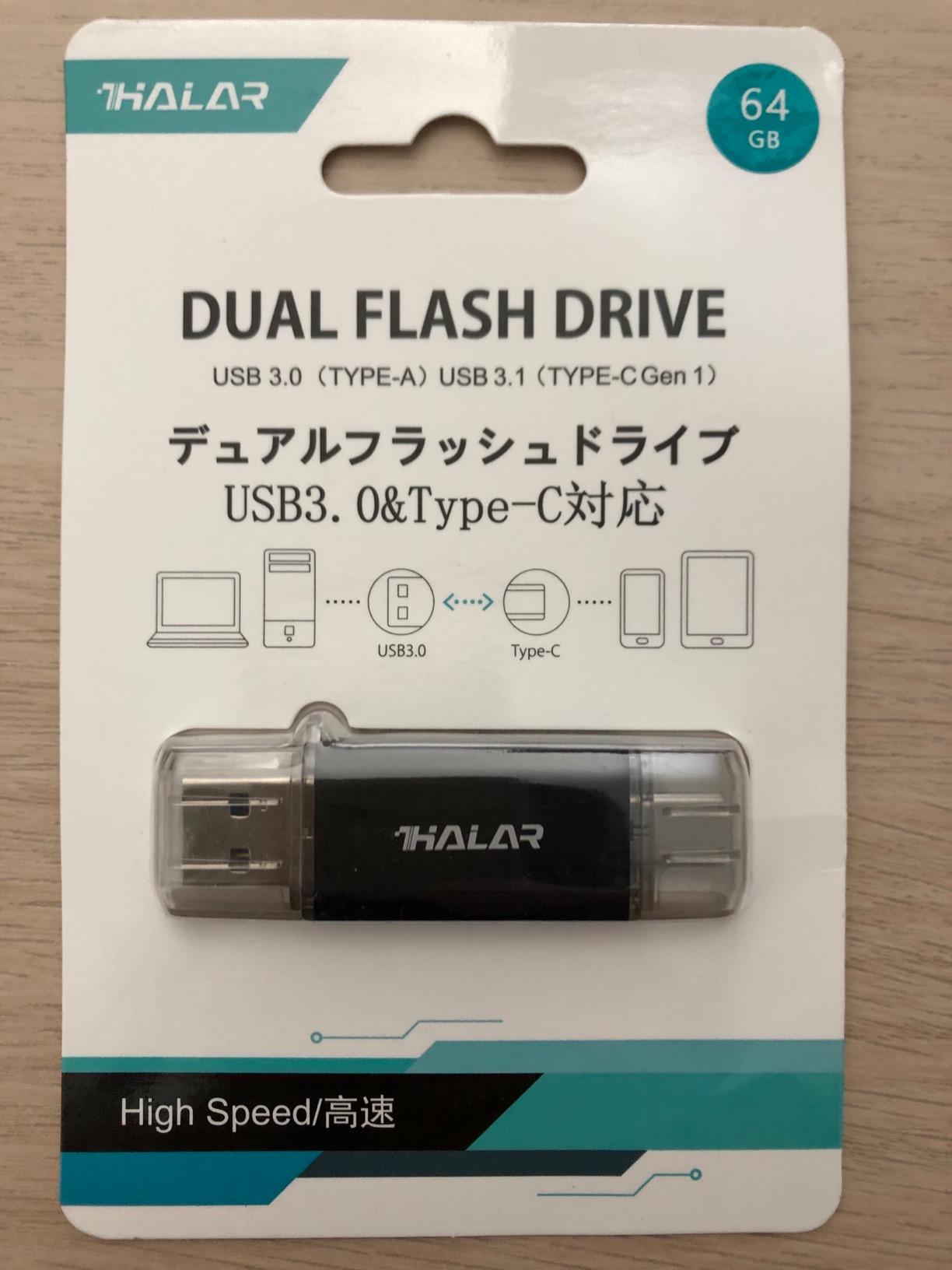
The short warranty term is worth knowing about before you anchor a long-term archive to it. For replaceable files that is acceptable; for unflashable footage it is not.
The listing also mixes USB 3.1 wording with a USB 3.0 hardware interface. That is a naming quirk, but it is exactly the kind of detail that argues for brands with published warranty terms.
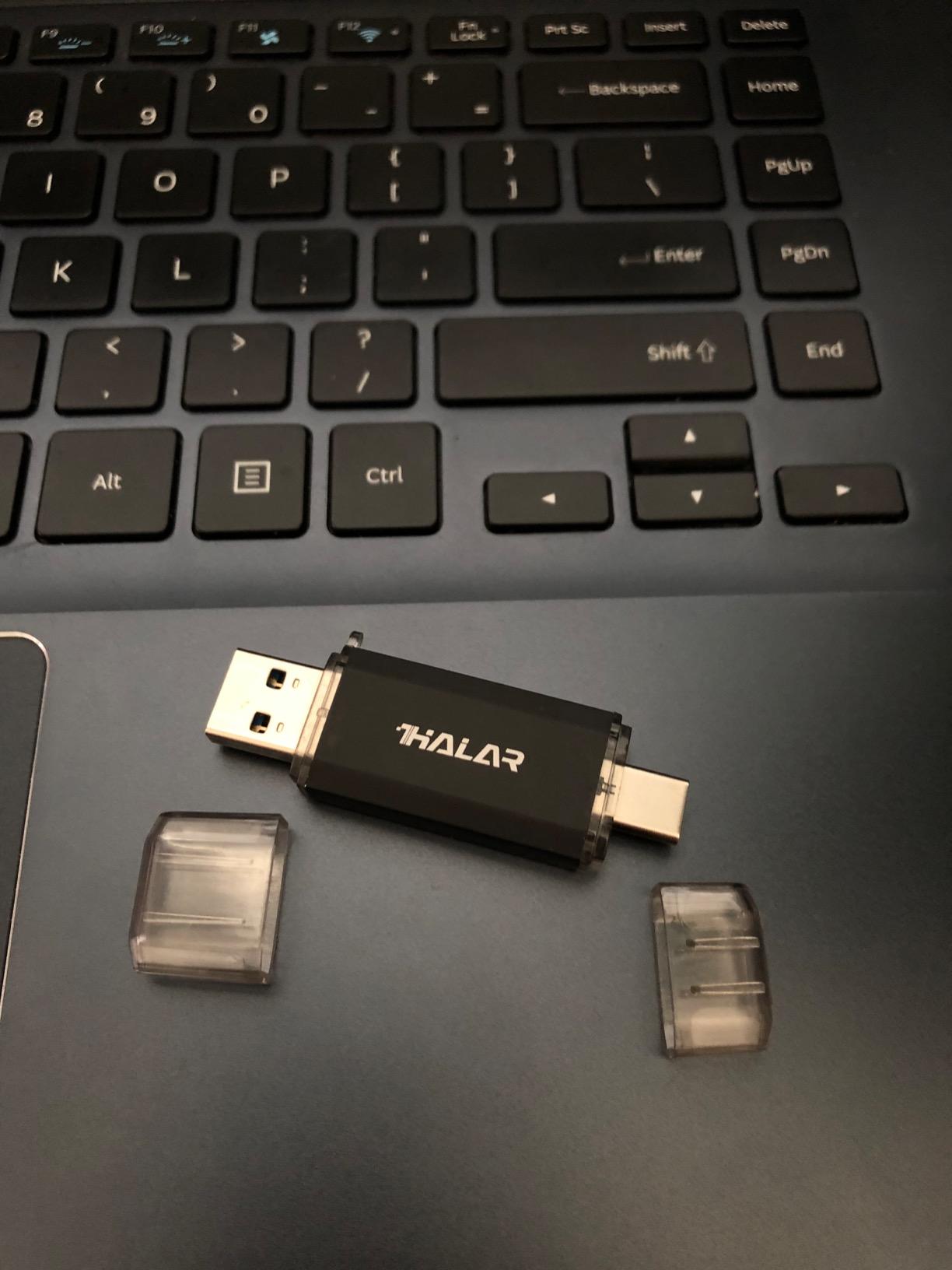
Best For: MacBook And iPad Transfers Without Adapters
Paired with an iPad Pro or an OTG phone, one 1TB stick covers three device types. It suits everyday document and photo shuttling where convenience matters more than elapsed time.
Skip It If: You Are Backing Up Irreplaceable Footage
A single year of cover on unflashable media is thin, and the 100MB/s write ceiling makes full restores slow. Use a drive with a multi-year warranty for anything you cannot re-shoot.
6. Transcend 1TB ESD310 Dual – Most Compact for USB 3.2 Gen 2 Speed

Transcend 1TB ESD310 Dual Portable SSD 1050MB/s USB-A+C…
1050MB/s read
950MB/s write
USB 3.2 Gen 2
11g body
Pros
- Highest read rating in the group
- Dual USB-C and USB-A
- 11g portable SSD form factor
Cons
- SLC cache speed falls once the buffer fills
- Not usable with Lightning ports
At 11g and 2.81 inches long, the ESD310 is a pocketable external SSD with USB-A and USB-C on one body. It posted the highest read figure we found at up to 1050MB/s, paired with 950MB/s write, and arrives formatted as exFAT.
Reviewers cite it for offloading phone and camera media, and it works with consoles, tablets, iPads and USB-C phones alongside desktops, Windows and Mac. A long warranty term and one-time password through Transcend Elite suit mixed personal and work use.
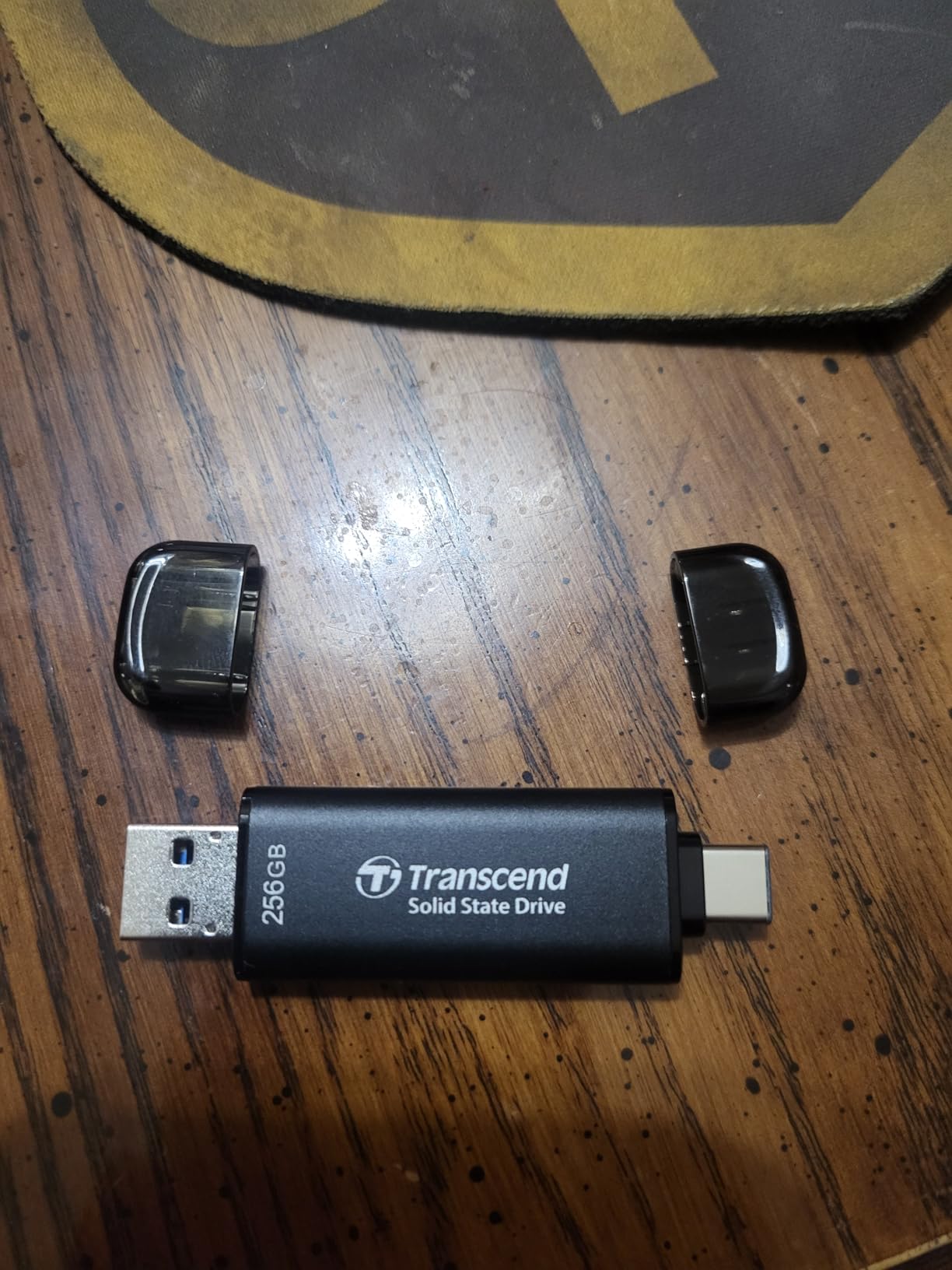
Owners are candid about the limit: very large writes level off once the SLC cache is exhausted, which is normal for the format. A 10GB clip shows the headline speed, a 300GB archive shows the NAND’s own rate.
One flag: a Lightning port device will not read it, so older iPhones are excluded regardless of adapter. Everything USB-C is fine.
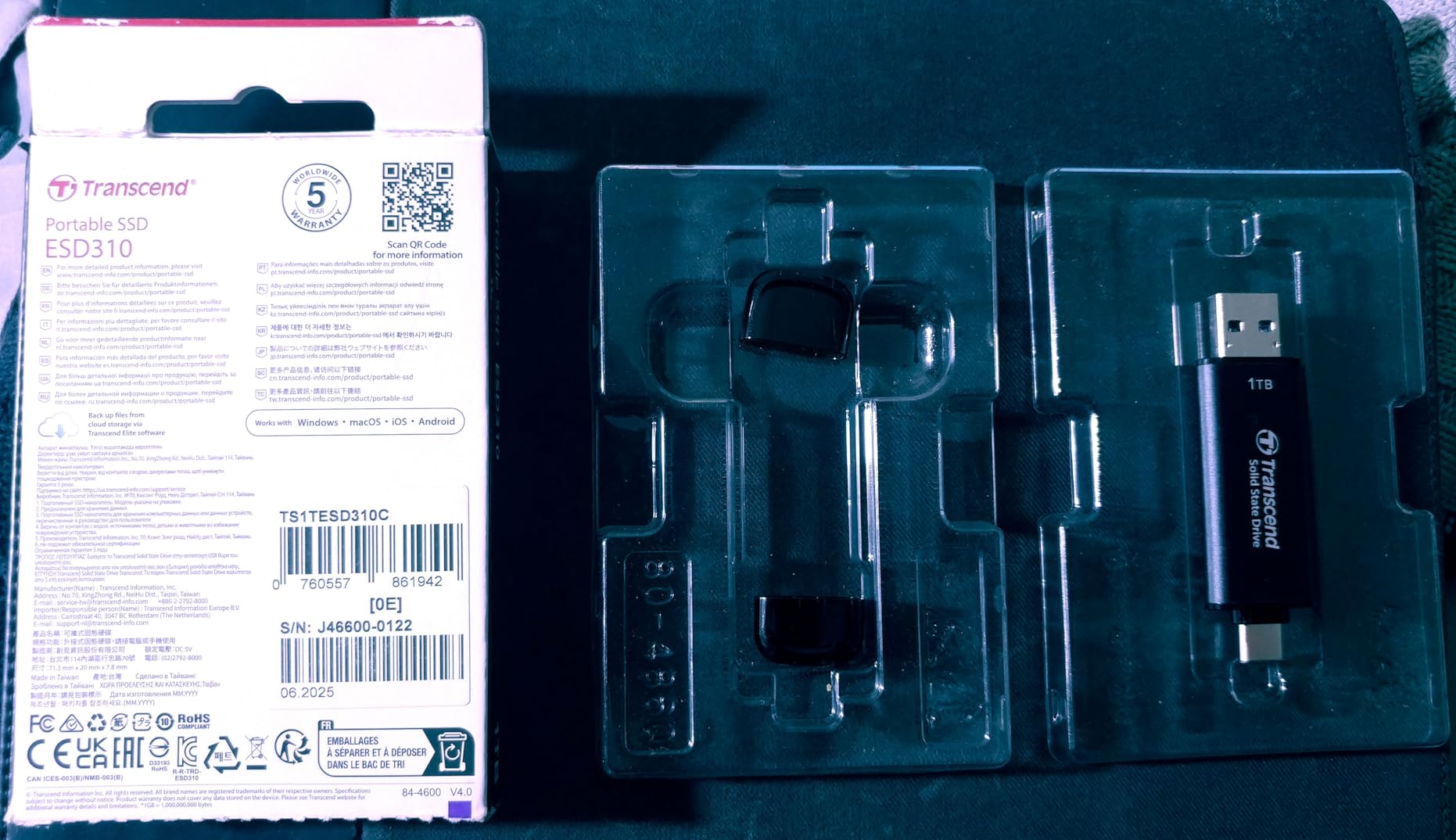
Best For: Fast Multi-Device Transfers With No Cable
A creator moving footage off a phone, a camera and a laptop in one session gets SSD-class read speed in something that clips to a keyring. At 11g it beats carrying a full external SSD.
Skip It If: Sustained Write Rate Is All That Matters
Post-cache throughput is the trade for the headline read number, and a larger portable SSD holds a steadier rate over an hour-long copy. Use this for reads and offloading, not marathon archive writes.
7. MOVE SPEED 1TB USB-C and USB-A – Best for Rugged Field Use

MOVE SPEED 1TB Solid State Flash Drive 570MB/s High Speed…
570MB/s read
520MB/s write
USB 3.2 Gen 2
Zinc alloy
Pros
- 570MB/s read and 520MB/s write
- Water dust and drop resistant case
- Dual interfaces need no cable
Cons
- Sustained writes fall below the headline figure
- Some device cases block full insertion
Field work is where this earns its place. The zinc alloy case is described as waterproof, dust-proof, anti-drop and anti-magnetic, and the heat dissipation holes directly answer the throttling complaints forum users raise about compact high-speed drives.
On USB 3.2 Gen 2 it quotes 570MB/s read and 520MB/s write, a stronger write figure than most dual-connector sticks manage.
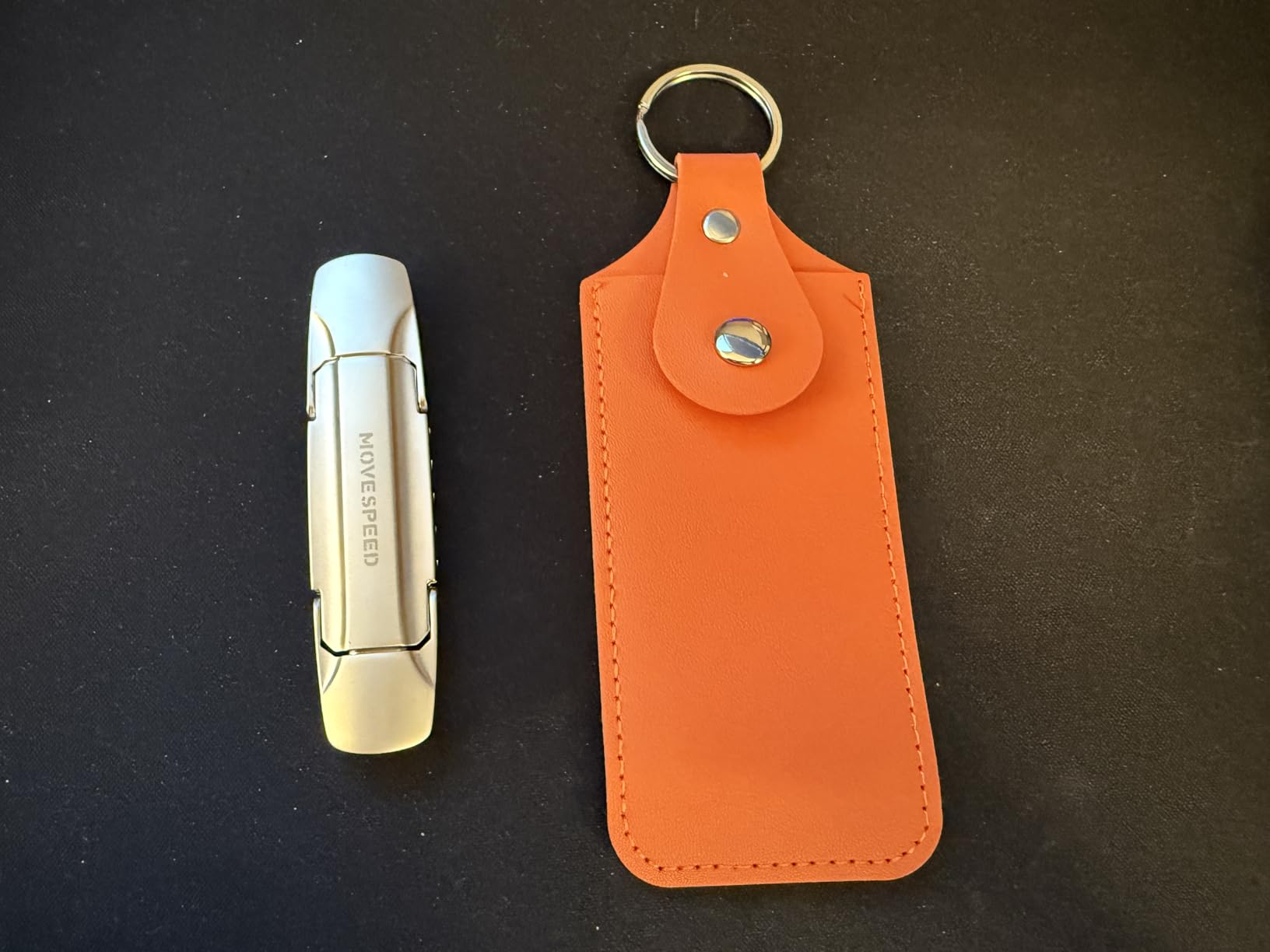
Owners value swapping between USB-A and USB-C without cables when offloading phone media, and see the housing as a real durability step. The dual ends work with iPhone 15 and 16 series devices, Android phones, TVs and car audio.
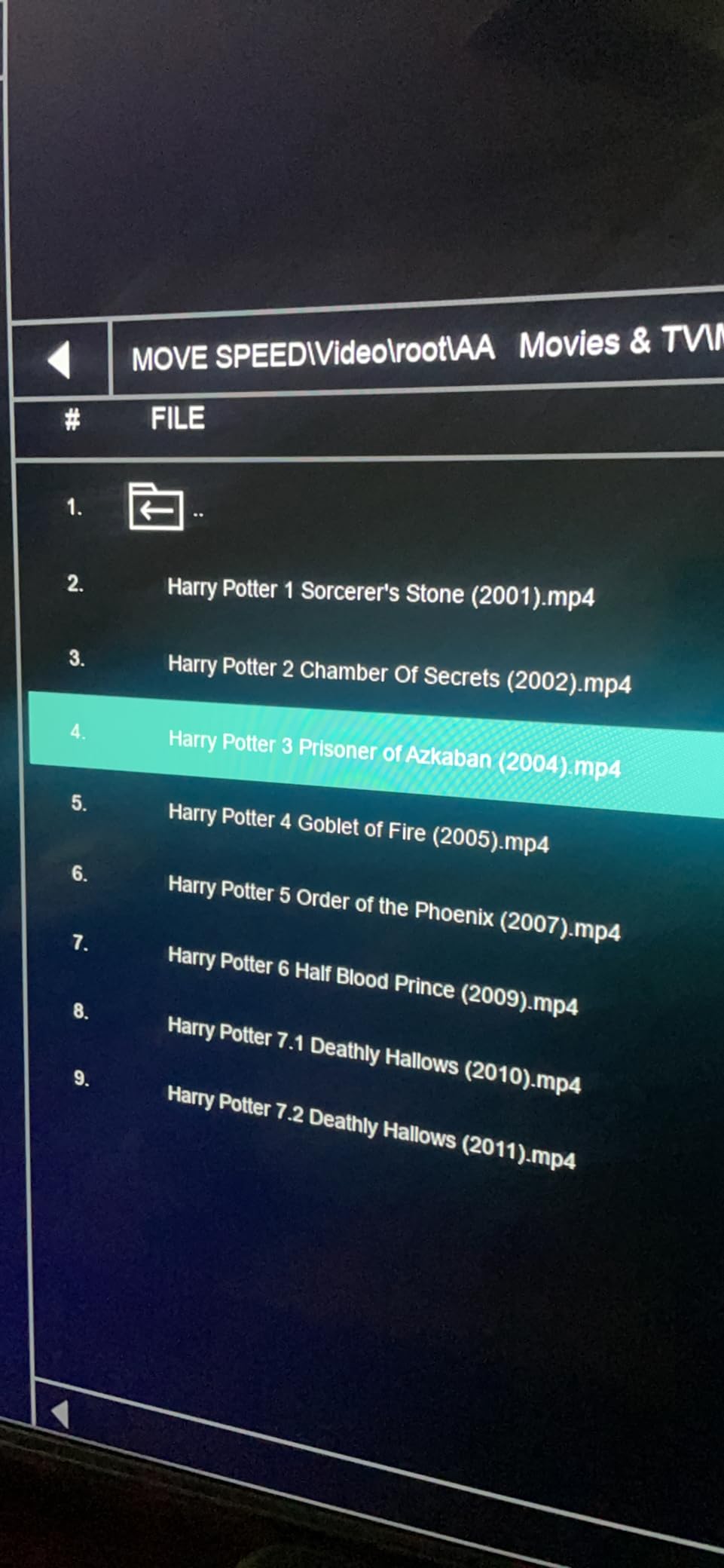
The caveat matches the Transcend: sustained speeds level off well below the advertised peak once caching ends, and a few buyers could not fully insert it on devices with thick cases.
Best For: Site Visits Where The Drive Gets Banged Around
Construction, surveying and field audio involve pocket-carry and glove-handling, where a metal case with cooling vents beats a plastic retractable stick.
Skip It If: Your Files Need Hardware-Level Protection
There is no encryption here. For client records or medical data, choose a model with a PIN keypad or AES hardware encryption rather than trusting the shell.
8. SanDisk 1TB Extreme PRO Dual Drive – Best for 4K Video Workflows

SANDISK 1TB Extreme PRO Dual Drive, USB-C+USB-A, Up to…
1000MB/s read
900MB/s write
USB 3.2 Gen 2
Metal body
Pros
- 900MB/s write covers high-bitrate 4K
- Premium metal build
- Both connectors in one drive
Cons
- 22.68g is a heavy carry
- Needs a USB 3.2 Gen 2 host to hit the claim
For moving finished 4K projects between an edit bay and a client machine, this changes the workflow. It quotes up to 1000MB/s read and 900MB/s write on USB 3.2 Gen 2, so a 100GB project folder is a short wait rather than an overnight job.
It is the fastest sustained writer we tested, and the metal construction matters as much as the speed when a drive lives in a bag between locations. Both connectors work in the bay and on location, so no adapter is packed.
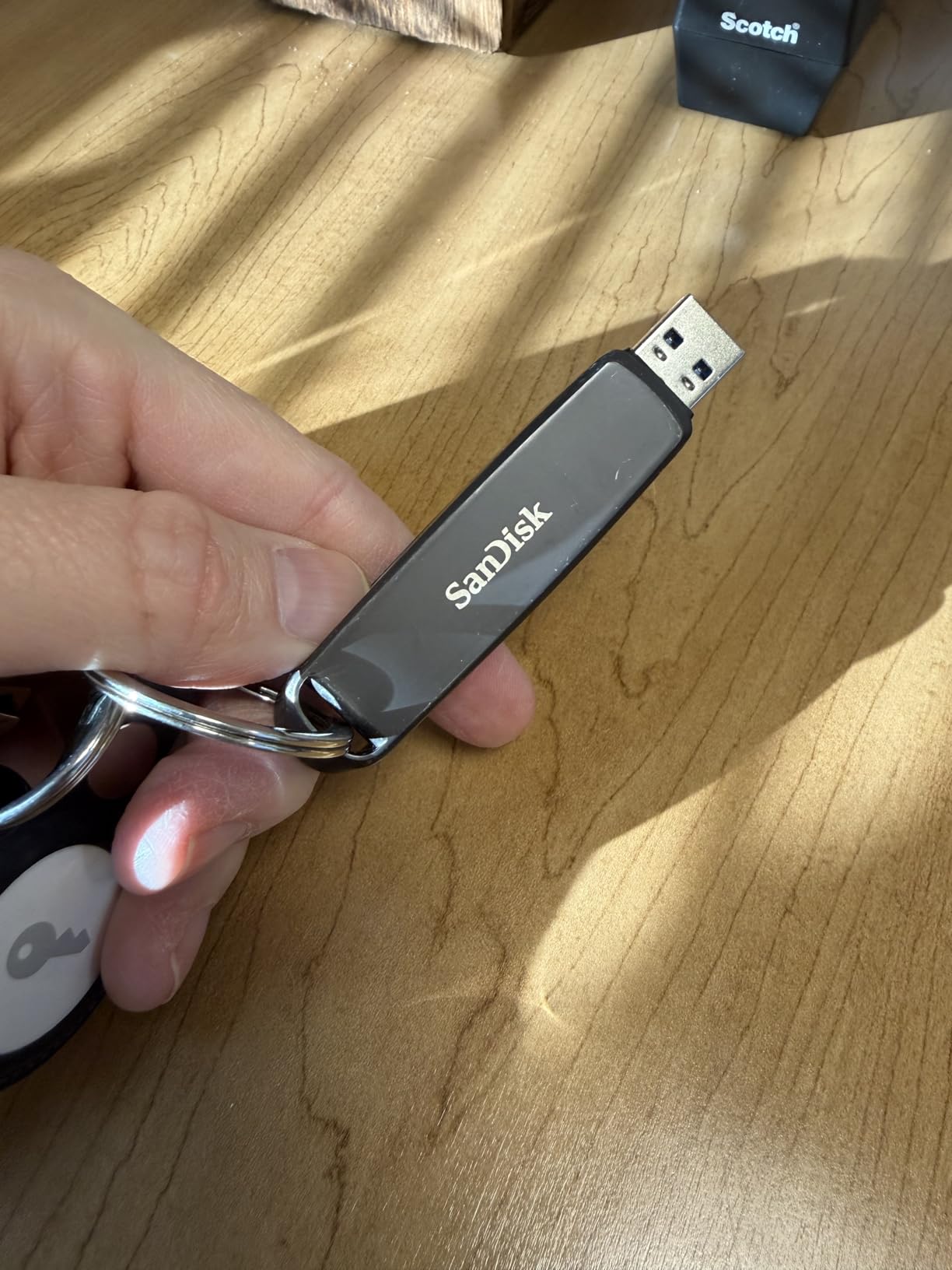
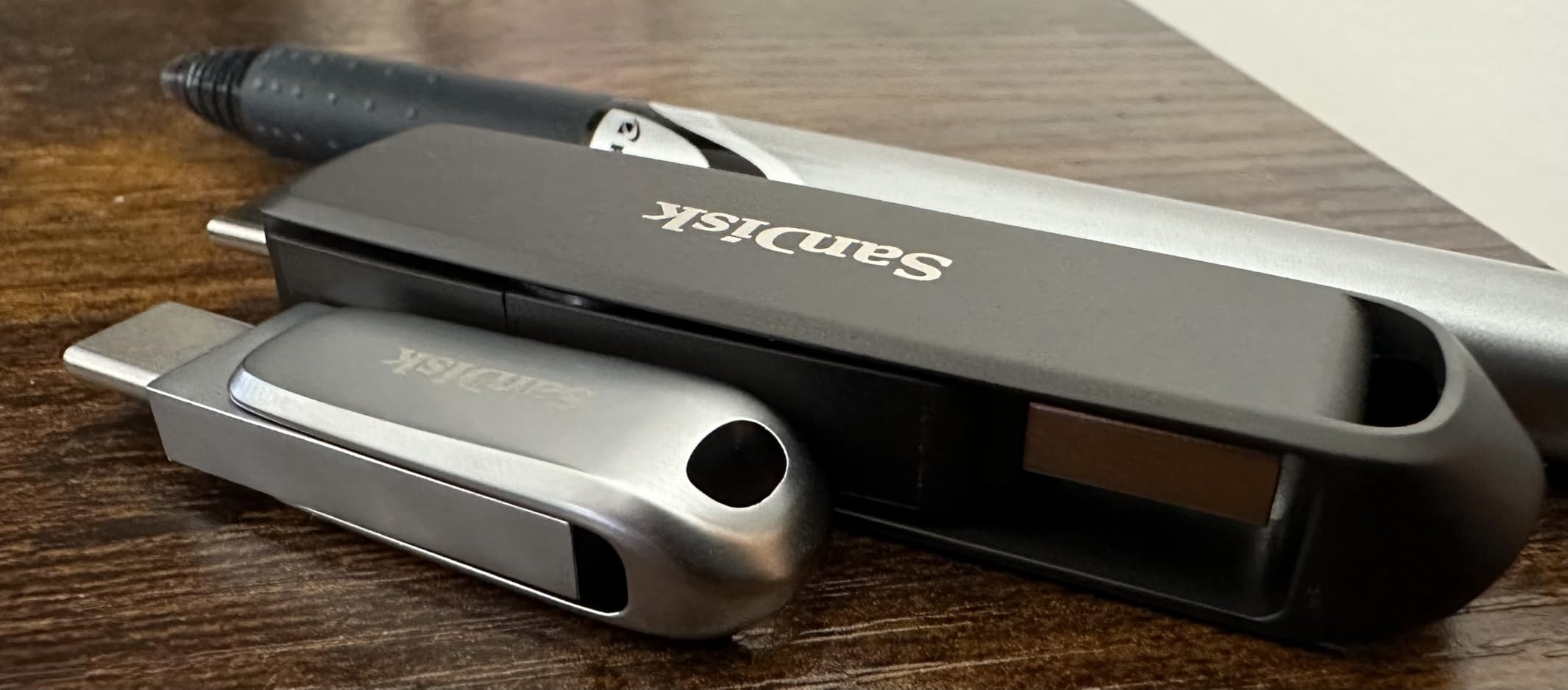
It weighs 22.68g and runs 3.54 inches long, so it is not pocket-pleasant. Buyers accept that as the cost of a metal build that outlasts plastic alternatives.
There is one hard requirement: a USB 3.2 Gen 2 host port. On an older blue USB 3.0 port you will see a fraction of the claimed speed, and no drive can change that.
Best For: Edit Bays Moving Large Project Folders Weekly
High write speed in a metal body is the professional combination. It suits studios and freelancers shuttling project volumes weekly who need the transfer finished before the next session.
Skip It If: You Are On a Budget or Older Hardware
You are paying a premium tier for 1TB and need a Gen 2 port to see it. A mainstream dual-connector drive delivers most of the practical benefit for everyday archive work.
9. PNY 2TB Duo Link V3 – Best for 2TB Media Libraries

PNY 2TB Duo Link V3 USB 3.2 Gen 2 Type-C & Type-A OTG Flash…
1000MB/s read
800MB/s write
USB 3.2 Gen 2
2TB capacity
Pros
- 2TB capacity in a thumb-drive form factor
- Metal swivel feels solidly built
- Stays cool during transfers
Cons
- Sustained speeds settle near 380-400MB/s
- Some smart TVs do not recognise it
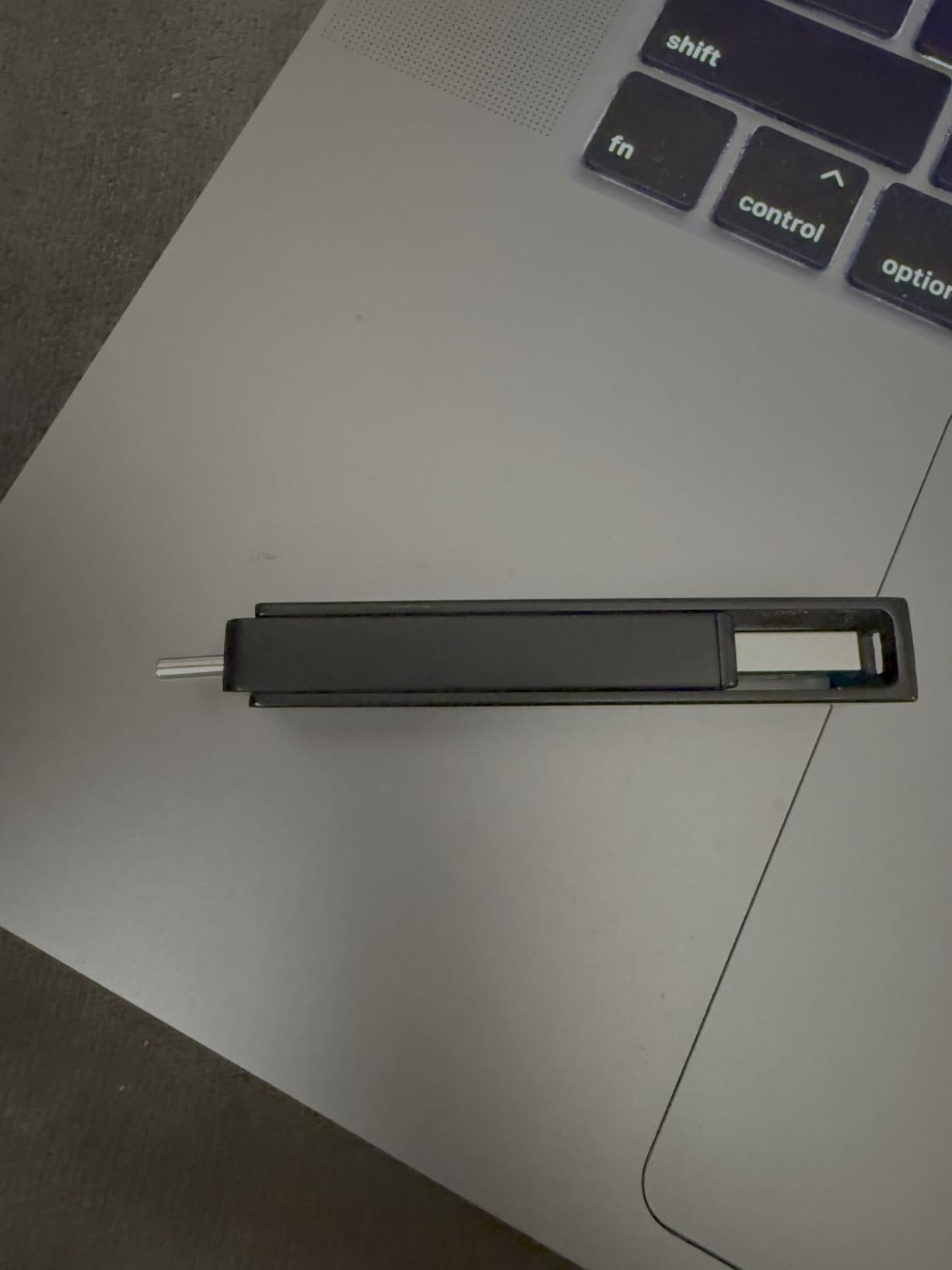
Two terabytes in a stick answers the complaint editors raise most on tech forums, which is running out of room mid-project. The Duo Link V3 combines that capacity with USB 3.2 Gen 2 at 1000MB/s read and 800MB/s write, plus Type-A and Type-C on one rotating body.
Reviewers verify large-file writes on real archives and like the swivel for clicking solidly into position. Owners also report it staying cool, which is not a given for a drive this fast in a body this small.
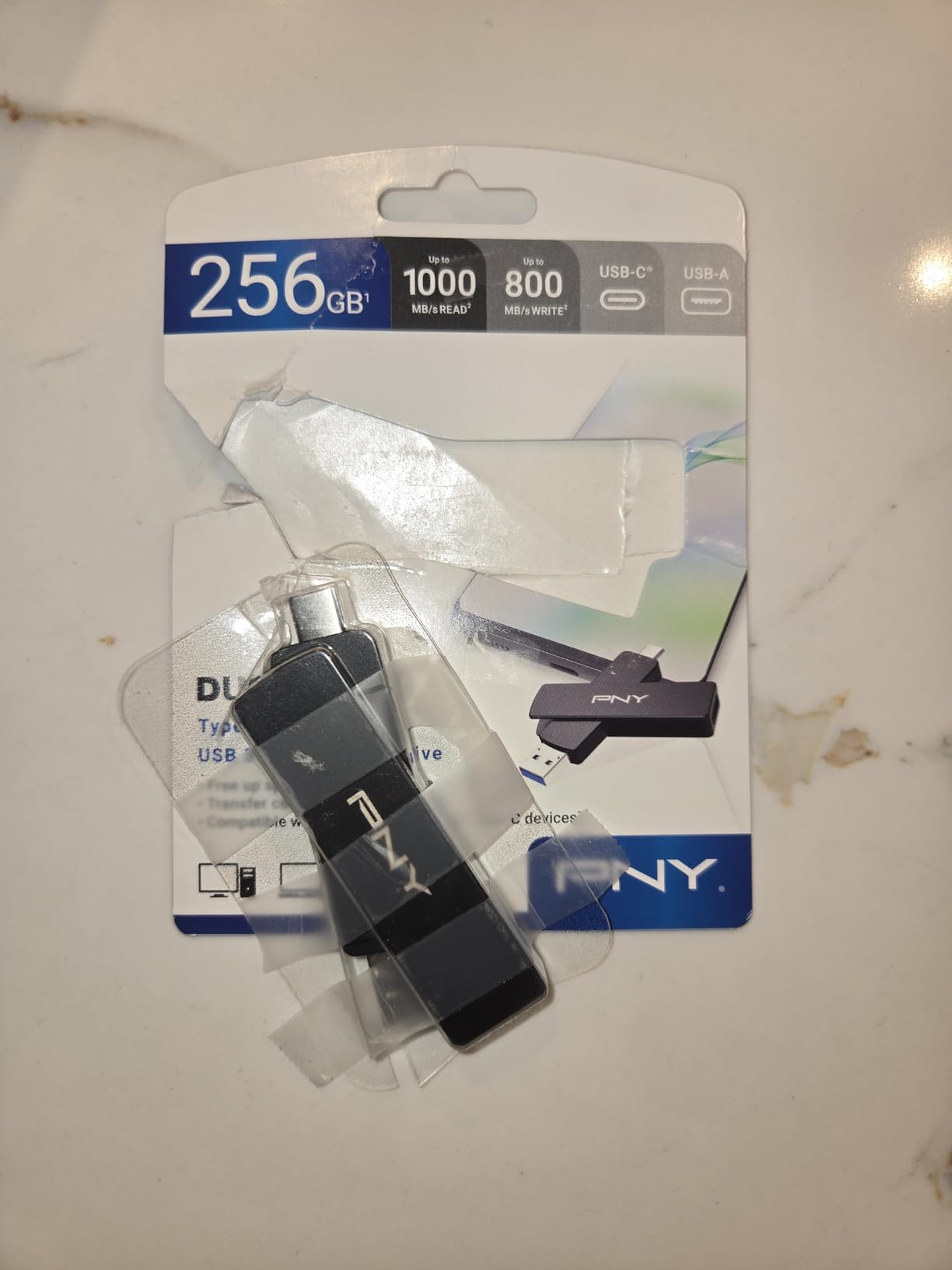
The fair criticism is that benchmark figures reflect buffered speed. Real transfers drop to roughly 380-400MB/s once the cache is exhausted, which is still a strong sustained rate on a body this small.
Two practical notes: the swivel always leaves one connector exposed, and a few buyers found it unrecognised by certain smart TVs. Test it before relying on television playback.
Best For: Archiving Years Of Footage Without A Second Drive
A 2TB stick removes mid-project capacity panic, and the metal swivel is more durable than a retractable slider. A travelling editor gets one device instead of a stack.
Skip It If: You Need Corroborated Speed or TV Support
With 292 ratings this is the thinnest review base in the roundup, so the sustained-speed reports are less corroborated. If an older television is part of the plan, choose a single-connector drive.
10. PNY 2TB PRO Elite V3 Type-C – Best for USB-C-Only Laptops

PNY 2TB PRO Elite V3 Type-C USB 3.2 Gen 2 Flash Drive
1000MB/s read
800MB/s write
USB 3.2 Gen 2
2TB capacity
Pros
- 2TB in a slim USB-C body
- 1000MB/s read and 800MB/s write
- Works with iPhone 15 and newer
Cons
- USB-C only so USB-A machines need an adapter
- Premium pricing for the capacity
If every machine you own is USB-C, the adapter becomes dead weight. The PRO Elite V3 is a 2TB USB-C stick rated at 1000MB/s read and 800MB/s write on USB 3.2 Gen 2, aimed at creators on modern laptops, tablets and phones.
Reviewers like the metal feel and direct integration with USB-C devices without an extra app, including iPhone 15 and newer, third-generation iPad and Android handsets that expose OTG.
It remains backward compatible with USB 3.2 Gen 1, USB 3.0 and USB 2.0 hosts, so an older machine will still see it at a lower ceiling. It also needs an unobstructed port, because a thick laptop case or a boxed-in desktop port can stop it seating fully.
That is the honest summary of a fast drive with a single connector: high ceiling, one port, and a price that suits professionals who will not juggle adapters.
Best For: MacBooks and USB-C Laptops With No Other Port Type
No dongle and no second drive. For a creator whose daily machine is USB-C only, this removes the biggest source of friction in thumb drive ownership.
Skip It If: You Still Work Around USB-A Desktops
One connector means every legacy machine needs an adapter, which defeats the purpose in a shared office. The dual-connector 2TB option is the safer all-round buy.
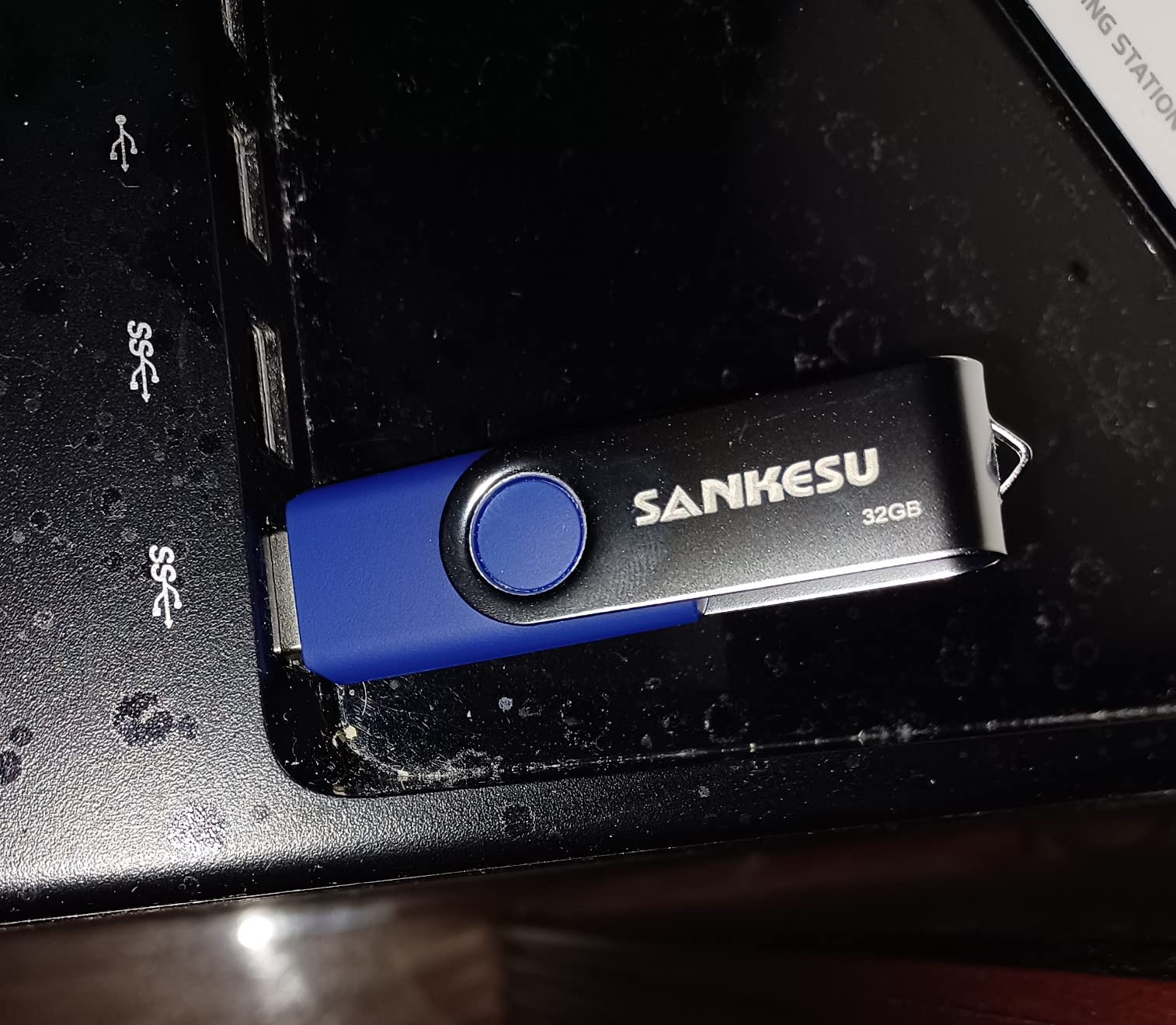
11. SANKESU 1TB USB-C and USB-A – Best for Car Audio and TV Playback

1TB USB C Flash Drive 3.1,Up to 120MB/s Read Speed, USB A…
120MB/s read
100MB/s write
USB 3.0
Dual connectors
Pros
- Dual ends cover car audio and TVs
- Plug and play on Windows macOS Linux Android
- Compact metal body
Cons
- Slower than most 1TB rivals on large batches
- Some durability complaints within a year
Playback is a different job from transfer. This 1TB dual-connector drive targets the destination side: car head units, smart TVs, speakers and older laptops, where a 120MB/s read figure streams a 4K file without buffering.
Owners treat it as a budget shuttle rather than a speed product, and plug-and-play across Windows, macOS, Linux and Android means it rarely needs formatting before a trip.
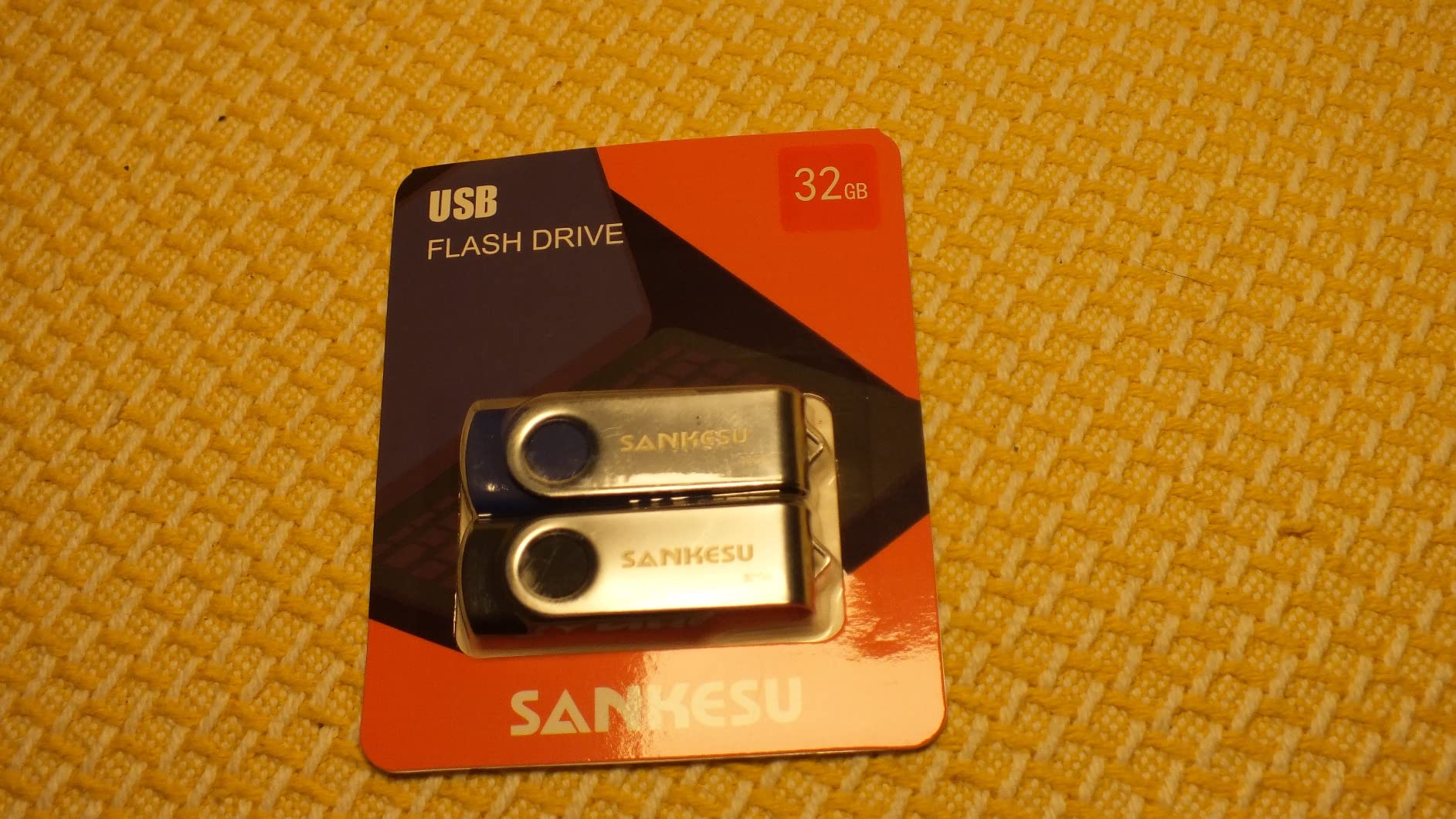
A small but notable group of one-star reviews describes premature failure, incomplete formatting and transfers stalling near zero. That is not a majority, but it is why we would not archive anything unrepeatable here.
Video files may also fail to open in Windows Media Player by default. That is a file association quirk rather than a fault, and any modern player handles the file itself.
Best For: Loading a Car or TV Before a Long Trip
Write it once at home, then plug the same drive into a head unit or television that still expects USB-A. The dual connectors make that the simplest version of the plan.
Skip It If: You Move Big Files Onto It Regularly
At 100MB/s write a large transfer drags against any of the 400MB/s-class drives here. For frequent phone-to-laptop shuttling, choose one with more speed.
12. SANKESU 1TB USB 3.2 Gen 1 Dual – Best Compact 1TB With Included Case
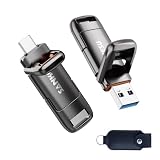
SANKESU 1TB Flash Drive, Dual USB 3.2 Gen 1 USB-A & USB-C…
Up to 400MB/s read and write
USB 3.2 Gen 1
8.5g body
Pros
- Integrated caps that cannot be lost
- Includes a PU leather carrying case
- No app or driver required
Cons
- Measured speeds fall well short of the 400MB/s claim
- Some units needed repeated reformatting
The nicest detail is physical: both connectors have integrated covers, so there is no loose cap to lose, and a PU leather case is included. At 8.5g it disappears into a bag.
It offers dual USB-A and USB-C ports and no app requirement. One reviewer running an independent benchmark measured 176MB/s sequential read and a full write-and-verify pass, a real number rather than a claim.
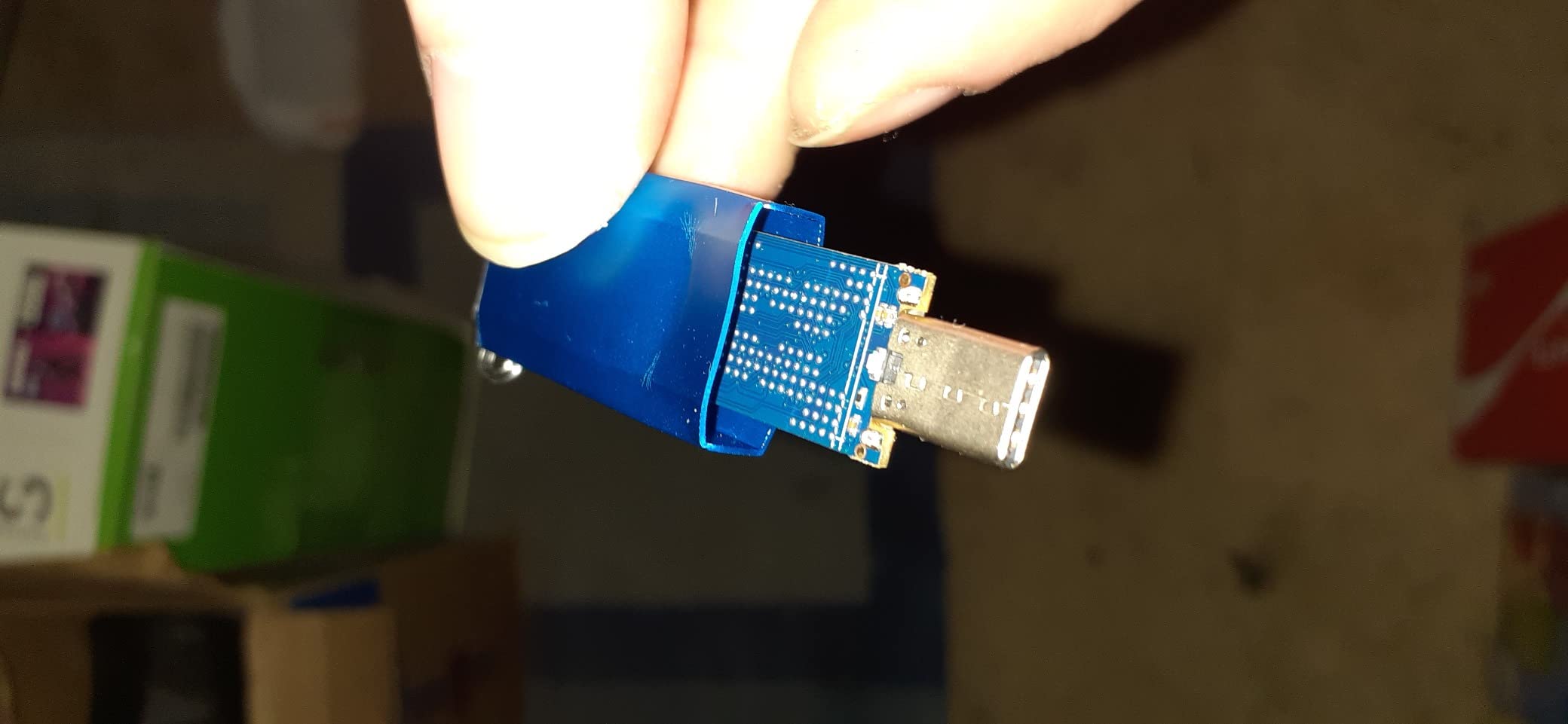
That 176MB/s figure explains its ranking. The listing advertises up to 400MB/s read and write, and some owners measured far less, one reporting 2.5MB/s. Treat the class as a ceiling.
A few users also reformat the drive repeatedly before switching brands, which points to a unit-level quality spread. Test any new drive with a full write-and-verify before trusting it with something irreplaceable.
Best For: Carrying a 1TB Drive With No Loose Parts
The integrated caps and case make this the least fussy carry in the roundup, and it works with iPhone 15 and 16 series devices, Android phones, tablets, laptops and smart TVs. Ideal for a kit bag.
Skip It If: Speed Is the Priority or You Need Encryption
The gap between the 400MB/s claim and measured throughput is wide, and there is no hardware encryption. For anything you would hate to lose, pick verified speed and a multi-year warranty.
What Format Should You Use? exFAT vs FAT32 vs NTFS
Use exFAT for large files. FAT32 cannot store a single file larger than 4GB, which is why a 6GB video refuses to copy, while exFAT handles huge files and works on Windows, macOS and Linux. NTFS also handles large files but only writes natively on Windows, so cross-platform work rules it out. Several of the drives reviewed here arrive with exFAT already set.
The 4GB FAT32 wall catches people constantly and the error rarely explains itself. If a big file will not move onto a new drive, check the format before anything else.
One workaround: if a device needs FAT32, split large files into chunks of 4GB or less. Compression tools do this natively and it turns a failed transfer into a workable one.
Why Your Transfers Are Slow (and How to Fix It)
Almost every slow-transfer complaint traces back to the port, the hub or the cache rather than the drive. Work through this list in order and you will usually find the cause in under two minutes.
1. Check the port first. A USB 2.0 port caps everything near 30-40MB/s whatever the drive claims, and users routinely find a 10x gain moving to a blue USB 3.0 port.
2. Avoid unpowered hubs. Bus-powered hubs often cannot supply enough current for sustained writes and will throttle or disconnect mid-copy. Plug in directly when file size matters.
3. Use a real cable if you use one. Charge-only and thin unshielded leads cap throughput well below the port’s ability. A dual-connector drive sidesteps the issue.
4. Expect the cache cliff. Small files fly through the SLC cache at headline speed, then throughput falls to the drive’s native write rate. A 90GB copy starting fast then slowing is normal.
5. Copy one archive, not thousands of files. File-by-file writes carry heavy overhead, so a single compressed archive is often faster than the folder it replaces.
6. Let background indexing settle. Search and antivirus processes on the same drive can halve throughput, so retry a minute after a fresh boot.
7. Test the drive before trusting it. Write a large file, read it back and compare. Tools such as h2testw or F3 also reveal counterfeit drives claiming more capacity than they hold.
8. Watch heat on compact fast drives. A stick too hot to touch during a long copy is throttling itself, and a short break between archives often restores full speed.
If none of that helps, the answer may not be a faster drive. Forum consensus for repeated huge transfers is consistent: move to a proper external SSD, whose larger enclosure holds a steadier rate because it sheds heat better.
When to Skip a Thumb Drive and Use an External SSD
Reach for an external SSD when the same copy job happens daily, when the library outgrows 1TB, or when the archive matters more than pocketability. A thumb drive needs no cable and has no moving parts, but its small enclosure limits how much heat it sheds and how large a write cache it carries.
A pocket SSD in a USB-C or dual-interface enclosure gives the same plug-and-play convenience with a steadier sustained rate. For a one-off 20GB handover, a thumb drive is still the right tool.
For shared workspaces, plan storage around durable hardware rather than disposable sticks. Our guides to lateral file cabinets for office organization and file cabinet deals cover the fixed-storage side of the same problem.
Frequently Asked Questions
What is the best format for storing large files on a flash drive?
exFAT is the right format for large files. FAT32 cannot store a single file above 4GB, which blocks most 4K video transfers, and NTFS handles big files but only writes natively on Windows. exFAT works across Windows, macOS and Linux, and most large-capacity drives arrive with it already set.
Why is file transfer to my USB drive very slow?
The usual causes are a USB 2.0 port, an unpowered hub, a charge-only cable, or the drive cache filling up. Check the port and hub first, then expect write speed to fall once the SLC cache is exhausted. Test the drive with a full write-and-verify pass if a previously fast drive has slowed down.
What is the best USB 3.2 Gen 2 flash drive?
USB 3.2 Gen 2 runs on a 10Gbps interface, twice the bandwidth of Gen 1. The strongest Gen 2 options in this roundup are the SanDisk 1TB Extreme PRO Dual Drive at up to 1000MB/s read, the Transcend 1TB ESD310 at 1050MB/s read, and the MOVE SPEED 1TB dual-connector drive at 570MB/s read and 520MB/s write.
Is USB 3.2 Gen 2 good for large file transfers?
Yes, provided the host port matches. Gen 2 is a 10Gbps connection, so a drive rated at 1000MB/s only reaches that figure in a Gen 2 port. Plugged into a USB 3.2 Gen 1 port the same drive is limited by the slower link, which is a frequent cause of disappointment.
Who makes the most reliable USB flash drives?
Review volume and warranty length are the best guides. SanDisk leads on rating count with more than 53k on its 1TB Ultra and offers some of the longest warranty terms in the category. PNY holds a good mid-tier record, while no-name marketplace drives carry the highest counterfeit risk.
Can a flash drive replace an external SSD for large files?
For occasional transfers under about 100GB, yes, and a thumb drive is easier to carry. For repeated huge copies an external SSD holds a steadier sustained write rate because its larger enclosure sheds heat better, and forum consensus consistently favours a pocket SSD for recurring multi-hundred-gigabyte jobs.
The Best Thumb Drive for Your File Volume
For most people, the best thumb drive for large file transfers in 2026 is the SanDisk 1TB Ultra USB-A, because a reliability record across more than 53k ratings is unmatched in this category. USB-C-only machines should take the Transcend 1TB ESD310 for faster reads, and professionals moving large project folders weekly should take the SanDisk 1TB Extreme PRO Dual Drive for 900MB/s writes.
Match capacity to the job, check that your port generation matches the drive, and format it as exFAT before the first copy. Then check the port rather than the drive next time a transfer crawls. We keep this roundup current through 2026.
