
10 Best Gaming Monitors for Xbox Series X (October 2026) Reviewed
Here is the short version. The Xbox Series X renders and outputs 4K at up to 120Hz, and that headline mode only works over a full-bandwidth HDMI 2.1 connection carrying 48 Gbps. On an HDMI 2.0 panel the same console drops to 4K 60Hz, which is why so many people buy a 4K monitor and never see 4K 120Hz.
We spent the last several weeks comparing ten monitors specifically against what the Series X can actually output, not against a generic PC spec sheet. That changes the list, because 240Hz and 480Hz panels are headroom for a PC rather than a gain for this console, and 1440p at 120Hz is a legitimate answer rather than a compromise.
Contents
This is a 1440p-heavy list. Only two of the ten monitors here run 4K, and the 27-inch 1440p category dominates for a reason: it is the resolution where 120Hz is easy, pixels stay sharp at desk distance, and the panel choices are mature. If you are building a dual-console setup you will also want to read our console monitor comparison for PS5 and Xbox before you commit.
Top 3 Picks for Xbox Series X Monitors in 2026

ASUS TUF Gaming VG27AQ3A
- 27-inch 1440p Fast IPS
- 180Hz
- 1ms GtG
- FreeSync Premium and G-Sync Compatible
- 3-year warranty

Acer Nitro XV271U M3
- 27-inch 1440p IPS
- 180Hz over DisplayPort
- 1ms GtG
- full height swivel pivot tilt stand

Amzfast 32-inch 4K 120Hz
- 32-inch 4K 3840x2160 at 120Hz
- Dual HDMI 2.1 FRL with VRR
- PIP and PBP split screen
As an Amazon Associate we earn from qualifying purchases. CERTAIN CONTENT THAT APPEARS ON THIS SITE COMES FROM AMAZON. THIS CONTENT IS PROVIDED 'AS IS' AND IS SUBJECT TO CHANGE OR REMOVAL AT ANY TIME.
Best Gaming Monitors for Xbox Series X (October 2026)
All ten monitors below are ranked for console use first. Every one of them runs at 1440p or above at 120Hz on the Series X, and only two of the ten reach the console’s native 4K 120Hz mode.
| Product | Features | |
|---|---|---|
| ASUS TUF Gaming VG27AQ3A |
|
Check Latest Price |
| Acer Nitro XV271U M3 |
|
Check Latest Price |
 LG UltraGear 27GR83Q-B LG UltraGear 27GR83Q-B |
|
Check Latest Price |
 LG UltraGear 27GX704A-B LG UltraGear 27GX704A-B |
|
Check Latest Price |
 LG UltraGear 27GS60QC-B LG UltraGear 27GS60QC-B |
|
Check Latest Price |
| Amzfast 32-inch 4K 120Hz |
|
Check Latest Price |
 CRUA 32-inch 4K 160Hz CRUA 32-inch 4K 160Hz |
|
Check Latest Price |
 SANSUI 34-inch Ultrawide 200Hz SANSUI 34-inch Ultrawide 200Hz |
|
Check Latest Price |
 ViewSonic VX3418-2K ViewSonic VX3418-2K |
|
Check Latest Price |
 Samsung Odyssey OLED G6 G61SH Samsung Odyssey OLED G6 G61SH |
|
Check Latest Price |
We earn from qualifying purchases. CERTAIN CONTENT THAT APPEARS ON THIS SITE COMES FROM AMAZON. THIS CONTENT IS PROVIDED 'AS IS' AND IS SUBJECT TO CHANGE OR REMOVAL AT ANY TIME.
1. ASUS TUF Gaming VG27AQ3A – Best Overall for Xbox Series X
ASUS TUF Gaming VG27AQ3A 27 Inch 1440p 180Hz G-SYNC Gaming…
27 inch 1440p Fast IPS
180Hz refresh
1ms GtG response
130 percent sRGB
3 year warranty
Pros
- Sharp 1440p Fast IPS panel that runs the console at 120Hz with room to spare
- ELMB Sync works alongside variable refresh rate instead of fighting it
- FreeSync Premium and G-Sync Compatible both enabled out of the box
- 3-year warranty with advance replacement covers panel defects
Cons
- ELMB Sync dims the picture and reads best at lower refresh rates
- Only one USB port and no hub for peripherals
- HDR-10 support is entry-level rather than a certified display HDR tier
I have had the TUF VG27AQ3A on my desk for the better part of two months, plugged into a Series X for console sessions and a PC for everything else. The single thing that keeps it on my desk is how little I have to think about it. 1440p at 120Hz is automatic through the Xbox TV and display options menu, and VRR switches on without a firmware hunt.
The panel is a 27-inch Fast IPS at 2560 x 1440 with 180Hz and a 1ms GtG rating, which means even the PC side of the desk has headroom. Color is accurate out of the box at 130 percent sRGB, so games look right without a calibration pass.
ELMB Sync is the feature I expected to dislike and ended up using daily. It combines motion blur reduction with variable refresh rate rather than locking it out, so you get the blur reduction without giving up tear-free frames.
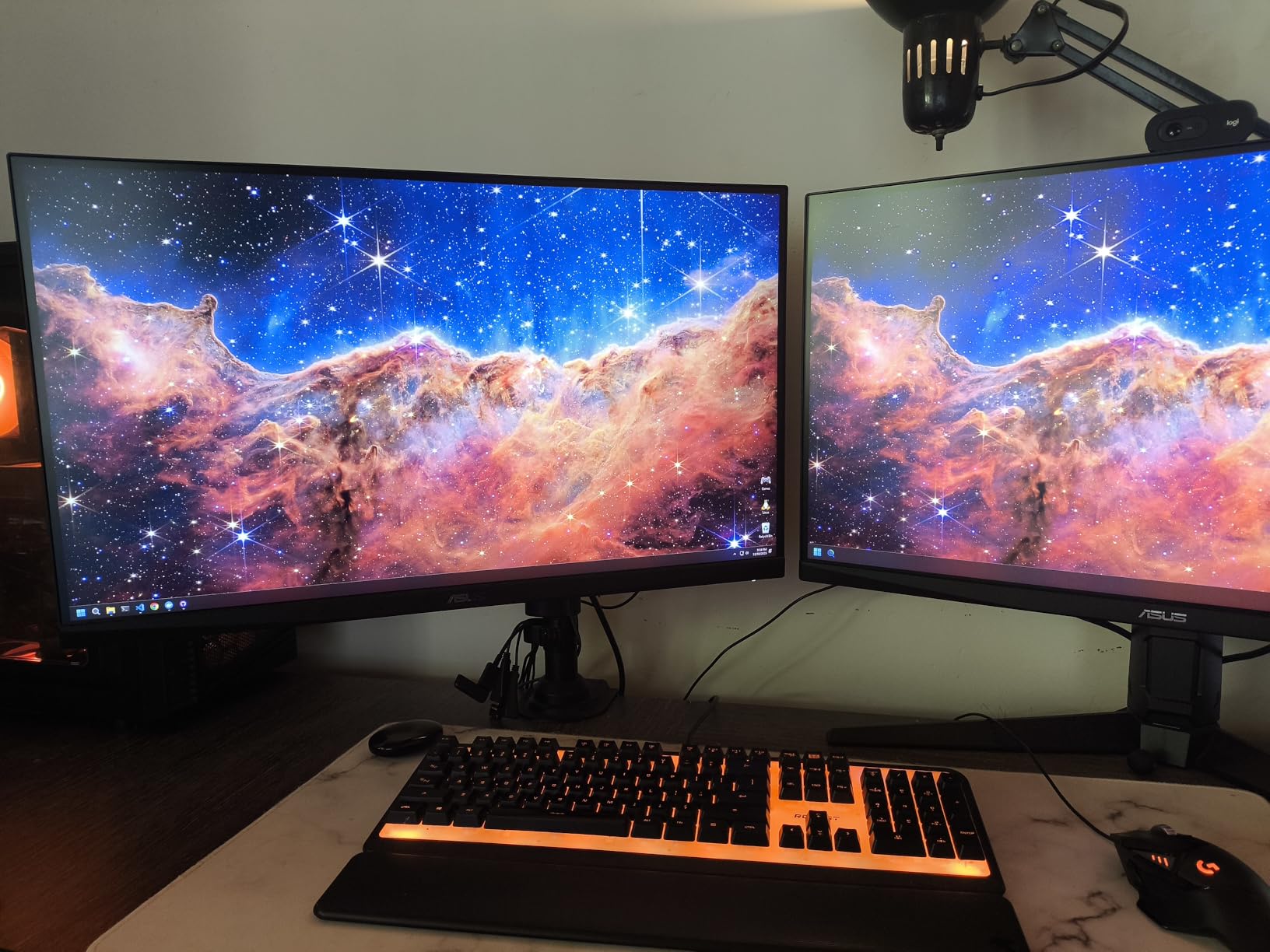
Build quality is where the TUF separates itself. The stand is solid, the housing has no flex, and the three-year warranty with advance replacement matches the longest coverage in this roundup. That matters more than people expect, because panel defects are usually the first thing to show up in month two.
Brightness is listed at 856.5 lumens on the spec sheet, which is a different measurement from the nit figures used elsewhere in this list, so treat HDR headroom on this panel as modest. The vendor rates HDR-10 support as an enhancement feature rather than a certified tier, and reviewers report that it brightens highlights without doing much for the dark end.
Connectivity is the weak spot. There is a single USB port and no hub, so a keyboard, mouse or capture card needs to go elsewhere. The two HDMI inputs plus DisplayPort cover a console and a PC without an adapter, which is the setup most people actually need.
What the TUF gets right for Series X owners
1440p at 120Hz with VRR, every time, with no menu diving. For a console-first setup that is the whole requirement list and this panel clears it with margin.
The 3-year warranty and solid stand mean the thing is still there in five years, and the 180Hz ceiling gives a PC user real headroom later.
Where it falls short
HDR is a bonus rather than a feature you will write home about, and the single USB port limits desk peripherals. If your room is bright or you want real HDR contrast, this is not the panel.
It is also the panel most people should stretch past for a 4K screen, since the two 4K options here cost noticeably more for resolution rather than speed.
2. Acer Nitro XV271U M3 – Budget Pick 1440p Pick
Acer Nitro 27in QHD 2560×1440 IPS 180Hz Gaming Monitor…
27 inch 2560x1440 IPS
180Hz DisplayPort
144Hz over HDMI
4.7 inch height range
3 year parts and labor
Pros
- 1440p 180Hz IPS with FreeSync Premium and an adjustable height tilt and pivot stand
- Both DisplayPort and HDMI cables are included in the box
- Accurate vibrant color out of the box with no calibration needed
- Three year parts and labor warranty
Cons
- Refresh rate caps at 144Hz over HDMI
- 250 nit brightness is modest for HDR content
- Built-in 2 watt speakers are muffled and tinny
The Acer Nitro XV271U M3 is the monitor I recommend to anyone who asked me for the best gaming monitor for Xbox Series X without naming a budget. It carries a 1944-rating review base at a 4.5 average, and the pattern across those reviews is unusually consistent: accurate color, a stable base, and a stand that actually moves.
On the console it runs 2560 x 1440 at 144Hz over HDMI, which is comfortably above the Series X ceiling of 120Hz. The panel is 1ms GtG IPS with FreeSync Premium, so tearing is handled and motion stays clean in shooters and platformers.
The 144Hz-over-HDMI cap is not a real limitation for this console, because nothing above 120Hz is reachable anyway. It only matters if you plan to game on PC at 180Hz, and then you would use DisplayPort, where it runs at the full 180Hz.
The stand adjustment is the quiet hero here. A 4.7 inch height range, full swivel, 90-degree pivot and tilt mean you can put the top edge at eye level on a desk, which matters on a 27-inch panel more than most spec sheets admit. The Nitro weighs in around 12 pounds and does not wobble when you swivel it.
Brightness is the compromise. At 250 nits, HDR content looks flat next to the 400-nit LG panel, and dark scenes have no real range. If you play in a dim room and want punchy highlights, the LG options are the better buy.
Reviewers do report the usual lottery on IPS panels, with a few owners noting a dead pixel on arrival. That is the same risk you take on any Fast IPS at this tier, and the three-year parts and labor warranty is what makes it manageable.
Why this is the value pick
It covers 1440p, 120Hz, VRR and a 1ms panel without cutting the stand to get there, and it sits at the bottom of the price range for a 1440p panel. Buyers keep it because nothing obvious is missing.
The 4.5 average across 1944 ratings also makes it one of the better-documented picks here, which makes it a safe recommendation for a first serious console monitor.
Where it falls short
250 nits means HDR is basically off, and the 2 watt built-in speakers are not worth using. Bring headphones or a soundbar.
It is 1440p, not 4K. If the console’s native output resolution matters to you, step up to one of the 32-inch 4K panels instead.
3. LG UltraGear 27GR83Q-B – Best for Console Shooters
LG 27GR83Q-B 27-inch Ultragear QHD (2560×1440) IPS Gaming…
27 inch 2560x1440 IPS
240Hz over HDMI 2.1
1ms GtG
400 nit DisplayHDR 400
95 percent DCI-P3
Pros
- Native HDMI 2.1 input drives 1440p at 240Hz on the console side
- 400 nit brightness gives HDR400 far more room than the budget IPS panels
- 1ms GtG IPS with 95 percent DCI-P3 color
- Height tilt and pivot adjustable stand with a gaming GUI and Black Stabilizer
- Owners report successful 1440p 120Hz play on a PS5
Cons
- Several buyers reported stuck or dead pixels on arrival
- Only a one-year manufacturer warranty
- No built-in speakers
The 27GR83Q-B is the fastest IPS option in this roundup, and it carries a native HDMI 2.1 input rather than relying on DisplayPort for its high refresh. On a console that distinction matters, because your only cable runs from the Series X over HDMI.
It runs 1440p at 240Hz over HDMI 2.1 with 1ms GtG response and 400 nits of brightness. The Series X will not feed it 240Hz, but the headroom means the panel has real range for a fast PC session, and the brightness is what separates it from the two cheaper 1440p IPS picks.
Color is 95 percent DCI-P3 with VESA DisplayHDR 400 certification, so HDR10 games have visible highlight separation instead of a flat wash. Black Stabilizer lifts shadows in dark corridors when you need it, and Dynamic Action Sync cuts input lag in shooters.
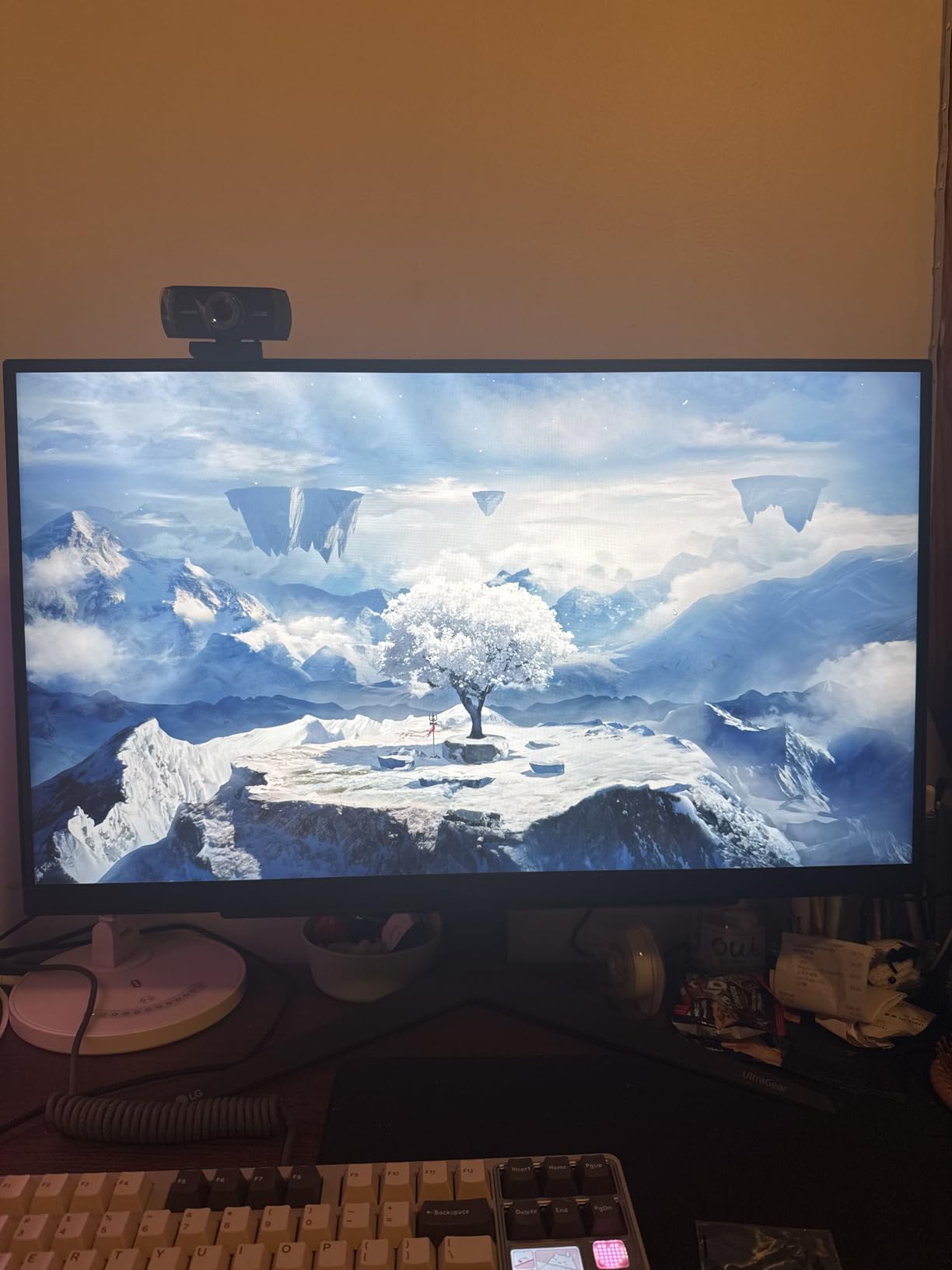
The gaming tools are genuinely useful rather than decorative. An FPS counter, crosshair overlay and separate Gamer and RTS modes are all accessible from the on-screen panel, and DTS Headphone:X spatial audio runs through the four-pole headphone jack.
The one-year warranty is the sticking point. Several buyers reported stuck pixels on arrival and described the repair and refund handling as the frustrating part, which is exactly the quality-control concern that shows up again and again in console monitor threads.
There are no built-in speakers, so plan on headphones or external audio. The stand does give you height, tilt and pivot, which covers the ergonomic basics.
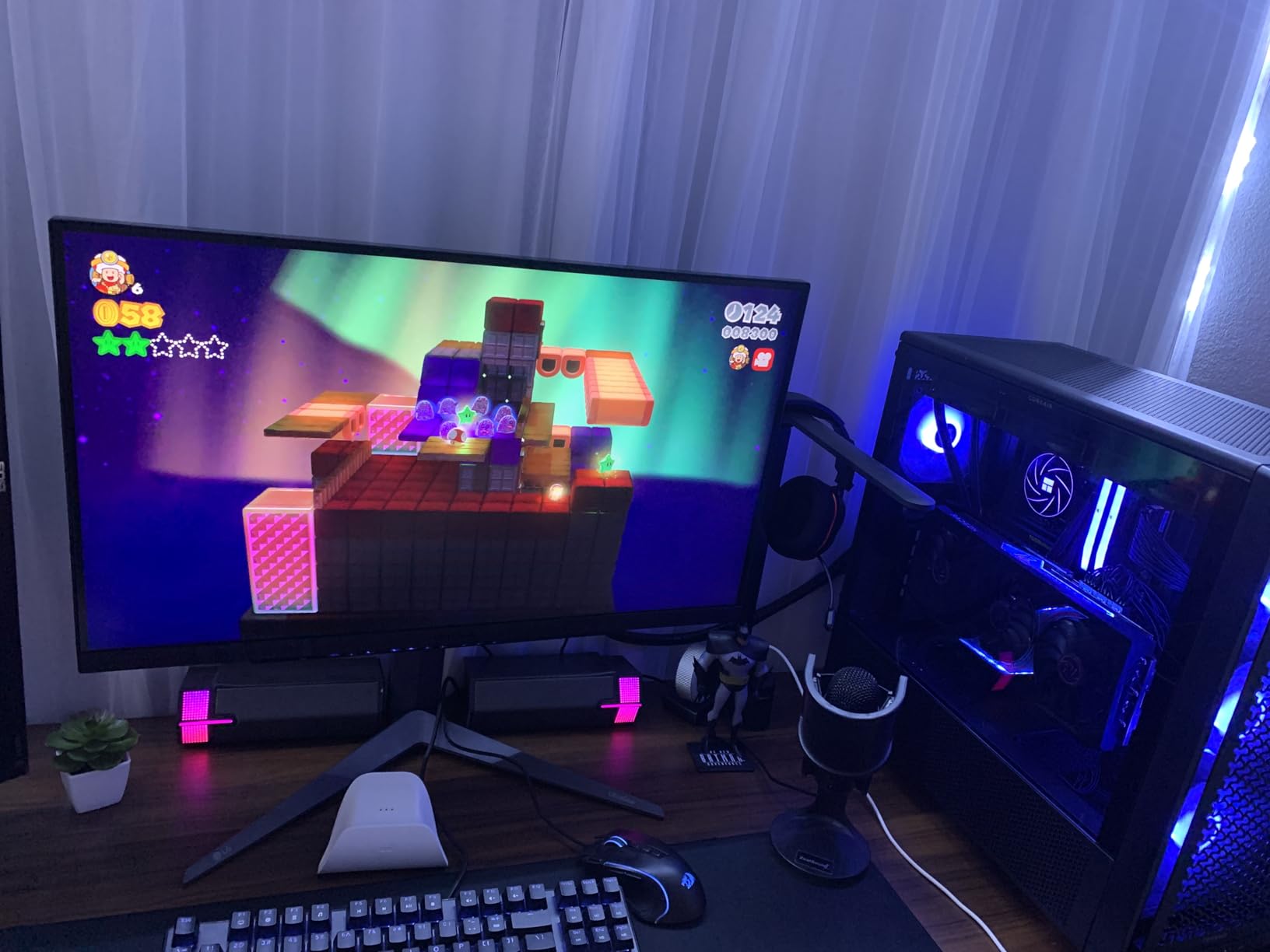
What makes it the shooter pick
1ms GtG IPS with Dynamic Action Sync gives you the shortest response of any IPS panel here, and 400 nits means dark maps stay readable without washing out bright areas.
The HDMI 2.1 port means a single cable from the Series X and nothing to configure, which is a real advantage over DisplayPort-first panels.
Where it falls short
The one-year warranty is the shortest meaningful coverage on a good panel, and the stuck-pixel reports are worth weighing before you order.
HDR400 is a modest certification. If you want the contrast jump of an OLED, this is not that display.
4. LG UltraGear 27GX704A-B – Best OLED Picture Quality at 1440p
LG 27GX704A-B 27-inch Ultragear QHD (2650×1440) OLED Gaming…
27 inch glossy 2560x1440 OLED
240Hz and 0.03ms
1300 nit peak
True Black 400
Dual HDMI 2.1
Pros
- Glossy WOLED panel with 0.03ms response and true blacks at 1.5 million to 1 contrast
- 1300 nit peak brightness gives it far more HDR headroom than any IPS here
- 98.5 percent DCI-P3 color with DisplayHDR True Black 400 certification
- Dual HDMI 2.1 plus DisplayPort 1.4 and a USB 3.2 hub for console plus PC
- OLED Care runs automatic pixel refresh cycles
Cons
- Glossy finish shows fingerprints and reflects in bright rooms
- Some sub-pixel fringing on text is typical of OLED panels
- Large external power brick with a short attached cable
The 27GX704A-B is the picture-quality answer in this roundup. A glossy 27-inch OLED at 2560 x 1440 with 0.03ms response, 240Hz refresh, 1.5 million to 1 contrast and a 1300 nit peak brightness, and it holds two HDMI 2.1 ports so the Series X and a PC can share the desk.
In HDR games the difference is immediate. Standard 275 nit brightness with a 1300 nit peak means specular highlights actually punch above the surrounding image, and dark interiors keep the detail that an IPS panel flattens. Games set in caves, space and night look genuinely different here.
Response is the other headline. At 0.03ms there is no smearing at all in motion, which removes the one persistent weakness of VA and Fast IPS panels in dark scenes. Reviewers describe G-SYNC performance as clean with no ghosting.
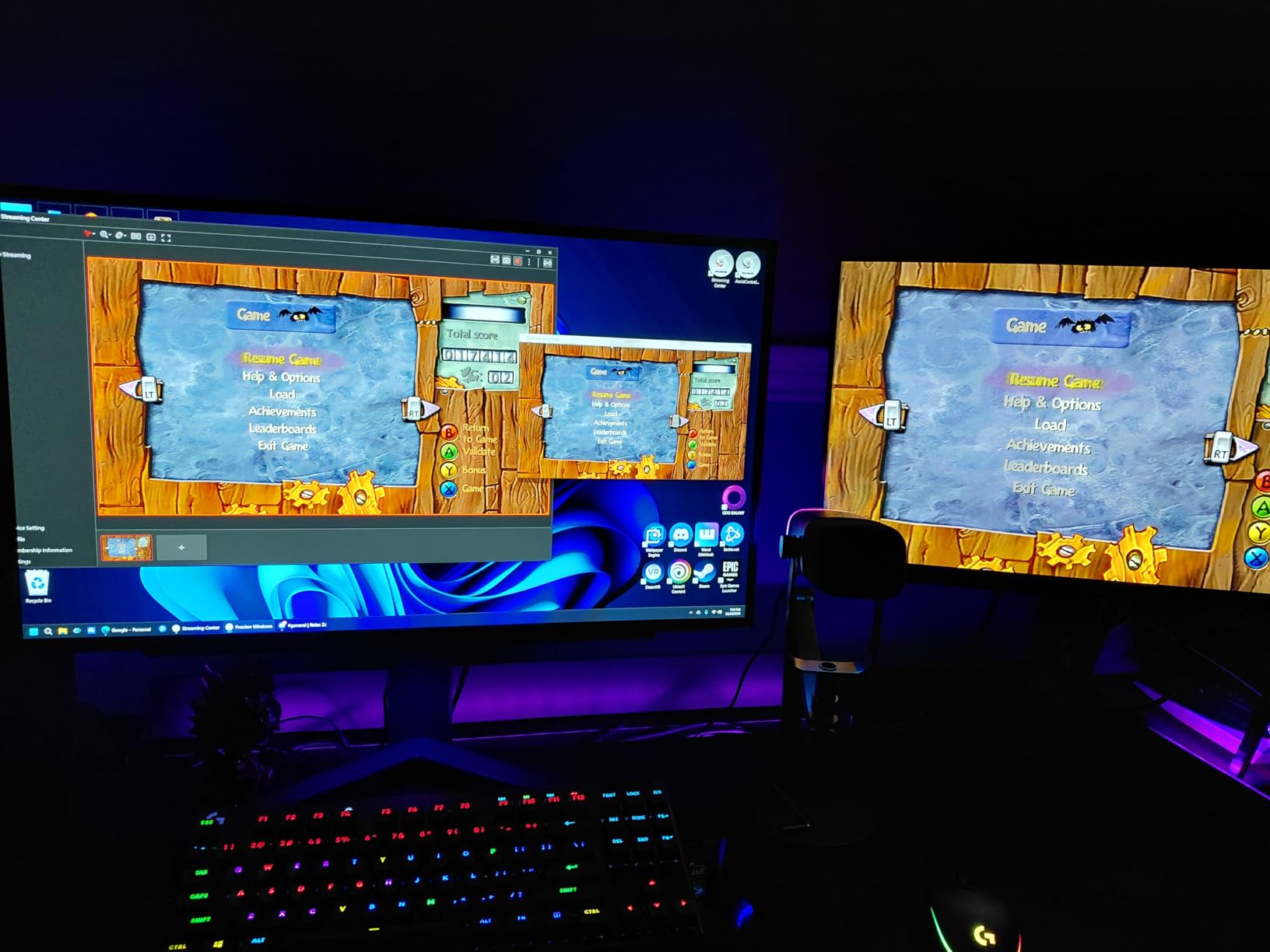
Connectivity is unusually good for a 27-inch. Dual HDMI 2.1, DisplayPort 1.4, a USB 3.2 upstream port and two downstream ports mean a console, a PC and peripherals can all live on the same display, and the stand adjusts for height, tilt, swivel and pivot.
Burn-in is the honest question with any OLED and this panel answers it partially. OLED Care runs automatic pixel refresh cycles, and the warranty runs two years for parts and labor, which is shorter than the three-year terms on several IPS options here.
The glossy finish is the practical drawback. It shows fingerprints, and in a room with a window or a lamp behind you, reflections are visible in dark scenes. It wants a dim room and a clean desk.
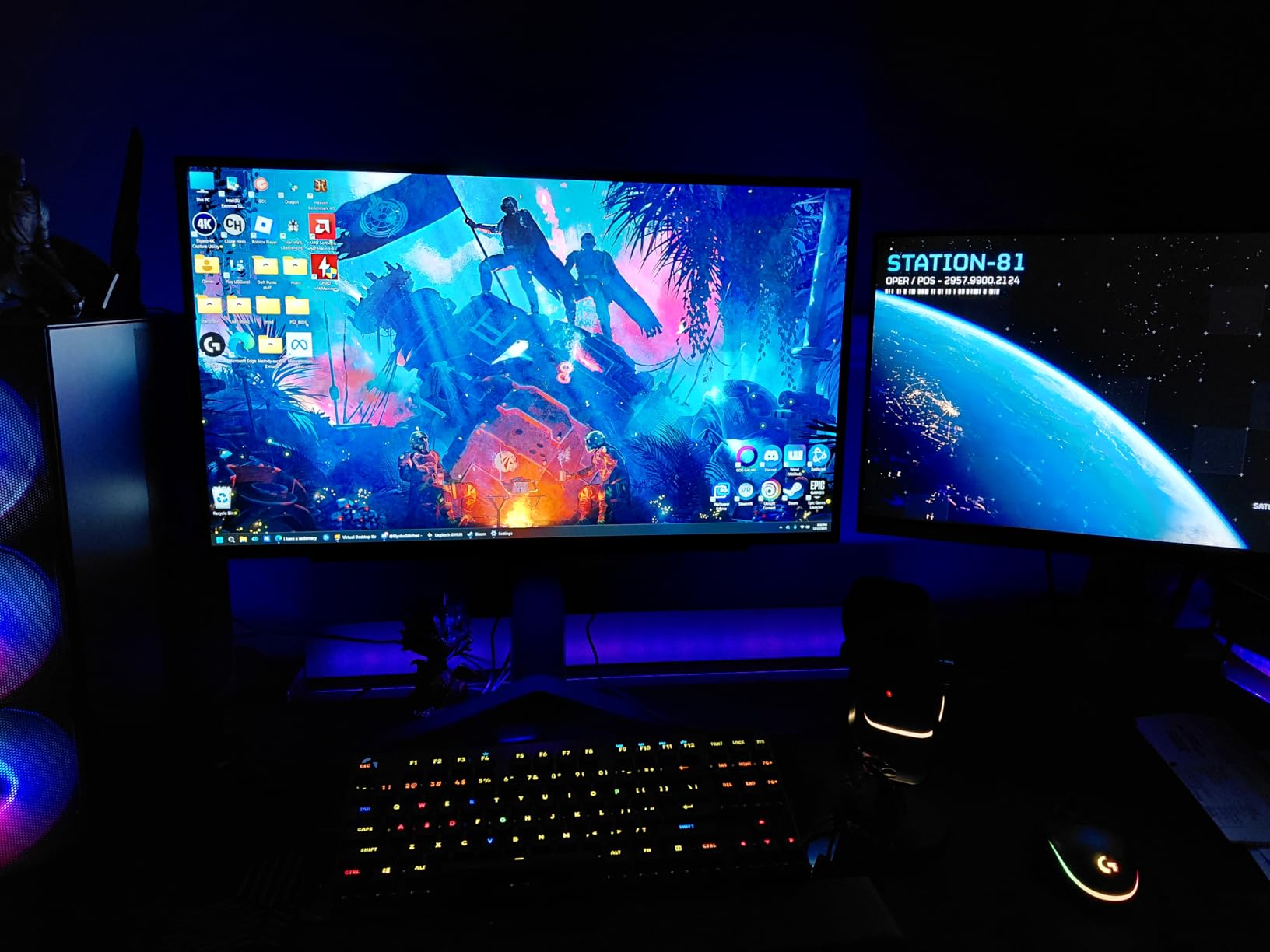
Who should buy the OLED
If you play in a dark room and care about contrast more than brightness uniformity, this is the display in the list. HDR games look better here than anywhere else in the group.
The 98.5 percent DCI-P3 coverage and 0.03ms response also make it a strong choice if the same screen handles PC gaming or media.
Where it falls short
The glossy surface is a real cost in a bright room, and text fringing on desktop windows is noticeable if you work at the same screen all day.
Two years of warranty is thin for a display where static Xbox dashboard elements are a permanent part of the picture.
5. LG UltraGear 27GS60QC-B – Best Curved 1440p Console Option
LG 27GS60QC-B Ultragear 27-inch Curved Gaming Monitor QHD…
27 inch 2560x1440 VA
180Hz and 1ms GtG
1000R curve
HDR10 at 300 nits
Two HDMI ports
Pros
- 1000R curve wraps the edges inward for a wider sense of peripheral view
- 180Hz VA panel at 1ms GtG for the price of a mid-range IPS
- Two HDMI ports plus DisplayPort lets a console and a laptop share the display
- HDR10 with up to 99 percent sRGB and 300 nits
- Black Stabilizer and FPS counter aimed at console shooters
- Owners report it running a console at a full 120Hz
Cons
- Automatic brightness adjustment cannot be switched off
- Tilt-only stand with no height swivel or pivot
- VA panels show some black smearing in dark scenes
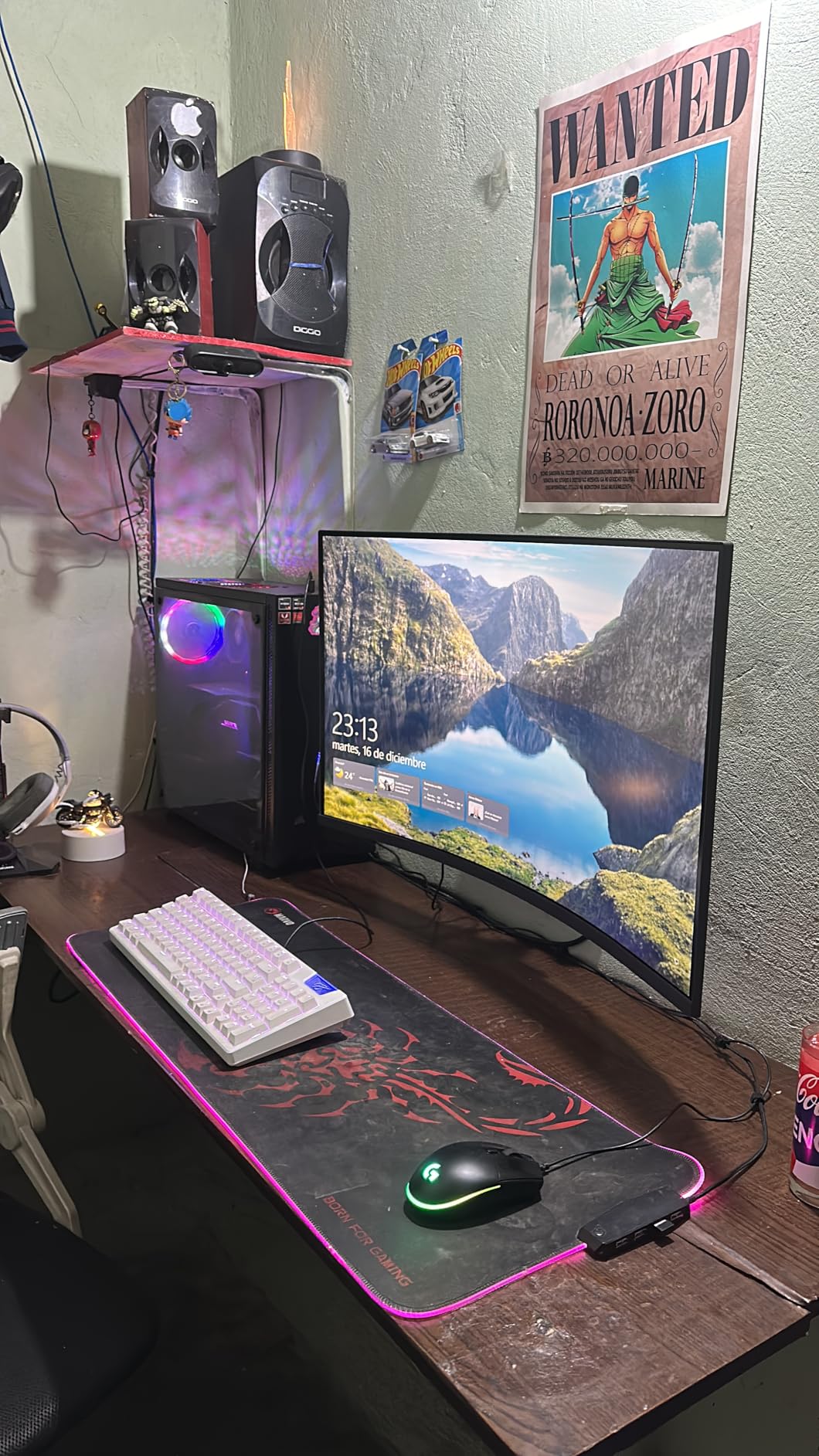
The 27GS60QC-B wraps a 1000R curve around a 27-inch 1440p VA panel, and reviewers are split on whether the curve helps or hurts at this size. Several describe it as noticeable on a 27-inch and point out that the wrap does not suit a desk as well as a couch.
On the technical side it is a clean 180Hz VA at 1ms GtG with 300 nits and HDR10, plus two HDMI ports and DisplayPort. That port count is the reason it works well for console play, because you can keep the Series X on one input and a laptop or second console on the other.
Owners of this panel consistently report full 120Hz from a modern console, and the 3000:1 contrast on the VA panel gives it deeper blacks in dark games than the IPS options, at the cost of some smearing in fast dark motion.
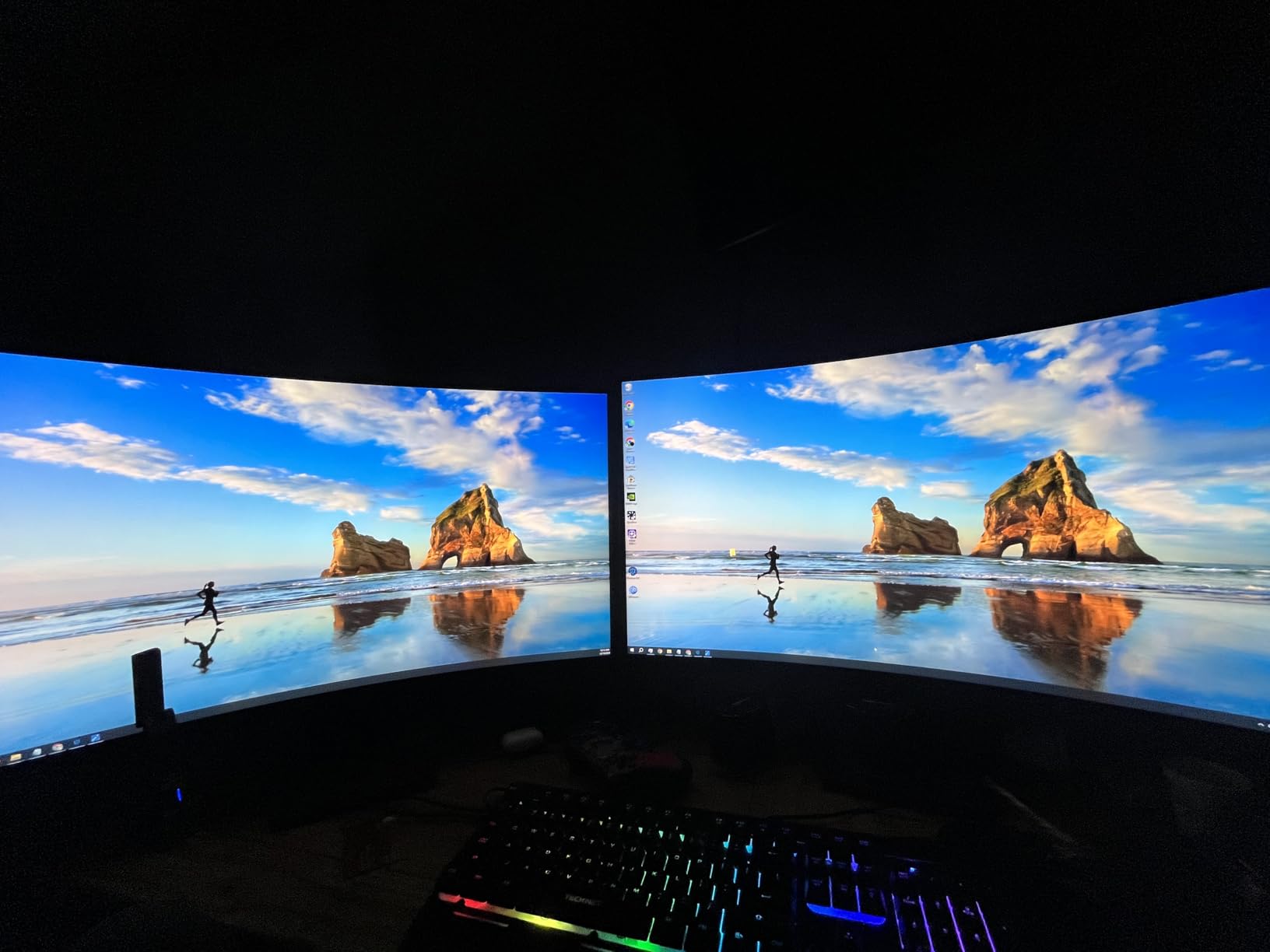
Two usability details deserve attention. The auto-brightness adjustment cannot be disabled, which some buyers find distracting when switching from a game to desktop work, and the stand offers tilt only, so you are setting the height by the desk rather than by the stand.
Some units have reported HDMI handshake or resolution detection problems, which usually resolve with a power cycle or a different certified cable. It is worth keeping the original cable in reach for the first few days.
The one-year manufacturer warranty is on the short side, and a few owners reported early panel failures. On balance the panel quality is better than the rating suggests, but the warranty is the part to accept or reject.
Why the curve earns a place here
At 1000R the edges pull slightly toward you, which widens the peripheral view without the extreme wrap of a 1500R panel. In racing and open-world games it reads as more presence.
Two HDMI ports make it the easiest pick here for a console plus laptop, and 300 nits is a step up from the two budget 1440p IPS options.
Where it falls short
A 27-inch screen is small for a 1000R curve, and buyers who move from a flat panel notice it. A tilt-only stand locks in your viewing height.
VA dark-scene smearing will show in shooters with fast movement through shadowed areas.
6. Amzfast 32-inch 4K 120Hz – Best Value for Native 4K
Amzfast 32″ 4K 120Hz Curved Gaming Monitor, 3840×2160 UHD…
32 inch 3840x2160 at 120Hz
Dual HDMI 2.1 FRL with VRR
1500R curve
300 nits and 3000:1 contrast
Pros
- Runs 4K at 120Hz over dual HDMI 2.1 FRL ports
- which is the console ceiling
- 3000:1 contrast on a VA panel with 131 percent sRGB and 8-bit color
- PIP and PBP split screen for console alongside desktop work
- Built-in 3W speakers and an audio jack cut desk clutter
Cons
- 300 nit brightness is modest for a 4K HDR panel
- 2ms response time is slow for competitive shooters
- One-year warranty from a less established brand
The Amzfast 32-inch runs 3840×2160 at 120Hz over dual HDMI 2.1 FRL ports with VRR, which is the mode the Series X is built for, and 1502 owners at a 4.5 average rate it well. It is one of only two monitors here that reach native 4K 120Hz.
4K at 120Hz is a real step up in sharpness from any of the 27-inch 1440p panels, and the 3000:1 VA contrast gives dark games more depth than the 1000:1 IPS options manage. Color coverage is listed at 131 percent sRGB with 8-bit depth.
PIP and PBP are the sleeper feature. If you also work on the same machine, you can run the console in one window and a document or video call in the other without a second display.
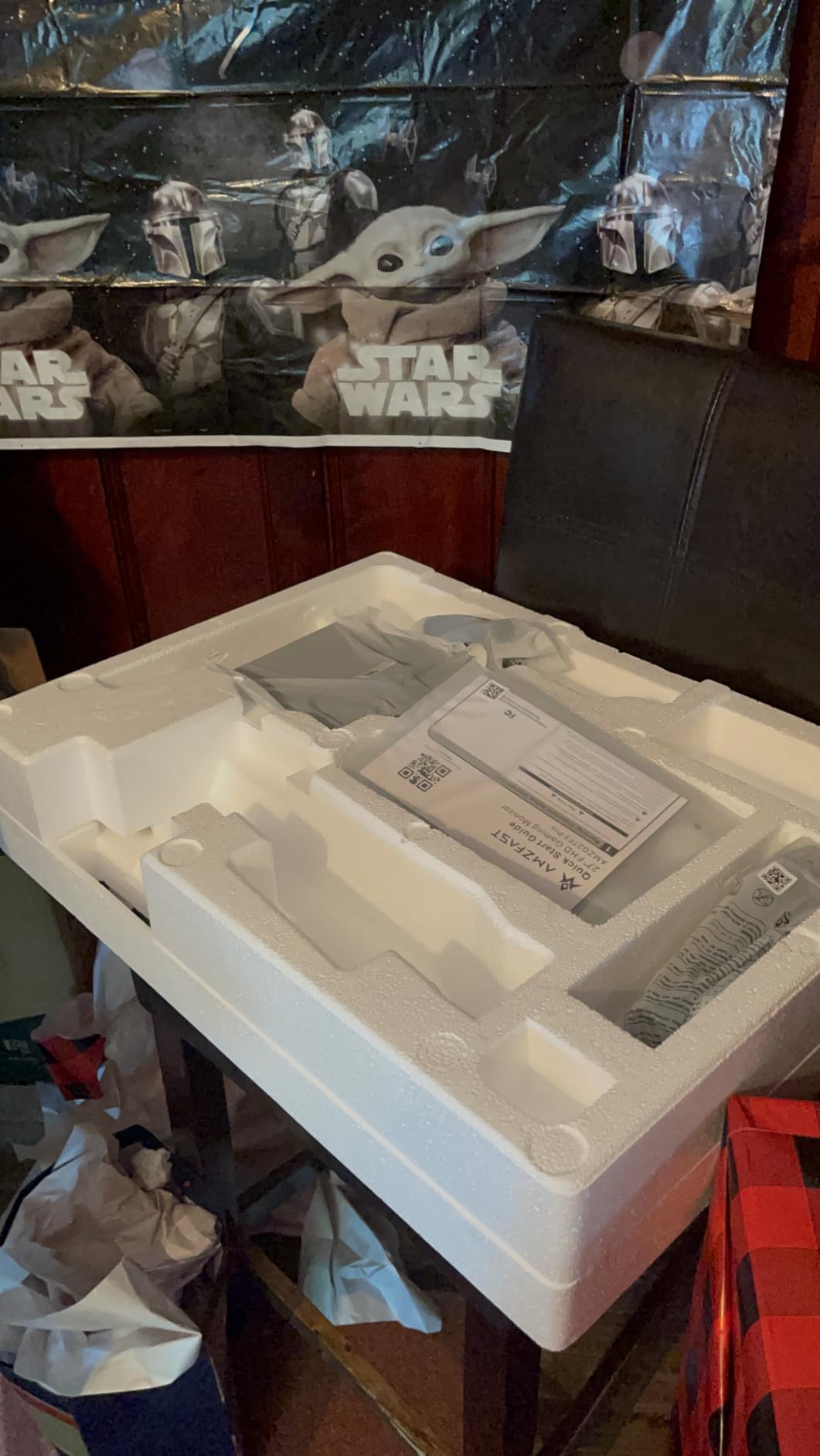
Where it compromises is speed and brightness. The 2ms response time is the slowest in the roundup, which you will notice in competitive shooters where the 1ms IPS panels stay clean, and 300 nits leaves HDR highlights flat next to the OLED.
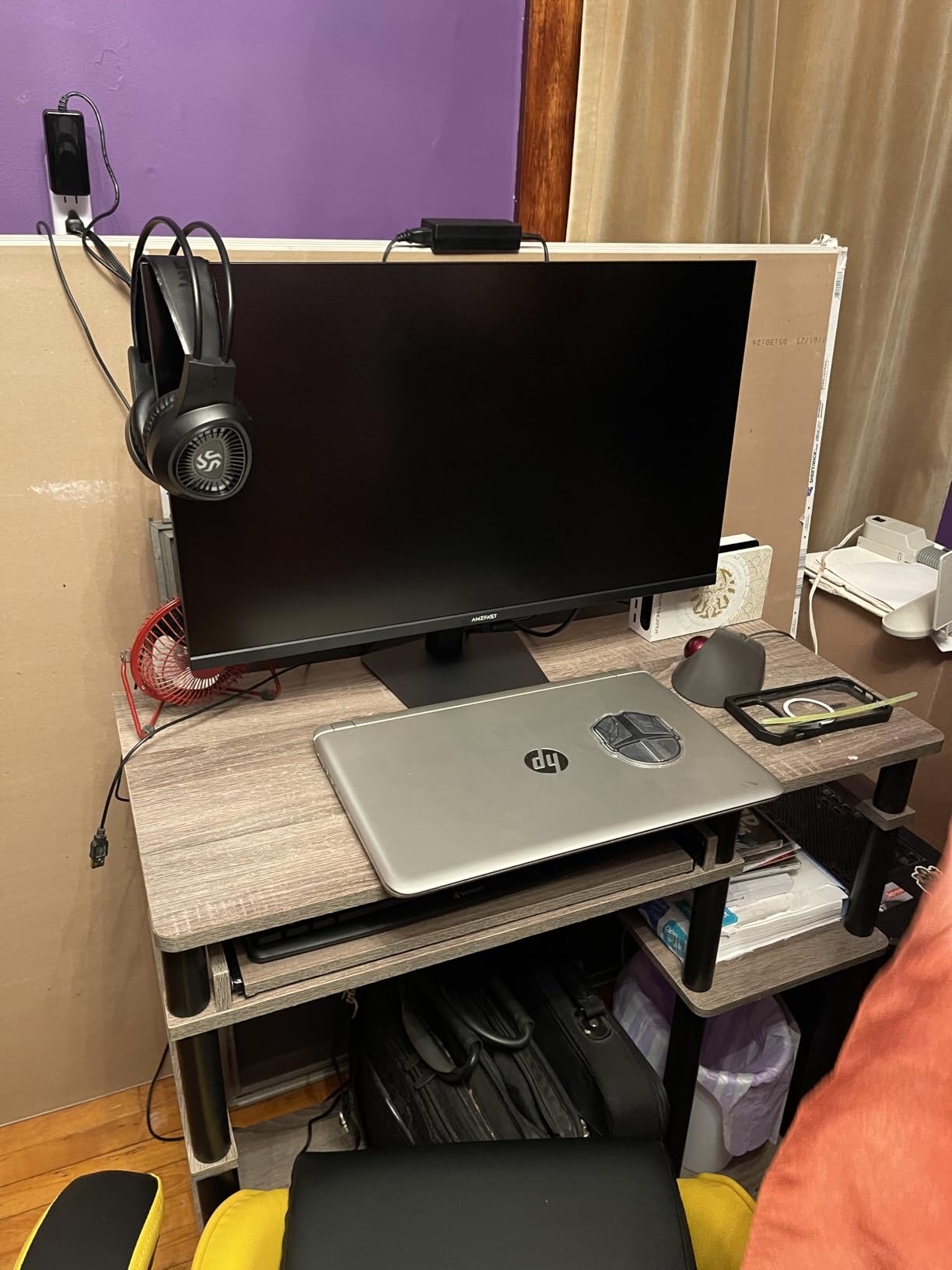
The 1500R curve at 32 inches is a stronger wrap than the 1000R option above and is noticeable from a desk. The stand offers tilt only, so height is fixed.
This is a lesser-known brand with a one-year warranty, and that is the trade you make for native 4K 120Hz at this tier. Check the dead pixel and return policy carefully on arrival, because a one-year term gives you less protection than the three-year panels here.
Who should buy the 4K budget pick
If you want the console’s native resolution at its top refresh rate and you play at a normal desk distance, 32 inches of 4K is the right shape and this is the most direct way to get it.
The second HDMI port and PIP and PBP make it the best of the two 4K options here for anyone who also uses the same screen for work.
Where it falls short
2ms response is a real downgrade for fast shooters, and 300 nits means HDR will not impress in a dark room.
A one-year warranty on a less established brand is the biggest risk on this pick. The 32-inch 4K alternative below has a much larger review base if that bothers you.
7. CRUA 32-inch 4K 160Hz – Best for High-Refresh 4K
CRUA 32″ 4K UHD 160Hz Curved Gaming Monitor, 1500R, AMD…
32 inch 3840x2160 VA
Up to 160Hz
1ms response
320 nits
HDMI 2.1 and DisplayPort 1.4
Pros
- Up to 160Hz refresh rate
- the highest in this roundup
- 320 nit brightness is the strongest of the 4K VA panels here
- 3000:1 contrast with 120 percent sRGB coverage
- 4286 ratings give the widest 4K owner feedback base
- Built-in speakers and rear RGB lighting reduce desk clutter
Cons
- 4.3 average rating is the lowest in the roundup
- VA panel smearing shows in fast dark scenes
- One-year warranty with 30-day returns
The CRUA CR320QC is the odd one out in this list, and in a useful way. It is the only 4K panel here that pushes past 120Hz, running up to 160Hz on HDMI 2.1 and DisplayPort 1.4, and it carries 4286 reviews.
For a console-only buyer the extra 40Hz does nothing, because the Series X tops out at 120Hz. For anyone who splits time with a PC, that headroom is the difference between a 4K monitor that is also a gaming monitor and one that is only a console display.
Picture quality is solid for the class. 320 nits, 3000:1 contrast and 120 percent sRGB on a 1500R VA panel, with 1ms rated response, and reviewers regularly mention using it for console and PC gaming plus multitasking.
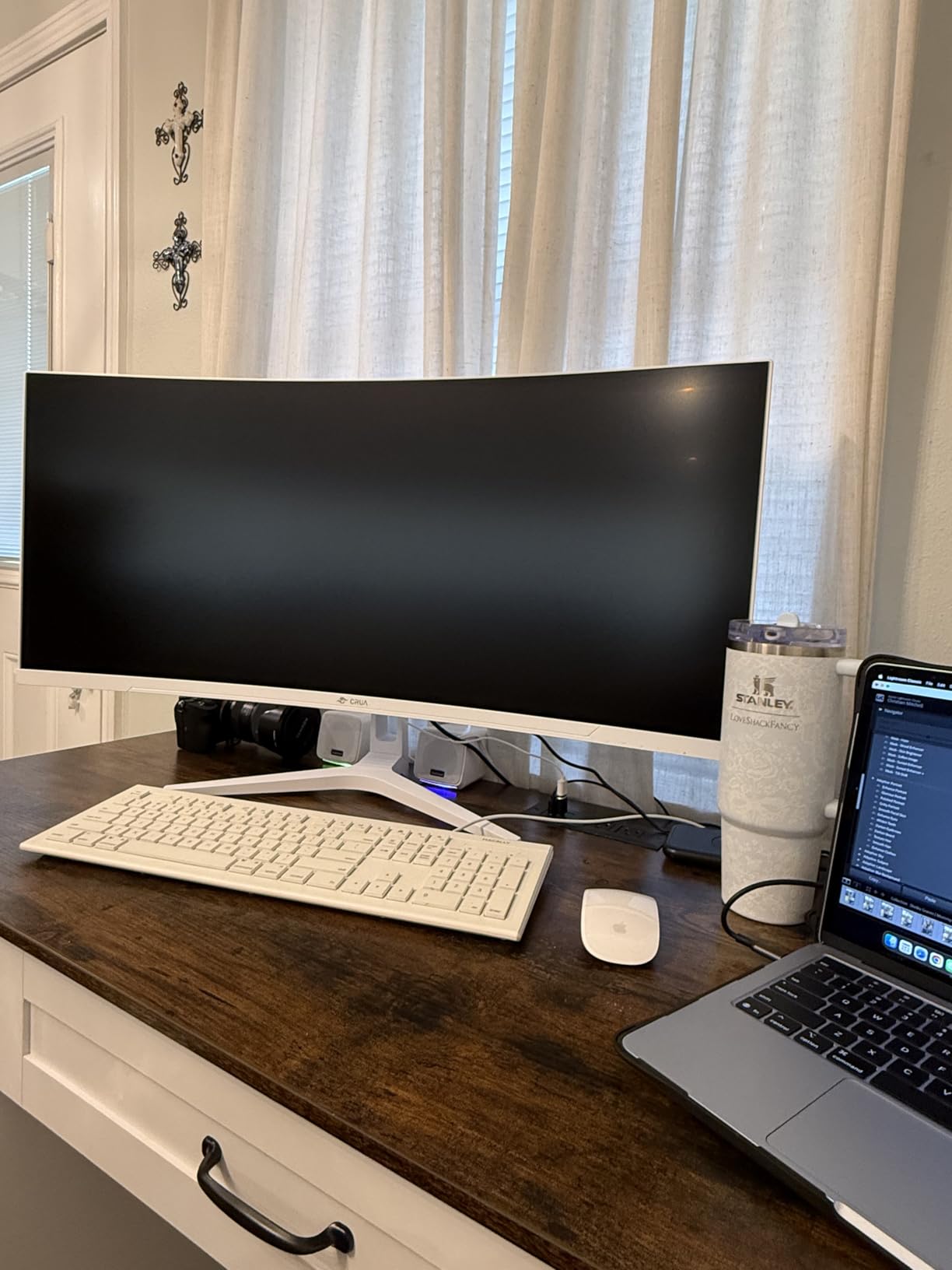
The VA panel is where to set expectations. In dark scenes with fast camera movement you will see smearing that an IPS or OLED panel does not produce, and that is a panel-type trait rather than a fault.
The 4.3 average is among the lowest in the roundup, and it reflects a real pattern in the reviews: people like the specification and the value, and are less enthusiastic about consistency. The one-year warranty with 30-day returns is among the least generous terms here as well.
Rear RGB lighting and built-in speakers are a bonus for a desk setup. If you are mounting on a wall arm, the 75 x 75mm VESA pattern is standard.
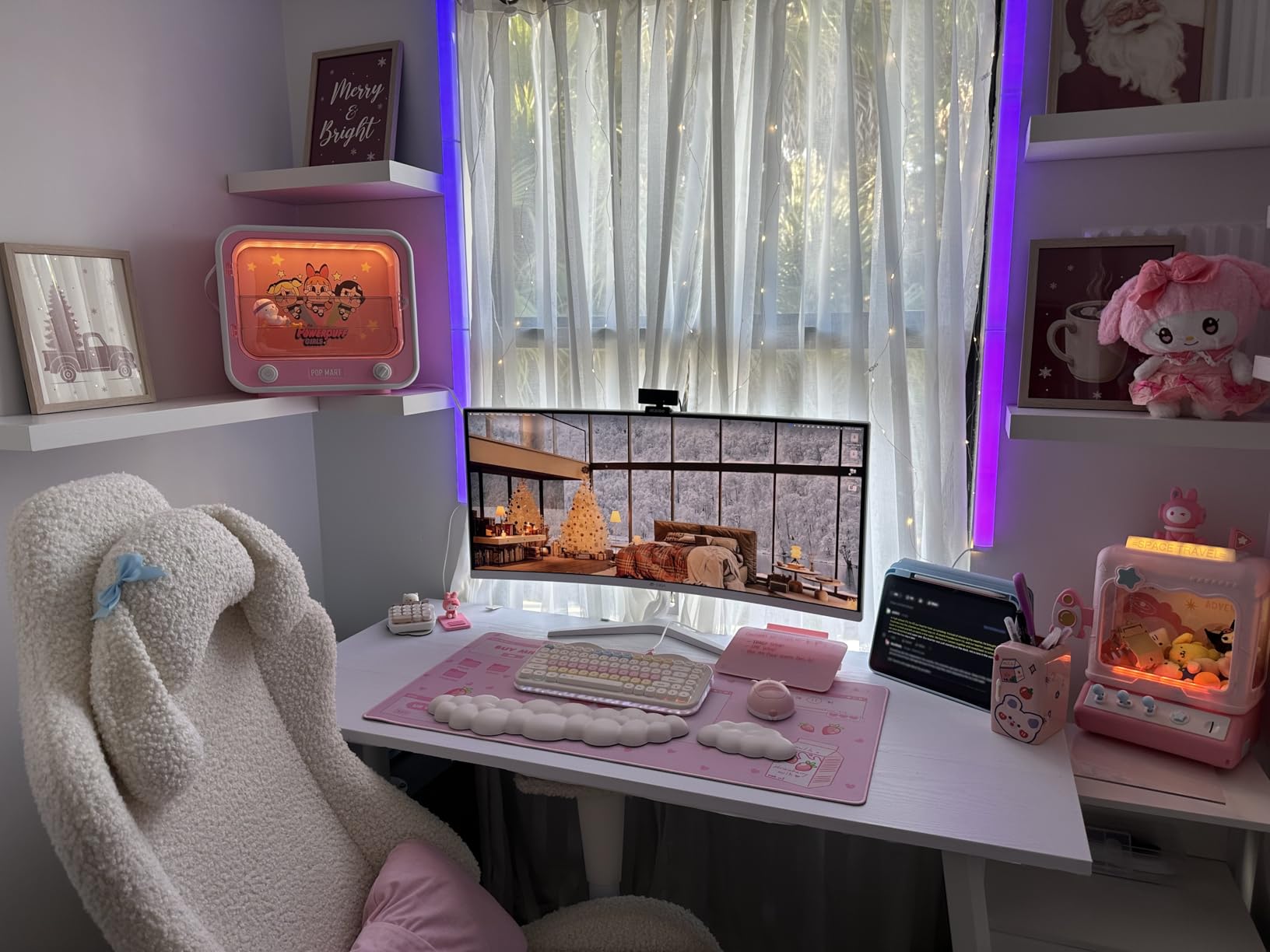
Who should buy the 160Hz 4K panel
Dual-console plus PC users, and anyone who wants one 4K display that stays competitive for PC gaming. The extra refresh costs you nothing operationally on the console side.
The 320 nit brightness is the best of the 4K VA options here, so HDR looks less washed out than on the 300-nit budget 4K.
Where it falls short
The lowest rating in the roundup and a one-year term to back it up. Budget for a possible return, and read the return terms before you order.
VA smearing is visible in dark competitive shooters where the 1ms IPS panels hold up better.
8. SANSUI 34-inch Ultrawide 200Hz – Best Ultrawide for Console and PC
SANSUI 34-Inch Curved Gaming Monitor UWQHD 3440 x 1440P…
34 inch 3440x1440 21:9
Up to 200Hz
Fast VA with 1ms OD
130 percent sRGB and 96 percent DCI-P3
Dual HDMI 2.1
Pros
- 3440x1440 21:9 ultrawide canvas at up to 200Hz on both HDMI 2.1 inputs
- Dual HDMI 2.1 plus DisplayPort 1.4 means a console and a high-end PC at once
- 130 percent sRGB and 96 percent DCI-P3 with 3000:1 contrast
- PIP and PBP across the wide 21:9 canvas
- 30-day money-back replacement plus lifetime technical support
Cons
- No built-in speakers
- headphone out only
- Tilt-only stand with no height adjustment
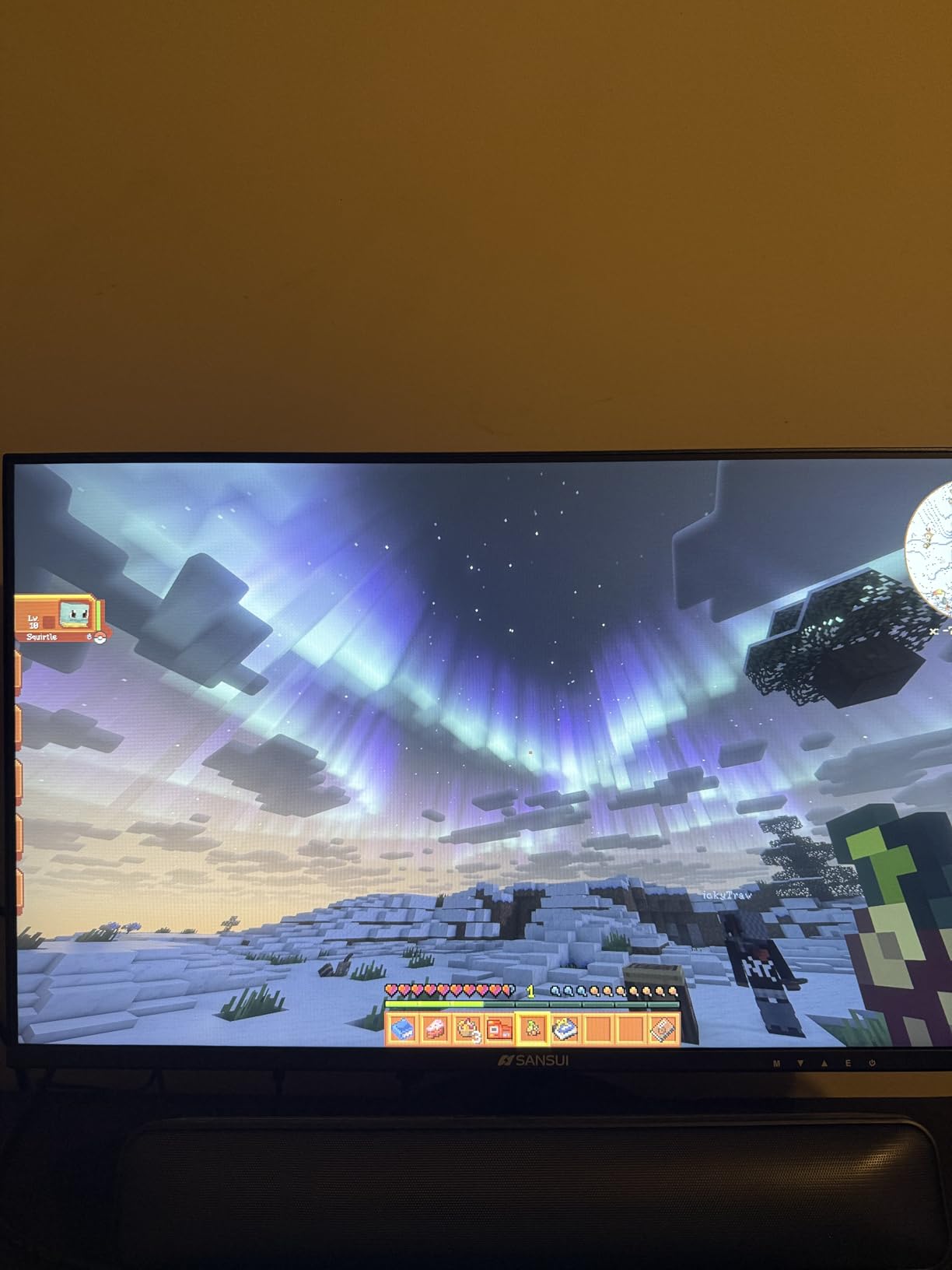
The SANSUI ES-G34C5 is the only ultrawide option in this roundup, and for a console plus PC desk it is hard to argue with the layout. A 34-inch 3440 x 1440 21:9 panel runs up to 200Hz over dual HDMI 2.1 inputs and DisplayPort 1.4, with 4649 reviews at a 4.4 average behind it.
On the Series X it settles at 3440×1440, which is a wider image than any 16:9 screen here and pulls in more of the peripheral field in racing and flight games. It is a genuine change in shape rather than a spec-sheet upgrade.
Color coverage is 130 percent sRGB and 96 percent DCI-P3 with 3000:1 contrast, and buyers mention vibrant color and easy setup as the consistent positives across a large review base.
Two details catch people out. There are no built-in speakers, only a headphone out, and buyers report that this is not clearly stated in the listing copy. The stand is tilt only, so an ultrawide at eye height means a riser or a monitor arm, and VESA 100 x 100 mounting is supported.
The Fast VA panel needs some tuning out of the box. Reviewers note that sharpness and brightness adjustments were needed before it looked right, and FreeSync behaved better after setup than before.
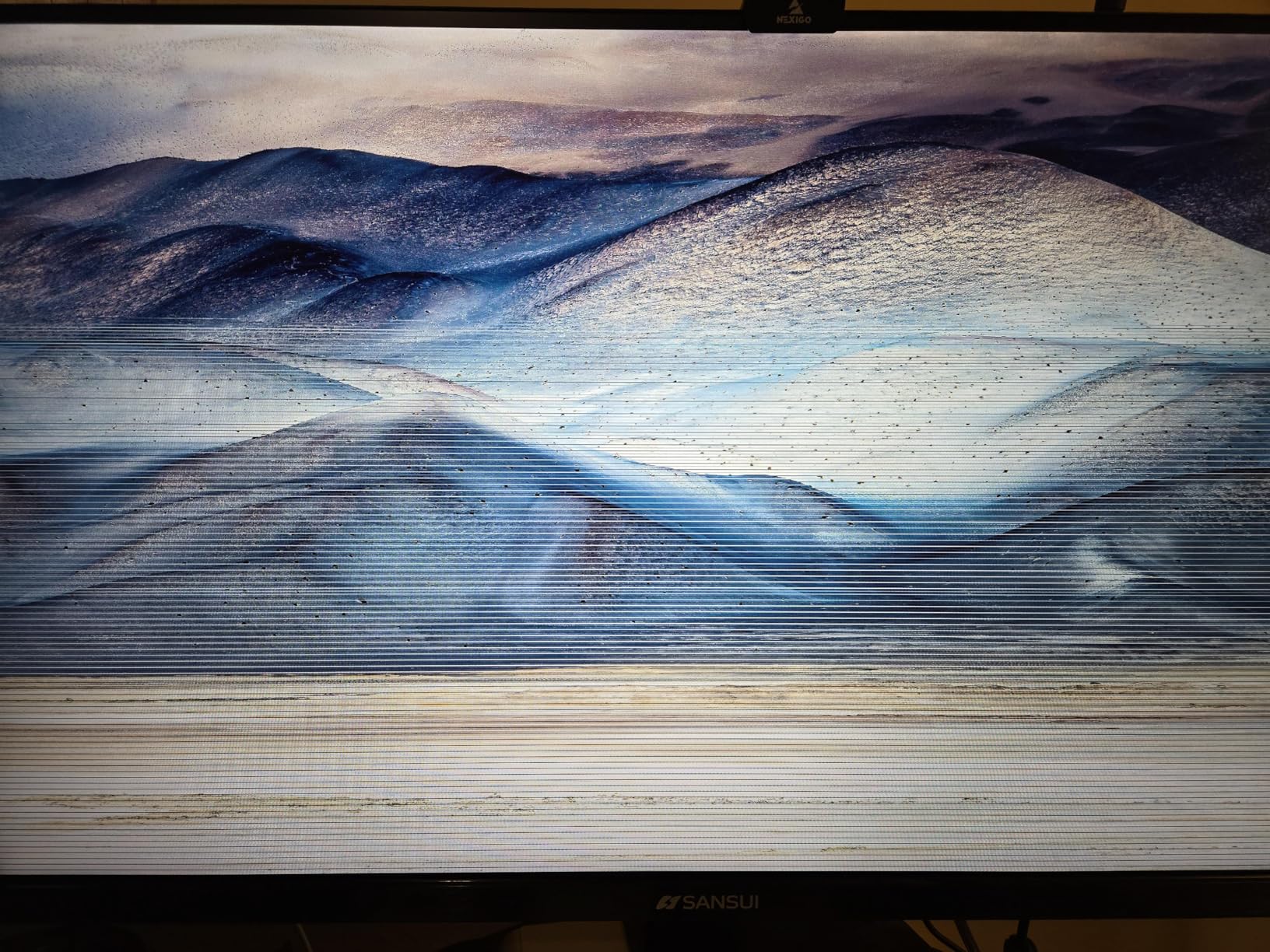
One detailed review raised quality-control concerns with power-board failures across other SANSUI models, and the warranty is a 30-day money-back replacement term with lifetime technical support rather than a multi-year parts warranty. The 30-day window is short for catching an early failure, so test it thoroughly on arrival.
Who should buy the ultrawide
Racing, flight and sim players, and anyone running a console plus a PC on one desk. The 21:9 shape is the reason, not the refresh rate.
Two HDMI 2.1 ports at up to 200Hz each mean a Series X and a gaming PC can coexist without a switcher.
Where it falls short
A 34-inch ultrawide needs desk depth, and the tilt-only stand means you will be raising it on something. 1440p stretched across 34 inches also gives you roughly the pixel density of a 27-inch 16:9 panel.
Fast VA smearing and the short return window are the two things to accept or work around.
9. ViewSonic VX3418-2K – Best Warranty on an Ultrawide
ViewSonic VX3418-2K 34 Inch Ultrawide Gaming Monitor, 165Hz…
34 inch 3440x1440 21:9
165Hz and 1ms MPRT
4000:1 contrast
FreeSync Premium
3 year warranty
Pros
- 3-year limited warranty is the longest coverage on any ultrawide in this roundup
- 4000:1 native contrast gives the deepest blacks of the LCD options here
- FreeSync Premium synchronizes refresh to the GPU to cut tearing and stuttering
- Game Mode presets tuned separately for FPS
- RTS and MOBA genres
Cons
- 165Hz is below the 200Hz ultrawide alternative
- 300 nit brightness is dim for HDR
- No certified NVIDIA G-SYNC support
The ViewSonic VX3418-2K is the one to buy if your priority is a monitor that will still be covered in five years. The 3-year limited warranty is the strongest on any 34-inch panel in this list, and ViewSonic is a brand buyers single out as part of the reason to buy it.
Specification-wise it is a 34-inch 3440 x 1440 21:9 curved panel at 165Hz with 1ms MPRT response, AMD FreeSync Premium and a 4000:1 contrast ratio. That contrast figure is the highest of the LCD panels here, which shows in dark games even at 300 nits.
For the Series X it runs 3440×1440 at the console ceiling through HDMI, with FreeSync Premium handling variable refresh. The 21:9 canvas does the same job as the wider SANSUI option at a lower refresh ceiling.
Two practical notes. At 15.6 pounds this is one of the heavier monitors in the roundup, so if you plan to use the stand rather than an arm, expect it to need a firm grip. And the FreeSync Premium certification targets AMD hardware, so there is no certified NVIDIA G-SYNC mode if your PC is Nvidia.
Owners also point to some inconsistency in the listing copy, with a 180Hz figure appearing in the product text alongside the 165Hz specification. Treat 165Hz as the real number, and confirm it in the on-screen display once the panel is running.
300 nits is dim, so HDR highlights are subdued. In a dim room with a calibrated console that is a minor issue, but it is the reason this is not our top ultrawide recommendation.
Who should buy the ViewSonic
Anyone who wants the longest warranty in the category and does not need the highest refresh rate. 165Hz is more than the console can use.
The 4000:1 contrast is a genuine advantage over other ultrawides in dark games, where most LCD panels wash out.
Where it falls short
165Hz is behind the 200Hz ultrawide alternative, so a high-end PC paired with this display leaves performance unused.
No G-SYNC certification, a dim 300 nit panel, and a heavy chassis for a tilt-and-swivel style stand.
10. Samsung Odyssey OLED G6 G61SH – Best Color Accuracy
Samsung 27″ Odyssey OLED G6 (G61SH) QD-OLED, QHD (1440P…
27 inch 2560x1440 QD-OLED
240Hz and 0.03ms
1000000:1 contrast
400 nits
Pantone Validated
Pros
- QD-OLED panel with 1000000:1 contrast and 0.03ms response at 240Hz
- Pantone Validated with 2100 plus colors and 110 plus skin tone shades
- 400 nit brightness with HDR10 highlight and shadow handling
- OLED Safeguard thermal modulation to help manage burn-in
- Height adjustable stand with pivot tilt and swivel
- 3-year manufacturer warranty
Cons
- Only one HDMI port limits a console plus PC hookup
- OLED text fringing and sensitivity to static content on a dashboard
- No USB hub listed for peripherals
The Samsung Odyssey OLED G6 G61SH carries a 4.6 average, tied for the highest rating of any monitor in this roundup, and the picture quality is the reason. A 27-inch QD-OLED at 2560 x 1440 with 0.03ms response, 240Hz and a 1000000:1 contrast ratio puts it in the same visual class as the LG OLED above it.
Where it separates from that LG is color validation. The Pantone Validated screen reproduces over 2100 colors and 110 plus skin tones, which is a measurable claim rather than a marketing adjective, and reviewers single it out.
Brightness is rated at 400 nits, which is not OLED peak territory, but it is a real number for sustained HDR rather than a highlight-only figure. On the Series X it runs 1440p at 120Hz with no configuration beyond enabling the right TV and display option.
Burn-in gets genuine attention here. OLED Safeguard uses thermal modulation to manage panel wear, and the three-year manufacturer warranty is the longest of the two OLED options in this list.
The single HDMI port is the practical limitation. If you want the Series X and a PC on the same screen, you are swapping cables rather than switching inputs, which is exactly the complaint the ultrawide and the 4K options above solve with dual ports.
At 236 reviews, this is the thinnest owner feedback base of the ten. The rating is excellent, but with the least history behind it, and there is no USB hub listed for peripherals.
Who should buy the QD-OLED
Color-accurate players and anyone with a display-calibrated setup. The Pantone validation is a real advantage for HDR gaming where color grading is visible.
OLED Safeguard and a three-year warranty make it the lowest-burn-in-anxiety OLED option here for a console dashboard sitting in a static menu for hours.
Where it falls short
One HDMI port is a genuine inconvenience for a dual-machine desk, and the smallest review base in the roundup means less long-term feedback.
Standard OLED caveats apply: text fringing on desktop work, and no tolerance for long stretches of static content if you also use the panel as a productivity screen.
What Actually Matters in an Xbox Series X Monitor
Here is how we picked. We scored every monitor against what the Series X physically outputs, then against how the Xbox negotiates a signal with it. Refresh rates above 120Hz got no credit, resolution below 1440p got no credit, and the warranty term counted because panel defects are the single most common complaint in the owner reviews.
How to verify a monitor is really HDMI 2.1
Marketing copy is the problem, and this is the exact trap that frustrates buyers. Look for the FRL bandwidth figure in the spec sheet, not the version label. A port advertised as HDMI 2.1 that only carries 18 Gbps is functionally identical to HDMI 2.0 for this console and caps you at 4K 60Hz.
Second, check the port count. One HDMI port means a single device. For a console plus PC or a Series X and PS5 on one display you need two HDMI 2.1 ports, and only three of the ten monitors here carry a pair.
Third, read the reviews for handshake problems. Several models in this roundup had owners report HDMI handshake or resolution detection issues, and a certified Ultra High Speed cable resolves most of them. That single cable also decides whether you get 4K 120Hz or drop to a lower mode.
4K versus 1440p versus 1080p for the Series X
The Series X renders at native 4K and also outputs 1440p at 120Hz, so both are legitimate answers. 1440p gives roughly double the pixel density of 1080p, which is why a 27-inch 1440p panel looks sharp at desk distance while a 27-inch 1080p panel does not, and it is why most of this list is 1440p.
4K gives the sharpest image and is the right call if you sit close or play at a large size, and the two 4K options here both hit the console’s 120Hz ceiling. 1080p remains a 120Hz-only tier and makes sense for a very tight budget and a long viewing distance, though it is the resolution the console benefits from least.
Why 240Hz and above are headroom, not gain
Nothing above 120Hz is reachable from this console, so a 240Hz panel is only useful if a PC shares the display. Judge response time, VRR and brightness instead of the headline refresh number, because those change how the 120Hz the console actually sends you feels.
VRR, ALLM and the panel choices
Variable refresh rate matters on a console because frame rates dip below the panel refresh cap, and HDMI VRR on FreeSync Premium or G-SYNC Compatible panels is what keeps that from showing as stutter. ALLM, or Auto Low Latency Mode, is the second half of the story: it switches the display into its low-latency mode automatically when the console starts, so you do not have to.
On panel type, Fast IPS and Nano IPS give you the shortest response and the best viewing angles, VA gives deeper blacks and higher contrast with some dark-scene smearing, and QD-OLED gives near-instant response with true blacks and a premium price. The glossy OLED in this list is a dim-room panel, and the matte IPS options are the bright-room choice.
OLED burn-in and the case for a 48-inch OLED TV
Burn-in is a fair question, and the answer is mostly practical. Modern panels ship with pixel shift, logo dimming and automatic panel refresh routines, and the OLED options here carry two to three year terms. The Xbox dashboard is static by nature, so if you leave it up for hours daily an IPS panel is the safer long-term choice.
There is also a case most roundups skip. The most-argued position in the console community is that a 48-inch OLED television used as a gaming display delivers a bigger, better picture than a 32-inch 4K gaming monitor, and for couch play rather than desk play it is a legitimate option. The trade is size, viewing distance and the absence of monitor ergonomics.
Screen size by desk distance
At roughly two to three feet of viewing distance, 27 inches at 1440p is the sweet spot and the reason it dominates this list. Sit further back or want the image to fill more of your vision, and 32 inches at 4K gives you the same angular size with a sharper image, which is the argument for the two 4K picks. Ultrawide is about width, not sharpness, so a 34-inch 21:9 panel gives you the density of a 27-inch 16:9.
If you want the wider category covered, our general gaming monitor roundup goes deeper on PC-side panel choices, and our Xbox headset guide covers the audio side of the same setup.
Enabling 4K 120Hz, VRR and ALLM on the Series X
Go to Settings, then TV and display options, and check the resolution list first. If 4K 120Hz is not offered, the signal is being limited by the port or the cable, not by the console.
Turn on Variable Refresh Rate in the same menu, and confirm ALLM is enabled so the display drops into low-latency mode on its own when a game starts. Then run the Xbox HDR Calibration wizard once so the console’s output matches the panel rather than a generic profile.
Frequently Asked Questions
Does the Xbox Series X support 4K 120Hz, and does my monitor need HDMI 2.1?
Yes. The Series X outputs 4K at up to 120Hz, but that mode needs a full-bandwidth HDMI 2.1 connection carrying 48 Gbps. An HDMI 2.0 port caps the console at 4K 60Hz, which is the most common reason a 4K monitor never shows 4K 120Hz.
Should I get a 4K or 1440p monitor for Xbox Series X?
The Series X outputs 1440p at 120Hz as well as 4K at 120Hz, so both are valid. 4K gives the sharpest image and suits close viewing or larger sizes, while a high-refresh 1440p panel is the cheaper route to the console’s 120Hz ceiling. Pick by budget and viewing distance rather than by which is technically better.
Is 1080p or 1440p better for Xbox Series X?
1440p, by a wide margin. It gives roughly double the pixel density, so a 27-inch 1440p panel stays sharp at desk distance while a 27-inch 1080p panel shows its pixel structure. 1080p remains workable at 120Hz for a very tight budget and a long viewing distance.
Is 144Hz or 240Hz better for gaming?
On this console neither, because 120Hz is the ceiling. A 240Hz panel only helps if a PC shares the display. Judge response time, VRR and brightness instead, since those change how the 120Hz the console sends you actually looks.
Will an OLED monitor burn in from the Xbox dashboard?
Modern OLED panels ship with pixel shift, logo dimming and automatic panel refresh routines, and the OLED options in this roundup carry two to three year warranty terms, so mixed gaming use is low risk. If you leave static menus up for hours every day, a bright IPS panel is the safer long-term choice.
What size monitor is best for Xbox Series X?
At a normal desk distance of two to three feet, 27 inches at 1440p is the sweet spot. Sit further back or want more presence and 32 inches at 4K gives the same angular size with a sharper image. A 34-inch ultrawide is about width, giving the pixel density of a 27-inch 16:9 panel.
The Bottom Line for Xbox Series X Owners
The ASUS TUF Gaming VG27AQ3A is our best gaming monitor for Xbox Series X, and the reason is boring and reliable. It gives you 1440p at 120Hz with VRR out of the box, accurate color, a stand that holds still, and a three-year warranty, which is more than most of the field offers at the same tier.
Spend less and the Acer Nitro XV271U M3 covers the same resolution on a full ergonomic stand with nearly 2000 owner ratings behind it. Spend more and the LG UltraGear 27GX704A-B is where the picture quality jumps, and the Amzfast 32-inch is the 4K 120Hz option if resolution matters more than response time.
Whichever you pick, check that the HDMI port carries full bandwidth before you buy, and enable Variable Refresh Rate and ALLM in the TV and display options menu once it is connected. That single step separates a monitor that unlocks what the console can do from one that does not, and it is still the most useful thing in this guide in 2026.
