
How to Create and Join Matches in Locked 2 (August 2026)
If you are new to Locked 2 on Roblox, figuring out how to actually get into a match can be confusing. The game does not use a traditional menu-based matchmaking system. Instead, everything happens in the game world itself, which catches many players off guard.
I remember spending my first few minutes wandering around spawn just looking for a button to press. This guide walks you through exactly where to go and what to do to start playing.
Contents
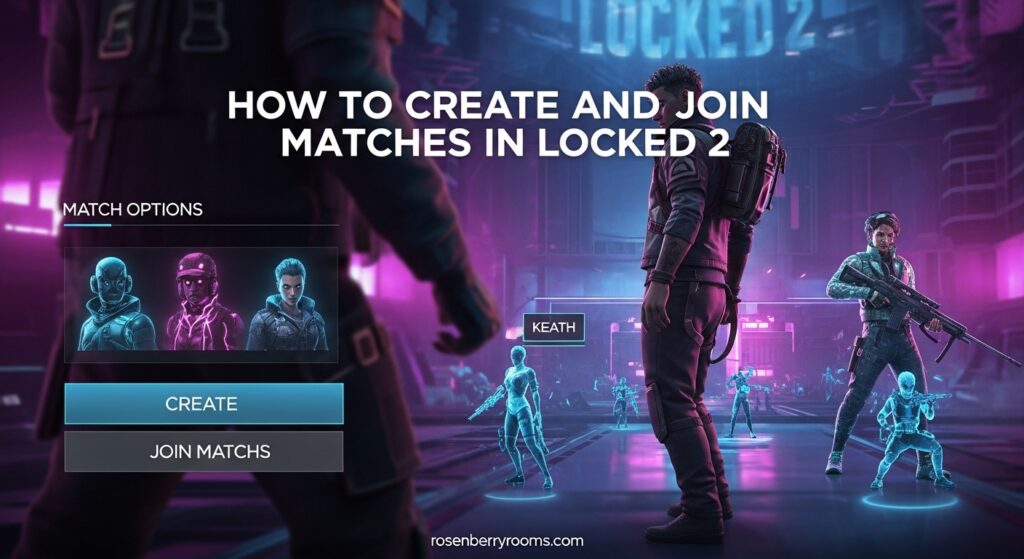
Locked 2 is a competitive soccer game inspired by the Blue Lock anime. Players take on the role of strikers competing in fast-paced 2v2 or 6v6 matches. The game features both Unrated and competitive ranked modes, though ranked availability depends on the current season.
Finding the Matchmaking Area in Locked 2
When you first load into Locked 2, you spawn in a central hub area. The Matchmaking section is not immediately obvious because it exists as an in-world location rather than a button in your user interface. You need to physically navigate to it.
Most players figure this out within a minute or two. I have seen forum posts from people who spent ten minutes wondering why they could not find the match options.
To reach the Matchmaking area, turn around from your spawn point and head to the left side of the hub. You will see distinct zones clearly marked for different activities. The Matchmaking area will be labeled and is typically where most players cluster when the server is active.
This left-side location is consistent across all servers. Once you find it, you will recognize it every time.
The spawn area also contains options for customizing your player build, but those are separate from matchmaking. Make sure you complete any character customization before entering the Matchmaking section.
Understanding Match Modes in Locked 2
Before you create or join a match, you should understand what modes are available. Locked 2 offers Unrated matches, which serve as practice games that do not affect your competitive ranking.
These Unrated matches are ideal when you are learning the mechanics. You can try new dribbling techniques or just play without pressure. Your performance in Unrated mode has no impact on your rank.
Competitive ranked play exists in Locked 2, but availability depends on the current season status. When ranked is active, you can earn placement matches that determine your initial rank tier.
The game uses a striker-focused ranking system similar to the Blue Lock anime philosophy. Only the best performers advance. This means you need to consistently score and contribute to climb the ranks.
Team formats break down into 2v2 and 6v6 matches. The 2v2 mode is intense and requires strong individual mechanics since there are only two players per team.
The 6v6 mode is more about team coordination and strategic positioning. I recommend starting with 6v6 Unrated games if you are new because the larger team size means you have more room for error while learning.
Unrated vs Ranked: Which Should You Play?
Play Unrated when you are learning the game, practicing specific mechanics, or playing casually with friends. The matches still count toward your in-game Yen currency earnings, so you are not wasting time.
Use Unrated mode to figure out your preferred build and playstyle. Do this before subjecting yourself to ranked pressure.
Jump into Ranked when you feel confident in your abilities and want to test yourself against other competitive players. The matchmaking in ranked tends to pair you with players of similar skill.
Many experienced players suggest reaching comfortable proficiency in Unrated before attempting ranked placement matches.
How to Create and Join Matches in Locked 2?
Here is the step-by-step process for creating and joining matches. Once you are in the Matchmaking area, you will see several options available.
The key mechanic that trips up many players is the right-click function. This is how you interact with the match boards to either create a new match or join an existing one.
Step 1: Navigate to the Matchmaking Area
From spawn, head left into the Matchmaking section. Look for the clearly marked zone with match board panels.
You will know you are in the right place when you see multiple panels displaying match information and player counts.
Step 2: Choose Your Match Mode
Before right-clicking, decide which mode you want to play. Walk up to the panel corresponding to your preferred format: 2v2 or 6v6, and Unrated or Ranked (if available).
Each panel shows current waiting players and active matches in that category.
Step 3: Right-Click to Create or Join
This is the part that confuses most new players. You right-click on the match panel to bring up options.
If there is an existing match with open slots, you can join it directly from this menu. If no suitable match exists, you can create a new one and become the host.
The right-click menu is your gateway to all matchmaking actions in Locked 2.
After selecting your option, you will enter a waiting area until enough players join. The game automatically starts when the required number of players fill all slots.
For 2v2, you need four players total. For 6v6, you need twelve players total.
Step 4: Playing the Match
Once the match starts, you will be placed on one of two teams. The objective is straightforward: score more goals than the opposing team before time runs out.
As a striker in the Blue Lock universe, you are expected to be the primary offensive force. Work with your teammates to create scoring opportunities.
Defend when possession changes to prevent the opposing team from scoring.
Tips for Getting Started with Locked 2 Matches
If you are completely new to Locked 2, start by spending time in Unrated 6v6 matches. The larger team size means you can observe how more experienced players position themselves and contribute to play.
You will also have more opportunities to touch the ball and practice your dribbling. This happens without the intense one-on-one pressure of 2v2.
Build customization matters more than you might think. Different heights and body types affect your hitbox, speed, and physical presence on the field.
Experiment with several builds in Unrated before committing to one for competitive play. Some players prefer nimble shorter builds for agility. Others choose taller builds for better heading ability and reach.
The community Discord and Trello board are invaluable resources for staying updated on game changes, finding practice partners, and learning advanced techniques.
Many players share tips about dribbling mechanics, optimal build setups, and strategies for specific situations. The official Discord is also where you can find information about upcoming tournaments and community scrims.
Do not be discouraged by early losses. Locked 2 has a steep learning curve, and the Blue Lock inspiration means the game does not hold your hand.
Players who stick with it and focus on improving their individual mechanics tend to see the best results over time. Watch how better players handle the ball and try to replicate their movements in your own games.
Frequently Asked Questions
How do I start a game in Locked 2?
To start a game in Locked 2, navigate to the Matchmaking area (located left from the spawn point), choose your preferred mode (2v2 or 6v6, Unrated or Ranked), and right-click on the corresponding match panel to create or join a match.
Where is the matchmaking section in Locked 2?
The matchmaking section is located left from the spawn area in the central hub. It is an in-world location rather than a menu option, so you need to physically walk your character to the left side of the spawn zone to find the match panels.
Does Unrated mode affect rank in Locked 2?
No, Unrated mode does not affect your competitive rank in Locked 2. Unrated matches are purely for practice and fun. Only ranked matches impact your ranking tier and placement.
How do I join a 2v2 or 6v6 match in Locked 2?
Walk to the Matchmaking area, go to the panel for your desired format (2v2 or 6v6), and right-click to see available matches. You can either join an existing match with open slots or create a new one to start a private or public match.
What is the right-click function in Locked 2?
The right-click function in Locked 2 opens the matchmaking menu at each match panel. This is how you create new matches, join existing matches with open slots, or access match settings. It is the primary interaction method for all matchmaking activities.
Start Playing Locked 2 Matches Today
Now that you understand how the matchmaking system works, you can jump into Locked 2 and start playing without confusion. Remember to head left from spawn to find the Matchmaking area.
Use right-click to access match panels. Choose between Unrated and Ranked modes based on your experience level. If you are just learning, stick with 6v6 Unrated games until you feel comfortable with the mechanics.
The competitive ranking system rewards consistent performers. Put in the practice time and you will see results.
