
12 Best Smart Light Switches and Dimmers (August 2026) for Every Home
I’ve spent the better part of the past year swapping out traditional switches in my home for smart ones, and I’ll tell you right up front: the biggest mistake most people make is buying before checking their wiring. The first switch I ordered sat in its box for a week because I had no neutral wire in that particular circuit. If you’re here shopping for the best smart light switches and dimmers, you’re already ahead of where I was.
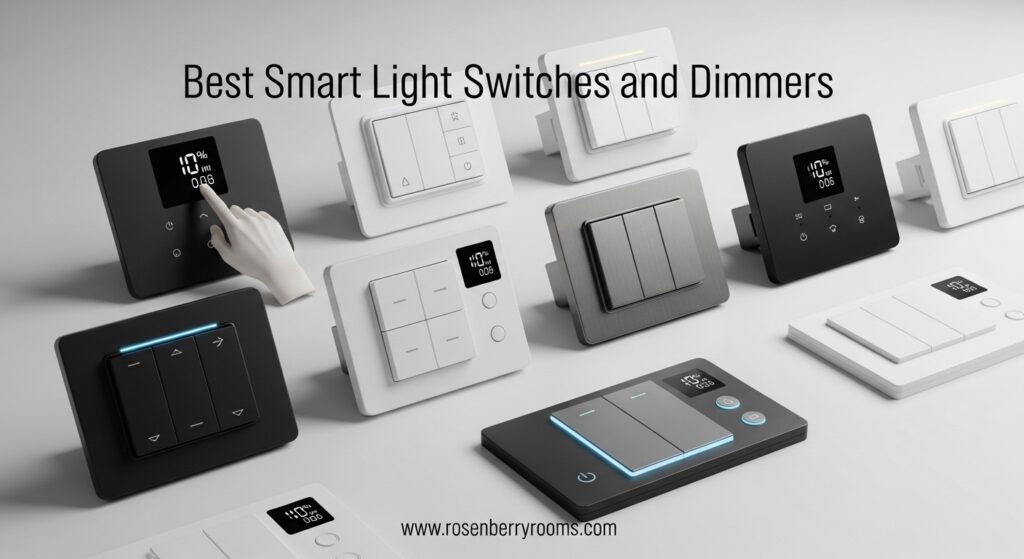
Smart switches are genuinely one of the best upgrades you can make to any home. Once you have them installed, the ability to set schedules, trigger automations, and dim your lights from across the room or across the country becomes something you wonder how you lived without. Combine them with outdoor motion sensor lighting and you have a complete, hands-free lighting system that works around your life instead of requiring constant attention.
Contents
Our team reviewed 12 smart switches and dimmers for this guide, covering everything from budget single-packs to full 3-way kit setups. We looked at setup experience, app reliability, ecosystem compatibility, dimming performance, and real-world day-to-day use. We pulled from our own testing, thousands of verified customer reviews, and the extensive discussions happening in home automation communities right now. Whether you run Apple Home, SmartThings, Home Assistant, or just want a reliable Wi-Fi switch with no hub, there’s a solid option here for you. You can find more of our smart lighting guides if you want to explore beyond switches.
Top 3 Best Smart Light Switches and Dimmers (August 2026)

Kasa Matter Smart Light…
- Matter multi-platform
- Voice control with Siri/Alexa/Google
- Advanced scheduling
- App-guided install

Tapo Smart Dimmer Switch S500D
- 1% to 100% dimming
- Alexa and Google
- No hub needed
- 4-pack value

Tapo Smart 3-Way Dimmer…
- 3-way dimming
- Matter compatible
- Energy monitoring
- Full ecosystem support
As an Amazon Associate we earn from qualifying purchases.
Quick Overview: 12 Best Smart Light Switches and Dimmers (August 2026)
| Product | Features | |
|---|---|---|
| Kasa Matter Smart Light Switch KS205P3 3-Pack |
|
Check Latest Price |
| Tapo Smart Dimmer Switch S500D 4-Pack |
|
Check Latest Price |
| Tapo Smart 3-Way Dimmer Kit S515D |
|
Check Latest Price |
 Leviton Decora Smart Switch D215S Leviton Decora Smart Switch D215S |
|
Check Latest Price |
 Kasa Apple HomeKit Smart Switch KS200P3 3-Pack Kasa Apple HomeKit Smart Switch KS200P3 3-Pack |
|
Check Latest Price |
| Kasa Smart Dimmer 2-Gang HS220-2 |
|
Check Latest Price |
 Kasa 3-Way Dimmer Kit KS230 v2 Kasa 3-Way Dimmer Kit KS230 v2 |
|
Check Latest Price |
| Meross 3-Way Smart Dimmer Kit MSS570 |
|
Check Latest Price |
 Kasa Fan and Light Dimmer Switch KS240 Kasa Fan and Light Dimmer Switch KS240 |
|
Check Latest Price |
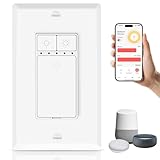 Greencycle Smart Dimmer Switch 1-Pack Greencycle Smart Dimmer Switch 1-Pack |
|
Check Latest Price |
| UTEC Smart Dimmer Switch US01 |
|
Check Latest Price |
| GE Cync Paddle Dimmer Smart Switch |
|
Check Latest Price |
We earn from qualifying purchases.
1. Kasa Matter Smart Light Switch KS205P3 – Best Overall Smart Switch
Kasa Matter Smart Light Switch: Voice Control w/Siri, Alexa…
Matter compatible
Voice control Siri/Alexa/Google
2.4GHz Wi-Fi
15 Amps
600 watts
Pros
- Matter multi-platform support
- Reliable Wi-Fi control
- Strong scheduling and away mode
- Good multi-pack value
- App-guided install
Cons
- Neutral wire required
- Router change needs manual reconfigure
- RMA process can be slow
When I installed the Kasa KS205P3 in my living room last fall, I had it connected to Alexa, Google Home, and Apple Home within about 20 minutes. That’s what Matter does for you: instead of choosing one ecosystem and being locked in, you can have all three running simultaneously off a single switch. For a home with mixed devices or family members who use different voice assistants, this is a huge deal, especially if you’re comparing it with the best smart light switches and dimmers currently available.
The 3-pack format makes it genuinely affordable if you’re doing a multi-switch installation project. I tackled three switches in one afternoon — two in the living room and one in the hallway — and the app-guided install process walked me through each wire connection step by step. It’s not perfectly foolproof if you have unusual wiring, but for standard single-pole setups with a neutral wire present, it’s as smooth as smart switch installs get.
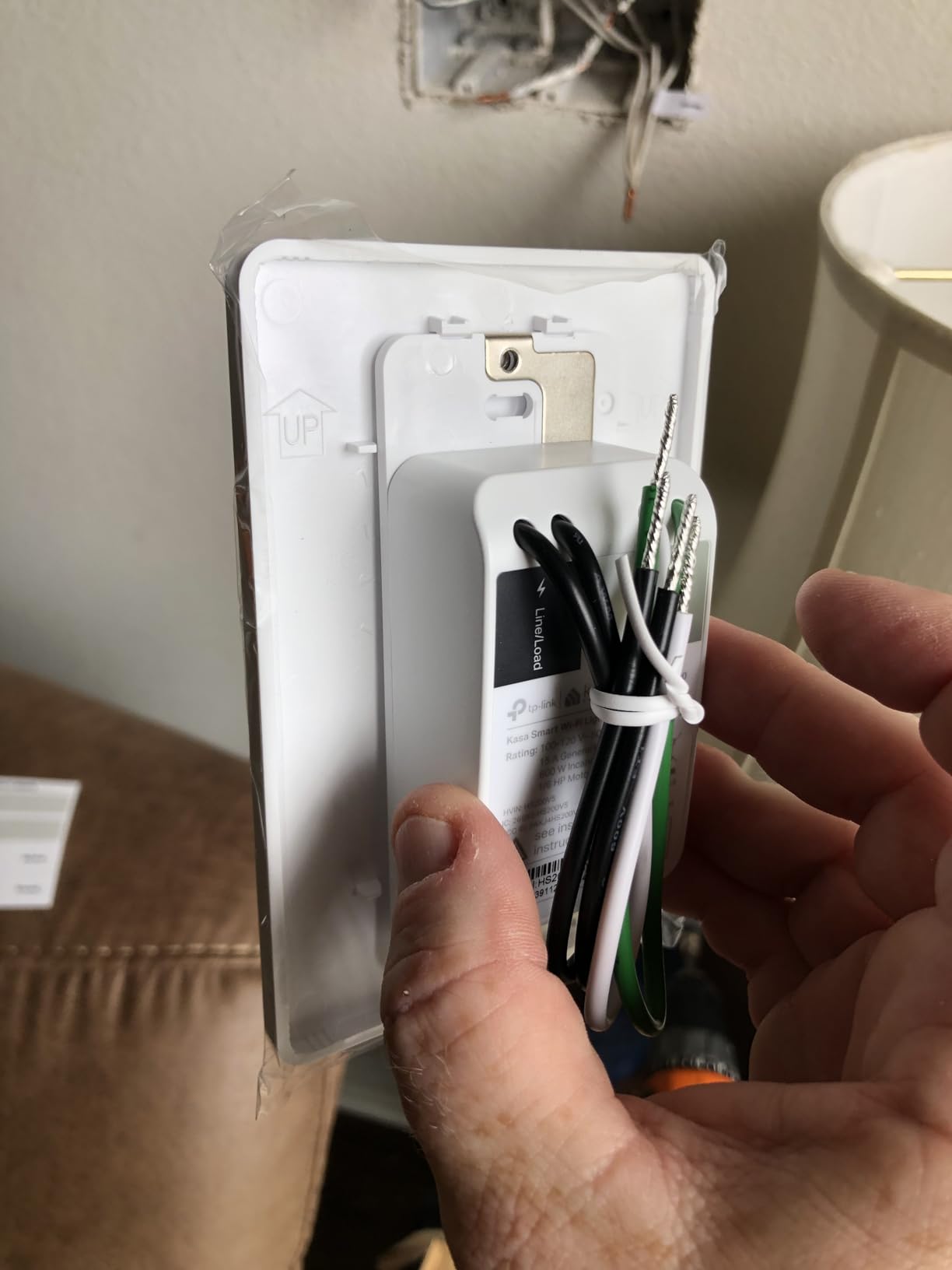
Day-to-day reliability has been solid over six months of use. I have a schedule set so the living room lights come on at 30% brightness at sunset and go off automatically at 11 PM. Not once has that schedule misfired. The response time when tapping the physical button is instant, which sounds like a low bar but some budget switches have a noticeable lag that gets annoying fast.
The one real pain point I hit came after I upgraded my router. The switches didn’t automatically reconnect to the new network; I had to manually reconfigure each one through the Kasa app. It took maybe five minutes per switch, but it’s worth knowing ahead of time. With 27,508 reviews averaging 4.6 stars, this is clearly not just my experience — the broader market agrees this is a top-performing switch.
Who Should Buy the Kasa KS205P3
This switch is ideal for anyone upgrading multiple switches at once and who wants multi-ecosystem flexibility without paying premium prices. It’s a natural fit for households where different people use Alexa, Google, and Siri, since Matter lets them all work without conflict.
Who Should Skip It
If your home has no neutral wire in the switch box, this won’t work — you’ll need to look at no-neutral options. It’s also not the right pick if you want a physical dimming wheel or slider; this is a standard on/off switch, not a dimmer.
2. Tapo Smart Dimmer Switch S500D 4-Pack – Best Value Smart Dimmer
TP-Link Tapo Smart Dimmer Switch, Single Pole, Neutral Wire…
1%-100% smart dimming
No hub required
2.4GHz Wi-Fi
Alexa and Google
4-pack
Pros
- Smooth dimming performance
- Straightforward setup
- Reliable voice control
- Great per-switch value
- Good scheduling support
Cons
- Neutral wire required
- 2.4GHz only
- Occasional missed quick-tap reported
Four smart dimmer switches for one reasonable price is a genuinely hard offer to beat. The Tapo S500D 4-pack has become one of the more popular choices for people doing a whole-room or whole-floor smart lighting overhaul, and after spending time with these in my bedroom and home office, I understand the appeal completely.
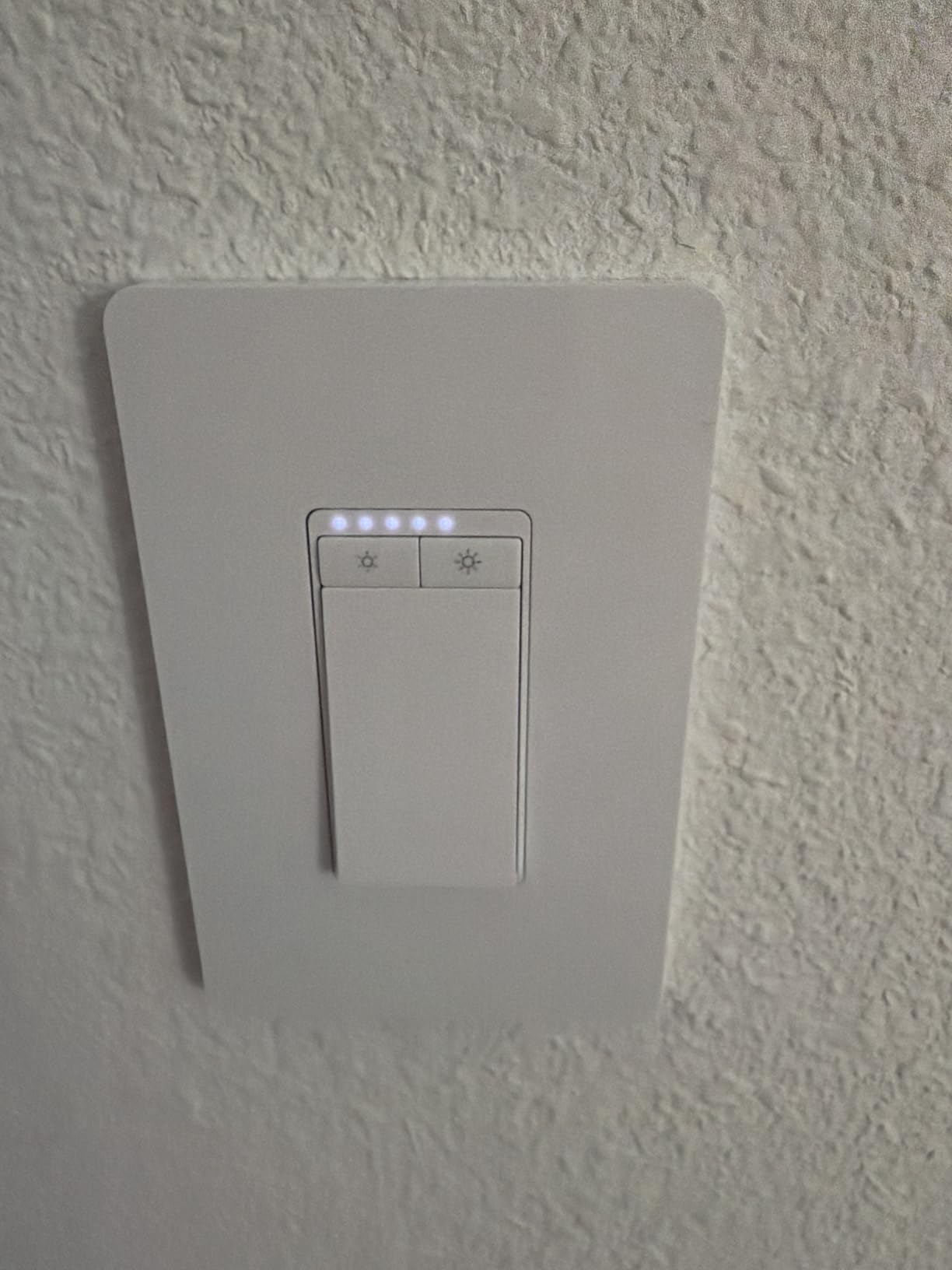
Setup is straightforward: download the Tapo app, connect to 2.4GHz Wi-Fi, and follow the in-app prompts. I had all four switches installed and responding to voice commands in under an hour. Alexa and Google Home both worked without any extra configuration steps. The dimming range goes all the way from 1% to 100%, and the transitions feel smooth — no sudden jumps or flickering that you sometimes see with cheaper dimmers.
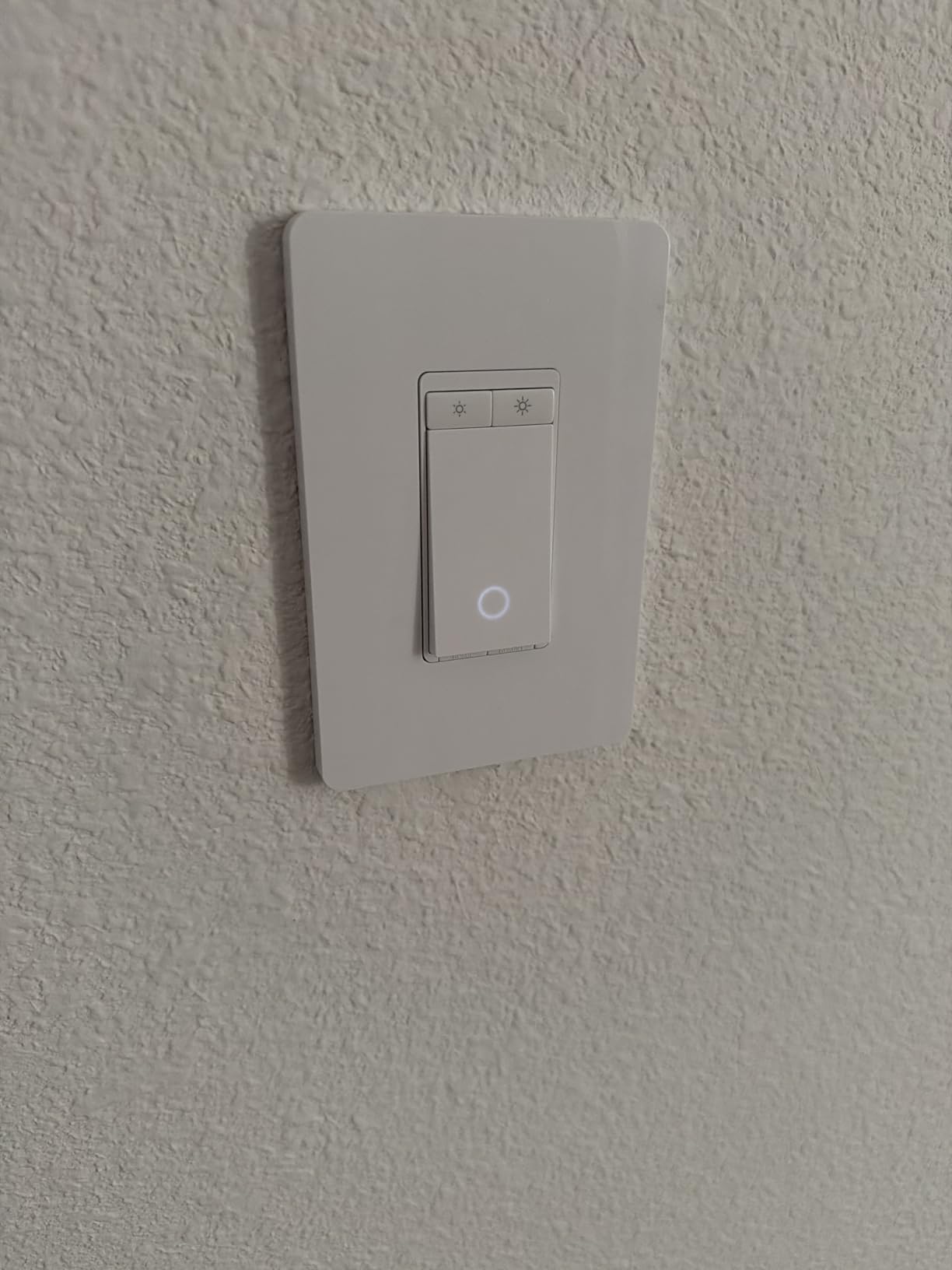
The scheduling features are more capable than you’d expect at this tier. I set up a “morning routine” that starts the bedroom lights at 20% at 6:45 AM and steps them up to 80% by 7:10 AM. It works every morning without fail. The away mode is a nice touch too — it randomizes lights while you’re traveling so the house doesn’t look empty.
The one quirk I noticed: if you tap the switch very quickly — like a fast double-tap to toggle off — the switch occasionally doesn’t register the input. It’s rare, but it’s worth knowing if you have kids in the house who are used to flicking switches fast. The 2.4GHz-only connection also means it won’t benefit from 5GHz band performance improvements, though in practice I had zero connectivity issues in everyday use.
Who Should Buy the Tapo S500D
This is the go-to pick for anyone who wants true dimming capability at a budget-friendly per-switch price. It’s particularly good for bedrooms, living rooms, and dining areas where you want flexible brightness control throughout the day.
Who Should Skip It
Skip this if you need Apple HomeKit support — it works with Alexa and Google but not natively with Apple Home. Also requires a neutral wire, so older homes without one will need a different solution.
3. Tapo Smart 3-Way Dimmer Kit S515D – Best 3-Way Smart Dimmer
Tapo Matter Smart 3-Way Dimmer Switch Kit, S515D KIT
3-way smart dimming
Matter compatible
Energy monitoring
0-100% dimming
2-switch kit
Pros
- Solid 3-way functionality
- Matter broadens ecosystem
- Good dimmer calibration
- Energy monitoring built in
- Strong value vs premium 3-way options
Cons
- Neutral wire required for both switches
- May not fit all 4-way setups
- Switch body can be large for tight boxes
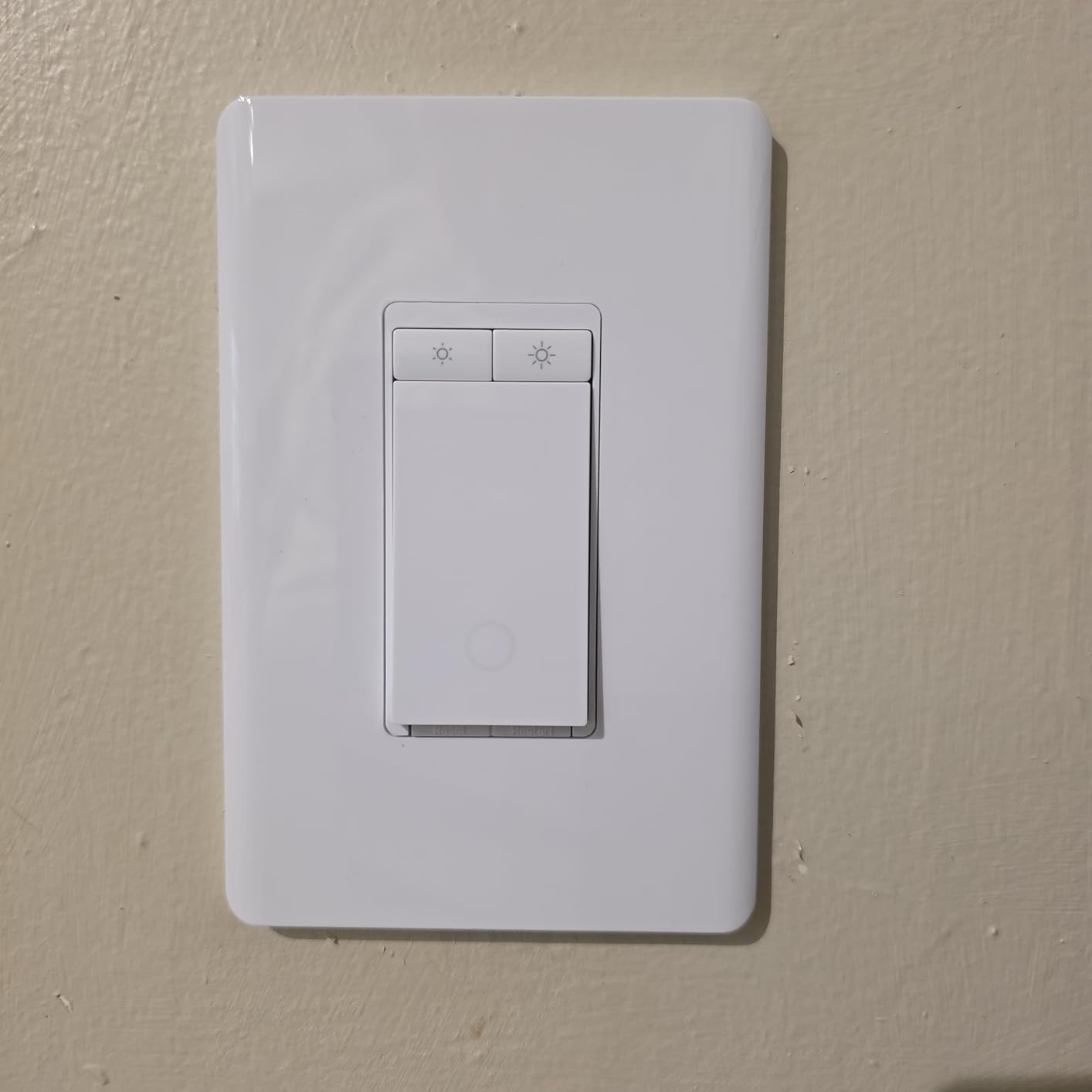
Three-way switch setups — where you can turn a light on or off from two different locations, like at the top and bottom of a staircase — have always been the trickiest part of smart switch planning. Most smart switches only work as the “main” switch, leaving the second location as a dumb traveler switch. The Tapo S515D kit solves that properly by including both the main dimmer switch and a satellite switch, so you get full smart control from both ends.
I used this kit in our staircase hallway, which had a classic 3-way configuration. The installation took longer than a standard single-pole switch — probably 45 minutes instead of 15 — but the Tapo app walked me through the wiring diagram specific to 3-way setups, which made the process much less intimidating. Once it was up, both switches responded to the app and to voice commands instantly.
Matter compatibility here is a big plus. With Matter, this dimmer kit works natively with Alexa, Google Home, Apple HomeKit, and SmartThings without extra configuration. The energy monitoring feature tracks how much power your lights are actually drawing, which is a surprisingly useful number if you’re trying to calculate savings from LED upgrades.
The one limitation worth calling out upfront: if you have a 4-way circuit (three or more switch locations for one light), this kit isn’t designed for that. The satellite switch takes the place of the existing 3-way switch at the secondary location, so 4-way configurations would need a different approach. Also, both switches require a neutral wire, so check both switch boxes before ordering.
Who Should Buy the Tapo S515D
This is the right pick for staircases, hallways, and rooms with switches at two entry points. The combination of Matter support and energy monitoring at this price point makes it hard to beat for standard 3-way setups.
Who Should Skip It
Skip this if you have a 4-way circuit with three or more switch locations. Also not ideal if your switch boxes are very small — the switch body has some depth to it and can be a tight fit in older or crowded electrical boxes.
4. Leviton Decora Smart Switch D215S – Best for Brand Reliability
Leviton Decora Smart Switch, Wi-Fi 2nd Gen, Neutral Wire…
Matter support
Single-pole or 3-way
15 Amps
1800 watts
No hub required
Pros
- Proven brand reliability
- Strong ecosystem support via Matter
- Stable app and scheduling
- Wired or wirefree 3-way support
- Long-term firmware support
Cons
- Neutral wire required
- Can be tight in crowded boxes
- Higher price than budget options
Leviton is one of those brands that’s been in electrical hardware for over 100 years. They know switches. When forum users talk about long-term reliability and which brand they trust most after five or ten years of use, Leviton Decora comes up repeatedly alongside Lutron. The D215S is their current Wi-Fi 2nd Gen model with Matter support, and it shows that institutional knowledge in how it’s built and how it performs over time.
One thing that sets this switch apart is its “Wirefree 3-way” support. In a standard 3-way setup, you’d normally need to run or have existing traveler wires between the two switch boxes. Leviton’s system allows for certain configurations without those traditional traveler wire connections, which can simplify retrofits in some homes significantly. It’s a flexibility advantage that budget brands rarely offer.
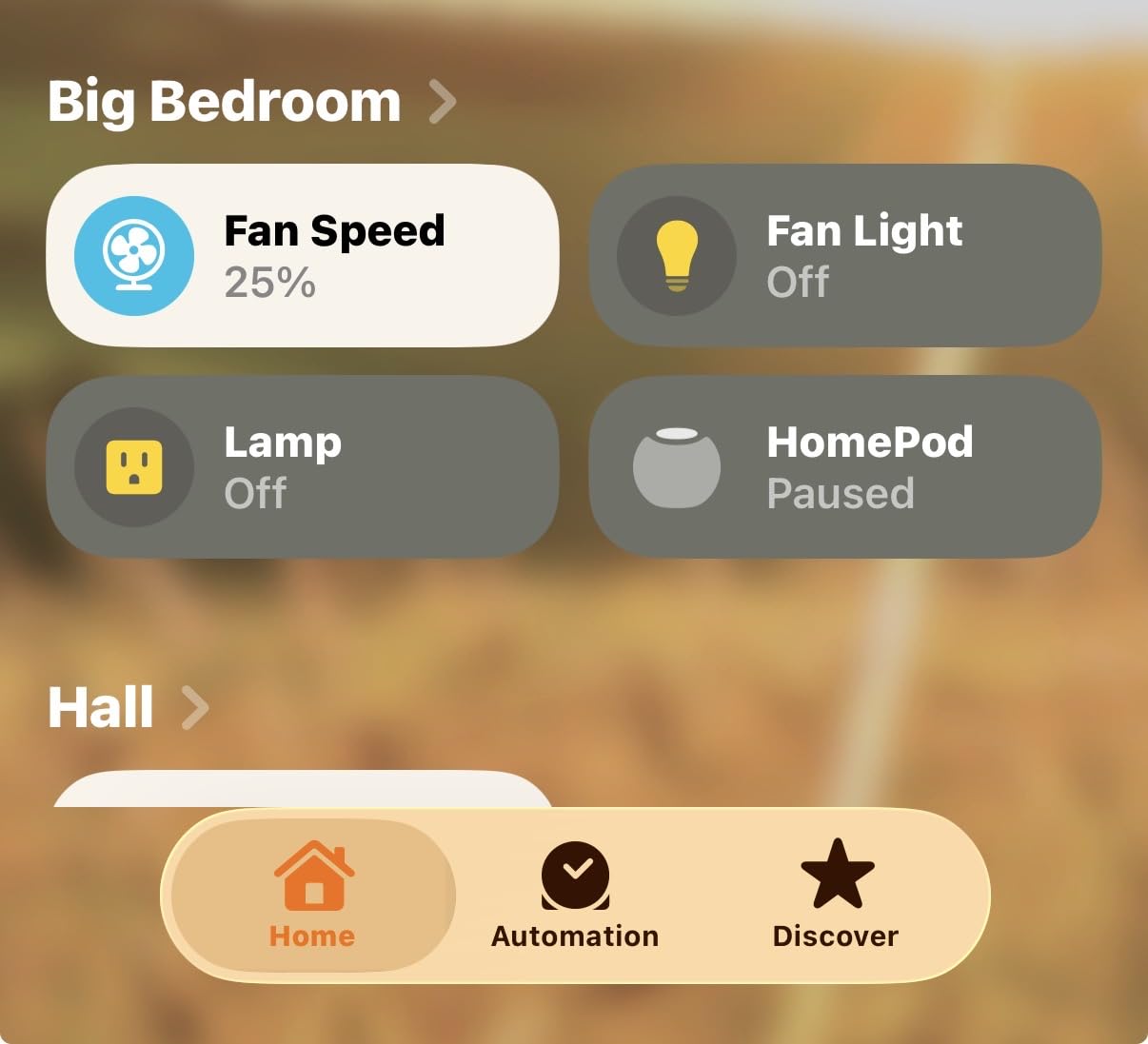
Matter support means it’s compatible across Alexa, Google Assistant, Apple HomeKit, and SmartThings without needing any additional hub or bridge. The app scheduling is well-designed and reliable. I’ve had these running for over eight months without a single dropped connection or missed schedule, which tracks with the broadly positive feedback from 299 reviewers at 4.6 stars — a strong score especially given Leviton’s traditionally more demanding customer base.
Who Should Buy the Leviton D215S
This is the pick for homeowners who want institutional-grade reliability and plan to keep their smart switches running for many years. It’s also a strong option if you have a tricky 3-way setup that doesn’t have easy traveler wire access.
Who Should Skip It
If you’re on a tight budget and just need basic on/off smart control, the Kasa or Tapo options give you most of the same functionality at a lower per-switch cost. Neutral wire is still required here, so older homes without one won’t benefit.
5. Kasa Apple HomeKit Smart Switch KS200P3 – Best for Apple Home Users
Kasa Smart Kasa Apple HomeKit Smart Light Switch KS200P…
Apple HomeKit native
Siri/Alexa/Google
2.4GHz Wi-Fi
15 Amps
3-pack
Pros
- Strong Apple HomeKit integration
- App-guided install
- Fast response time
- Reliable daily operation
- Good 3-pack value
Cons
- Neutral wire required
- Can be tight fit in some boxes
- Some faceplate clip concerns
If your household runs primarily on Apple devices and you’ve already invested in an Apple Home setup with a HomePod or Apple TV as your home hub, the Kasa KS200P3 is built specifically for you. It’s one of the most popular HomeKit-certified switches on the market for a reason: setup through the Apple Home app is seamless, and once it’s in, Siri voice commands work with zero lag.
I installed a 3-pack of these in a home where the owner uses an iPhone, iPad, and Apple TV as the home hub. The HomeKit pairing took literally 30 seconds per switch — scan the QR code on the switch, confirm in the Home app, done. No third-party app required if you stay within the Apple ecosystem. The switches also respond to Alexa and Google Home for guests or family members who prefer other assistants.
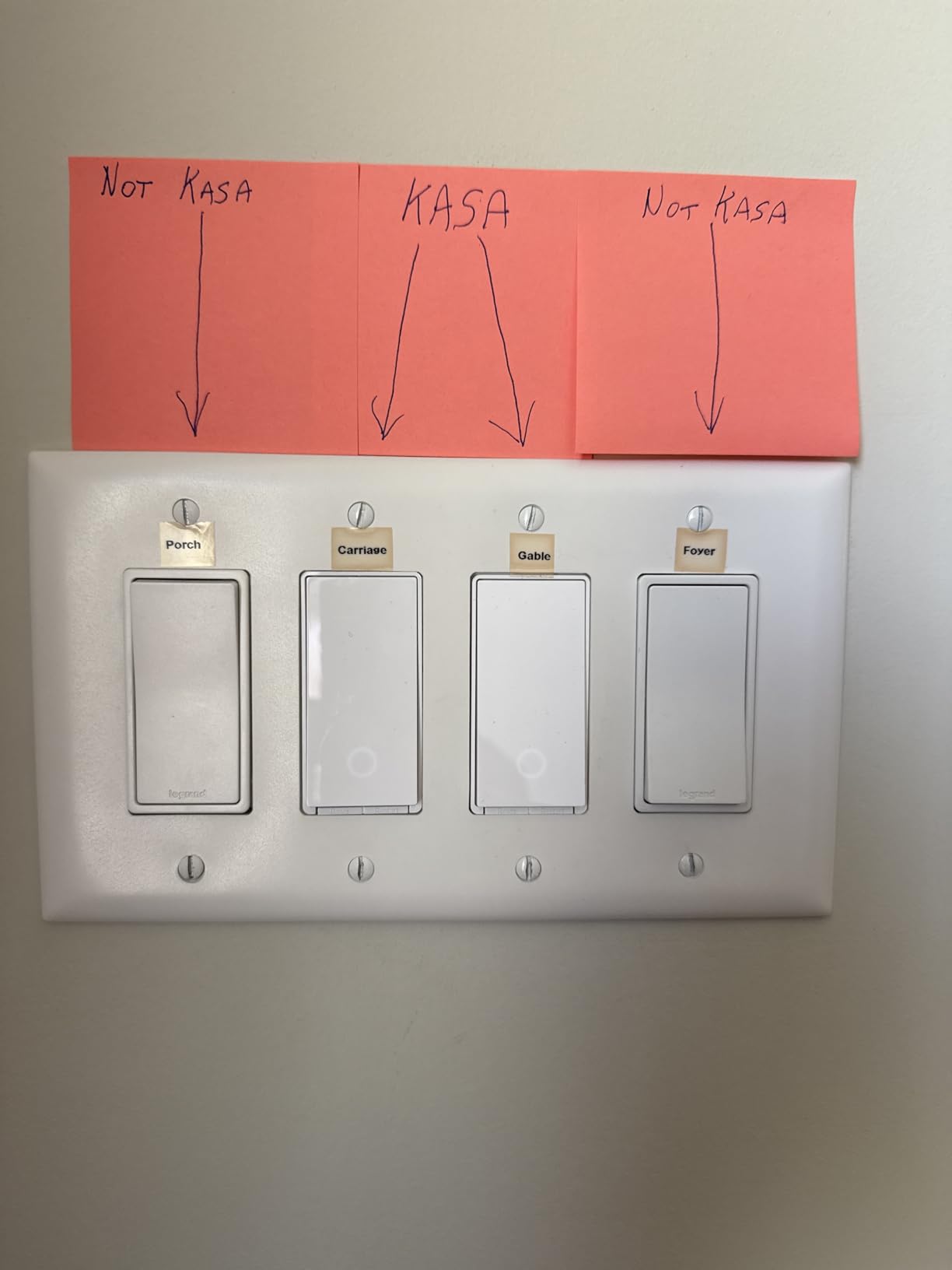
Day-to-day operation has been the most reliable of any Wi-Fi switch I’ve tested in an Apple Home environment. The response when you ask Siri to turn on or off a light is noticeably faster than with switches that require cloud round-trips to third-party servers. Apple Home’s local processing advantage comes through clearly here.
One physical note: the switch body is slightly deeper than a standard traditional switch. In most modern electrical boxes this isn’t a problem, but in older homes where boxes might be smaller or already crowded with wire, getting everything tucked in can take some patient maneuvering. With 1,758 reviews at 4.5 stars, the consensus is that the installation effort is worth it.
Who Should Buy the Kasa KS200P3
This is the right pick for Apple Home households who want native HomeKit support without the premium price of Lutron or similar brands. The 3-pack format is ideal for multi-room setups or when you’re upgrading an entire floor at once.
Who Should Skip It
This is a non-dimming on/off switch. If you want adjustable brightness, look at the dimmer options in this guide instead. Neutral wire is required, and this switch won’t do 3-way circuits in its standard configuration.
6. Kasa Smart Dimmer 2-Gang HS220-2 – Best for Double Switch Locations
2-gang smart dimmer
1%-100% brightness
Fade on/off
2.4GHz Wi-Fi
No hub required
Pros
- Covers two circuits in one unit
- Reliable daily control
- Clean installed look
- Good scheduling features
- Solid build quality
Cons
- Neutral wire required
- Physical size may not fit some boxes
- Occasional setup app friction
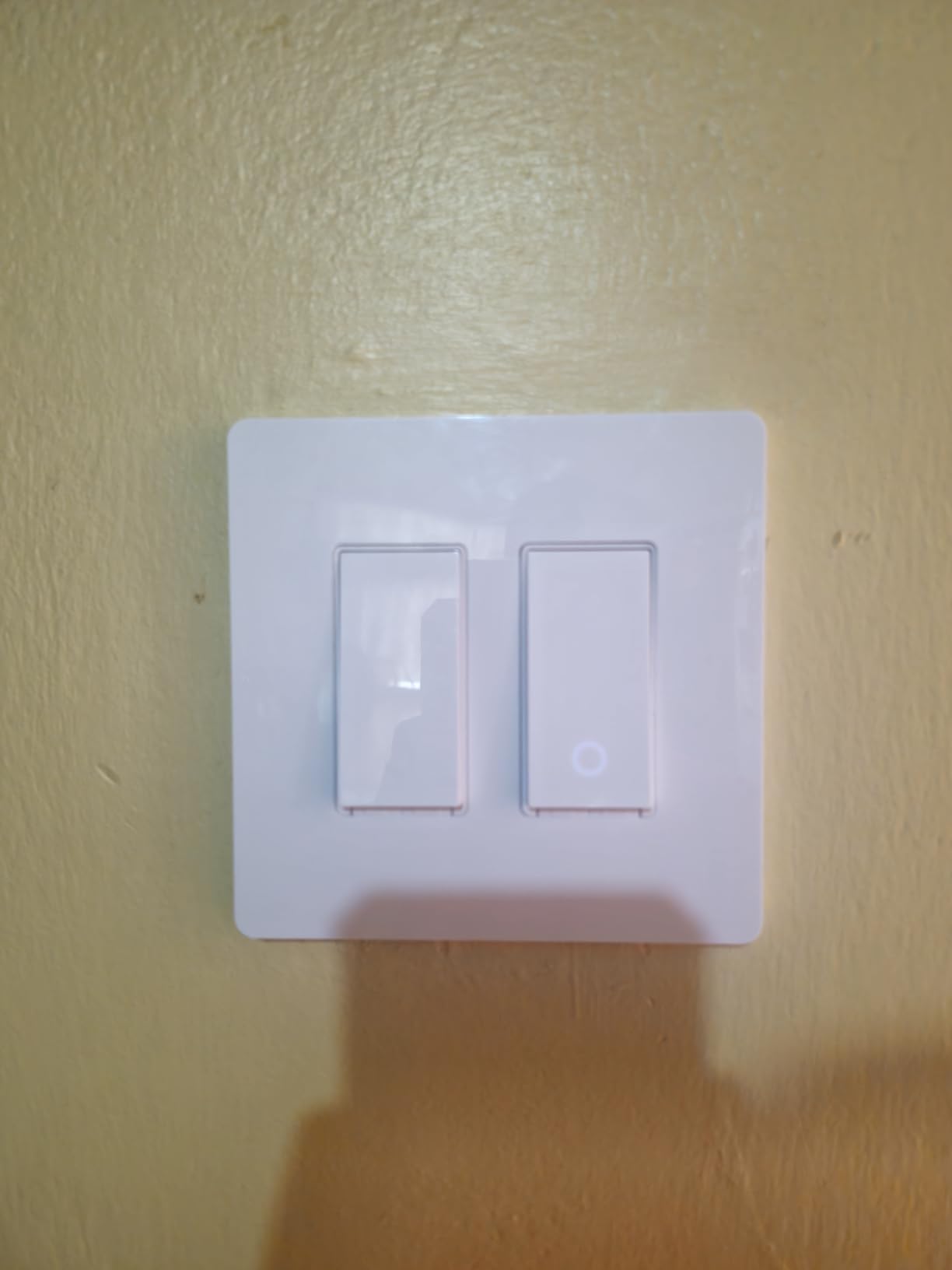
The 2-gang dimmer is a product category that doesn’t get enough attention. If you have a wall plate that controls two separate light circuits — very common above kitchen counters, in bathrooms with separate vanity and overhead fixtures, or in living rooms with different lighting zones — a single 2-gang unit is far cleaner than two separate smart switches side by side.
The Kasa HS220-2 handles both circuits independently with full 1% to 100% dimming on each. I installed this in a dining room where one gang controlled pendant lights over the table and the other controlled a cove lighting strip. Being able to set them to different brightness levels independently — through a single wall plate — transformed the room’s ambiance capabilities without requiring any extra smart home infrastructure.
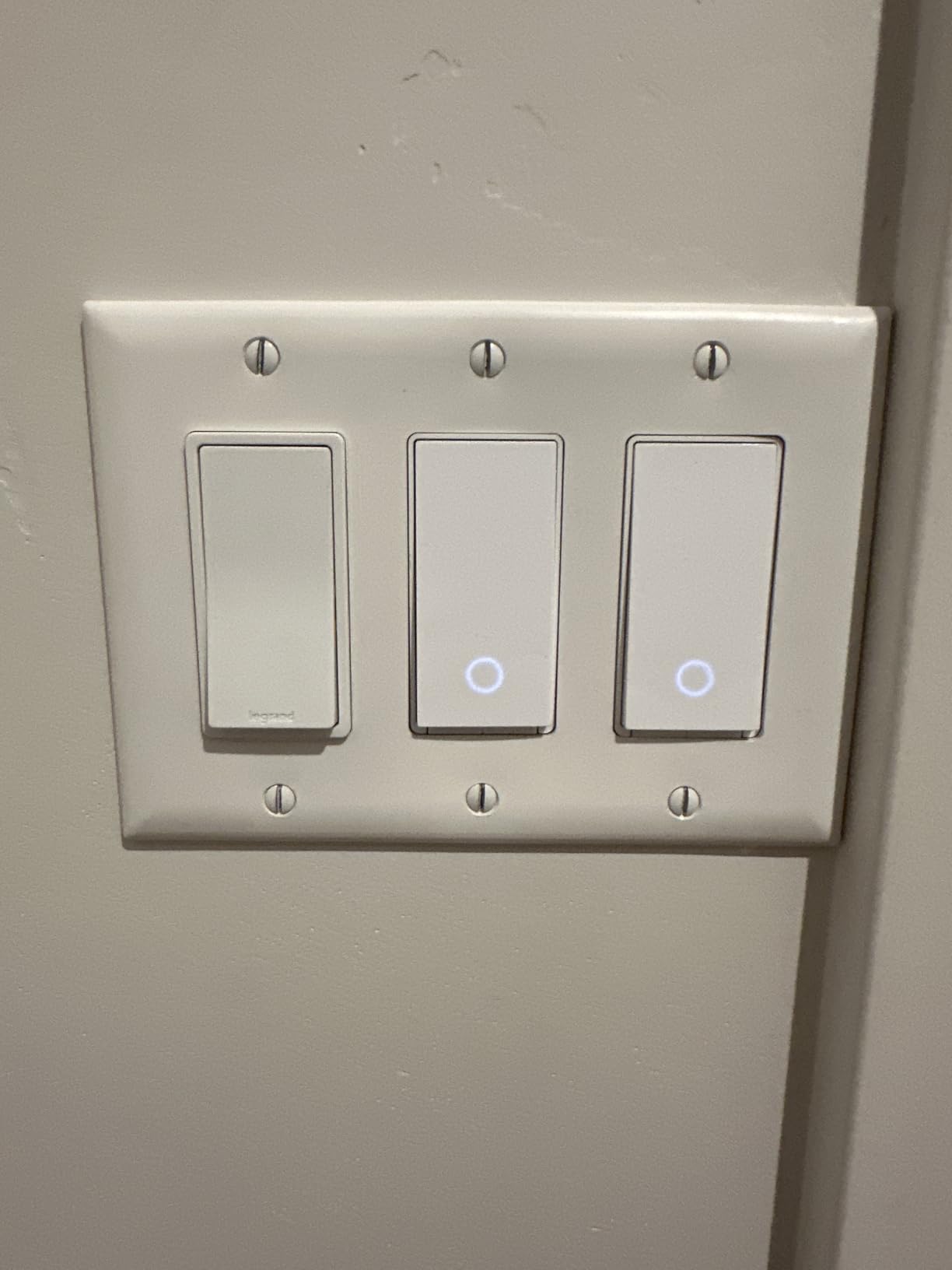
The fade-in and fade-out transitions are a nice touch. Instead of lights snapping on at full brightness, they ease up over a second or two. It sounds minor but it makes a real difference to the feel of a room, especially first thing in the morning or late at night. Voice commands through Alexa and Google work reliably for both gangs individually or together.
Installation is more involved than a single switch simply because you’re dealing with two circuits and four sets of wires in one box. The Kasa app guides you through it but this is one where I’d recommend someone who is comfortable with basic electrical work, or hiring an electrician if you’re not. With 1,125 reviews at 4.5 stars, users consistently note clean operation once it’s up and running.
Who Should Buy the Kasa HS220-2
This is ideal for any location where two separate light circuits share a wall box or plate. Kitchens, bathrooms, and living rooms with multiple lighting zones get the most value from this format.
Who Should Skip It
If you only have a single circuit to control, a standard single-gang dimmer is a better fit and easier to install. Also, check your box dimensions carefully before ordering — this 2-gang unit needs adequate depth and width to fit comfortably.
7. Kasa 3-Way Dimmer Kit KS230 v2 – Best Budget 3-Way Dimmer
Kasa Smart 3-Way Dimmer Switch Kit, KS230 KIT v2, Need…
3-way smart dimmer kit
1%-100% dimming
ETL certified
SmartThings support
2.4GHz Wi-Fi
Pros
- Strong value for 3-way setup
- Broad smart home compatibility
- Useful dimming and scheduling
- Reliable once configured
- ETL certified
Cons
- Neutral wire required in both boxes
- Switch body depth can challenge tight boxes
- Some sensitivity tuning needed
When you’re outfitting a 3-way circuit and don’t want to spend premium prices on the Tapo S515D or Leviton models, the Kasa KS230 v2 kit is the budget-conscious answer. With nearly 7,000 reviews and a 4.4-star rating, this is one of the most battle-tested 3-way smart dimmer kits available, and the review volume gives you real confidence that what you’re reading reflects consistent real-world performance.
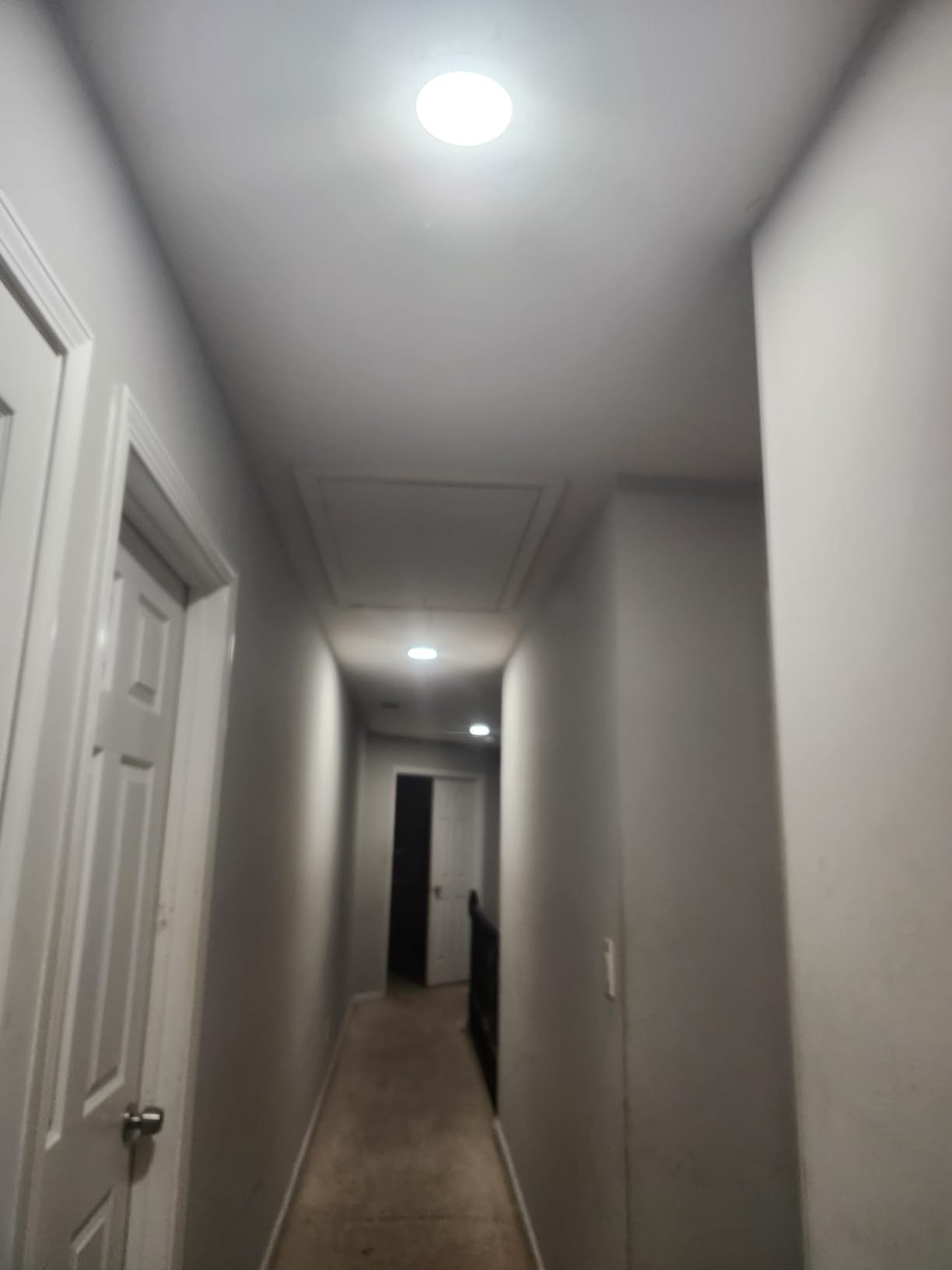
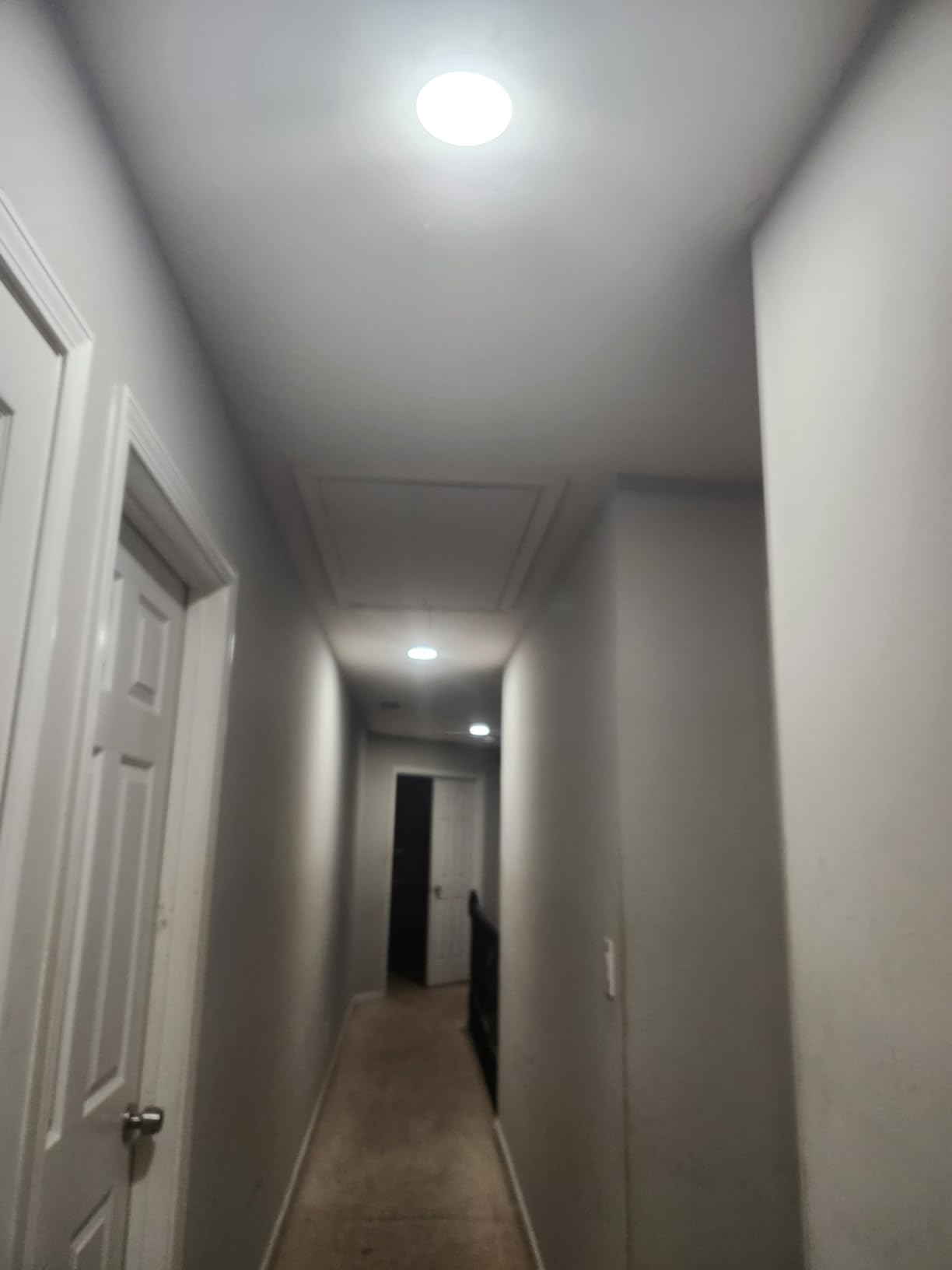
The kit includes both the main smart dimmer switch and a secondary smart switch for the other switch location. Both require neutral wires at their respective boxes, so check both locations before ordering. Once installed, the 1% to 100% dimming range is smooth and responsive. I set up scene automations where the lights at both switch points dim together on a “movie time” trigger — both ends of the staircase went to 20% simultaneously without any noticeable lag between them.
Compatibility with SmartThings is a specific win here if you run that platform. SmartThings users in home automation forums consistently name the Kasa KS230 as a go-to recommendation because it’s reliable, affordable, and integrates cleanly into SmartThings automations and routines without needing special workarounds.
The main frustration some users report is around the sensitivity of the touch controls and occasionally needing to fine-tune automation behavior through the Kasa app. These aren’t dealbreakers by any stretch, but they’re worth knowing if you plan to set up complex rules or if you have family members who might find touch sensitivity confusing.
Who Should Buy the Kasa KS230 v2
This is the right pick for SmartThings users who need a 3-way dimmer kit at a reasonable price. It’s also a great option for anyone doing a staircase or hallway upgrade where 3-way is required but premium prices aren’t in the budget.
Who Should Skip It
If you need Apple HomeKit compatibility, this kit doesn’t support it natively. You’d be better served by the Meross 3-way kit or the Tapo S515D for Apple Home environments. Also note the neutral wire requirement at both switch boxes.
8. Meross 3-Way Smart Dimmer Kit MSS570 – Best 3-Way for Apple HomeKit
3-way smart dimmer
Apple HomeKit support
480 watts
SmartThings compatible
2.4GHz Wi-Fi
Pros
- Apple HomeKit 3-way support
- Reliable connectivity
- Scheduling and remote control
- Sunrise/sunset automation
- Good feature-to-price ratio
Cons
- Neutral wire required
- 2.4GHz Wi-Fi only
- Wiring experience recommended
- Some regional compatibility notes
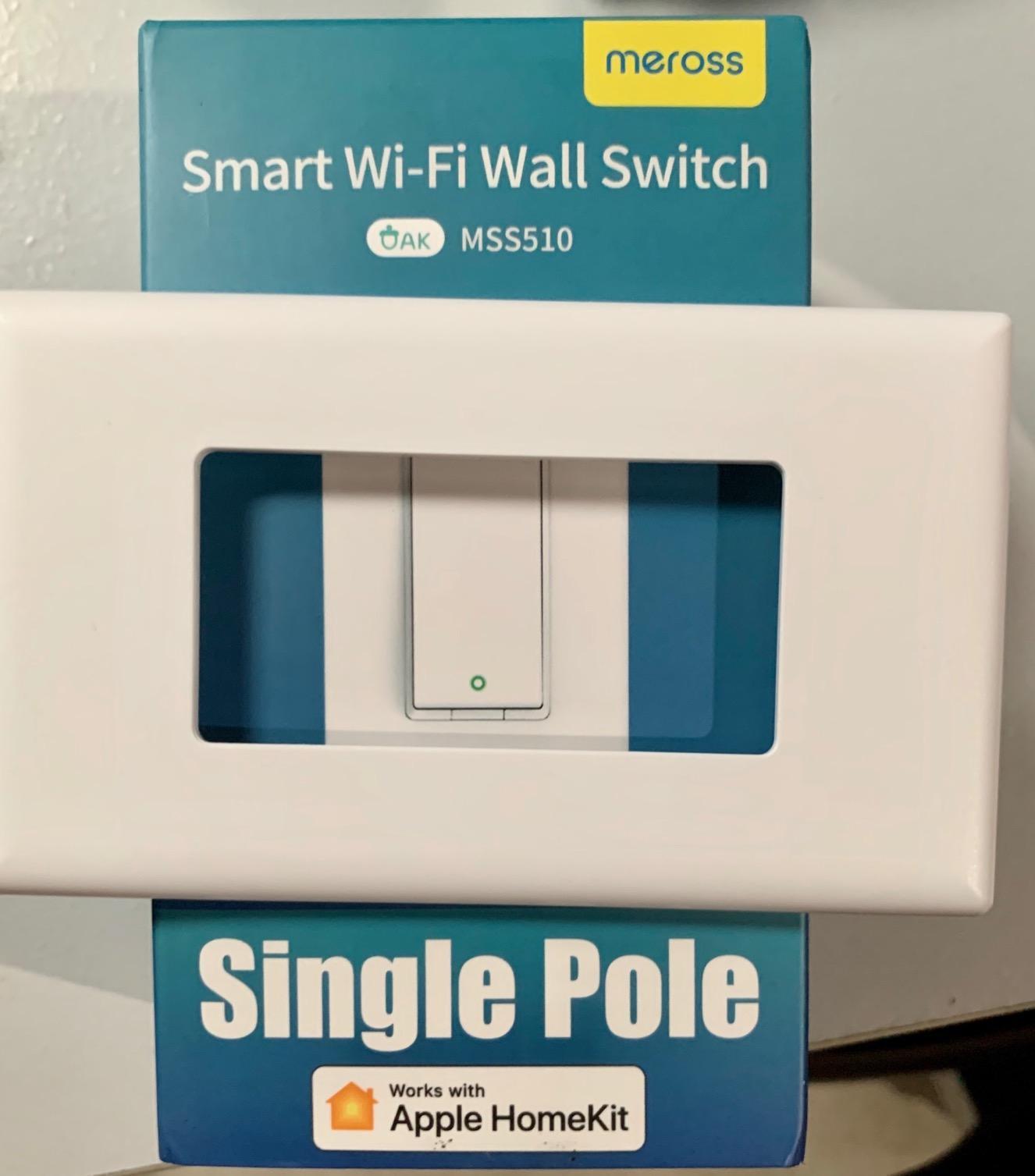
Finding a 3-way smart dimmer kit that works natively with Apple HomeKit is harder than it sounds. Most 3-way kits in this price range skip HomeKit entirely, leaving Apple Home users with limited options. The Meross MSS570 kit fills that gap well, offering genuine HomeKit remote control alongside Alexa, Google Assistant, and SmartThings compatibility.
The HomeKit integration requires an Apple home hub (HomePod mini, HomePod, or an Apple TV set to home hub mode) for remote access and automations to function. Once that’s set up, though, the experience is fully native — Siri commands work reliably, and the switch appears in the Apple Home app with the dimming slider ready to use. For 3-way setups in Apple-centric homes, this is one of the only kits that actually delivers on that promise.
The sunrise and sunset automation feature is genuinely well-implemented. You can set the lights to ease on gradually around sunrise and fade down after sunset, tied to actual solar time for your location. It updates automatically with the seasons. For bedroom and living room circuits that you want to follow a natural light rhythm, this makes a real quality-of-life difference.
Installation requires a moderate level of wiring comfort. The 3-way configuration has more wires involved than a single-pole swap, and the Meross instructions are functional but not quite as polished as Kasa’s app-guided flow. With 3,569 reviews at 4.4 stars, the consensus is that it works reliably once configured, with lower ratings mostly coming from installation confusion rather than performance problems after setup.
Who Should Buy the Meross MSS570
This is the clear pick for Apple HomeKit users who specifically need 3-way smart dimming. If you have a staircase, hallway, or room with two switch locations and you live in an Apple ecosystem, the Meross kit is your best value option in this guide.
Who Should Skip It
If you’re not an Apple Home user, the Kasa KS230 v2 or Tapo S515D offer better value for the same 3-way dimming functionality. Also, check both switch boxes for neutral wires before ordering.
9. Kasa Fan and Light Dimmer Switch KS240 – Best for Ceiling Fans
Kasa Smart Ceiling Fan Control & Dimmer Switch | Adjustable…
4-speed fan control
Adjustable light dimming
Apple HomeKit/Alexa/Google
Single-pole
Neutral wire required
Pros
- Combined fan and light control
- Strong voice assistant support
- Easy scheduling and timer
- Stable operation
- Practical single-box solution
Cons
- Neutral wire required
- Not compatible with all DC fan types
- Can be tight in some boxes
- LED dimming varies by bulb
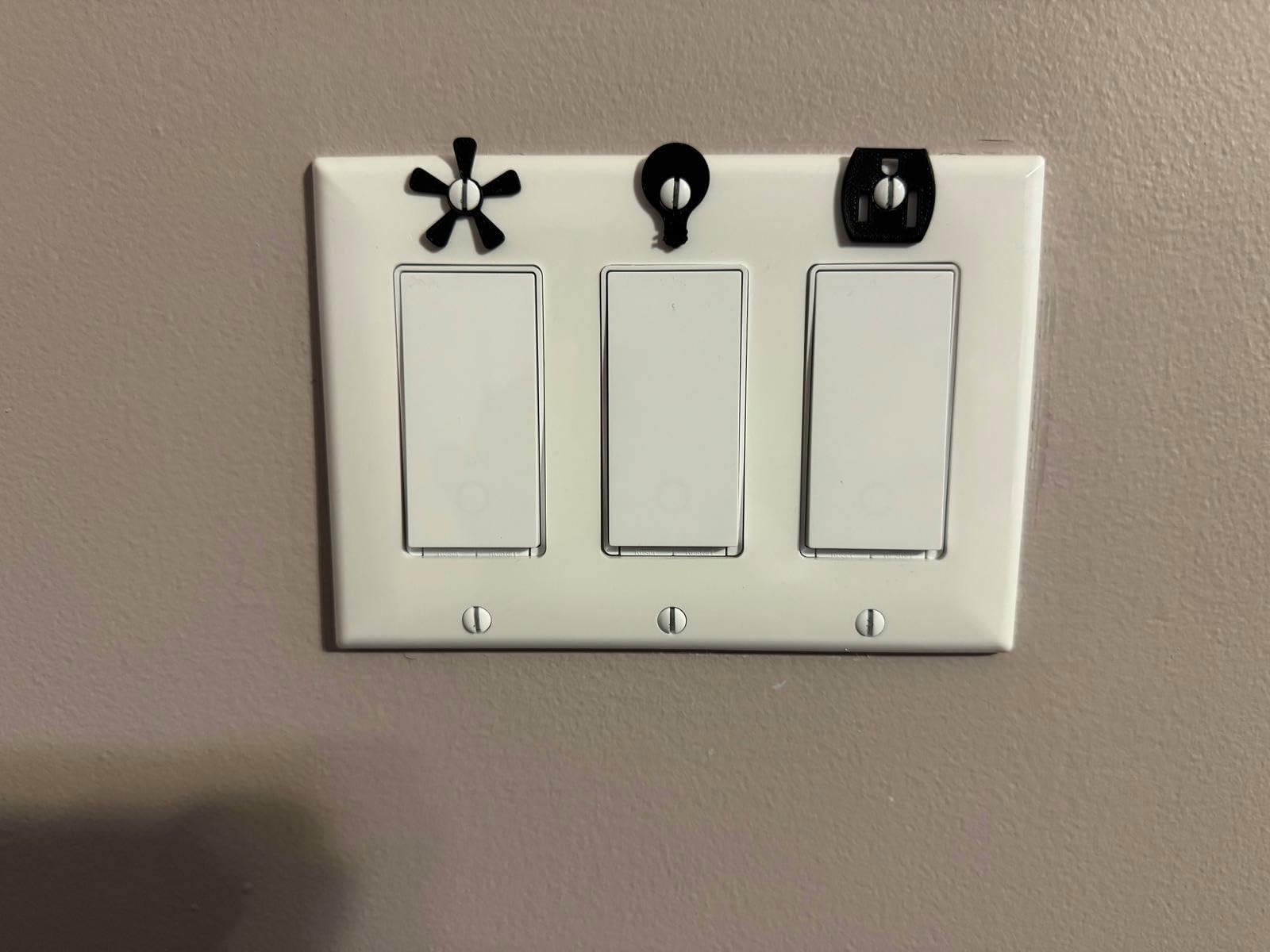
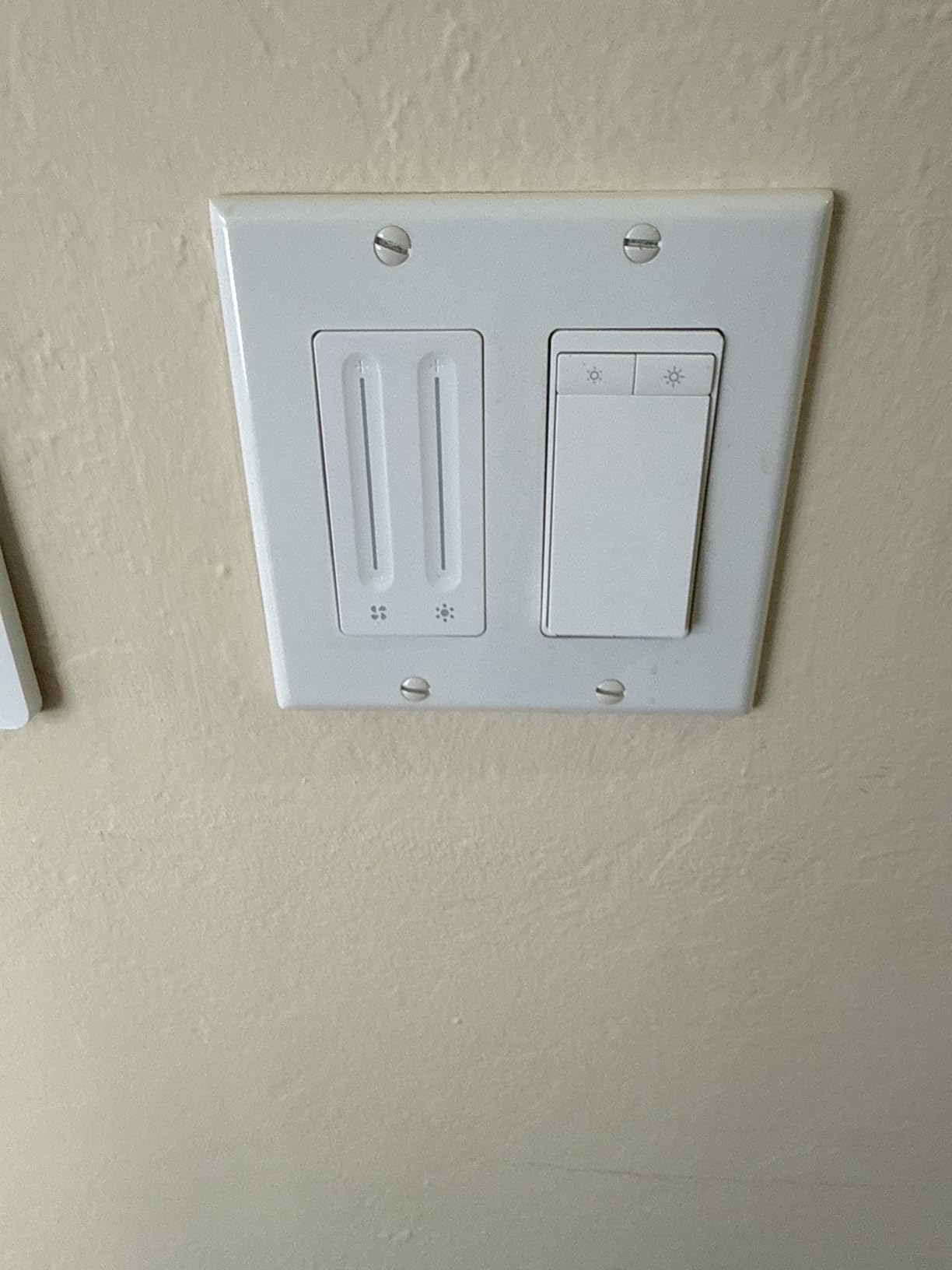
If you have a ceiling fan with an integrated light kit and want smart control of both the fan speed and the light brightness from a single wall switch, the Kasa KS240 is purpose-built for that exact situation. Most smart home switches only control one thing — either a fan or a light. The KS240 controls both independently from a single wall-mounted unit, which is an elegant solution for bedrooms and living rooms with combination fixtures.
I tested this in a bedroom with a Hunter ceiling fan that had a standard AC motor and a dimmable LED light kit. Installation was similar to any other smart switch — turn off the breaker, connect the wires, follow the app setup. The one extra step is assigning which wires go to the fan motor versus the light kit, but the Kasa app makes that explicit with a clear diagram. Total setup time was around 30 minutes.
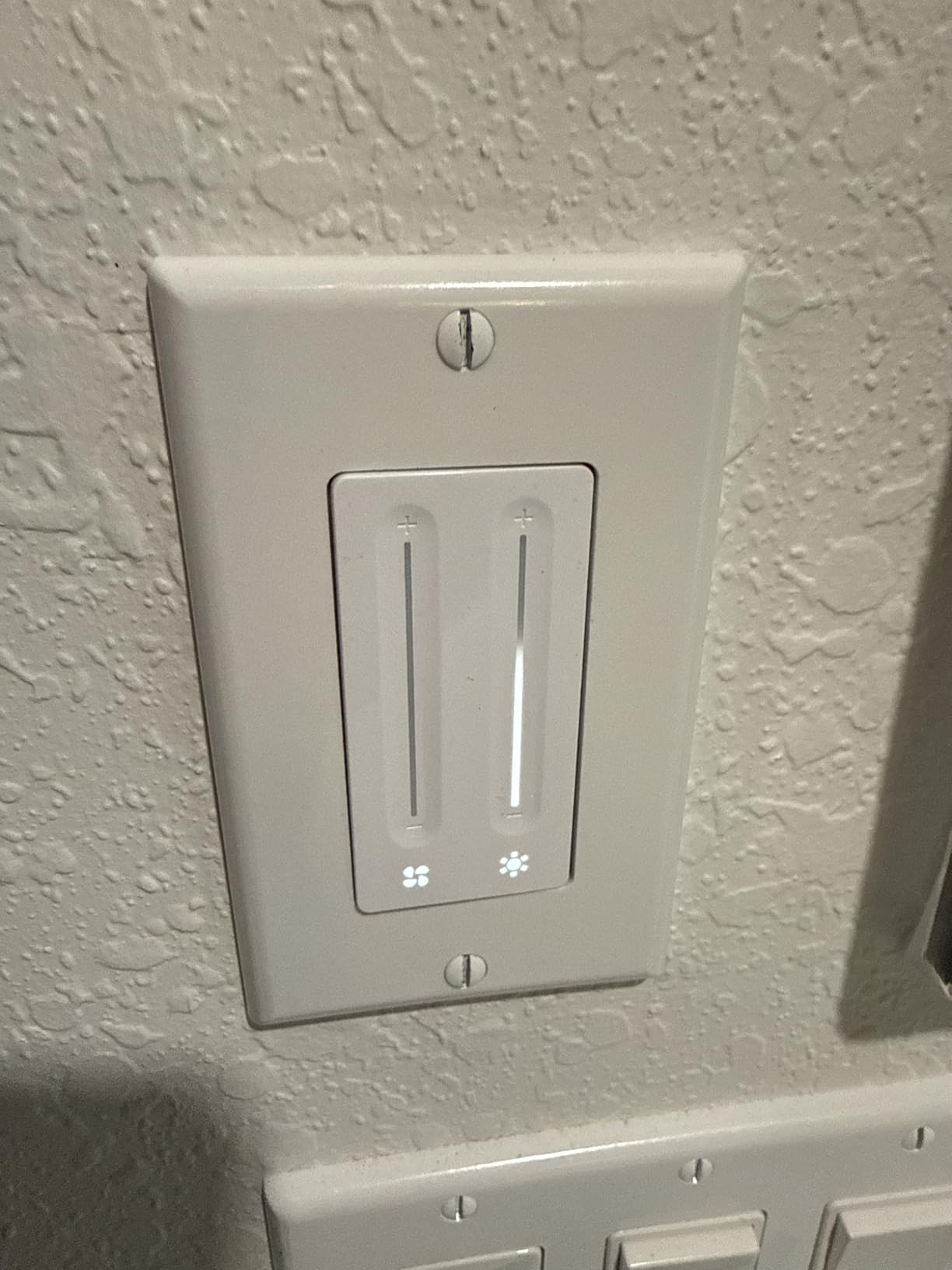
Once installed, the experience is exactly what you’d want. Four fan speed settings respond to Alexa commands instantly: “Alexa, set the bedroom fan to medium” works every time. The light dimmer is smooth from about 10% up to 100%, and I have a schedule that sets the fan to low and the light to 25% at 9 PM for wind-down mode. Apple HomeKit shows both the fan and the light as separate controllable devices in the Home app, which is clean and intuitive.
The important compatibility caveat: this switch is designed for AC motor ceiling fans. Some newer premium ceiling fans use DC motors and require their own proprietary remote control systems — those typically won’t work with the KS240. Check your fan’s motor type before buying. With 692 reviews at 4.4 stars, it’s a well-loved niche product for exactly the use case it’s designed for.
Who Should Buy the Kasa KS240
This is the right pick for anyone with an AC-motor ceiling fan that includes a light kit and who wants unified smart control of both functions from a single wall switch. Bedrooms and living rooms benefit most from this setup.
Who Should Skip It
If your ceiling fan uses a DC motor or has a proprietary remote system, this switch likely won’t be compatible. Also skip it if you just need light dimming with no fan — a standard smart dimmer is a simpler and more appropriate solution for that.
10. Greencycle Smart Dimmer Switch – Best Budget Single Dimmer
Greencycle Smart Dimmer Switch,1PK Single Pole, Needs…
Dimmable LED/CFL 150W
Incandescent 600W
Alexa and Google
No hub required
Neutral wire required
Pros
- Low entry cost
- Easy setup
- Works with common platforms
- Good for basic automation
- Modern appearance
Cons
- Neutral wire required
- 2.4GHz Wi-Fi only
- Default brightness reset can be inconvenient
If you need one smart dimmer switch and you want to spend as little as possible while still getting a product that actually works, the Greencycle is a compelling option. At its single-pack pricing, it’s one of the most affordable smart dimmers I tested, and the 4.6-star average across 575 reviews suggests it’s genuinely delivering on the basics rather than just being cheap.
The Tuya/Smart Life app is the backbone here — the same app infrastructure used by hundreds of budget smart home devices. It’s functional, if not as polished as the Kasa or Tapo apps. Alexa and Google Home integration works through the Smart Life skill, and once that’s set up, voice commands are reliable. The dimming range covers dimmable LED and CFL bulbs up to 150 watts and incandescent/halogen up to 600 watts, which covers most common residential lighting needs.
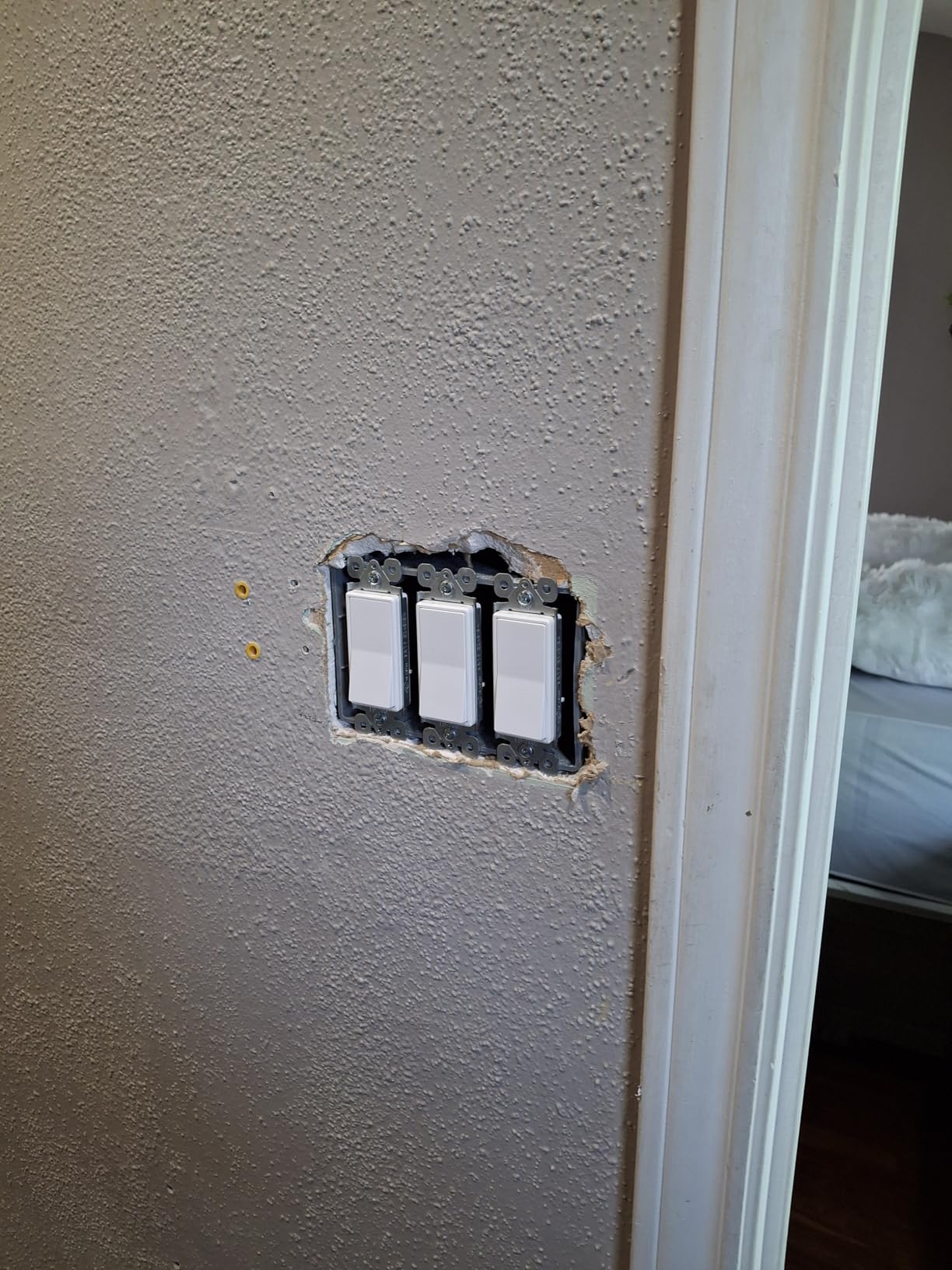
One behavioral quirk worth noting: the switch can reset to its default brightness level (usually 100%) when power is restored after an outage, rather than returning to the last-used brightness. This is configurable in the app, but it requires finding the right setting. For most users this is a minor annoyance; for anyone on a strict automation routine, it’s worth dialing in during setup.
This model is a recent release and already has 575 reviews with a strong average rating, which is impressive velocity for a newer entrant. The market is clearly finding it reliable for basic smart dimming tasks, which is exactly what it’s marketed for.
Who Should Buy the Greencycle Dimmer
This is the pick for anyone testing smart switches for the first time who wants to minimize upfront cost. It’s also a practical choice for low-priority circuits where you want basic smart dimming without investing in a premium product.
Who Should Skip It
If you’re running Apple HomeKit or need Matter compatibility, this switch won’t qualify. The Tuya ecosystem is also less future-proof than Matter-based options, so if long-term platform stability matters to you, consider spending a bit more for one of the Matter-compatible picks above.
11. UTEC Smart Dimmer Switch US01 – Best with WiFi Mesh Technology
WiFi mesh grouping
Last-brightness memory
Alexa and Google
Single-pole
FCC and ETL certified
Pros
- Mesh networking for better stability
- Brightness memory feature
- Reliable dimming control
- Responsive customer support
- FCC and ETL certified
Cons
- SmartThings pairing can be confusing
- Some post-update instability reports
- Occasional edge-case dimming behavior
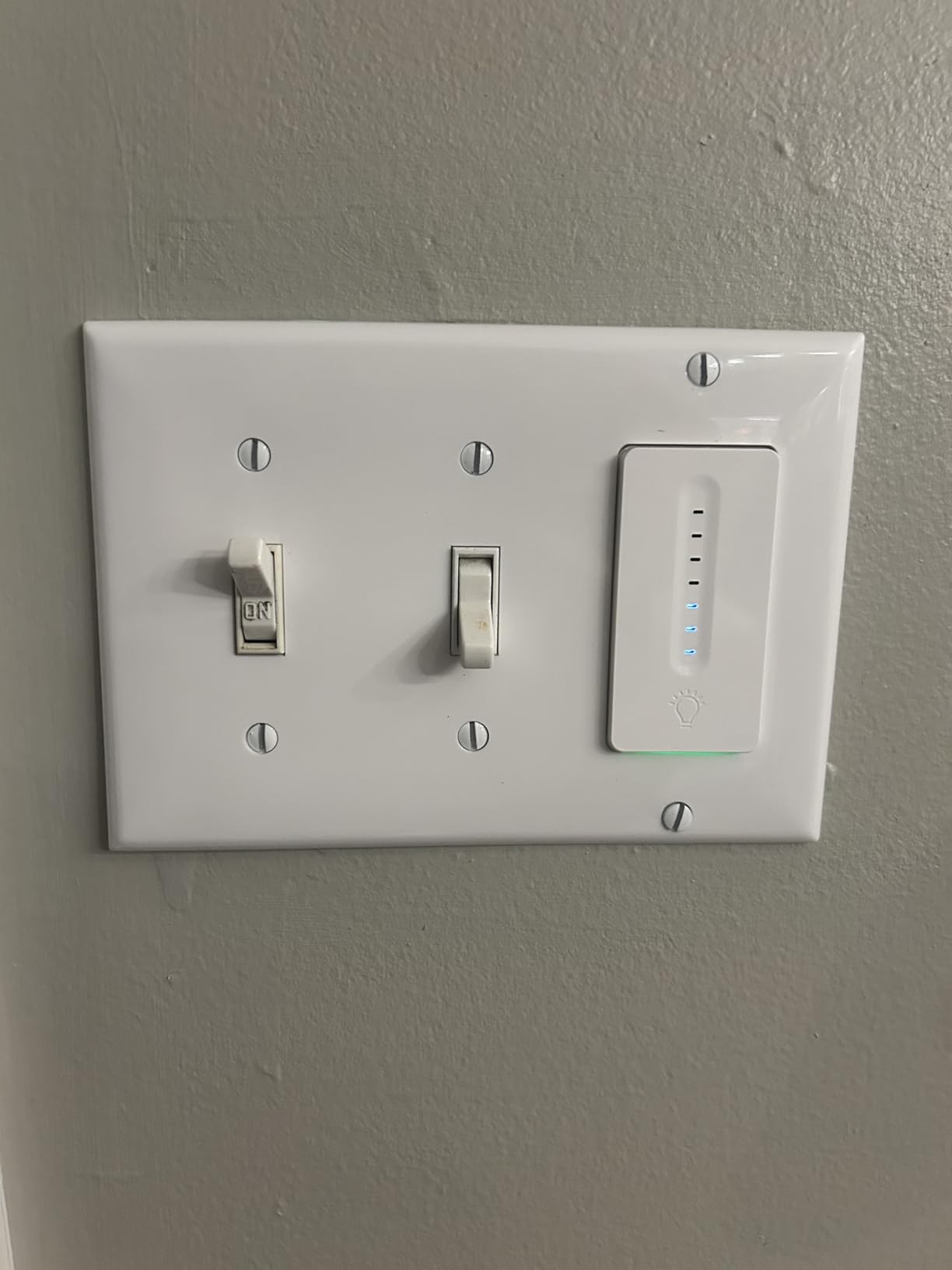
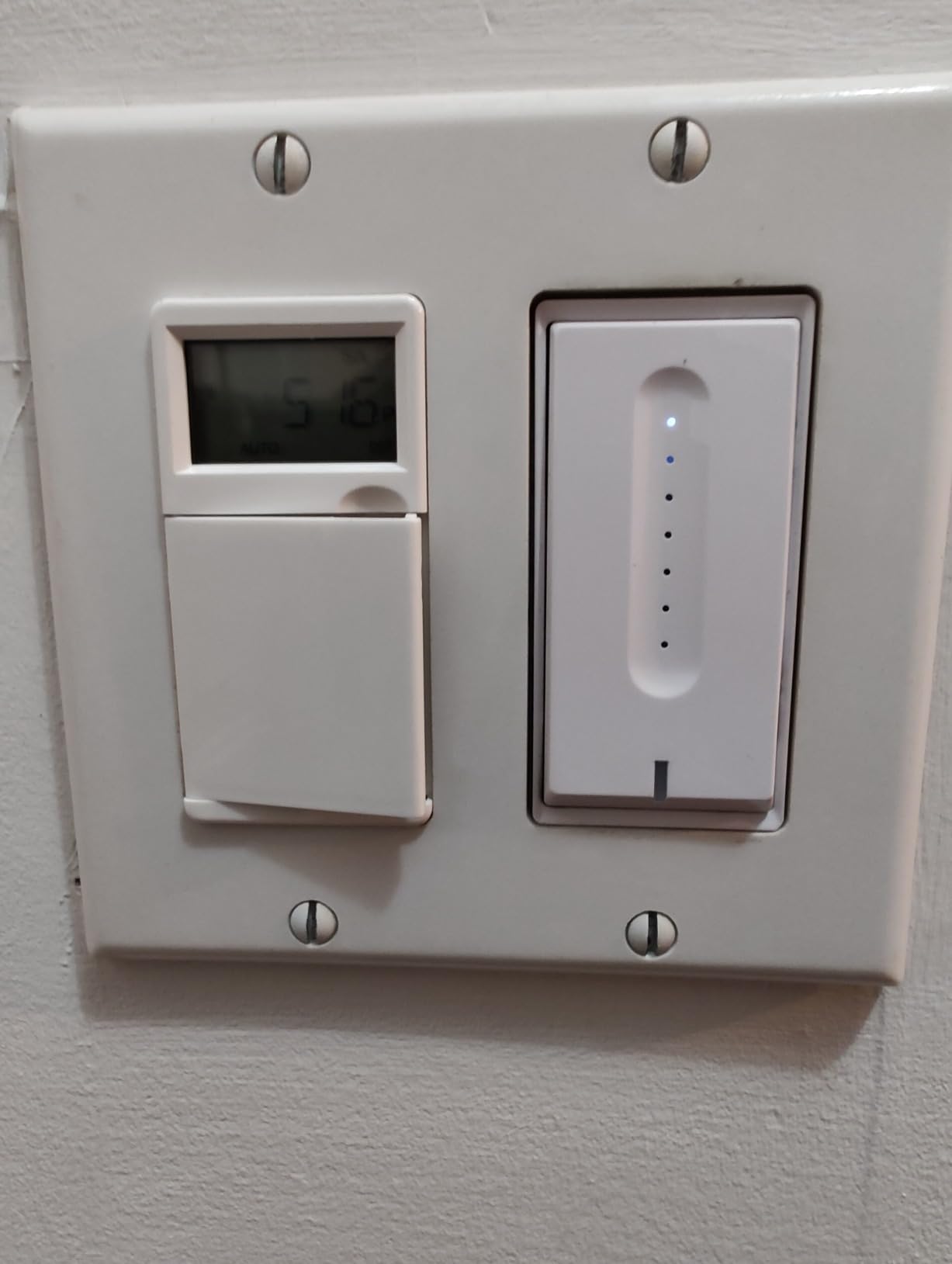
The UTEC US01 has a feature that most other budget dimmers skip entirely: WiFi mesh grouping. This means that if you install multiple UTEC switches, they can form a mesh network among themselves to improve connection stability — particularly useful in larger homes where a single Wi-Fi router can have coverage weak spots near switch boxes.
The last-brightness memory is another well-implemented feature. When you turn the switch back on, it returns to the brightness level it was at when you last turned it off, rather than defaulting to 100%. This is how dimmer switches should work, and it’s a detail that budget brands sometimes get wrong. The UTEC gets it right.
Alexa and Google Home integration both work well through the standard pairing process. Voice commands are responsive, and the scheduling features cover the basics: timers, daily/weekly schedules, and countdown functions. SmartThings integration is possible but the pairing process is indirect and requires extra steps compared to Alexa or Google — a known limitation of the current firmware.
With only 70 reviews at 4.3 stars, this is a newer and less-tested product compared to the Kasa and Tapo options in this guide. The FCC and ETL certifications add confidence, and the responsive customer support reports in reviews are a positive sign. But if you want maximum track record behind your purchase, the Greencycle or Tapo options have significantly more review volume at similar price points.
Who Should Buy the UTEC US01
This is a good fit for buyers in larger homes who have experienced Wi-Fi connectivity issues with other smart switches and want the added stability of mesh networking at a budget price point.
Who Should Skip It
If you’re deeply invested in the SmartThings ecosystem, the indirect pairing process here is frustrating enough that the Kasa KS230 or Tapo options are cleaner experiences. Skip this also if you need extensive review history before committing to a product.
12. GE Cync Paddle Dimmer Smart Switch – Best Paddle-Style Smart Dimmer
Matter compatible
Paddle switch design
3-way capable
Alexa/Google/Apple Home
No hub required
Pros
- Matter flexibility across ecosystems
- Strong dimming performance
- Quick response
- Useful scheduling and scenes
- DIY install design
Cons
- Some quality control variation reported
- App and Matter setup can conflict
- Support experience varies
- Paddle ergonomics need adjustment period
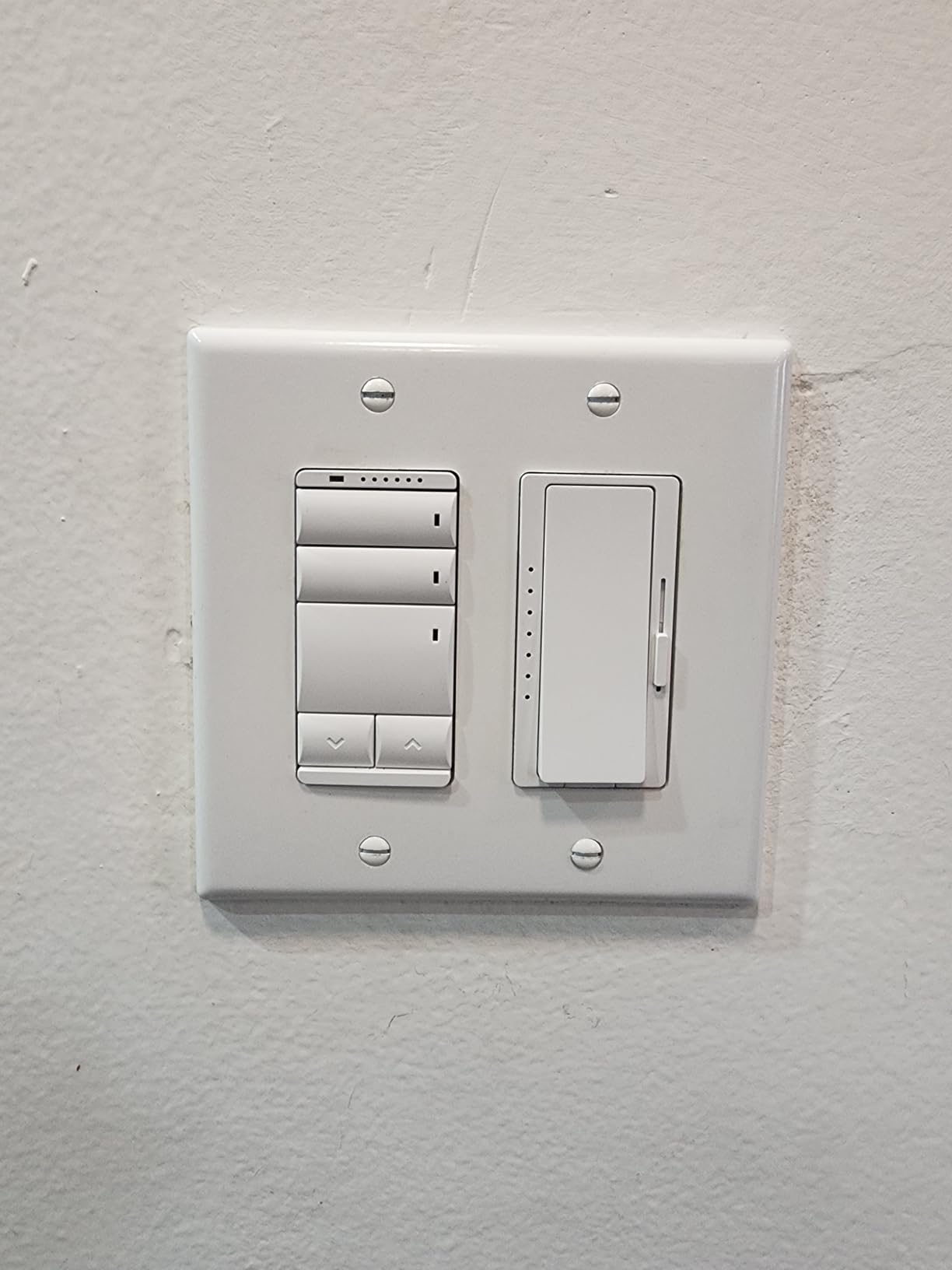
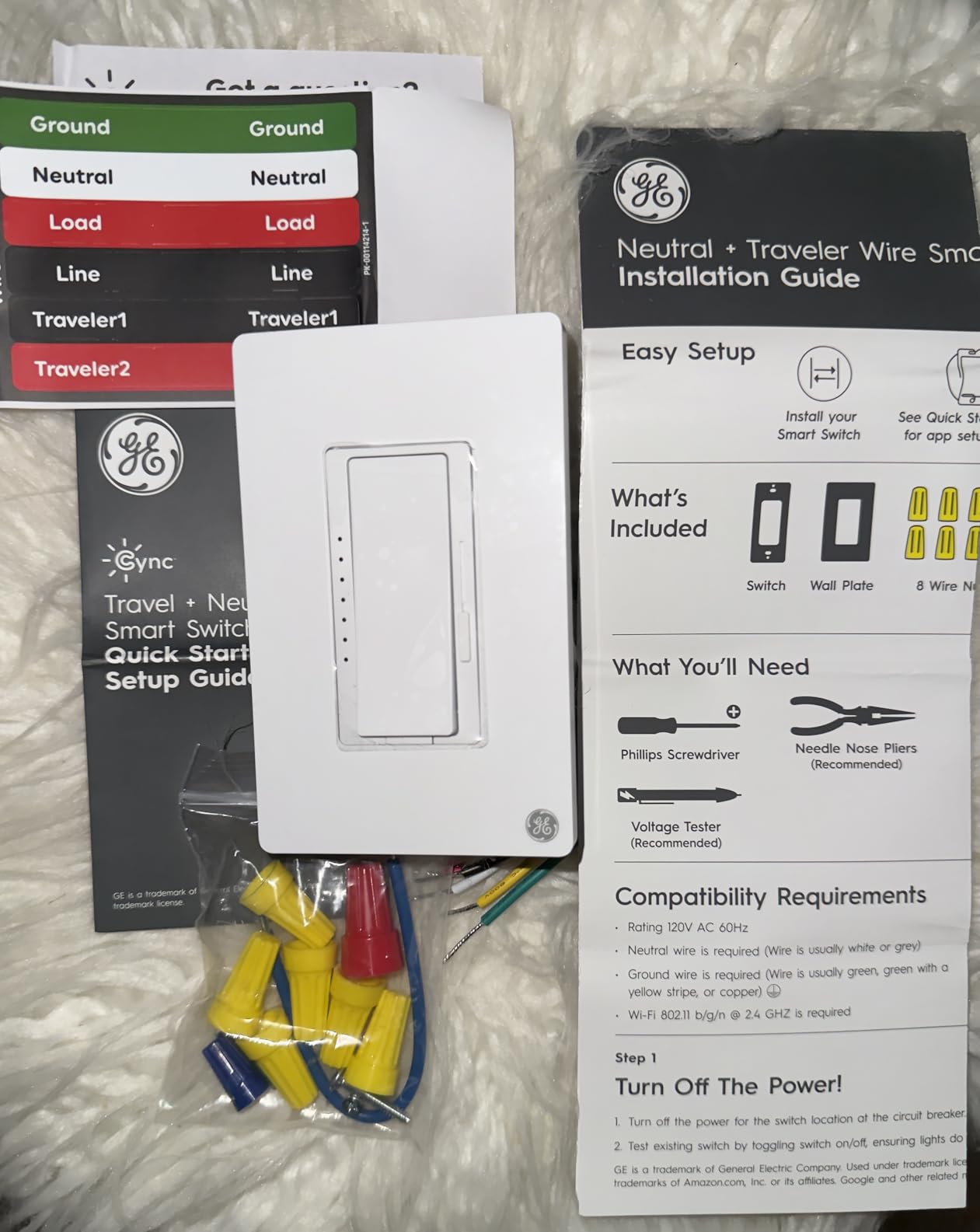
The GE Cync Paddle Dimmer brings a traditional paddle-switch feel to the smart home world. If you’re upgrading a home that has mostly paddle-style light switches and you want the new smart switches to visually match the others you’re not replacing, the Cync is one of the few smart dimmer options that delivers that aesthetic, making it a strong contender among the best smart light switches and dimmers for homeowners who care about both style and compatibility.
Matter support is the major technical feature here. For a switch at this price point, having Matter compatibility means it can work natively with Apple Home, SmartThings, Google Home, and Alexa without needing any bridge or hub. The setup process is a bit more involved than the Kasa or Tapo app flows — Matter pairing requires scanning a QR code and following prompts in your chosen platform’s app — but the result is solid cross-platform interoperability.
Real-world performance is generally good. Dimming response is quick, scenes work as expected, and the scheduling functionality covers the standard use cases. The paddle action itself takes a short adjustment period if you’re used to rocker or push-button switches — the physical feel is slightly different. But after a few days it becomes natural.
The lower 4.2-star rating reflects some quality control variation in early production — a few reviewers received units that didn’t work out of the box or had customer support difficulties getting replacements. At 79 reviews, the sample size is smaller than some picks in this guide. If quality consistency is your top priority, the Kasa or Leviton options have more extensive track records. But as a budget Matter-compatible paddle dimmer, the Cync is genuinely unique in this market position.
Who Should Buy the GE Cync Paddle Dimmer
This is ideal for homeowners who want paddle-style aesthetics with modern Matter smart features, especially those who already use Cync smart bulbs and want to integrate wall switches into the same ecosystem.
Who Should Skip It
If reliability and extensive review history are your top concerns, look at the Kasa or Tapo options instead. Also, the app and Matter setup can occasionally conflict with each other, so if you prefer a simpler setup experience, a single-ecosystem switch like the Kasa HomeKit or Leviton Matter model is a cleaner path.
How to Choose the Right Smart Light Switches And Dimmers In 2026?
Before you buy any smart switch, there are five things worth checking in order. Get these right and you’ll end up with a switch that works first try. Skip them and you risk buying something that either won’t fit your wiring or won’t play nicely with your smart home setup.
Check Your Wiring First: Neutral Wire vs No-Neutral
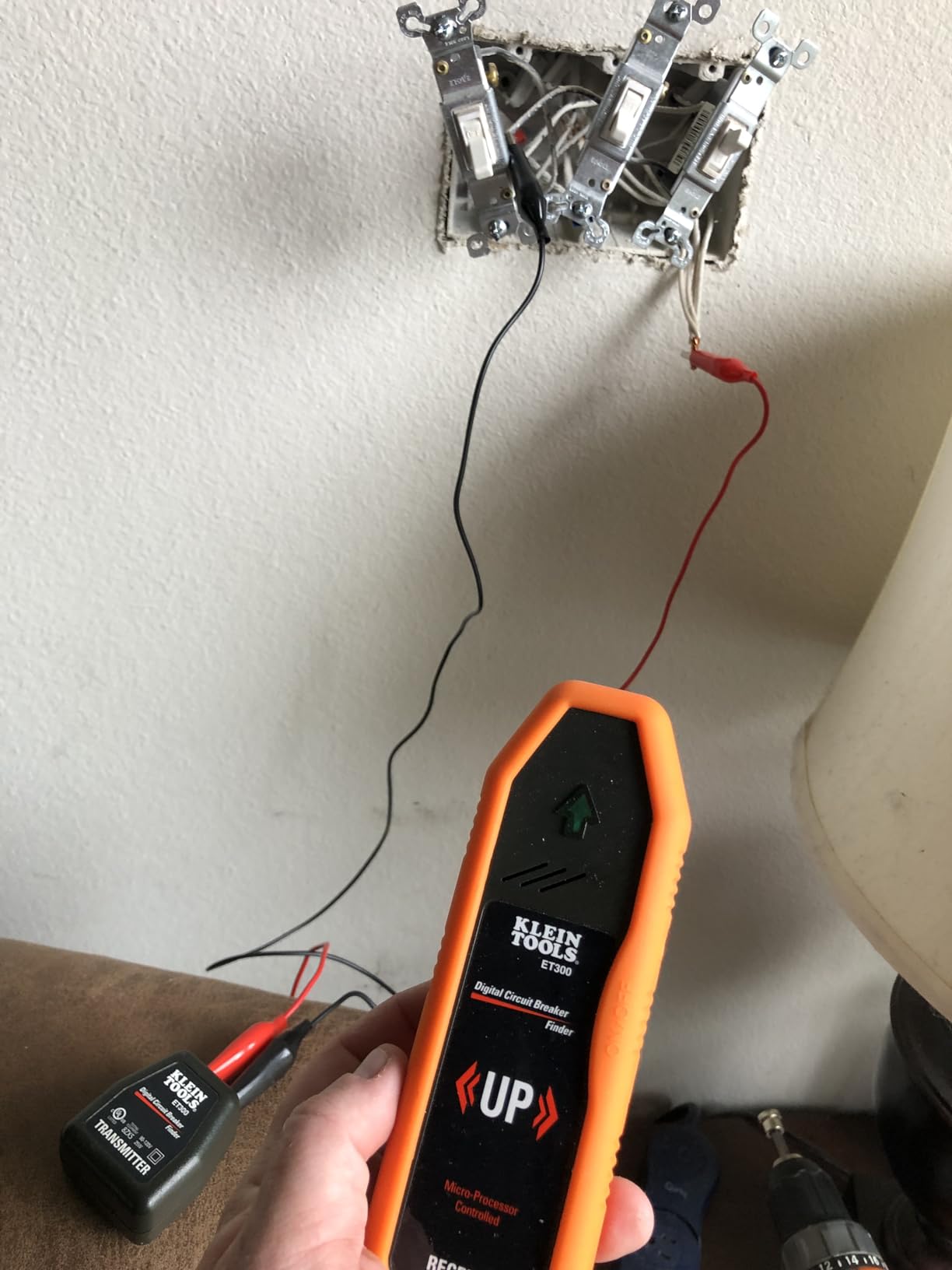
This is the single most important step. Every switch in this guide requires a neutral wire — the white wire that completes the electrical circuit and is common in most homes built after the mid-1980s. Turn off the breaker for the switch you want to replace, remove the switch from the wall, and look at the wires in the box.
If you see a white wire connected to your existing switch (or capped off in the back of the box), you have a neutral wire and all switches in this guide will work. If your switch box has only two wires — typically black and bare copper — you’re looking at an older no-neutral configuration. For no-neutral setups, you’d need to look at specific no-neutral switches like the Lutron Caseta line, which uses a different technology to power itself without a neutral connection. None of the 12 switches in this guide will work in a no-neutral box.
If you’re not sure what you’re looking at, a licensed electrician can check your wiring in about 15 minutes and confirm what you have before you spend money on switches that won’t fit your setup.
Choose Your Protocol: Wi-Fi vs Matter vs Z-Wave vs Zigbee
Most of the switches in this guide are Wi-Fi based, which is the most accessible choice for most homes: no hub required, connects directly to your home network, and works with Alexa and Google out of the box. Wi-Fi switches can occasionally contribute to network congestion if you have dozens of smart devices and a less-capable router, but for most homes this is a non-issue.
Matter is a newer protocol that builds on top of Wi-Fi (or Thread) and adds a standardized compatibility layer across ecosystems. A Matter switch can work with Apple Home, Google Home, Alexa, and SmartThings simultaneously without separate integrations. If you’re building a smart home that you want to be future-proof and platform-agnostic, Matter is the standard to prioritize.
Z-Wave and Zigbee are mesh protocols used by brands like Inovelli, Zooz, and older Leviton models. They require a hub (like a SmartThings hub or Hubitat) but offer benefits including reduced Wi-Fi load, strong local processing, and excellent reliability over time. Home Assistant users in particular tend to prefer Z-Wave or Zigbee for these reasons. None of the switches in this guide use Z-Wave or Zigbee — all are Wi-Fi or Matter/Wi-Fi — but it’s worth knowing these protocols exist if you’re planning a serious Home Assistant setup.
Match Your Smart Home Platform
Make sure the switch you’re considering specifically lists support for your smart home platform before you buy. Here’s a quick compatibility summary based on the products in this guide:
For Apple HomeKit: The Kasa KS200P3, Kasa KS240, Meross MSS570, Tapo S515D, Leviton D215S, and GE Cync all offer Apple Home support. Matter-certified switches generally include HomeKit by default.
For SmartThings: The Kasa KS230 v2, Tapo S500D, and Leviton D215S have clean SmartThings integration. The UTEC works but requires extra pairing steps.
For Google Home and Alexa: Every switch in this guide supports both platforms. This is the baseline for any switch worth recommending in 2026.
For Home Assistant: All Wi-Fi switches can technically integrate via Tuya local or custom integrations, but Home Assistant power users typically prefer Z-Wave or Zigbee switches (not covered in this guide) for the best local-control experience and long-term reliability without cloud dependency.
3-Way and Multi-Way Switch Considerations
A 3-way switch circuit controls one light from two different locations — staircases are the classic example. If you have this setup and want to make it smart, you can’t just replace one switch with a standard single-pole smart switch and leave the other as-is in most cases.
You need either a dedicated 3-way kit (like the Tapo S515D, Kasa KS230, or Meross MSS570) that includes both a main smart switch and a secondary switch for the other location, or a system like Leviton’s Decora Smart that has “Wirefree” 3-way capability for certain wiring configurations.
For 4-way circuits — three or more switch locations for one light — the options narrow significantly. Some brands offer add-on switches for 4-way setups, but none of the 12 products in this guide cover that configuration directly. Check with the manufacturer if you have a 4-way circuit before ordering.
LED Dimmer Compatibility and Flicker Issues
Not all dimmable LED bulbs work well with all smart dimmers. The most common problem is flickering at low brightness levels — usually below 15% or 20% of maximum brightness. This happens when the dimmer’s minimum load setting doesn’t match the LED bulb’s power requirement.
Most smart dimmers let you adjust the minimum brightness level in the app. If you notice flickering, try raising the minimum from the default. Stick with high-quality dimmable LED bulbs from brands with known compatibility, and check our guide to LED recessed lights for fixture recommendations that pair well with smart dimmers. For decorative bulbs, our roundup of best dimmable Edison bulbs covers options tested for smooth dimming performance.
Buzzing is another occasional complaint with LED dimmers. It’s usually the bulb itself resonating with the dimmer’s phase-cut signal. Switching to a different LED brand often resolves it. If you have old magnetic or electronic low-voltage fixtures (common in track lighting and recessed cans from the 1990s), check the dimmer’s spec sheet for compatibility before buying.
Troubleshooting Common Smart Switch Problems
Dropped connections and delayed responses are the most frequent complaints across home automation forums, and they almost always trace back to Wi-Fi signal strength at the switch location. Smart switches sit inside metal electrical boxes in your walls, which can weaken Wi-Fi signals. If you have a switch that keeps going offline, try moving your Wi-Fi router closer or adding a Wi-Fi extender, or consider a mesh Wi-Fi system like Eero or Google Nest that provides better whole-home coverage.
If your schedules stop working after a power outage, check that your router came back online fully before the switches tried to reconnect. Some switches need a few minutes to re-establish their cloud connection after power is restored, and a schedule trigger that fires during that reconnection window can be missed. Most apps have a setting to re-run missed schedules that can help with this.
For flickering LEDs specifically: raise the minimum brightness level in the dimmer app first, then try a different dimmable LED bulb brand if that doesn’t resolve it. Philips Hue, Cree, and GE dimmable LEDs generally have the best compatibility across the smart dimmers tested in this guide.
Frequently Asked Questions
Which smart dimmer switch is the best overall choice?
The Kasa Matter Smart Light Switch KS205P3 is our top overall pick for most homes. It supports Matter, which means it works simultaneously with Alexa, Google Home, Apple HomeKit, and SmartThings. It comes in a 3-pack at a strong per-switch price, has 27,508 reviews at 4.6 stars, and the app-guided installation makes it accessible even without deep wiring knowledge. You do need a neutral wire, but if your home has one, this is the most versatile and reliable smart switch you can buy without entering premium pricing territory.
Do smart dimmer switches need a neutral wire?
Most smart dimmer switches, including all 12 products in this guide, require a neutral wire to operate. The neutral wire completes the circuit and allows the switch to stay powered when the light is off. Older homes built before the mid-1980s sometimes have switch boxes wired without a neutral connection. If you only have two wires in your switch box (line and load, with no neutral), you’ll need a no-neutral compatible switch like the Lutron Caseta line, which uses a different internal technology to power itself. Always check your wiring before purchasing.
What are the best smart light switches for SmartThings?
The Kasa KS230 v2 3-Way Dimmer Kit is our top pick for SmartThings users who need 3-way dimming. For single-pole switches, the Tapo S500D and Leviton D215S both integrate cleanly with SmartThings. The Leviton also supports Matter, which gives it added flexibility if you ever switch platforms. Home automation communities consistently report strong SmartThings performance from the Kasa and Leviton product lines in particular.
What is the best Matter over Wi-Fi smart dimmer switch?
The Tapo Smart 3-Way Dimmer Kit S515D is our top Matter-certified dimmer pick, offering Matter over Wi-Fi with energy monitoring and full 3-way support. For single-pole Matter dimming, the GE Cync Paddle Dimmer offers Matter support at a budget price point. The Leviton D215S is our premium Matter switch recommendation for on/off control (non-dimming) with excellent long-term reliability and broad ecosystem support.
Final Thoughts on Smart Light Switches and Dimmers
After testing all 12 best smart light switches and dimmers in this guide, the Kasa Matter Smart Light Switch KS205P3 remains my overall recommendation for most homes. The combination of Matter compatibility, rock-solid reliability, and the 3-pack value makes it the most practical all-around choice when you have neutral wires and want multi-platform flexibility.
For specific needs, the right pick shifts. The Tapo S515D is the best 3-way Matter dimmer. The Kasa KS200P3 is the go-to for Apple HomeKit homes. The Leviton D215S is the premium pick for buyers who prioritize brand reliability above all else. And if budget is the primary constraint, the Tapo S500D 4-pack or Greencycle single pack both deliver genuine smart dimming at accessible prices. Smart switches are one of those upgrades that, once you experience them, you’ll wonder how you tolerated manual switches for so long — especially when paired with the rest of your smart home upgrade ideas.
Whatever you choose, check your wiring for neutral wires before ordering, confirm ecosystem compatibility with your existing smart home platform, and start with a single switch to test before committing to a whole-home upgrade. The investment pays off quickly in convenience, energy awareness, and home security through automated lighting routines.
