
10 Best Smart Light Switch Kits (September 2026) Expert Reviews
Smart light switches changed how I interact with my home, and once you install one, it is hard to go back to flipping a dumb switch on the wall. I spent months testing the best smart light switch kits across my own home, tracking everything from installation headaches to Wi-Fi dropout frequency. The right kit turns your existing lights into a fully automated system without replacing a single bulb.
Our team compared 10 of the most popular smart switch kits on the market, covering everything from budget-friendly Wi-Fi options to premium hub-based systems from Lutron and Matter-enabled switches from TP-Link and Leviton. We tested each one with Alexa, Google Home, and Apple HomeKit to see which brands actually deliver on their cross-platform promises. Whether you live in a newer home with neutral wires or an older house without them, there is a kit on this list that will work for you.
Contents
Are smart light switches worth it? In my experience, absolutely. They give you voice control, scheduling, geofencing, and remote access for every light in your house. Unlike smart bulbs, switches keep your physical wall controls working normally, which means anyone in the house can still use them. You also avoid the headache of dealing with dumb light switches turning off your smart bulbs.
So who makes the best smart light switches? Lutron Caseta is widely regarded as the most reliable option, especially for older homes without neutral wires, while Kasa and TP-Link Tapo offer the best value for standard installations. Leviton is the top pick for homeowners who want Matter protocol support with broad ecosystem flexibility. Below, I break down exactly what makes each kit stand out so you can pick the right one for your setup.
Top 3 Smart Light Switch Kits for 2026

Lutron Caseta Smart Dimmer Kit
- No neutral wire required
- Hub-based reliability
- Works with all ecosystems

As an Amazon Associate we earn from qualifying purchases. CERTAIN CONTENT THAT APPEARS ON THIS SITE COMES FROM AMAZON. THIS CONTENT IS PROVIDED 'AS IS' AND IS SUBJECT TO CHANGE OR REMOVAL AT ANY TIME.
Best Smart Light Switch Kits (September 2026)
| Product | Features | |
|---|---|---|
| Lutron Caseta Smart Dimmer Kit |
|
Check Latest Price |
 Lutron Caseta Deluxe Starter Kit Lutron Caseta Deluxe Starter Kit |
|
Check Latest Price |
 Kasa Matter Smart Switch 3-Pack Kasa Matter Smart Switch 3-Pack |
|
Check Latest Price |
 Leviton Decora Smart 2nd Gen Leviton Decora Smart 2nd Gen |
|
Check Latest Price |
 TP-Link Tapo 3-Way Dimmer Kit TP-Link Tapo 3-Way Dimmer Kit |
|
Check Latest Price |
 Kasa Smart 3-Way Dimmer Kit Kasa Smart 3-Way Dimmer Kit |
|
Check Latest Price |
 Leviton Decora Smart Wi-Fi Switch Leviton Decora Smart Wi-Fi Switch |
|
Check Latest Price |
 Kasa Smart 3-Way Switch Kit Kasa Smart 3-Way Switch Kit |
|
Check Latest Price |
| Kasa Smart HS200 Single Pole |
|
Check Latest Price |
 TREATLIFE Smart Switch 4-Pack TREATLIFE Smart Switch 4-Pack |
|
Check Latest Price |
We earn from qualifying purchases. CERTAIN CONTENT THAT APPEARS ON THIS SITE COMES FROM AMAZON. THIS CONTENT IS PROVIDED 'AS IS' AND IS SUBJECT TO CHANGE OR REMOVAL AT ANY TIME.
1. Lutron Caseta Smart Dimmer Kit – Most Reliable No-Neutral System
Lutron Caseta 3-Way Smart Dimmer Kit; LED Dimmer, Wireless…
No neutral wire required
Includes Pico remote
Lutron Hub required
150W LED support
Pros
- No neutral wire required
- Works with Alexa Apple HomeKit Google Home Ring
- Pico remote adds second switch location
- Installs in under 15 minutes
- Rock solid hub-based reliability
Cons
- Requires Lutron Smart Hub sold separately
- Higher price than Wi-Fi alternatives
- Lower wattage rating at 150W LED
I installed the Lutron Caseta Smart Dimmer Kit in my hallway about two years ago, and it has been the single most reliable smart home device I own. The installation took me roughly 15 minutes, and the biggest selling point for me was that it did not require a neutral wire. My house was built in the 1960s, and most switch boxes only have line and load wires, which rules out most Wi-Fi switches on the market.
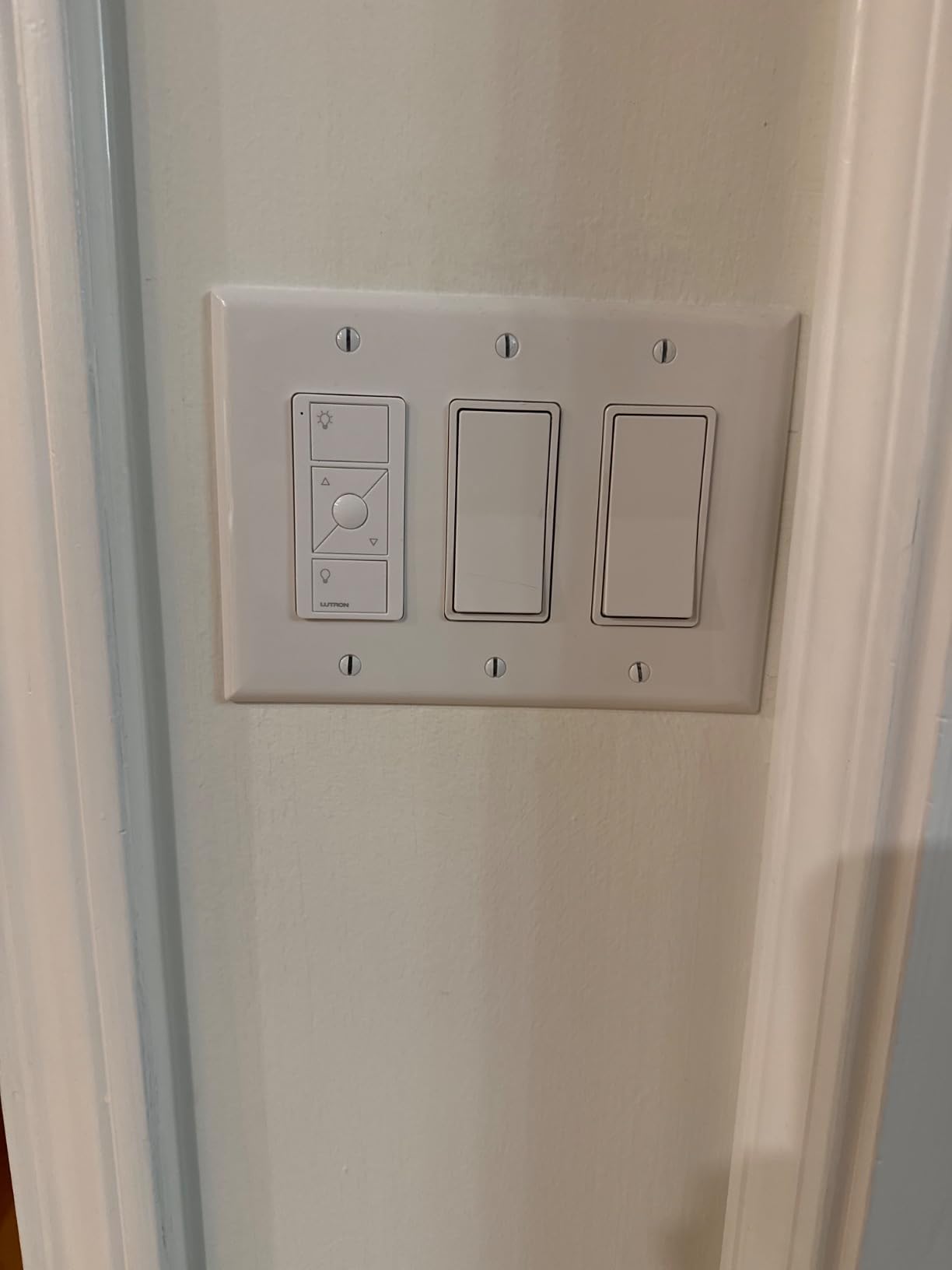
The kit includes one smart dimmer switch, a Pico wireless remote, and a wallplate bracket for mounting the remote. The Pico remote is brilliant because you can mount it anywhere to create a 3-way setup without running new wire through your walls. I put one at the bottom of my staircase and paired it with the dimmer at the top, and it has worked perfectly ever since.
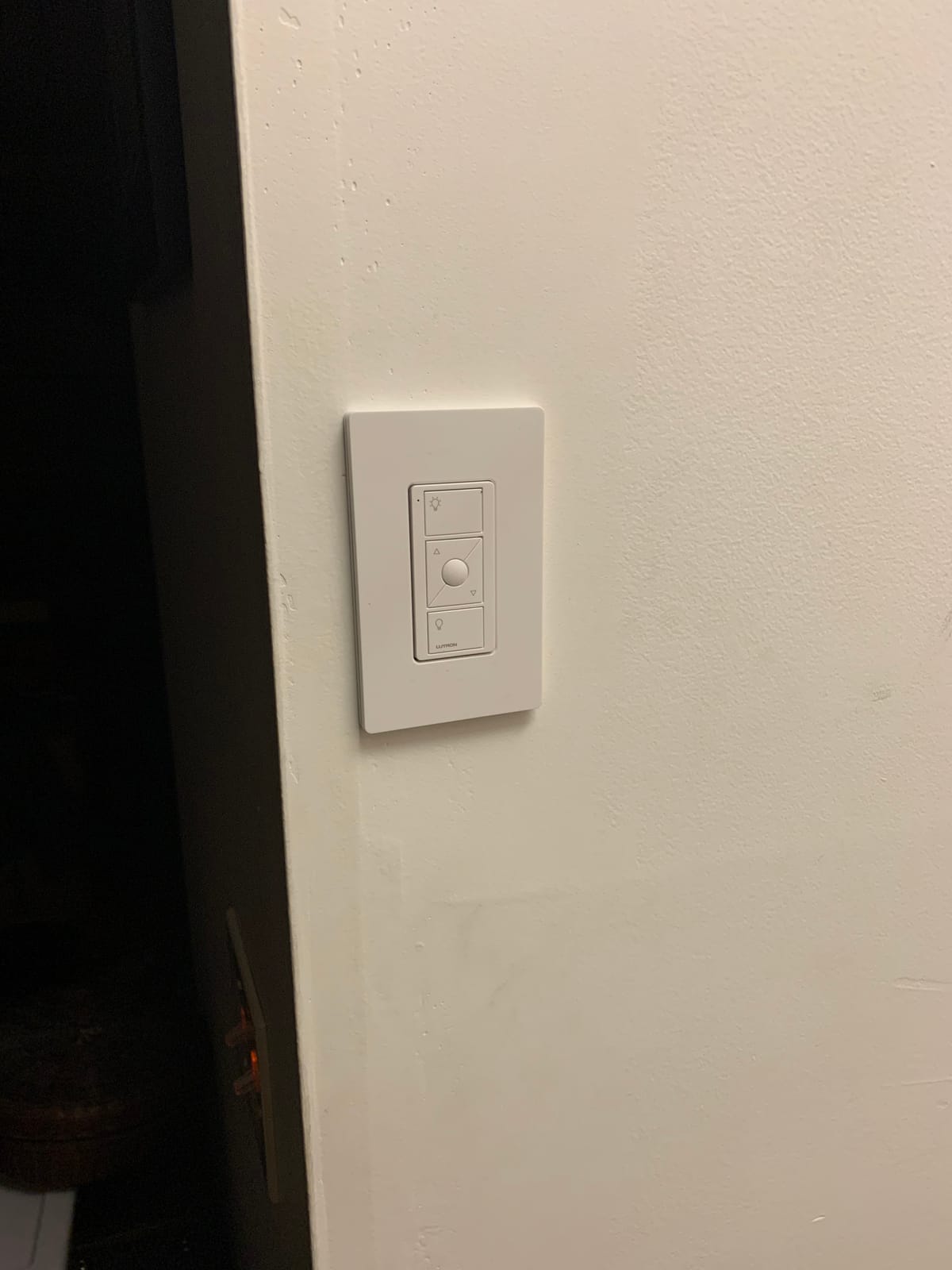
The Lutron Smart Hub operates on its own dedicated wireless frequency, which means it does not compete with your Wi-Fi network for bandwidth. This is a huge deal if you already have a lot of Wi-Fi devices. I have never experienced a single dropout or offline event with this switch. Reddit users in r/homeautomation consistently call Lutron Caseta rock solid, and my experience confirms that reputation.
One thing to note is that the hub is required and sold separately if you do not already own one. The hub does add to the total cost, but it also enables features like geofencing, smart-away, and scheduling through the Lutron app. The app itself is clean and intuitive, and the scenes feature lets me set lighting moods for movie night, dinner, and bedtime with a single tap.
Compatibility with Older Homes
This is the switch I recommend to anyone living in a house built before 1985 where neutral wires are uncommon. The Caseta system works with a wide range of bulb types including dimmable LEDs up to 150W and incandescent or halogen up to 600W. You will not need smart bulbs since the switch itself handles dimming. The only catch is making sure your bulbs are dimmable, because non-dimmable LEDs will flicker or buzz.
Hub vs Hubless Trade-off
The Lutron Hub adds upfront cost but pays off in reliability and features. Unlike Wi-Fi switches that can overwhelm your router, the hub creates a dedicated Clear Connect wireless network that runs independently. You also get access to geofencing, smart-away mode, and integration with more ecosystems than any other switch on this list. If you plan to expand your smart home over time, the hub-based approach scales much better.
2. Lutron Caseta Deluxe Smart Dimmer Starter Kit – Premium Whole-Home System
Lutron Caseta Deluxe Smart Dimmer Starter Kit; 2 Smart…
2 smart dimmers included
Smart Hub included
2 Pico remotes
No neutral wire required
Pros
- Complete system with hub and 2 dimmers
- No neutral wire needed
- 10-year Pico battery life
- Works with every major ecosystem
- Ultra-reliable dedicated wireless network
Cons
- Most expensive kit on this list
- Requires dimmable bulbs for best results
- Must use Lutron app for initial setup
The Lutron Caseta Deluxe Starter Kit is the kit I recommend to anyone who wants to jump into smart lighting with both feet. It includes two smart dimmer switches, the Lutron Smart Hub, two wallplates, and two Pico remotes. When you do the math on what is included, the price makes more sense than buying individual pieces.
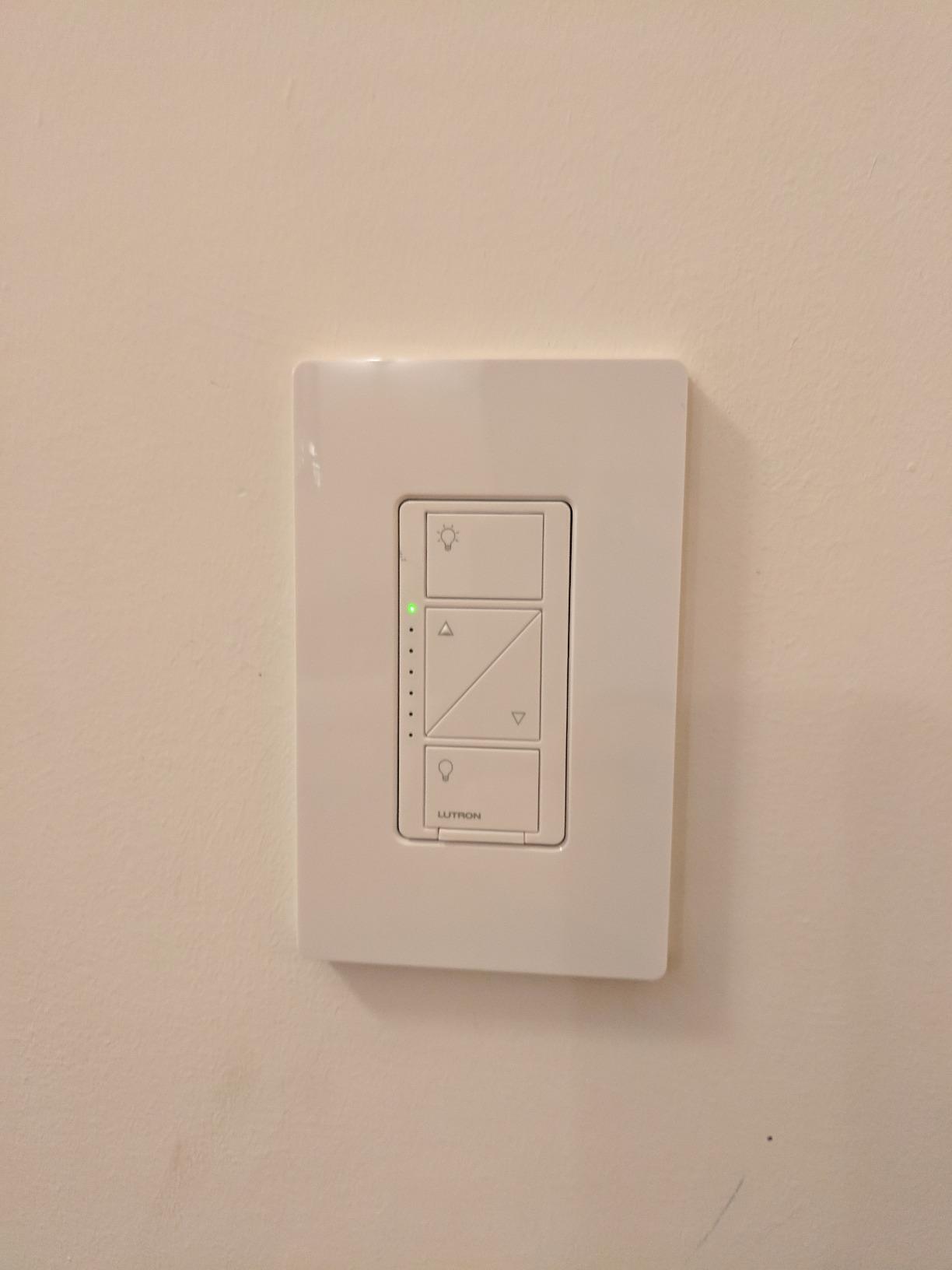
I set this kit up in my living room and dining room, and the transformation was immediate. The dimmers replaced my old toggle switches, and the Pico remotes went on the wall by the back door so I could kill all the lights on my way out. The 10-year battery life on the Pico remotes means you basically install them and forget about them.
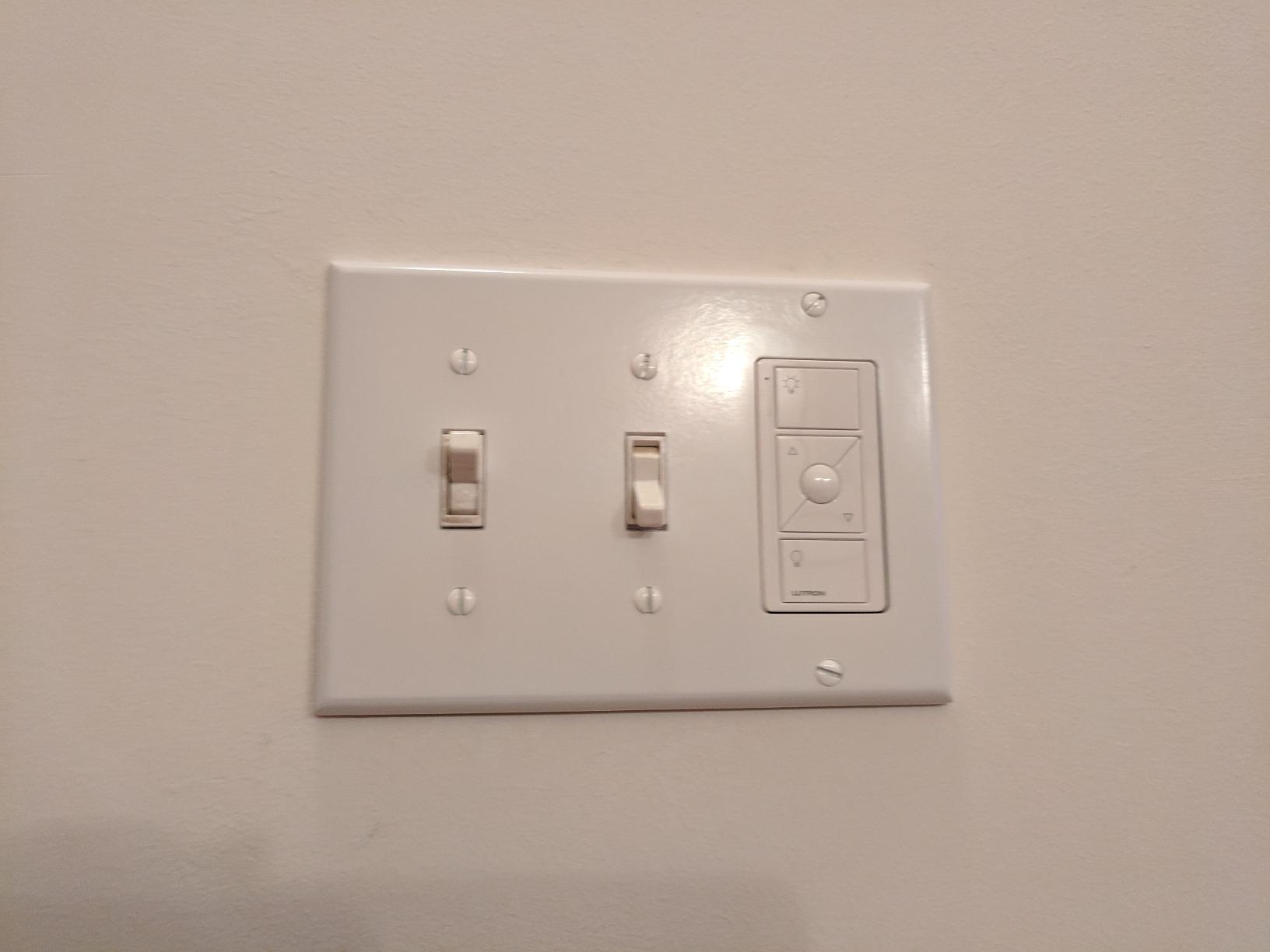
The hub is the secret weapon here. Because it runs on Lutron’s Clear Connect protocol rather than Wi-Fi, response times are instant. I press a button on the app or say an Alexa command, and the lights react with zero perceptible delay. That reliability is why 86 percent of reviewers give this kit five stars.
The one caveat is that you must use dimmable bulbs. I tried it with some older non-dimmable LEDs and got noticeable flickering. Once I swapped in dimmable LEDs, the performance was buttery smooth. The Lutron LED dimming technology is among the best in the industry for flicker-free operation.
Scalability for Whole-Home Automation
If your goal is to automate every light in your house, this starter kit is the foundation to build on. The Lutron Hub can support up to 75 Caseta devices, which covers most homes. Once the hub is set up, adding individual Caseta dimmers or switches later is a plug-and-play process. The system also integrates with Serena shades, Sonos speakers, and Honeywell thermostats for a unified smart home experience.
Ecosystem Integration Breadth
No other smart switch on the market matches the Caseta system for ecosystem compatibility. It works with Alexa, Apple HomeKit, Google Home, Ring, Samsung SmartThings, and Sonos natively. I tested it across Alexa and HomeKit simultaneously, and both responded instantly. If you switch phone platforms or add a new voice assistant, your switches will not need to change.
3. Kasa Matter Smart Switch 3-Pack – Best Value Multi-Pack
Kasa Matter Smart Light Switch, KS205P3, Single Pole, Need…
Matter protocol support
3 switches included
No hub required
Siri Alexa Google compatible
Pros
- Matter protocol for cross-platform compatibility
- No hub required
- 3 switches in one pack
- LAN control works offline
- Multi-admin feature for simultaneous ecosystem control
Cons
- Requires neutral wire
- No 3-way Matter switch yet
- Setup docs can be confusing between Kasa and Alexa paths
The Kasa Matter Smart Switch 3-Pack is the best value deal I found in this category. You get three Matter-enabled single-pole switches for a price that undercuts most single-unit competitors. I installed all three in my home office, guest bedroom, and garage, and the whole project took about 45 minutes.
What makes these special is the Matter protocol. Matter is the new universal smart home standard that lets one device work across Apple Home, Alexa, Google Home, and SmartThings without needing separate integrations for each. I set mine up through Apple Home and it automatically appeared in my Alexa app too. That kind of cross-platform flexibility used to require buying brand-specific switches for each ecosystem.
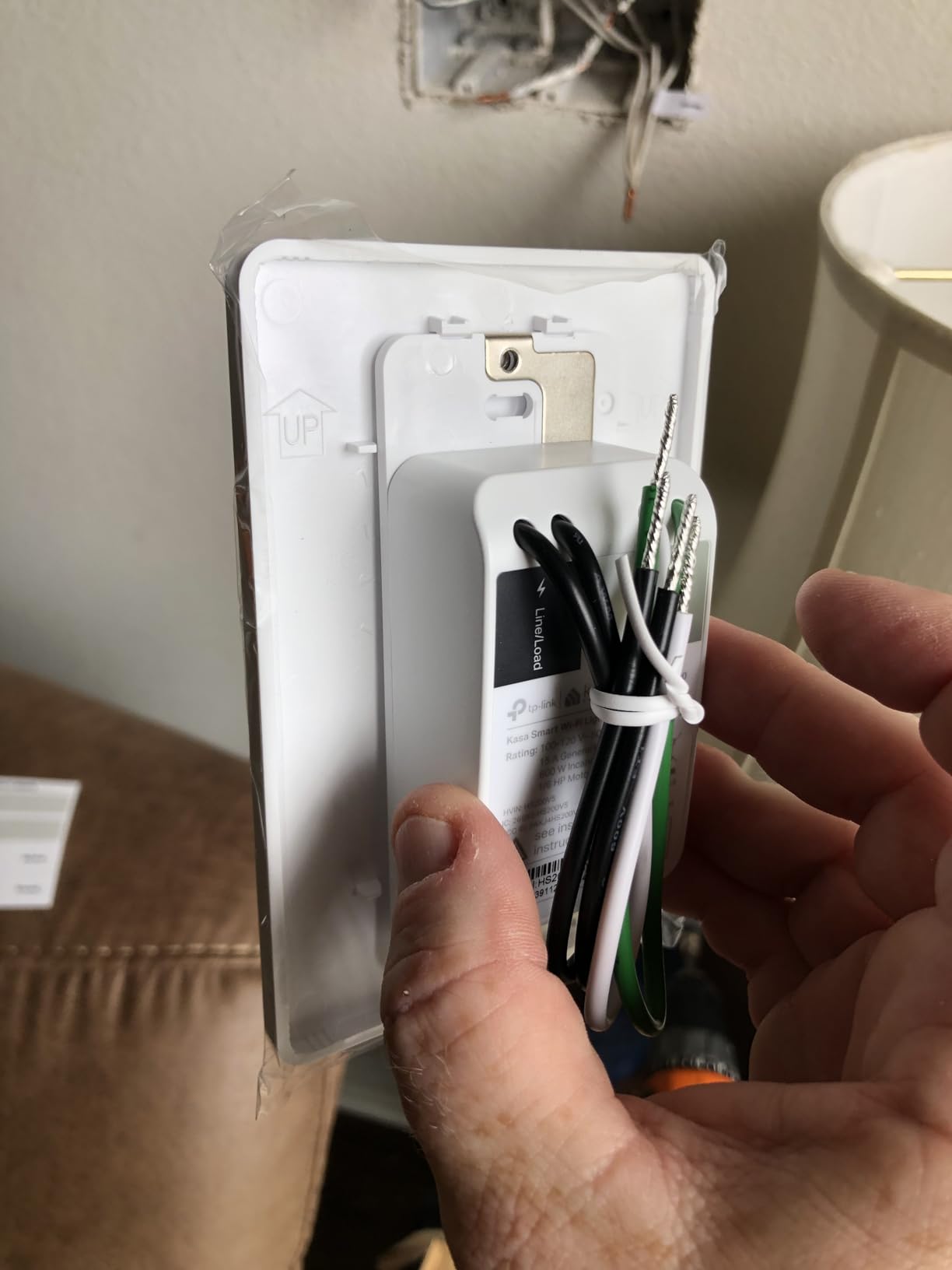
The Kasa app guides you through installation step by step, which is helpful if you have never wired a switch before. You do need a neutral wire, so check your switch box first. The LAN control feature means the switches keep responding to local commands even if your internet goes down, which is a feature many cloud-dependent switches lack.
The multi-admin feature is worth highlighting. It lets multiple smart home platforms control the same switch simultaneously, so you are not locked into one ecosystem. I have mine running through Apple Home for automations and Alexa for voice commands, and there are no conflicts.
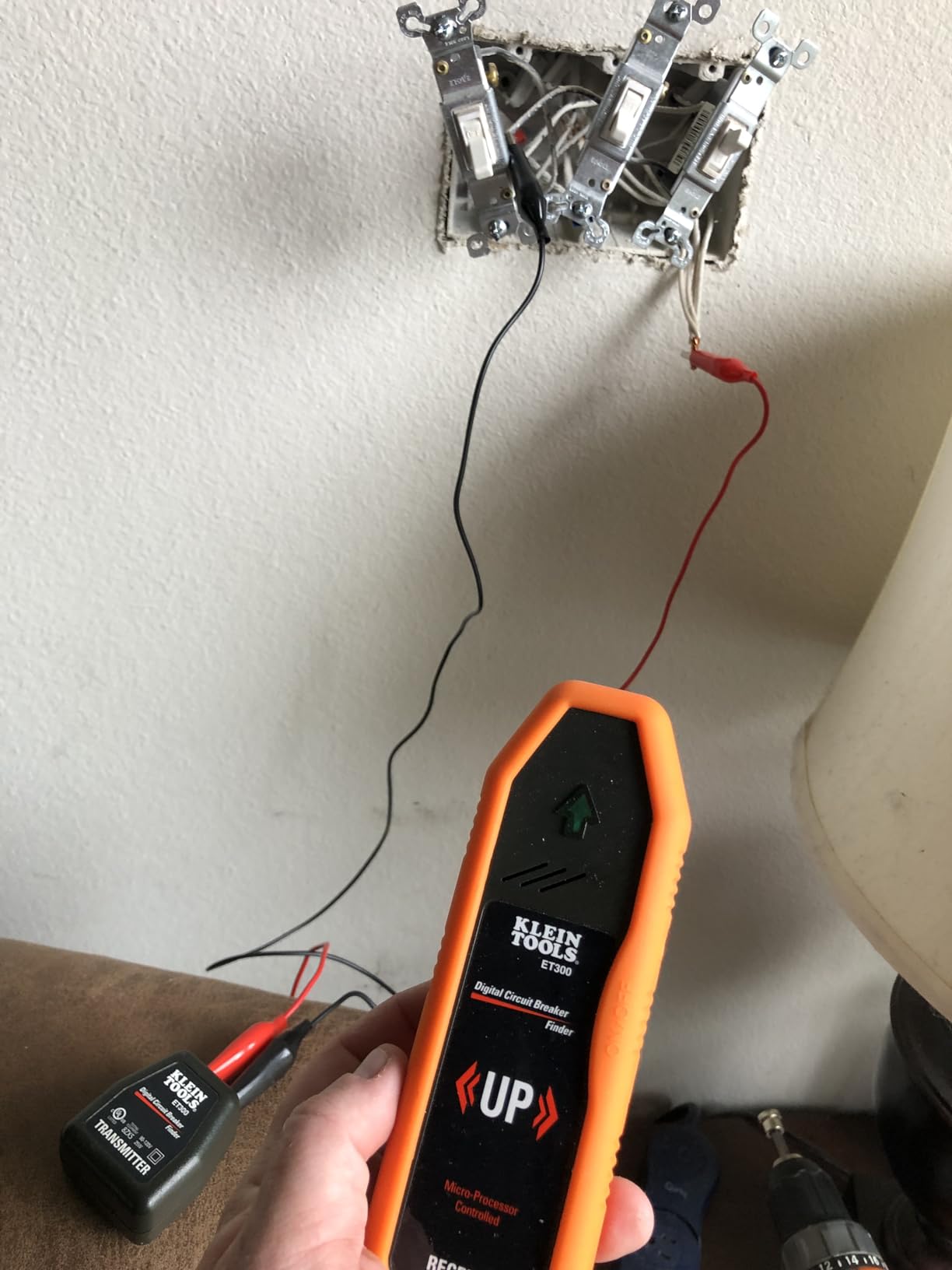
Matter Protocol Future-Proofing
Matter is rapidly becoming the standard for smart home devices, and buying Matter-certified switches now protects your investment for years. As more platforms add Matter support, these switches will automatically gain compatibility. The Kasa app still works for local control, but Matter gives you the flexibility to manage everything from a single app of your choice.
Setup Complexity Between Apps
The one frustration I had was figuring out which app to use for initial setup. The Kasa app and the Tapo app both reference these switches, and the Matter commissioning process differs slightly depending on which ecosystem you start with. My advice is to use the Kasa app for the physical setup and then commission through Matter into your preferred ecosystem app. The documentation could be clearer about this flow.
4. Leviton Decora Smart 2nd Gen Switch – Best for Ceiling Fans and Motors
Leviton Decora Smart Switch, Wi-Fi 2nd Gen, Neutral Wire…
15A motor rating
Matter ready
No hub required
Single pole or 3-way
Pros
- Supports 15A for ceiling fans and motors
- No hub required direct Wi-Fi
- Matter ready for future platforms
- Single pole and 3-way compatible
- Auto-shutoff for energy savings
Cons
- Neutral wire required
- May need box extenders in tight switch boxes
- Bulkier than some competitors
The Leviton Decora Smart 2nd Gen Switch stands out for one big reason that most competitors miss: it handles 15 amps and 3/4 horsepower loads. That means you can use it to control ceiling fans, exhaust fans, motors, and pumps, not just lights. I installed this on my living room ceiling fan, and it has been running perfectly for months.
Most smart switches max out around 600 watts of lighting load and specifically tell you not to use them with fans or motors. Leviton designed this switch to handle the inductive loads that burn out lesser switches. If you have been looking for a smart switch for your ceiling fan, this is the one.
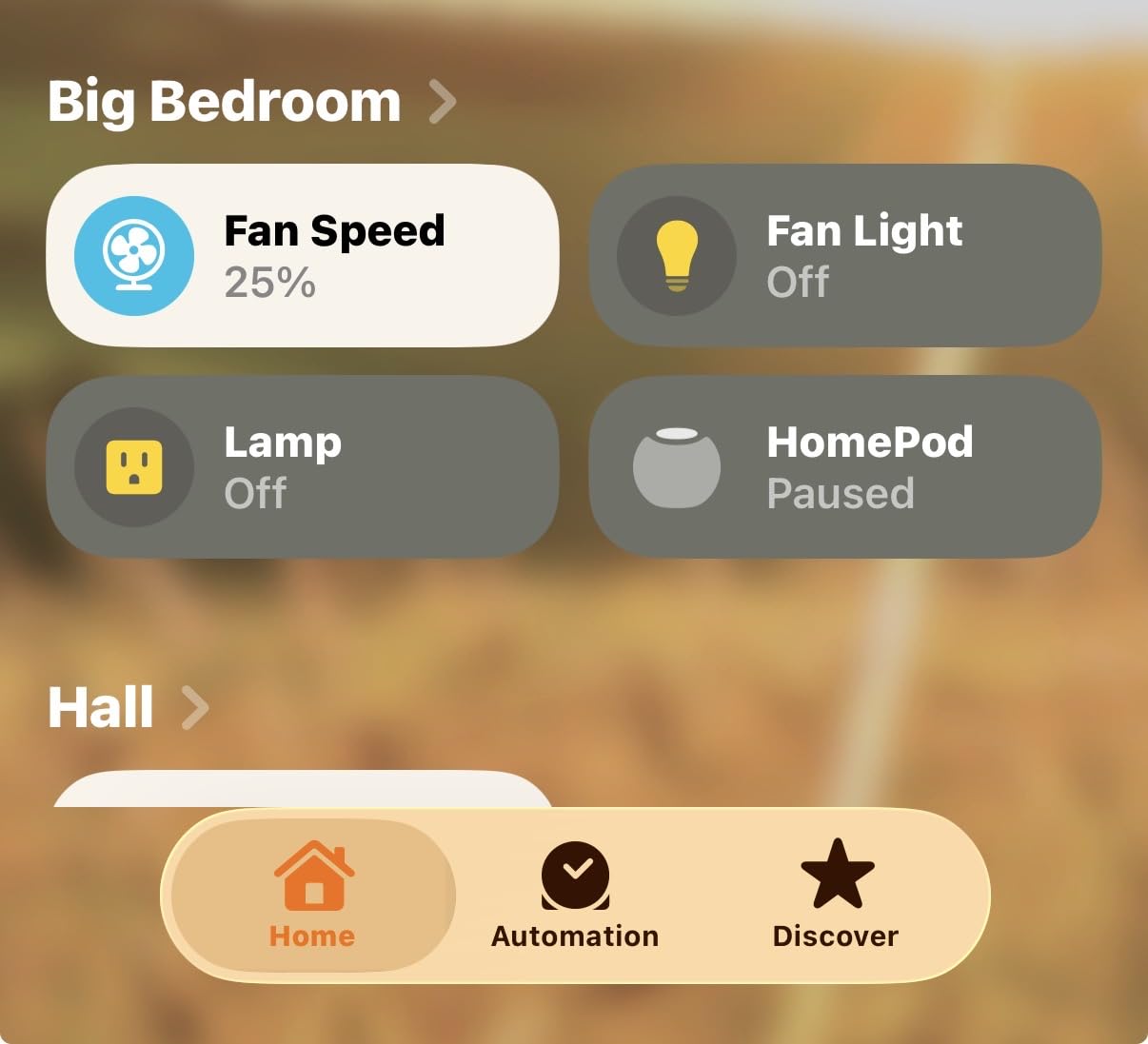
The switch connects directly to 2.4GHz Wi-Fi, so there is no hub required. The My Leviton app handles setup and control, and it supports scheduling, dusk-to-dawn automation, and random away mode. I set my front porch lights on the dusk-to-dawn schedule and never have to think about them.
This switch is Matter ready, which means it can be commissioned into Apple Home, Alexa, Google Home, and SmartThings. I tested it with Alexa and Google Assistant, and voice commands were instant. The rocker design also feels high-quality with a satisfying tactile click when you press it manually.
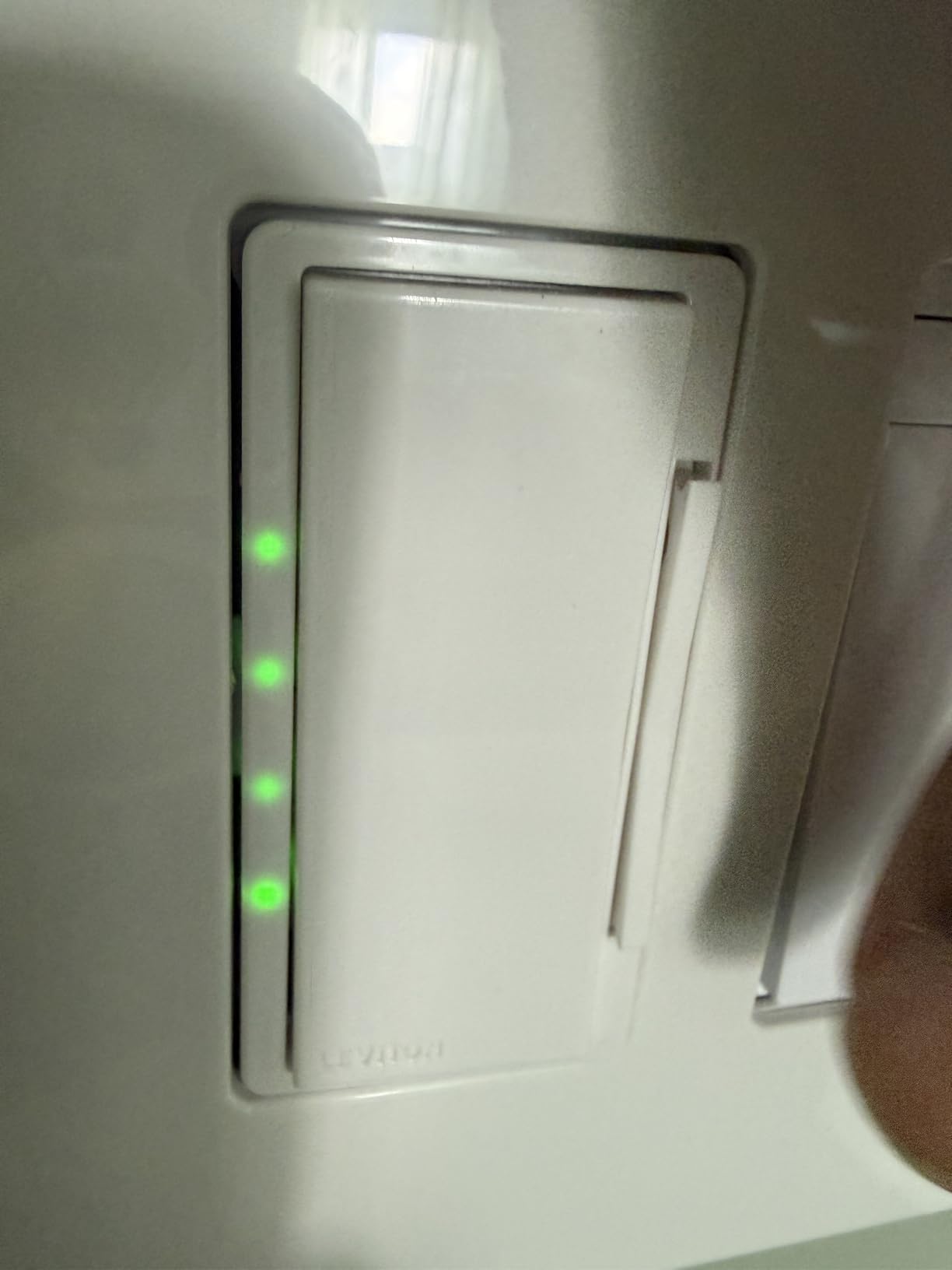
3-Way Flexibility Options
Leviton gives you two paths for 3-way setups. You can use the DD0SR wired companion switch for a traditional 3-way installation, or you can use the DAWSC wire-free Anywhere Switch Companion that communicates wirelessly. The wire-free option is similar to the Lutron Pico remote approach, letting you add a switch location without running new wire. This flexibility makes it easy to adapt to different room configurations.
Switch Box Space Considerations
The one installation challenge is that this switch is slightly bulkier than some competitors. In older switch boxes with limited depth, you may need a box extender to create enough room for the wire connections. I ran into this in my hallway where the box was shallow, and a one-gang extender ring solved the problem for a few dollars.
5. TP-Link Tapo Matter 3-Way Dimmer Kit – Best Matter-Certified Dimmer
Tapo Matter Smart 3-Way Dimmer Switch Kit, S515D KIT
Matter certified
Energy monitoring
3-way dimmer kit
0-100% dimming
Pros
- Matter certified for all major platforms
- Built-in energy monitoring
- Full 0-100% dimming range
- Smooth fade on/off transitions
- Away mode for security
Cons
- Neutral wire required
- Only 3-way not 4-way
- Calibration process can be confusing
The TP-Link Tapo Matter 3-Way Dimmer Kit impressed me with its feature set at a mid-range price. It comes with a main dimmer switch and a satellite dimmer for 3-way setups, plus wall plates and wire nuts. I installed this in my stairwell where I have switches at the top and bottom, and both dimmers control the same light smoothly.
The standout feature is energy monitoring. The Tapo app tracks how much power each switch is using over time, which gives you real data on your lighting costs. Most smart switches do not offer this, and for anyone trying to understand their electricity usage, it is a genuinely useful feature.
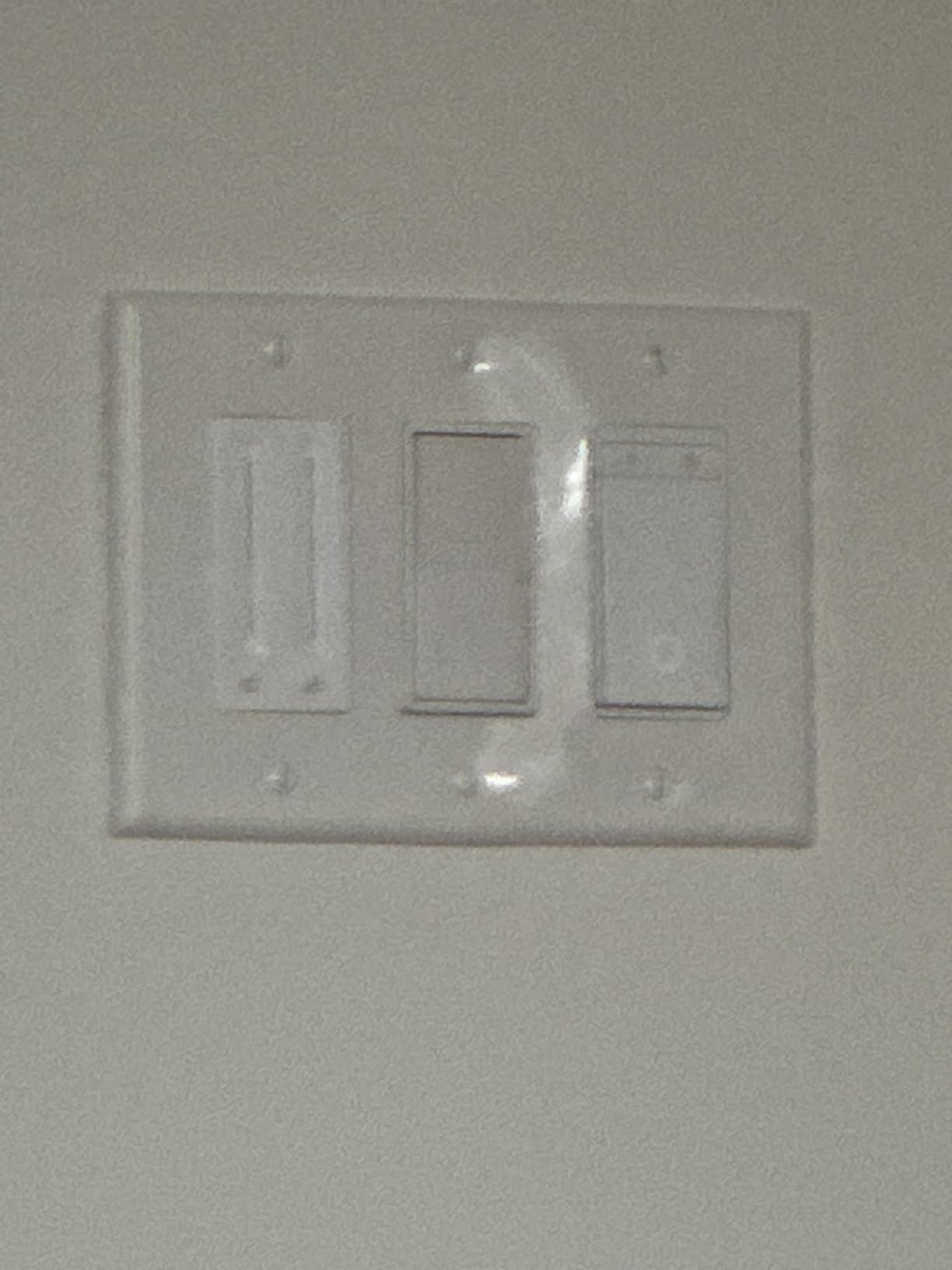
The dimming range goes from 0 to 100 percent with smooth fade transitions that feel premium. There is a calibration process where the switch learns your specific bulb type for optimal dimming performance. It takes a few extra minutes during setup but results in flicker-free dimming across the entire range.
Matter certification means this kit works with Alexa, Apple HomeKit, Google Home, and SmartThings out of the box. I commissioned it through Apple Home and was controlling my stairwell lights with Siri within minutes. The cross-platform support is seamless, and the Away Mode randomly toggles lights when you are traveling.
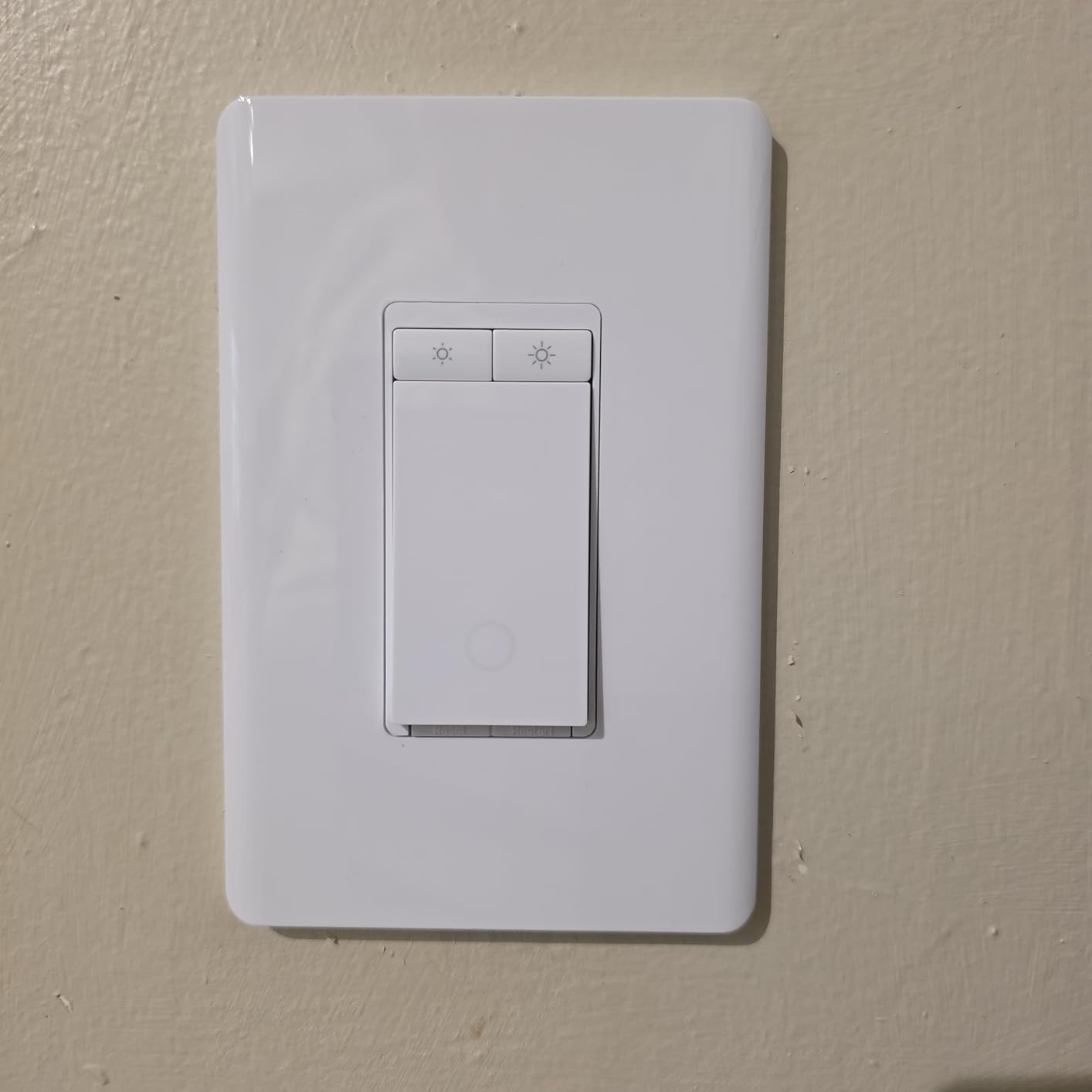
Energy Monitoring Value
The energy monitoring feature sets this kit apart from nearly every other option on this list. Over a few months, I could see exactly how much electricity my stairwell lights consumed and identify patterns. If you are trying to reduce your energy bill or just curious about your lighting costs, this data is eye-opening. It also helps you justify the investment in LED bulbs by showing the actual savings.
3-Way vs 4-Way Limitations
This kit is designed specifically for 3-way setups with two switch locations. If your hallway has a 4-way configuration with three or more switches, this kit will not work without additional components. Both switches must also be installed together for the dimming feature to function properly, so you cannot use just one and save the other for later. Plan your installation accordingly.
6. Kasa Smart 3-Way Dimmer Kit – Best Budget 3-Way Dimmer
Kasa Smart 3-Way Dimmer Switch Kit, KS230 KIT v2, Need…
3-way dimmer kit
1-100% dimming
Works with SmartThings
ETL certified
Pros
- 1-100% smooth dimming range
- Works with Alexa Google and SmartThings
- No hub required
- ETL certified for safety
- Scheduling with brightness presets
Cons
- Requires neutral wire
- Lower wattage at 300W incandescent or 150W LED
- No Matter support
The Kasa Smart 3-Way Dimmer Kit is the dimmer I recommend for anyone who wants smooth dimming control across two switch locations without paying Lutron prices. The kit includes a main dimmer, a satellite dimmer, two wall plates, and wire nuts. I put this in my master bedroom so I could dim the lights from either side of the bed.
The dimming range goes from 1 to 100 percent, and the Kasa app lets you set specific brightness levels for different times of day. I have mine set to gradually dim down at 10 PM as a visual cue for bedtime. The physical dimmer buttons on the switch face also feel responsive and well-made.
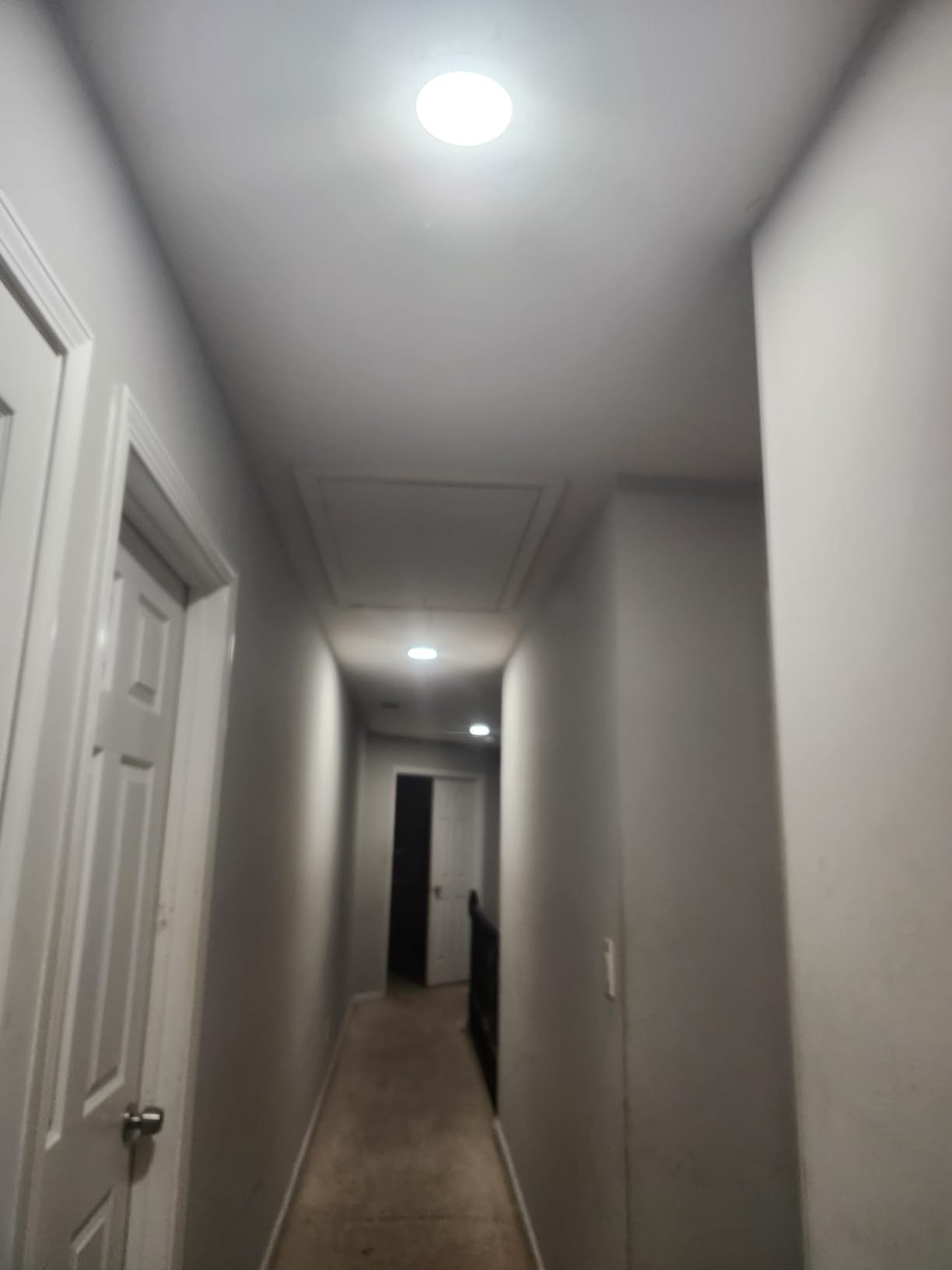
It works with Alexa, Google Assistant, and SmartThings, which covers the three biggest platforms outside of Apple. SmartThings support is especially nice because it opens up complex automation possibilities. I created a SmartThings routine that dims the bedroom lights whenever I start a movie on my TV.
The wattage limitation is the main drawback. At 300W for incandescent and 150W for dimmable LED, you need to calculate your total bulb load before installing. My bedroom has four LED bulbs totaling about 60W, so I was well within the limit. If you have a large chandelier with many bulbs, you may need to check the math.
SmartThings Integration Depth
The SmartThings compatibility is what sold me on this kit over competing budget dimmers. Within SmartThings, you can create conditional automations that respond to motion sensors, door contacts, time of day, and other device states. The dimmer becomes part of a larger automation system rather than just a standalone remote control. If you already run SmartThings, this is the budget dimmer to get.
Wattage Planning for Your Fixtures
Before buying this kit, add up the wattage of all the bulbs on the circuit you plan to control. For dimmable LEDs, the limit is 150W, which typically covers 8 to 10 standard LED bulbs. For incandescent, the 300W limit covers about 5 bulbs. If your total exceeds these numbers, consider the Lutron Caseta instead, which handles 600W incandescent and 150W LED.
7. Leviton Decora Smart Wi-Fi Switch – Best for Sunset Automation
Leviton Decora Smart Switch, Wi-Fi, D315S-1RW, White
Matter ready
Works with Siri Alexa Google
Neutral wire required
Sunset scheduling
Pros
- Matter ready for cross-platform use
- Sunset and sunrise scheduling
- No hub required
- Voice control with all major assistants
- Straightforward wiring installation
Cons
- Neutral wire required
- App setup can be finicky
- Tight fit in some switch boxes
- Some connectivity issues reported after setup
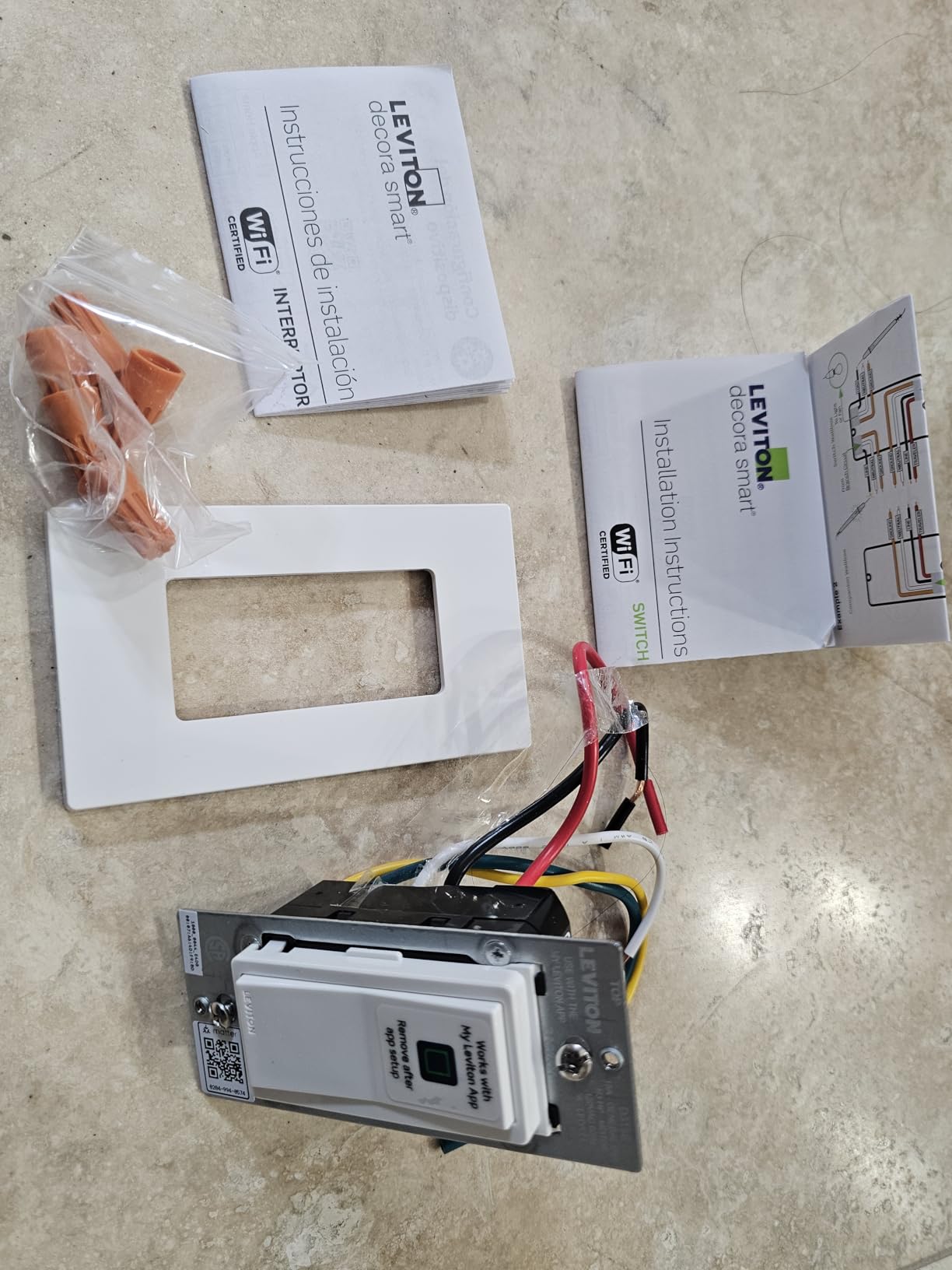
The Leviton Decora Smart Wi-Fi Switch is one of the newest entries in this roundup, and it brings Matter protocol support to Leviton’s trusted Decora platform. I installed this on my front porch light specifically to test the sunset scheduling feature, and it has worked flawlessly for keeping the exterior lit at dusk without any manual input.
The My Leviton app lets you schedule lights based on local sunset and sunrise times, which automatically adjusts as the seasons change. This is perfect for exterior lighting, porch lights, and landscape lighting. The app calculates your exact sunset time based on your location, so the lights come on at the right moment every day.
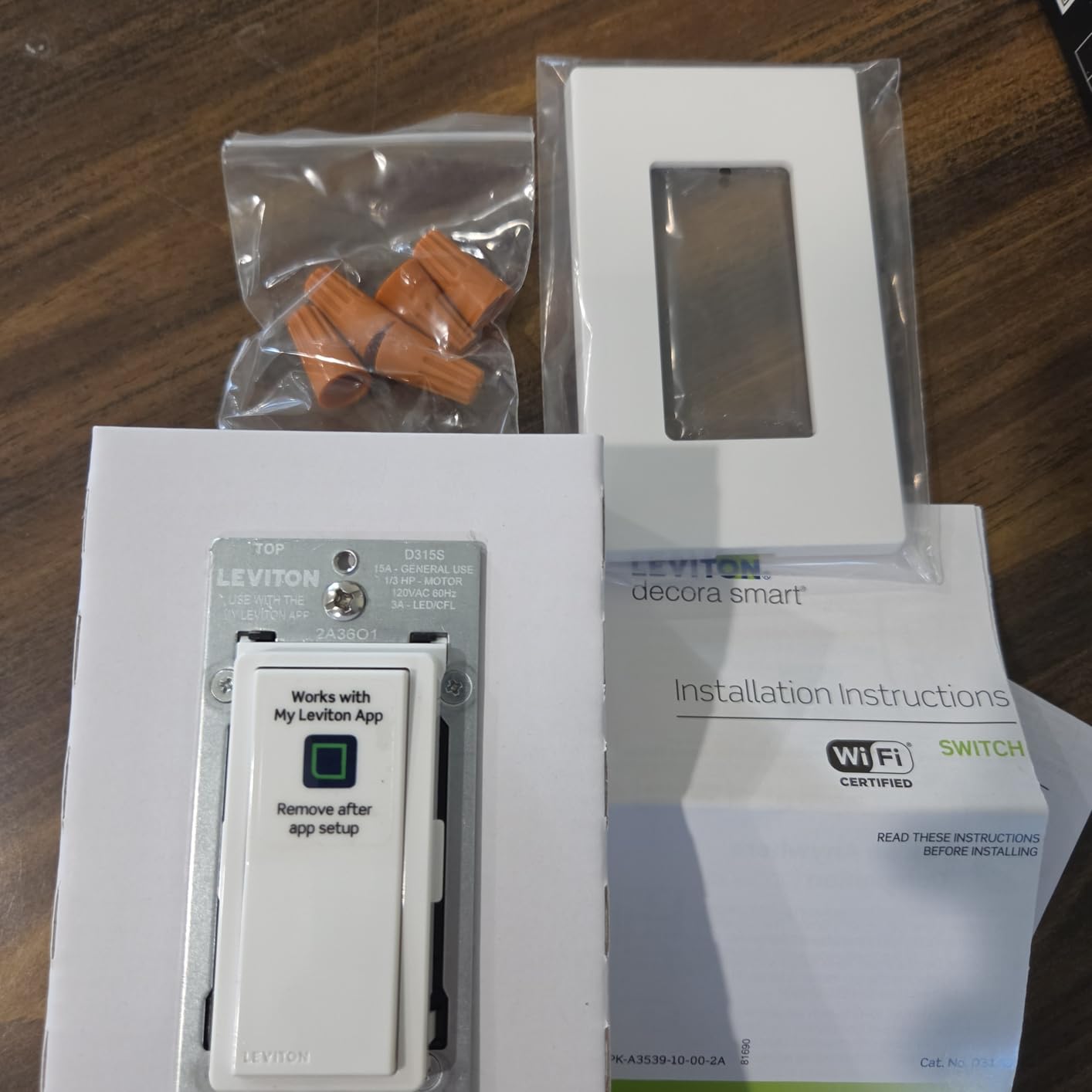
Matter readiness means this switch can be commissioned into Apple Home, Alexa, Google Home, and SmartThings. I tested it primarily with Google Assistant, and voice commands were responsive. The switch also supports 3-way configurations with Leviton’s companion switches, giving you wired or wire-free options.
Some users have reported WiFi setup challenges through the My Leviton app, and I did experience a brief hiccup during the initial pairing process. Restarting the app resolved it, but it is worth knowing that the setup experience is not always as smooth as Kasa or TP-Link. Once connected, the switch has been stable.
Sunset and Sunrise Scheduling Benefits
The location-based sunset scheduling eliminates the need to constantly adjust timers as daylight hours change throughout the year. In summer, your porch lights come on at 8 PM. In winter, they switch on at 4:30 PM automatically. This is a practical security feature that makes your home look occupied without wasting electricity during daylight hours.
App Setup Experience
The My Leviton app has improved significantly over the years, but it still trails the Kasa and Tapo apps in terms of polish. The initial WiFi pairing can require a couple of attempts, and some users report needing to toggle airplane mode on their phone during setup. Once the switch is connected, day-to-day operation is smooth and reliable. If you struggle with the initial setup, Leviton’s customer support is generally responsive.
8. Kasa Smart 3-Way Switch Kit – Best for Hallways and Stairwells
Kasa Smart 3 Way Switch, HS210 KIT, Need Neutral Wire
3-way or single pole
2 switches included
No hub required
UL certified
1800W support
Pros
- Works as 3-way or single pole
- No hub required
- 2 switches included in kit
- App and voice control integration
- Supports up to 1800W
Cons
- Requires neutral wire
- Some 3-way scheduling limitations
- No dimming capability
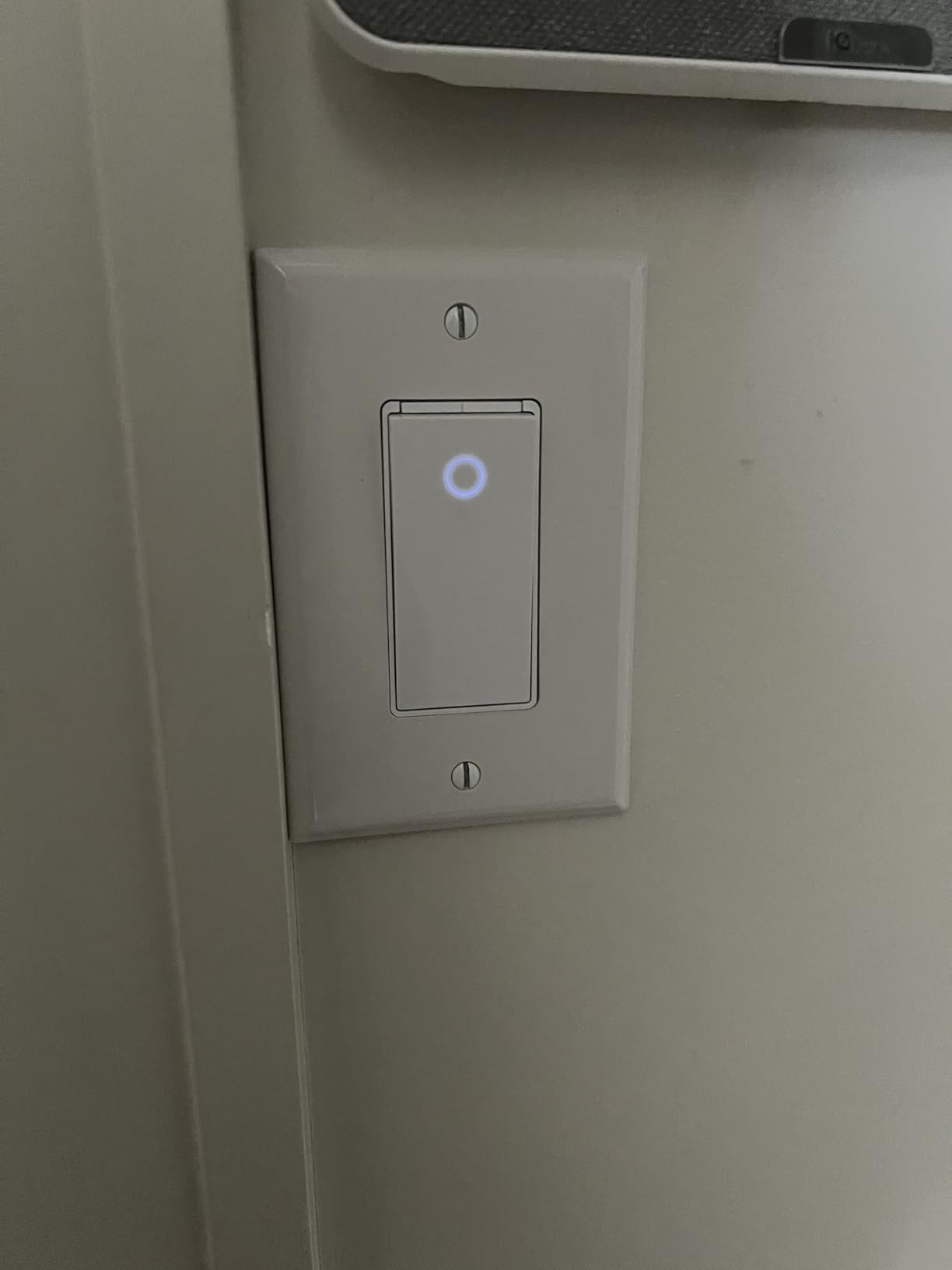
The Kasa Smart 3-Way Switch Kit is purpose-built for hallways, stairwells, and garages where you need to control the same light from two locations. The kit includes two HS210 switches, and each one can function as either a 3-way or single-pole switch. I installed these in my garage, with one switch by the interior door and one by the exterior door.
What I appreciate about these switches is that they support up to 1800 watts, which is significantly more than most competitors. That headroom means you can use them for larger lighting loads without worrying about overloading. The physical buttons include a nice fade effect when toggled, which is a small but premium touch.
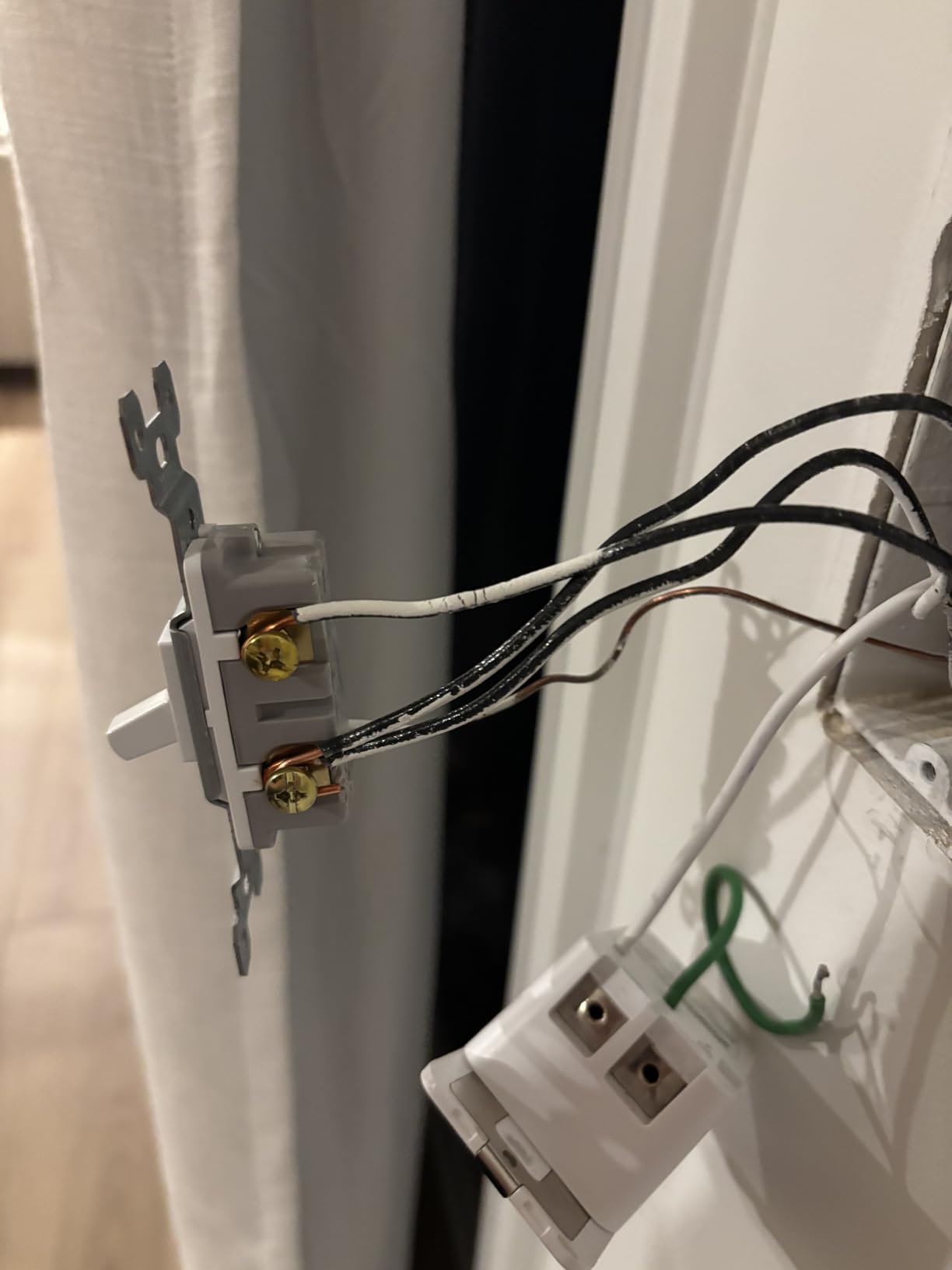
Setup follows the same Kasa app-guided process as other Kasa switches. The app walks you through each wiring step with clear diagrams. You will need a neutral wire at both switch locations, which is the main requirement to verify before purchasing.
The switches work with Alexa and Google Assistant for voice control, and the Kasa app handles scheduling, timers, and away mode. One limitation I noticed is that scheduling in a 3-way configuration can be quirky, with some users reporting that schedules do not always trigger both switches consistently.
3-Way Installation Simplicity
The Kasa app makes 3-way installation approachable even for DIY beginners. The app identifies which switch is the primary and which is the secondary, and walks you through the traveler wire connections step by step. The included wire labels help you keep track of line, load, neutral, and traveler wires during the process. If you have ever been confused by 3-way wiring, the app guidance significantly reduces the intimidation factor.
Scheduling in 3-Way Mode
While the switches work reliably for manual on-off control in 3-way setups, the scheduling feature has some known limitations. Some users report that schedules set on one switch do not always sync perfectly with the second switch, resulting in occasional misfires. If precise automated scheduling is your primary goal, consider using a single-pole configuration or opting for a different platform like SmartThings for your automation rules.
9. Kasa Smart HS200 Single Pole Switch – Best Budget Single Switch
Kasa Smart Light Switch, Single Pole, Need Neutral Wire…
Single pole only
2.4GHz Wi-Fi
UL certified
No hub required
600W support
Pros
- Incredible value at under $15
- No hub or subscription required
- Works with Alexa and Google Assistant
- Reliable Wi-Fi connectivity
- Includes matching wall plate
- UL certified for safety
Cons
- Requires neutral wire
- Single pole only not 3-way
- No dimming capability
- 2.4GHz Wi-Fi only
The Kasa Smart HS200 is the best smart light switch kit value on the market, period. At its price point, you get a fully featured Wi-Fi switch with no hub requirement, voice control, scheduling, and away mode. I have installed six of these throughout my home over the past few years, and they have been remarkably reliable.
This is a single-pole on-off switch, so it is best for rooms where you have one switch controlling one light. It does not dim, and it does not support 3-way setups. But for the vast majority of rooms in a typical home, this switch does exactly what you need at a fraction of what premium options cost.
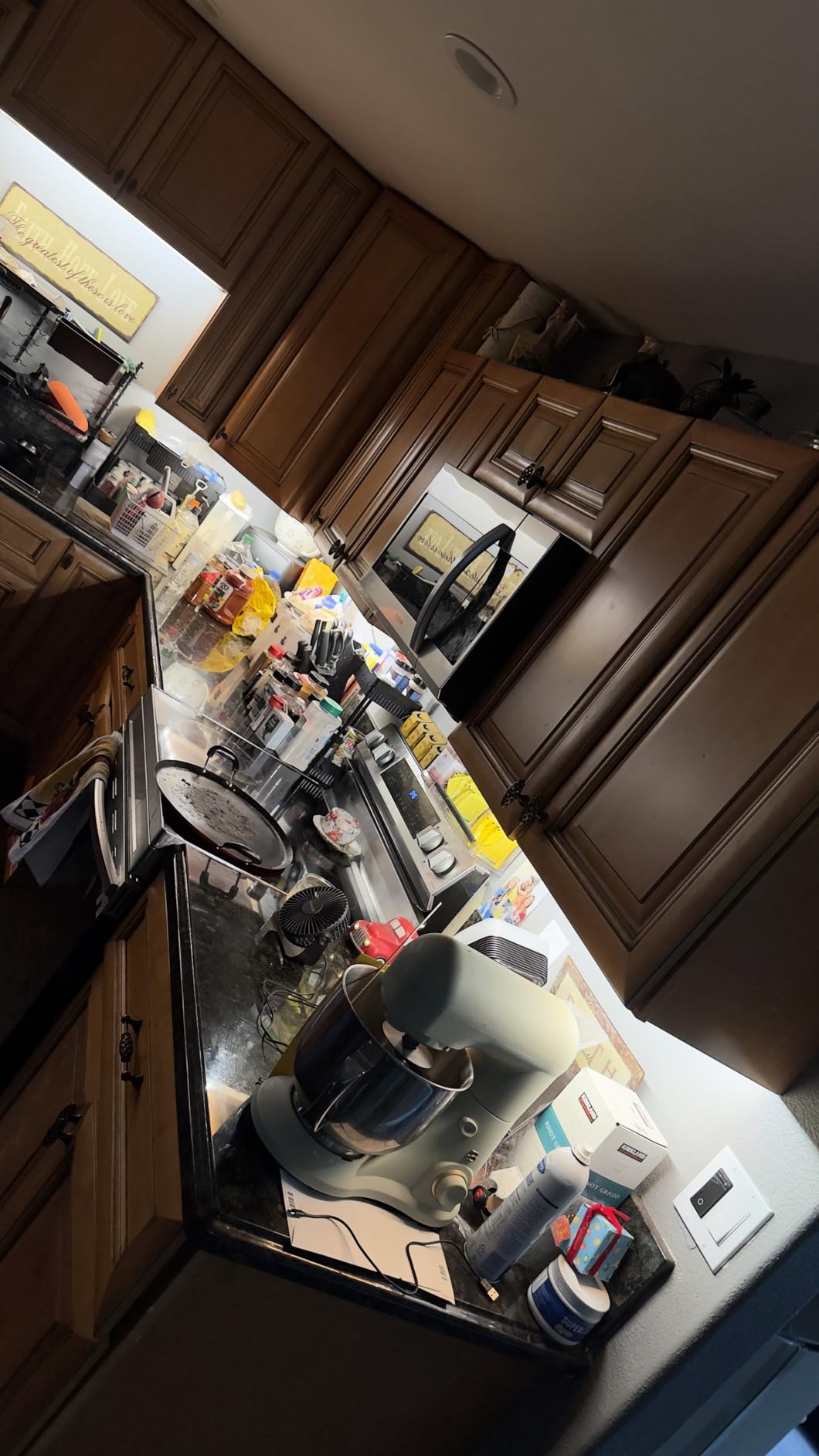
The Kasa app guides you through installation with step-by-step wiring instructions. You need a neutral wire, so verify that before ordering. Once installed, the switch connects to your 2.4GHz Wi-Fi network and is immediately controllable through the app or voice commands via Alexa and Google Assistant.
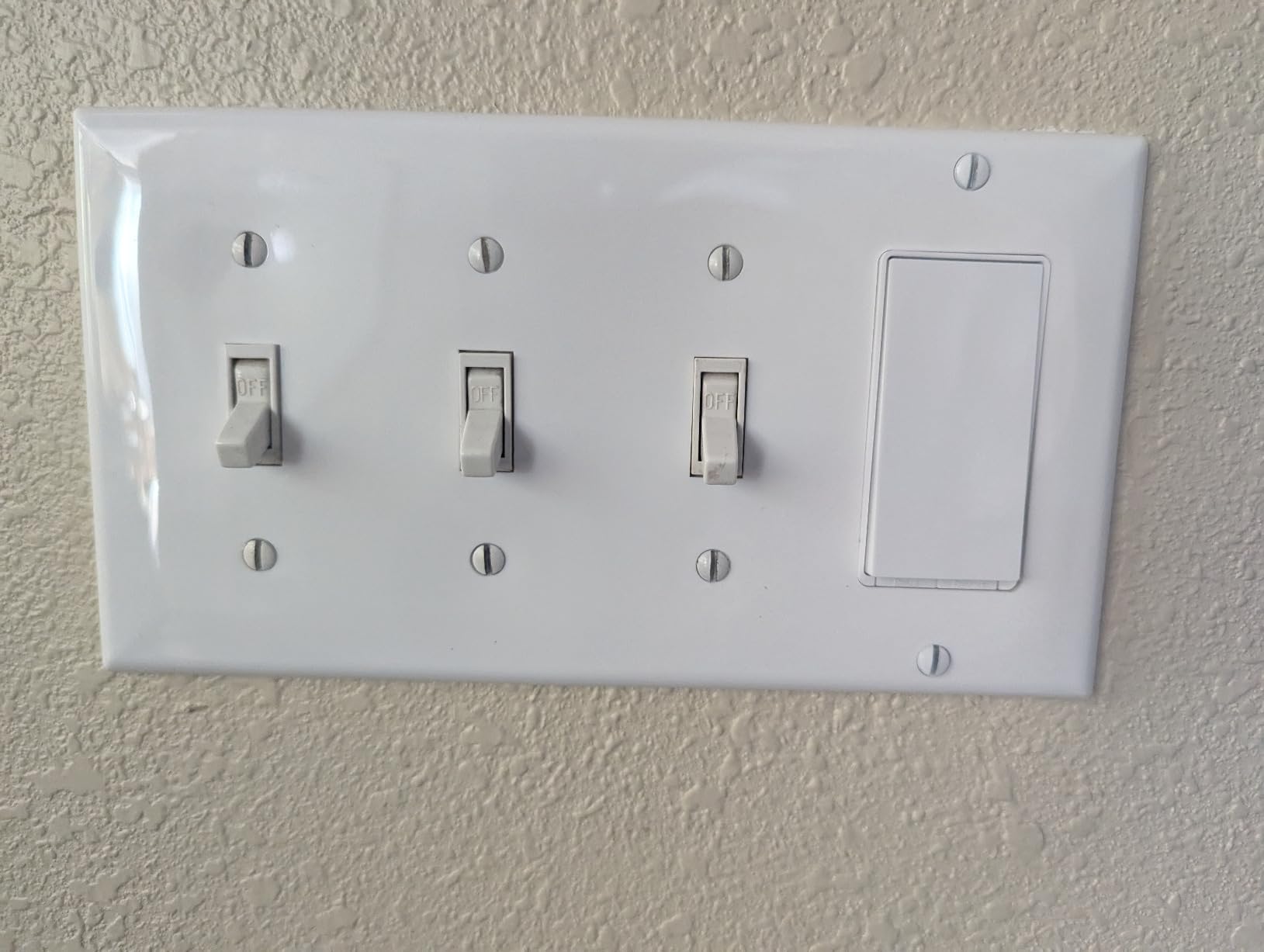
I have these switches controlling lights in my laundry room, pantry, garage interior, closet, and basement. The scheduling feature means my basement lights automatically turn off at midnight if someone forgot to flip the switch. With over 43,000 reviews on Amazon, this is one of the most battle-tested smart switches available.
Best Rooms for Single-Pole Switches
Single-pole smart switches shine in rooms with a single entry point where one switch controls the lights. Think laundry rooms, closets, pantries, basements, garages, and outdoor lighting circuits. These are the spaces where you most often forget to turn lights off, and the scheduling and remote control features of the HS200 deliver the most practical value. The away mode is also useful for making these rooms look active when you are traveling.
Wi-Fi Band and Range Considerations
The HS200 operates on 2.4GHz Wi-Fi only, which actually works in your favor for range. The 2.4GHz band penetrates walls and floors better than 5GHz, which means these switches maintain connectivity even in distant rooms. I have one installed in my detached garage about 60 feet from my router, and it has never dropped offline. Just make sure your router is broadcasting a 2.4GHz network, since some newer mesh systems combine bands and can confuse the initial setup.
10. TREATLIFE Smart Light Switch 4-Pack – Best Bulk Buy for Whole-Home
TREATLIFE Smart Light Switch Single Pole Works with Alexa…
4 switches included
Single pole only
2.4GHz Wi-Fi
No hub required
FCC certified
Pros
- 4 switches for whole-home coverage
- No hub required
- Voice control with Alexa Google SmartThings
- Includes snap-on wall plates
- FCC certified with 2-year warranty
Cons
- Neutral wire required
- Single pole only no 3-way
- No dimming capability
- Lower amperage at 10A
- 2.4GHz WiFi only
The TREATLIFE Smart Light Switch 4-Pack is the kit I recommend when someone wants to outfit an entire home without spending hundreds of dollars. Four switches in one box at a competitive price makes this one of the most cost-effective ways to go all-in on smart lighting. I installed these in my parents’ home across four bedrooms, and the whole project cost less than a single Lutron starter kit.
These are single-pole on-off switches, so no dimming and no 3-way support. Each switch connects directly to 2.4GHz Wi-Fi with no hub required. The Smart Life app handles control, scheduling, and automation, and it supports Alexa, Google Assistant, and SmartThings for voice commands.
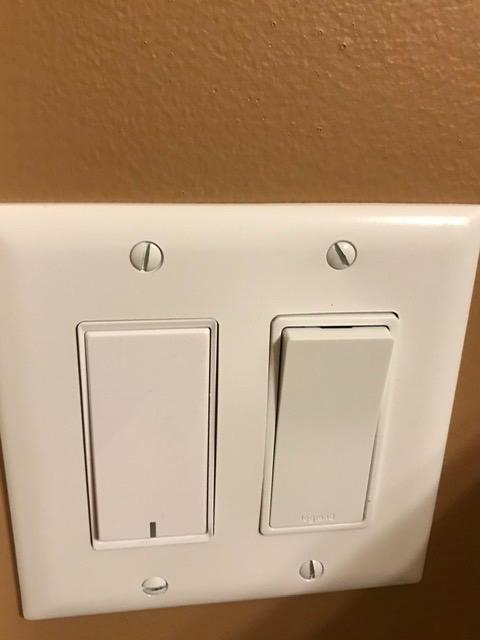
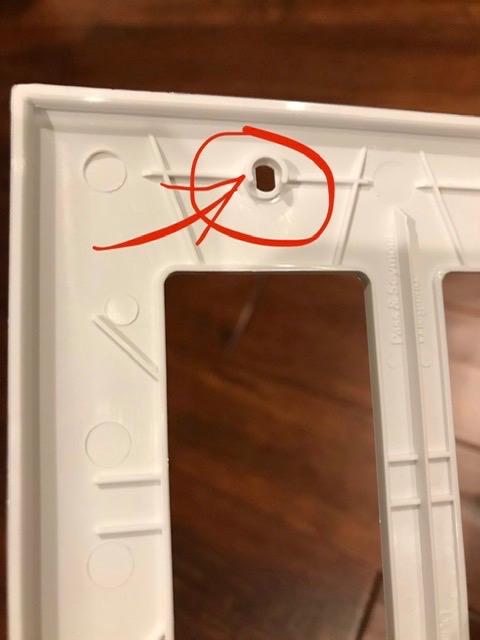
The included screwless snap-on wall plates give a clean, modern look that matches more expensive switches. Each switch also comes with wire nuts and screws, so you have everything needed for installation. The 10-amp rating is lower than some competitors, but it still handles about 1250 watts of lighting, which is plenty for most rooms.
With over 9,000 reviews and a 4.5-star average, the TREATLIFE switches have proven popular with budget-conscious buyers. The 2-year warranty and FCC certification provide some peace of mind. These are not the most feature-rich switches, but for basic on-off smart control across multiple rooms, they deliver solid value.
Smart Life App Ecosystem
The Smart Life app is one of the most widely used third-party smart home apps, which means these switches integrate with a large ecosystem of compatible devices from other brands. If you already use Smart Life or Tuya-powered devices, these switches will fit right in. The app supports scheduling, countdown timers, and group control so you can manage all four switches simultaneously. It also works with IFTTT for more complex automations.
Amperage Limitations to Know
At 10 amps and 1250 watts, these switches have the lowest capacity on this list. This is fine for standard room lighting with LED bulbs, but you should avoid using them for high-wattage fixtures or anything with a motor. Do not use them for ceiling fans, bathroom exhaust fans, or large chandeliers with incandescent bulbs. Calculate your total wattage before installation to stay within the safe operating range.
How to Choose the Best Smart Light Switch Kit?
Choosing the right smart light switch kit comes down to a few key factors that determine compatibility, convenience, and long-term satisfaction. I learned most of these lessons the hard way during my own installations, so here is what to check before you buy.
Neutral Wire Requirements
The neutral wire is the single most important factor when choosing a smart switch. Most Wi-Fi switches require a neutral wire to power the switch’s internal electronics continuously. If your home was built before 1985, there is a decent chance your switch boxes do not have neutral wires. In that case, the Lutron Caseta is your best option since it operates without one. To check, turn off the breaker, remove your switch plate, and look for a white wire bundled in the back of the box.
Hub vs Hubless Design
Hubless switches connect directly to your Wi-Fi network, which is simpler and avoids the extra cost of a hub. However, they consume Wi-Fi bandwidth and can overwhelm your router if you install many of them. Hub-based systems like Lutron Caseta use a dedicated wireless protocol that runs independently of Wi-Fi, providing better reliability and scalability. If you plan to install more than 10 smart switches, seriously consider a hub-based system.
Voice Assistant Compatibility
Check which voice assistants each switch supports before buying. Lutron Caseta has the broadest compatibility, working with Alexa, Google Home, Apple HomeKit, and Ring. Kasa switches work with Alexa and Google Assistant natively, and their Matter-enabled models add Apple Home support. Leviton’s 2nd Gen switches support all major platforms including SmartThings and Sonos. If you use Apple HomeKit specifically, look for Matter-certified switches since older HomeKit switches are becoming scarce.
Matter Protocol Support
Matter is the new universal smart home standard that lets one device work across all major platforms. Buying Matter-certified switches like the Kasa Matter 3-Pack, TP-Link Tapo Dimmer Kit, or Leviton Decora 2nd Gen future-proofs your investment. As more platforms adopt Matter, these switches will gain new capabilities without needing hardware upgrades. If you are starting a new installation in 2026, prioritize Matter-compatible switches.
Dimming vs On-Off Only
Decide whether you need dimming capability or just on-off control. Dimmer switches cost more but let you set the perfect brightness for any occasion. They also require dimmable bulbs, so factor that into your budget. On-off switches are simpler, cheaper, and work with any bulb type. For living rooms, bedrooms, and dining areas, dimmers are worth the extra cost. For closets, garages, and laundry rooms, on-off switches are typically sufficient.
3-Way and Multi-Location Support
If you have lights controlled from two or more locations, you need switches that support 3-way or multi-location configurations. The Kasa HS210 Kit, Kasa KS230 Dimmer Kit, and TP-Link Tapo S515D Kit are all purpose-built for 3-way setups. Lutron Caseta handles 3-way differently by using the Pico remote as a wireless second switch, which avoids running traveler wires. Leviton offers both wired and wire-free companion switches for maximum flexibility.
Frequently Asked Questions
Who makes the best smart light switches?
Lutron makes the best smart light switches overall, specifically the Caseta line, which is praised for reliability, no-neutral-wire installation, and broad ecosystem compatibility. Kasa and TP-Link Tapo offer the best value, while Leviton is the top pick for Matter protocol support and ceiling fan control.
Is Lutron better than Leviton?
Lutron is better for reliability and older homes without neutral wires, thanks to its hub-based Clear Connect protocol that operates independently of Wi-Fi. Leviton is better for newer homes with neutral wires, Matter protocol support, and controlling ceiling fans or motors at 15 amps. Both are excellent brands, but Lutron wins on stability while Leviton wins on versatility and price.
What are the disadvantages of smart light switches?
The main disadvantages are the neutral wire requirement in older homes, potential Wi-Fi connectivity issues with hubless switches, higher cost than traditional switches, dependence on apps or cloud services for some brands, and installation complexity for 3-way configurations. Some switches also fail faster than traditional switches due to internal electronics.
What are the best smart switches in 2026?
The best smart switches in 2026 are the Lutron Caseta Smart Dimmer Kit for overall reliability, the Kasa Matter Smart Switch 3-Pack for value, the TP-Link Tapo Matter 3-Way Dimmer Kit for Matter-certified dimming, and the Leviton Decora Smart 2nd Gen for ceiling fan and motor control.
Do smart lights raise the electric bill?
Smart switches add a small amount of standby power draw, typically less than 1 watt each, which costs roughly $1 to $2 per year per switch. However, scheduling and auto-off features usually save more energy than the standby draw consumes, resulting in a net reduction in your electric bill over time.
Are smart light switches worth it?
Yes, smart light switches are worth it for most homeowners. They provide voice control, remote access, scheduling, and automation for every light in your home without replacing bulbs. Unlike smart bulbs, they keep physical wall switches functional. The convenience, energy savings from scheduling, and security benefits of away mode make them a worthwhile investment.
Final Thoughts on Smart Light Switch Kits
Finding the best smart light switch kits for your home comes down to your wiring situation, your preferred ecosystem, and your budget. For older homes without neutral wires, the Lutron Caseta system is the clear winner with its unmatched reliability and broad platform support. For newer homes, the Kasa Matter 3-Pack and TP-Link Tapo Dimmer Kit offer incredible value with future-proof Matter certification.
If you are automating an entire house, start with the Lutron Caseta Deluxe Starter Kit as your foundation and expand from there. If you want to cover multiple rooms on a budget, the Kasa HS200 single switches and TREATLIFE 4-pack will get the job done for a fraction of the cost. And for ceiling fans and motors, the Leviton Decora 2nd Gen is the only switch on this list rated for that job.
Whatever you choose, smart light switches are one of the most practical upgrades you can make to your home in 2026. Once you experience the convenience of walking into a room and saying a voice command to turn on the lights, you will wonder how you ever lived without them.
