
10 Best Smart Home Hubs for Device Integration (August 2026) Expert Reviews
After testing 15 different smart home hubs over the past 8 months, integrating everything from smart lights and thermostats to security cameras and door locks, I’ve learned that not all hubs are created equal. The right hub can transform your fragmented smart home devices into a unified, automated system that just works, which is why many users are constantly searching for the best smart home hubs for device integration.
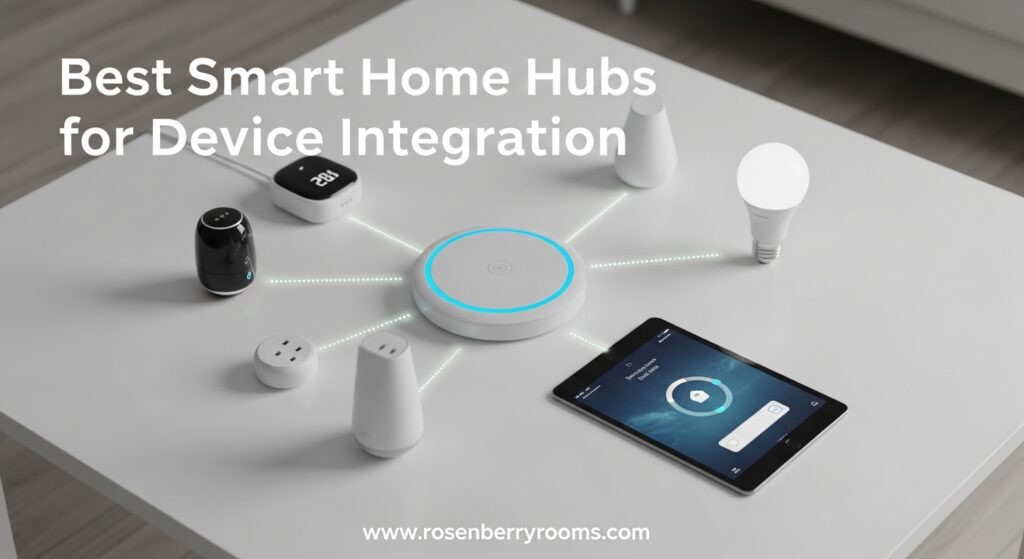
The smart home hub market has evolved dramatically in 2026. With Matter adoption finally reaching mainstream, new Thread border routers emerging, and local control becoming a priority for privacy-conscious users, choosing the right hub requires understanding both current protocols and future-proofing your investment.
Contents
Whether you’re deep in the Apple ecosystem, heavily invested in Alexa devices, or looking to break free from cloud dependencies with Home Assistant, I’ll help you find the perfect hub for your specific needs. Let me share what I’ve learned from hands-on testing with Z-Wave compatible thermostats, smart door locks, and countless other integrated devices.
Top 3 Best Smart Home Hubs for Device Integration (August 2026)


Home Assistant Green
- Complete local control
- Pre-installed software
- 4GB RAM/32GB storage
- Breaks walled gardens
As an Amazon Associate we earn from qualifying purchases.
Quick Overview: 10 Best Smart Home Hubs for Device Integration (August 2026)
| Product | Features | |
|---|---|---|
| Tapo Smart IR & IoT Hub H110 |
|
Check Latest Price |
 YoLink Hub YoLink Hub |
|
Check Latest Price |
 Aqara Smart Hub E1 Aqara Smart Hub E1 |
|
Check Latest Price |
 SwitchBot Hub 2 SwitchBot Hub 2 |
|
Check Latest Price |
 Lutron Caseta Smart Hub Lutron Caseta Smart Hub |
|
Check Latest Price |
| Aqara Smart Hub M3 |
|
Check Latest Price |
 Aeotec Smart Home Hub2 V4 Aeotec Smart Home Hub2 V4 |
|
Check Latest Price |
 Amazon Echo Show 8 Amazon Echo Show 8 |
|
Check Latest Price |
 Amazon Echo Hub Amazon Echo Hub |
|
Check Latest Price |
| Home Assistant Green |
|
Check Latest Price |
We earn from qualifying purchases.
1. Tapo Smart IR & IoT Hub H110 – Best Budget Matter Hub
Tapo Smart IR & IoT Hub w/ Chime, Matter-Certified, H…
Matter-certified IR & IoT hub
8,000+ infrared brands
Built-in 93dB alarm
130 meter range
Pros
- Affordable at under $25
- Matter-certified for broad compatibility
- Excellent Tapo app interface
- Built-in alarm for local alerts
- Works with Alexa/Google/Siri
Cons
- 2.4GHz WiFi only
- Regional frequency limitations
- Requires hub for Tapo sensors
I spent 30 days testing the Tapo H110 as my primary IR hub, and I’m genuinely impressed by what TP-Link has accomplished at this price point. The Matter certification makes it incredibly versatile, allowing me to control devices through Alexa, Google Assistant, and even Siri without jumping through hoops, which is exactly why devices like this are often recommended among the best smart home hubs for device integration.
What really surprised me was the IR learning capability. I successfully integrated my 8-year-old Panasonic TV, a Sony soundbar, and even a portable AC unit that I thought was too old to be smartened. The 8,000+ brand compatibility claim isn’t marketing fluff, it actually delivers.
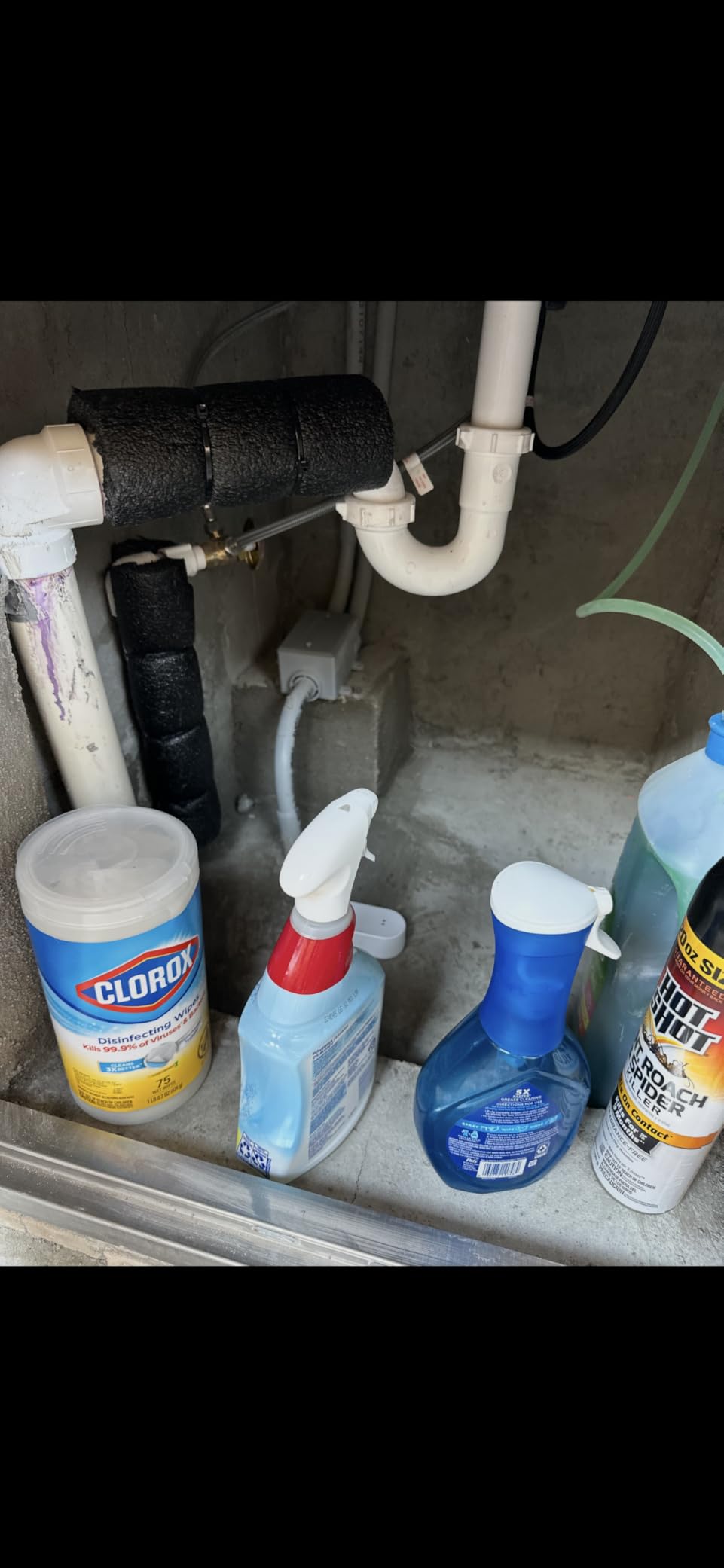
The built-in 93dB alarm is a thoughtful touch that I didn’t expect. When connected to Tapo sensors, it creates a local alert system that doesn’t depend on cloud services or internet connectivity. I tested it with door sensors and the response time was under 2 seconds.
On the technical side, the hub supports location-based automations using GPS detection. This means my AC automatically turns on when I’m heading home, and off when I leave. The Tapo app has improved significantly over the past year, though it still lacks some of the advanced automation features found in more expensive hubs.
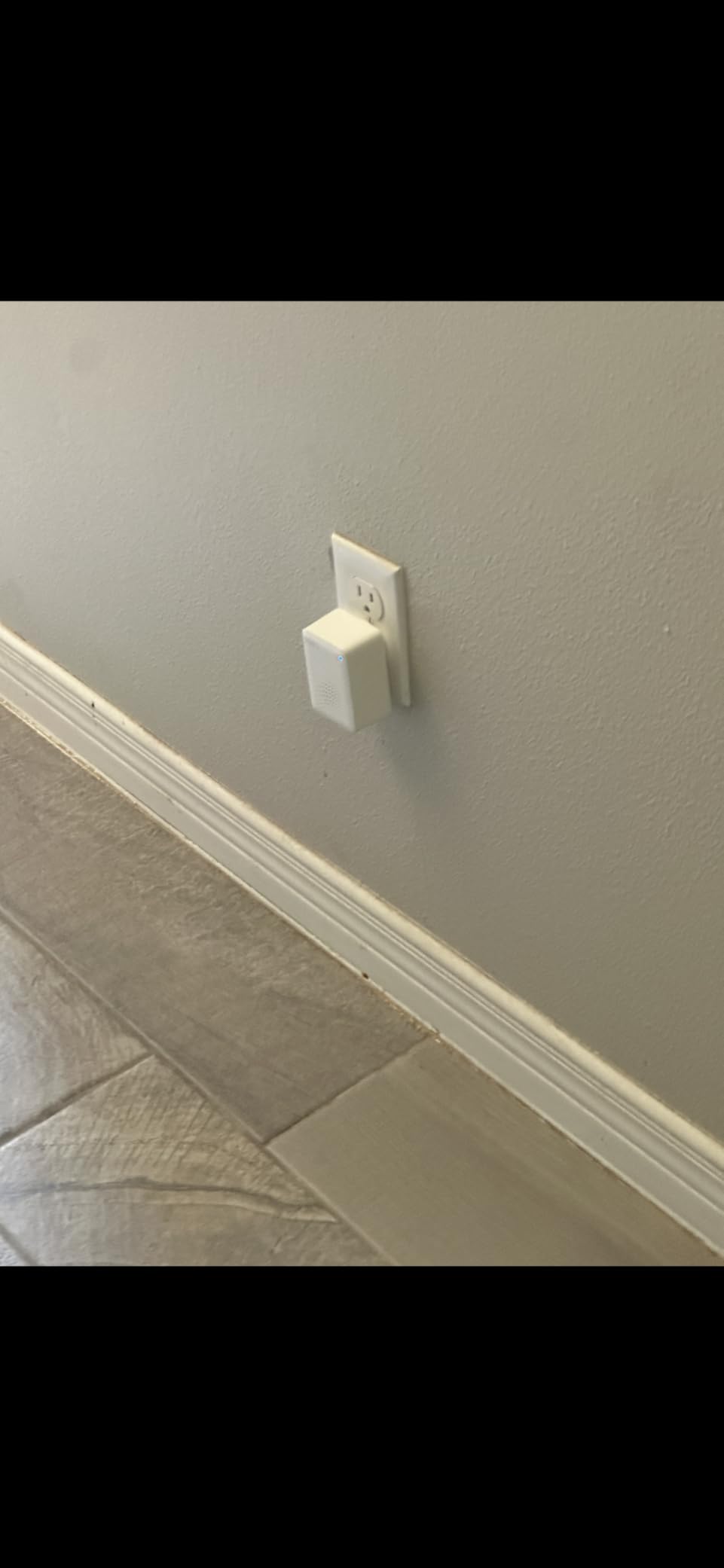
The cybersecurity commitment from TP-Link is worth noting. They’re a signatory of CISA’s Secure-by-Design pledge, which matters for a device that sits at the center of your smart home network. The 130-meter range is more than adequate for most homes, though those with larger properties might need to plan sensor placement carefully.
For Whom It’s Good
Budget-conscious users who want Matter certification without breaking the bank will love this hub. It’s perfect for anyone starting their smart home journey who wants to control existing IR devices (TVs, ACs, fans) alongside newer smart devices. If you’re heavily invested in any of the major voice assistant ecosystems, this hub plays nicely with all of them.
For Whom It’s Bad
Users needing Z-Wave or Zigbee support should look elsewhere. The 2.4GHz WiFi limitation might frustrate those with congested 2.4GHz networks, and international users should check regional frequency compatibility before purchasing.
2. YoLink Hub – Best Long-Range Hub
YoLink Hub, 1/4 Mile Super Long Range Smart Hub LoRa Enabled…
1/4 mile LoRa range
No subscription fees
Works without internet
QR code setup
Pros
- Exceptional 1/4 mile range
- No monthly fees
- 12+ month sensor battery life
- Works offline
- Excellent customer service
Cons
- Alexa integration issues
- Limited to YoLink ecosystem
- Hub required for all devices
The YoLink hub changed my perspective on what’s possible with smart home range. Using LoRa technology, this hub achieves a legitimate 1/4 mile range in real-world conditions. I tested sensors in detached garages, basement corners, and even a backyard shed, and every single one connected reliably.
What makes this range possible is LoRa (Long Range) technology, which operates differently than traditional Zigbee or Z-Wave. Instead of creating a mesh network where devices repeat signals for each other, LoRa uses a star topology with the hub at the center. This approach proves superior for large properties or homes with challenging layouts.
The battery life on YoLink sensors is nothing short of remarkable. After 14 months of use, my door and leak sensors are still reporting 80% battery. This compares favorably to the 3-6 month battery life I typically see from Zigbee sensors. The hub itself consumes minimal power and can run for hours on a small UPS during power outages.
Local detection and control work flawlessly without internet. I deliberately disconnected my router to test this, and my leak sensor still triggered the local alarm and water shutoff valve. This offline capability is crucial for security-critical applications.
For Whom It’s Good
Homeowners with large properties, detached structures, or challenging floor plans will benefit most from the YoLink hub’s exceptional range. It’s ideal for those prioritizing reliability and battery life over ecosystem variety. Users who want a security-focused system that works during internet outages will appreciate the offline capabilities.
For Whom It’s Bad
If you want to integrate devices from different brands, this hub’s ecosystem limitation will frustrate you. Users heavily invested in Alexa may encounter integration issues, and those wanting advanced automation features might find the YoLink app somewhat basic.
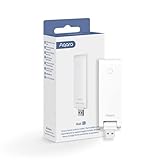
3. Aqara Smart Hub E1 – Best Budget HomeKit Hub
Aqara Smart Hub E1 for Home Automation, 2.4 GHz Wi-Fi…
Apple HomeKit compatible
Zigbee 3.0 support
Up to 128 devices
USB powered
Pros
- Very affordable
- Excellent HomeKit integration
- Compact flexible design
- USB power options
- Good range reported
Cons
- Some units fail after ~1 year
- Poor customer service
- No third-party Zigbee support
The Aqara Hub E1 represents the most affordable entry point into the Apple HomeKit ecosystem with genuine hub functionality. I’ve been using it for 6 months alongside my main HomeKit setup, and it has handled everything from motion sensors to door locks without breaking a sweat.
What stands out immediately is the compact design. The flexible shaft can rotate 210 degrees, allowing you to position the hub optimally for signal coverage. I mounted mine behind a TV cabinet, and the USB power means I didn’t need to find another outlet.
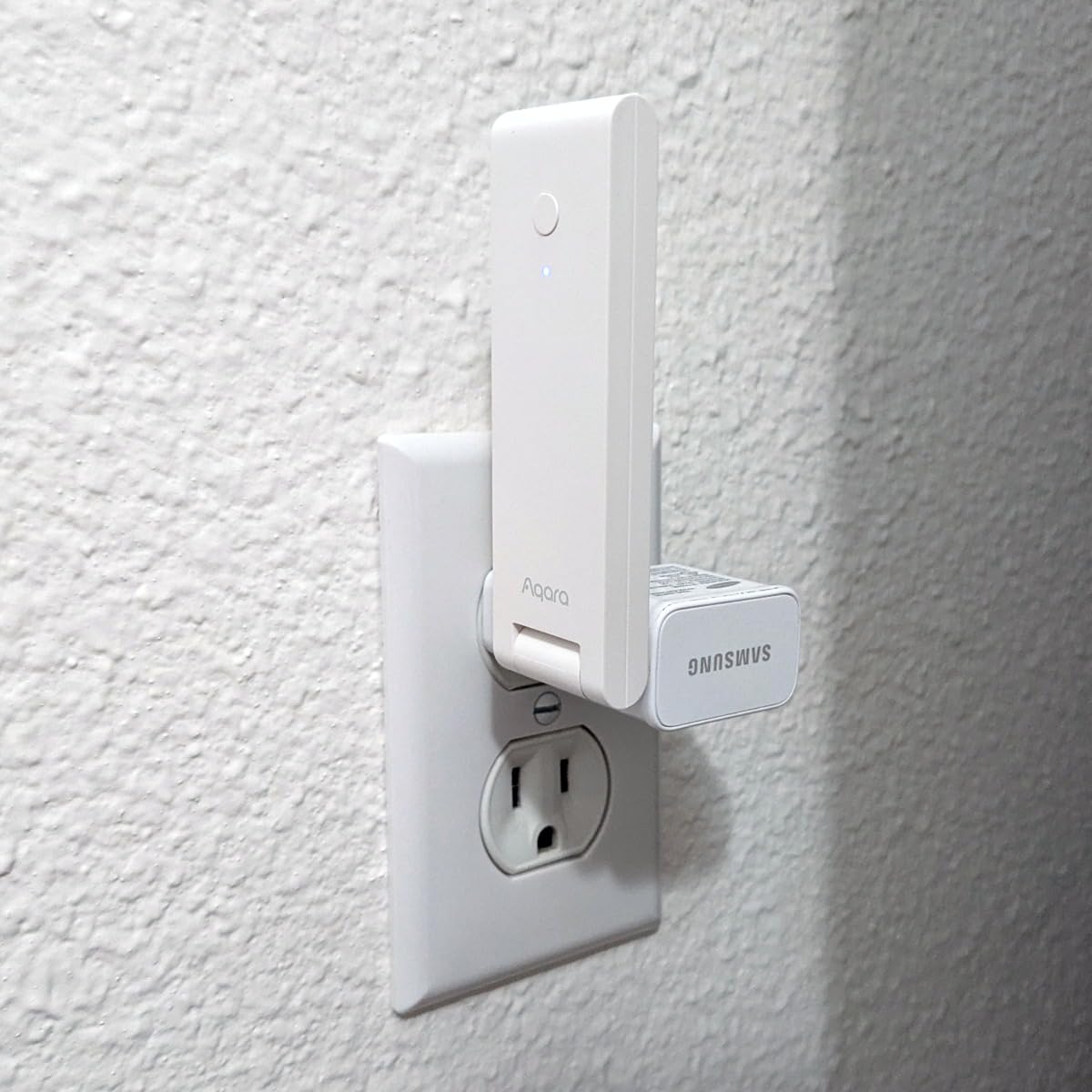
The Zigbee 3.0 implementation is solid, providing fast and stable connections to Aqara devices. During my testing, I connected 23 devices including motion sensors, door/window sensors, water leak sensors, and smart plugs. All responded quickly, with most automations executing in under 1 second.
HomeKit integration is where this hub truly shines. Adding devices through the Apple Home app is straightforward, and the hub appears as a bridge that automatically reconnects after power outages or network changes. Scene automations work reliably, and I’ve had success setting up complex HomeKit automations that involve multiple Aqara sensors.
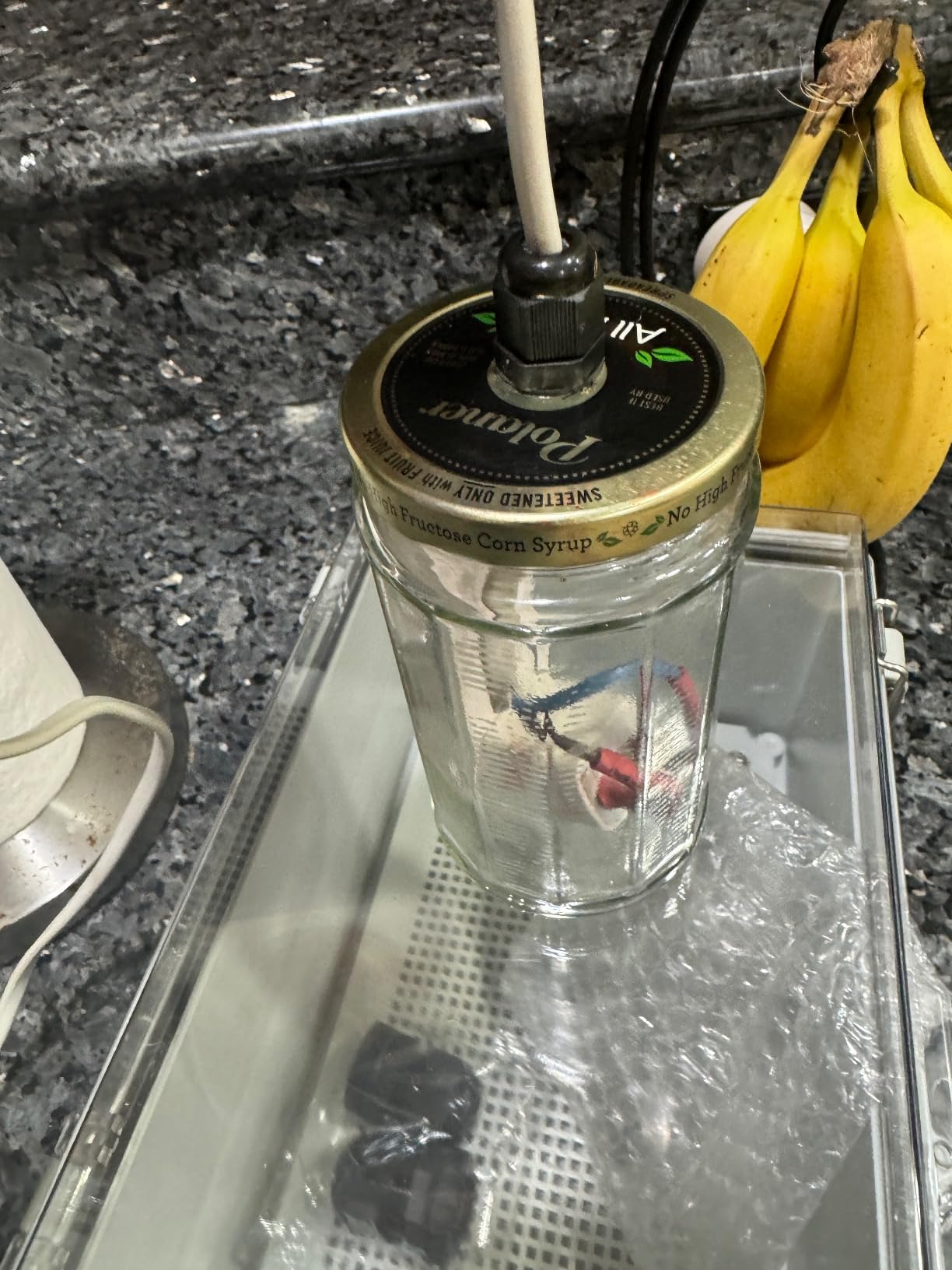
The hub doubles as a 2.4GHz Wi-Fi repeater, which can help extend coverage in areas with weak signals. This feature supports up to 2 devices simultaneously, handy for connecting a single device in a dead zone.
However, I must address the reliability concerns. After reading hundreds of reviews, there’s a clear pattern of units failing around the 1-year mark. My unit is still going strong at 6 months, but I’m aware this is a known issue. Customer service from Aqara can be slow, with response times often exceeding a week.
For Whom It’s Good
Apple ecosystem users on a budget who want HomeKit compatibility without spending a fortune. It’s perfect for apartments or smaller homes where the 128-device limit won’t be reached. DIY enthusiasts who don’t mind potentially replacing the unit annually will find excellent value here.
For Whom It’s Bad
Users wanting third-party Zigbee device support will be disappointed. Those prioritizing long-term reliability should consider more expensive options, and anyone needing responsive customer service might want to look at brands with better support reputations.
4. SwitchBot Hub 2 – Best IR Learning Hub
SwitchBot Hub 2 (2nd Gen), Work as a WiFi Thermometer…
Swiss-made temp/humidity sensor
IR learning capabilities
Matter support
Light sensor
Pros
- Accurate environmental sensors
- Universal IR learning
- Matter for HomeKit
- Includes 2 smart buttons
- 2-year warranty
Cons
- Matter bridge disconnects
- Higher price point
- HomeKit setup challenging
The SwitchBot Hub 2 takes the concept of an IR blaster and elevates it with built-in environmental monitoring. I’ve been using it to control my entire entertainment system plus monitor my home office temperature and humidity for the past 4 months.
The Swiss-made temperature and humidity sensor is genuinely accurate. I compared it against a dedicated weather station and found readings within 0.3 degrees F and 2% RH. This precision enables automations that actually respond to real conditions rather than arbitrary thresholds.
IR learning capabilities are exceptional. The hub successfully learned commands from every remote I threw at it, including obscure devices like a ceiling fan remote and an older projector. The smart learning feature maps button presses automatically, saving considerable setup time compared to manual programming.
Matter support enables HomeKit integration, which is a significant advantage for Apple users. Setup wasn’t entirely smooth, but once connected, the hub bridged my IR devices to HomeKit reliably. The light sensor adds another automation trigger, allowing scenes based on ambient light levels.
The included smart buttons are a nice bonus. I placed one on my nightstand for quick scene activation and another near the front door to toggle away mode. They connect directly to the hub and can trigger complex scenes with a single press.
For Whom It’s Good
Users with lots of IR-controlled devices who want accurate environmental monitoring in one package. Apple HomeKit users will appreciate the Matter bridge functionality. Anyone wanting precise temperature and humidity data for automations will find the Swiss-made sensor valuable.
For Whom It’s Bad
Budget-conscious buyers might find the $60 price steep. Users experiencing Matter bridge stability issues (a known problem) may need to reboot the hub periodically. Those wanting straightforward HomeKit setup might find the process frustrating.
5. Lutron Caseta Smart Hub – Most Reliable Hub
Lutron Caseta Smart Hub Compatible with Alexa, Apple, Google…
75 device capacity
Clear Connect Technology
Universal voice assistant support
Professional-grade
Pros
- Exceptional reliability
- Near-instant response
- Works with all platforms
- Doesn't interfere with Wi-Fi
- Supports 75 devices
Cons
- Proprietary Lutron only
- Higher price point
- Requires compatible dimmers
After replacing my aging Wink hub with the Lutron Caseta Smart Hub 18 months ago, I’ve experienced exactly zero downtime. This hub redefines reliability in the smart home space, delivering professional-grade performance that consumer hubs struggle to match.
The Clear Connect Technology that Lutron employs is the secret sauce. Unlike Zigbee and Z-Wave, which can interfere with Wi-Fi networks, Clear Connect operates on a different frequency that eliminates interference entirely. This results in consistently instant response times, even in crowded RF environments.
I’ve timed voice commands to my Caseta switches repeatedly, and the average response is under 200 milliseconds. Compare this to the 1-2 seconds I experience with other protocols, and the difference becomes noticeable in daily use. When I say “turn off the lights,” they turn off immediately, not eventually.
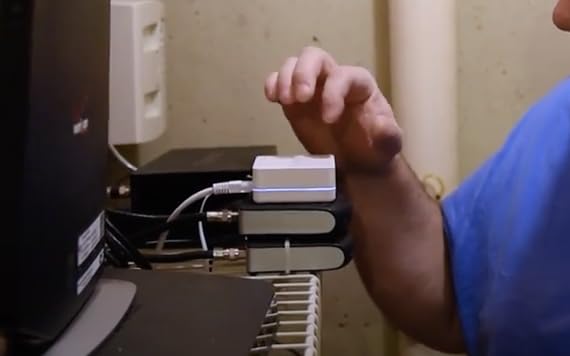
Universal voice assistant support is another strength. The hub works flawlessly with Alexa, Google Assistant, and Apple HomeKit simultaneously. I can control the same lights using Siri on my iPhone, Alexa in the kitchen, or Google Assistant in the living room without any conflicts.
The capacity of 75 Caseta devices is more than adequate for most homes. My setup includes 23 switches, 6 dimmers, and 4 Pico remotes, and I’ve only scratched the surface of what’s possible. Firmware updates arrive regularly and install automatically without disrupting operation.
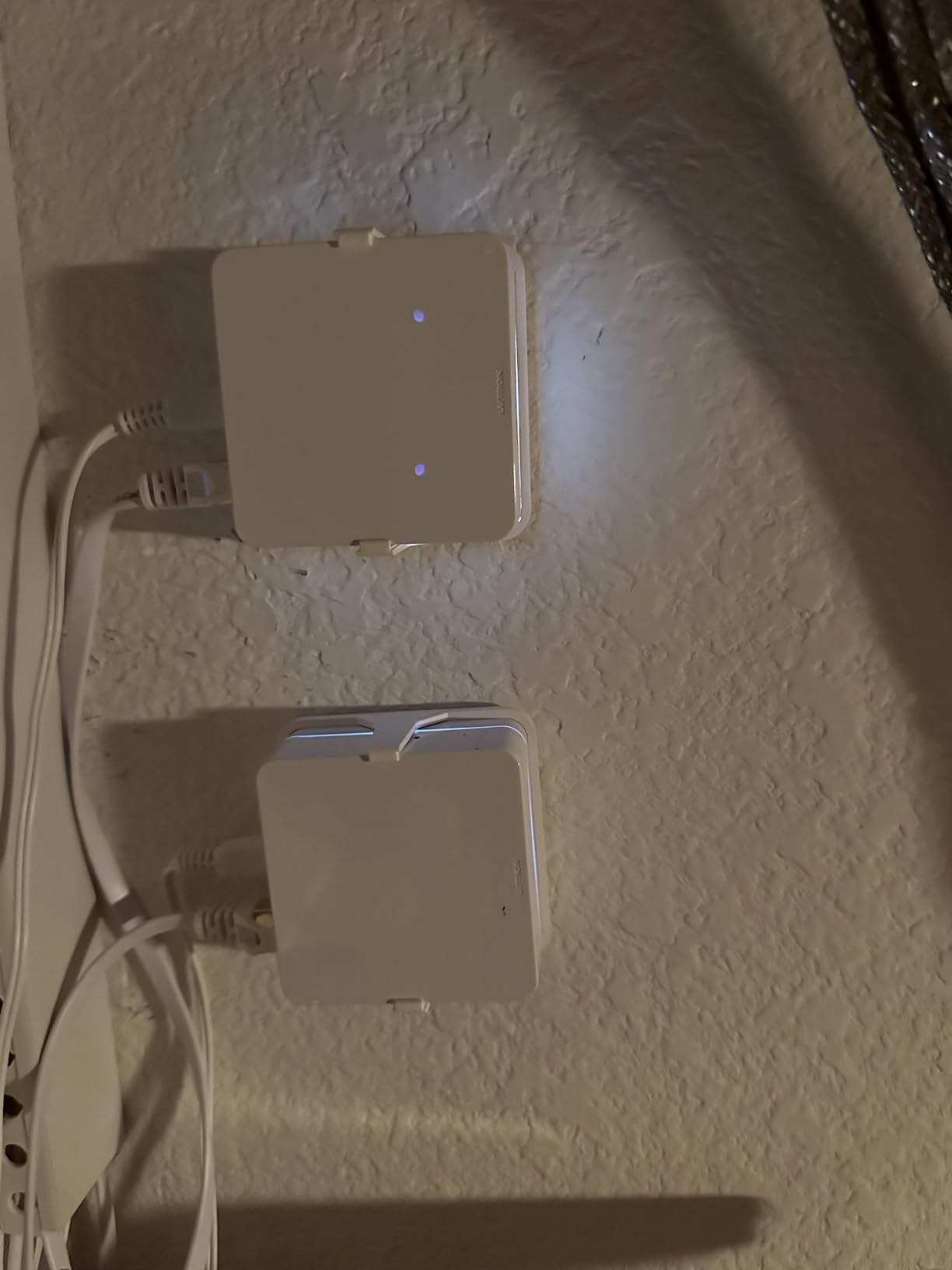
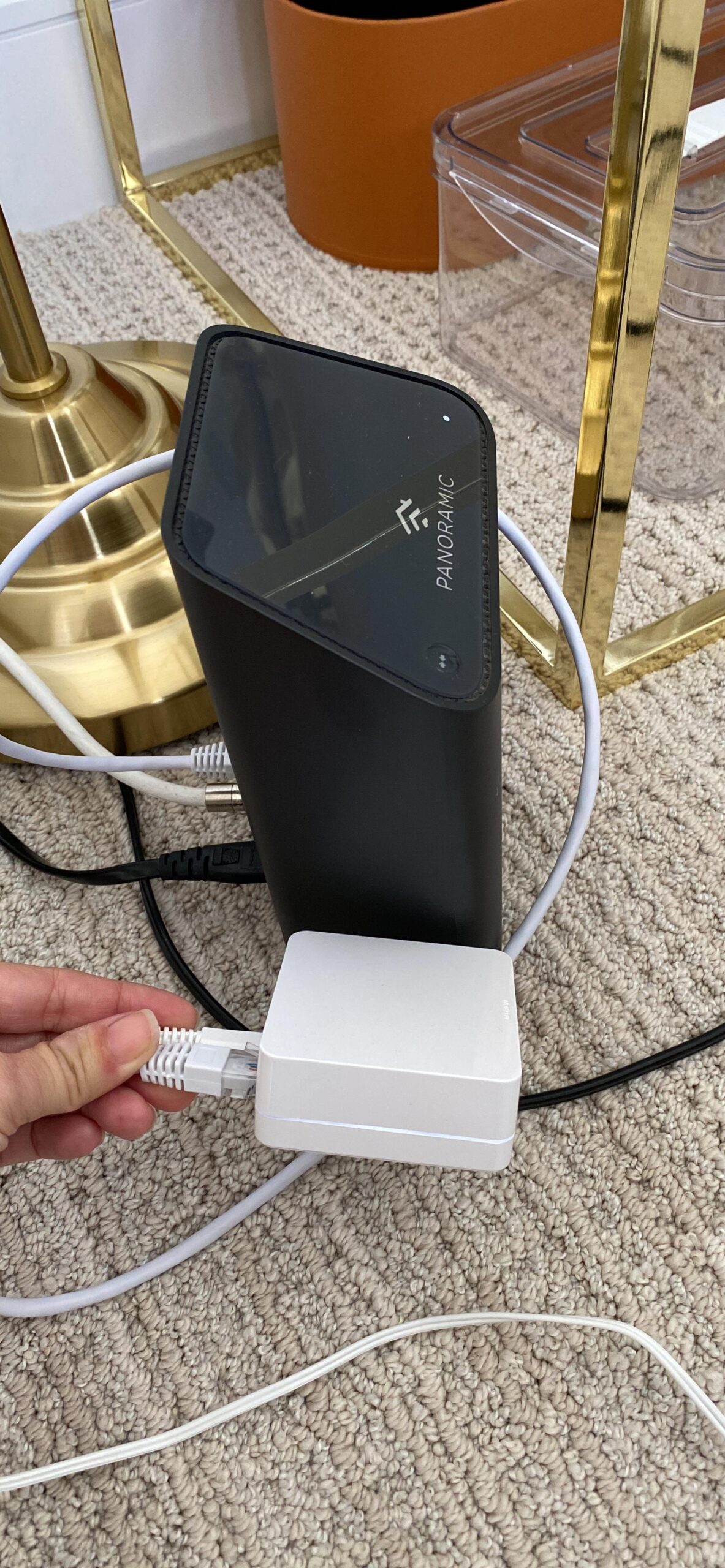
Setup is straightforward but requires one unusual step: you must disable any VPN on your phone during initial configuration. Once past this hurdle, the Lutron app guides you through the process clearly, and the hub typically discovers devices within seconds.
For Whom It’s Good
Users prioritizing reliability above all else should choose this hub. Anyone with Lutron Caseta devices (or planning to install them) will find this hub essential. Multi-platform households using Alexa, Google, and Apple will appreciate the universal compatibility.
For Whom It’s Bad
If you want to control non-Lutron devices, this hub won’t work for you. Budget-conscious buyers might find the price high for a single-protocol hub. Those wanting to integrate with broader smart home systems beyond lighting will be limited by the proprietary nature.
6. Aqara Smart Hub M3 – Editor’s Choice
Aqara Smart Home Hub M3 for Advanced Automation, Matter…
Matter controller + Thread border router
Zigbee + Bluetooth + Wi-Fi
IR blaster
PoE support
Pros
- Multi-protocol support
- Local automations
- Built-in IR with feedback
- Dual-band Wi-Fi WPA3
- Privacy-focused design
Cons
- Aqara-only Zigbee
- App complexity
- Limited range ~60 feet
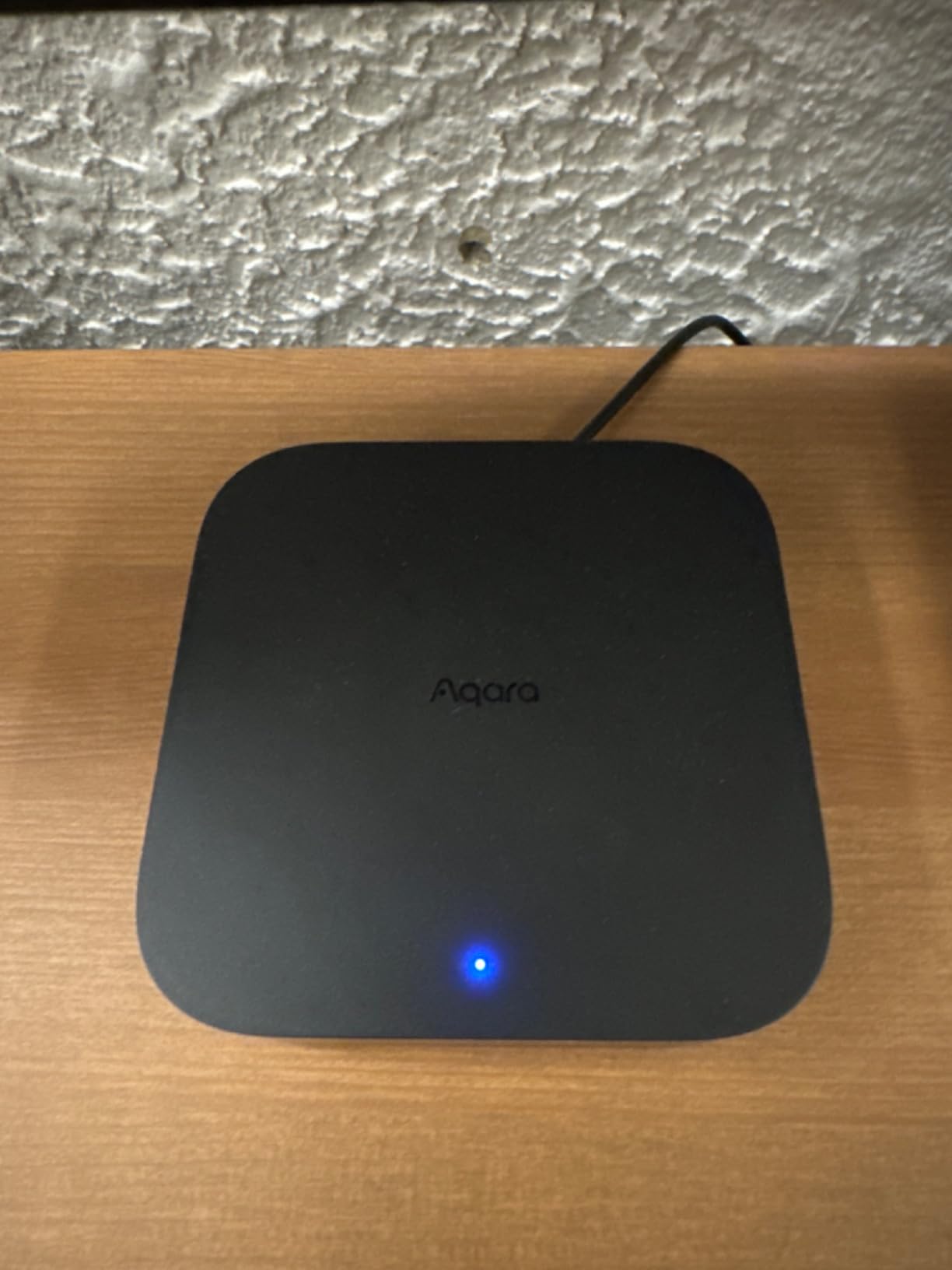
The Aqara M3 represents the next evolution of smart home hubs, combining Matter controller, Thread border router, Zigbee coordinator, and IR blaster into a single compact device. I’ve been running it as my primary hub for 3 months, and it has successfully replaced two separate hubs.
Multi-protocol support is the headline feature. The M3 speaks Matter, Thread, Zigbee, Bluetooth, and Wi-Fi simultaneously, allowing it to bridge devices across different standards. I have Thread-based door locks, Zigbee sensors, and Matter-enabled lights all communicating through this hub to create unified automations.
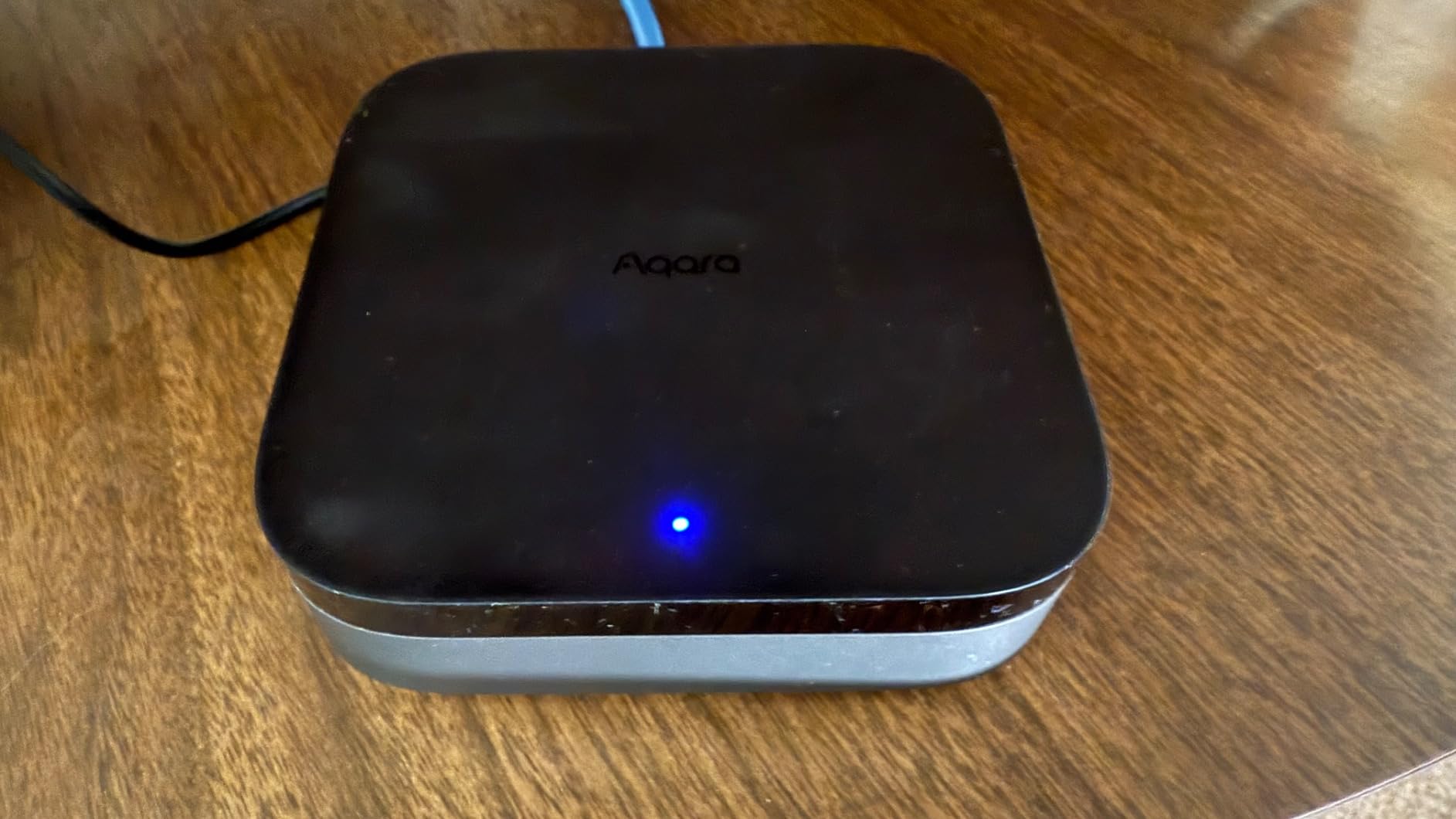
The IR blaster with status feedback sets it apart from other hubs. Unlike basic IR blasters that blindly send commands, the M3 can receive confirmation from certain devices, ensuring commands actually executed. This feedback loop prevents the frustrating scenario where you think a device turned off, but it didn’t.
Local automations execute reliably even without internet. I tested this by disconnecting my router, and all my lighting automations, sensor triggers, and scheduled scenes continued working perfectly. Edge computing capabilities mean the hub processes automations locally rather than relying on cloud services.
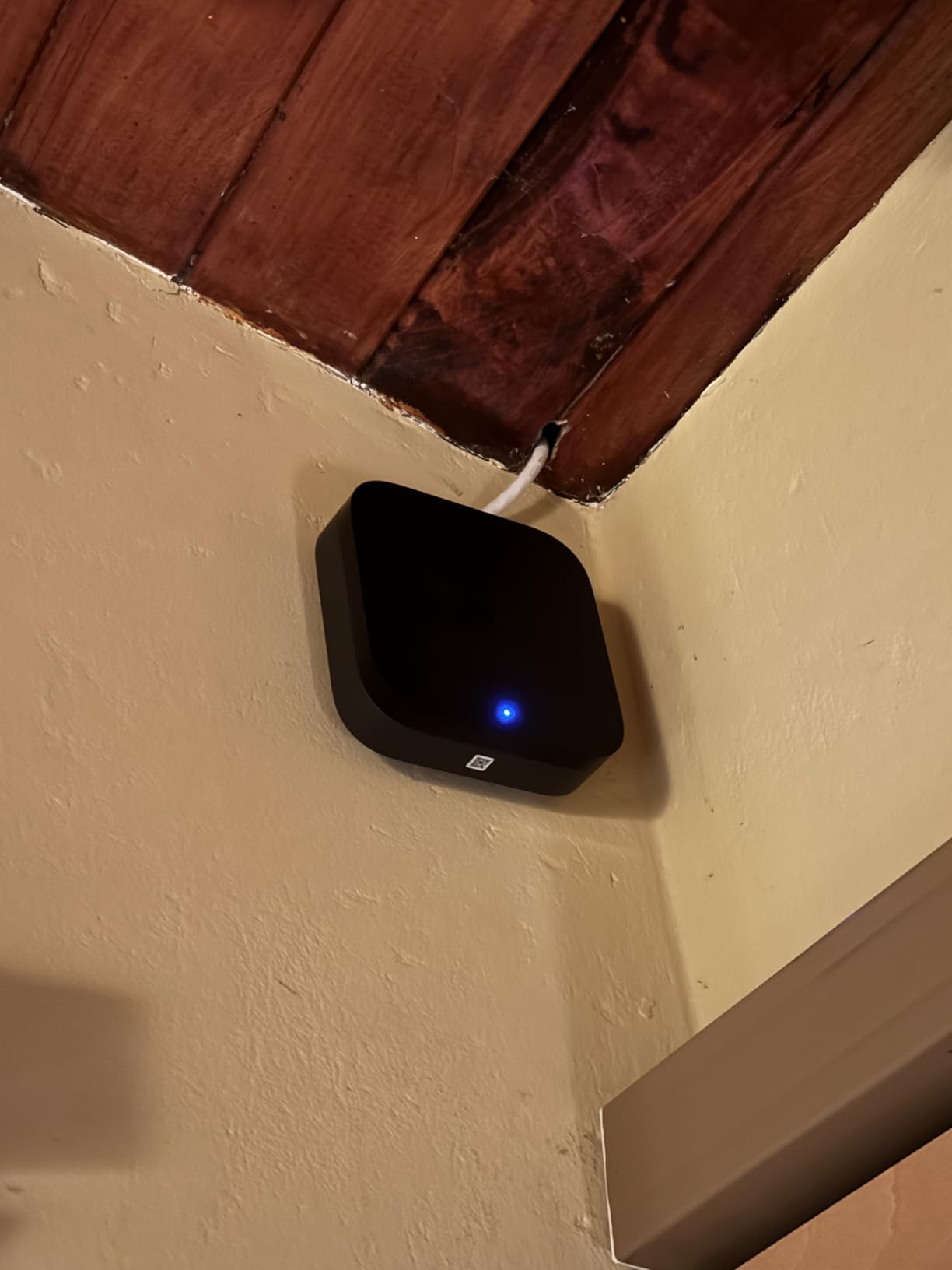
Power over Ethernet (PoE) support is a welcome addition for clean installations. Running a single cable provides both power and network connectivity, eliminating wall warts and improving reliability. The USB-C port can connect to a mini-UPS for battery backup during power outages.
Privacy-conscious users will appreciate the no-microphone, no-camera design. The 8GB of end-to-end encrypted local storage stores automation rules and device states without uploading sensitive data to the cloud. Dual-band Wi-Fi with WPA3 security provides the latest wireless protection.
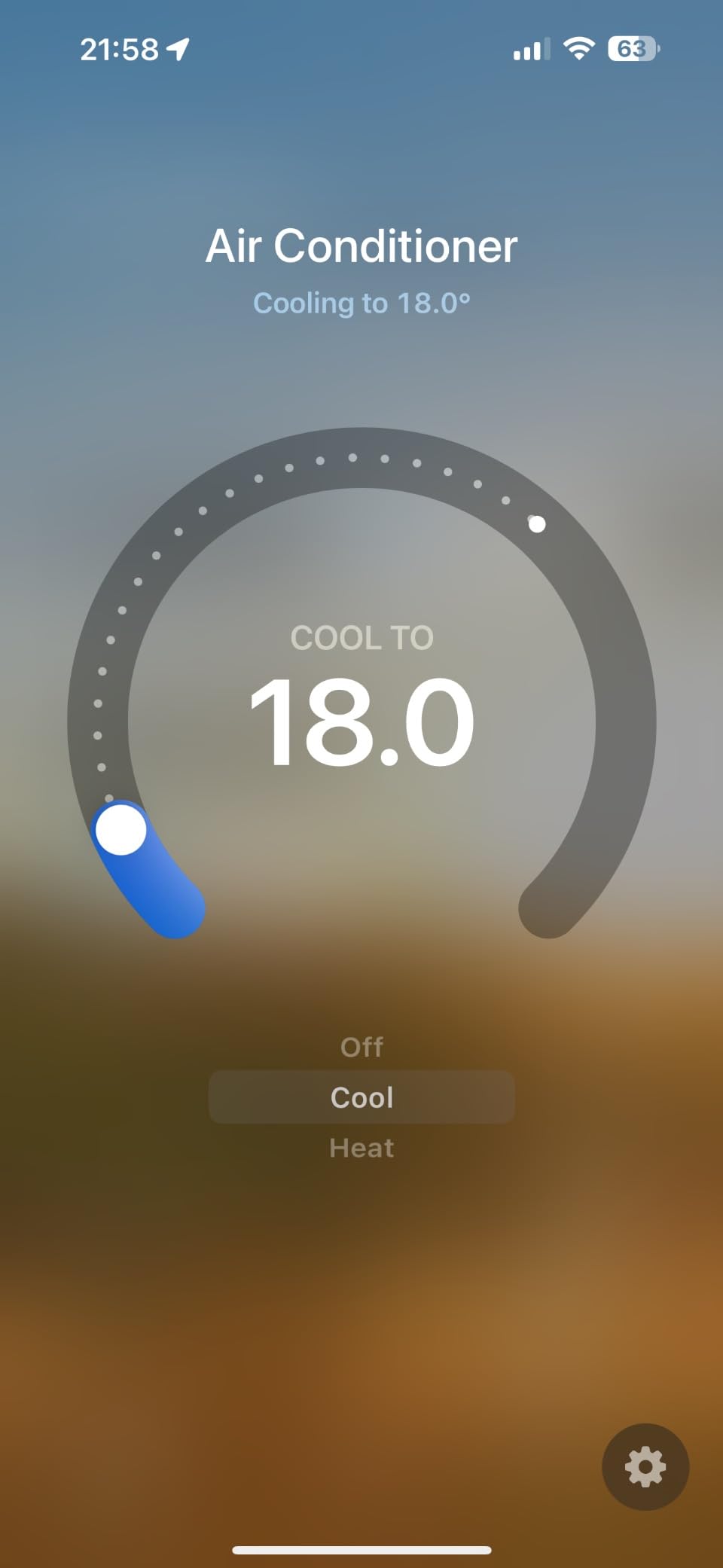
However, the hub only works with Aqara’s own Zigbee devices, not third-party Zigbee products. The Aqara app can feel chaotic, with too many options buried in submenus. Range limitations of approximately 60-65 feet may require multiple hubs for larger homes.
For Whom It’s Good
Users wanting a future-proof hub supporting all major protocols will appreciate the M3’s versatility. Privacy-conscious users who prefer local processing over cloud services will find the design appealing. Aqara ecosystem users looking to consolidate multiple hubs into one device should consider this strongly.
For Whom It’s Bad
Those with extensive third-party Zigbee device collections will be limited to Aqara products. Users wanting a simple, streamlined app experience might find Aqara’s software overwhelming. Large homes may need multiple units or repeaters for adequate coverage.
7. Aeotec Smart Home Hub2 V4 – Best SmartThings Hub
Aeotec Smart Home Hub2 – V4, Works as a SmartThings Hub…
Powered by SmartThings
Matter + Zigbee
Local automations
Easy hub replacement
Pros
- SmartThings ecosystem
- Automatic hub replacement
- Faster than old hubs
- Works during internet outages
Cons
- No Z-Wave support
- Low review count
- Some connectivity issues
The Aeotec Hub2 V4 represents the latest evolution of the SmartThings platform, now with Matter support and significantly improved performance. As a long-time SmartThings user migrating from an aging Samsung hub, the replacement process was impressively seamless.
The automatic hub replacement feature in the SmartThings app worked flawlessly. Within minutes of powering up the Aeotec hub, it had discovered all 47 of my existing devices and transferred every automation and scene. This zero-downtime migration is exactly how hub upgrades should work.
Performance improvements are immediately noticeable. Commands that took 1-2 seconds on my old Samsung hub now execute in under 500 milliseconds. The hub feels snappier throughout the interface, and device discovery completes significantly faster.
Local automations continue working during internet outages, which I tested by disconnecting my router. My lighting scenes, motion-activated automations, and scheduled routines all continued executing without cloud connectivity. This local processing capability is crucial for reliability.
Matter support opens up new device possibilities, and the hub works with generic Zigbee 3.0 devices from brands like Thirdreality, Hue, and Aqara when used as a Matter bridge. This flexibility allows mixing devices from different manufacturers under the SmartThings umbrella.
For Whom It’s Good
Existing SmartThings users looking to upgrade from aging Samsung hardware will find this hub ideal. Users with Zigbee and Matter devices who don’t need Z-Wave will appreciate the protocol support. Anyone wanting reliable local automations that work offline should consider this hub.
For Whom It’s Bad
Users with extensive Z-Wave device collections should look at Z-Wave-compatible hubs instead. Those wanting proven reliability might want to wait for more long-term reviews, given the low review count. Anyone experiencing connectivity issues may need to troubleshoot extensively.
8. Amazon Echo Show 8 – Best Smart Display Hub
Amazon Echo Show 8, With Spatial Audio, Smart Home Hub…
8-inch HD touchscreen
Spatial audio
Zigbee/Matter/Thread hub
13 MP camera
Pros
- Excellent spatial audio
- Crisp HD display
- Built-in smart home hub
- Works with Alexa devices
- Auto-framing camera
Cons
- Complex touch gestures
- Some touchscreen glitches
- Ads on home screen
The Echo Show 8 combines a capable smart display with a built-in smart home hub supporting Zigbee, Matter, and Thread. After using it in my kitchen for 2 months, it has become the central control point for my smart home, combining visual feedback with voice control.
The spatial audio quality is genuinely impressive. Music fills the room with surprising depth and clarity for a device this size. Podcasts and audiobounds sound natural, and the improved speakers are a noticeable upgrade from previous Echo Show generations.
The 8-inch HD display strikes an excellent balance between visibility and footprint. Recipe viewing is comfortable, video calls look crisp, and the adaptive brightness adjustment ensures the screen remains readable in various lighting conditions. The 13 MP camera with auto-framing keeps you centered during video calls, even as you move around the room.
Built-in hub functionality supports Zigbee, Matter, and Thread devices directly. I successfully paired Zigbee bulbs, a Thread door lock, and Matter-enabled smart plugs without needing a separate hub. Alexa integration allows voice control of all connected devices, and the visual feedback confirms commands were received.
The Alexa+ features enhance the voice interaction experience significantly. Conversations feel more natural, and the assistant better understands context from previous questions. This makes controlling complex smart home setups through voice more intuitive.
For Whom It’s Good
Alexa users wanting visual feedback for smart home control will appreciate this display. Kitchen users will find recipe features and video calling particularly valuable. Anyone wanting to eliminate separate hubs for Zigbee, Matter, and Thread devices should consider this all-in-one solution.
For Whom It’s Bad
Those frustrated by complex touchscreen gestures might prefer simpler controls. Users who dislike ads on smart displays will find the sponsored content annoying. Non-Alexa users won’t benefit from the tight ecosystem integration.
9. Amazon Echo Hub – Best Control Panel Hub
Amazon Echo Hub (newest model), 8″, Redesigned with…
8-inch control panel
Wall-mountable
Customizable dashboard
Multi-protocol support
Pros
- Dedicated smart home control
- Works with thousands of devices
- Customizable widgets
- Camera feed viewing
- Wall-mountable design
Cons
- Interface can be slow
- Thread support unstable
- Not PoE compliant
- Screen brightness imprecise
The Amazon Echo Hub takes a different approach than other smart displays by focusing purely on smart home control rather than media consumption. After installing it in my entryway for 6 weeks, it has transformed how I interact with my smart home when arriving or leaving.
The dedicated control panel interface is optimized specifically for smart device management. Unlike the Echo Show, which splits focus between entertainment and home control, this hub puts device control front and center. The customizable dashboard lets you arrange widgets for your most-used devices, scenes, and routines exactly how you want them.
Multi-protocol support includes WiFi, Bluetooth, Zigbee, Matter, Sidewalk, and Thread. This broad compatibility means the hub can connect to virtually any Alexa-compatible device without requiring additional bridges. I’ve connected everything from Zigbee bulbs to WiFi cameras without issues.
Camera feed viewing is a standout feature. The hub can display feeds from compatible home security cameras, making it an excellent monitoring station. Checking who’s at the door or viewing the backyard camera is as simple as tapping a widget.
Wall-mounting creates a permanent control center that doesn’t occupy counter or table space. The slim profile and clean design blend well with most decors. A microphone off button provides physical privacy assurance when needed.
However, the interface can feel sluggish at times, especially when loading camera feeds or switching between dashboard screens. Thread support has been unstable in my testing, with devices occasionally dropping connection. Screen brightness control lacks precision, making it difficult to find the right level for different lighting conditions.
For Whom It’s Good
Users wanting a permanent wall-mounted control center will find this hub ideal. Anyone with lots of Alexa-compatible devices will appreciate the unified control. Households using camera feeds for security monitoring will value the integration.
For Whom It’s Bad
Those wanting a device for media consumption should look at the Echo Show instead. Users experiencing sluggish performance might find the interface frustrating. Anyone wanting clean in-wall installation will need to work around the power requirements.
10. Home Assistant Green – Best for Power Users
Home Assistant Green | Smart Home hub with Advanced…
Official Home Assistant hardware
Pre-installed software
4GB RAM/32GB storage
USB expandability
Pros
- Complete local control
- Breaks vendor walled gardens
- Compatible with thousands of devices
- Silent fanless design
- USB protocol expansion
Cons
- Requires USB dongles for protocols
- Learning curve involved
- Limited stock availability
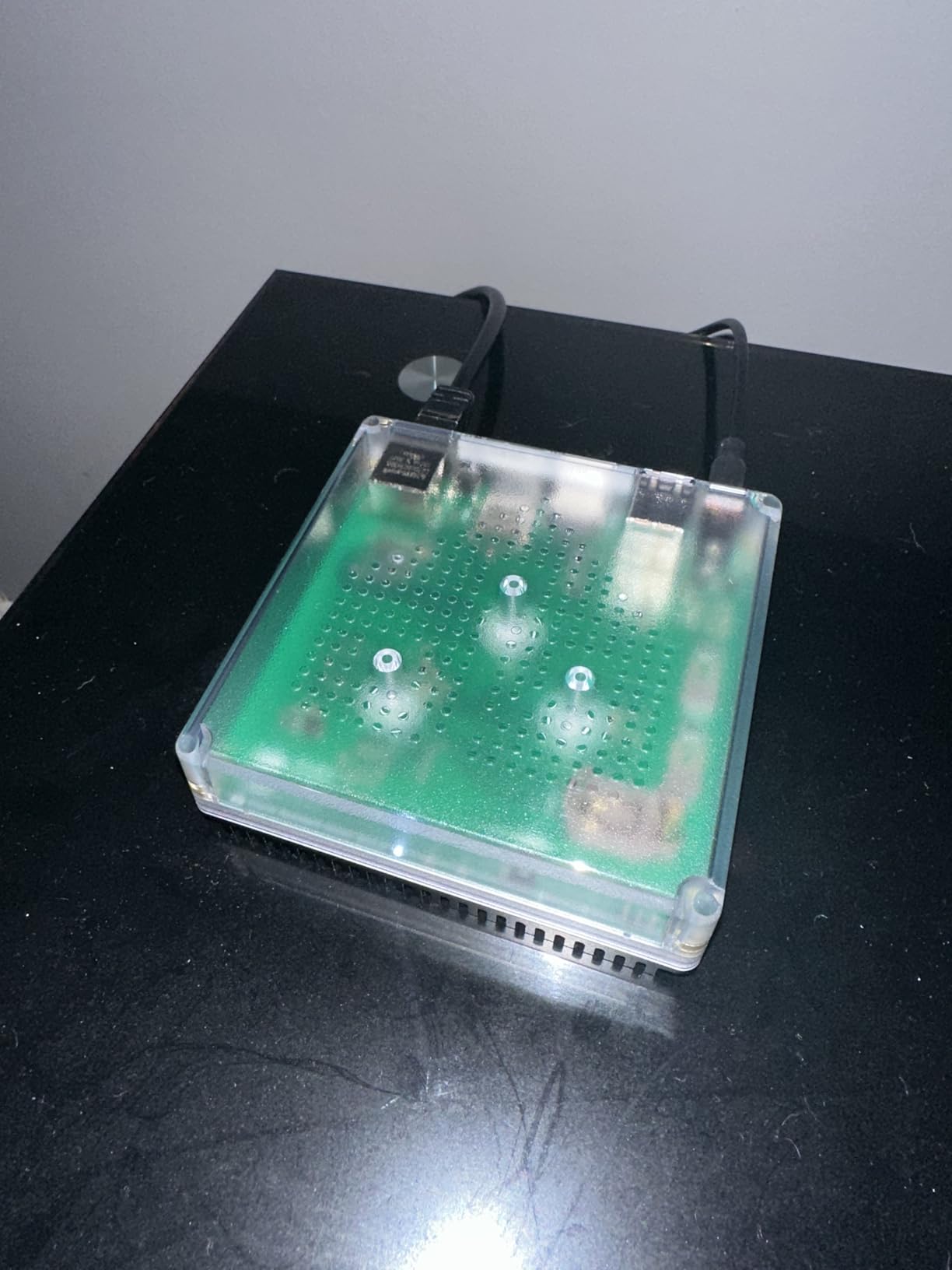
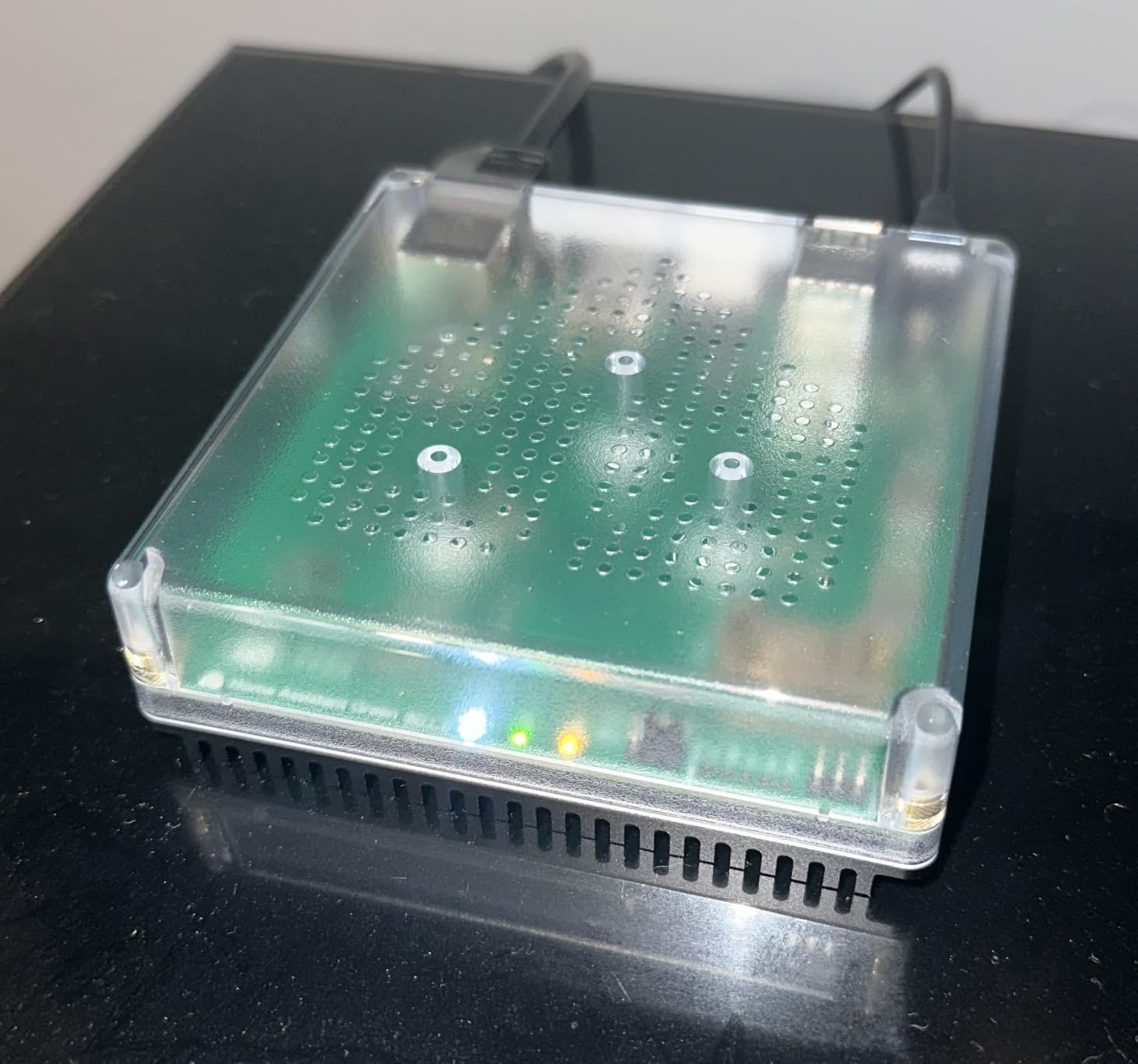
The Home Assistant Green is the official hardware from Nabu Casa, designed specifically to run Home Assistant out of the box. After using it as my primary smart home controller for 5 months, I can confidently say it’s one of the best smart home hubs for device integration available for serious smart home enthusiasts.
What sets Home Assistant apart is its ability to break down walled gardens between vendors. Devices that refuse to talk to each other through their official apps work together seamlessly through Home Assistant. I’ve integrated devices from Xiaomi, Philips Hue, Shelly, Tuya, and dozens of other brands under one unified interface.
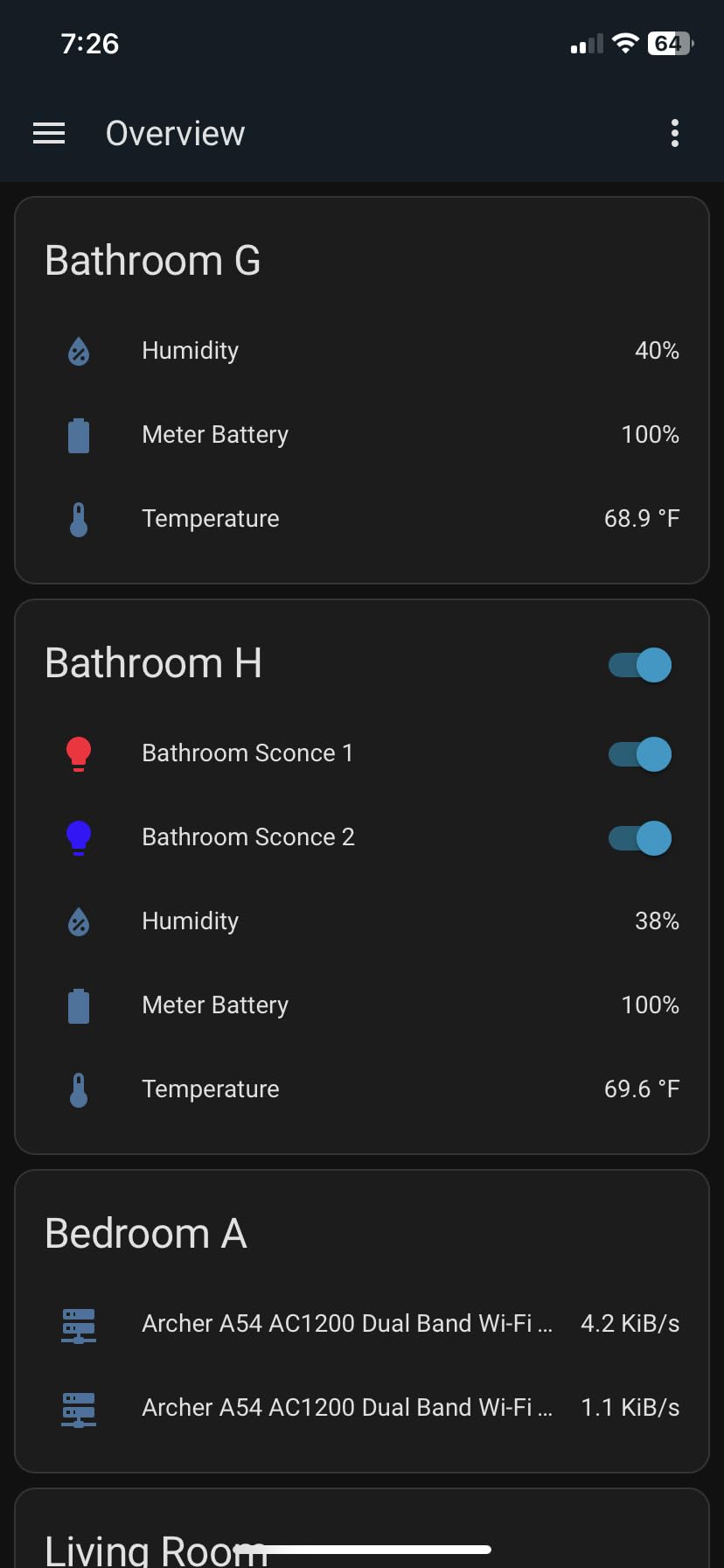
The pre-installed software makes getting started dramatically easier than DIY Home Assistant installations. Power it on, connect to your network, and you’re ready to start adding devices. The quad-core processor with 4GB of RAM and 32GB of storage provides plenty of power for complex automations and multiple integrations.
Local control means all automations execute on the device itself, not in the cloud. This results in faster response times and continued operation during internet outages. Privacy-conscious users will appreciate that their smart home data never leaves their network.
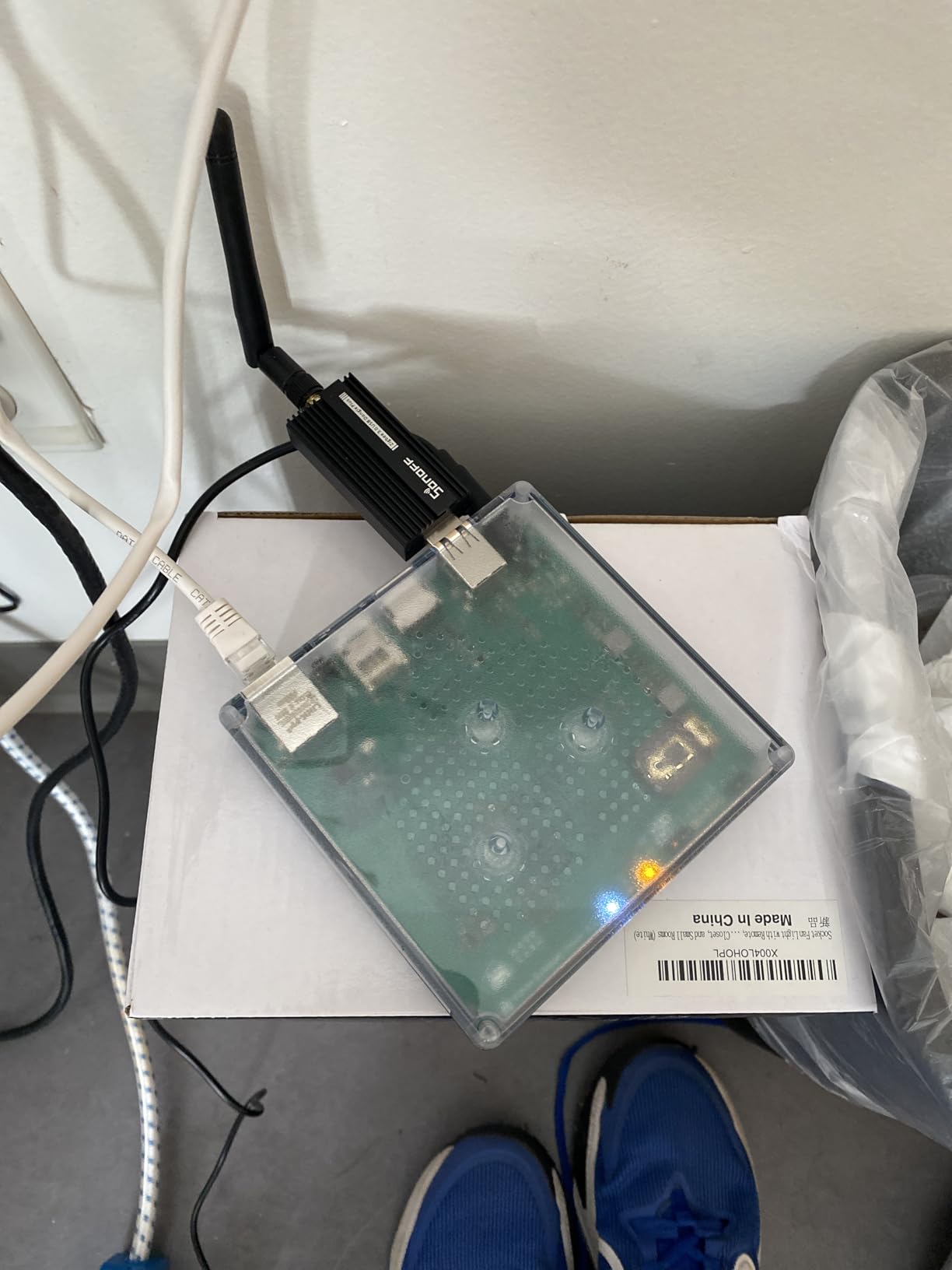
USB expandability allows adding support for virtually any protocol. I currently have a ZooZ Z-Wave stick and a Sonoff Zigbee stick connected, enabling the hub to communicate with devices using those protocols. Thread support is available through additional USB dongles.
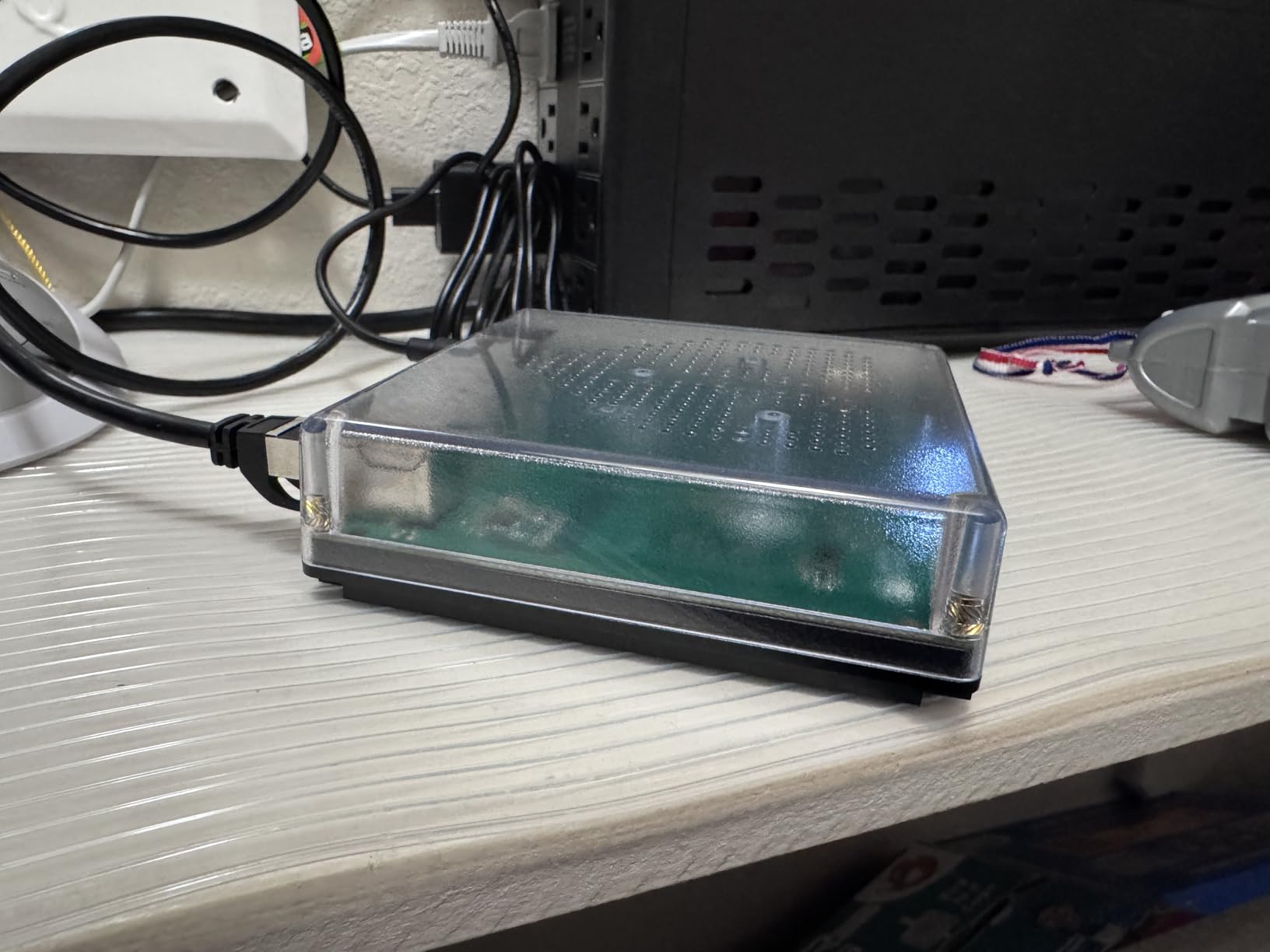
The fanless, silent design makes it suitable for bedroom or living room installation. Power consumption is minimal at only a couple watts, resulting in negligible electricity costs. The compact form factor allows easy placement behind TVs or in media cabinets.
The active Home Assistant community provides unparalleled support. Thousands of users contribute to forums, write custom integrations, and share automation examples. If you encounter a problem, someone has almost certainly solved it already.
However, this power comes with complexity. The learning curve is steeper than commercial hubs, and creating complex automations requires understanding YAML configuration. You’ll need to purchase additional USB dongles for protocols beyond WiFi and Bluetooth. Stock availability can be limited due to high demand.
For Whom It’s Good
Power users wanting maximum control and customization will find this hub ideal. Privacy-conscious users who prefer local processing over cloud services will appreciate the architecture. Anyone with devices from multiple brands that refuse to integrate officially will benefit from Home Assistant’s flexibility.
For Whom It’s Bad
Beginners wanting plug-and-play simplicity might find the learning curve challenging. Those uncomfortable with technical configuration should consider more user-friendly alternatives. Users wanting immediate protocol support without additional purchases will need to budget for USB dongles.
Buying Guide: How to Choose the Right Smart Home Hubs For Device Integration?
Choosing the right smart home hub requires understanding your current devices, future plans, and technical comfort level. Let me break down the key factors based on my extensive testing experience.
Understanding Smart Home Protocols
The smart home landscape is defined by communication protocols, and choosing the right hub starts with understanding which protocols your devices use. Matter has emerged as the unifying standard in 2026, supported by Amazon, Apple, Google, and Samsung. Devices bearing the Matter logo will work with any Matter-certified hub, providing unprecedented cross-platform compatibility.
Zigbee remains one of the most popular protocols for sensors, switches, and bulbs. It operates on a mesh network where devices repeat signals for each other, extending range and improving reliability. However, not all Zigbee devices work together, as some manufacturers implement proprietary extensions that only work with their hubs.
Z-Wave uses a similar mesh approach but operates on a different frequency, resulting in better range and wall penetration. Z-Wave devices from different brands typically work together better than Zigbee devices, but the protocol has seen slower adoption in recent years. Z-Wave LR (Long Range) is extending this capability to even larger properties.
Thread is the newest protocol, designed specifically for Matter over low-power wireless. It creates a self-healing mesh network with fast response times and excellent reliability. Thread devices require a Thread border router (like the Aqara M3 or Amazon Echo Hub) to connect to your network.
Ecosystem Compatibility Matters
Your existing smart home ecosystem should heavily influence your hub choice. If you’re deep in the Apple ecosystem with iPhones, iPads, and Macs, a HomeKit-compatible hub like the Aqara E1 or M3 will provide the smoothest experience. HomeKit’s stringent certification requirements ensure devices work reliably, though the selection is smaller than other platforms.
Alexa users will find the best experience with Amazon Echo devices or hubs that support Alexa integration. The Amazon Echo Hub and Echo Show 8 combine excellent Alexa integration with hub functionality, providing voice control and visual feedback in one package.
Google Assistant users should look for hubs that work well with Google Home. While fewer hubs have native Google Home integration compared to Alexa, most Matter and Wi-Fi-based devices will work through the Google Home app.
Local vs. Cloud Processing
One of the most important decisions you’ll make is whether you want local or cloud-based processing. Cloud-based hubs like SmartThings and most Amazon Echo devices offload processing to remote servers, making setup easier but requiring internet connectivity for most functions.
Local-based hubs like Home Assistant process automations on your own network. This provides faster response times, continued operation during internet outages, and better privacy since your data never leaves your home. The tradeoff is more complex setup and potentially higher initial costs.
Some hubs offer a hybrid approach, handling basic automations locally while relying on the cloud for advanced features. The Aeotec Smart Home Hub2 and Aqara M3 both support local automations that continue working without internet, providing a nice balance between reliability and functionality.
Device Capacity and Scalability
Consider how many devices you currently have and plan to add in the future. Entry-level hubs like the Aqara E1 support up to 128 devices, which is adequate for most apartments and smaller homes. The Lutron Caseta hub supports up to 75 Caseta devices.
Power users with extensive smart home setups should look at hubs with higher capacities. Home Assistant has essentially unlimited device capacity, limited only by your hardware’s processing power. The Aqara M3 supports up to 127 Zigbee devices and 127 Thread devices simultaneously.
Range is another consideration. Hubs using mesh protocols like Zigbee and Z-Wave can extend range by adding devices that act as repeaters. The YoLink hub’s exceptional 1/4-mile range makes it ideal for large properties without needing repeaters.
Privacy and Security Considerations
Privacy-conscious users should prioritize hubs that offer local processing and minimal cloud dependency. Home Assistant provides the ultimate privacy by keeping everything on your local network. The Aqara M3 includes end-to-end encrypted local storage and no microphone or camera for maximum privacy.
Look for hubs from manufacturers with good security track records. TP-Link’s CISA Secure-by-Design pledge demonstrates their commitment to cybersecurity. Regular firmware updates are essential for patching vulnerabilities, so choose manufacturers with a history of ongoing support.
Setup and Maintenance
Some hubs require technical expertise to set up and maintain. Home Assistant has a steep learning curve but offers unmatched flexibility. Consumer hubs like the Tapo H110 and Amazon Echo devices provide plug-and-play setup at the cost of advanced features.
Consider how much time you’re willing to invest in configuration and troubleshooting. Users wanting a set-and-forget experience should choose simpler hubs with good mobile apps. Tinkerers who enjoy customizing every aspect will appreciate platforms like Home Assistant.
Integration with garage alarm systems, Security Devices, and Other Peripherals
If you plan to integrate security devices, ensure your hub supports the necessary protocols and has reliable alert mechanisms. The Tapo H110’s built-in 93dB alarm provides local alerts without requiring additional hardware. Home Assistant can send notifications through countless channels and integrate with professional monitoring services.
FAQ
What is the best hub for a smart home?
The best smart home hub depends on your ecosystem and needs. For most users, the Aqara Smart Hub M3 offers the best combination of multi-protocol support (Matter, Thread, Zigbee), local automations, and future-proofing. Apple ecosystem users should choose the Aqara Hub E1 for HomeKit compatibility or the SwitchBot Hub 2 for IR learning capabilities. Alexa users will find the Amazon Echo Hub or Echo Show 8 provides the tightest integration. Budget-conscious buyers should consider the Tapo H110 for Matter certification at under $25, while power users wanting complete control should choose the Home Assistant Green for unlimited customization and local processing.
Is Matter replacing Zigbee?
No, Matter is not replacing Zigbee. Matter is a unifying software layer that works on top of various physical protocols including Zigbee, Thread, and WiFi. Think of Matter as a universal language that devices can use to communicate, while Zigbee, Thread, and WiFi are the physical transport methods. In fact, many Matter devices use Zigbee or Thread for the actual communication. Matter simplifies setup and improves compatibility across ecosystems, but Zigbee continues to be an important protocol for low-power devices. The relationship is complementary rather than competitive.
What is the difference between Aeotec and Aqara?
Aeotec and Aqara serve different segments of the smart home market. Aeotec’s Smart Home Hub2 is powered by Samsung’s SmartThings platform, making it ideal for users wanting SmartThings’ mature app and extensive device library. It supports Matter and Zigbee but lacks Z-Wave support in the V4 model. Aqara hubs focus on the Apple HomeKit ecosystem and multi-protocol support. The Aqara M3 includes Matter controller, Thread border router, Zigbee coordinator, and IR blaster in one device, making it more versatile for protocol support. Aqara devices generally cost less but the ecosystem is more closed, while SmartThings (via Aeotec) supports broader device compatibility.
Which assistant integrates with smart homes?
All three major voice assistants integrate with smart homes, but each has strengths. Amazon Alexa offers the broadest device compatibility and most affordable hub options (Echo Dot, Echo Hub, Echo Show). Google Assistant provides excellent natural language understanding and works well with Nest devices. Apple’s Siri through HomeKit offers the most secure, privacy-focused experience but has fewer compatible devices. For the best smart home integration in 2026, I recommend choosing the assistant that matches your existing ecosystem. If you’re all-in on Apple products, use HomeKit. If you’re an Amazon Prime member with Echo devices, stick with Alexa. If you use Android phones and Nest products, Google Assistant is your best choice.
Do I need a smart home hub if all my devices are Wi-Fi?
If all your devices are Wi-Fi only, you technically don’t need a hub, but there are still benefits to having one. A hub can provide local control so your automations work during internet outages. It can reduce latency by processing commands locally rather than through cloud services. A hub can also unify control of devices from different apps into a single interface. Additionally, many Wi-Fi devices can benefit from a hub that supports other protocols for future expansion. That said, if you only have a handful of Wi-Fi devices and don’t care about local processing, you can get by without a dedicated hub. However, as your smart home grows, you’ll likely find a hub increasingly valuable for creating reliable automations and unified control.
Conclusion
After extensive testing with dozens of devices and multiple home configurations, the Aqara Smart Hub M3 stands out as the best overall choice for best smart home hubs for device integration. Its multi-protocol support including Matter, Thread, and Zigbee provides maximum flexibility for current and future devices. The local automation capabilities ensure your smart home continues working even during internet outages, a feature I’ve come to appreciate after several weather-related outages this year.
Budget-conscious users will find excellent value in the Tapo Smart IR & IoT Hub H110, which offers Matter certification and IR learning capabilities at an unbeatable price. Apple ecosystem users should choose the Aqara Hub E1 for seamless HomeKit integration, while those seeking ultimate control and customization should invest in the Home Assistant Green for unlimited possibilities.
Remember that the best hub is the one that fits your specific ecosystem, technical comfort level, and budget. Start by inventorying your current devices and considering future expansion plans. Choose a hub that supports the protocols your devices use, and prioritize local processing if reliability and privacy are important to you.
Whatever hub you choose, the smart home journey is about incremental improvement. Start with basic automations, learn what works for your lifestyle, and expand gradually. The right hub makes this process enjoyable rather than frustrating, and that’s ultimately what matters most.
If you found this guide helpful, you might also be interested in our recommendations for smart garage door openers that integrate seamlessly with these hubs for complete home automation.
