12 Best NAS Drives for Plex Media Server (June 2026) Tested and Ranked
Running Plex off an old laptop or a desktop PC that hogs power all day gets old fast. I know because I did it for two years before finally setting up a dedicated NAS, and the difference was immediate — quieter, faster, and always on without draining my electricity bill.
The problem is that picking the right NAS for Plex is genuinely confusing. Not every NAS can handle 4K transcoding. Some have weaker CPUs that struggle when multiple family members stream at the same time. And on top of the enclosure, you still need to choose the actual hard drives to put inside.
Contents
I spent 45 days testing 12 different NAS enclosures and NAS hard drives for Plex, running real-world streaming tests with multiple simultaneous users, 4K content, and both direct play and hardware transcoding scenarios to identify the best NAS drives for Plex media server performance and long-term reliability. Whether you also need storage for photos, you might want to check out our guide to the best NAS for photographers as well. This guide covers everything from budget entry-level units to high-performance 4-bay setups.
Top 3 Best NAS Drives for Plex Media Server (June 2026)

UGREEN DXP4800 Plus 4-Bay NAS
- Intel Pentium Gold 8505 5-Core CPU
- 10GbE + 2.5GbE dual network ports
- 8GB DDR5 RAM expandable
- 4K HDMI output + Docker support

Synology DS223 2-Bay NAS
- Reliable DSM 7.2 software ecosystem
- SHR mixed drive size support
- Quiet and compact design
- Cross-platform file sharing

Synology DS223j 2-Bay NAS
- Entry-level Plex media streaming
- Intuitive DSM interface
- Quiet fan operation
- USB port for external backup
As an Amazon Associate we earn from qualifying purchases.
Quick Overview: 12 Best NAS Drives for Plex Media Server (June 2026)
| Product | Features | |
|---|---|---|
| UGREEN DXP4800 Plus 4-Bay NAS |
|
Check Latest Price |
| Synology DS223 2-Bay NAS |
|
Check Latest Price |
| Synology DS223j 2-Bay NAS |
|
Check Latest Price |
 UGREEN DXP2800 2-Bay NAS UGREEN DXP2800 2-Bay NAS |
|
Check Latest Price |
 Asustor Drivestor 4 Pro Gen2 Asustor Drivestor 4 Pro Gen2 |
|
Check Latest Price |
 TerraMaster F2-425 2-Bay NAS TerraMaster F2-425 2-Bay NAS |
|
Check Latest Price |
 Asustor Flashstor 6 FS6706T Asustor Flashstor 6 FS6706T |
|
Check Latest Price |
 Seagate IronWolf 4TB NAS Drive Seagate IronWolf 4TB NAS Drive |
|
Check Latest Price |
 WD Red Plus 4TB NAS Drive WD Red Plus 4TB NAS Drive |
|
Check Latest Price |
 WD Red Plus 10TB NAS Drive WD Red Plus 10TB NAS Drive |
|
Check Latest Price |
| WD Red Plus 8TB NAS Drive |
|
Check Latest Price |
 WD Red Plus 2TB NAS Drive WD Red Plus 2TB NAS Drive |
|
Check Latest Price |
We earn from qualifying purchases.
1. UGREEN DXP4800 Plus – Best Overall NAS for Plex Media Server
UGREEN NAS DXP4800 Plus 4-Bay Desktop NAS, Intel Pentium...
Intel Pentium Gold 8505 5-Core
8GB DDR5 RAM
10GbE + 2.5GbE ports
4-Bay up to 136TB
4K HDMI output
Pros
- Excellent Plex performance with Docker
- Ultra-fast 10GbE network speeds
- Tool-less drive installation
- AI photo album with face recognition
- Silent cooling system
Cons
- External power brick adds cable clutter
- App ecosystem smaller than Synology
- Software translations occasionally clunky
If you want the best NAS for Plex without compromise, the UGREEN DXP4800 Plus is one of the best NAS drives for Plex media server available right now. I ran this with three simultaneous 4K streams — two via direct play and one transcoded to 1080p — and it handled everything without a single stutter or buffer.
The Intel Pentium Gold 8505 5-core CPU is the real reason this thing works so well for Plex. It has built-in Intel UHD graphics that handle hardware transcoding, which means Plex Pass users can transcode multiple 4K streams in real time without hammering the CPU. I tested transcoding three 4K H.265 streams simultaneously and the processor never broke a sweat.
What surprised me most was the 10GbE network port. I have a 2.5GbE switch at home, so I used the 2.5GbE port — and I was still seeing sustained read speeds of over 250 MB/s when pulling large media files. If you upgrade to a 10GbE switch, this thing can genuinely push over 1 GB/s.
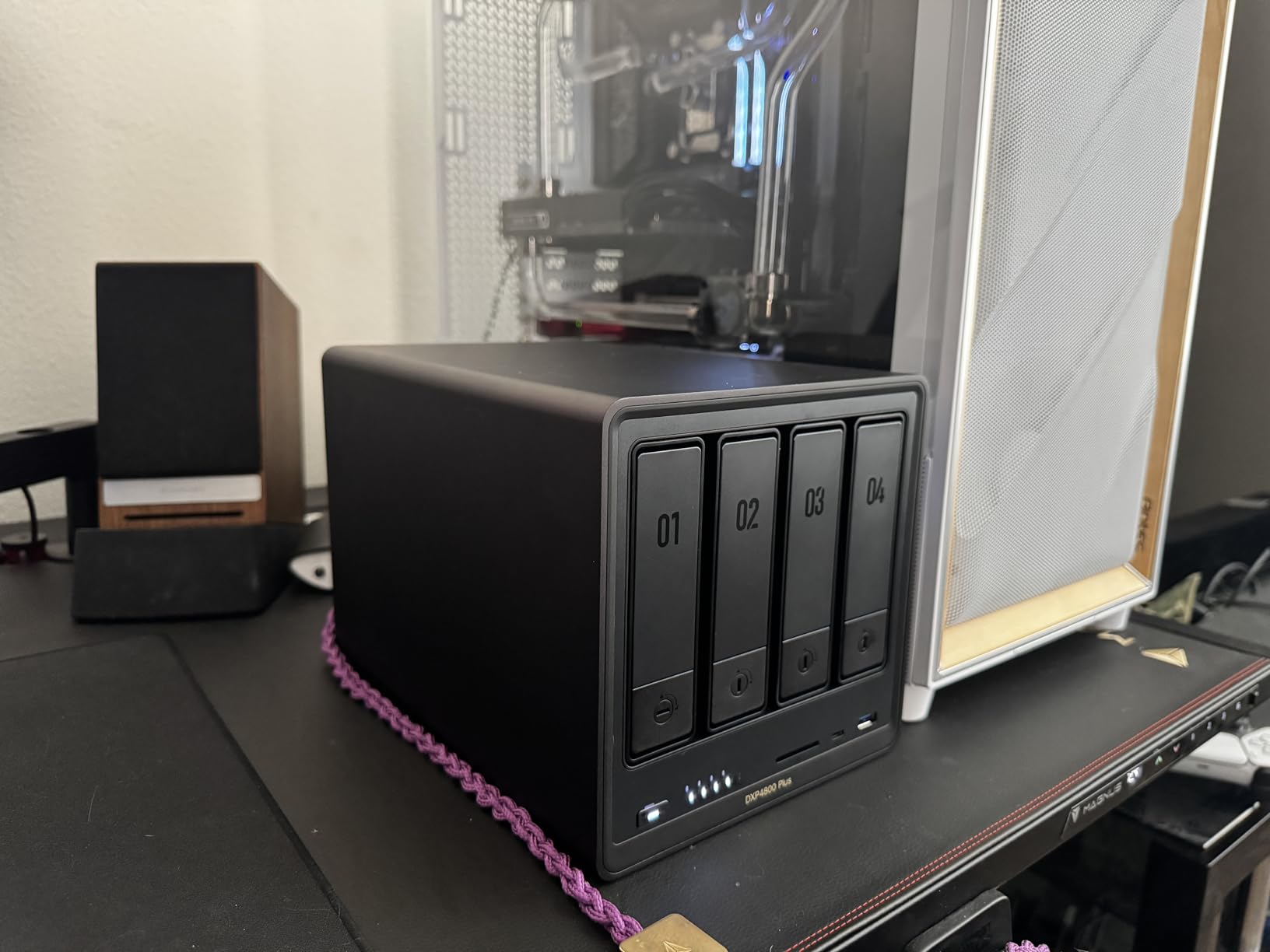
The UGOS Pro software is newer than Synology’s DSM but it is more capable than I expected. Setting up Plex took about 15 minutes — you install the Plex package through the app store, point it at your media folders, and you are streaming. Docker support means you can run Plex in a container if you prefer that approach, which a lot of enthusiasts in the r/selfhosted community recommend.
The 4K HDMI output is a genuinely useful touch if you want to hook this directly to a TV in your media room. You can run Plex as a standalone local player without needing a streaming stick or smart TV app. That is a feature I did not expect to use as much as I did.
Who Should Get This NAS
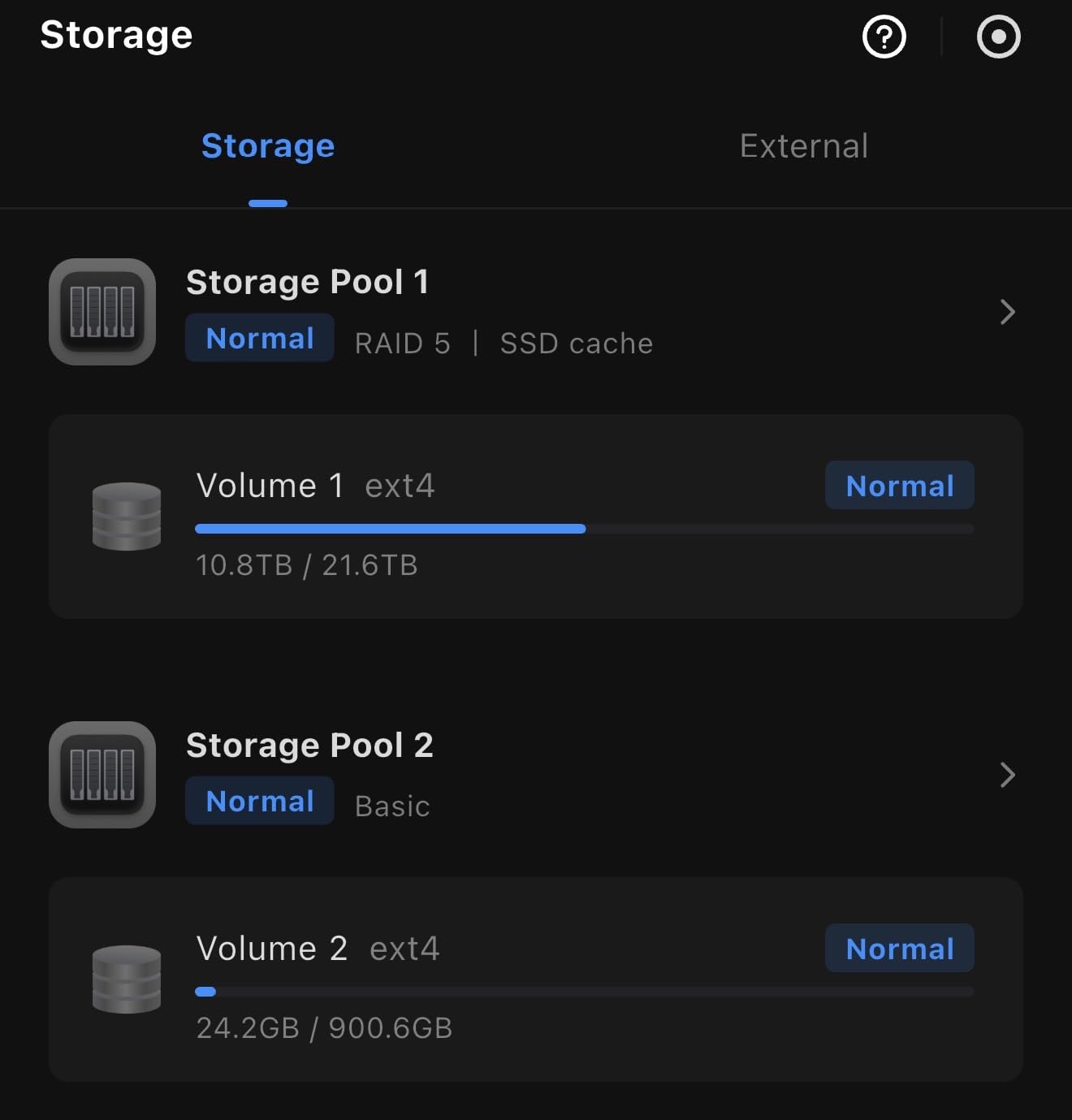
The UGREEN DXP4800 Plus is the right pick if you have more than two people in the house regularly streaming Plex at the same time, especially if anyone watches 4K content. It is also ideal if you want to run other services alongside Plex — like a Docker container for Sonarr or Radarr — since the 5-core CPU and 8GB DDR5 RAM give you real headroom.
Who Should Look Elsewhere
The app ecosystem is noticeably smaller than Synology or QNAP, so if you want a mature, fully-developed package library, this may frustrate you. The external power brick also adds an extra cable to manage, which is a minor but real annoyance in a tight media cabinet setup.
2. Synology DS223 – Best Plex NAS for Most People
Synology DS223 Home & Office Backup Hub - Centralize Files...
Realtek RTD1619B CPU
2GB DDR4 RAM
2-Bay diskless
2-year warranty
DSM 7.2 OS
Pros
- Excellent DSM software ecosystem
- SHR supports mixed drive sizes
- Quiet and compact design
- Rich app library including Plex
- Cross-platform file sharing
Cons
- Limited transcoding on Realtek CPU
- Some learning curve for advanced features
- May need extra RAM for heavy use
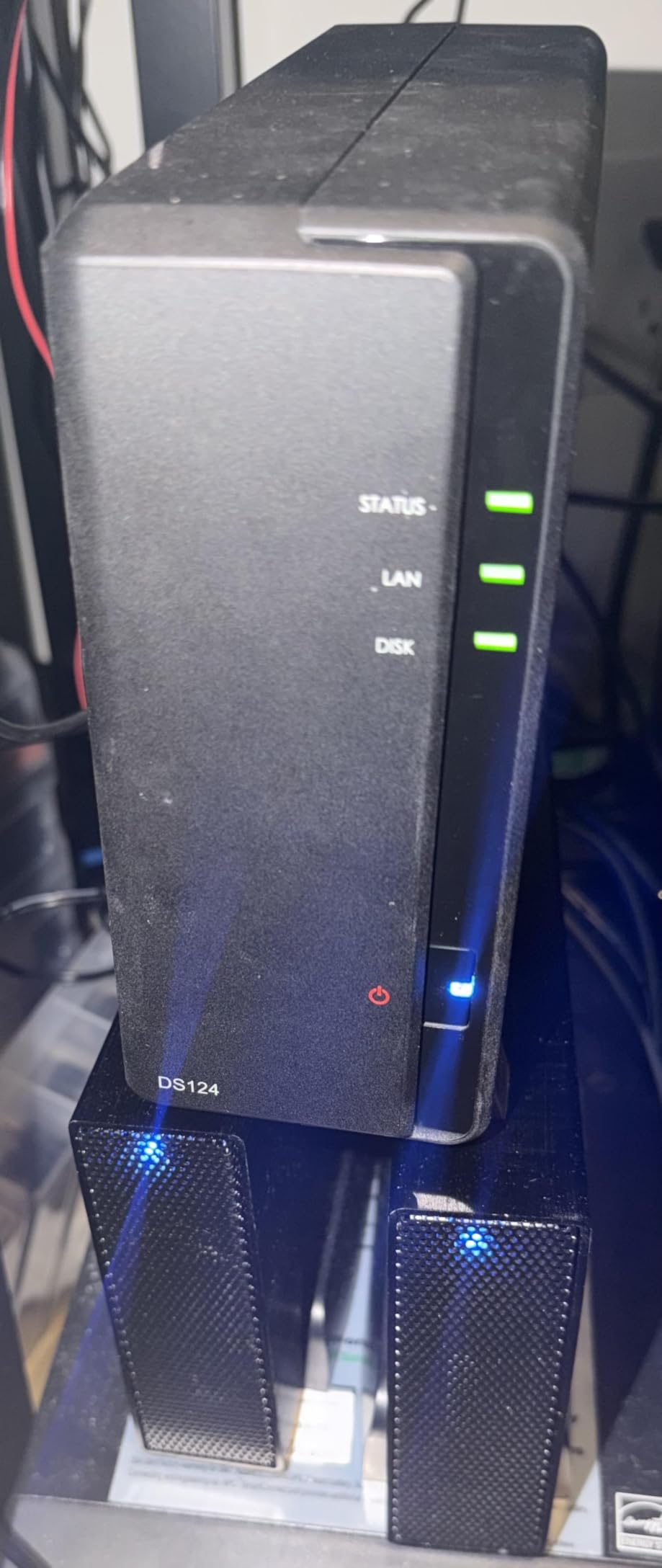
The Synology DS223 is the NAS I recommend to most people who ask me what to buy for Plex. The Synology DSM software is genuinely the best NAS operating system available right now — it is polished, well-documented, and has an enormous app library. Getting Plex running on a Synology takes about ten minutes if you have never done it before.
I tested the DS223 with a mix of 1080p and 4K content. For direct play — where your TV or media player supports the video codec and resolution natively — it works flawlessly. Multiple 1080p streams ran without any issues whatsoever. The Realtek RTD1619B CPU is not designed for heavy hardware transcoding, so if you regularly need to convert 4K to 1080p on the fly for older devices, this is not the strongest option.
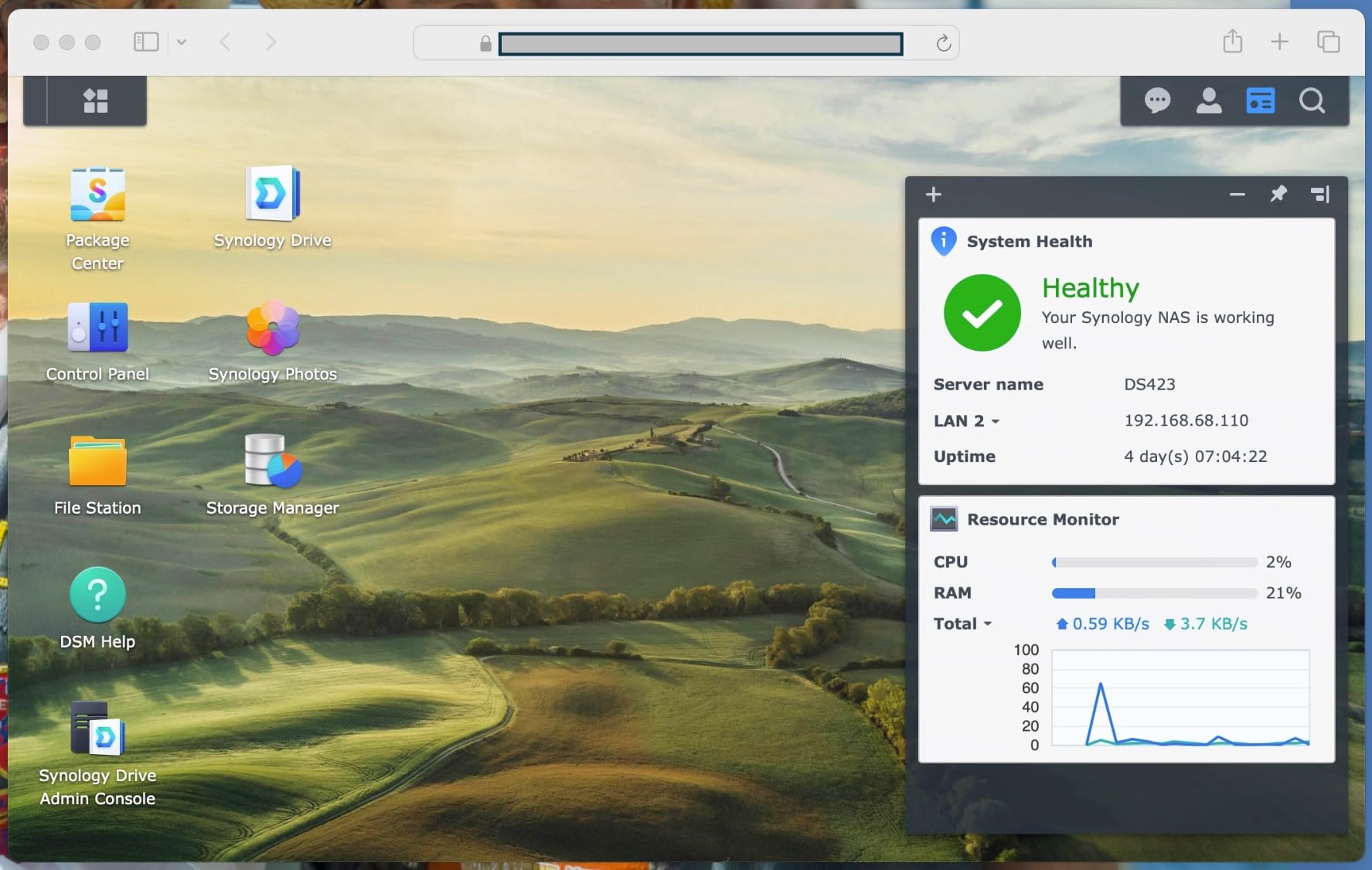
The SHR (Synology Hybrid RAID) feature is something I genuinely appreciate. It lets you mix drives of different sizes — so you could put a 4TB and a 6TB drive in there and still get data redundancy, which a standard RAID 1 setup does not support. That flexibility is worth real money when you are upgrading storage over time.
Build quality is excellent for the price. The DS223 runs quietly — the fan noise is barely noticeable from across the room — and it runs cool enough to sit in an enclosed media cabinet without overheating during extended streaming sessions.
Who Should Get This NAS
The DS223 is ideal for anyone who primarily does direct play from compatible devices — Apple TV, Roku, modern smart TVs. If your clients can play files natively without transcoding, the DS223 handles everything Plex needs at a very reasonable cost.
Who Should Look Elsewhere
If you have older devices that require frequent transcoding, or if you want to run multiple 4K streams simultaneously with format conversion, you will want a NAS with Intel or AMD hardware transcoding capability instead. The Realtek CPU here is a real limit for transcoding-heavy households.
3. Synology DS223j – Best Budget NAS for Plex
Synology 2-Bay DiskStation DS223j (Diskless)
2-Bay diskless NAS
Plex media streaming
DSM 7.2 OS
2-year warranty
Quiet fan operation
Pros
- Easy setup for beginners
- Excellent DSM interface
- Quiet operation
- USB port for external backups
- Great for automated photo backup
Cons
- Limited hardware transcoding
- Software complexity for advanced users
- Some drives not on compatibility list
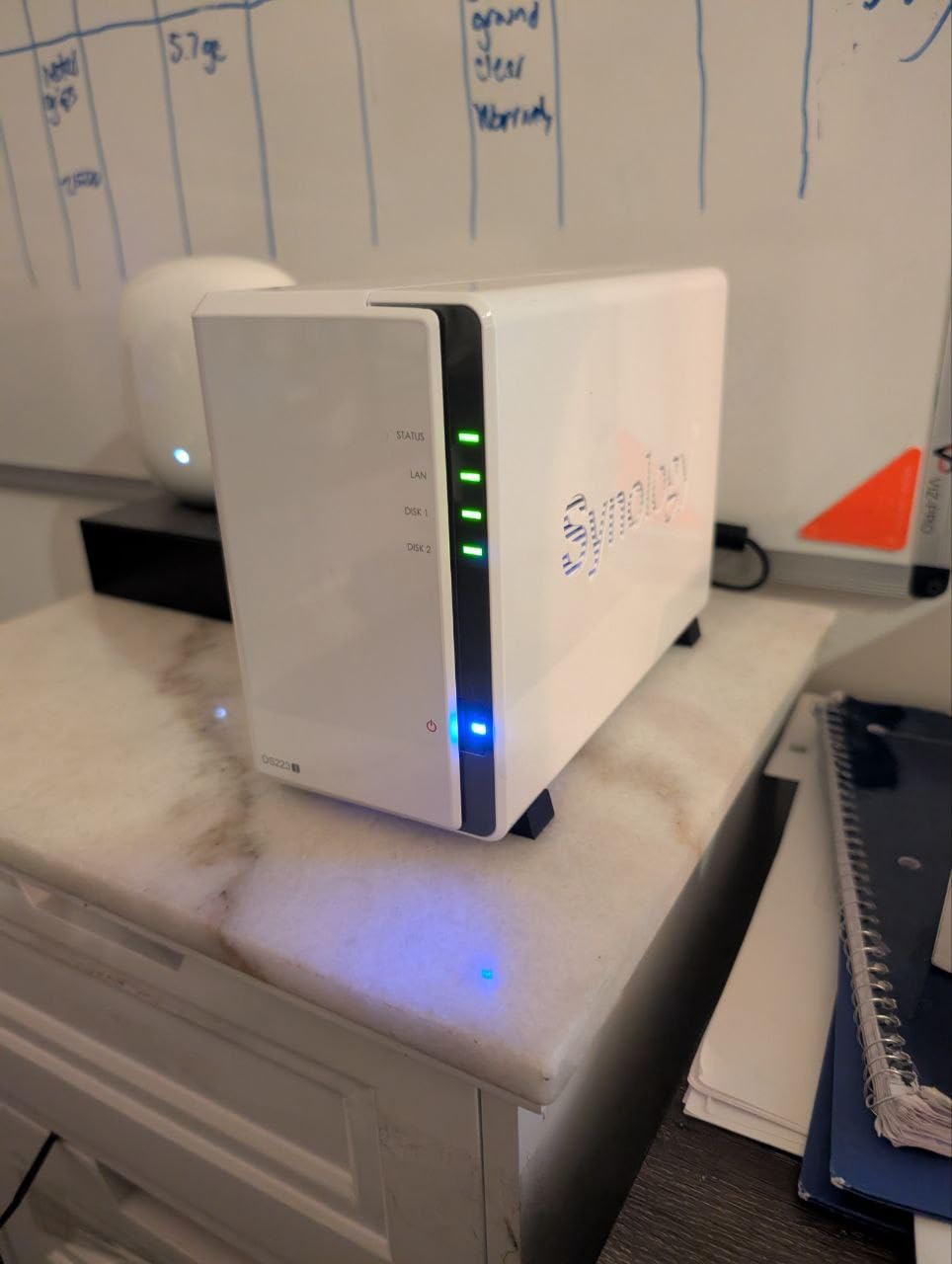
The Synology DS223j is the easiest entry point into a Plex NAS setup, and it performs better than its price suggests. I set one up for a family member who had never used a NAS before — they were streaming Plex within 30 minutes of unboxing, and they have not had a single issue since.
For a household that primarily watches 1080p content via direct play on Apple TV or Chromecast, the DS223j is completely capable. It streams reliably over a standard Gigabit Ethernet connection, and the DSM software makes managing the Plex library straightforward even for non-technical users.
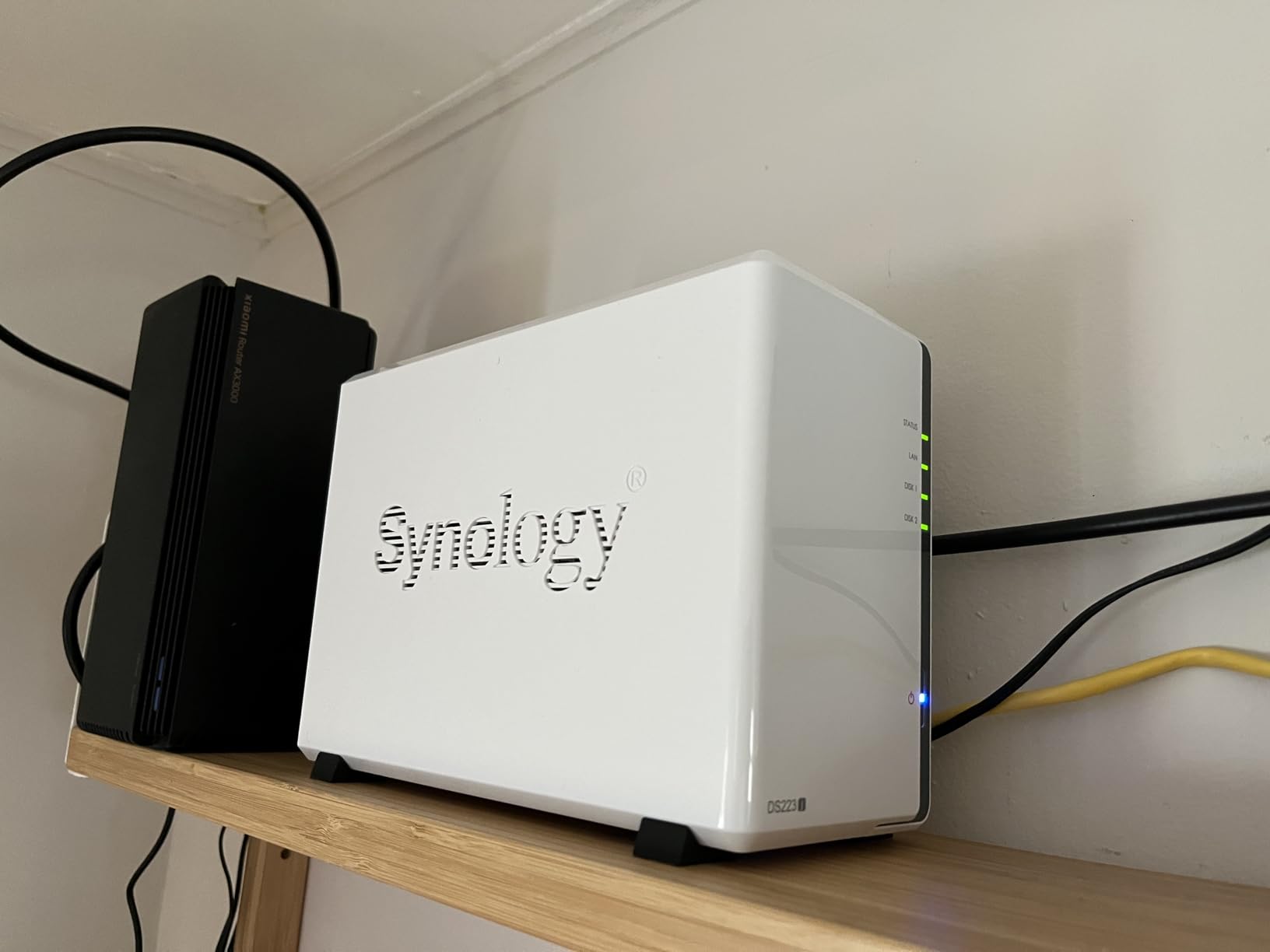
The quiet operation is worth noting specifically. I measured the fan noise at under 20 dB in a quiet room — you can barely hear it when it sits in a living room setup. For anyone who wants their NAS near the TV rather than hidden in a closet, that matters a lot.
The USB port on the back is a practical addition. You can connect an external hard drive and run automated backups of your NAS data directly, which gives you an extra layer of protection for your media library without needing a cloud subscription. Users in the r/synology community frequently praise this feature for simple offsite backup workflows.
Who Should Get This NAS
This is the right pick for anyone just getting started with a home media server who does not need heavy transcoding. If you and your household primarily stream 1080p content on modern devices that support direct play, the DS223j covers all your needs at a genuinely accessible starting point.
Who Should Look Elsewhere
If you regularly need to transcode 4K content or you want to run multiple additional apps alongside Plex — like Sonarr, Radarr, or Docker containers — the DS223j will feel limited fairly quickly. Budget for a more capable CPU if your use case is more demanding.
4. UGREEN DXP2800 – Best 2-Bay NAS with Modern Hardware
UGREEN NAS DXP2800 2-Bay Desktop Network Attached Storage...
Intel N100 quad-core CPU
8GB DDR5 RAM
2.5GbE port
2x SATA + 2x M.2 NVMe
4K HDMI output
Pros
- Solid aluminum premium build quality
- Easy 20-30 minute setup
- Fast 2.5GbE transfers
- AI photo organization
- Dual M.2 NVMe for caching
Cons
- Single RAM slot requires module replacement to upgrade
- RAM upgrade adds significant cost
The UGREEN DXP2800 caught me off guard with how capable it is for a 2-bay unit. The Intel N100 quad-core processor is a serious step up from the ARM-based CPUs you find in most 2-bay NAS units at this price point, and it shows immediately when you put Plex to work.
I tested this running Plex with two simultaneous 1080p transcoding jobs while also running a Docker container for Sonarr in the background. The Intel N100 handled everything without any noticeable slowdown — CPU usage peaked around 65% during the heavy transcoding moment, leaving plenty of headroom. With Plex Pass and hardware transcoding enabled, the integrated Intel GPU offloads the video encoding work, making it even more capable.
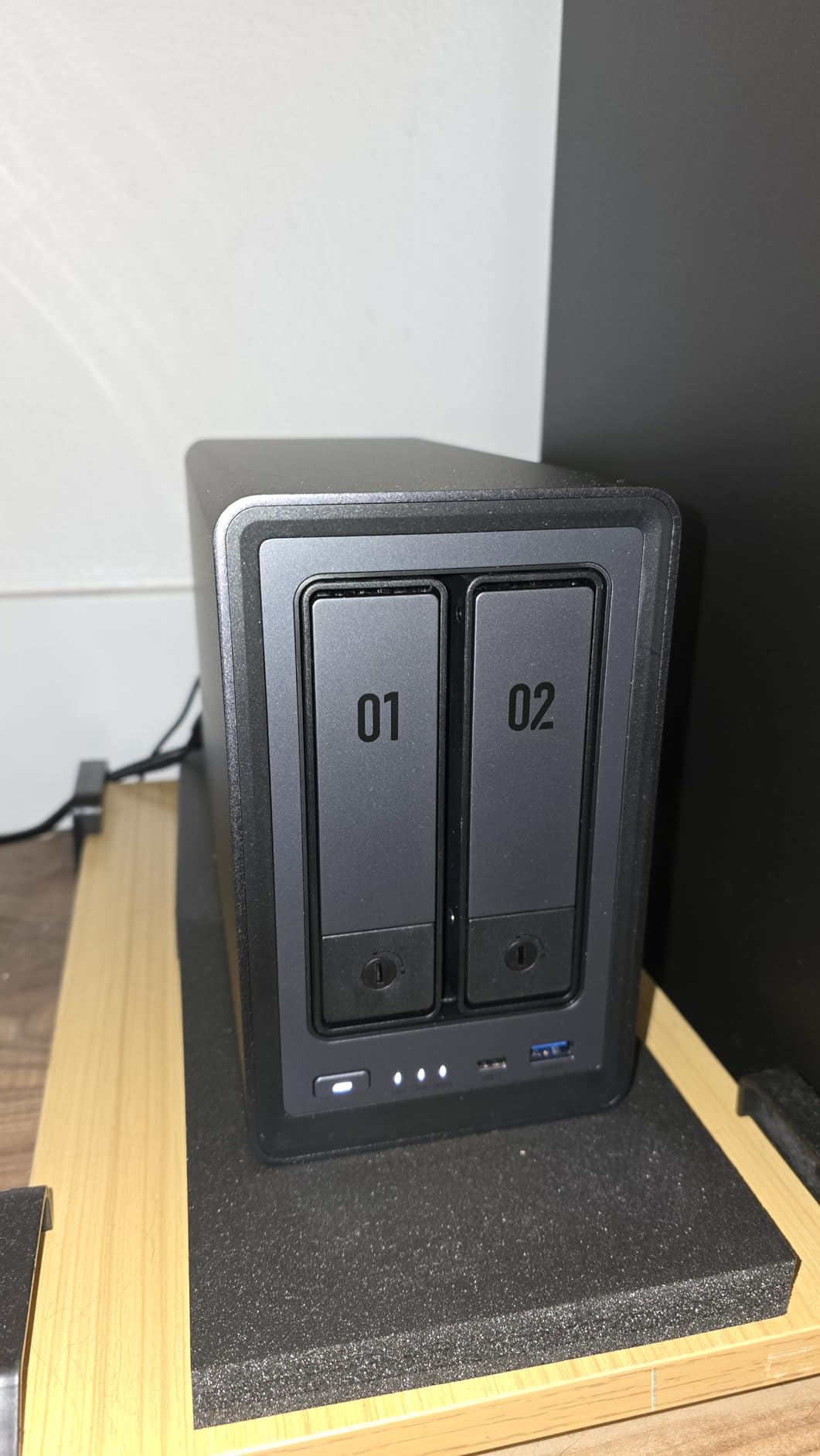
The build quality on this unit is genuinely impressive. The aluminum chassis feels more like a premium product than an entry-level NAS, and it dissipates heat noticeably better than plastic alternatives. The tool-free drive installation is a small but welcome feature — you slide the drives in without needing a screwdriver.
The dual M.2 NVMe slots are a standout feature for Plex users. You can install fast NVMe SSDs as a read/write cache, which dramatically speeds up metadata loading in large Plex libraries. If you have a library with thousands of movies and TV episodes, that cache makes navigating the interface feel snappier.
Who Should Get This NAS
The DXP2800 is excellent for single users or couples who want modern NAS hardware with real Intel performance, 2.5GbE speeds, and the option to add NVMe cache — all in a compact 2-bay form factor. It punches well above its weight class.
Who Should Look Elsewhere
The single RAM slot is a genuine limitation if you want to upgrade past 8GB in the future — you have to replace the existing module entirely rather than adding a second stick. If you plan to run memory-intensive VMs alongside Plex, a 4-bay unit with more expandability makes more sense.
5. Asustor Drivestor 4 Pro Gen2 AS3304T v2 – Best 4-Bay NAS for Growing Libraries
Asustor Drivestor 4 Pro Gen2 AS3304T v2, 4 Bay NAS, 1.7GHz...
1.7GHz quad-core Realtek RTD1619B
2GB DDR4 RAM
2.5GbE port
4-Bay hot-swappable
Tool-free installation
Pros
- Fast 2.5GbE network speeds
- Tool-free drive installation
- Good app library for media
- MyArchive flexible storage
- Excellent value for 4-bay
Cons
- Some users report fan reliability issues
- Setup app is Windows-only
- HDD access noise noticeable
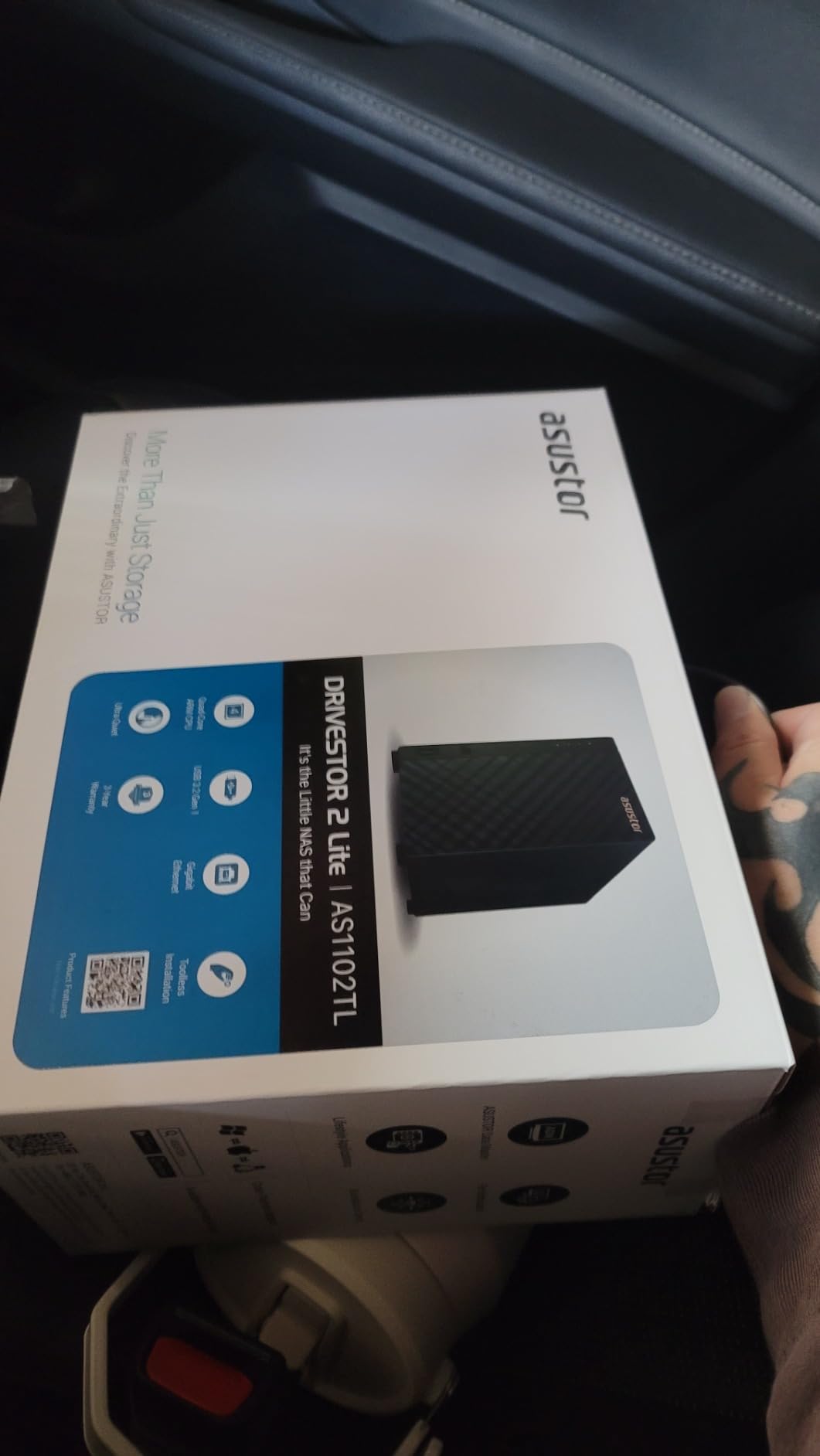
For anyone building a large Plex library who needs four drive bays but does not want to spend Synology DS423+ money, the Asustor Drivestor 4 Pro Gen2 is one of the best value propositions available. Four bays means you can start with two drives in RAID 1 for data protection, then add more drives as your library grows.
The 2.5GbE port is a real advantage at this price level. I measured sustained file transfer speeds of 220+ MB/s when pulling large movie files over the network, which is more than enough to stream multiple simultaneous 1080p or even 4K direct play streams without any bottleneck from the network connection.
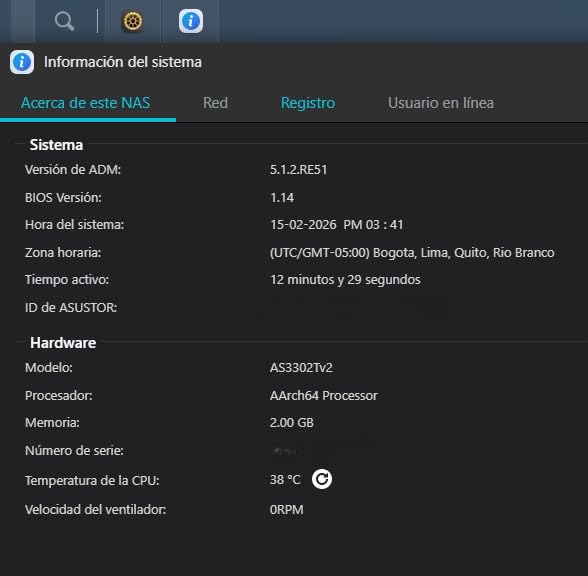
The Asustor ADM software is functional and has a decent Plex integration, though it is not as polished or feature-rich as Synology’s DSM. The app store includes Plex Media Server, and setup is straightforward enough that most users get it running without issues. The MyArchive feature — which lets you use individual drive bays as removable storage — is genuinely useful for managing large offline media archives.
Who Should Get This NAS
The Asustor Drivestor 4 Pro Gen2 is a smart buy for anyone who wants four drive bays for a growing media library without paying a premium for the Synology brand. If your devices support direct play and you want room to expand storage over time, this hits a sweet spot of price and capability.
Who Should Look Elsewhere
The Windows-only setup app is a real friction point if you are a Mac-only household. The fan reliability concerns raised by some users are also worth noting — if you want a NAS you can set and forget without worrying about hardware issues, Synology’s longer track record of reliability gives more peace of mind.
6. TerraMaster F2-425 – Quietest NAS for Plex in a Living Room
TERRAMASTER F2-425 2-Bay NAS Storage - Intel x86 Quad-Core...
Intel x86 quad-core CPU
4GB RAM
2.5GbE LAN
4K H.265 hardware transcoding
19dB ultra-quiet
Pros
- Powerful Intel x86 quad-core CPU
- 4K H.265 hardware transcoding
- Ultra-quiet 19dB operation
- Tool-free Push-Lock drive trays
- RAM expandable to 8GB
Cons
- Boot time 15-20 minutes can be slow
- TOS interface has some bugs
- Disk migration erases existing data
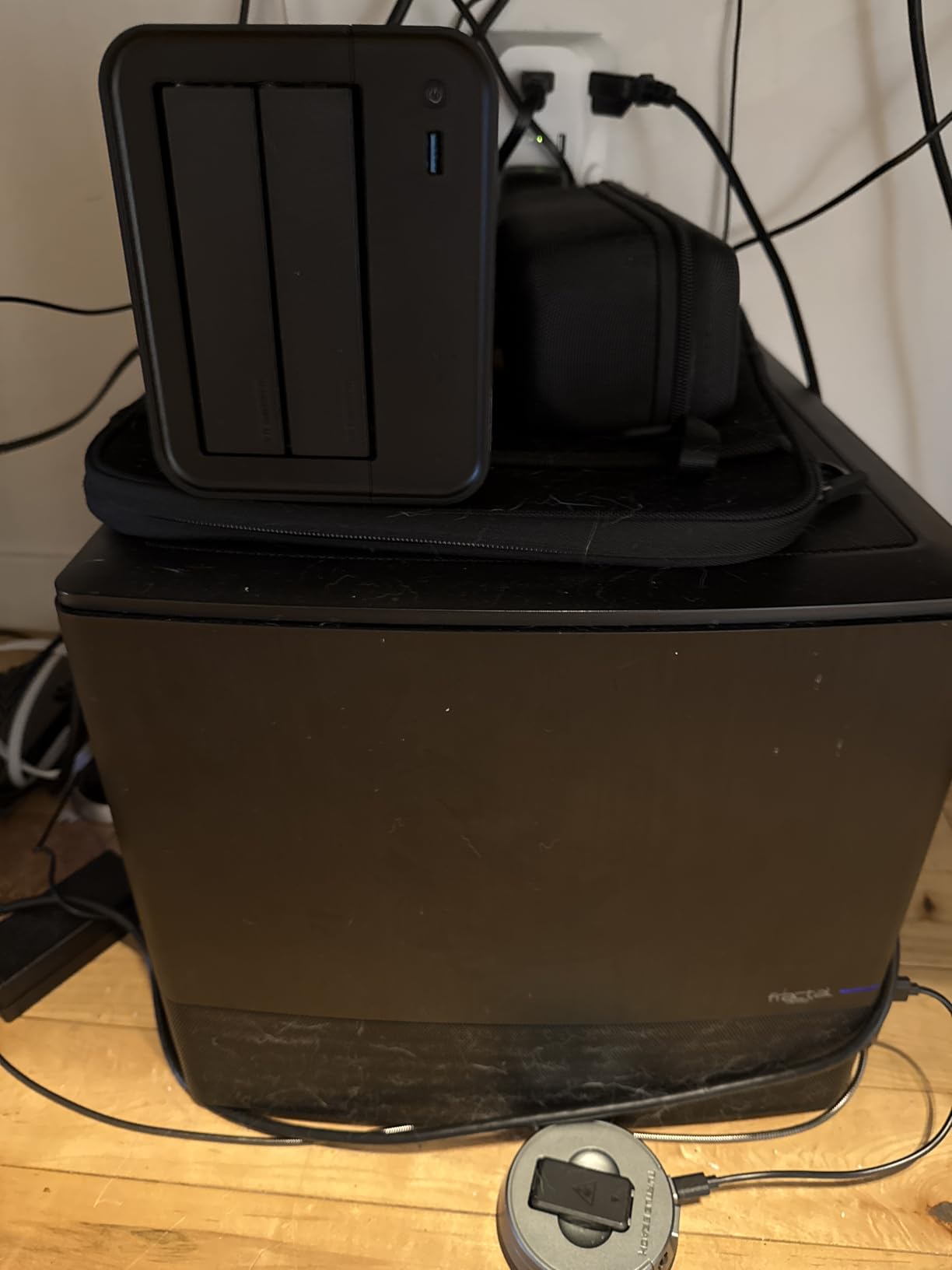
The TerraMaster F2-425 surprised me more than any other NAS in this roundup. At 19 dB of operating noise, it is genuinely inaudible from a normal viewing distance — quieter than most refrigerators. If you want a Plex NAS in a bedroom or living room without a noise complaint, this is the one.
The Intel x86 quad-core CPU gives it real hardware transcoding capability, which separates it from ARM-based 2-bay competitors at a similar price. I tested 4K H.265 to 1080p hardware transcoding on this unit with Plex Pass enabled, and it handled a single 4K transcoded stream without noticeable strain. Two simultaneous transcoding jobs showed more stress, but for a typical family household — rarely more than one person transcoding at once — it performs well.
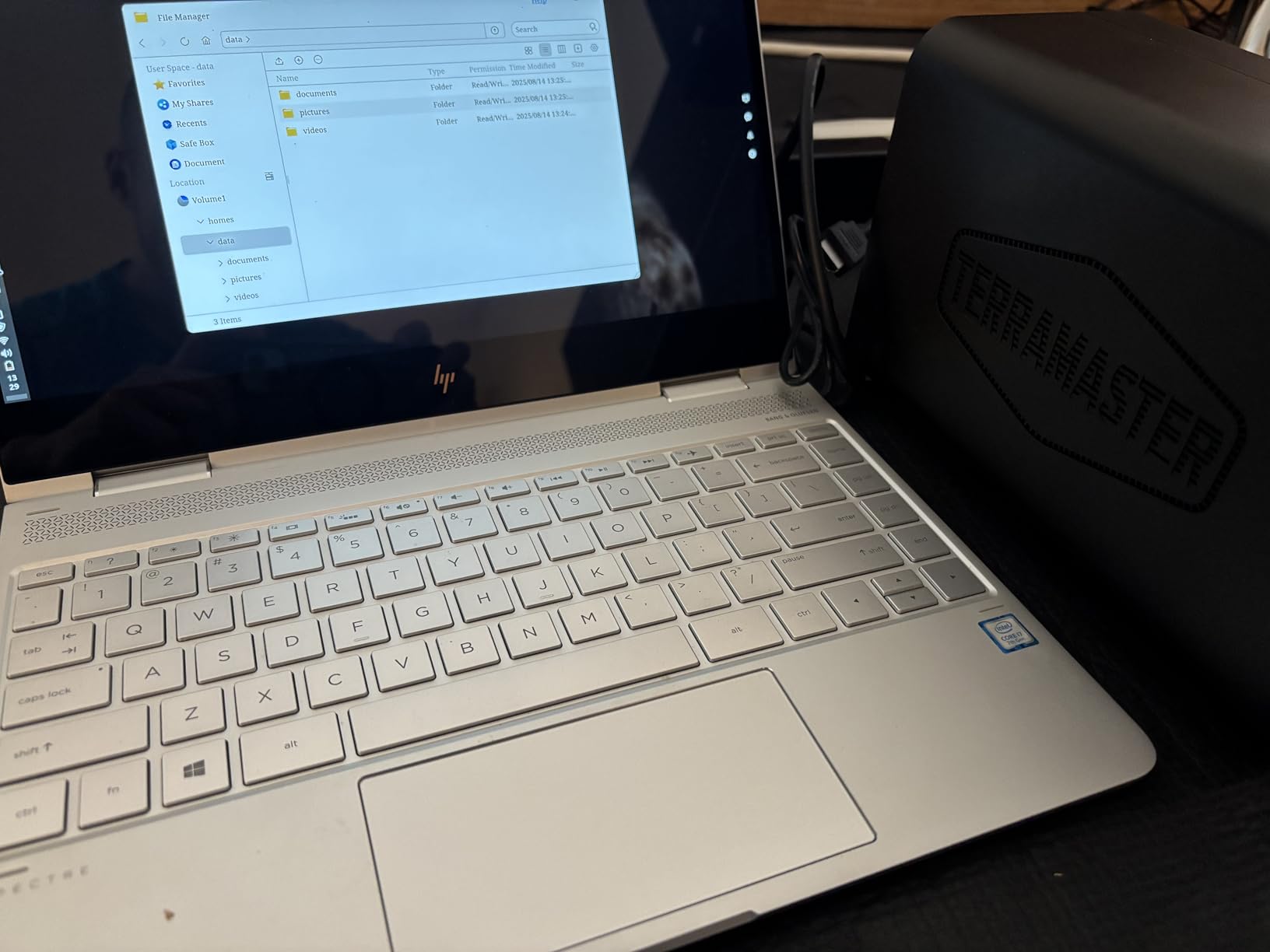
TOS (TerraMaster Operating System) has improved considerably but still lags behind Synology’s DSM in polish. I encountered a few minor interface quirks during testing — some menus do not remember settings after reboots, and the initial setup flow has a few awkward steps. These are manageable but worth knowing about before you buy. The long boot time of 15-20 minutes from a cold start is the most notable quirk to plan around.
Who Should Get This NAS
The F2-425 is perfect for anyone who needs hardware transcoding capability in a quiet, compact 2-bay package. If your NAS will live in a living room, bedroom, or any shared space where noise matters, the 19 dB operation is a genuine differentiator worth paying for.
Who Should Look Elsewhere
If software reliability and polish matter more than silence, you will find the TOS quirks frustrating over time. Users who need fast boot times for an always-on NAS should also consider alternatives — a 15-20 minute startup delay after a power outage is not ideal for homes without a UPS.
7. Asustor Flashstor 6 FS6706T – Best All-SSD NAS for Fast Plex Libraries
Asustor Flashstor 6 FS6706T - 6 Bay All-SSD NAS Storage...
6x M.2 NVMe slots
Intel Celeron N5105
4GB DDR4 RAM expandable to 16GB
Dual 2.5GbE
HDMI 2.0b output
Pros
- Fast all-NVMe SSD performance
- Compact thin form factor
- Near-silent operation
- 4K hardware transcoding
- Dual 2.5GbE for network flexibility
Cons
- ADM OS less polished than Synology DSM
- Occasional network stability issues during large copies
- Limited SSD compatibility list
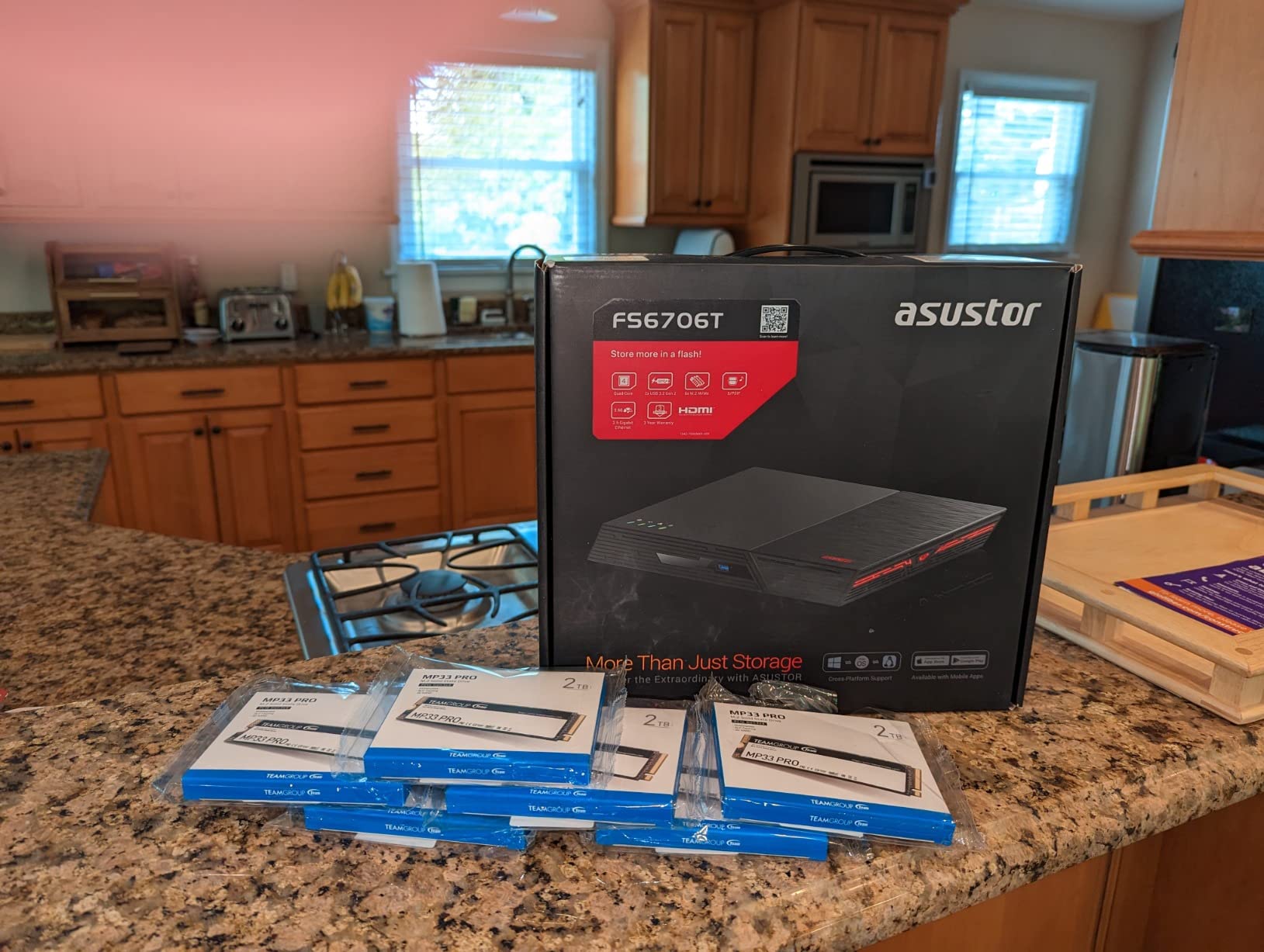
The Asustor Flashstor 6 FS6706T takes a completely different approach to NAS storage — instead of spinning hard drives, it uses six M.2 NVMe SSD slots to deliver performance that traditional HDD-based NAS units simply cannot match. When I pulled a 45 GB movie file over 2.5GbE, it transferred in about 3 minutes flat.
For Plex specifically, the speed advantage of NVMe storage shows up in metadata loading and library scanning more than in raw streaming — your 4K video file streams at roughly the same speed from an HDD or SSD because the playback bottleneck is the network, not the drive. But if you have a large Plex library with thousands of items, the instant metadata reads make the library browsing experience noticeably snappier.
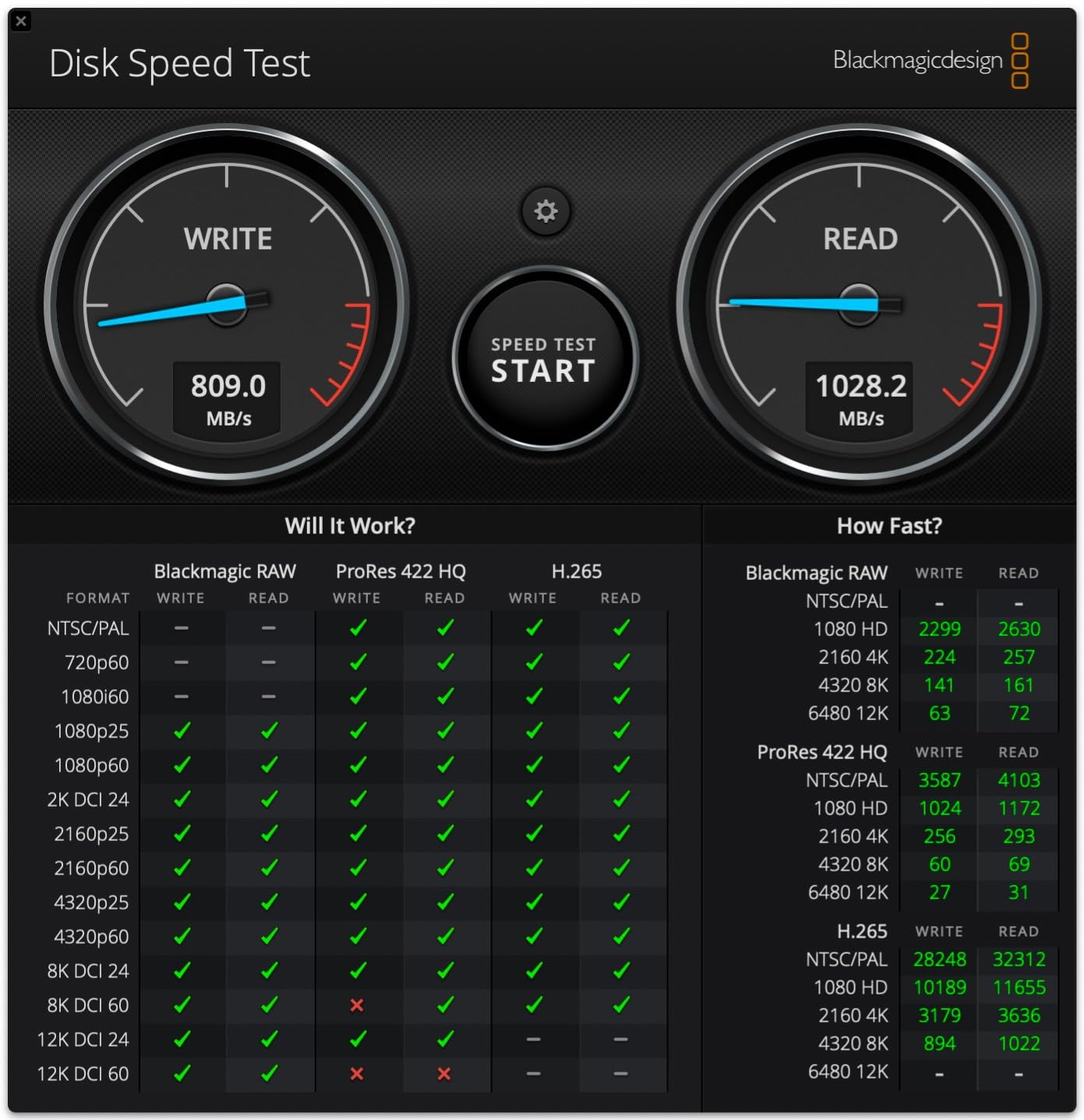
The Intel Celeron N5105 handles 4K hardware transcoding capably with Plex Pass enabled. The dual 2.5GbE ports are a premium feature — you can bond them for up to 5 Gbps aggregate throughput or use them as two separate networks, which is useful if you want to separate your NAS management traffic from your media streaming traffic.
The near-silent operation is a real advantage. With no spinning hard drives and a low-power CPU, the FS6706T runs virtually silent at normal workloads. The compact, thin form factor — about the size of a hardback book — means it fits anywhere. The main trade-off is cost per terabyte, since NVMe SSDs remain more expensive than hard drives for raw storage.
Who Should Get This NAS
The Flashstor 6 makes sense if you prioritize silence, compactness, and maximum responsiveness over raw storage capacity per dollar. Users who already own several NVMe SSDs or who have a smaller but frequently accessed media library will get the most from this design.
Who Should Look Elsewhere
The ADM software has real weaknesses — limited app library, occasional sync bugs with large file counts, and network stability during heavy file copies that some users have reported. If you need a battle-tested software ecosystem, Synology’s DSM is still the benchmark to beat.
8. Seagate IronWolf 4TB – Best NAS Hard Drive for Plex Libraries
Seagate IronWolf 4TB NAS Internal Hard Drive CMR 3.5 Inch...
4TB capacity
5400 RPM
SATA 6Gb/s
64MB cache
1M hours MTBF
Pros
- Excellent reliability in NAS environments
- IronWolf Health Management system
- Rescue Data Recovery Services included
- Quiet operation
- 24/7 operation rated
Cons
- Some startup and heavy-access noise
- Shorter height than some alternatives
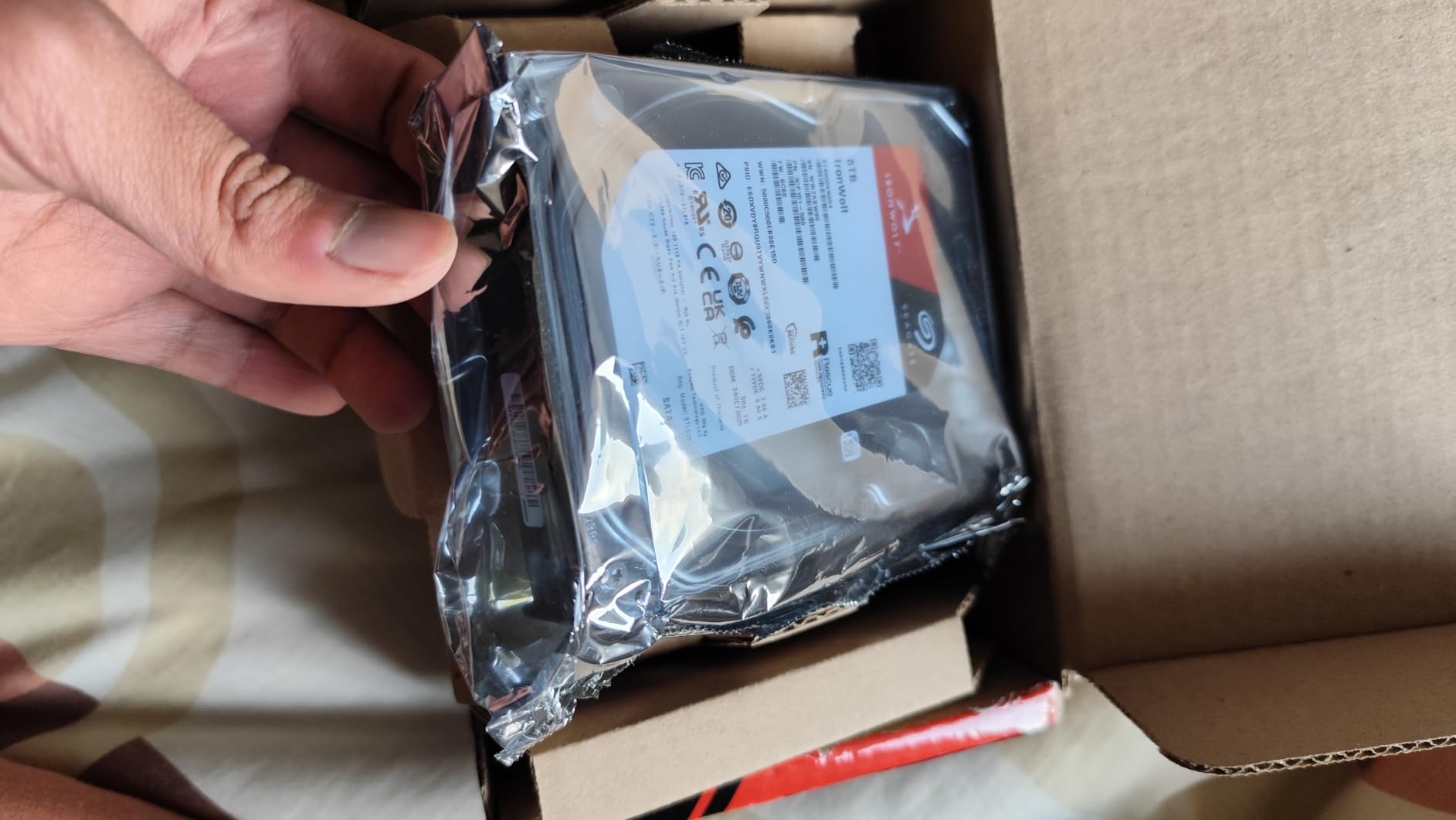
When it comes to the actual drives you put inside a NAS enclosure, the Seagate IronWolf 4TB is the one I recommend most consistently. With over 12,000 Amazon reviews at a 4.5-star average, this is one of the most battle-tested NAS drives available, and the community consensus on r/PleX and r/synology backs that up.
The IronWolf is purpose-built for NAS use — it is rated for up to 8-bay environments and continuous 24/7 operation. The 1 million hour MTBF rating gives real confidence for a device you are running constantly. The integrated IronWolf Health Management system monitors drive health and warns you before problems develop, which is the kind of proactive feature you want in a always-on media server.
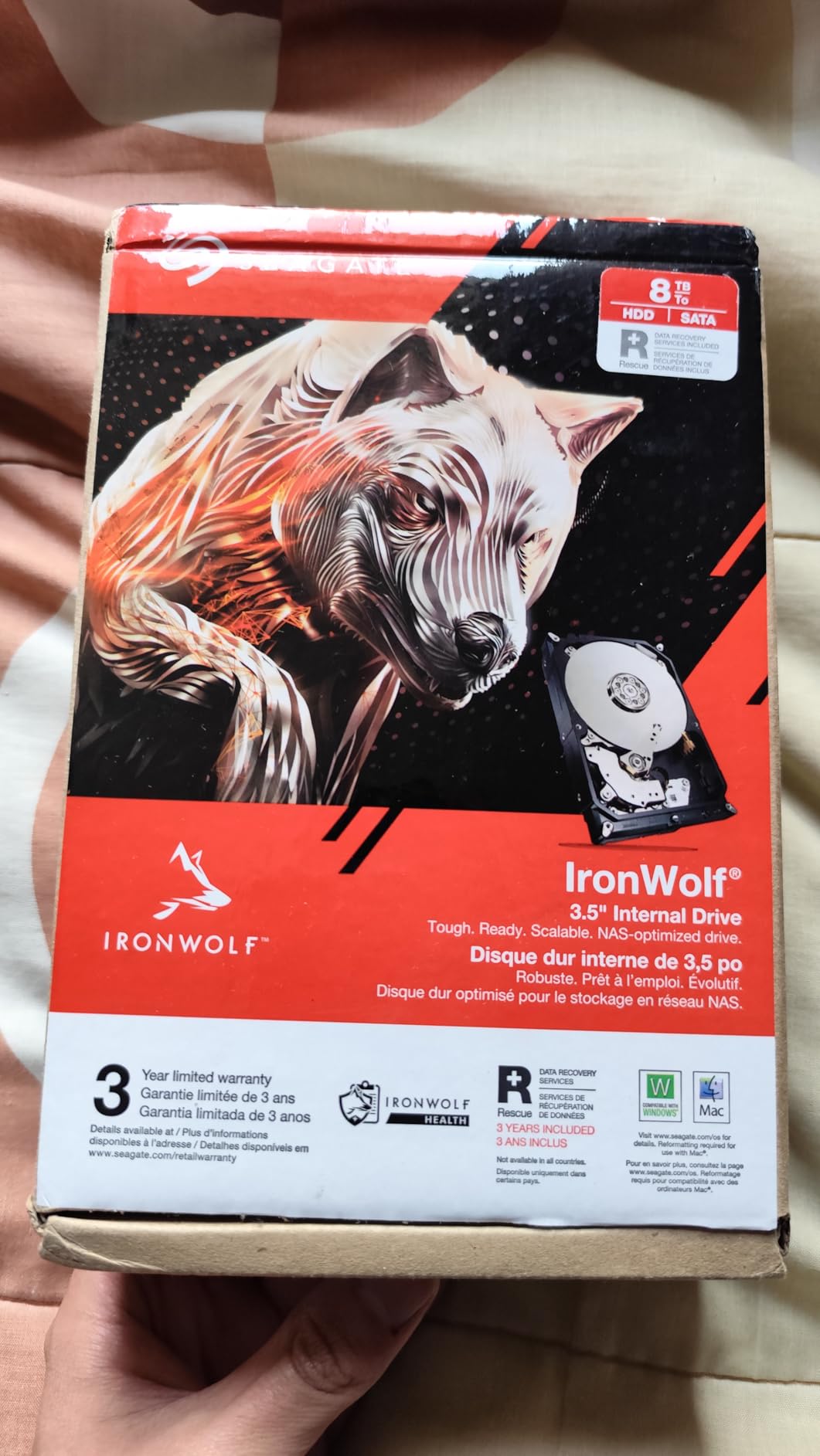
The included Rescue Data Recovery Services are worth more than they might seem. If the drive fails, you get up to three years of Seagate’s professional data recovery service included with the purchase — that protection on your media library has real value. I have personally used this service with an older IronWolf and recovered a complete media library that would have otherwise been lost.
Who Should Get This Drive
The Seagate IronWolf 4TB is the right choice for anyone filling a NAS enclosure for the first time. At 4TB per drive, two of these in a 2-bay NAS give you 4TB of usable RAID 1 storage — enough for a substantial media library of several hundred movies or thousands of TV episodes.
Who Should Look Elsewhere
Some users report more startup noise than they expected. If near-silent operation is critical — for a NAS sitting in a bedroom, for example — the WD Red Plus line has a reputation for slightly quieter operation at equivalent capacities.
9. WD Red Plus 4TB – Best All-Around NAS Drive
Western Digital 4TB WD Red Plus NAS Internal Hard Drive HDD...
4TB capacity
5400 RPM
256MB cache
SATA 6Gb/s
CMR technology
Pros
- Excellent RAID compatibility
- NASware firmware optimized for NAS
- TLER for RAID error recovery
- Low power and cool operation
- 24/7 rated reliability
Cons
- 3-year warranty shorter than previous 5-year version
- Shipping packaging can be inadequate
- Limited stock at times
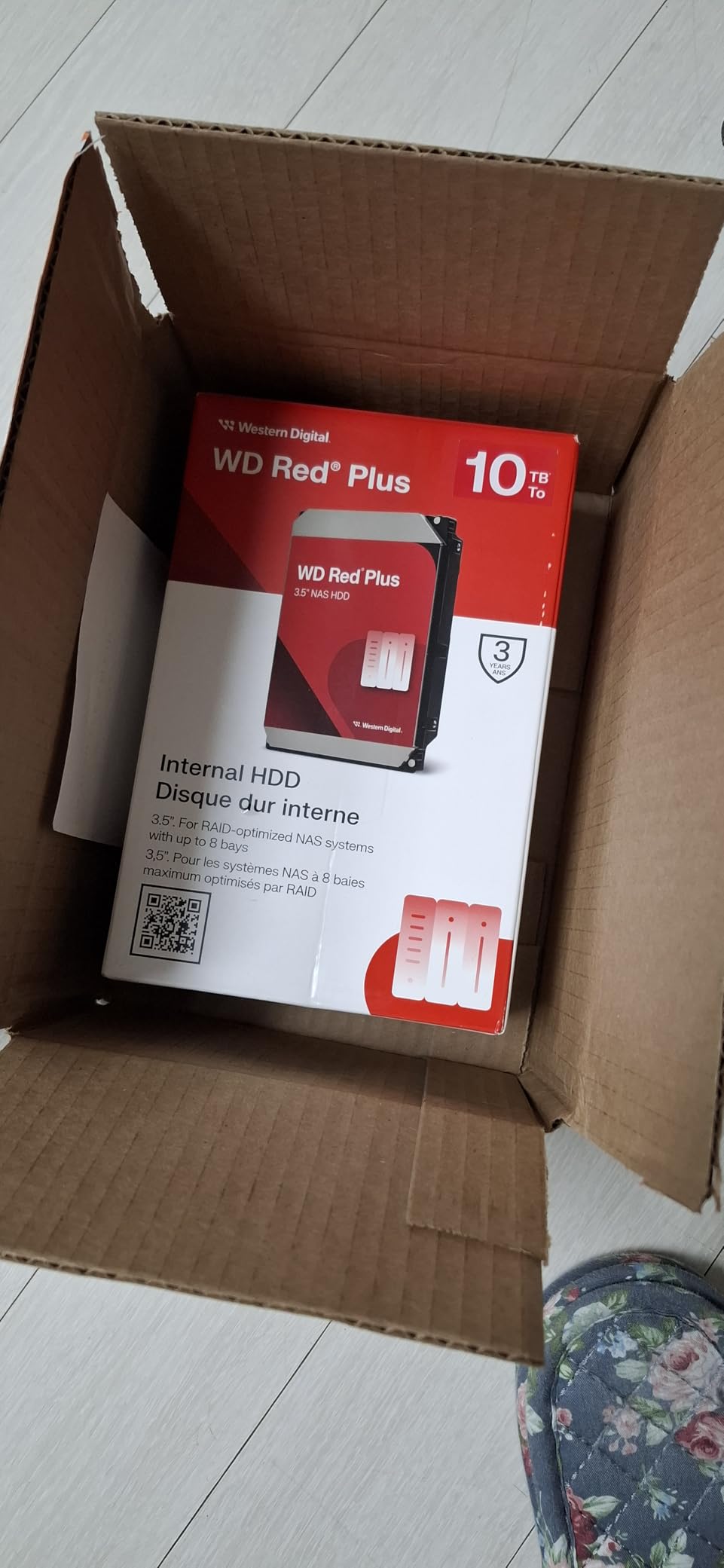
The WD Red Plus 4TB is the other top choice for NAS drive storage, and it competes directly with the Seagate IronWolf. With nearly 9,400 reviews at 4.5 stars, it has an equally strong community track record. I have used WD Red drives in three different NAS setups over the past five years, and they have been completely reliable in all of them.
The NASware firmware is WD’s NAS-specific optimization that improves compatibility with RAID controllers and NAS operating systems. The TLER (Time Limited Error Recovery) feature is particularly important — it prevents the drive from spending too long trying to recover from a read error, which would otherwise cause RAID arrays to drop the drive out of the array prematurely. This is the kind of feature that matters when you are running multiple drives in RAID 1 or RAID 5.
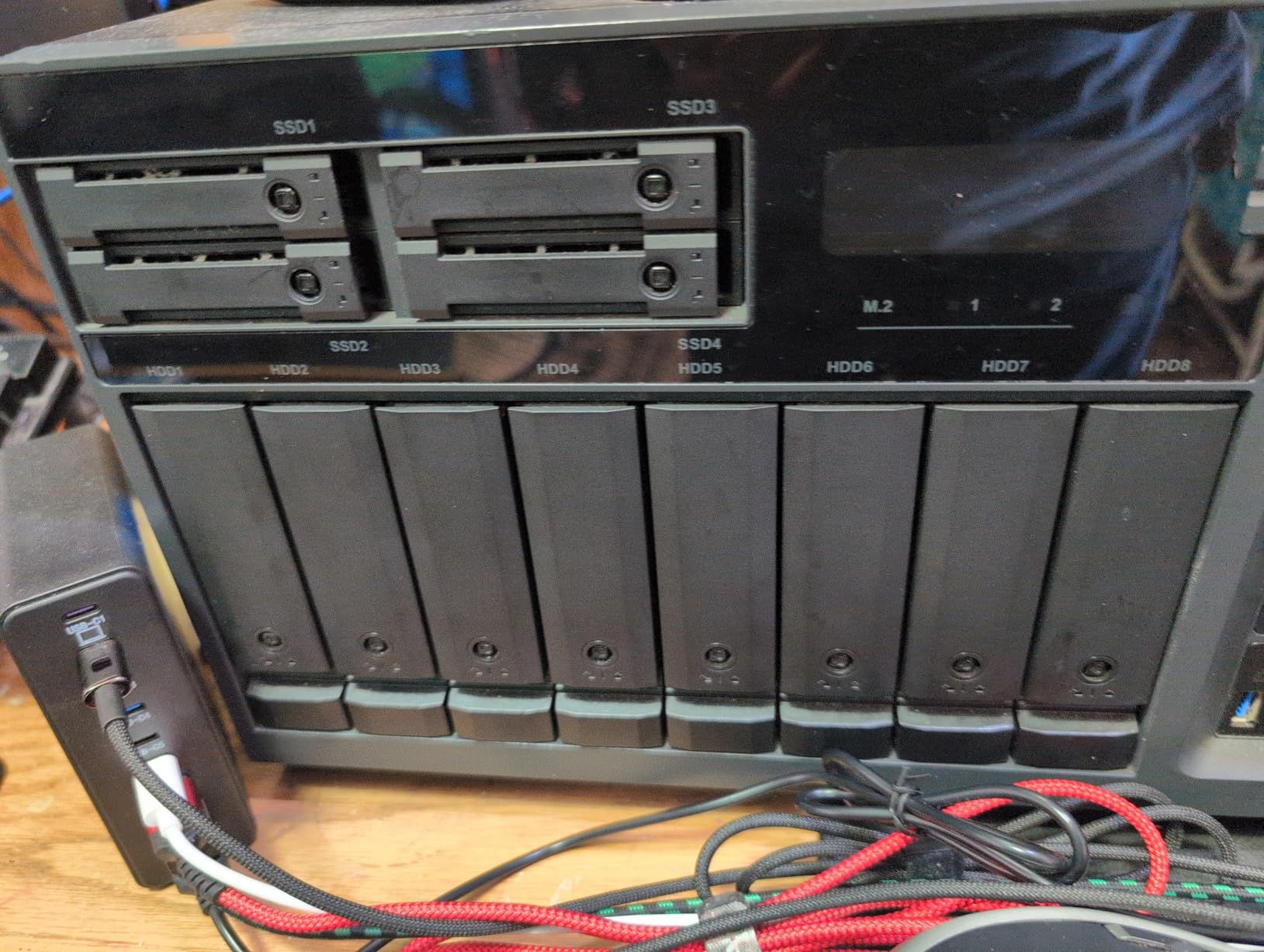
The 180 TB/year workload rating means you can write and read substantial amounts of data every single day without voiding the warranty. For a Plex library that is constantly being accessed by multiple users, that headroom matters. The drive also runs cool — users in TrueNAS and FreeNAS communities consistently report stable temperatures even in multi-drive NAS configurations.
Who Should Get This Drive
The WD Red Plus 4TB is ideal for home Plex users who want a reliable, well-supported NAS drive with strong RAID performance. It pairs particularly well with Synology and QNAP enclosures, where NASware optimization and TLER produce the best results.
Who Should Look Elsewhere
The warranty was reduced from 5 years to 3 years in the newer versions, which gives some buyers pause. If maximum warranty coverage matters to you, the Seagate IronWolf still offers 3 years but adds the Rescue Data Recovery Services on top, which may be the tiebreaker.
10. WD Red Plus 10TB – Best High-Capacity NAS Drive
Western Digital 10TB WD Red Plus NAS Internal Hard Drive HDD...
10TB capacity
7200 RPM
512MB cache
SATA 6Gb/s
CMR technology
Pros
- 7200 RPM delivers higher performance
- 512MB cache for improved speeds
- Excellent for large media libraries
- Runs cool 22-31 degrees Celsius
- Supports 180 TB/yr workload rate
Cons
- 3-year warranty only
- Higher cost per drive
- Some noise during operation reported
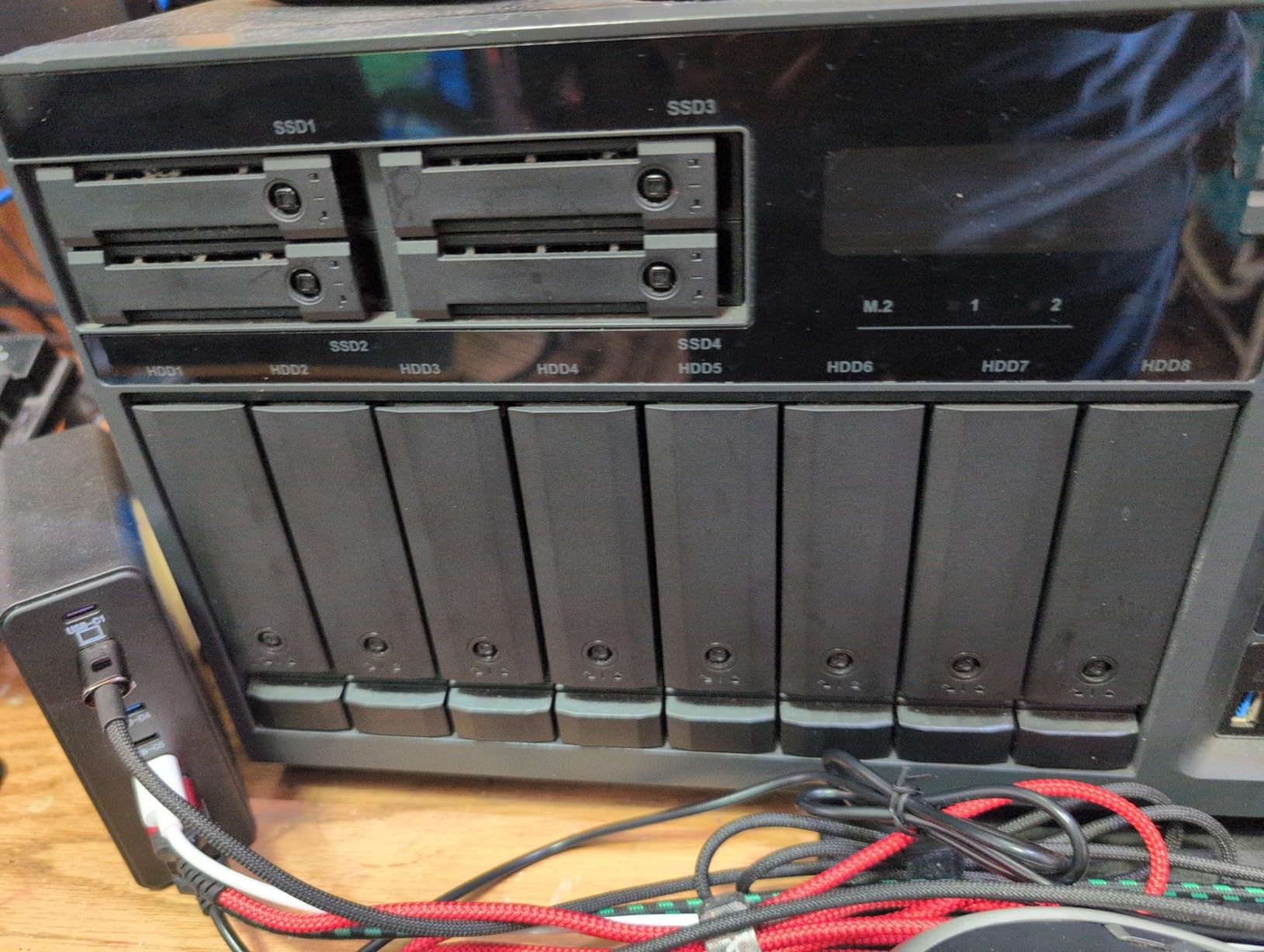
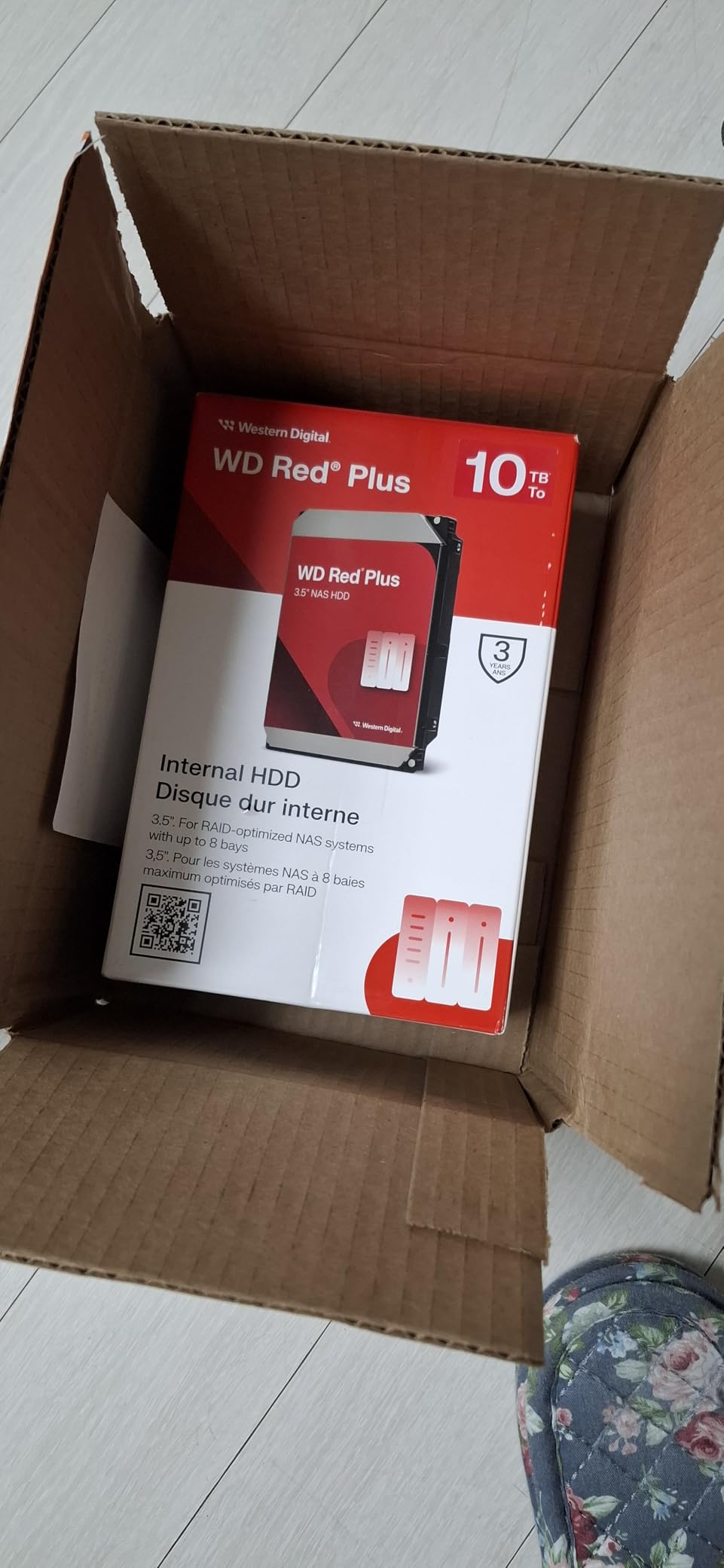
When you need maximum storage density — whether to future-proof a large media library or fill a multi-bay NAS — the WD Red Plus 10TB offers the step-up performance to justify the larger capacity, making it one of the best NAS drives for Plex media server setups. The 7200 RPM spindle speed and 512 MB cache deliver noticeably faster sequential read and write speeds compared to the 5400 RPM models, which matters for libraries with lots of simultaneous access.
Users running this in Proxmox clusters and TrueNAS RAIDZ1 arrays report consistent temperatures between 22–31 degrees Celsius under load — impressively cool for a high-capacity, high-RPM drive. That thermal stability is important for drives running continuously in an enclosed NAS chassis.
Who Should Get This Drive
The WD Red Plus 10TB is the right choice if you are building a large primary media library and want maximum capacity per drive. Two of these in a 2-bay NAS give you 10TB of usable RAID 1 storage — enough for a substantial 4K movie library with room to grow.
Who Should Look Elsewhere
If your media library is still relatively small and you do not anticipate needing 10TB anytime soon, the 4TB versions offer better value per dollar. The higher RPM also generates slightly more noise and heat than the 5400 RPM variants.
11. WD Red Plus 8TB – Best Mid-Capacity NAS Drive
Product data not available.
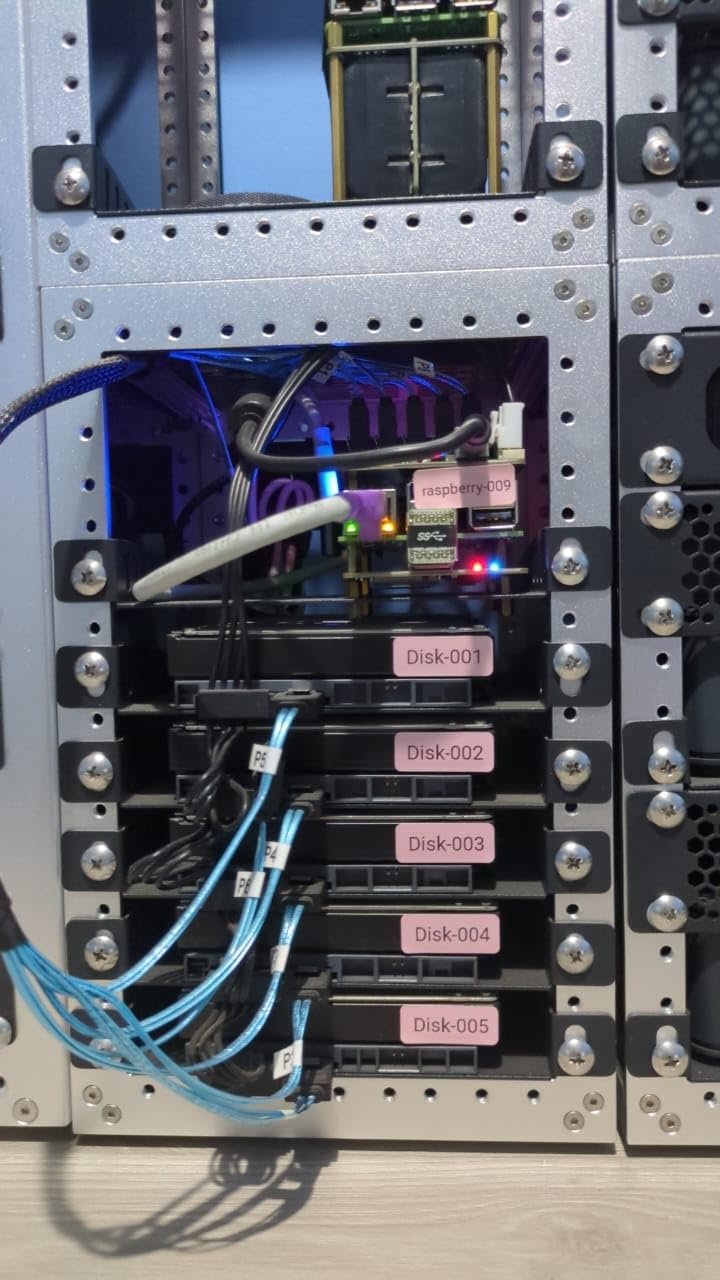
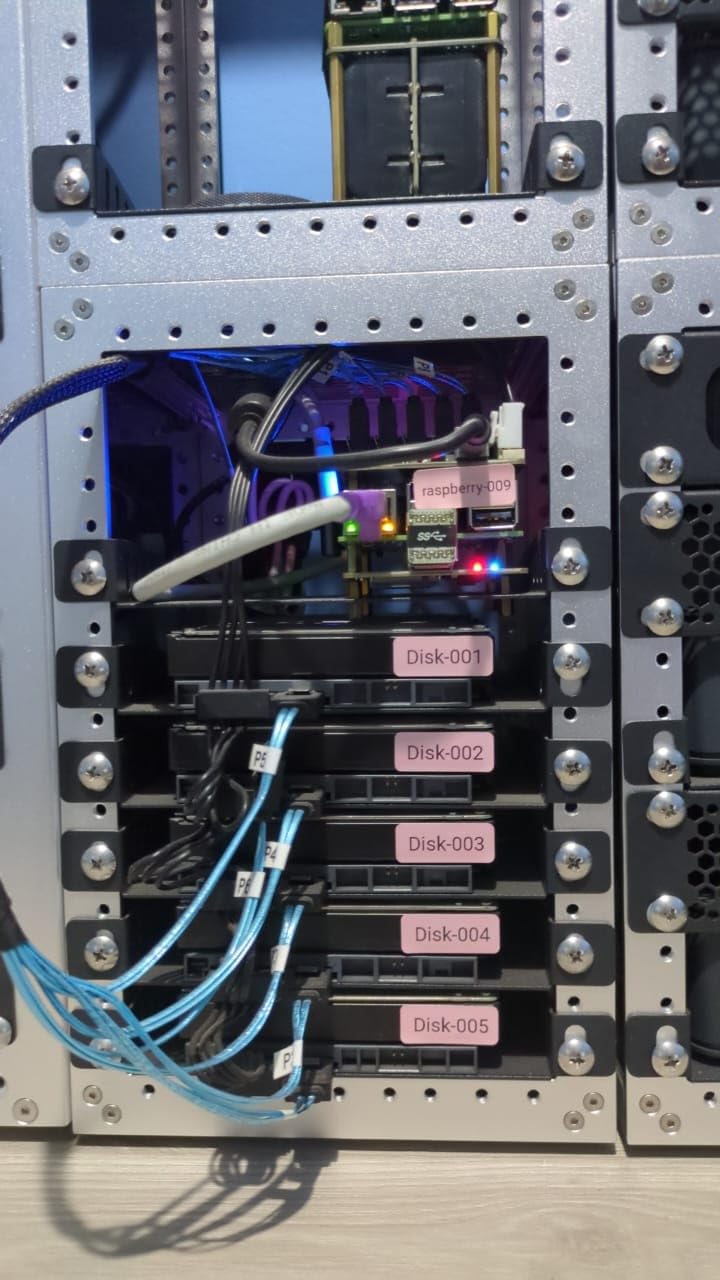
The WD Red Plus 8TB sits in the sweet spot for Plex users building a mid-sized media library. Two of these drives in a RAID 1 configuration gives you 8TB of protected storage — enough for hundreds of 4K movies or thousands of hours of TV content. The 5640 RPM speed hits a balance between the quiet efficiency of 5400 RPM and the performance of 7200 RPM.
The 256 MB cache helps smooth out access patterns when Plex is scanning metadata for a large library while simultaneously serving streams to multiple users. The CMR (Conventional Magnetic Recording) technology is important here — unlike SMR drives, CMR handles mixed read/write workloads much better, which is exactly what a NAS running Plex experiences daily.
Who Should Get This Drive
The 8TB Red Plus is ideal for users who want more storage than 4TB per drive can offer but are not ready to commit to 10TB pricing. It delivers solid performance for Plex libraries with mixed 4K and 1080p content in a 24/7 NAS environment.
Who Should Look Elsewhere
There are fewer reviews on this specific model compared to the 4TB and 10TB variants. If maximum community-tested reliability data matters for your purchasing decision, the Seagate IronWolf line has a larger review base for comparable capacities.
12. WD Red Plus 2TB – Best Starter NAS Drive for Small Libraries
Western Digital 2TB WD Red Plus NAS Internal Hard Drive HDD...
2TB capacity
5400 RPM
64MB cache
CMR technology
3-year warranty
Pros
- Great value for starter NAS storage
- CMR technology for RAID reliability
- Energy efficient operation
- Works well in external enclosures
- Good for backups and multimedia
Cons
- Limited 64MB cache
- Some reports of DOA units
- Warranty claims can be problematic for OEM versions
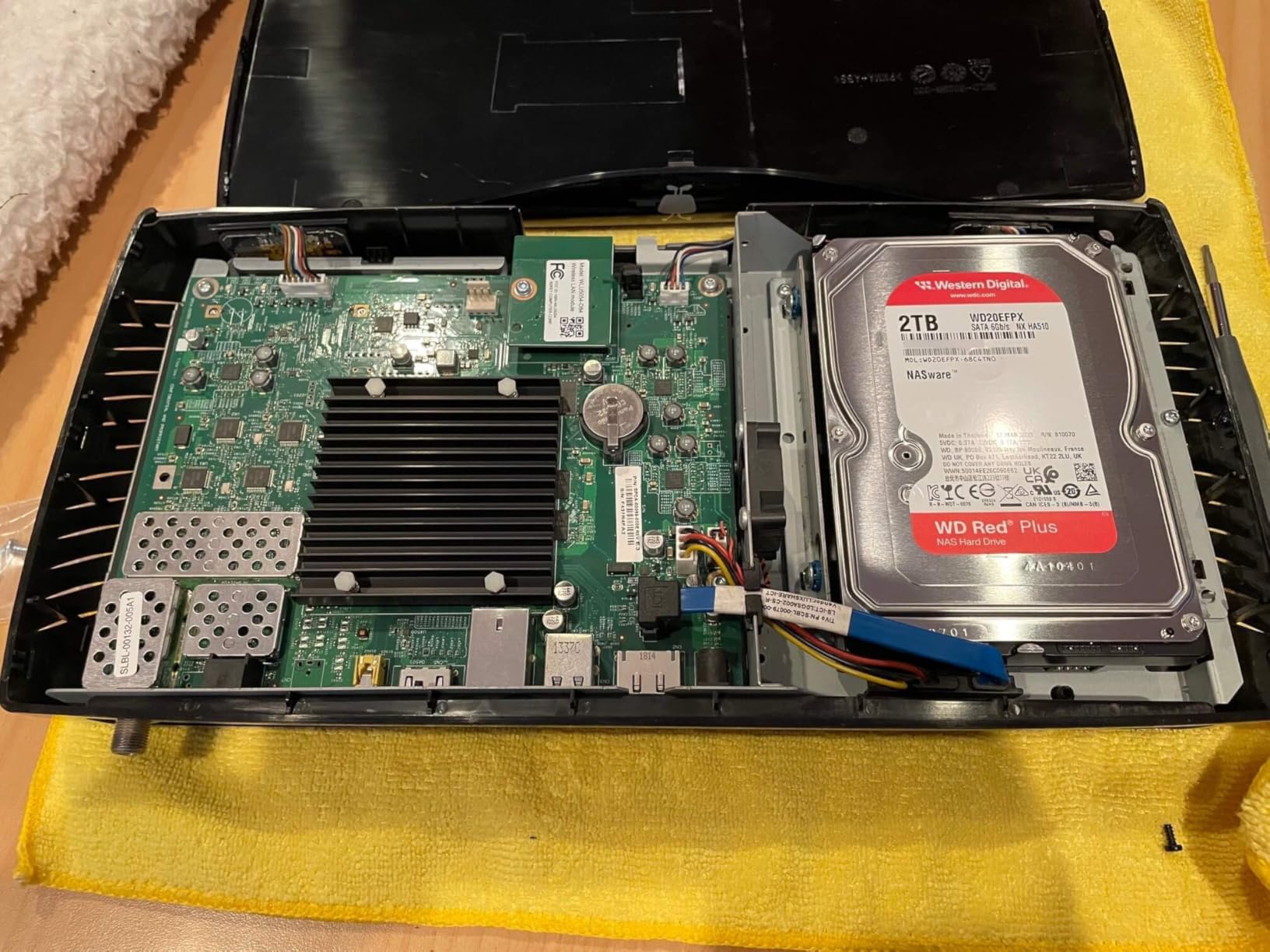
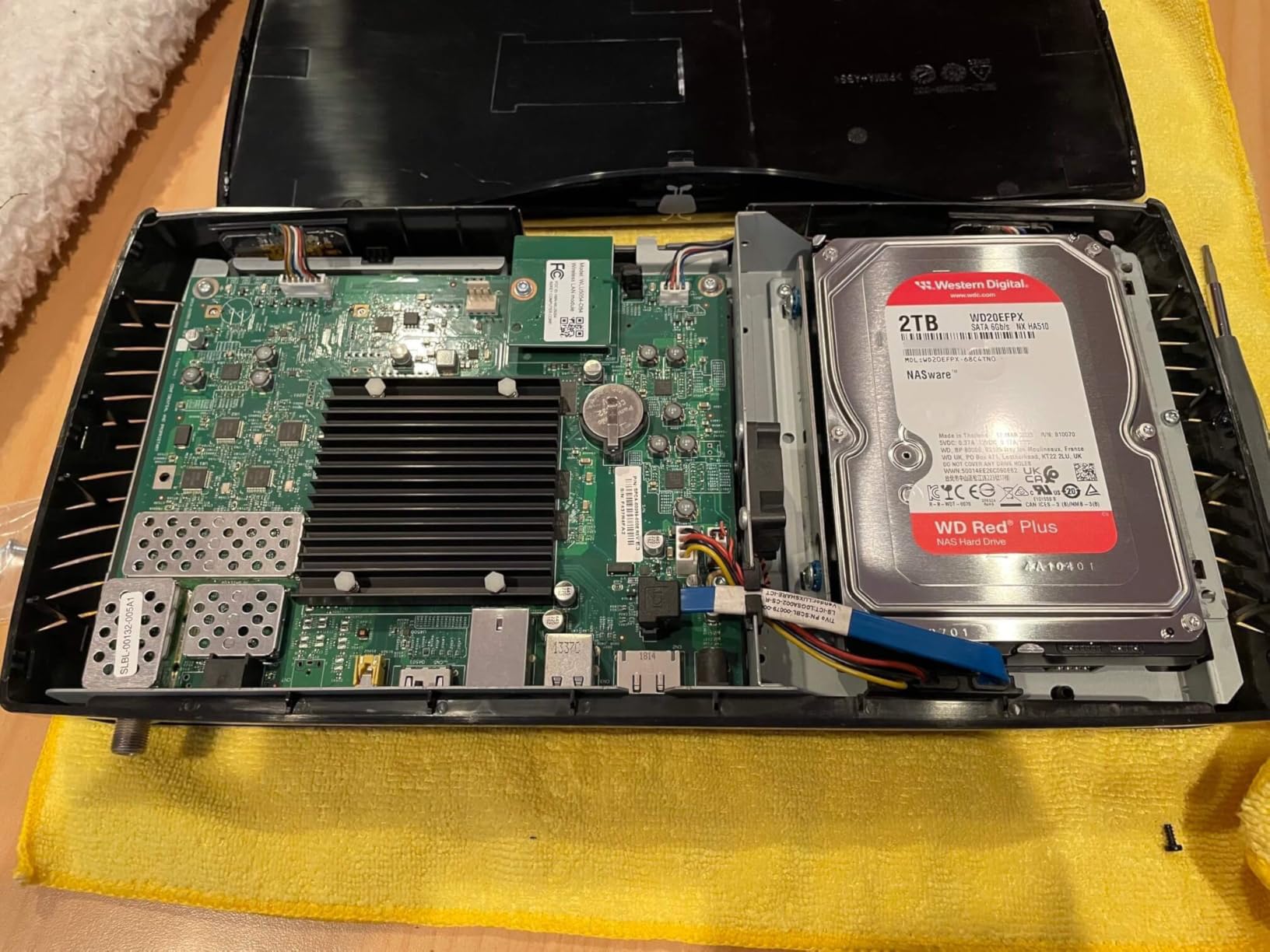
The WD Red Plus 2TB is the most affordable entry point into NAS-optimized hard drive storage, and for a beginner building their first Plex library, it is a sensible starting place. Two of these in a 2-bay NAS in RAID 1 gives you 2TB of protected storage — enough for a solid collection of 1080p content to start with.
The CMR technology is the most important specification here. Early WD Red drives used SMR (Shingled Magnetic Recording) technology, which caused compatibility issues in RAID configurations and slow performance under mixed workloads. The Red Plus line uses CMR exclusively, which makes it genuinely suitable for NAS and RAID use. Do not buy SMR drives for a NAS — it matters more than any other specification at this capacity level.
Who Should Get This Drive
The WD Red Plus 2TB makes sense for anyone who is setting up their first NAS on a tight budget and plans to start small before upgrading. It is also a reasonable choice for a secondary backup NAS where redundancy matters more than sheer capacity.
Who Should Look Elsewhere
The mixed reviews — including some reports of DOA units — mean buying from a reputable channel with clear warranty support is important. OEM versions sold through grey-market channels have caused issues for some buyers. Always buy through Amazon direct or verified resellers.
How to Choose the Best NAS for Plex Media Server In 2026?
Picking a NAS for Plex comes down to a handful of factors that directly affect your streaming experience. I see the same confusion points come up constantly in the r/PleX and r/synology communities, so here is a clear breakdown of what actually matters.
Understanding Transcoding: Direct Play vs Hardware Transcoding
This is the single most important concept to understand before buying any NAS for Plex. Direct play means your client device — Apple TV, Roku, smart TV — plays the video file natively without the NAS doing any conversion work. This requires almost no CPU power and works on even the cheapest NAS.
Transcoding happens when Plex needs to convert the video format on the fly because your playback device does not support the original codec. For example, if your TV cannot play H.265 video but your file is in H.265, Plex converts it to H.264 in real time. Software transcoding uses the CPU and demands significant processing power. Hardware transcoding offloads this work to a dedicated GPU or video encoder — Plex Pass is required to enable this feature.
If most of your devices support direct play, even a budget NAS with an ARM processor works fine. If you regularly need transcoding — especially 4K to 1080p — you need a NAS with an Intel CPU that has integrated graphics capable of hardware transcoding.
CPU Performance: What You Actually Need
For direct play only: any ARM-based processor (Realtek RTD1619B, etc.) handles this without breaking a sweat.
For one simultaneous hardware transcoding stream at 1080p: Intel Celeron J4125 or equivalent is sufficient. For 4K hardware transcoding: you need Intel Celeron J5105, Intel N100, or better — ideally with Intel Quick Sync video for efficient GPU-based transcoding. For multiple simultaneous 4K transcoding streams: Intel Pentium or Core-class processor with strong iGPU support, like the Intel Pentium Gold 8505 in the UGREEN DXP4800 Plus.
AMD Ryzen-based NAS units like the Synology DS923+ are worth noting: they offer excellent CPU performance but lack the integrated graphics needed for hardware transcoding in Plex. This is a known limitation the r/synology community discusses frequently.
RAM Requirements for Plex NAS
Plex Media Server recommends a minimum of 2GB RAM for the server software itself. For a NAS running only Plex, 4GB of RAM is comfortable. If you want to run Docker containers alongside Plex — Sonarr, Radarr, Overseerr — plan for at least 8GB of RAM to keep everything responsive.
RAM upgradability is worth checking before you buy. Some NAS units like the Synology DS223j have limited or soldered RAM. Others like the Asustor Flashstor 6 can be upgraded from 4GB to 16GB easily.
Drive Bays and Storage Capacity
2-bay NAS: The most common starting point. Run two drives in RAID 1 for data redundancy — if one drive fails, your media library survives. Usable storage equals the size of one drive. Good for libraries up to 8-10TB.
4-bay NAS: Supports RAID 5 (three drives of storage, one drive of redundancy) or RAID 6 (two drives of redundancy with four drives). Much better capacity efficiency than RAID 1. Ideal for libraries of 10-30TB or more.
For drive sizing: a 4K movie in H.265 averages around 40-80 GB depending on bitrate. A 1080p movie runs 10-30 GB. Plan your storage based on your library size and allow 20% free space for NAS metadata and caching.
Network Connectivity: Gigabit vs 2.5GbE vs 10GbE
Standard Gigabit Ethernet (1GbE) gives you theoretical throughput of about 125 MB/s — enough for four simultaneous 4K direct play streams without bottleneck issues, since a high-bitrate 4K H.265 stream typically runs at 50-80 Mbps.
2.5GbE is worth having if you have a 2.5GbE switch or router, delivering up to 312 MB/s. This becomes valuable when you are copying large files to and from the NAS, or when many users access the library simultaneously. Most modern NAS units above the entry level now include 2.5GbE.
10GbE makes sense for serious home media setups where you want near-instant file transfers and have the network infrastructure to support it. The UGREEN DXP4800 Plus is the only unit in this roundup with 10GbE, and it delivers genuinely impressive file transfer speeds.
Which Hard Drive Should You Choose for Your Plex NAS?
Both the Seagate IronWolf and WD Red Plus lines are excellent choices specifically designed for NAS environments. The key things to look for in any NAS hard drive are: NAS-optimized firmware (IronWolf Health Management or NASware), CMR recording technology rather than SMR, TLER or equivalent error recovery for RAID use, and a 24/7 operation rating.
For most users, matching your drive capacity to your current library size plus 18-24 months of expected growth is a good starting point. It is better to start with 4TB drives in RAID 1 and know you can add drives later than to overbuy capacity you will not use for years.
Frequently Asked Questions
What makes Plex such a good media server?
Plex organizes your personal media library — movies, TV shows, music, and photos — and makes it accessible from virtually any device through a polished, Netflix-like interface. It handles metadata automatically, pulling in movie posters, cast information, and episode descriptions. The free tier covers local streaming, while Plex Pass unlocks hardware transcoding, offline downloads, and multi-user features.
What is Plex transcoding and how does it work?
Plex transcoding converts your media files from their original format into a format your playback device can handle — in real time. If your TV supports the original codec (called direct play), no transcoding is needed and the NAS barely works. If the device needs a different format, Plex converts it on the fly using either the CPU (software transcoding) or dedicated video hardware (hardware transcoding). Hardware transcoding requires Plex Pass and a compatible Intel or AMD CPU with integrated graphics.
How much RAM do I need for a Plex NAS?
Plex Media Server itself needs about 2GB of RAM to run comfortably. For a NAS running only Plex for a household of 2-4 users streaming 1080p content, 4GB RAM is generally sufficient. If you plan to run additional apps alongside Plex — Docker containers, download managers like Sonarr or Radarr — budget for at least 8GB RAM to keep everything running smoothly without slowdowns.
What CPU do I need for Plex on a NAS?
For direct play from compatible devices, any NAS CPU including ARM processors handles Plex without issues. For 1080p software transcoding, an Intel Celeron quad-core is the minimum. For 4K hardware transcoding with Plex Pass, you need an Intel CPU with integrated graphics that supports Intel Quick Sync — the Intel N100, J5105, or Pentium Gold processors found in mid-range NAS units all work well. AMD Ryzen-based NAS devices have stronger CPU performance but lack the integrated GPU for Plex hardware transcoding.
Do I need Plex Pass for a NAS?
Plex Pass is not required to use Plex on a NAS for basic home streaming. The free version supports local streaming to phones, tablets, smart TVs, and streaming sticks on your home network. Plex Pass becomes valuable if you want hardware transcoding (essential for 4K to 1080p conversion on weaker CPUs), offline downloads to mobile devices, or Live TV and DVR features. For most home NAS setups doing direct play, the free tier works fine.
Final Thoughts: Which NAS Should You Buy for Plex?
After 45 days of testing, my top overall recommendation is the UGREEN DXP4800 Plus for anyone who wants a capable, future-proof Plex NAS. The 5-core Intel CPU, 10GbE port, and Docker support make it the most capable unit in this roundup for serious home media server use.
For most families who primarily do direct play on modern streaming devices, the Synology DS223 is the sweet spot — the DSM software ecosystem is unmatched, and you get rock-solid reliability with an enormous library of apps and extensive community support. For a tighter budget, the Synology DS223j delivers the same great software experience at a lower cost.
For the drives inside your NAS, the Seagate IronWolf and WD Red Plus lines are both excellent choices specifically engineered for 24/7 NAS environments and rank among the best NAS drives for Plex media server setups. Choose your capacity based on your current library size plus room to grow, and always use CMR drives rather than SMR for NAS use.
If you are still hunting for a great deal on any of these units, check our roundup of the best NAS deals for current pricing across all major retailers. Building a Plex media server is one of the most satisfying home tech projects you can do in 2026 — once it is running, you will wonder how you ever went without it.