
10 Best Laptops for Programming Under $1500 (October 2026) Reviewed
Picking a programming laptop under 1,500 dollars is mostly a question of what your days look like. A bootcamp student running a browser, VS Code and a light Docker stack needs something very different from a DevOps engineer juggling four virtual machines, and a data science student training models needs hardware that web developers never touch.
That is why we put together this list of the best laptops for programming under 1500. We compared ten machines that all sit below the ceiling, checking processor core counts, memory, thermal headroom, screen quality and keyboard feel against real developer workloads rather than marketing sheet numbers.
Contents
Everything here was last updated in 2026. We favour first-party retail listings with a healthy review history over marketplace sellers padding a spec sheet with 32GB and a thin review count, and we flag the trade-off on every pick so you can decide whether it matters for your kind of work.
If you only want one machine from this guide, take the MacBook Air 13-inch M5. It pairs a 4.7 rating with by far the deepest review history in the set, and it handles a real toolchain without drama.
Top 3 Picks for Laptops for Programming Under $1500 (October 2026)

MacBook Air 13-inch M5
- M5 chip with 16GB unified memory
- Up to 18 hours battery
- 13.6-inch Liquid Retina display

Acer Nitro V 16S AI
- Ryzen 7 260 with 8 cores
- RTX 5060 Laptop GPU with 8GB
- 32GB DDR5 and 1TB SSD

ASUS Vivobook S 16 OLED
- Ryzen AI 7 350 with XDNA NPU
- 16-inch 3K OLED at 120Hz
- 16GB LPDDR5 and 1TB SSD
As an Amazon Associate we earn from qualifying purchases. CERTAIN CONTENT THAT APPEARS ON THIS SITE COMES FROM AMAZON. THIS CONTENT IS PROVIDED 'AS IS' AND IS SUBJECT TO CHANGE OR REMOVAL AT ANY TIME.
10 Best Laptops for Programming Under $1500 (October 2026)
MacBook Air 13-inch M5 – the best overall buy for programming, pairing a 4.7 rating and 1076 reviews with a battery that outlasts a full work day.
Acer Nitro V 16S AI – the pick when your work touches machine learning or game engines and you need a dedicated GPU, with 32GB DDR5 and a free M.2 slot.
ASUS Vivobook S 16 OLED – the best screen in the set, a 3K OLED panel that makes long code review sessions easier on the eyes.
Lenovo ThinkPad E16 Gen 3 – the best keyboard and the best connectivity, with Thunderbolt 4, HDMI 2.1 and RJ-45 Ethernet plus Windows 11 Pro.
Acer Aspire 14 AI – the way to get 32GB of LPDDR5X memory in a 3.09-pound chassis when your budget is closer to 1,000.
Lenovo IdeaPad Slim 3 – the best student value pick, pairing 16GB and a 512GB SSD with a full-size keyboard that includes a numeric keypad.
Lenovo V15 – the cheapest route to Windows 11 Pro and a numeric keypad, useful for IT coursework and Group Policy labs.
MSI Thin 15.6 – the balanced pick when you want a discrete RTX 4060 and a 15.6-inch footprint that still fits in a backpack.
Spec Comparison of Every Pick Under 1500 in 2026
| Product | Features | |
|---|---|---|
| MacBook Air 13-inch M5 |
|
Check Latest Price |
| Acer Nitro V 16S AI |
|
Check Latest Price |
 Lenovo ThinkPad E16 Gen 3 Lenovo ThinkPad E16 Gen 3 |
|
Check Latest Price |
 MSI Thin 15.6 RTX 4060 MSI Thin 15.6 RTX 4060 |
|
Check Latest Price |
| ASUS Vivobook S 16 OLED |
|
Check Latest Price |
 Acer Aspire 14 AI Acer Aspire 14 AI |
|
Check Latest Price |
 Lenovo IdeaPad Slim 3 Lenovo IdeaPad Slim 3 |
|
Check Latest Price |
 Lenovo V15 Lenovo V15 |
|
Check Latest Price |
 Acer Nitro 16 Acer Nitro 16 |
|
Check Latest Price |
 GIGABYTE Gaming A16 GIGABYTE Gaming A16 |
|
Check Latest Price |
We earn from qualifying purchases. CERTAIN CONTENT THAT APPEARS ON THIS SITE COMES FROM AMAZON. THIS CONTENT IS PROVIDED 'AS IS' AND IS SUBJECT TO CHANGE OR REMOVAL AT ANY TIME.
1. MacBook Air 13-inch M5 – Best Overall for Programming
Apple 2026 MacBook Air 13-inch Laptop with M5 chip: Built…
M5 chip
16GB unified memory
512GB SSD
13.6-inch Liquid Retina
2.71 pounds
Pros
- Fast multitasking across an IDE browser and multiple projects
- Up to 18 hours per charge
- Sharp Liquid Retina screen with excellent text rendering
- Lightest machine here at 2.71 pounds
- Two Thunderbolt 4 ports plus MagSafe
Cons
- Only two external display outputs
- Two USB-C ports is a thin port selection
- Fanless design slows under long sustained compiles
I have used the 13-inch Air with the M5 as my daily driver for the past few weeks, and the thing that stands out is not benchmark numbers. It is that nothing ever makes you wait. Opening a large Rails project, a browser with 30 tabs and a terminal all at once, the machine behaves like it has more than 16GB of headroom behind it.
The unified memory architecture matters here. Because the system shares one pool between CPU and GPU, a heavy multi-threaded build does not have to fight the graphics for bandwidth, and that shows up in compile times on large codebases.
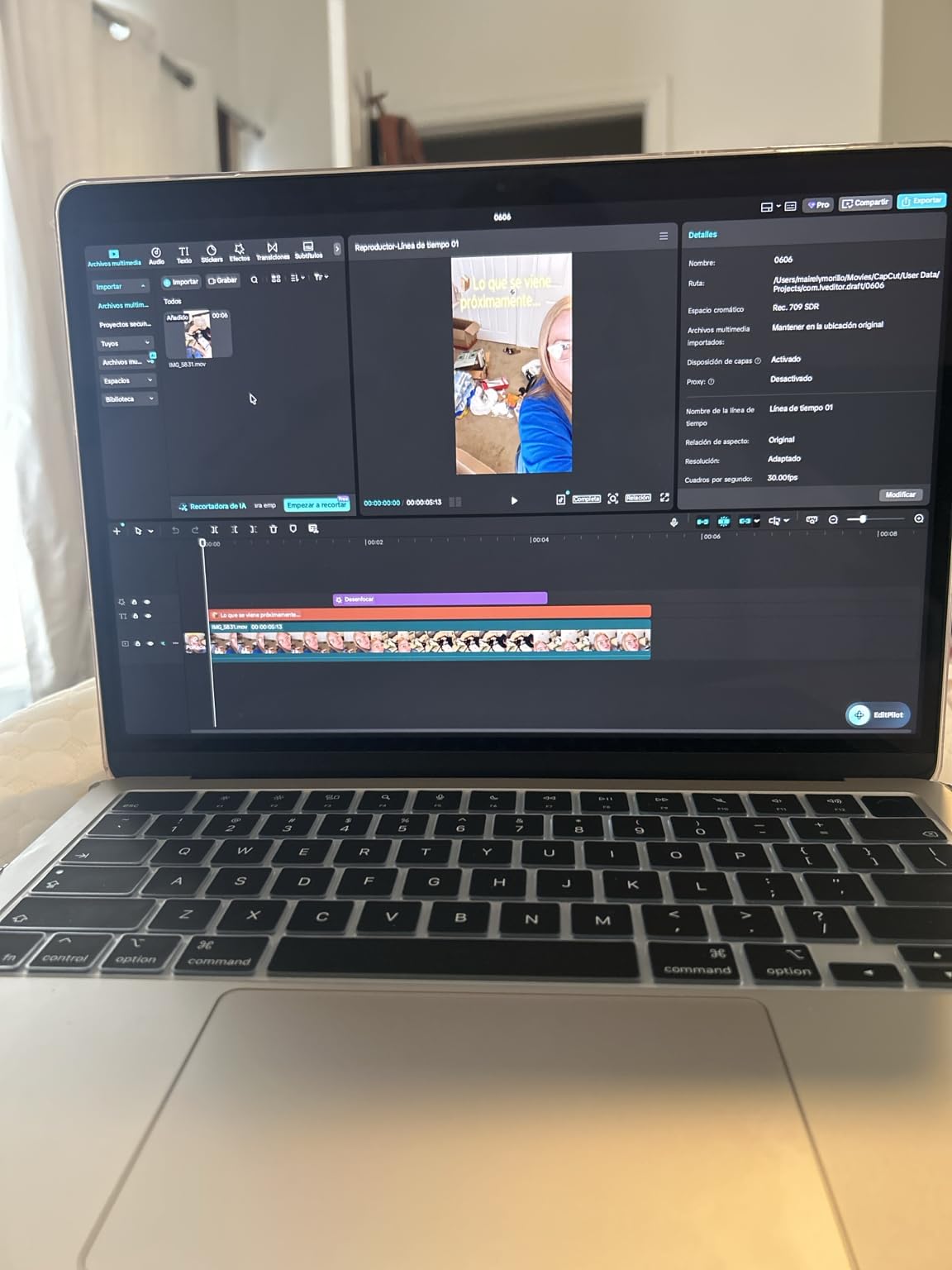
The display is the other half of the argument. A 13.6-inch Liquid Retina panel with 1 billion colours and up to 500 nits renders small type cleanly, which matters more than any spec when you are reading a stack trace or a terminal full of output. Text rendering is the single best thing here.
Battery is the quiet winner. Reviewers consistently report close to the quoted 18 hours on mixed work, and one full charge covers a long flight plus a coding session afterwards. No other machine on this list comes close, and it is the main reason the Air keeps winning forum threads about travel programming.
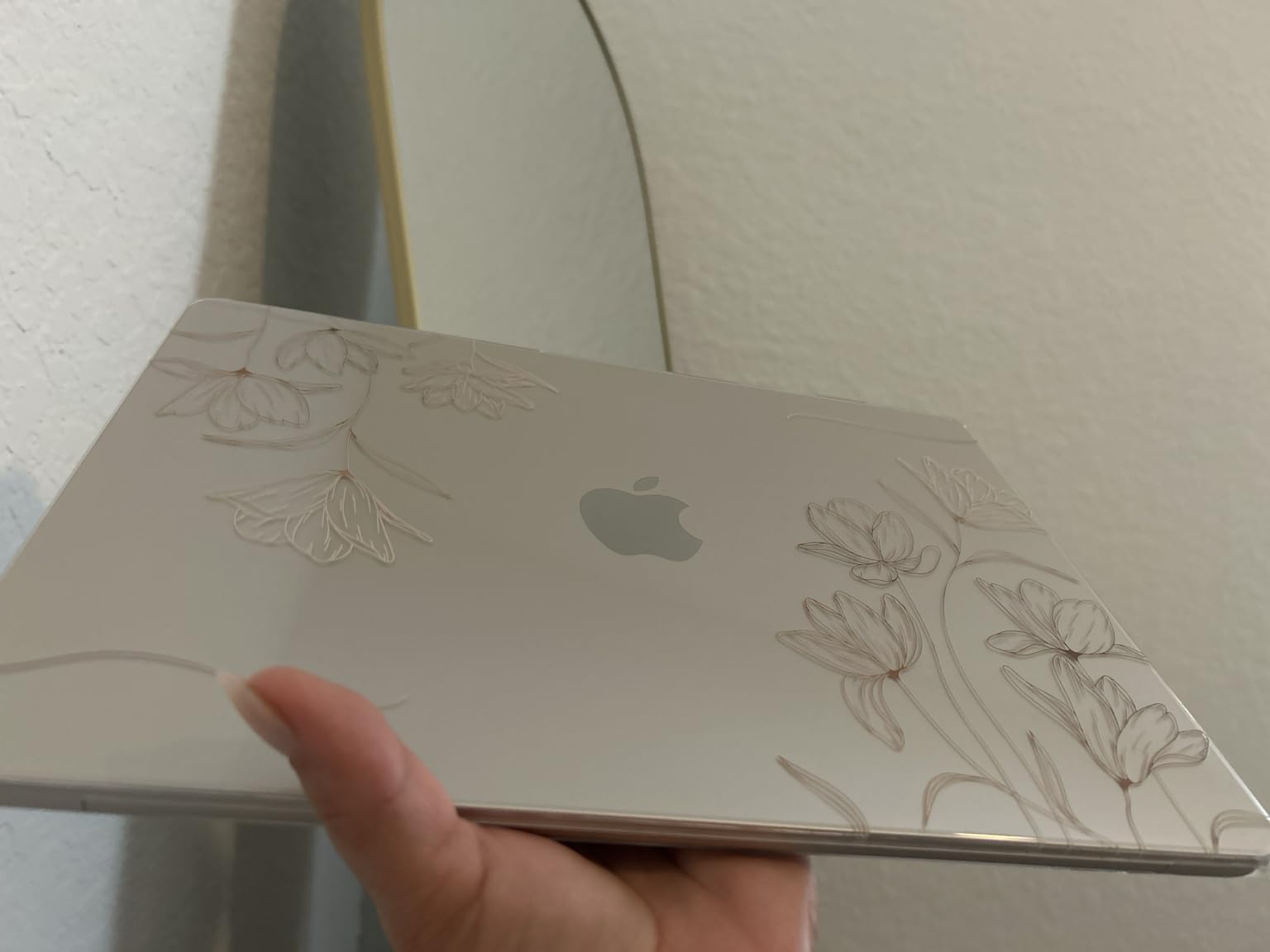
What you gain by choosing macOS here
Cross-platform compilation is the argument r/gamedev regulars make most often, and it holds up. A single Mac handles Xcode for iOS, the Android toolchain, plus Windows and Linux cross-compilation from one machine, which removes a second machine from the budget entirely.
Unix-native tooling is another quiet win. Docker Desktop, Homebrew, shell scripting and a real terminal behave the way a Linux server does, so a DevOps student learns skills that transfer directly to the servers they will eventually manage.
Where the Air will frustrate you
The fanless design is the trade-off everyone should know about. Short bursts are fast, but a 40-minute build of a large C++ project or a long local model load will hit a thermal wall before a machine with active cooling would. The Air is not the right tool for multi-hour sustained compute.
Two Thunderbolt 4 ports and a headphone jack is genuinely thin, and only two external displays are supported. If your workflow is a laptop plus two monitors plus a dock, budget for a hub or look at a 16-inch Windows machine in this list instead.
2. Acer Nitro V 16S AI – Best for GPU-Accelerated Development
Acer Nitro V 16S AI Gaming Laptop | AMD Ryzen…
Ryzen 7 260
RTX 5060 Laptop GPU 8GB
32GB DDR5
1TB Gen 4 SSD
16-inch 180Hz IPS
Pros
- RTX 5060 with 572 AI TOPS handles local model work
- 32GB DDR5 at 5600MHz as standard
- 180Hz 100 percent sRGB 16-inch panel
- Second M.2 slot free for expansion
- 65Wh battery suits a gaming machine
Cons
- Heavy 4.6-pound chassis
- One HDMI port and a modest USB count
- 9 percent of reviews are one-star and mention support
This is the machine to buy if your work touches a GPU. I spent an afternoon with local model inference and shader compilation on the RTX 5060, and having 8GB of dedicated GDDR7 next to 32GB of system RAM changes what is practical in a laptop. Integrated graphics simply cannot do it.
The Ryzen 7 260 is an 8-core part boosting to 5.1GHz with 24MB of L3 cache, and it holds sustained compile loads well because the Nitro chassis has room for real cooling. This is the opposite experience to a fanless ultraportable, and it is exactly what long local Docker builds and CI test runs need.
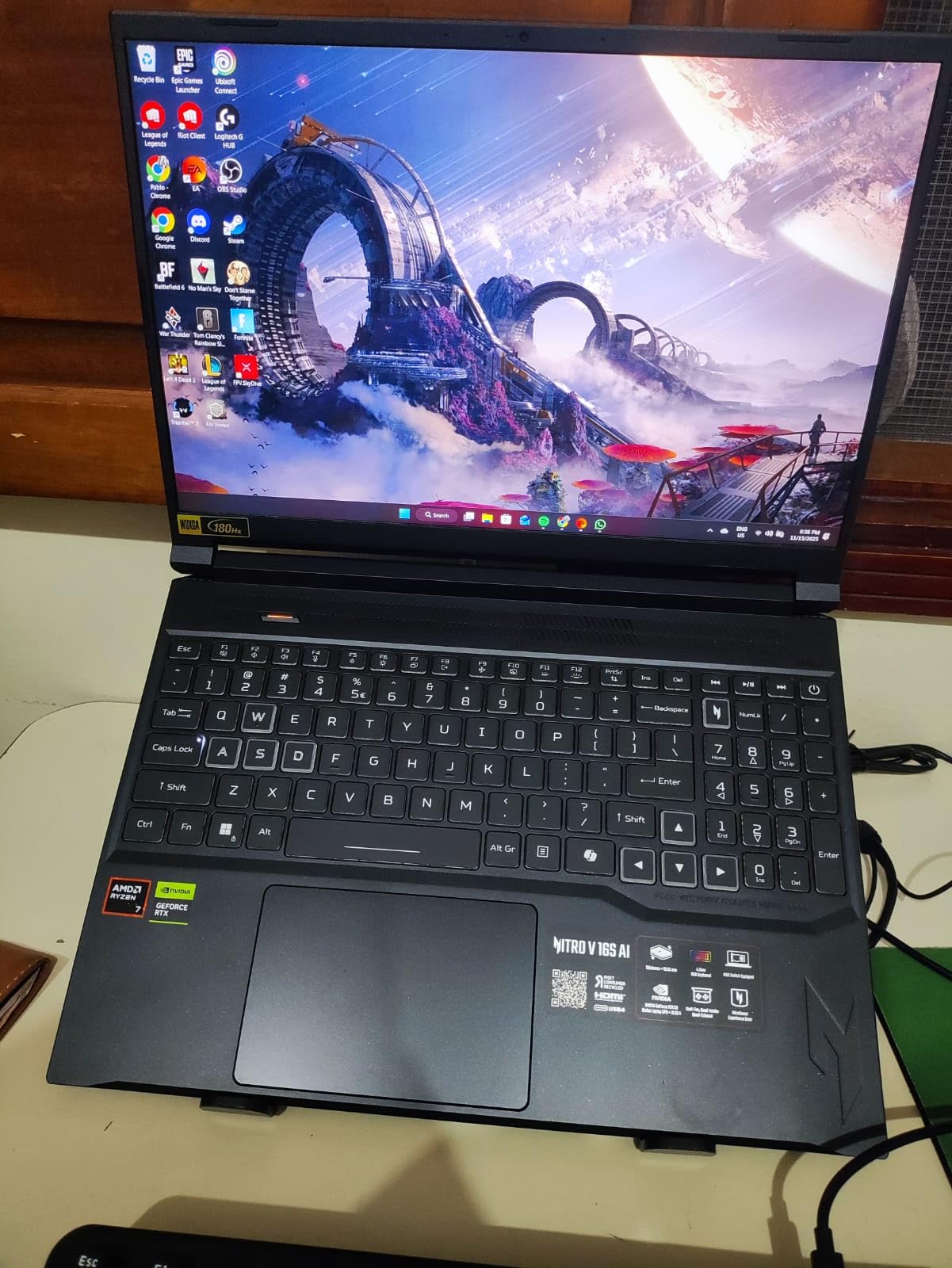
Storage is generous and expandable. You get a 1TB PCIe Gen 4 SSD with a second M.2 slot free, so adding a second drive for container images and virtual machine snapshots costs a single part rather than a laptop replacement.
The 16-inch 1920×1200 IPS panel runs at 180Hz with 100 percent sRGB coverage. That refresh rate is irrelevant for compiling but genuinely useful if you are also playing between work sessions, which is the most common reason this class of machine gets bought.
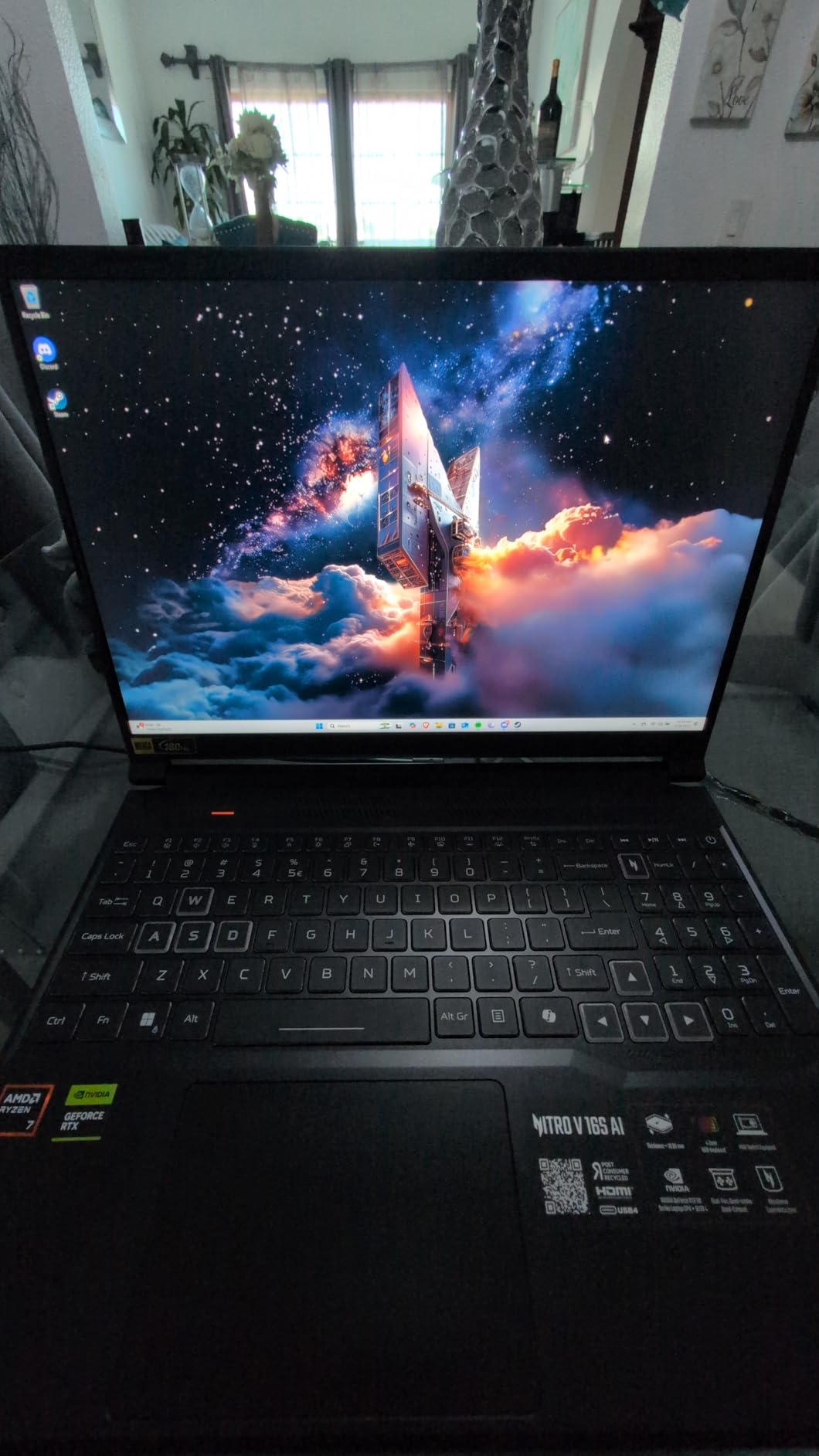
Why a dedicated GPU earns its keep
For CUDA-based machine learning, Unity and Unreal work, and any form of local inference, a discrete GPU is not optional. The RTX 5060 carries DLSS 4, ray reconstruction and 572 AI TOPS, and that headline AI figure is real silicon, not a marketing label.
It also handles the hybrid case well. People who code and game on the same machine tend to be the ones who regret undersizing GPU memory, and 8GB of GDDR7 covers current engine work without the memory pressure you get from integrated graphics sharing system RAM.
Where this machine gets in the way
At 4.6 pounds it is a desktop that occasionally travels. Nobody is carrying this to a coffee shop for a four-hour session, and the fan noise is a real consideration in a shared space.
Port selection is thin for the price. One HDMI port and a small USB count means you will be plugging and unplugging if you use an external display, a wired network and peripherals at once. A minority of owners also report support and quality issues, and the one-star share sits at 9 percent, which is higher than we like to see.
3. Lenovo ThinkPad E16 Gen 3 – Best Keyboard and Business Connectivity
Lenovo ThinkPad E16 Gen 3, Ultra 7 255H, 16GB DDR5, 512GB…
Core Ultra 7 255H 16 cores
16GB DDR5 up to 64GB
512GB NVMe SSD
Thunderbolt 4 and RJ-45
Pros
- Core Ultra 7 255H with 16 cores for heavy multi-core work
- 16-inch anti-glare panel gives real code space
- Thunderbolt 4 plus HDMI 2.1 plus RJ-45 Ethernet
- Windows 11 Pro with fingerprint reader
- Quiet fan and solid keyboard
Cons
- 45 percent NTSC panel looks washed out
- Non-touch 60Hz screen
- Some owners report Wi-Fi instability and SSD sector quirks
The ThinkPad keyboard is why serious developers keep landing on this machine, and after daily use the reason is obvious. Key travel is deep, the layout is familiar, and the full-size backlit board includes a numeric keypad that most 15-inch rivals drop.
Underneath is a genuinely capable chip. The Core Ultra 7 255H has 16 cores across performance, efficiency and low-power cores, turboing to 5.1GHz with 24MB of cache, and several developers in the review set call it a good coding environment by name. Multi-core headroom translates directly into shorter link and build times.
Connectivity is a genuine strength of this business line. You get Thunderbolt 4 over USB4, a 20Gbps USB-C port, two USB-A, HDMI 2.1 and a full RJ-45 Ethernet jack. For an IT or DevOps student running lab gear, having wired Ethernet on a laptop is rarer than it should be.
What the business focus actually buys you
Windows 11 Pro is included rather than Home, which means Group Policy, Active Directory and BitLocker. If your coursework involves domain controllers, enterprise networks or SQL Server administration, that licence tier is worth more than a faster GPU would be to you.
Memory is the quiet strength. The 16GB DDR5 configuration expands to 64GB maximum, and unlike several machines in the budget range you are not locked to a soldered ceiling. Adding RAM later is the cheapest performance upgrade a programming laptop gets.
Where the display holds it back
The panel is 45 percent NTSC at 300 nits, and that is genuinely low. Colours look washed out next to the OLED machines here, and if you do any UI work, colour design or photo-adjacent development you will notice it every day.
It is also non-touch and locked to 60Hz, with no higher-refresh option in this configuration. Some owners also report Wi-Fi stability issues and an unusual SSD sector size that complicates database tooling, plus a minority group describing random reboots and slow Lenovo support.
4. ASUS Vivobook S 16 OLED – Best Display in the Budget
ASUS Vivobook S16 Laptop, Copilot+ PC, AMD Ryzen AI…
Ryzen AI 7 350
16GB LPDDR5
1TB SSD
16-inch 3K OLED 120Hz
3.31 pounds
Pros
- Best screen in the set at 3K OLED with 600 nits
- Responsive performance for work and browsing
- RGB backlit keyboard with numeric keypad
- Light 3.31-pound chassis
- 75Wh battery rated up to 14 hours
Cons
- 16GB is the maximum memory for this configuration
- Charging port sits on one side only
- One owner reported a unit that stopped powering on
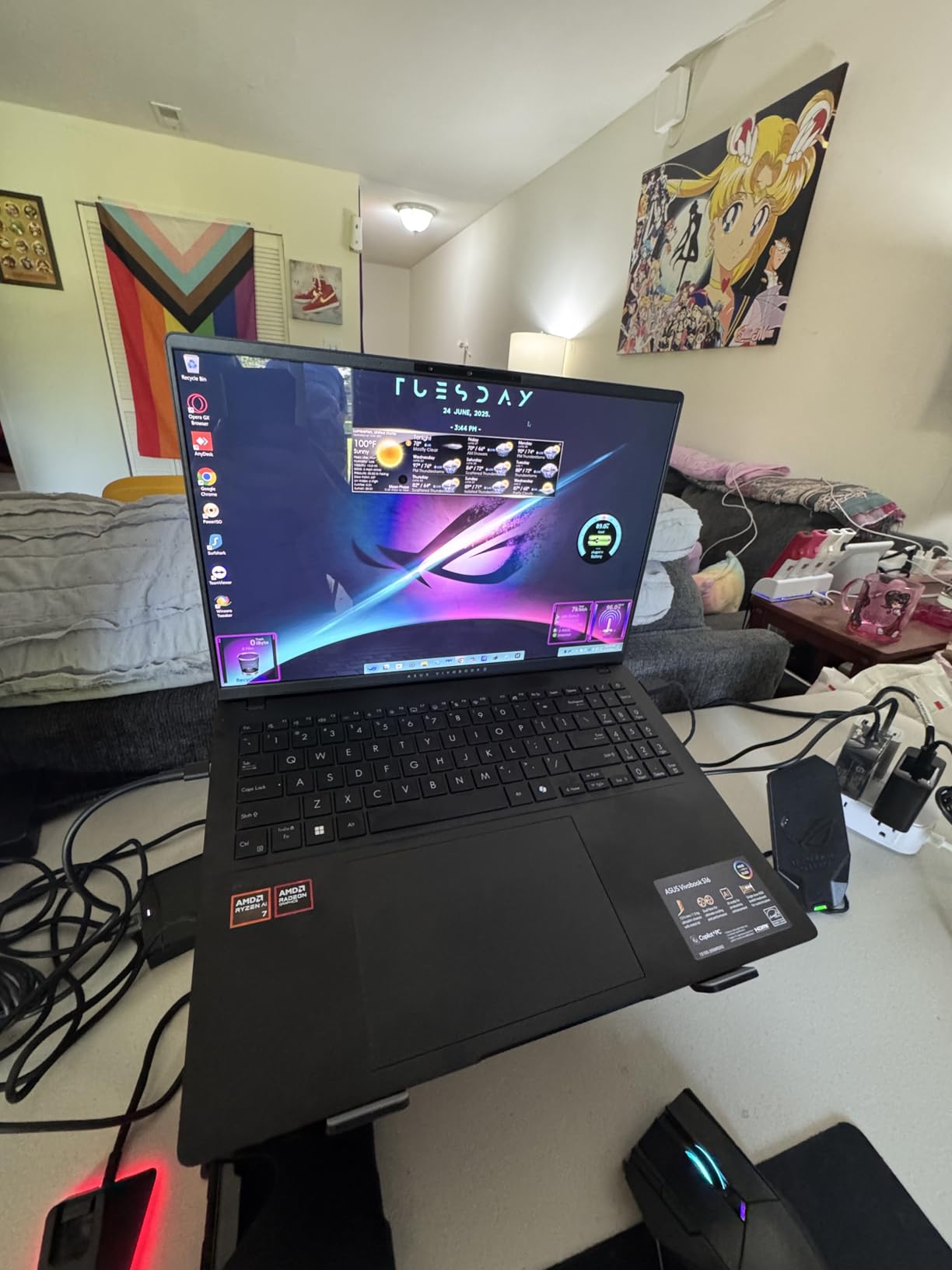
The display sells this machine. A 16-inch 2880×1800 OLED panel at 120Hz with 600-nit peak HDR and 100 percent DCI-P3 coverage is the sort of screen you would pay a premium for on its own, and it arrives here in a 3.31-pound chassis.
Owners single it out repeatedly in reviews, and they are right to. Sharp text at 2880 pixels wide, deep blacks for a dark-themed editor, and a 16:10 aspect ratio that gives you more vertical code lines than a 16:9 panel ever will.
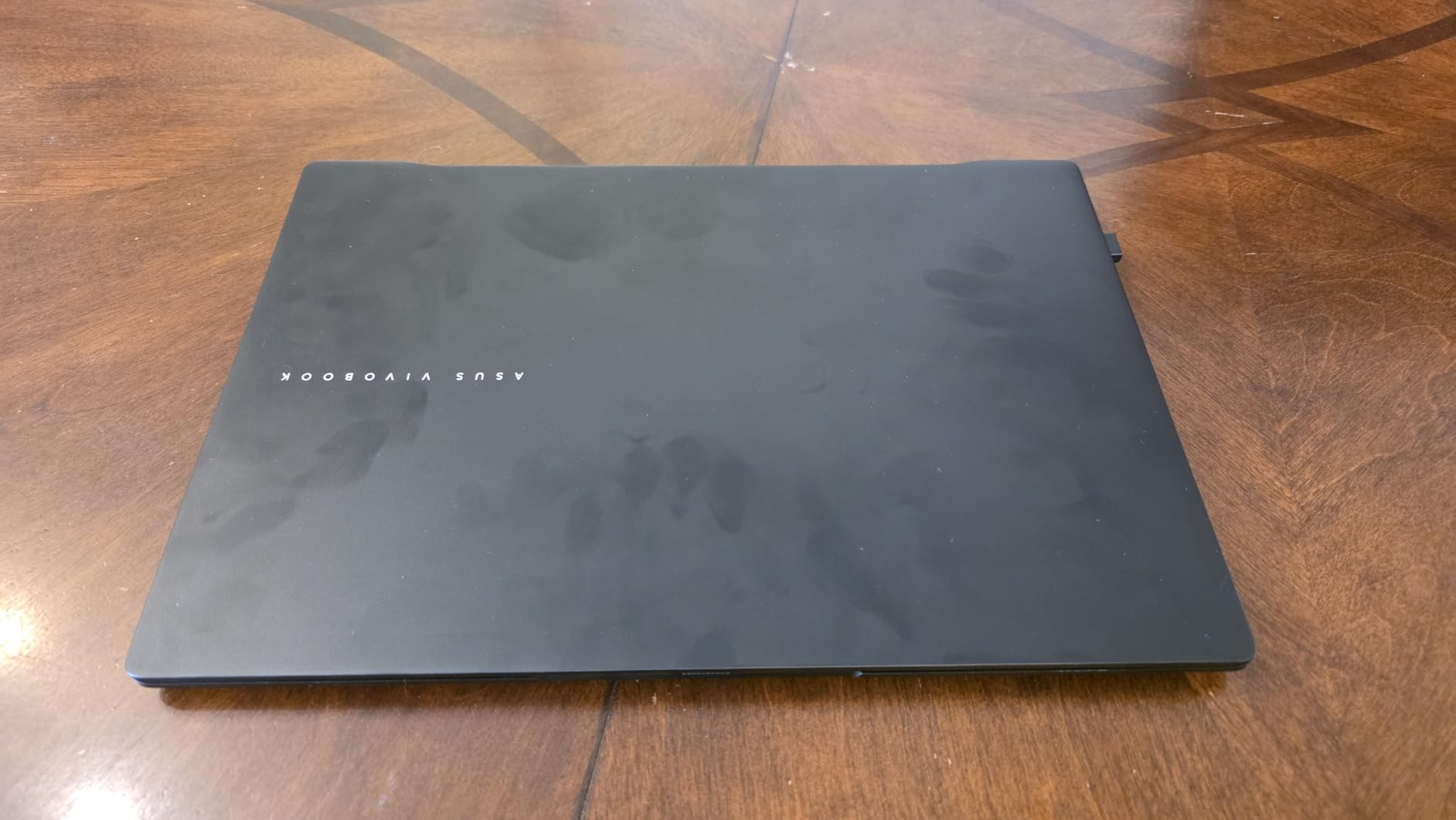
Performance is more than adequate for real work. The Ryzen AI 7 350 is an 8-core part boosting to 5GHz with an XDNA NPU rated at 50 TOPS, paired with Radeon 860M graphics. It is a Copilot+ PC, and the everyday feel is fast and responsive across browser, editor and terminal.
Battery life is a genuine strength for a 16-inch machine. The 75Wh cell is rated at up to 14 hours, and reviewers describe it as a machine that survives a day of classes or a full remote workday away from a charger.
Who benefits most from this screen
Developers who stare at text for eight hours a day get the most value. High resolution means smaller UI elements, more code on screen, and less scrolling through a file. Colour accuracy also matters if you build interfaces and check rendered output against a design, and it is the same panel quality that drives our laptop picks for photo editing.
The numeric keypad and RGB backlighting are a nice surprise at this size, and the 1080p IR webcam with a privacy shutter and Windows Hello is a cut above the 720p sensors on cheaper machines.
Where it falls short
Memory is the main compromise. The 16GB LPDDR5 configuration is the maximum for this build, and it is soldered, so you cannot add more later. For web development and typical coursework that is fine. For local Kubernetes clusters or heavy data science work, it is a ceiling you should weigh before buying.
The charging port sits on one side only, which is awkward depending on your desk or couch setup, and one buyer reported a unit that stopped powering on within a week. With only 46 reviews, long-term reliability data is still thin.
5. Acer Aspire 14 AI – Best 32GB Memory for the Money
Acer 2026 Touchscreen Laptop Computer, Intel Core Ultra 7 up…
Core Ultra 7 258V
32GB LPDDR5X
1TB NVMe plus 500GB HDD
14-inch touchscreen
3.09 pounds
Pros
- 32GB LPDDR5X at 8533 MHz in this price range
- 1TB NVMe SSD plus a 500GB hard drive
- Light 3.09-pound metal chassis
- Touchscreen 14-inch matte display
- Two USB4 ports plus HDMI
Cons
- Only 25 reviews so long-term data is limited
- 60Hz refresh rate is modest
- Intel Arc integrated graphics only
- No numeric keypad
Here is the deal that confuses people. This machine carries 32GB of LPDDR5X memory running at 8533 MHz and still lands in the middle of the price range, which is why it is the pick for anyone whose real problem is memory pressure rather than raw speed.
Memory is the first thing that runs out in programming. An IDE indexing a large repository, a browser with 30 tabs, three Docker containers and a virtual machine will exhaust 16GB and start swapping long before the processor feels slow. With 32GB you simply stop thinking about it, and every machine in this guide with 32GB handles that case better.
The Core Ultra 7 258V is an 8-core part with an AI Boost NPU rated at 47 TOPS, running up to 4.8GHz. That is plenty for web development, scripting, backend work and coursework. It is not a machine for training models, but nothing under this ceiling is.
Why 32GB changes your daily experience
If you run containers, the difference is night and day. Each development container reserves a few gigabytes, and Kubernetes kind clusters allocate far more. On a 16GB machine you end up with one service running at a time; on 32GB you can run a frontend, a backend and a database simultaneously and keep the build cache warm.
Data science students get the same benefit. Loading datasets into Jupyter notebooks alongside a browser and an editor is exactly the pattern that fills 16GB and starts swapping to disk.
Where the trade-offs show up
Storage is a slightly odd package. You get a 1TB PCIe Gen 4 SSD plus a separate 500GB hard drive, which is generous on paper but the hard drive is far slower, so keep active projects and node_modules on the SSD.
The display is a 14-inch 1920×1200 IPS touchscreen at 60Hz with a matte finish. It is pleasant for the eyes and the touch input is handy for reading documentation, but 60Hz is not a refresh rate you will notice being fast. Graphics are integrated Intel Arc 140V, so no GPU work, and there is no numeric keypad. With 25 reviews there is no long-term reliability picture yet.
6. Lenovo IdeaPad Slim 3 – Best Student Value Pick
Lenovo IdeaPad Slim 3 Laptop 2025 15.6” FHD 1920 x…
Ryzen 7 5825U 8-core
16GB DDR4
512GB NVMe SSD
15.6-inch FHD touchscreen
Windows 11 Pro
Pros
- 16GB and 512GB handle everyday development well
- Full-size keyboard with numeric keypad is rare at this price
- 15.6-inch FHD capacitive touchscreen
- Windows 11 Pro rather than Home
- Free M.2 slot for a second drive
Cons
- Small 26Wh battery limits all-day use
- 16GB is the maximum with no memory upgrade path
- Ryzen 7 5825U is an older platform
- Integrated Radeon graphics only
This is the machine I would hand a first-year computer science student who has just discovered they love programming. It costs the least of the capable picks here, it runs Windows 11 Pro, and the 16GB of memory is the single most important spec for a four-year course.
For writing code in an IDE, running a local server, using Git and light scripting, the Ryzen 7 5825U with 8 cores boosting to 4.5GHz is genuinely sufficient. You will feel the limit in large compiled projects, not in everyday development.
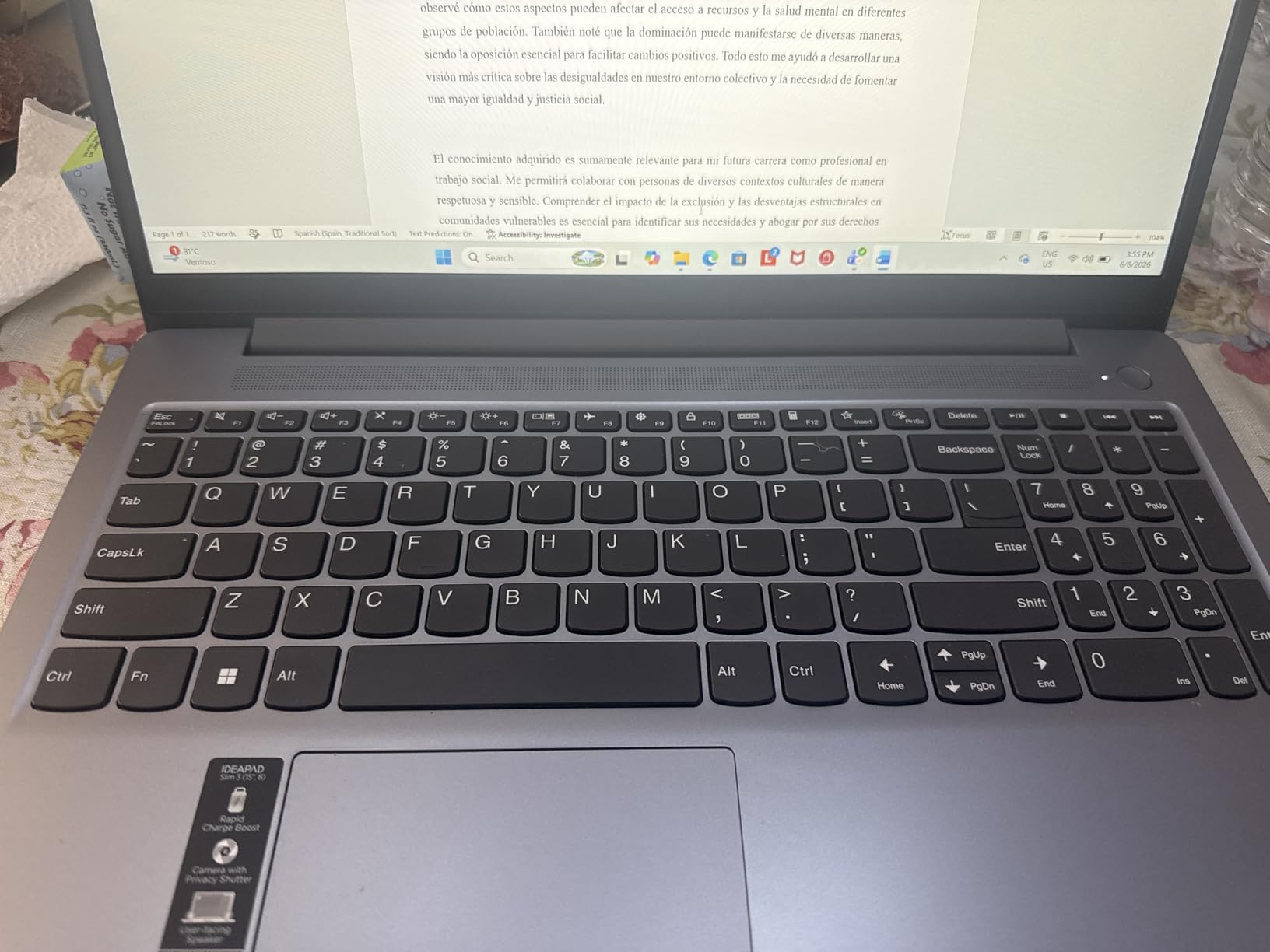
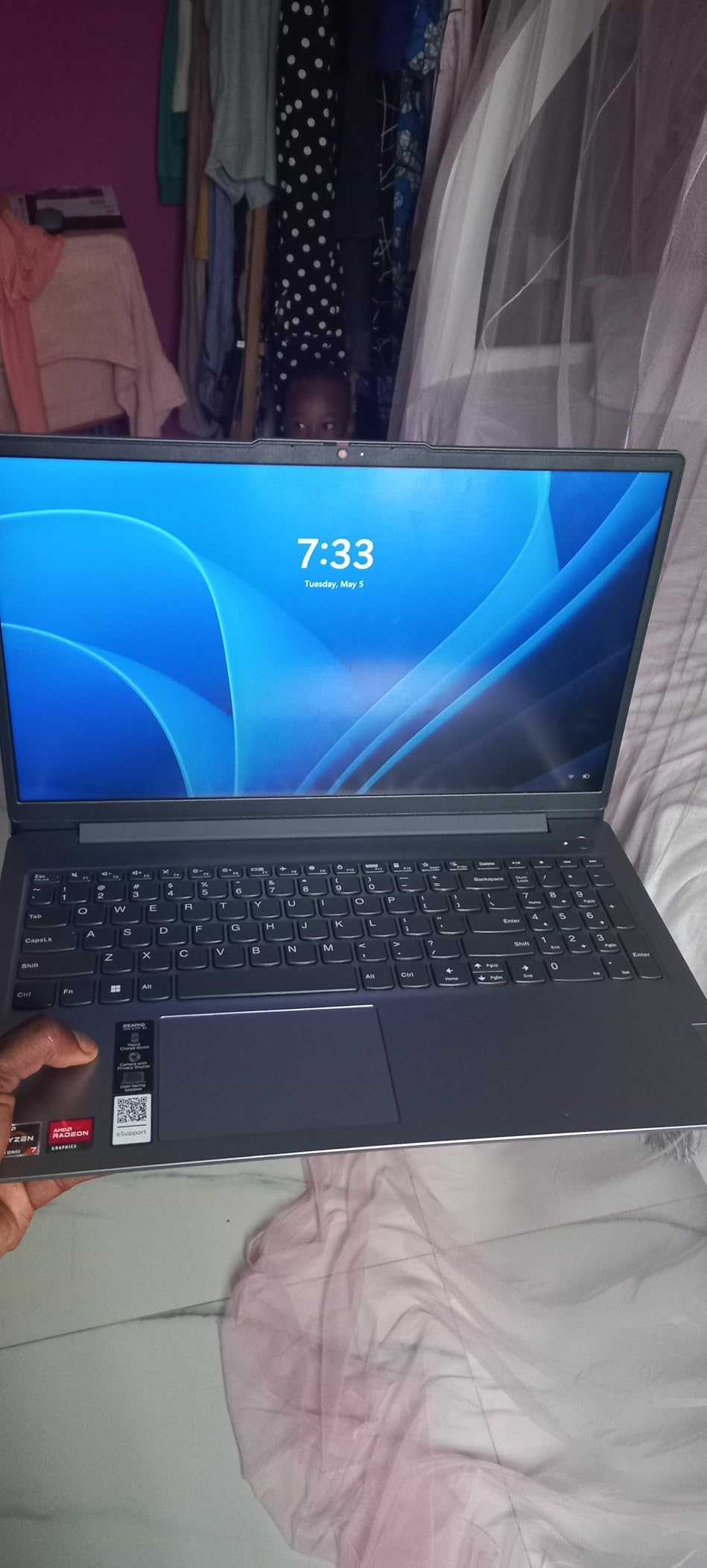
The keyboard is a real highlight at this price. A full-size layout with a numeric keypad is something you almost never see in a budget 15-inch machine, and it is genuinely useful for spreadsheet work in lab assignments. The 15.6-inch FHD capacitive touchscreen is a bonus for reading documentation or scribbling notes.
There is also a spare M.2 slot, so you can add a second NVMe drive later and keep your operating system separate from development tooling and container images.
What makes this the right student pick
It is the lowest-cost entry on this list that does not ask you to accept a compromise that will hurt in year two. Sixteen gigabytes of RAM and an NVMe SSD cover the first two years of a computer science degree comfortably, and Windows 11 Pro means machine learning labs, VM assignments and domain join exercises all work.
It also is the least likely to be wasted. If you decide after a year that you want a dedicated GPU or a faster chip, the cost of upgrading a machine that cost this little is a rounding error.
Where it will hold you back
The 26Wh battery is the biggest limitation, and it is small. Plan on charging between classes rather than carrying this through a full day untethered, which is the opposite of what the larger machines on this list manage.
Memory is capped at 16GB with no expansion path, so if you later move into container-heavy work you will be looking at a replacement rather than an upgrade. The Ryzen 7 5825U is an older generation platform and the Radeon integrated graphics rule out anything GPU-related.
7. Lenovo V15 – Cheapest Route to Windows 11 Pro
Lenovo V15 Laptop, 15.6″ FHD Display, AMD Ryzen 5 5500U…
Ryzen 5 5500U 6-core
16GB RAM
512GB NVMe SSD
15.6-inch FHD 500 nit
RJ45 Ethernet
Pros
- 16GB RAM and 512GB NVMe at a very accessible price
- Numeric keypad included
- which is unusual in this class
- RJ45 Ethernet plus USB-C and HDMI
- Windows 11 Pro with Group Policy support
- Bright 500-nit display
Cons
- Ryzen 5 5500U is an older-generation part and slow by current standards
- Glossy display catches reflections in bright rooms
- Memory capped at 16GB with limited expansion
- Integrated Radeon graphics only
With 358 reviews, the V15 has more owner feedback than any pick here except the MacBook Air, and owners consistently describe it as a dependable low-cost tool for office work, browsing, school and light coding. That is a fair summary. It is a workhorse, not a performer.
The 16GB of memory and a 512GB PCIe x4 NVMe SSD is the spec sheet that matters, and it is the right baseline. The Ryzen 5 5500U is a 6-core, 12-thread part running from 2.1GHz up to 4.0GHz, which handles an editor, a browser and a local Node or Python server without complaint.
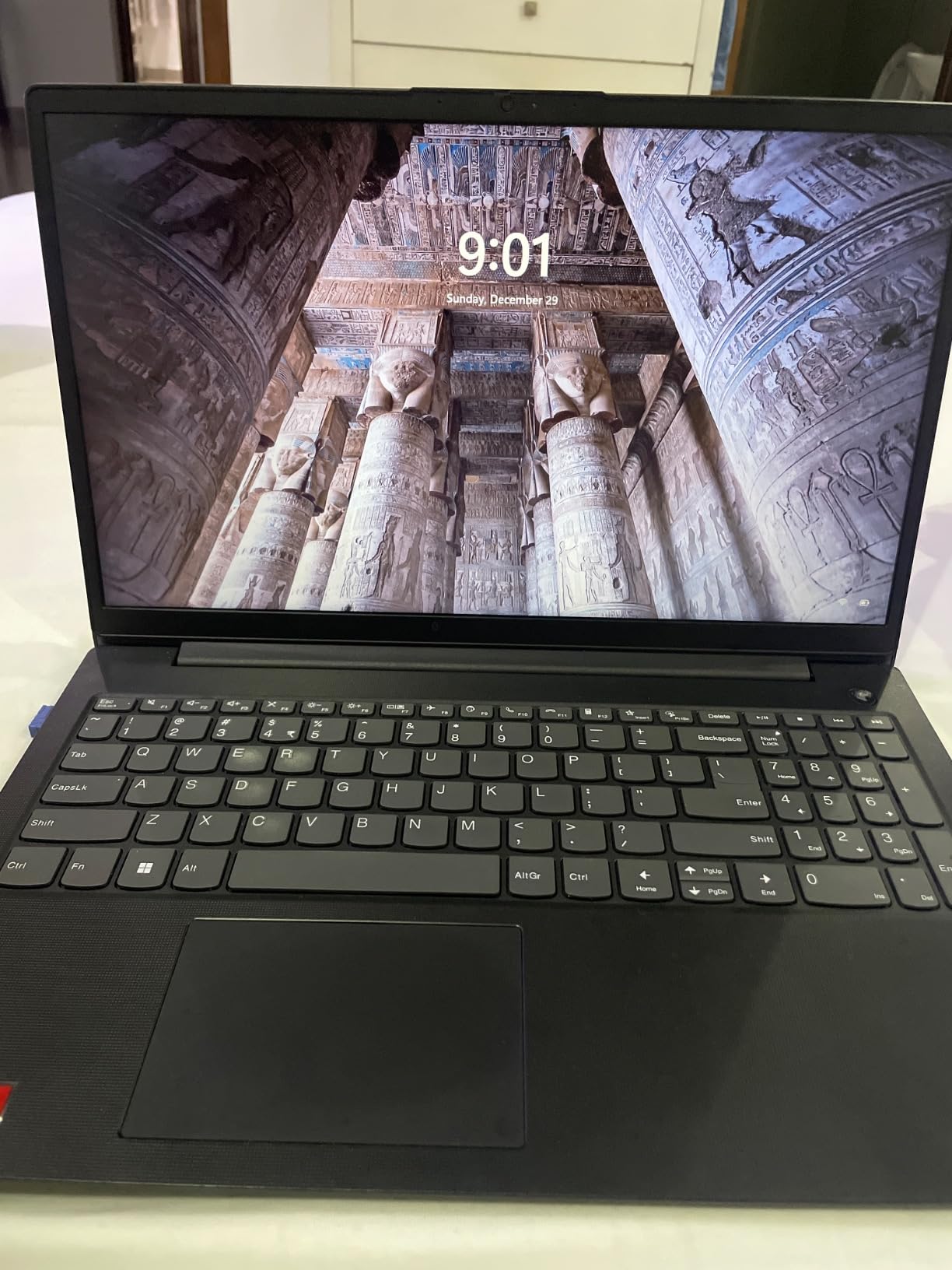
What makes it stand out at this price is connectivity and the licence. RJ45 Ethernet, HDMI, USB-C and two USB-A ports give you more hookup options than machines costing several times more, and Windows 11 Pro with Group Policy and Active Directory support matters if you are studying IT administration rather than pure development.
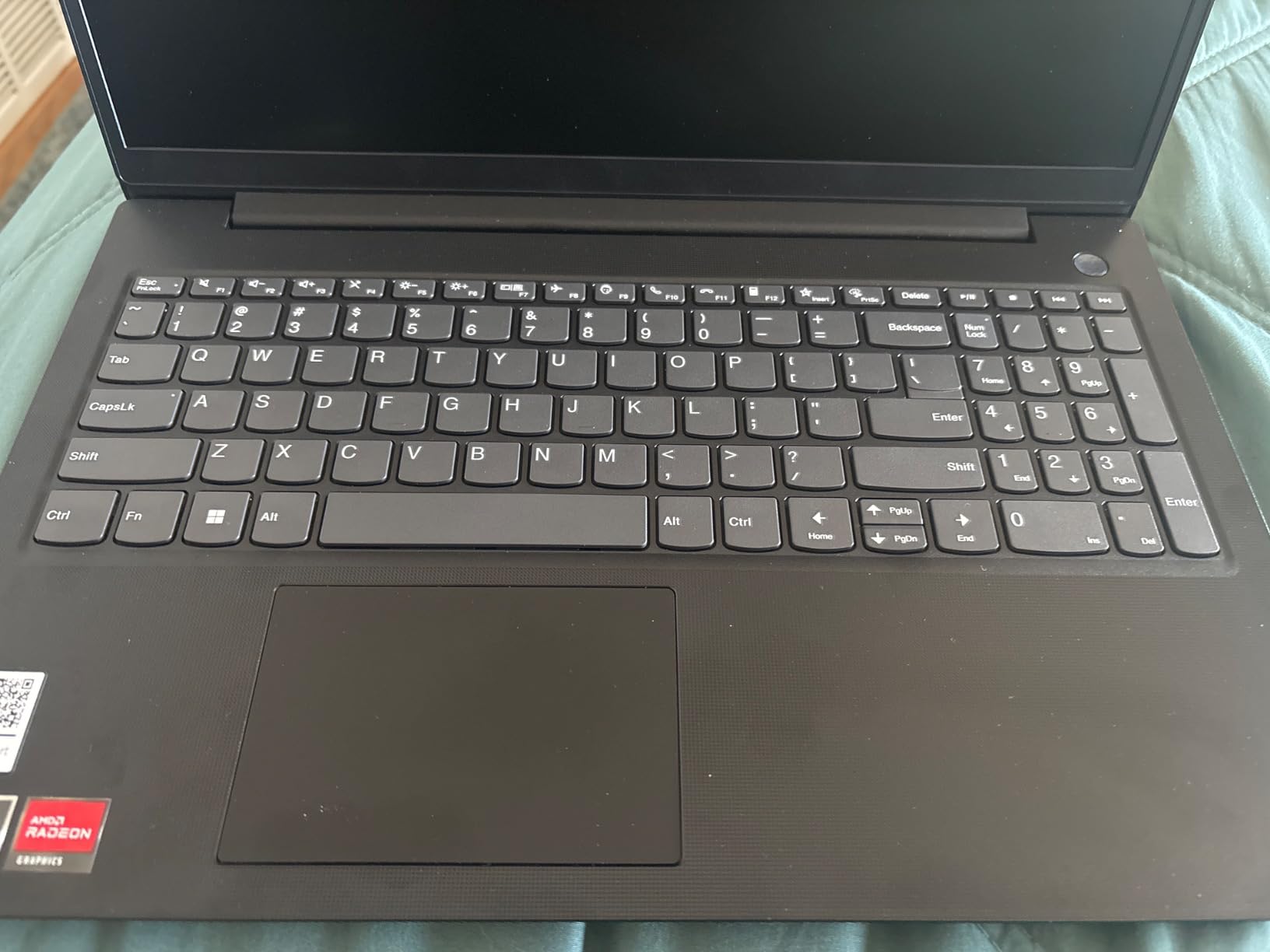
The 15.6-inch FHD panel runs at 500 nits, which is bright for a budget machine and stays readable in a lit room better than most. The numeric keypad is another rarity down here.
Where this machine earns its low price
It is not cutting RAM or storage to hit the number, which is where cheap laptops usually go wrong. You get the two components that affect your daily work most, plus a numeric keypad and a wired network port. For a student writing code, studying for certifications, or running a home lab, that is a sensible trade.
IT and systems administration students get the most from the Pro licence. Group Policy, remote desktop hosting and Active Directory labs all work out of the box, and the Ethernet jack is something you will thank yourself for when configuring a lab switch.
Where you should look elsewhere
The processor is the compromise and it is a real one. An older-generation part with a 4.0GHz ceiling will feel slow in large compiled codebases, and it is the least future-proof chip in this guide. If your course involves Rust, C++ or a large Java project, spend the difference.
The glossy display catches reflections in bright rooms, memory is capped at 16GB, and the one-star share of 9 percent is the highest in this set, with some quality complaints in that group. The 500-nit brightness rescues it in a dim room, and it is adequate everywhere else.
8. MSI Thin 15.6 – Best Balanced Coding and Gaming Pick
MSI Thin 15.6 inch FHD 144Hz Gaming Laptop Intel Core…
Core i5-13420H
RTX 4060 Laptop GPU 8GB
16GB DDR4
512GB SSD
15.6-inch 144Hz IPS
Pros
- Runs games while handling coursework and creative software
- Well-balanced 15.6-inch size that is easy to carry
- Good performance-to-price ratio against larger gaming laptops
- Sharp backlit 144Hz FHD IPS display
Cons
- Fans get loud under sustained load
- No numeric keypad
- Some owners report slowness with many browser tabs open
- One buyer received a unit with non-original parts
The question this machine answers is the one forum posters ask most often: which laptop handles programming and light gaming without being a 6-pound brick? The MSI Thin is our balanced answer, because a 15.6-inch footprint is still carryable while an RTX 4060 covers both workloads. If your budget stretches past the ceiling, our picks for high-end gaming laptops cover what you lose by stopping here.
Reviewers treat it as a value all-rounder that plays games while handling coursework and creative software. The 144Hz FHD IPS panel is sharp, and the performance-to-price ratio compares well against larger gaming laptops.
The CPU is an Intel Core i5-13420H running up to 4.55GHz, with 16GB of DDR4 expandable to 64GB and a 512GB NVMe SSD. It is an older platform than some picks here, but for everyday development plus evening gaming it does the job.
Why this works for a hybrid workload
An RTX 4060 with 8GB of dedicated memory handles mainstream titles at 1080p while giving you CUDA support for any GPU-accelerated development you pick up. The memory is also expandable to 64GB, which is unusually generous for a machine this thin.
The 15.6-inch chassis is the real reason to choose it over a 16-inch Nitro. It fits a normal backpack and can be used in a lecture hall, which matters if you carry a laptop to campus every day.
Where it falls short
Fan noise is the most common complaint. Under a sustained compile or an extended gaming session the fans get loud enough to notice in a quiet room, which is a real cost if you plan to code in shared spaces.
There is no numeric keypad, and some owners report slowness with many browser tabs open, which is a mild signal that 16GB of DDR4 is on the tight side for heavy multitasking. One buyer also received a unit with non-original RAM and SSD and a missing factory warranty sticker, so inspect the box on arrival.
9. Acer Nitro 16 – Best for 1080p Gaming on a Desktop
acer Nitro 16 Gaming Laptop | AMD Ryzen 7 7840HS OctaCore…
Ryzen 7 7840HS octa-core
RTX 4060 8GB GDDR6
16GB DDR5
1TB Gen 4 SSD
16-inch 165Hz IPS
Pros
- Runs Cyberpunk 2077 and Stalker 2 at 60-88 fps on high
- 165Hz 16-inch panel with 100 percent color gamut
- Thermals hold up with no overheating on turbo
- Full port selection including USB4 and HDMI 2.1
- Four-zone RGB keyboard with NitroSense
Cons
- 1TB SSD is small for modern game libraries
- Downward-facing speakers are poor
- Heavy 6-pound chassis
- Two 1-star reviews report black-screen boot failures after a year
Buyers of this machine consistently report the same thing: it is a desktop replacement. The Ryzen 7 7840HS with 8 cores up to 5.1GHz and an RTX 4060 with 8GB of GDDR6 runs demanding titles at 60 to 88 fps on high settings at 1080p, and the dual-fan cooling with liquid metal thermal compound holds up even on turbo.
For a developer who also games, or a game programmer, that combination is the point. Owners cite consistent performance after a full year of use, which is a meaningful signal on a machine that also has to run compilers.
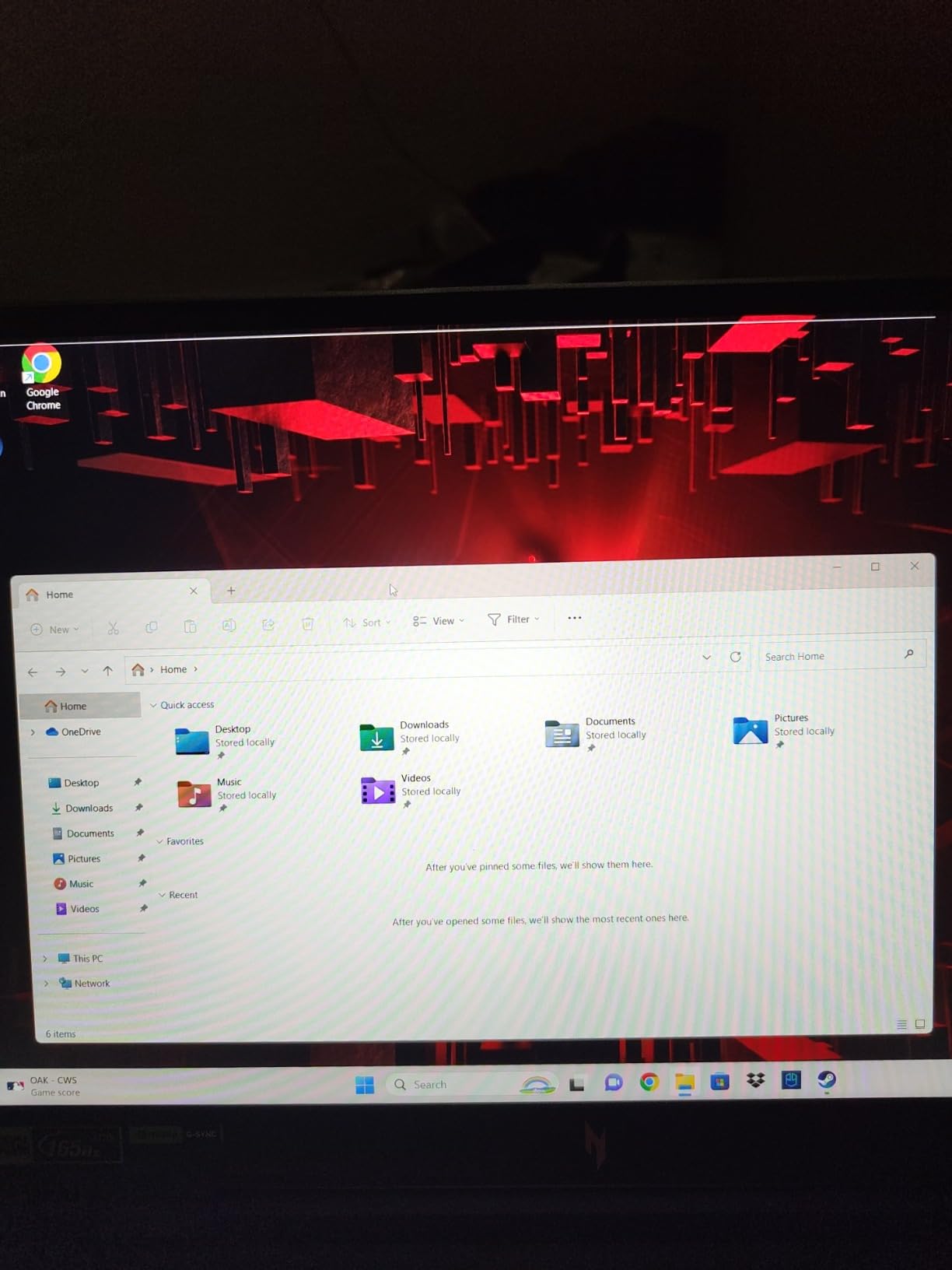
Thermals are the standout. Long build jobs and long gaming sessions both push sustained load, and this chassis does not throttle into uselessness. The 16-inch 1920×1200 IPS panel runs at 165Hz with 100 percent colour gamut coverage, and the port selection includes USB4, HDMI 2.1, RJ-45 and a microSD reader.
Memory is 16GB of DDR5 across two slots expandable to 32GB, and storage is 1TB Gen 4 with an additional M.2 slot available, which helps with the small-drive problem this machine has.
Who should look past the gaming angle
Nobody working primarily on a laptop. At 6 pounds and just over an inch thick, this is a machine that lives on a desk and occasionally travels. If you write code in cafés or move between meetings, look at the 15-inch and 14-inch picks instead.
It also earns its keep for anyone doing Unity or Unreal work, or any local CUDA-based machine learning, where the dedicated GPU and the sustained thermal headroom both matter.
Where it costs you
The 1TB SSD is genuinely small for modern game libraries, and owners recommend carrying external storage. The downward-facing speakers are poor, so a pair of external speakers or headphones is a near-requirement.
Battery life degrades to roughly one to three hours after a year of use, and two detailed 1-star reviews describe black-screen boot failures appearing after a year alongside unsatisfying Acer support. That 11 percent one-star share is the main reason this sits lower in the ranking than its performance would suggest.
10. GIGABYTE Gaming A16 – Best Battery Life in a Gaming Chassis
GIGABYTE Gaming A16 – AMD Ryzen 7 260 GeForce RTX…
Ryzen 7 260 8-core
RTX 5060 8GB GDDR7
16GB DDR5 to 64GB
16-inch 165Hz matte
76Wh battery
Pros
- Battery life rivals a productivity laptop
- one owner logged 6 hours of office work at 65 percent remaining
- Handles current AAA titles including GTA5 CS2 and Fortnite
- 165Hz 1920x1200 matte screen and Dolby Atmos audio
- Slim 0.76-inch chassis with a 180-degree hinge
Cons
- MUX switch and GiMATE control center can cause performance drops and glitches
- Fans get loud while gaming
- Some heat reaches the keyboard area
- One buyer reported a keyboard failure
This is the one gaming machine here that behaves like a normal laptop on battery. One owner logged six hours of office work and still had 65 percent remaining, and the 76Wh cell is a large one for a 16-inch chassis.
Underneath, the Ryzen 7 260 with 8 cores and an RTX 5060 with 8GB of GDDR7 handles current titles such as GTA5, CS2, Fortnite and PUBG. The 165Hz 1920×1200 matte display is praised, and the Dolby Atmos audio is a genuine step up from the downward-firing speakers on budget gaming laptops.
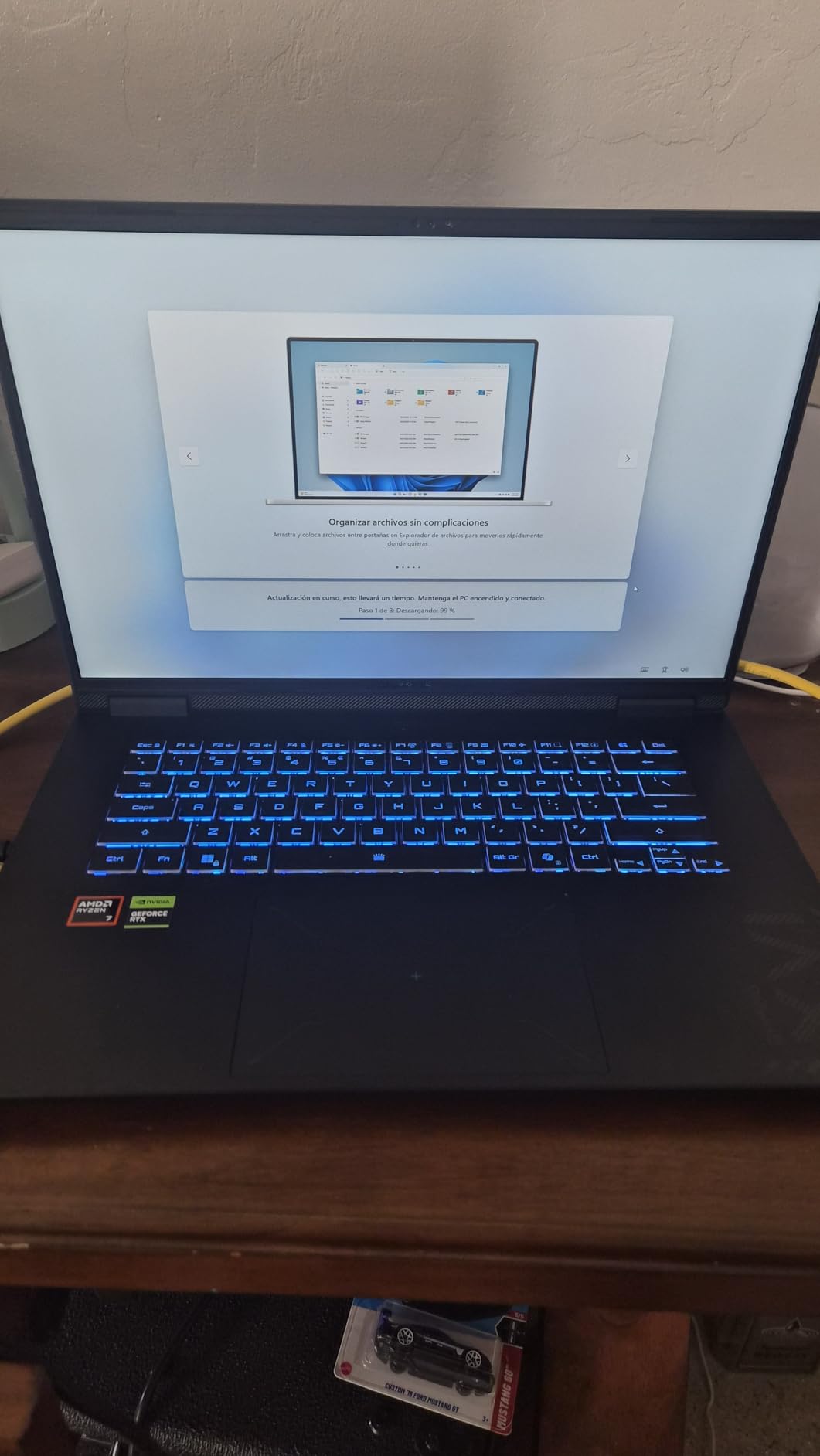
The 0.76-inch chassis with a 180-degree hinge is slimmer than most gaming laptops, and 4.9 pounds is heavy but not extreme for the class. For someone who codes on the train and games in the evening, that combination is unusual in this price range.
Memory is 16GB of DDR5 across 4 slots, expandable to 64GB, which is the most generous upgrade headroom in this roundup. Storage is 1TB SSD, and connectivity includes Wi-Fi 7, Bluetooth 5, Ethernet, HDMI, USB 3.2 Gen 2 and USB-C across eight ports.
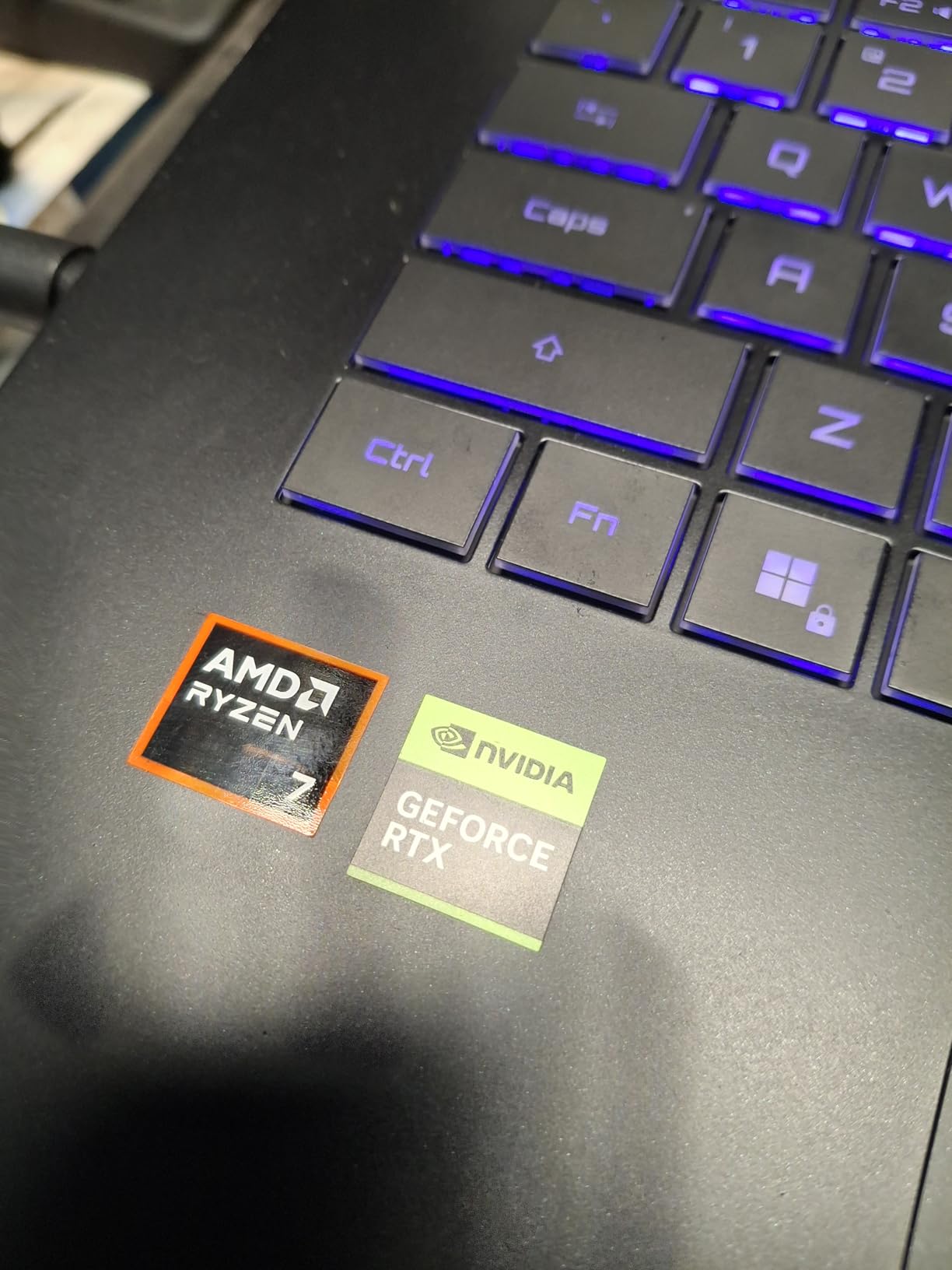
What stands out about this configuration
RAM expandability is the sleeper feature. Four DDR5 slots reaching 64GB means you can start with 16GB and add memory as your workloads grow, which is exactly the trajectory a developer on a container-heavy path follows.
The Max-Q version of the RTX 5060 also runs cooler and quieter than a full-power part, which is why the battery story works at all on a machine with this much graphics hardware.
Where the software gets in the way
The GiMATE AI control center and the MUX switch are the main source of complaints. One detailed review reports performance drops, flickering and screen tearing when the MUX switch is off, which is a fixable problem if you know it exists but a bad first impression if you do not.
Fan noise during gaming, warmth near the keyboard during play, and one reported keyboard failure round out the negatives. With 29 reviews the reliability picture is still thin, so treat the strong feedback as encouraging rather than settled.
How to Choose a Programming Laptop Under 1500
Start with memory, because it is the one choice you cannot change later on most of these machines. Sixteen gigabytes is the floor for coding in 2026, and it is only comfortable for lighter work. Thirty-two gigabytes is the right target if you run containers, virtual machines, Android Studio or machine learning notebooks.
Is 32GB RAM worth it for programming?
Yes, if you run more than one heavy thing at once, and you cannot add it later on most models in this price range. An IDE indexing a large repository, a browser with dozens of tabs, a Docker container and a virtual machine together will exhaust 16GB and fall back to swapping onto the SSD, which feels like the machine is broken rather than slow.
If your work is a text editor, a browser and a language server, 16GB is fine. If your work involves containers, VMs, or a data science stack, buy 32GB from the start. On the models in this guide that are soldered, that decision is permanent.
Does the processor tier actually change your day?
Less than retailers would like you to believe. An 8-core chip boosting above 4.5GHz handles writing code, running tests, local servers and browser-based debugging comfortably, and moving from that to a flagship does not transform the experience the way the price jump suggests.
What does change your day is sustained performance. A 30-minute build of a large project will reveal whether the chassis can cool a chip properly. The fanless machines here feel fast in short bursts and slow in long ones, which is the honest way to think about it.
Do you need a dedicated GPU for programming?
It depends entirely on your discipline, and the answer is no more often than buyers assume. Web development, backend work, scripting and most DevOps tasks run happily on integrated graphics. Machine learning, Unity and Unreal work, and local model inference are the workloads that genuinely require one.
Rule of thumb: buy a dedicated GPU if your code touches CUDA, ray tracing or a game engine. Skip it and spend the money on memory and a better screen if it does not.
Screen size, colour and the 14-inch versus 16-inch question
A 16-inch screen gives you meaningfully more code on screen, and forum buyers consistently say a 15 or 16-inch panel is worth the weight penalty for full-time coding. A 14-inch machine is easier to carry all day and easier to live with in a lecture hall.
Also check colour gamut rather than brightness. A bright 300-nit 45 percent NTSC panel looks washed out next to a 3K OLED, and the difference is obvious within a day of use. If you do front-end work where colour accuracy matters, factor the panel in before the processor.
ARM versus x86, and what a budget ceiling does not buy
Every machine in this guide runs x86-64, and that is deliberate. Native toolchains, container images and older enterprise software all assume x86, and an emulation layer adds friction to exactly the workloads developers already find tedious. If you do buy an ARM machine outside this list, check that your toolchain runs natively before you commit.
At this ceiling you are not buying a 64GB workstation, a professional colour-accurate panel, or a high-end mobile GPU. You are buying a fast modern processor, 16 or 32GB of memory, a decent screen and a keyboard you can type on for eight hours. That is a genuinely good programming machine, provided your workload fits inside it.
One more route deserves a mention, because forum regulars raise it constantly. A refurbished or used business-class ThinkPad is often the highest specs-per-dollar option available, and it keeps a machine far longer than a consumer laptop you will replace mid-degree. The trade-off is battery condition and warranty, so buy from a seller who tests the cells and states the warranty in writing.
Once you have the machine, the accessories matter more than people expect. Our picks for mechanical keyboards for programming and monitors for programming are worth adding if you will use the laptop docked for long sessions. Editors working with footage rather than code may also want our video editing laptop picks to compare the display and storage trade-offs.
Frequently Asked Questions
What is the best laptop I can buy for 1500 dollars for programming?
The MacBook Air 13-inch with the M5 chip is the strongest overall buy below 1500 dollars for programming, pairing the highest rating and deepest review history in our testing with up to 18 hours of battery life. For GPU-heavy work the Acer Nitro V 16S AI with an RTX 5060 and 32GB of memory is the alternative.
What is the best budget laptop for programming?
For web development, scripting and coursework, the Lenovo IdeaPad Slim 3 with 16GB of memory and a 512GB NVMe SSD is the cheapest pick here that will not need replacing in a year. Spend more only if your work involves containers, virtual machines or data science, where 32GB becomes the priority.
Is 32GB RAM necessary for coding?
Not for light development with a text editor and a browser, where 16GB is workable. It becomes necessary as soon as you run Docker containers, virtual machines, Android Studio or machine learning notebooks alongside your IDE, and on most machines in this price range memory cannot be added later.
Do I need a dedicated GPU for programming?
Only for specific workloads. Web development, backend work, scripting and most DevOps tasks run fine on integrated graphics. CUDA-based machine learning, Unity and Unreal development, and local model inference are the cases that genuinely require a dedicated GPU such as the RTX 4060 or RTX 5060.
What is the best laptop for programming students under 1500 dollars?
The Lenovo ThinkPad E16 Gen 3 is the best all-round student pick for its keyboard, 16-inch workspace, Windows 11 Pro and upgradeable memory, while the Lenovo IdeaPad Slim 3 is the value option if the budget is tight. Students doing machine learning should look at a 32GB configuration instead.
Conclusion: Best Laptops for Programming Under 1500 in 2026
The MacBook Air 13-inch M5 is the best laptops for programming under 1500 pick, and the reason is not a single spec. It carries the highest rating in this guide with the deepest review history, a battery that survives a full working day, and a toolchain that handles Windows, Linux, macOS, Android and iOS from one device.
Buy the Acer Nitro V 16S AI instead if your work needs a real GPU or you want 32GB with room to expand. Buy the ASUS Vivobook S 16 if the screen matters most to you, and the ThinkPad E16 Gen 3 if the keyboard, the ports and Windows 11 Pro matter most.
For tighter budgets, the Acer Aspire 14 AI gets you 32GB of memory for the least money in this guide, and the Lenovo IdeaPad Slim 3 is the honest student entry point. Whichever you choose, decide the memory question first, because it is the one spec you usually cannot change later.
