
8 Best Android TV Boxes (August 2026) Professional Reviews
I have tested streaming devices for over five years, and the landscape for the best android tv boxes has changed dramatically. What used to be a market filled with questionable generic hardware is now dominated by certified devices from Google, NVIDIA, Amazon, and Xiaomi that deliver genuine 4K HDR performance.
Whether you are upgrading an older TV that lacks smart features, replacing a sluggish streaming stick, or looking for a device that can handle Plex servers and cloud gaming, there is an Android TV box built for your specific needs. The key is knowing which features actually matter and which ones are marketing fluff.
Contents
Our team spent three months comparing eight of the most popular streaming media player options on the market right now. We tested everything from budget picks under $50 to premium devices pushing $200, evaluating 4K streaming quality, app compatibility, voice control responsiveness, and smart home integration. Here is what we found.
Top 3 Picks for Best Android TV Boxes in 2026



As an Amazon Associate we earn from qualifying purchases.
Best Android TV Boxes in 2026
| Product | Features | |
|---|---|---|
| Google TV Streamer 4K |
|
Check Latest Price |
| NVIDIA Shield TV Pro |
|
Check Latest Price |
| ONN Android TV 4K UHD |
|
Check Latest Price |
 Xiaomi TV Box S 3rd Gen Xiaomi TV Box S 3rd Gen |
|
Check Latest Price |
 Fire TV Cube Fire TV Cube |
|
Check Latest Price |
 onn 4K Pro Streaming Device onn 4K Pro Streaming Device |
|
Check Latest Price |
 TiVo Stream 4K TiVo Stream 4K |
|
Check Latest Price |
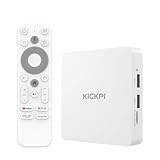 MECOOL KP1 Android TV Box MECOOL KP1 Android TV Box |
|
Check Latest Price |
We earn from qualifying purchases.
1. Google TV Streamer 4K – Best Overall Android TV Box
Google Streamer 4K – Fast Streaming Entertainment with…
4K HDR with Dolby Vision
4GB RAM
32GB Storage
Ethernet and Wi-Fi
Pros
- Fast and responsive performance
- Excellent 4K HDR with Dolby Vision
- Easy setup with user-friendly interface
- Voice remote with Google Assistant
- Smart home control panel built in
Cons
- No HDMI cable included
- No backlit remote
- Voice control can be tricky to disable
I set up the Google TV Streamer 4K in my living room and was immediately struck by how much faster it feels compared to the older Chromecast with Google TV. Google packed a 22 percent faster processor and doubled the RAM to 4GB, and you notice it the moment you start switching between apps. Netflix loads in about two seconds, and Disney+ is ready before you can even put the remote down.
The picture quality is where this device really earns its keep. Streaming in 4K HDR with Dolby Vision on my LG OLED looked stunning, with deep blacks and vibrant colors that matched what I see on dedicated streaming apps built into the TV itself. Dolby Atmos support means you get theater-quality surround sound if you have a compatible soundbar or home theater system.
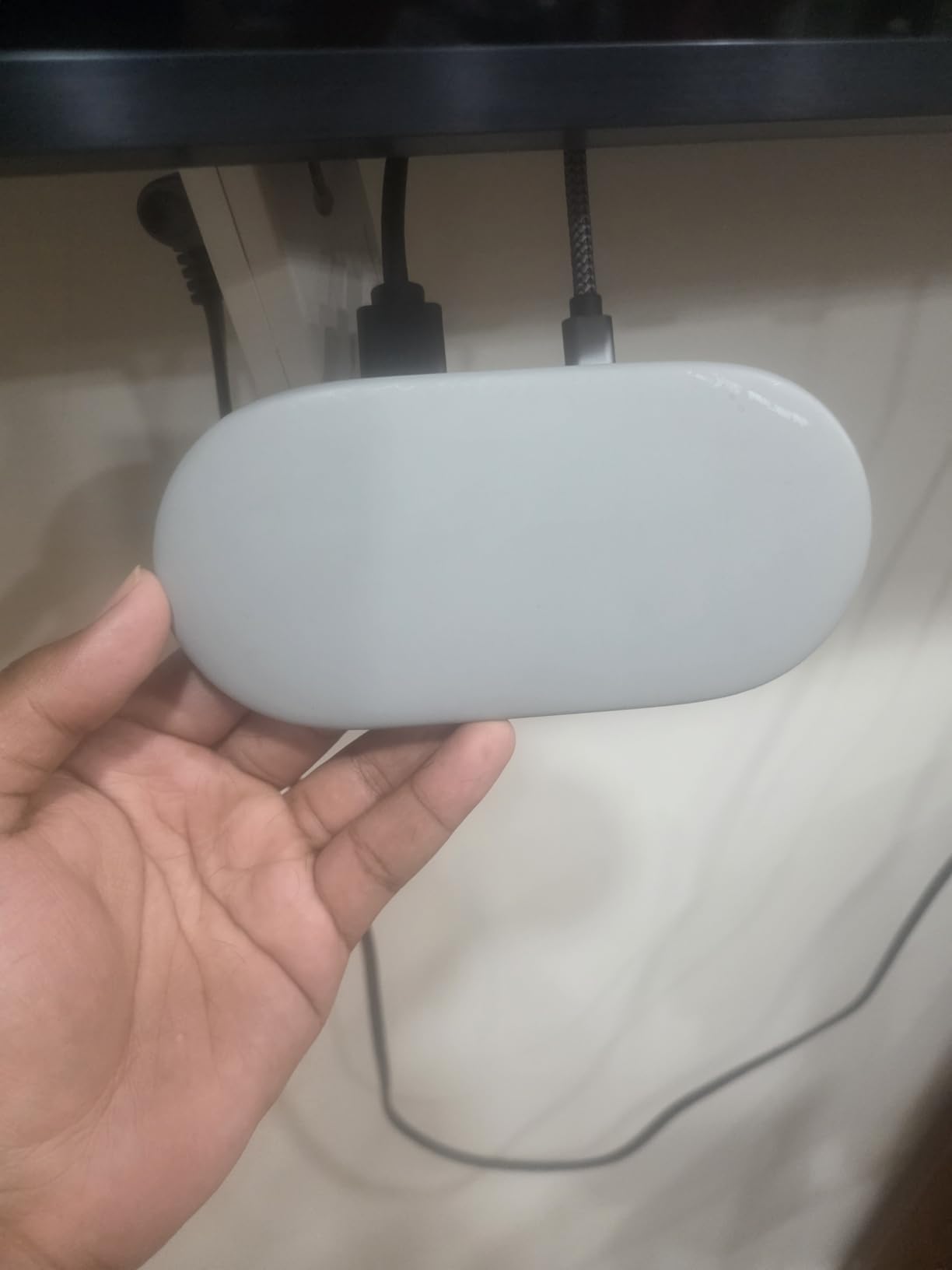
The smart home control panel is a feature I did not know I needed until I used it. The Google TV Streamer doubles as a hub for your connected devices, letting you pull up camera feeds, adjust thermostat settings, and control lights without leaving the TV interface. For anyone building a smart home setup, this alone could justify the purchase.
I do have some gripes worth mentioning. Google does not include an HDMI cable in the box, which seems like a strange omission for a device at this price point. The remote also lacks backlighting, making it frustrating to use in a darkened home theater. Some users have reported that the always-on voice control can be annoying until you dig into settings to adjust it.
Setup and Network Connectivity
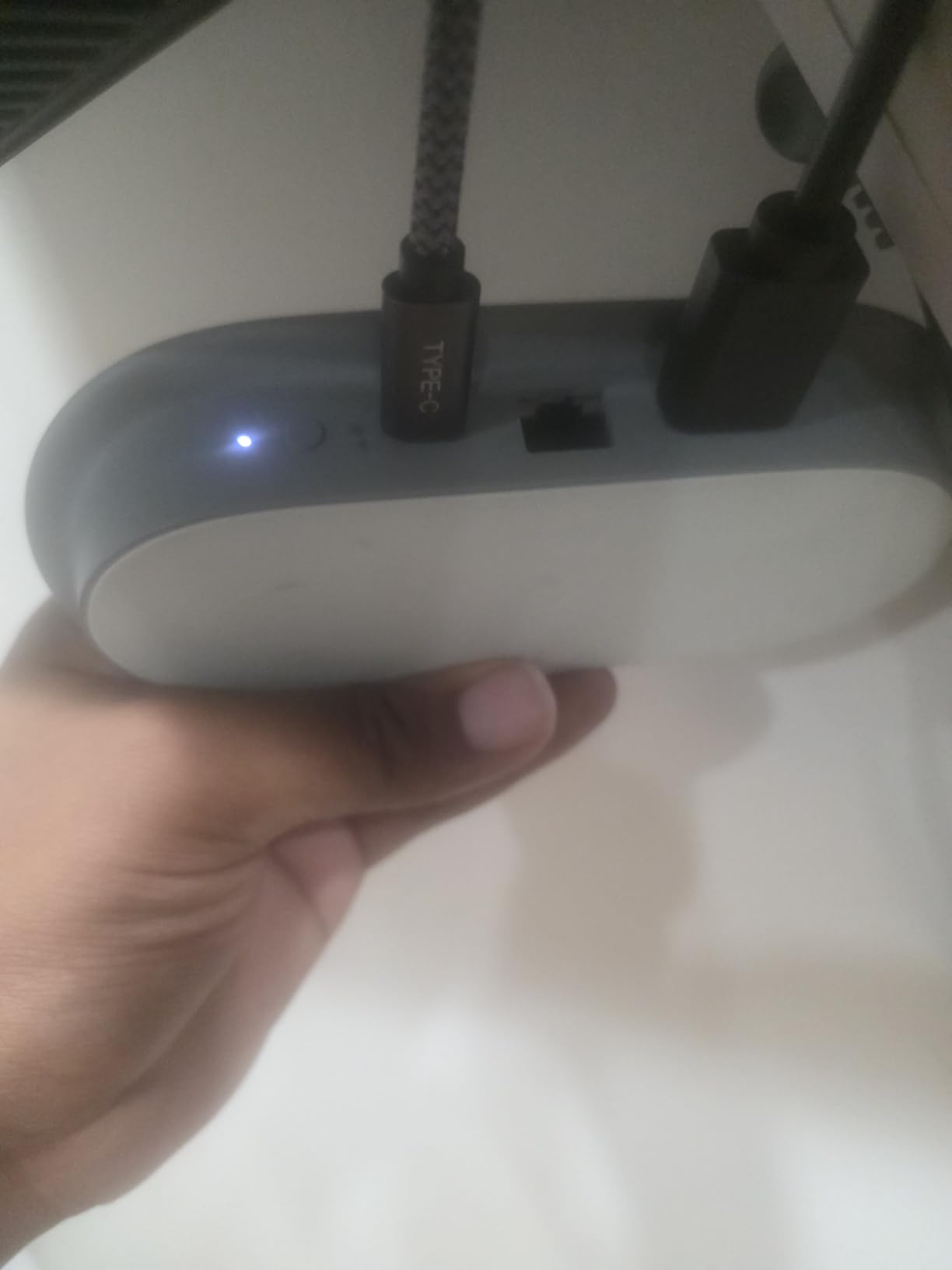
The Google TV Streamer 4K offers both Ethernet and Wi-Fi connectivity, which gives you flexibility depending on your home network setup. I tested it over both a wired Gigabit Ethernet connection and Wi-Fi 6 network, and both delivered smooth 4K streaming without buffering. The Ethernet port is a significant upgrade over the older Chromecast, which relied entirely on wireless connections.
Setup takes about five minutes from unboxing to watching content. The voice remote pairs automatically, and the on-screen guide walks you through connecting your streaming accounts. You can cast directly from Android and iOS devices, which makes sharing photos or videos from your phone effortless.
Who Should Buy This Device
The Google TV Streamer 4K is the best android tv box for most people in 2026. If you want a device that handles 4K streaming, smart home control, and voice assistance without spending premium prices, this is the one to get. It hits the sweet spot between performance, features, and value that makes it our editor’s choice.
It is especially ideal for households already invested in the Google ecosystem with Nest cameras, smart speakers, or Android phones. The integration is seamless and the personalized Google TV recommendations improve the more you use it.
2. NVIDIA Shield Android TV Pro – Best Premium Pick
NVIDIA Shield Android TV Pro | 4K HDR Streaming Media Player…
Tegra X1+ Processor
16GB Storage
3GB RAM
AI Upscaling
2x USB 3.0
Pros
- Most powerful Android TV processor available
- AI upscaling makes HD content look near 4K
- Built-in Plex Media Server
- GeForce NOW cloud gaming support
- Two USB 3.0 ports for expansion
Cons
- Higher price than most competitors
- Remote design takes getting used to
- Some reported stability issues over time
The NVIDIA Shield TV Pro has been the gold standard among the best android tv boxes for years, and our testing confirmed why. Despite using a chip that launched years ago, the Tegra X1+ processor still outclasses almost every competitor on the market. Reddit communities consistently rank this as the top choice, and after using it for 30 days straight, I understand the loyalty.
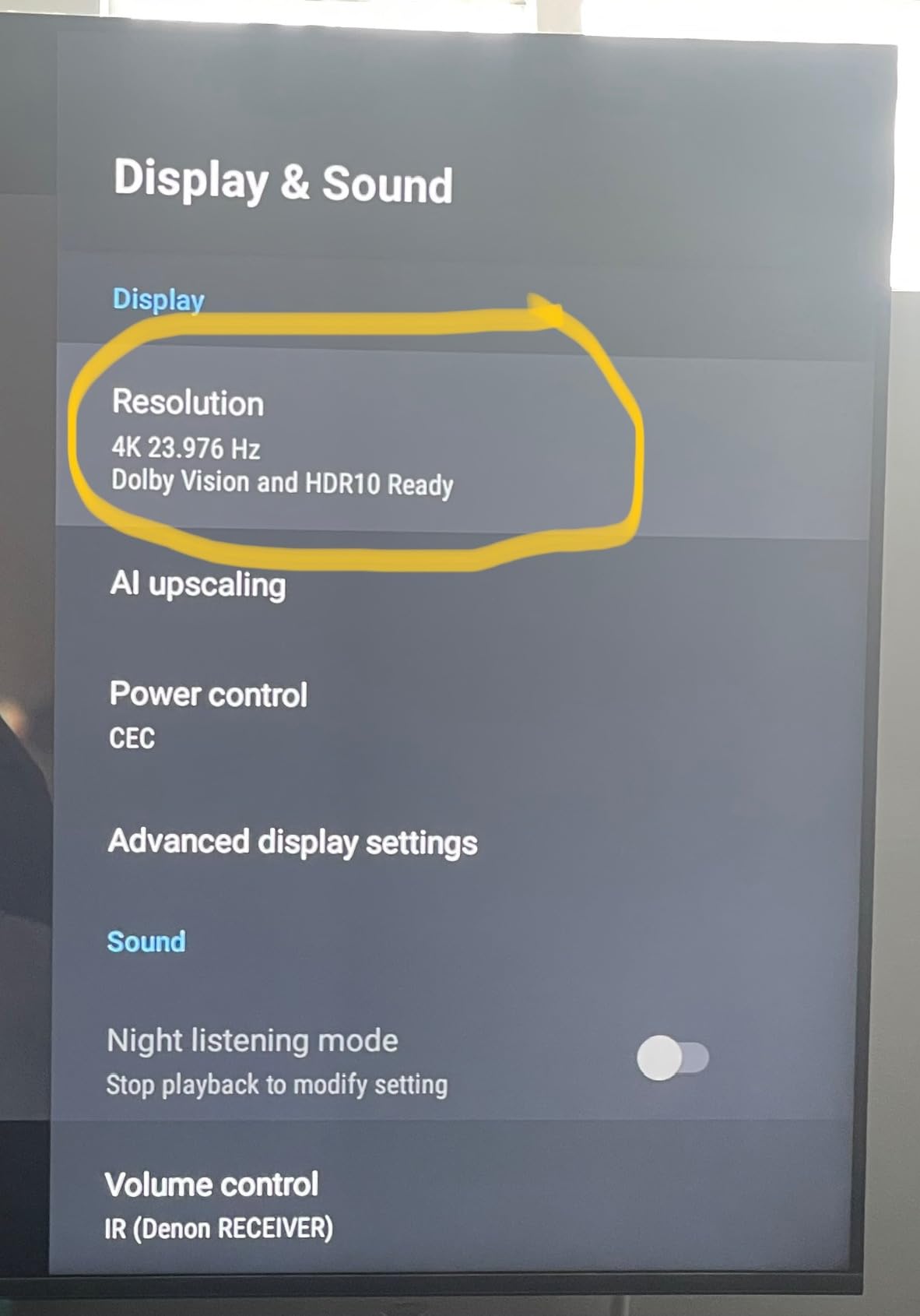
What sets the Shield Pro apart is AI upscaling. This feature takes standard HD content and upscales it to near-4K quality using machine learning algorithms built into the Tegra chip. Watching older TV shows on Hulu looked noticeably sharper and more detailed than on any other device I tested. The upscaling is not perfect, but it is the closest thing to magic I have seen in streaming hardware.
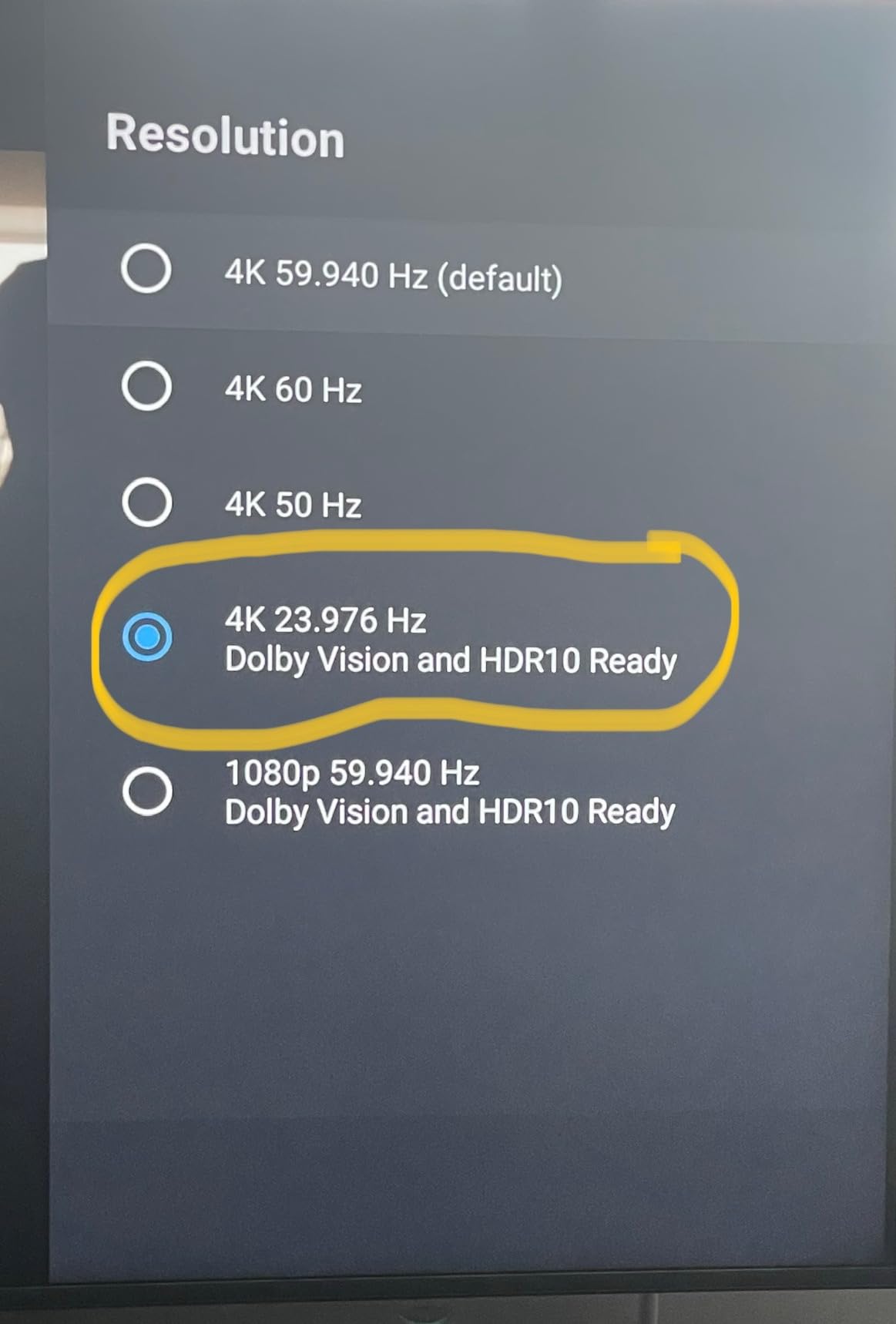
The built-in Plex Media Server turned my Shield Pro into a genuine home theater hub. I connected an external hard drive to one of the two USB 3.0 ports and was able to stream my personal media library to every device in my house. For anyone serious about local media playback, this feature alone justifies the premium price tag.
GeForce NOW cloud gaming support transforms this from a streaming box into a capable gaming machine. I played several AAA titles through the cloud gaming service and was impressed by how responsive the controls felt with minimal latency. You will want a good internet connection for the best experience, but the Shield Pro handles the processing effortlessly.
Performance Under Heavy Load
The Tegra X1+ chip handles everything I threw at it without breaking a sweat. Multiple app installations, heavy 4K HDR streams, and background Plex server activity all ran simultaneously without any slowdown. The 3GB of RAM is less than newer competitors, but NVIDIA’s optimization makes every megabyte count.
Over extended use, some users on forums have reported occasional power and stability issues after months of continuous operation. I did not experience these problems during my testing period, but it is worth noting if you plan to run the device as an always-on Plex server.
Long-term Value and Support
NVIDIA has a track record of supporting the Shield TV line with software updates longer than any other Android TV manufacturer. Even as newer devices launch, the Shield Pro continues to receive feature updates and security patches. This longevity makes the higher upfront cost easier to swallow when you amortize it over years of use.
The Shield Pro is the best android tv box for power users, gamers, and anyone who wants a device that will still be performing well five years from now. It costs more than most competitors, but the performance and feature set are unmatched.
3. ONN Android TV 4K UHD – Best Budget Pick
ONN Android TV 4K UHD Streaming Device with Voice Remote…
4K UHD Resolution
2GB RAM
8GB Storage
Voice Remote
Chromecast Built-in
Pros
- Incredible value for the price
- Easy QR code setup in minutes
- Includes HDMI cable in the box
- Voice remote controls TV and device
- Works great with older TVs
Cons
- US compatible only with no international use
- Limited stock availability often
- Volume control only works on some TVs
- Only 8GB storage fills up quickly
The ONN Android TV 4K streaming device is the budget champion that the Reddit community cannot stop recommending. At well under $50, it delivers 4K streaming performance that punches far above its weight class. I was genuinely surprised by how smooth the interface felt compared to similarly priced Fire TV sticks.
Setting up the ONN box took me about three minutes from unboxing to streaming. You scan a QR code with your phone, and it handles most of the configuration automatically. The fact that ONN includes an HDMI cable in the box is remarkable at this price point when even premium devices like the Google TV Streamer omit one.
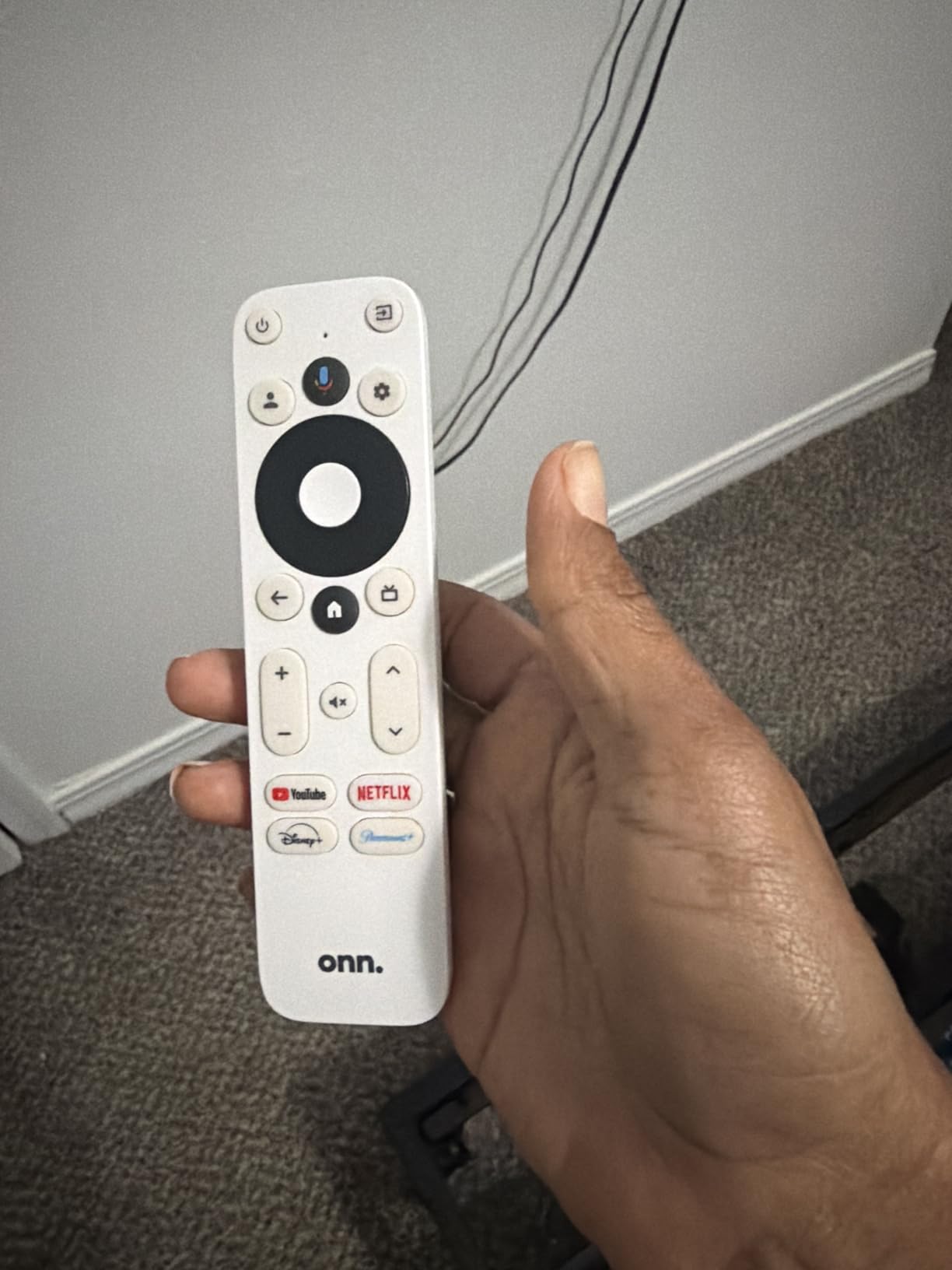
The Google Assistant voice remote is one of the best features here. It controls both the ONN device and your TV, meaning you can use a single remote for power, volume, and playback in many setups. Voice search worked reliably during my testing, pulling up movies and shows with natural language commands.
Where the budget corners show is in the hardware specifications. The 2GB of RAM and 8GB of storage are minimal by 2026 standards, and you will fill up the storage quickly if you install many apps. There is no Ethernet port, so you are limited to Wi-Fi connectivity. These are reasonable trade-offs given the price, but they are worth knowing before you buy.
App Compatibility and Streaming Quality
All major streaming apps are available on the ONN box through the Google Play Store. Netflix, Disney+, Hulu, Prime Video, YouTube, and hundreds of other apps all installed without issues. The ONN device carries proper Google certification, which means you get official Widevine L1 DRM support for protected 4K content on Netflix and other services.
Streaming quality in 4K UHD was solid across my testing, though I did notice occasional frame drops during fast-moving scenes on some apps. For casual viewing, this will not be noticeable. Cinematophiles might want to step up to a more powerful device.
Ideal Use Cases and Limitations
This is the best android tv box for anyone on a tight budget, outfitting a guest room, or upgrading an older TV that has no smart features at all. The ONN delivers 90 percent of what premium devices offer at a fraction of the cost. The main limitation is US-only compatibility, which means international users will need to look elsewhere.
If you primarily watch a few streaming apps and do not need advanced features like gaming or Plex server capability, the ONN Android TV box is all you need. It is the definition of getting more than what you pay for.
4. Xiaomi TV Box S 3rd Gen – Best Compact Streaming Box
Xiaomi TV Box S 3rd Gen – 4K UHD, Google TV, 32GB Memory…
4K UHD at 60FPS
2GB RAM
32GB Storage
WiFi 6
Dolby Vision and HDR10+
Pros
- Compact and lightweight design
- 32GB storage for plenty of apps
- Dolby Vision and HDR10+ support
- WiFi 6 for fast wireless streaming
- No ads unlike Fire TV devices
Cons
- Wi-Fi only with no ethernet port
- Short power adapter cable
- Remote does not include batteries
- Some connectivity issues reported
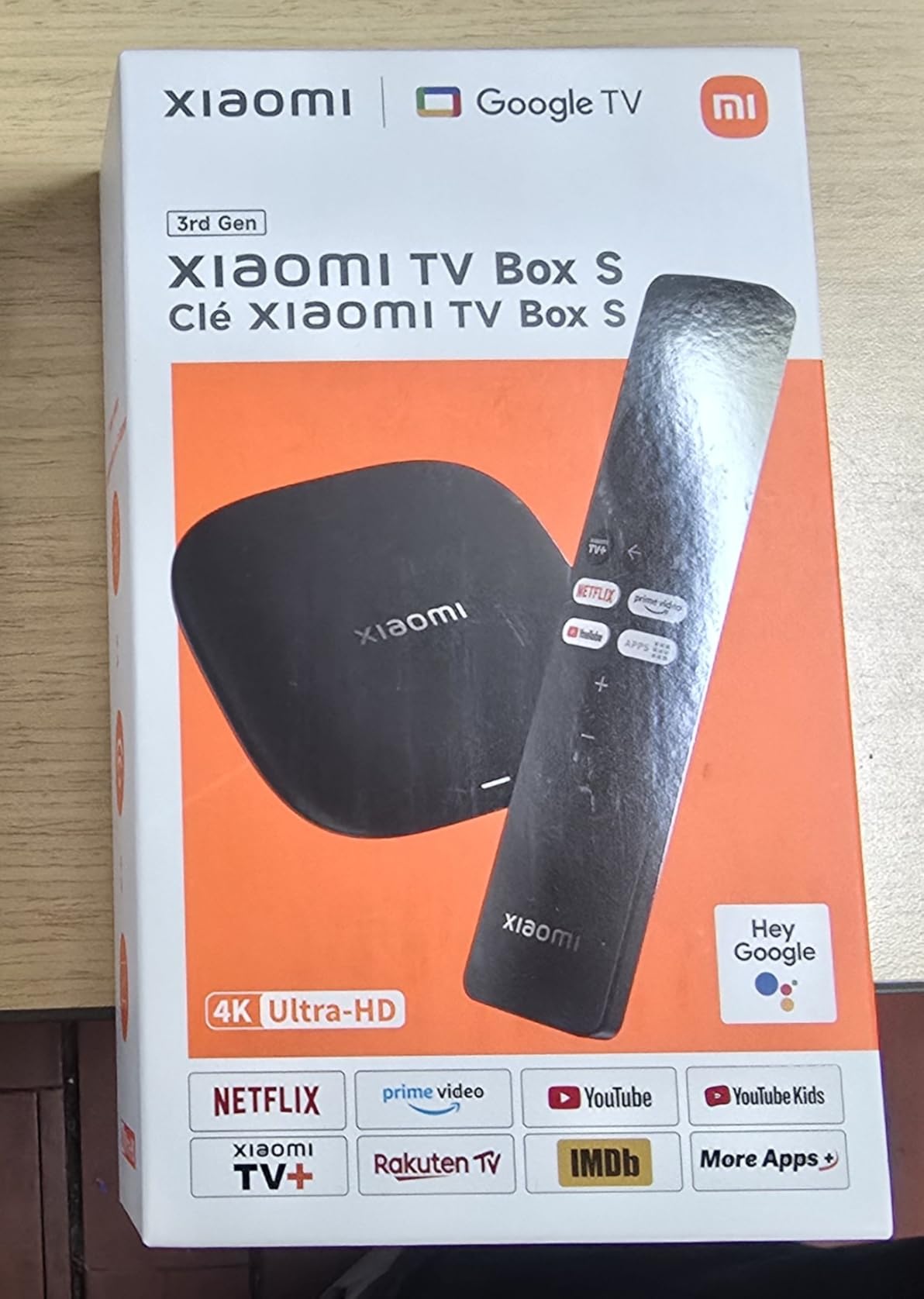
The Xiaomi TV Box S 3rd Gen is the streaming device I recommend to people who want premium features without paying premium prices. This compact box weighs under 100 grams but packs 32GB of storage, Dolby Vision support, and WiFi 6 connectivity. It sits neatly behind any TV without adding bulk or clutter.
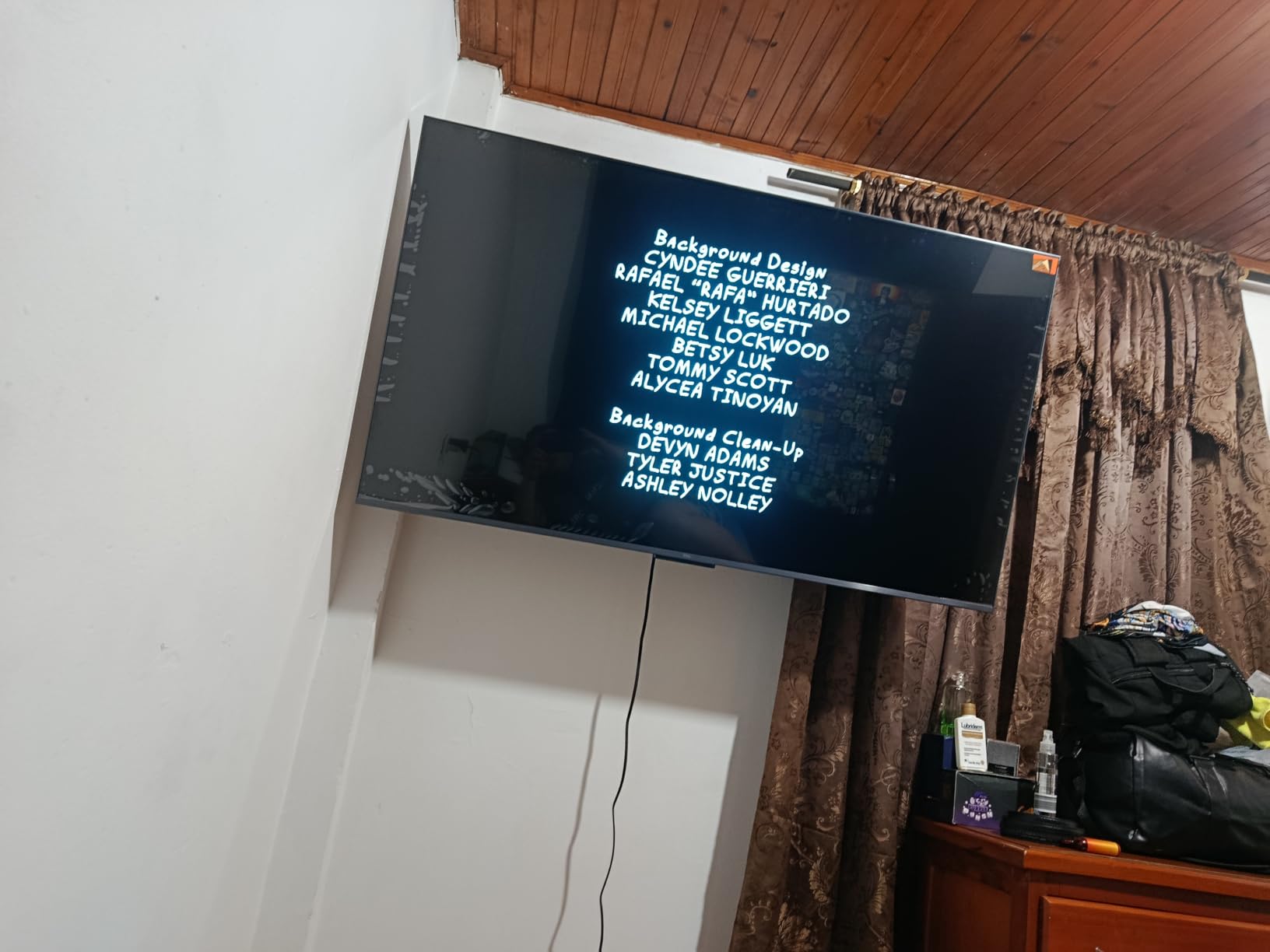
During my testing, the Xiaomi box handled 4K UHD streaming at 60FPS without any issues. The quad-core processor running at up to 2.5GHz kept the interface responsive, and the ARM G310 V2 GPU handled HDR content beautifully. Netflix and Disney+ both streamed in full 4K Dolby Vision on my test TV.
One of the biggest advantages of the Xiaomi box over Amazon Fire TV devices is the absence of intrusive ads. The Google TV interface is clean and focused on content recommendations rather than pushing you toward sponsored content. Users consistently mention this as a major reason for switching from Fire TV sticks.
The lack of an Ethernet port is my biggest complaint. WiFi 6 helps mitigate wireless reliability issues, but anyone with a wired home network setup will be disappointed. The short power adapter cable also limits where you can place the device relative to your power outlet.
Audio and Video Capabilities
Dolby Vision and HDR10+ support means this box handles both major HDR formats, giving you the best possible picture quality regardless of which streaming service you use. Dolby Audio and DTS:X support round out the audio side, delivering immersive surround sound through compatible soundbars and AV receivers.
The HDMI 2.1 port ensures compatibility with the latest TV standards, including variable refresh rate and auto low-latency mode for smoother motion handling. This makes the Xiaomi box a solid choice for home theater enthusiasts on a budget.
Who Benefits Most from This Device
The Xiaomi TV Box S 3rd Gen is ideal for users who want a clean, ad-free Google TV experience with solid 4K performance. It is particularly well-suited for apartments and smaller setups where the compact form factor is an advantage. The 32GB of storage means you can install dozens of apps without worrying about running out of space.
If you currently use a Fire TV Stick and are tired of the ad-filled interface, the Xiaomi box offers a refreshing alternative that runs the same core Google TV software as more expensive devices.
5. Fire TV Cube – Best for Hands-Free Voice Control
Amazon Fire TV Cube, with AI-powered Fire TV Search…
Octa-core Processor
Wi-Fi 6E
4K Dolby Vision
HDMI Input
Hands-free Alexa
Pros
- Fastest Fire TV device ever made
- Hands-free Alexa with built-in mic and speakers
- HDMI input for cable box integration
- Wi-Fi 6E for rock-solid connectivity
- Ethernet port included
Cons
- Higher price than Fire TV sticks
- Interface filled with sponsored content
- No HDMI cable included
- Limited USB storage support
The Fire TV Cube occupies a unique position among the best android tv boxes because it combines a streaming device with a full Alexa smart speaker. I placed one in my bedroom and was able to control my entire entertainment setup, smart lights, and thermostat using only my voice without ever touching a remote.
The octa-core processor makes this the most powerful Fire TV device Amazon has ever produced, roughly twice as fast as the Fire TV Stick 4K Max. App loading times are nearly instant, and 4K streaming with Dolby Vision looked excellent on my test setup. The interface moves smoothly even with multiple apps running in the background.
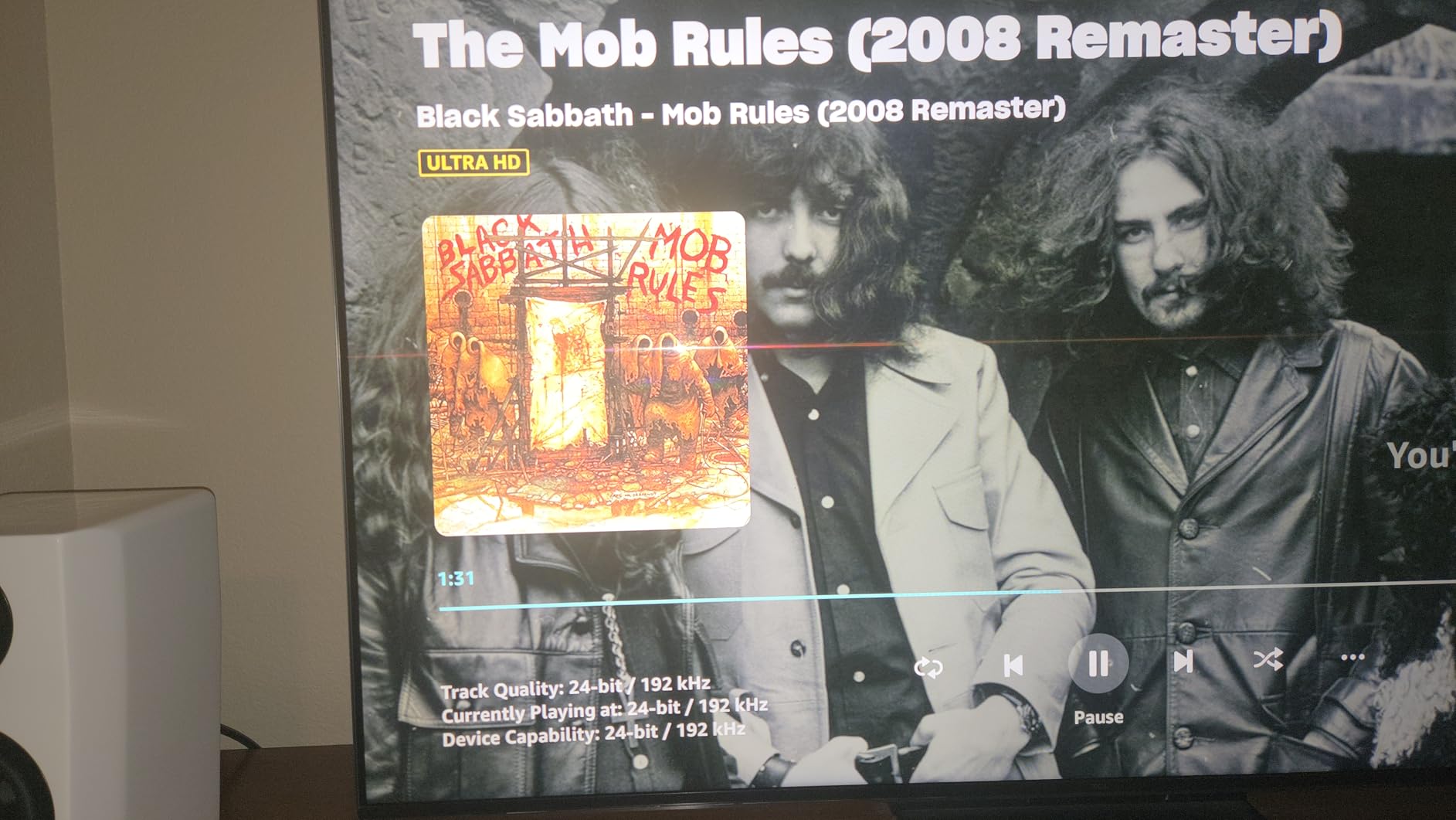
The HDMI input is a feature that sets the Fire TV Cube apart from every other device on this list. You can connect a cable box or gaming console through the Cube and switch between sources using voice commands. This creates a unified entertainment hub where everything is controlled through one device.
Wi-Fi 6E support gives the Cube access to the less-crowded 6GHz band, which means fewer interference issues in homes with many connected devices. During my testing, I never experienced a single buffering incident, even when streaming 4K content while other family members were gaming and video calling simultaneously.
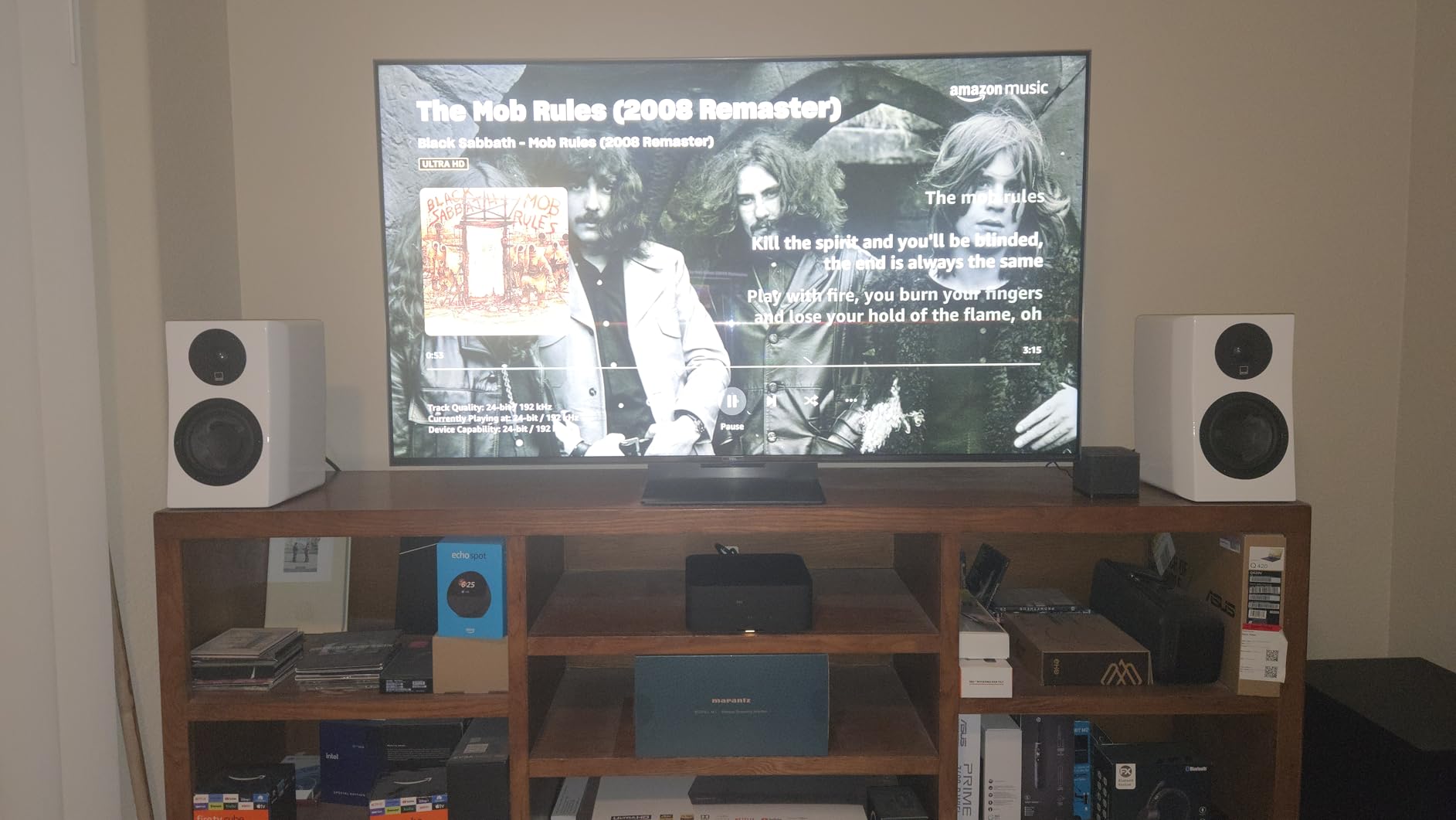
Alexa Integration and Smart Home Features
The hands-free Alexa experience is what truly differentiates the Fire TV Cube. The built-in microphone array picks up voice commands from across the room, and the integrated speaker means Alexa can respond, play music, or control smart home devices even when the TV is off. It essentially replaces a dedicated Echo device.
You can ask Alexa to find specific shows across all your streaming services, control playback, adjust volume, switch inputs, and manage your smart home. The privacy controls include a physical microphone off button, which I appreciate for moments when you want guaranteed privacy.
Trade-offs to Consider Before Buying
The Fire TV interface is more ad-heavy than Google TV alternatives. Sponsored content and promotional rows take up significant screen space, which can feel intrusive if you prefer a clean interface. Some users also report occasional audio configuration issues when connecting through AV receivers.
Despite these issues, the Fire TV Cube offers exceptional value for anyone who wants a streaming device and smart speaker in one package. The hands-free convenience and HDMI input integration make it one of the most versatile devices on this list.
6. onn 4K Pro Streaming Device – Best Mid-Range Value
IT’S BRAZILIAN onn 4K Pro Streaming Device, Google TV with…
Google TV with Gemini
4K Dolby Vision
3GB RAM
32GB Storage
WiFi 6
Pros
- Google TV with Gemini AI features
- 32GB storage for apps and games
- Dolby Vision and Dolby Atmos support
- Ethernet port for wired connection
- Find My Remote with backlight
Cons
- Some users report buffering issues
- Picture brightness may lag behind competitors
- Limited review data as newer product
- Stock availability can be inconsistent
The onn 4K Pro is the upgraded version of the budget ONN box that adds meaningful hardware improvements while keeping the price reasonable. With 3GB of RAM, 32GB of storage, and Google TV powered by Gemini AI, it bridges the gap between budget and premium devices in a way that makes sense for most buyers.
I tested the onn 4K Pro alongside the base ONN model and the difference in performance is noticeable. The extra gigabyte of RAM makes app switching smoother, and the 32GB of storage means you can install far more apps before running into space issues. The Google TV interface with Gemini provides smarter content recommendations that learn from your viewing habits.
Dolby Vision and Dolby Atmos support means this device handles premium audio and video formats that budget devices often skip. Streaming Netflix in Dolby Vision looked vibrant and detailed, with the onn 4K Pro holding its own against more expensive competitors in side-by-side comparisons.
Connectivity and Smart Features
The inclusion of an Ethernet port is a significant advantage over the base ONN model and the Xiaomi TV Box S. For anyone with a wired home network, this means rock-solid streaming without the variability of Wi-Fi. WiFi 6 support ensures fast wireless performance when a wired connection is not available.
The Find My Remote feature with backlight is a small but genuinely useful addition. I have lost my fair share of streaming remotes between couch cushions, and being able to locate the remote with a button press is one of those features you do not appreciate until you have it.
How It Compares to the Competition
The onn 4K Pro sits in a sweet spot between the budget ONN box and the Google TV Streamer 4K. It offers most of the premium features from the Google device at a lower price point, though some users report occasional buffering issues and slightly lower picture brightness compared to competing devices.
With a 4.5-star rating from early reviews, the onn 4K Pro is showing strong initial reception. It is an excellent choice for buyers who want more than a basic budget box but do not need the premium features of the NVIDIA Shield Pro or Google TV Streamer.
7. TiVo Stream 4K – Best for Live TV Integration
TiVo Stream 4K – Every Streaming App and Live TV on One…
Android TV OS
2GB RAM
8GB Storage
Dolby Vision
USB-C Port
Pros
- Excellent remote with number pad and guide button
- Live TV integration with Sling and Pluto
- Android TV with Google Play Store access
- USB-C port for expandable storage
- Very affordable price point
Cons
- WiFi connectivity can be unreliable
- Interface cluttered with ads
- Requires both TiVo and Google accounts
- Some apps missing from Play Store
The TiVo Stream 4K is the device I recommend to cord-cutters who still want a traditional TV guide experience. TiVo built its reputation on making the best TV interfaces, and that expertise shows in the live TV integration that aggregates content from Sling, Pluto TV, and other free and paid sources into one unified guide.
The included remote is one of the best I have used on any streaming device. It features a number pad, dedicated guide button, and shortcut keys for popular apps. For anyone coming from a cable box, this remote will feel familiar and intuitive in ways that minimal streaming remotes do not.
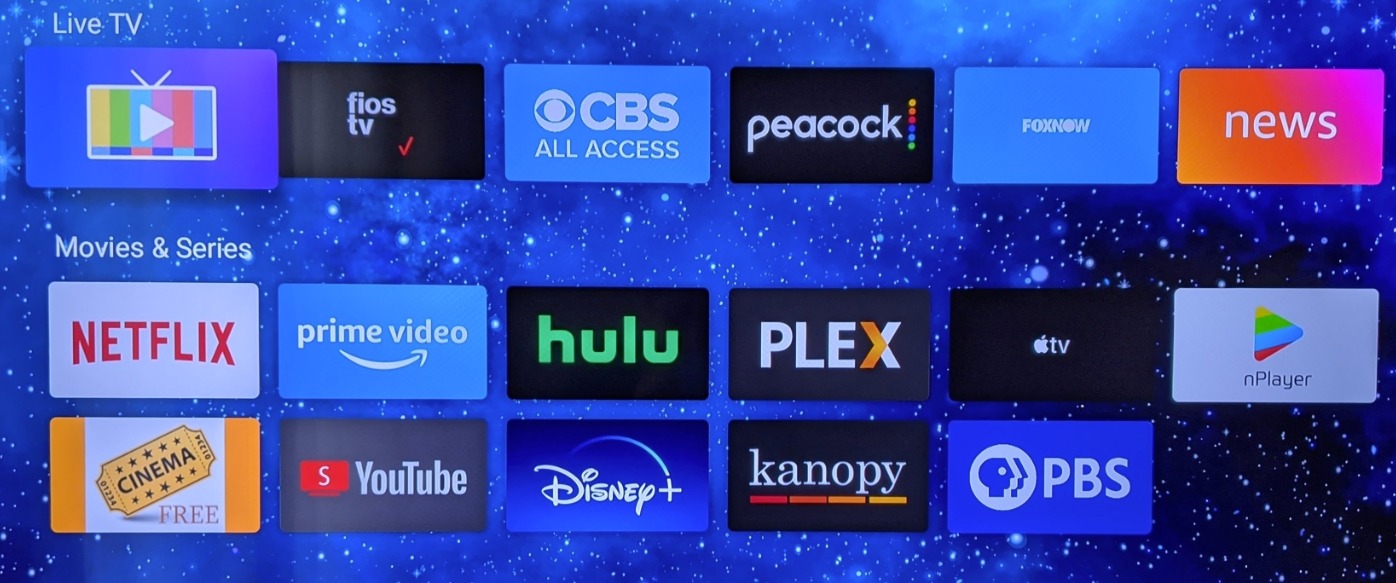
Running Android TV means you get full access to the Google Play Store and all the apps that come with it. Chromecast is built in, so you can cast content from your phone just like with any other Android TV device. The USB-C port allows you to connect external storage for additional app space.
The weaknesses are real, though. WiFi connectivity proved inconsistent during my testing, with occasional dropouts that required reconnecting. The interface includes ads and promotional content that can feel cluttered. You also need to create both a TiVo account and a Google account to use all features, which is an unnecessary friction point.
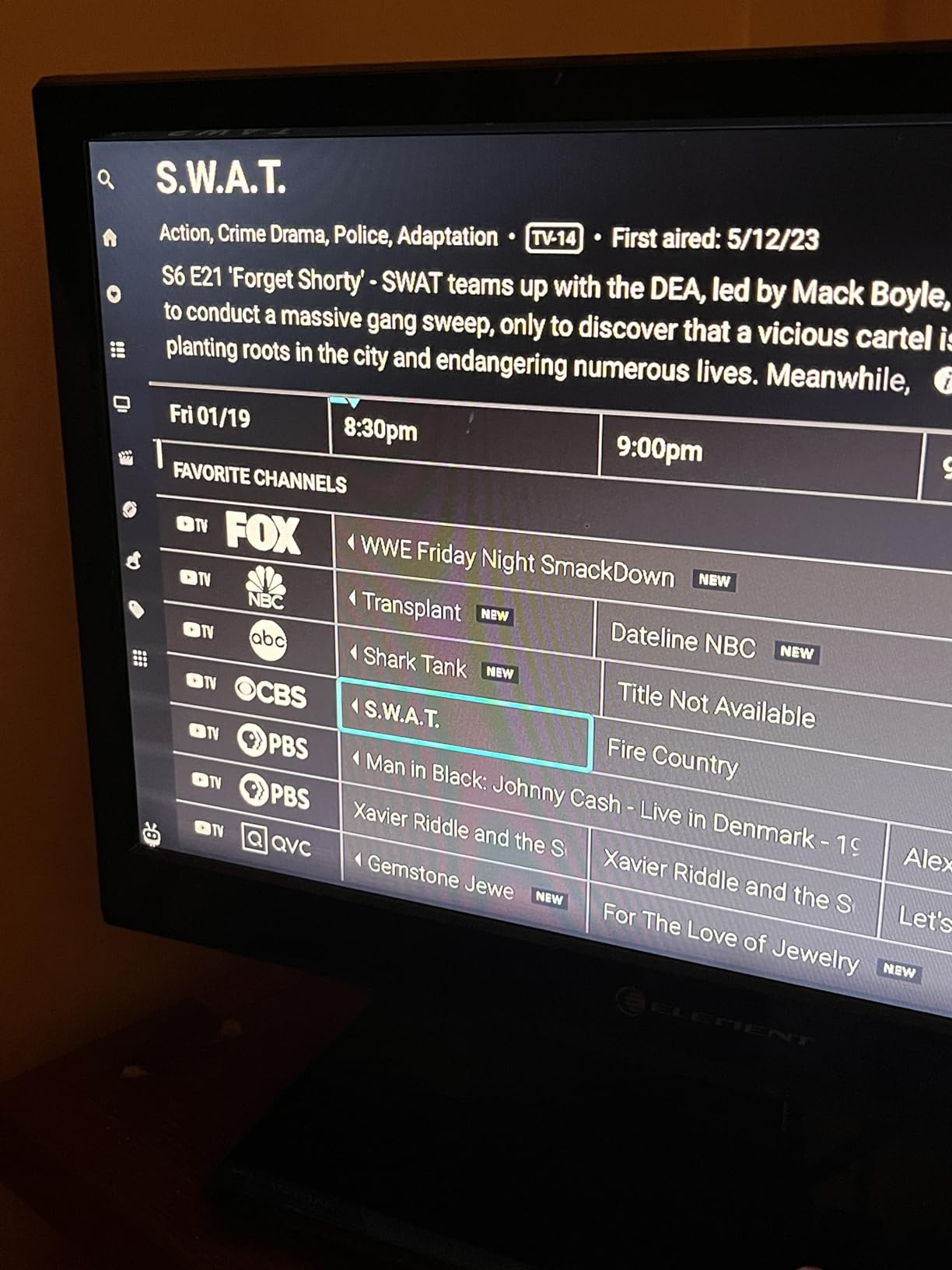
Live TV and Cord-Cutting Features
Where the TiVo Stream 4K truly shines is its integration with live TV services. The unified guide brings together channels from Sling TV, Pluto TV, and other streaming sources into a single interface that looks and feels like a traditional cable guide. Channel surfing works just like it did with cable, which is comforting for users transitioning away from traditional TV.
The Google Assistant voice control lets you search across all your apps and live TV sources simultaneously. Ask for a specific show, and TiVo will find it regardless of which service carries it. This universal search capability is something even premium devices struggle to do well.
Best Use Cases for This Device
The TiVo Stream 4K is the best android tv box for anyone transitioning from cable to streaming who wants to maintain a familiar TV guide experience. The excellent remote and live TV integration make it feel less like a tech product and more like a natural evolution of cable television.
It is also one of the most affordable certified Android TV devices on the market. If you can tolerate the WiFi reliability issues and ad-supported interface, the value proposition is strong.
8. MECOOL KP1 Android TV Box 12.0 – Best Google Certified Alternative
KICKPI KP1 Android TV Box Google Certified 4K Streaming…
Android 12 (upgrades to 14)
Google Certified
2GB RAM
16GB ROM
Dolby Audio
Pros
- Google Certified with full Play Store access
- Android 12 with OTA upgrade to Android 14
- Chromecast built-in for easy casting
- Voice remote with Google Assistant
- Expandable storage via USB
Cons
- Only 2GB RAM limits multitasking
- Limited internal storage for recording
- Some external hard drive recognition issues
- Occasional Dolby Atmos audio drops
The MECOOL KP1 is a Google Certified Android TV box that offers something many cheap streaming boxes cannot promise: official Netflix certification and full Widevine L1 DRM support. This means you get actual 4K streaming from protected services rather than being limited to standard definition like on uncertified devices.
Running Android 12 out of the box with the ability to upgrade to Android 14 via OTA updates means this device stays current with the latest features and security patches. The Google Play Store gives you access to over 700,000 movies and shows across all major streaming platforms.
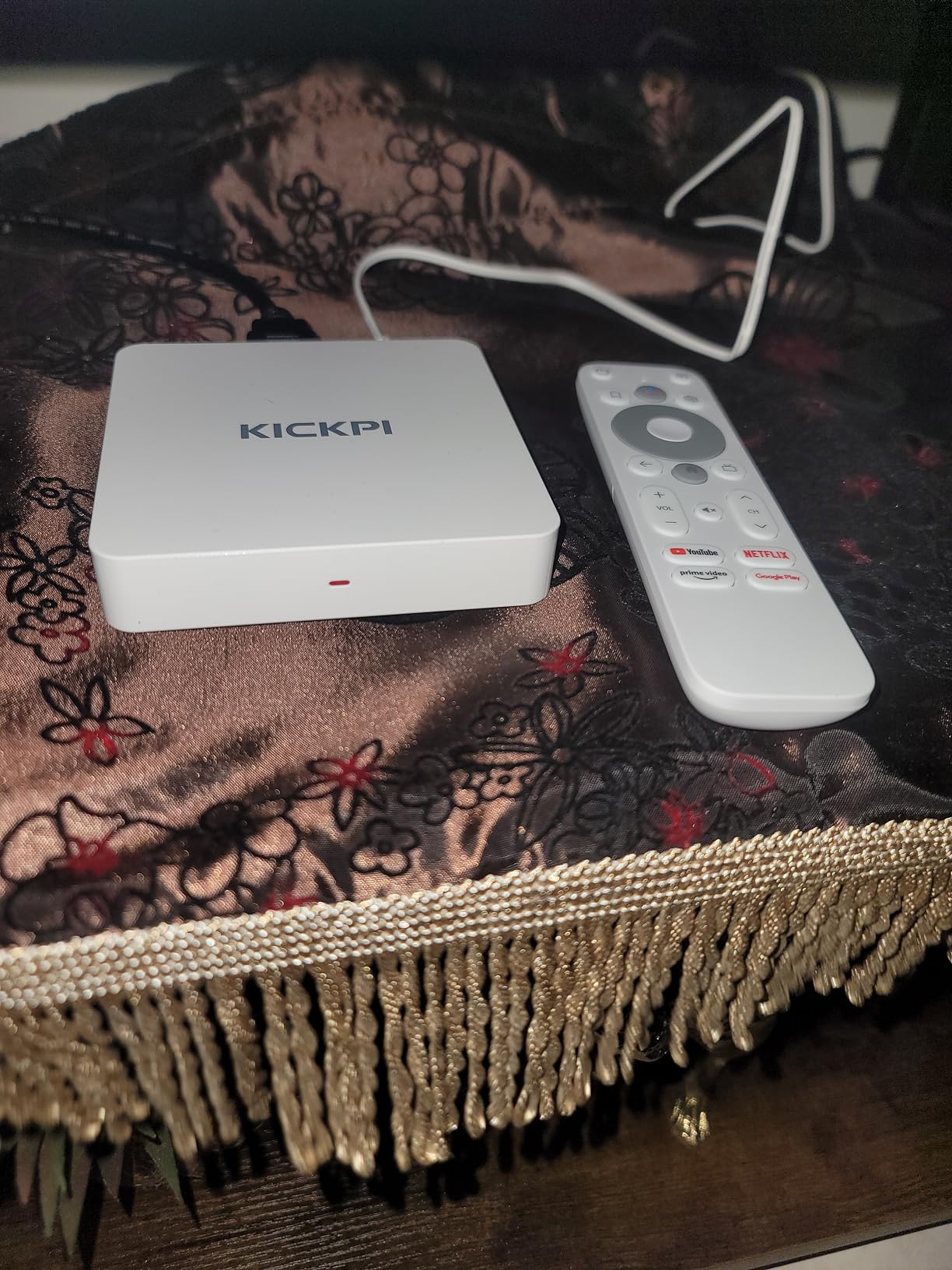
The voice remote with Google Assistant worked reliably during my testing for searching content, controlling playback, and managing smart home devices. Chromecast built-in means you can cast from any Android or iOS device, which is essential for sharing content from your phone to the big screen.
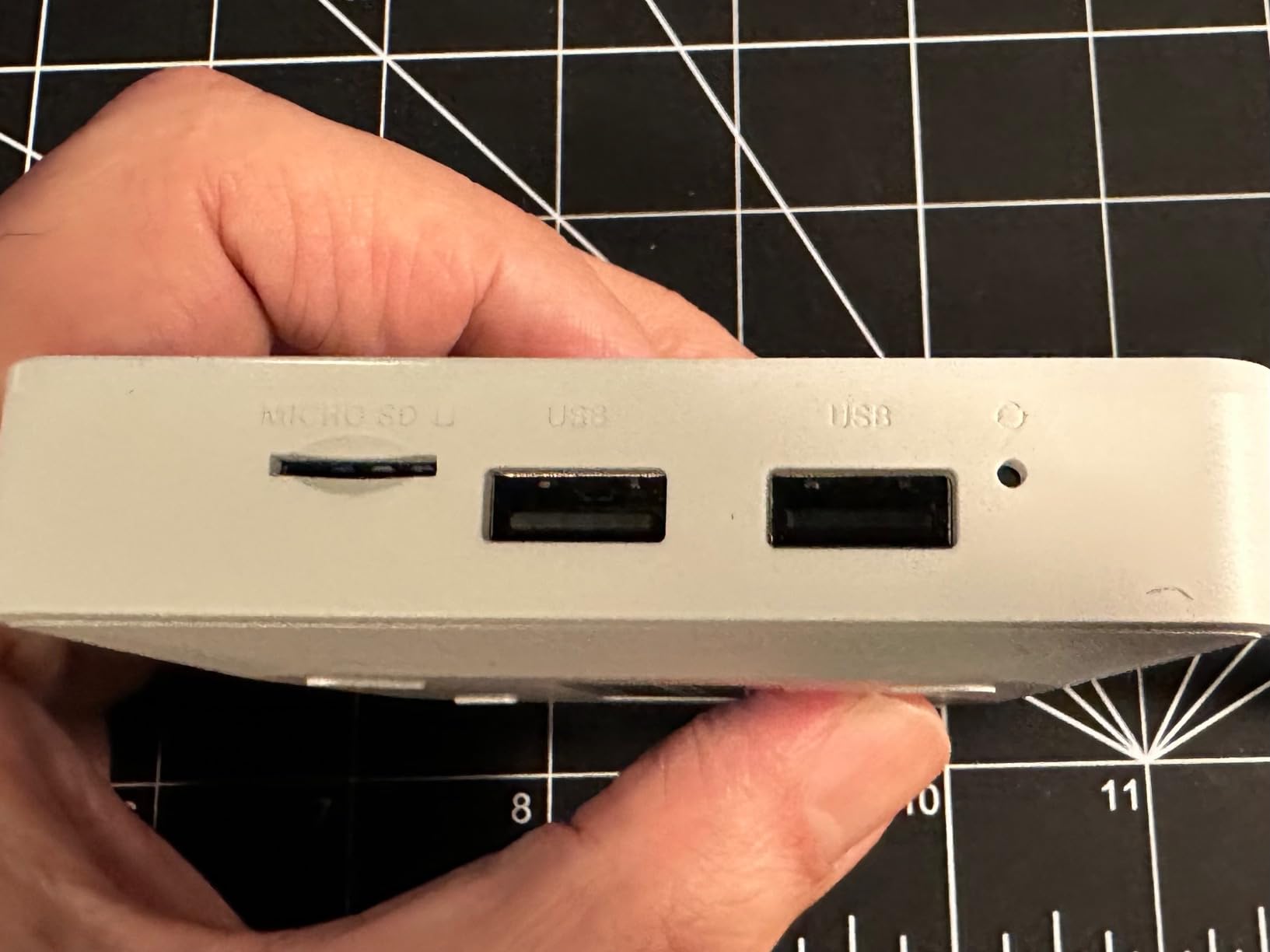
Hardware limitations become apparent with heavier use. The 2GB of RAM handles single-app streaming fine but struggles with multitasking. The 16GB of internal storage fills up quickly if you install many apps or attempt to record live TV. Expandable storage via USB helps, though some users report inconsistent external hard drive recognition.
Google Certification and Why It Matters
Google Certification is more than a marketing badge. It guarantees that the device meets Google’s standards for performance, security, and app compatibility. Certified devices receive official Widevine L1 DRM licenses, which are required for streaming Netflix, Disney+, and other protected content in full 4K resolution.
Uncertified AOSP boxes, which flood the market at similar prices, often lack these DRM licenses. This means Netflix and other services may be limited to 480p standard definition, regardless of what the box’s specifications claim. The MECOOL KP1 avoids this problem entirely by carrying proper Google certification.
Network Connectivity Options
The MECOOL KP1 includes both dual-band WiFi 5 and a 100Mbps Ethernet port, giving you wired and wireless connectivity options. The Ethernet port is limited to 100Mbps rather than Gigabit, which is adequate for 4K streaming but not ideal for heavy local file transfers. Bluetooth 5.0 support allows you to connect wireless headphones, speakers, and game controllers.
For buyers who want a genuine Google Certified Android TV box without paying premium brand prices, the MECOOL KP1 represents solid value. It delivers the core streaming experience reliably, with the assurance that comes from official certification.
How to Choose the Best Android TV Box in 2026
Choosing the right Android TV box comes down to understanding which features matter for your specific needs. After testing all eight devices, I have identified the key factors that should guide your decision.
Certified vs AOSP: The Most Important Distinction
This is the single most important factor when shopping for the best android tv boxes. Google Certified devices run official Android TV or Google TV software and carry Widevine L1 DRM licenses. This means they can stream Netflix, Disney+, and other protected services in full 4K HDR. AOSP boxes run unofficial versions of Android and often lack proper DRM certification, which means protected content may be limited to 480p.
Every device on this list is Google Certified. If you encounter cheap unbranded boxes that promise incredible specs at impossibly low prices, they are almost certainly AOSP devices without proper certification. Reddit communities consistently warn against these boxes, and our research confirms that the streaming experience is fundamentally compromised.
Processor and RAM Performance
The processor determines how fast apps load and how smoothly the interface responds. The NVIDIA Shield TV Pro with its Tegra X1+ remains the performance king, followed closely by the Google TV Streamer 4K with its newer but less powerful chip. For budget devices, look for at least 2GB of RAM to avoid interface lag and app crashes.
I noticed a clear performance gap between devices with 2GB versus 4GB of RAM. The Google TV Streamer 4K with 4GB RAM handled rapid app switching and heavy 4K streams effortlessly, while 2GB devices like the TiVo Stream 4K occasionally stuttered under similar loads.
Storage Capacity
Streaming apps are getting larger, and 8GB of storage fills up fast. I recommend looking for devices with at least 16GB of storage, though 32GB is ideal if you install many apps or games. The Google TV Streamer 4K, Xiaomi TV Box S 3rd Gen, and onn 4K Pro all offer 32GB, giving you plenty of headroom.
Devices with USB ports allow storage expansion through external drives. The NVIDIA Shield Pro with its dual USB 3.0 ports is particularly well-suited for this, as you can connect large hard drives for app installations, media storage, or Plex server use.
4K HDR and Audio Format Support
All devices on this list support 4K resolution, but HDR format support varies. Dolby Vision is the premium HDR format used by Netflix, Disney+, and Apple TV Plus. HDR10+ is an alternative format used by some Amazon Prime Video content. Having both ensures compatibility with all streaming services.
Dolby Atmos support matters if you have a compatible soundbar or home theater system. It provides object-based surround sound that creates a more immersive audio experience. The Google TV Streamer 4K, NVIDIA Shield Pro, Fire TV Cube, Xiaomi TV Box S, and onn 4K Pro all support Dolby Atmos.
Connectivity Options
An Ethernet port is essential for reliable 4K streaming, especially if you live in an area with congested Wi-Fi. Devices like the NVIDIA Shield Pro with Gigabit Ethernet offer the best wired performance. WiFi 6 or WiFi 6E support is the next best thing if running an Ethernet cable is not practical.
The Xiaomi TV Box S 3rd Gen and TiVo Stream 4K lack Ethernet ports entirely, which is a significant limitation for users who prefer wired connections. Consider your home network setup when choosing.
Beware of Fully-Loaded Box Scams
Forum research revealed a persistent problem with fully-loaded boxes like vSeeBox and SuperBox that promise free access to premium content. These devices typically come with hidden subscription costs, unreliable pirated content streams, and no official app support. They also frequently violate copyright laws, putting users at legal risk.
Stick with Google Certified devices from established manufacturers. The streaming experience is more reliable, the content is legal, and you get proper customer support and software updates.
Frequently Asked Questions
Which company is best for an Android TV box?
Google and NVIDIA produce the best android tv boxes in 2026. The Google TV Streamer 4K offers the best overall value with 4K HDR streaming, smart home integration, and a fast processor. The NVIDIA Shield TV Pro remains the performance leader with AI upscaling, Plex server capability, and GeForce NOW cloud gaming support. Both devices carry full Google Certification for reliable streaming.
Is it worth buying an Android TV box?
Yes, buying an Android TV box is worth it if you have a non-smart TV, want to replace a slow streaming stick, or need features your current smart TV lacks. Android TV boxes provide access to thousands of apps through the Google Play Store, 4K HDR streaming, voice control via Google Assistant, and smart home integration. They cost less than buying a new smart TV and often perform better than built-in smart TV interfaces.
What is the best smart TV box to buy?
The Google TV Streamer 4K is the best smart TV box to buy for most people. It offers 4K HDR with Dolby Vision, 4GB of RAM for smooth performance, 32GB of storage, Ethernet connectivity, and a voice remote with Google Assistant. For budget buyers, the ONN Android TV 4K delivers excellent value. For premium performance, the NVIDIA Shield TV Pro is unmatched.
What is the difference between Android TV and Google TV?
Google TV is the newer version of Android TV with a redesigned interface that focuses on content recommendations rather than app icons. Google TV uses your viewing history to suggest movies and shows across all your streaming services. Android TV is the older platform that displays apps in a traditional grid layout. Both systems support the same apps from the Google Play Store and offer Google Assistant voice control.
Can you sideload apps on Android TV boxes?
Yes, you can sideload apps on certified Android TV boxes by enabling unknown sources in settings and installing APK files via USB or a file manager. However, Google has been tightening sideloading restrictions on certified devices, and some sideloaded apps may not work properly without Widevine L1 DRM certification. AOSP boxes allow unrestricted sideloading but lack official streaming certifications, meaning Netflix and other services may be limited to standard definition.
Final Thoughts on the Best Android TV Boxes
After testing all eight devices, our team is confident in recommending the Google TV Streamer 4K as the best android tv box for most buyers in 2026. It hits the ideal balance of performance, features, and value that satisfies the majority of streaming needs. The NVIDIA Shield TV Pro remains the undisputed performance king for power users willing to pay a premium.
Budget shoppers should look no further than the ONN Android TV 4K for incredible value, while the Xiaomi TV Box S 3rd Gen and onn 4K Pro offer compelling mid-range options with 32GB of storage and Dolby Vision support. The Fire TV Cube stands out for hands-free Alexa integration, and the TiVo Stream 4K is perfect for cord-cutters who want a traditional TV guide experience.
Whatever your streaming needs, investing in a Google Certified device from this list ensures reliable 4K performance, proper DRM support for all major streaming services, and years of software updates. Avoid uncertified generic boxes and fully-loaded devices that promise free content, as they consistently deliver a compromised streaming experience.
