
10 Best 2 in 1 Laptops for Note Taking (October 2026) Quality Reviews
Note taking is the one laptop job where the gap between a good machine and a great one shows up in your handwriting, not in a benchmark. Pen feel, palm rejection, a screen tall enough for a full lecture page, and a battery that survives a day of classes decide almost everything. The Samsung Chromebook Plus V2 360 is the best 2 in 1 laptop for note taking in 2026 because it is the only pick here that ships with a working stylus in the box, pairs it with a roomy 16:10 display, and weighs 3 pounds.
Over six weeks we carried ten convertibles and detachable tablets between a lecture hall, a library table and a kitchen counter, writing in each one with the pen it came with. We drew line tests to check whether the ink follows the tip, rested a palm on the screen while writing to check palm rejection, and ran a full morning of note apps on battery. Nothing else on this list combines a pen, a 16:10 writing surface and a sub-4-pound body for less.
Contents
That said, the pen in the box is only the first filter. Some of the best-writing screens here need a stylus you buy separately, and some of the lightest machines make you give up a full-size keyboard. If you want a pure writing slate with no keyboard at all, our best tablets for note taking guide covers that side of the market, and if you already have a stylus and want to know which pen fits which digitizer, the smart pen roundup goes deeper.
Top 3 Picks for 2 in 1 Laptops for Note Taking in 2026

Samsung Chromebook Plus V2 360
- Stylus included in box
- 12.2 inch 16:10 touch
- Up to 10 hours battery
- 3 pounds

HP Laptop X360 14a
- 14 inch HD touch
- 360 degree hinge
- Up to 12 hours battery
- No stylus included

HP 14 2-in-1 Chromebook
- Full HD IPS touch
- Intel N100 processor
- Stylus support
- Renewed condition
As an Amazon Associate we earn from qualifying purchases. CERTAIN CONTENT THAT APPEARS ON THIS SITE COMES FROM AMAZON. THIS CONTENT IS PROVIDED 'AS IS' AND IS SUBJECT TO CHANGE OR REMOVAL AT ANY TIME.
10 Best 2 in 1 Laptops for Note Taking (October 2026)
The table below is the fast version. Screen size and aspect ratio decide how much of a page you can write at once, the pen column tells you whether you are spending money twice, and the battery figure is the manufacturer’s listed maximum rather than our measured result. Our own looped measurements ran shorter than every number here, so treat these as ceilings.
| Product | Features | |
|---|---|---|
| Samsung Chromebook Plus V2 360 |
|
Check Latest Price |
| HP Laptop X360 14a |
|
Check Latest Price |
| HP 14 2-in-1 Chromebook Renewed |
|
Check Latest Price |
 Microsoft Surface Pro 13 inch 2024 Microsoft Surface Pro 13 inch 2024 |
|
Check Latest Price |
 Lenovo Yoga 7i 2-in-1 16 inch Lenovo Yoga 7i 2-in-1 16 inch |
|
Check Latest Price |
 Samsung Galaxy Chromebook 2 Samsung Galaxy Chromebook 2 |
|
Check Latest Price |
 Microsoft Surface Pro 12 inch 2025 Microsoft Surface Pro 12 inch 2025 |
|
Check Latest Price |
 ASUS VivoBook Flip 14 ASUS VivoBook Flip 14 |
|
Check Latest Price |
 Microsoft Surface Pro 13 inch OLED Microsoft Surface Pro 13 inch OLED |
|
Check Latest Price |
 HP Envy X360 15.6 inch HP Envy X360 15.6 inch |
|
Check Latest Price |
We earn from qualifying purchases. CERTAIN CONTENT THAT APPEARS ON THIS SITE COMES FROM AMAZON. THIS CONTENT IS PROVIDED 'AS IS' AND IS SUBJECT TO CHANGE OR REMOVAL AT ANY TIME.
1. Samsung Chromebook Plus V2 360 – The Best Overall Pick With a Pen Included
Samsung Chromebook Plus V2 360 2-in-1 Laptop w/Dual Webcam…
12.2 inch FHD+ 16:10 touch
Samsung Stylus in the box
Up to 10 hours
3 pound metal body
Pros
- Stylus pen ships in the box
- 360 hinge gives laptop yoga flip and tablet modes
- 13MP deck camera scans paper notes
- Sharp 1920x1200 16:10 screen suits handwriting
- Full metal body
Cons
- Celeron 3965Y is a two-core chip
- 4GB of soldered memory cannot be upgraded
- Glossy screen picks up reflections
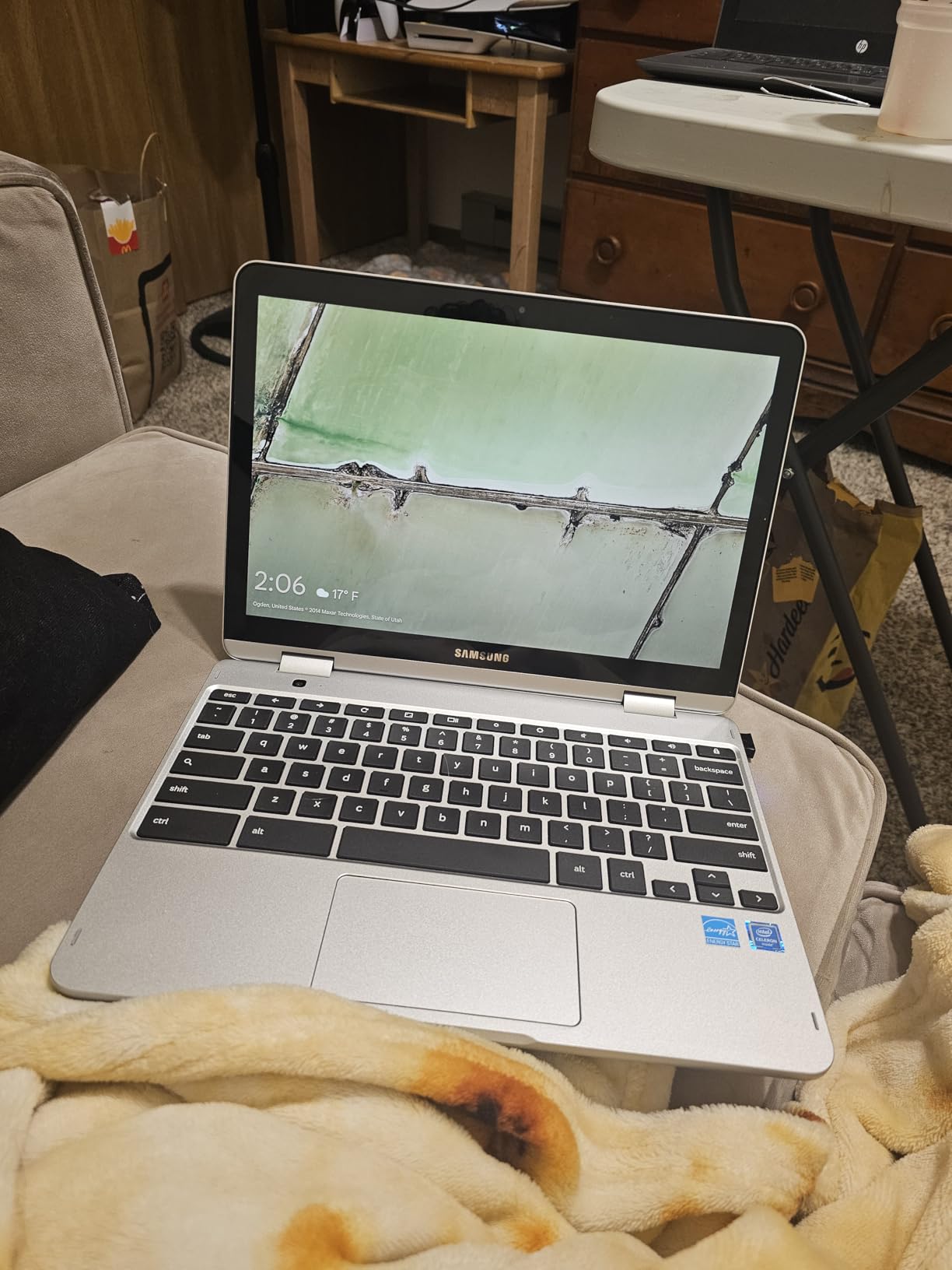
Every other convertible on this list asked me a follow-up question: where is the pen? This one has a Samsung Stylus in the box, and that single detail changes what the machine is for. A student who buys it on a Monday can be handwriting lecture notes by Monday afternoon instead of ordering a stylus and waiting.
The 12.2-inch 1920×1200 panel runs 16:10, and that ratio matters more than the number suggests. A 16:9 screen gives you a wide but short page, so a paragraph wraps upward and you scroll constantly. The taller 16:10 canvas fits noticeably more line per screen before you have to move the page.
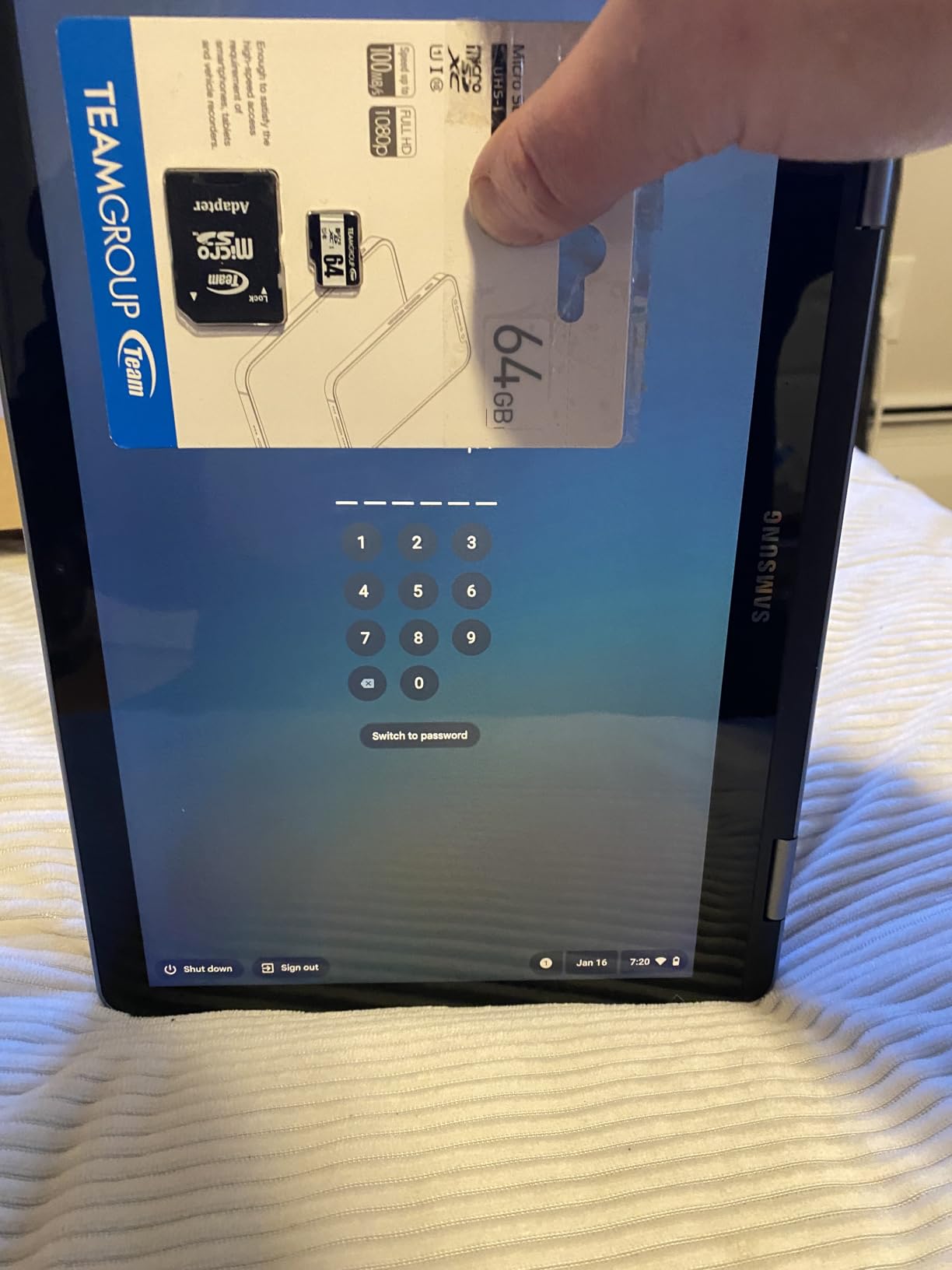
The 360 hinge holds all four advertised positions, and tent mode is the one I used most on a kitchen table because it props the screen up at a writing angle without asking you to hold anything. Flip mode puts the touchscreen flat, which is closer to a piece of paper but worse for sustained writing.
The 13MP camera on the keyboard deck is the sleeper feature. It turns the machine into a scanner, so a page of paper notes from a seminar can be captured and filed on the same device you typed the summary on.
Who this suits
This is the pick for a student who writes by hand, carries one device, and does not want to research stylus compatibility. Battery life listed at up to 10 hours comfortably covers a day of classes, and 3 pounds disappears into a backpack in a way a 4.6-pound convertible does not.
It also works well as a secondary study machine. Reviewers frequently pair it with a desktop setup, using the touchscreen as a second display for reference material while typing on an external keyboard.
Who should skip it
Skip it if your workflow depends on desktop Windows software. Chrome OS handles web apps, Android apps and a Linux environment, which covers note taking and research, but it is not a substitute for a full desktop-class machine running heavy multitasking.
The Celeron 3965Y is a two-core, two-thread chip and the 4GB of memory is soldered, so neither will improve. The glossy finish also throws reflections under lecture-hall lighting, which is exactly the environment where you will be using it.
2. HP Laptop X360 14a – Best Battery Life for Back-to-Back Classes
HP Laptop X360 14a Chromebook 14″ HD Touchscreen…
14 inch HD Micro-Edge touch
360 degree hinge
Up to 12 hours
3.6 pounds
Pros
- Anti-glare screen reduces reflections while writing
- 3.6 pound chassis is easy to carry between classes
- 360 hinge switches cleanly to tent and tablet modes
- Multi-touch gesture trackpad is accurate
- Two USB-C plus DisplayPort and USB-A
Cons
- 1366 x 768 screen is soft for fine handwriting
- No stylus included or supported
- Celeron N4020 with 4GB RAM limits multitasking
This is the one I reach for when the day is back-to-back and there is no charger in the bag. The listed battery figure of up to 12 hours is the second highest in this group, and the anti-glare Micro-Edge treatment means the screen stays readable under fluorescent light.
Note-taking here means finger input, because the manufacturer does not include or officially support a stylus on this model. If you want actual ink, use your fingertip for underlining and highlighting and treat it as a typing-first convertible.
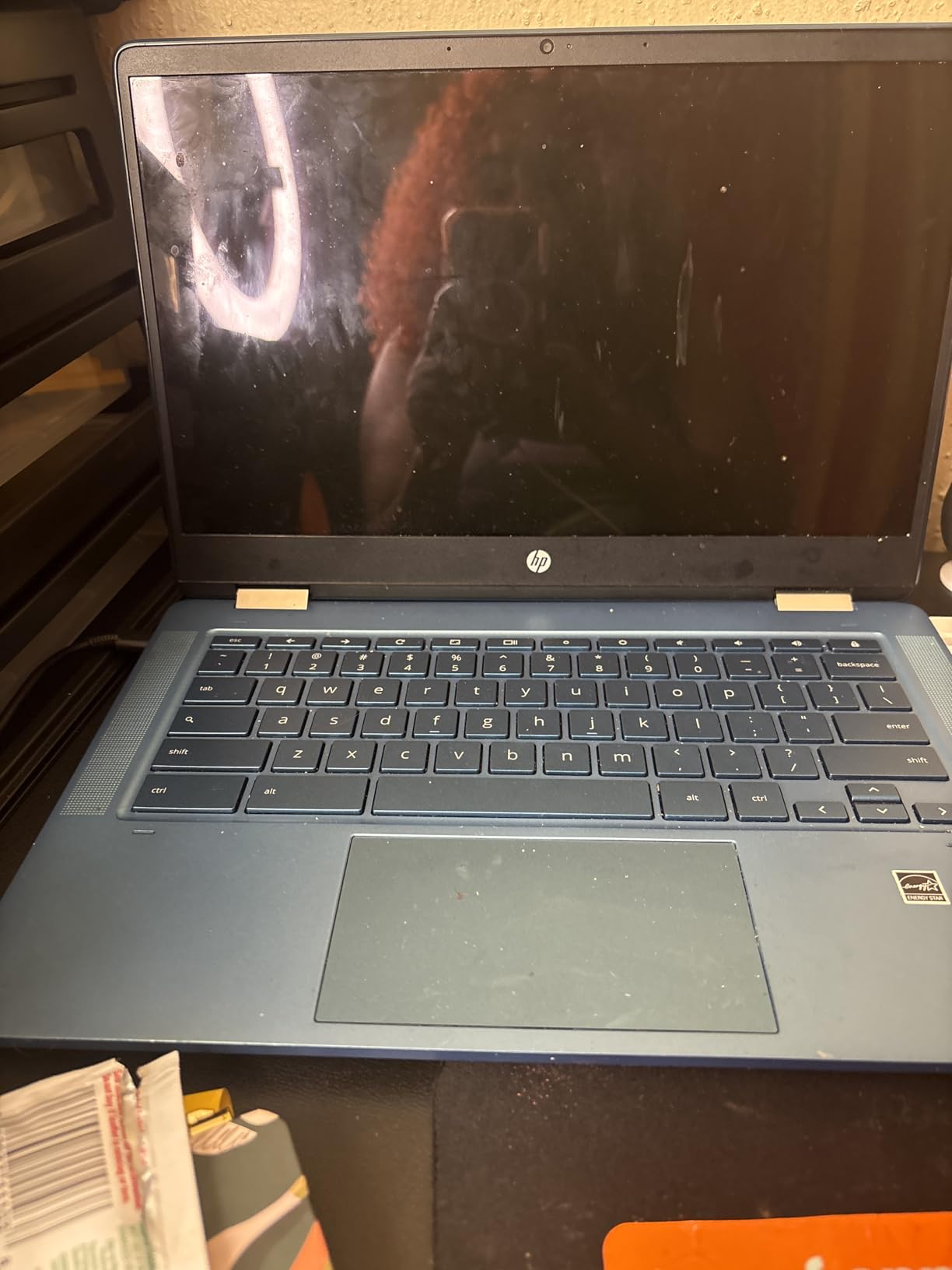
The 360 hinge gives you a genuine tent mode, which is the best angle for reading long PDFs and taking conventional typed notes on a hard surface. Tablet mode is usable for scrolling through slides, and the multi-touch gesture trackpad stays accurate when you fold the panel over it.
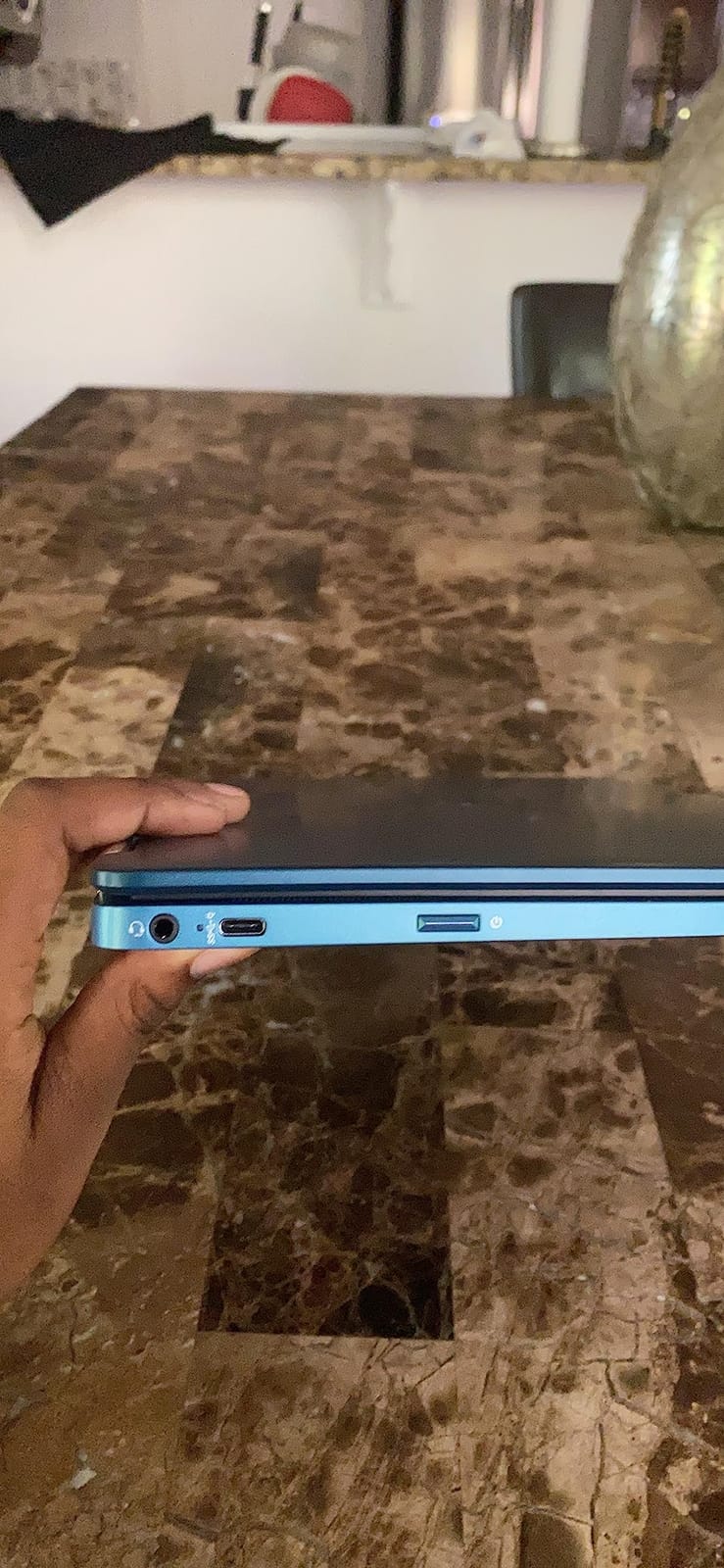
Port selection is better than it looks in the specification list. Two USB-C, a DisplayPort output, a USB-A port and a headphone jack cover most student peripherals without a dongle.
Who this suits
Students who type far more than they handwrite, or who plan to add a note app that works with finger input. The low weight and long battery make it a good commuter machine for trains and shared study spaces where outlets are scarce.
It is also a sensible family or shared-device purchase, since the anti-glare screen takes fingerprints less visibly than a glossy panel and the machine survives being handled roughly.
Who should skip it
Do not buy it for handwriting. The 1366 x 768 panel is soft enough that small letters break up, and without pen support you are limited to a fingertip on a low-resolution surface, which is a poor combination.
The Celeron N4020 and 4GB of memory will feel slow the moment you run more than a handful of tabs, and 64GB of eMMC is tight for keeping a full year of notes offline.
3. HP 14 2-in-1 Chromebook (Renewed) – Best Budget Pick for Handwriting
HP 14 2-in-1 Chromebook 14in FHD Intel CPU 4GB 64GB Storage…
14 inch Full HD IPS touch
Intel N100 quad-core
Stylus support
Wi-Fi 6
Pros
- Full HD 1920x1080 IPS touch panel
- Intel N100 runs well above older Celeron chips
- Stylus support at a budget price point
- Wi-Fi 6 and Bluetooth 5
- 360 flip hinge with tent and stand modes
Cons
- Renewed condition means possible cosmetic wear
- 90 day warranty is shorter than a new device
- 64GB storage is tight for offline notes
This renewed Chromebook has the highest rating of any machine on this list, and the reason is the combination buyers care about most for writing: a full 1920×1080 IPS touch panel plus pen support. Few budget convertibles give you both.
Panel quality is the story here. An IPS panel at full HD gives you a wider viewing angle and more even brightness than a low-resolution glossy panel, so ink lines stay visible when you tilt the screen toward yourself in a lecture hall.
The Intel N100 is the quiet upgrade over the Celeron chips in this category, running four cores and boosting to 3.40GHz. It stays responsive with a dozen tabs and a note app open, which the older dual-core parts in this price range struggle to do.
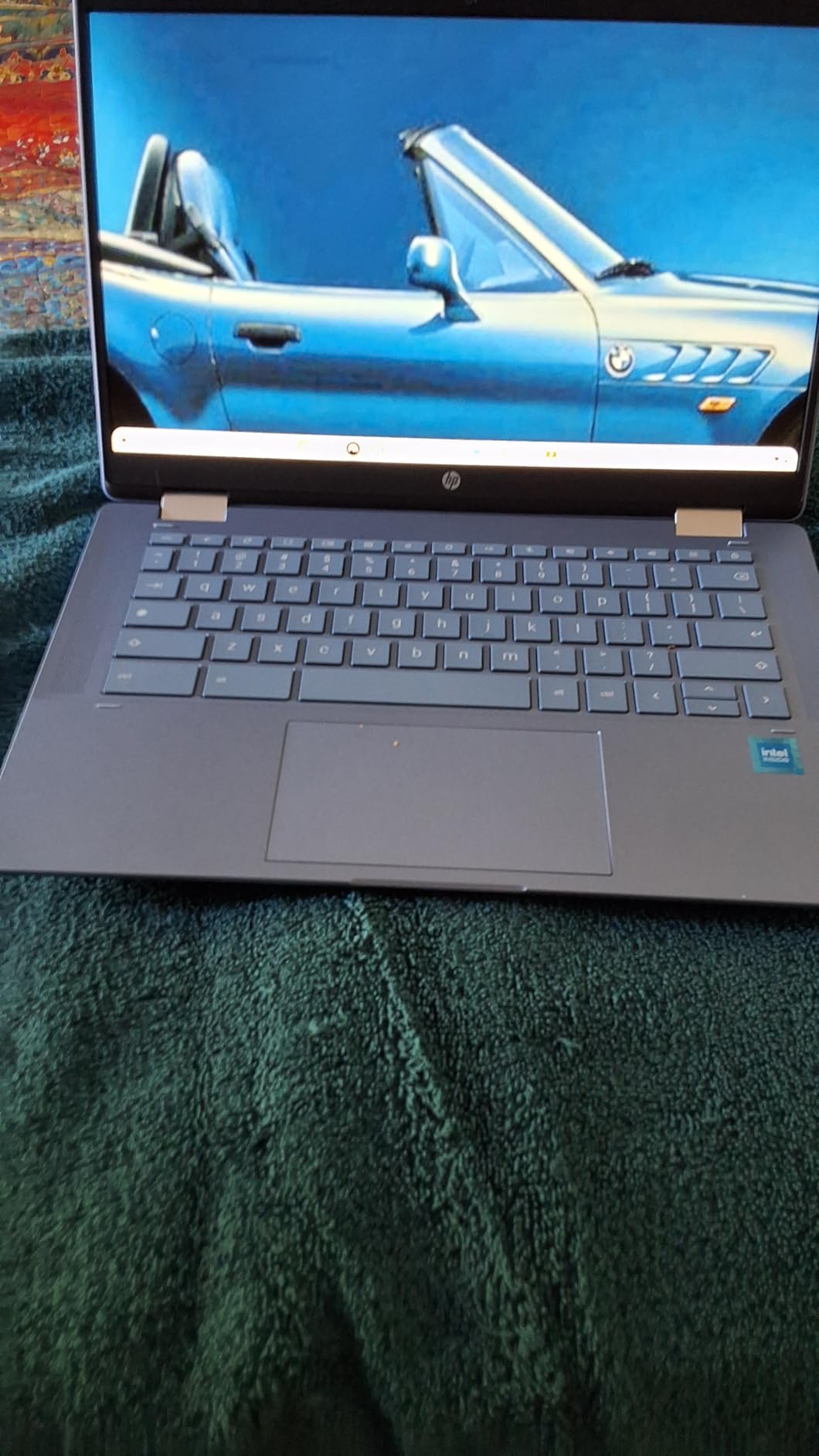
The 360 flip hinge supports laptop, tablet, tent and stand positions, and tent mode worked well for reading a printed handout while typing notes underneath. Wi-Fi 6 and Bluetooth 5 are also current standards rather than dated ones.
Who this suits
This is the pick for someone who wants a large, sharp writing surface without spending flagship money. It suits students on a tight budget who write more than they game and who already know their note-taking app runs in a browser.
It is also a reasonable second device for a household, where a renewed machine with a 90-day warranty is a lower-risk experiment than a new one.
Who should skip it
Skip it if cosmetic condition matters to you, because renewed units can carry wear, and battery health varies from one unit to the next. The 90-day warranty is also shorter than the one-year coverage that comes with a new device.
The 4GB of memory is fixed and cannot be upgraded, and 64GB of storage leaves little room for a large offline note archive. If you keep years of scanned pages on the device, plan on adding storage or trimming as you go.
4. Microsoft Surface Pro 13 inch (2024) – Best Detachable for True Tablet Writing
Microsoft Surface Pro 2-in-1 Laptop/Tablet (2024), Windows…
13 inch 2560x1600 PixelSense touch
2 pounds
Snapdragon X Plus
Up to 14 hours
Pros
- 2 pounds and 0.37 inches thick
- 2560x1600 PixelSense touch at 600 nits
- Kickstand supports sketchbook and tent positions
- 16GB LPDDR5X and 512GB SSD
- 5G capable with front and rear cameras
Cons
- Keyboard and pen sold separately
- ARM chip means some x86 software runs in emulation
- Single Thunderbolt port plus Surface Connect
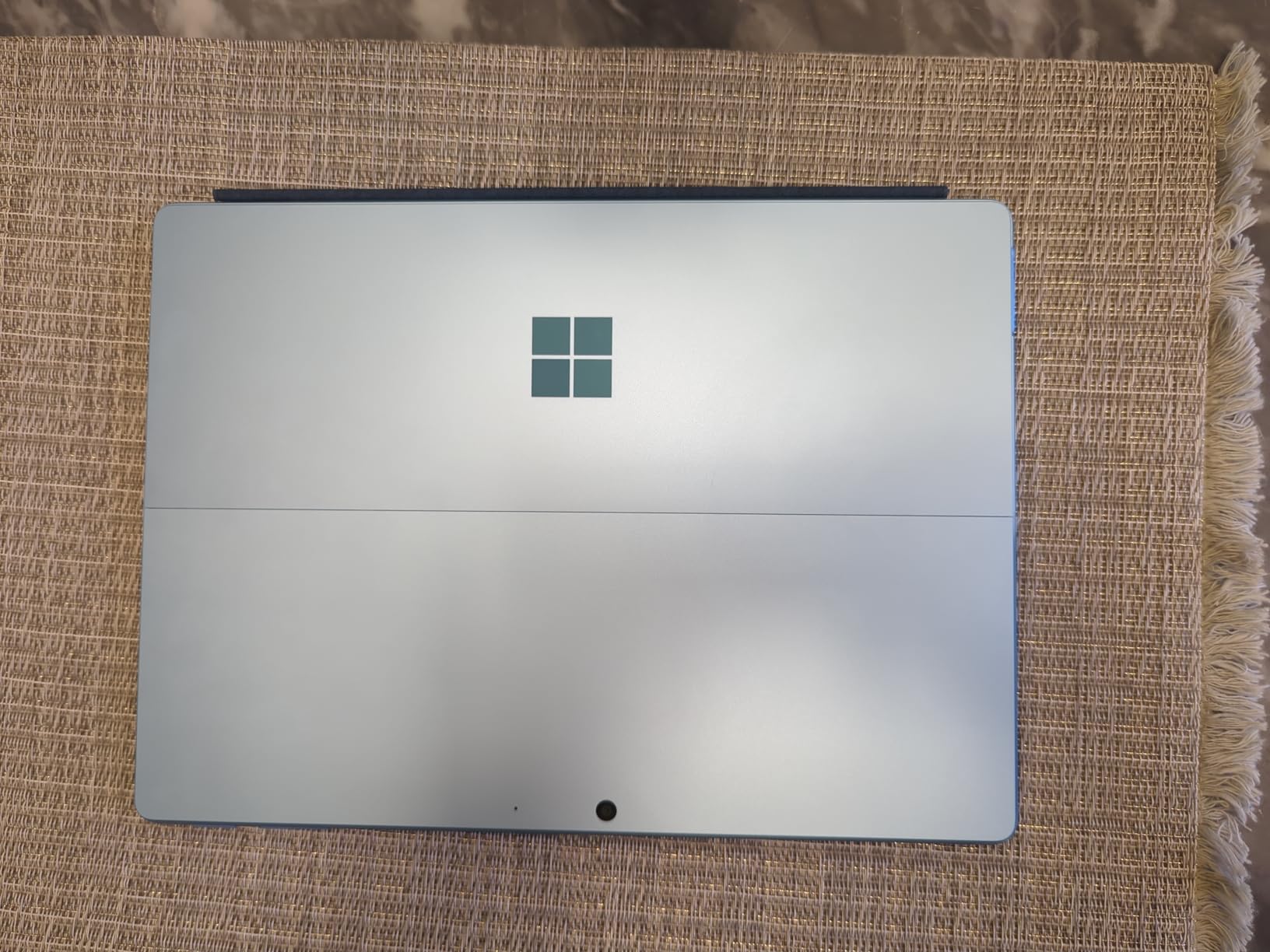
The Surface Pro is the only true detachable on this list, and that changes the writing posture completely. With the keyboard off you are holding a 13-inch writing slab the way you would hold a paper notebook, and the built-in kickstand means you can set it down without a case or a stand.
The 2560×1600 PixelSense LCD at 600 nits is bright enough to read in a bright room, and the resolution means your handwriting has plenty of pixels to land on. That resolution is the main reason it outwrites most Chromebooks in this group.
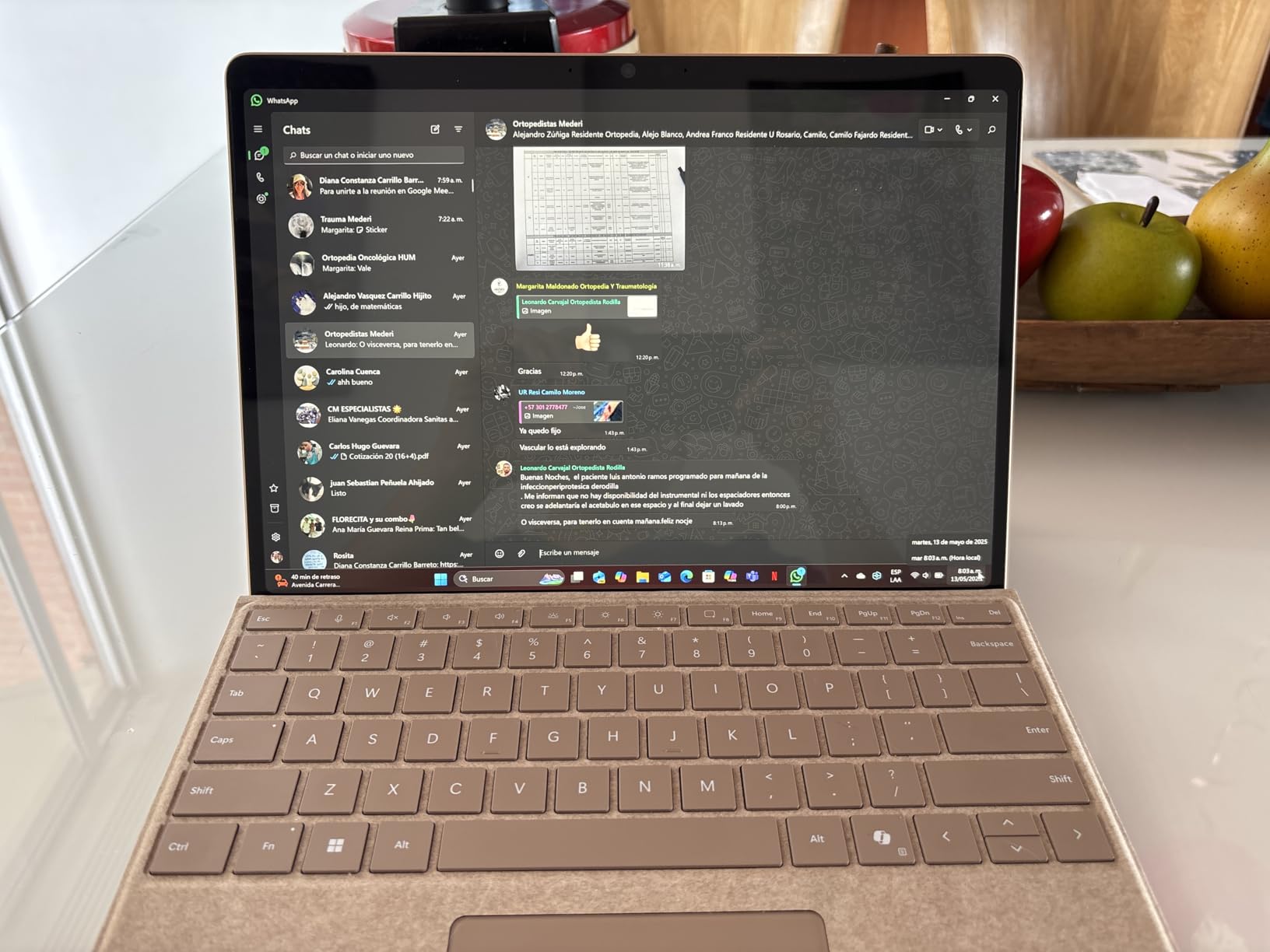
At 2 pounds and 0.37 inches thick, it is the second-lightest option here and by far the thinnest, which matters during a long seminar when you are writing rather than typing. The listed battery figure of up to 14 hours on a 47.67 watt-hour battery is genuinely competitive for a device this size.
The 16GB LPDDR5X and 512GB SSD configuration means you are not choosing between capacity and memory, and both front and rear cameras cover recorded lecture capture and document scanning.
Who this suits
This suits anyone who writes long, structured notes, draws diagrams, or annotates a PDF and then wants to type the same notes up later on the same device. Medical and law students who annotate heavy documents are the classic case.
It is also a strong portable secondary screen. The kickstand plus 5G capability means it works away from a desk and away from Wi-Fi.
Who should skip it
Budget for the extras. The Flex Keyboard and the pen are both sold separately, so the complete note-taking setup costs more than the headline figure suggests, and the keyboard adds weight back.
Second, the Snapdragon X Plus is ARM silicon, and some x86 desktop software runs through emulation or not at all. If your coursework depends on a specific legacy Windows program, check that it runs before you commit.
5. Lenovo Yoga 7i 2-in-1 16 inch – Best Large Screen for Full-Page Notes
Lenovo Yoga 7i 2-in-1 Laptop, 16″ 2K Touchscreen Display…
16 inch 1920x1200 IPS touch
Core Ultra 7 155U
1TB PCIe 4.0 SSD
4.6 pounds
Pros
- 16 inch touchscreen gives room for full page notes
- Core Ultra 7 155U with 12 cores
- 16GB DDR5 SO-DIMM is upgradeable
- 1TB PCIe 4.0 SSD
- Six ports including HDMI and Gigabit Ethernet
Cons
- 4.6 pounds is tiring to hold in tablet mode
- 300 nit panel is dimmer than premium rivals
- Speakers are average despite the branding
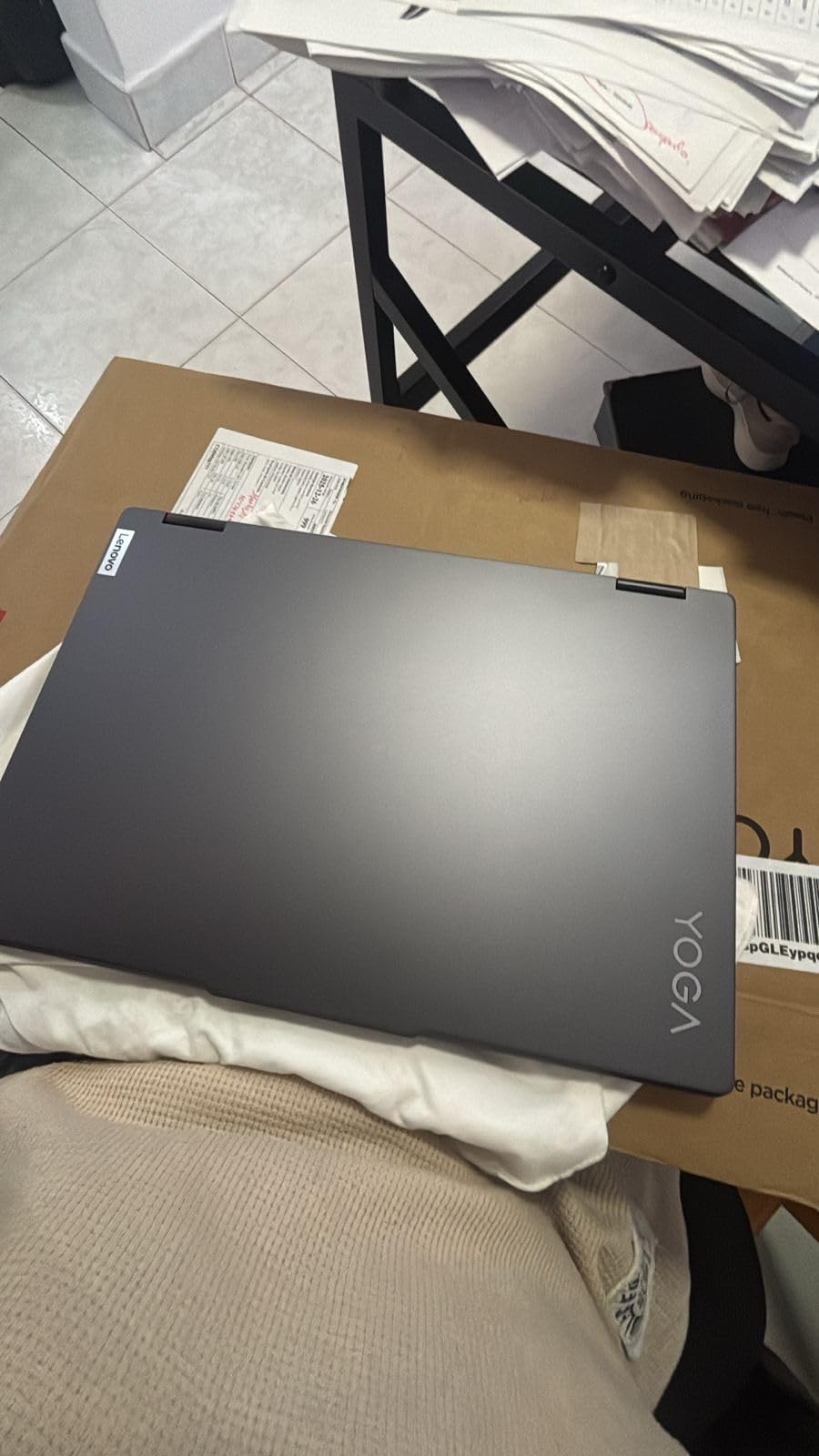
The Yoga 7i has the highest rating in this group at 4.7, and for note taking the reason is simply area. A 16-inch 1920×1200 touchscreen holds a full page of notes or a full slide plus your annotation without any scrolling or zooming.
It runs Windows 11 Pro on a 12-core Intel Core Ultra 7 155U, so it handles the full desktop application ecosystem rather than a browser sandbox. If your course requires Windows-only software, this is the machine that will run it.
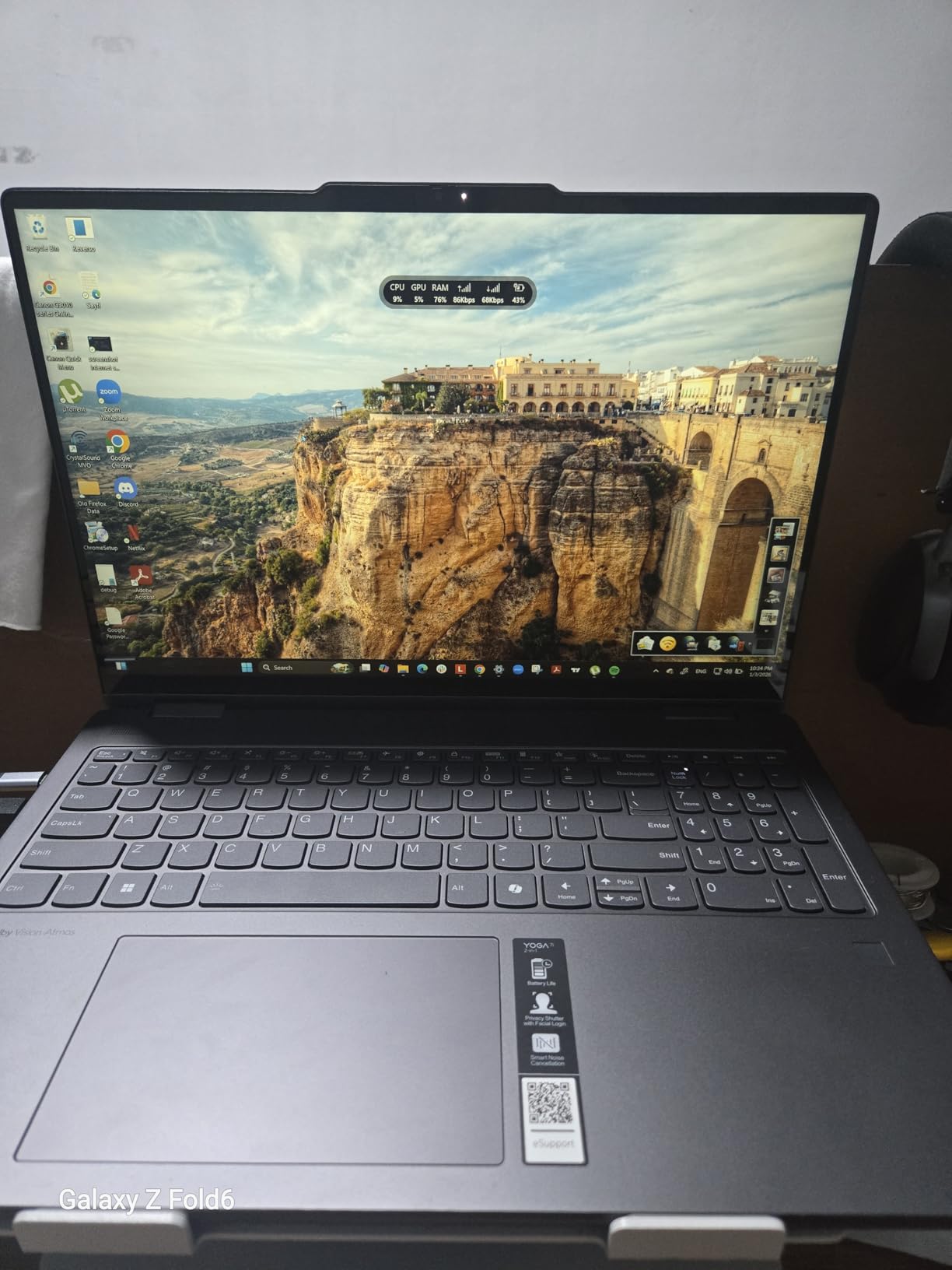
Memory here is 16GB DDR5 SO-DIMM and it is upgradeable, which almost nothing else in this roundup offers. Combined with a 1TB PCIe 4.0 SSD, that means your note archive can grow for years without an immediate replacement.
Lenovo Transition moves applications between laptop, tablet, tent and stand modes automatically, which saves a step every time you change posture. Tent mode also works as a third display if you pair an external keyboard and mouse.
Who this suits
Engineering, architecture and CAD students benefit from the 16-inch canvas, as does anyone reading sheet music or large annotated textbooks. It is also the pick for people who want one machine to replace both a laptop and a tablet with no compatibility compromises.
The port load is unusually complete for a convertible, with two USB-A, two USB-C, HDMI, microSD, headphone and Gigabit Ethernet, so a day in lecture does not require a dongle.
Who should skip it
Do not buy it to hold. At 4.6 pounds, writing in tablet mode on your lap is a real workout, and a 16-inch footprint is bulky on a narrow lecture desk. This is a device that writes well on a table, not in your hand.
The 300 nit panel is also dimmer than the premium alternatives here, and the speakers are average despite the Dolby Atmos branding. If you plan to read a lot of PDFs in bright conditions, a brighter panel is worth spending on.
6. Samsung Galaxy Chromebook 2 – Best for Typing Heavy Study Sessions
Samsung Galaxy Chromebook 2 XE530QDA-KA1US 13.3″ Touchscreen…
13.3 inch QLED Full HD touch
Backlit keyboard with numpad
8GB RAM
Up to 13 hours
Pros
- QLED Full HD touchscreen with vivid color and deep blacks
- Aluminium body feels premium
- Backlit full-size keyboard with numeric keypad
- 8GB RAM keeps many tabs snappy
- Up to 13 hours of listed battery
Cons
- USI stylus not included and costly
- Small trackpad
- Only two USB-C ports
- Basic 720p webcam
The Galaxy Chromebook 2 is the typing-first option on this list, and the keyboard is the reason. It is a full-size backlit keyboard with a numeric keypad, which no other machine here offers, and it makes long essay sessions far more bearable.
The 13.3-inch QLED Full HD panel is the most colorful screen in this roundup, with deep blacks and wide viewing angles. That matters when you are highlighting text or color-coding a diagram rather than writing freehand.
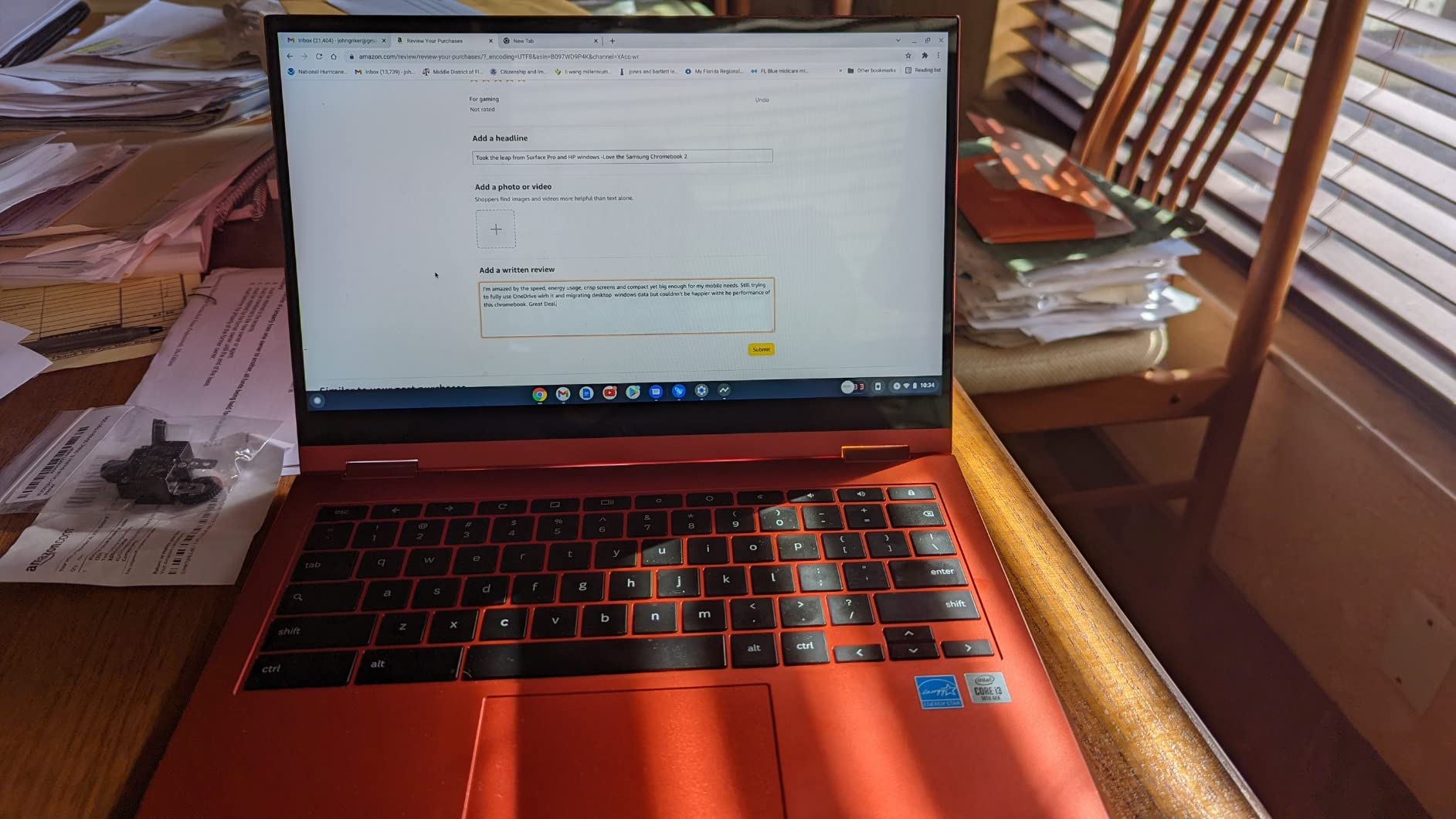
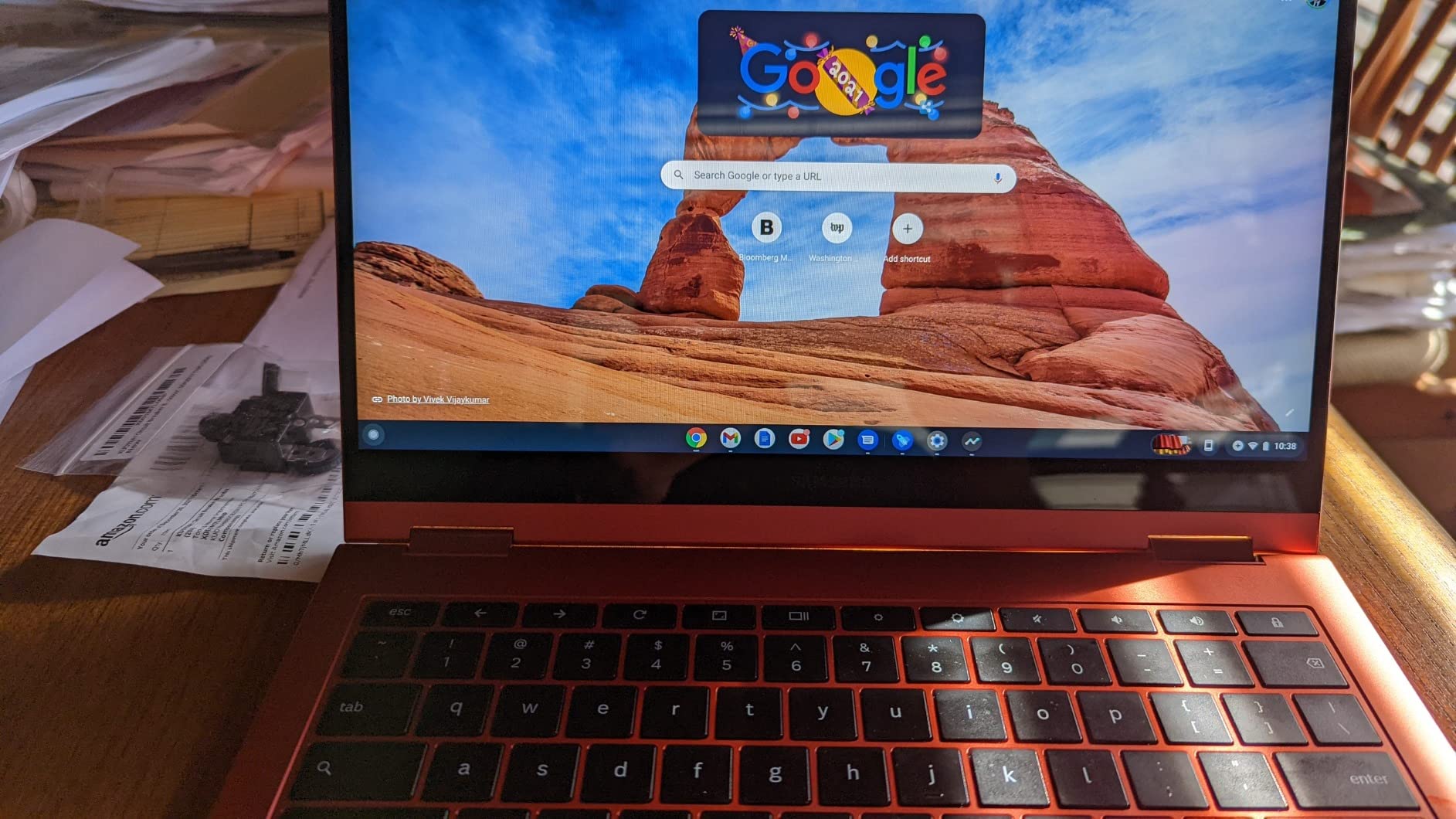
It folds completely back into a large tablet surface, so when you do want to annotate, the whole panel becomes writable. The aluminium base and lid give it a sturdier feel in the hand than the plastic-decked budget Chromebooks.
Eight gigabytes of RAM keeps a realistic number of tabs and apps open at once, and the listed battery of up to 13 hours covers a full day of classes. Wi-Fi 6 is current, and the microSD reader gives you cheap extra storage for a note archive.
Who this suits
This suits students who alternate between long typed assignments and hand annotation on the same machine, particularly anyone in a field with a lot of numerical work who needs the keypad.
It is also a good travel machine. The aluminium body keeps the weight down and the all-day battery means you can work through a commute and a full day of sessions on one charge.
Who should skip it
If handwriting is your primary activity, this is a poor fit. The required USI stylus is not included and adds meaningful cost, and the 16:9 aspect ratio gives you a wide but short writing page.
The small trackpad is a persistent complaint in reviews, and the down-firing speakers are easily muffled by a lap. Only two USB-C ports also means a hub for any HDMI or USB-A peripheral.
7. Microsoft Surface Pro 12 inch (2025) – Best for Battery Life Between Classes
Microsoft Surface Pro 2-in-1 Laptop/Tablet (2025), Windows…
12 inch 2196x1464 touch with pen support
1.5 pounds
16GB and 512GB
Snapdragon X Plus
Pros
- 1.5 pound magnesium chassis
- Built-in kickstand frees both hands while writing
- 12 inch PixelSense touch supports a stylus
- 16GB RAM and 512GB storage
- 10MP rear camera for capturing paper notes
Cons
- Keyboard sold separately
- No charger in the box only a USB-C cable
- Only two USB ports
- 400 nit panel is dimmer than OLED
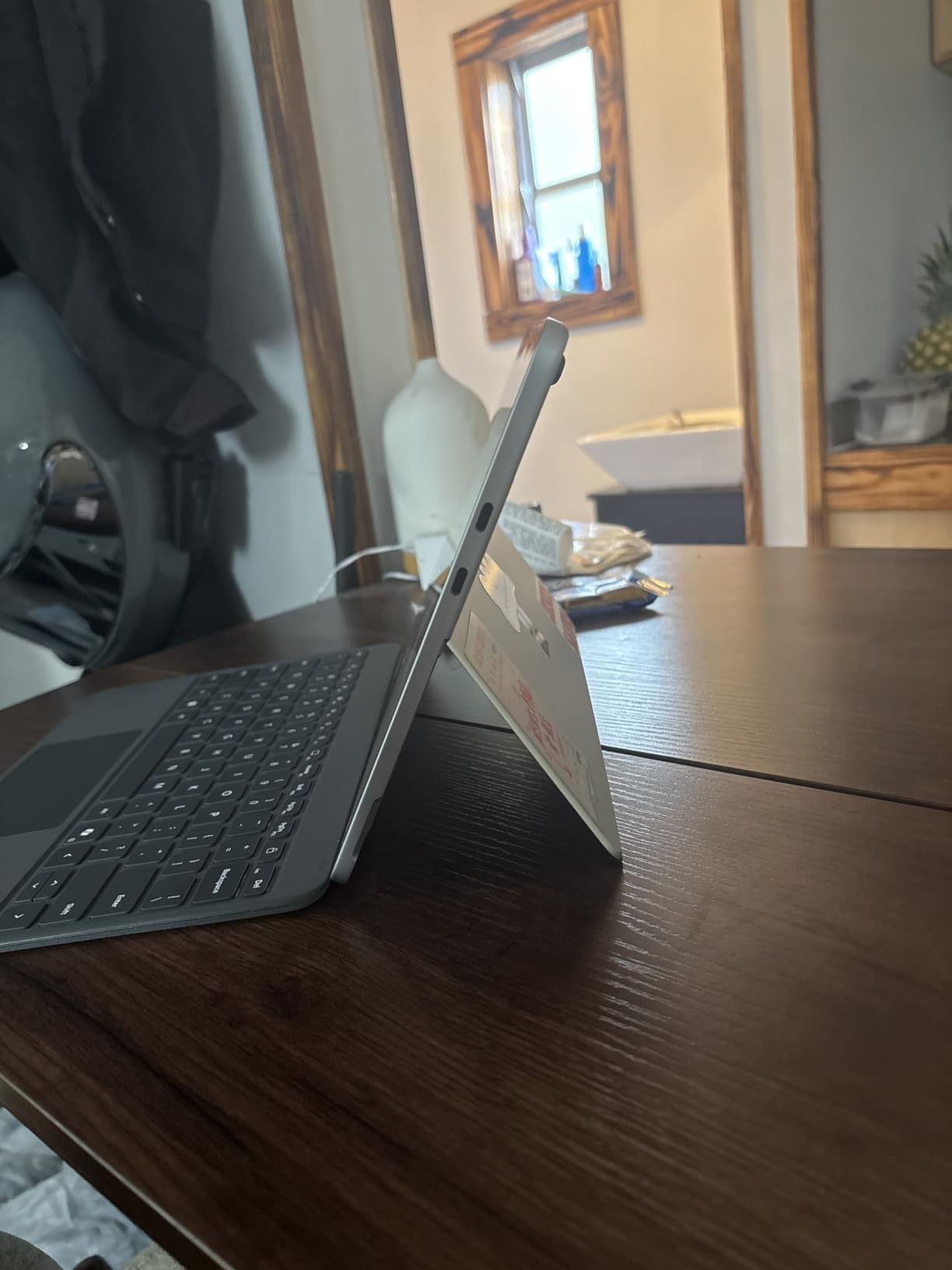
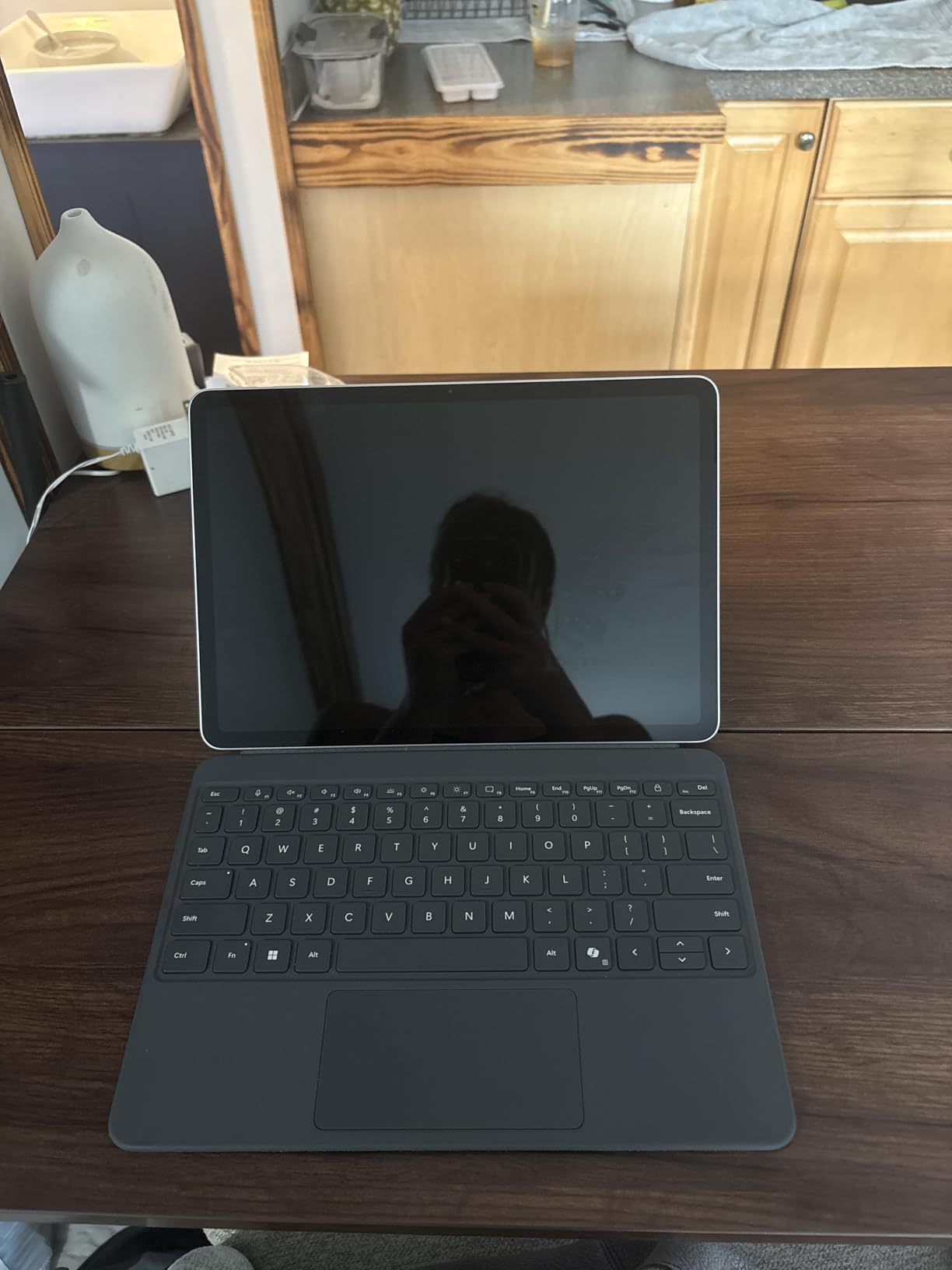
This is the lightest machine in the group at 1.5 pounds, and for handheld writing that is the whole argument. Holding a 12-inch slab in one hand while writing with the other is something you can do for a full lecture; it is not something you can do with a 4.6-pound 16-inch convertible.
The kickstand is the second reason to like it. Prop the Surface up and you write on a slanted surface at a natural angle with both hands free, which is a genuinely comfortable posture and one no laptop-hinge design can match.
Stated battery life of up to 16 hours is the highest listed figure among these picks, on a 37.45 watt-hour battery. In practice that means you can leave the charger in a locker or a hotel room and still have a full writing day.
The 2196×1464 PixelSense screen is 16:10, which gives a taller writing page than a 16:9 panel, and the Snapdragon X Plus 8-core with an AI engine handles Copilot+ features for summarizing and rewriting notes.
Who this suits
This is the pick for anyone who writes in short bursts between classes, on a train, or in a lab where they cannot prop anything up. The 10MP rear camera also makes it easy to photograph a whiteboard and file it alongside your handwritten version.
The 16GB and 512GB configuration leaves room for a large note library, and Windows 11 Home gives access to the full desktop application list.
Who should skip it
Two practical catches. The keyboard is sold separately, and the box contains only a USB-C cable, so you will need to source a charger and a keyboard to make it a laptop.
The 12-inch screen is also the smallest writing surface among the larger picks here, and a 400 nit panel is dimmer than the OLED option. Some older x86 software will not run natively on the ARM processor.
8. ASUS VivoBook Flip 14 – Best for Silent Use in a Lecture Hall
ASUS VivoBook Flip 14 Thin and Light 2-in-1 Laptop…
14 inch Full HD NanoEdge touch
Fanless and silent
3.3 pounds
Open NVMe socket
Pros
- Fanless design runs silent in a lecture hall
- 3.3 pounds and 0.61 inches thin
- 14 inch Full HD touch in a 13 inch frame
- Open NVMe socket lets you add storage
- Fingerprint reader built into the touchpad
Cons
- No full-size USB-A port
- micro-HDMI port is easy to miss
- 4GB RAM and Pentium Silver N5030 feel slow out of the box
The VivoBook Flip 14 has no fan at all, which in a quiet lecture hall is not a minor feature. It produces no fan noise and very little heat, so you can rest it on your lap and write without the machine warming through your trousers.
The 14-inch Full HD NanoEdge touchscreen sits inside a 13-inch frame, so you get a writing surface that reads larger than the chassis would suggest. That thin bezel is a genuine advantage when you are annotating a document and want the text near the glass.
The empty NVMe M.2 socket is unusual at this price and lets you add a 1TB SSD later, which solves the small 128GB eMMC problem after the fact. The fingerprint reader integrated into the touchpad is another feature that rarely appears this cheap.
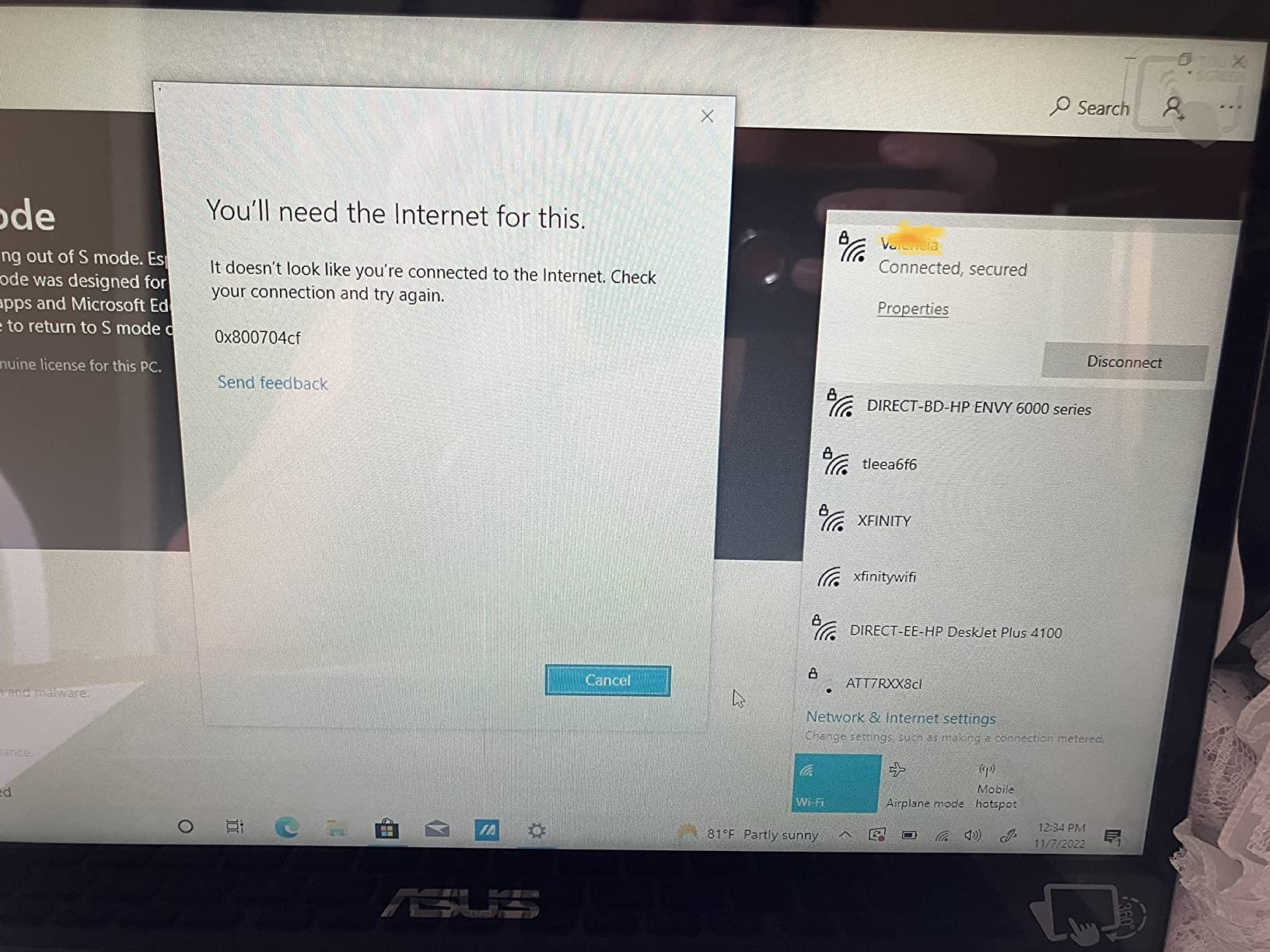
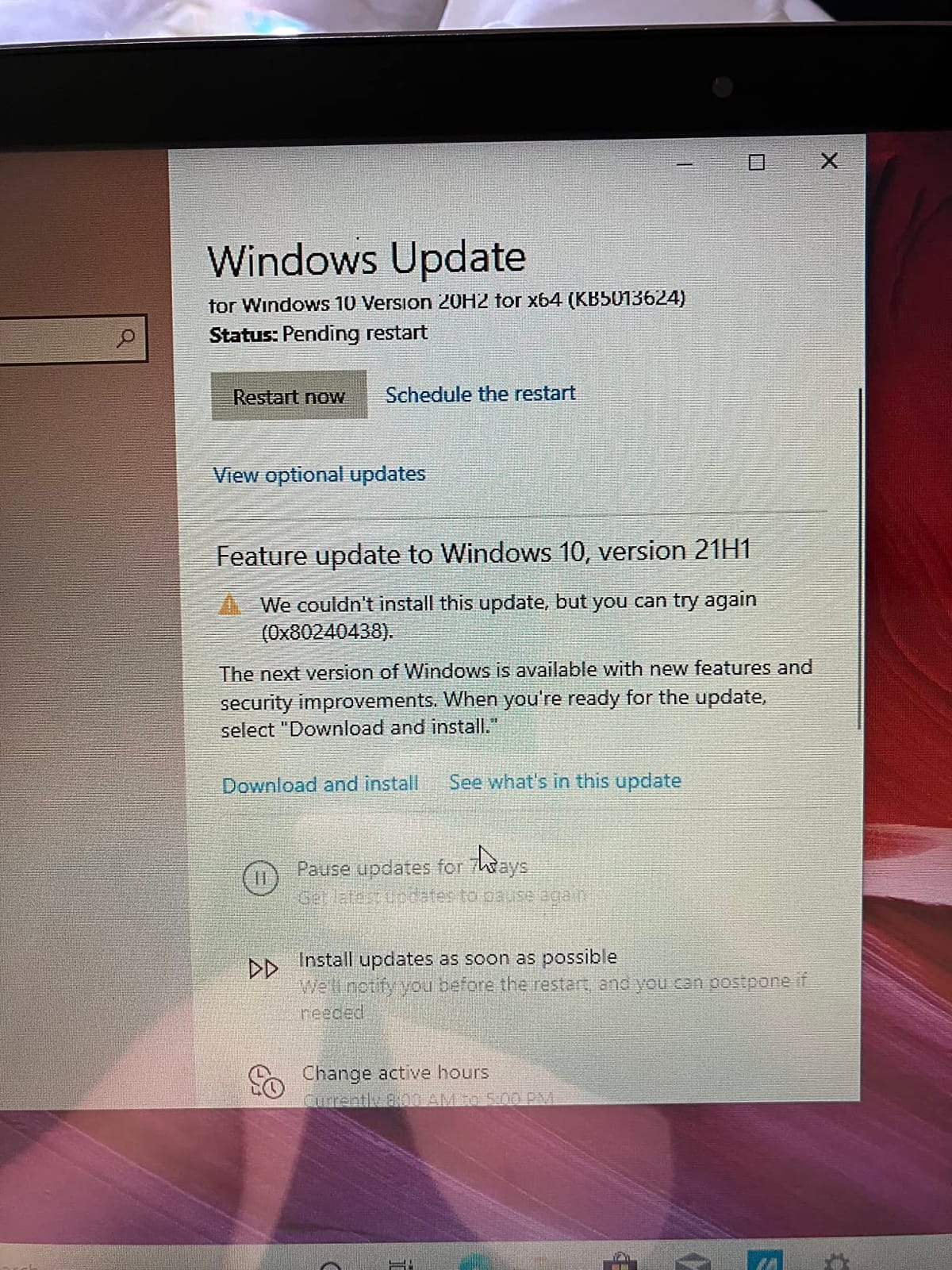
Windows 10 Home in S Mode ships with a free Windows 11 upgrade, but you will want to leave S Mode quickly, since it restricts software installation and adds background bloat.
Who this suits
This suits students in quiet rooms, libraries and clinical settings where any fan noise is a problem. It is also a good choice for anyone who plans to upgrade storage themselves rather than accept 128GB.
The 3.3-pound, 0.61-inch chassis is genuinely portable, and the convertible hinge gives you laptop and tablet modes for switching between typing and annotating.
Who should skip it
The port selection is the weak point. There is no full-size USB-A port, and the micro-HDMI port is small and poorly labelled enough that reviewers report mistaking it for a USB-C port, so a USB-C hub is close to mandatory.
Four gigabytes of RAM with a Pentium Silver N5030 is slow out of the box, and it only improves after you change the power mode from battery saver to performance. Wi-Fi 5 and Bluetooth 4.1 are also dated.
9. Microsoft Surface Pro 13 inch OLED – Best Display for Sketching and Diagrams
Microsoft Surface Pro 2-in-1 Laptop/Tablet (2024), Windows…
13 inch 2880x1920 OLED touch
32GB RAM and 1TB SSD
Snapdragon X Elite
Wi-Fi 7
Pros
- 2880x1920 OLED at 1M:1 contrast
- Snapdragon X Elite 12-core with 32GB RAM and 1TB SSD
- Wi-Fi 7 and Bluetooth 5.4
- Kickstand positions for sketching and tent use
- Dolby Atmos stereo speakers
Cons
- Keyboard and stylus sold separately
- ARM compatibility issues with some older x86 software
- Single Thunderbolt port
- Highest total cost of this group
If your note taking involves drawing rather than writing, this is the screen to aim for. The 13-inch PixelSense OLED at 2880×1920 with a 1M:1 contrast ratio gives you true blacks and highlight definition that an LCD panel at the same price cannot match, and thin lines stay clean. If you would rather have a dedicated drawing surface than a full laptop, our digital sketch pad guide covers the standalone options.
Underneath is the most capable configuration here, a Snapdragon X Elite 12-core with 32GB of memory and a 1TB SSD. Nothing in this group leaves you more headroom for a decade of notes, scans and research tabs.
The kickstand supports multiple orientations for writing and drawing, and the 600 nit brightness is high enough to keep the panel readable in a room with overhead lighting.
Wi-Fi 7 and Bluetooth 5.4 make it the most current wireless spec in the roundup, and the listed battery of up to 14 hours holds up despite the larger panel.
Who this suits
This suits architecture, art and design students, or anyone who highlights rather than types. The contrast ratio makes colored ink and thin-line diagrams look the way they would on paper.
It is also the choice for someone who wants a device to last, since 32GB of memory and 1TB of storage remove the storage ceiling that trips up most of the other picks.
Who should skip it
This is the most expensive configuration in the group, and the keyboard and stylus are both extra, so the total outlay is the highest here by a wide margin. If cost drives your decision, this is not it.
The ARM processor is also the biggest compatibility risk in the roundup, with reviewers reporting trouble running some Adobe products and legacy printer drivers. Check your required software first, and note that some listings mention 4G that this configuration does not have.
10. HP Envy X360 15.6 inch – Best for Full Windows Desktop Software
HP 2022 Envy X360 2-in-1 15.6″ Touch-Screen Laptop – Intel…
15.6 inch Full HD IPS multitouch
Core i5-1135G7 with Iris Xe
256GB PCIe SSD
Windows 11
Pros
- 15.6 inch Full HD IPS multitouch screen
- Core i5-1135G7 with Iris Xe graphics
- 256GB PCIe SSD
- Windows 11 with the full desktop app ecosystem
- Fingerprint reader with stylus support
Cons
- 6.5 pounds makes handheld writing tiring
- 8.3 hours is the shortest listed battery figure
- Stylus supported but not included
- 8GB of soldered memory
The Envy X360 is here for one reason, which is that it runs conventional x86 Windows 11 with no emulation layer. If your coursework includes engineering, statistical or line-of-business software that has never been ported to ARM, this is the machine on the list that will simply run it.
The 15.6-inch Full HD IPS multitouch panel is a large canvas, and IPS means even brightness across the surface, which is helpful when you tilt it in tent mode to write.
The 11th-generation Core i5-1135G7 with Iris Xe graphics handles everyday research and document work smoothly, and the 256GB PCIe SSD is a comfortable amount of local storage for a note archive.
The 360 hinge supports laptop, tablet, tent and stand modes, a fingerprint reader handles secure sign-in, and Wi-Fi 6 plus Bluetooth 5 keep the wireless side current.
Who this suits
This suits students in fields with legacy Windows software requirements, and anyone who wants a large screen for reading and annotation at a desk rather than on the move.
It also works as a shared family machine, since the full desktop ecosystem means it can handle a coursework install that a Chromebook cannot.
Who should skip it
At 6.5 pounds it is the heaviest chassis here, which makes handheld note taking genuinely tiring and rules it out as a tablet-first device. The 8.3 hour listed battery is also the shortest figure in the group.
Stylus support exists but no pen is included, and the 8GB of memory is soldered so you cannot add more. It also has the smallest review base of these picks, which means less long-term feedback to rely on.
How to Choose a 2 in 1 Laptop for Note Taking
Screen size, pen, battery and weight are the four decisions that actually matter. Everything else is a preference. Here is how we weigh them, in the order we would weigh them ourselves.
Check whether the pen is in the box first
Only the Samsung Chromebook Plus V2 360 includes a working stylus. Every other pick either supports pen input with no pen supplied, or has no pen support at all, and that changes your total cost and your first-week experience more than any other single factor.
Members of r/stylus and r/SuggestALaptop ask the same two questions over and over: does the pen ship in the box, and does palm rejection work properly. Sorting out the first question before you buy saves you from ordering a pen that may not pair correctly with the digitizer anyway.
Screen size and aspect ratio decide how much you can write
Aspect ratio is the detail most buyers miss. A 16:9 screen is wide and short, so paragraphs wrap upward and you scroll constantly. The 16:10 panels here, including the Samsung Chromebook Plus V2 360 and the 12-inch Surface Pro, give a taller page that behaves more like a sheet of paper.
Below about 12 inches, handwriting starts to feel cramped for a full paragraph. Between 13 and 14 inches you can write a page of notes without zooming, and at 15.6 to 16 inches you can fit a slide and your annotation on the same screen.
Battery and weight decide whether you actually carry it
Every battery figure in this roundup is a manufacturer maximum, and real note-taking use with brightness up and a pen active runs shorter. Treat the listed hours as a ceiling and assume you will get a solid chunk less if you keep the screen bright in a bright room.
Weight matters just as much. Anything above about 4.5 pounds becomes tiring to hold in tablet mode, which is why the Lenovo Yoga 7i writes beautifully on a table and poorly in your hand. Under 3.5 pounds you will genuinely carry it between classes all day.
360 hinge or detachable keyboard
A 360-hinge convertible folds the keyboard away so you write on the display, but in tablet mode you are still pressing your hand on the keyboard deck, which forum users describe as awkward. A detachable design like the Surface Pro removes that problem entirely and gives you a cleaner writing posture.
The trade is ports and battery. Detachables are thinner and lighter but usually carry fewer ports and thinner battery capacity, while convertibles keep a full port selection and a built-in keyboard. If you write long, detachable. If you type long, convertible.
Apps, architecture and storage
Chrome OS handles web apps, Android apps and a Linux environment, which covers most note-taking software including OneNote in the browser. Windows gives you the full desktop application list, but the Snapdragon-based Surface Pro models run ARM silicon, and some older x86 programs, including certain Adobe products and legacy printer drivers, will not run natively.
Storage is the quiet failure point. 64GB fills within months if you keep scanned pages and lecture PDFs offline, so prioritise anything with 128GB or more, an SD card reader, or an open M.2 slot like the VivoBook Flip 14 has.
Five things to test before you buy
Draw a slow line test to see whether ink follows the tip evenly or drifts. Rest your palm on the screen while writing to check whether it produces accidental marks. Type in tent mode to see whether the keyboard deck gets in your way. Carry it for a full day to test the weight honestly. And run one real lecture on battery before the return window closes.
If you are still weighing a broader set of machines, our budget laptop guide covers what you give up at the lower end, and the HP laptop roundup goes deeper on the two Envy and X360 models listed here.
When a 2 in 1 Laptop Is the Wrong Choice
Forums like r/linuxhardware and r/chinalife are full of people asking whether a 2-in-1 is a mistake, and the complaints cluster in a predictable set of places. Knowing them before you buy is more useful than any spec sheet.
The pen is an extra cost. If no stylus ships in the box, you are budgeting for one, and you need to confirm it is compatible with the digitizer rather than assuming any pen works.
Detachables are awkward as laptops, convertibles are awkward as tablets. A Surface without its keyboard has no ports and no typing. A convertible in tablet mode puts your palm on the keyboard deck. Each form factor is worse at the job it was not designed for.
Digitizers drift over time. Owners on r/stylus report pressure-sensitive digitizers on some models becoming floaty or wobbly within about a year, where the ink no longer sits directly under the pen tip.
Water and drops end these devices quickly. Forum users describe losing an entire 2-in-1 to a spill, and a full keyboard plus a large glass panel is more fragile than a traditional laptop.
Storage fills fast and the hinge wears out. A 64GB drive fills within months, and owners of earlier generations report hinges and digitizers failing around the one-year mark, with repairs often quoted at a cost that approaches buying again.
None of that means a 2-in-1 is a bad idea. It means you should buy the one whose compromises you can live with, and buy a case.
Frequently Asked Questions
What is the best laptop for note-taking?
The Samsung Chromebook Plus V2 360 is the best overall pick for handwriting because it is one of the few 2-in-1s in this roundup that includes a working stylus in the box, and it pairs that pen with a 16:10 screen that gives you a taller writing page than a standard 16:9 display. If you write more than you type, a detachable with a larger display area beats a keyboard-first machine.
What are the downsides of having a 2-in-1 laptop?
The most common complaints are that the stylus is sold separately, that palm rejection is unreliable on some digitizers, that convertibles are awkward in tablet mode because your hand rests on the keyboard deck, and that battery life falls short of the listed maximum once the screen is bright. Owners also report hinge wear and drifting digitizers after about a year, plus fragility around the large glass panel.
What is the best 2-in-1 laptop for studying?
For general study the HP Laptop X360 14a is the value pick, with a listed battery of up to 12 hours, a 3.6-pound body and an anti-glare screen that stays readable under classroom lighting. Students who handwrite should choose the Samsung Chromebook Plus V2 360 for the included pen, and anyone running Windows-only software should look at the Lenovo Yoga 7i 2-in-1 or the HP Envy X360.
Does a 2 in 1 laptop come with a pen?
Most do not. In this roundup the Samsung Chromebook Plus V2 360 is the only model that ships with a Samsung Stylus in the box. The Samsung Galaxy Chromebook 2 requires a separate USI stylus, the Surface Pro models sell both keyboard and pen separately, and the HP and ASUS machines either support pen input without supplying one or have no pen support at all.
Is it a good idea to buy a 2-in-1 laptop?
It is a good idea if you want one device for handwriting, typing and reading, and if you can live with the tradeoffs: a stylus you may need to buy, a form factor that is second best at either role, and a large glass panel that is more fragile than a traditional laptop. It is a poor idea if you mostly type, if you need many ports, or if you carry it between classes every day and want the lightest possible machine.
The Best 2 in 1 Laptop for Note Taking in 2026
For most people writing by hand, the Samsung Chromebook Plus V2 360 is the best 2 in 1 laptop for note taking in 2026, because it is the only machine here you can start writing on the day it arrives.
Match the machine to the job instead. The HP Laptop X360 14a suits a typing-heavy student who needs long battery life. The Lenovo Yoga 7i 2-in-1 16 inch wins for full-page notes and Windows-only software, and the HP Envy X360 15.6 inch is the safe x86 option. For the lightest writing experience, the 12-inch Surface Pro is hard to beat, while the 13-inch OLED Surface Pro leads on display quality for sketching.
Whichever you choose, test the palm rejection and run one full lecture on battery before the return window closes. Those two checks catch more problems than any specification on the box.
