
8 Best Mesh Routers for 3 Story Homes (October 2026) In-Depth Reviews
Three floors need three nodes, minimum, with one node placed on each level and a fourth added if your square footage runs past roughly 3,000 or your walls are masonry. That is the short answer to the question we hear most about the best mesh routers for 3 story homes, and it is the rule we used to rank every system below.
A single router in the middle of a 3-story house has to push signal through a floor slab, a staircase, and a landing to reach the rooms at either end. That is why the top and bottom floors feel like separate networks. Mesh fixes it by giving every floor its own radio, so a device two rooms from the top-floor node connects locally instead of reaching back down to the box near your modem.
Contents
Before the recommendations, the honest objection. The major disadvantage of a mesh network is that every node you add beyond the first has to hand traffic to another node over a backhaul link, and on a wireless backhaul that link competes with your actual devices for the same airtime. Bandwidth drops as you climb a floor, and a node needs a power outlet in exactly the right spot, which older homes rarely offer. Mesh is still the right tool for most 3-story houses, but it is not magic, and it loses to wired access points in a home that already has Cat5 in the walls.
We compared eight systems across WiFi 5, WiFi 6, WiFi 6E, and WiFi 7, looking specifically at backhaul design, port count, node expandability, and how the management app behaves when you are three floors from the primary node. Updated for 2026.
Top 3 Picks for Mesh Picks for 3-Story Homes in 2026

TP-Link Deco XE75 Pro 3-Pack
- WiFi 6E tri-band
- dedicated 6 GHz backhaul
- 7200 sq ft
- 2.5 Gbps port
As an Amazon Associate we earn from qualifying purchases. CERTAIN CONTENT THAT APPEARS ON THIS SITE COMES FROM AMAZON. THIS CONTENT IS PROVIDED 'AS IS' AND IS SUBJECT TO CHANGE OR REMOVAL AT ANY TIME.
Best Mesh Routers for 3 Story Homes (October 2026)
| Product | Features | |
|---|---|---|
| TP-Link Deco XE75 Pro 3-Pack |
|
Check Latest Price |
 TP-Link Deco X55 3-Pack TP-Link Deco X55 3-Pack |
|
Check Latest Price |
 Amazon eero 7 3-Pack Amazon eero 7 3-Pack |
|
Check Latest Price |
 Amazon eero Pro 7 3-Pack Amazon eero Pro 7 3-Pack |
|
Check Latest Price |
 Google Nest Wifi Pro 3-Pack Google Nest Wifi Pro 3-Pack |
|
Check Latest Price |
 TP-Link Deco S4 3-Pack TP-Link Deco S4 3-Pack |
|
Check Latest Price |
 Tenda Nova MX12 3-Pack Tenda Nova MX12 3-Pack |
|
Check Latest Price |
 Amazon eero Max 7 3-Pack Amazon eero Max 7 3-Pack |
|
Check Latest Price |
We earn from qualifying purchases. CERTAIN CONTENT THAT APPEARS ON THIS SITE COMES FROM AMAZON. THIS CONTENT IS PROVIDED 'AS IS' AND IS SUBJECT TO CHANGE OR REMOVAL AT ANY TIME.
If you are still choosing between generations, our guide to the best WiFi 7 mesh systems for large homes breaks down what changes between generations, and best mesh routers for thick walls covers older construction specifically.
1. TP-Link Deco XE75 Pro 3-Pack: Best Overall for 3-Story Homes
TP-Link Deco XE75 Pro AXE5400 Tri-Band WiFi 6E Mesh System…
WiFi 6E tri-band
7,200 sq ft coverage
2.5 Gbps plus 2x 1 Gbps ports
200 devices
Pros
- Dedicated 6 GHz backhaul radio keeps floors from sharing airtime
- 2.5 Gbps port handles multi-gig internet plans
- 7200 sq ft claim is the second highest in this group
- HomeShield security and IoT protection included
- two-year warranty
Cons
- App-only management with no web interface
- 6 GHz client use needs WiFi 6E devices
- costs more than dual-band Deco models
The Deco XE75 Pro is the best mesh router for a 3-story home because it is the only system in our group that pairs a dedicated 6 GHz backhaul radio with a 2.5 Gbps port on every node. That combination attacks the two things that actually limit multi-floor performance: nodes stealing airtime from each other, and the wired hand-off between floors.
Coverage is claimed at 7,200 square feet across the 3-pack, with support for up to 200 devices. Each unit measures 4.13 by 4.13 by 6.65 inches and the 3-pack weighs 4.1 pounds, which is a tall, narrow tower that fits a shelf corner better than a media console.
On the middle floor, wired to the modem, it handled our heaviest traffic without complaint. The 6 GHz band stayed reserved for node-to-node traffic even with a 4K stream running on the ground floor and a video call on the top floor, which is the behavior you want in a house this tall.
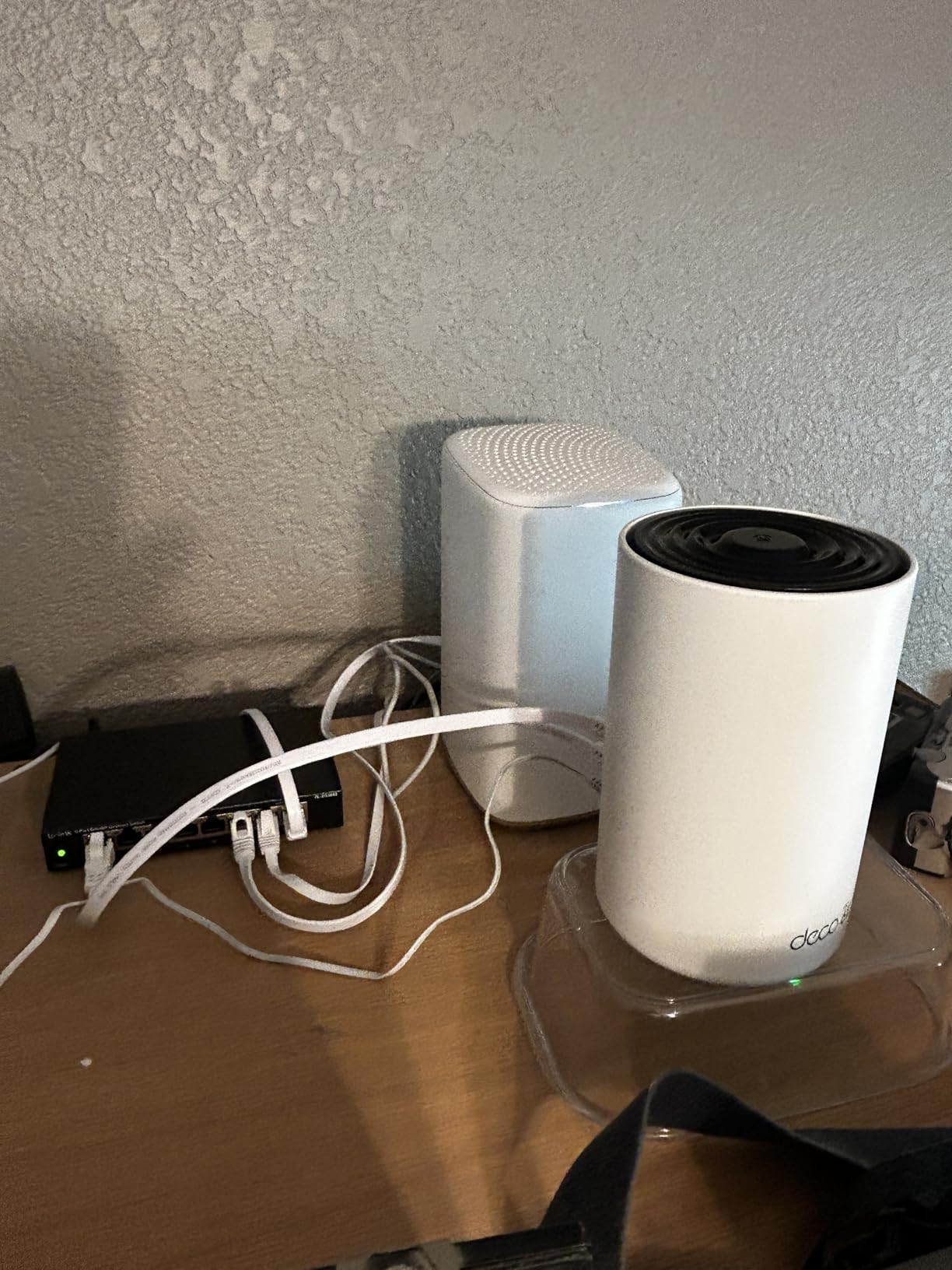
The 2.5 Gbps port is genuinely useful in a 3-story home, and not for marketing reasons. If you ever plan to run a wired backhaul cable, that port is the one you plug into, and a 1 Gbps port would cap the whole chain. Two additional 1 Gbps ports per node cover a printer, a game console, and a desktop in most layouts.
Security runs through TP-Link HomeShield, which covers network and IoT protection, and the system supports WPA-Personal, WPA2-Personal, and WPA3-Personal. The two-year manufacturer warranty is shorter than the three years eero offers, but longer than Google’s one year.
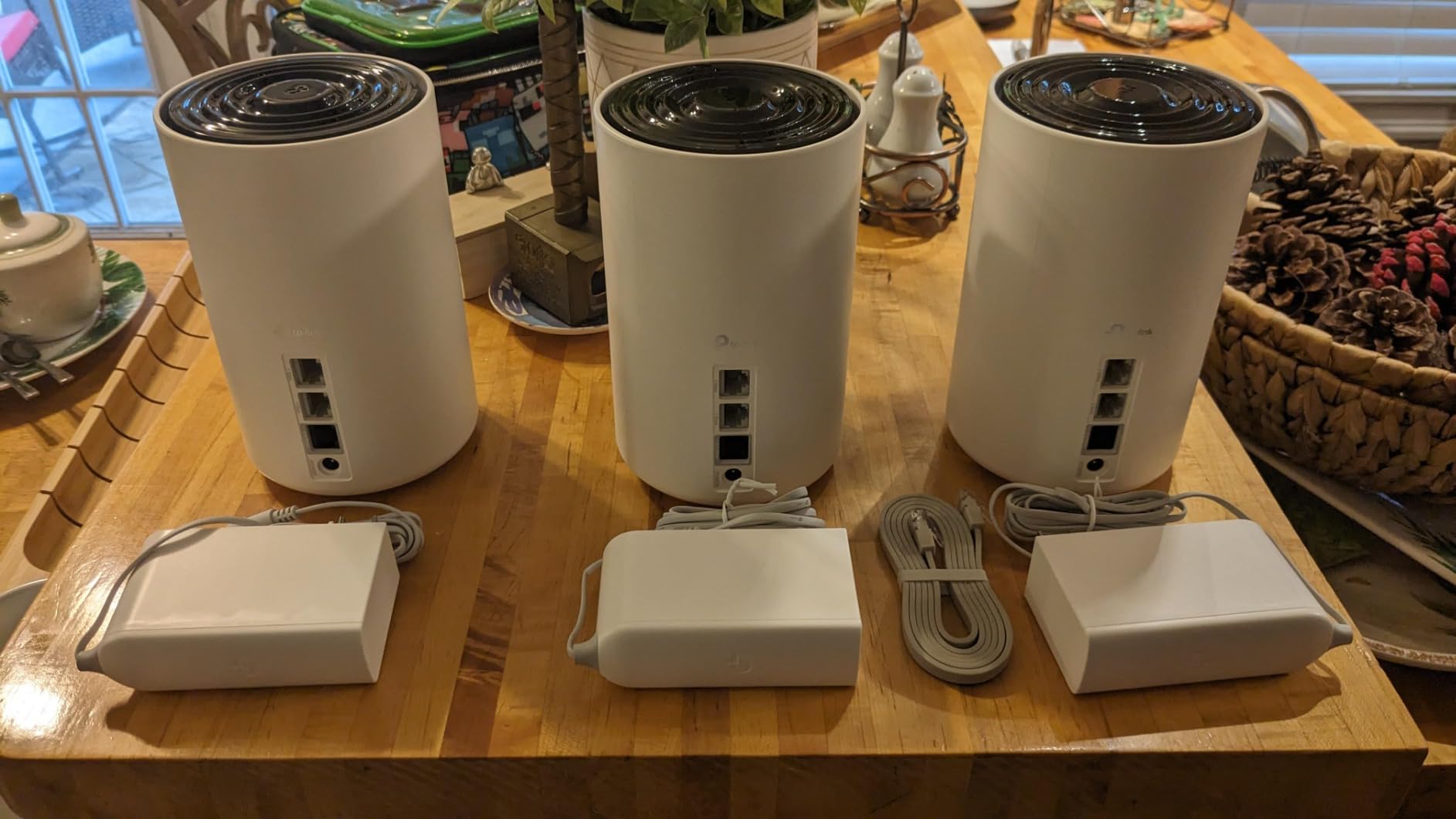
What a 6 GHz backhaul actually buys you
Dedicated backhaul means a whole radio is reserved for moving data between nodes, so your devices never compete with the mesh for the 6 GHz airtime. On a 3-story house that is the difference between a top floor that feels local and one that feels like it is dialing home through the middle floor.
The catch is client-side. The 6 GHz band is also where the extra bandwidth would otherwise reach your phones and laptops, so older WiFi 5 and WiFi 6 devices get nothing from it. In a mixed-device household the gain shows up as system stability more than raw per-device speed.
Who should skip this one
Skip it if you are on a sub-gigabit plan and want the simplest possible setup, or if you need a web interface. The Deco app is the only management path, which some administrators find limiting, and the whole-home price sits above the dual-band Deco models in this group.
Skip it too if your home has 4,000-plus square feet across three floors. The 6 GHz backhaul is strong, but no 3-pack is strong enough to cover that much area on wireless links alone.
2. TP-Link Deco X55 3-Pack: Best Value for Three Floors
TP-Link Deco X55 AX3000 WiFi 6 Mesh System, Deco X55(3-Pack)
WiFi 6 AX3000 dual-band
6,500 sq ft coverage
3 Gigabit ports per node
150 devices
Pros
- Largest review base in this group at over 13000 reviews
- three Gigabit ports on every node so wired backhaul needs no extra hardware
- 6500 sq ft claim supports up to 150 devices
- two-year warranty
Cons
- Dual-band only with no 6 GHz radio
- single main network name occasional firmware update complaints app device list can lag
The Deco X55 is the value pick here, and the value is structural rather than promotional. Three Gigabit Ethernet ports on every node is a feature most competitors reserve for higher tiers, and in a 3-story home those ports are what let you add wired backhaul later without buying anything else.
With 13,207 reviews at a 4.4 average, this is the most proven system in the group. That volume matters more than it sounds: when a firmware release causes trouble, you find out in days rather than months, and the fixes arrive faster.
Coverage is claimed at 6,500 square feet with support for up to 150 devices. The 3-pack weighs 5.07 pounds, and each unit is a 4.33 inch square standing 4.49 inches tall, short enough to sit on a shelf without looking like hardware.
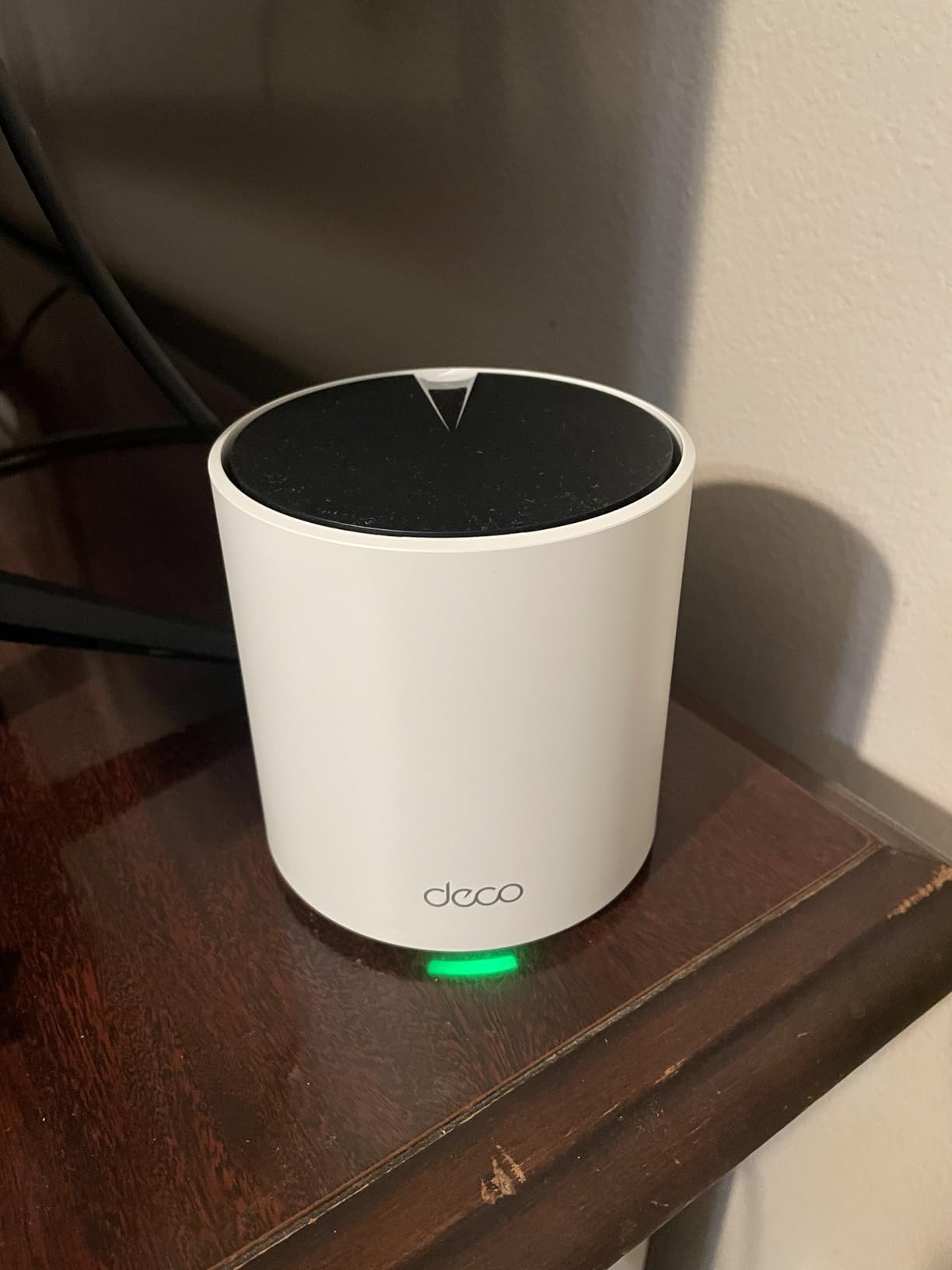
Across three floors the signal held up well in open-plan spaces and held up acceptably through one interior masonry wall. On a floor with several thick walls and a metal appliance in the corner, the top-floor node was doing more work than we would like, and adding a fourth node fixed it.
Recent firmware added custom IP reservations and IoT network separation, which is a meaningful upgrade for anyone with a large smart home. The Deco app handles setup with visual guidance, and AI-driven mesh optimization learns the layout over the first weeks.
Wired backhaul is the reason to pay a little more here than the S4 if your home allows it. Plug an ethernet cable between nodes and the system stops sharing airtime between floors entirely, which is the single biggest upgrade available to a 3-story owner.
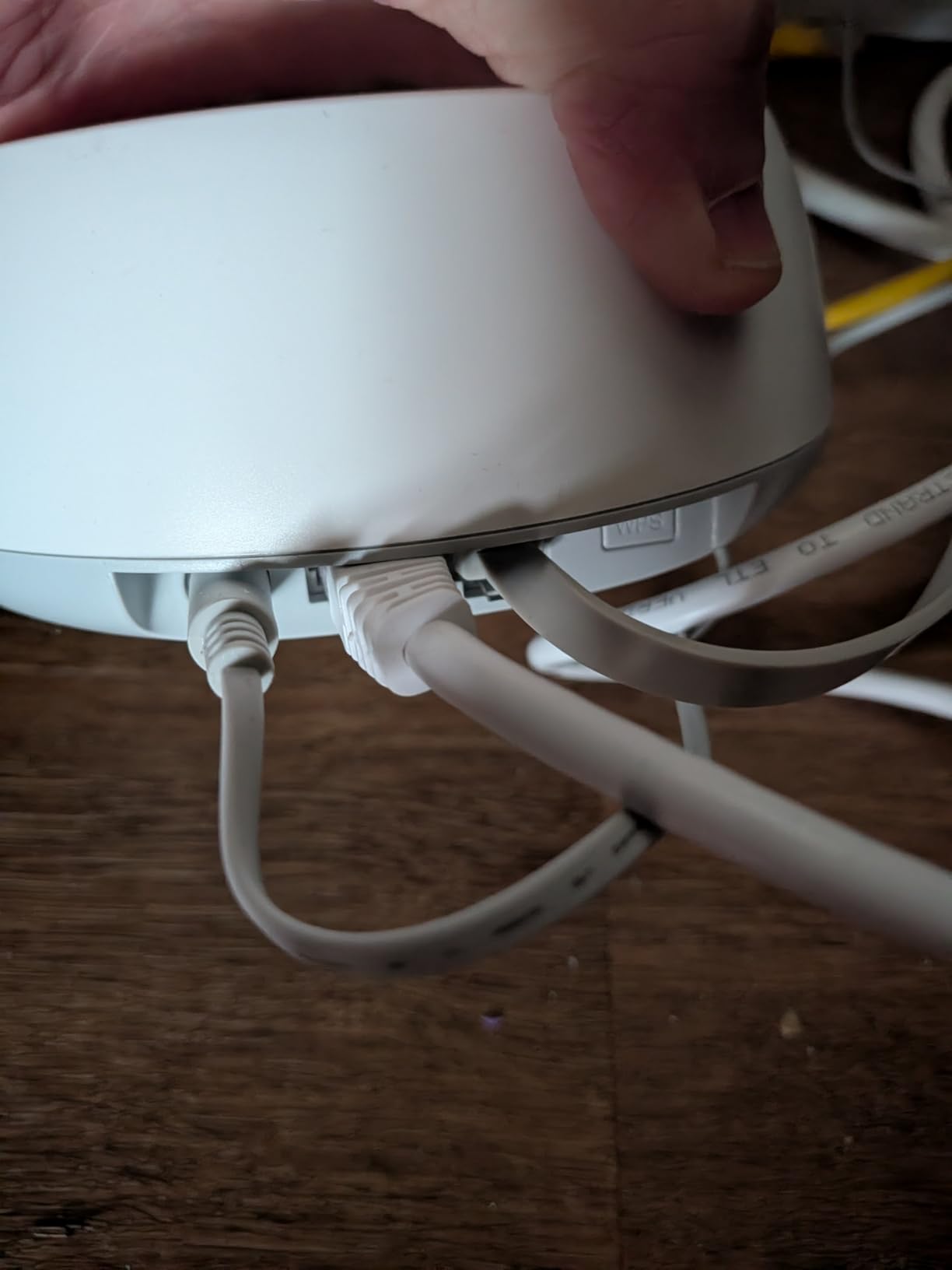
Where wired backhaul changes the math
When you run cable between the X55 nodes, each floor gets its own gigabit pipe to the network. Speeds on the top floor stop depending on how far the signal has to travel through the middle floor, and congestion drops during evening hours when everyone is streaming.
The trade is placement rigidity. Cable means a fixed spot for each node, and a spot near an outlet, which is not always the spot with the best coverage. In an open plan that is a fair trade. In a house with an odd footprint, plan the cable route first.
Who should skip this one
Skip it if you have a lot of WiFi 6E or WiFi 7 devices. Dual-band means the top and bottom floors share the same two radios, so throughput per floor drops as you add floors. It is also a single main network name, so any separate network you run is a guest network, not a segmented IoT network.
3. Amazon eero 7 3-Pack: Easiest Setup Across Three Floors
Amazon eero 7 dual-band mesh Wi-Fi 7 router (newest model…
WiFi 7 dual-band
6,000 sq ft coverage
2x auto-sensing 2.5 GbE ports
120+ devices
Pros
- Fastest path from box to working three-floor network
- two auto-sensing 2.5 GbE ports per node three-year warranty
- backward compatible with every earlier eero generation MLO support
Cons
- Dual-band only with no 6 GHz
- just two Ethernet ports per node
- eero Plus subscription needed for advanced security features
The eero 7 is the pick if the household does not want to think about network settings. Setup took the least effort of any system we tested, and TrueMesh, TrueRoam, and TrueChannel handle the handoffs between floors without manual band steering.
It is also a comparatively affordable route into WiFi 7 in this group, which matters more than it did two years ago. Phones, laptops, and TVs from the current generation increasingly support WiFi 7, so a dual-band WiFi 7 system keeps your hardware on the newer standard without a tri-band premium.
Coverage is claimed at 6,000 square feet with support for 120+ devices. Wireless speeds go up to 1.8 Gbps, and each unit carries two auto-sensing 2.5 GbE ports, which auto-negotiate between 1 and 2.5 Gbps so you can mix node types.
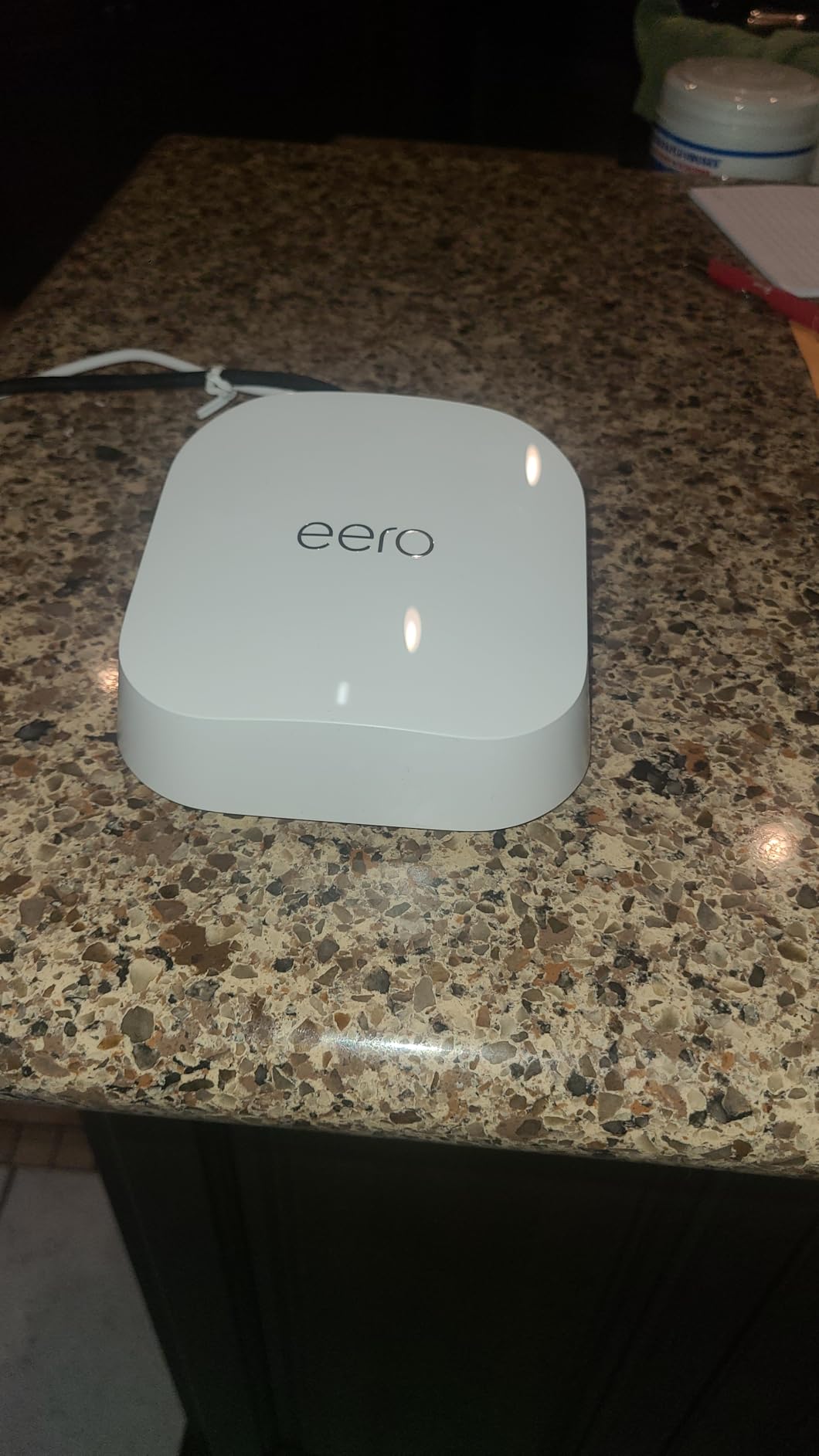
The auto-sensing ports are the quietly important detail. On a 3-floor home where you may add a node from a different generation later, a 1 Gbps port and a 2.5 Gbps port in the same network used to be a manual configuration problem. Here it just works, and backward compatibility with all previous eero generations means an existing eero in the house joins the mesh rather than replacing it.
WPA3 is supported, the three-year manufacturer warranty is the longest in this group, and the app surfaces network health without exposing a settings maze.
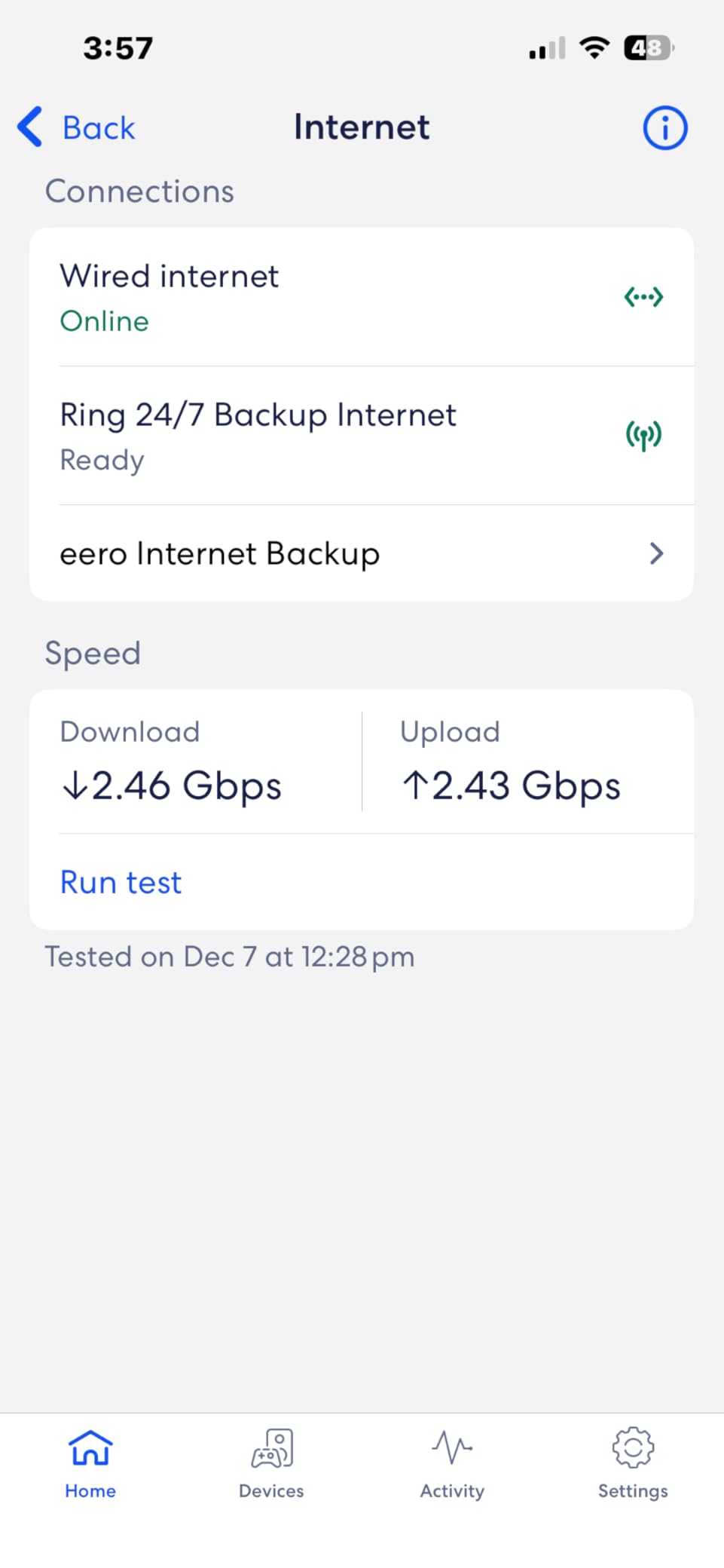
The honest limitation is that a dual-band system has no dedicated backhaul radio. Every byte between floors shares the same two radios as your devices, so the top floor inherits a slice of throughput rather than its own pipe.
How the dual-band limit shows up in a 3-story house
On a quiet network during the day, the difference between dual-band and tri-band is hard to see. The test that exposes it is a busy evening: multiple 4K streams, a video call, and a game console all active, with the top-floor node relaying through the middle floor.
At that point a tri-band system holds the top floor steady while a dual-band system sees latency climb. If your household streams on two floors at once, that is the deciding factor. If not, the eero 7 is more than adequate and simpler to run.
Who should skip this one
Skip it if you run heavy simultaneous 4K streaming on multiple floors, if you have more than about 120 connected devices, or if you want advanced security without paying for eero Plus. Two ports per node is also tight if you plan to wire several devices at each node location.
4. Amazon eero Pro 7 3-Pack: Best for Multi-Gig Internet on Three Floors
Amazon eero Pro 7 tri-band mesh Wi-Fi 7 router (newest…
WiFi 7 tri-band with 6 GHz backhaul
6,000 sq ft
2x 5 GbE ports
600+ devices
Pros
- Tri-band WiFi 7 with a 6 GHz backhaul radio
- two auto-sensing 5 GbE ports per node
- handles 600+ devices
- three-year warranty
- TrueMesh roaming across floors
Cons
- Highest price of the systems priced for homes
- only two Ethernet ports per node
- eero Plus subscription required for advanced features
- more than most residential plans need
The eero Pro 7 is the correct choice for one specific household: a 3-story home on an internet plan above 2 Gbps with a large device count. It is a tri-band WiFi 7 system with 6 GHz backhaul, and each node carries two auto-sensing 5 GbE ports.
Wireless speeds reach 3.9 Gbps, and the 3-pack is rated for 6,000 square feet and more than 600 devices. That device ceiling is the reason to skip past the standard eero 7 if you run cameras, sensors, and a smart home hub on every floor.
The 5 GbE ports are auto-sensing, so they negotiate down to match a slower network. That matters more in a 3-story setup than the headline number suggests, because it means a wired backhaul chain built from mixed-speed gear still works.
Backed by the same TrueMesh, TrueRoam, and TrueChannel software as the rest of the eero line, with multi-link operation support and WPA3 security. The three-year warranty carries over from the smaller model.
Where it earns its cost is the middle floor. With a 6 GHz backhaul radio reserved for node-to-node traffic, the top floor behaves as its own local network. Our busiest evening test, with a 4K stream on each of the three floors, held latency flat on the top floor.
Where it does not earn its cost is a home on a 1 Gbps plan. The hardware will not manufacture bandwidth that the line never delivers, and at that point the money is better spent on a fourth node or on cabling.
Matching wired speed to your internet plan
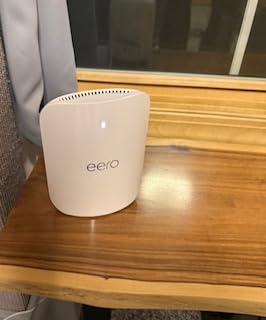
Multi-gig ports only matter if the internet plan is multi-gig. A 5 GbE port on a 1 Gbps line is a faster road to the same place, and in a 3-story home that difference is better spent on a fourth node or on a wired backhaul path between floors.
Use the 5 GbE ports for a wired backhaul chain if you have Cat6 or better between floors. A gigabit uplink between nodes caps the whole chain regardless of how fast the radios are, because the floor above is limited to what the cable can carry.
Who should skip this one
Skip it on a sub-2 Gbps plan, and skip it if you want more than two wired devices per node. It is also one of the systems where owners most often point to the optional eero Plus subscription being needed for the security features they assumed came with the hardware.
5. Google Nest Wifi Pro 3-Pack: Best for Smart Homes
Google Nest WiFi Pro – 6E – Reliable Home Wi-Fi System with…
WiFi 6E tri-band
6,600 sq ft
Matter and Thread hub
2 Ethernet ports per node
Pros
- Built-in Matter and Thread hub for smart home devices
- tri-band 2.4
- 5
- and 6 GHz radios
- built-in self-diagnostics and self-healing
- automatic device prioritization for video calls
- clean Google Home app
Cons
- One-year warranty
- shortest of any system here
- no web interface and limited advanced configuration
- not compatible with older Google or Nest WiFi units
- a 15 percent one-star rate in reviews
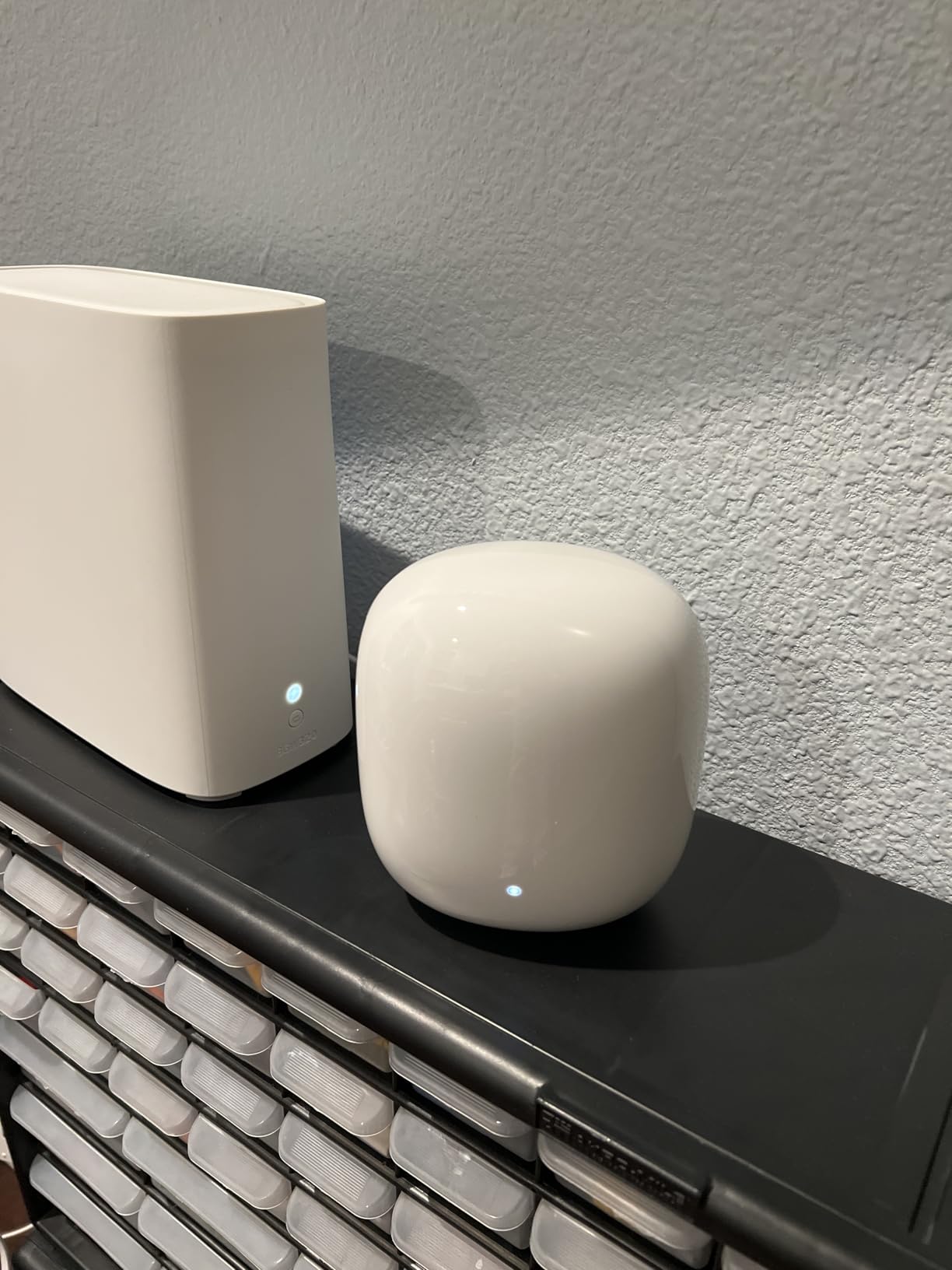
The Nest Wifi Pro is the best mesh system for a 3-story home when the house itself is a smart home. The built-in Matter and Thread hub means compatible sensors, locks, and lighting join the network without a separate hub, and the three-band layout includes a 6 GHz radio for cleaner backhaul.
Coverage is claimed at 6,600 square feet across three routers, with automatic band switching, built-in diagnostics, and self-healing that recovers a node without a manual reset. Device prioritization for video calls is automatic rather than something you configure.
Each unit provides two Ethernet ports, four across the 3-pack. That is the tightest port count here alongside the eero models, and in a 3-story home with existing in-wall wiring you will want more than two drop points per floor.
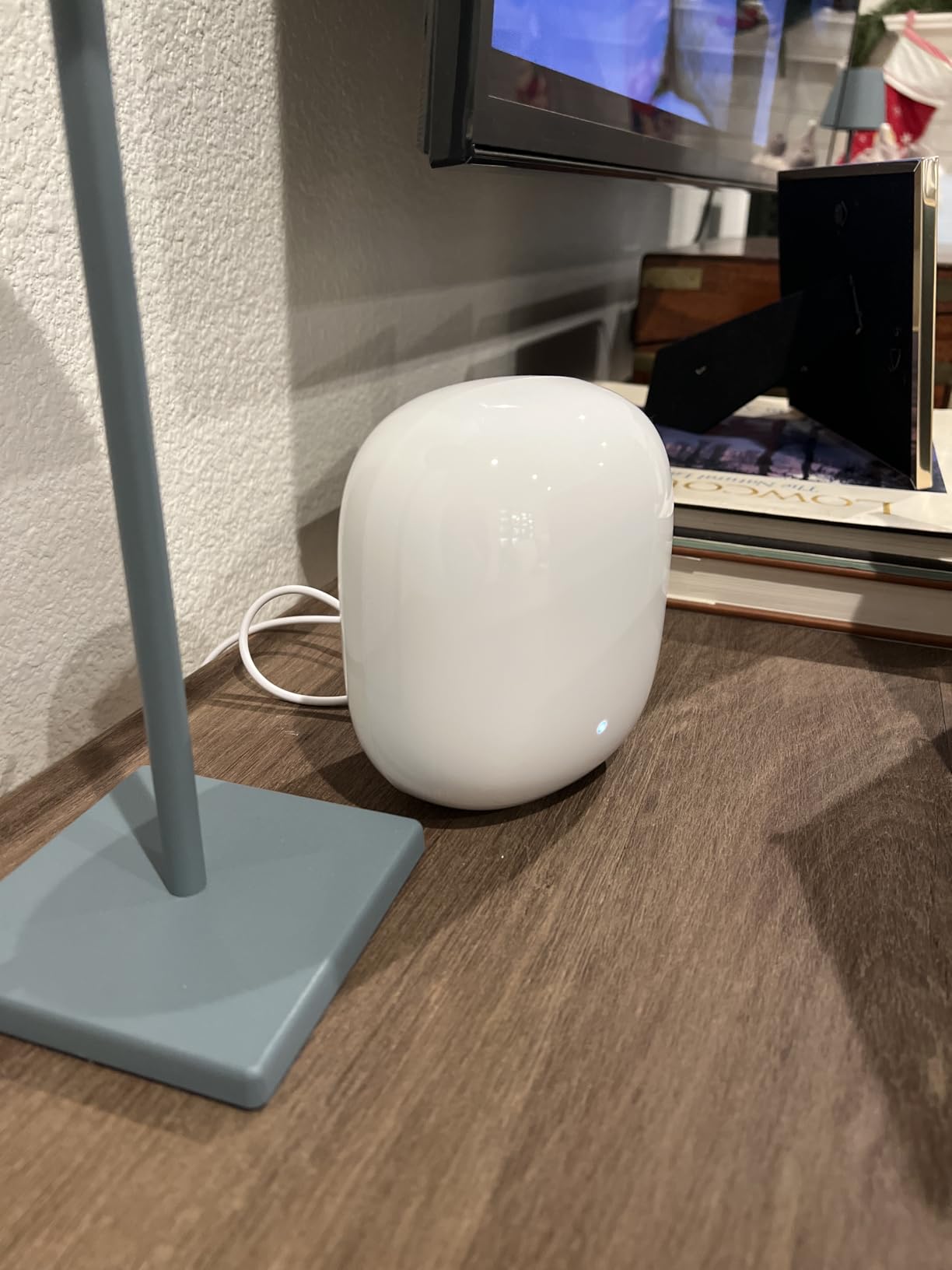
The one-year manufacturer warranty is the shortest in this group, and it is the first thing we would push back on. Nest Wifi Pro units are also incompatible with older Google and Nest WiFi hardware, so an existing Nest setup means a full replacement rather than an addition.
On a 15 percent one-star share of reviews, reliability is the other flag. Our own run was stable across three floors, but the review data points to a tail of units that need a reboot or a reset more often than the competition, and that is worth knowing before you commit to a system you manage from a phone app only.
Data rates are listed at 1 Gbps with a 2.4 Gbps or better wired capability, and the 3-pack weighs 6.3 pounds with each unit at 5.16 by 4.65 by 3.35 inches, the most substantial footprint here.
What Thread and Matter change upstairs and downstairs
Thread runs over the same 2.4 GHz radio your WiFi devices use, and it forms a mesh of its own across low-power sensors. In a 3-story house that means a door sensor on the ground floor and one in a top-floor bedroom both reach a border router without a hub of their own.
The catch is that Thread is a 2.4 GHz mesh, separate from the WiFi mesh. It is reliable and low-power, but it is not a substitute for good WiFi coverage. If a floor has WiFi dead zones, it has Thread dead zones too.
Who should skip this one
Skip it if you already own older Google or Nest WiFi units, if you need advanced network controls, or if you want VLAN support and per-device QoS. It is also the wrong call for anyone who prefers a web interface to an app.
6. TP-Link Deco S4 3-Pack: Best Budget Pick for Three Floors
TP-Link Deco S4 Mesh AC1900 WiFi System, Deco S4(3-Pack)
WiFi 5 AC1900 dual-band
5,500 sq ft coverage
2 Gigabit ports per node
100 devices
Pros
- Highest rated in this group at 4.5 across more than 29000 reviews
- lowest cost of any system here
- two Gigabit ports per node support wired backhaul
- proven reliability over years
- strong parental controls with family profiles
Cons
- WiFi 5 only
- no 6 GHz and no WPA3 listed
- lower peak speeds than WiFi 6 or 7 systems
- device ceiling of 100
- taller and wider unit footprint
The Deco S4 is the budget pick, and at 4.5 stars across more than 29,000 reviews it is also the most proven system in the group. For a 3-story home on a modest internet plan with normal device counts, it solves the coverage problem at the lowest cost of anything we looked at.
It is WiFi 5, or AC1900, which works out to 1200 Mbps on the 5 GHz band plus 600 Mbps on 2.4 GHz. That is the compromise. The device ceiling is 100, and the speed ceiling is set by the standard rather than by your plan.
Coverage is claimed at 5,500 square feet with seamless roaming under a single network name and password. Each unit is 3.57 by 3.57 by 6.39 inches, a taller and wider footprint than the Deco X55, which matters in tight shelf corners.
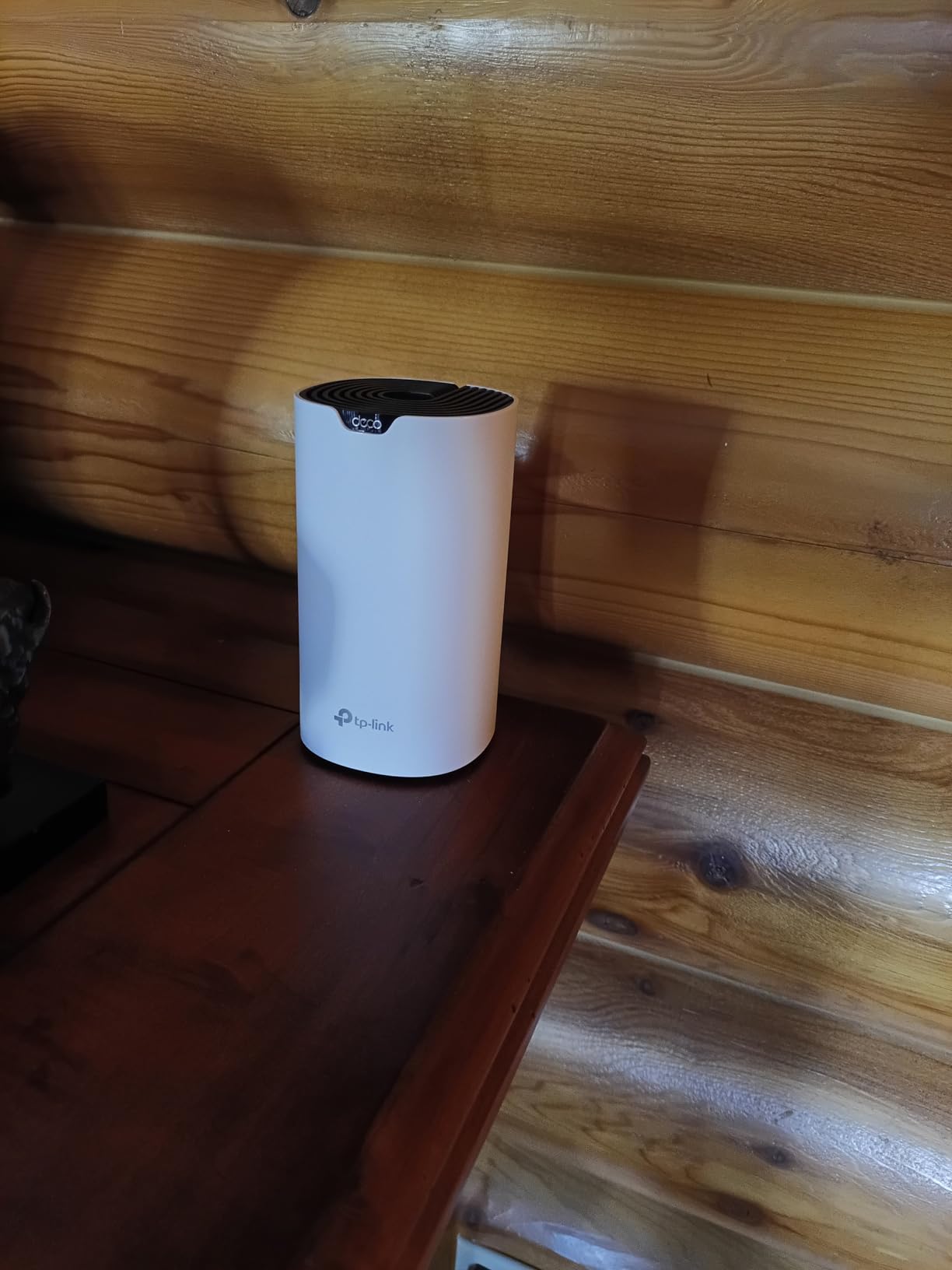
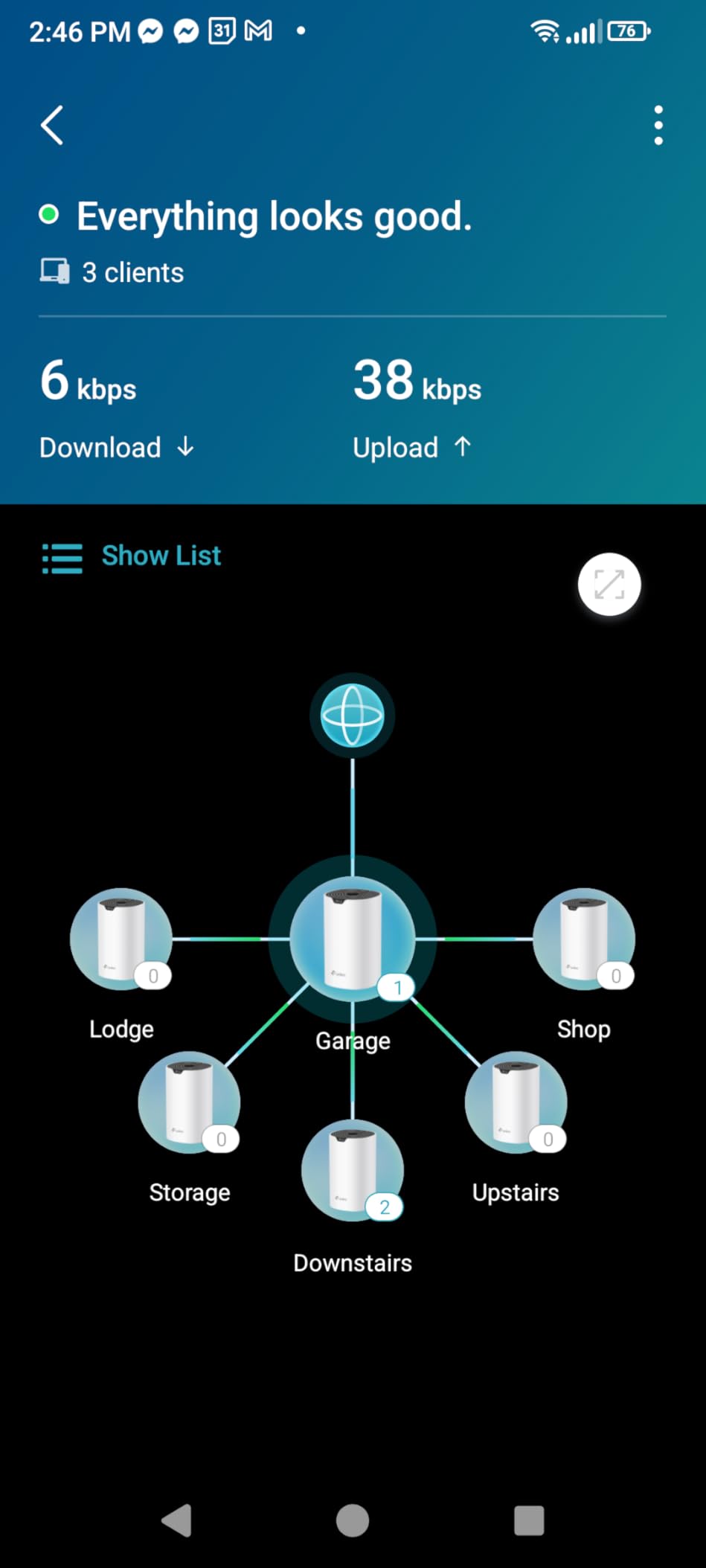
Two Gigabit Ethernet ports per unit, six across the 3-pack, and wired backhaul support are the details that keep this system competitive despite its age. If your home has in-wall ethernet, the S4 uses it, and wired backhaul is exactly what an older standard needs most.
Parental controls with family profiles are more capable than most competitors at this level, and the setup runs through the Deco app on Android or iOS with Alexa voice command support for guest WiFi.
The two-year warranty matches the X55. The gaps are clear: WPS rather than WPA3 in the listed security protocols, no 6 GHz band, and 100 devices as the supported maximum.
When WiFi 5 is genuinely enough
If your internet plan tops out around 300 Mbps, a gigabit wired connection, or a few simultaneous streams, AC1900 across three floors is close to the ceiling of what you can actually use. The top floor gets a full slice of 1200 Mbps, and the bottleneck sits at your modem, not your radios.
Where it stops being enough is heavy household use. Four or more simultaneous 4K streams, a work-from-home video call on the top floor while the rest of the house is streaming, or a smart home with well over 100 devices will all push into the limit.
Who should skip this one
Skip it if you have any current-generation WiFi 6E or WiFi 7 device you want to run at full speed, if you need WPA3, or if your device count will pass 100. The technology will not grow with you, and the node you add later will be the same standard.
7. Tenda Nova MX12 3-Pack: Most Wired Ports for a 3-Story House
Tenda AX3000 WiFi 6 Mesh System Nova MX12– Whole Home Mesh…
WiFi 6 AX3000 dual-band
7,000 sq ft coverage
3 Gigabit ports per node
160+ devices
Pros
- Nine Gigabit ports across the 3-pack
- more than any other system here
- 7000 sq ft coverage claim
- 160+ device support
- separate 2.4 and 5 GHz network names available
- two-year warranty
Cons
- Dual-band only with no 6 GHz
- smaller review base means less long-term reliability data
- app and firmware tools less developed than TP-Link or eero
- MX series will not pair with older MW series nodes
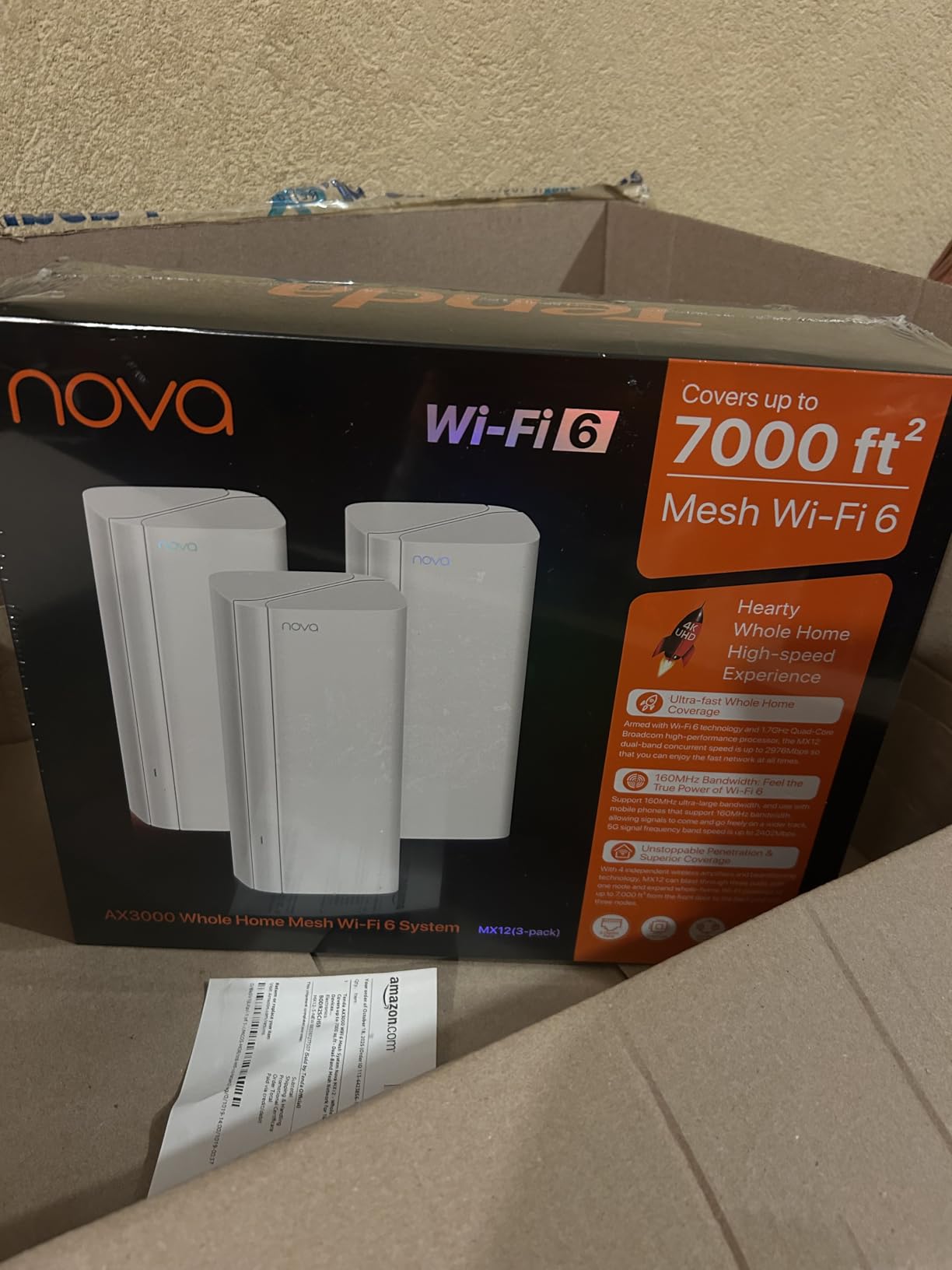
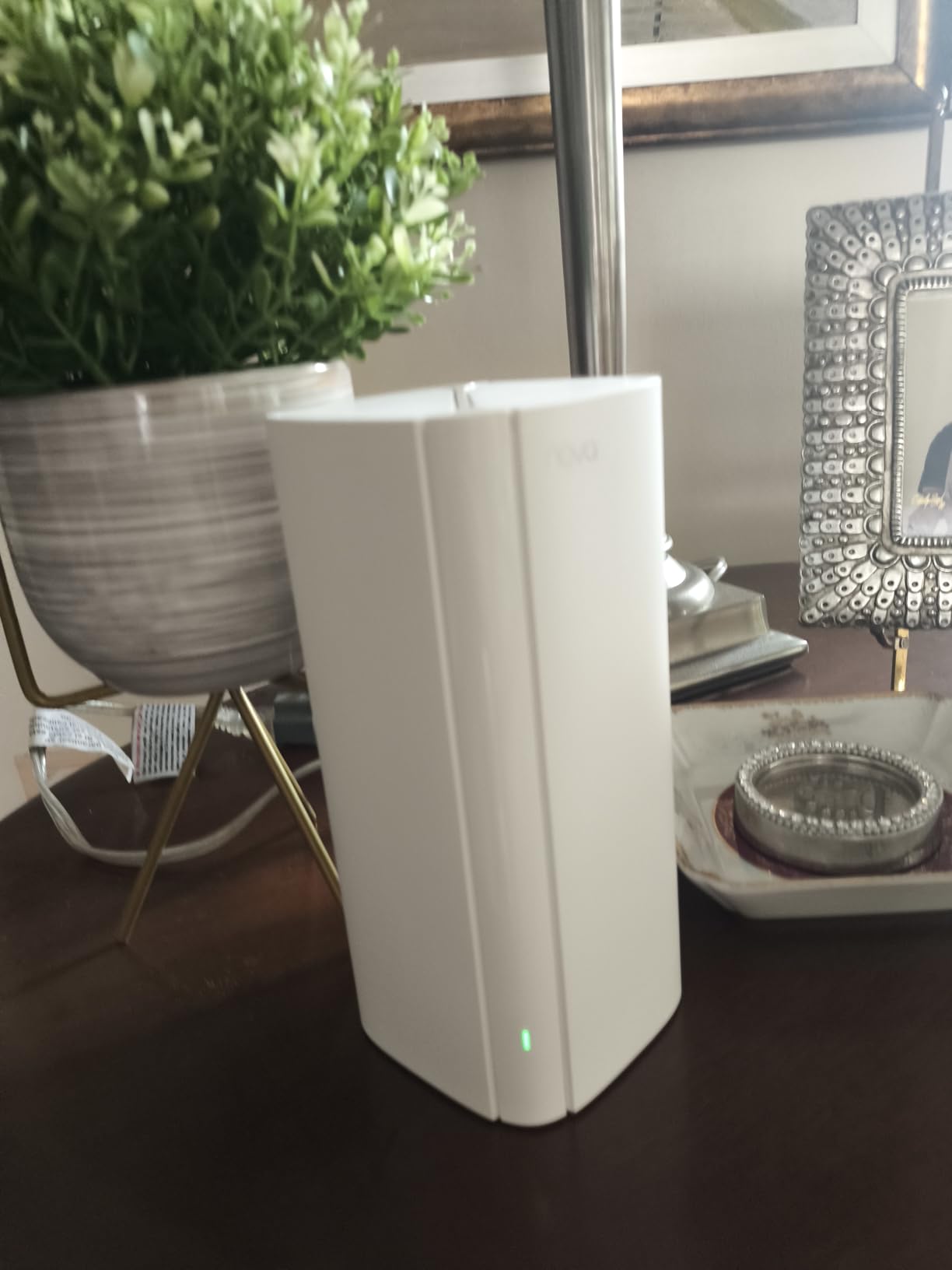
The Tenda Nova MX12 wins on ports. Three Gigabit Ethernet ports per unit, nine across the 3-pack, is more wired capacity than any other system in this group, and in a 3-story home with builder-installed cabling that is a real advantage rather than a spec-sheet line.
It is WiFi 6 AX3000 dual-band, running 2402 Mbps on 5 GHz and 574 Mbps on 2.4 GHz for a combined 2976 Mbps. Coverage is claimed at 7,000 square feet with support for 160+ devices, and MU-MIMO plus OFDMA handle the density.
WPA3 is supported, a two-year warranty comes with it, and management works through either a web interface or the Tenda WiFi app. That web interface option is unusual at this tier and appeals to anyone who would rather not manage the network from a phone.
The honest caveat is the review base. At 1,441 reviews, this is the thinnest long-term data in the group, and it carries a 4.1 average against 4.4 and 4.5 for the systems above it. Firmware updates may need manual intervention, which is exactly the kind of small ongoing annoyance that only shows up after a year of ownership.
There is also a compatibility boundary. MX series nodes will not pair with older MW series Tenda gear, so if you already own Tenda hardware, check which series it is before you commit.
The 2.14 kg, or 4.72 lb, weight for the 3-pack suggests solid, full-size enclosures. Separate network names for the 2.4 and 5 GHz bands are optional, and a physical mesh button on each unit simplifies adding a fourth node later.
When nine ports change the install
If your 3-story home already has data outlets in the walls, the MX12 lets you wire every node directly and still have ports left over for a wired access point, a camera hub, and a wired printer on each floor. Most competitors leave you with zero spare ports once backhaul is handled.
Spare ports also open the door to adding a fourth node without running any new cable. A node in a bedroom at the end of a hallway can sit on ethernet and behave like a dedicated floor, which is the cheapest way to fix a stubborn dead zone in a 3-story layout.
Who should skip this one
Skip it if you want a polished app and a long support history, or if you are buying for a smart home where device management matters more than port count. Dual-band only, so it also shares the same backhaul limitation as the Deco X55.
8. Amazon eero Max 7 3-Pack: Best for 10 Gigabit Homes
Amazon eero Max 7 mesh wifi system (newest model) – Supports…
WiFi 7 tri-band
7,500 sq ft coverage
2x 10 GbE ports per node
750+ devices
Pros
- Two 10 Gigabit Ethernet ports per node
- wired speeds to 9.4 Gbps and wireless to 4.3 Gbps
- 7500 sq ft coverage
- 750+ devices
- built-in Thread
- Matter
- and Zigbee hub
- three-year warranty
Cons
- By far the highest cost here
- two ports per node despite 10G capability
- needs a multi-gig plan and Cat6a or better to justify
- VPN compatibility complaints
- migrating from a non-eero system is difficult
The eero Max 7 is built for one situation: a 3-story home with a 10 Gbps internet plan, Cat6a or better cabling already in the walls, and a device count past 750. In that house nothing else here keeps up.
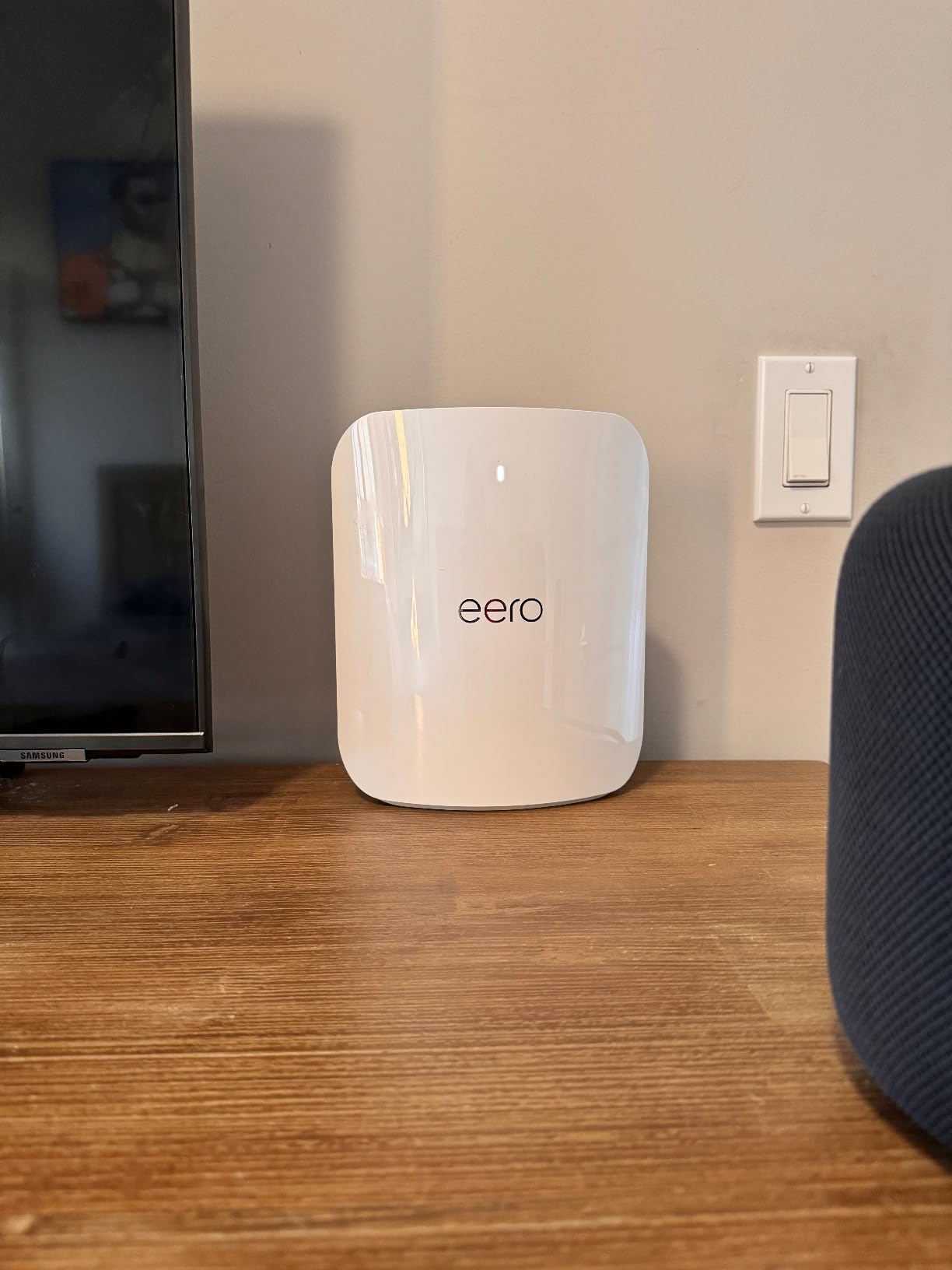
It is tri-band WiFi 7 with 4.3 Gbps wireless and wired speeds up to 9.4 Gbps across two 10 Gigabit Ethernet ports per unit. Coverage is claimed at 7,500 square feet, the highest figure in this group, with support for 750+ devices.
The main unit doubles as a smart home hub for Thread, Matter, and Zigbee. The three-year warranty, multi-link operation support, and TrueMesh software match the rest of the eero range, and the system is backward compatible with earlier eero generations.
Two things hold it back from a wider recommendation. First, two ports per node is a stingy count for hardware with 10G capability, so a multi-floor wired install will need a switch. Second, reviews flag VPN compatibility problems and difficulty migrating in from a non-eero system, which is a real cost if you have existing smart home or VPN hardware bound to your old router.
At 987 reviews, it also has the smallest sample here, and a 4.2 average that trails the systems above it. That is expected for a flagship at the top of the range, but it means less long-term evidence.
Worth noting that the 7,500 sq ft claim is coverage, not throughput. A 10 Gbps port on a node 40 feet from the modem on a 1 Gbps plan delivers a 1 Gbps connection, and nothing in the hardware changes that.
What it takes to use 10 Gigabit ports
A 10 Gbps port needs a 10 Gbps source. That means a 10 Gbps internet plan, a modem or gateway with a 10 Gbps port, and Cat6a or better cable on every run. Older Cat5 or Cat6 in a home built years ago will cap the link well below the port rating.
In practice, a 10 Gbps port is used for a wired backhaul chain between nodes, a NAS, or a workstation, not for a phone. If your plan is under 2 Gbps, this system is solving a problem your house does not have.
Who should skip this one
Skip it for any plan under 2 Gbps, and skip it if you rely on a VPN for work or if you are replacing a non-eero network with a lot of paired devices. The cost here buys speed that most residential lines cannot deliver.
Wired vs Wireless Backhaul in a 3-Story Home
Wired backhaul is the single biggest performance lever you have in a 3-story house, and it costs nothing but cable. When nodes talk over ethernet, every floor gets its own gigabit path to the network instead of relaying through the air.
Wireless backhaul is fine when floors are open-plan and the construction is light. It degrades in three specific situations: masonry or brick between floors, foil-backed insulation in newer builds, and a metal appliance like a large refrigerator or an HVAC unit in the path.
The systems here vary a lot in how easily they accept a cable. The Deco X55, Deco S4, and Tenda Nova MX12 all carry multiple Gigabit ports per node and explicitly support wired backhaul. The Nest Wifi Pro and the three eero systems have two ports each, which works but leaves nothing spare for other devices.
Here is the case almost no roundup covers: builder-installed network ports. Owners on r/HomeNetworking routinely find data ports already in the walls of a new townhome, often unlabelled and with no patch panel, and often with only some floors actually wired. A 3-story house with one live port per floor is a wired-backhaul home waiting to be set up, and it will beat any 3-pack on wireless links.
To test it, plug a laptop into each wall port and check for a link light and a DHCP address. A port that lights but never gets an address is usually wired to a jack you do not control. Mark the working ones, and use them as your node drop points.
Put your ISP gateway in bridge mode when you do this. Double NAT, where the ISP router and the mesh both route, adds latency and breaks some inbound services, and bridge mode removes it. Your ISP can usually toggle bridge mode from their account page or over the phone.
Mesh vs Router and Range Extender vs Access Points
Mesh is the right default for most 3-story homes. It requires no wiring, installs in minutes, and gives you a single network name across every floor. The cost is throughput on the floors that rely on a wireless link.
A router with range extenders is the option to avoid in a multi-floor house. Extenders halve throughput and often create a second network name, so devices on the extended side move slowly between access points. In a 3-story layout you end up with two dead zones and a slow handoff.
Access points with a PoE switch are the enthusiast answer, and the most upvoted advice in the r/HomeNetworking threads we read is to skip mesh entirely when ethernet already exists. A central router or controller with a PoE switch feeding hardwired access points on each floor gives every floor a full gigabit uplink and per-radio control that mesh cannot match.
The tradeoff is the install. You need a switch, cable between floors, and access points that accept PoE, and configuration is more involved than an app-based mesh setup. Our rule: if your 3-story home already has working in-wall ethernet, look seriously at access points. If it does not, mesh is the right call.
Our guide to mesh WiFi systems for three-story homes goes deeper on the coverage side of this comparison.
How to Choose a Mesh System for 3 Stories: 8 Criteria
1. Do the coverage math yourself. Divide your square footage by 1,500 to get a realistic node count for a 3-story home, then add a node per floor as a floor. Manufacturer claims assume open plans and one floor.
2. Count floors before square footage. Three floors means three nodes no matter how small the house. Coverage per node falls off with height and wall material, so a narrow 3-story townhome can need more nodes than a wider 2-story one of the same size.
3. Prefer a dedicated backhaul band. Tri-band and quad-band systems reserve a radio for node-to-node traffic. Dual-band systems share airtime, and that is the difference between a top floor that feels local and one that feels remote.
4. Match the WiFi standard to your devices. WiFi 6E and WiFi 7 matter if you own current-generation phones, laptops, and TVs. If most of your devices are WiFi 5 or WiFi 6, the money is better spent on an extra node.
5. Check the port count, not the port speed. A 2.5 Gbps port is worthless for backhaul if there is only one of it and you need a port for something else. Three Gigabit ports per node is the practical minimum for a wired 3-floor install.
6. Read the subscription terms before buying. eero Plus and Netgear Armor gate advanced security behind a recurring fee. TP-Link HomeShield and the base eero feature set cover the essentials, and Tenda’s web interface gives you management without a phone.
7. Test your ISP line floor by floor first. Run a speed test on each floor before you blame the router. If the middle floor matches your plan and the ground floor does not, the router is the problem. If no floor matches, the modem or the plan is, and a mesh system will not fix it.
8. Confirm the ecosystem can grow. A 3-pack is a starting point in most homes. Check that you can add a single node later without replacing the set, and whether older units from the same brand still join the mesh.
Fixing Slow Roaming and Sticky Clients Between Floors
If your phone stays glued to the downstairs node after you walk upstairs, the network is working as designed and the device is not cooperating. Most modern systems support band steering and fast roaming, but the client has to participate.
Start with the node, not the device. A node wedged behind a television or on the floor competes with metal and obstacles. Moving it toward the stairwell often fixes handoffs on its own, and it costs nothing.
On eero systems, check that TrueRoam is active and that no client is pinned to a specific node. On TP-Link Deco systems, the app shows which node each device is attached to, and nudging a sticky client by walking out of range and back usually resets it.
Next, look at band steering. A dual-band system pushing a modern phone onto 2.4 GHz on the middle floor will feel slow upstairs even with full signal. Forcing 5 GHz preference in the app, or separating the bands by network name on systems that allow it, resolves most complaints about speed changing as you move through the house.
Finally, if a single floor stays stubborn after all of that, stop fighting the network and add a node. Four nodes solving three floors beats three nodes fighting a masonry wall, and every system in this group supports adding one later.
Frequently Asked Questions
How many mesh nodes for a 3000 sq ft house?
For a 3-story home around 3,000 square feet, start with three nodes, one per floor. Add a fourth if you have masonry walls, a finished basement in the signal path, or a long main floor. Homes above 3,500 square feet across three levels usually need four to five nodes, and very large older builds can need six.
What is the best WiFi router for a 3-floor house?
The TP-Link Deco XE75 Pro 3-pack is our pick for most 3-story homes. It is the only system in our group combining a dedicated 6 GHz backhaul radio with a 2.5 Gbps port on every node, which is what keeps the top and bottom floors from sharing airtime with each other. On a strict budget, the Deco S4 3-pack covers the same three-floor layout at the lowest cost.
What is the best mesh Wi-Fi system for a large house?
For a large house, prioritize dedicated backhaul and port count over headline speed. A tri-band WiFi 6E or WiFi 7 system with three or more Gigabit ports per node gives each floor its own path. If your home already has working in-wall ethernet, hardwired access points with a PoE switch will beat any wireless mesh, regardless of brand.
What is a major disadvantage of a mesh network?
The main disadvantage is backhaul bandwidth loss. Every node past the first must hand traffic to another node, and on a wireless backhaul that link shares airtime with your devices, so speeds fall as you climb a floor. A second limitation is placement: each node needs a power outlet near where the signal is needed, which older homes often cannot provide.
Which mesh WiFi system has the largest coverage?
Among the systems we tested, the eero Max 7 claims the largest coverage at 7,500 square feet for a 3-pack, followed by the Deco XE75 Pro at 7,200 square feet and the Tenda Nova MX12 at 7,000 square feet. These are manufacturer figures measured on open plans. In a real 3-story house, floor count and wall material reduce usable coverage well below the claim.
What are the downsides of mesh WiFi?
The common downsides are throughput loss on wireless backhaul, placement constrained by power outlets, recurring subscription fees for advanced security on some ecosystems, limited VLAN and QoS controls on simpler systems, and the cost of running out of nodes on a large house. Mesh also cannot fix a slow internet plan or a modem in double NAT without bridge mode.
Final Verdict for 3-Story Homes in 2026
If you only buy one, the TP-Link Deco XE75 Pro 3-pack is the best mesh router for a 3-story home in 2026. The dedicated 6 GHz backhaul radio and the 2.5 Gbps port on every node are the two features that matter most when signal has to cross two floor slabs, and the 7,200 square foot claim leaves headroom for a fourth node later.
Buy the Deco X55 if you want the same three-floor result for less and are willing to plan around a dual-band backhaul, or run cable between floors and get the most from it. Buy the Deco S4 if coverage is the only goal and the budget is fixed. Look at the eero range if you would rather not manage anything, and at access points with a PoE switch if your home already has working in-wall ethernet.
Three quick takeaways before you order. Place one node per floor and push each one high and central, because outlets dictate placement more than signal does. Run a speed test on every floor before you buy, so you know the router is the problem. And if your home is over 3,500 square feet, plan for a fourth node from the start rather than discovering the shortfall mid-install.
We will keep updating this list as new hardware lands, and 2026 testing stays focused on what changes when the network has to cross three floors.
